|
| Group |
Round |
C/R |
Comment |
Date |
Image |
| 19 |
Mar 21 |
Comment |
I agree with the crop of the bottom to remove the decay on the end of that rod. Decay is good in these pictures, but this seems more to distract than add. I think bringing up the decay in the wood through more processing might be an improvement. You spotted an interesting image and captured it well. |
Mar 20th |
| 19 |
Mar 21 |
Comment |
This is a great Photo Journalism photo with the wires, but an improved general photo with them removed. Your idea to get them to snap their wrists represented your vision of the scene and a significant improvement. The exuberance of the graduates captures the feelings of the day. Well done. |
Mar 20th |
| 19 |
Mar 21 |
Comment |
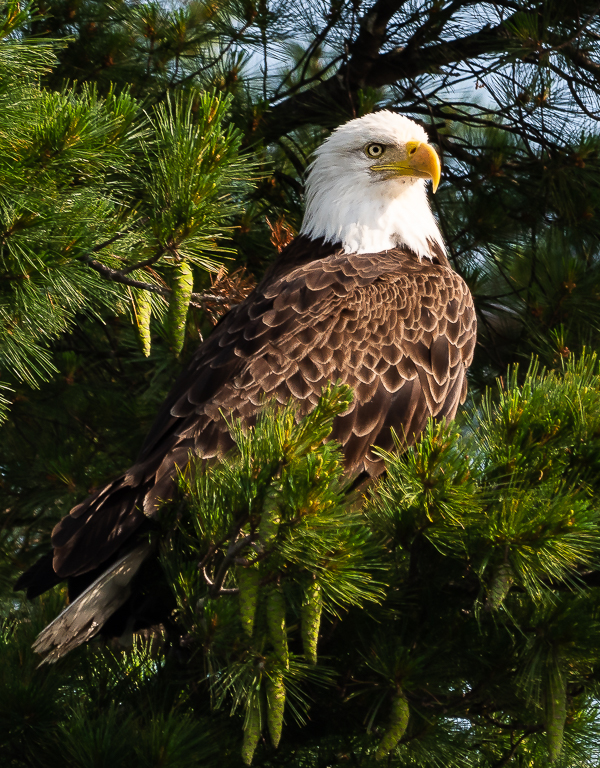
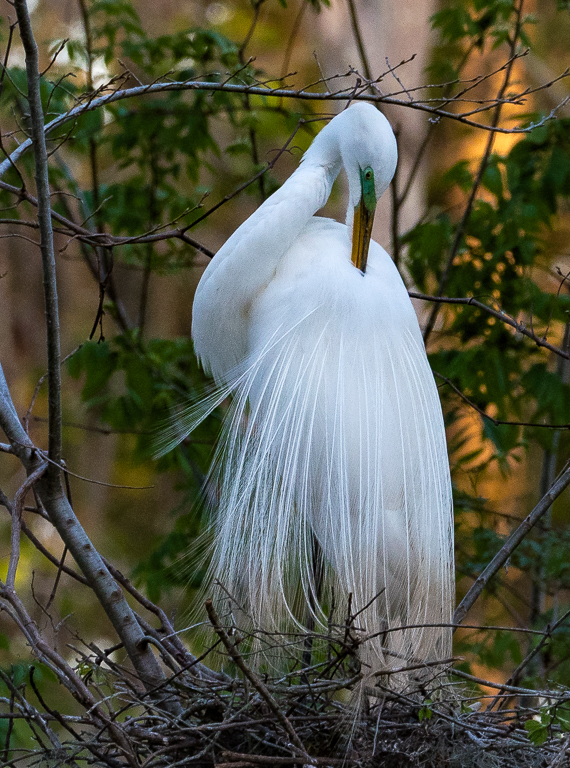
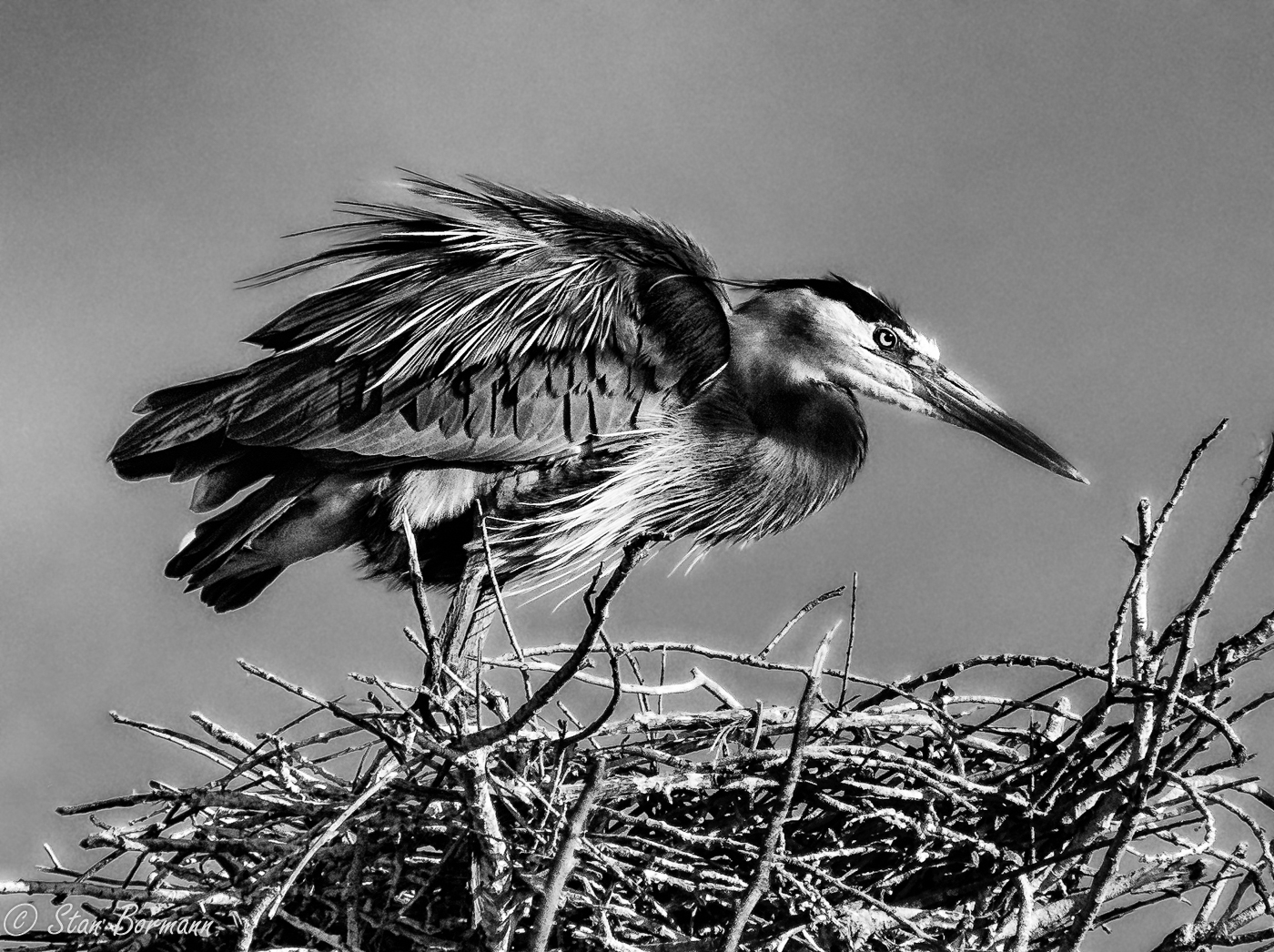
He must be thinking "toooo early". Yes, this picture seems to say cold in the background and the puffed up feathers. I agree with a small crop of the bottom and some processing that creates a little more impact in the feathers. Your choice of f/4.0 created a perfect background. |
Mar 20th |
| 19 |
Mar 21 |
Comment |
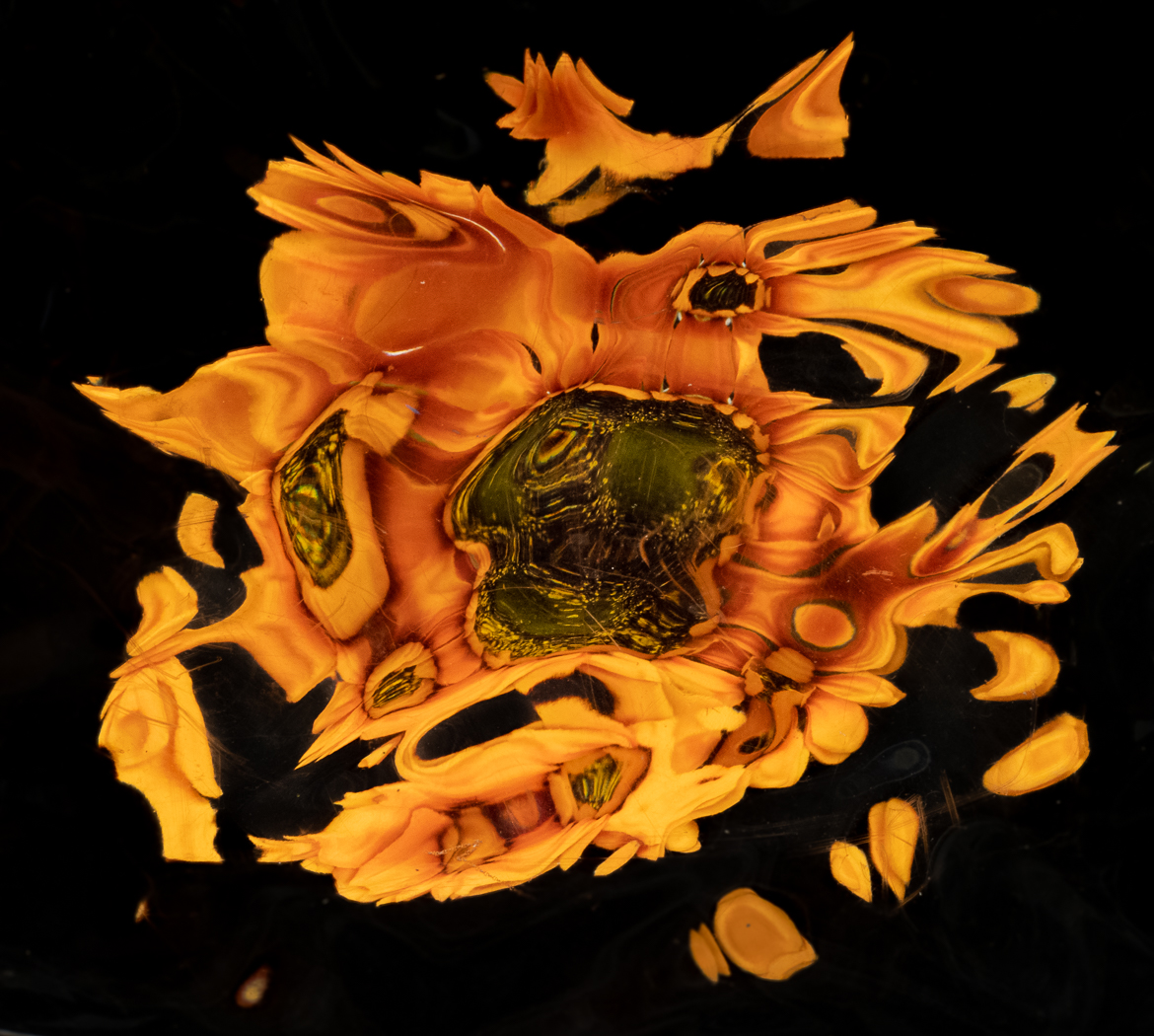
An interesting abstract the result of your process. Another interesting treatment might be to violate the rules, crop the bottom and put the eye dead center left to right and also top to bottom. Seems to create a lot of tension. You can see what it looks like just scrolling it down a bit. |
Mar 20th |
| 19 |
Mar 21 |
Comment |
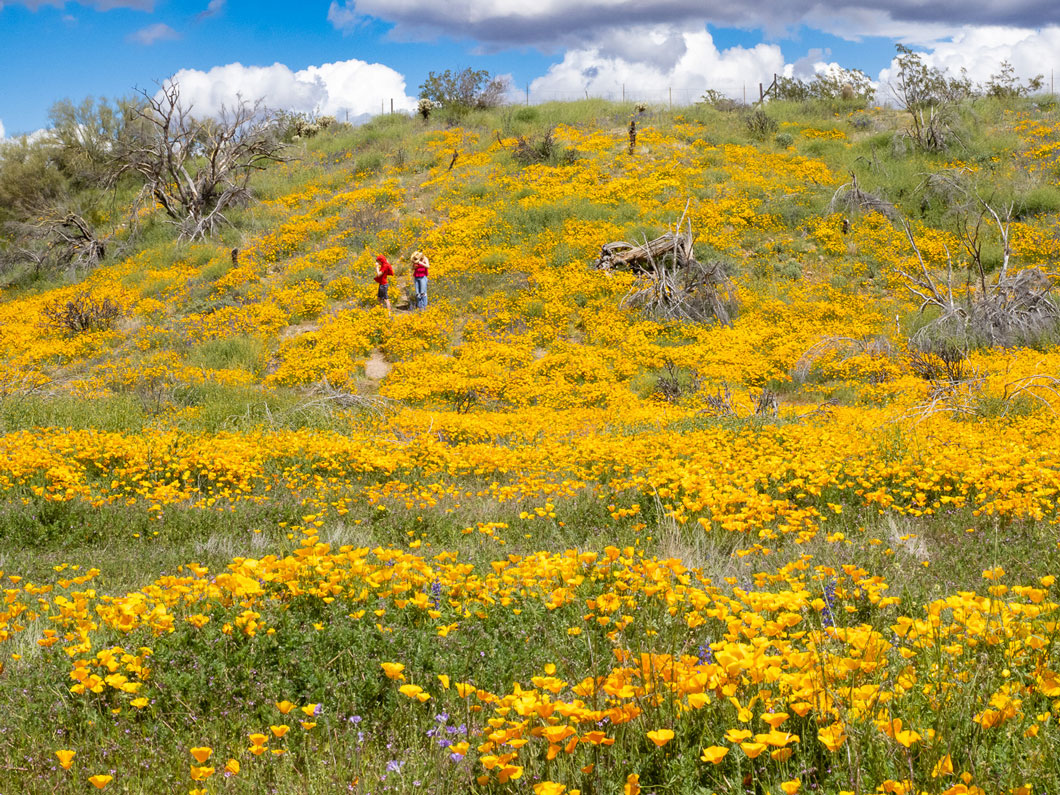
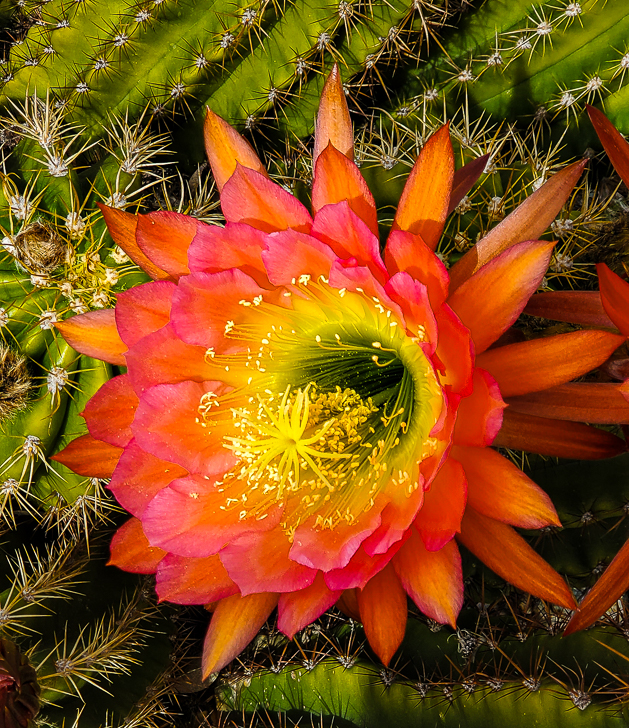
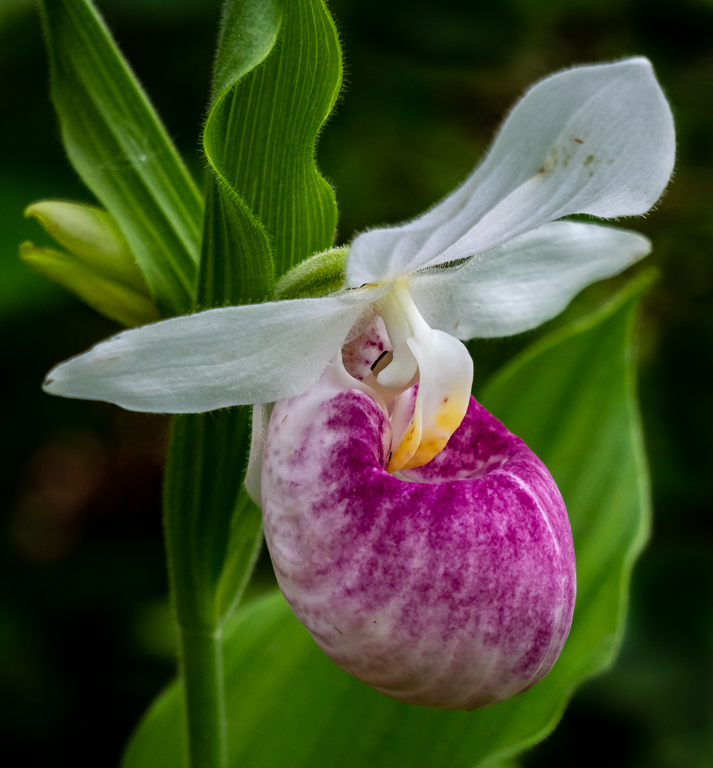
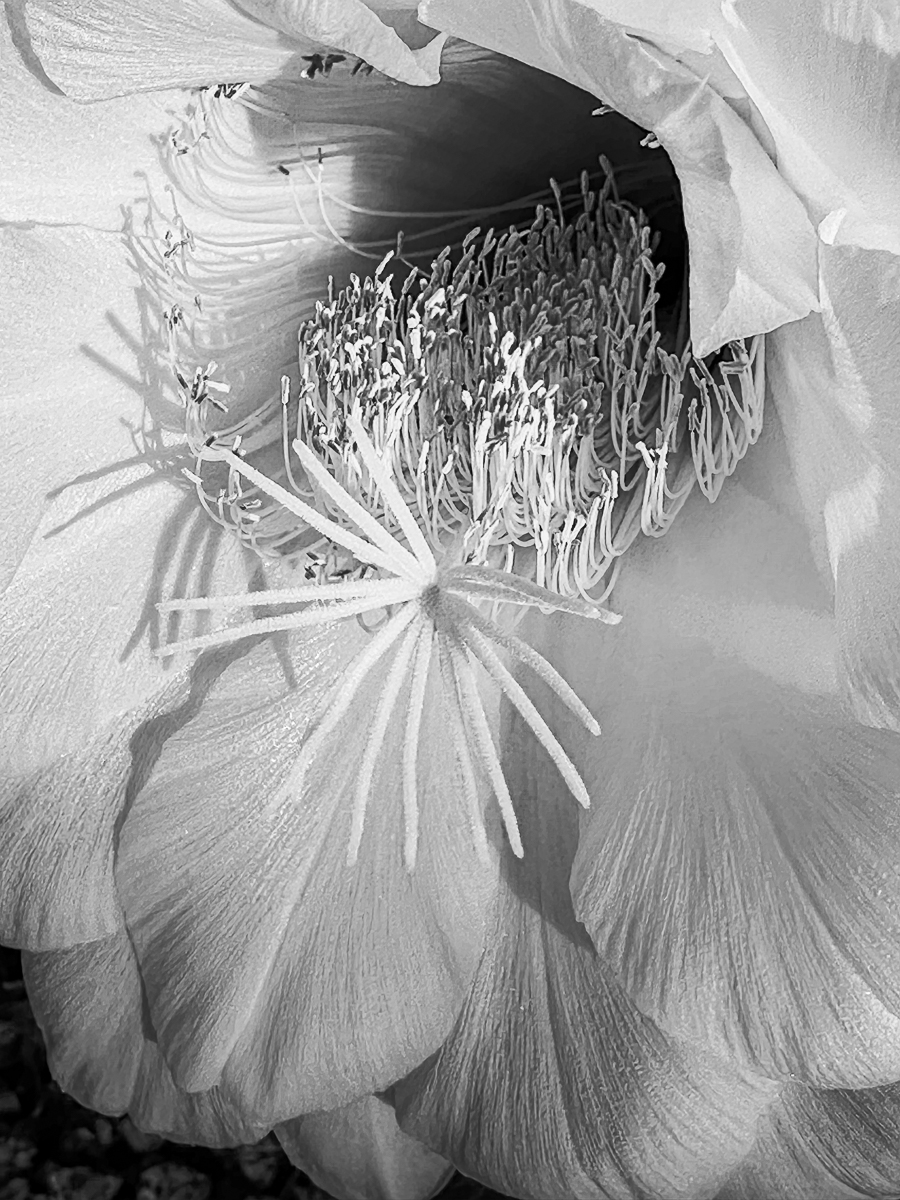
I think it would have more impact if you cleaned up the scene a bit. The black out of focus spots of something on the lower left should come out easily with content aware fill or several other processes. Once you start it is hard to stop, but you might remove the out of focus branch near the top. There is another possible picture here if you cropped in to concentrate on the best flower in the lower center of the image. Our cameras have so many pixels and we display most of our images digitally that we can take small images out of the full images and they stand up well. |
Mar 20th |
| 19 |
Mar 21 |
Comment |
I think it would have more impact if you cleaned up the scene a bit. The black out of focus spots of something on the lower left should come out easily with content aware fill or several other processes. Once you start it is hard to stop, but you might remove the out of focus branch near the top. There is another possible picture here if you cropped in to concentrate on the best flower in the lower center of the image. Our cameras have so many pixels and we display most of our images digitally that we can take small images out of the full images and they stand up well. |
Mar 20th |
| 19 |
Mar 21 |
Comment |
Everything tack sharp and great color. I like the tight crop. Well done. |
Mar 20th |
| 19 |
Mar 21 |
Reply |
I like to see it pretty much in focus and with some color and detail. Then I am happy with it. I don't like it when just a few leaves hang into the image. The whole branch suits me just fine. |
Mar 20th |
7 comments - 1 reply for Group 19
|
| 64 |
Mar 21 |
Comment |
I am late to this party, but I can accept all the comments of the others, but I will make some that are mostly duplicative. My first reaction was there was not enough contrast between the wall and the pitcher, but that grew on me. I think we have to honor Jerry's comment that it was the texture of the wall the drew him, but I think I would crop out the farthest to the right paint flake. I support cropping out the knobs on the bottom, but not much more. I also support trying to get just a little more detail in the drawer. Notice that Jerry made the candle black and Steven made it white. The color of that object is so unique that you can make it whatever you want. I prefer the black. I think my favorite conversion is Jerry's second one. |
Mar 19th |
| 64 |
Mar 21 |
Comment |
An amazing pre-visualization and plan to set it up. The photography is excellent and the sepia processing very appropriate. I think taking out the mirror line was much needed. |
Mar 19th |
| 64 |
Mar 21 |
Comment |
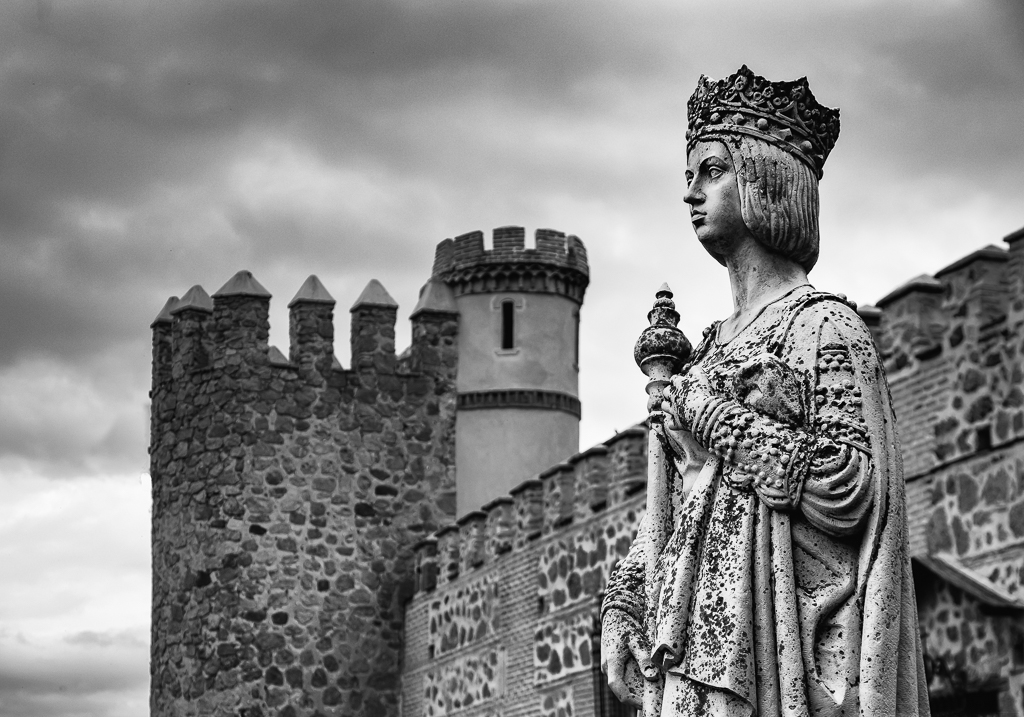
There is nothing improper in the content of this image even if it was a live model. Perhaps there are some places where it is not appropriate. The nude body has been a significant subject for photography for as long as there were cameras. I remember when I took a photography class in 9th grade 60 years ago you could not pick up a photography magazine without seeing some of them. There is a potential issue of "somebody else's art", but I think you have picked your own artistic representation of this statue and I would not worry about that. The softness of your image makes it for me. |
Mar 19th |
| 64 |
Mar 21 |
Comment |
I'm surprise you don't recognize that you have a style, I think you definitely do. I don't feel I can claim that distinction. I think the tones and contrast are great in this image. The detail on the left and rust on the right make the picture, but the keyhole which is contrastingly clean is clearly the center of interest. I think some crop top and bottom might improve it. I often do that if the image can take it. If nothing else it will show larger on the screen with a vertical image. |
Mar 19th |
| 64 |
Mar 21 |
Comment |
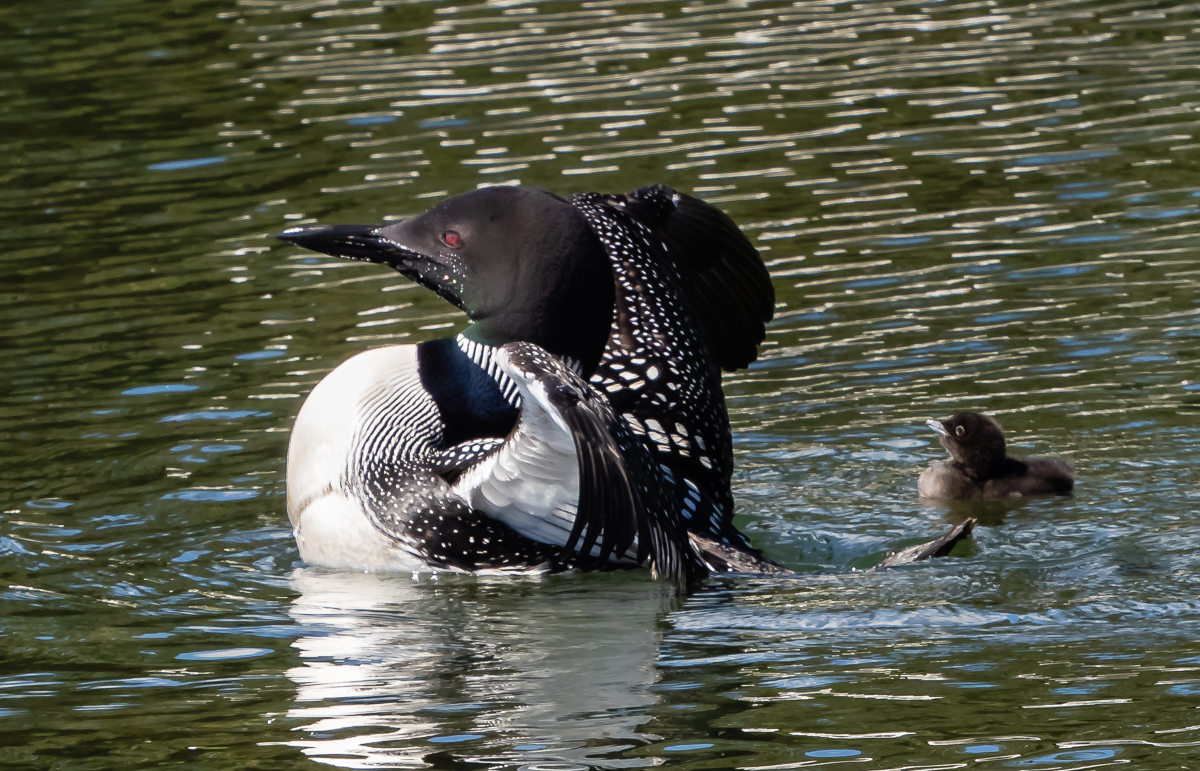
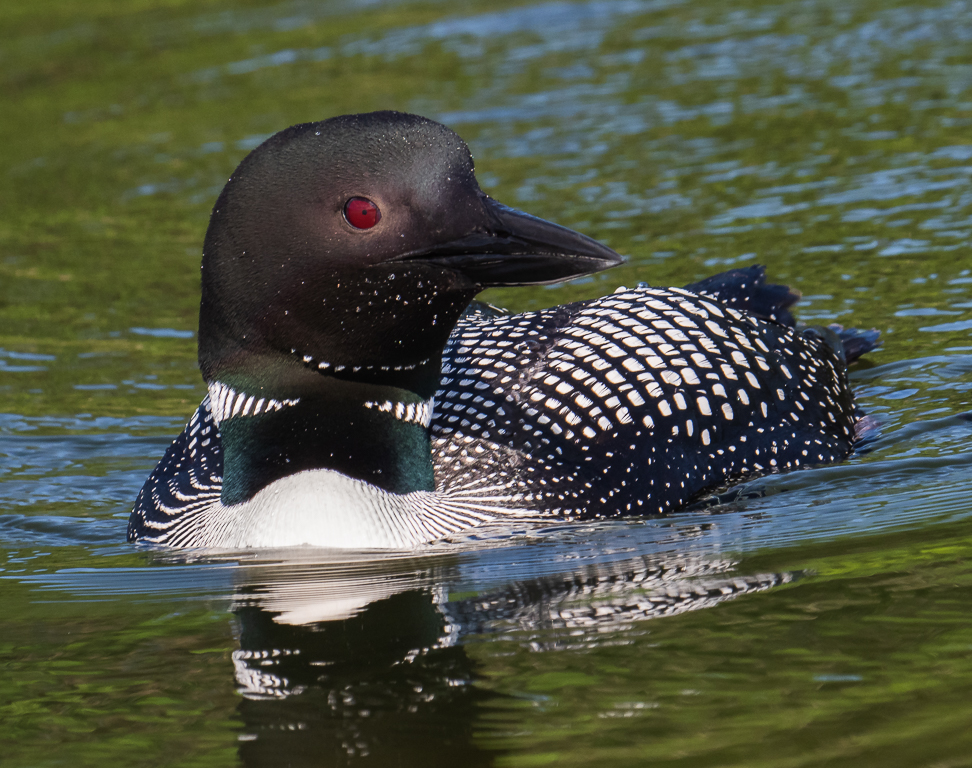
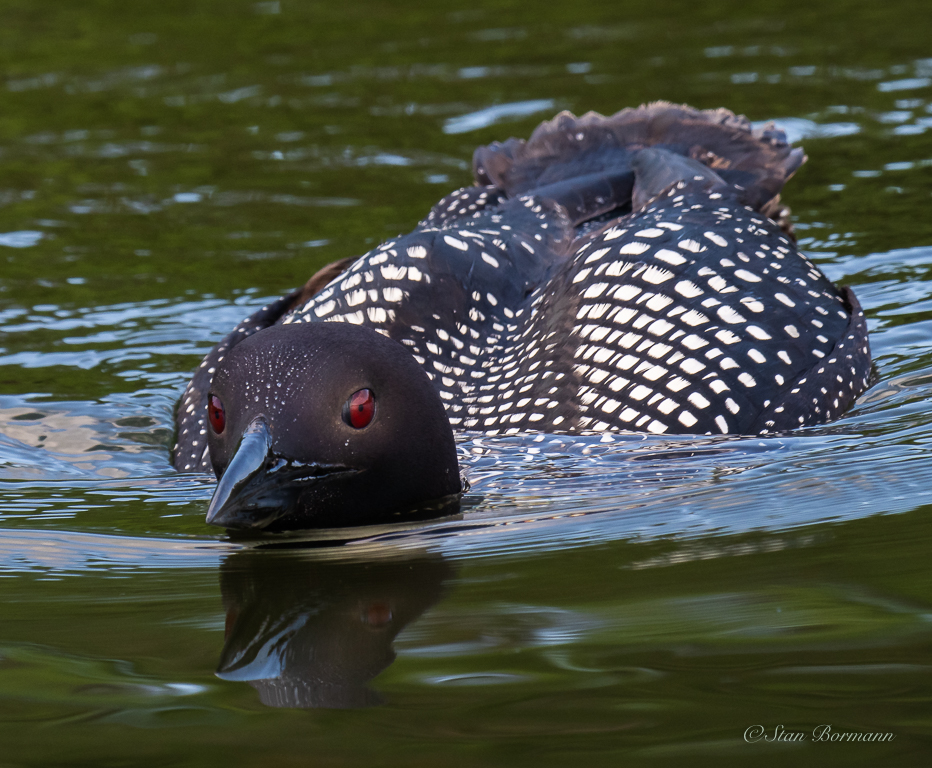
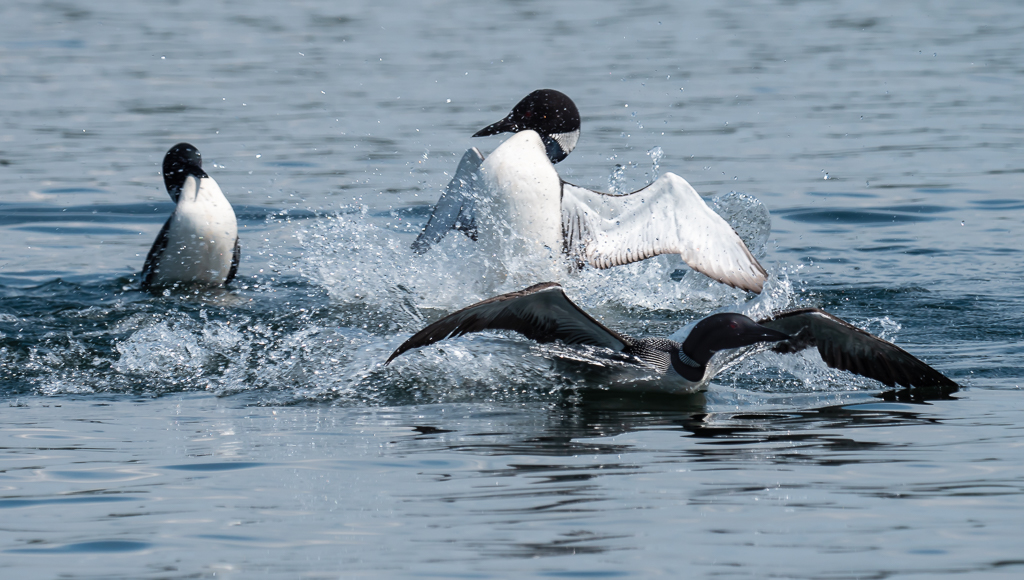
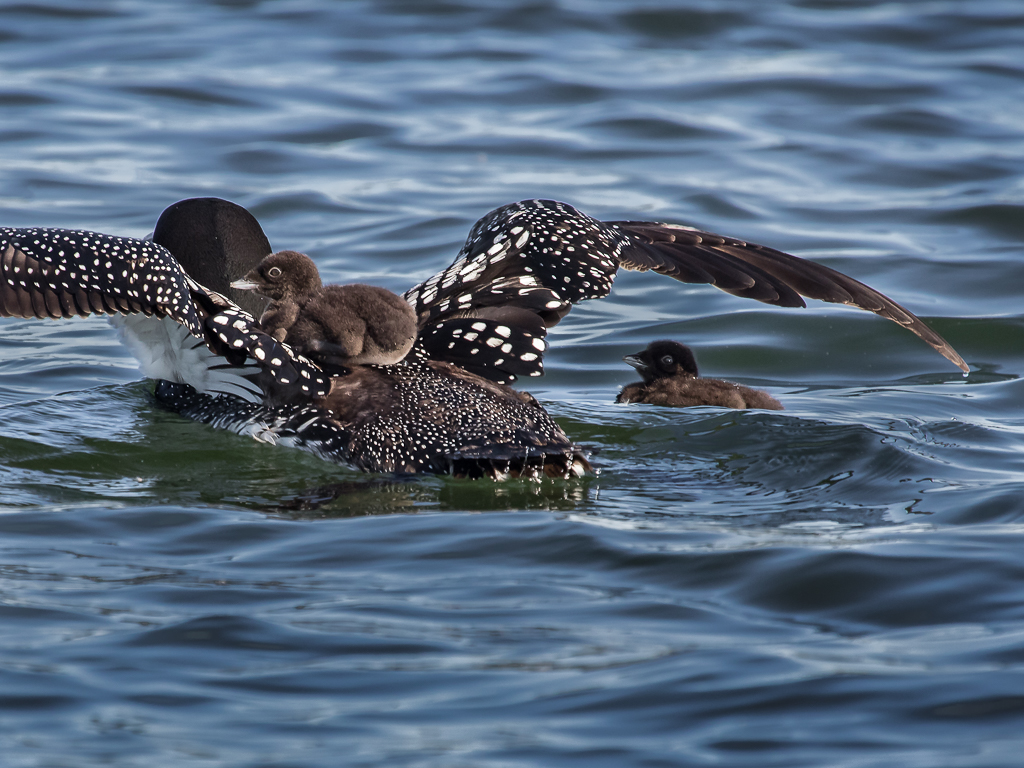
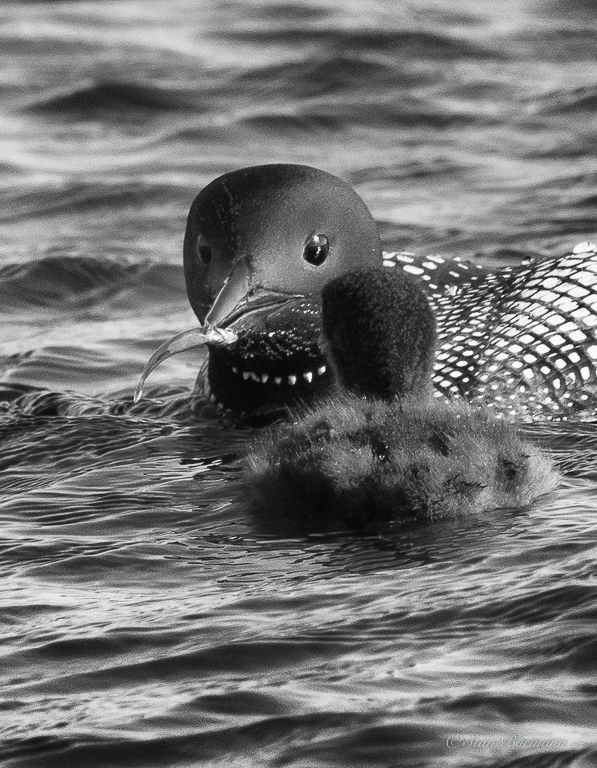
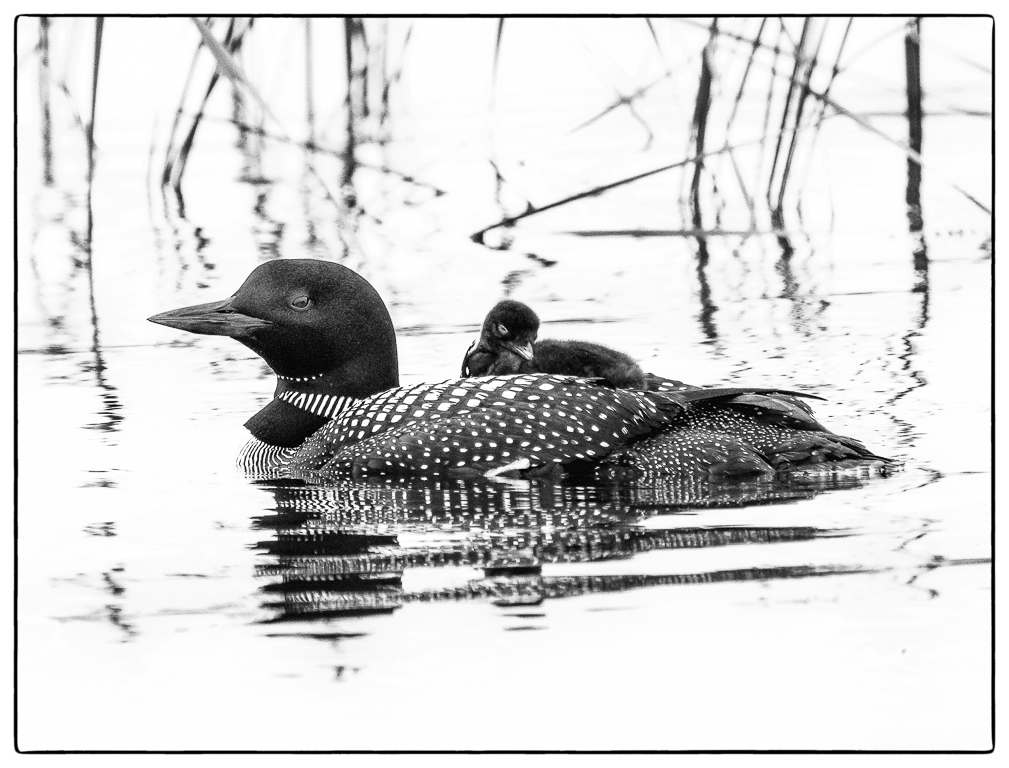
For a bird shot, the contrast is a little much for me, and I am not a fan of the heavy vignette on shots like this. It is an excellent capture however. I was shooting loons with a professional wildlife photographer who was using this Sigma lens on a Canon body. It was about the first non-Canon lens he had used and he loved this lens. I think you will like it a lot. |
Mar 19th |
| 64 |
Mar 21 |
Comment |
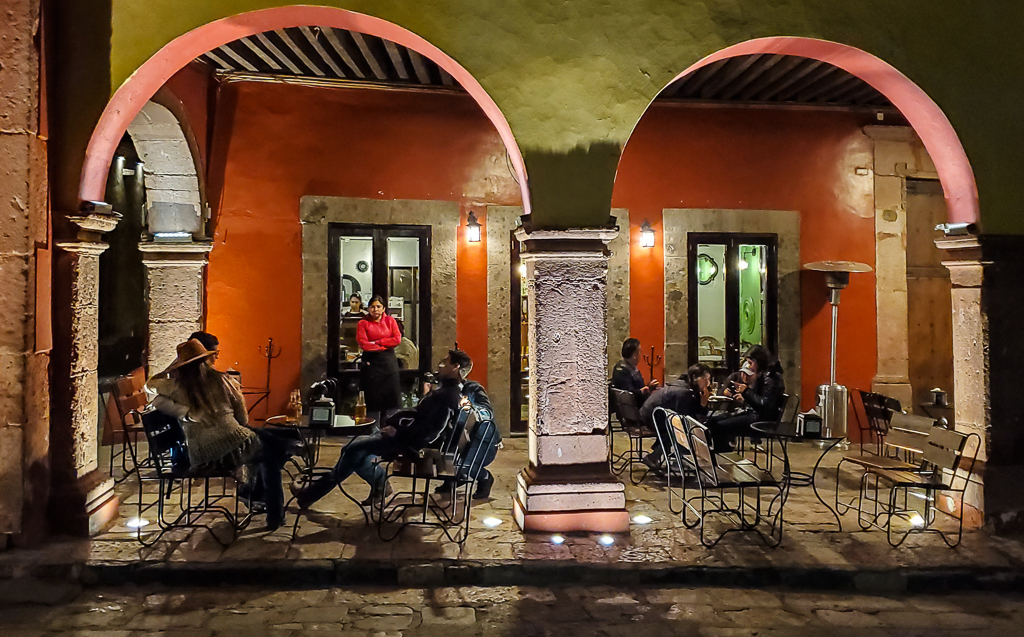
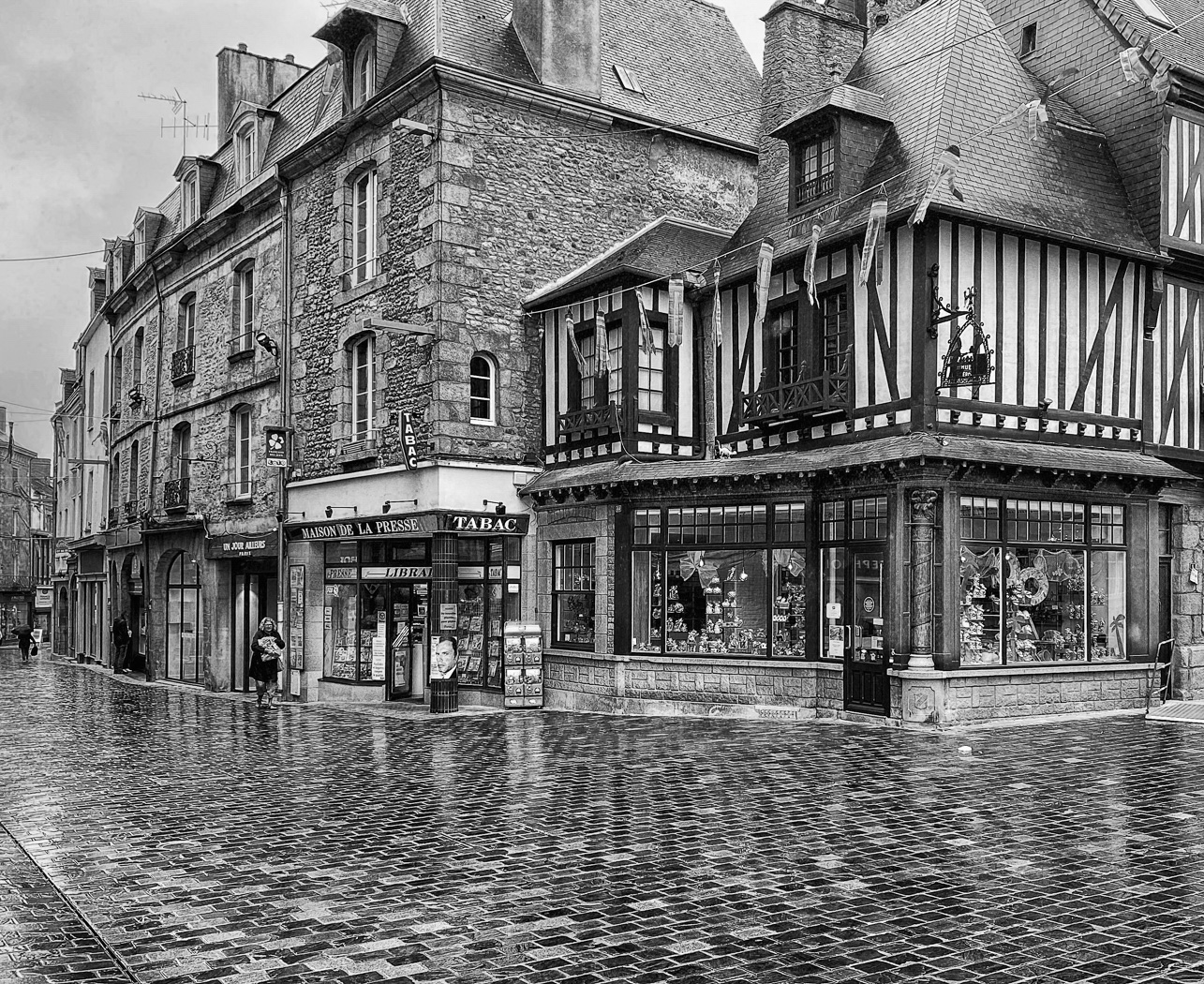
An excellent capture. Amazingly good considering you let the camera do the conversion. I think I like it just the way it is. There is something about the tones of the buildings that are appealing. The woman makes the shot. I think having her look to the right works. You can still see some detail of her face. |
Mar 19th |
| 64 |
Mar 21 |
Reply |
You are correct, there are a number of easy ways to fix this. I have often used the clone tool in Photoshop, set it to "Darken" and cloned from a nearby lighter shade onto the line. It should not damage the bell at all because it is darker. |
Mar 19th |
6 comments - 1 reply for Group 64
|
13 comments - 2 replies Total
|