|
| Group |
Round |
C/R |
Comment |
Date |
Image |
| 19 |
May 19 |
Reply |
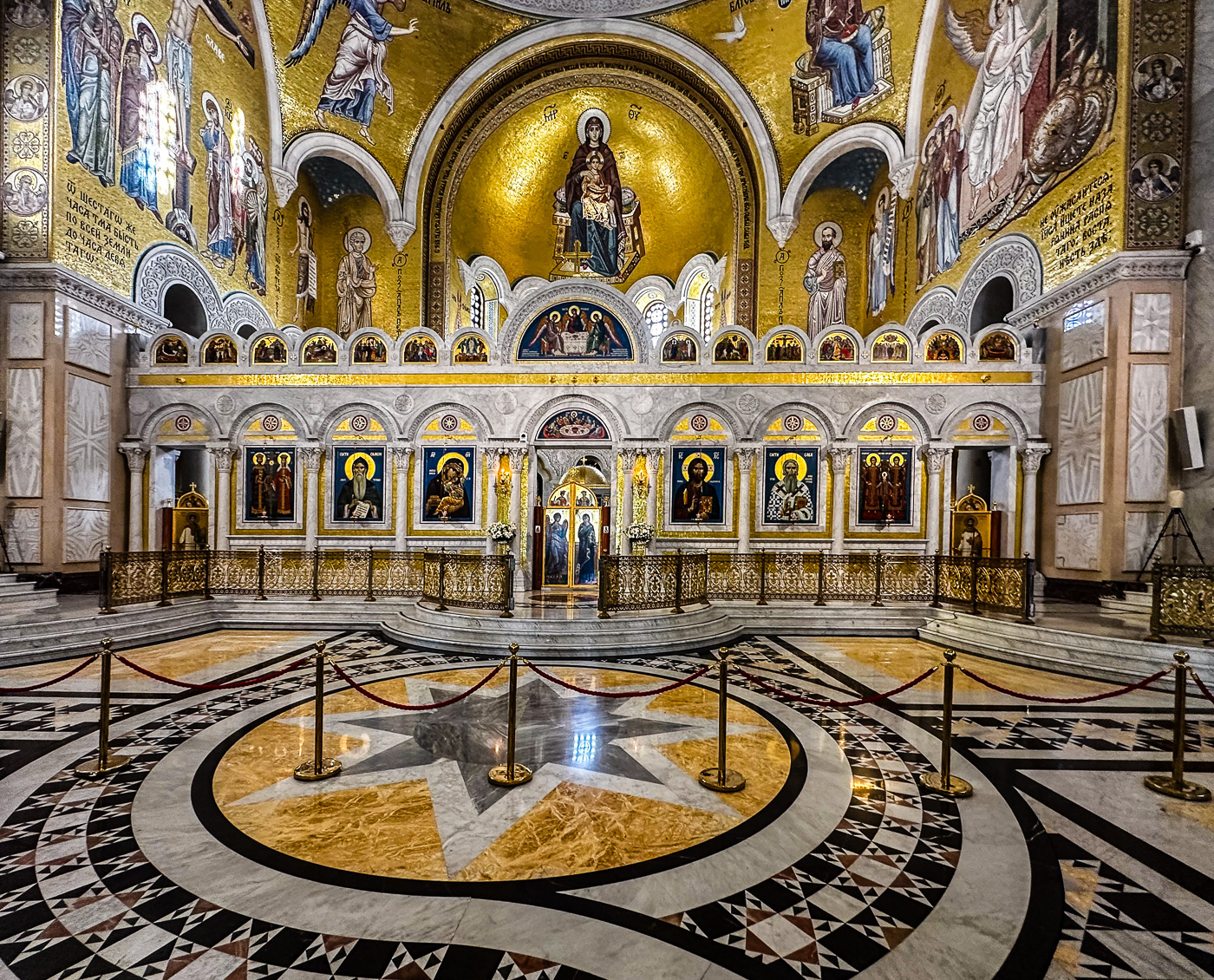
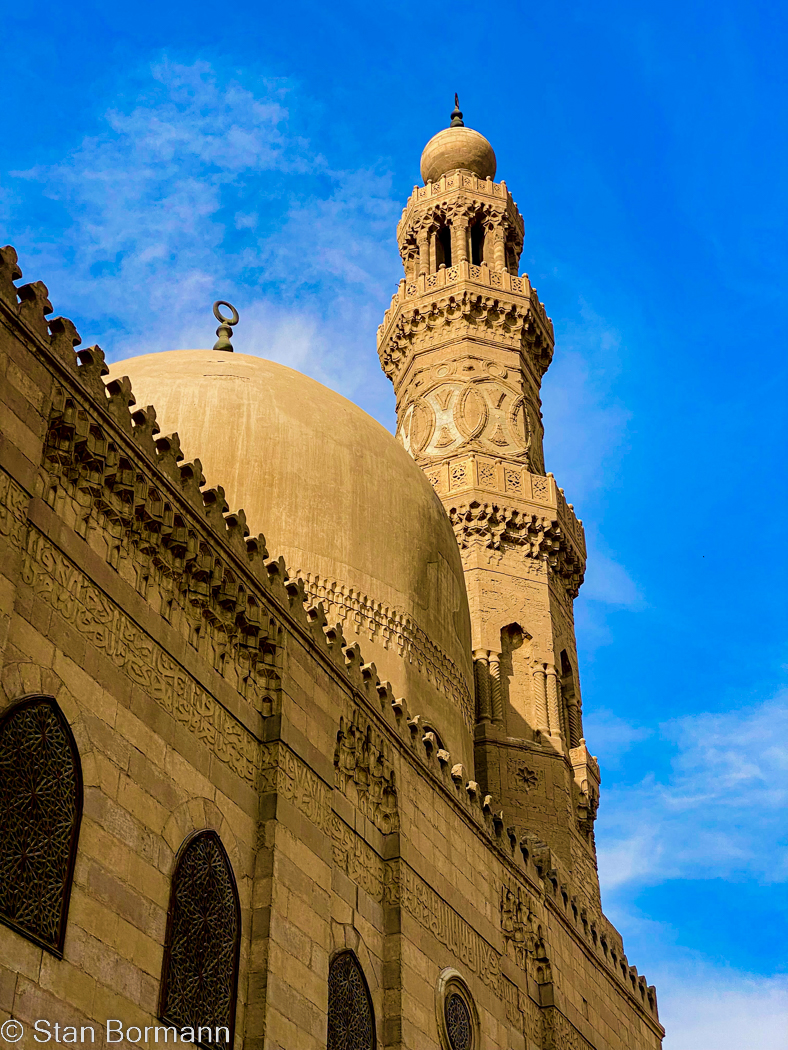
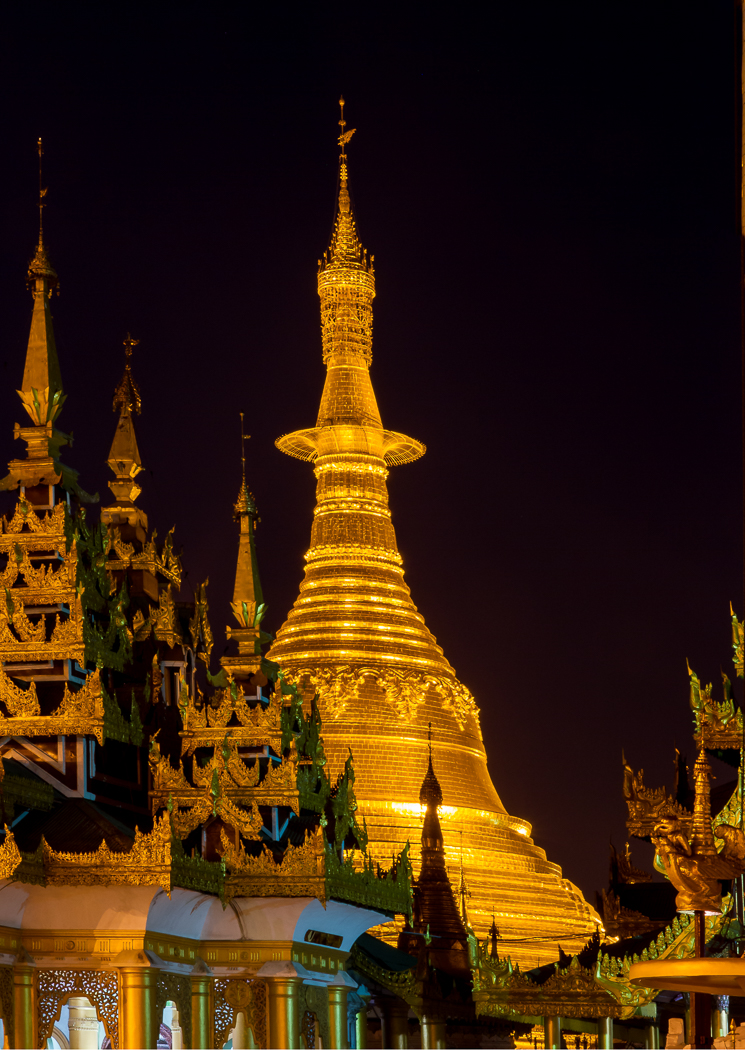
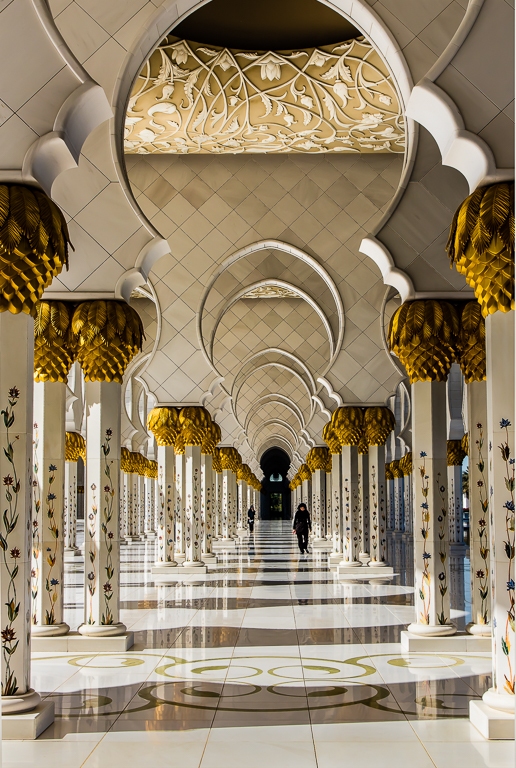
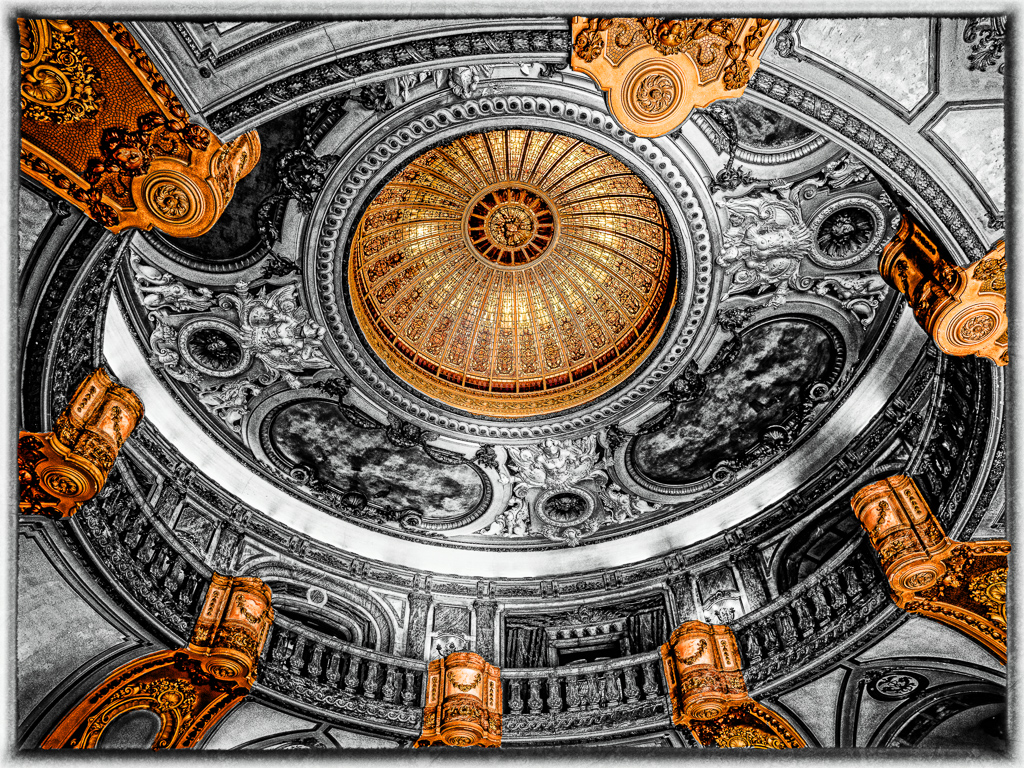
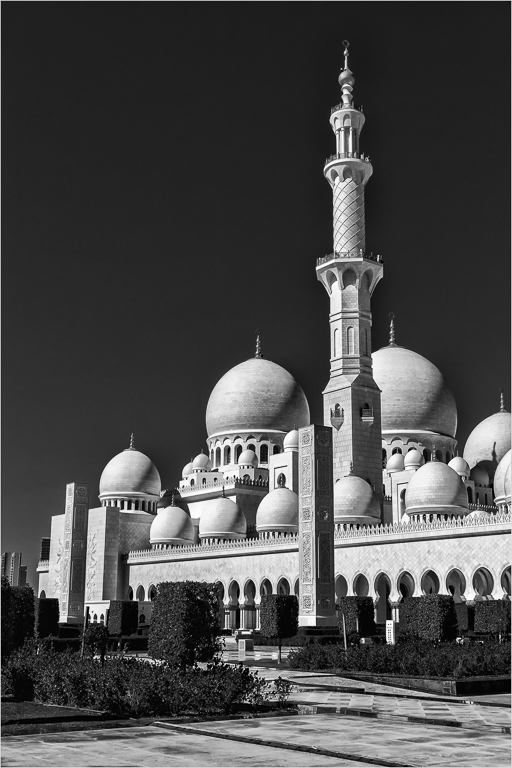
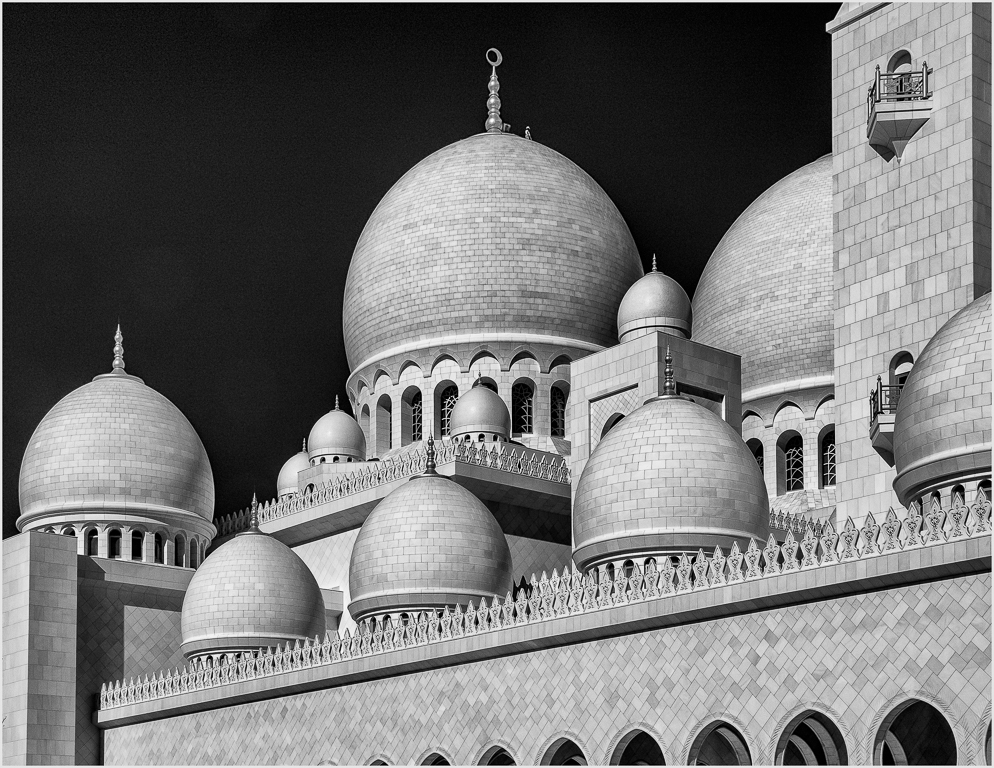
That is perhaps my favorite image at this time. If you are a traveler you should seriously consider going to Abu Dhabi in the UAE which is about 90 minutes from Dubai. We were there for only a morning, but you should stay a night and shoot the mosque Sheik Zayed in afternoon, artificial light, and morning light. The mosque is covered with Carrera marble and inlaid with mother of pearl. Read about it at the following.
https://en.wikipedia.org/wiki/Sheikh_Zayed_Mosque |
May 16th |
| 19 |
May 19 |
Reply |
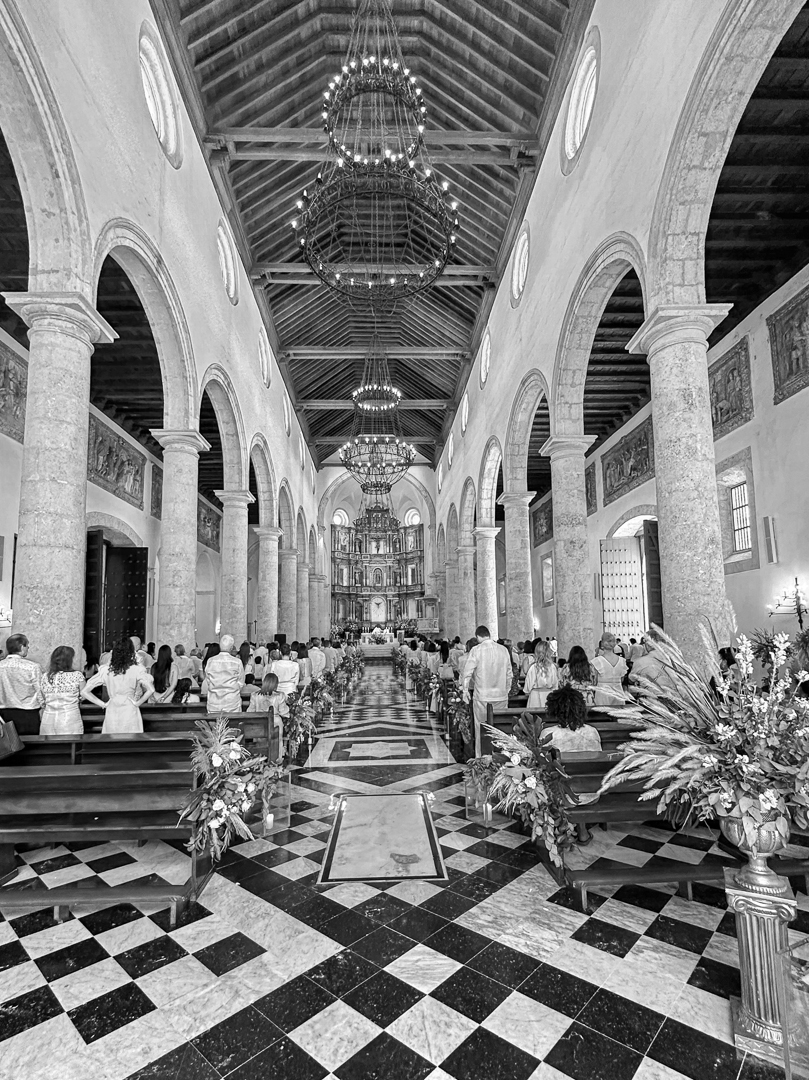
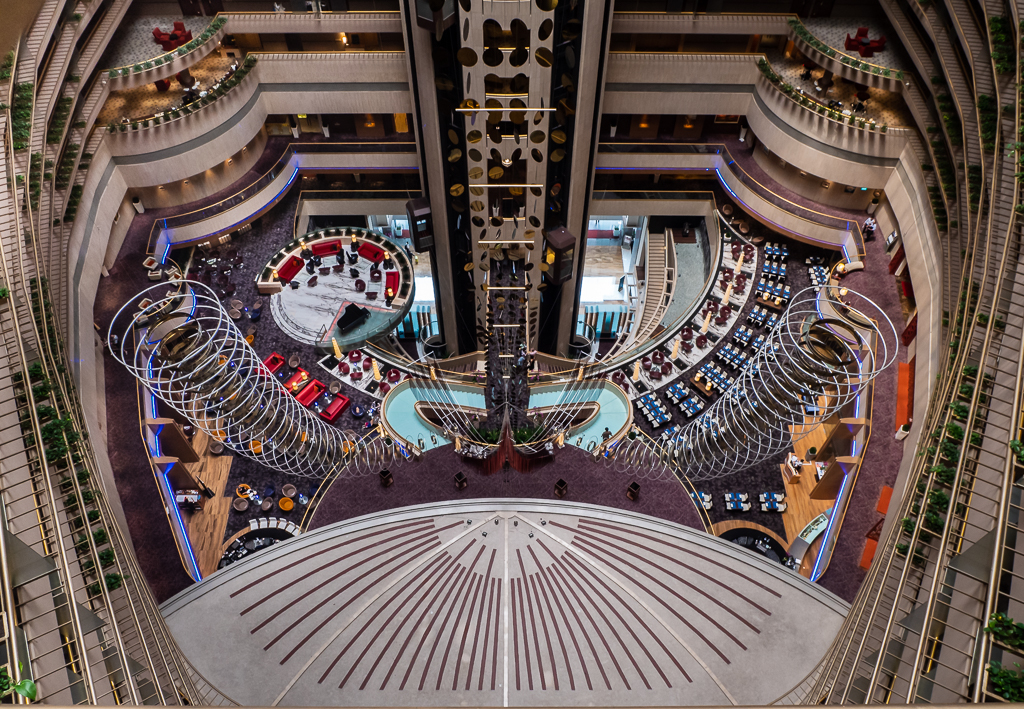
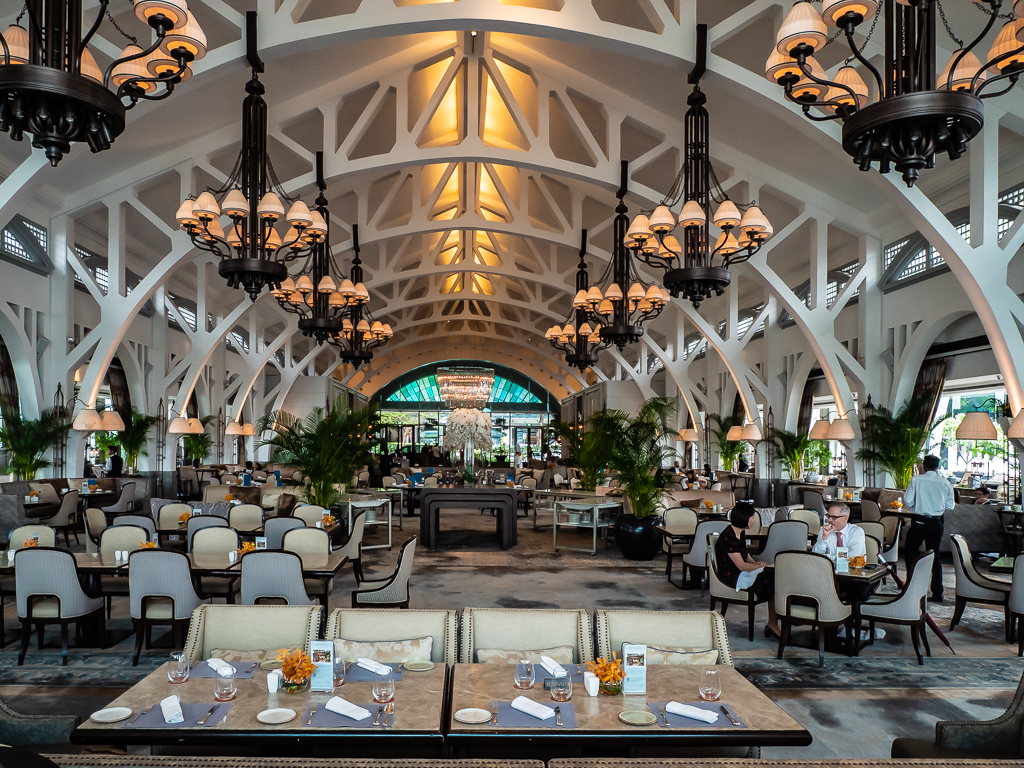
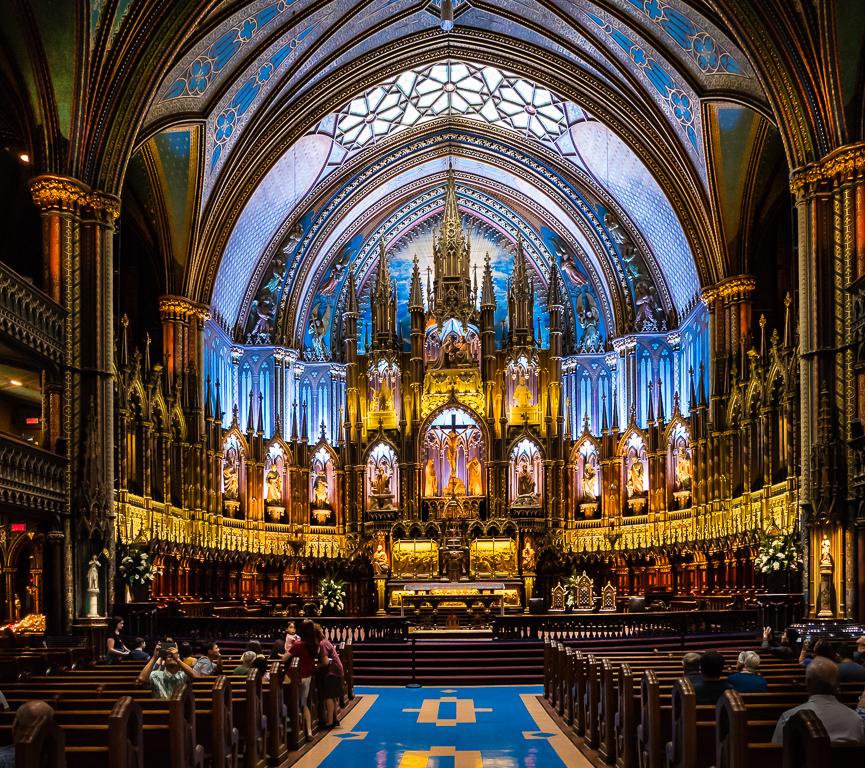
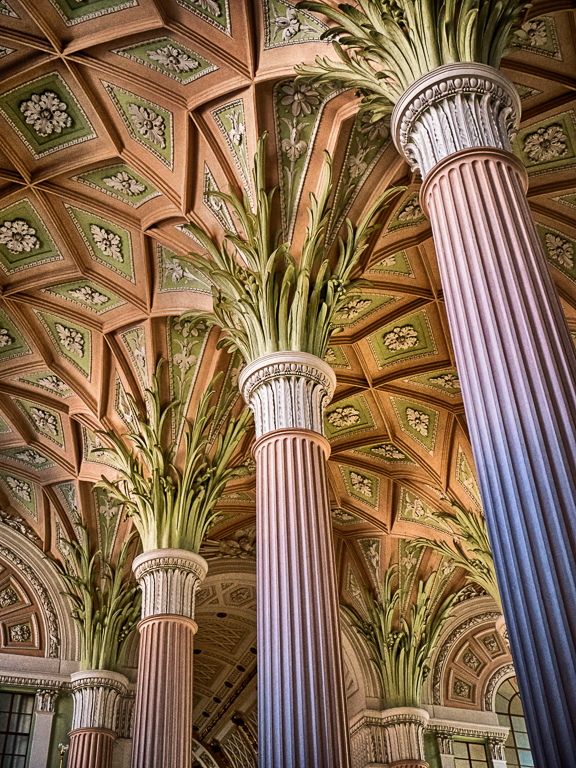
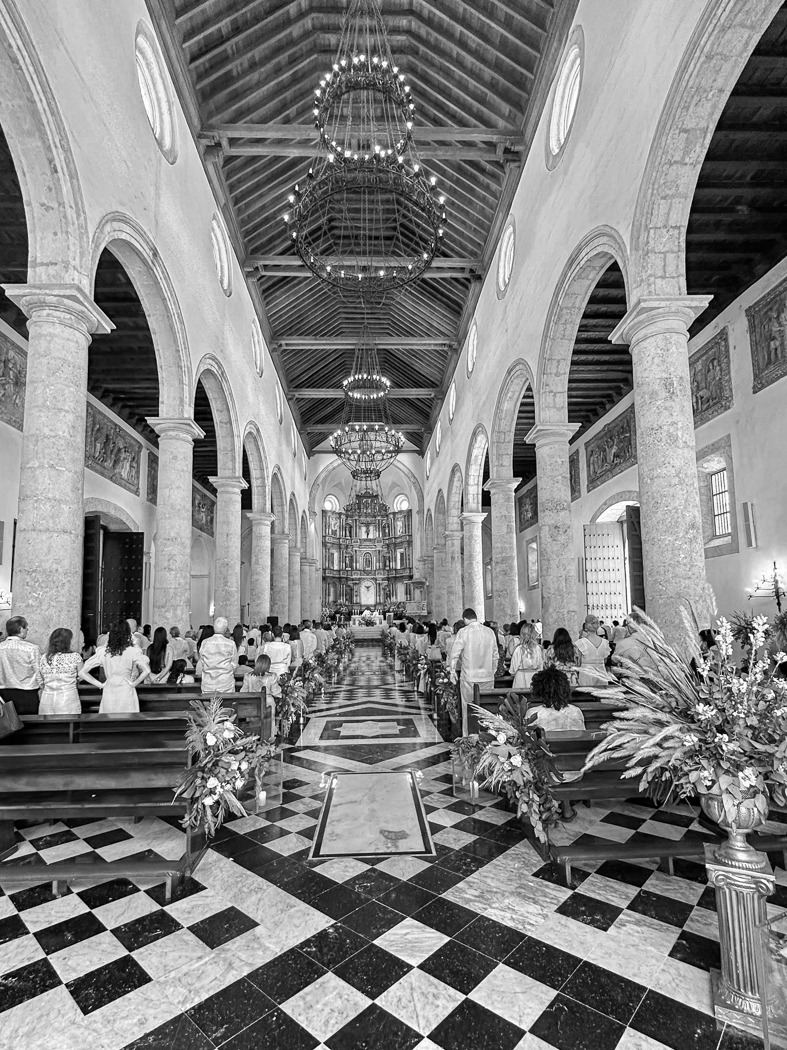
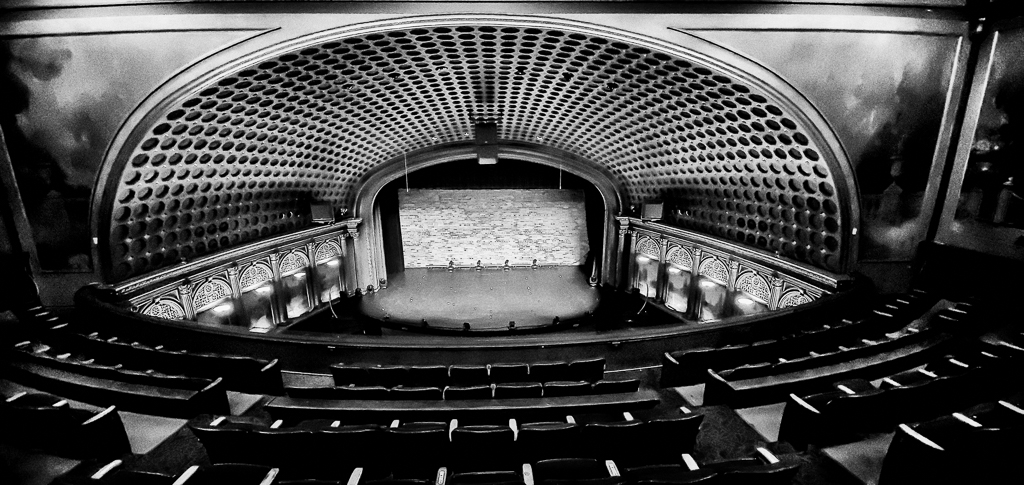
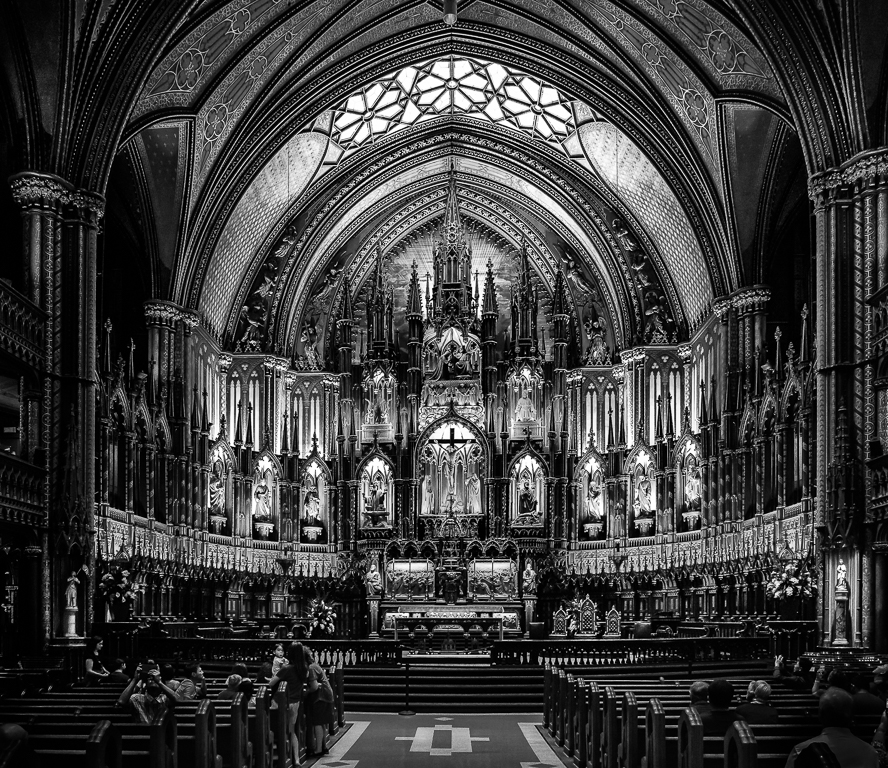
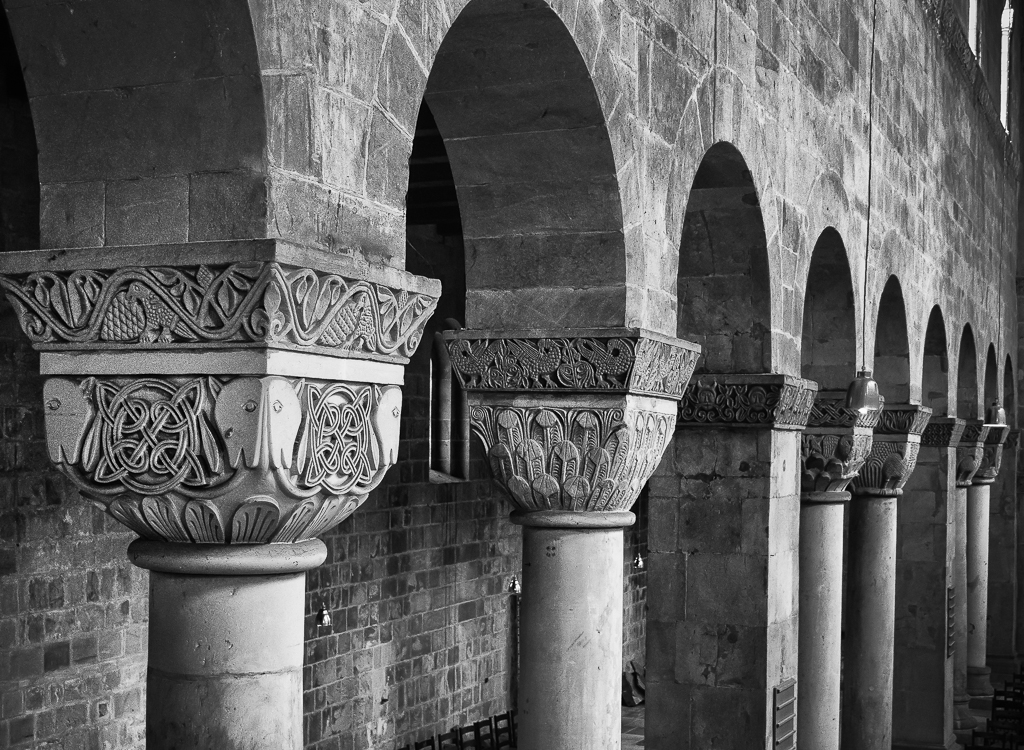
Of course you need something that is symmetrical, but then you stand where various elements of the center all line up in your line of sight. In this case it is the lines in the first tables with the lines of the center of the roof and the doors on the far end. in a case like this where the room is known to be level you then point the camera a a point on the far end that is at the same level as the camera, for me about 5 feet up the doors on the far end. Then there should be no perspective effect. It is good to have the camera built in levels turned on so you don't need to adjust that later. |
May 16th |
| 19 |
May 19 |
Comment |
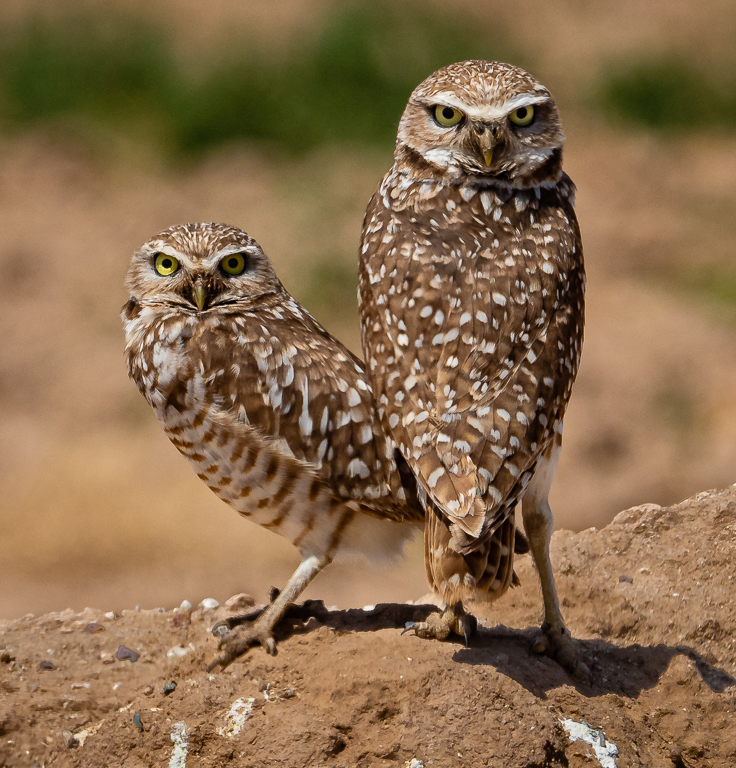
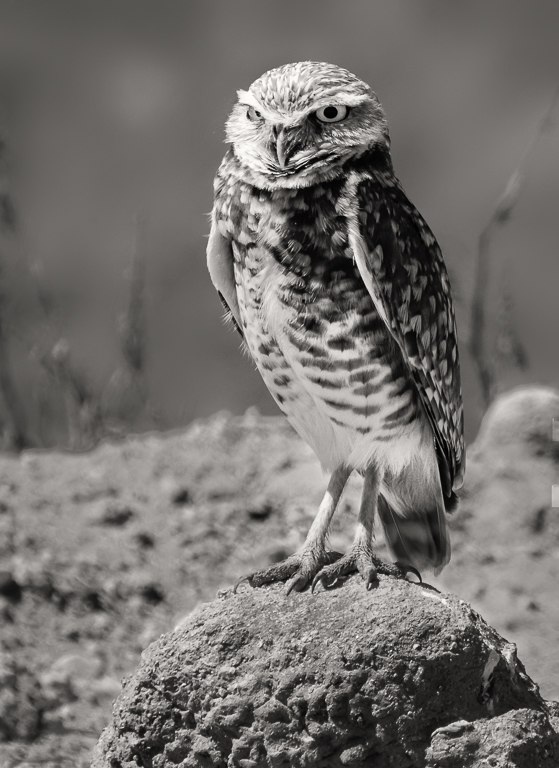
We have a family of owls similar to this in our community of Sun City Grand, but it is very difficult to get a good shot through all the twigs and branches. You are having the same problem. These animals are normally pretty much just sitting there for you and you can take a quick shot and then think and plan. I think with the dramatically different light on adult and chicks I would work on them separately. Try to get a good shot of just chicks and another of just adult. They will probably have very different exposures. With Auto ISO and Shutter Priority, you have control of only one of the three variables and the camera controls the other two. Sort of like the "P" setting which gives you control of just ISO typically, but it gives the camera a lot of options to get it right . Personally I like controlling two of the variables. Normally I don't go to Auto ISO unless I am on "Manual" controlling both aperture and shutter speed. By the way that isn't really manual at all, it is semi-automatic with the camera controlling the exposure using the ISO instead of the aperture or shutter speed. |
May 9th |
| 19 |
May 19 |
Comment |
Great action shot. The colors, the textures of their muscles, the faces, the ropes and soft spectators in the background. It seems to all come together. The tangle of legs and arms would not happen in our boxing and is much more interesting than anything you could capture here. |
May 9th |
| 19 |
May 19 |
Comment |
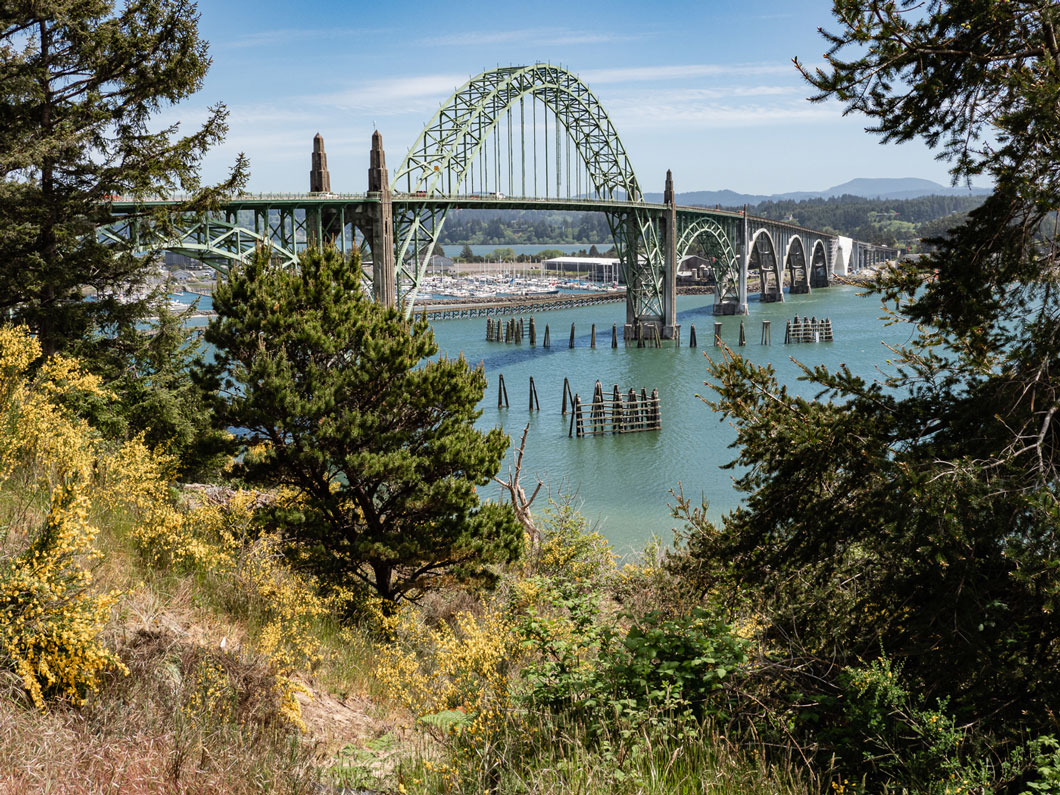
I think this is a beautiful image. I like the composition with the placement of the picture elements. I agree the greens are a little much if you are trying for realism, but if you are not, there is nothing wrong with the color. The only thing in the image that bothers me is I think the spot that Norm mentioned under the bridge. I think I would describe it as a small spot of blue green where everything else is sort of a yellow green. Somehow it doesn't fit. I think I would select it and adjust the color a bit. Other than that small thing, just be proud of it. |
May 9th |
| 19 |
May 19 |
Comment |
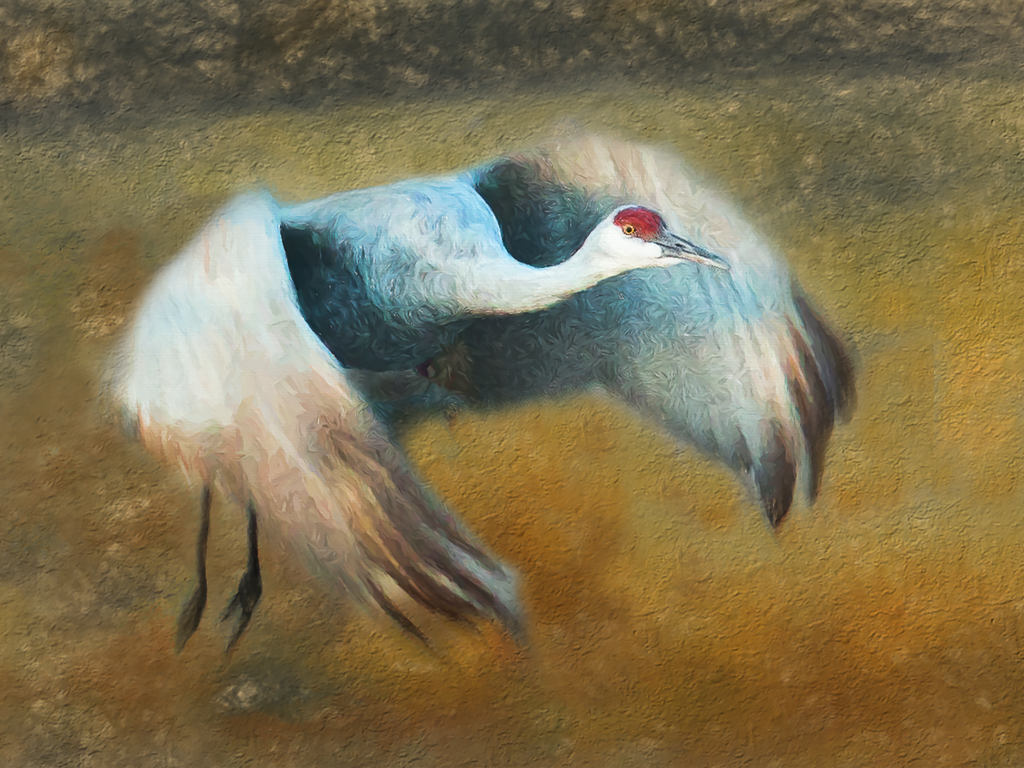
A nice serene picture. I think your processing to be impressionist worked well. I have a good friend that does many of these, but he brushes on the effect and often puts a lighter vignette on them which works wonders and adds frames. Somehow just the impressionist look seems to me to be wanting something else. I think it is great to be going this way with your work. I keep telling myself to do it but never get it done. |
May 9th |
| 19 |
May 19 |
Comment |
The crop was well done eliminating a lot of clutter and wasted stuff. Processing the image was well done. I think this picture is about Simon and his big mouth and this is captured very well. I wish I could hear him, but only once. |
May 9th |
| 19 |
May 19 |
Comment |
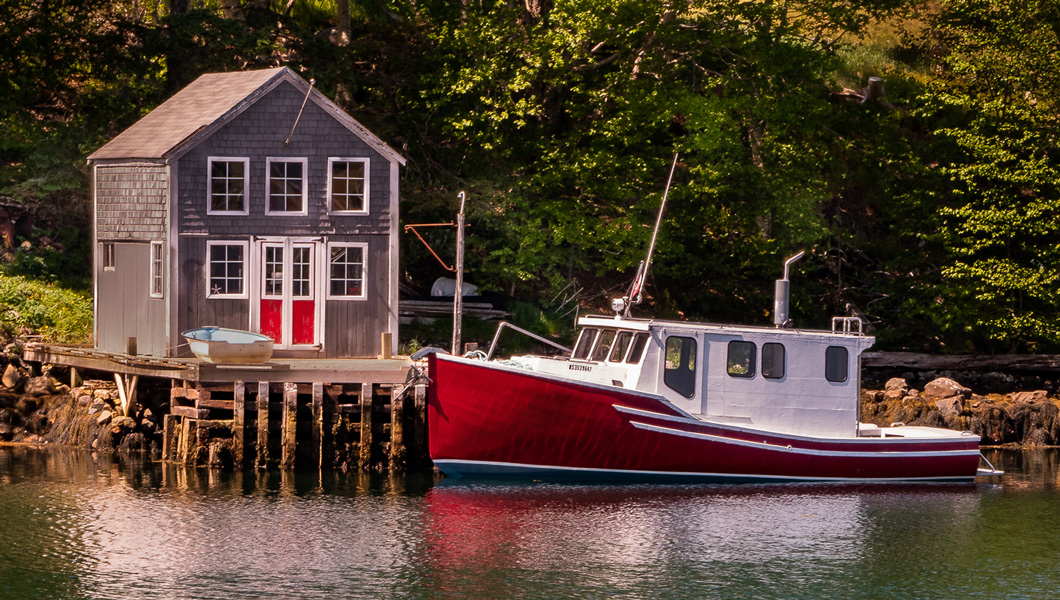
Great color and interest. I would like to see it in a slideshow and followed with a picture of the entire boat to understand it. I agree with Tracy. Crop just a bit to get that sliver off the bottom left. |
May 9th |
6 comments - 2 replies for Group 19
|
| 52 |
May 19 |
Comment |
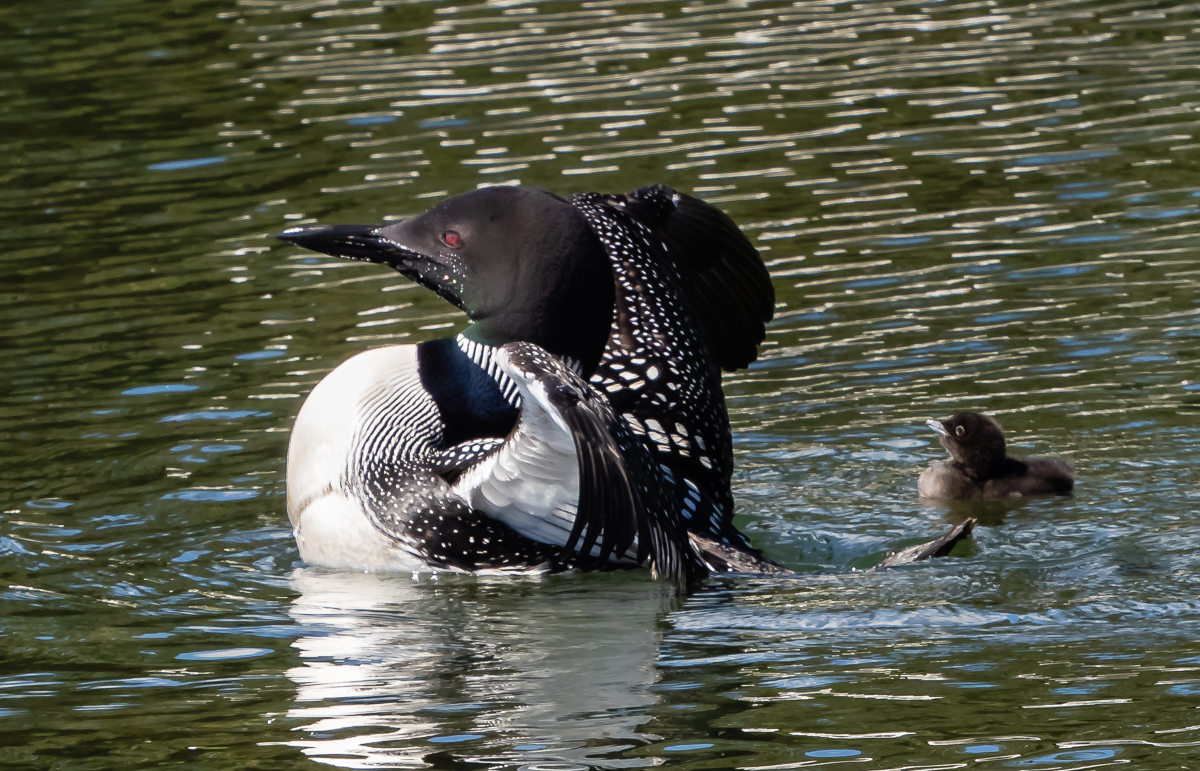
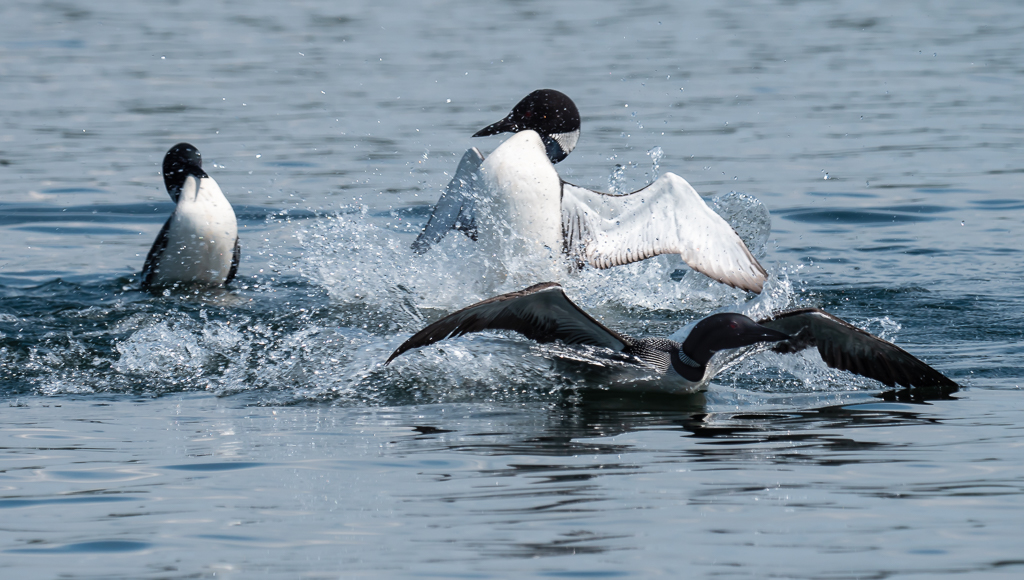
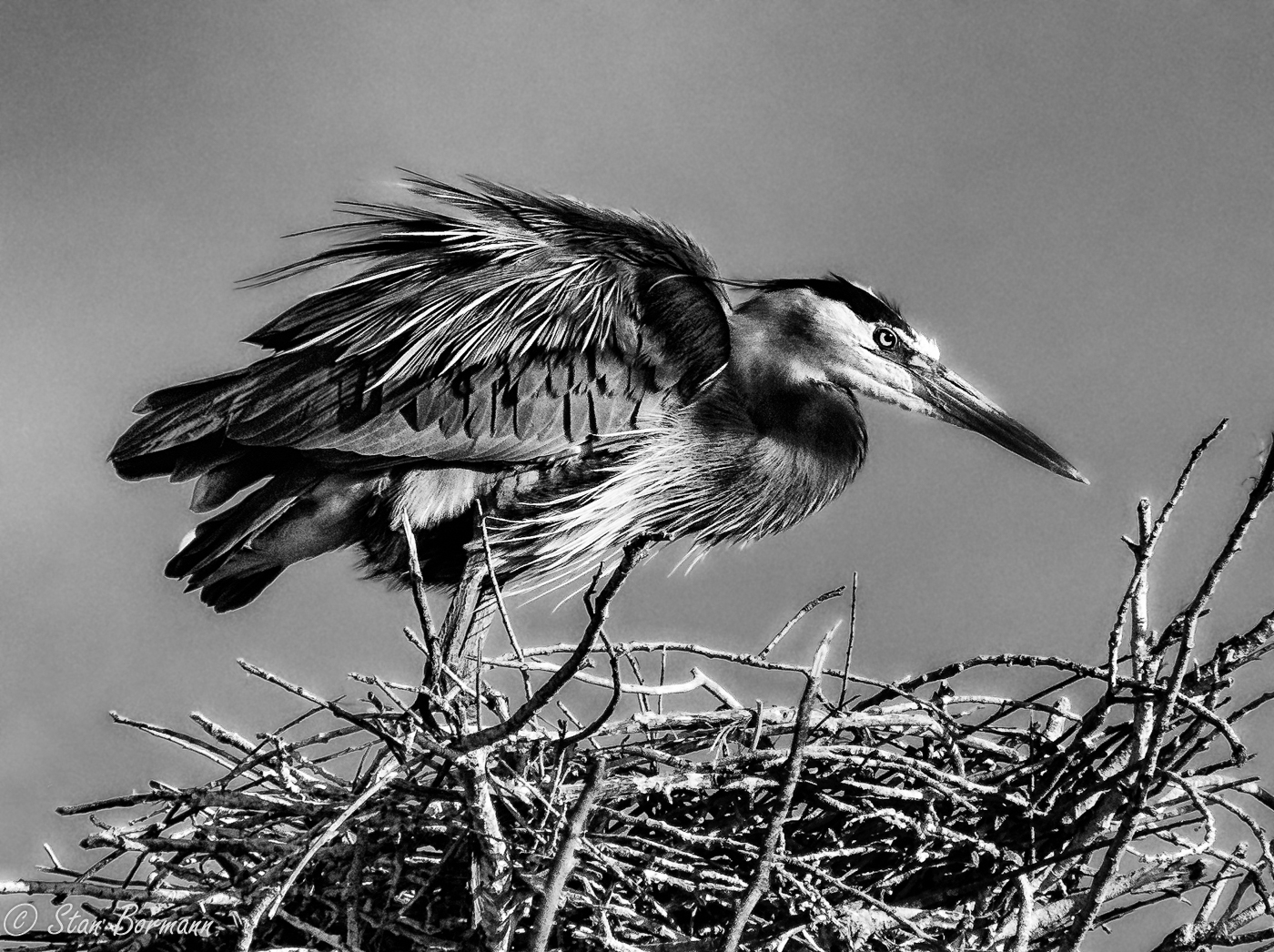
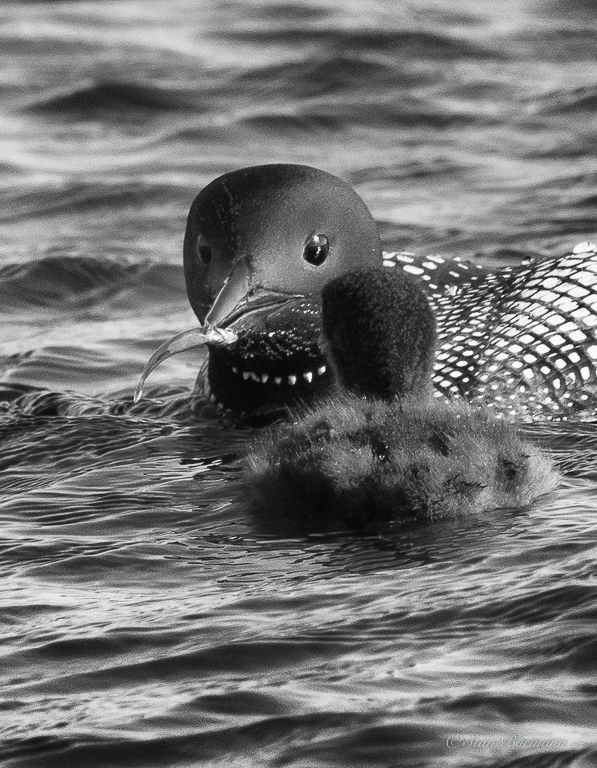
A well timed shot, I think anyone would enjoy seeing this shot. A couple years ago my wife and I had the opportunity to shoot a blue heron that lunged forward to catch a fish that was about a stretched out heron length ahead of him. It was incredible to see this large bird stretch out horizontal just above the water. He caught a fish about the same size as this one, sort of threw it in the air and caught it head first and swallowed it. Shirley caught a shot with the fish between the top and bottom bills just barely intersecting one of them. From there it was down the neck. The entire process in the series of shots was about six seconds. |
May 14th |
1 comment - 0 replies for Group 52
|
| 54 |
May 19 |
Comment |
Gus, this is a wonderful image. The texture of the image works very well and the variety of picture elements you have added all seem to work together. I suspect you will be a significant addition to Group 54. For the rest of you, I have come to know Gus a bit through my work as Director, Member Services and have been communicating with Gus a bit. I wanted to see his work in your group and have enjoyed it a great deal. |
May 14th |
1 comment - 0 replies for Group 54
|
| 64 |
May 19 |
Comment |
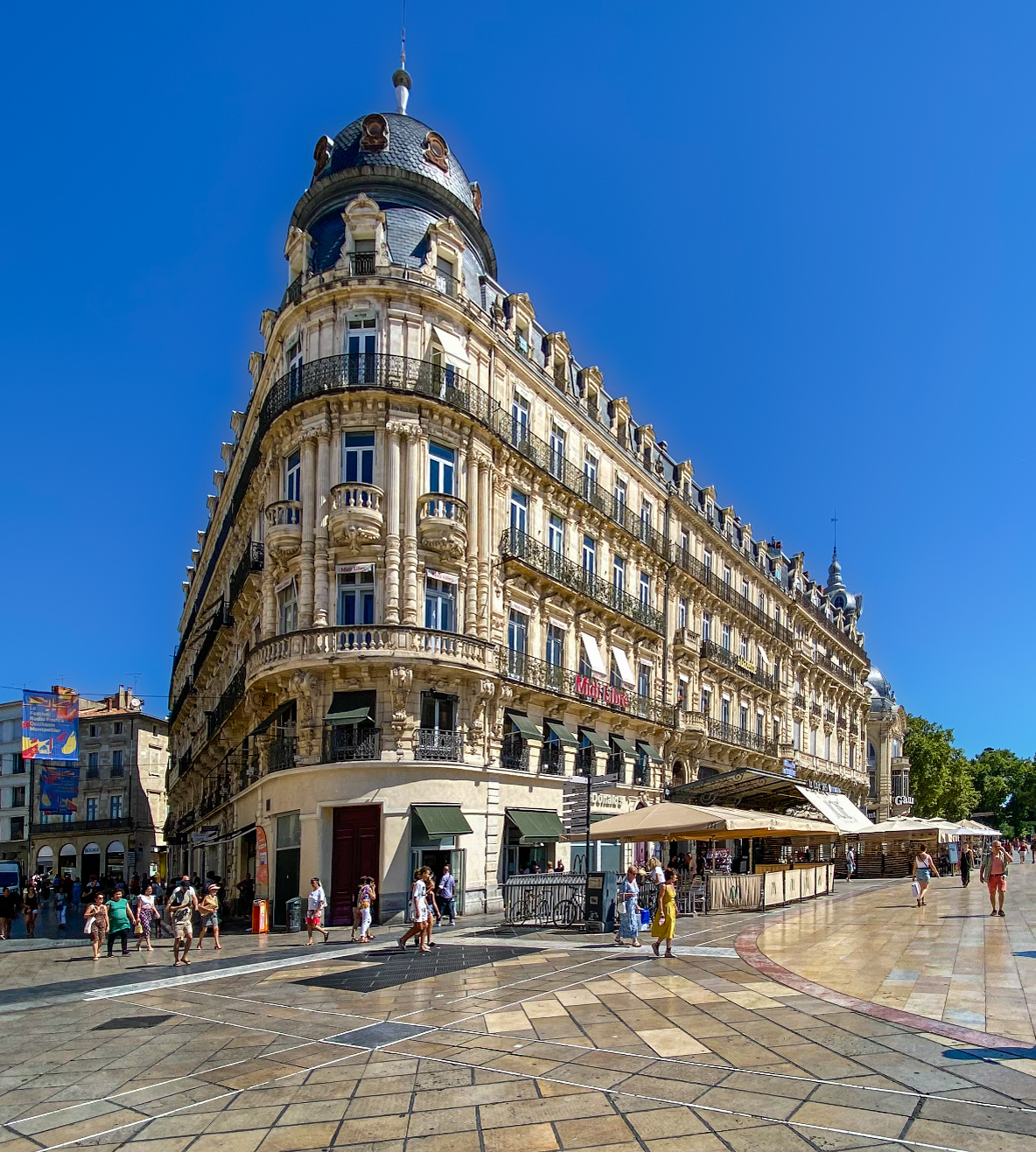
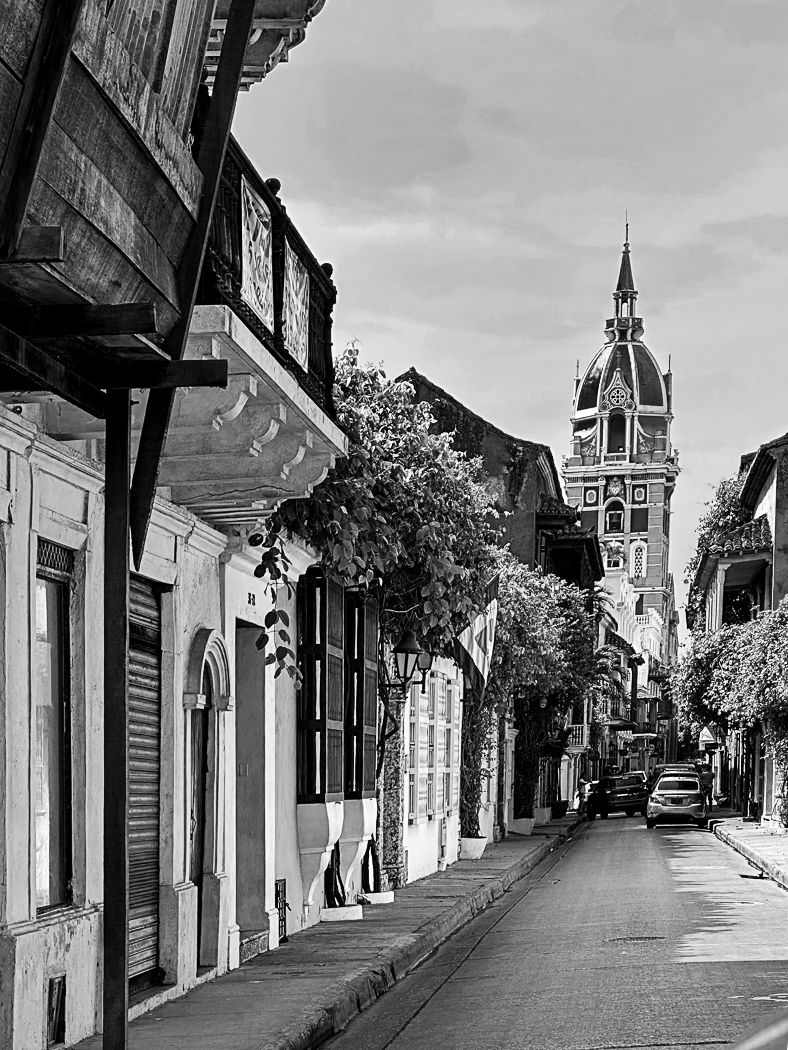
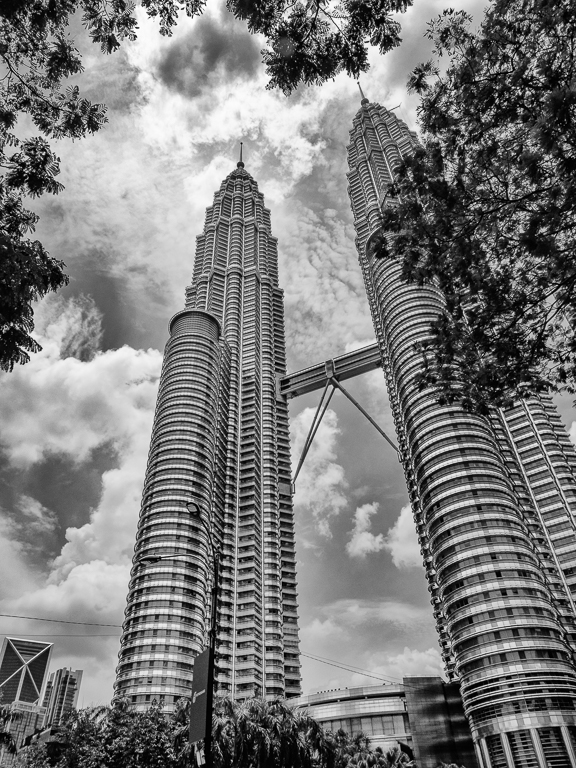
i think the perspective discussion was productive. My conclusion is that when we all expect to see perspective in an image it is ok and perhaps even good to leave it in. When the perspective distortion is minor, I think it is best to remove it. I have found that often if I turn my camera to portrait orientation and then frame the image to be what I want on the top of the frame leaving a lot of extra space at the bottom, I can often crop the bottom and leave an image with little or no distortion out of the camera. I like to keep my levels on in the camera and if they are both level there is no distortion. If I can't get to that point then correction on the computer is needed.
|
May 12th |
| 64 |
May 19 |
Comment |
I must say I have joined a very creative group of photographers. This month seems like you are at the top of your game. This image is great. You have the ripples only where you wanted them and they accomplished just what you wanted. The resulting image is interesting and effective. |
May 10th |
| 64 |
May 19 |
Comment |
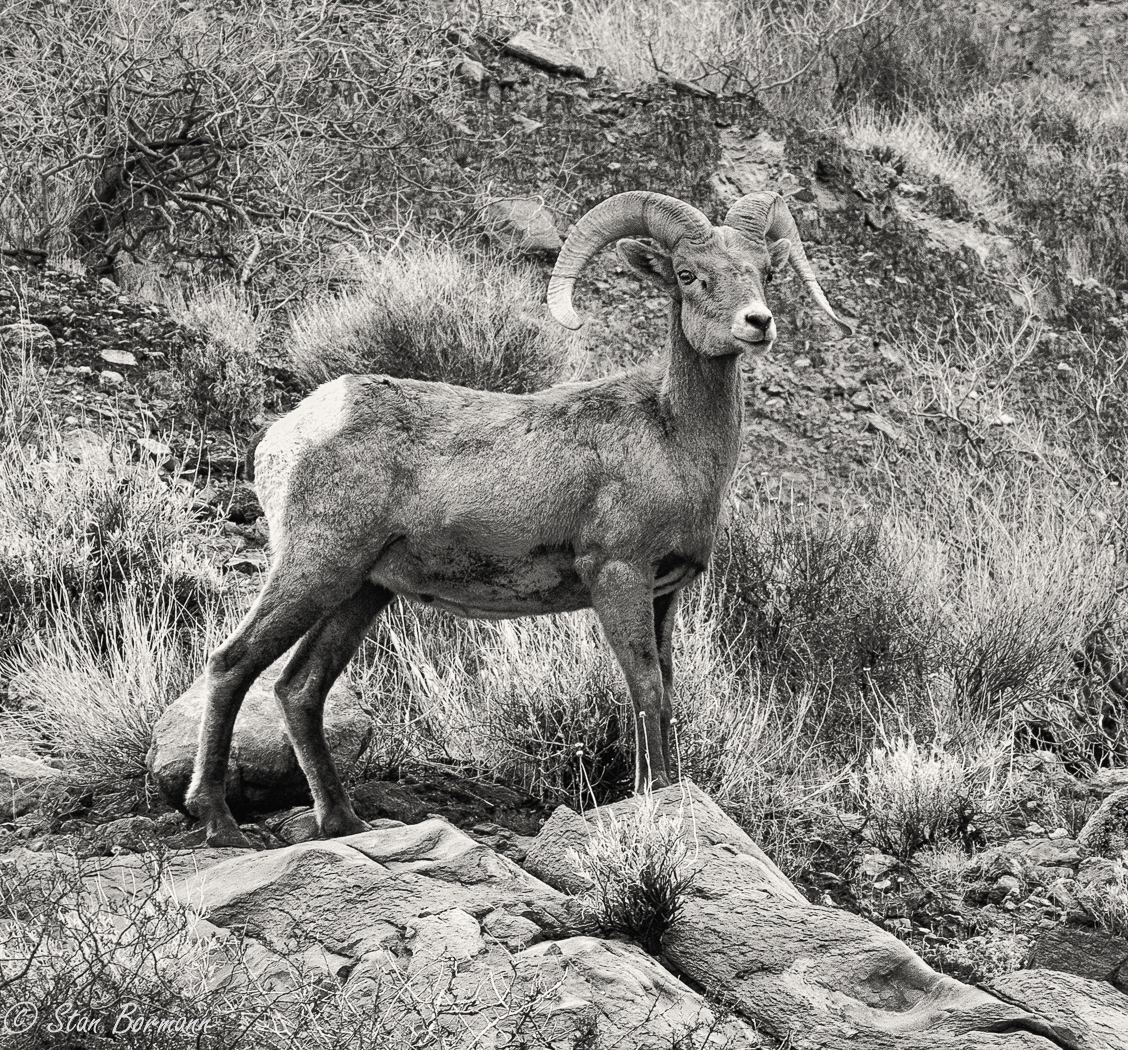
I think I am late to the party with not much to add to what has already been said. Sheep are great subjects and this capture is much better than most because you captured their attention and curiosity. Great job in the field. Shirley and I have been playing with limited depth of field shooting at f/2.8 to about f/6.3 and finding a lot of disappointments. With enough distance between picture elements it works well, but you don't seem to get that very often with flowers. It would probably work well here, but the important thing was to capture sharp subjects. |
May 10th |
| 64 |
May 19 |
Comment |
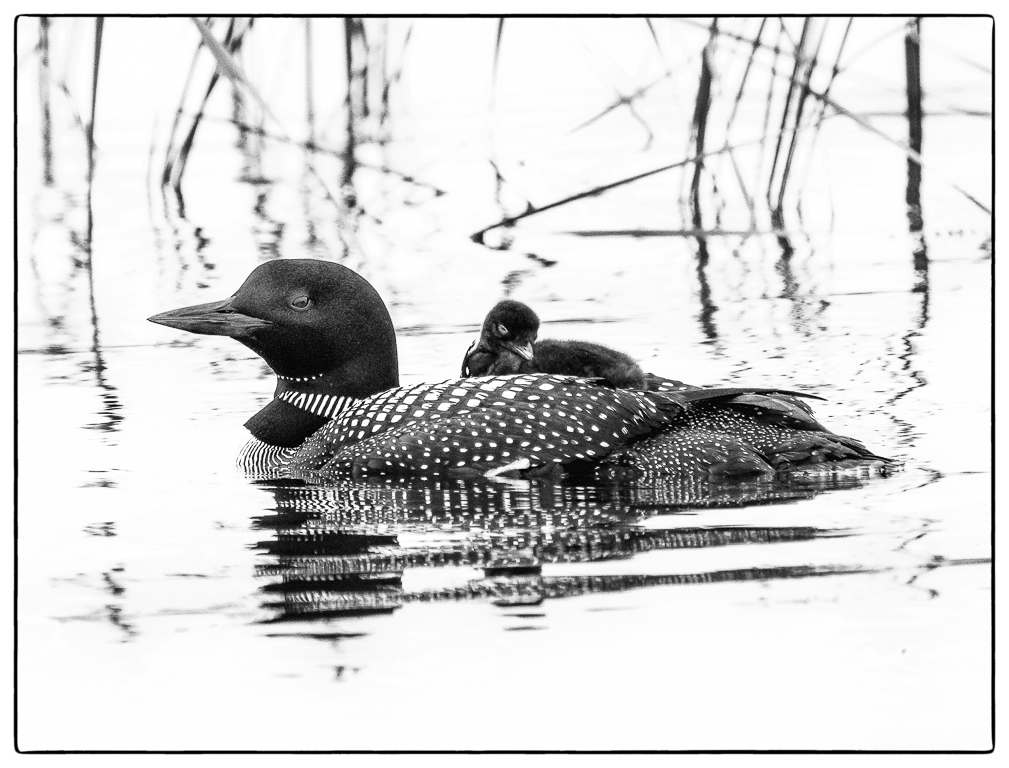
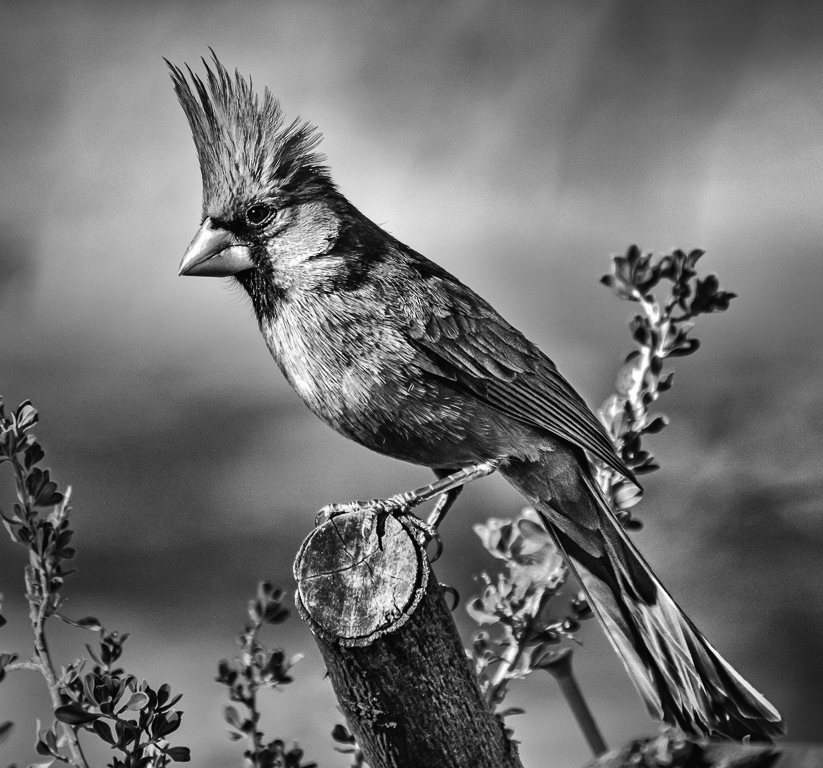
It is amazing this shot is so clear at 6 sec handheld with a subject that will nearly always move some in that amount of time. The contrast in the eyes is great and that is going to catch the viewer which is good, but the rest of the image seems a little flat to me. I like more contrast. I don't understand how you converted to monochrome, Lightroom does a reasonable job. What I would do in Lightroom is process the color image, then set Lightroom to B&W, go to the color sliders and adjust them to get the tones you want, then go back to the basic panel and process the monochrome image. I use Nik Silver Efex for all my conversions, but I know Lightroom does a reasonable job. I don't recommend ever shooting in B&W, you loose too much information. Some people shoot in RAW plus JPEG set to B&W and end up with a color RAW to process and a B&W to see on the back of the camera. |
May 10th |
| 64 |
May 19 |
Reply |
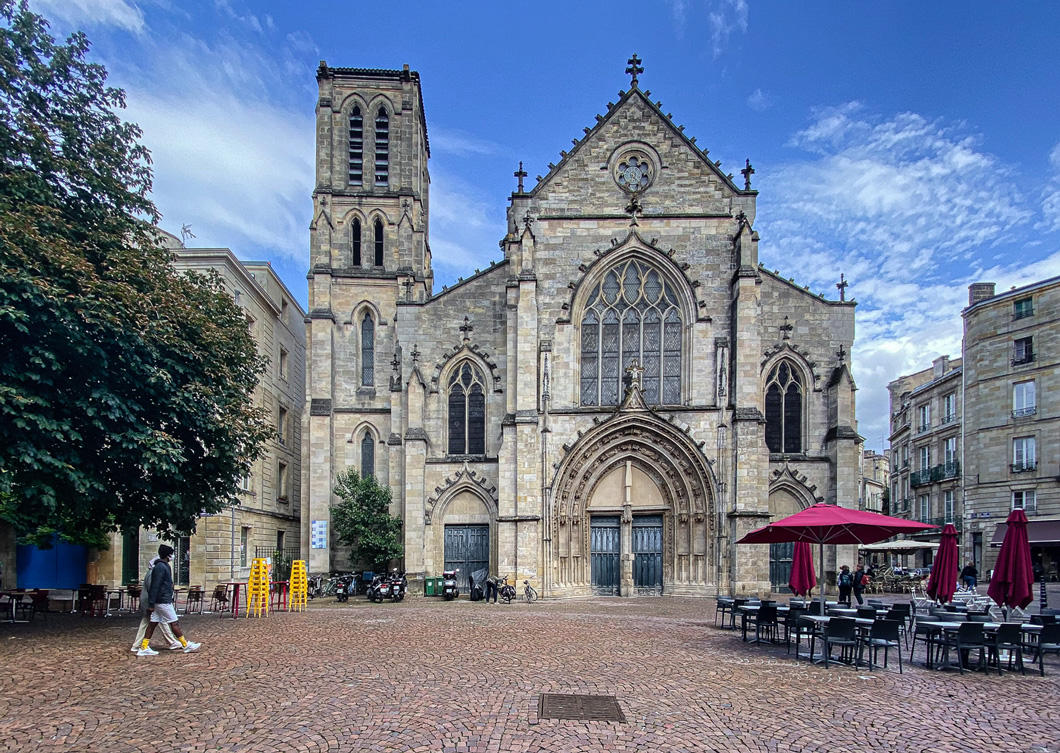
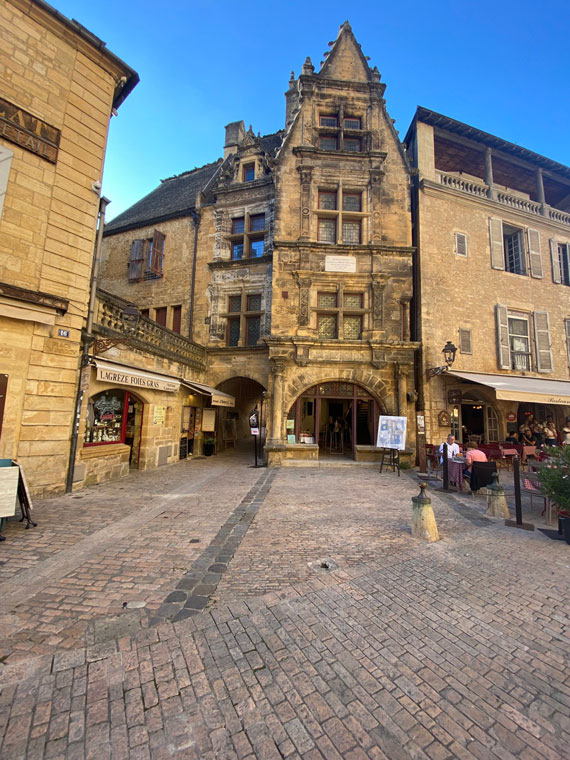
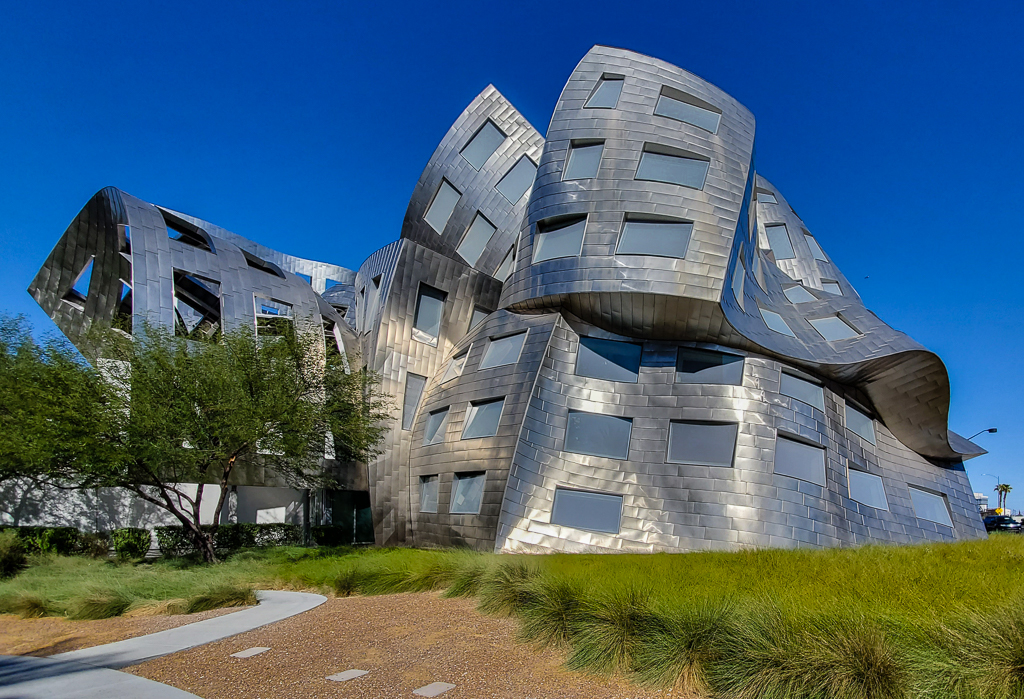
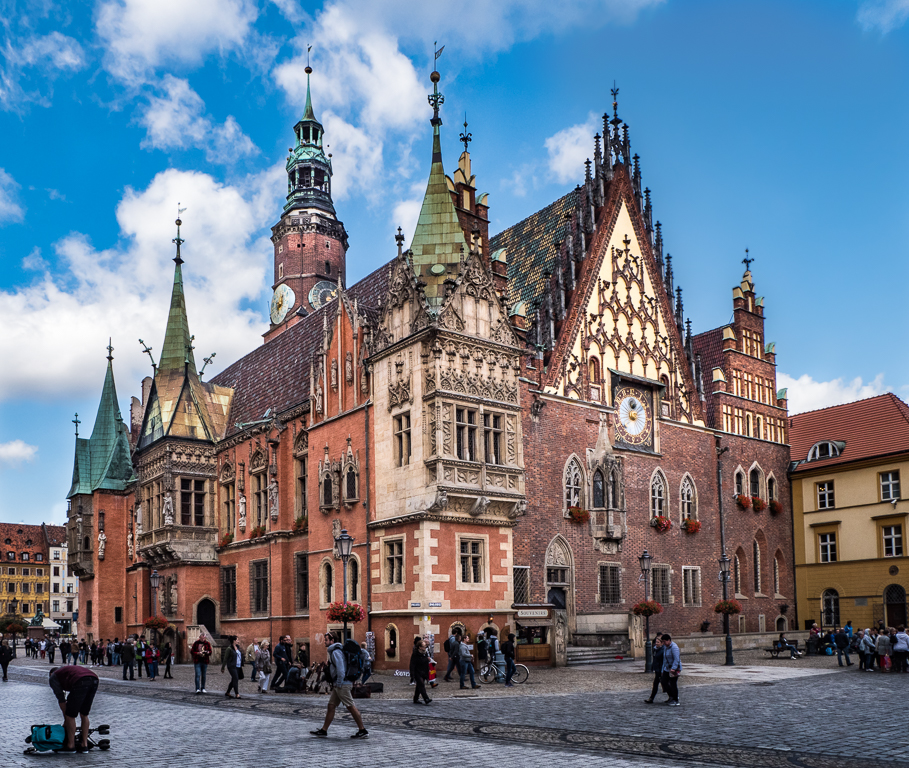
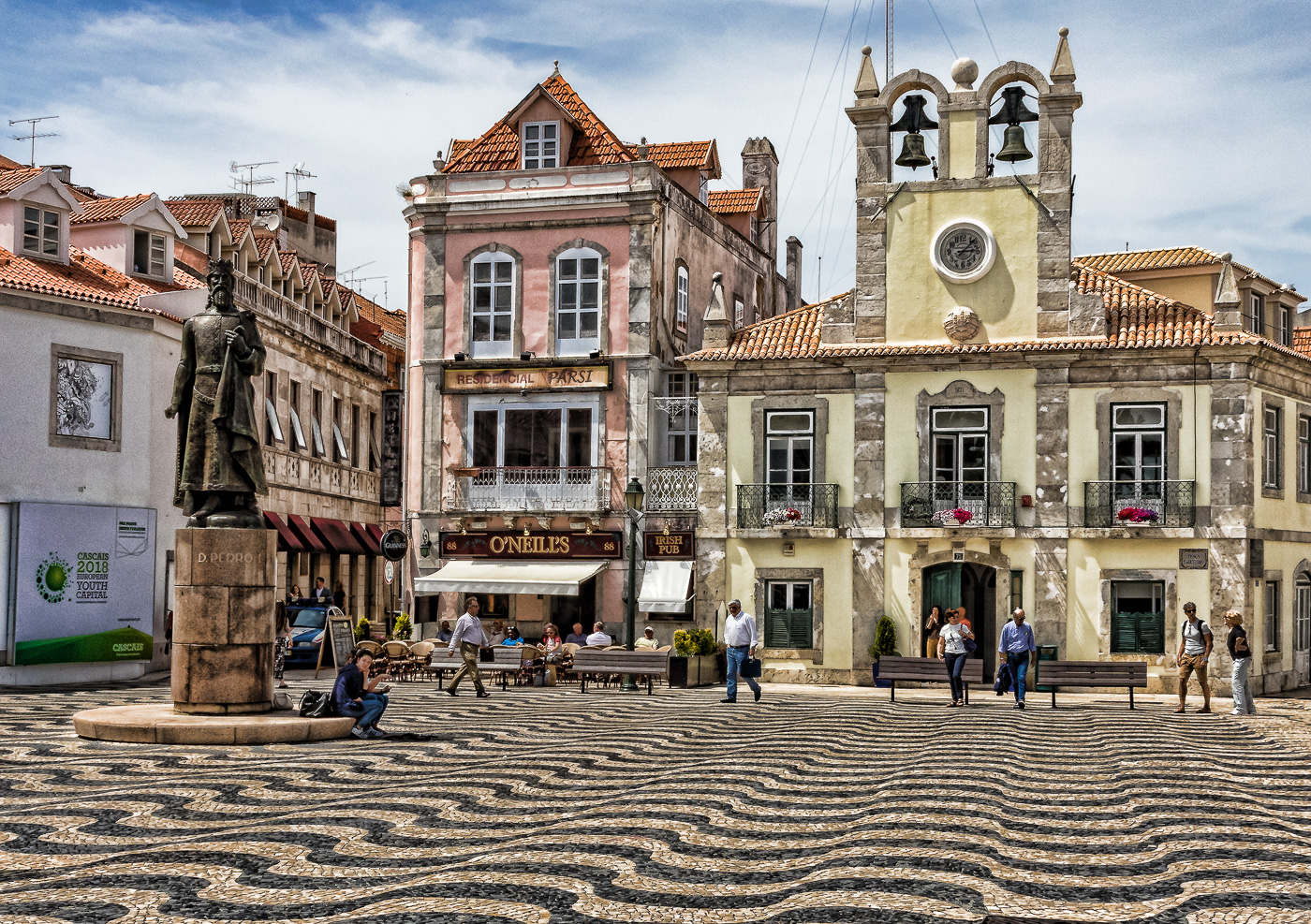
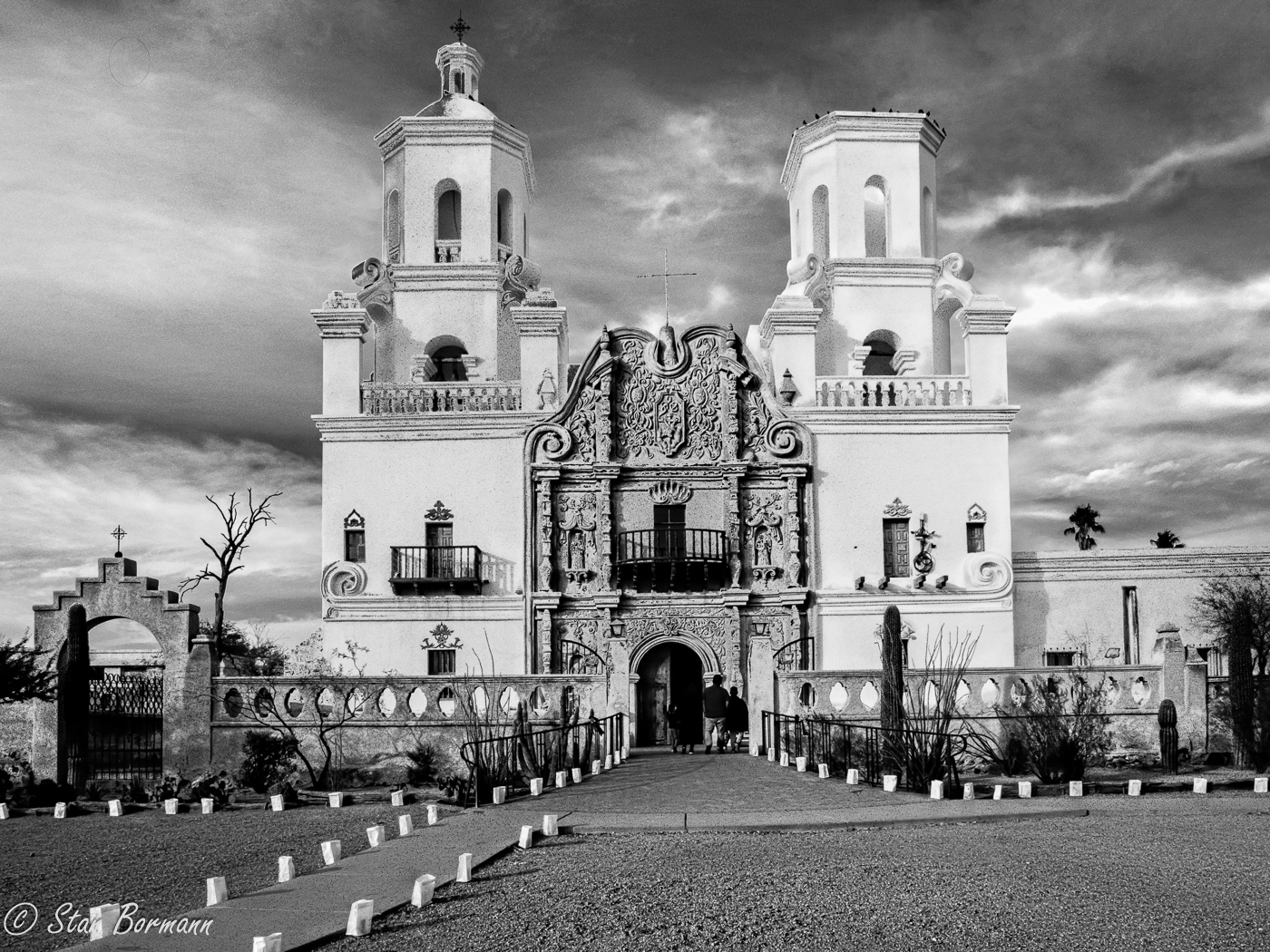
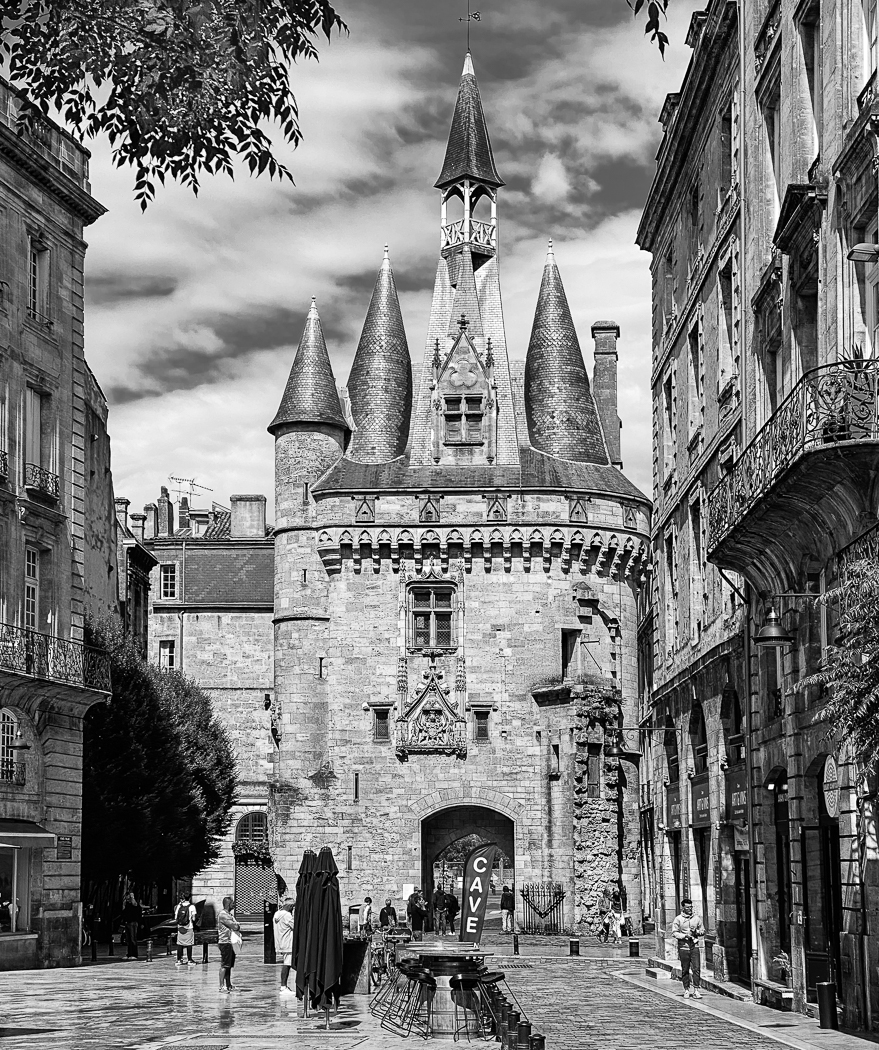
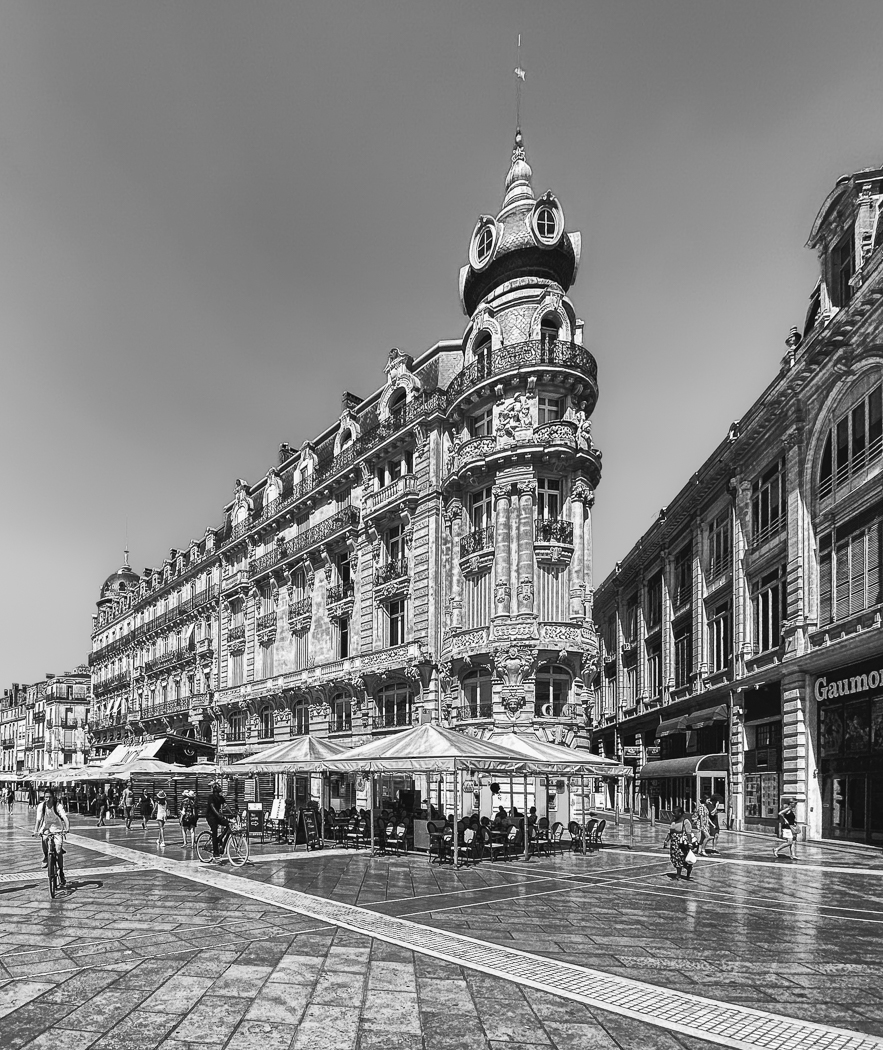
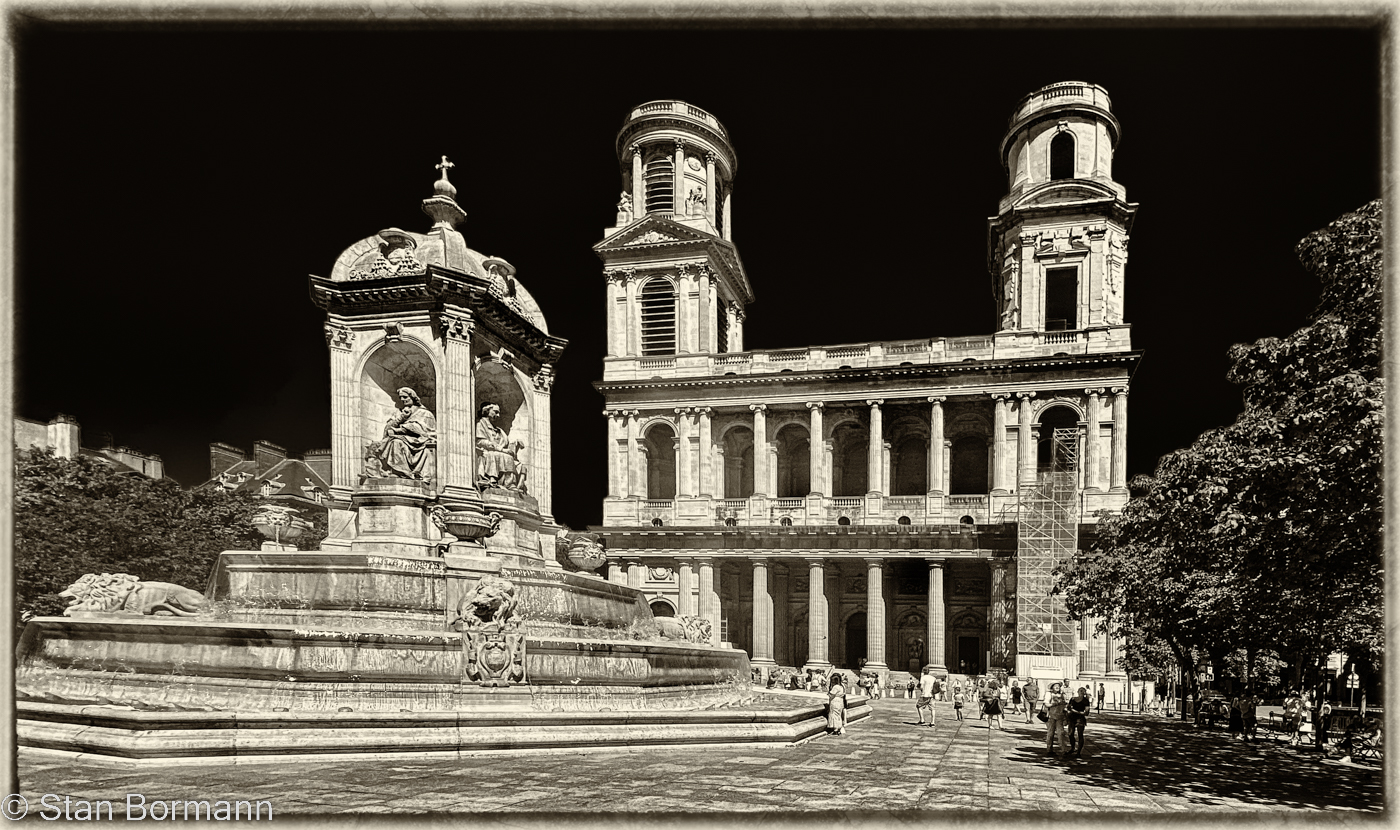
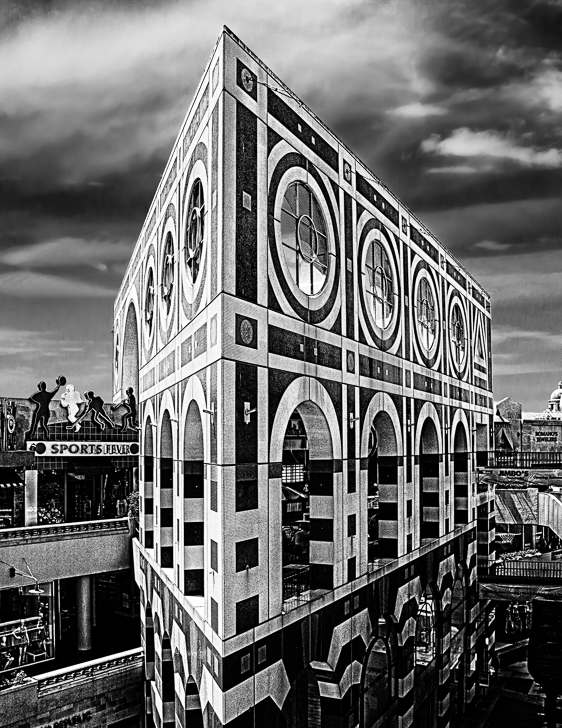
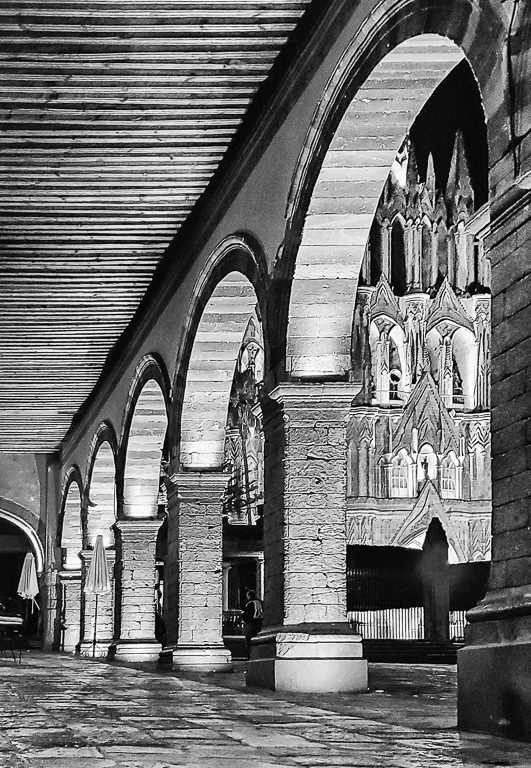
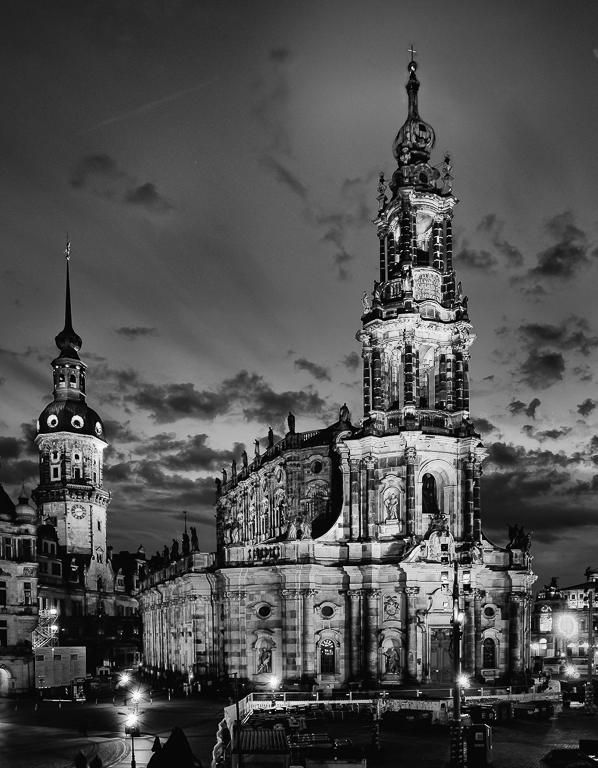
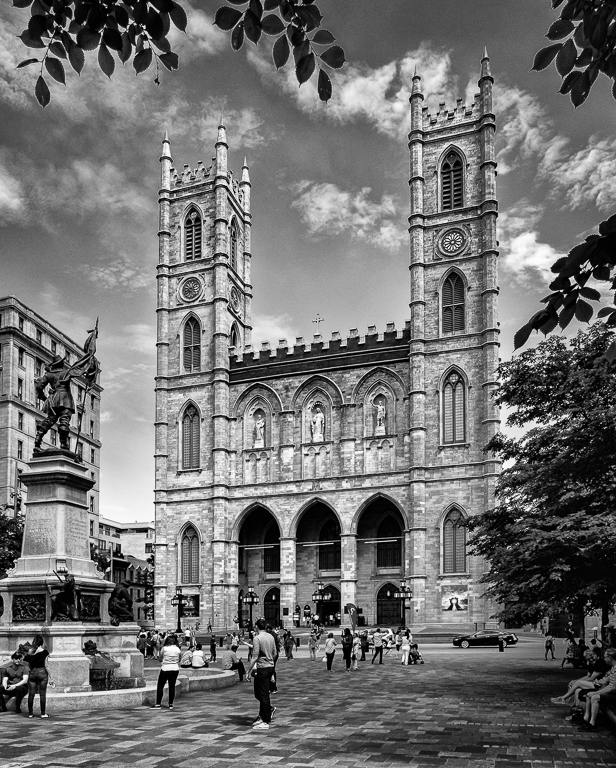
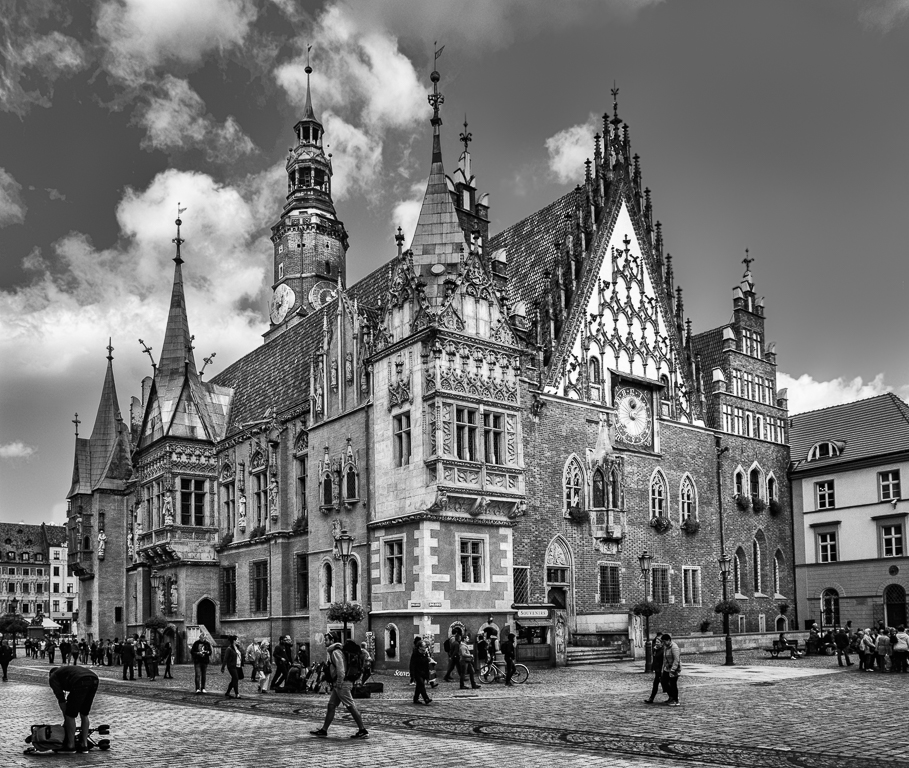
I have the image without the tree, but it seemed ordinary. I could not get to where the tree really framed the building, so I tried what you see. Perhaps not a great idea. Tours are not very good for photography. They gave us about 20 minutes and we hurried down the street to get far enough away but we were constrained in where we could stand. Later we found we could of gone into the plaza and gone to the far end and it probably would work, but we didn't have enough time. As requested we went on the bus at the appointed time and waited for the rest to come back, we probably had time to get what we wanted. |
May 9th |
| 64 |
May 19 |
Comment |
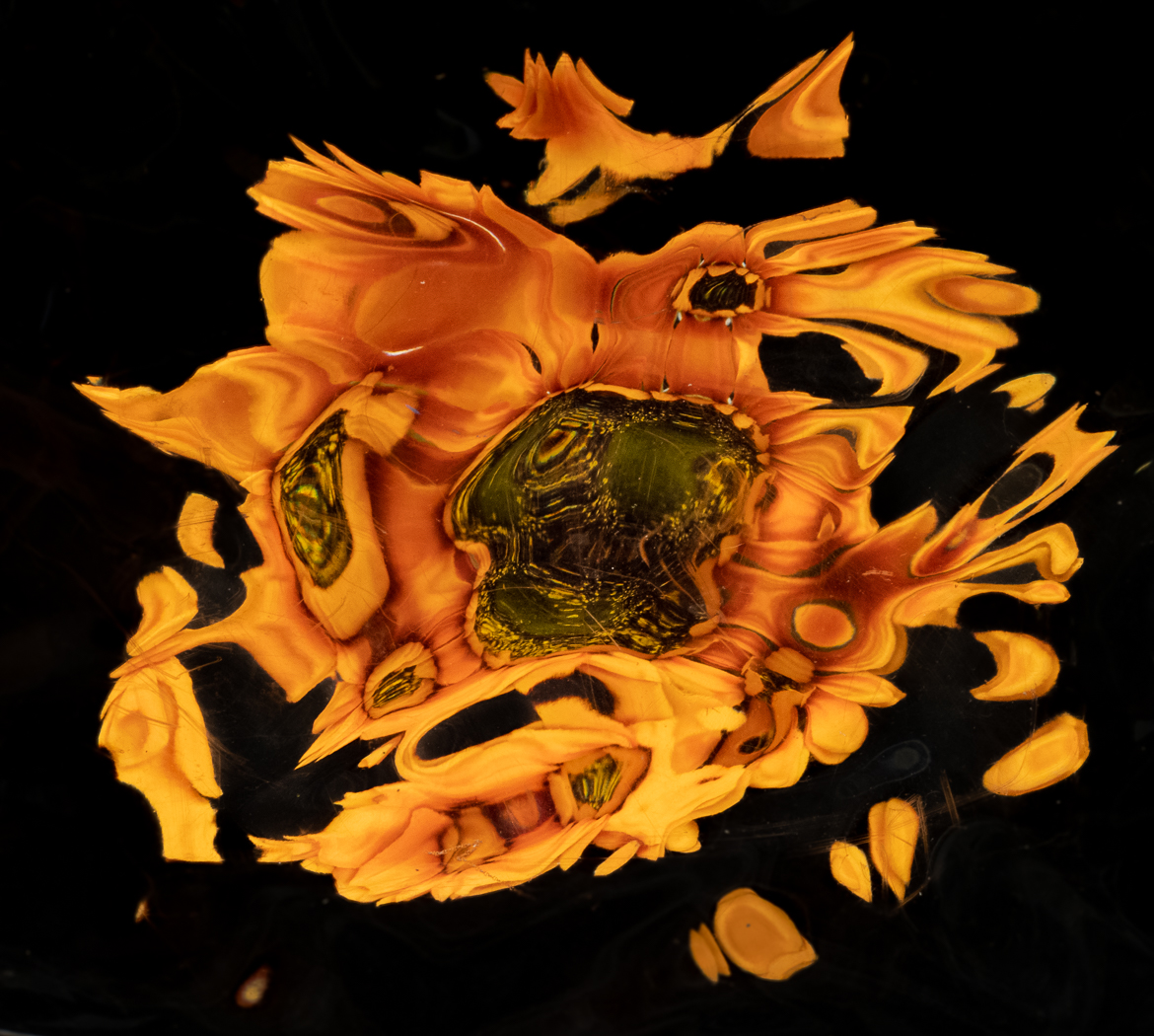
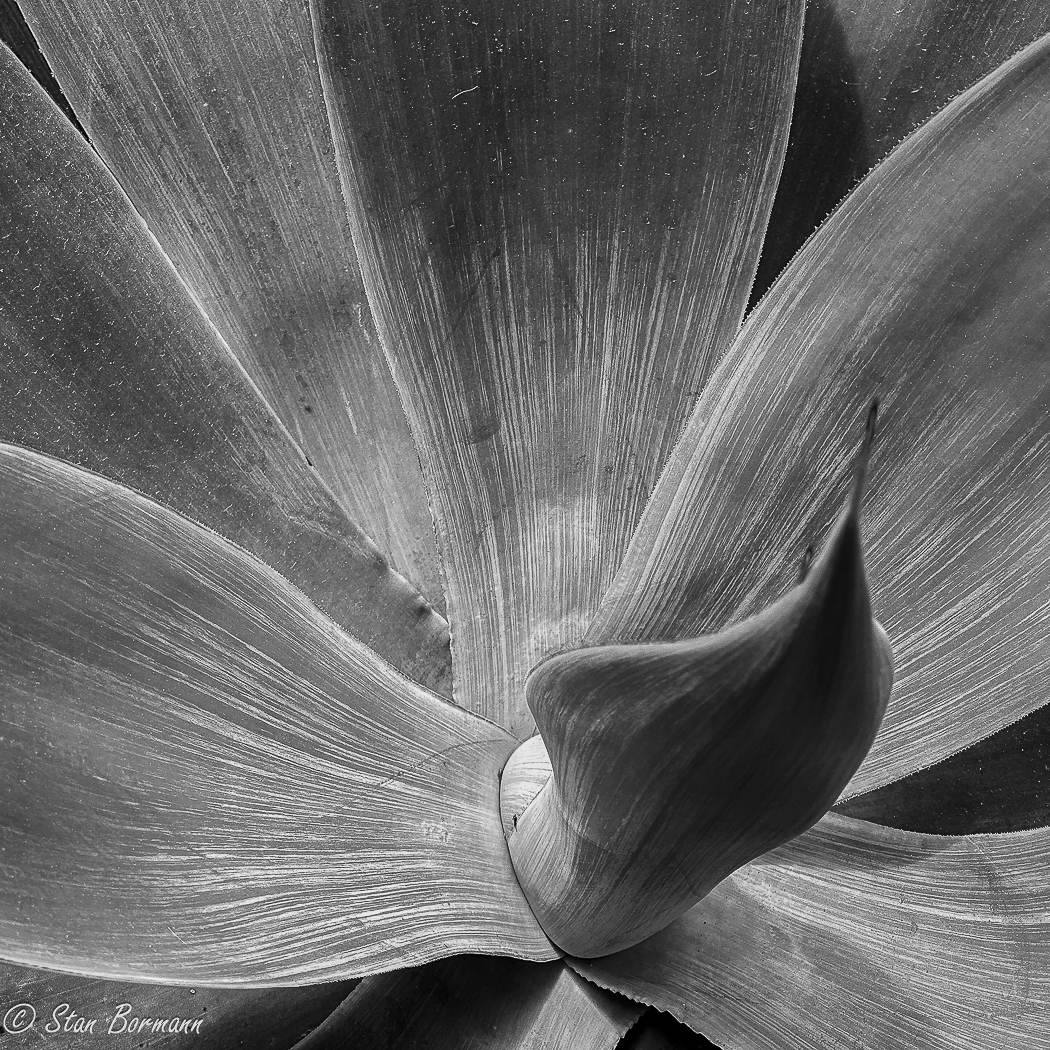
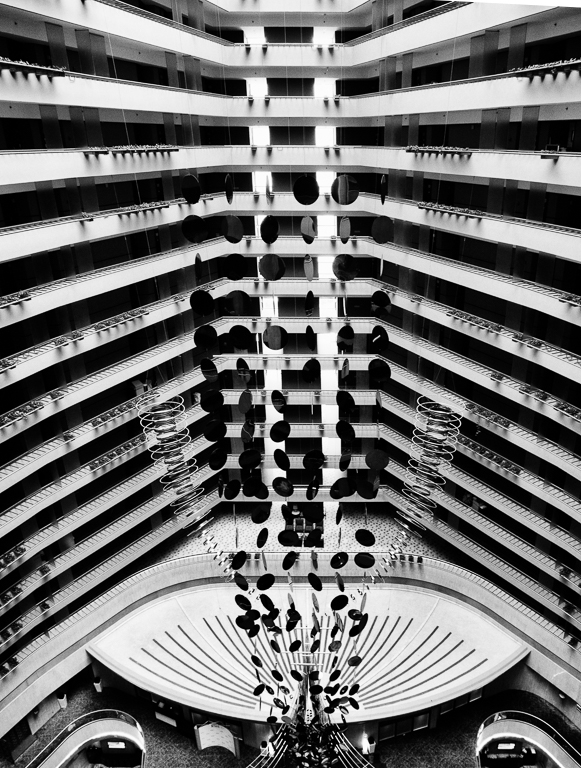
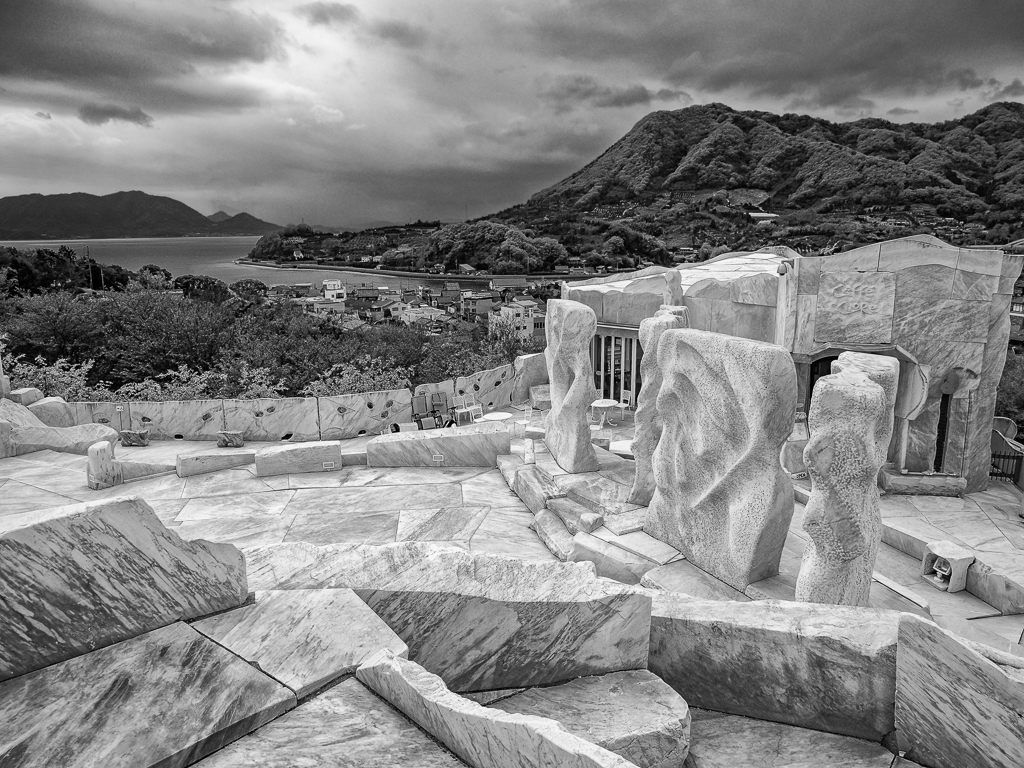
I like them both. With the color, it dominates my experience, but it is very pleasing. With the mono I enjoy the shapes and lines a lot more and I consider this an excellent monochrome. A very nice abstract in either case. |
May 9th |
| 64 |
May 19 |
Comment |
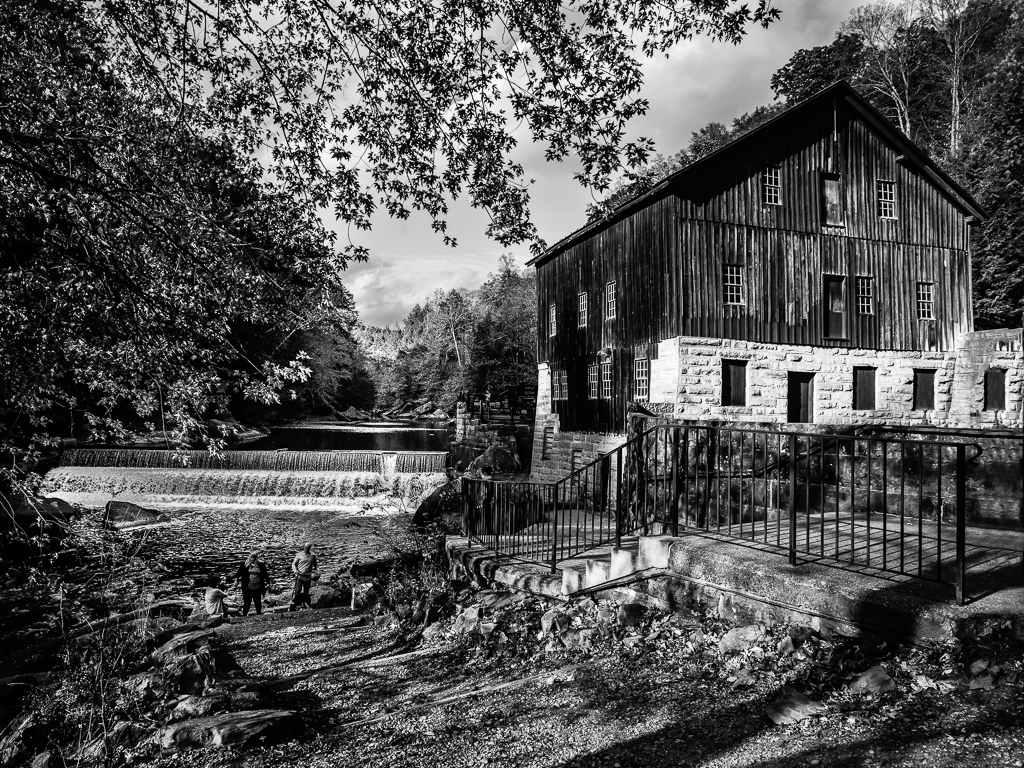
I like the image, and personally, I like the light colored grasses in the foreground with great contrast with the old ruins of the cabin. The darker lower corners that don't look vignetted contribute to the fact that the light grass does not draw me out. I agree the roof of the cabin blends a lot with the tones of the river, but I am not so sure the intersection is the issue, the lack of contrast in the tones is, in my opinion. I think that is probably solvable with some careful processing and the image is well worth the effort. If this was mine, I would be entering it in exhibitions and expecting good results. |
May 7th |
| 64 |
May 19 |
Comment |
Actually, I think the color version is very nice. It would take something to get a better mono. When I looked at the mono, I thought you had turned it into a negative. The dark areas of the mono are where the light areas of the color are. It is rather easy to turn a mono into a negative. All you need to do is grab a curve bottom left handle to the top left and the top right handle to the bottom right. You can tune it some by pulling the points not all the way or bending the curve like you do with any image. I rather like the "soft" look of the mono. |
May 7th |
| 64 |
May 19 |
Reply |
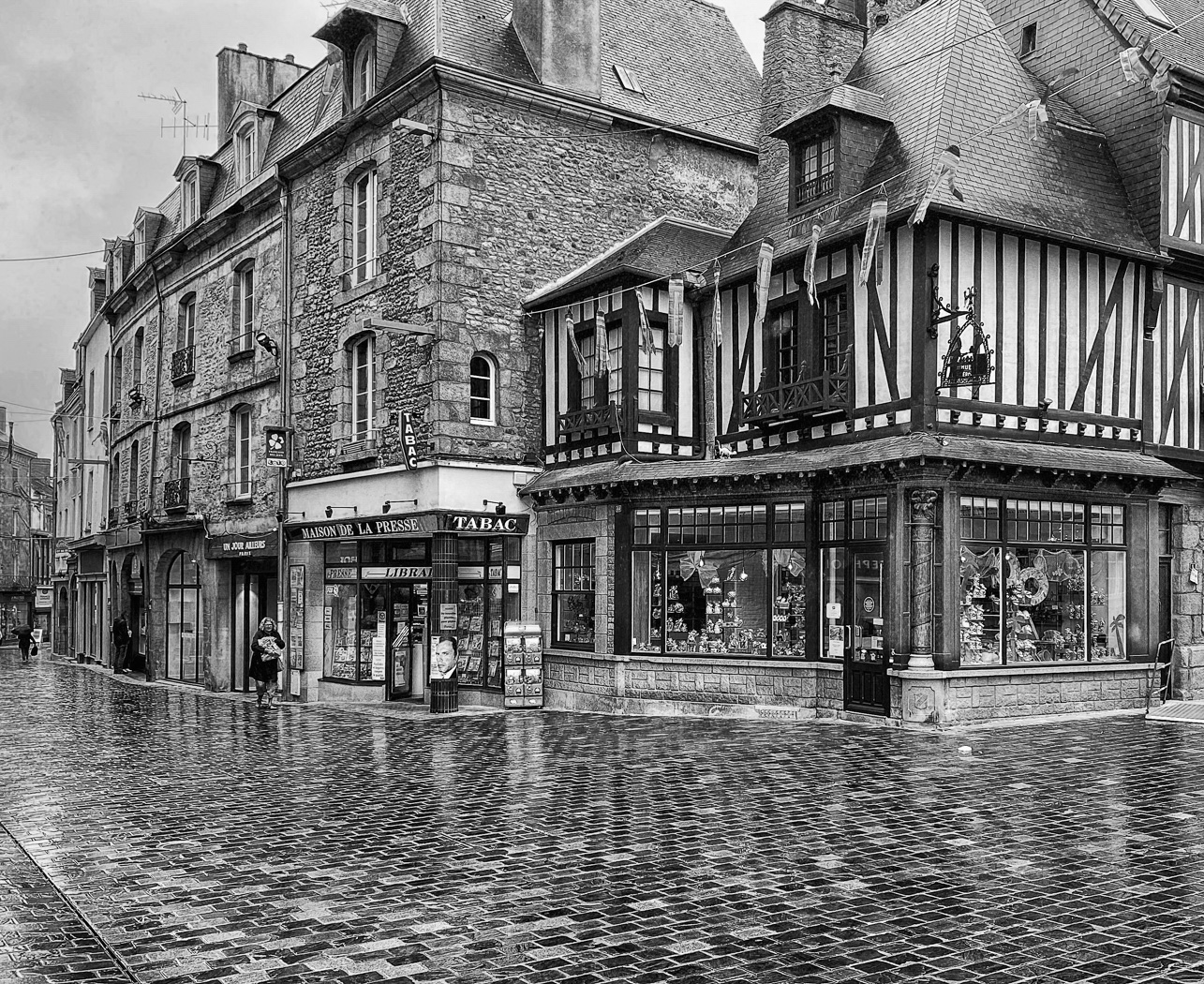
When you take a significant amount of perspective distortion out of an image, you often need to stretch it back to the way it was. You can do this by adding canvas to the top of the image and then select the image without the white, go into a transform and stretch it up until the proportions of the image are back to what they were. Hopefully I did this in an understandable way. Try it and see if you ocan get something you like. Frankly, I don't think this image needs correction. I will challenge you to look at a subject like this without seeing it in perspective about like my original image looked. |
May 6th |
7 comments - 2 replies for Group 64
|
15 comments - 4 replies Total
|