|
| Group |
Round |
C/R |
Comment |
Date |
Image |
| 51 |
Apr 26 |
Reply |
Thank you.
It is just an ornamental pear tree, so it produces pea-sized "fruit" that aren't even interesting to birds. There are lots of them, so they make a bit of a mess in the fall when they come down with the leaves. It's a beautiful healthy tree.
|
Apr 12th |
| 51 |
Apr 26 |
Reply |
Thank you. That tree was filled with blossoms despite our dry winter here.
I agree that the bright background spots are a distraction. As you point out, if I used something like Photoshop, I might have had a better result.
I had another thought, too. I might have held a black card behind the blossoms. I didn't think about that before the blossoms disappeared. Next year, maybe.
|
Apr 12th |
| 51 |
Apr 26 |
Comment |
The Big Photos app does some pretty amazing stuff. The detail on the enlarged image is very good.
|
Apr 6th |
| 51 |
Apr 26 |
Comment |
I like the soft lighting that isolates the subject from the background. I also like the old-fashioned appearance of the column coupled with the seemingly out of place (for those times) dog water bowl. It made me smile.
I haven't tried the different lighting options in Portrait Mode, so thanks for helping me to think about trying them. I'll experiment a bit this month.
|
Apr 6th |
| 51 |
Apr 26 |
Comment |
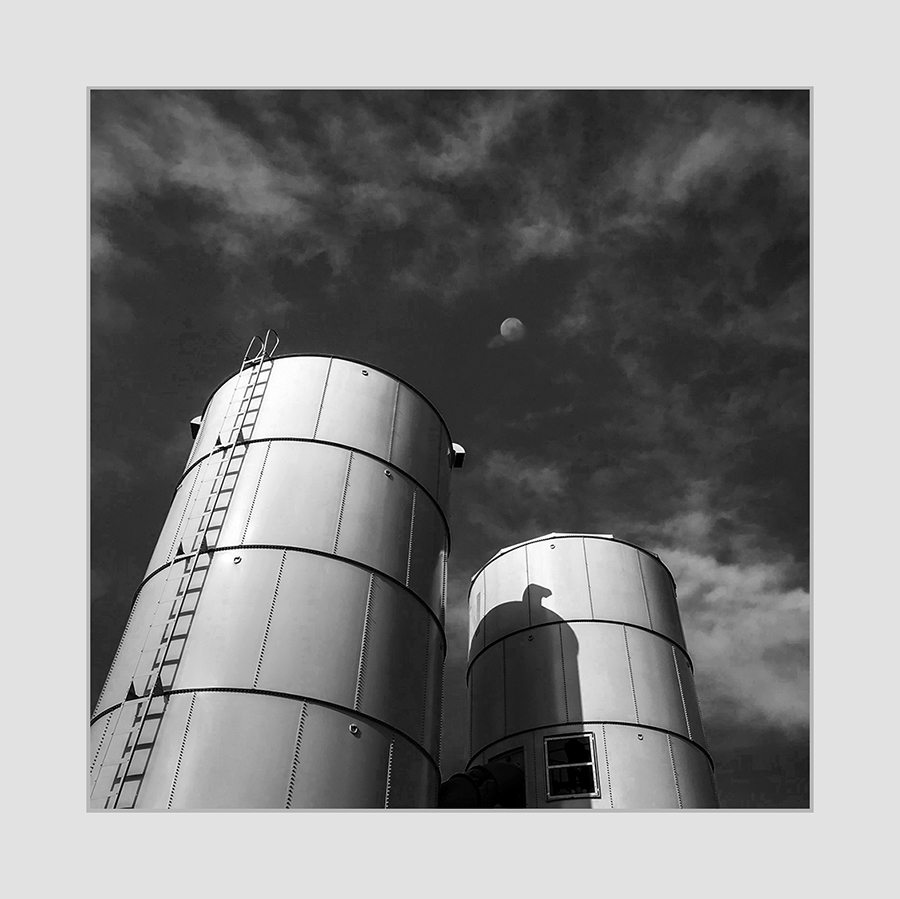
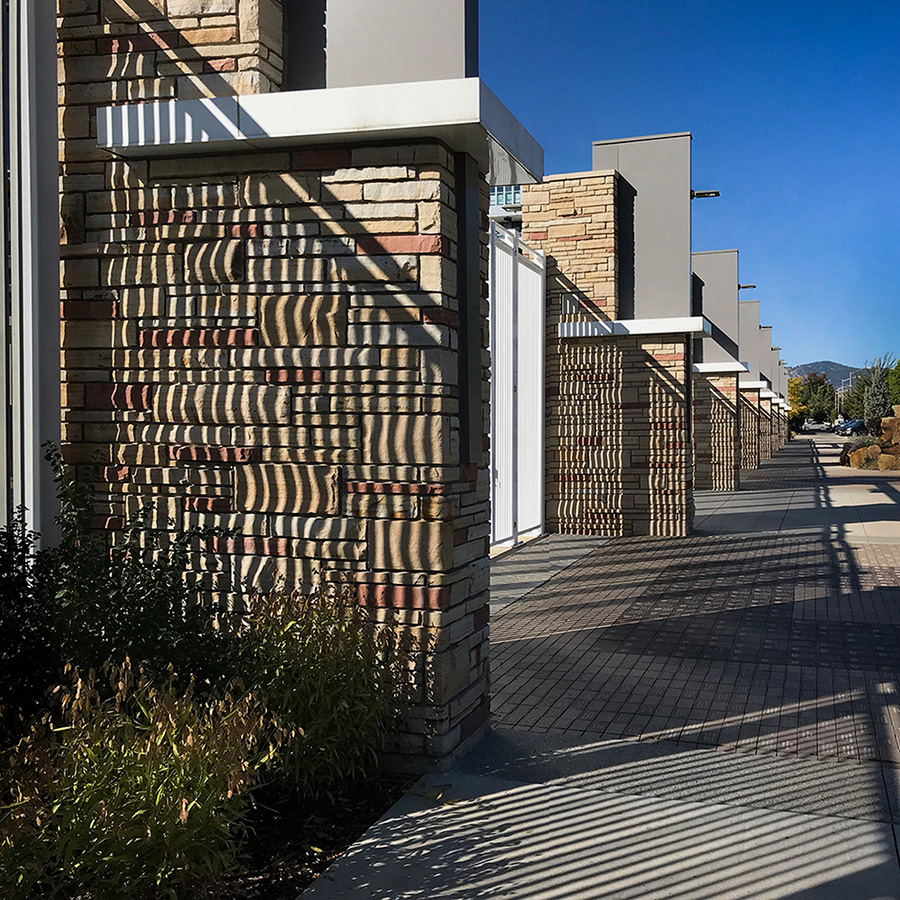
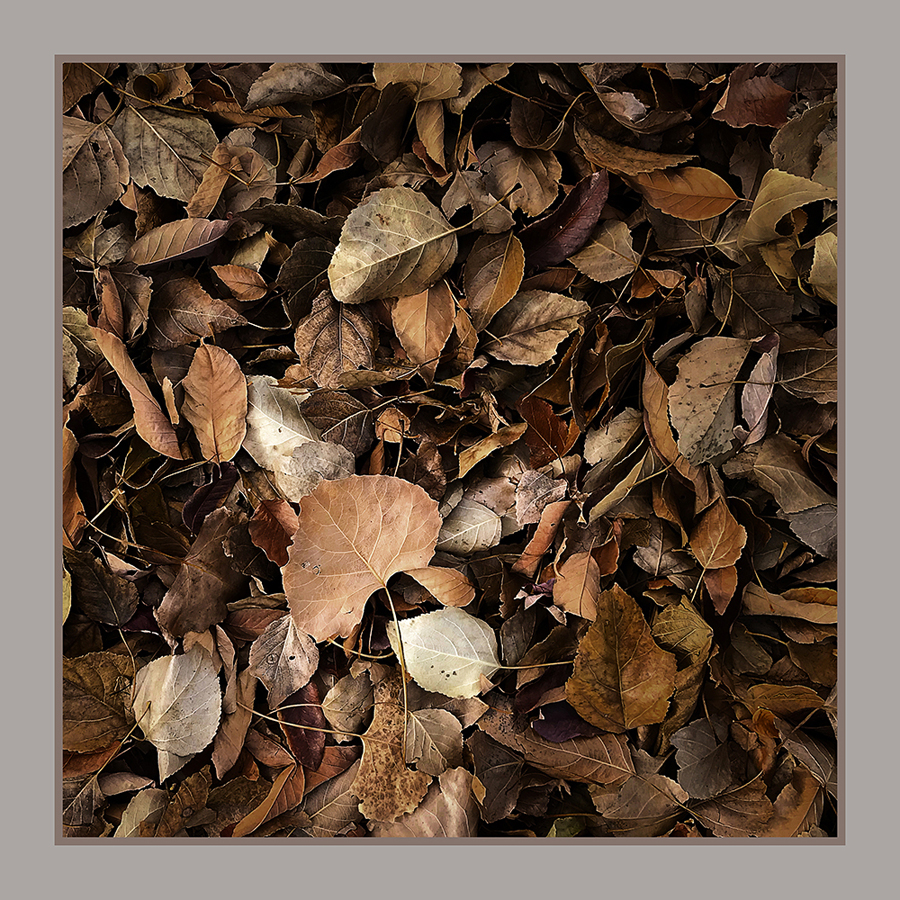
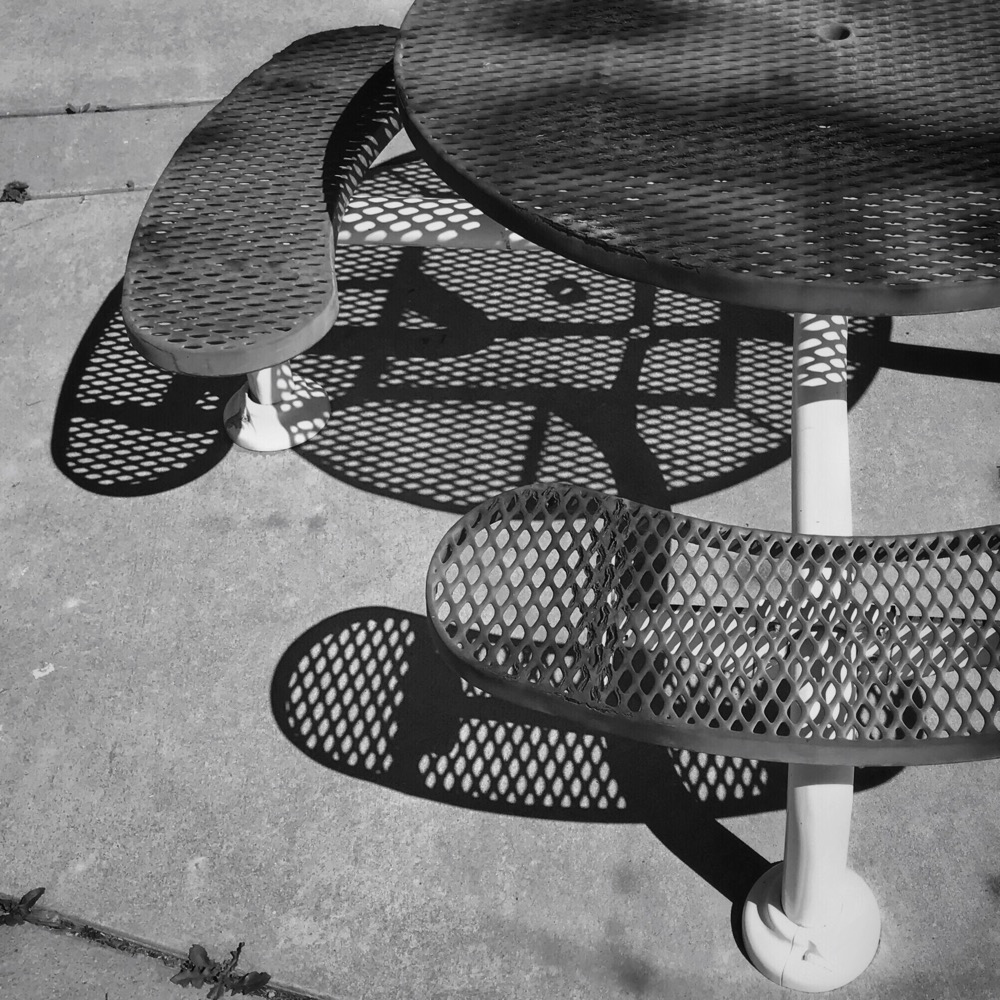
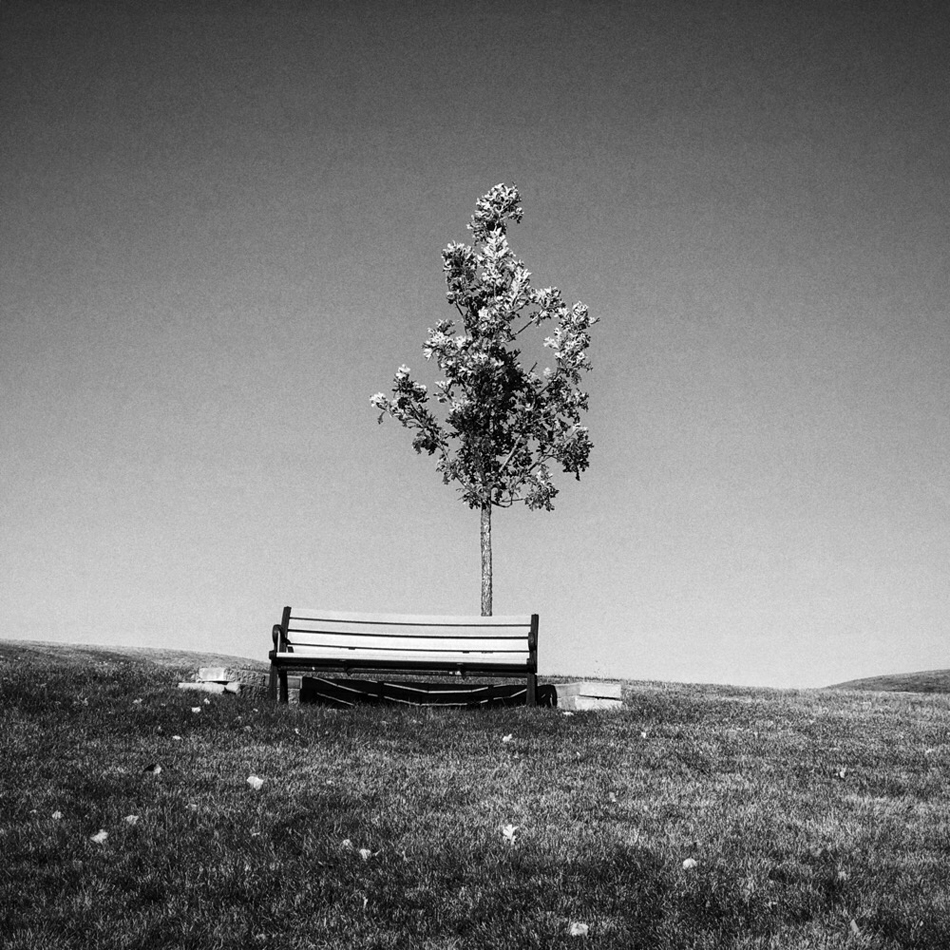
I think both versions are good. I'm a fan of BW so if pressed, I'd probably pick that one.
The abstract nature of the images is what I like. The meaning and significance of the shapes is open to interpretation by the viewer. I like that.
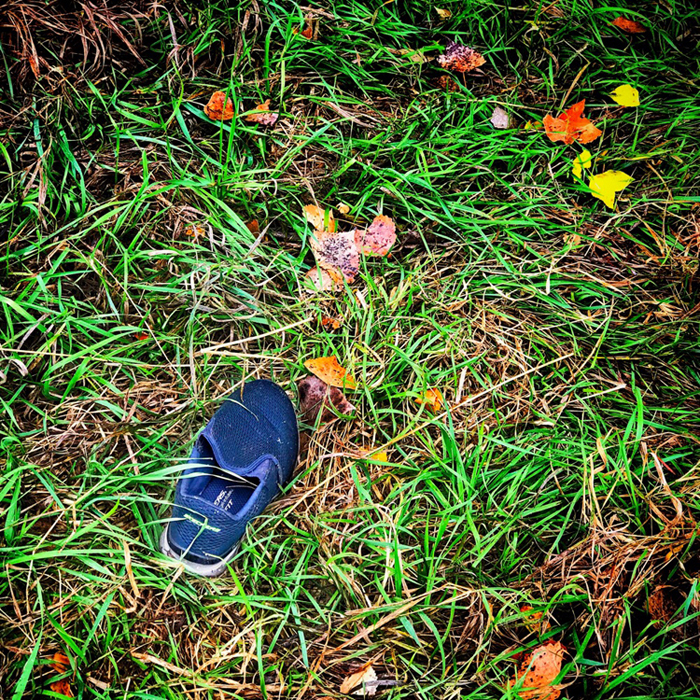
My only quibble is that the tips of the closest leaves are out of focus. I understand that getting everything just the way the photographer wants it can be difficult when using a small-screen device. I've had that experience myself.
|
Apr 6th |
| 51 |
Apr 26 |
Comment |
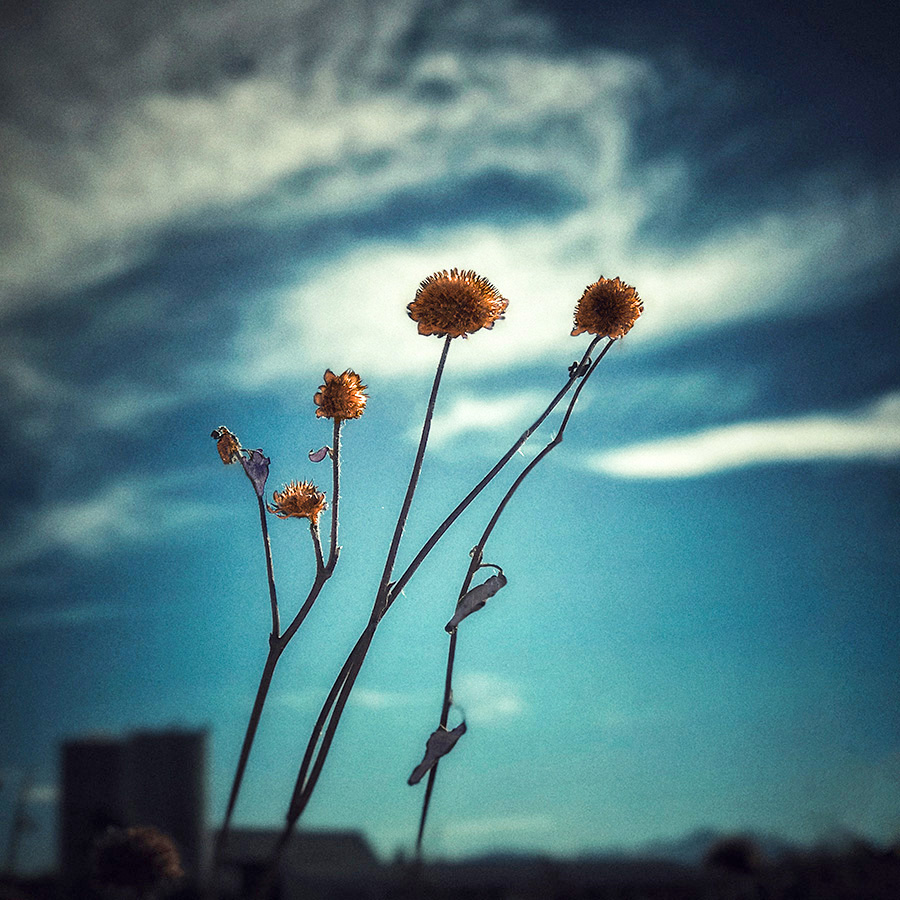
Nice colors. I agree with Jerry's comments, and your suggestion that a vignette would be helpful.
Speaking of 3D, have you tried the "Spatial Scene" button in iPhone photos? After you open a single photo, it's in the upper right corner under the ellipsis. The iPhone (and iPad, too) renders a more-or-less 3D version of the photo. I have no clue how it does it, but it is entertaining.
|
Apr 6th |
| 51 |
Apr 26 |
Comment |
Hope all is well and improving with your family health situation.
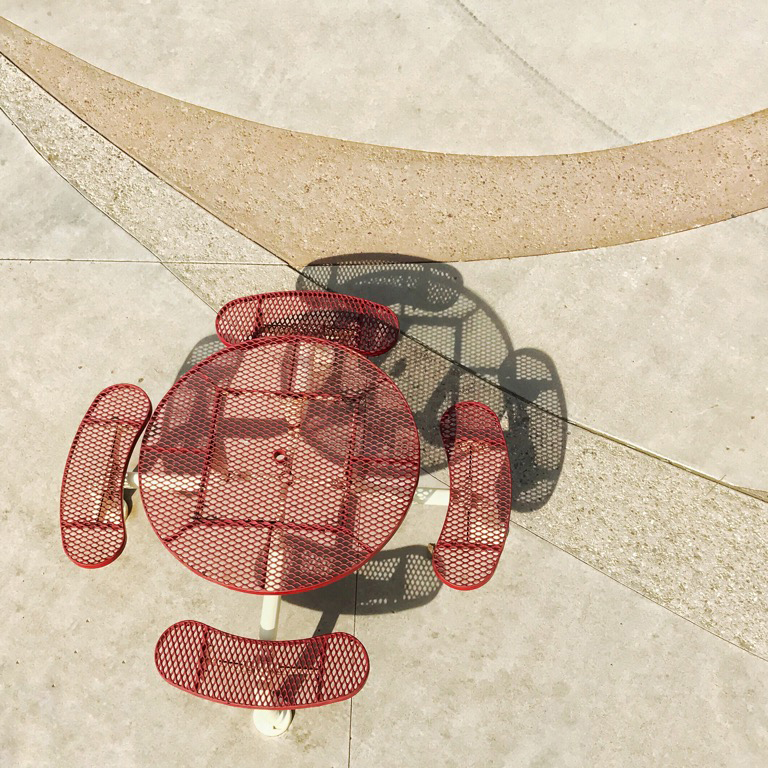
The elevated perspective of these shots makes them unique. There's an almost drone-like feeling to them. Good use of photography to try to reduce the tension of on-going events.
|
Apr 6th |
| 51 |
Apr 26 |
Reply |
Thank you. I completely agree about the bright background. I was shooting upward, and although the tree is dense, some sky still shows through the branches. I tried to minimize that, but it was nearly impossible to accomplish without impacting the blossoms, too.
I think the only solution would be to use Photoshop to isolate the background and push it down. I'm not as familiar with PS Mobile as I suppose I should be, so I didn't try that.
|
Apr 6th |
| 51 |
Apr 26 |
Reply |
Thank you, Jerry. Snapseed does a good job of making my images look better.
|
Apr 5th |
| 51 |
Apr 26 |
Reply |
Thank you.
I use an iPhone 14, so other models may be different.
When I want the phone's camera to focus and auto-adjust the exposure on the main subject, I tap on the screen where the main subject appears. A box appears around the place where I tap so I can see that the camera has noticed my tap. That caused the blossoms behind the main subject to be soft and darker. If you haven't tried tapping on the main subject, I can recommend trying it.
My experience with Portrait Mode has been that it does a very poor job of determining the edges of the main subject. I've tried it several times and have never been pleased with the result.
|
Apr 5th |
5 comments - 5 replies for Group 51
|
5 comments - 5 replies Total
|