|
| Group |
Round |
C/R |
Comment |
Date |
Image |
| 51 |
Dec 24 |
Reply |
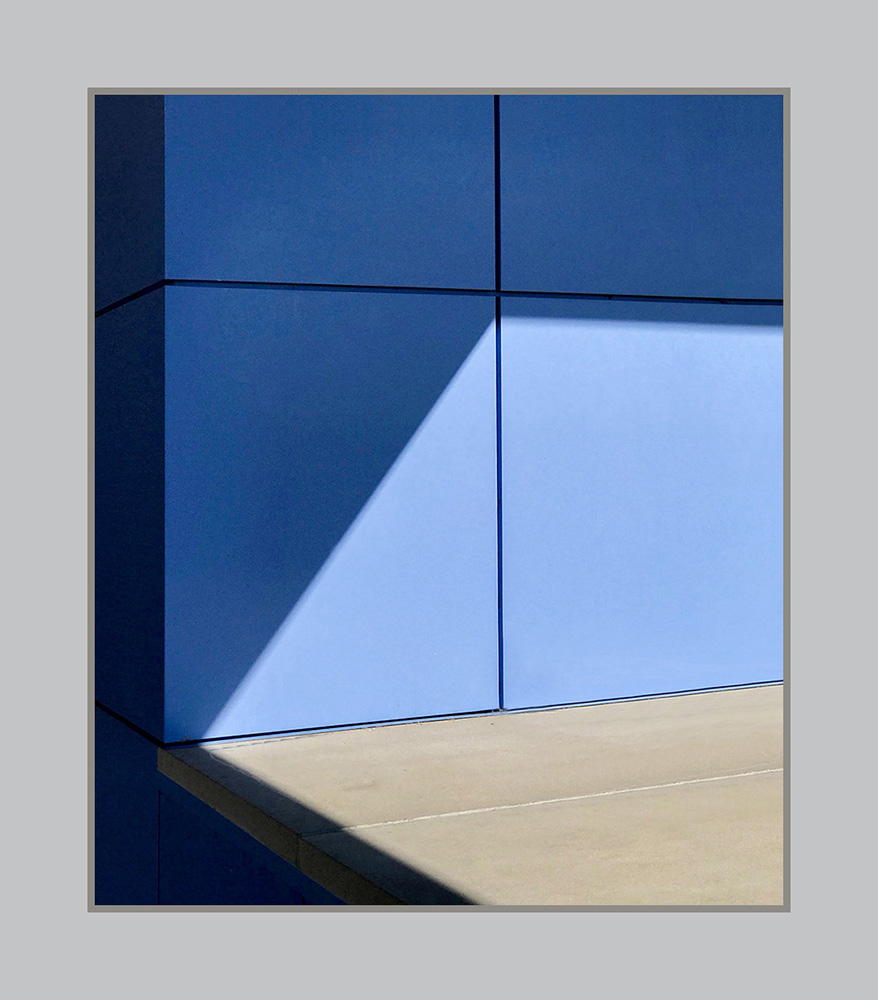
I wasn't clear in what I meant. When I've used Snapseed's Frames, I've noted that the frame starts at the edge of the image and goes inward from there, covering the pixels around the edge of the image. In other words, the Frame overwrites the edges of the photo and replaces the image that was there. I see that as destructive.
Adding a frame in Photoshop (via "canvas size") adds pixels around the existing image, so it doesn't cover any of the finished image.
Hope that's clearer.
Robert |
Dec 18th |
| 51 |
Dec 24 |
Reply |
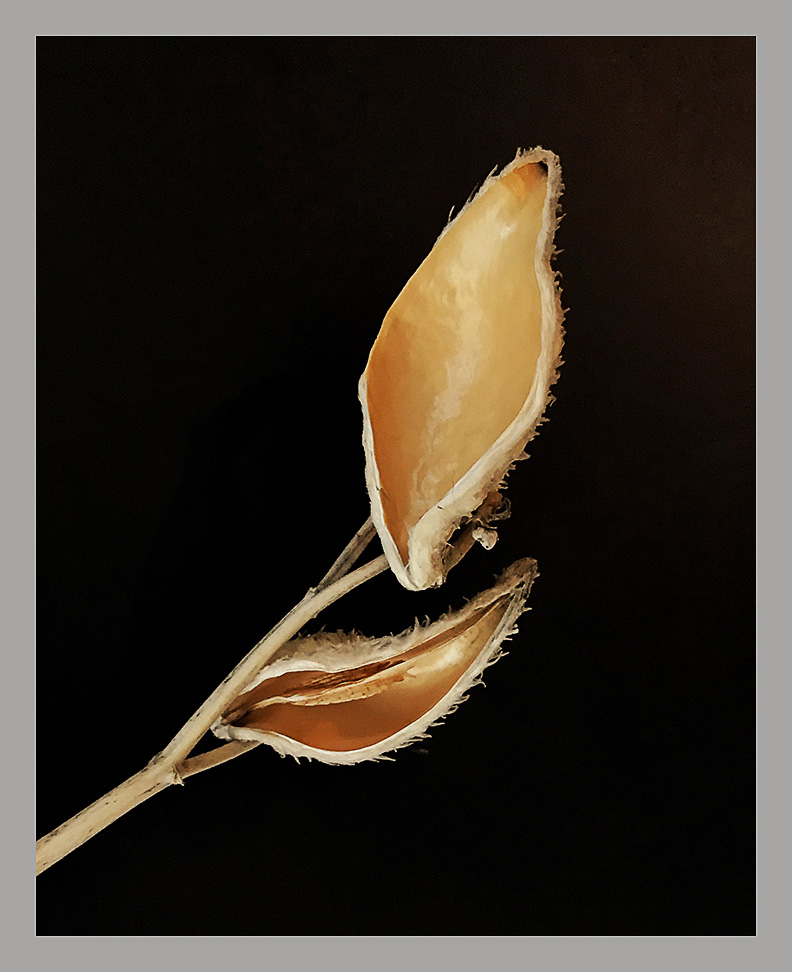
Thank you, Sol. In Snapseed, one can make an adjustment over the entire image using "Tune Image", and then using the "View Edits" feature, one can alter the adjustments, or just brush (or fingertip) away certain areas of the adjustments. That process can be repeated as often as needed. I ordinarily don't think of Snapseed as having layers, but I suppose it does since one can stack adjustments on top of adjustments.
I have tried "Frames" in Snapseed. My issue is that Frames substitutes the frame for what was part of the image. That will impact the composition, so unless one plans for it, it is destructive. I don't prefer to use it.
|
Dec 17th |
| 51 |
Dec 24 |
Reply |
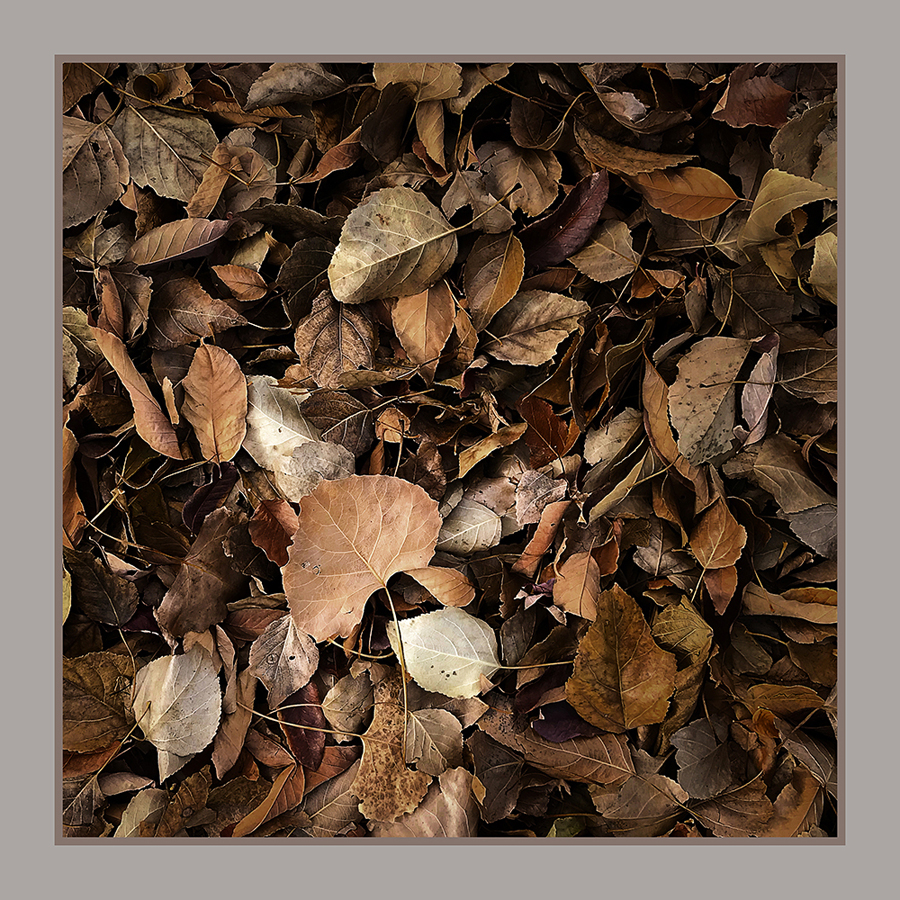
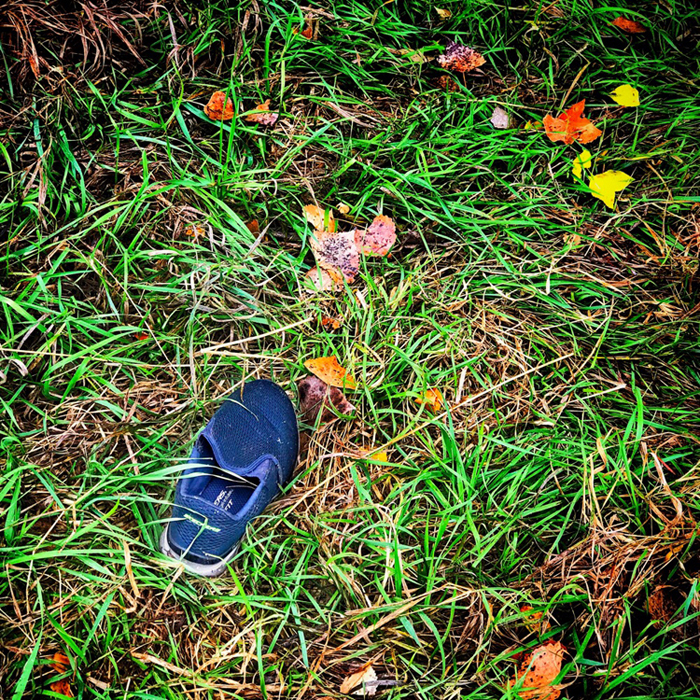
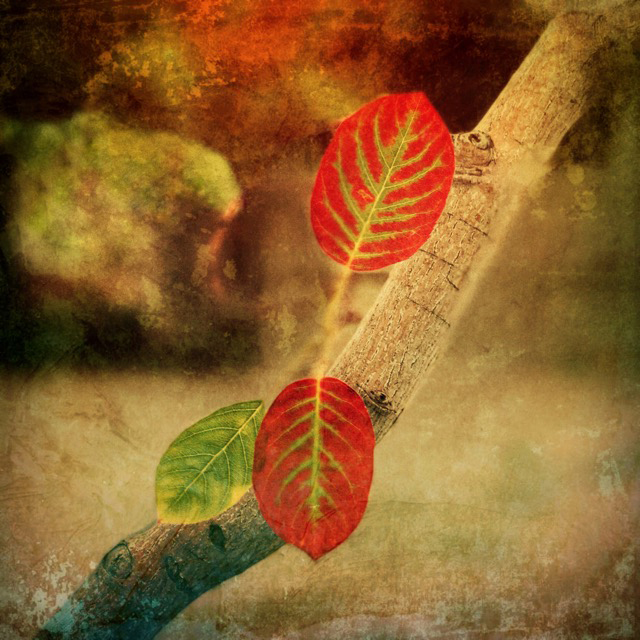
Thank you for your kind comments. I was surprised when I saw the pattern on the leaf, and I thought I should try to highlight it.
The edits were made easier, I think, because I use an iPad. The larger screen allows me to be more precise with my edits. The Apple pencil will work with Snapseed, but in this case I just used my fingertip.
|
Dec 17th |
| 51 |
Dec 24 |
Reply |
Thank you. Glad you liked it. I have done similar images via DSLR and Photoshop, so I wanted to try it with iPhone and Snapseed. It seemed to work out well.
|
Dec 17th |
| 51 |
Dec 24 |
Reply |
Thank you. I hoped the leaf's stem was a leading line that led the viewer's eyes to the bright leaf.
|
Dec 17th |
| 51 |
Dec 24 |
Reply |
Thanks, Jerry. Hope you are doing well. Happy Christmas! |
Dec 17th |
| 51 |
Dec 24 |
Reply |
Thank you for your kind words. I thought it turned out pretty well.
|
Dec 17th |
| 51 |
Dec 24 |
Comment |
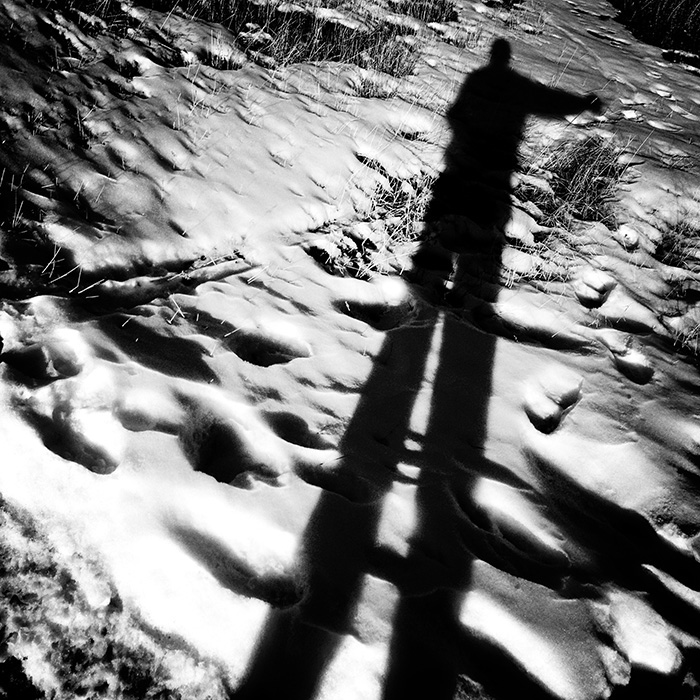
I have thought using my shadow could make a great "selfie." I have experimented with it over the years. The addition of the bridge shadow and all the natural features adds good and interesting detail. I wonder if you considered a BW version. I didn't try it, but it might bring focus to the shadows.
|
Dec 17th |
| 51 |
Dec 24 |
Comment |
I smiled when I read Lynne's comment. This image would make a good jigsaw puzzle!
For me what makes this image work is the energy of the poised hand, and the face searching through the puzzle pieces. A BW silhouette was a good choice. Nice capture.
|
Dec 17th |
| 51 |
Dec 24 |
Comment |
A nice winter scene that suggests cold temps since there is no one walking about. It looks like a fun place to enjoy in better weather. Lots of shapes and colors to enjoy. The moon shining through thin clouds adds a special point of interest. Nice capture.
|
Dec 17th |
| 51 |
Dec 24 |
Comment |
A nice Christmas holiday scene. All that's missing is a foot of snow on the ground and rooftop. A bit further to the left and maybe the indoor Christmas tree would have appeared under the arch!
Happy Christmas!
|
Dec 17th |
| 51 |
Dec 24 |
Comment |
My first reaction was "Wow!" Amazing image. I love the composition and all the detail. Top tier image.
|
Dec 17th |
| 51 |
Dec 24 |
Comment |
Apparently a sunny day in London! Nice capture. I like the shapes, the colors, and all the leading lines. The vertical crop fits the scene. It does look a bit oversaturated, but that may be just the way it was.
Just for entertainment, I looked at removing some of those reflections with Snapseed, and it isn't precise enough to do a great job. I also tried PS Mobile on my iPad with an Apple pencil and got somewhat better results. I tried to attached both samples, but it won't let me add more than one.
|
Dec 11th |
 |
6 comments - 7 replies for Group 51
|
6 comments - 7 replies Total
|