|
| Group |
Round |
C/R |
Comment |
Date |
Image |
| 51 |
Sep 22 |
Reply |
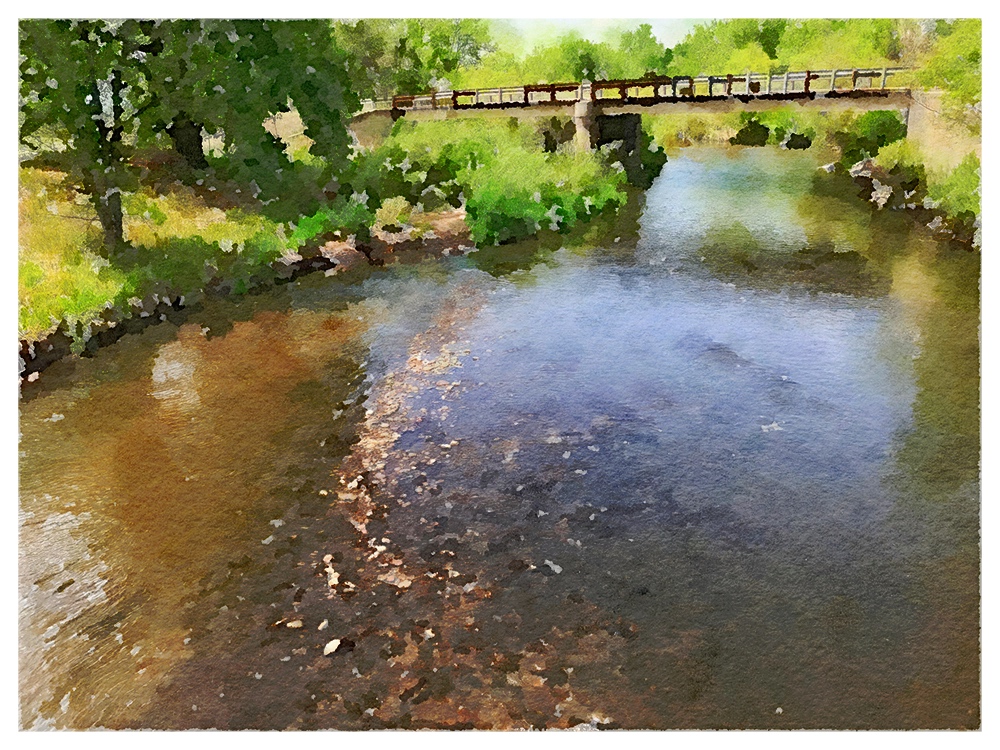
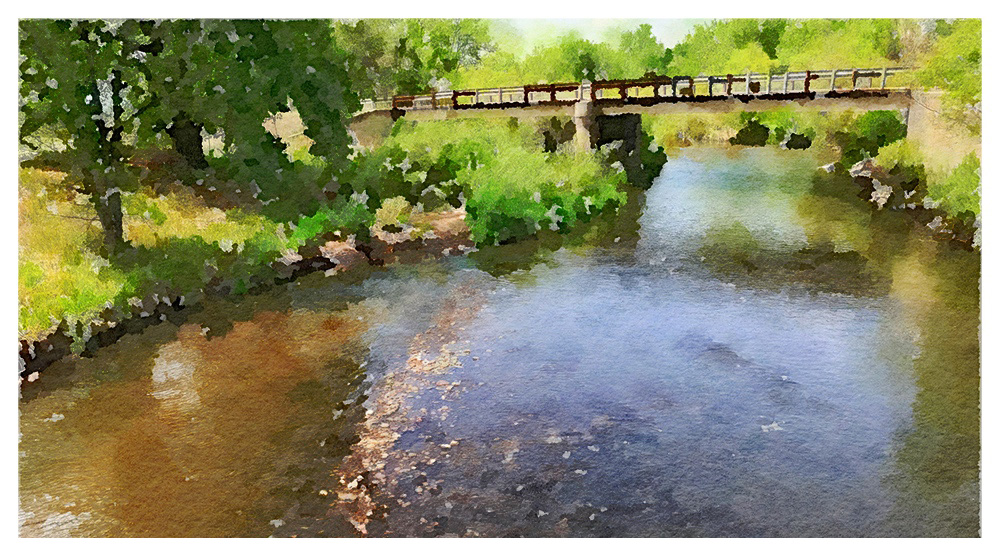
Thank you for your comments. I've struggled to like the results from Waterlogue, so I needed to try something. This technique won't work on every image, but it did make this one a bit more interesting - and the crop suggested by Lynne improved it, too.
|
Sep 15th |
| 51 |
Sep 22 |
Reply |
When I think more about it, I can see what you mean about the spots and the color of the pot. There is a color connection there. Maybe, and this is just my perspective, the pot draws so much attention because it looks tipped to the left. Since this is a realistic image, you might try rotating the image CW a bit. Just a "left-brain" thought.
|
Sep 15th |
| 51 |
Sep 22 |
Reply |
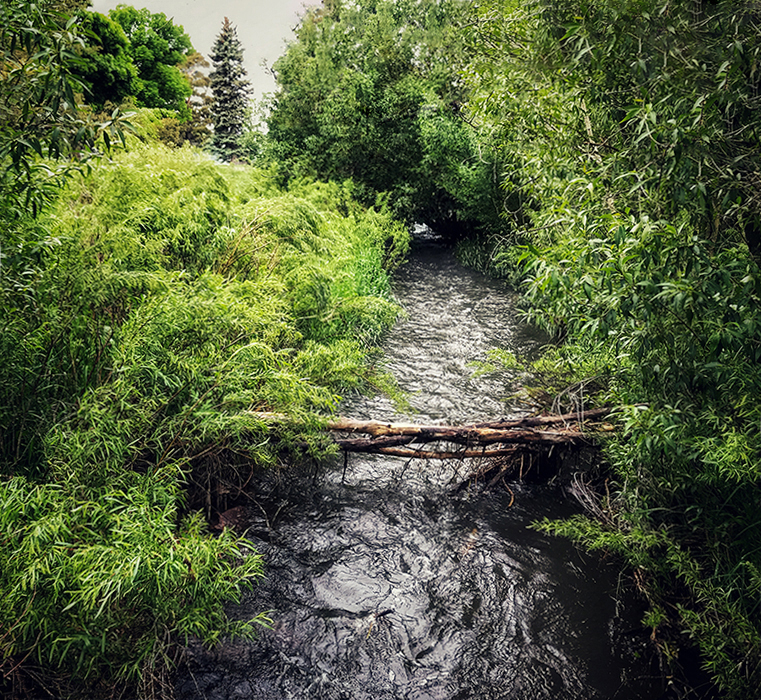
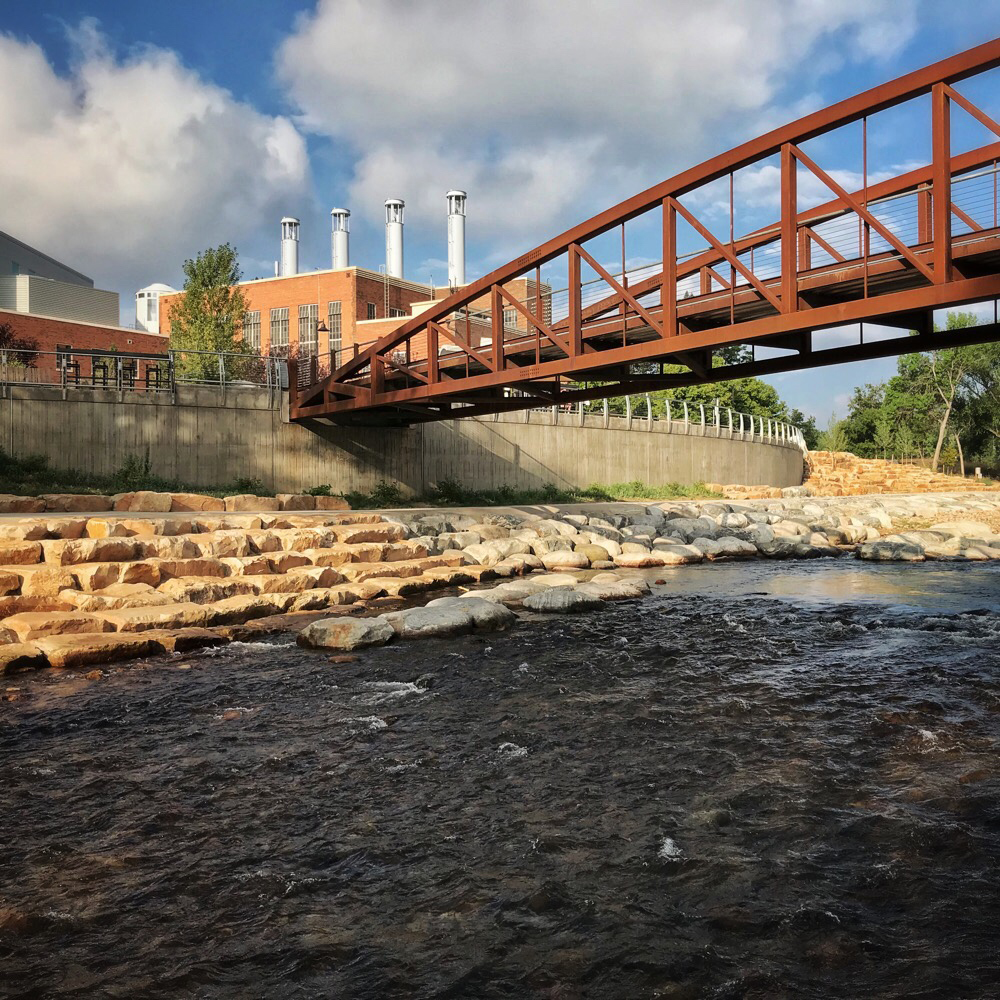
Thank you for your comments. I have to agree that the re-crop was an improvement. If I were to re-shoot the scene, I'd tilt up a bit to get more sky and less water. The bridge and the vegetation would be the point(s) of interest. At the time I was thinking the flowing water, but it isn't all that interesting.
|
Sep 12th |
| 51 |
Sep 22 |
Reply |
Thank you for your comments. I think your crop suggestion has merit. I may have left too much empty space at the bottom when the interest may be in the upper part of the image. I was thinking about the line of rocks from the bottom, but those rocks would still appear after cropping.
Maybe more like:
|
Sep 11th |
 |
| 51 |
Sep 22 |
Reply |
No apologies needed. You do a great job for the Group.
Thank you for your comments. It was an experiment to see if I could get a more satisfying result from the Waterlogue output. I wouldn't hang it on my wall, but I thought it helped the "smudginess." I've tried this technique on other images and it didn't do so well, so it's not an all-around solution. I'm still not especially fond of using Waterlogue. But that's me. Others may love it, and that's fine.
|
Sep 8th |
| 51 |
Sep 22 |
Comment |
I can only imagine juggling the small and expensive devices while leaning over the water and pressing the button to capture the shot. Lots of things to think about at one time!
Wrist strap or lanyard maybe?
Nice colors in the shot. The flash helped to isolate the subject. I have to agree that the shot is a little abstract. The object on the left is a puzzle for me. I suppose its jagged edge is similar to the sharp flower petals.
|
Sep 5th |
| 51 |
Sep 22 |
Reply |
Oh, that explains it. Thanks!
|
Sep 5th |
| 51 |
Sep 22 |
Comment |
Good experiment. I hadn't heard of a "Digi Scope" before, so it's interesting to learn about it. Lots of "reach" with it. I'd think it would be good for animal photography or spying on your neighbors (just kidding!). Nice.
|
Sep 5th |
| 51 |
Sep 22 |
Comment |
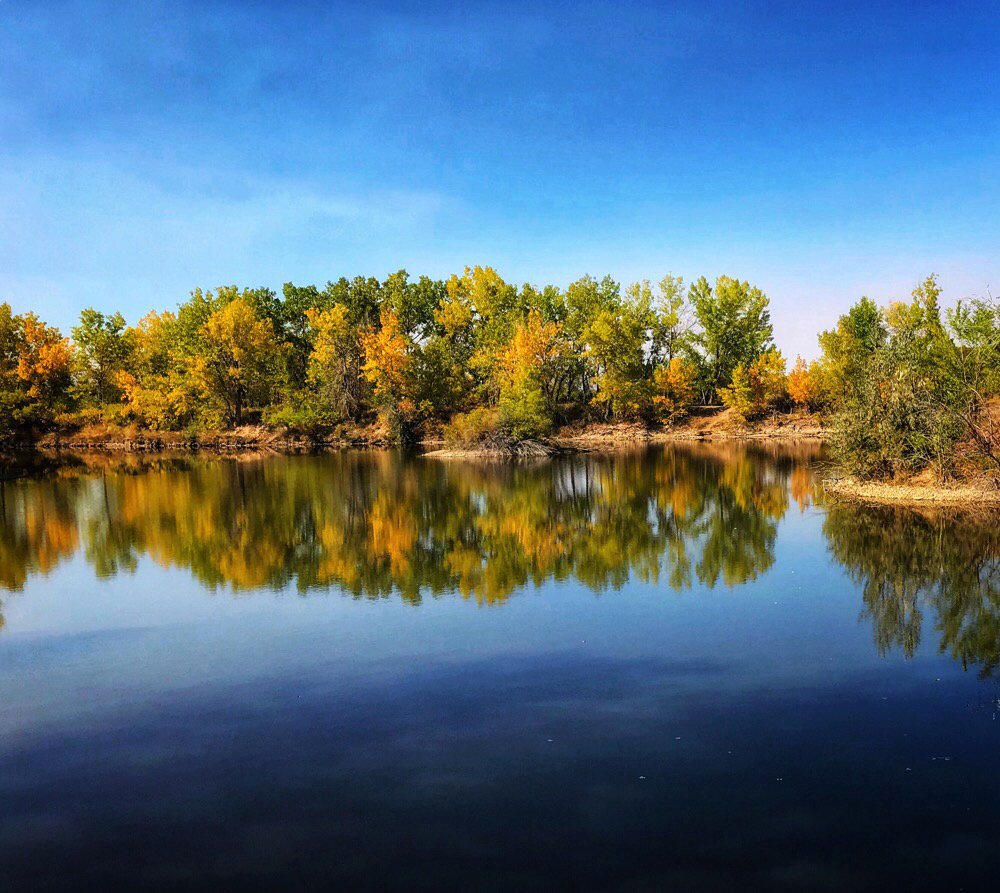
Alpen glow. Smooth mirror-like reflection. Wispy clouds. What's not to like? The only addition might have been a critter or two standing the meadow. Good stuff.
|
Sep 5th |
| 51 |
Sep 22 |
Comment |
This is a nice capture. Good use of DoF to keep the focus on the subject. It's great that the butterfly stayed put for you. The pink flowers are sharp as is most of the insect. One gets the sense of a quiet garden space. The greens are bright and saturated. The yellow wings are not as saturated as I might have expected, but that's the way nature made them.
I have to agree with Jerry that the adobe-colored pot is a bit of a distraction. I would prefer not to crop it out, so maybe reducing the brightness and saturation there would help. In Photoshop, you could do a complete color change, but that would be using Photoshop.
Your crop places the butterfly and the pink flowers on the third intersections, so that works well. My only regret is that the left edge is a little too tight on the pink flowers, so there might be more balance if cropped wider.
|
Sep 5th |
| 51 |
Sep 22 |
Comment |
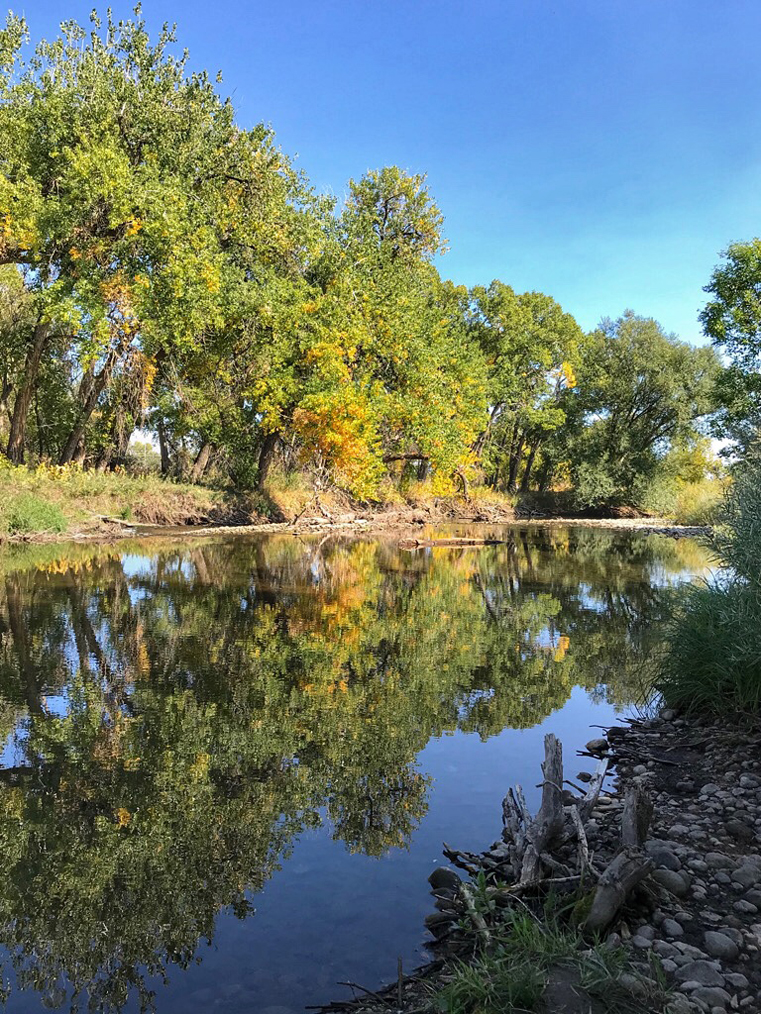
I had to chuckle when I read "Desert Island, Me". It's hard for me to imagine a desert in Maine! I'm sure there must be a story behind the name.
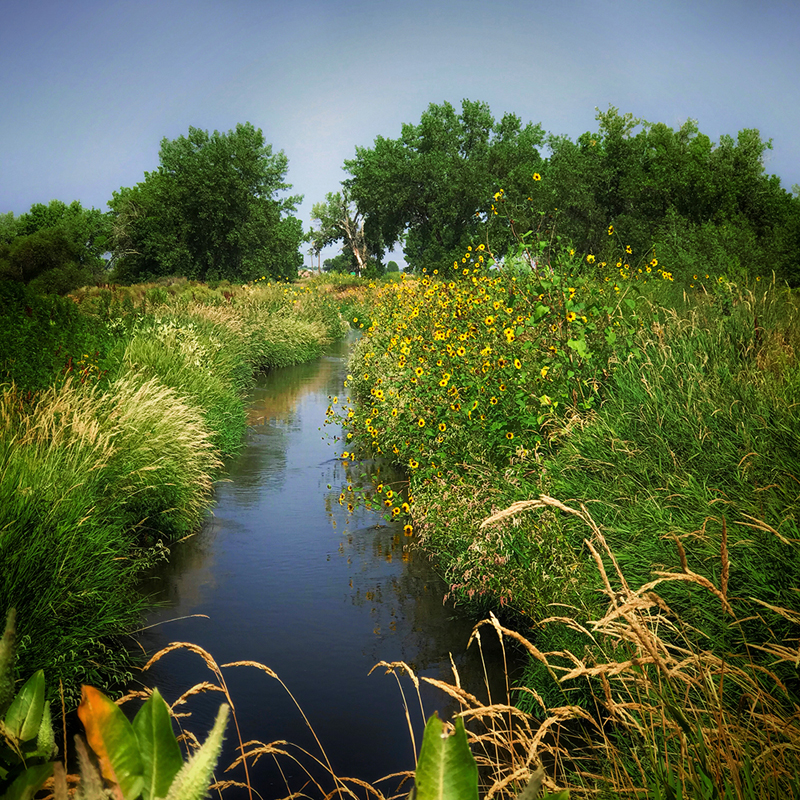
Anyway, this is a lovely place to be. Green vegetation and lots of water. I can image the smells and the sounds. The wispy clouds are nice, too. It makes me want to be there.
This was probably a good time for a polarizer and a UV filter, but that isn't so easy with a mobile device. I think a pano might have worked here, too, but I don't know what is outside the frame.
|
Sep 5th |
| 51 |
Sep 22 |
Comment |
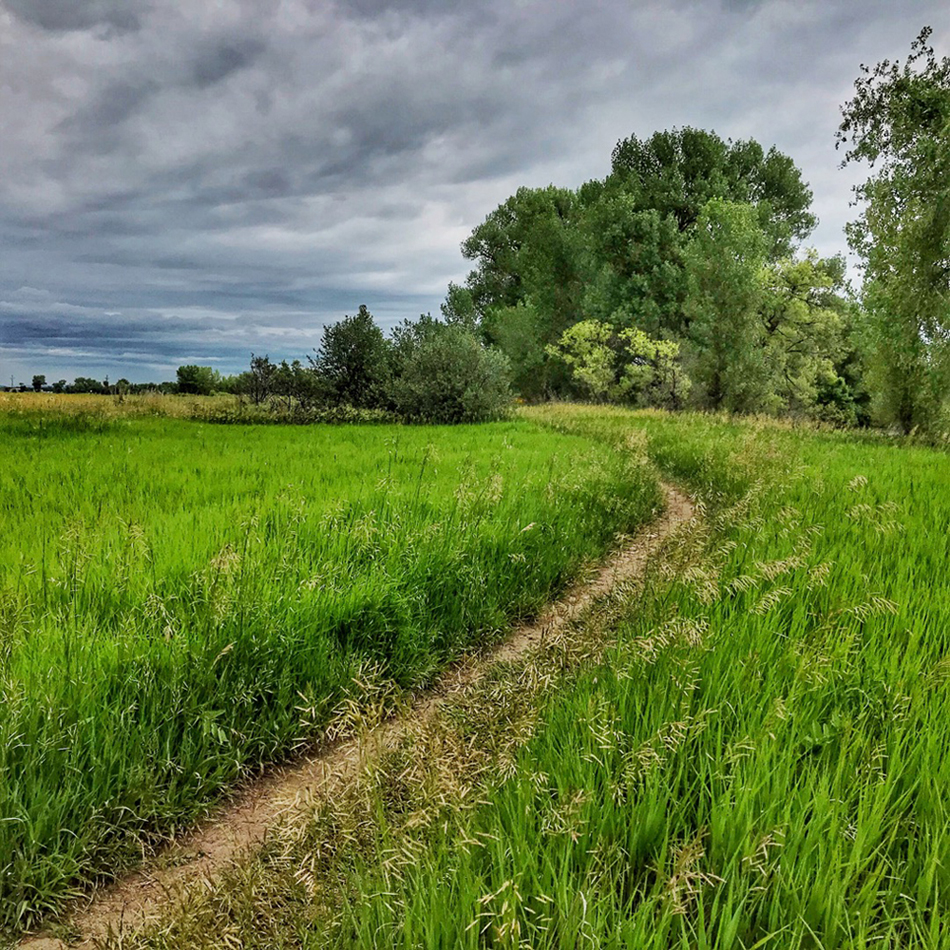
Lots of good stuff in this image. There are close, middle, and distant things to see. The path leads us into and through the scene. The narrow, rocky path with a steep drop-off suggests a little danger. Probably not the place to be in the monsoon season! If I had a quibble, I'd suggest a little graduated ND filter in the bottom third to darken the closest rocks and push the viewer's eyes into that wide open space ahead. Of course, that's just my personal preference and it might not work for you.
|
Sep 5th |
| 51 |
Sep 22 |
Reply |
Thank you for your comments. I've had the Waterlogue app for a long time, but I didn't care for the results because I thought it removed far too much detail. I wondered if I could restore some of the detail by placing the original over the Waterlogue version. That could be done easily in Photoshop with layers, of course. The real challenge was to do it with a mobile platform app.
Snapseed "Double exposure" sort of works like PS layers. One can open the (previously saved) Waterlogue version in Snapseed and then use the "Double Exposure" function to open and place the original over it. At the bottom of the screen, there is a slider that allows one to vary the amount of the overlay to get the desired results. From there one can edit with the usual "Tune Image" if needed. You can try it and see if it works for you. These things are down to personal preference, so you may or may not like the result.
|
Sep 5th |
| 51 |
Sep 22 |
Reply |
Thank you for your comments. I do think this edit improves the results from the Waterlogue app. It won't work in all cases, though. I've tried it with other originals and the results weren't satisfying. The edit takes just a couple of minutes and with a little fiddling one can see if they like the result.
|
Sep 5th |
6 comments - 8 replies for Group 51
|
6 comments - 8 replies Total
|