Activity for User 249 - Mark Aksoy - maksoy@aol.com

avatar
Avatar

Close this Tab when done


353 Comments / 29 Replies Posted

  = Current Round   = Previous Round
Group Round C/R Comment Date Image
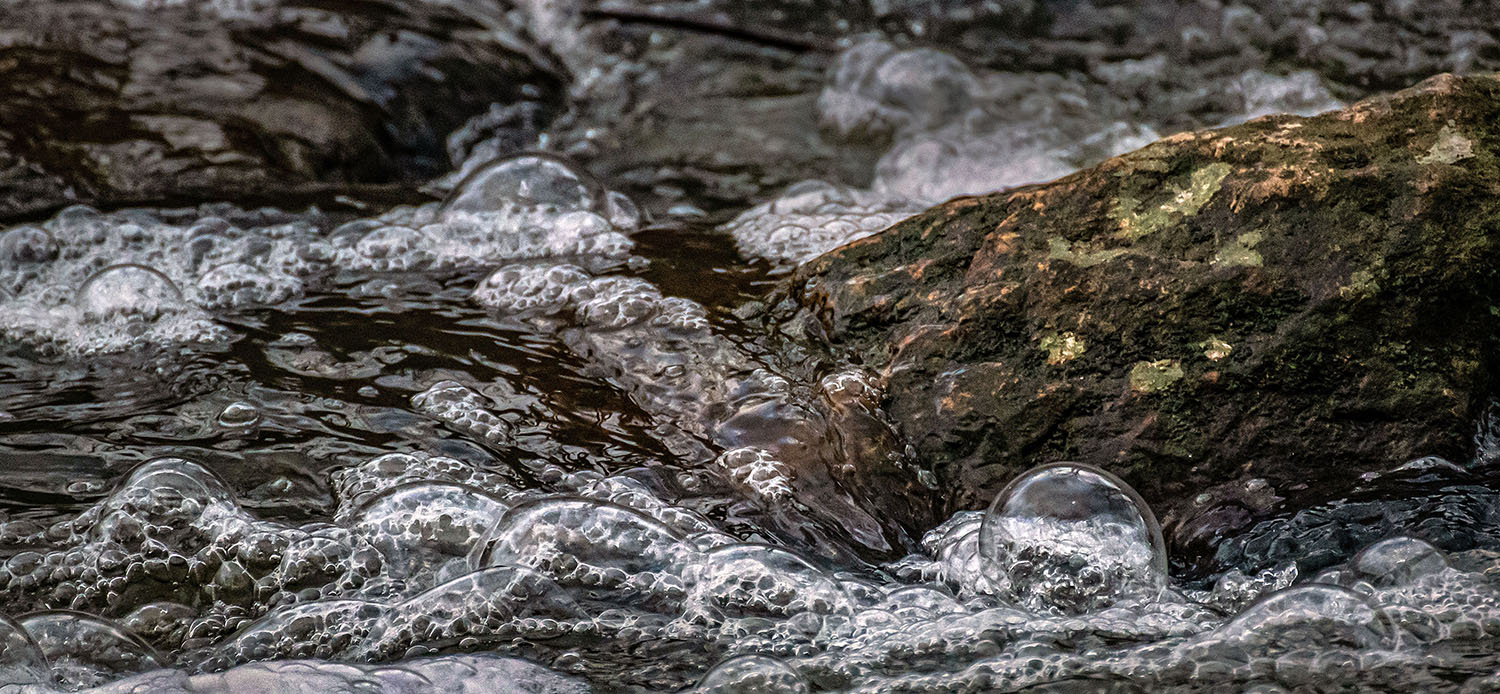
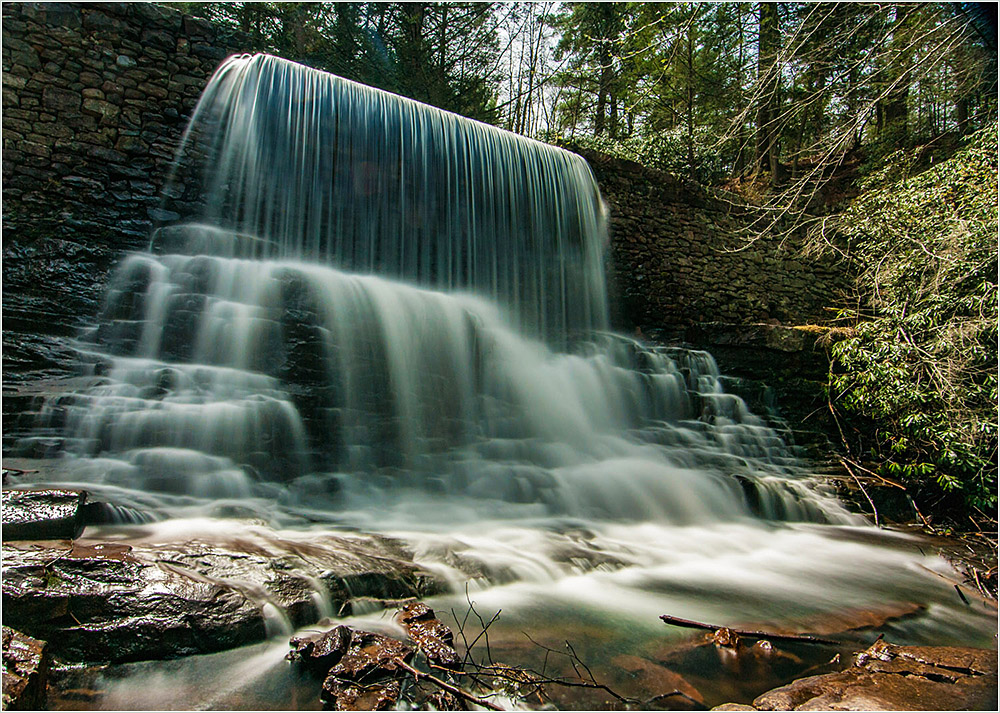
10 Jul 25 Reply Hi Donna, I'm glad you enjoyed this image which is probably the best one I shot at this workshop! Since I was photographing in aperture priority mode, I did use the exposure compensation button. The small aperture (f/40) and low ISO (50) gave me the slow shutter speed needed to blur the water. Jul 25th
10 Jul 25 Comment This is a compelling combination of IR and sky replacement to create an unusual vision! The orange of the background sky contrasts with the smoky whites and grays of the IR foreground to yield a surreal image. And the absence of people in the scene further adds to the mystery. Jul 25th
10 Jul 25 Comment I really like the great detail in the hippo's hair and how the lighting emphasizes the bone structure of its head. You've also managed to get detail in both eyes even though they are on opposite sides of this huge animal. Another distinguishing feature is the curved folds of skin at top which internally frame the head. Nicely-done! Jul 25th
10 Jul 25 Comment Donna, this is a beautifully composed scenic of the Falls! The water flows down from the top and out towards the viewer. You've controlled exposure quite well for a sunny, contrasty day - there is ample detail in the shadows. I also agree with Meredith and Peter about cropping in from the right. However, the tree hugging the falls at right should be retained as an internal frame. Jul 25th
10 Jul 25 Comment This is a creative departure from the usual sunflower shot and well-done! All elements stand out sharp and vivid against the black background. However, I agree that the leaf distracts from the flower. As it is against a black background, it should be possible to clone it out. Jul 25th
10 Jul 25 Comment I like the sunset colors and vibrant reflections in the pond, but (as others have stated) some cropping is needed. I would crop from right and up from bottom to remove the 2 distractions at lower right. Then crop down from top to remove a portion of the featureless gray cloud cover. Jul 25th

5 comments - 1 reply for Group 10


5 comments - 1 reply Total


81 Images Posted

  = Current Round   = Previous Round
Group 10

Dec 25

Nov 25

Oct 25

Aug 25

Jul 25

Jun 25

Apr 25

Mar 25

Feb 25

Jan 25

Dec 24

Oct 24

Aug 24

Jun 24

May 24

Apr 24

Mar 24

Jan 24

Nov 23

Sep 23

Aug 23

Jun 23

Apr 23

Mar 23

Feb 23

Jan 23

Dec 22

Nov 22

Oct 22

Sep 22

Jun 22

May 22

Apr 22

Mar 22

Feb 22

Jan 22

Nov 21

Sep 21

Aug 21

May 21

Mar 21

Feb 21

Dec 20

Nov 20

Oct 20

Aug 20

Jul 20

Jun 20

May 20

Apr 20

Feb 20

Dec 19

Nov 19

Sep 19

Aug 19

Jul 19

Jun 19

Apr 19

Mar 19

Feb 19

Jan 19

Dec 18

Nov 18

Oct 18

Sep 18

Jul 18

Jun 18

May 18

Apr 18

Feb 18

Jan 18

Dec 17

Nov 17

Oct 17

Sep 17

Aug 17

Jul 17

Jun 17

Apr 17

Mar 17

Jan 17

Close this Tab when done