|
| Group |
Round |
C/R |
Comment |
Date |
Image |
| 10 |
Aug 22 |
Comment |
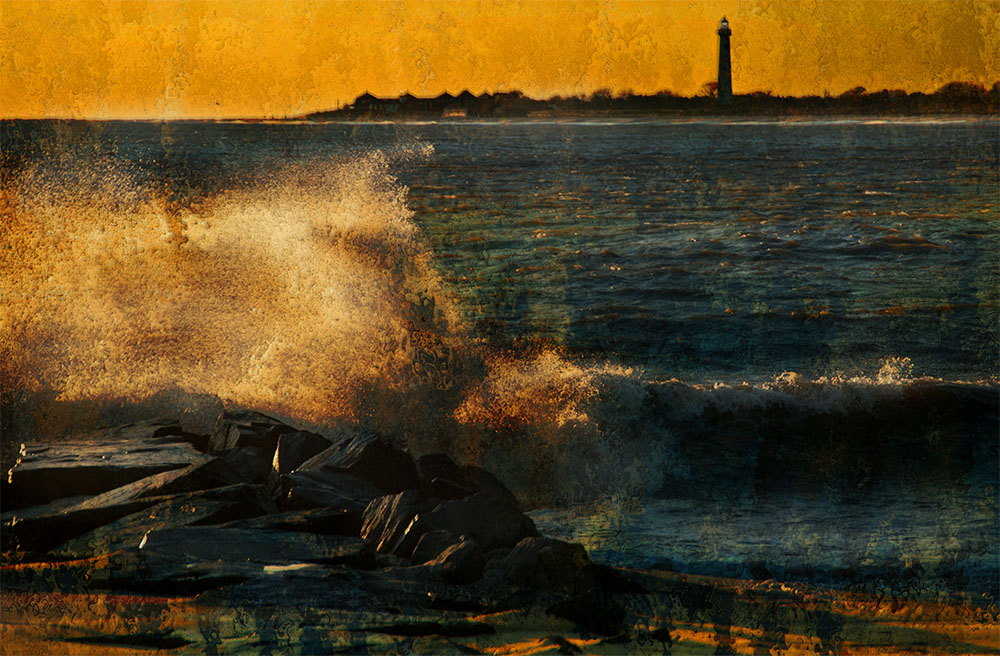
What a great capture! The waves were performing with perfect timing - both in foreground and middle ground. The wind blowing off the wave crests and the green translucency of the waves are added pluses. Hang this one on your wall! I do somewhat agree with Doug re the tilted horizon. We (the viewer) don't know that you are standing on a curved beach, so (to us) the horizon feels crooked. Try straightening it and see if this works. |
Aug 20th |
| 10 |
Aug 22 |
Comment |
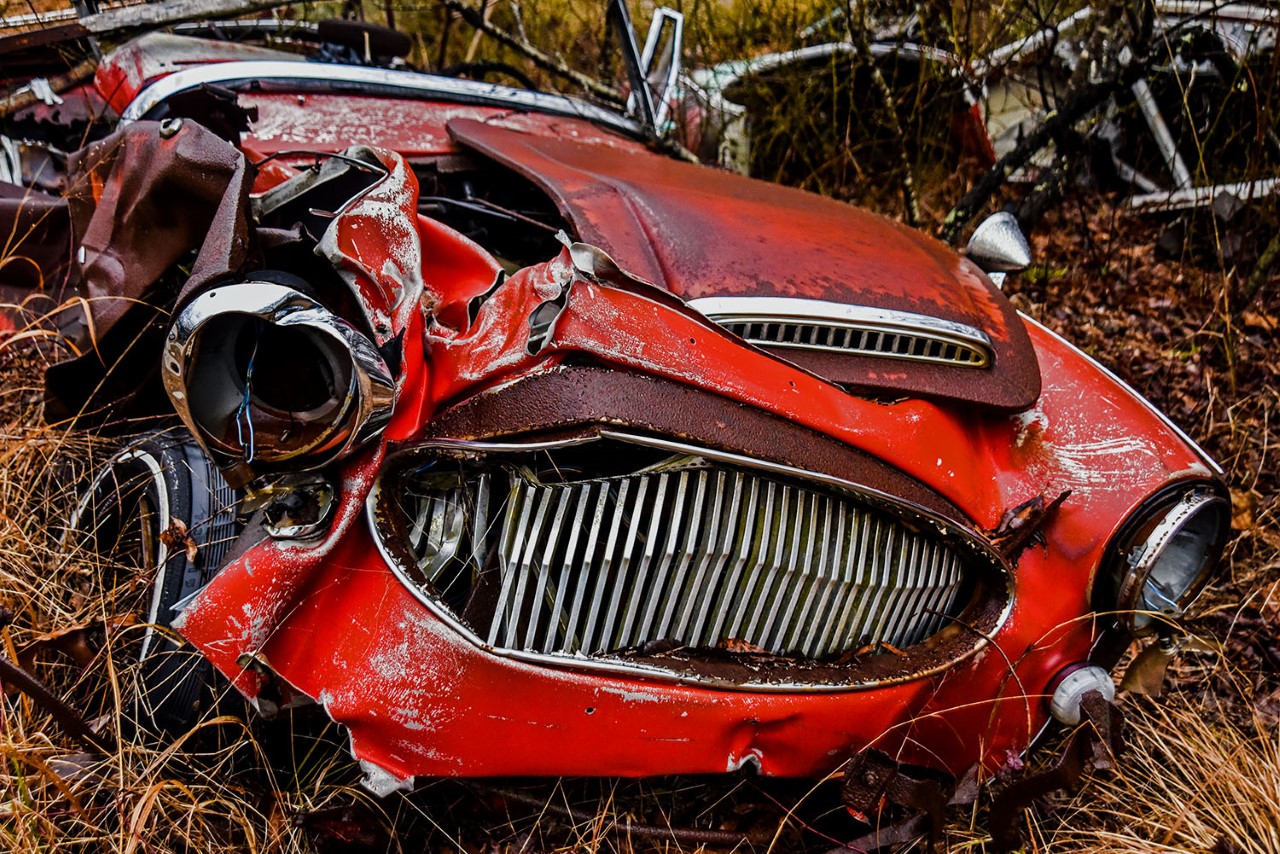
Carrie, you've captured and brought out great colors and reflections, particularly in the top half, of this car image. I see a "picture within a picture" here: Crop up from bottom about 25% to remove bumper and chrome just above it. This creates a more abstract shot, but one straighter in appearance which directs the viewer's eye toward the beautifully lit hood ornament. |
Aug 20th |
| 10 |
Aug 22 |
Comment |
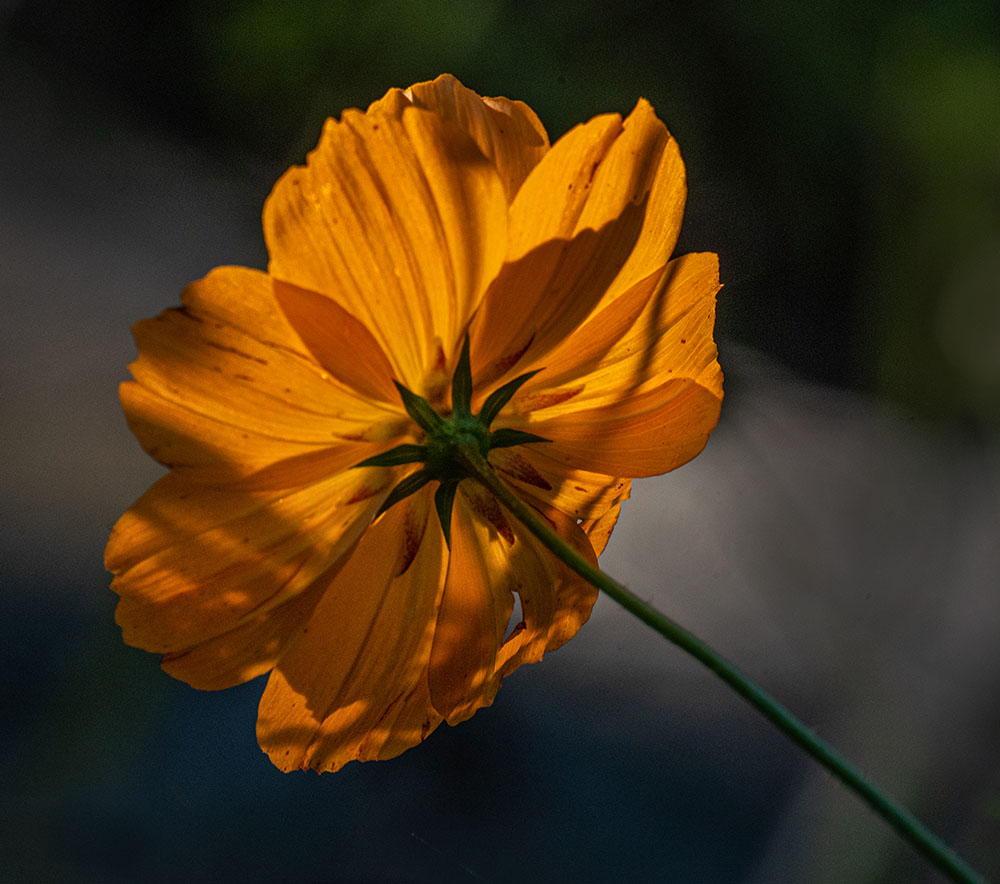
A well-arranged shot! Though the flower is toward the left side, it is well-balanced by the bokeh flower background at right. Flower center is well-exposed and sharp. I agree with Doug and Donna that less cropping at bottom and left, and more flower stem, would strengthen the image. |
Aug 20th |
| 10 |
Aug 22 |
Comment |
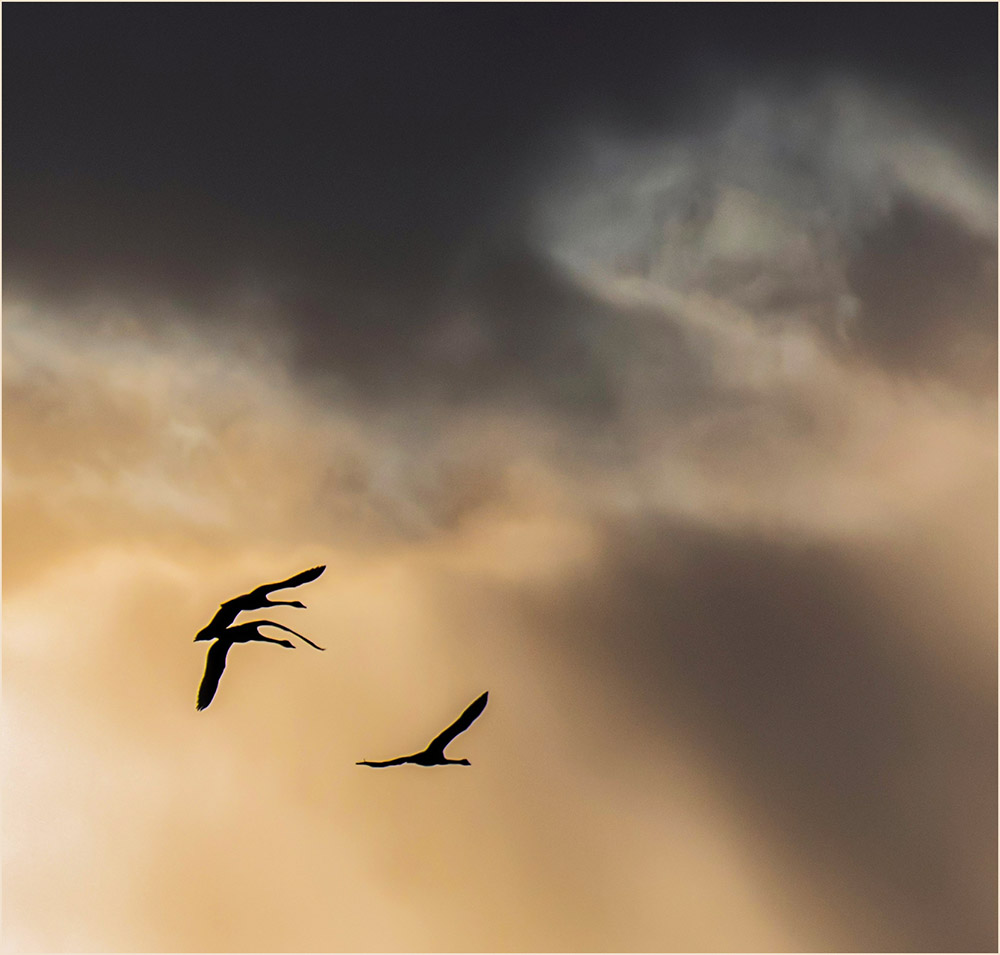
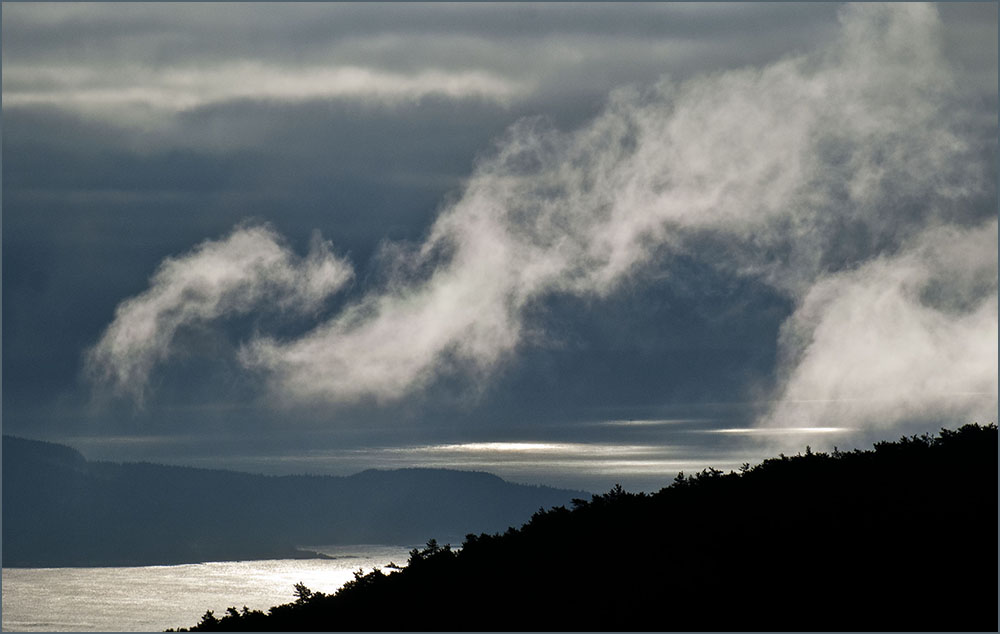
I agree that using the very convenient sliders in Lightroom to increase vibrance and contrast improves the image. I also think a moderate increase in Dehaze helps by emphasizing the background clouds. |
Aug 20th |
| 10 |
Aug 22 |
Comment |
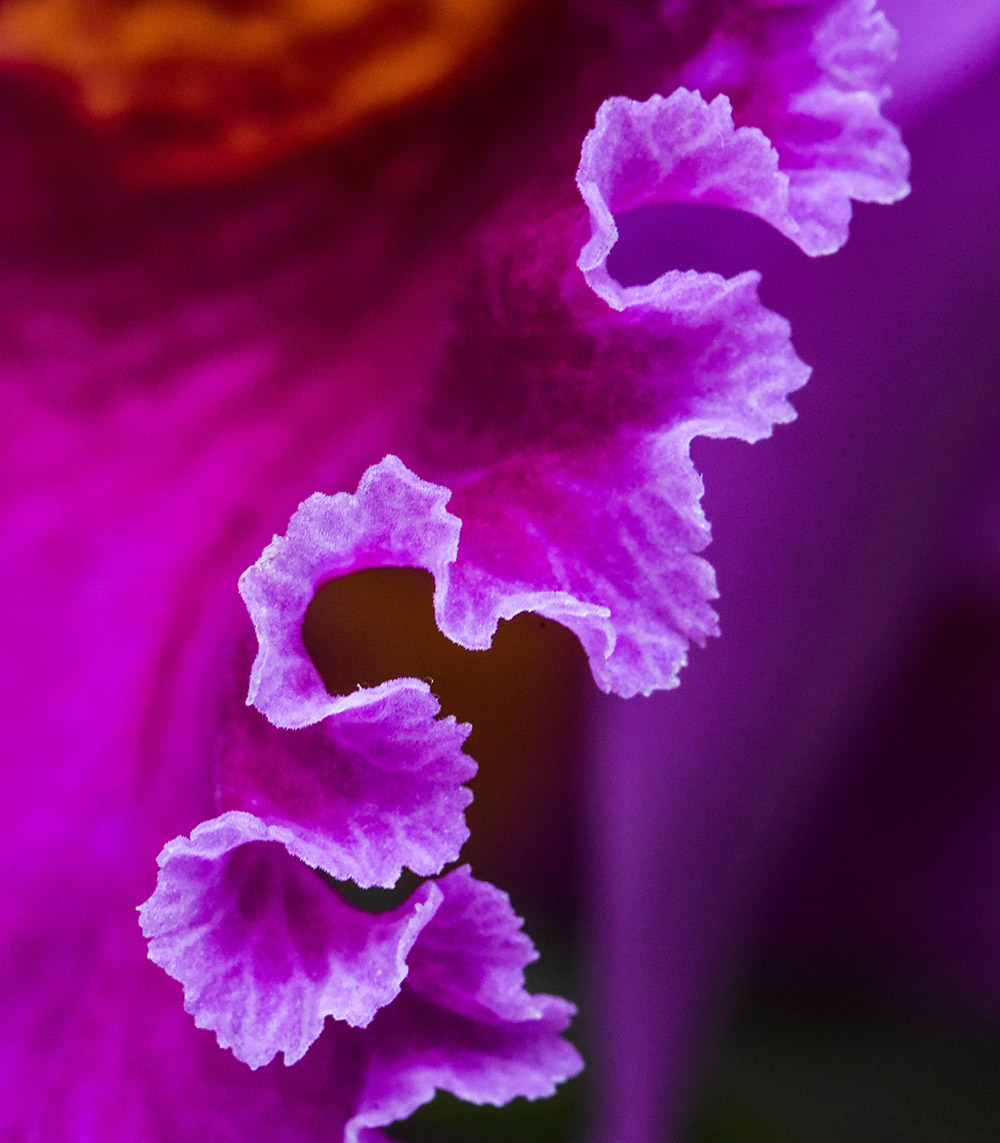
A strong filtered image with a brilliant color palette! I also like the way Glow emphasizes the underlying geometrical lines of the original flower. Redfield Plugins makes Fractalius, a filter with many settings, that similarly brings out the lines of a subject as a mesh network (https://www.redfieldplugins.com/filterFractalius.htm). |
Aug 20th |
| 10 |
Aug 22 |
Comment |
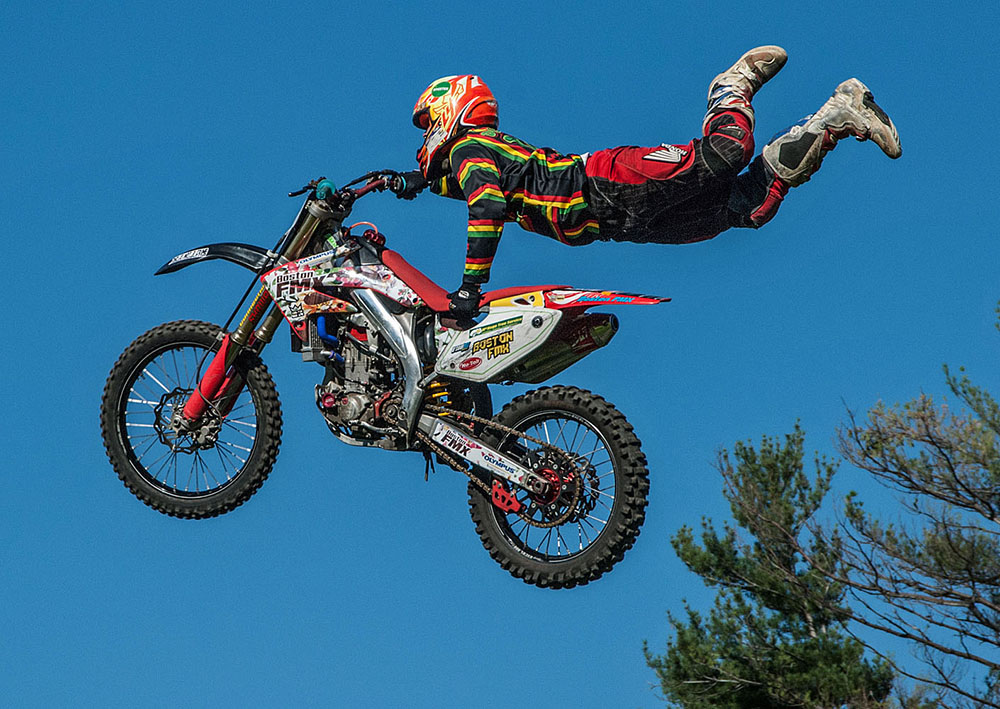
A great start to a dramatic shot! You got the panning just right - the motorcycle's wheels are nicely blurred, but the driver's face and hands are sharp. To increase impact, I would crop in and flip the image so that the motion is from left to right. Exposure and contrast also need adjustment - in Lightroom, I decreased highlights but increased contrast and clarity. See my revision below. This is just a starting point: Further special effects can be added!
|
Aug 11th |
 |
6 comments - 0 replies for Group 10
|
6 comments - 0 replies Total
|