Activity for User 249 - Mark Aksoy - maksoy@aol.com

avatar
Avatar

Close this Tab when done


353 Comments / 29 Replies Posted

  = Current Round   = Previous Round
Group Round C/R Comment Date Image
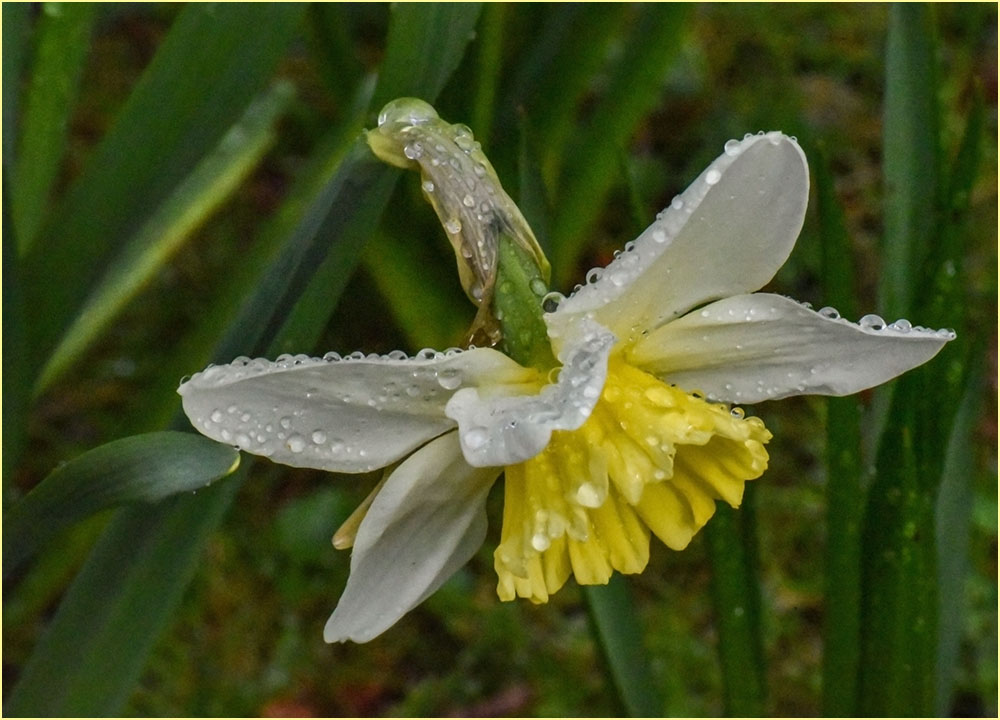
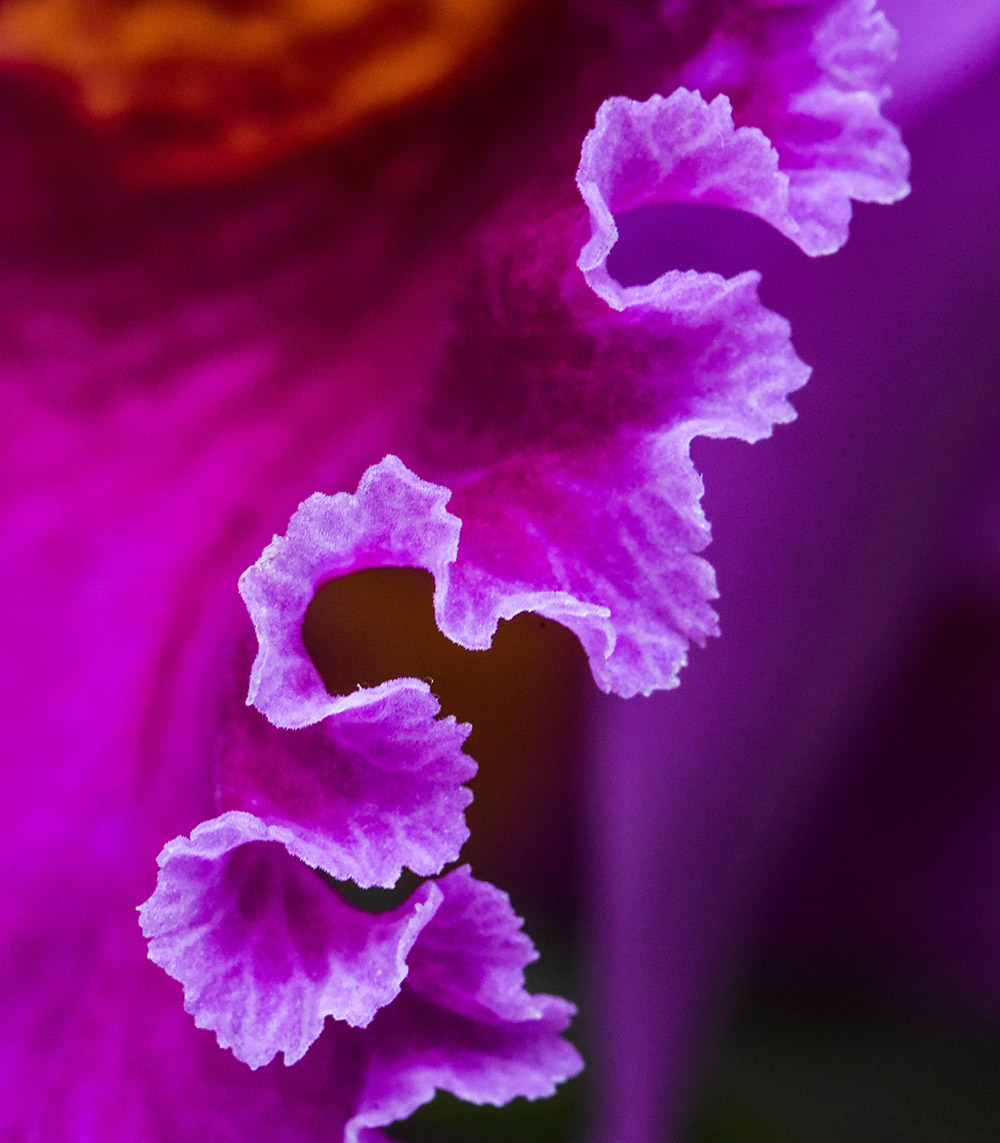
10 Feb 20 Comment Diana, this flower image has definite impact! The center is sharp and its vibrant color draws your attention. I also like the textured background; however, I think it could be darker to allow the white flower to stand out more. I agree that blurred petals on a flower are perfectly fine, but to my taste, they look better in the back of the flower versus the front. You can always deal with blurry petals by simply cropping them out as I did here (see image below). Since the petals are sharpest in the upper left corner, I cropped in from right and bottom. This also placed the flower center off-center to yield a more dynamic image.
Feb 25th
10 Feb 20 Comment Jack, I like the high contrast B&W treatment in your image! Its sharp detail brings out the texture in the wood of the banya. I don't find the trees in the background to be that much of a distraction. However, you might be able to selectively darken the background in Snapseed Feb 25th
10 Feb 20 Reply Hi Jack! For some reason, I don't see your original image on my computer screen. I'm not sure what the problem could be, since Donna was able to see it. Feb 25th
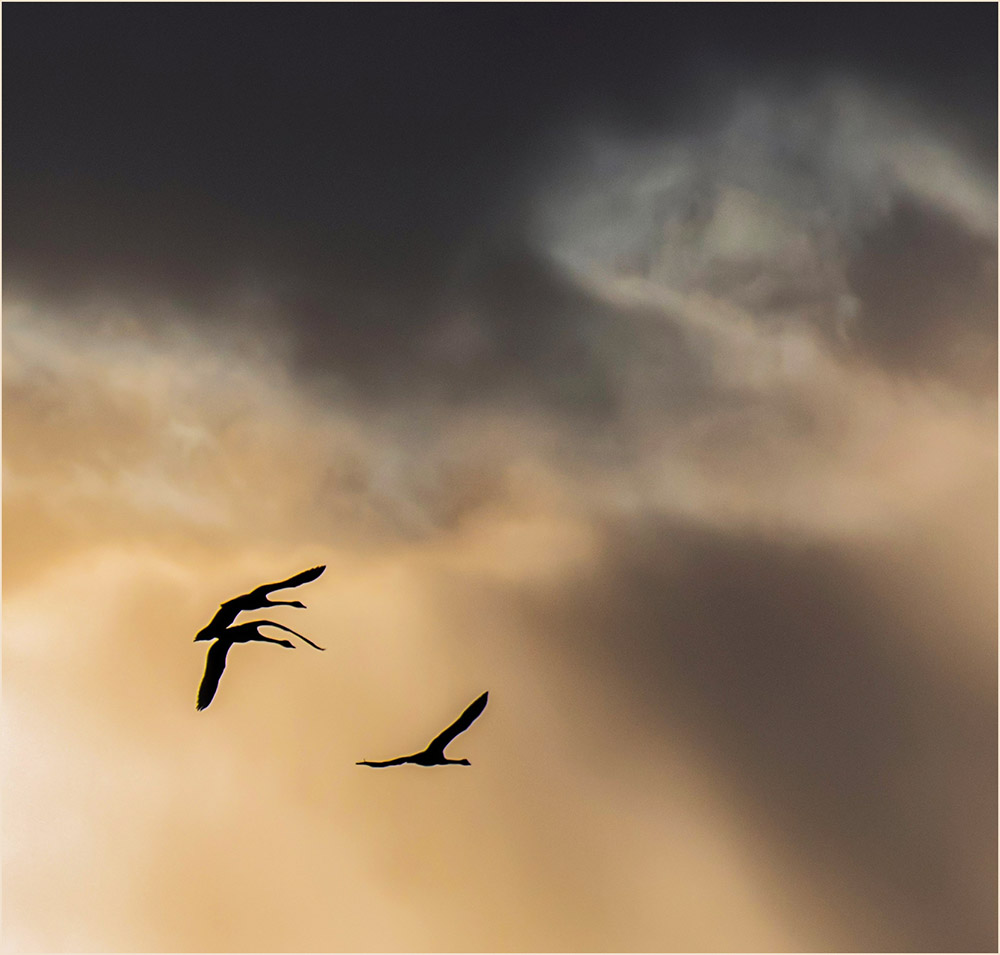
10 Feb 20 Comment Great capture! The swan's open wings are nicely exposed with detail in every feather. I agree about cropping in - a bit from the top, but also at bottom to remove the out-of-focus reeds. This would give you a stronger image - in pano format.
Two weeks ago, I was at Middle Creek Wildlife Man. Area near Kleinfeltersville, PA, where swans and geese massed in the thousands. A breathtaking experience! I shot in burst mode and now have 865 images to edit!
Feb 25th
10 Feb 20 Comment A well-composed travel photo of the Great Wall! It uses the Wall as a leading line to bring the viewer into the picture. Also, the people on the Wall add an effective sense of scale. I agree that the image lacks contrast and color saturation; you can use the sliders in Lightroom to adjust these. Feb 25th

4 comments - 1 reply for Group 10


4 comments - 1 reply Total


81 Images Posted

  = Current Round   = Previous Round
Group 10

Dec 25

Nov 25

Oct 25

Aug 25

Jul 25

Jun 25

Apr 25

Mar 25

Feb 25

Jan 25

Dec 24

Oct 24

Aug 24

Jun 24

May 24

Apr 24

Mar 24

Jan 24

Nov 23

Sep 23

Aug 23

Jun 23

Apr 23

Mar 23

Feb 23

Jan 23

Dec 22

Nov 22

Oct 22

Sep 22

Jun 22

May 22

Apr 22

Mar 22

Feb 22

Jan 22

Nov 21

Sep 21

Aug 21

May 21

Mar 21

Feb 21

Dec 20

Nov 20

Oct 20

Aug 20

Jul 20

Jun 20

May 20

Apr 20

Feb 20

Dec 19

Nov 19

Sep 19

Aug 19

Jul 19

Jun 19

Apr 19

Mar 19

Feb 19

Jan 19

Dec 18

Nov 18

Oct 18

Sep 18

Jul 18

Jun 18

May 18

Apr 18

Feb 18

Jan 18

Dec 17

Nov 17

Oct 17

Sep 17

Aug 17

Jul 17

Jun 17

Apr 17

Mar 17

Jan 17

Close this Tab when done