|
| Group |
Round |
C/R |
Comment |
Date |
Image |
| 7 |
Jan 19 |
Comment |
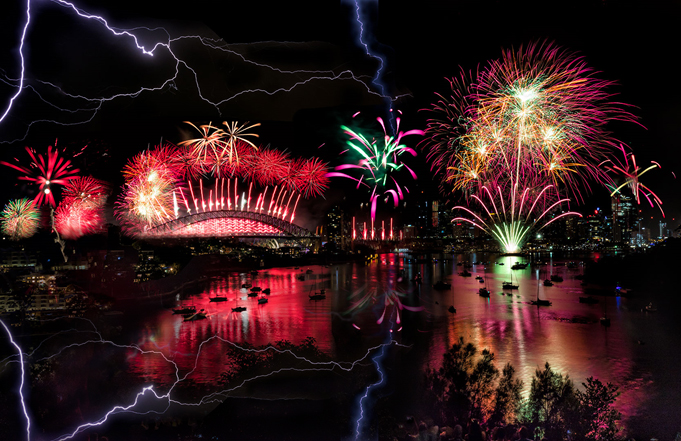
Very colorful celebration image with fireworks. I think if you want to add the lightning reflection to the fireworks image, it would be difficult to get more reality. Since the fireworks and their reflections are very bright, the lightning reflection might not be shown visible. I try to add it on, in your case the lightning reflection only few part fell in the water area. Or you might try to move the lightning location where their reflection can fall in water area, then use "Motion blur" to made it little blur and see how they came out.
|
Jan 23rd |
 |
| 7 |
Jan 19 |
Comment |
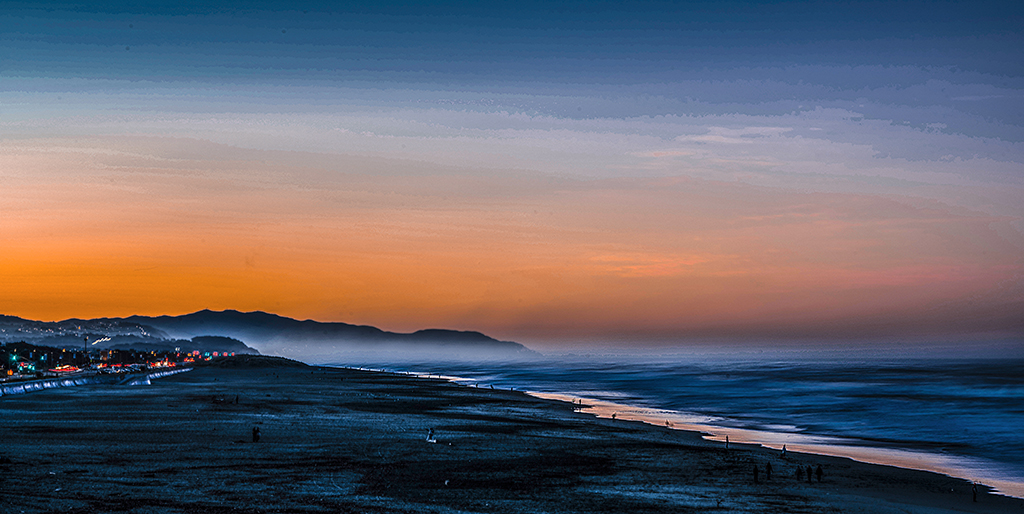
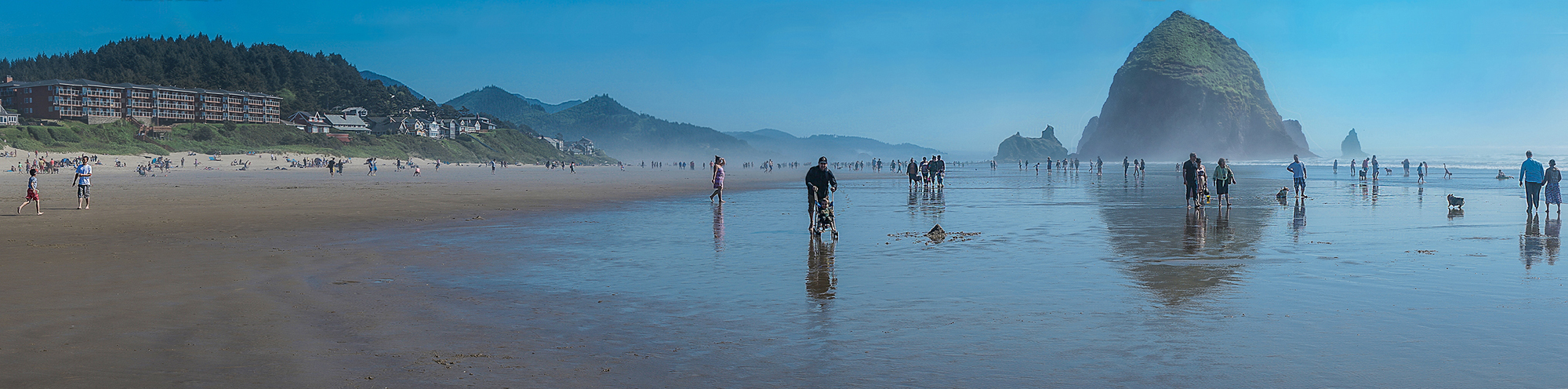
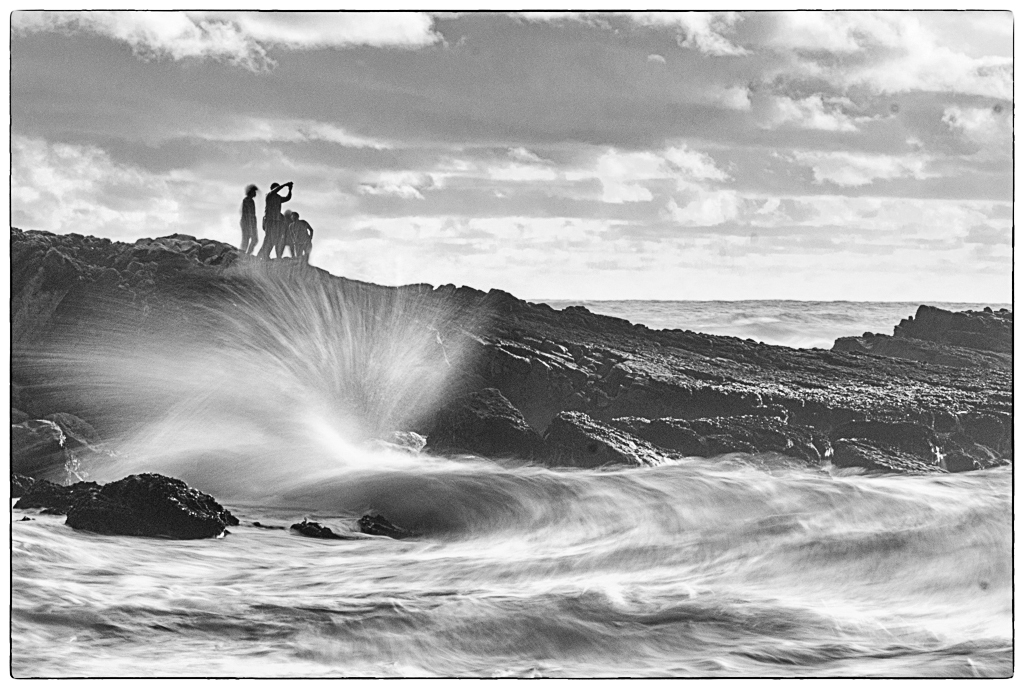
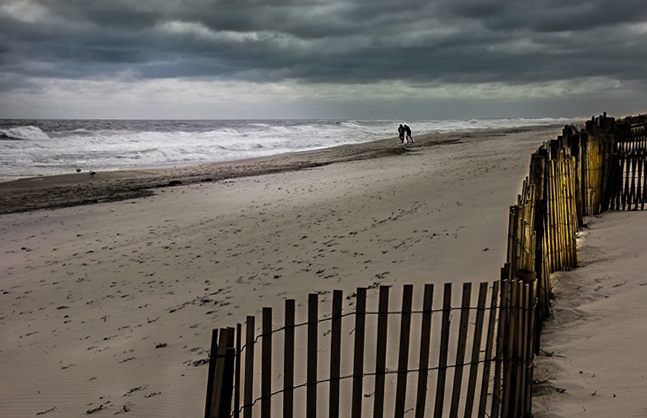
Very nice shot, I like your composition. I agree Tom's comments darken the bright area can bring out more detail on the waves and match your title. The fence is leading us to the end of beach. The couple is really help your image to match with your title. The only thing I would try to move the couple farther, so they can with the fence together are leading us looking further to beach end. |
Jan 23rd |
 |
| 7 |
Jan 19 |
Comment |
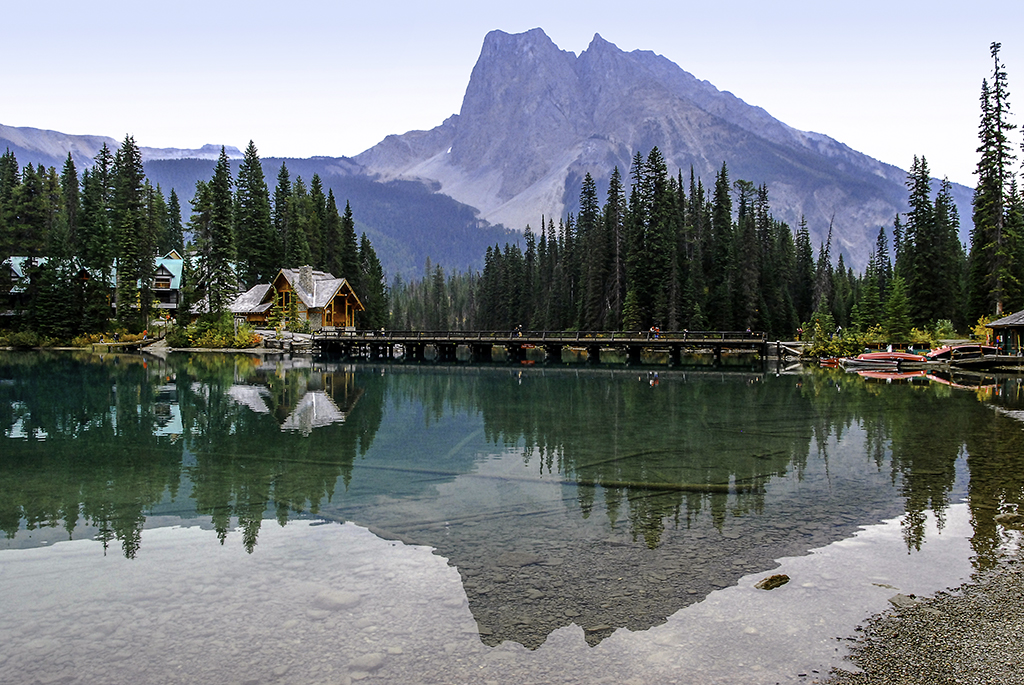
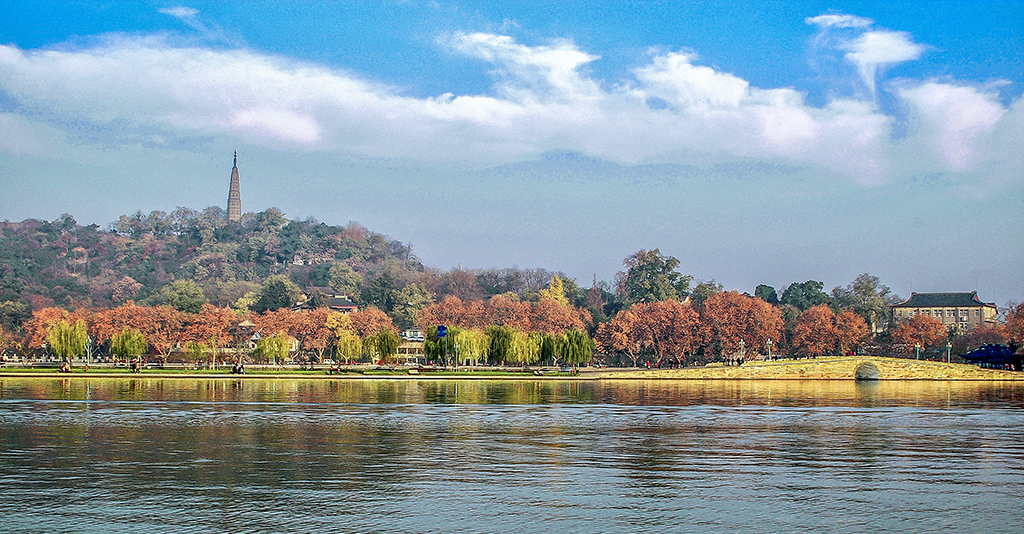
'Nice image from iPhone. Today's iPhone camera getting much improved. The yellow foliage is most attracting area, then down to water reflection. The image is full of autumn breath. |
Jan 23rd |
| 7 |
Jan 19 |
Comment |
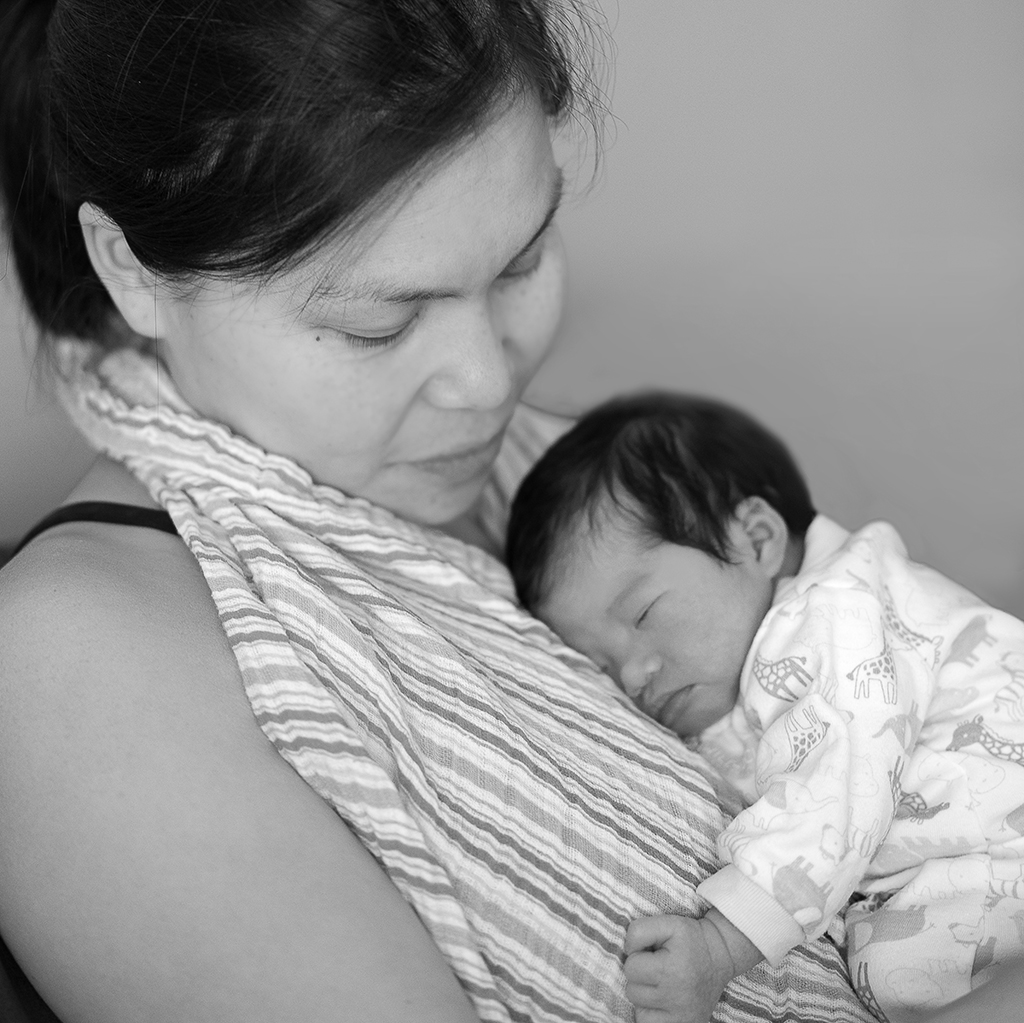
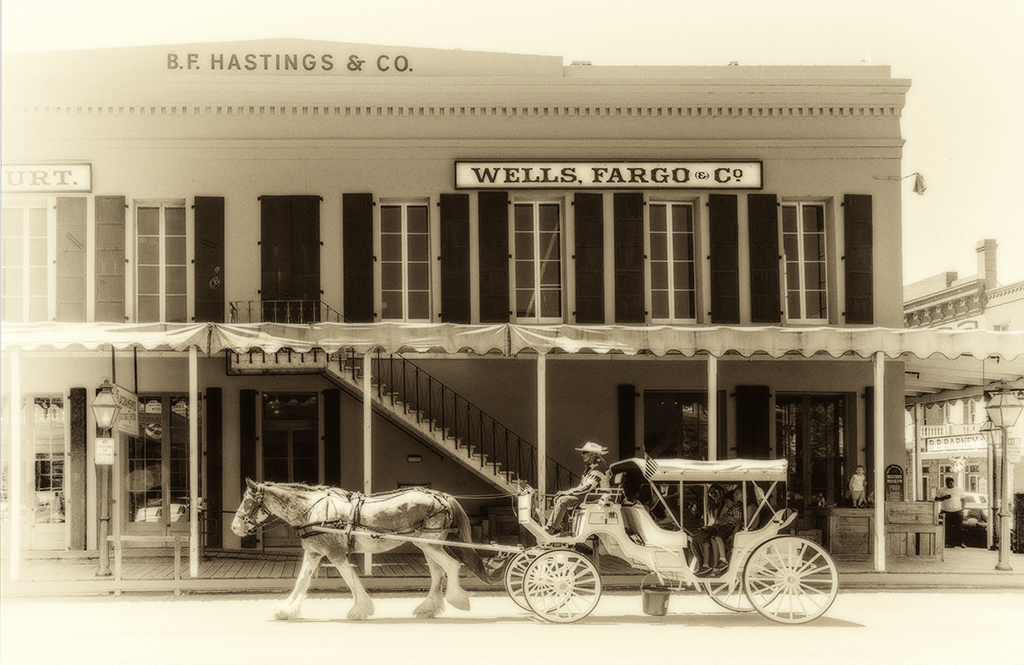
Nice nostalgic image. I would not to crop any thing, leave as is. |
Jan 23rd |
| 7 |
Jan 19 |
Comment |
Tom. Yes, you are right. If you work this in RAW the result must be better. Very important is do not have image become clipping, when reach to clipping point, you can not do any thing. Usually I set exposure with under one step, that is to prevent clipping on the white side. |
Jan 21st |
| 7 |
Jan 19 |
Comment |
Tom,
I try to answer your question. When I look at the white area of your image, I found that I still can barely
See the clouds, this means that the white area still not clipping yet. There is possible to retrieve them.
The steps as follow: 1, select the white sky, open it in Raw filter. Reduce the Highlight/Whites/Contrast. Now you can see that the sky apparels light blue and barely can see the light clouds. 2, In HSL, Decrease the blue color Luminance. 3, Adjust temperature cooler, we can get a more natural blue color. 4, Increase the Clarity/Dehaze/ Contract, we can see more clouds now, but the clouds are w/ light blue color. 5, Use the Dodge tool to touch the clouds, you can get more white clouds now. This is what I did in your photo to bring back the clouds and sky blue. These step also can use for not Black Clipping area to bring back details. In the film era this was impossible. These results become available, because the Digital and RAW format have all data inside RAW file. That is RAW file Advantage. Tom I am not sure I clearly explain or not. We can further discuss latter.
Tony
|
Jan 17th |
| 7 |
Jan 19 |
Comment |
|
Jan 16th |
 |
| 7 |
Jan 19 |
Comment |
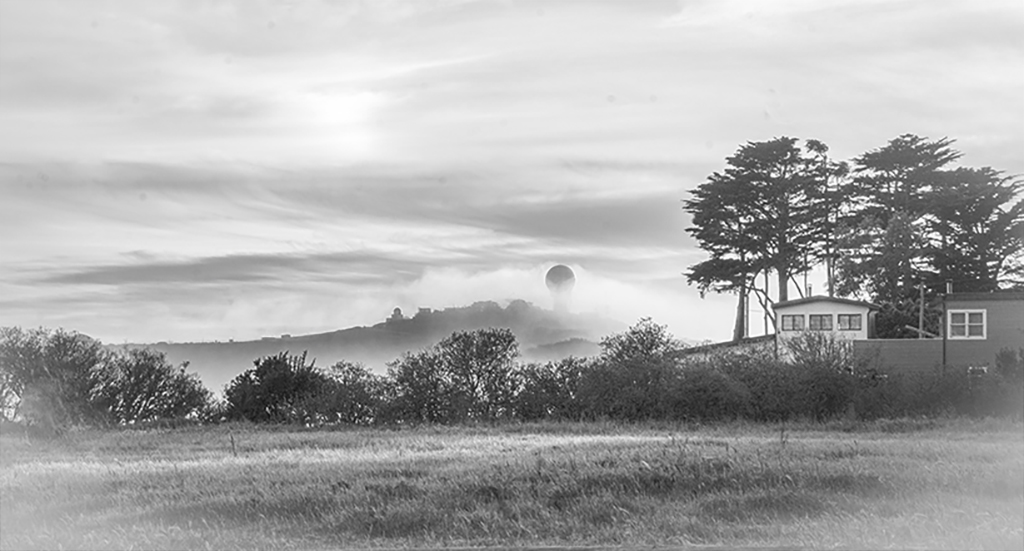
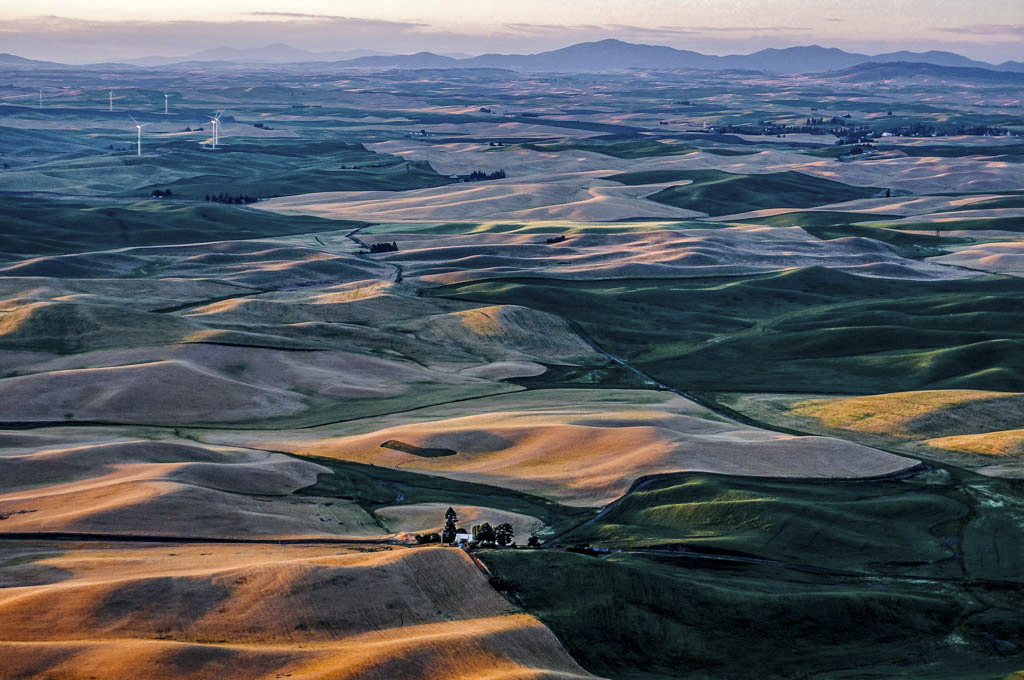
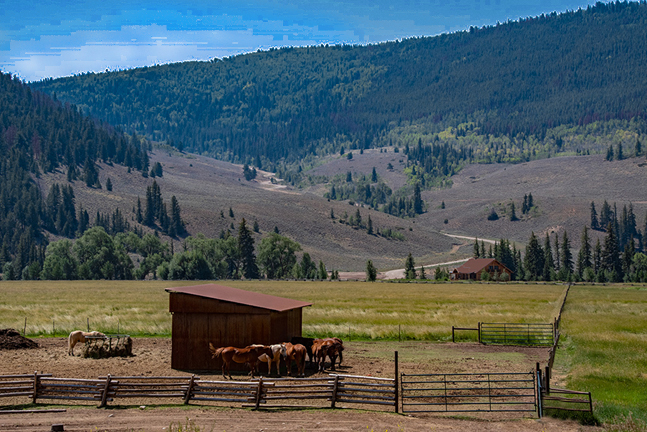
Tom, Your photo is a beautiful rural scenery image, Unfortunately the sky is too plain. Rich's comment is one way to improve this image, it can more prominence of object. If keep the sky, then we can enjoy whole beautiful pastoral environment included the sky. Since I barely can see the sky has some very light clouds, so I tried to retrieve the clouds in Camera Raw. That is a 2nd approach. It came out is good and shown in my attached copy. |
Jan 16th |
8 comments - 0 replies for Group 7
|
8 comments - 0 replies Total
|