Activity for User 245 - Barbara Mallon - bjmallon@comcast.net

avatar
Avatar

Close this Tab when done


499 Comments / 29 Replies Posted

  = Current Round   = Previous Round
Group Round C/R Comment Date Image
7 Feb 24 Comment I like your placement of the plant and pods! The light grey in the background detracts. There is a great rubber stamp tool you a use to fix that! I think there is too much on the sides. I would keep the balance you have with crops. I would leave more on the left than Judith did. You can sharpen just the front pod by putting the out of focus part of the pod on a new layer and try Topaz Photo Ai. Feb 23rd
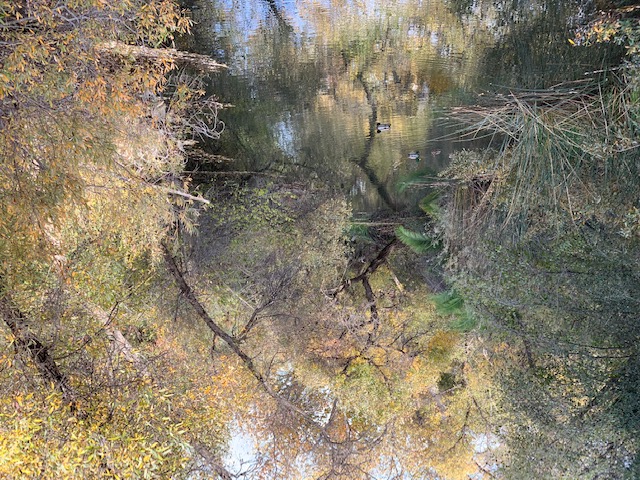
7 Feb 24 Comment I would crop the bridge out fro the to and sides. Otherwise it tells a great nature story with your caption! I see the others agree with me. Feb 23rd
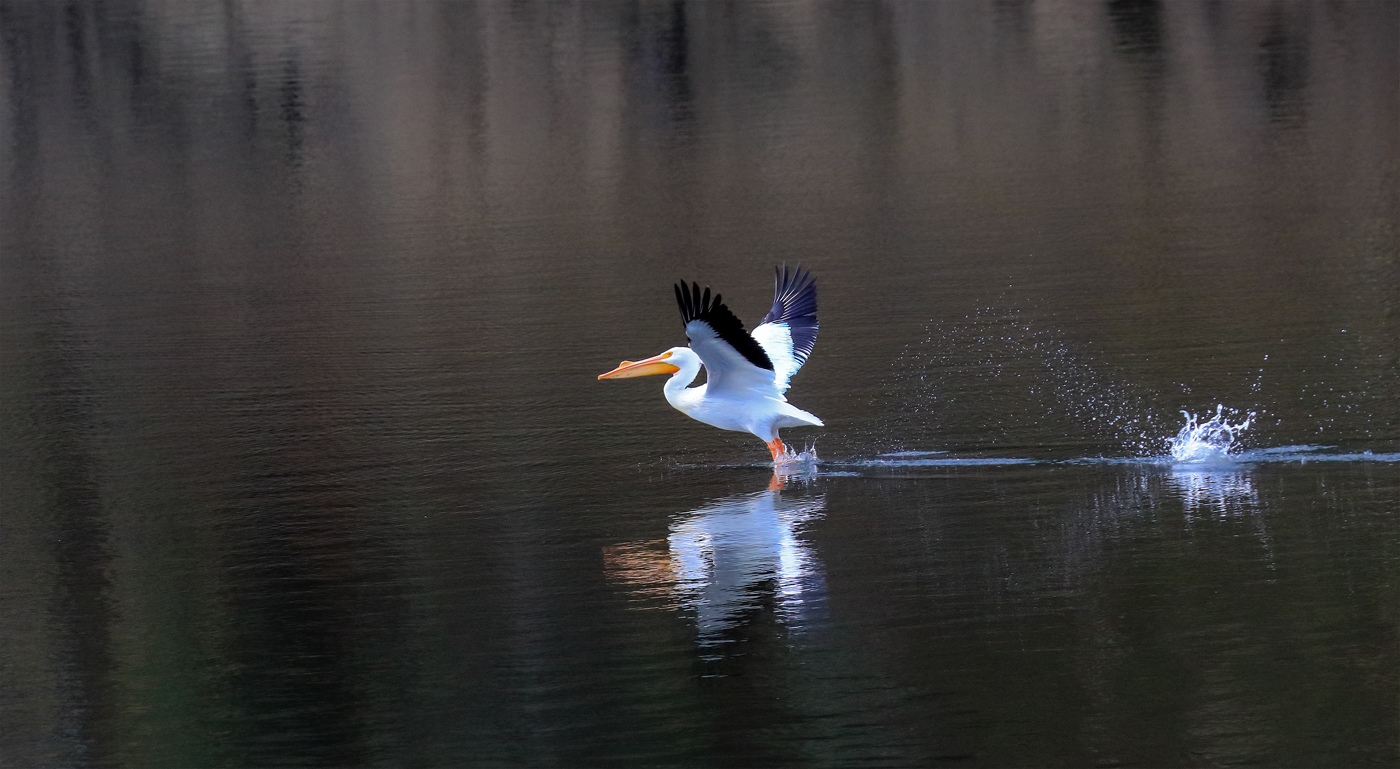
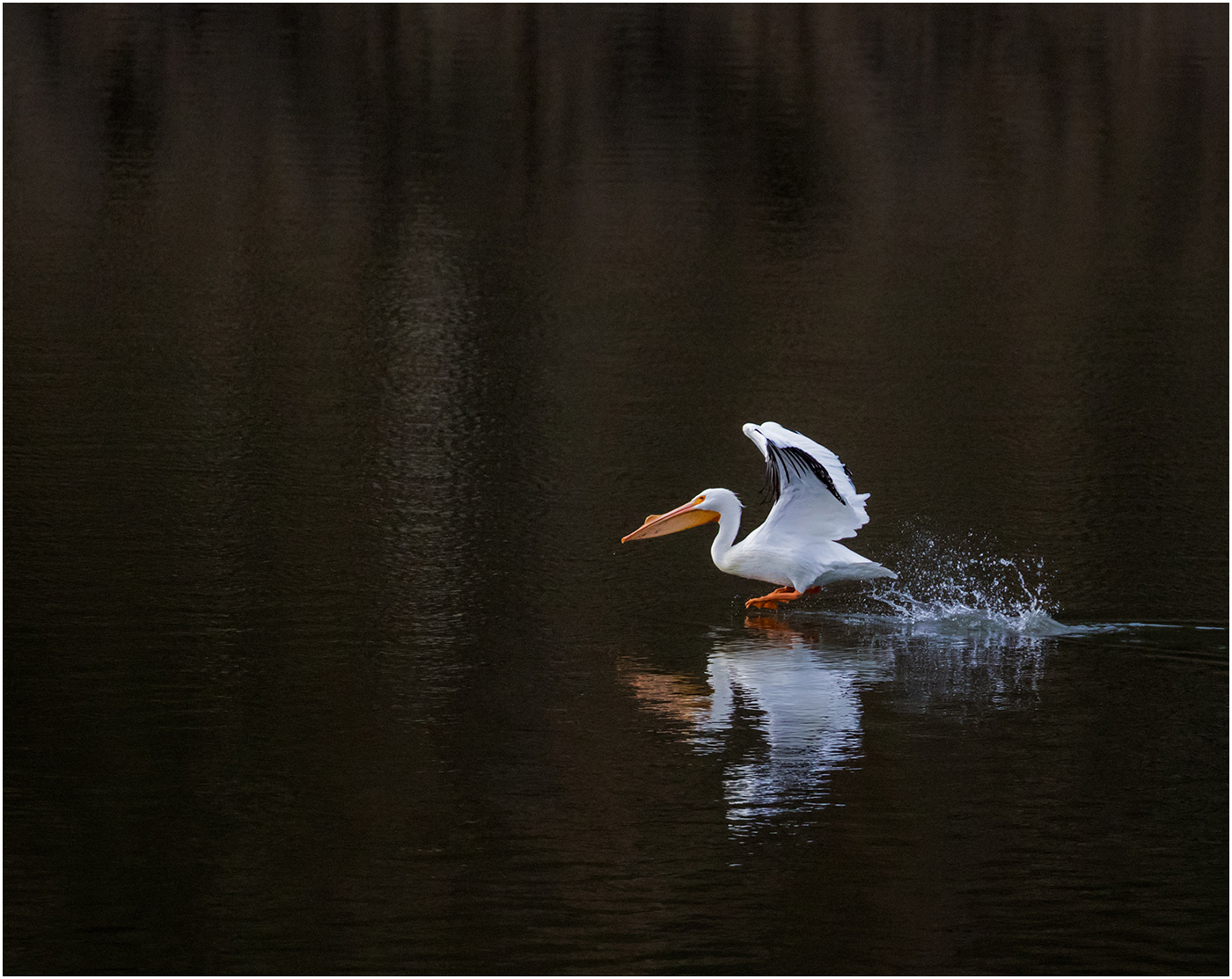
7 Feb 24 Comment The second image is my favorite. I don't se green in the second image. I thonktyhe out of focus birds in the water detract. You could crop them out. I too like to photograph wildlife. It is a challenge to show motion and get sharp images. You and set the shutter speed to get birds sharp but a but of blurry in the faster parts with auto ISO . Feb 23rd
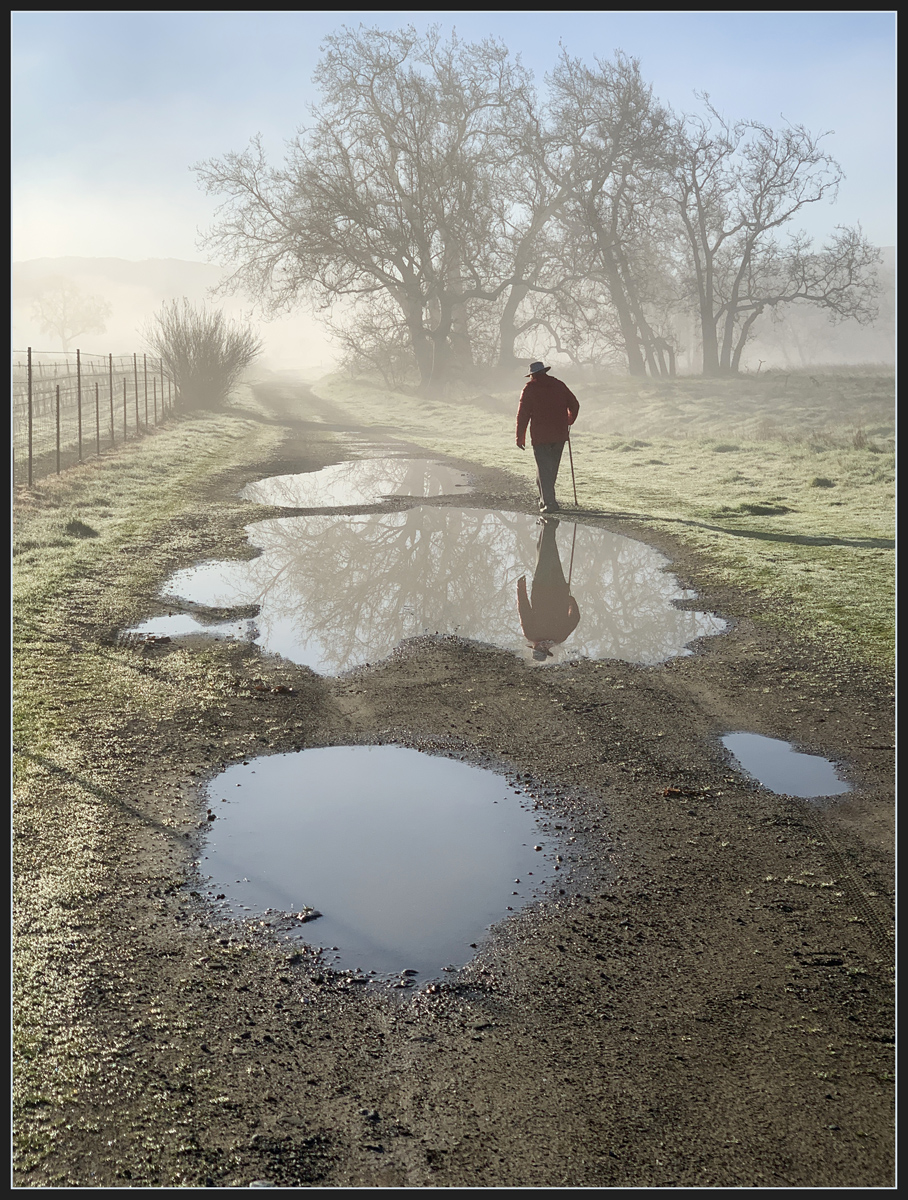
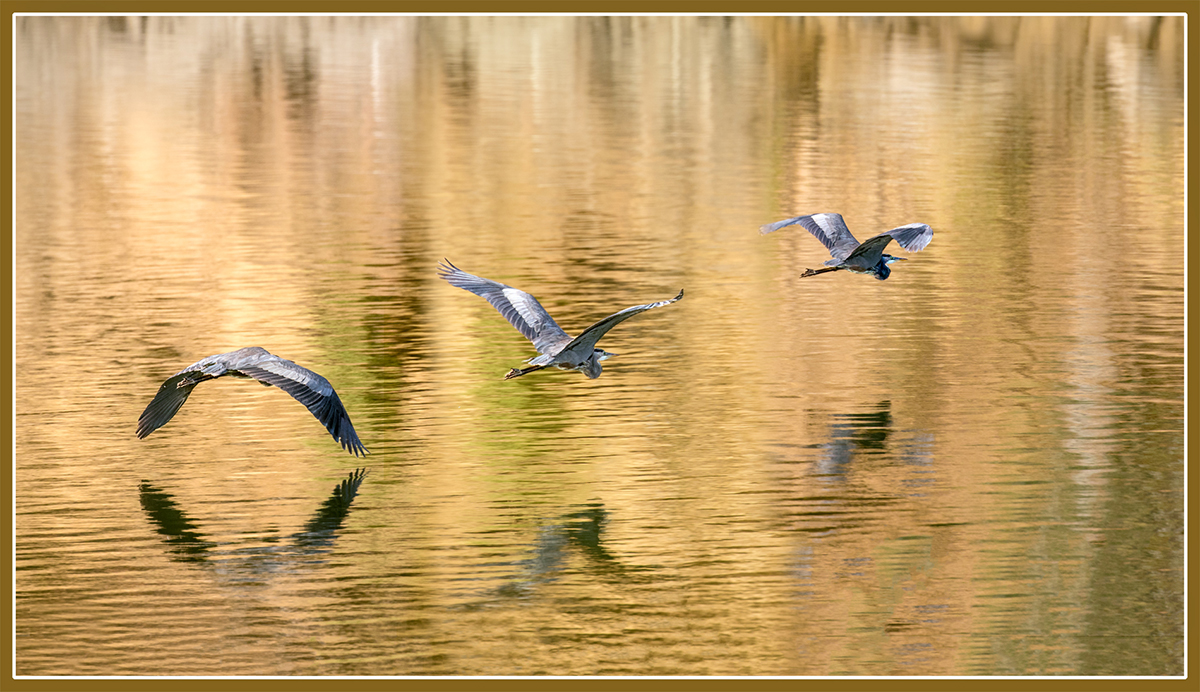
7 Feb 24 Comment If you are not entering this in nature, I would try switching the outermost birds so they face inward. I would also crop some off the top. Puddles are fun! Feb 23rd
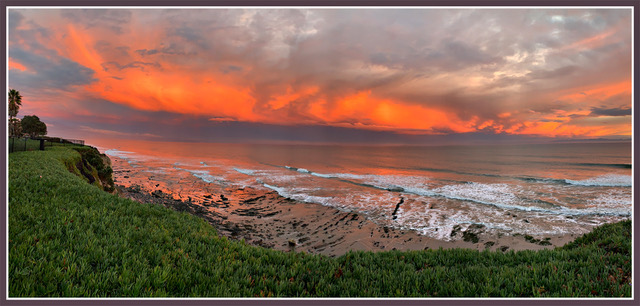
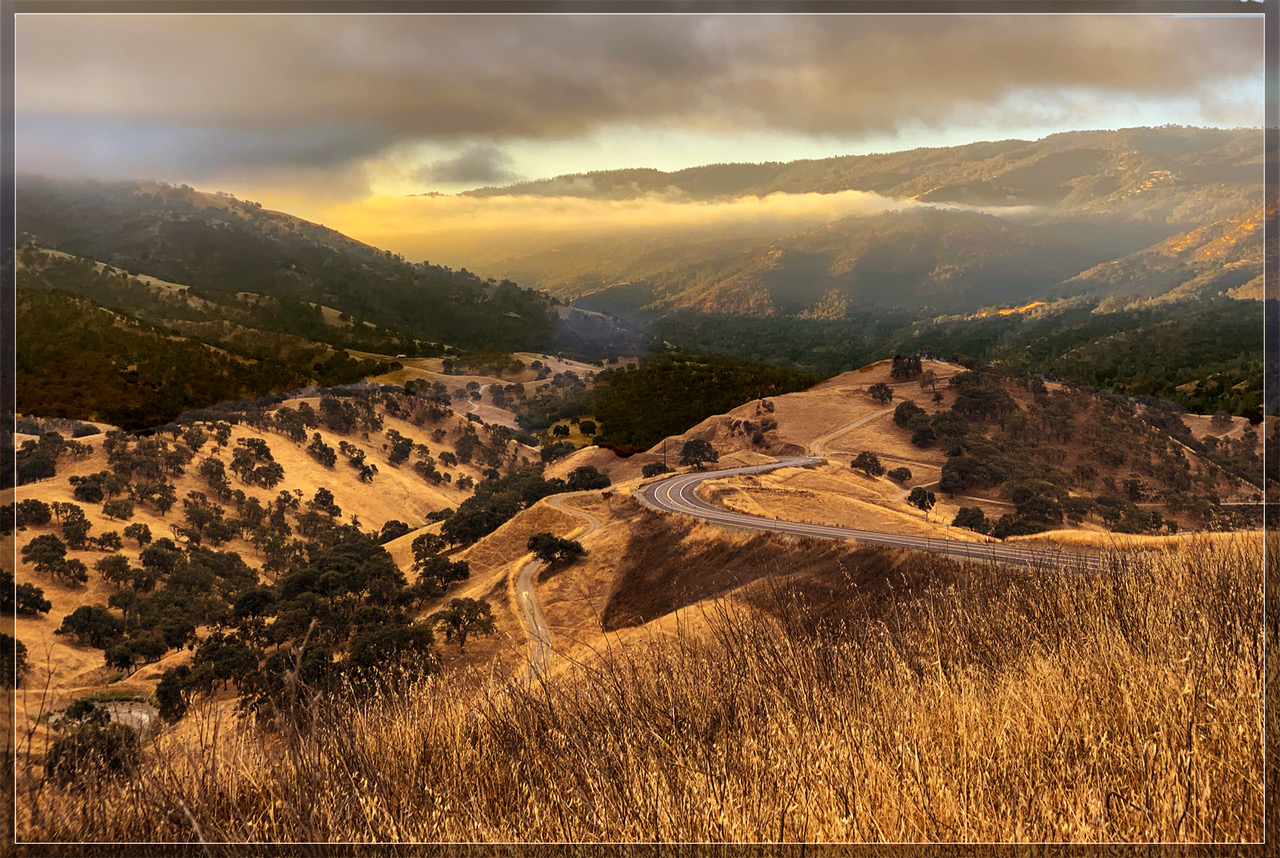
7 Feb 24 Reply You did better than I in correcting the wide angle. I should have tried a pano. I was so excited about the wide angle in my new I phone I didn't pay attention. OOPS Feb 23rd
7 Feb 24 Comment I don't think photos os someone else's art work are allowed. The said, I am afraid this image is outside my comfort range to make a comment. Feb 23rd
7 Feb 24 Comment Masterfully done. A nicely composed and lighted photograph! I think the color is perfect for a candle-lit scene. I am not a painter and I think as a photo it works for me. You could take some shorter exposures so you get some detail in the flame and wax under it. You could select the flame and wax and copy them over the one you have here. Then change the opacity of the new layer so it blends well. Well done! Feb 23rd

6 comments - 1 reply for Group 7


6 comments - 1 reply Total


98 Images Posted

  = Current Round   = Previous Round
Group 07

Dec 25

Nov 25

Oct 25

Aug 25

Jul 25

Jun 25

May 25

Apr 25

Feb 25

Jan 25

Dec 24

Nov 24

Oct 24

Sep 24

Aug 24

Jun 24

May 24

Apr 24

Mar 24

Feb 24

Jan 24

Nov 23

Oct 23

Sep 23

Aug 23

Jun 23

May 23

Apr 23

Mar 23

Jan 23

Dec 22

Nov 22

Oct 22

Sep 22

Aug 22

Jul 22

Jun 22

May 22

Apr 22

Jan 22

Dec 21

Nov 21

Oct 21

Sep 21

Aug 21

Jul 21

Jun 21

May 21

Apr 21

Mar 21

Jan 21

Dec 20

Nov 20

Oct 20

Sep 20

Aug 20

Jul 20

Jun 20

May 20

Apr 20

Mar 20

Feb 20

Jan 20

Dec 19

Nov 19

Oct 19

Sep 19

Aug 19

Jul 19

Jun 19

Apr 19

Mar 19

Feb 19

Jan 19

Dec 18

Nov 18

Oct 18

Sep 18

Aug 18

Jul 18

Jun 18

May 18

Apr 18

Mar 18

Feb 18

Jan 18

Dec 17

Nov 17

Oct 17

Sep 17

Aug 17

Jul 17

Jun 17

May 17

Apr 17

Mar 17

Feb 17

Jan 17

Close this Tab when done