|
| Group |
Round |
C/R |
Comment |
Date |
Image |
| 7 |
Apr 25 |
Reply |
I like what you did with the image, a good image is now better. |
Apr 27th |
| 7 |
Apr 25 |
Reply |
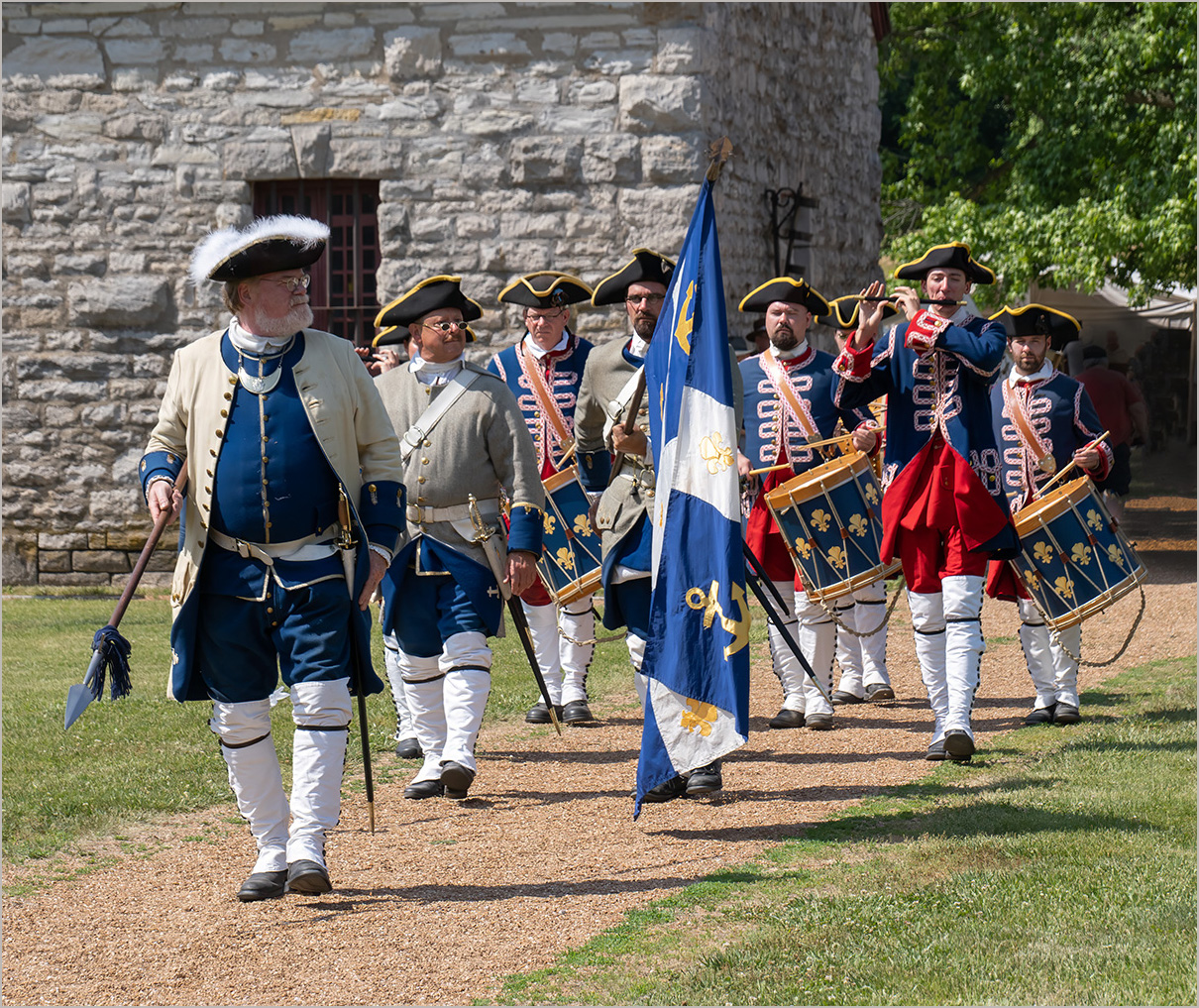
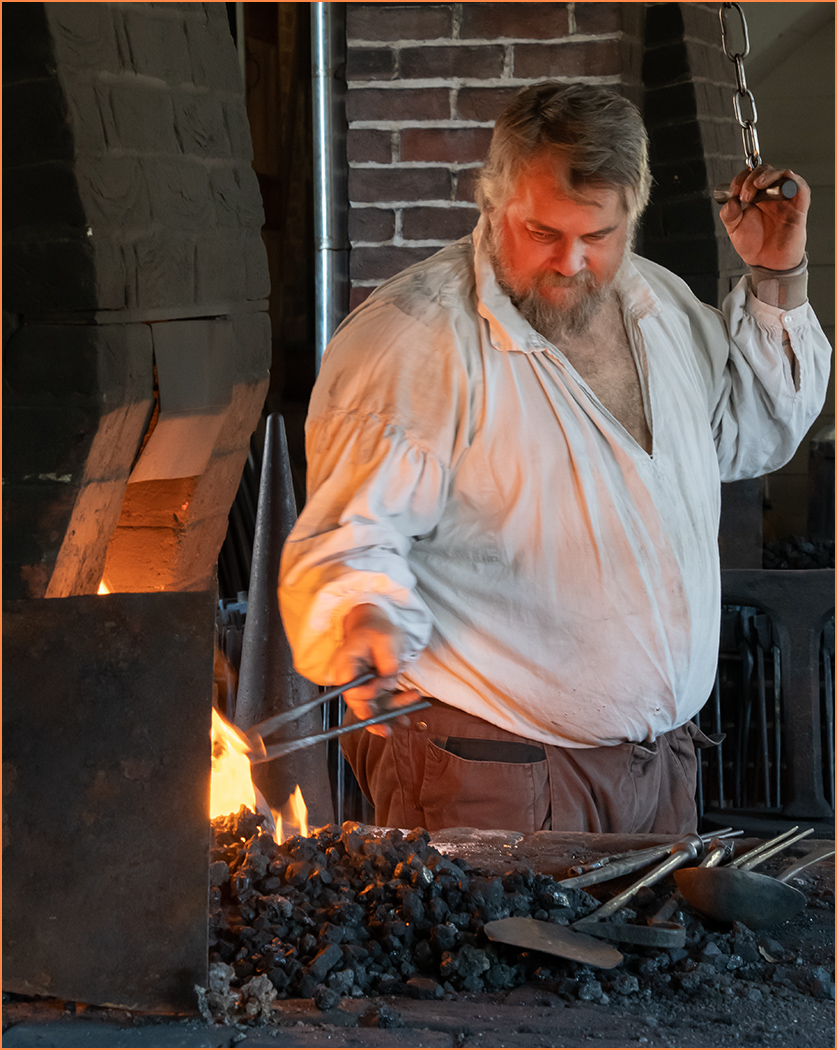
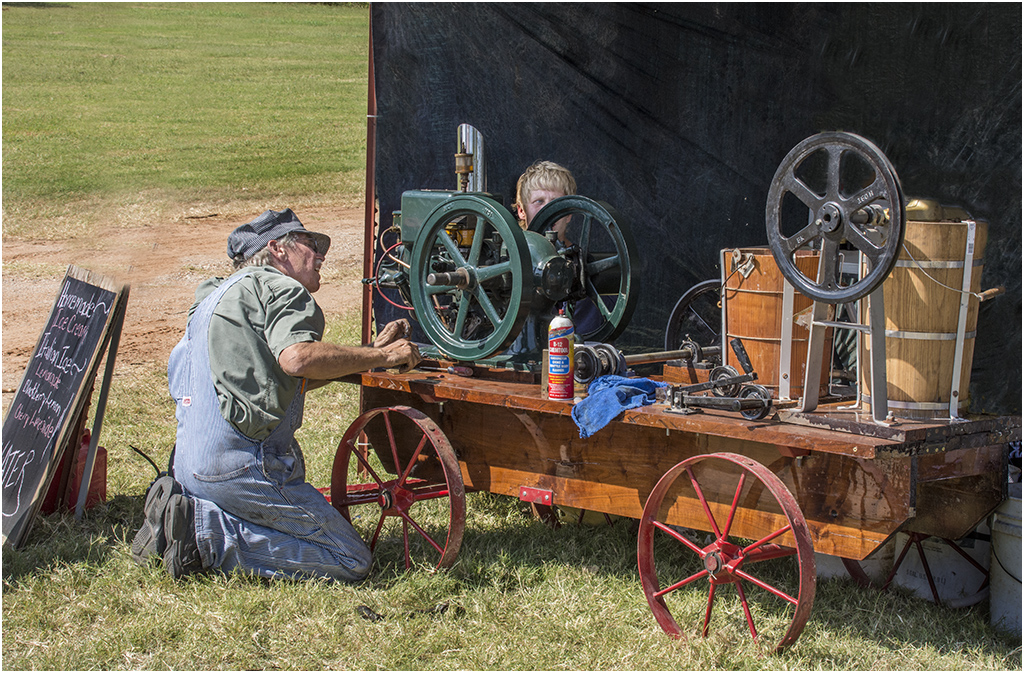
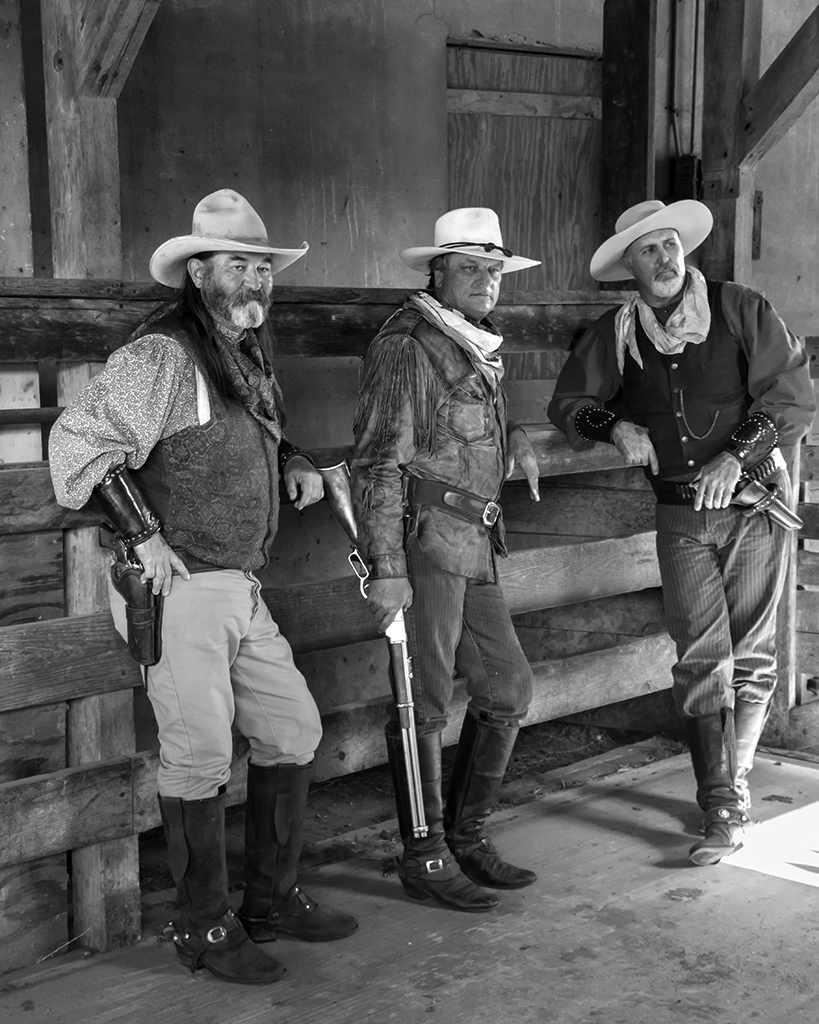
Thanks, it is an improvement, and you left all of the arm of the fur trader. |
Apr 23rd |
| 7 |
Apr 25 |
Reply |
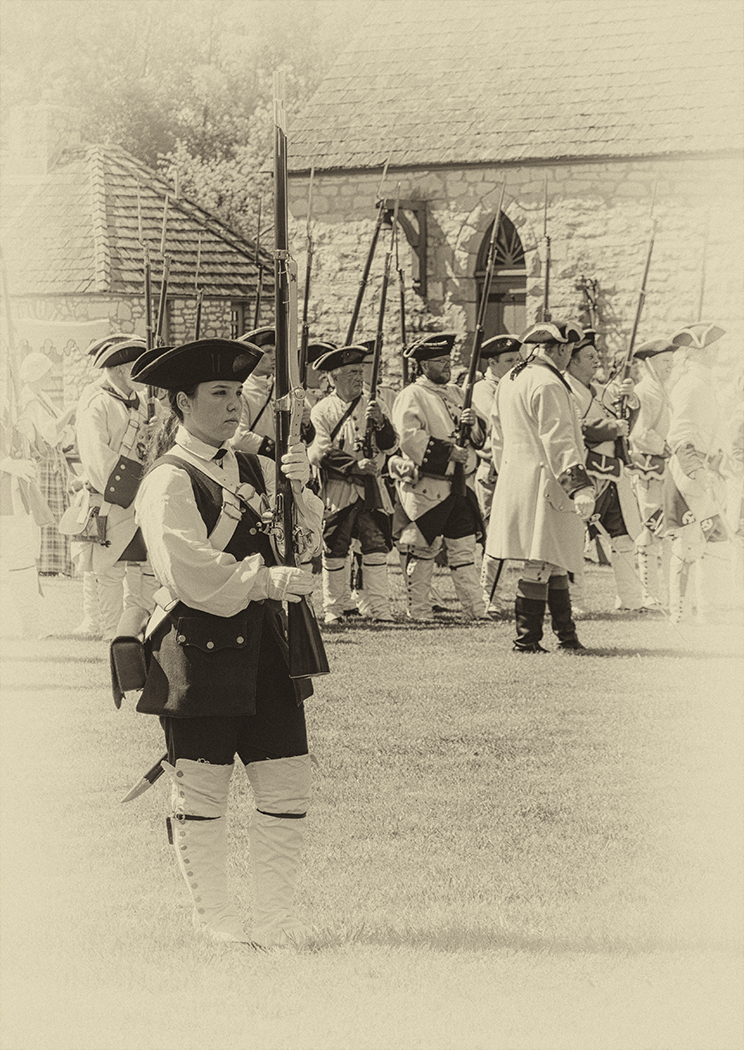
If I square it up, it will cut off part of the fur trader, which would not be good. Judith already pointed out that I cut off a corner of the drum on the right. The reenactors were all pretty much not wearing modern items. |
Apr 21st |
| 7 |
Apr 25 |
Comment |
Still life isn't really my thing either, but reading your setup, you accomplished what you wanted to do. I like the composition with the angle of the violin and the music. Adding music really helps the image. The tone of the monochrome is very good for the image. I don't think that it is a competition image (but of course I could be wrong) because it looks like you just walked up and took the image, without thinking about the lighting. But again, that is the effect that you wanted, so well done. |
Apr 19th |
| 7 |
Apr 25 |
Comment |
Great technical skill to have such a great focus on the main subject area with an excellent depth of field. I really like the pattern of the water behind the pair. A really great nature image.
I am curious if the bird was able to swallow the fish. The fish seems rather large for the bird and what looks like a spike at the top might also prevent swallowing it. |
Apr 19th |
| 7 |
Apr 25 |
Comment |
What a great image. You have such imagination and skills with your table tops. It is such a soft looking image, but is still sharp, and the pink and blue colors are great together. I really like the lighting effect that has dark edges on the side of the vase. I do like what Butch did in reversing the image, as the flower at the bottom is now on the right side and leads us into the image. I did cleaning up to get rid of the vertical line that is now on the right, the lines at the bottom left, the white line at the bottom, and white area in the center of the vase. |
Apr 19th |
 |
| 7 |
Apr 25 |
Comment |
Great capture with the 3 pelicans all landing at the same time in a v formation. The reflections and the water semi smoothness is very good. I like what Butch did to the image to get rid of the 2 stationary pelicans and converting to mono. |
Apr 19th |
| 7 |
Apr 25 |
Comment |
The model is great, with his white beard and black shirt. You caught him playing, and it is good that his one hand is moving as that shows that he is playing. The lighting, background and sharpness are all very good. I agree with Butch that the amount of him shown doesn't look right. If you have him to his feet, that would be good. If you don't have any more of him, I would crop the bottom off to the bottom of the bow. |
Apr 19th |
| 7 |
Apr 25 |
Reply |
That would be a good idea, but there were people in front of me that I was having to shoot through. I may go back and try again when it is held next June. It is not far from my home. |
Apr 12th |
5 comments - 4 replies for Group 7
|
| 32 |
Apr 25 |
Reply |
Thanks for trying. |
Apr 30th |
| 32 |
Apr 25 |
Reply |
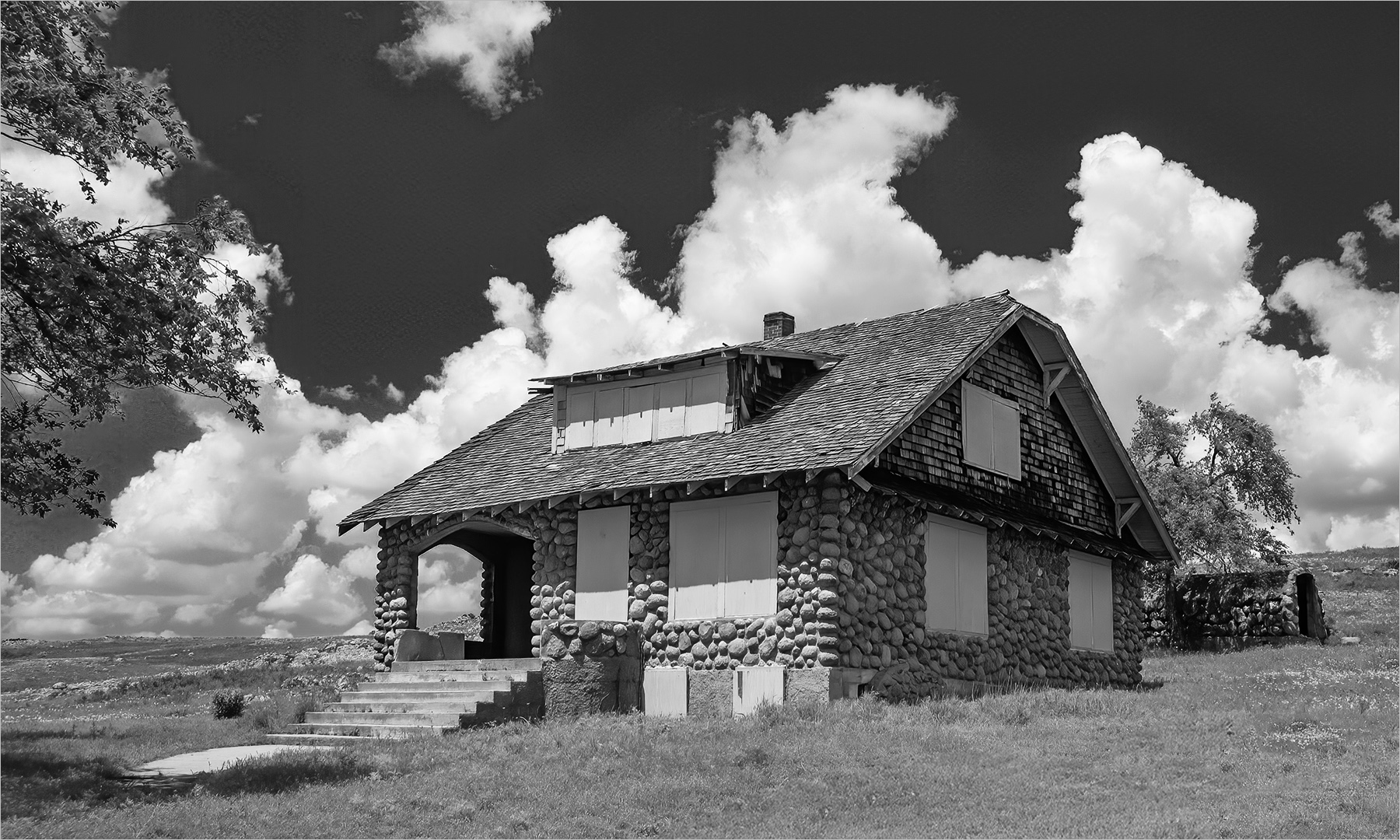
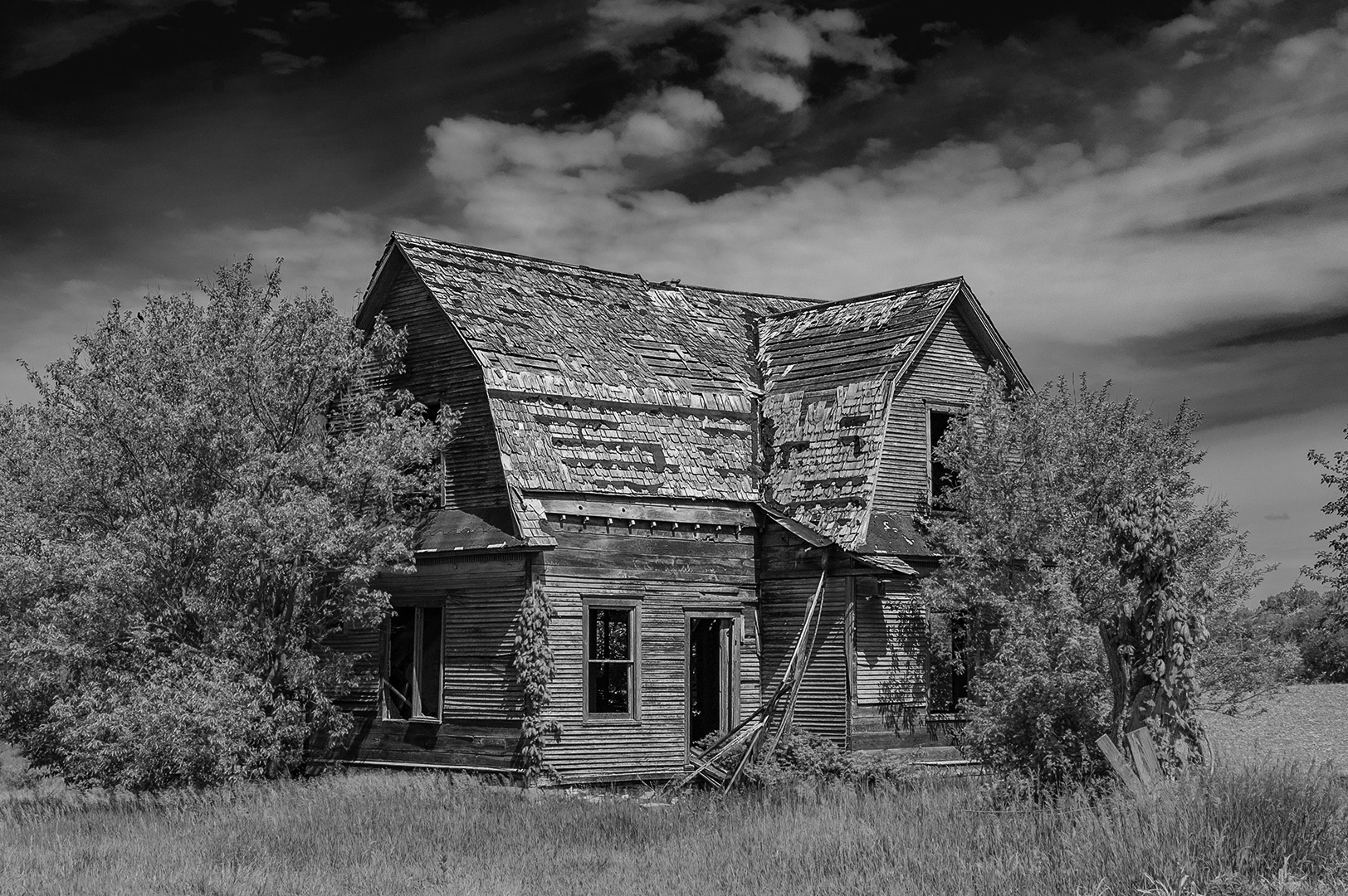
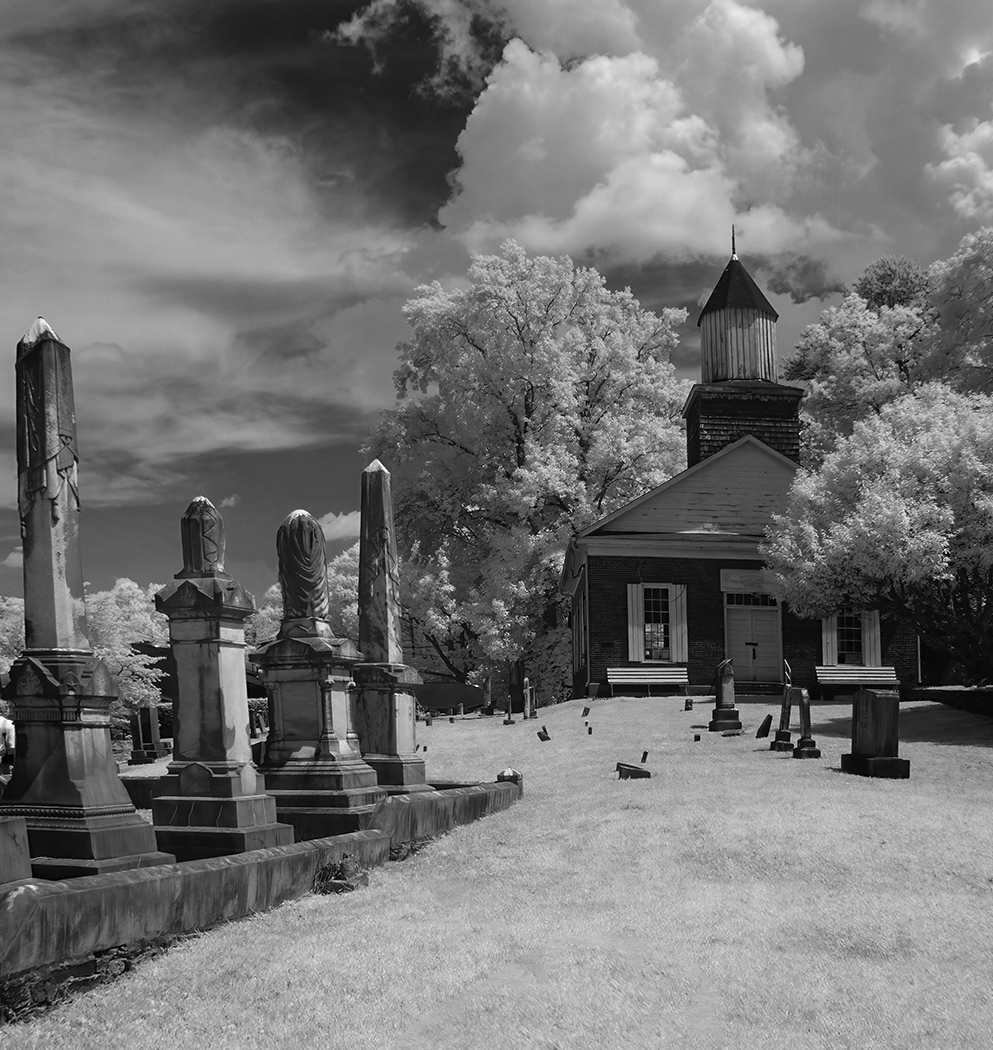
It was taken with an IR camera, there is no way to darken the image, as it is white on the capture. |
Apr 29th |
| 32 |
Apr 25 |
Reply |
Topaz Labs. It says that Photo AI is $199. I have had it for years, so updates are less. And, you do not need to do updates. Once you buy it, you can keep using it. You do get free updates for one year. It does seem to take more computer power than Photoshop, so you should check on that before purchasing.
The second image is Sharpen AI, which has been discontinued.
It sounds like it is free, but may take some internet searching to find the free download. Look for their "legacy" software. |
Apr 23rd |
| 32 |
Apr 25 |
Comment |
You did a great job of capturing the woman, as the lighting and detail are very good. The poise is also good. What a great opportunity. I agree that going mono was a great choice, as the colors dominate and take away from the face. However as said above, it is not a mono image. That said, it is a great color image as you have gotten rid of the bright colors but have left nice skin tones. I did convert to mono by converting to grayscale. |
Apr 21st |
 |
| 32 |
Apr 25 |
Reply |
I also used Topaz Sharpen AI, and it might actually be better as there is more detail in the legs. |
Apr 21st |
 |
| 32 |
Apr 25 |
Comment |
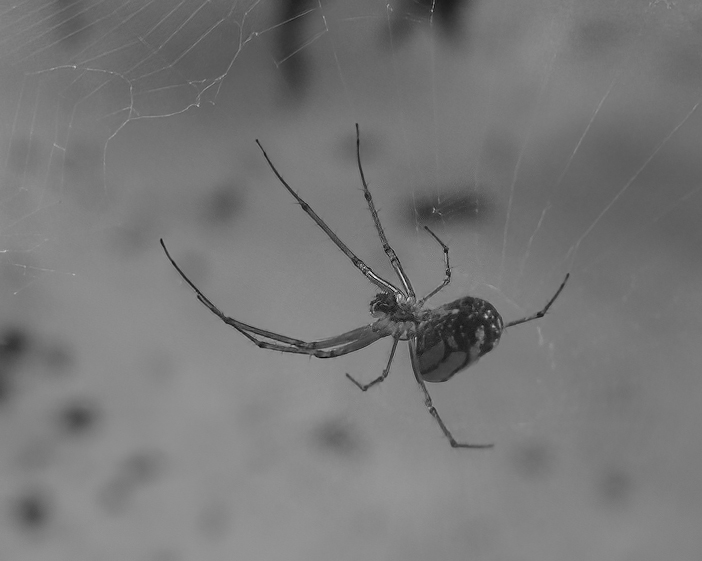
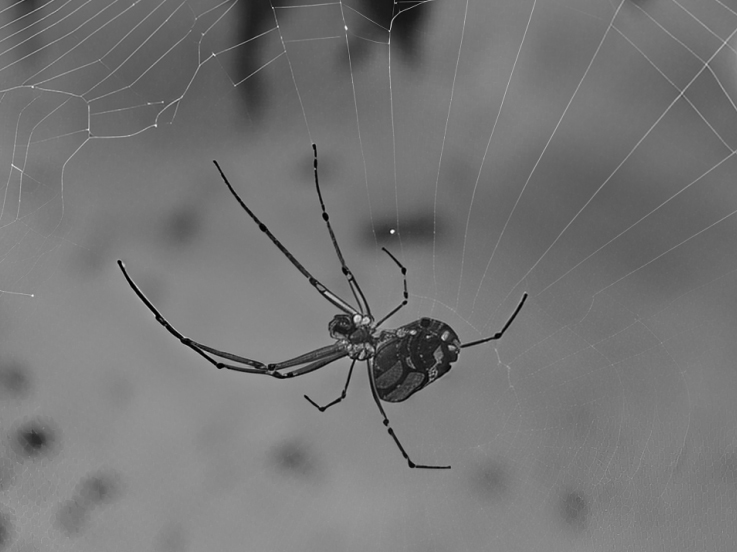
The spider looks unsharp, probably because you had to crop in too much, not that the focus was off. I used Topaz Photo AI's new Super Focus on your color image and converted to mono. It still looks a bit pixelated because of the small jpeg image. I think this software is amazing for images like this. |
Apr 21st |
 |
| 32 |
Apr 25 |
Comment |
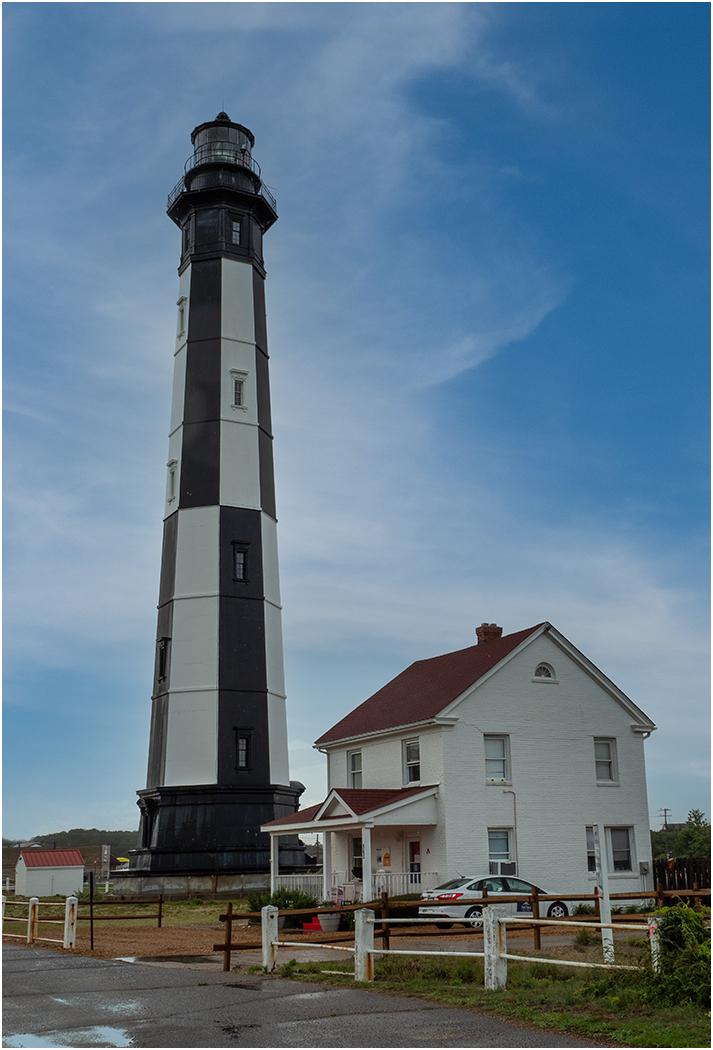
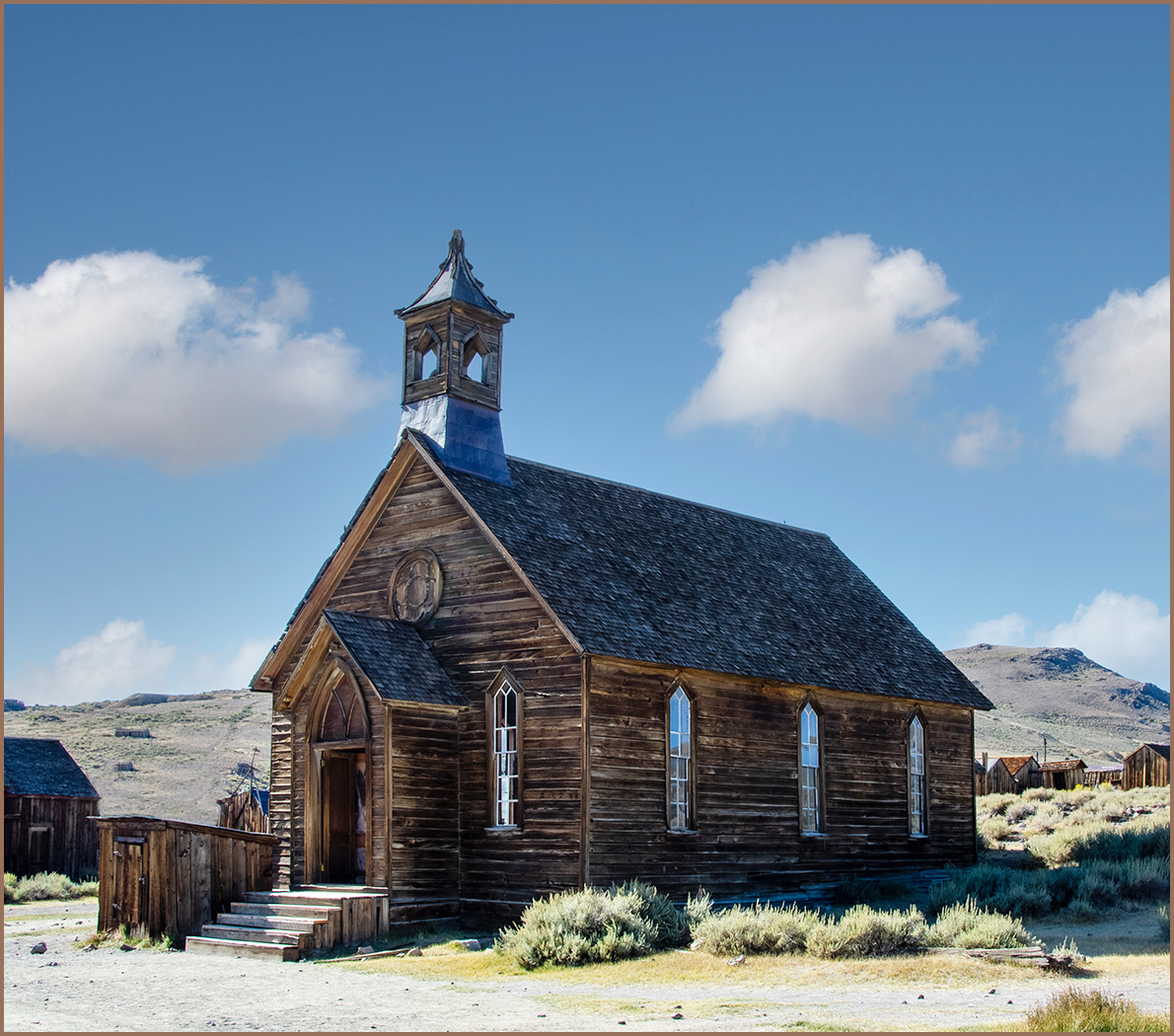
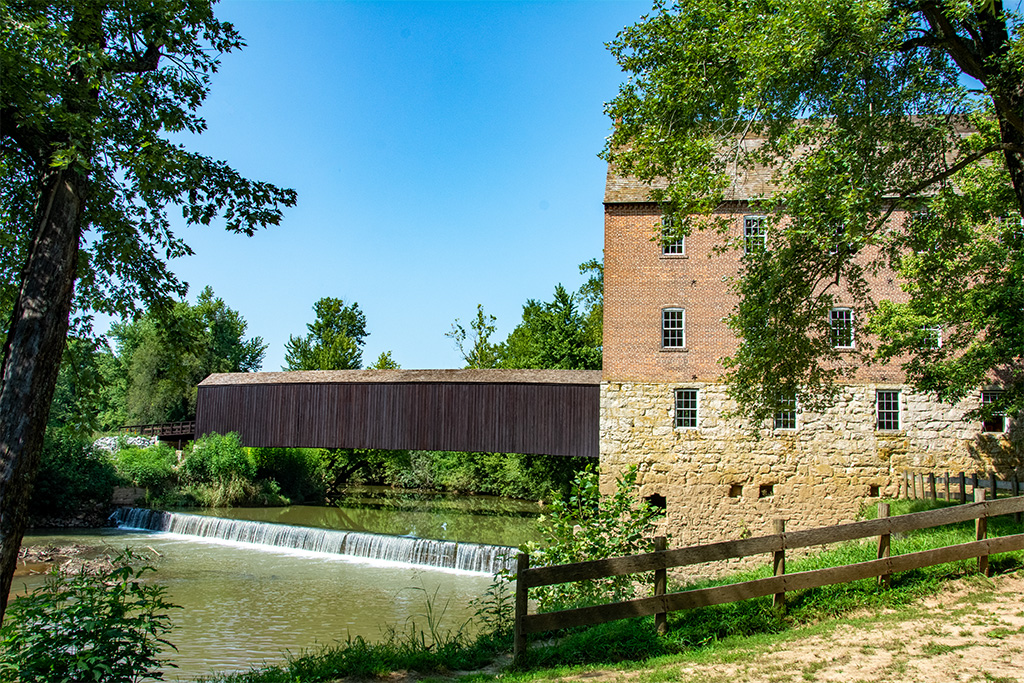
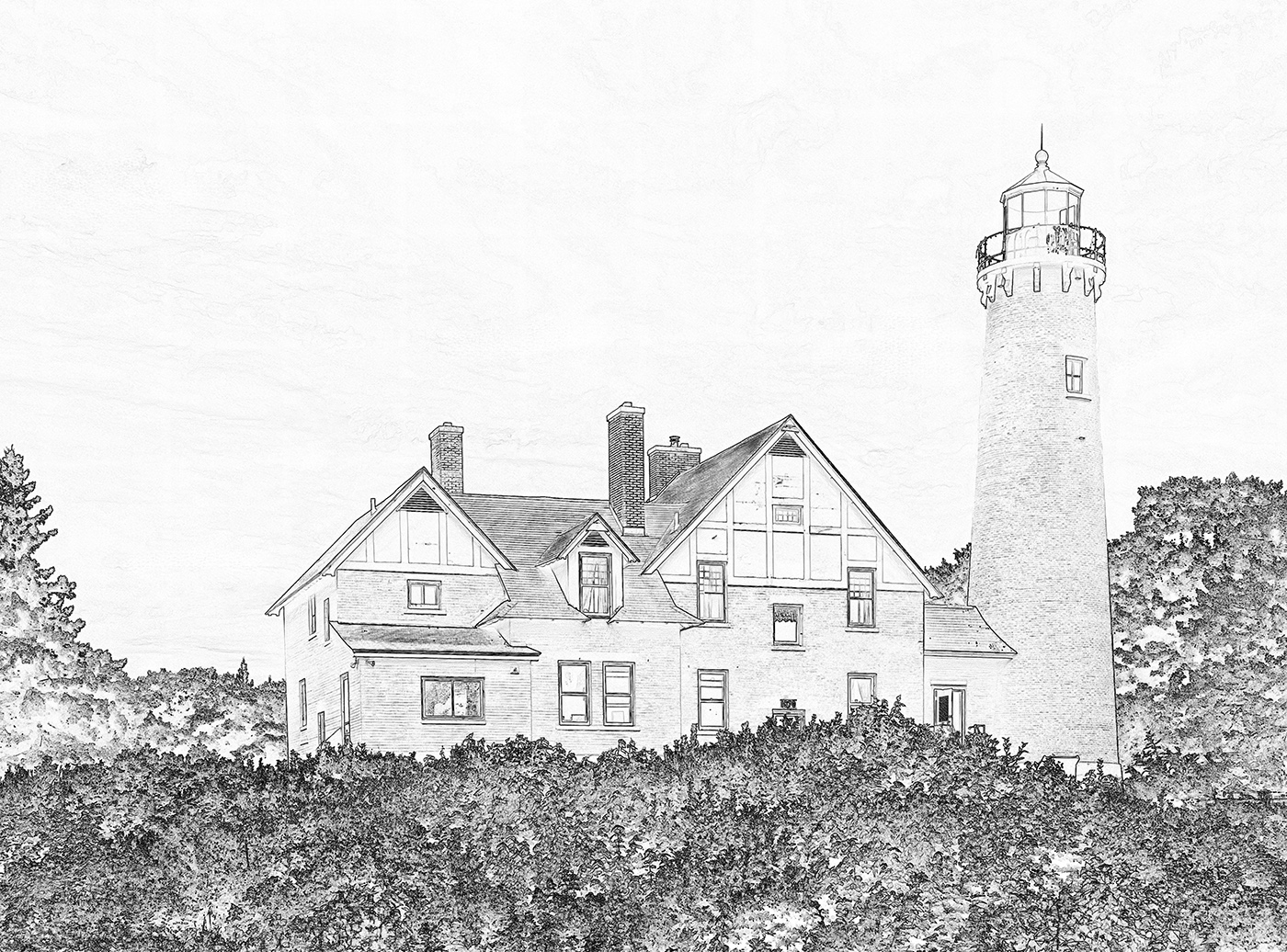
The moat and the plants are good, but I would crop off some of the bottom, you do not need all of the plants. I don't think that the crop on the building is too tight. It looks like you had a cloudy sky, and so not much can be done with that, unless you used Photoshop to add a better sky (which I will say that Photoshop does an excellent job with). Ed overdid the sky, and it does not look good to me. Somdutt's idea of taking several images and stitching them together in Photoshop would have given you a lot more to work with. Handheld would be fine, just allow plenty of overlapping area. Of course when I am presented a shot like this, I almost always forget to do that! |
Apr 21st |
| 32 |
Apr 25 |
Comment |
It is an obvious shot with a fisheye lens, so of course the distortion is not a bother. You could not have gotten all of the mall area in without an ultra wide lens. You must have gotten there early to have only one person in the image. At first I liked the person in the image, as Diana said a focal point. But, then I got to thinking about it, and the person is a distraction. Without her, the eye would be drawn to the sunburst at the top center and the interesting ceiling. It was a good idea to convert to mono. |
Apr 21st |
| 32 |
Apr 25 |
Comment |
Very interesting creation -- what a great imagination! You did a very good job of combining the elements, especially adding the eyes. The eyes draw my immediate attention when looking at the image. I do wish that there was more definition with the left side of the nose. Also I think that the smoke should be starting at the bottom of the image and not left hanging. I do like the color image better. |
Apr 21st |
| 32 |
Apr 25 |
Reply |
Thanks for your comments. I do agree with what you are saying about the DD IR groups. Most of the images seem to be that the photographer is using IR because they have an IR camera and just want to use it to take images of whatever.
I take images that I think IR helps the image, like the one entered. I think that the best feature of IR is dark skies, and the contrast between a white building or white skies. |
Apr 7th |
5 comments - 5 replies for Group 32
|
| 57 |
Apr 25 |
Reply |
Thanks for the suggestion. |
Apr 26th |
| 57 |
Apr 25 |
Comment |
An interesting subject, that you lighted very well. I do wish that you had more depth of field so that more of the image is sharp. |
Apr 26th |
| 57 |
Apr 25 |
Comment |
You found a great location for your image, as the twisted vine by itself is very good. Then you have unmelted ice and water droplets on the vine. The white background works very well in the image. The sharpness in the top and center is very good. Like you said, more depth of field would be good, but the image is good as it is. |
Apr 26th |
| 57 |
Apr 25 |
Comment |
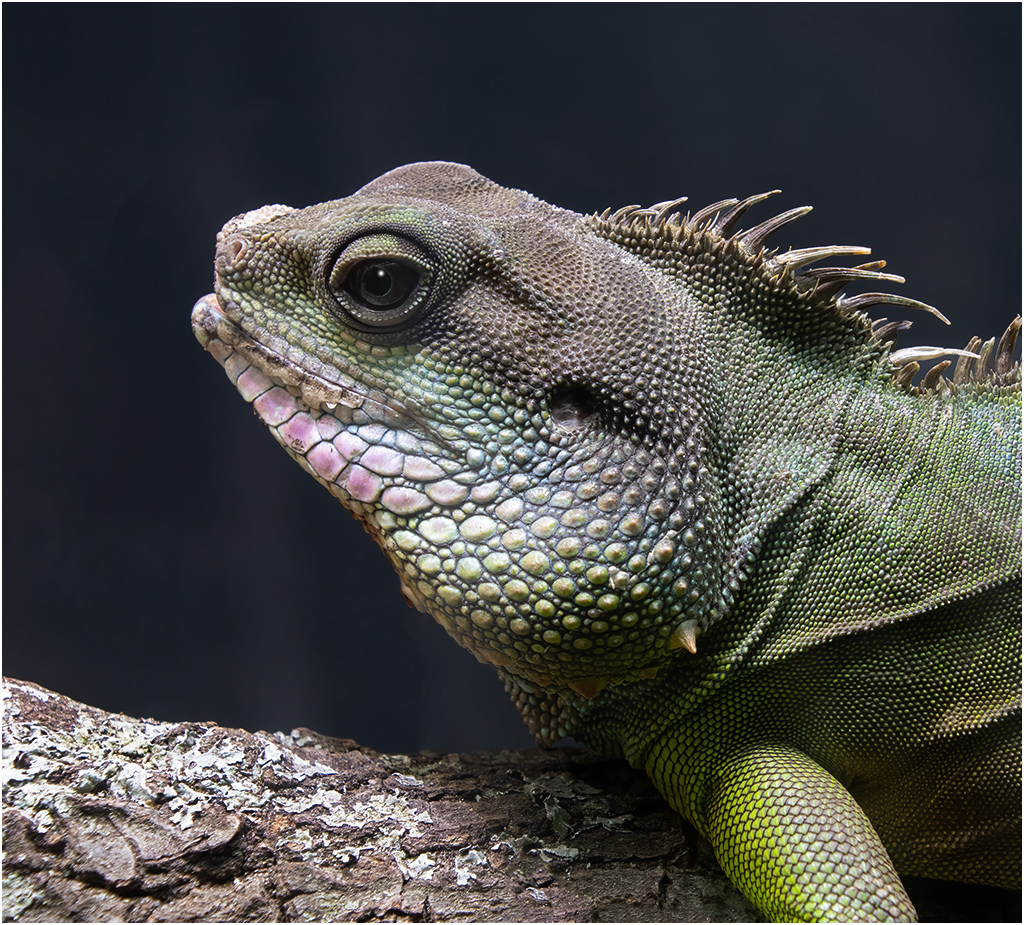
A really great image. The sharpness is amazing. The background is great, and the colors and lighting is great. The catch-light in the eye really adds to the image. I would not change a thing. |
Apr 26th |
| 57 |
Apr 25 |
Comment |
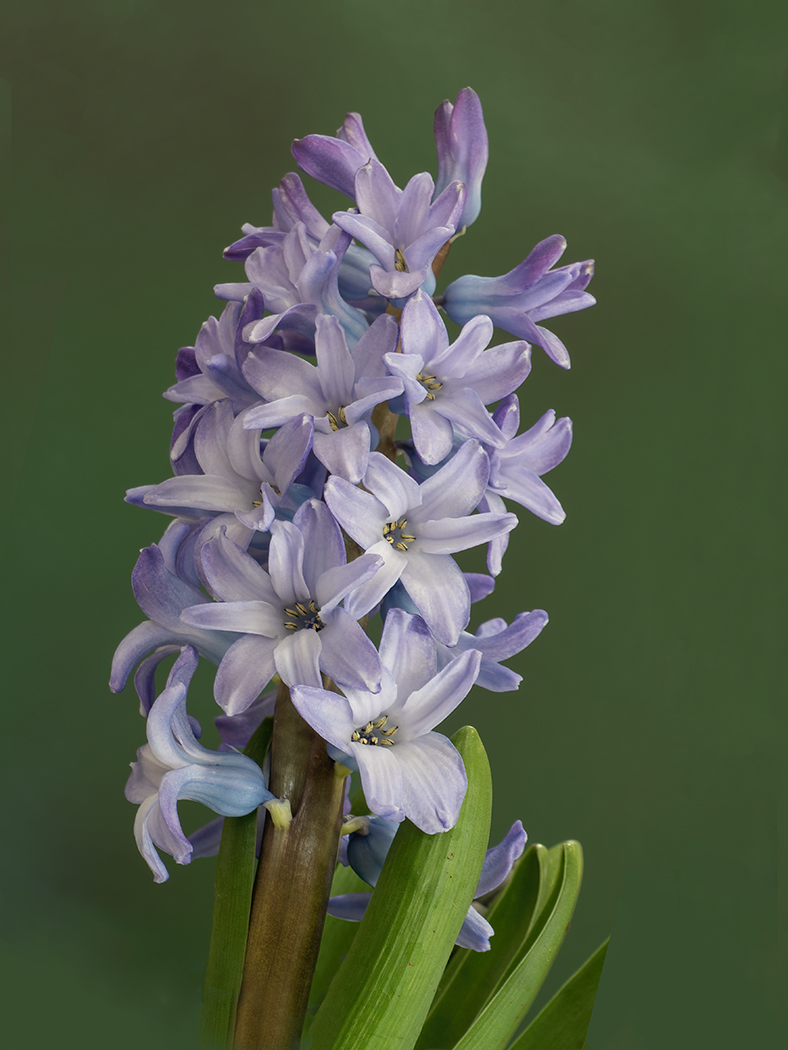
Another great image. I like the colors, the sharpness and the depth of field. The composition is also very good. Maybe nitpicking, but I would remove the stem on the right side. It is drawing the eye out of the image. |
Apr 26th |
| 57 |
Apr 25 |
Comment |
Really nice sharpness, textures and colors. I like the composition with the yellow area in the right side. I do like what Cindy did to improve the image. |
Apr 26th |
5 comments - 1 reply for Group 57
|
15 comments - 10 replies Total
|