Activity for User 242 - Tom McCreary - tommccreary79@gmail.com

avatar
Avatar

Close this Tab when done


1509 Comments / 618 Replies Posted

  = Current Round   = Previous Round
Group Round C/R Comment Date Image
7 Jan 19 Reply Paul, Welcome to the group! Thanks for the comments. Jan 30th
7 Jan 19 Comment Tony, Thanks. Yes, I understand. And you did this from a JEG image that I had posted. I would think that using a RAW image would work even better. Jan 21st
7 Jan 19 Reply Tony, that is really good. How did you bring back so much color in the sky? Jan 17th
7 Jan 19 Reply Rich, I like what you did with the image. Thanks Jan 13th
7 Jan 19 Reply That is an improvement. It is hard to add reflections to an image and make it look realistic. Jan 13th
7 Jan 19 Reply I think that you meant sky. Anyway, that is a good suggestion. The sky does not add to the image and cropping it out would be a solution. Jan 13th
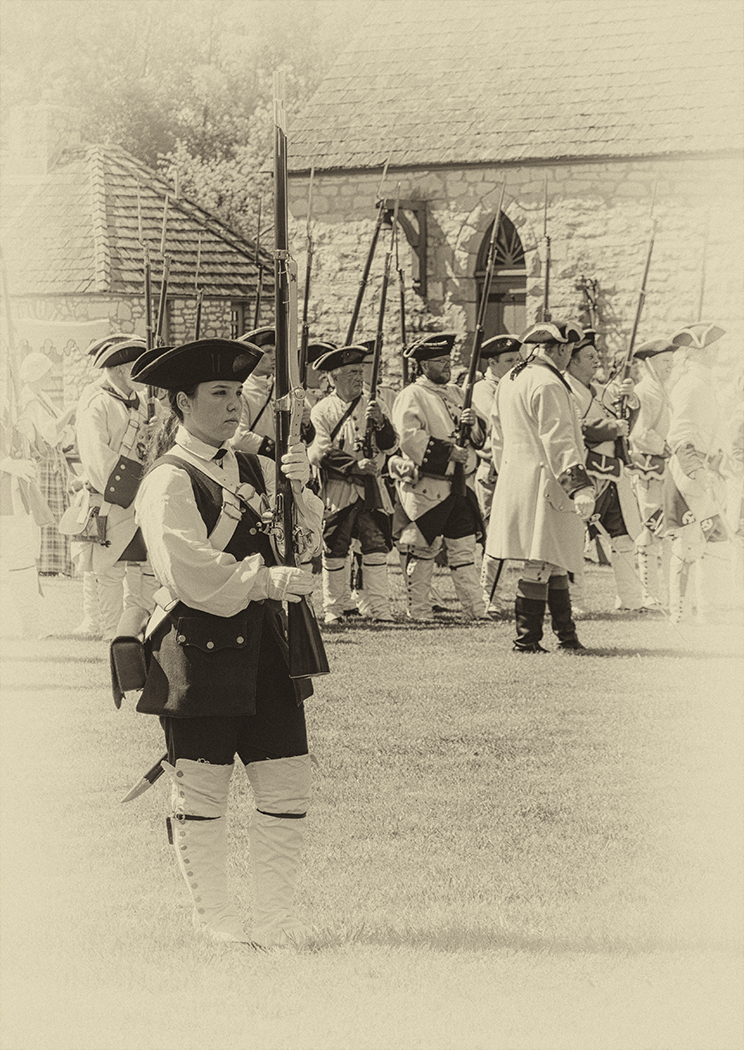
7 Jan 19 Comment The toning and vignette makes this look like an antique image. It is a pleasing image, and I would leave it as it is. Jan 11th
7 Jan 19 Comment I would say that your long day was worth the effort. This image is stunning. To get a better lightning reflection you might duplicate and then flip the bottom part so to have the lighting. Then if you use a blend mode on it to only show the lightning on the bottom you would have it there. You would then have to distort it to fit in with the fireworks reflection. Jan 11th
7 Jan 19 Comment The couple really make this image. Without them, the image would not be nearly as good. You made the sand look more like natural, but the original blue tint fits in better with the title. I would darken the bright area of the fence, as my eye is drawn to it, from the couple. Jan 11th
7 Jan 19 Comment Very nice image. Your shutter speed caught the wave just right. I like the composition with the bridge being in a "power point", and back acting to hold you in the image. The wave bring the eye straight to the bridge. Very well done, I would not change a thing. Jan 11th
7 Jan 19 Comment A nice peaceful image. The yellow trees really draw you into the image. If fact the yellow from the lower left acts like a lead in, and the green trees on the right hold you in the image. The ducks add interest. You might want to crop some of the brown off the left side, and eliminate the orange spots that are drawing my eye from the ducks. Jan 11th

6 comments - 5 replies for Group 7

32 Jan 19 Reply Thanks for the suggestion Jan 30th
32 Jan 19 Reply I think that your editing simplifies and helps the image. Jan 23rd
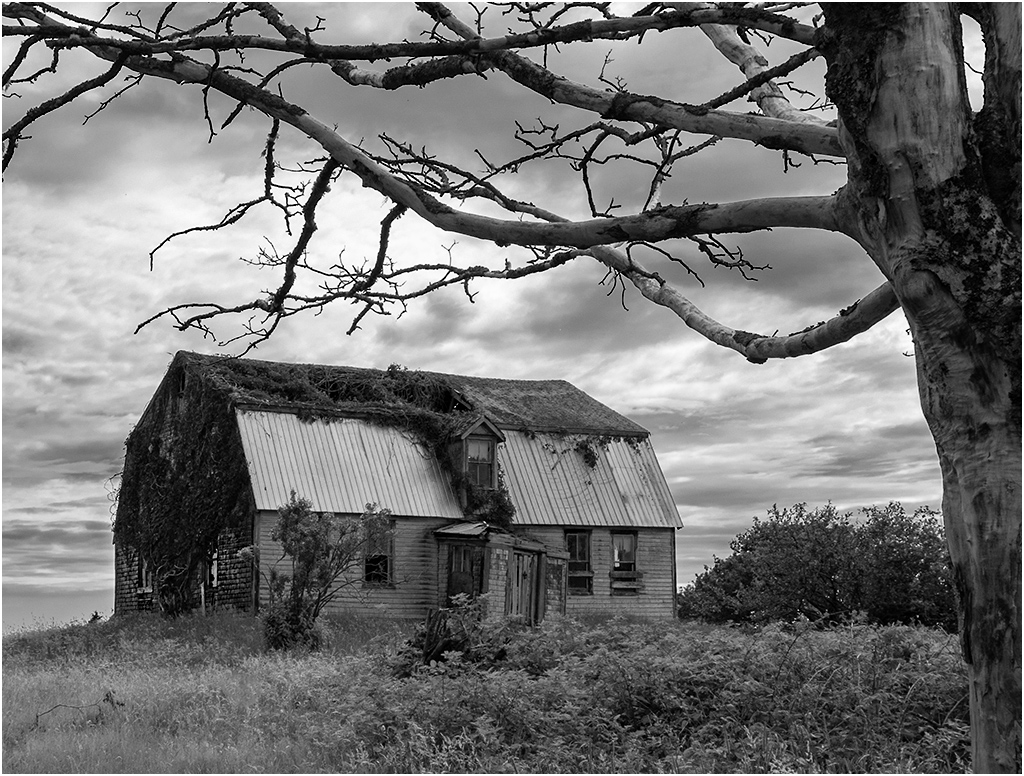
32 Jan 19 Comment It is hard to think of everything when taking a photo. We had just stopped by the side of the road, at a turn-in. The tree is not a problem in color, but it is in mono. Jan 17th
32 Jan 19 Reply Yes, at those photo shoots, some people can be very rude. Jan 17th
32 Jan 19 Comment I think that you did a good job of what you had to work with. The model's expression and lines under her eyes do not match the pose. The pose needs a more provocative expression. Jan 11th
32 Jan 19 Comment Interesting, but without knowing what is going on, I do not think that the image would carry itself. Viewers would be lost as to what is going on. I do agree with what Stephen said about making the person a pure silhouette. Jan 11th
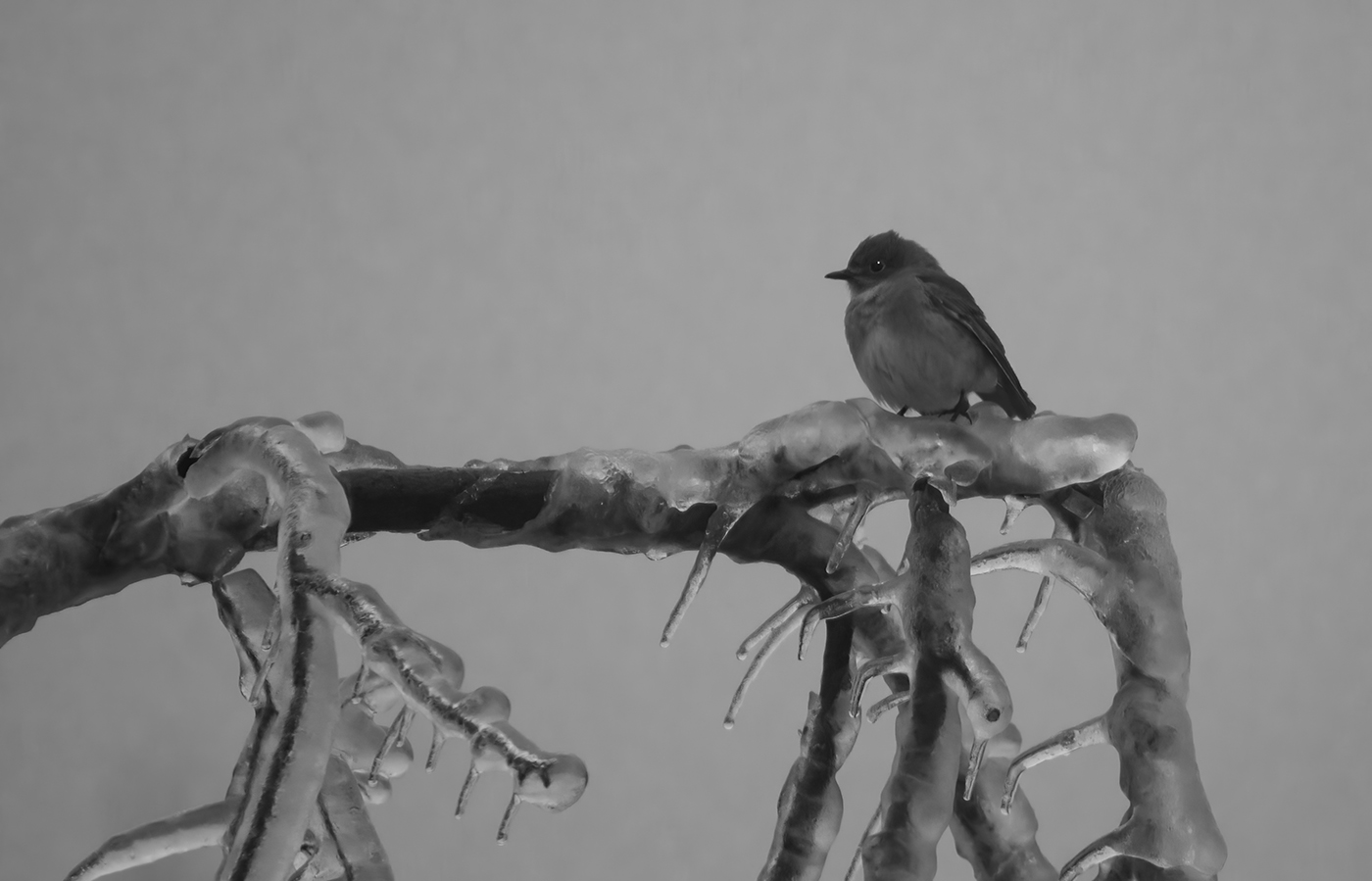
32 Jan 19 Comment Nice sharp image of the bird. The catch light in the eye really helps the image. If I get close to the monitor, it looks oversharp, but if I sit back to normal viewing distance, like a contest judge would, then the sharping looks fine. I would not make any changes. Jan 7th
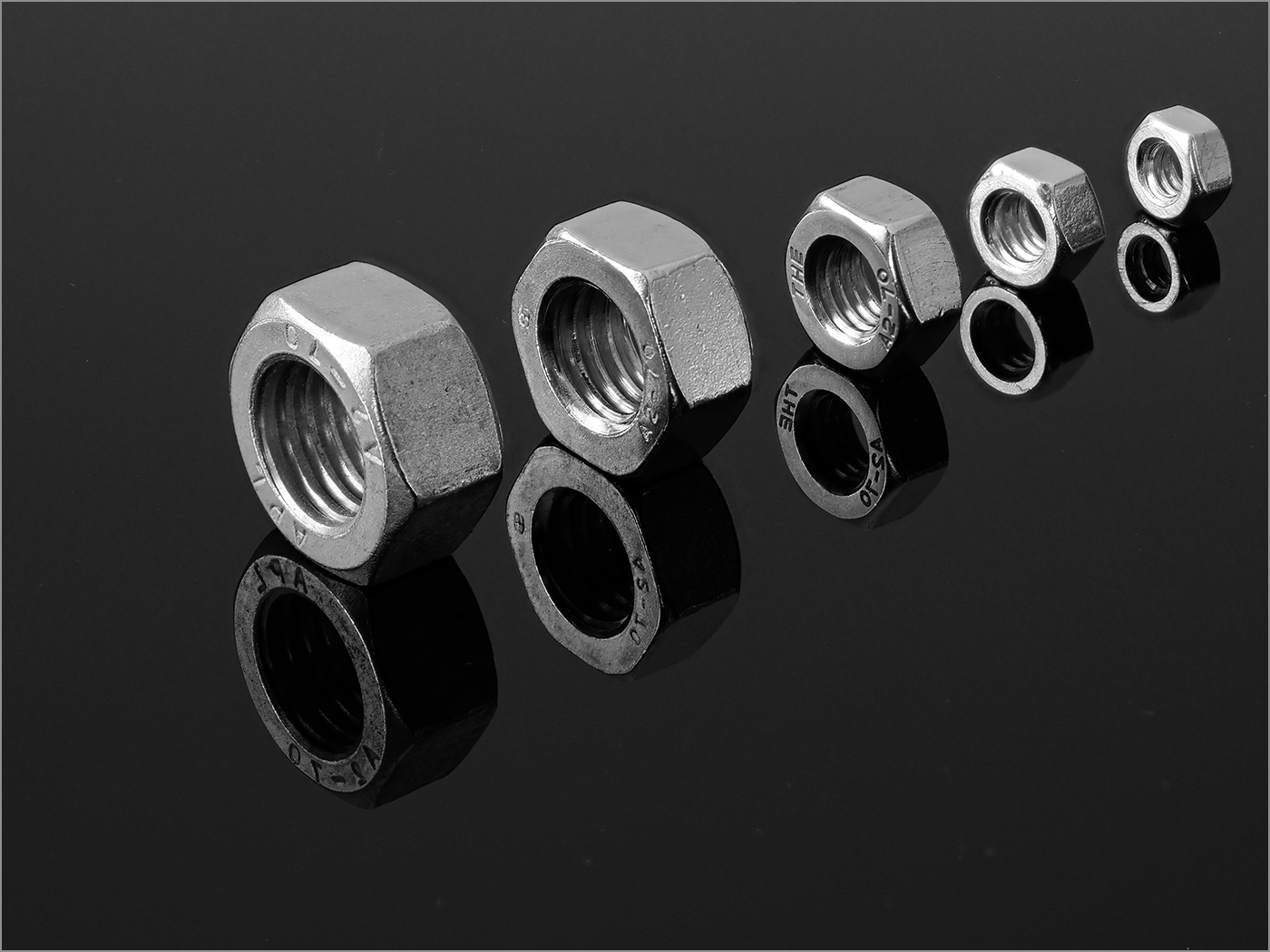
32 Jan 19 Comment Quite impressive depth of field for this very small subject. Good composition. For subject with a black background I like to add a small stroke around the image to separate the image from the black website background, but that is just my preference. Otherwise, would not make any changes. Jan 7th
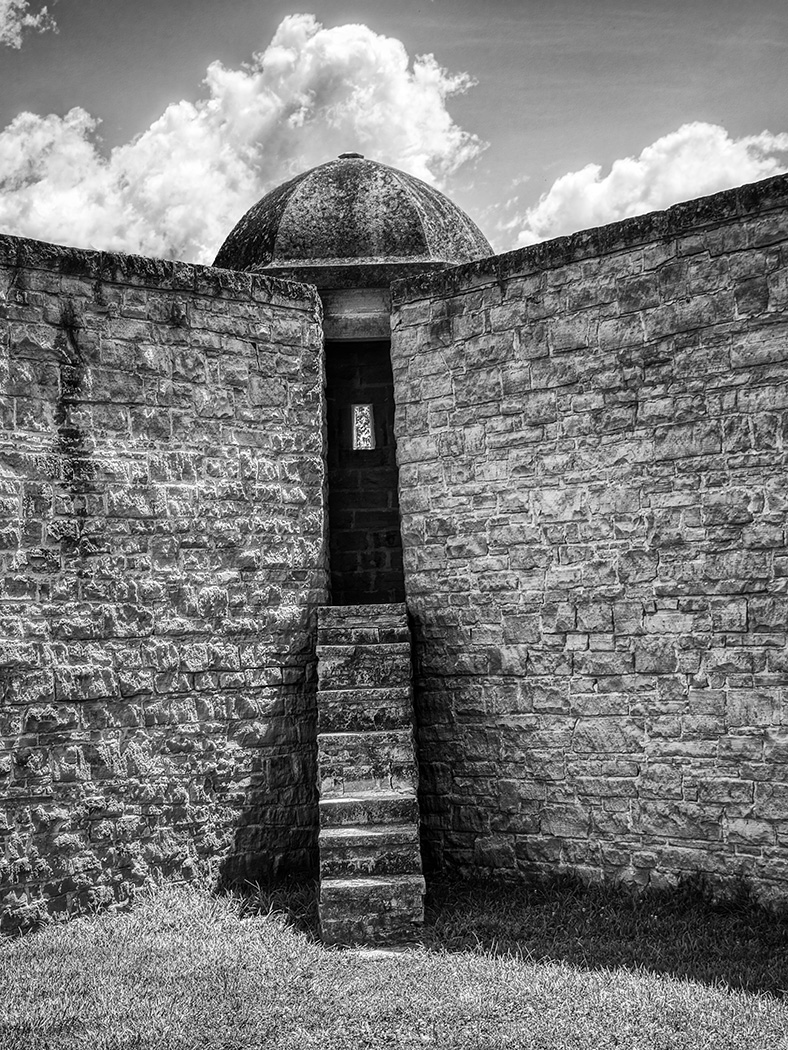
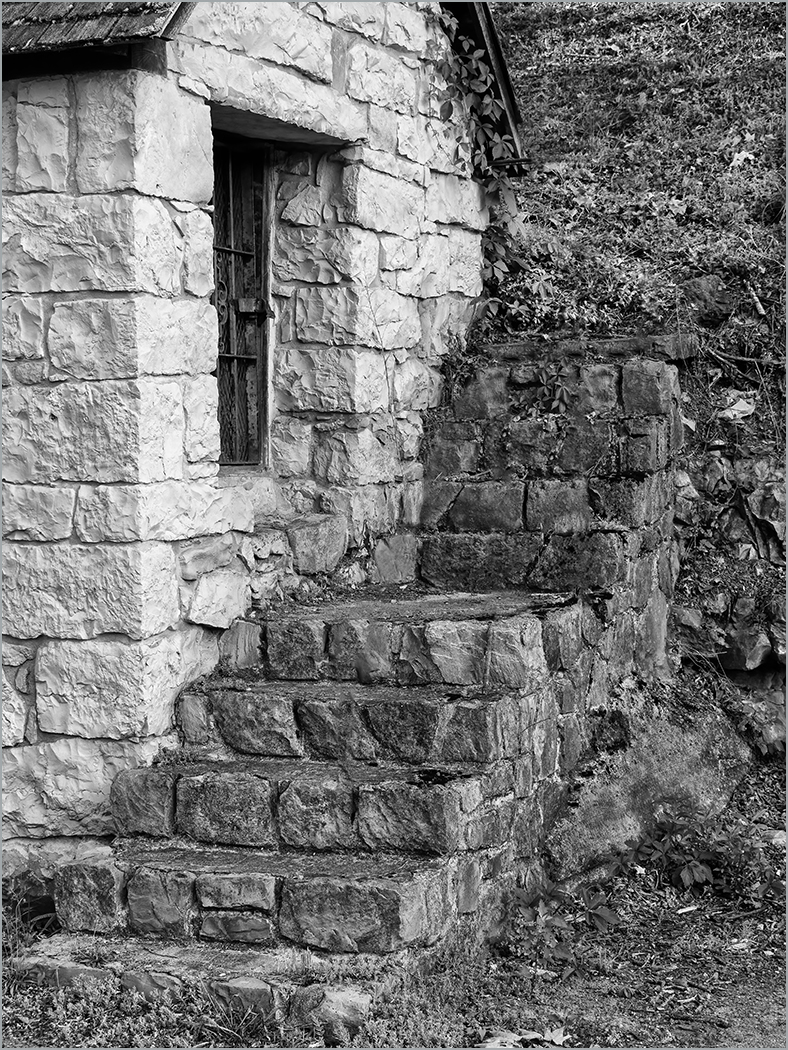
32 Jan 19 Comment A very monochrome image to start with. I like the post coming in from the left corner, and the curves of the staircase. I am wondering what you would think of getting rid of the clouds in the background, as they seem a bit distracting to me. I used brightness and contrast to get rid of most of them. What do you think? Jan 7th
32 Jan 19 Comment This is the color image after adjustments, that I used to convert to B&W. Jan 7th
32 Jan 19 Comment This is the original image before any camera RAW adjustments. The only adjustments in Photoshop (other than conversion to B&W) was that I lightened the part of the image below the sky a little bit. Jan 7th
32 Jan 19 Reply Stephen, I adjusted in camera RAW. My adjustments were as shown. Notice that the histogram has data from right to left, showing that there are total whites to total black in the image. Jan 7th

8 comments - 4 replies for Group 32


14 comments - 9 replies Total


260 Images Posted

  = Current Round   = Previous Round
Group 07

Jan 26

Dec 25

Nov 25

Oct 25

Sep 25

Aug 25

Jul 25

Jun 25

May 25

Apr 25

Mar 25

Feb 25

Jan 25

Dec 24

Nov 24

Oct 24

Sep 24

Aug 24

Jul 24

Jun 24

May 24

Apr 24

Mar 24

Feb 24

Jan 24

Dec 23

Nov 23

Oct 23

Sep 23

Aug 23

Jul 23

Jun 23

May 23

Apr 23

Mar 23

Feb 23

Jan 23

Dec 22

Nov 22

Oct 22

Sep 22

Aug 22

Jul 22

Jun 22

May 22

Apr 22

Mar 22

Feb 22

Jan 22

Dec 21

Nov 21

Oct 21

Sep 21

Aug 21

Jul 21

Jun 21

May 21

Apr 21

Mar 21

Feb 21

Jan 21

Dec 20

Nov 20

Oct 20

Sep 20

Aug 20

Jul 20

Jun 20

May 20

Apr 20

Mar 20

Feb 20

Jan 20

Dec 19

Nov 19

Oct 19

Sep 19

Aug 19

Jul 19

Jun 19

May 19

Apr 19

Mar 19

Feb 19

Jan 19

Dec 18

Oct 18

Sep 18

Aug 18

Jul 18

Jun 18

May 18

Apr 18

Mar 18

Feb 18

Jan 18

Dec 17

Nov 17

Oct 17

Sep 17

Aug 17

Jul 17

Jun 17

May 17

Apr 17

Mar 17

Feb 17

Jan 17
Group 32

Dec 25

Nov 25

Oct 25

Sep 25

Aug 25

Jul 25

Jun 25

May 25

Apr 25

Mar 25

Feb 25

Jan 25

Dec 24

Nov 24

Oct 24

Sep 24

Aug 24

Jul 24

Jun 24

May 24

Apr 24

Mar 24

Feb 24

Jan 24

Dec 23

Nov 23

Oct 23

Sep 23

Aug 23

Jul 23

Jun 23

May 23

Apr 23

Mar 23

Feb 23

Jan 23

Dec 22

Nov 22

Oct 22

Sep 22

Aug 22

Jul 22

Jun 22

May 22

Apr 22

Mar 22

Feb 22

Jan 22

Dec 21

Nov 21

Oct 21

Sep 21

Aug 21

Jul 21

Jun 21

May 21

Apr 21

Mar 21

Feb 21

Jan 21

Dec 20

Nov 20

Oct 20

Sep 20

Aug 20

Jul 20

Jun 20

May 20

Apr 20

Mar 20

Feb 20

Jan 20

Dec 19

Nov 19

Oct 19

Sep 19

Aug 19

Jul 19

Jun 19

May 19

Apr 19

Mar 19

Jan 19

Dec 18

Oct 18

Aug 18

Jul 18

Jun 18

May 18
Group 44

Oct 18

Aug 18

Jul 18

Jun 18

May 18

Apr 18

Mar 18

Feb 18

Jan 18

Dec 17

Nov 17

Oct 17

Sep 17

Aug 17

Jul 17

Jun 17

May 17

Apr 17

Mar 17

Feb 17

Jan 17
Group 57

Jan 26

Nov 25

Oct 25

Sep 25

Aug 25

Jul 25

Jun 25

May 25

Apr 25

Mar 25

Feb 25

Jan 25

Nov 24

Oct 24

Sep 24

Aug 24

Jul 24

Jun 24

May 24

Apr 24

Mar 24

Feb 24

Jan 24

Dec 23

Nov 23

Oct 23

Sep 23

Aug 23

Jul 23

Jun 23

May 23

Apr 23

Mar 23

Feb 23

Jan 23

Nov 22

Oct 22

Sep 22

Aug 22

Jul 22

Jun 22

May 22

Close this Tab when done