|
| Group |
Round |
C/R |
Comment |
Date |
Image |
| 4 |
Jan 26 |
Reply |
Well done Vella! Well deserved. |
Jan 25th |
| 4 |
Jan 26 |
Comment |
Hi Ian. Thanks for your comment. I hope you are feeling well again. |
Jan 21st |
| 4 |
Jan 26 |
Reply |
Bill, you are quite right about the mast but it has several wires or cables attached and you need to get rid of those too. I tried but was not happy with the result as there were too many difficult interactions with the background, so I gave up and opted for realism instead of idealism! Even further cropping was not a nice solution as the wires were then left hanging in space. |
Jan 17th |
| 4 |
Jan 26 |
Comment |
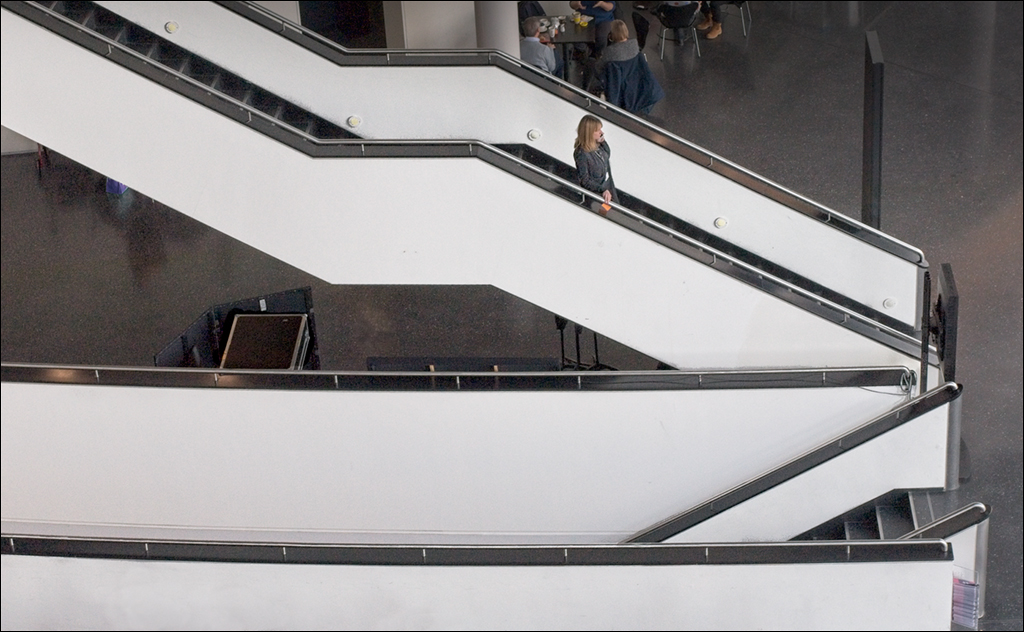
Gary, I use ON1 Photo RAW 2026. Open in the Edit Module and click on the Transform button in the Develop tab. This opens a panel with 4 tools - Keystone, Horizontal, Vertical, Level. Click on the Vertical tool and this puts two vertical lines on your image. The tops & bottoms of these lines are handles that you use to drag the lines to lie on top of any line in the image which you know to be vertical, one to the left and one to the right. In this case it is easy as there plenty to choose from. Then you click on the 'Apply' button in the middle of the image apply the correction. That's all there is to it. However, it does auto trim so you lose some of the image. I have made a short Powerpoint show of how to do it but it is too big for this feedback so I'll send it by WeTransfer. If any others in the Group would like it just let me know. |
Jan 13th |
| 4 |
Jan 26 |
Comment |
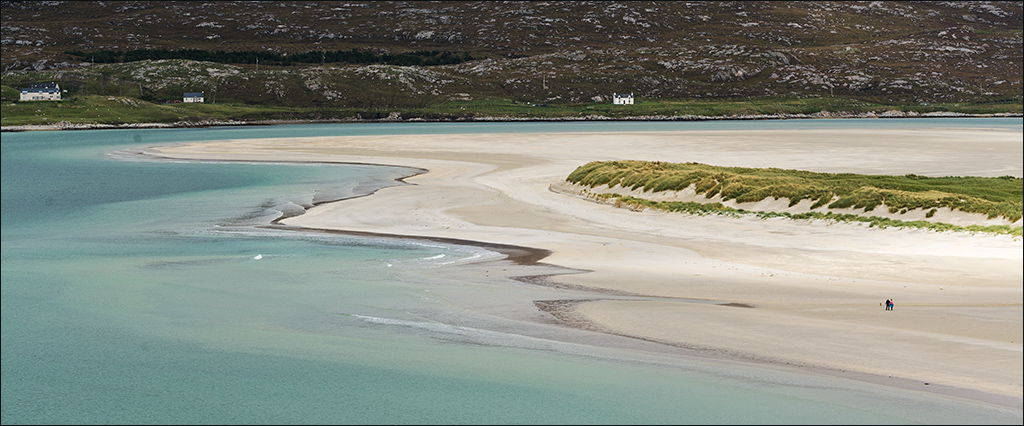
Bill, what a superb grab shot. You don't get long to frame up and shoot in these circumstances so you really took advantage of the situation quickly. Like Isaac, I love the S shape of the bridge which really makes the composition. I am amazed at the colour of the water. Presumably it was reflecting the blue of the sky. My only comment is that the other bridge at top left is slightly distracting and maybe could be cropped out. I took it into ON1 RAW and cropped just below the bridge at top left, and cropped a similar amount off the bottom to balance the composition. The crop cut the upper cloud in half so I used the generative AI retouch tool on that bit of cloud and that seemed to take care of it. |
Jan 11th |
 |
| 4 |
Jan 26 |
Reply |
Thanks Isaac. Why didn't I think of that?! |
Jan 11th |
| 4 |
Jan 26 |
Comment |
Happy New Year Erik. I echo Vella's comment that it looks like you were photographing from an aeroplane. The Cranes seem to be descending into cloud,but that can't be because they would not be able to see their landing places. I really like the silhouettes against that orange evening sky. My background in aerodynamics enables me to see the 'stall warning' feathers flipping up on the wings of two of the birds. These feathers flip up in the developing turbulence as the bird approaches the stall, creating a warning sensation (a tickle maybe) allowing the bird to alter its descent speed to stay just above the stall at the condition of maximum lift. Clever eh? You see it in all birds. |
Jan 4th |
| 4 |
Jan 26 |
Comment |
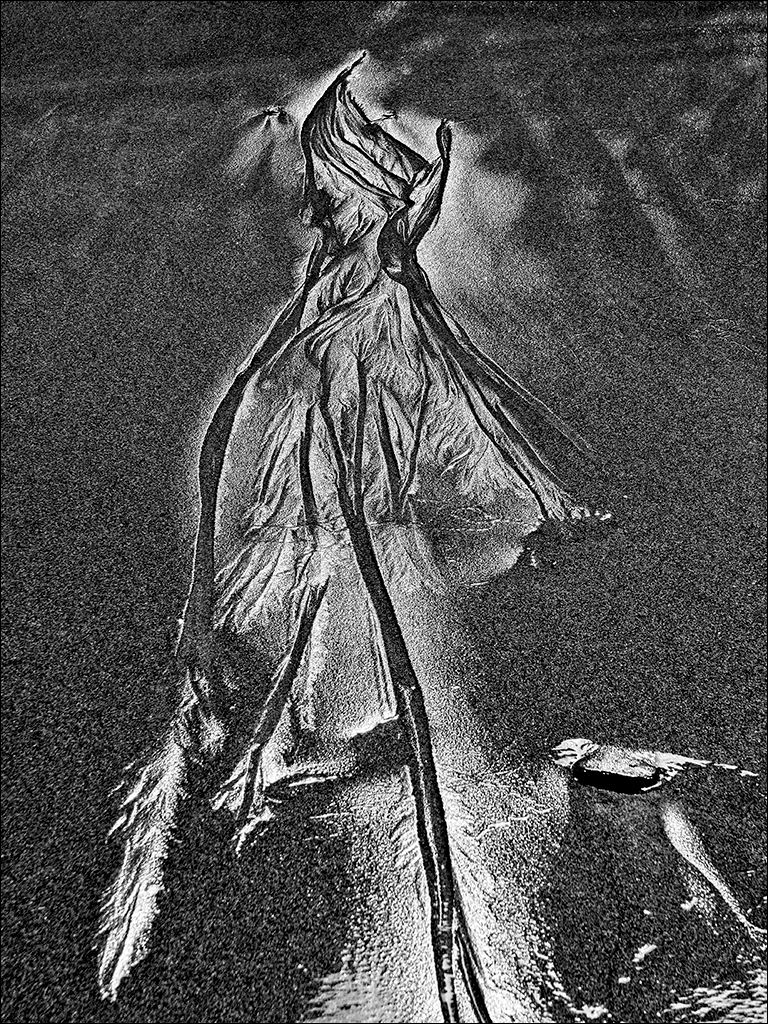
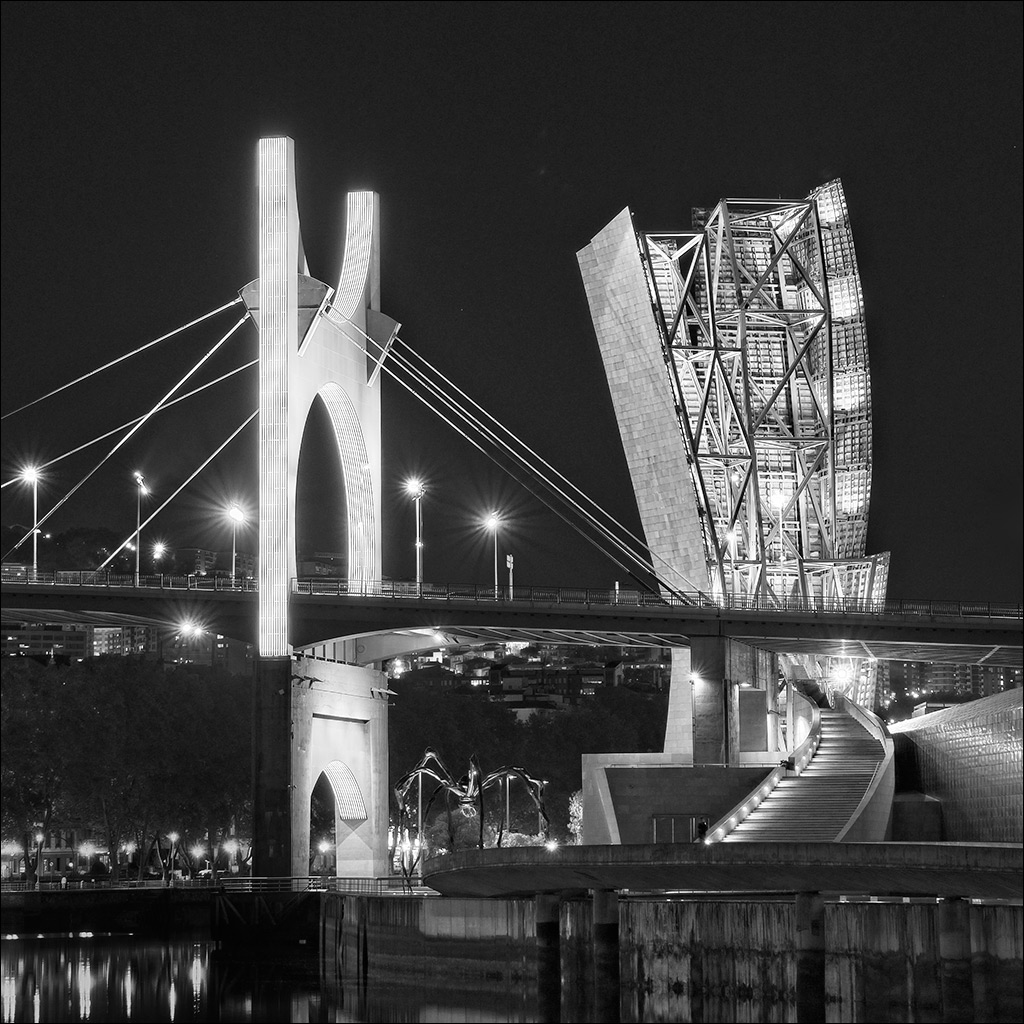
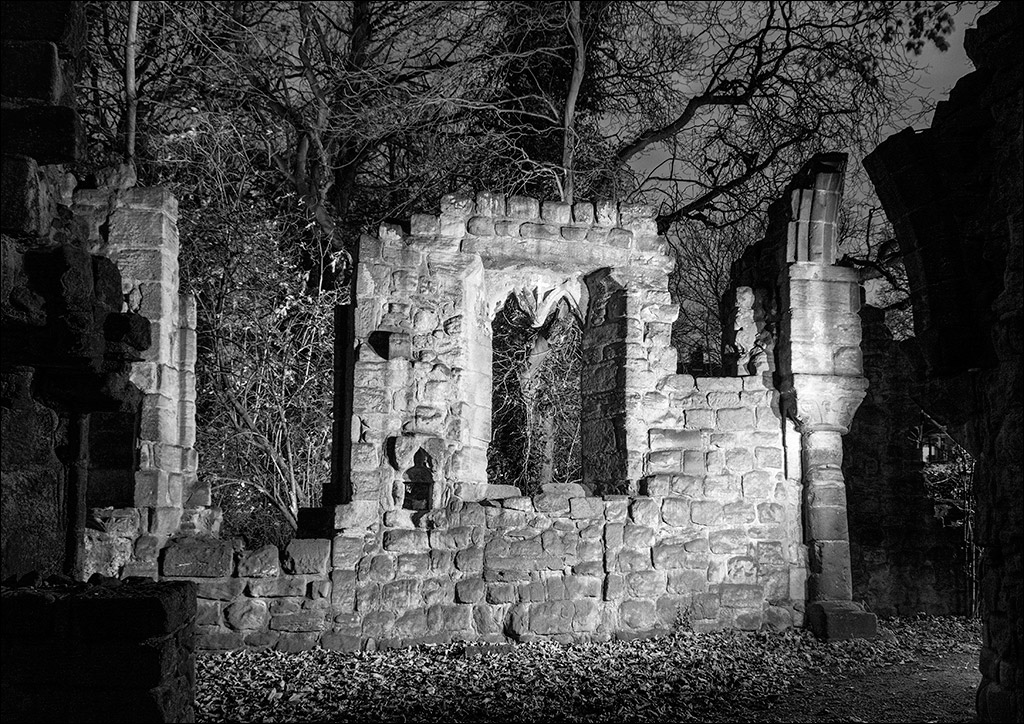
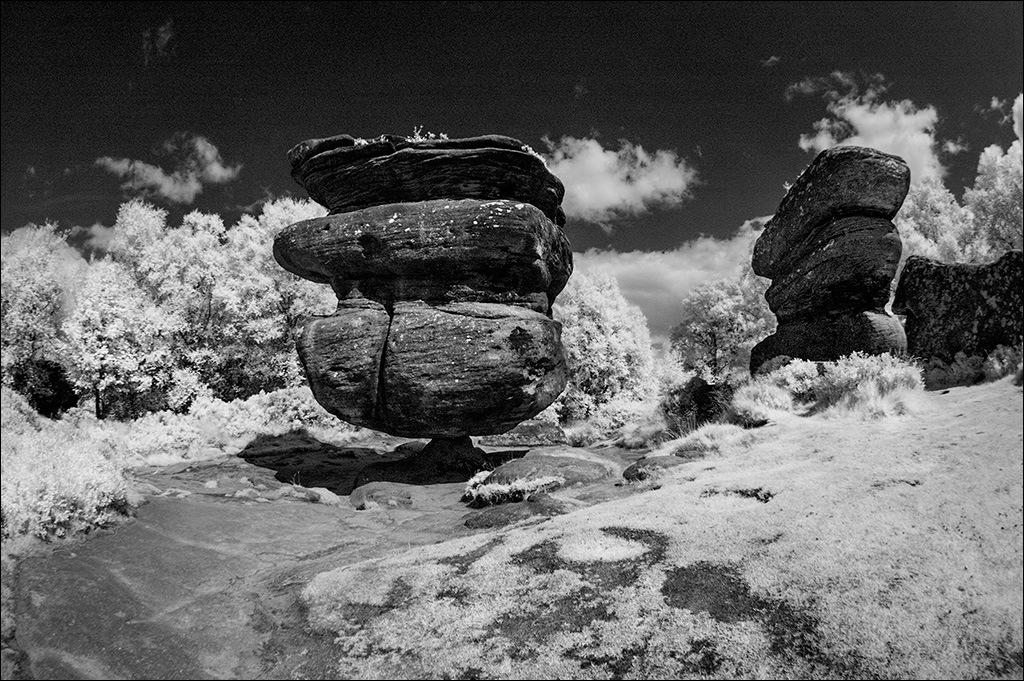
Happy New Year Vella. This is a super example of an attractive colour shot being turned into a dramatic mono that hits you between the eyes. Your PP work has really made this into a picture that deserves to be blown up large and hung on the wall. I love it! |
Jan 4th |
| 4 |
Jan 26 |
Comment |
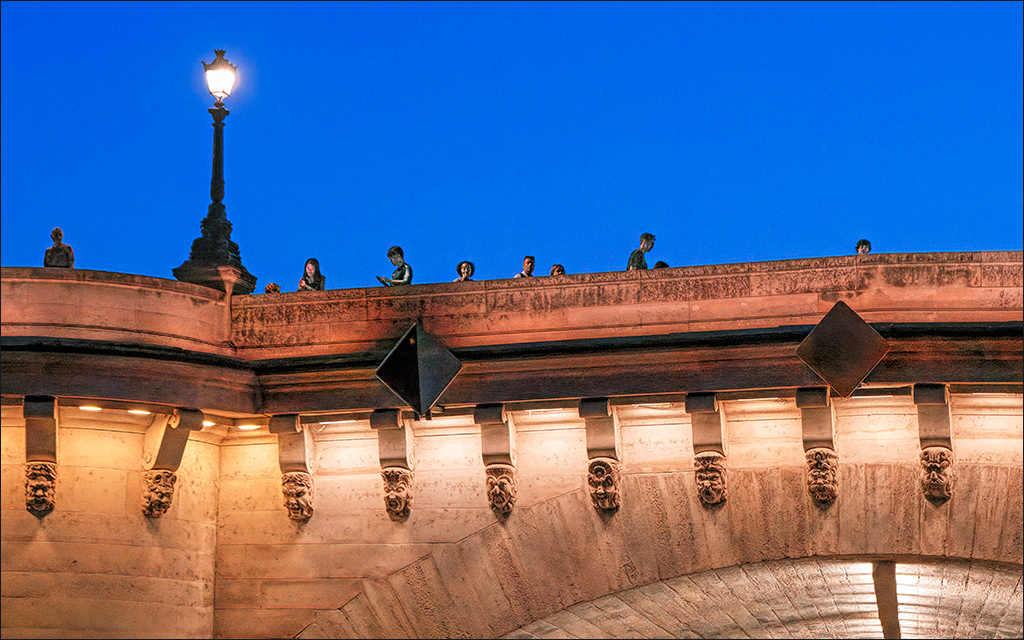
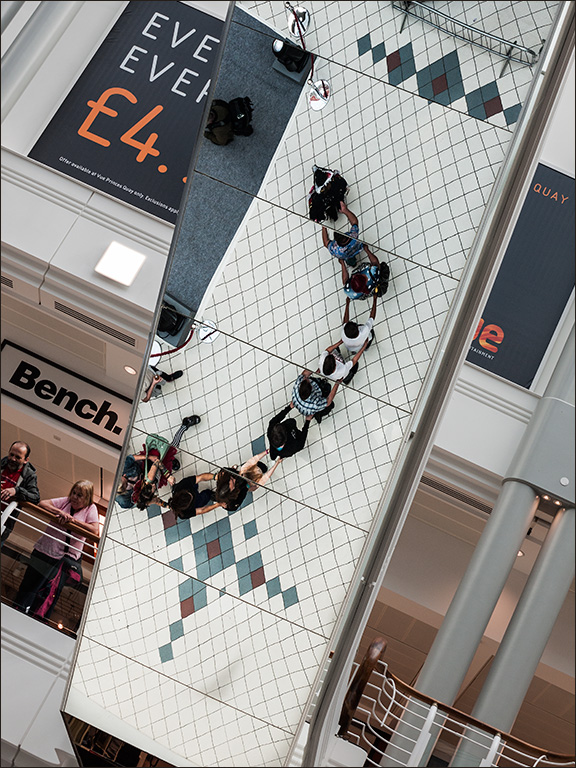
Happy New Year Isaac. You grabbed a great opportunity Isaac. I think Vella has summed it up very nicely. One slight curiosity is that the man to the left of the lady appears to have lost his head, but I guess that is an optical illusion! I hope you did not get too wet. |
Jan 4th |
| 4 |
Jan 26 |
Comment |
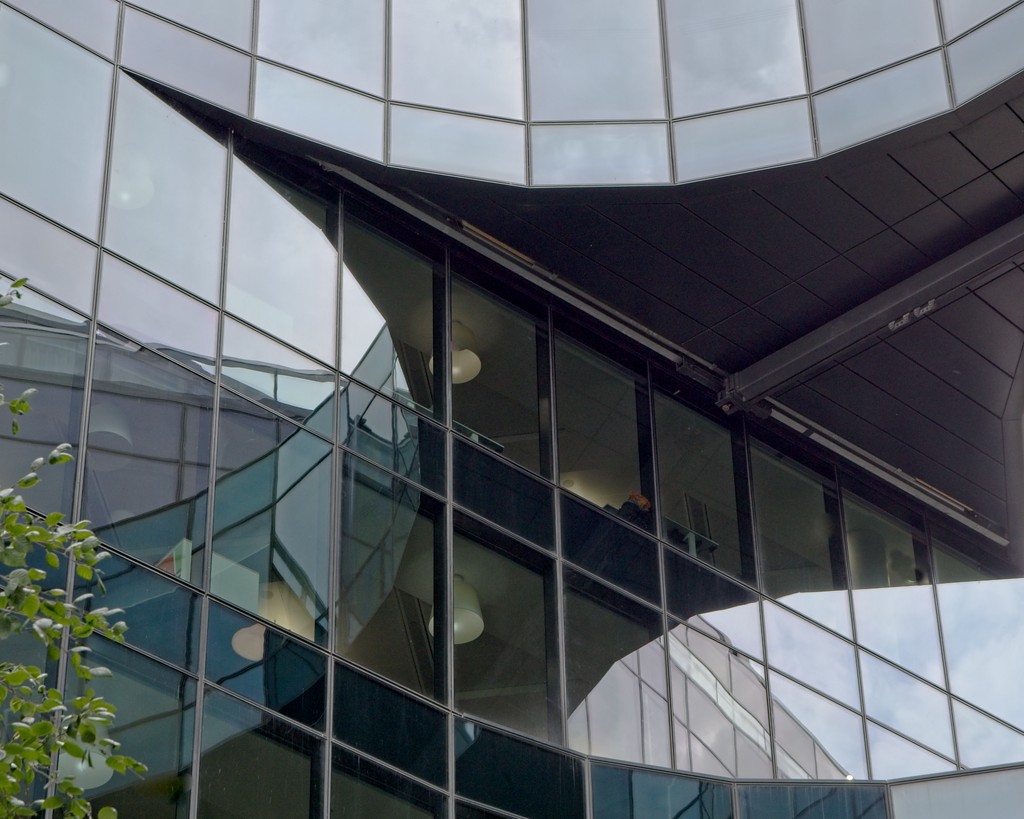
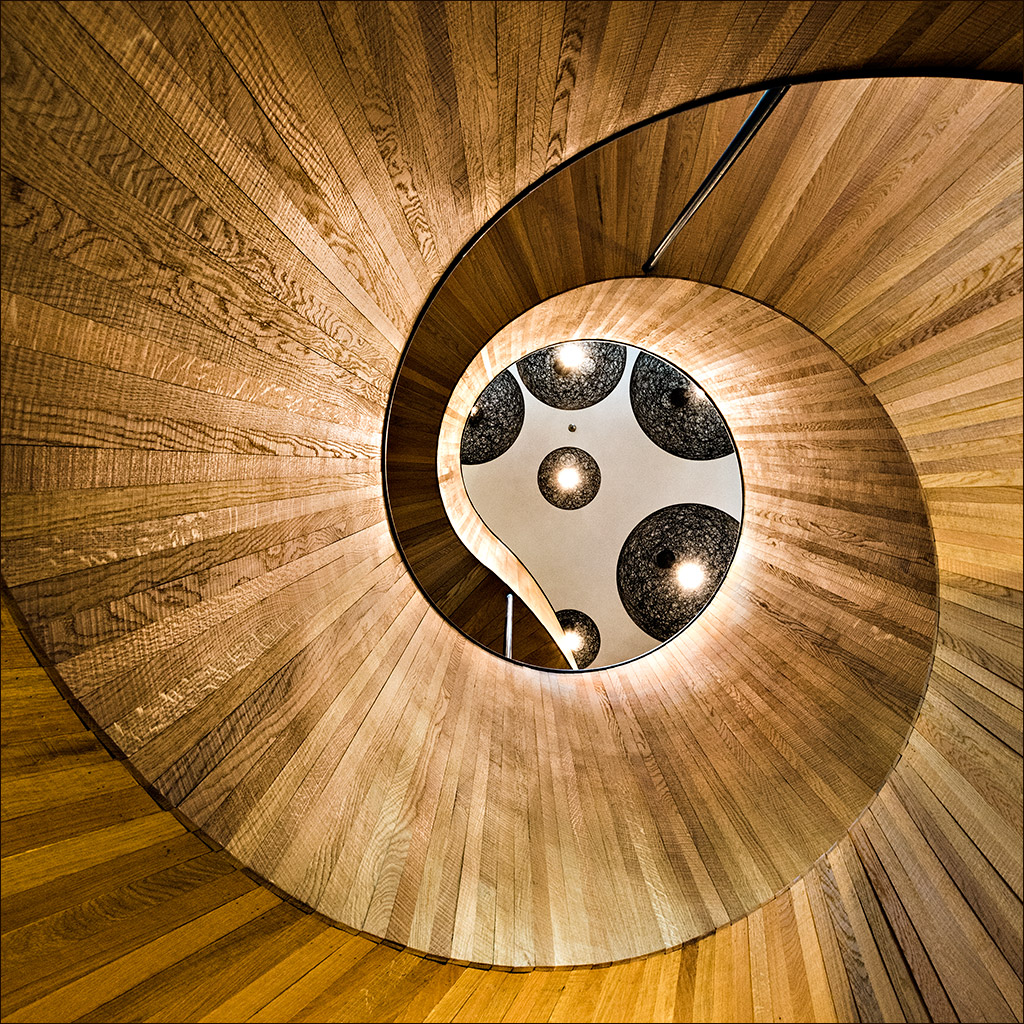
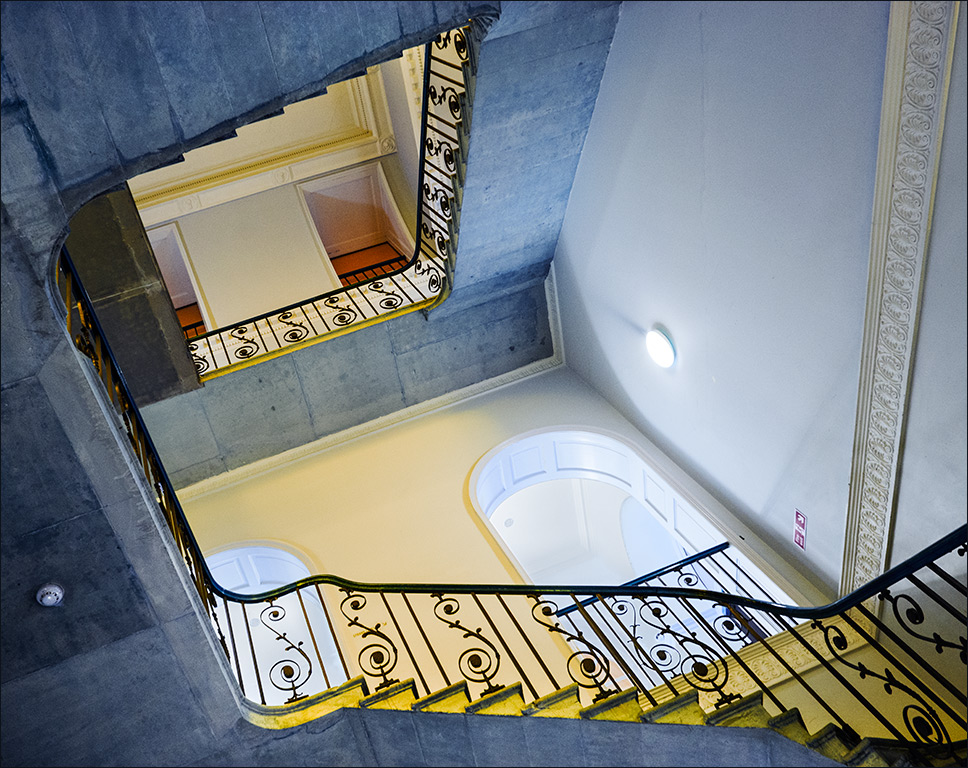
Happy New Year Gary. Good symmetrical shot and some interesting architecture too. I have been to Edinburgh several times but did not know about this building. Next time I must take a look! I wondered if you had thought of correcting the verticals, although this might make the image more static. |
Jan 4th |
 |
7 comments - 3 replies for Group 4
|
7 comments - 3 replies Total
|