|
| Group |
Round |
C/R |
Comment |
Date |
Image |
| 3 |
Oct 24 |
Reply |
Thanks, Andres! |
Oct 25th |
| 3 |
Oct 24 |
Reply |
Thanks, Ruth, for your comments! |
Oct 20th |
| 3 |
Oct 24 |
Reply |
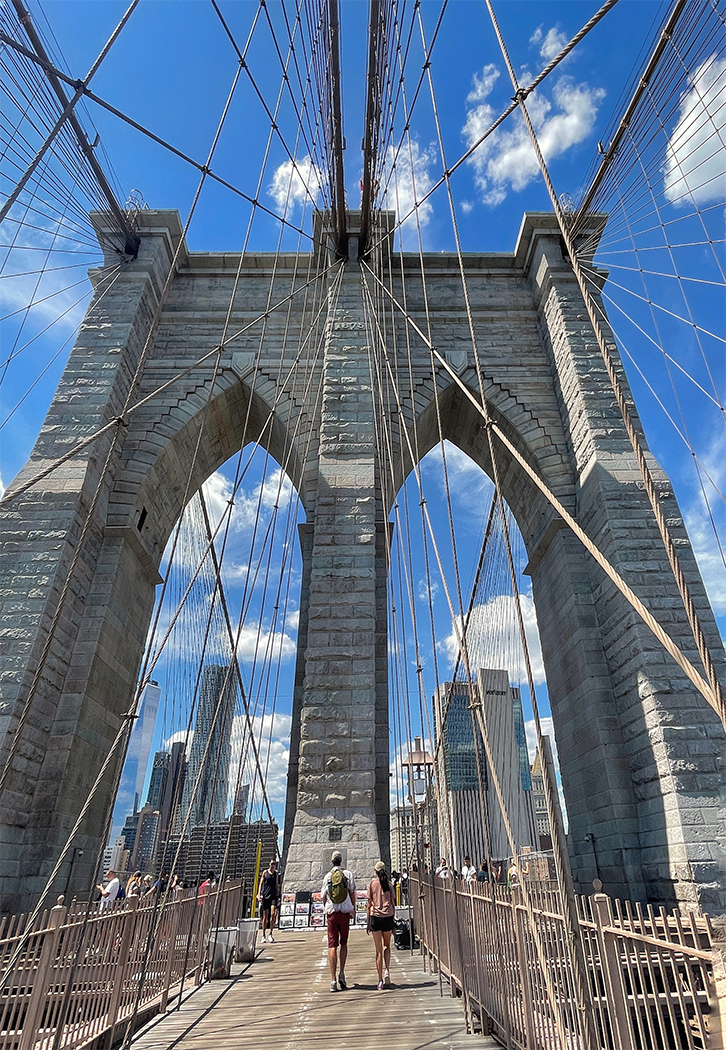
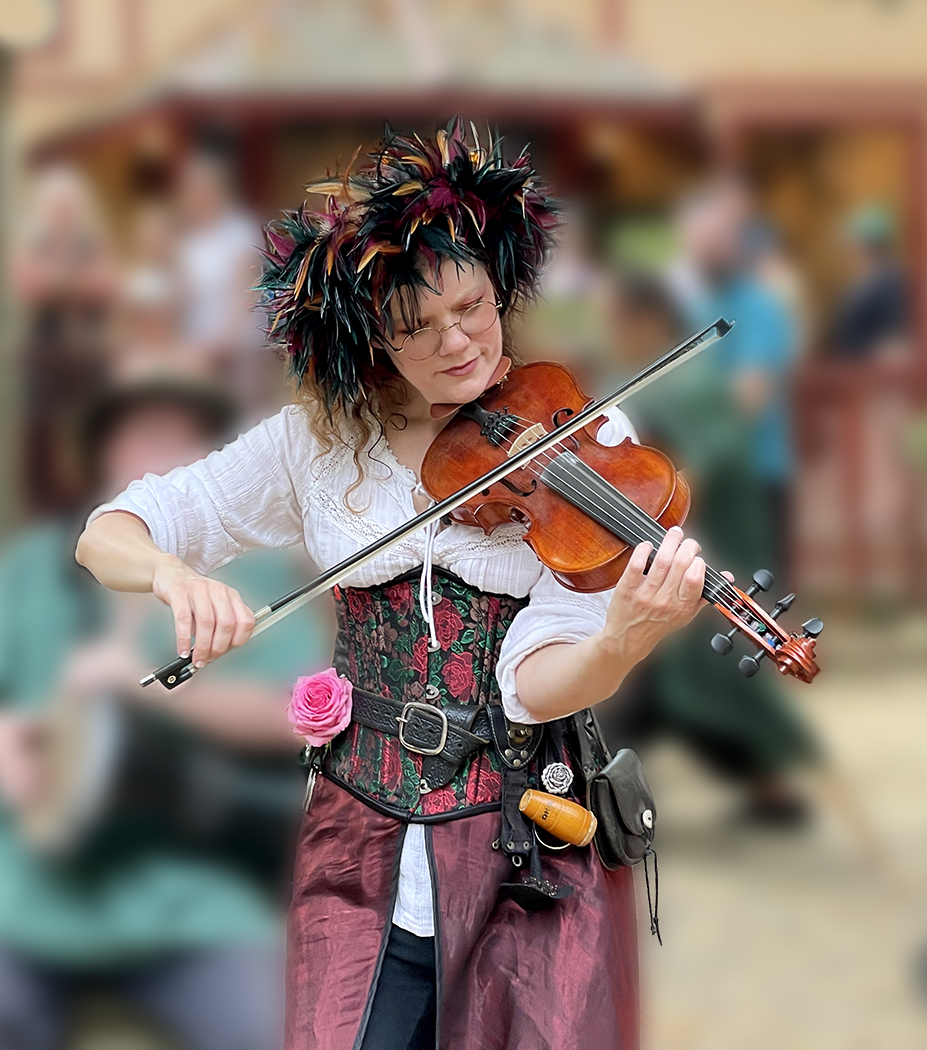
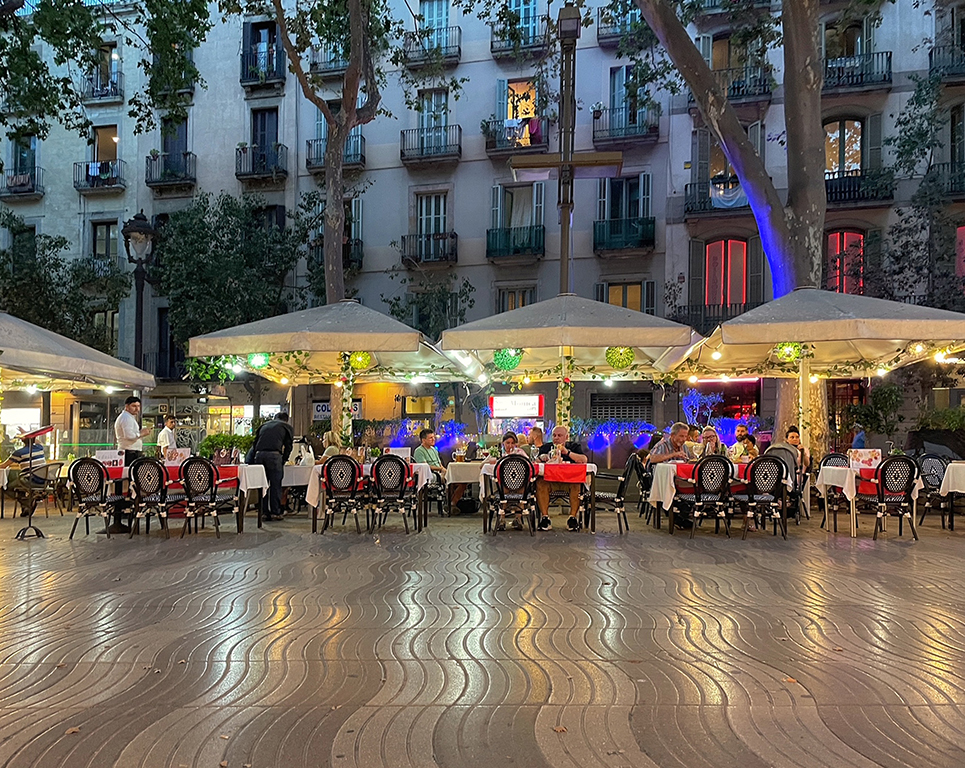
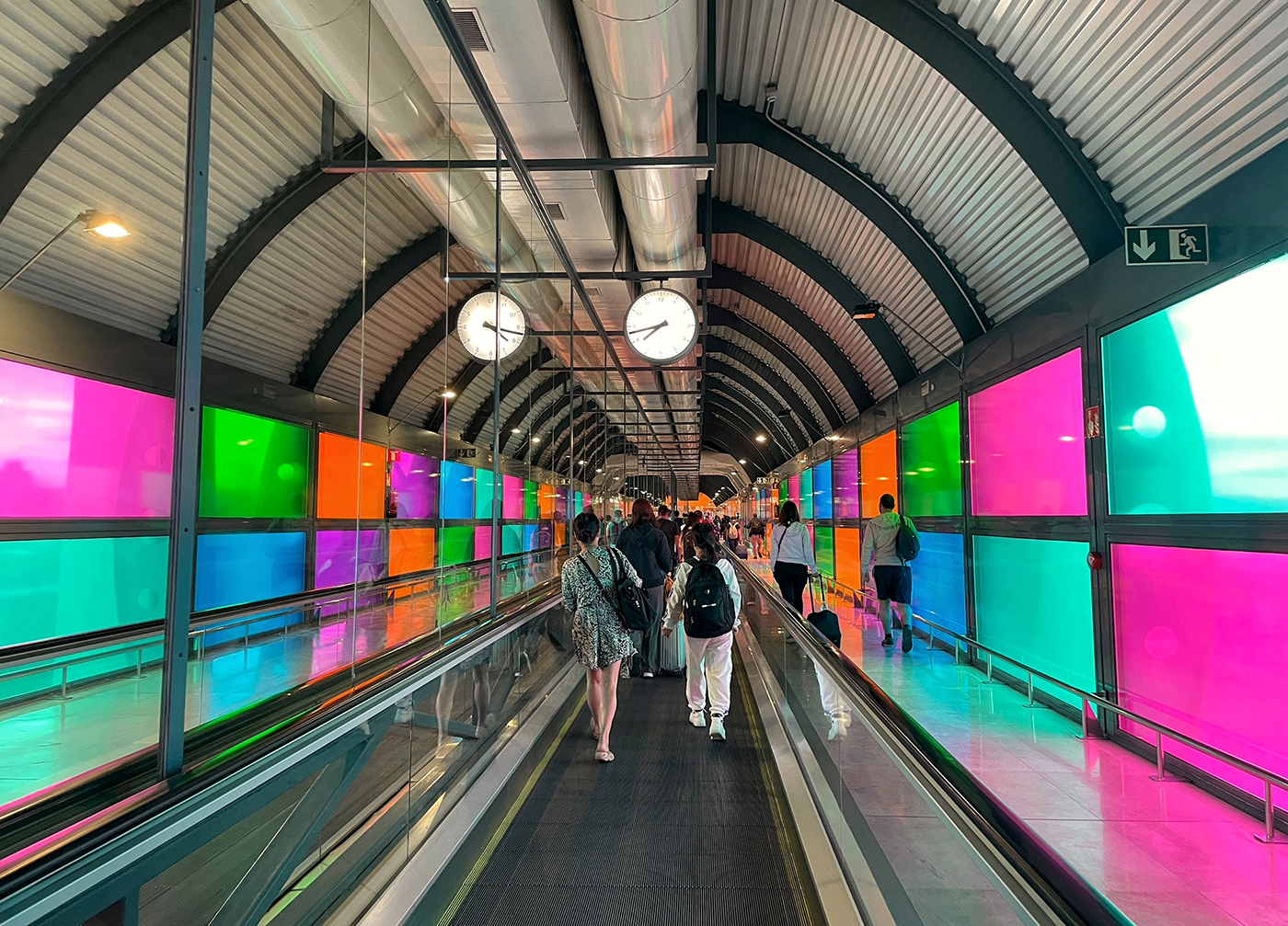
Thanks for your comments, Mary Ann! I know that the dynamic range of mobile phone cannot be compared to DSLR camera. In some travel conditions with a lot of people around that do not give me the luxury to use DSLR with tripod for shooting, I had to try the best I can. To me, the Portrait mode of iPhone will give a shallow depth of field instead. |
Oct 20th |
| 3 |
Oct 24 |
Reply |
Thanks for your comments, Joan! |
Oct 20th |
| 3 |
Oct 24 |
Reply |
Thanks, Michael! I agree with your comments regarding the railing. |
Oct 20th |
| 3 |
Oct 24 |
Comment |
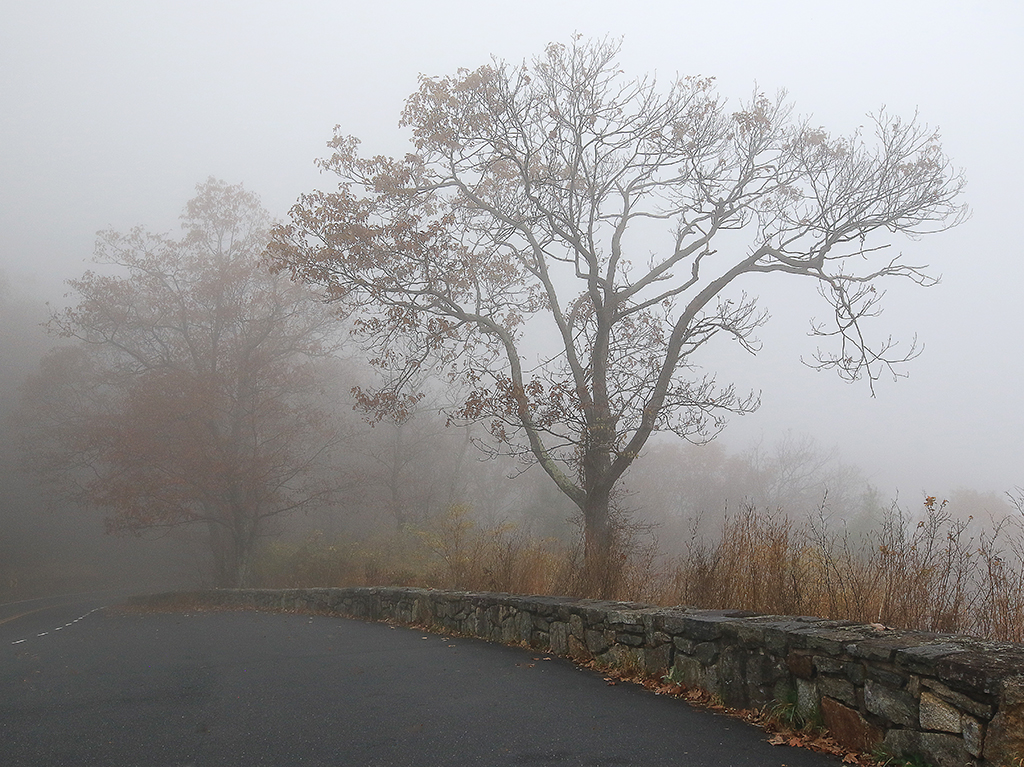
Hi Joan,
Fog does add a mysterious touch to your landscape. The snowfall of the scene also adds more impact to it.
The only thing left to do is experiment to add more contrast to it. Nice shot!
|
Oct 20th |
| 3 |
Oct 24 |
Comment |
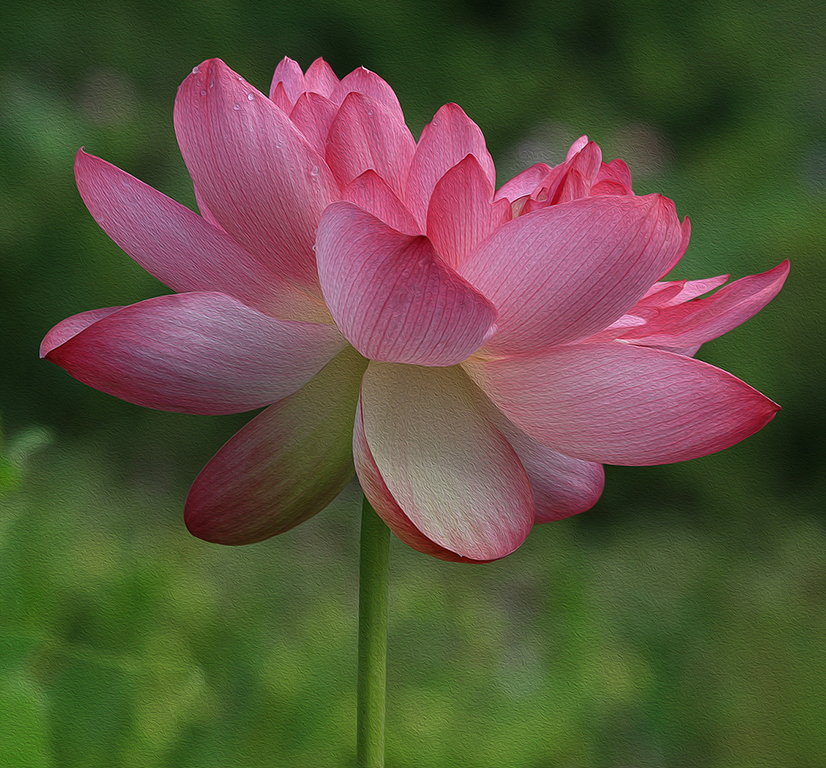
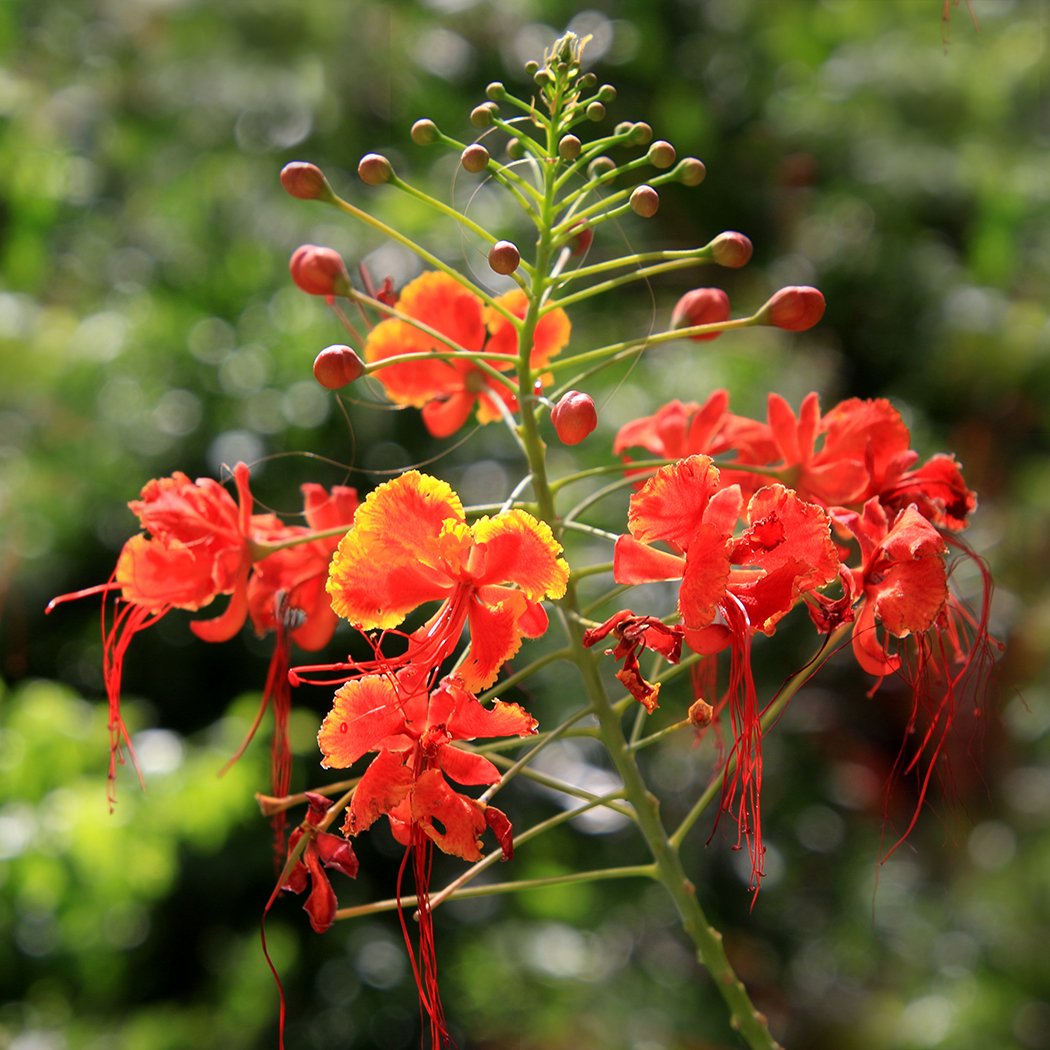
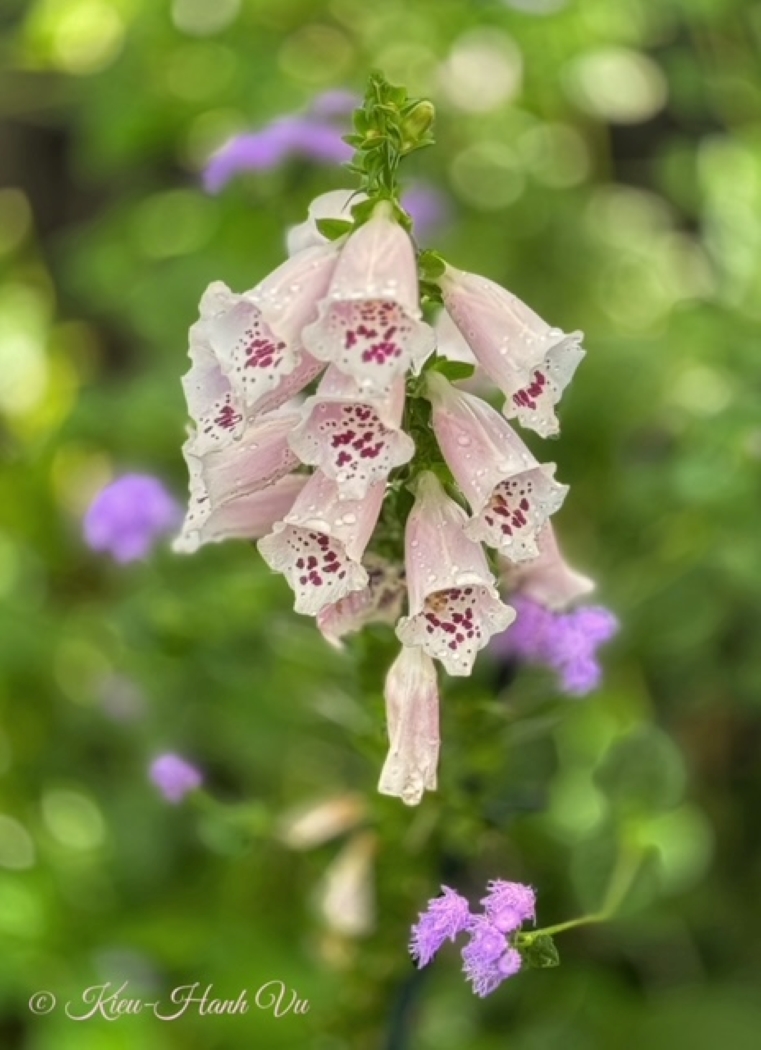
Hi Mary Ann,
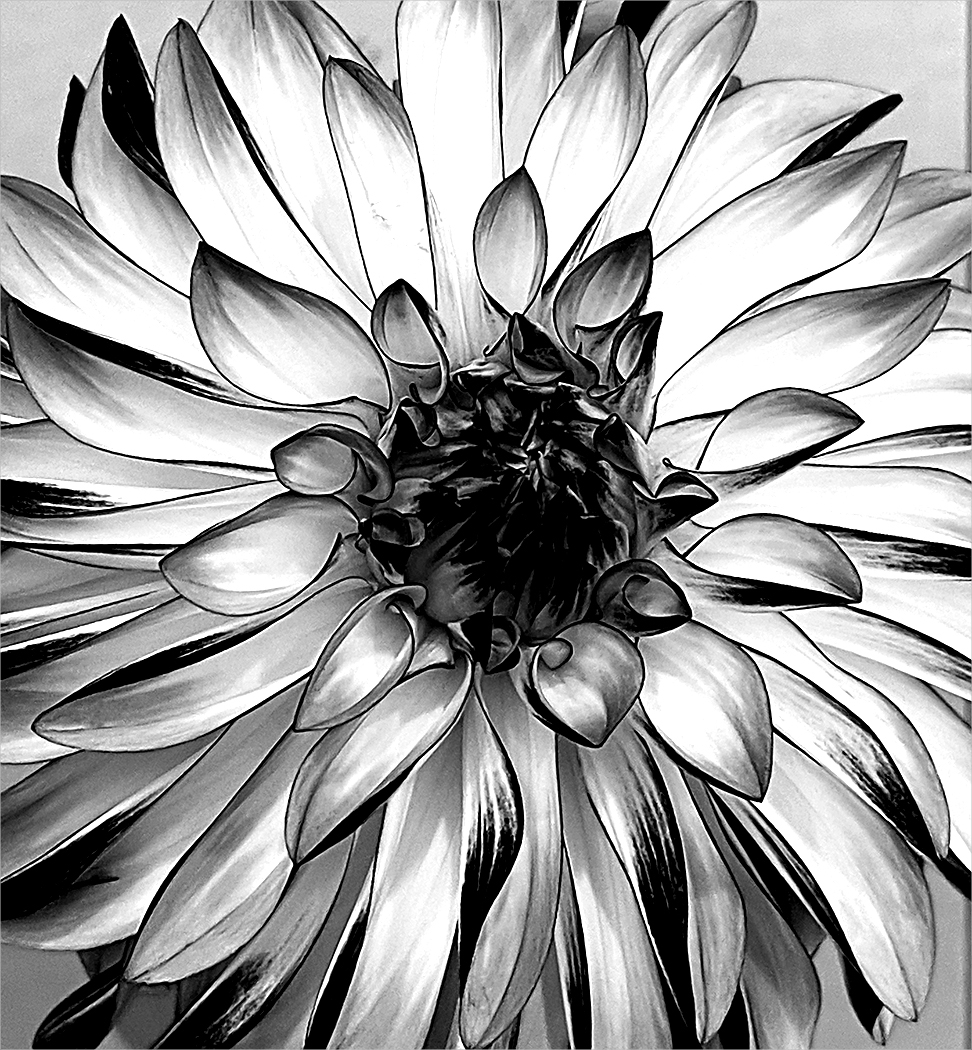
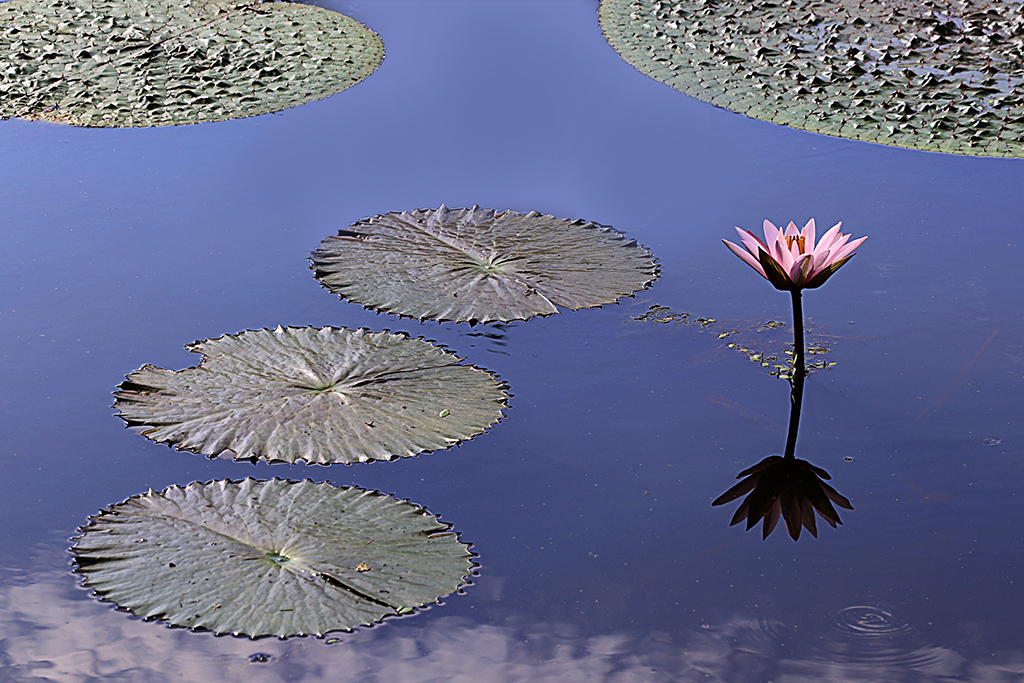
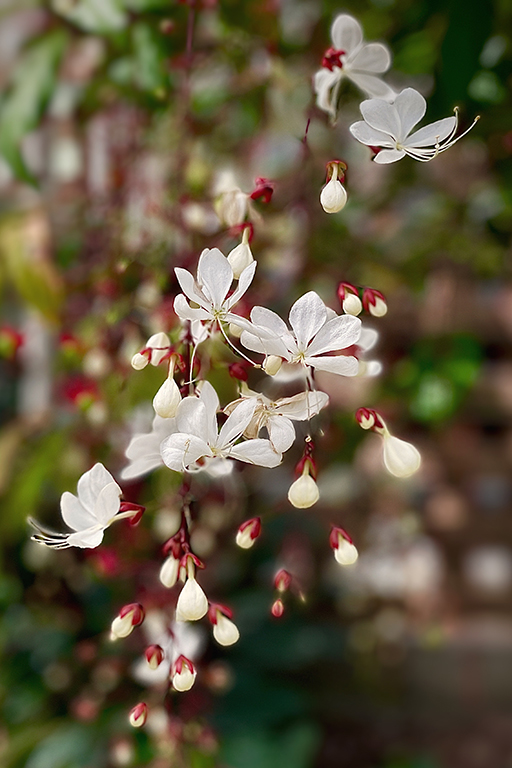
The flower's shape and color stand out from the background. I'd prefer to sharpen the green edge of the flower on the right corner a bit more. Nice shot! |
Oct 20th |
| 3 |
Oct 24 |
Comment |
Hi Ruth,
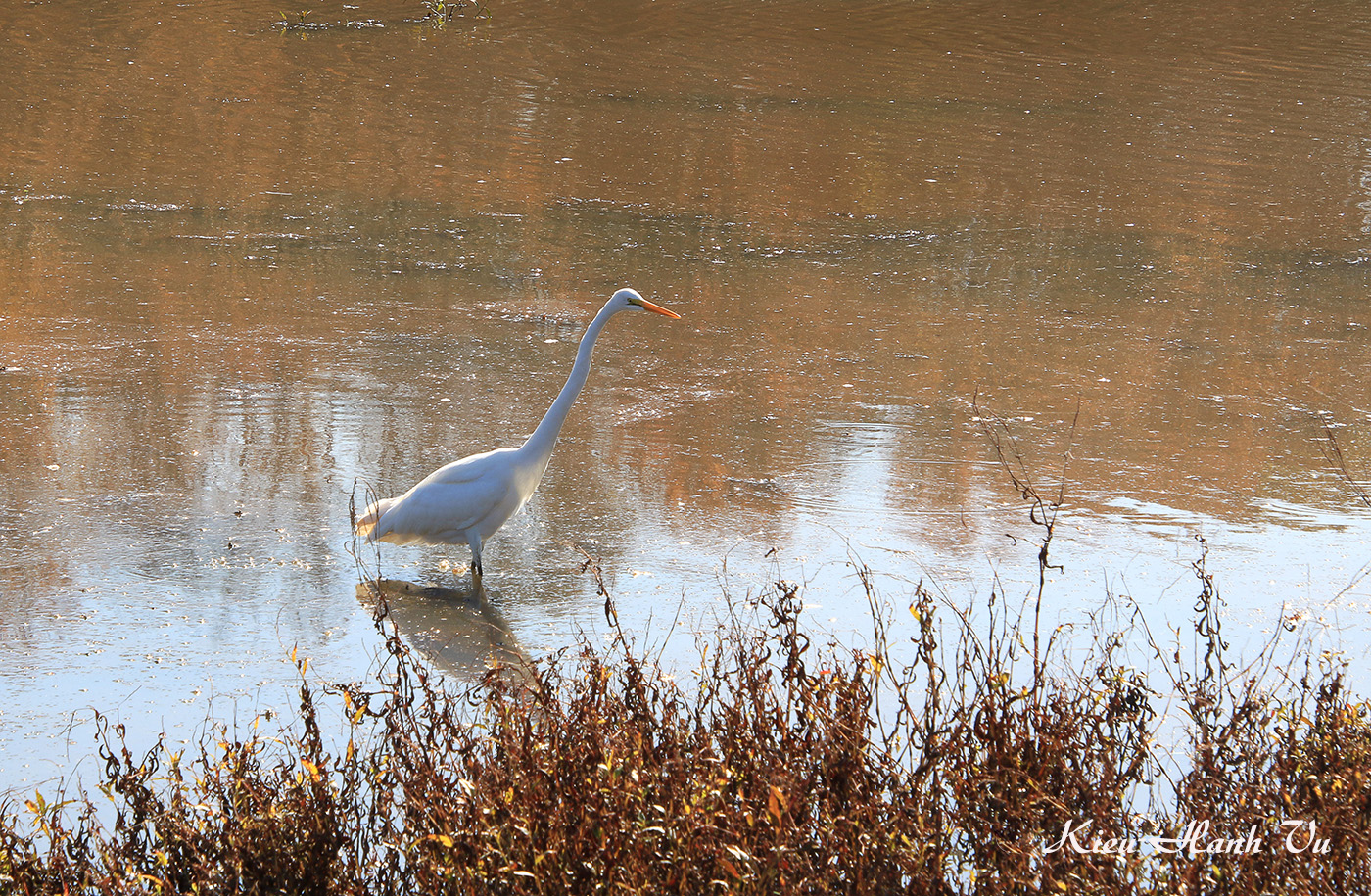
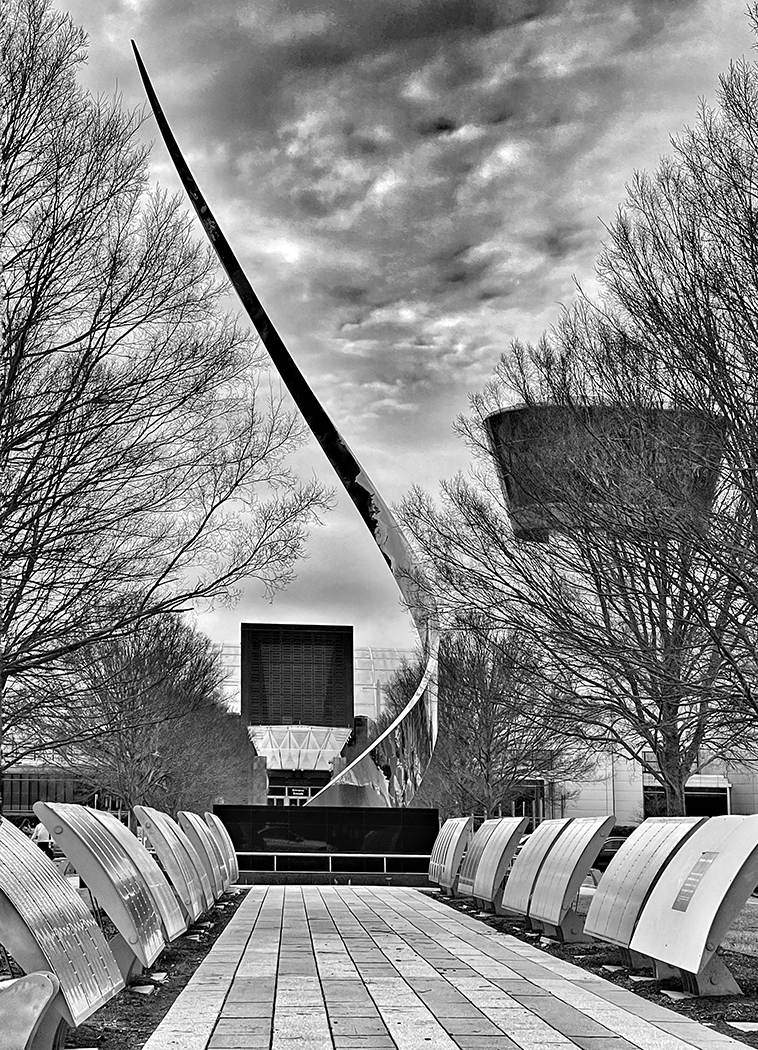
Beautiful image in B&W! I especially like the details of the sand in the foreground and the juxtaposition of darks and whites in a scene. Well done!
|
Oct 20th |
| 3 |
Oct 24 |
Comment |
Hi Robert,
Capturing a foggy scene in a low light condition is quite a challenge because fog tends to eliminate contrast. You have turned the simple subject into a moody, atmospheric image. The light reflections on the water and the seal work well.
In my personal opinion, I like the original image more because the fog can be more visible and evoke more feeling.
|
Oct 20th |
| 3 |
Oct 24 |
Comment |
Hi Michael,
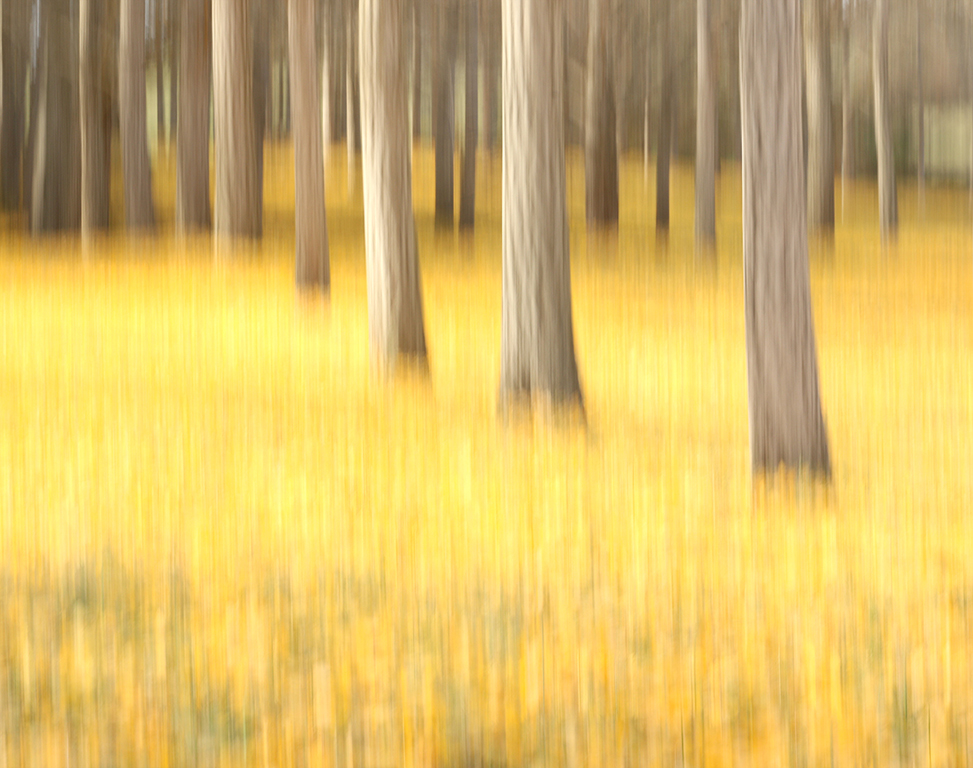
Nice try for the ICM technique! The Eiffel tower can be recognizable by the shape but there are two dark areas on both sides and the bright spots on the foreground that draws the viewer's eyes there.
I'd suggest you experimenting with different speed (probably a higher speed than 1/15 sec) could give more impact to the image. |
Oct 20th |
| 3 |
Oct 24 |
Comment |
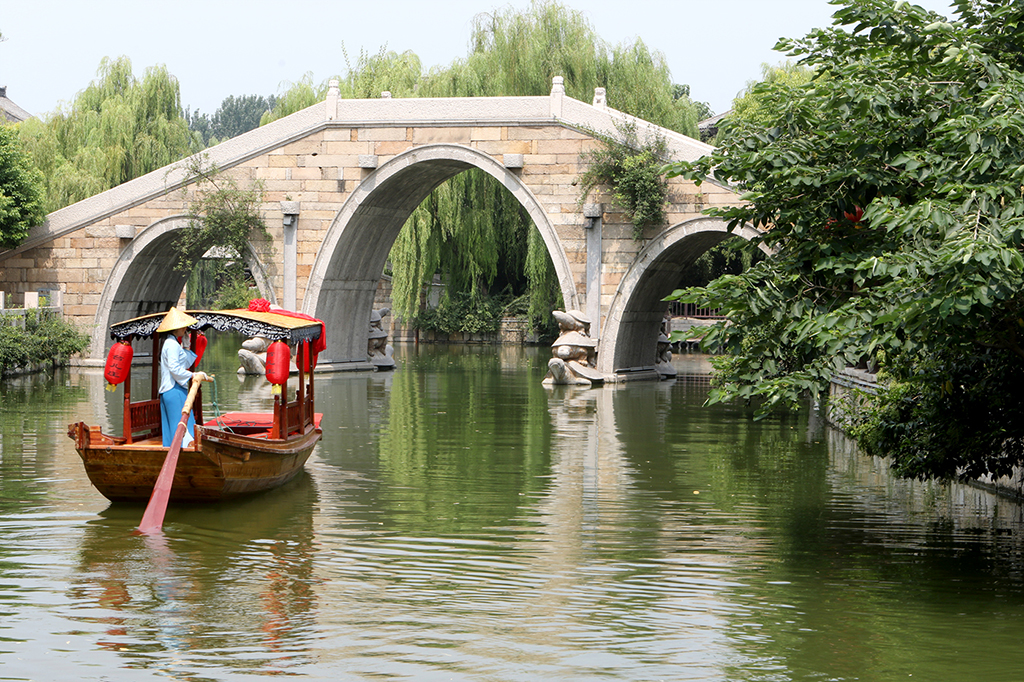
Hi Andres,
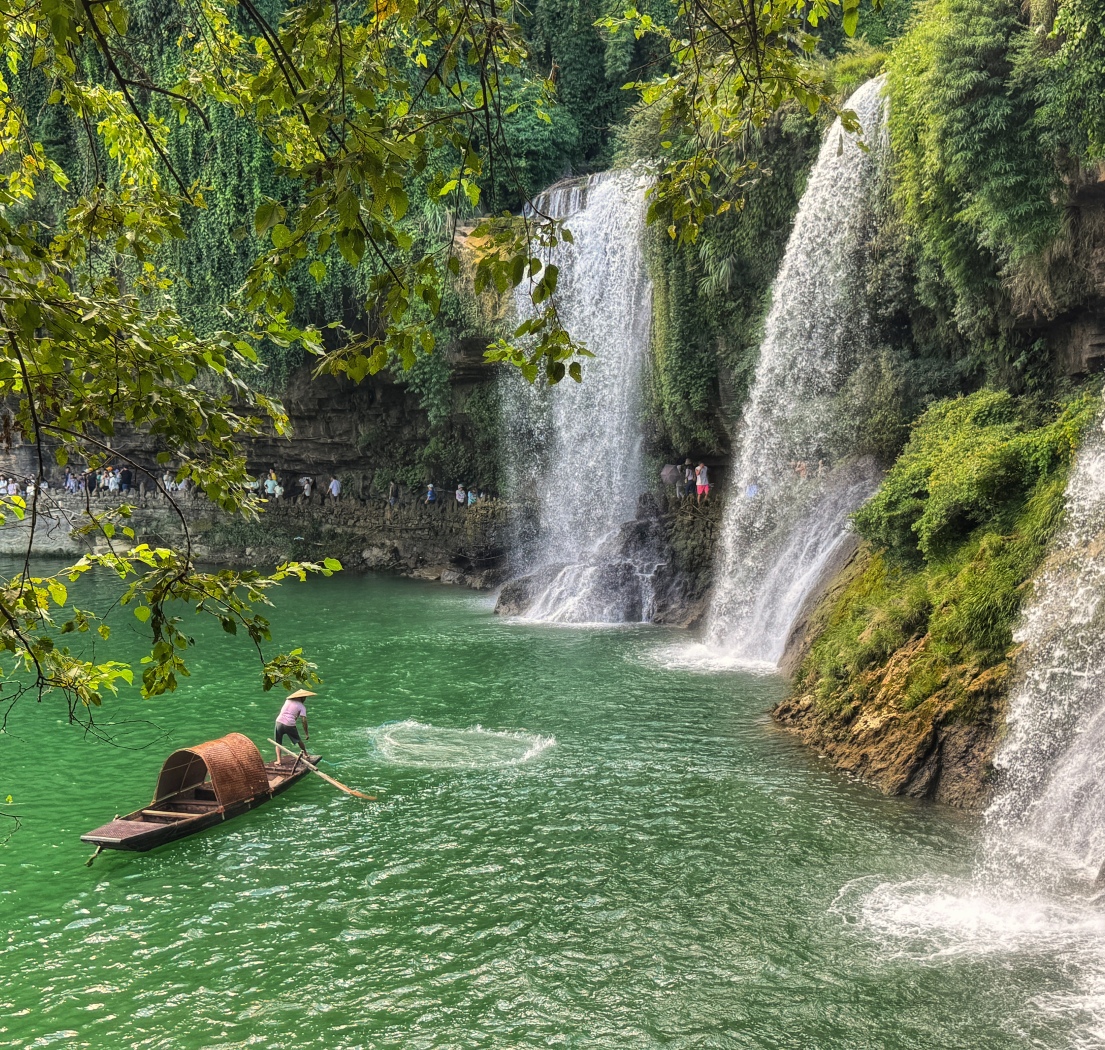
The post processing that renders the golden sunlight makes the image more beautiful. The circles of water show that the rower is going backwards. To me, the rower in nearly a silhouette makes the viewer want to study more.
I'd prefer to crop a bit on the top to eliminate the bright area. |
Oct 20th |
6 comments - 5 replies for Group 3
|
| 86 |
Oct 24 |
Reply |
Thanks for your edits, Steven! I really like it! |
Oct 23rd |
| 86 |
Oct 24 |
Reply |
Thanks, Wayne! Please see my responses and question to Jack above. |
Oct 21st |
| 86 |
Oct 24 |
Reply |
Thanks, Ruth! Please see my responses and question to Jack above. |
Oct 21st |
| 86 |
Oct 24 |
Reply |
Thanks, Susan! Please see my responses and question to Jack. |
Oct 21st |
| 86 |
Oct 24 |
Reply |
Thanks for your comments, Steven! Please see my responses and question to Jack. |
Oct 21st |
| 86 |
Oct 24 |
Reply |
Thanks, Jack! I agree with your comments that the bag or something in front of the dog is a bit distracting. My question is: To eliminate that bag, should I crop the dog's legs as well ? |
Oct 21st |
| 86 |
Oct 24 |
Comment |
Hi Wayne,
The golden color of the rising sun is beautiful. The water reflection and the grass in the foreground add more impact to the scene. I'd prefer to remove the two people because they are not quite visible and could be distracting.
You can tone down the bright reflections in Snapseed using the Brush tool. Select Dodge & Burn brush with minus value to darken certain areas, or plus value to brighten it. You can also tap up or down arrows to adjust the tool's value.
Overall, it's a beautiful scene! |
Oct 21st |
| 86 |
Oct 24 |
Comment |
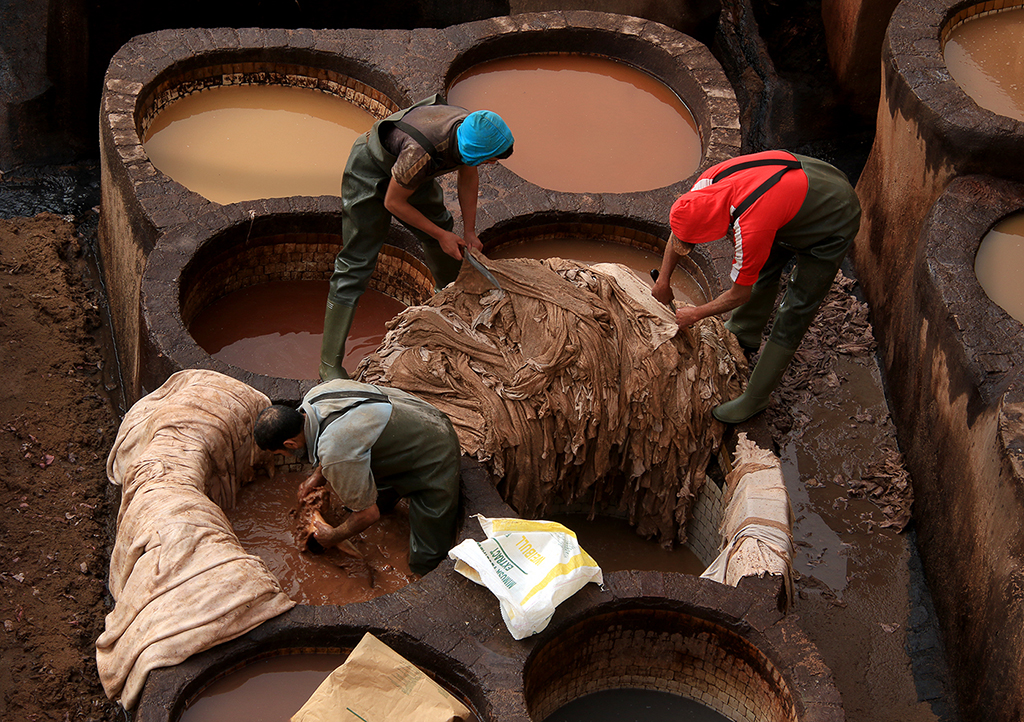
Hi Jack,
The vertical wide angle shot makes the grapes look huge! For photojournalism, I'd prefer to see the people's actions more than the grapes. The way people transferring the grapes from the white containers to grey containers or vice versa grabs my attention more. I'd want to see more images on that. Thanks for sharing your shot! |
Oct 21st |
| 86 |
Oct 24 |
Comment |
Hi Ruth,
Wow! Very creative image and it catches me off guard. The butterfly is sharp, and the position of the butterfly on the sunflower is perfect.
I agree with other comments that cropping a bit on the bottom of the frame to eliminate the fabric would make the viewer focus more on the butterfly. |
Oct 20th |
| 86 |
Oct 24 |
Comment |
Hi Susan,
The scene is beautiful with nice sky, mountains in the distance, and the trees started changing their colors. In my personal opinion, the golfers and the golf carts tell more about that scene.
I agree with Jack that there is something like lens flare on the right side that could be fixed by post processing.
Your scene in Asheville, NC gives me a lot of emotions. Last September, my family went to Nasheville, NC to attend a wedding. We just left 2 days before the hurricane Helene hit Nasheville. It was shocked to watch the news because there was no indication of a incoming bad weather just days before. My heart goes out to the families in Asheville, NC.
Stay safe and take care during this critical storm season, Susan! Best wishes to you and your family. |
Oct 20th |
| 86 |
Oct 24 |
Comment |
Hi Steven,
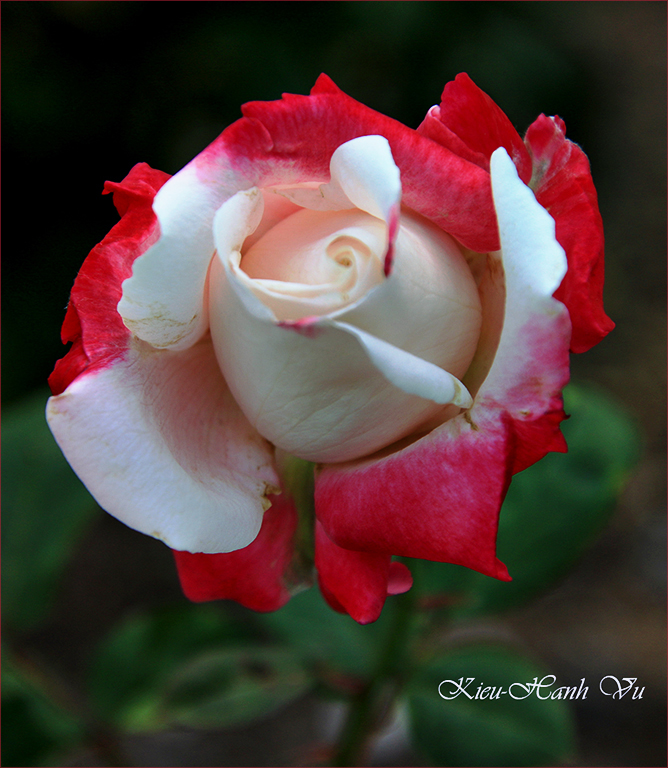
What's a coincidence! I also attended a dahlia show in MD last September. I understand your frustration to get a good composition for your image in this situation. In my part, I used Portrait Mode to get a blurred background, or used Superimpose app to remove the background. I am very impressed with the AI Editor that this app offers.
For this image, the flower is very sharp, and the bi-colors of the soft but spikey-looking pink and red petals are so beautiful. i'd prefer to leave some leaves around the flower to avoid the flower seems floating in the air. Nice shot!
|
Oct 20th |
5 comments - 6 replies for Group 86
|
11 comments - 11 replies Total
|