|
| Group |
Round |
C/R |
Comment |
Date |
Image |
| 3 |
Jun 23 |
Reply |
Thanks, LuAnn for your responses! |
Jun 29th |
| 3 |
Jun 23 |
Reply |
Hi LuAnn,
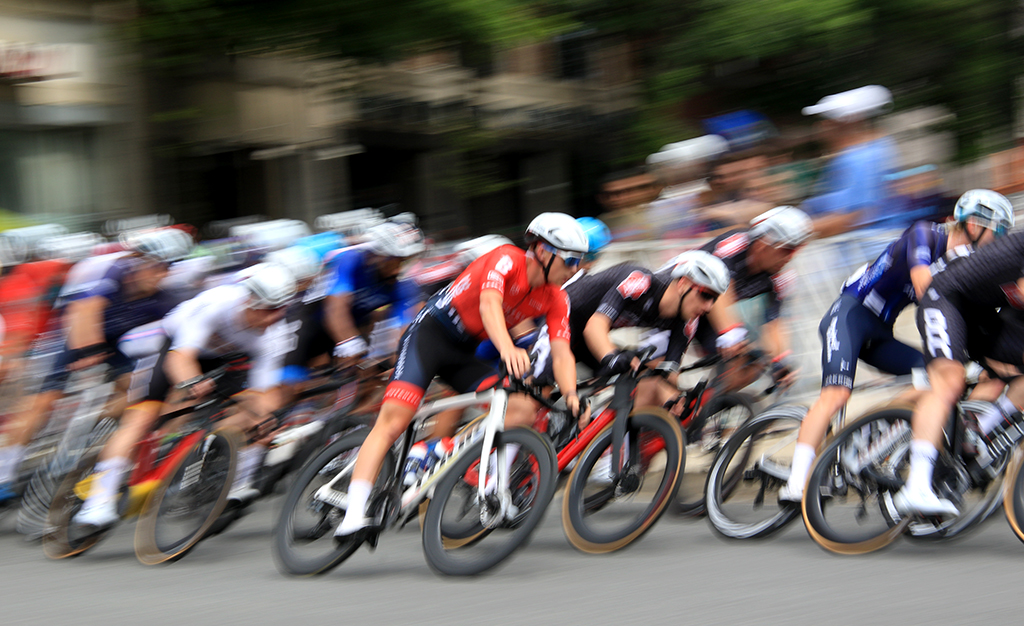
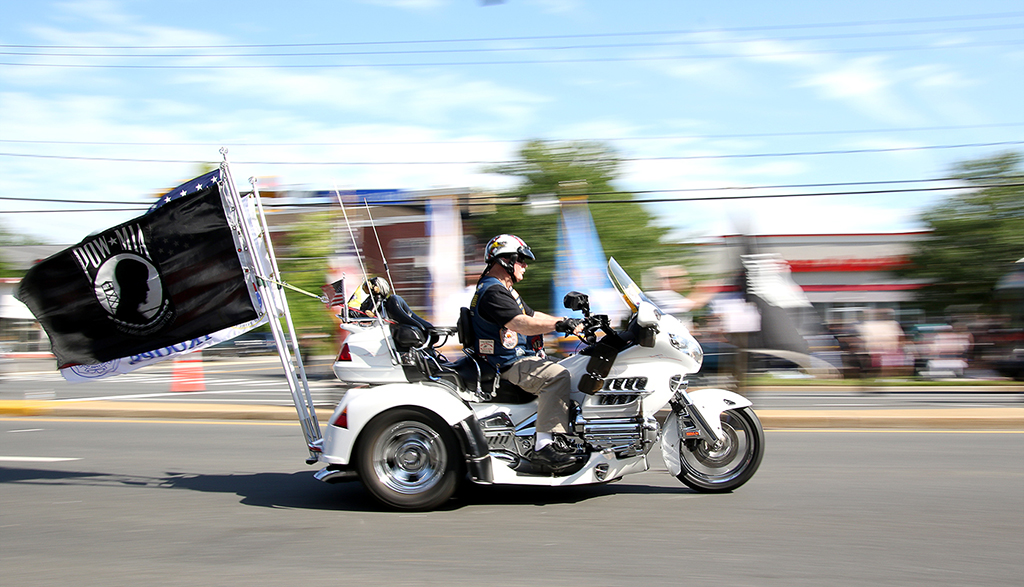
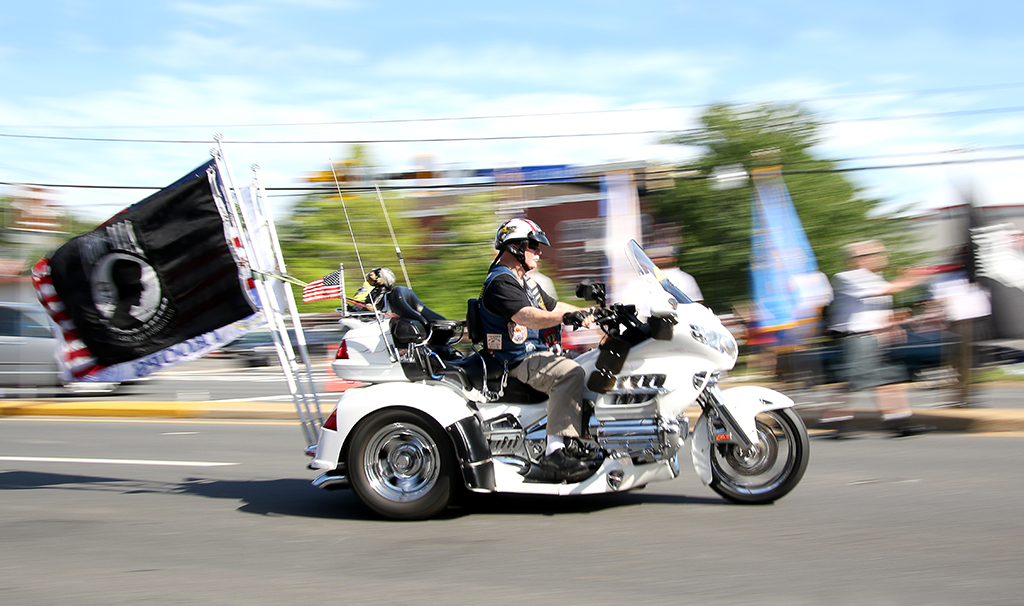
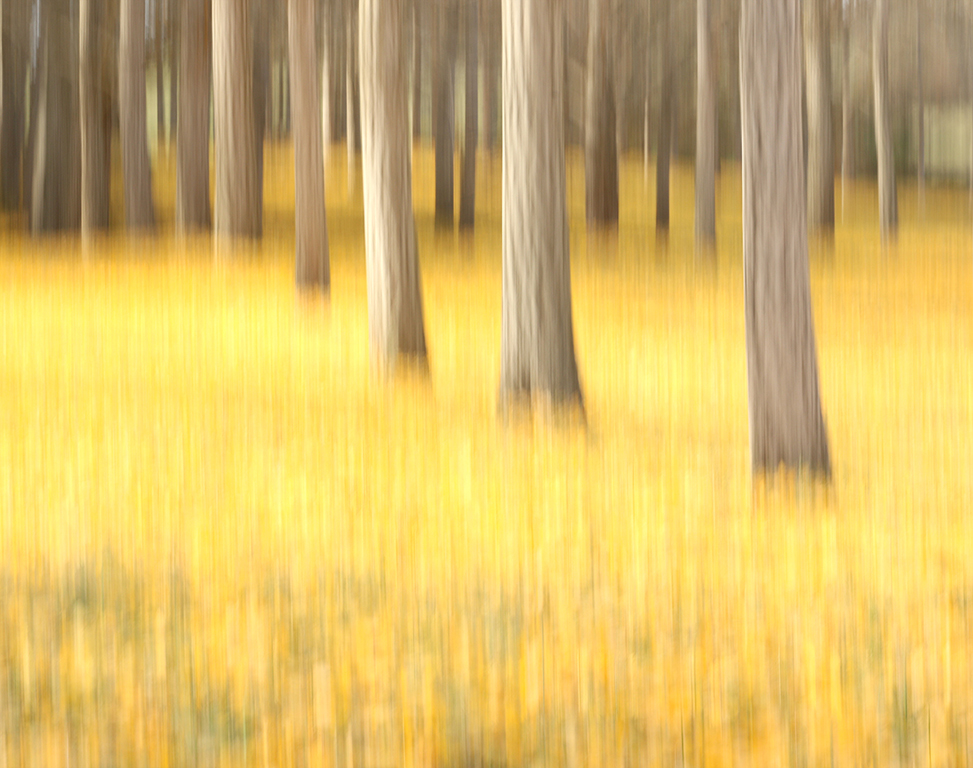
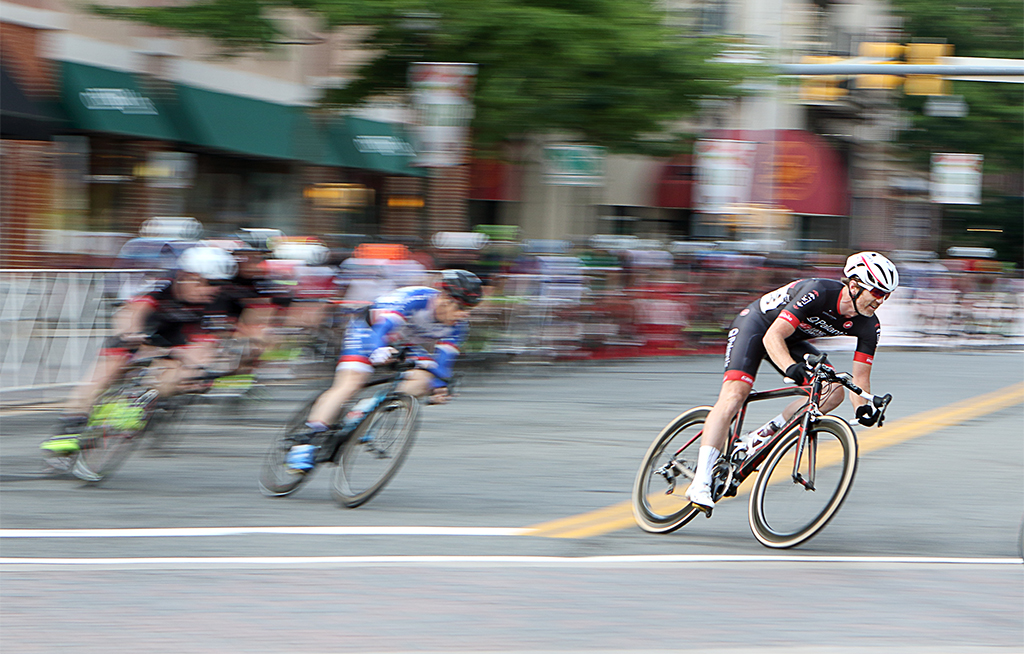
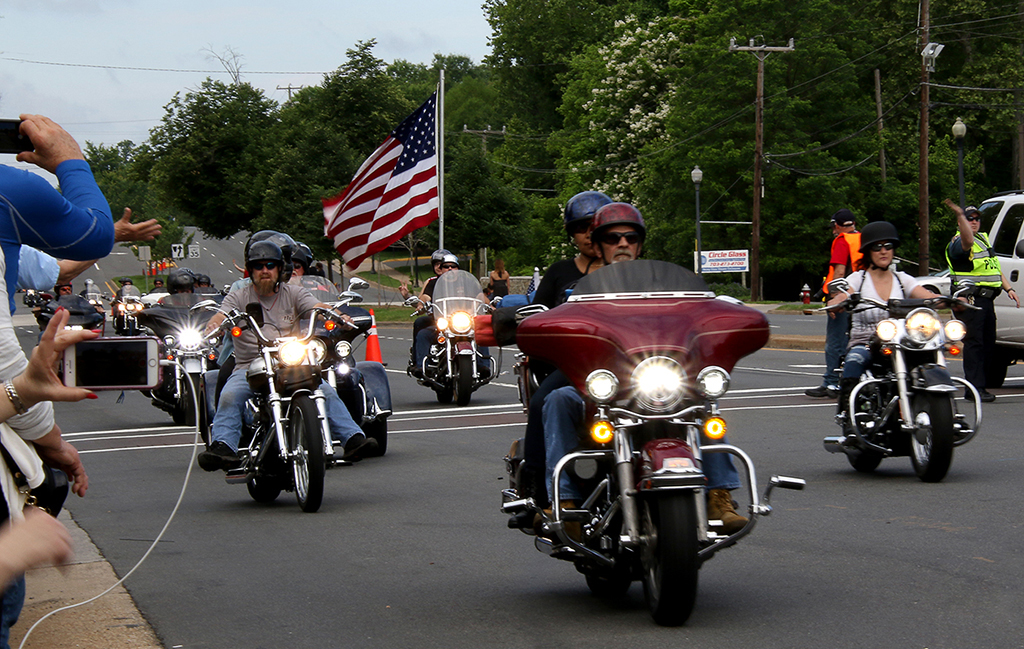
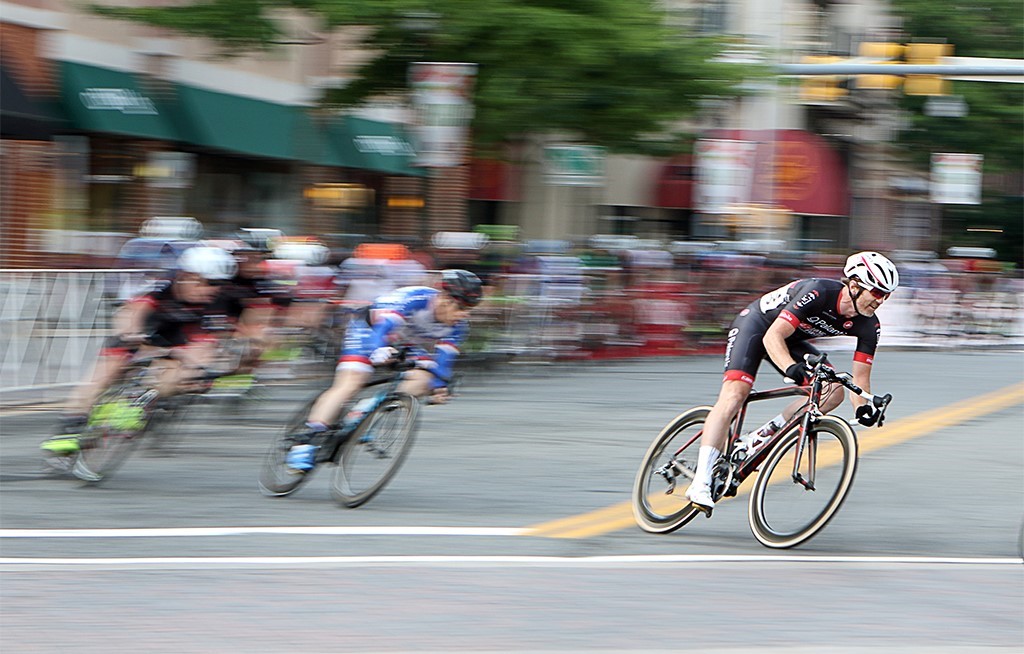
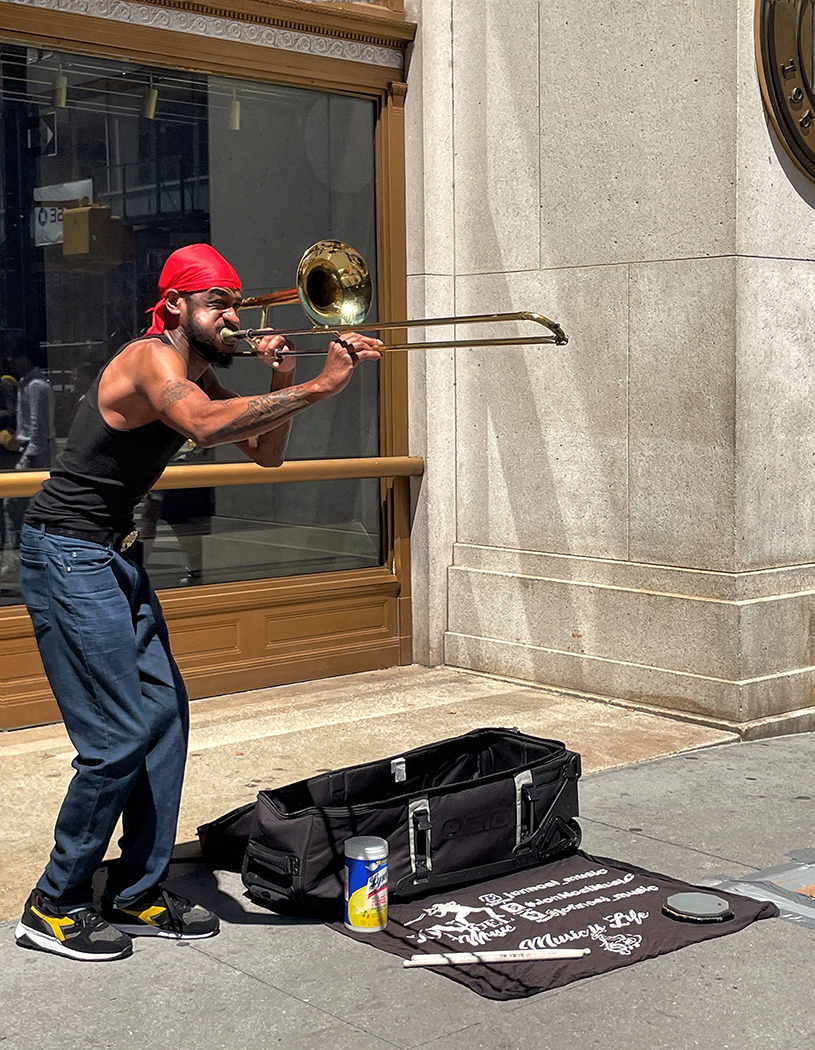
Thanks for comments. For this image, I intentionally combined a slow shutter speed with panning motion to create a sense of speed around the moving subjects. I don't want to keep shutter speed high to end up with a tack-sharp image and zero blur effect.
|
Jun 23rd |
| 3 |
Jun 23 |
Comment |
Hi Joan,
The golden hills and the cloudy sky are so beautiful! The hills look like the sand dunes and the oak trees stand out from that background. Your decision to capture several shots and stitch together as a panorama is a great choice! It shows different patterns of the hills, oak trees and clouds.
I found that there are vertical light streaks at the center of the image and two overexposed spots on the clouds next to them are a bit of distracting. I guess that it was caused by the lens flare at the end of the individual image that shows up when several images are stitched together in a panorama. I'd prefer to fix those little things in post processing. Overall, it's a beautiful landscape image! |
Jun 22nd |
| 3 |
Jun 23 |
Reply |
Hi Michael,
I respect your decision of not correcting the perspective of the foreground window. As a maker of your image, you can decide what works best for you based on your own beliefs. |
Jun 22nd |
| 3 |
Jun 23 |
Reply |
I totally respect your decision and agree with you on your way of presenting your image. You are the image maker, so you can choose what works best for you. |
Jun 22nd |
| 3 |
Jun 23 |
Reply |
Thanks, Mary Ann for your quick response! My gut also tells me that the one in red jersey needs to be more in focus but I am not sure if it works for everyone. |
Jun 22nd |
| 3 |
Jun 23 |
Reply |
I have a question to everyone in my response to Michael. Please give me your ideas. Thanks! |
Jun 22nd |
| 3 |
Jun 23 |
Reply |
I shot in Manual mode, AI servo (High), single point focus and just tried to move slower or faster while panning to follow the racers. I love to experiment with different ways of shooting rather than to strictly follow the guidance. |
Jun 22nd |
| 3 |
Jun 23 |
Reply |
Thanks everyone for your comments.
My question for everyone is: In the scenario where the bikers run in line such as 1,2,3 then the first one needs to be sharp. But in this case, they are all jam-packed at the curve. So, I choose the image where the biker is closest to the foreground (in red) to be the main focus subject. Does it work for you ? If not, which biker needs to be sharp in this panning mode? For your information, I shot at speed 1/40 in Continuous Mode (High) while panning, so I might have each biker in sharp focus. |
Jun 22nd |
| 3 |
Jun 23 |
Reply |
Thanks LuAnn for putting my camera speed there. |
Jun 22nd |
| 3 |
Jun 23 |
Comment |
Hi Mary Ann,
Your image of two men playing board game looks natural. I like the facial expression on their faces. The man on the left has a pensive look of trying to make a further move while his opponent on the right seems to be more in control.
The board game seems to be overexposed by the window light to me but all the details still look visible. My only suggestion is to blur the two persons outside of the windows,especially the lady in red. Nice shot! |
Jun 22nd |
| 3 |
Jun 23 |
Comment |
Hi Ruth,
Your image this month has shown a different look of the same subjects. The colors and the ice are beautiful and consistent.
In my opinion, you don't need to add more ice to the top because all the petals are inside the frame. Your image gives me the feeling that the tall pink rose is the mom, and the two red tulips are her two kids who are playing with each other. Since you mentioned that you added a stem to the pink tulip, I'd prefer to make its stem leaning to the direction of two other tulips to give more connection among them. Very nice and creative image!
|
Jun 22nd |
| 3 |
Jun 23 |
Comment |
Hi Ruth,
The constrasting expression of the woman and her dog makes me want to study this image more. Lynn walked her dog in deep thinking but still managed dog leash pulling by holding it closely at her back. You've got a nice shot when Lynn's gray hair passed the dark tree in the background.
I'd prefer to crop a bit more on the right to make the main subjects off center, and darken the sky. Nice candid shot!
|
Jun 21st |
| 3 |
Jun 23 |
Comment |
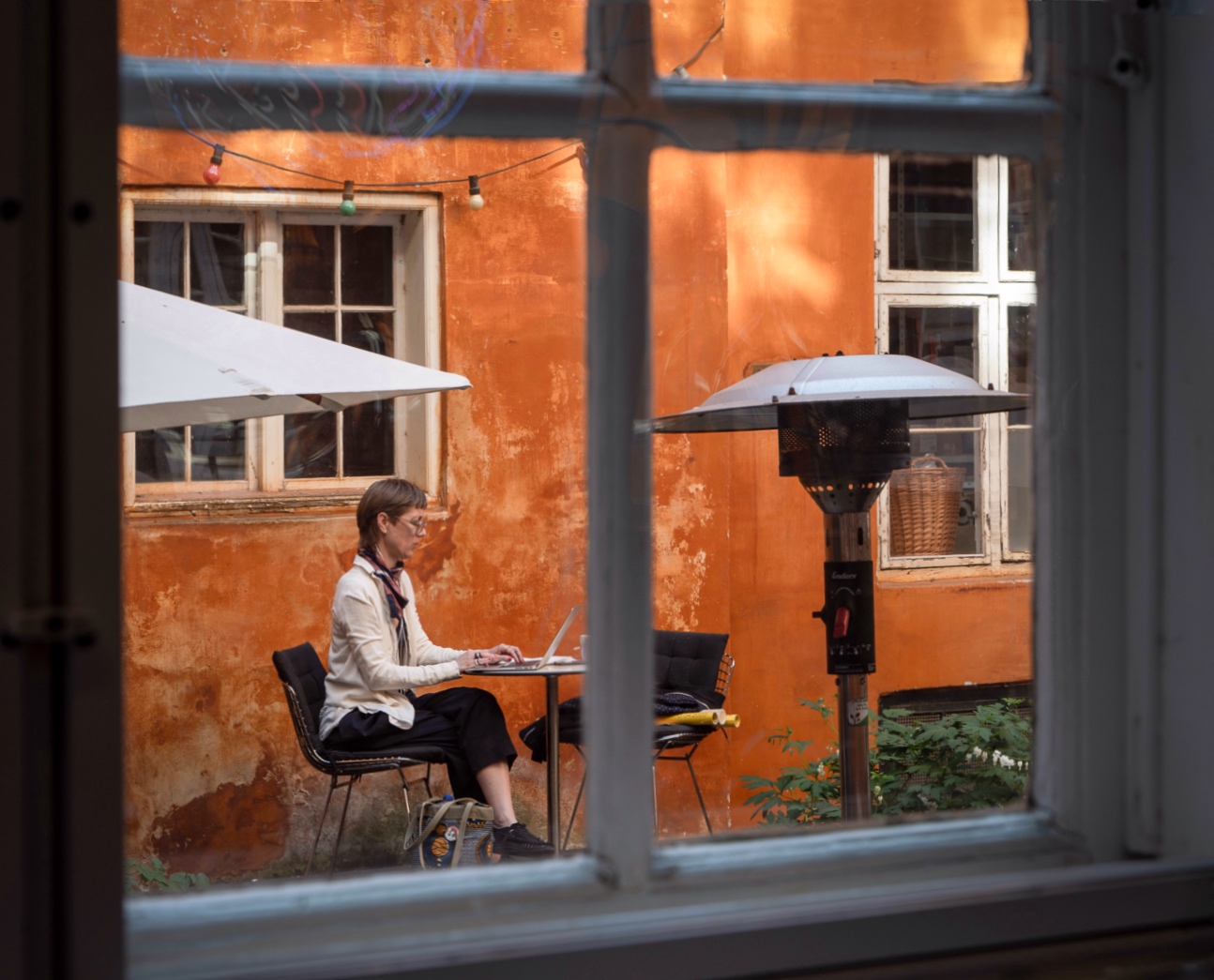
Hi Michael,
It's a nice candid shot! You have got not only one but three windows in this image for your assigned challenge. I like the way the other two windows in the background were framed inside a closest and biggest one.
Although you said that the image was a quick shot but you should be proud of your shot because everything is near perfection. Both window frames of the orange wall are straight and nicely snap to the two sides of the big window. The entire lampost fits the window frame. The lighting and the orange color of the walls complements the white shirt of the lady working on her laptop.
Since the perspective of two windows in the distance is well done, I'd prefer to correct the perspective of the window in the foreground as well to make it a more beautiful image! |
Jun 6th |
 |
| 3 |
Jun 23 |
Comment |
Hi LuAnn,
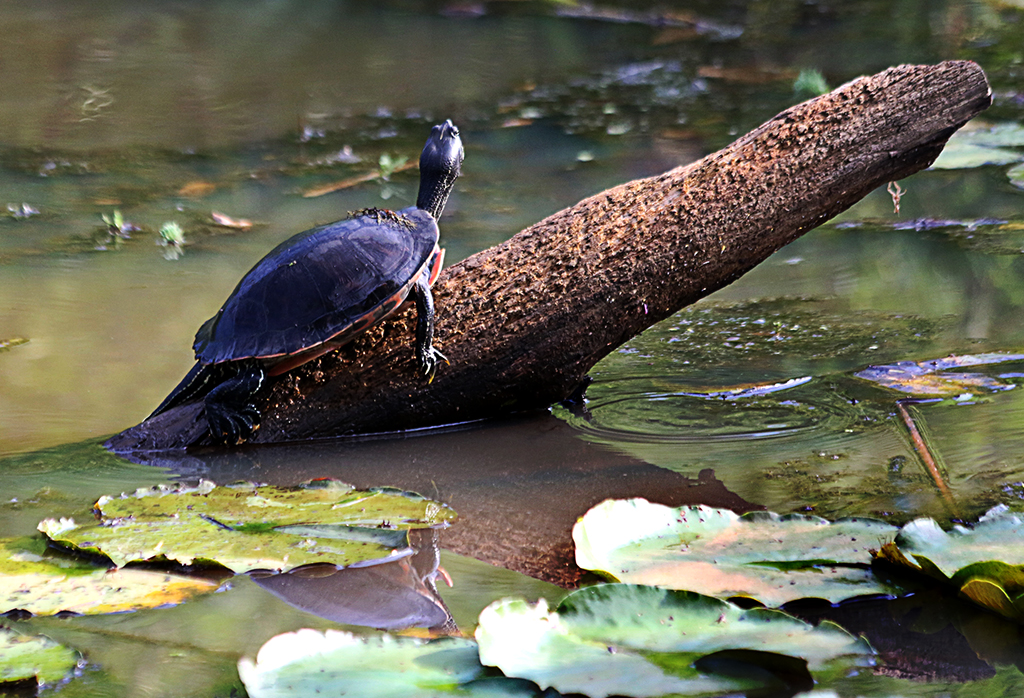
The image is very sharp and the three turtles sunbathing on a log are beautiful! The diagonal line of the wooden trunk certainly makes the composition stronger.
I'd prefer to reduce the blue color of the water a bit since it seems not natural to me and it competes with the main subjects.
For the composition, I'd prefer to see more of the aqua plants on the top to give a hint about the pond and less of the water at the bottom. It would also put the turtles off center. Nice shot!
|
Jun 6th |
6 comments - 9 replies for Group 3
|
| 86 |
Jun 23 |
Comment |
Hi Pat,
Your image is intriguing! A lot of questions come to my mind are: 1) Is the car still working (since its tires still seem to be in good condition)? 2) Was this rusty car located in the car graveyard (since it was parked properly in its lane and no other similar cars around. In addition, there are no signs of damage to the car)? 3) Was this old Ford model with a rusty look on exhibition display (since in your original image, there are two newer cars around). There are so many conflicting information in this image that really puzzled me.
I'd suggest to remove the part of the tree on the top left corner to make the rusty car stand out more. |
Jun 23rd |
| 86 |
Jun 23 |
Comment |
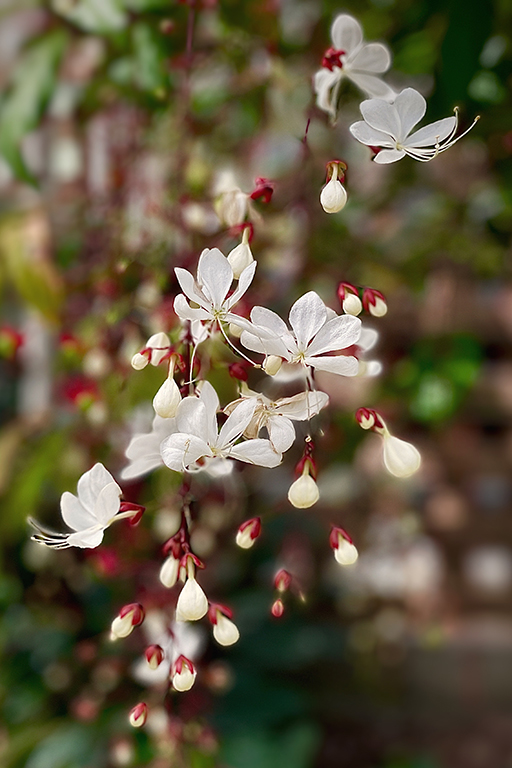
Hi Ruth,
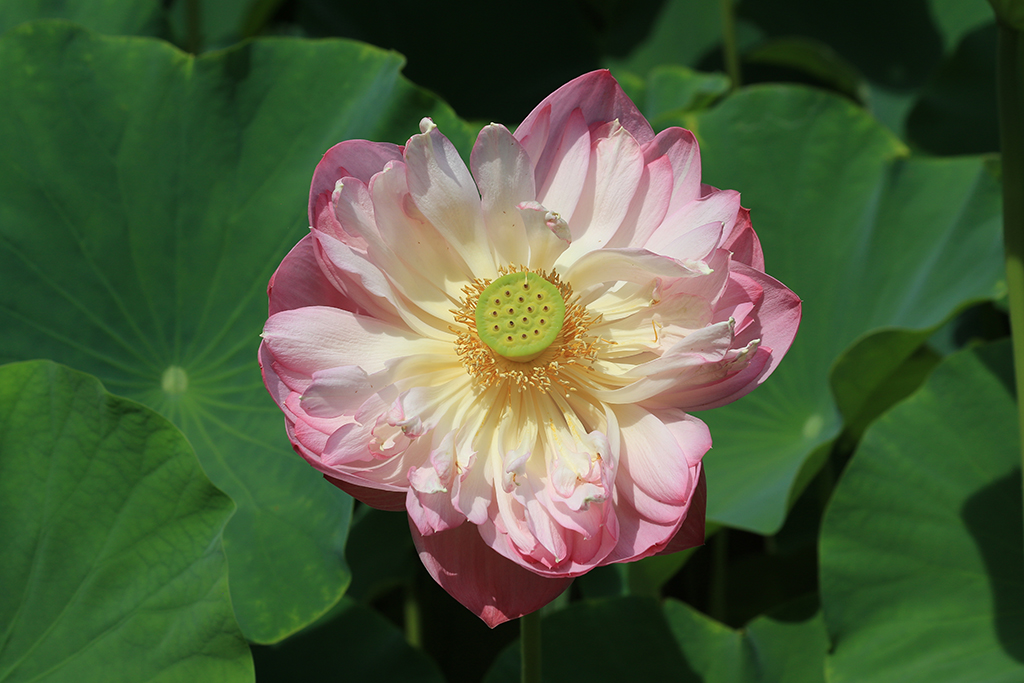
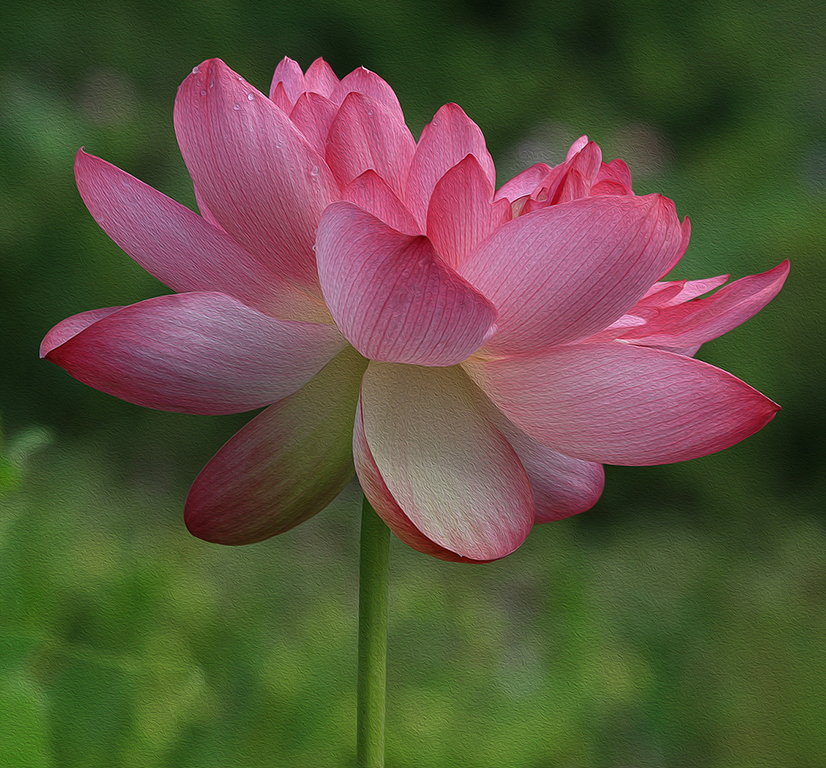
Your image is sharp and your crop works well. I love the bright yellow color and multiple layers of the curvy flower petals that look like a dancer's dress. |
Jun 23rd |
| 86 |
Jun 23 |
Comment |
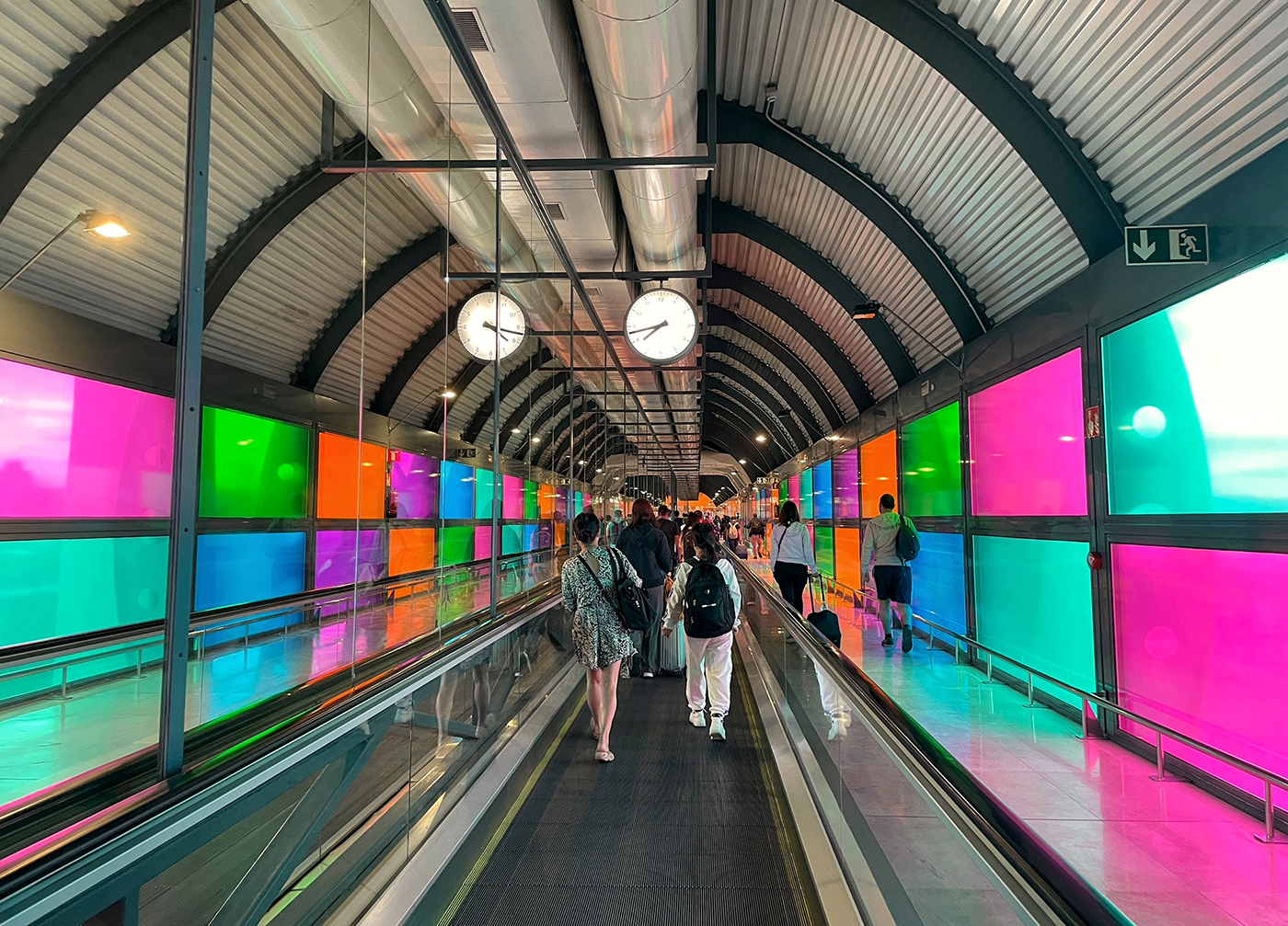
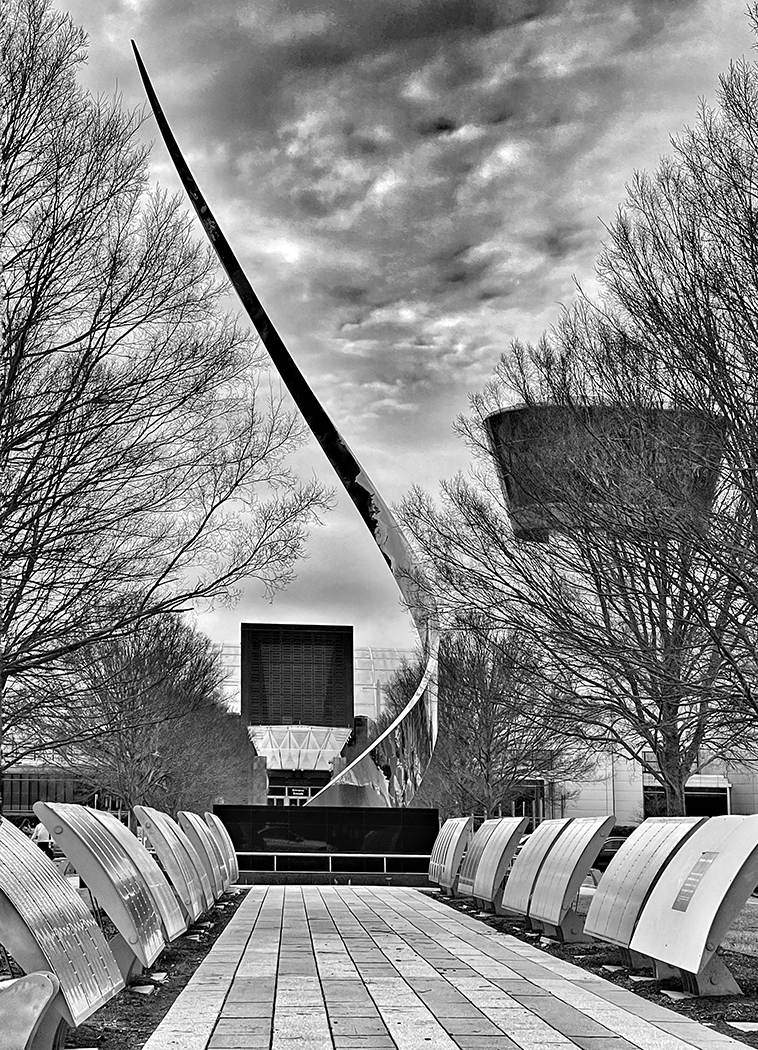
Hi Gene,
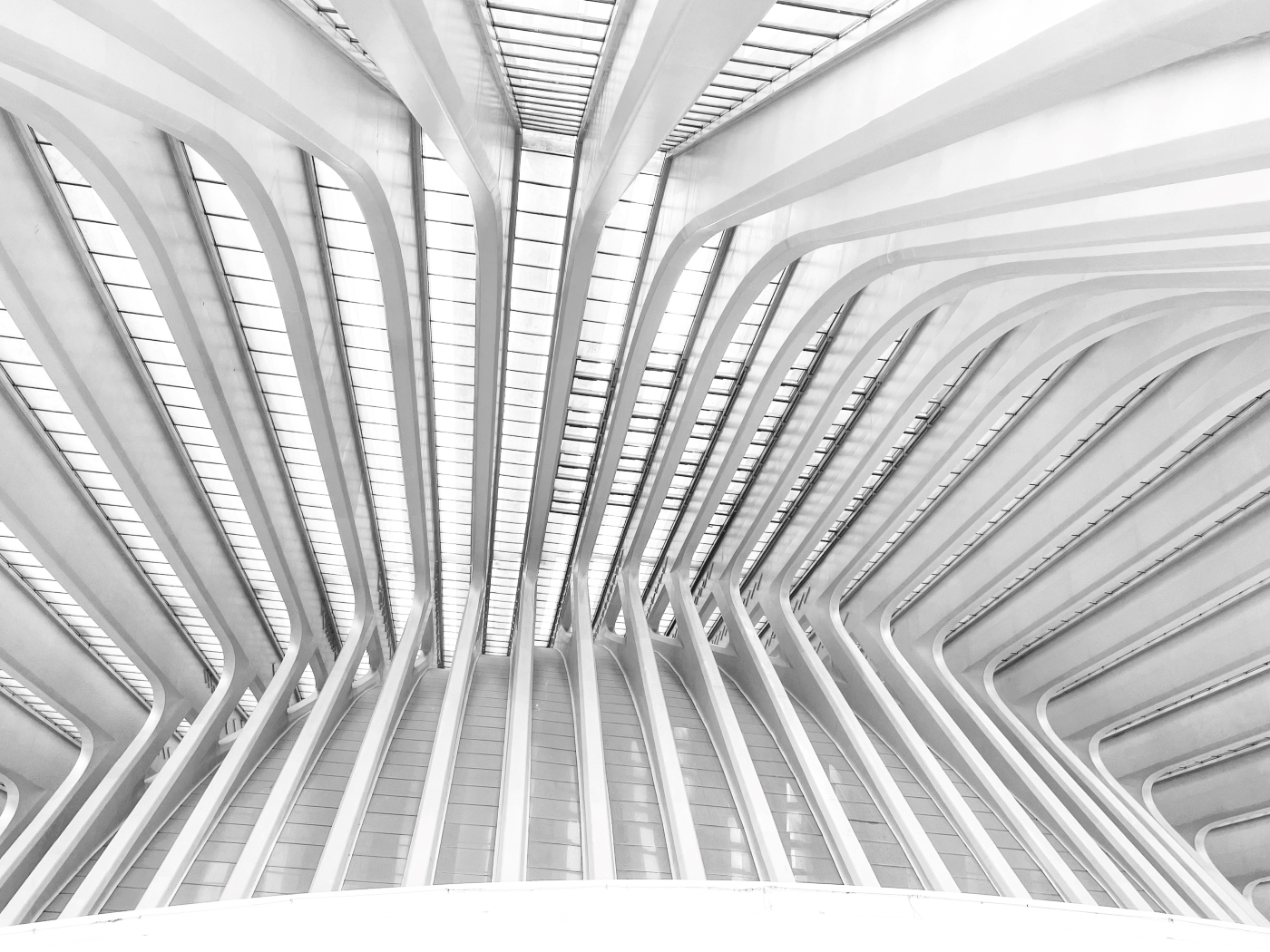
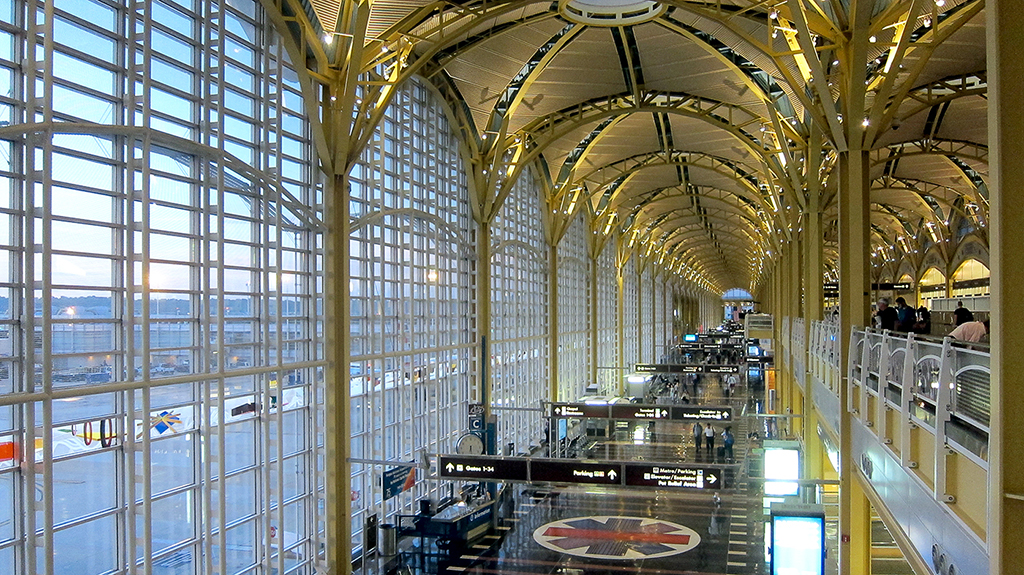
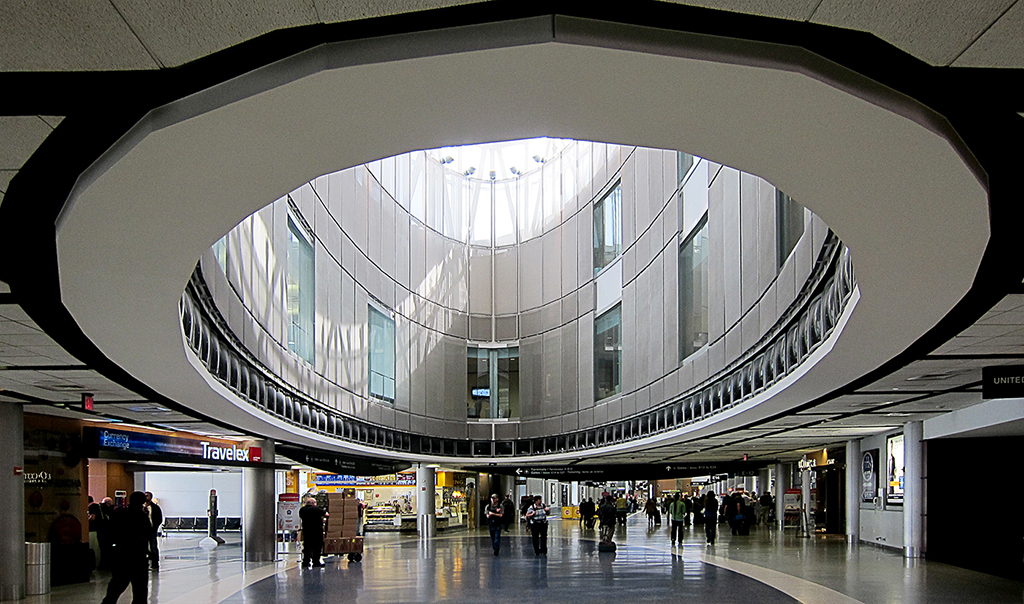
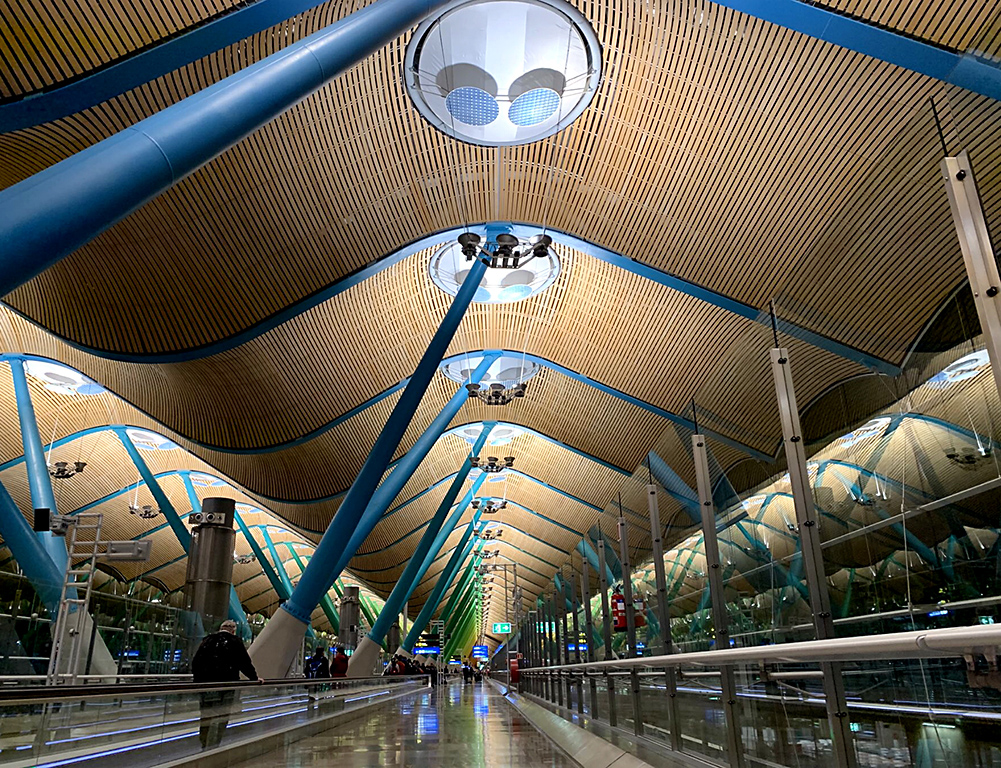
It's a cool architectural image of the Porto airport! It does look like a spaceship.
I don't think that the conversion to B&W will work best in this image since it does not have high contrast scenes. I'd prefer to remove some reflections of light near the bottom center of the screen instead.
|
Jun 23rd |
| 86 |
Jun 23 |
Comment |
Hi Jack,
I visited Angkor Wat almost a decade ago, and your image brought back to me all the memories of my trip. The entire city of Angkor was built with sandstone, so was this passage. It was nominated a UNESCO World Heritage, and I am impressed that Cambodia was able to conserve of its ancient ruins impacted by genocide war and time.
For this image, I don't want to remove the statue at the lower left since the curator has purposedly designed that way for the exhibits. It might contain a story of each period of time. Without that statue, the exhibition will give an unbalanced impression. The light seems a bit harsh on the floor but I think that it can be easily fixed in post processing. Nice shot!
|
Jun 22nd |
| 86 |
Jun 23 |
Comment |
Hi Quang,
Great shot to capture a beautiful cloudy sky of CocoCay islands on board a cruise ship!
The composition works well with 2/3 of the height are for the powerful clouds, and 1/3 of it are for the water and the islands.
I'd prefer to see different colors between the cloudy sky, the islands, and the water. Iam not sure why the blue colors between those 3 elements seem to blend together? I'd think that different colors would render more impact to the image. Nice shot! |
Jun 22nd |
| 86 |
Jun 23 |
Comment |
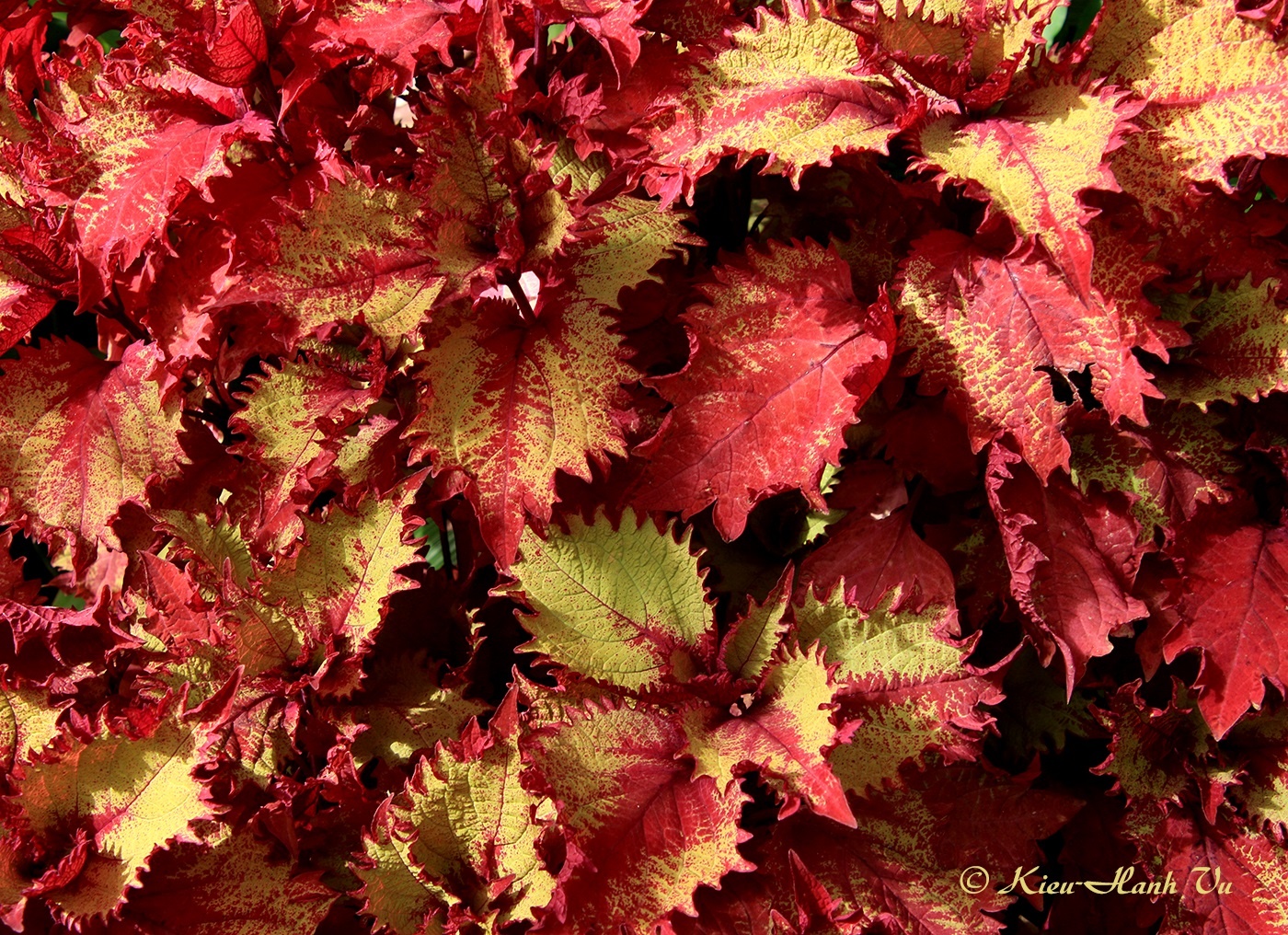
Hi Steven,
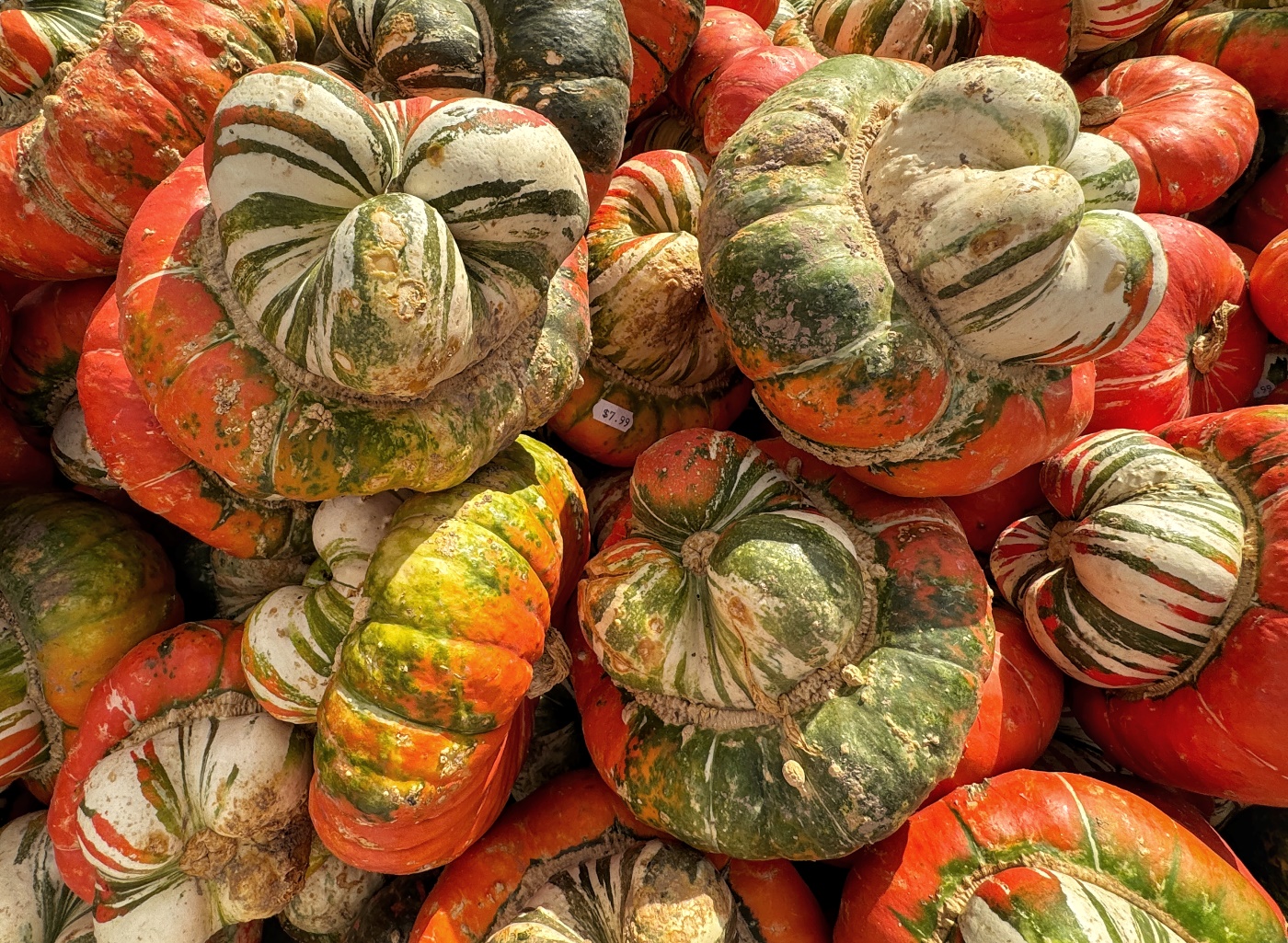
I saw this plant in several gardens in DC areas and never know its name until now. Some even have different colors on each side of the leaf. In this image, the red color and the diagonal lines filling the whole frame make it intriguing. I try to find where the main stem of it is but unsuccessful!
In my personal opinion, I'd prefer to include the main stem or the edge of the leaf to add more impact to the scene.
|
Jun 22nd |
6 comments - 0 replies for Group 86
|
12 comments - 9 replies Total
|