Activity for User 217 - Dennis Hirning - dchirning@msn.com

avatar
Avatar

Close this Tab when done


660 Comments / 167 Replies Posted

  = Current Round   = Previous Round
Group Round C/R Comment Date Image
1 Oct 24 Comment Great image. I also like the activity you show with the ants. I wonder if you might have lost some fine details in the ants when the noise was removed. I like the look you achieved but it does seem like they look sort of plastic. Could this have been done by negative Clarity? Oct 14th
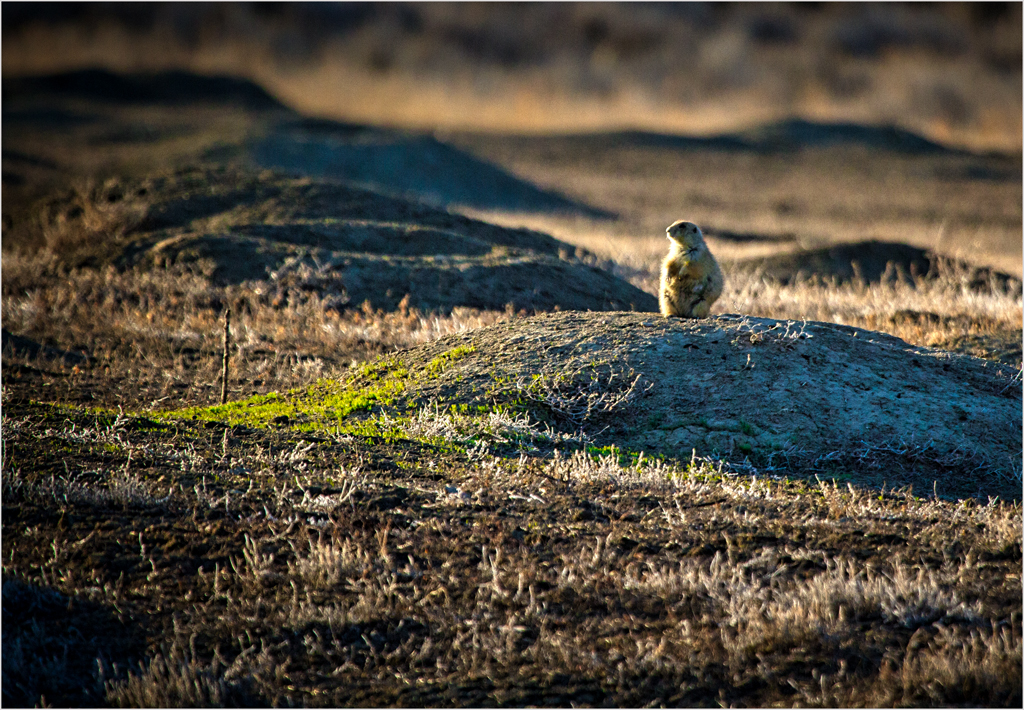
1 Oct 24 Comment The weed does draw the eye. If you wanted to show the animal in it's habitat, leave it in. If you wanted to hang a print on the wall, I would get rid of it. I might like to see a little more of the scene at the top and left for a more pleasing composition. Oct 14th
1 Oct 24 Comment That is a very interesting formation. I can see the shadow area being a dolphin jumping out of the water. OK. So I really am weird. This was well handled. Oct 14th
1 Oct 24 Comment That spot of color really draws the eye. I like the cropping you did on this. You don't mention this but it appears that you might have selected the image and added it to a layer while you did some blurring of the background. It might be what give the halo around your subject. I have recently been trying to enlarge the sharp portion a little to cover the halo. I would crop off the partial border treatment. Oct 14th
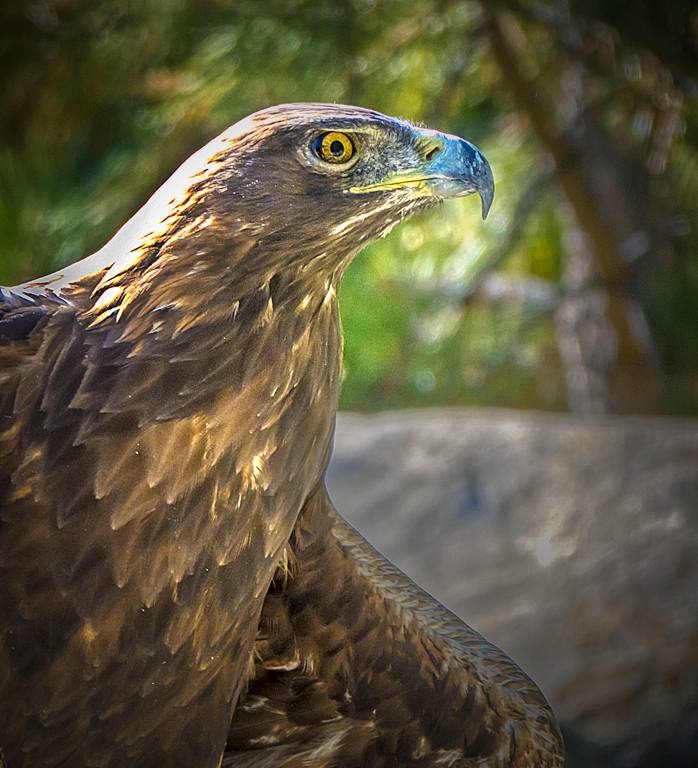
1 Oct 24 Comment I really like how the eagle contrast with the darker vegetation around it. The branches frame the eagle nicely. I might try a square format with the cropping without removing too much of the branch in the upper left. A slight vignette might also help keep the eye on the eagle. You do some selecting burning on, especially, the top branch. I don't know what was happening Zodiac but a little slower shutter speed could have helped to make the rain look less like Neal's stars. :)
Oct 14th
1 Oct 24 Comment I think this is a great idea. I like Gordy's suggestions. I might add a little more to them. The stars seem to be showing throughout the image, even on top of the moon. I am assuming that you might have been working with 3 layers. I don't know the order on the stack but I would suggest having the foreground as the top layer. You might make all the adjustments on this layer before you work on the moon and the stars below it. I do see a line between the moon and the right border that could be feathered a bit more. Maybe using a feathered circular mask for the moon above the stars. I'm not sure but I think that multiplying the foreground layer before you flatten your image could keep everything in the right position. It might take some more masking and blending to finish it off. Oct 14th

6 comments - 0 replies for Group 1


6 comments - 0 replies Total


112 Images Posted

  = Current Round   = Previous Round
Group 01

Apr 26

Mar 26

Feb 26

Jan 26

Dec 25

Nov 25

Oct 25

Sep 25

Aug 25

Jul 25

Jun 25

May 25

Apr 25

Mar 25

Feb 25

Jan 25

Dec 24

Nov 24

Oct 24

Sep 24

Aug 24

Jul 24

Jun 24

May 24

Apr 24

Mar 24

Feb 24

Jan 24

Dec 23

Nov 23

Oct 23

Sep 23

Aug 23

Jul 23

Jun 23

May 23

Apr 23

Mar 23

Feb 23

Jan 23

Dec 22

Nov 22

Oct 22

Sep 22

Aug 22

Jul 22

Jun 22

May 22

Apr 22

Mar 22

Feb 22

Jan 22

Dec 21

Nov 21

Oct 21

Sep 21

Aug 21

Jul 21

Jun 21

May 21

Apr 21

Mar 21

Feb 21

Jan 21

Dec 20

Nov 20

Oct 20

Sep 20

Aug 20

Jul 20

Jun 20

May 20

Apr 20

Mar 20

Feb 20

Jan 20

Dec 19

Nov 19

Oct 19

Sep 19

Aug 19

Jul 19

Jun 19

May 19

Apr 19

Mar 19

Feb 19

Jan 19

Dec 18

Nov 18

Oct 18

Sep 18

Aug 18

Jun 18

Jul 18

May 18

Apr 18

Mar 18

Feb 18

Jan 18

Dec 17

Nov 17

Sep 17

Oct 17

Aug 17

Jul 17

Jun 17

May 17

Apr 17

Mar 17

Feb 17

Jan 17

Close this Tab when done