Activity for User 217 - Dennis Hirning - dchirning@msn.com

avatar
Avatar

Close this Tab when done


660 Comments / 167 Replies Posted

  = Current Round   = Previous Round
Group Round C/R Comment Date Image
1 Jan 20 Comment Great capture. I was thinking that the right side should be cropped before I read all the comments. It seems everyone agrees with that. I was thinking cropping off to the end of the top branch. My example has too much left on the left side but right now, I would crop more off the left than in my example.I did try increasing the exposure and played with the contrast a bit. Jan 25th
1 Jan 20 Comment I really like the layers and the haze that separates them. You have really improved the original. I think that I would get rid of the light reflection in the water by cropping. Adding a vignette on mainly the bottom would give you the dark peak for a subject to rest the eye. (I do like this one to see what I can do without Adobe products.) Jan 25th
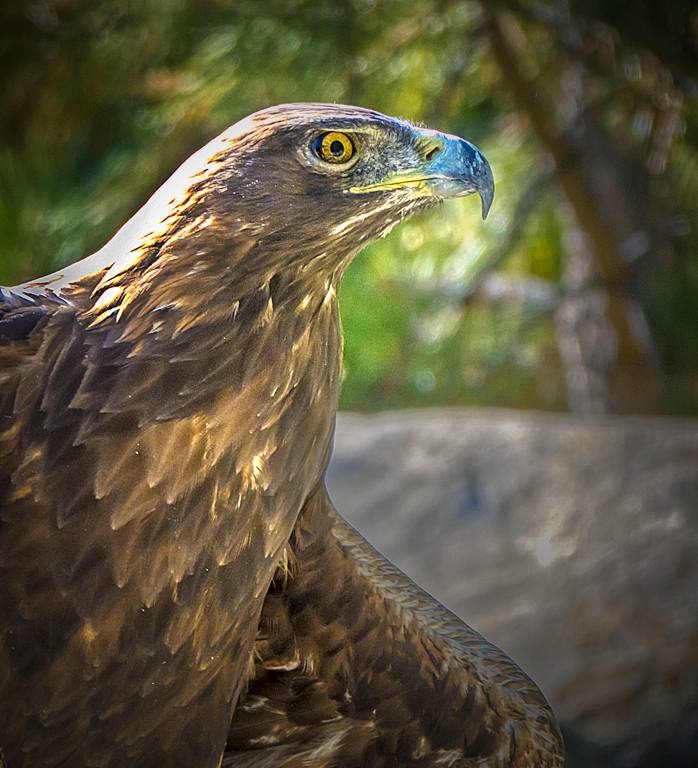
1 Jan 20 Comment I like the interesting position of the birds head. I would like a little more room showing especially in front of it. Removing the red sticks and probably the bright area at the bottom right corner is a good idea. Jan 25th
1 Jan 20 Comment I would crop on the sides to get rid of the blue areas. Maybe try adding a little vignette and maybe boost the vibrance a little to show of the brighter colors a bit more. I lost my Photoshop over the weekend so I am struggling a bit to show exactly how I would crop. I probably wouldn't crop quite as much as Dave did to keep more of the green peppers around the red and orange. Jan 25th
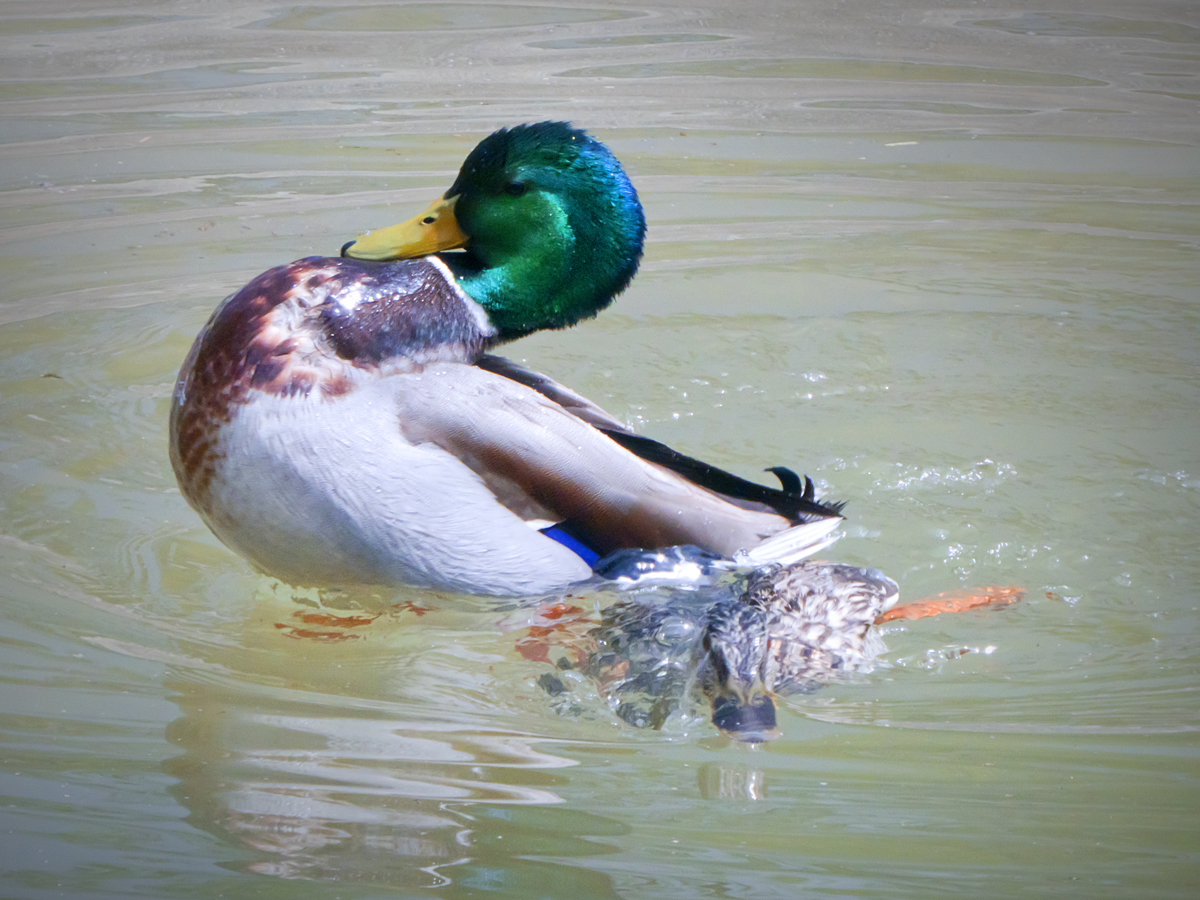
1 Jan 20 Comment I like that you chased the ducks out of there. I think that the posing is great. I might as well put my 2 cents in. I might try to remove some of the blue cast that you would get at this time of day. Jan 25th
1 Jan 20 Comment I do like how tone of the overall images complements the flowers. I can't say that I really noticed much of a tone. Sometimes a little sharpening can help the focus of an image if it will just be used at a low resolution. It looks like the dodging that helps to separate the subject from the background has left a halo around the boy. Jan 25th
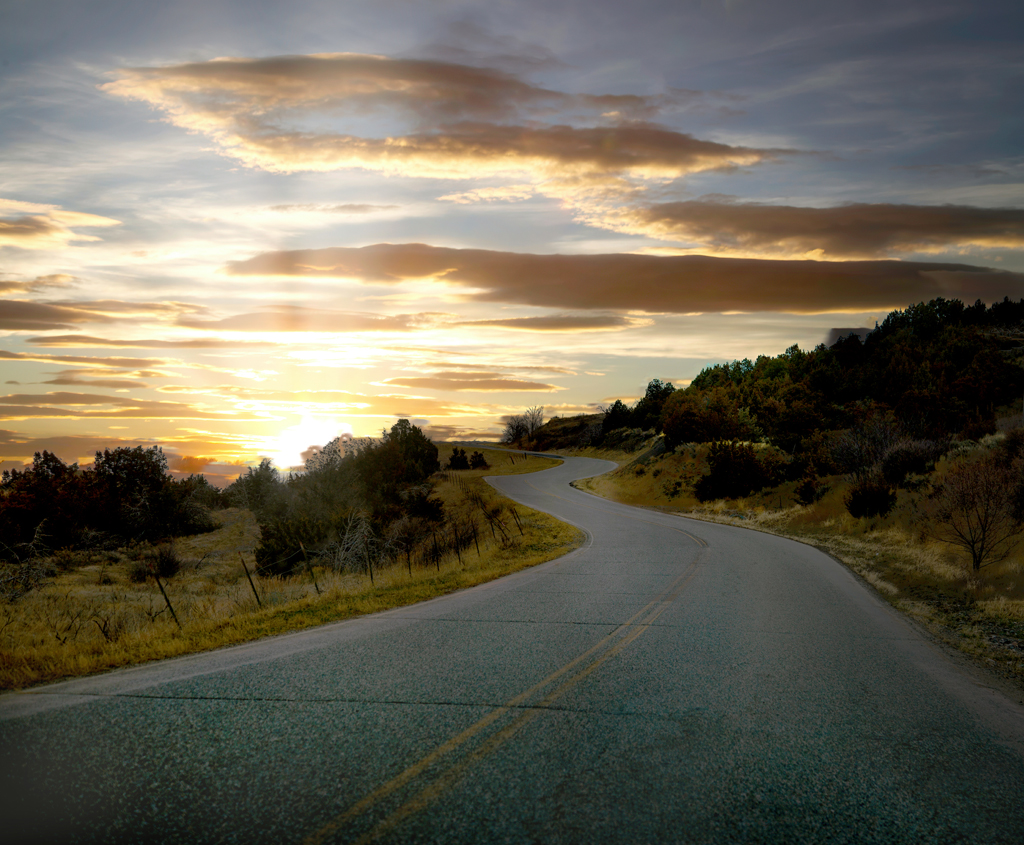
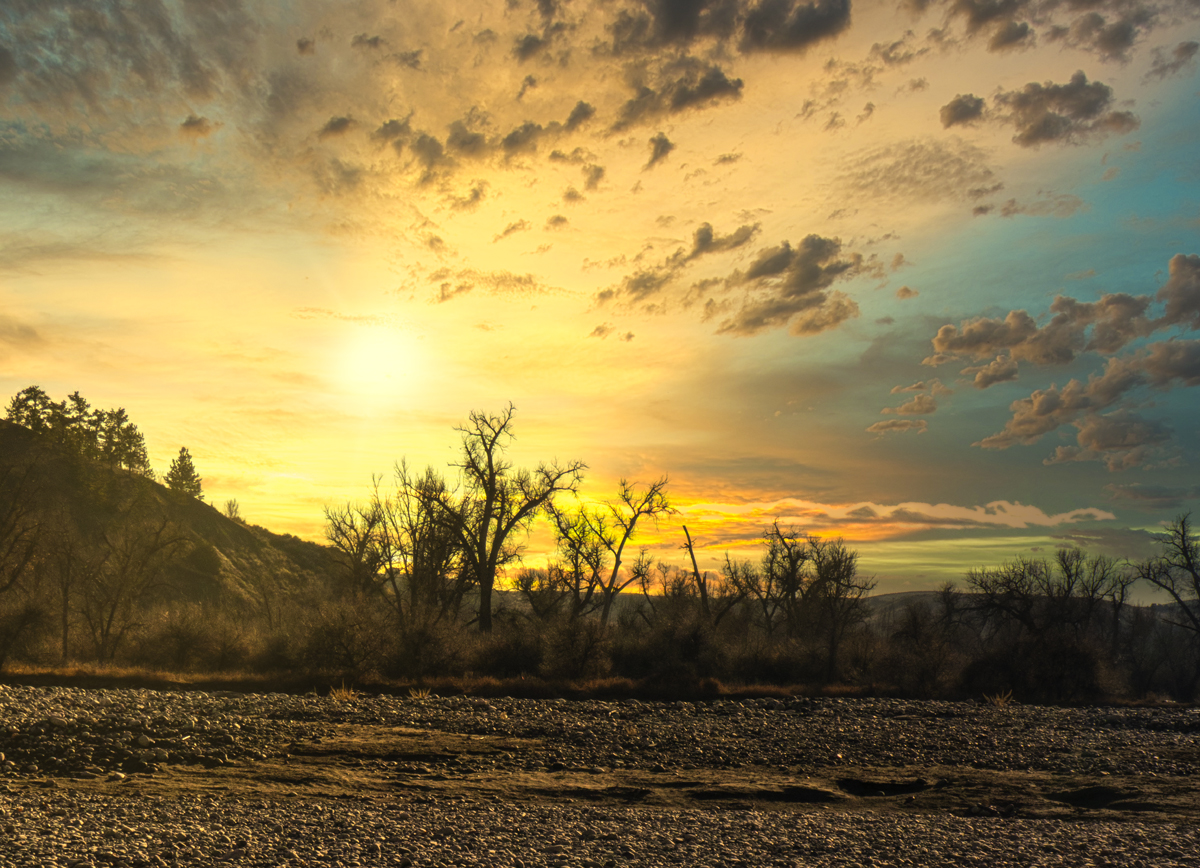
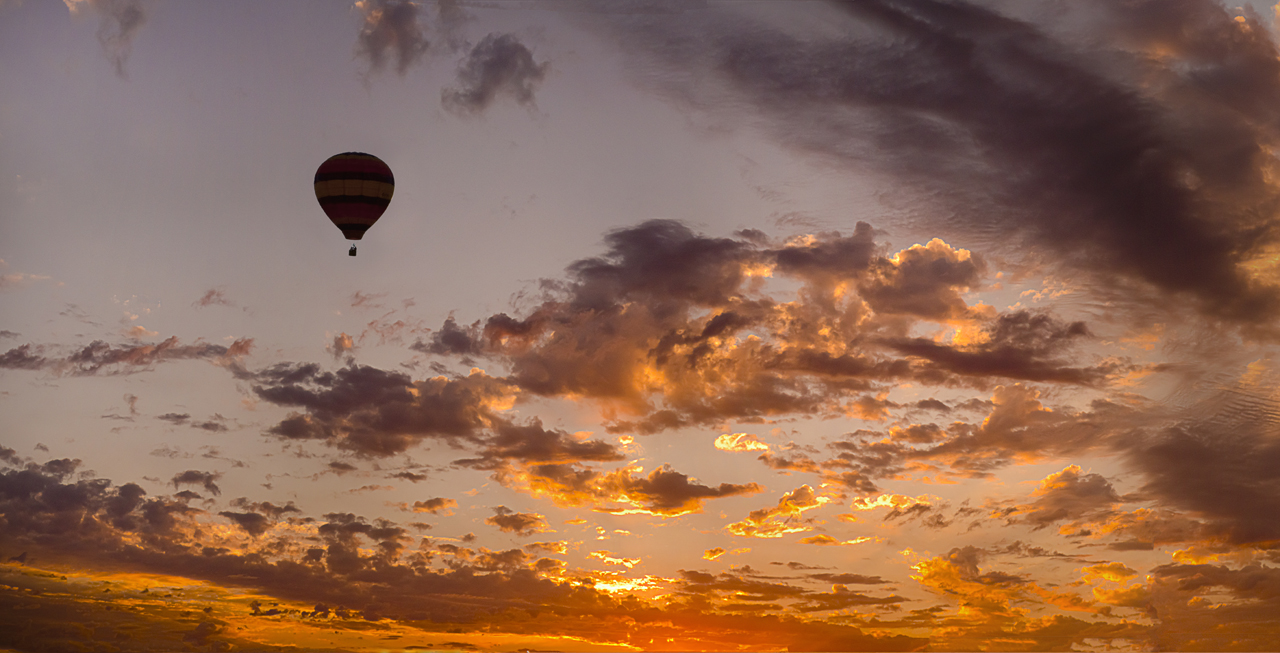
1 Jan 20 Comment Luminar is a software Skylum Software program that uses AI like more and more programs now. It can be used either as a stand alone program or as a Filter in PS or LR. The program does all the selection around the trees. There are maybe 25 different selections for the sky and you can flip through them to see what you might like the best for your image. I have more to learn about it but I do know that you can shift the horizon line up and down behind the foreground but I haven't found if I could resize the sky in the background or it I could shift it from side to side. You can use your own sky image too.

I used adjustments to get the foreground to match the sunset clouds and I did add the sun with the same program.

You can Google Skylum to get more information on Luminar and Aurora HDR.
Jan 13th
1 Jan 20 Reply Neal,

There is a Browse right below the comments box that will let you select a revised image.
Jan 6th

7 comments - 1 reply for Group 1


7 comments - 1 reply Total


112 Images Posted

  = Current Round   = Previous Round
Group 01

Apr 26

Mar 26

Feb 26

Jan 26

Dec 25

Nov 25

Oct 25

Sep 25

Aug 25

Jul 25

Jun 25

May 25

Apr 25

Mar 25

Feb 25

Jan 25

Dec 24

Nov 24

Oct 24

Sep 24

Aug 24

Jul 24

Jun 24

May 24

Apr 24

Mar 24

Feb 24

Jan 24

Dec 23

Nov 23

Oct 23

Sep 23

Aug 23

Jul 23

Jun 23

May 23

Apr 23

Mar 23

Feb 23

Jan 23

Dec 22

Nov 22

Oct 22

Sep 22

Aug 22

Jul 22

Jun 22

May 22

Apr 22

Mar 22

Feb 22

Jan 22

Dec 21

Nov 21

Oct 21

Sep 21

Aug 21

Jul 21

Jun 21

May 21

Apr 21

Mar 21

Feb 21

Jan 21

Dec 20

Nov 20

Oct 20

Sep 20

Aug 20

Jul 20

Jun 20

May 20

Apr 20

Mar 20

Feb 20

Jan 20

Dec 19

Nov 19

Oct 19

Sep 19

Aug 19

Jul 19

Jun 19

May 19

Apr 19

Mar 19

Feb 19

Jan 19

Dec 18

Nov 18

Oct 18

Sep 18

Aug 18

Jun 18

Jul 18

May 18

Apr 18

Mar 18

Feb 18

Jan 18

Dec 17

Nov 17

Sep 17

Oct 17

Aug 17

Jul 17

Jun 17

May 17

Apr 17

Mar 17

Feb 17

Jan 17

Close this Tab when done