Activity for User 217 - Dennis Hirning - dchirning@msn.com

avatar
Avatar

Close this Tab when done


660 Comments / 167 Replies Posted

  = Current Round   = Previous Round
Group Round C/R Comment Date Image
1 Feb 18 Comment The figures are needed to keep the eye from wandering around looking for a specific resting point. I might have considered cropping off empty area of the beach on the left and removing the object merging with the border on the right. You might try some dodging to help the silhouetted figures become more noticeable. I might increase the vibrance and or saturaction to make the color stand out more. If you use this for projection, or such as here, you might add a light stroke to keep the dark area from merging and disappearing into the normal black background.

You can notice that if you click on the example to enlarge the view.
Feb 17th
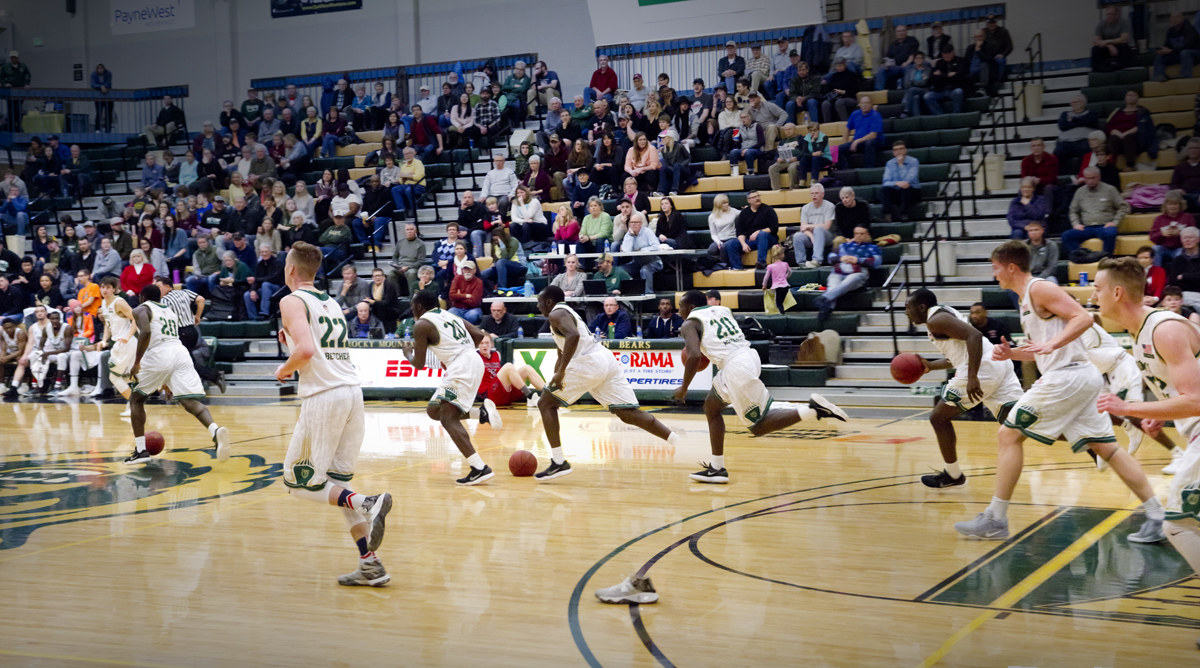
1 Feb 18 Comment I like the lower angle that you used. The clothing colors really help your subjects to stand out. I would suggest not to use the Scene/Sport but instead keep the aperture wide open and use a minimum of 1/500 sec shutter speed to try to keep the runners sharp. Set your ISO to auto. It would be easier to deal with the noise later than dealing with the motion blur in the subject's hands. Something else you might try for something like this is to shoot it vertical instead of horizontal. The background runners are fairly close to your subject so it would be difficult to separate them but you might have had better results vertically with your subjects closer to you. Feb 17th
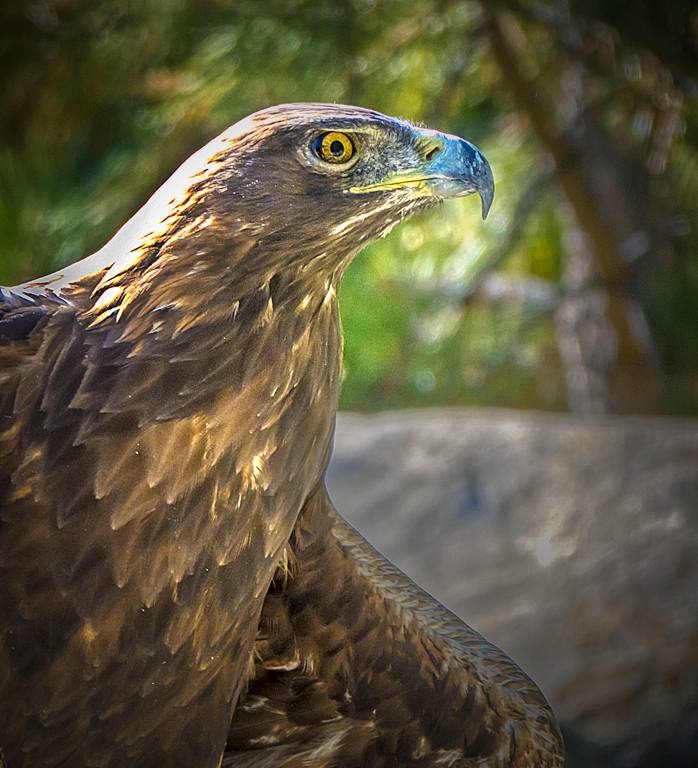
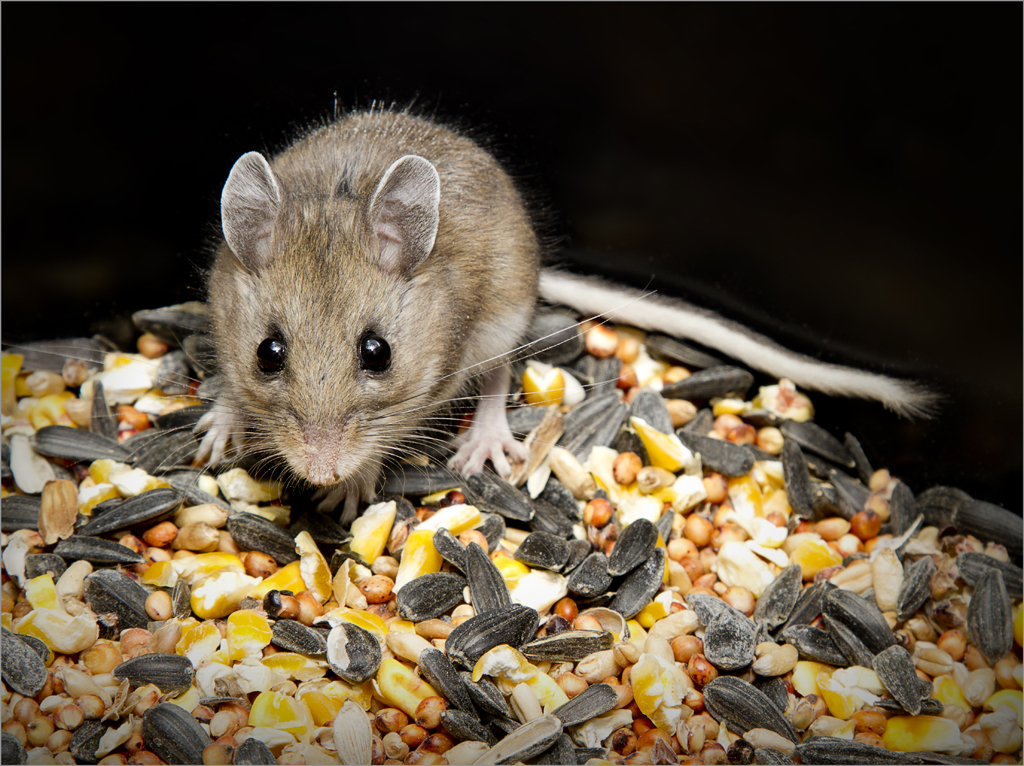
1 Feb 18 Comment You have this nicely cropped to show only what you need in the image. Nice sharp focus on the eyes. It looks like you could increase the brightness in the highlight. I might be tempted to remove crumbs by the mouth if you weren't going to use it in a Nature competition. Feb 17th
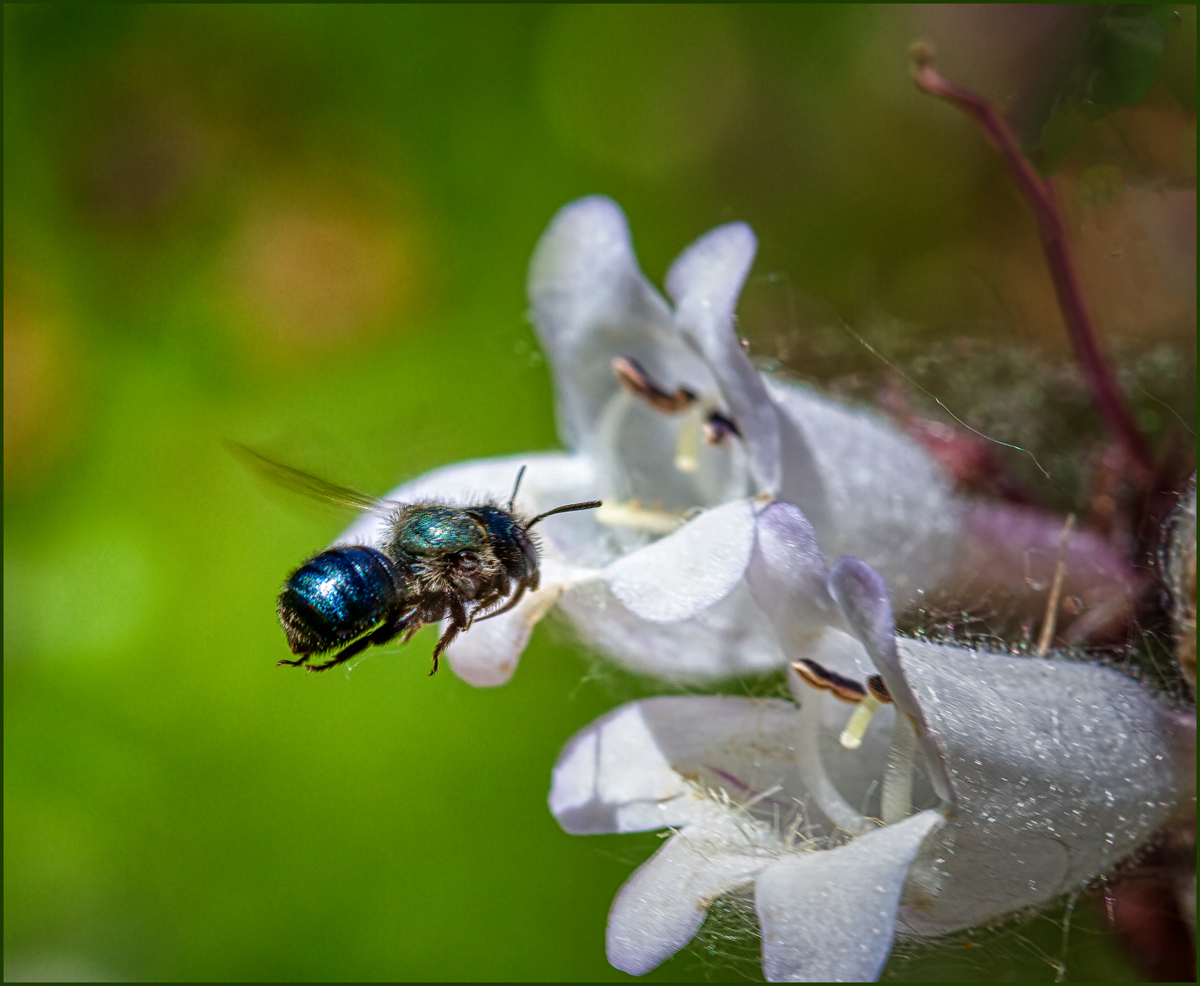
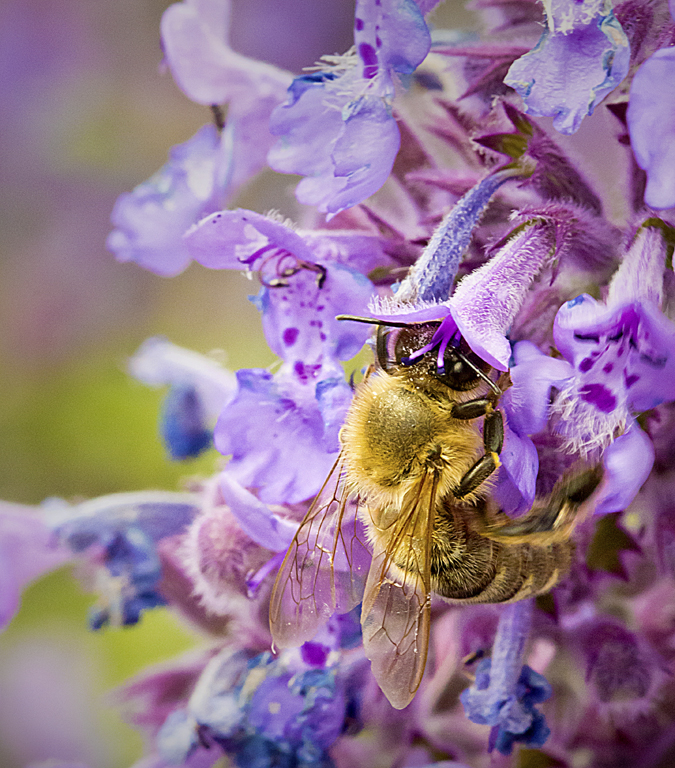
1 Feb 18 Comment I don't mind the blurred wings. They give a sense of the action. You will never see them sharp with your naked eye since they beat so fast anyhow. I would like to see the aperture wide open to blur your background even more. It seems to be competing with your subject. Feb 17th
1 Feb 18 Comment The panda posed very nicely for you. Usually it seems like they are hiding their face when I try these at our zoo. I do have to admit that your background looks a lot better than we have. They have metal around the trees to keep them from climbing and even with them paint the still don't look like trees.

Besides Neal's cropping I might also crop in from the left to get rid of the bright area in the bottom left. This would also allow the rear arm to provide framing in that corner.
Feb 17th
1 Feb 18 Comment Kodachrome really does a good job on longevity. I haven't gone through my old slides to see how my Ektachrome and Fujichrome has done over the years.

I do agree with Lee's remark about the pack and it seem to also show in the other packs. I wonder if it could be a problem with the details showing through in a neutral colored object.It doesn't seem to show in the area surrounding the packs.
Feb 17th
1 Feb 18 Reply I was thinking the same thing about it looking like a movie poster. I haven't used Luminar enough to really know what all it can do. I got the 2018 version last fall but I don't know if there was any versions before that.
Feb 9th
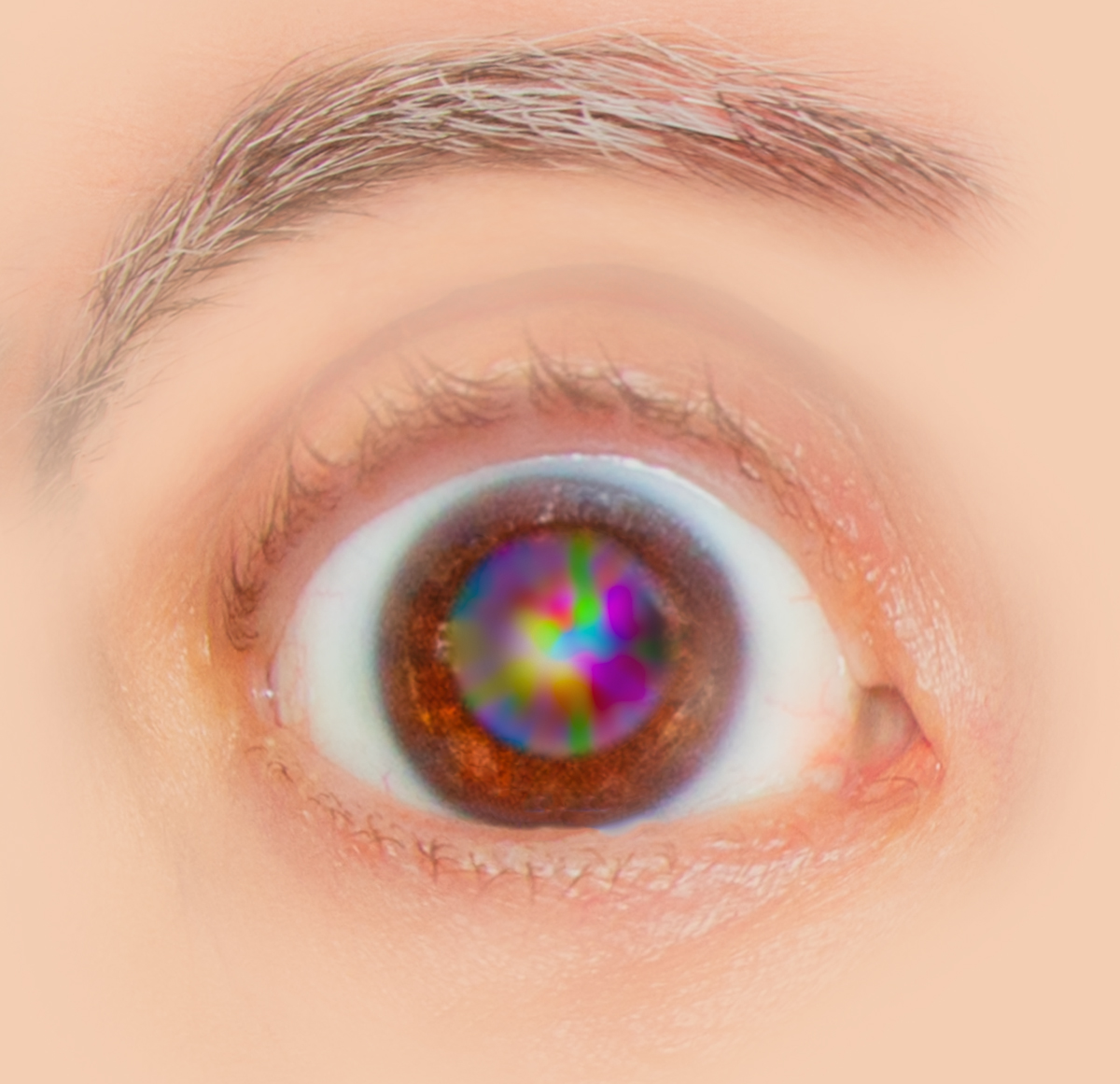
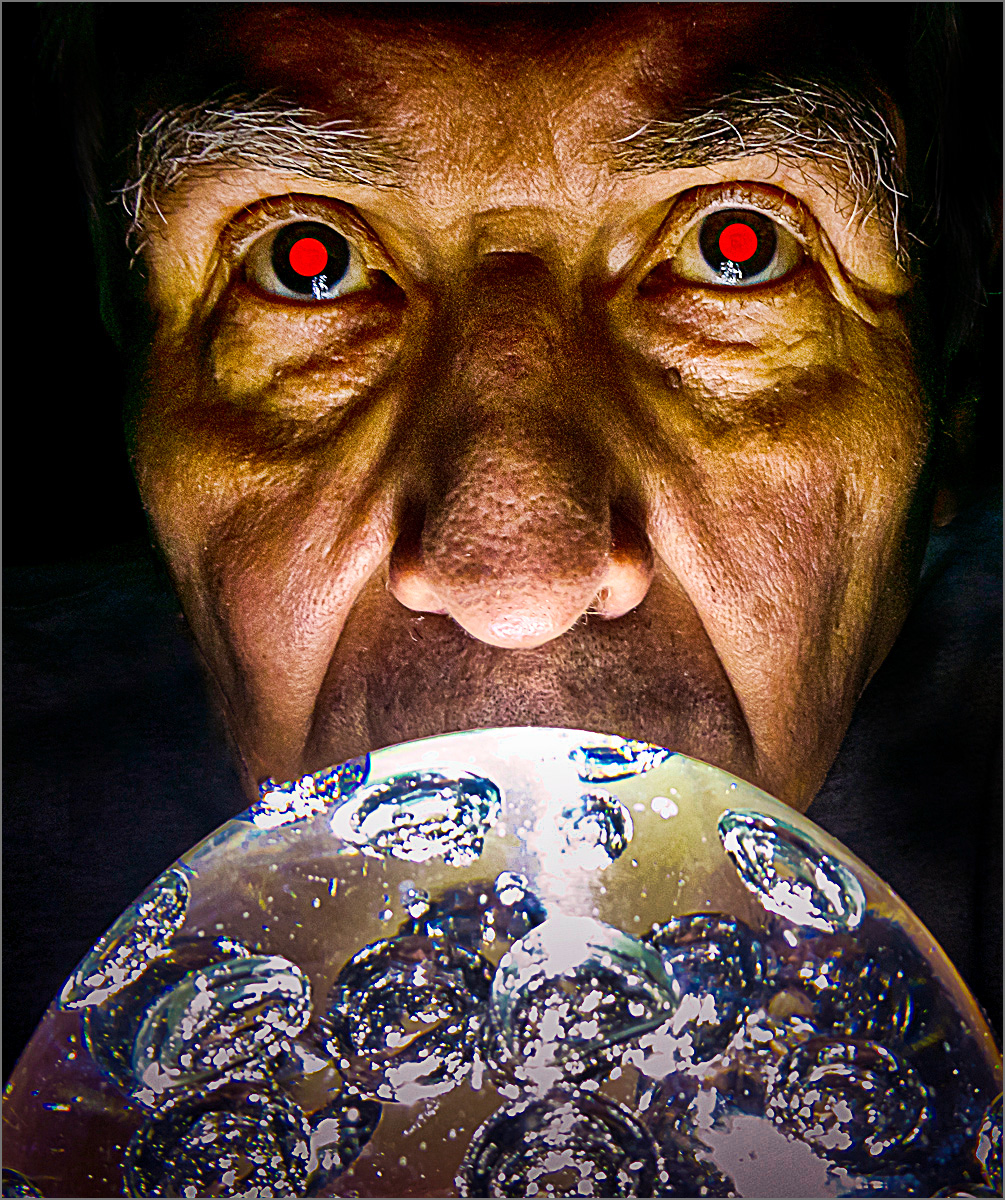
1 Feb 18 Comment I used a monochrome version with glowing white eyes for a B&W contest in one of the clubs. I'll see how that goes. There are some young kids in there that might be having bad dreams. :)
Feb 8th

7 comments - 1 reply for Group 1


7 comments - 1 reply Total


112 Images Posted

  = Current Round   = Previous Round
Group 01

Apr 26

Mar 26

Feb 26

Jan 26

Dec 25

Nov 25

Oct 25

Sep 25

Aug 25

Jul 25

Jun 25

May 25

Apr 25

Mar 25

Feb 25

Jan 25

Dec 24

Nov 24

Oct 24

Sep 24

Aug 24

Jul 24

Jun 24

May 24

Apr 24

Mar 24

Feb 24

Jan 24

Dec 23

Nov 23

Oct 23

Sep 23

Aug 23

Jul 23

Jun 23

May 23

Apr 23

Mar 23

Feb 23

Jan 23

Dec 22

Nov 22

Oct 22

Sep 22

Aug 22

Jul 22

Jun 22

May 22

Apr 22

Mar 22

Feb 22

Jan 22

Dec 21

Nov 21

Oct 21

Sep 21

Aug 21

Jul 21

Jun 21

May 21

Apr 21

Mar 21

Feb 21

Jan 21

Dec 20

Nov 20

Oct 20

Sep 20

Aug 20

Jul 20

Jun 20

May 20

Apr 20

Mar 20

Feb 20

Jan 20

Dec 19

Nov 19

Oct 19

Sep 19

Aug 19

Jul 19

Jun 19

May 19

Apr 19

Mar 19

Feb 19

Jan 19

Dec 18

Nov 18

Oct 18

Sep 18

Aug 18

Jun 18

Jul 18

May 18

Apr 18

Mar 18

Feb 18

Jan 18

Dec 17

Nov 17

Sep 17

Oct 17

Aug 17

Jul 17

Jun 17

May 17

Apr 17

Mar 17

Feb 17

Jan 17

Close this Tab when done