|
| Group |
Round |
C/R |
Comment |
Date |
Image |
| 1 |
Jun 17 |
Reply |
The only thing that I do in LR is download my images so I can use ACR and Photoshop CS5. Have fun with the High Pass. |
Jun 26th |
| 1 |
Jun 17 |
Reply |
I am not sure about Lightroom but I use it for sharpening in Photoshop. If you duplicate the layer you want sharpened, duplicate it and then go to Filter>Other>High Pass. You can adjust the amount by changing the Radius Pixels. Generally, you probably wouldn't want to go about 5 pixels. I usually increase the pixels until you see color if you went any further. When you have that set, change your blending mode on that layer to one of the Overlay blends. If something is seriously out of focus such as the rope in the front, you can try more pixels and mask out the area that was already in focus.
I do like this method of sharpening since it seems so easy to make something appear over sharpened using other methods.
|
Jun 26th |
| 1 |
Jun 17 |
Reply |
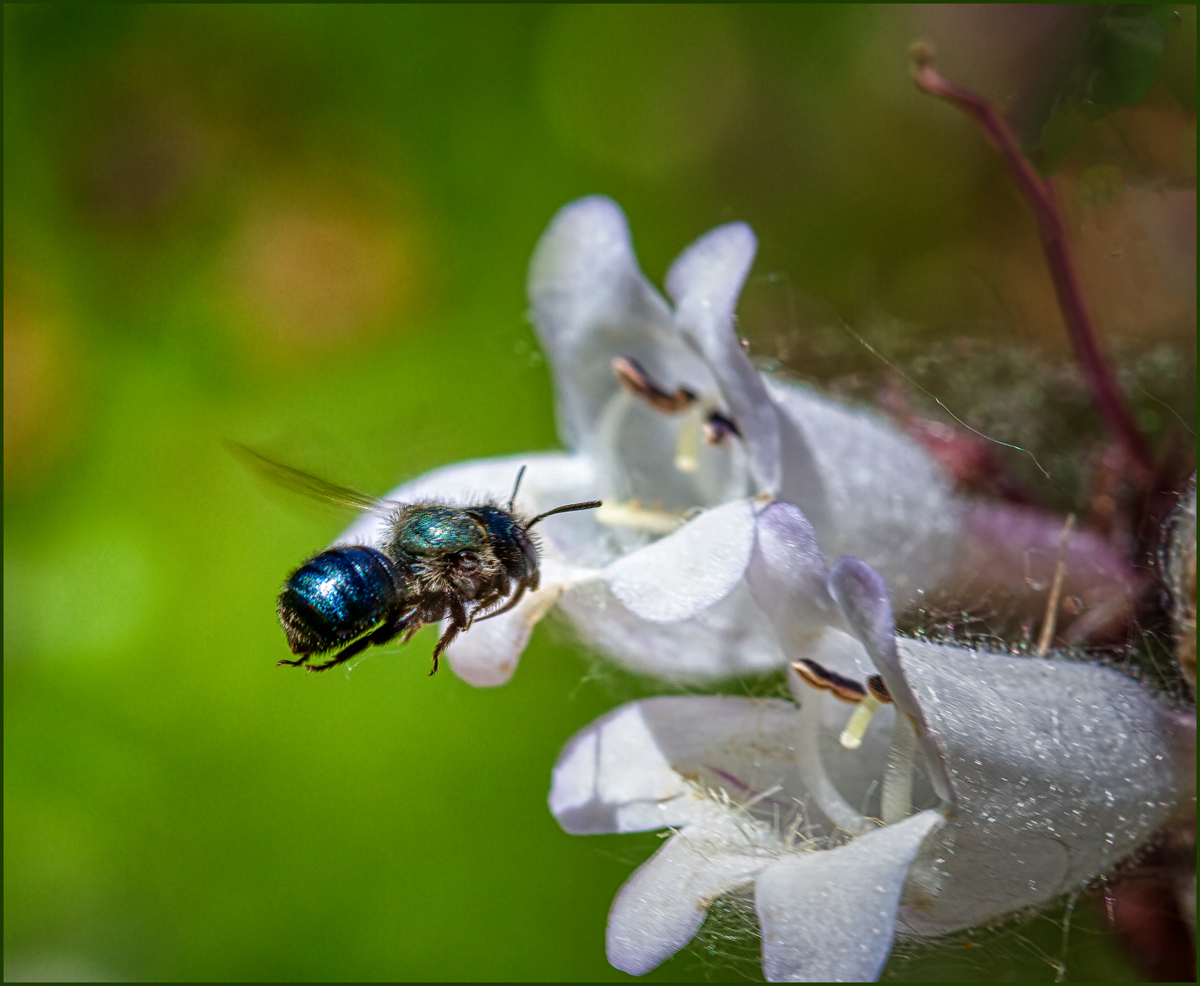
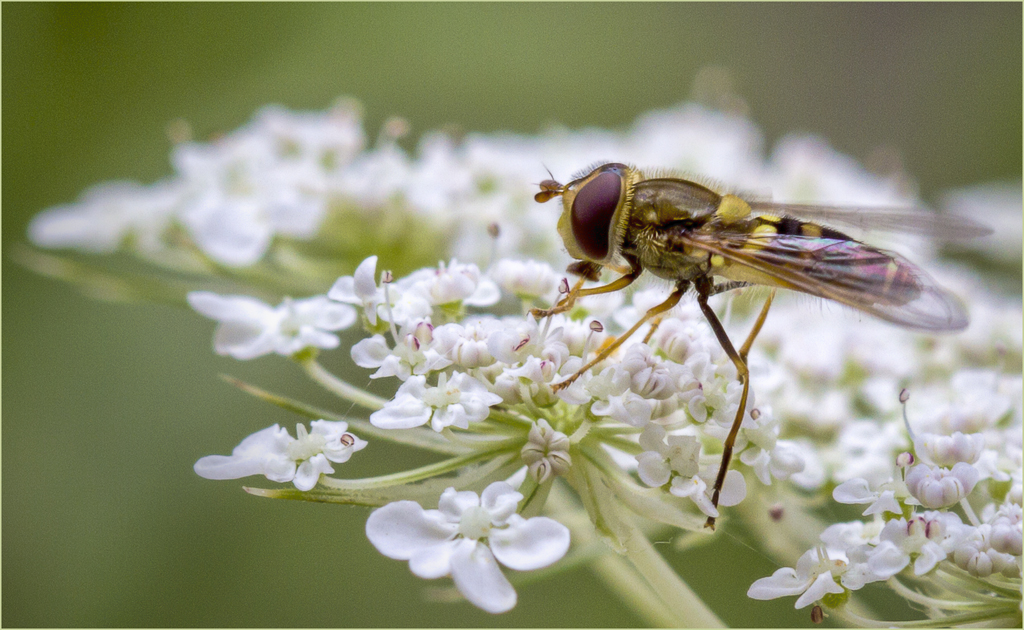
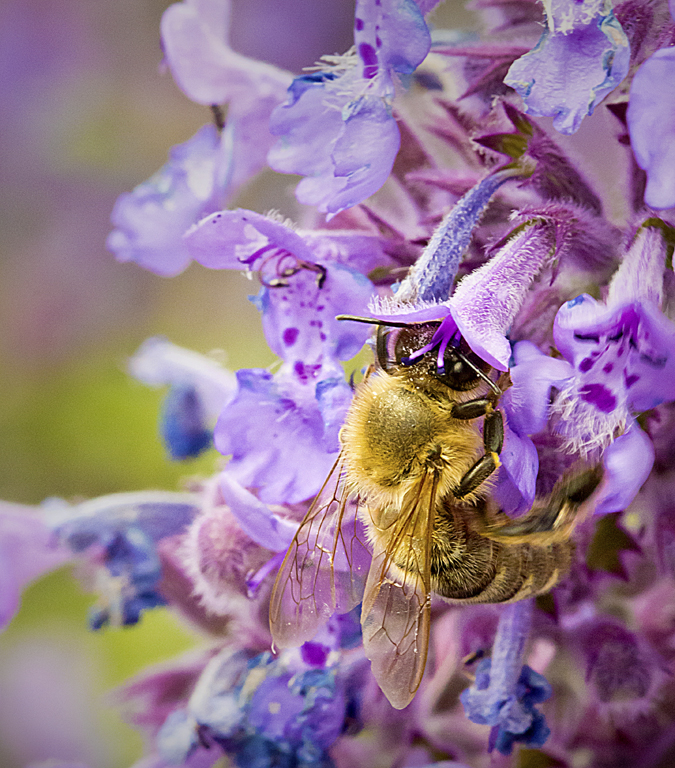
I really don't have any more info on the lens and the settings other than the serial number. No flash was used. It was a somewhat cloudy day. I did set the lens to manual focus so I didn't have to worry about it going back and forth to find a focus point. No flash was used. There was some enhancing and sharpening done in Photoshop.
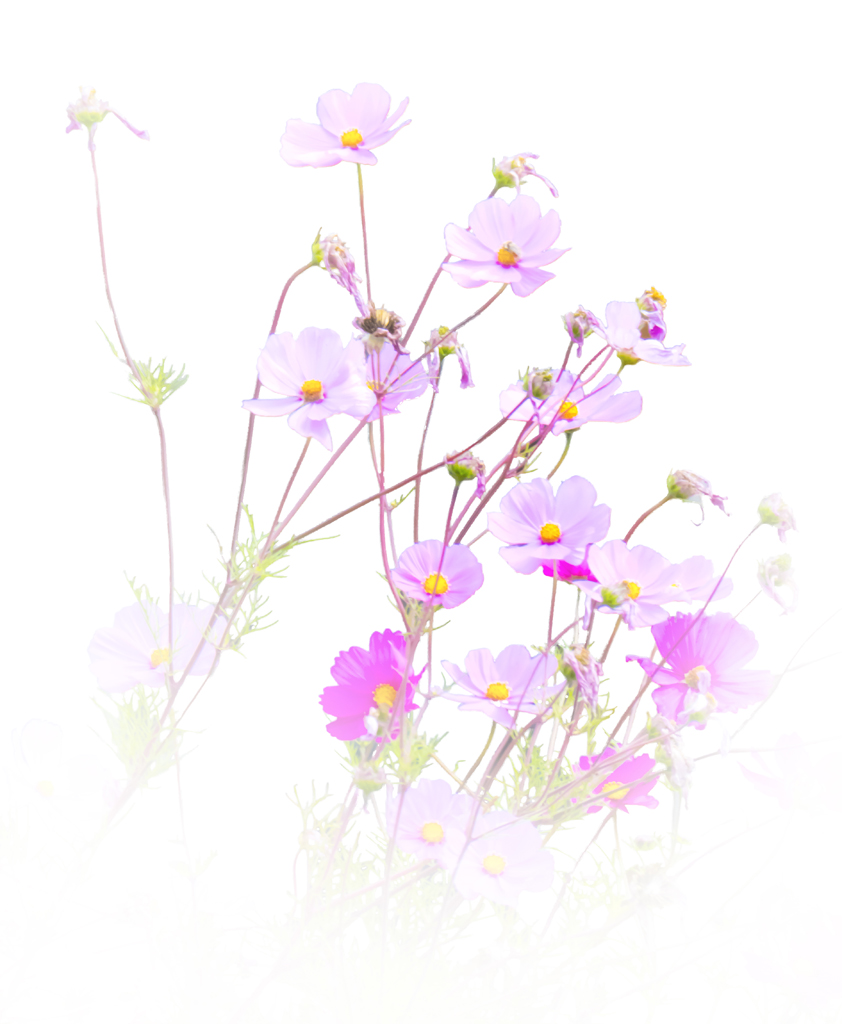
It was pure luck that the bee was in focus since the flowers were moving in the wind. |
Jun 26th |
| 1 |
Jun 17 |
Comment |
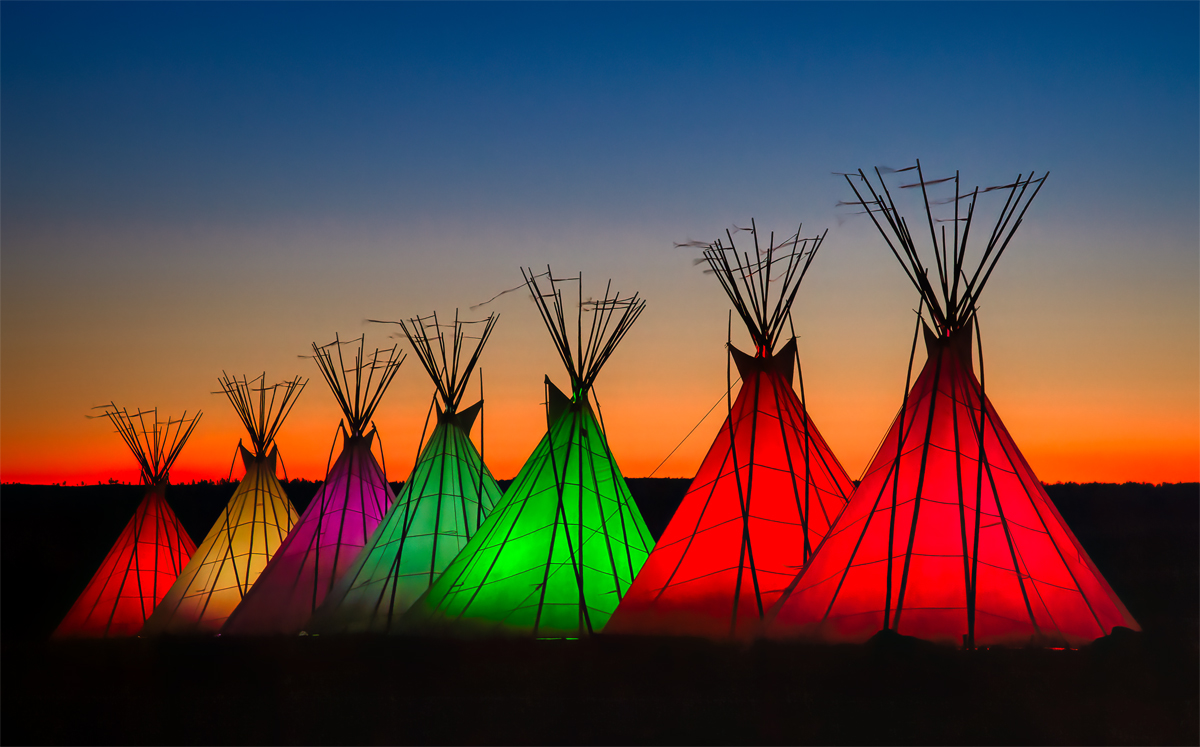
I generally don't care for fish eye images, but this one is an exception. I think the unnatural curves add to the Fairy Land feel of the image. The night lights also help with that feeling. I like that you did this at a time that the sky hadn't turned to black. |
Jun 24th |
| 1 |
Jun 17 |
Comment |
Great image of the plant. You don't have any distractions in the background so it is presented very well. You might have turned the camera a little to the left to eliminate most of the out of focus rock on the right and included more of the sharp rock on the left. This would have moved your subject more out of the center of the frame. |
Jun 24th |
| 1 |
Jun 17 |
Comment |
I really like this. I probably would agree with Sam about cropping off the bottom. I think that would improve the composition by moving your subject lower in the frame. I would like to see something at the top so the entire slot was framed by negative space but it looks like there wasn't anything to help above what you have included. |
Jun 24th |
| 1 |
Jun 17 |
Comment |
I like the leading lines that lead to the building in the background. I do lean toward the 2 bale idea. I would try to just crop off the one on the left like Sam did but I don't know about cropping off the top and I probably wouldn't have tipped it either. Was there any reason why the power lines were left in? To me it seems like it might have been over sharpened. |
Jun 24th |
| 1 |
Jun 17 |
Comment |
I really like the three curved objects, the coiled rope, the eye and the knot, with the generally straight lines holding the eye into the frame. I do with you had a little more sharpness in the foreground. I did try some High Pass sharpening and it seemed like it was something that might help if you played with it. |
Jun 24th |
 |
| 1 |
Jun 17 |
Comment |
Interesting subject. You have great depth of field. I do like Sam's corrections to remove what seems like a double subject. My eye kept going from the barn to the texture and moss on the pole in the foreground. Maybe you could try to put the barn in as more of a supporting element for the fence somehow. I don't know how it would have looked without the color of the barn emphasized. If you could have moved into the mud a bit more, you could have used the old shed as a supporting element for the fence. |
Jun 24th |
6 comments - 3 replies for Group 1
|
6 comments - 3 replies Total
|