|
| Group |
Round |
C/R |
Comment |
Date |
Image |
| 52 |
Aug 17 |
Comment |
The suggestions and supportive comments of you Tom and others |
Aug 24th |
| 52 |
Aug 17 |
Comment |
Delightful image, Mike. I like your focus on the badger and how he/she is placed in the the environment. My only suggesting is somewhat consistent with prior comments. I think cropping on the left up to about where the "C" in your signature is and a little at the top up to just before the tallest blue wildflowers and then adding a slight darkening vignette could draw our eye in more on the badger to minimize the distracting blur. I photographed last year a Long Horn Sheep in the grasses at Yellowstone last year and struggled with what to do about that and actually opted to increase the DOF to minimize the blur and it sort of worked.....it just depends. Blur can your friend and sometimes your foe. Anyway, really nice capture. |
Aug 18th |
| 52 |
Aug 17 |
Reply |
Lisa, here is a copy of monochrome image. I have exhibited it with some success after printing it on Aluminum with Satin Finish without frame (just a hanging back system) and have it hung in my house now.
I apologize that I didn't post the original as everyone did. I explained what it was like in my response to Judith. Sigh! I find it harder in my work flow to go back, seek out, change file name, import into LR my original again (needs to be new name so as not to conflict with the original file name in LR) and export as the original just for the Study Group. Call me lazy, just not so inclined very often to do that. In most cases, I have moved on by that time and long forgotten what the original looked like, since I only see the edited version in my Lightroom catalog where everything ends up for selective use. |
Aug 18th |
 |
| 52 |
Aug 17 |
Reply |
There are many ways to make the moth stand out more and/or tone down the background and keep it there if that is an option you seek to pursue. I will tell you some that I am familiar with and some that I have limited experience with. First, a frequent method that users of Photoshop us is creating layers to individually adjust specific areas (one for the moth and another for the background using the various tools available). Similarly, ON1 is a nifty product for using layers as well as various adjustable preset filters that act to enhance the image to taste. Products such as Nik Viveza selective tonal adjustments can work. It is even possible with some effort to use the adjustment brush tool in Lightroom to make specific tonal adjustments. I tend to use the resource that my instinct or willingness to pursue suggests to me. On a cold winter day I might spend more time trying various options, but when I want to spend far less time at the computer such as fine weather, I will use a simple solution. It just depends. |
Aug 18th |
| 52 |
Aug 17 |
Comment |
Judith, I like your original image. I think I prefer seeing more of the environmental elements so do not care for the crop and actually feel the sharp focus on the moth got compromised. My only suggestion would to take the original image and tone down the background to let the moth naturally pop other some slight curve adjustments. What a find! |
Aug 17th |
| 52 |
Aug 17 |
Comment |
Judith, I like your original image. I think I prefer seeing more of the environmental elements so do not care for the crop and actually feel the sharp focus on the moth got compromised. My only suggestion would to take the original image and tone down the background to let the moth naturally pop other some slight curve adjustments. What a find! |
Aug 17th |
| 52 |
Aug 17 |
Comment |
Well done! The clarity, color, depth of field, and composition is excellent. I agree with suggestion to slight enhance the eyes. Very well done! |
Aug 17th |
| 52 |
Aug 17 |
Comment |
I like what you did with this image, Lisa. The color, tone and composition is very nice. I think the left wing tip is a bit out of focus, probably due to angular depth of field focus not quite where it needs to be. Thus, it is hard with selective adjustment to get the detail out of it. In fact, as I expand the image it I see perhaps something like a halo on the edge perhaps from sharpening or other adjustments. Regardless, I like your image. |
Aug 17th |
| 52 |
Aug 17 |
Comment |
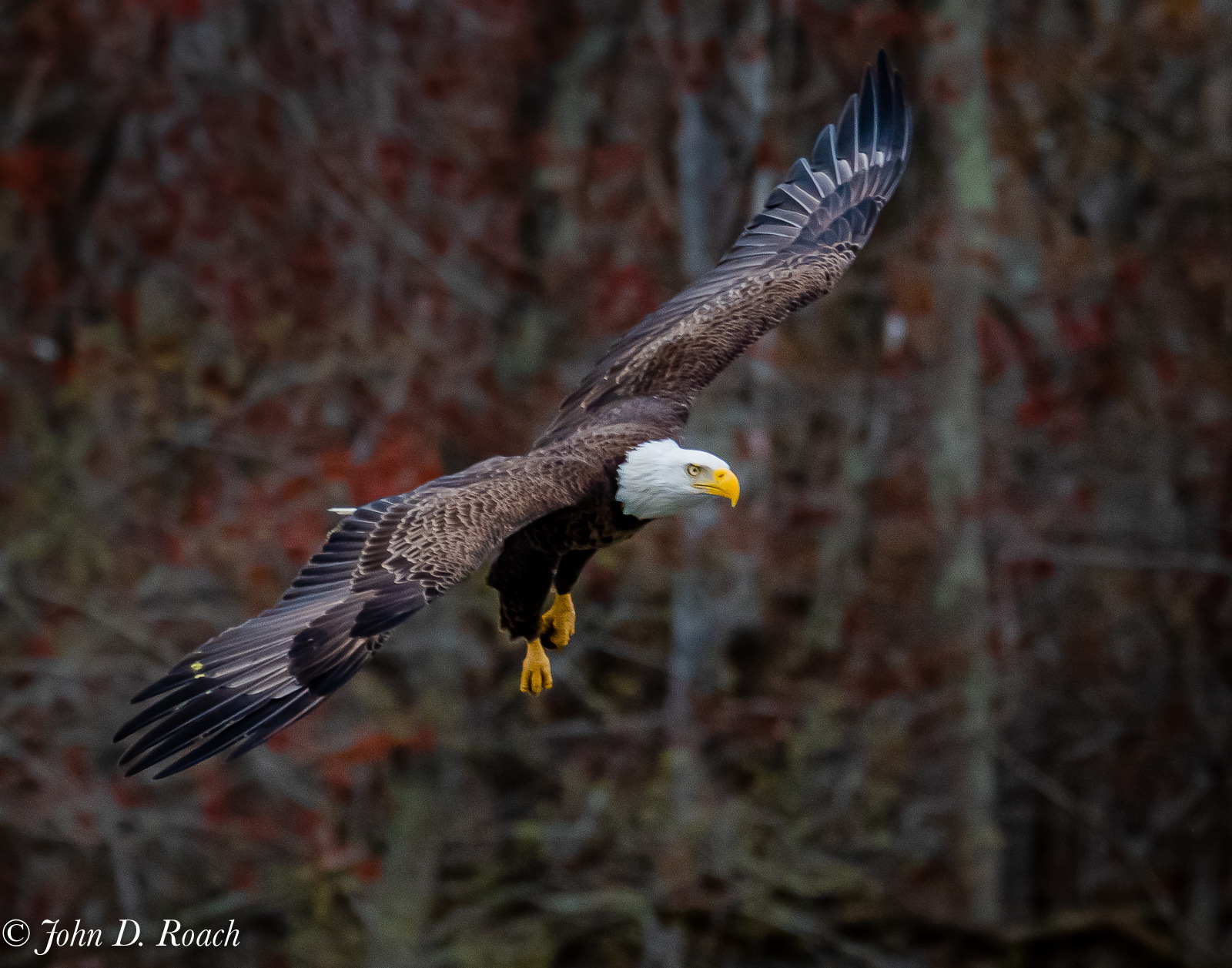
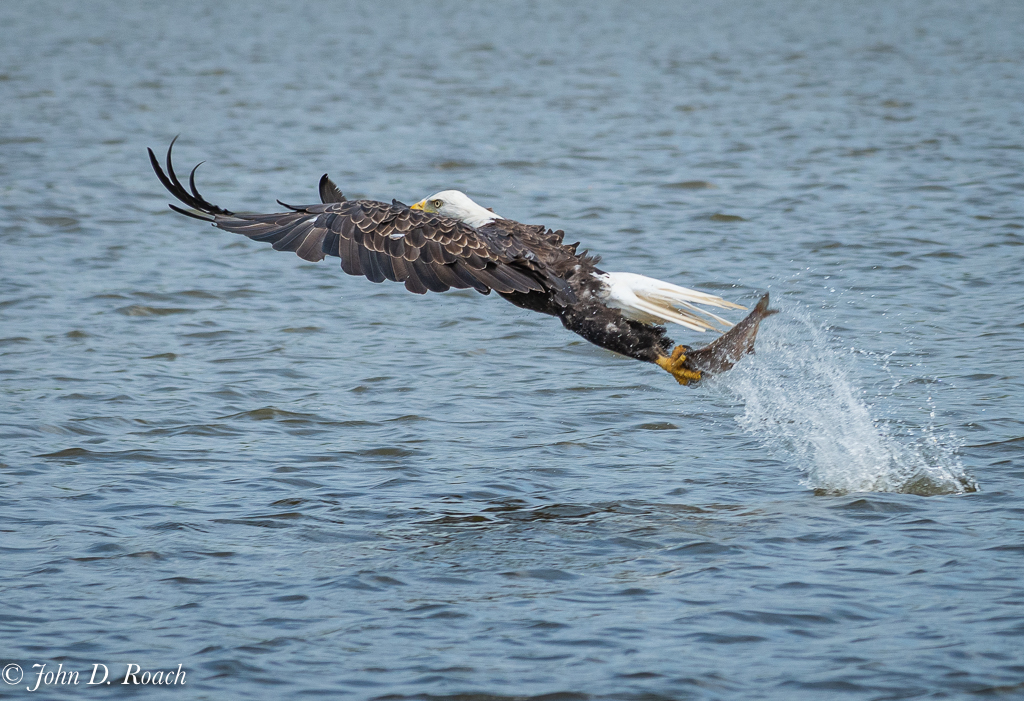
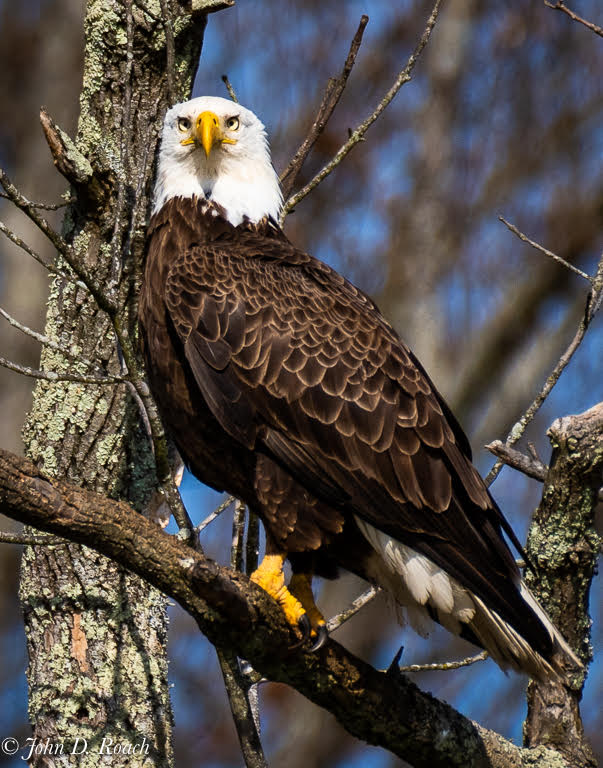
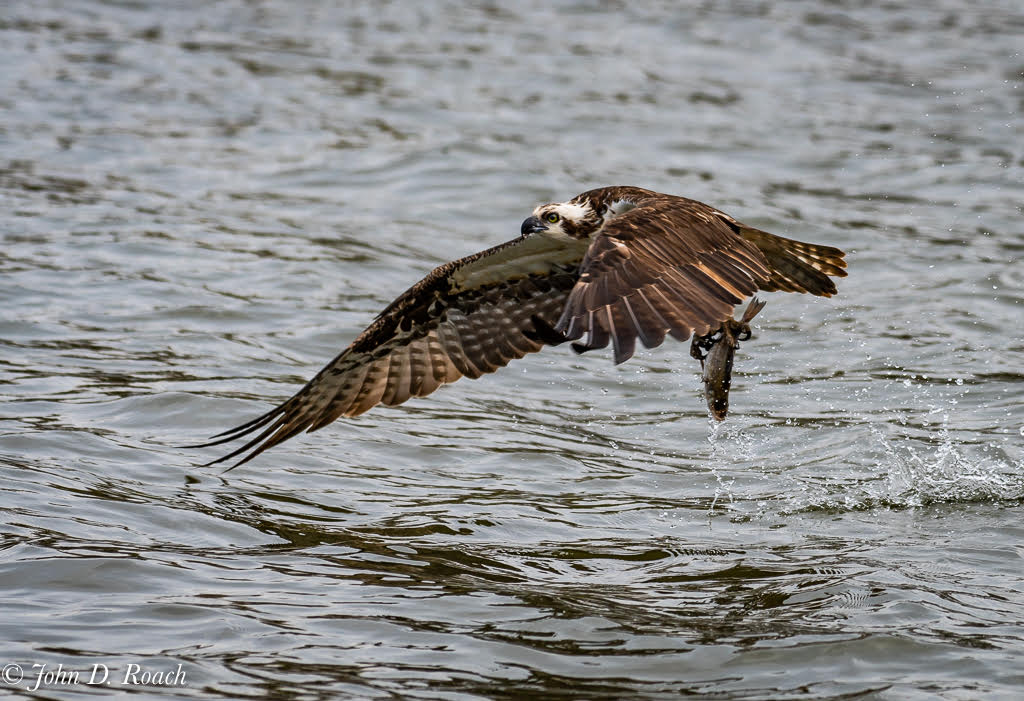
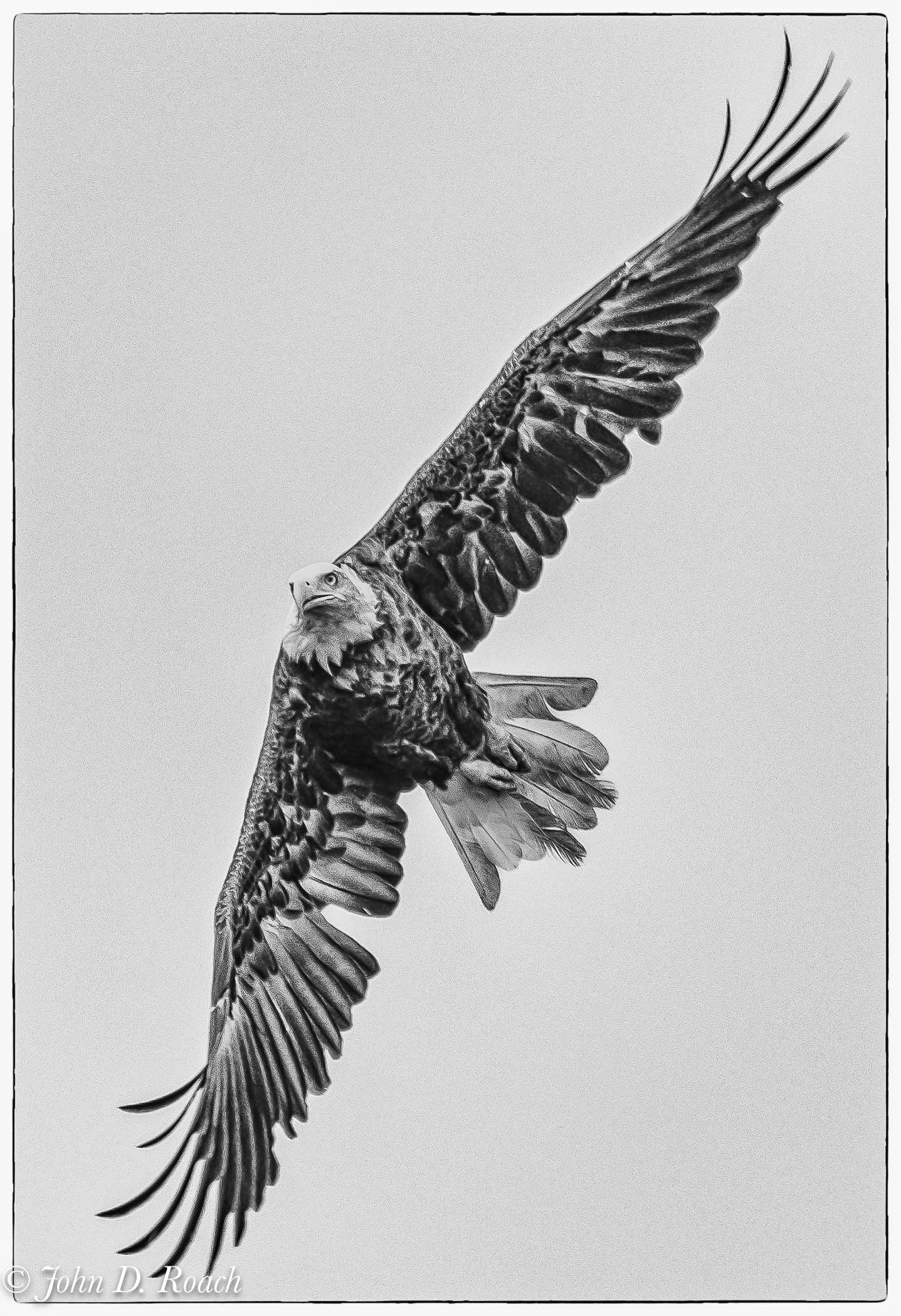
Carol, very nice sharp and dramatic image of the eagle. That is, in my opinion the force and point of view of the image. The vignette does not work. I think it distracts from my focus such that the eagle gets lost in the haze/fog it creates. I think Mike's alternate version works in many ways. |
Aug 17th |
| 52 |
Aug 17 |
Comment |
Wonderful image Sharon! Great action, motion, well framed, with fine color for a good story.
I use ON1 as a finishing product after initial work in Lightroom. The many options we have these days open up so many possibilities. As a Mac user I use Luminar and MacPhun suite, too. Almost too many possibilities!
My musings aside. You created a masterful image. |
Aug 17th |
| 52 |
Aug 17 |
Reply |
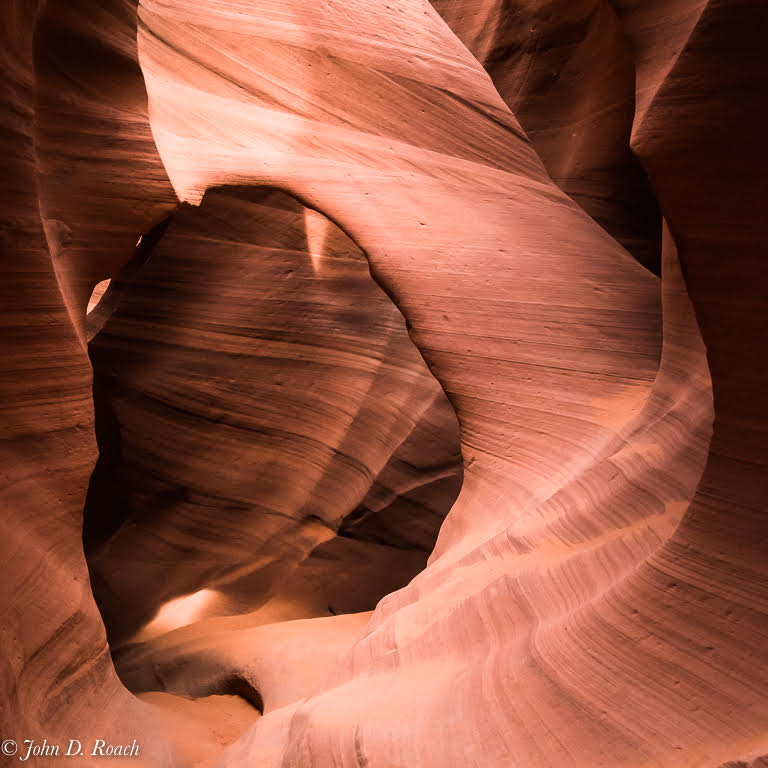
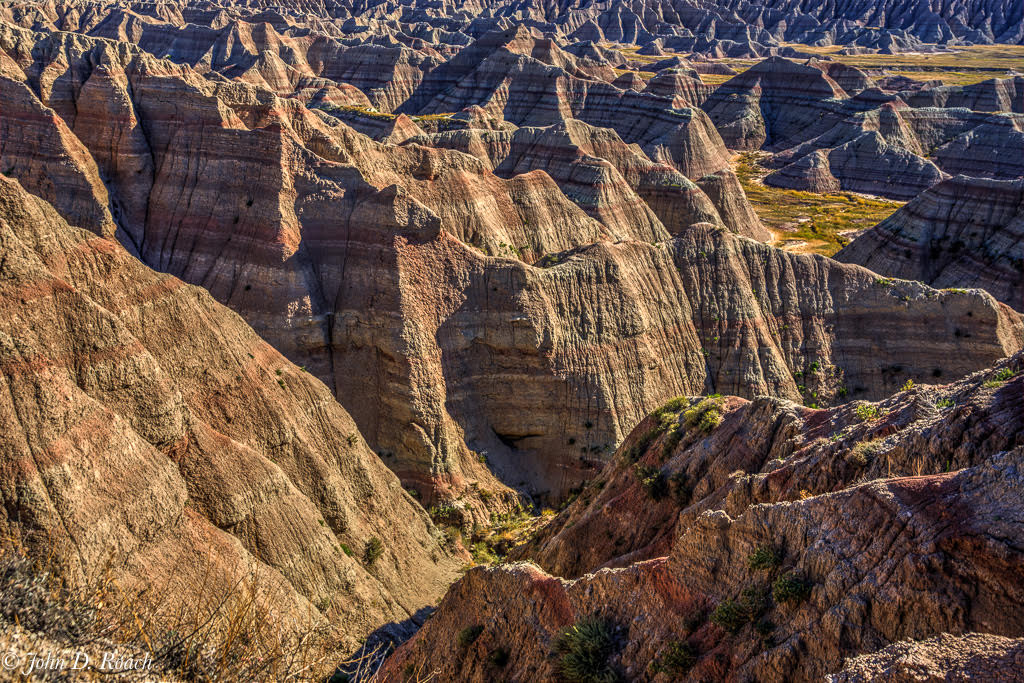
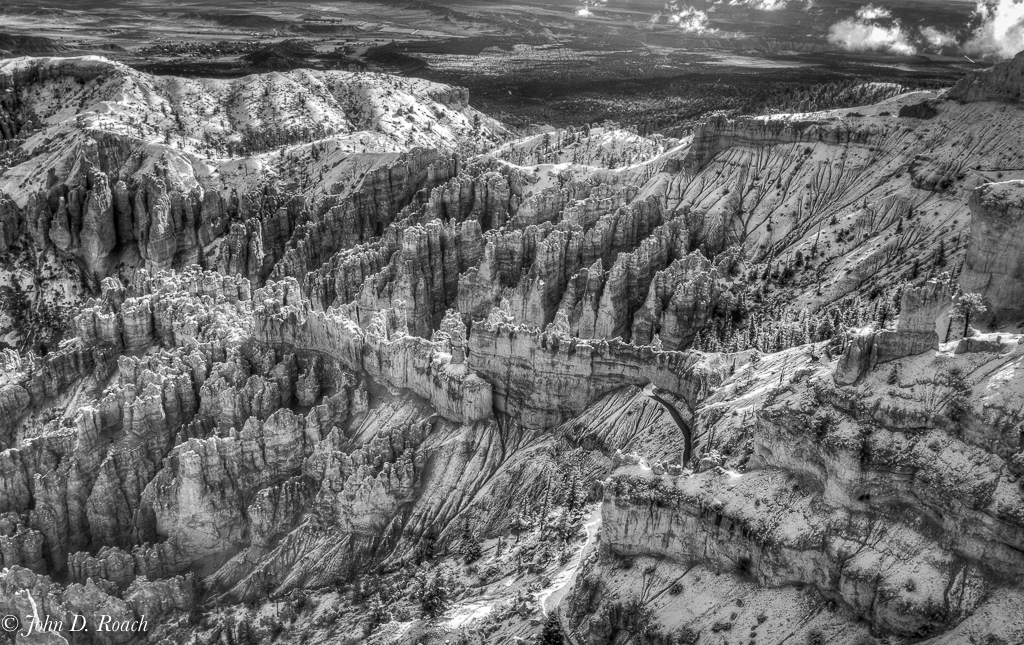
The original was 4x3 Full Frame, I cropped square to focus on the subject. All that was omitted in the crop was more of the canyon walls. The Histogram is quite nice with highlights controlled, but I understand your view point. In reality the scene had high dynamic range, but at this particular location, a tripod was a problematic so I handheld. I have done a black and white monochrome of this which did well. |
Aug 7th |
8 comments - 3 replies for Group 52
|
| 64 |
Aug 17 |
Comment |
Jerry, a wonderful image, but unfortunately, in my opinion, the incomplete trunk takes the edge off of it some. Overall the image detail is bit soft and blur is a little distracting, I think. Otherwise, it works and I notice that when shown large the detail looks much better so I bet it prints well. Stan's suggestions are worth considering. |
Aug 17th |
| 64 |
Aug 17 |
Comment |
Wonderful dialogue. When I first say the image (unfortunately I get a preview sooner then everyone), I said, "Wow, how cool." I am glad you are taking the Image Analysis course...that is a fine think to do! I have nothing that I would offer other then to dehaze or do some other selective work to garner detail a tad (mind you, not much) so that background contrast pops up a little more. And, yet, it is fine as is, in my opinion. You have a neat Point of View image and should be proud of it no matter what others think. Sometimes judges are not very open minded. Well done. |
Aug 17th |
| 64 |
Aug 17 |
Comment |
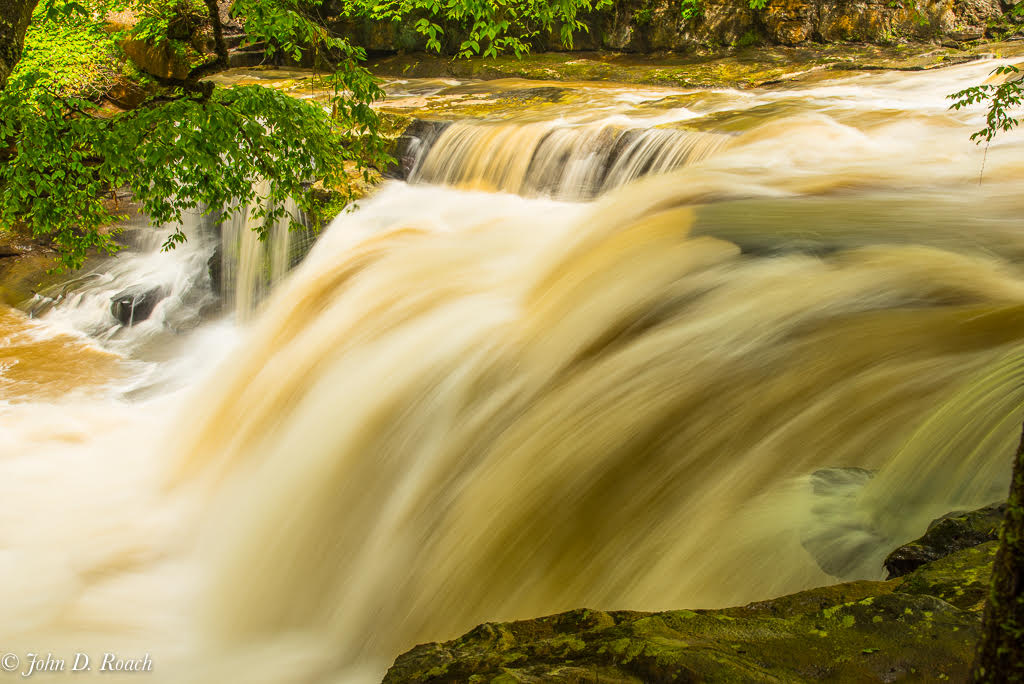
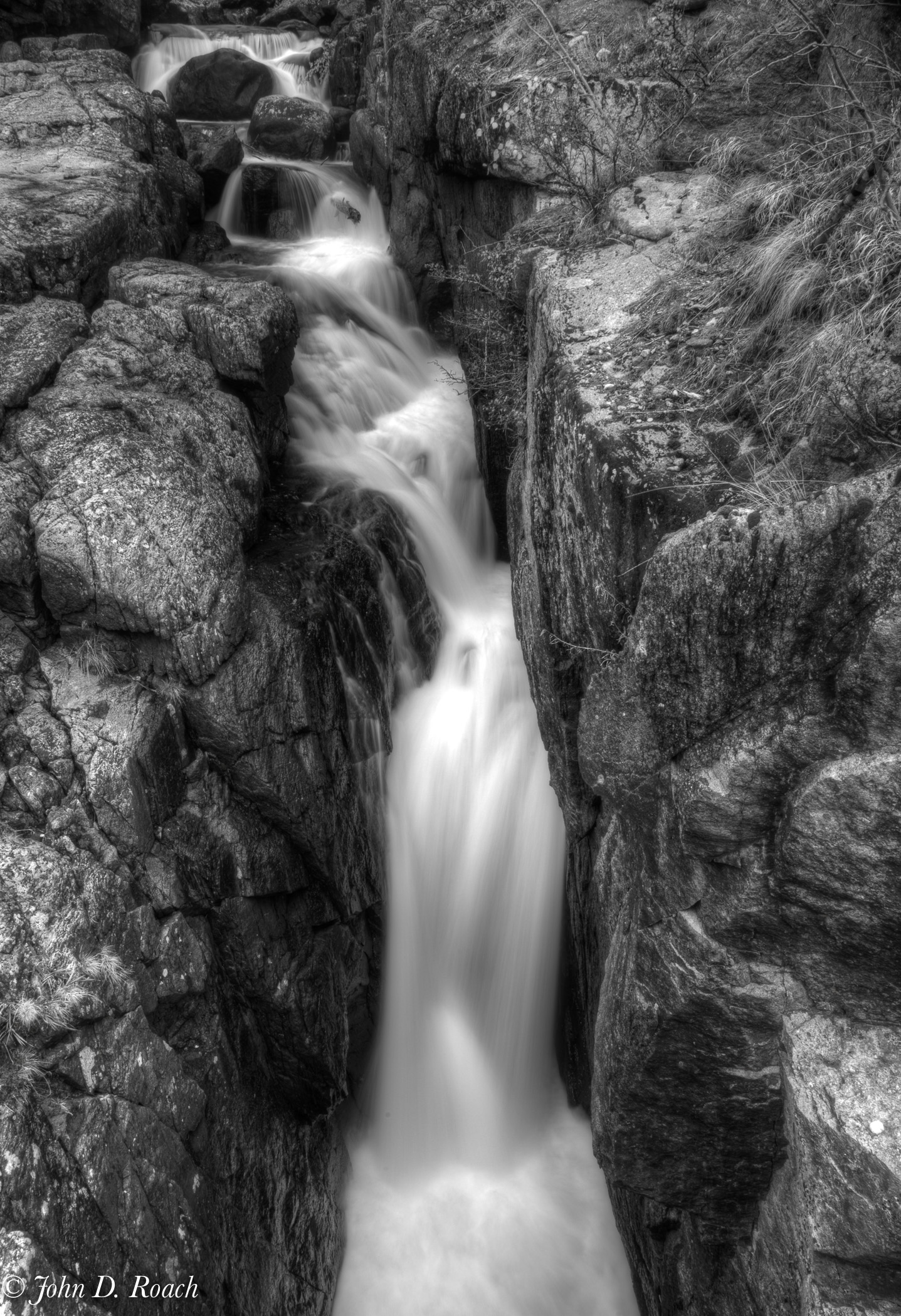
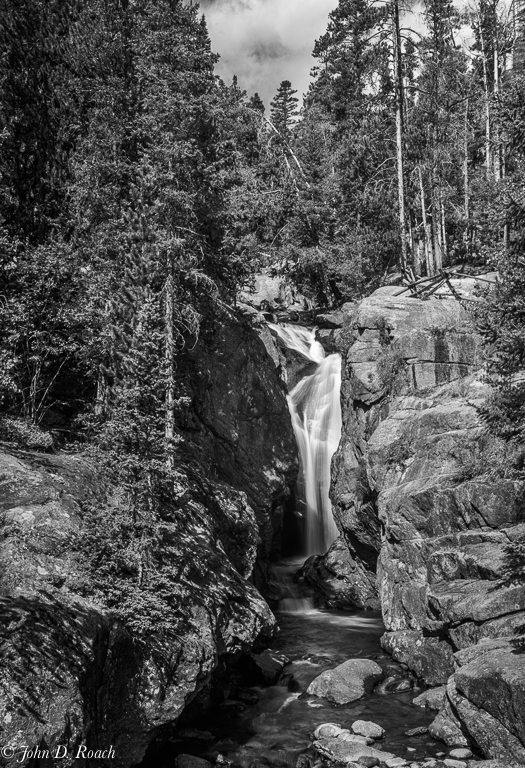
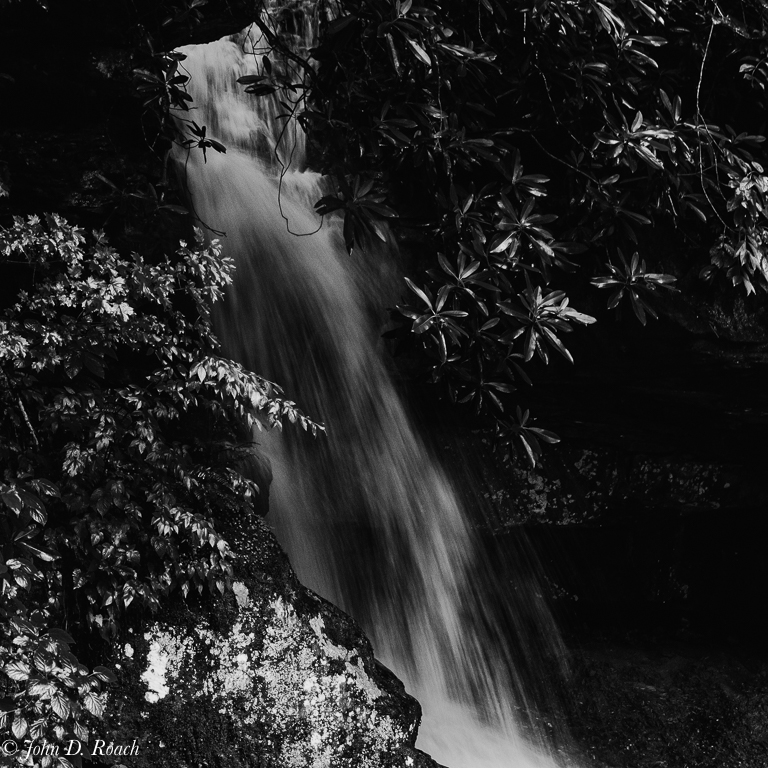
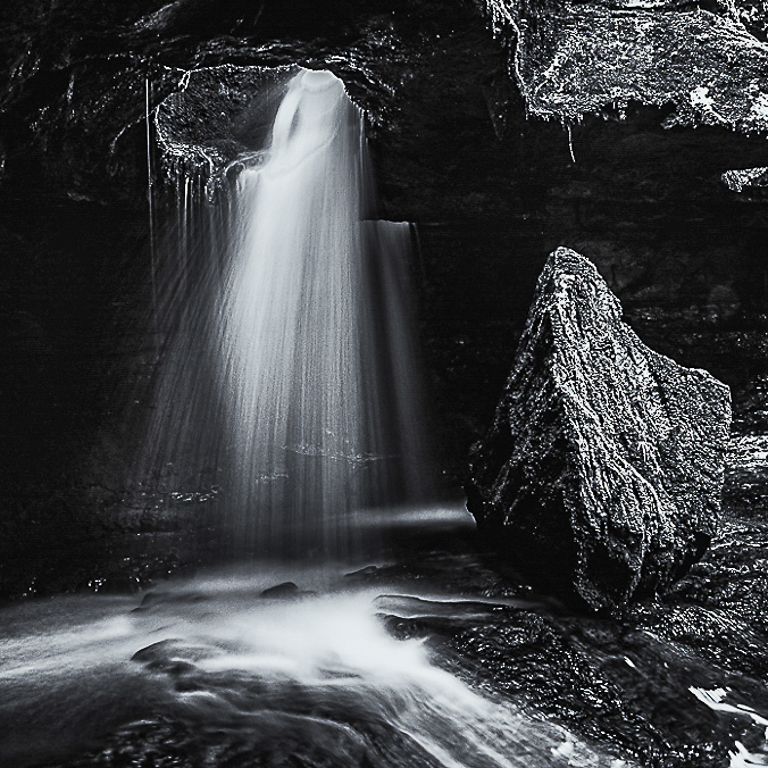
Abhijeet, I like your image. Your point of view with all the significant tonal range from dark to light is quite nice up to a point in my opinion. For me, the amount of dark area overpowers the fine detail of the falls and the light there is and pulls my eye away trying to find what is there to see. This is case where less of something can be more, I think. With that said, I offer an alternative view that also opens up some shadows. You might not like it. But, it is just an alternative idea, that in my opinion, focuses on the falls and some of the surrounding elements with a little more information. In spite of my musings, it is neat image as is and shows an interesting nature scene. |
Aug 17th |
 |
| 64 |
Aug 17 |
Comment |
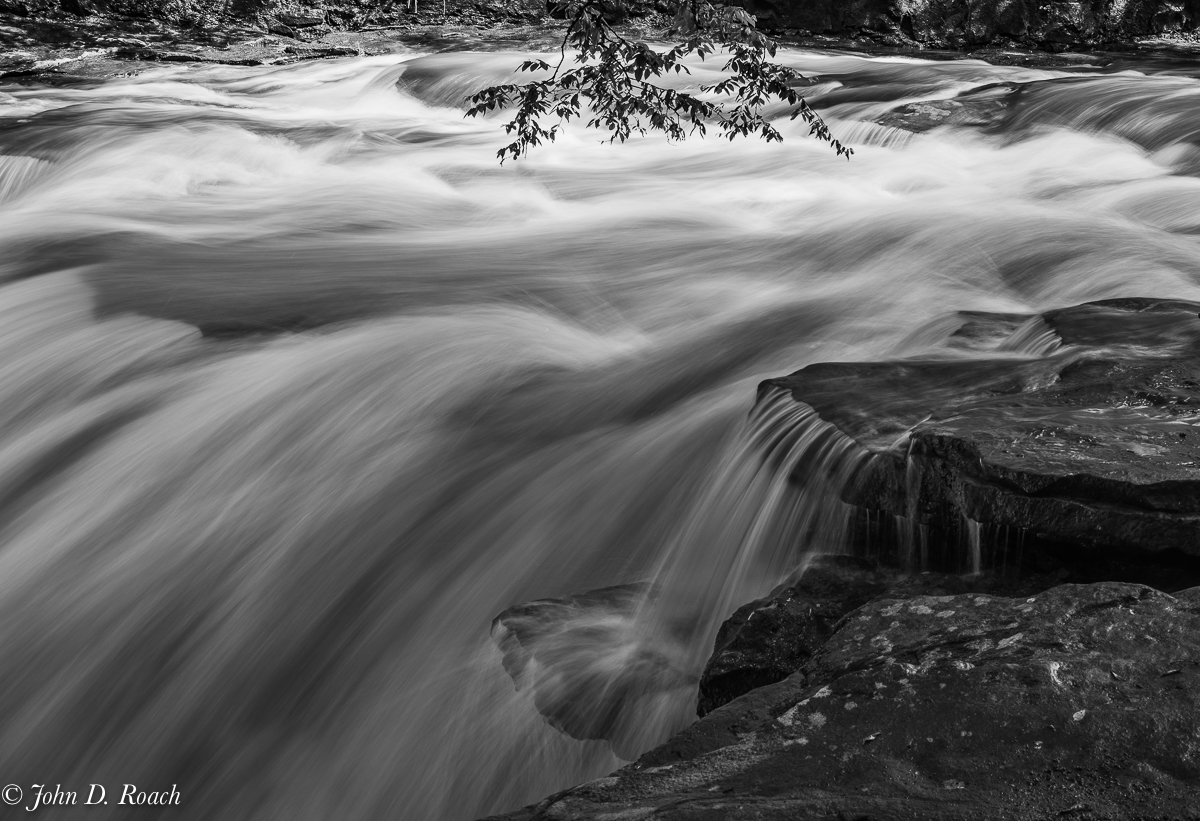
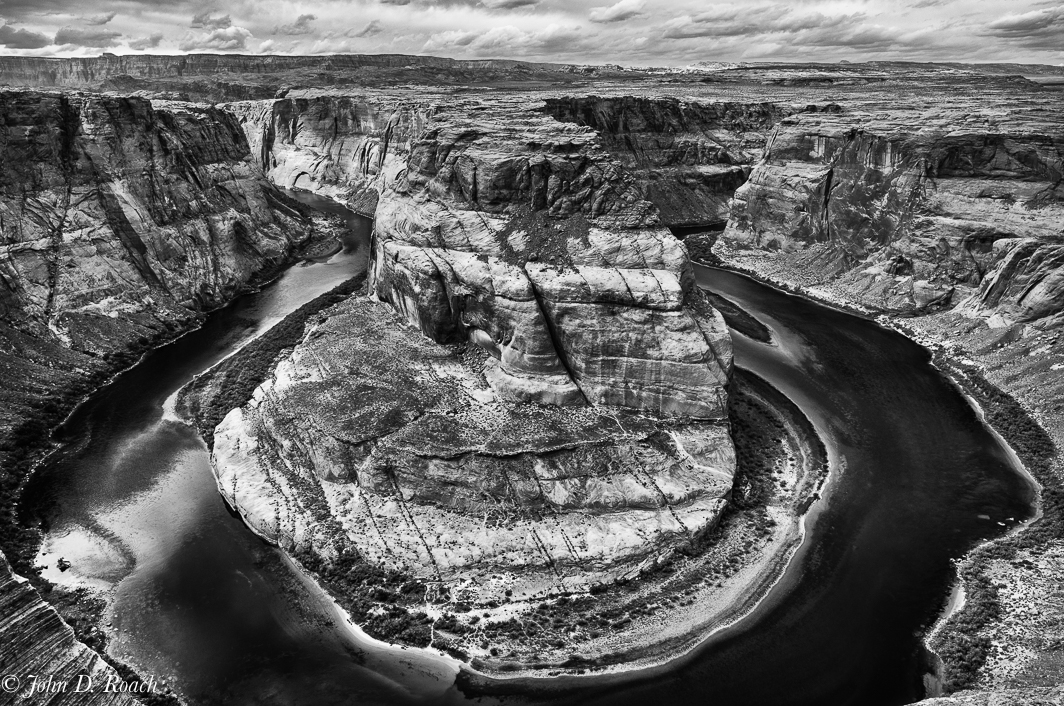
I like your point of view and you certainly garnered some really nice drama in the background. In my opinion there is nothing I can offer other then to say you nailed it with an interesting composition and providing is a stunning monochrome tonal rendering of the gorge. My eyes are led through and beyond. Well done. |
Aug 17th |
| 64 |
Aug 17 |
Comment |
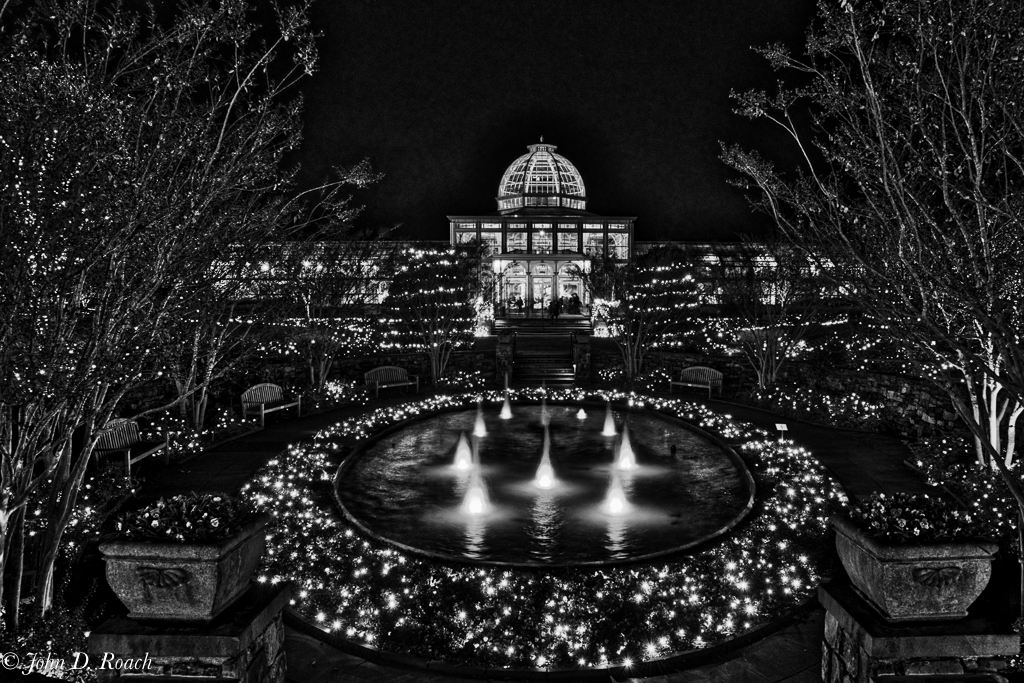
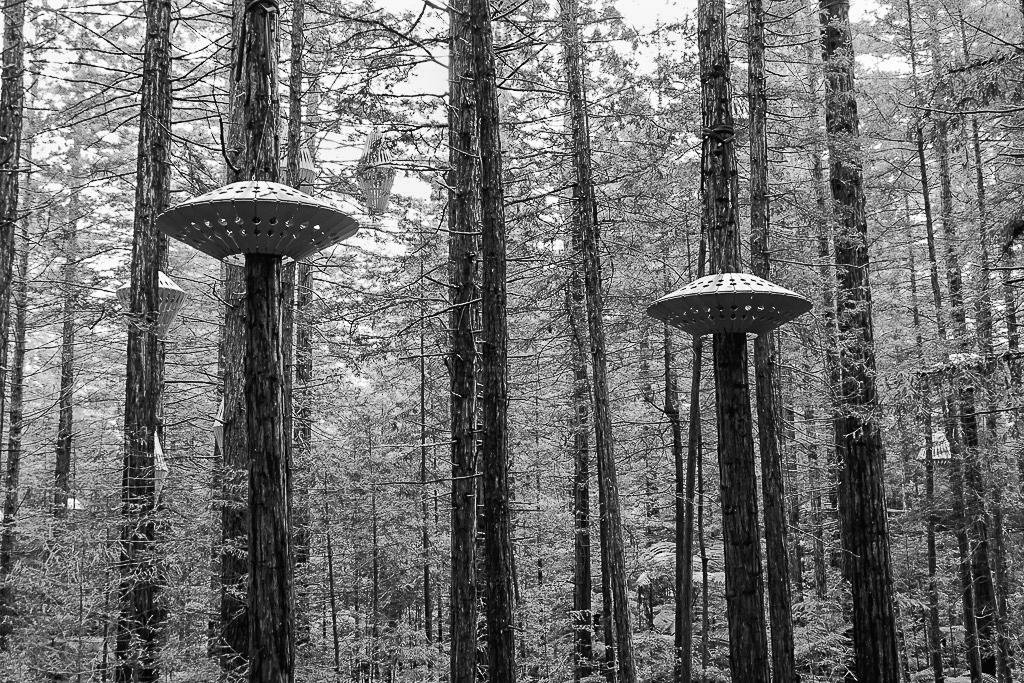
Liz, I enjoy your image. Frankly I like the many points of interest. For me the subject is the array of lanterns and my eye enjoys roaming within the image to find what I can find. I think a little more contrast and selective adjustment in a software of your choice would tone down the back ground some. When I imported your image into Lightroom the histogram had strong highlights spiking on the right. After some global and selective adjustments such as toning down the highlights and opening up some shadows and adjusting black my representation below got the histogram in line. While not perfect by any means, it might give you an idea of what I am thinking.
Again, wonderful story and fun image. |
Aug 17th |
 |
| 64 |
Aug 17 |
Comment |
Don, your choice to present as monochrome is done, I think, with some very nice detail and excellent control of the wide dynamic range. I wish I knew more about how you processed the image to achieve that in addition to the camera data. That information is always helpful for all of us, in my opinion. I am sure there are many ways to garner the detail and your choice compositionally works, but my eyes seek more, so the tight framing or crop, teases me to want to see more. However, you presented a fine image both tonally and with very nice clarity and sharpness. I like your image. |
Aug 17th |
| 64 |
Aug 17 |
Reply |
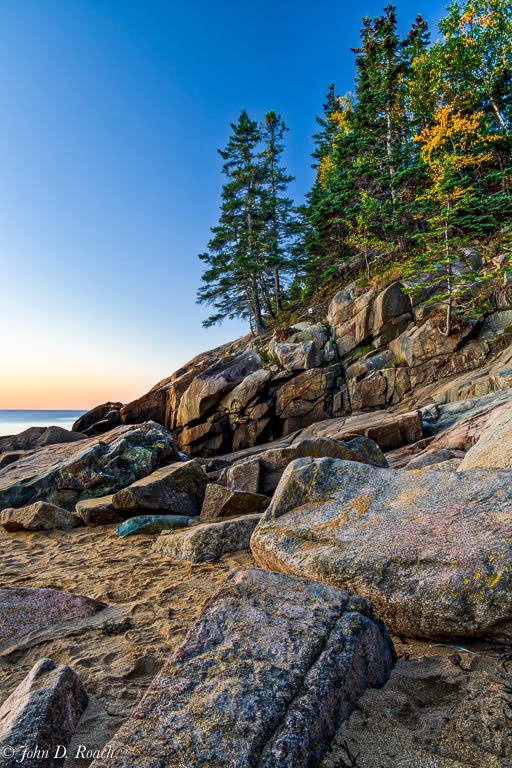
I was not as game as some to lean over the cliff edge with the tripod and end up being history. Of course, it would be nice, but it is for others less faint of heart. Less then 25mm with the many folks at the location was the best I could do without intruding rock into the bottom of the frame given how low and close to the edge I got. Thanks, nonetheless, for your review. |
Aug 16th |
6 comments - 1 reply for Group 64
|
14 comments - 4 replies Total
|