|
| Group |
Round |
C/R |
Comment |
Date |
Image |
| 52 |
Feb 19 |
Comment |
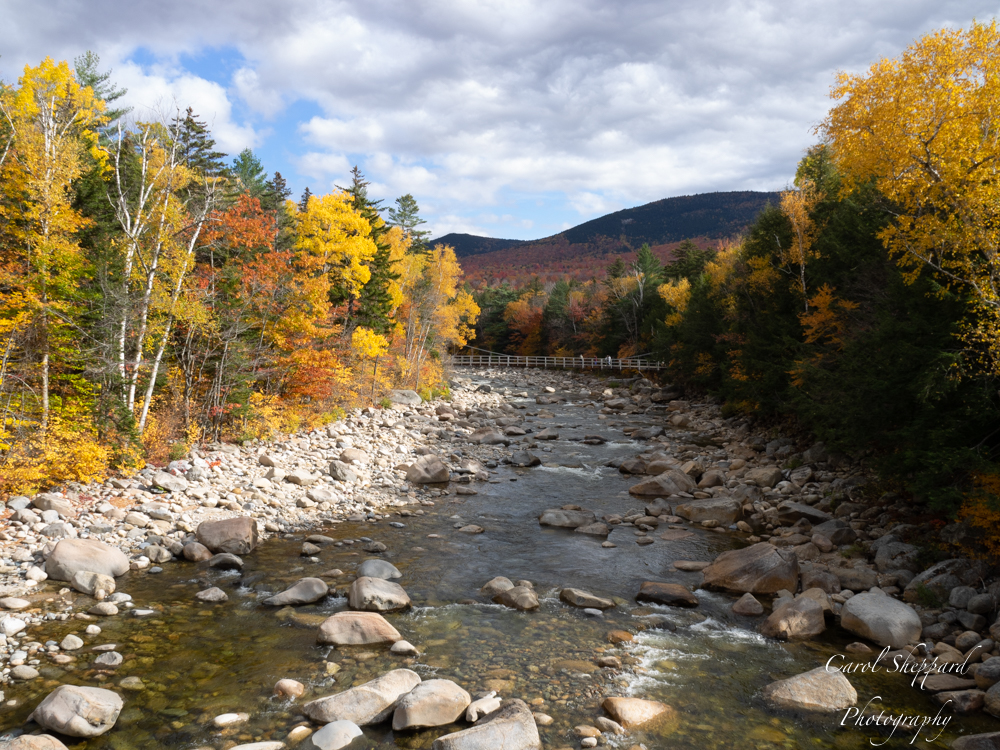
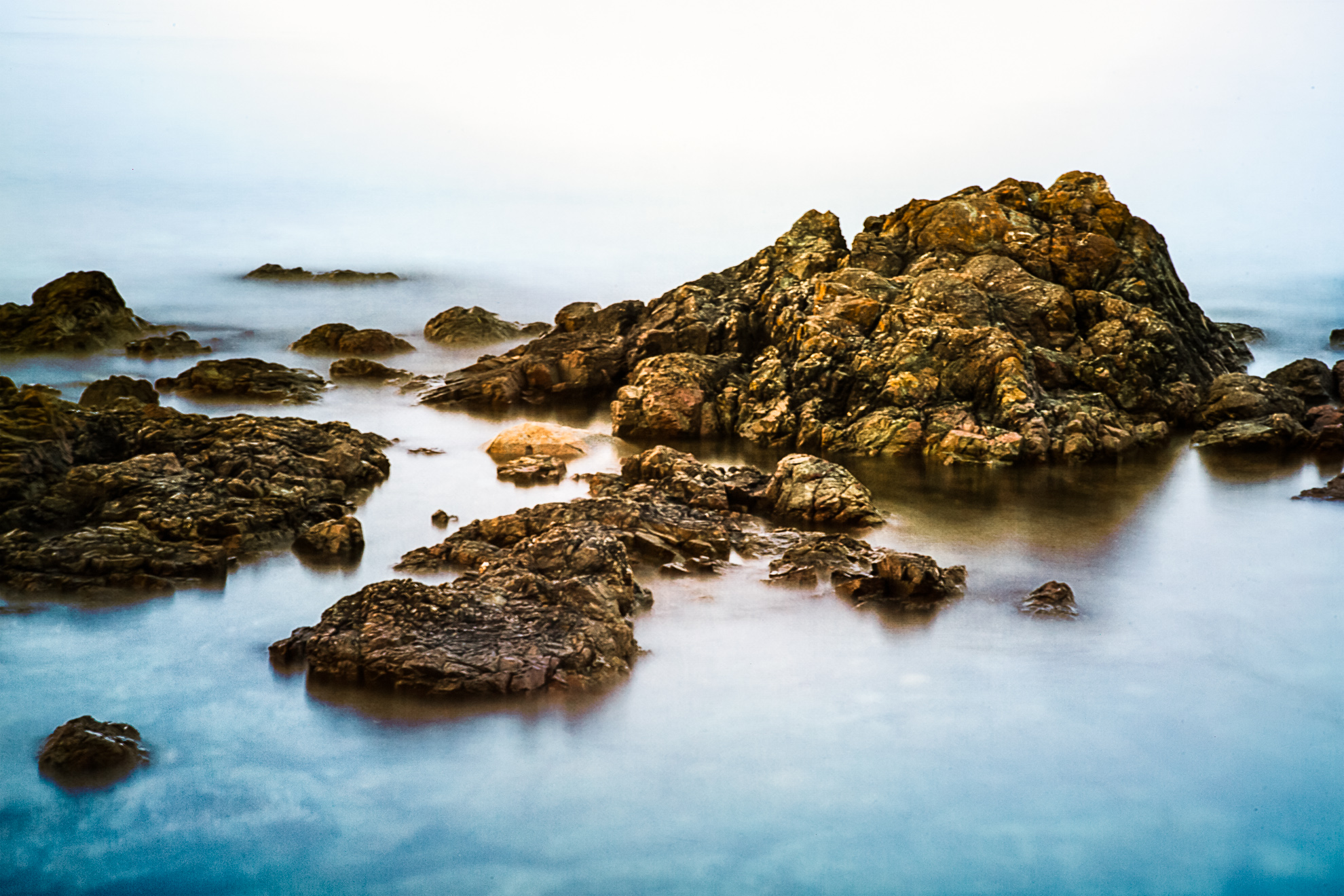
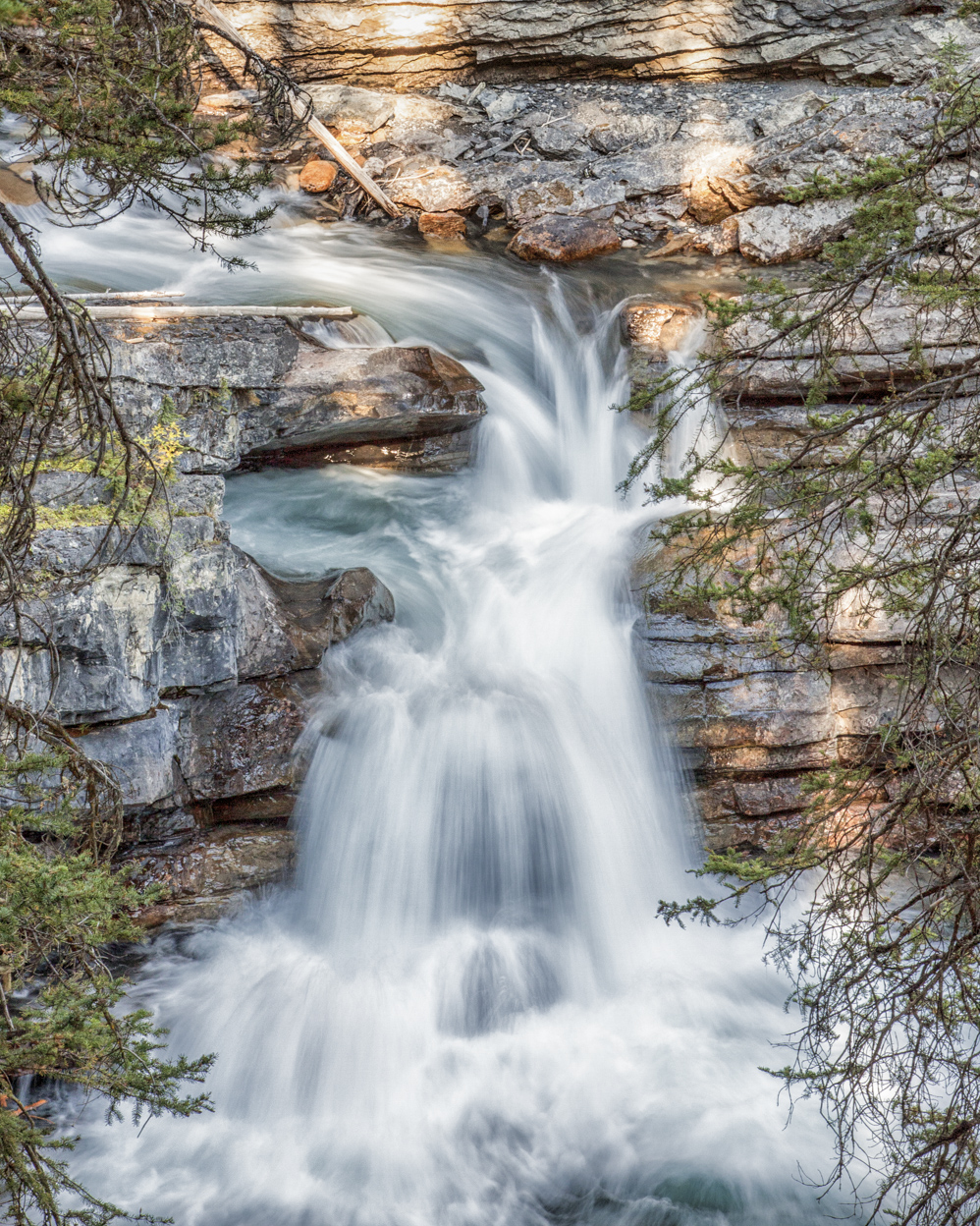
Thank you for your input, everybody. I like Mike's version best, as the dreamy quality was what I wanted. I actually like the warm color of the rocks, but agree that it had a more natural look with what Mike did. |
Feb 23rd |
| 52 |
Feb 19 |
Comment |
Dialogues |
Feb 10th |
| 52 |
Feb 19 |
Comment |
Well, I still like your original edit, or the LR only! And I think the brown tones are more appealing than the orange in your first two alternatives... and that's what makes these dialso fun, |
Feb 10th |
| 52 |
Feb 19 |
Comment |
To me, this is a "second-look" image. The lack of contrast from the snowy owl to the background is not a comfortable thing--although it does focus my viewing right on those amazing eyes. For me, though, the eyes are too small to be the main focus, so maybe if you cropped it in somehow? Even as a long, narrow crop? Its a very tough call. On the one hand, its quite artsy, but on the other, it still lingers in the photographic realm, so it has one foot in each frame, but not enough for me in either one? Just one person's opinion. As a shot, it's incredible! He is flying right into you, and I love those snowy owls!! |
Feb 8th |
| 52 |
Feb 19 |
Comment |
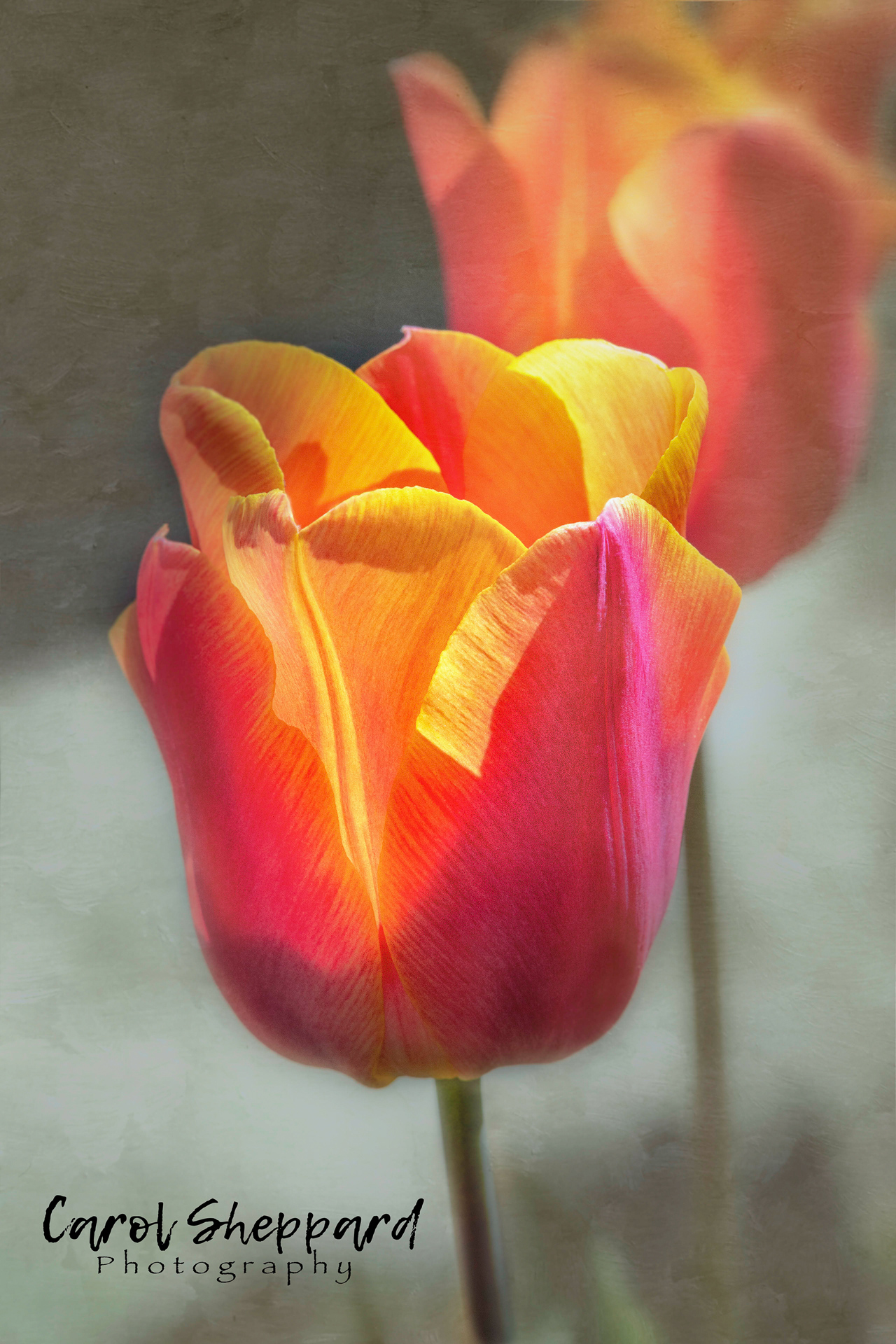
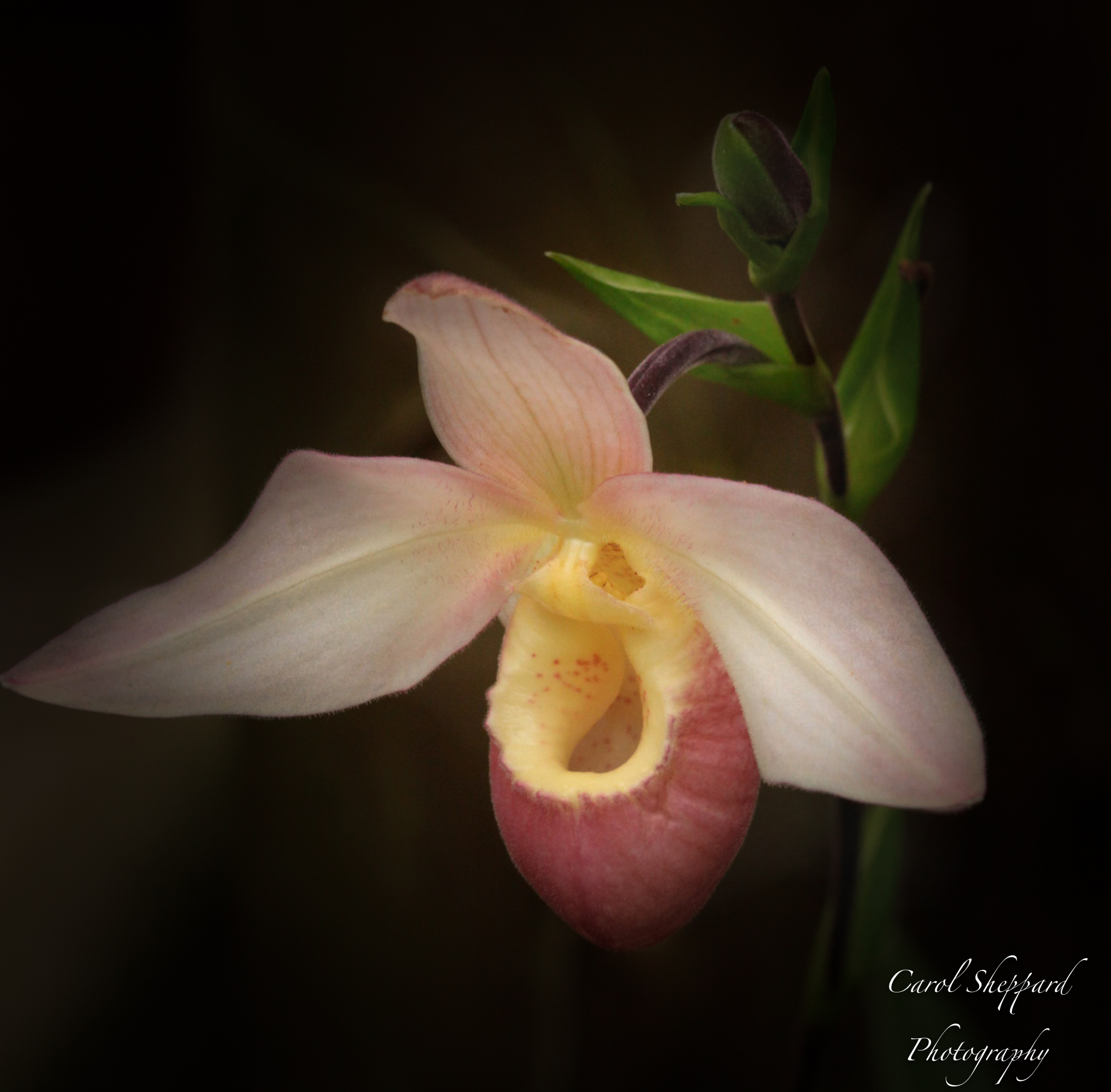
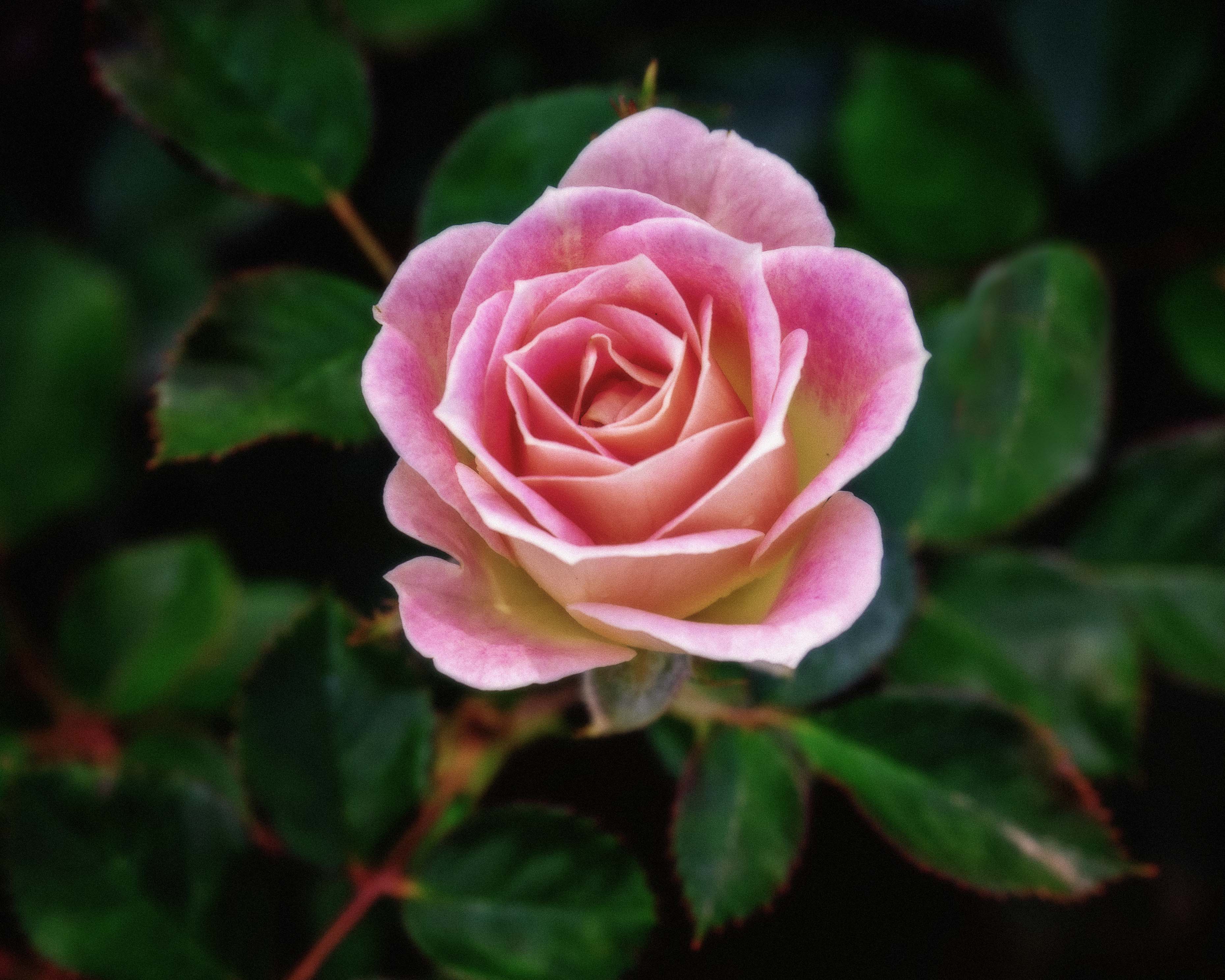
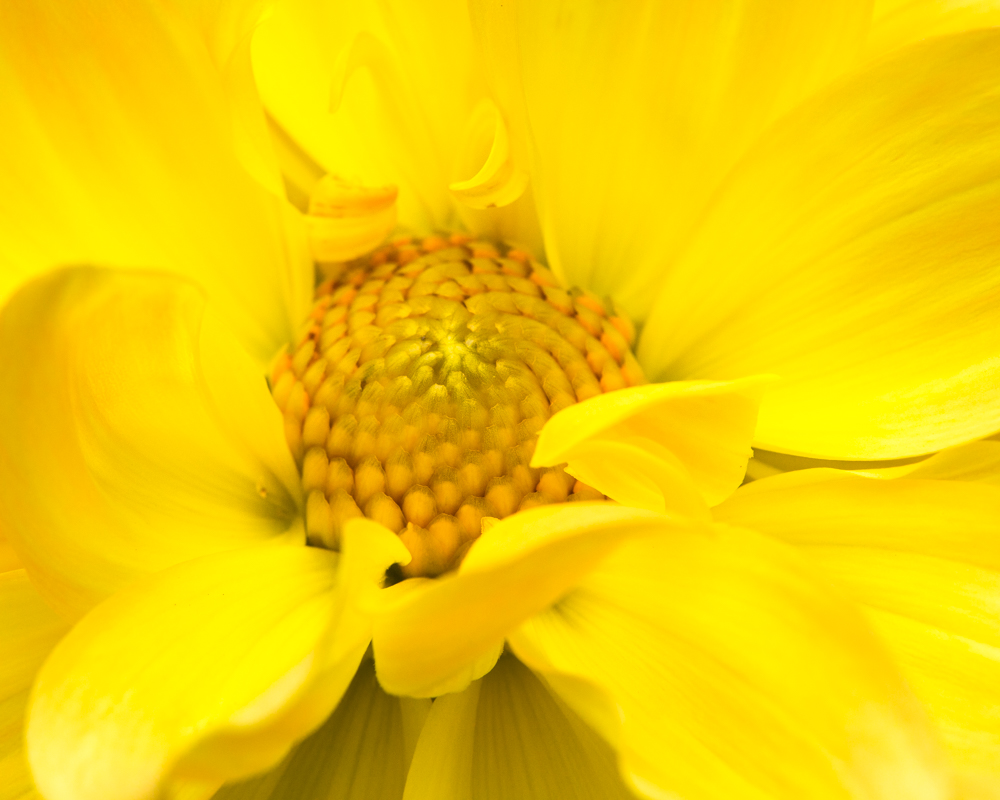
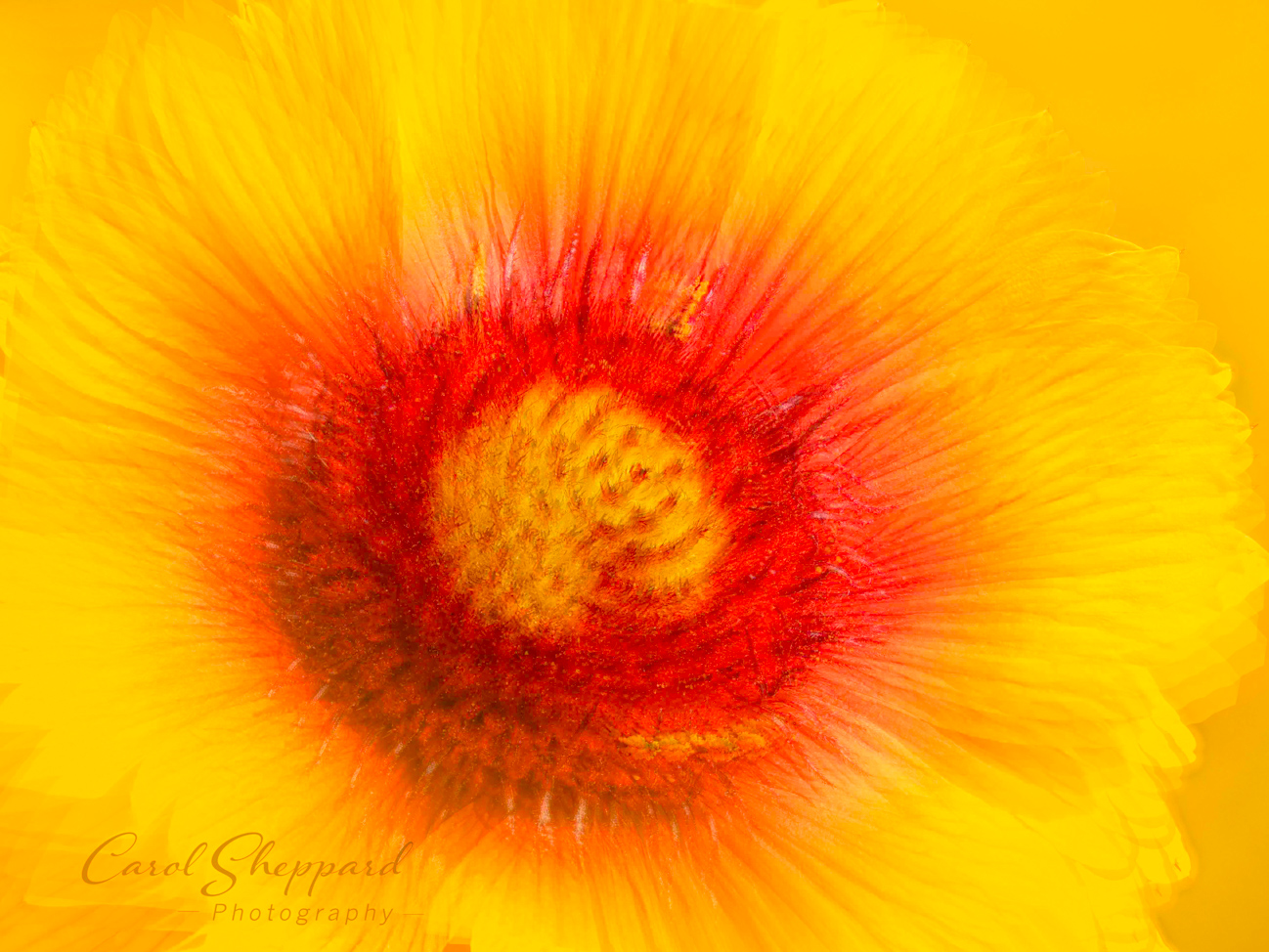
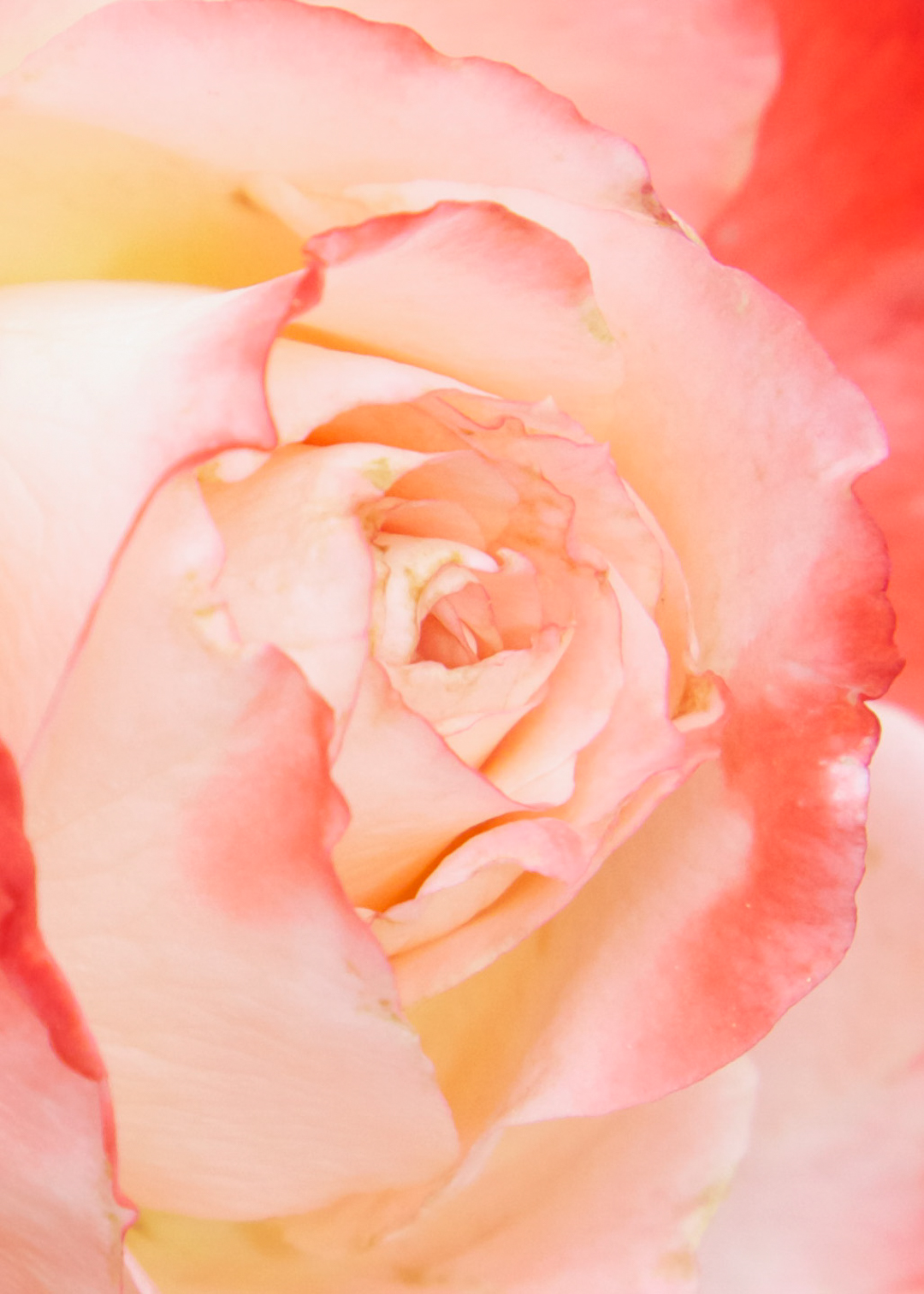
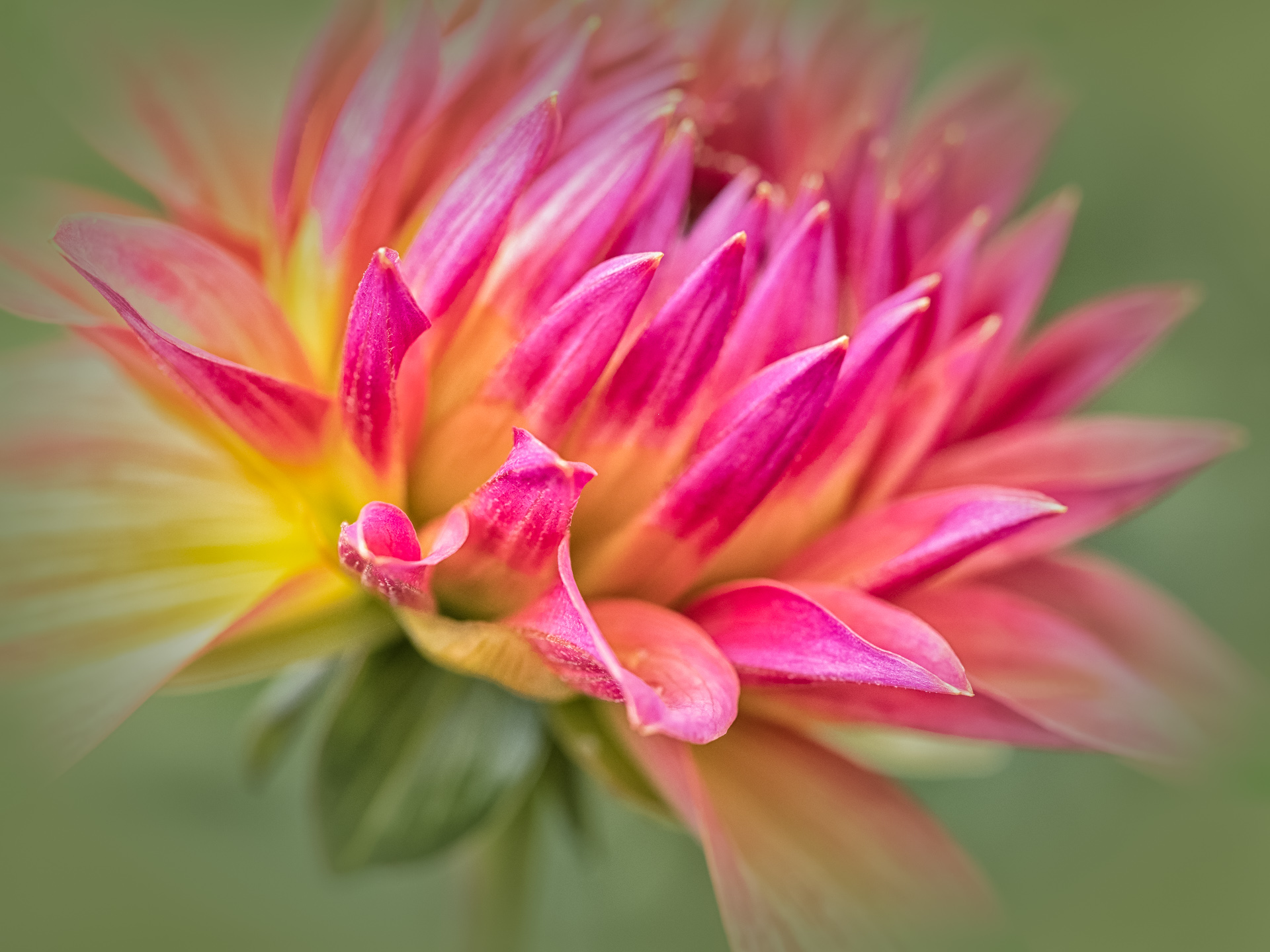
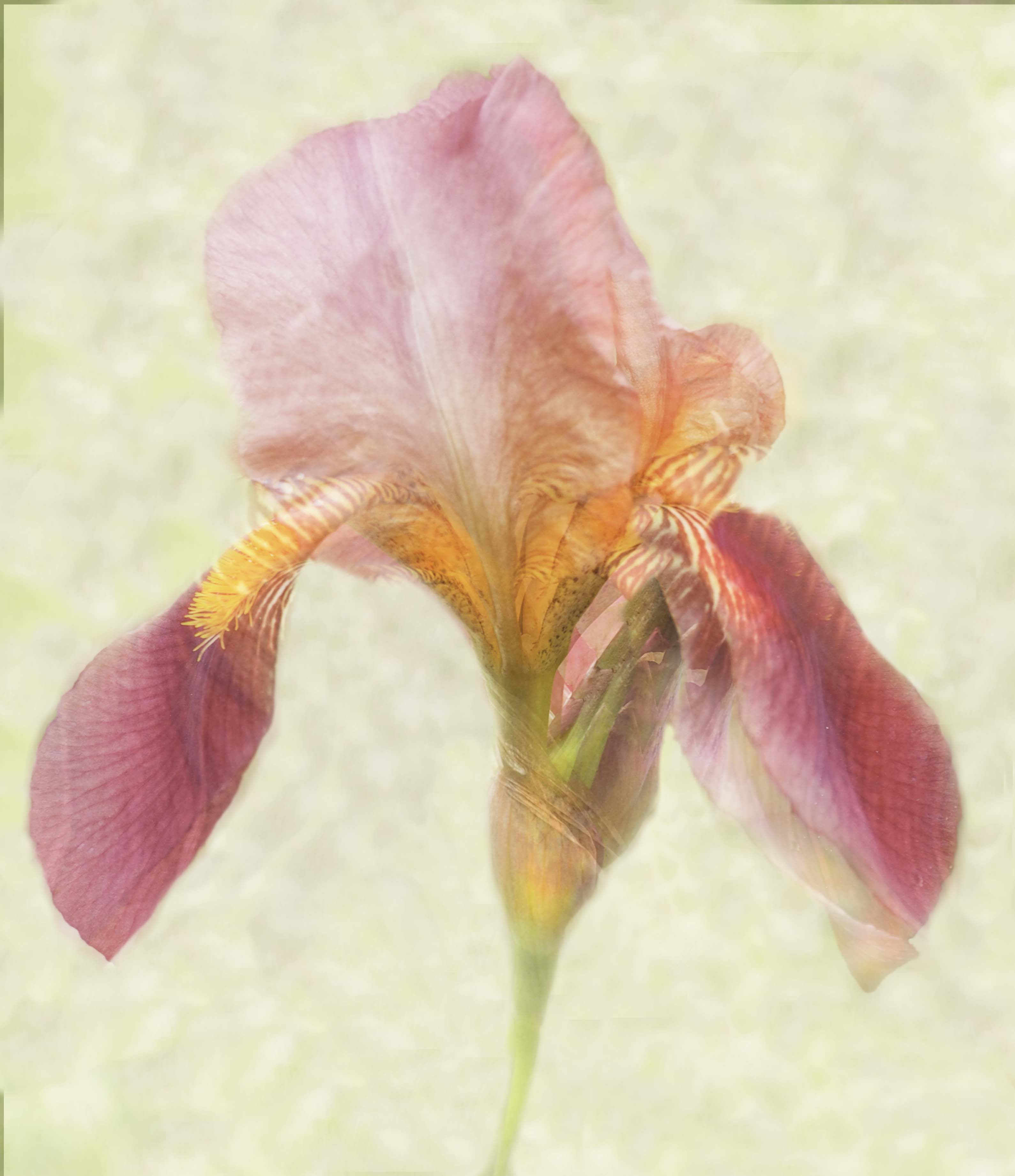
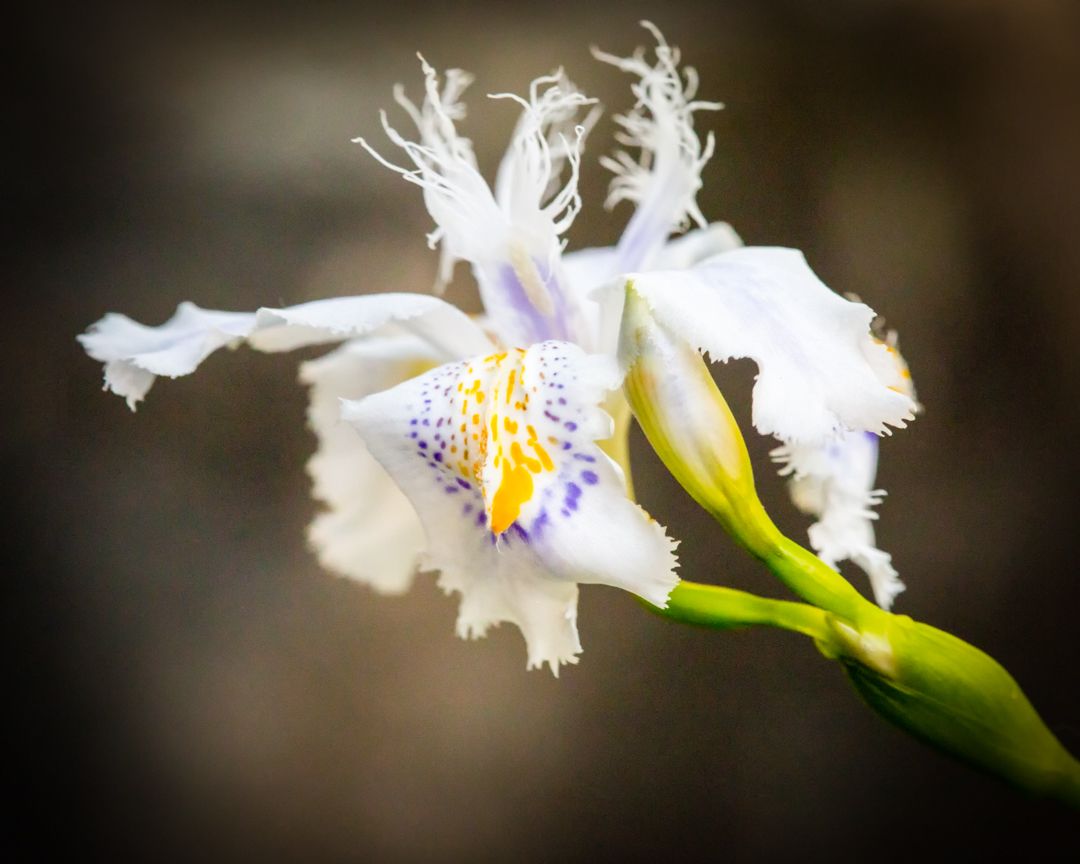
Judith, this is a lovely image. What works for me is the triangular center, the strong colors, and the composition. It has some softness that I feel lends itself nicely to the type of image and flower. You selected a crop that also contributes to the impact and pleasing visual of this image. I wouldn't change anything, so would be interested to see others' comments. |
Feb 8th |
| 52 |
Feb 19 |
Comment |
Tom, you are just plain mean...that is a competition shot, and you should win an award for it. It has everything: a tough subject with action, and movement, and expression. Tack sharpness and color balance, complementary colors. Dang. 'nuff said. |
Feb 8th |
| 52 |
Feb 19 |
Comment |
Sweet! Using the background, surroundings of the tree really lends impact to this image--it tells a full story. I see the soft areas on the window, but clarity used locally in LR might take care of that? I do know that #1 rule of shooting through glass is to actually lay your lens on a flat plane right up against the glass. At first the softness bothered me, but I actually really like it! Have you considered making it into a watercolor to take advantage of that softness? Photoshop isn't too hard, use BlueLightening tutorial on YouTube for the step-by-step. |
Feb 8th |
| 52 |
Feb 19 |
Comment |
In Photoshop? I would do a control J, then make sure your text color is set correctly. It happens to me once in a while and that is how I end up fixing it. If all else fails, go into MODE and change it to 8-bit.
Good luck!! And enjoy that snow...for now!! LOL, after the first day, it isn't as fun. |
Feb 8th |
| 52 |
Feb 19 |
Comment |
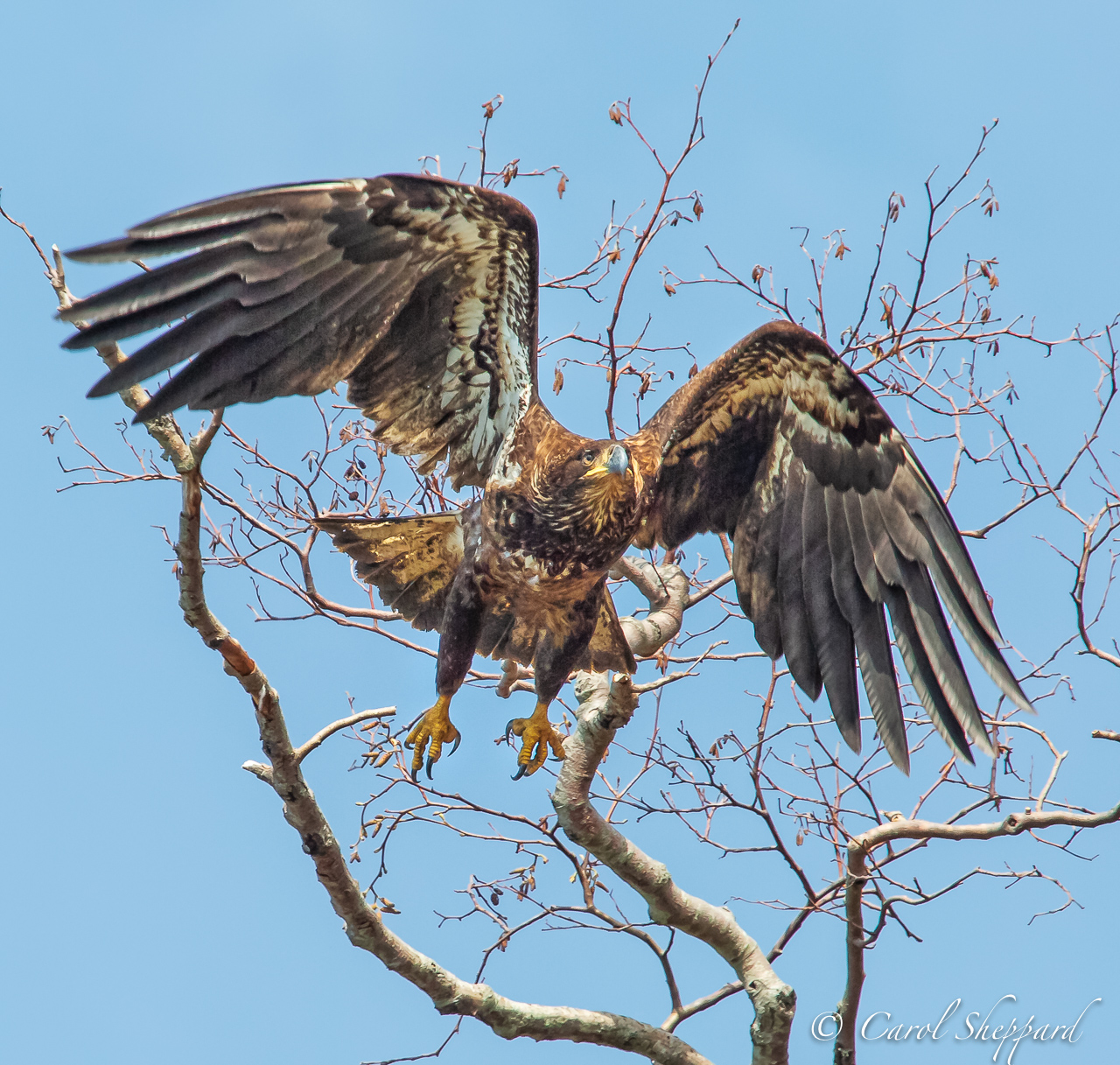
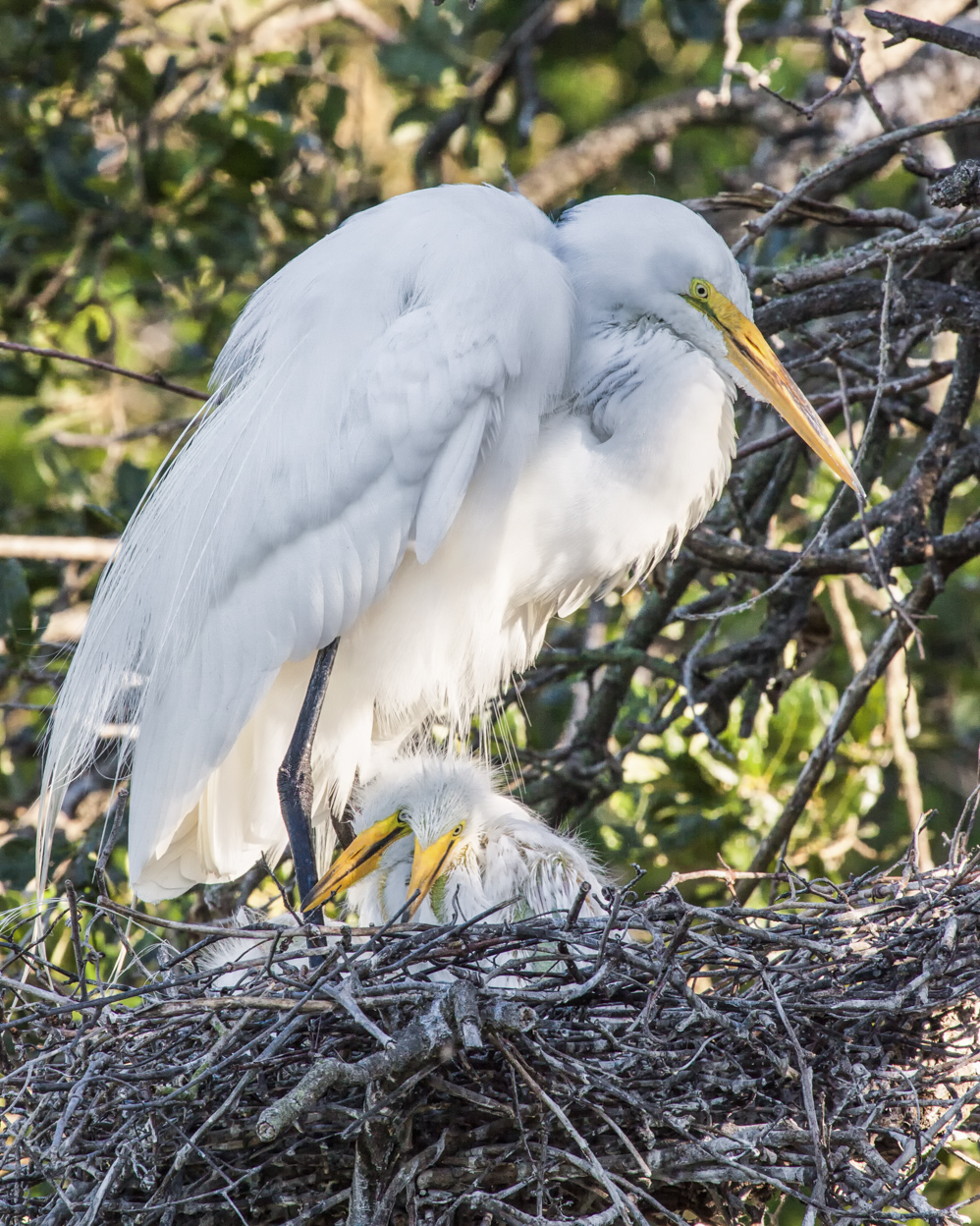
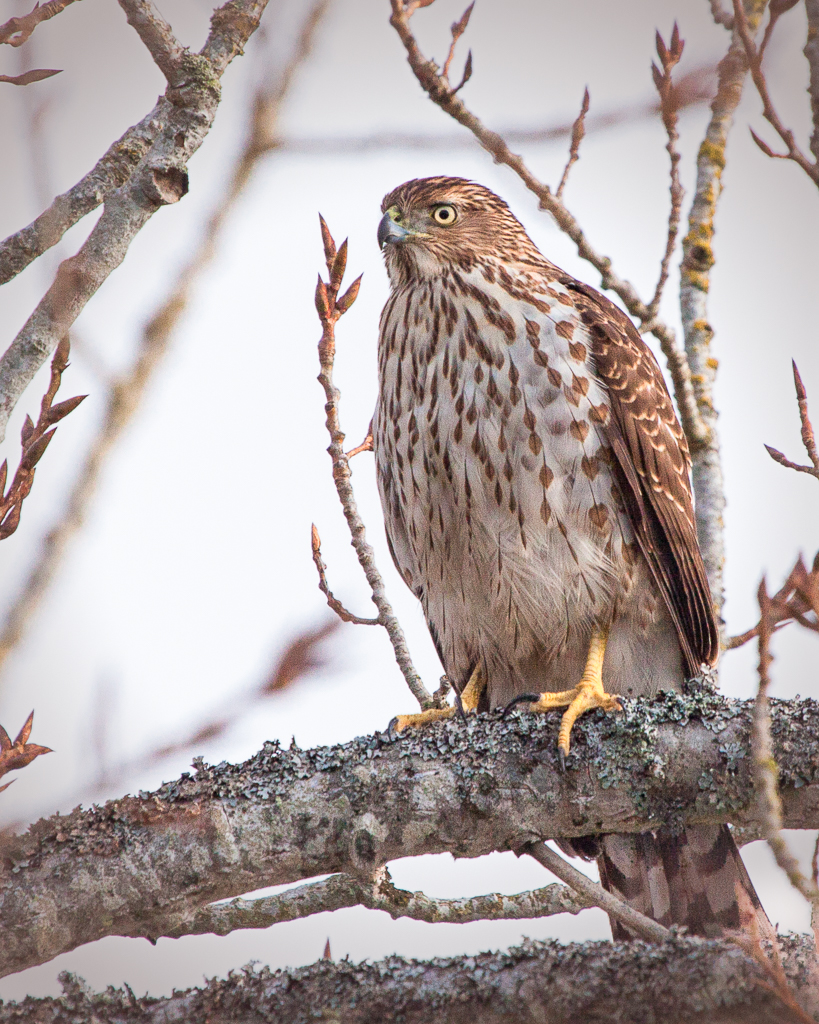
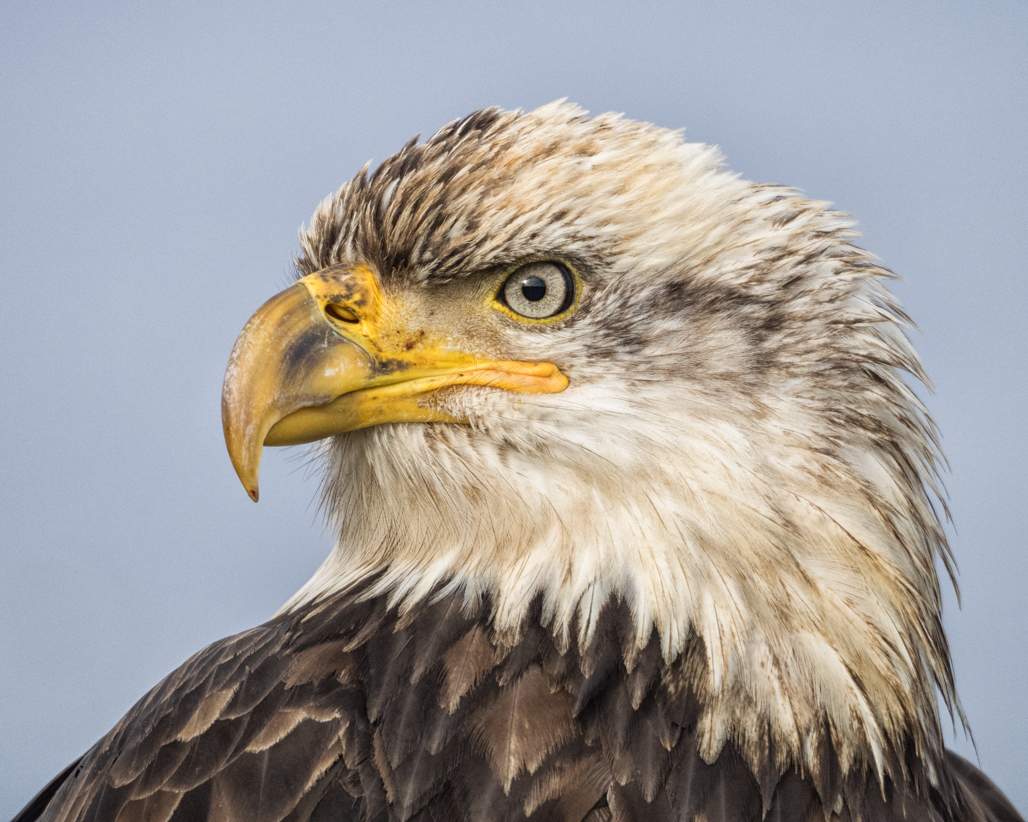
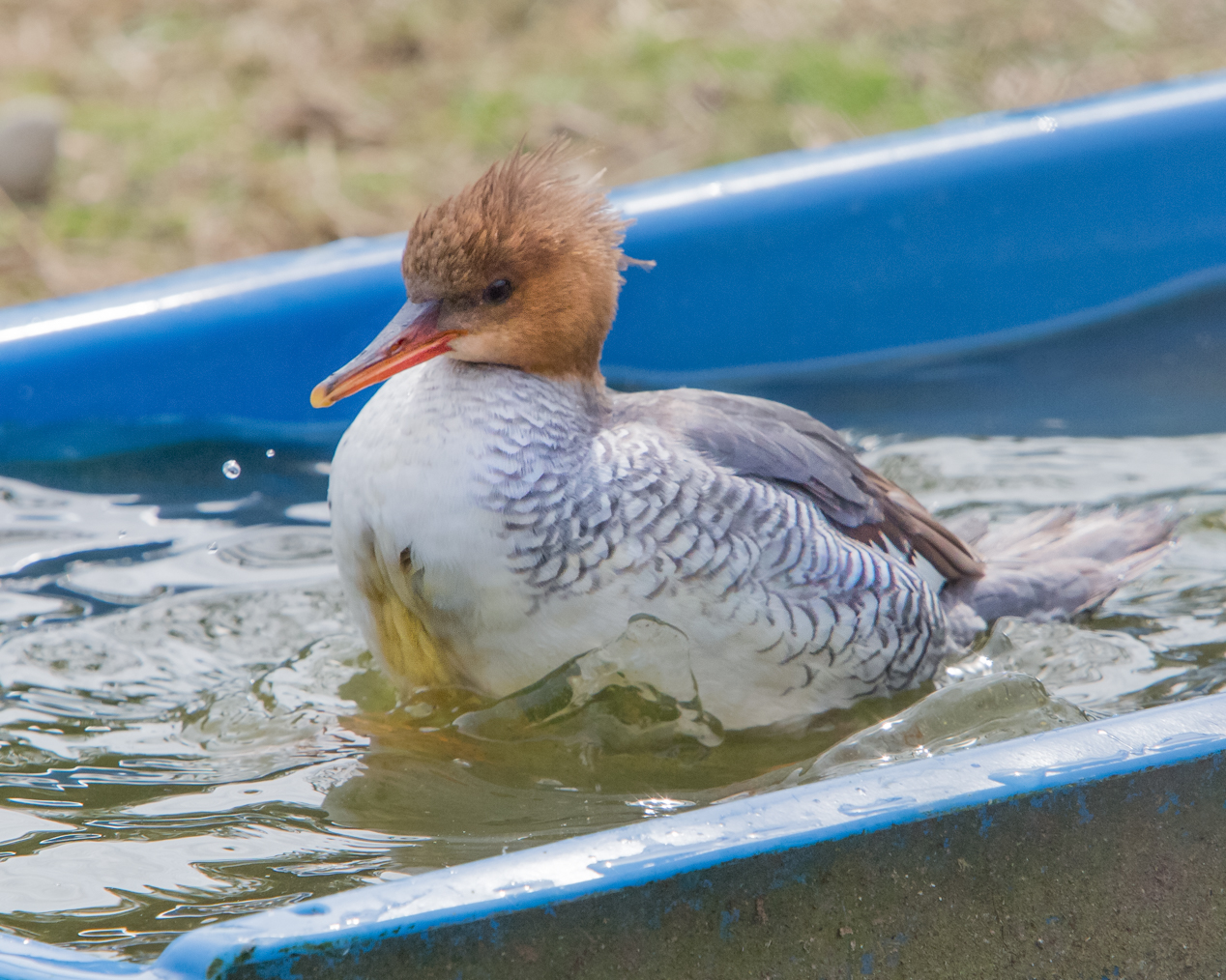
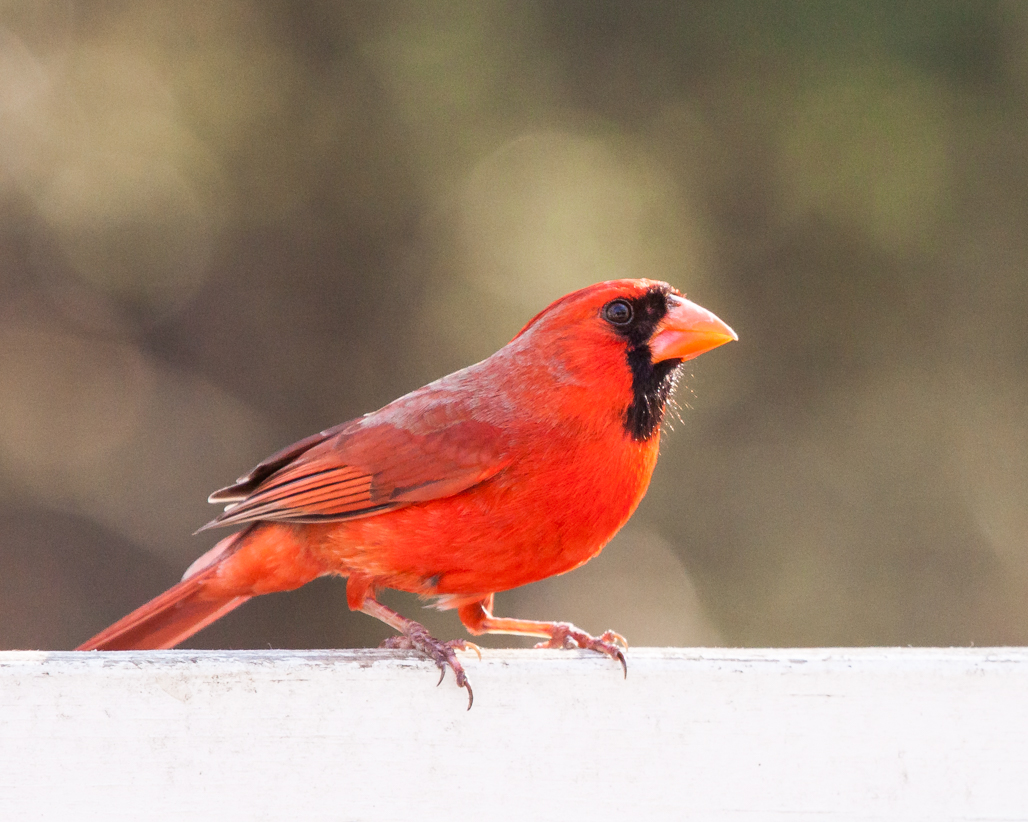
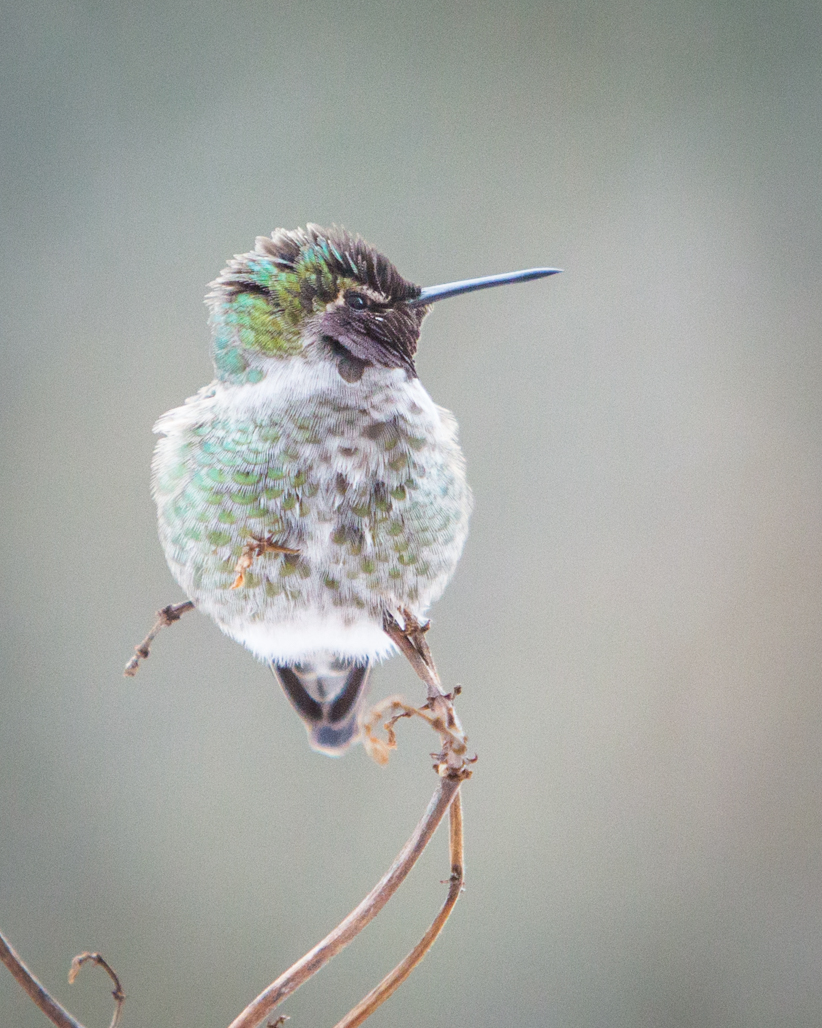
Sharon, there isn't anything I would change about this...it has a nice WOW factor with the feathers and the sunlit orange in the beak. Perhaps raising the light in the eye just a bit? It isn't the first thing I see personally--my eye went straight to those gorgeous white and grey feathers. Just focus locally on the top 1/2 of the beak and the eye--leave all else exactly as it is? I love both the shot and the composition! |
Feb 8th |
9 comments - 0 replies for Group 52
|
| 60 |
Feb 19 |
Comment |
Nadia, help me to understand here. You placed the Raynox OVER a macro lens, right? |
Feb 25th |
| 60 |
Feb 19 |
Comment |
A common theme this month--too cold to go outside! Your image made me think I actually was at the beach! For me, I find the focus outstanding--with the vignetted edges. And I absolutely love the clarity and detail in those rocks that comprise the sand. The white balance works quite well, as does the crop. You did a nice job with the focus stacking--I just tried it for the first time myself last month, and it is amazing! Great job! |
Feb 8th |
| 60 |
Feb 19 |
Comment |
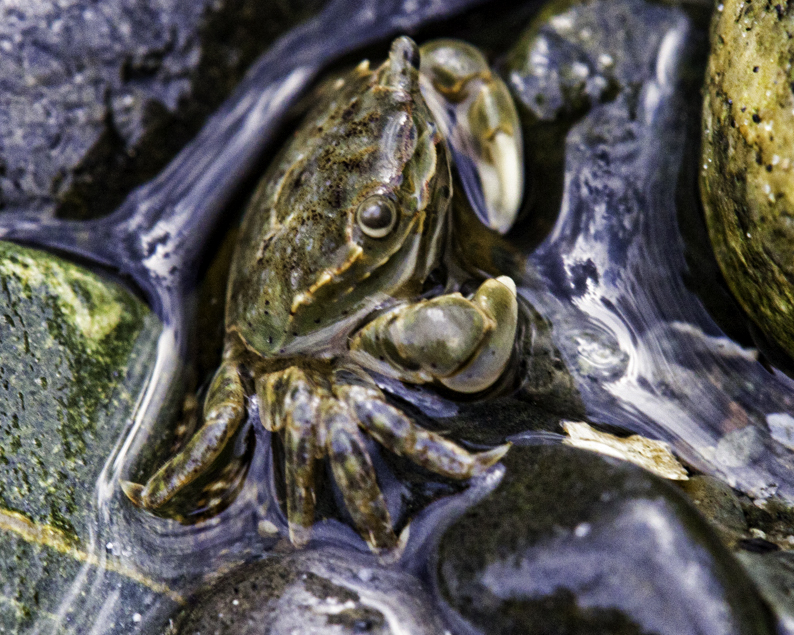
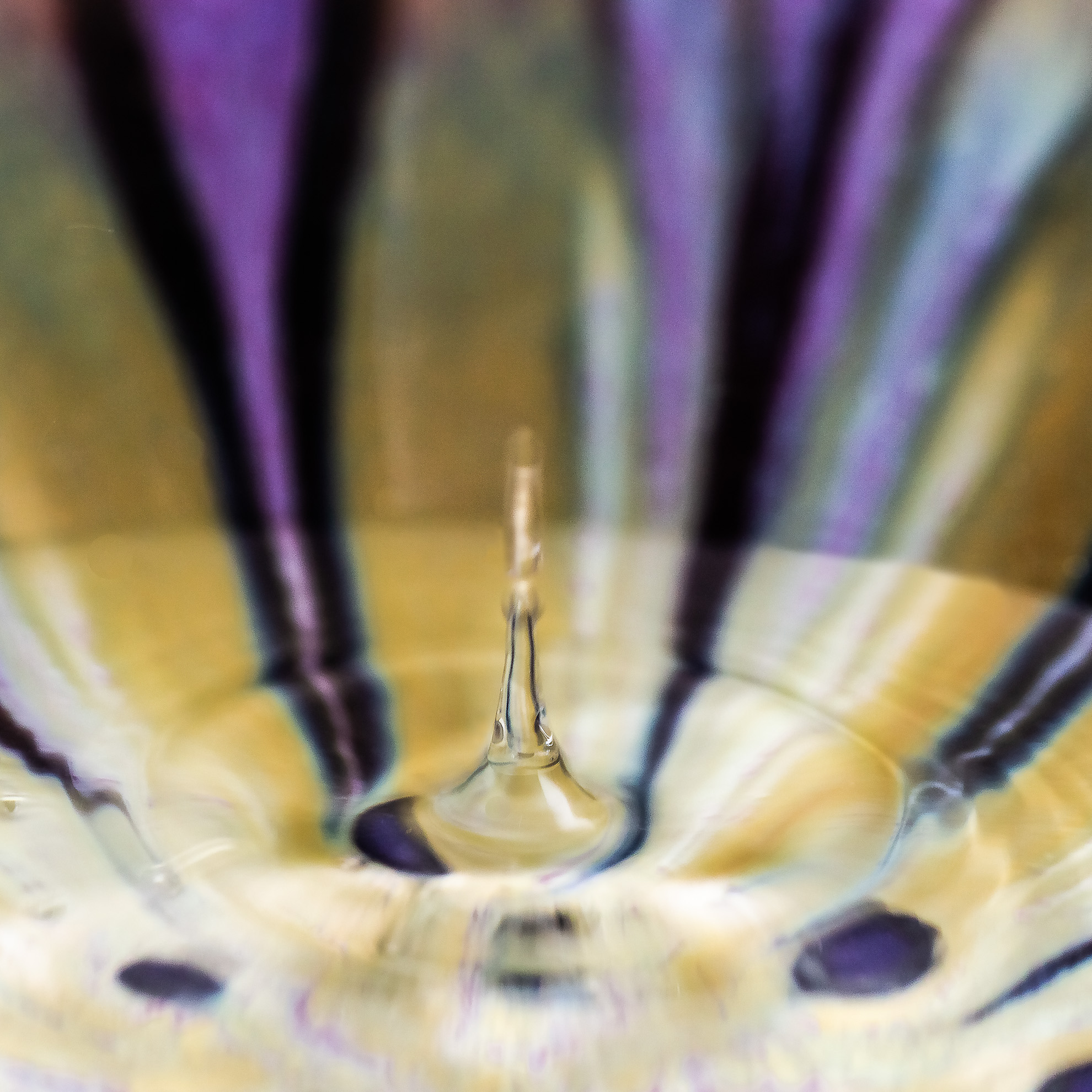
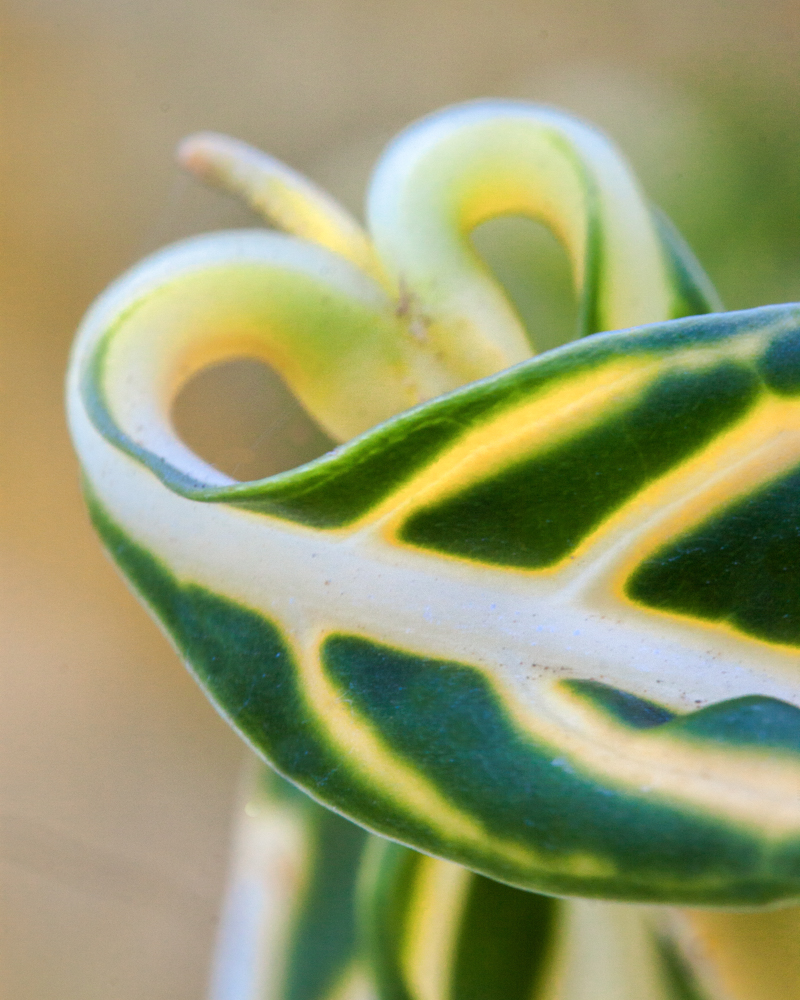
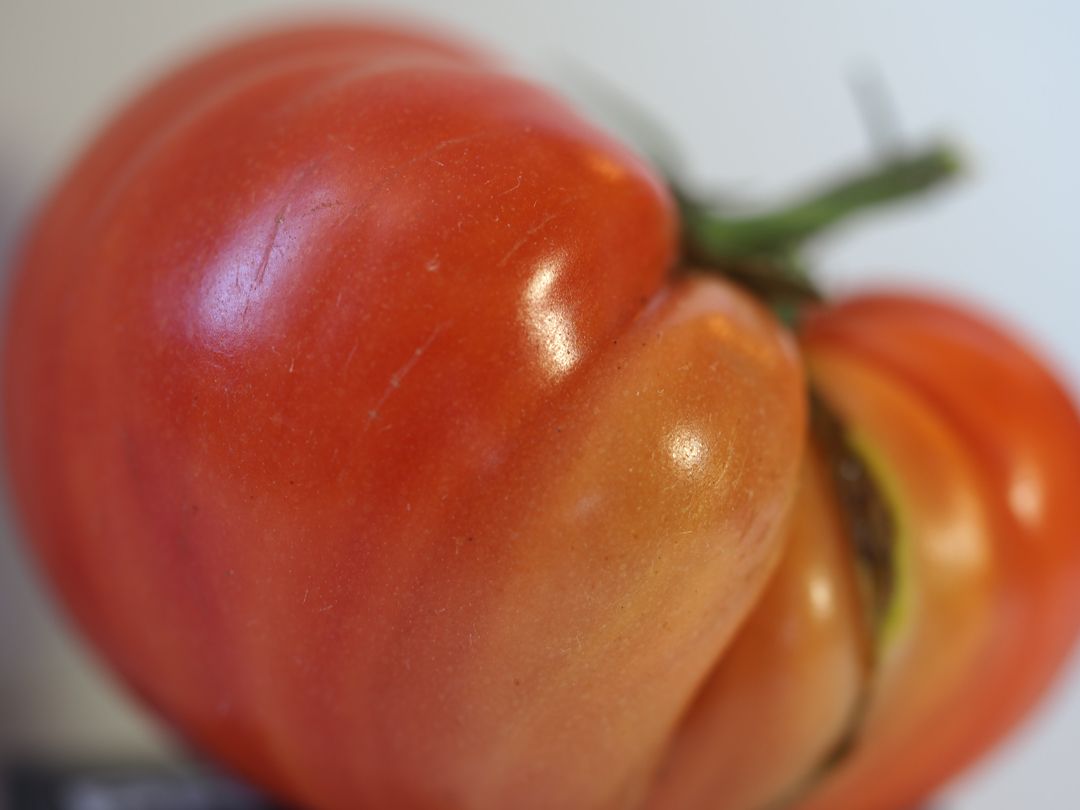
Thank you for sharing this with us--your capture of it is great. Without your description, I would have thought I was looking at wall art, and a big installation at that. Tack sharp, great clarity. A nice capture through a Macro lens. |
Feb 8th |
| 60 |
Feb 19 |
Comment |
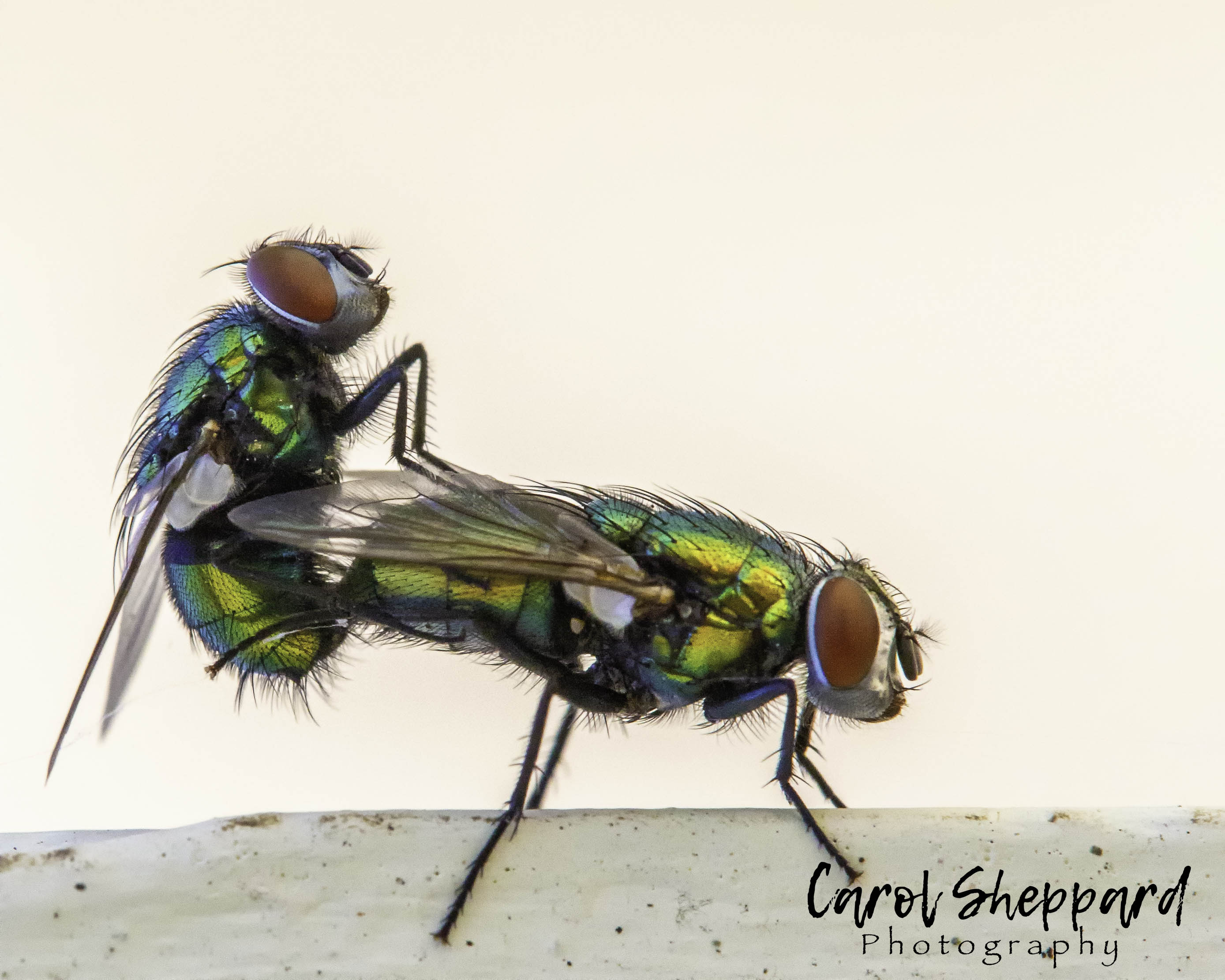
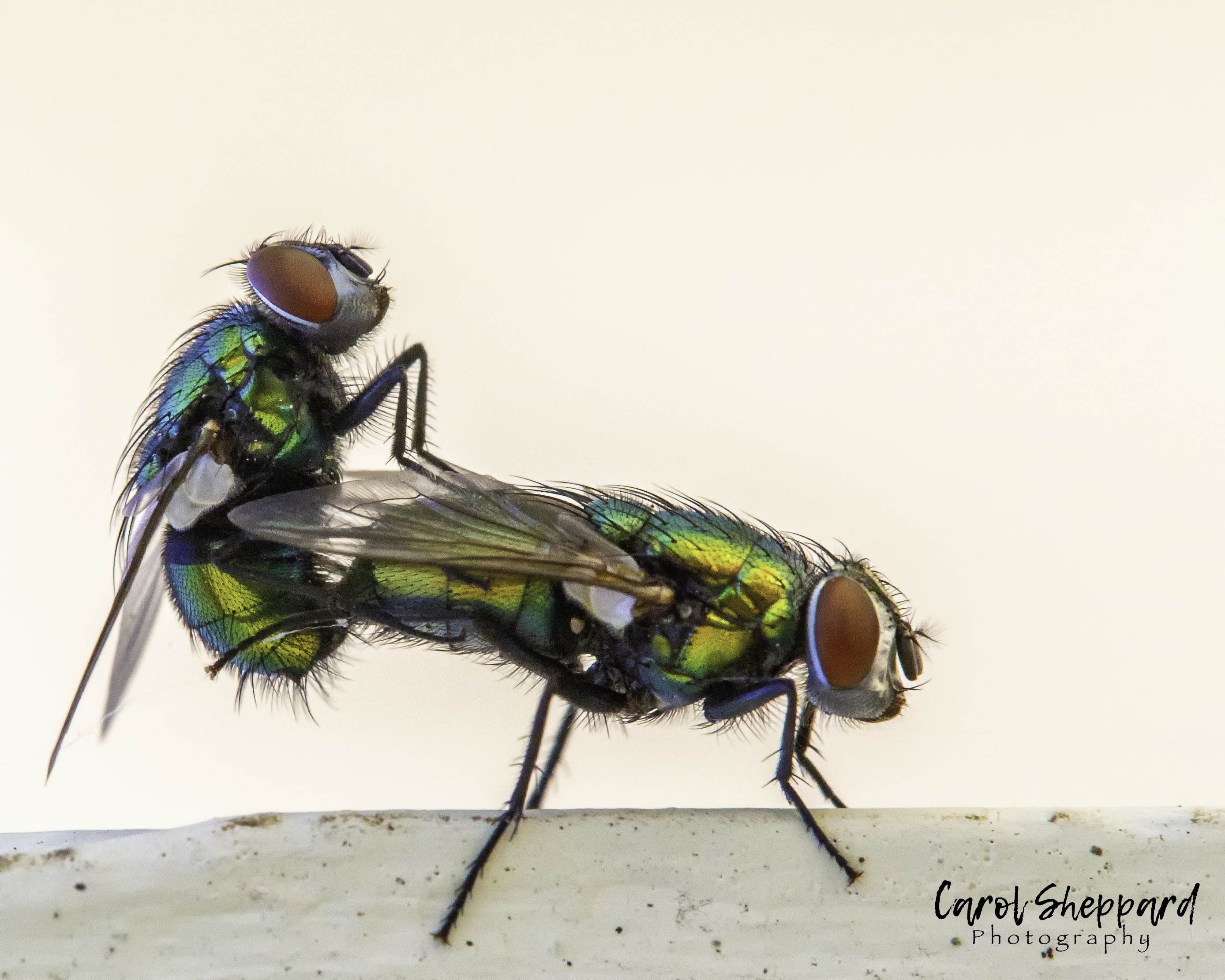
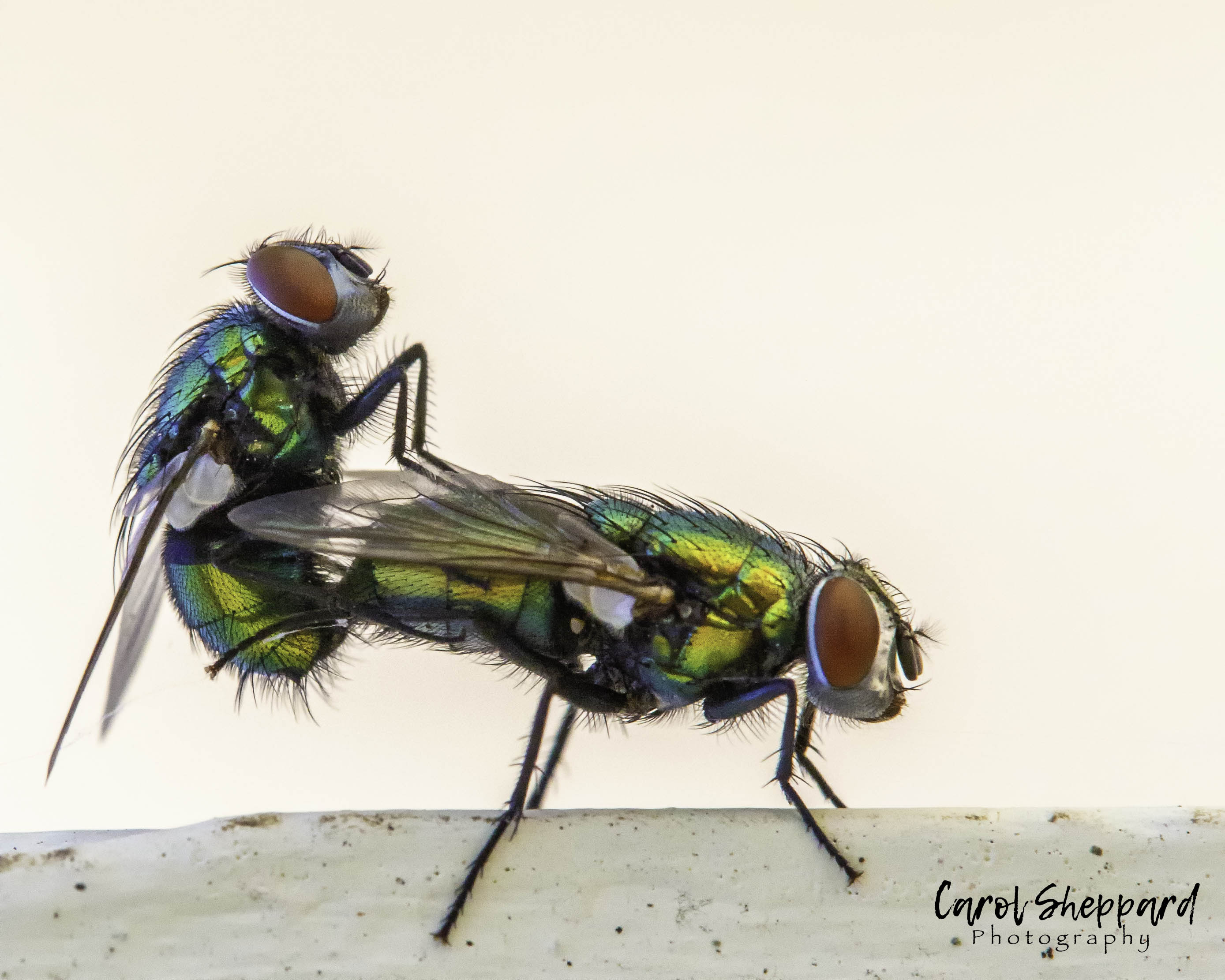
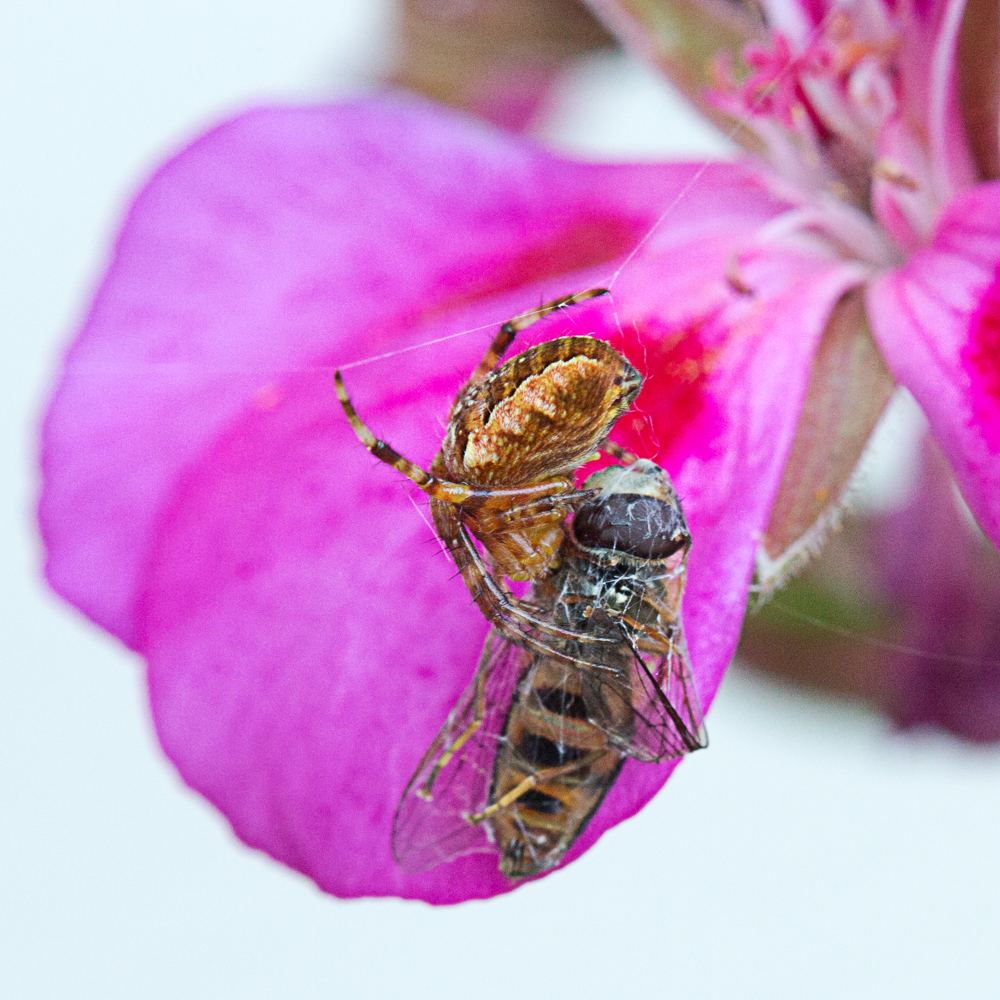
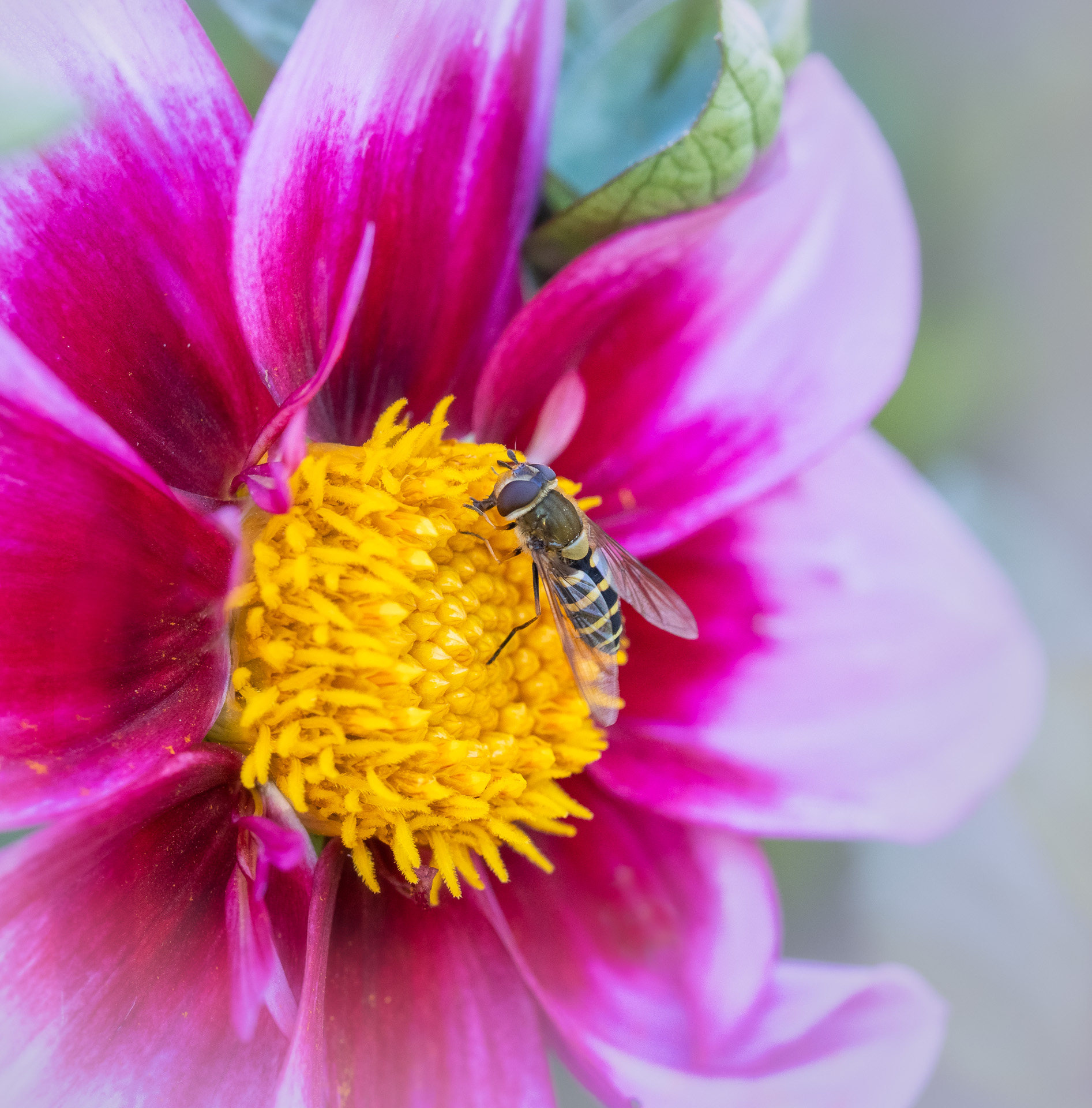
I need to look at the set up you are talking about. Nadia, this is a wonderful image! so not sure why you feel the fly could be sharper--he is sharp in the place that matters. You could use Helicon Focus and focus-stacking, too, but your sharp areas feel very strategic to me, putting the focus right onto his face. Beautiful color balance and also beautiful complementary colors in your image. I would say this is a competition-worthy image. |
Feb 8th |
| 60 |
Feb 19 |
Comment |
Oh, I meant to also mention the leading lines--they work really well in your image, leading my eye throughout the image! |
Feb 8th |
| 60 |
Feb 19 |
Comment |
This would make a great background if you decide to do a composite! I like your crop, and the contrast; very well done. The light is a bit flat, and I think your settings are exactly right, so maybe even just an LED light held off to the side? Or put on a gorilla pod and wrapped onto something close? But technically, you've done a great job! |
Feb 8th |
| 60 |
Feb 19 |
Comment |
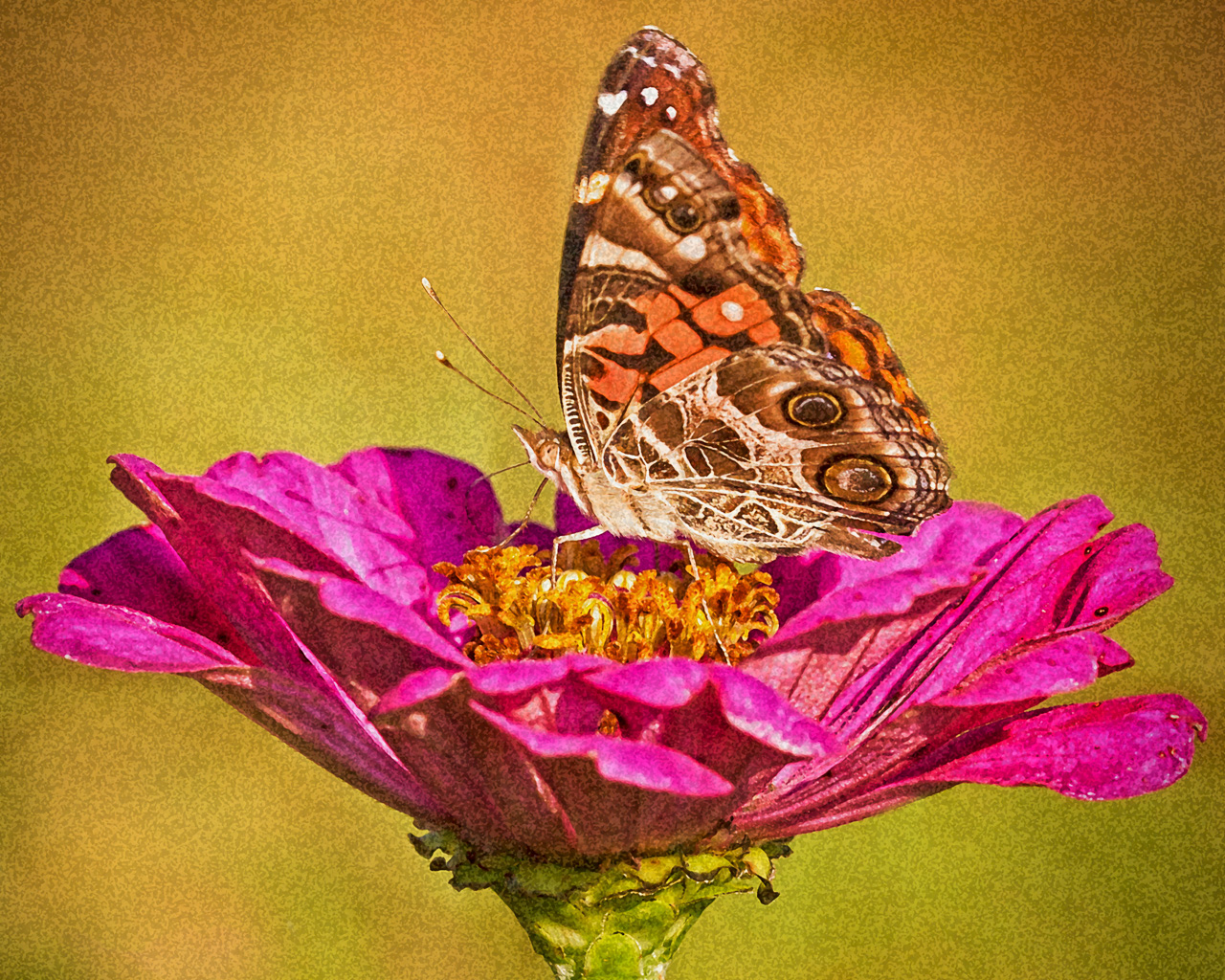
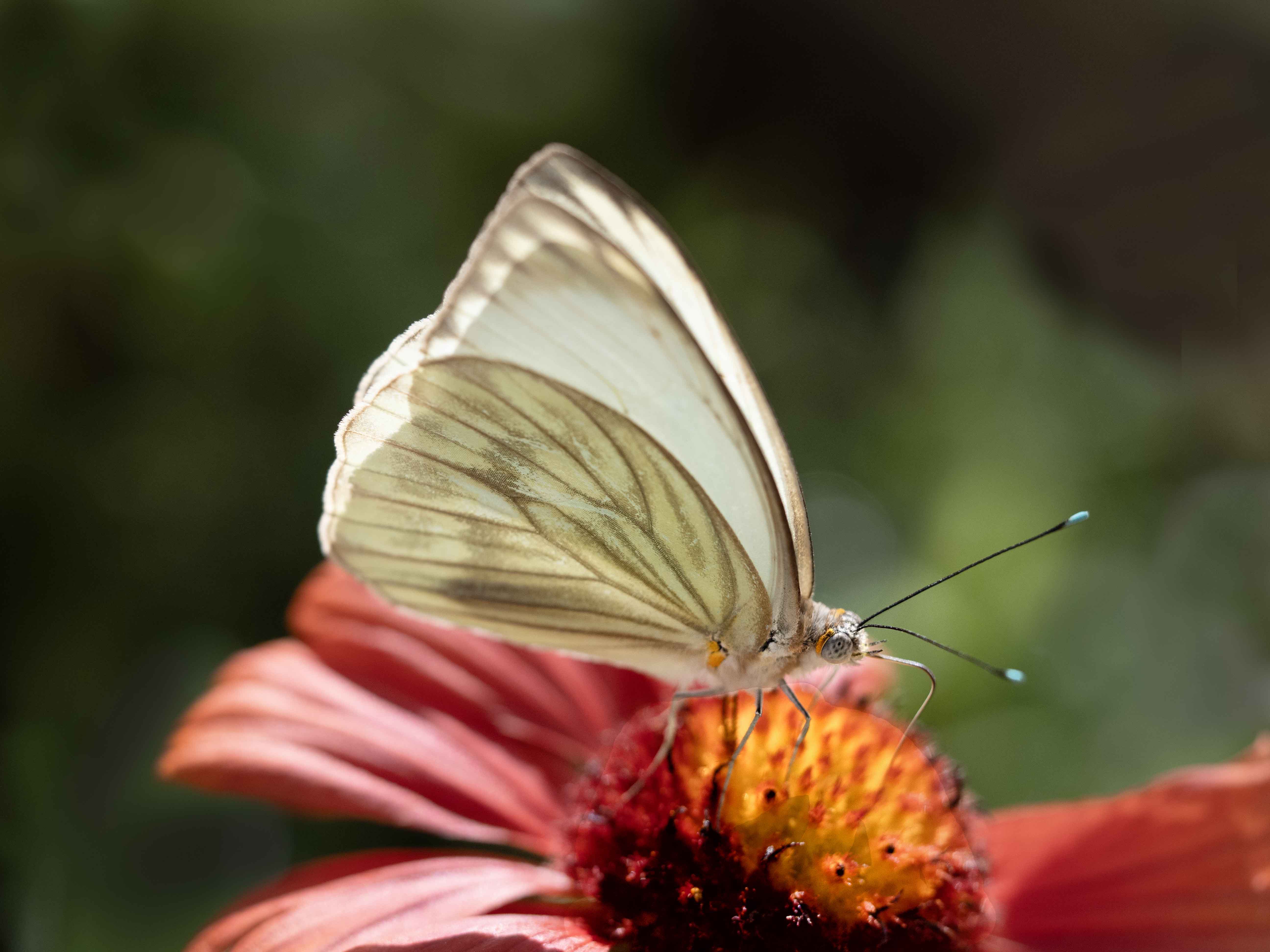
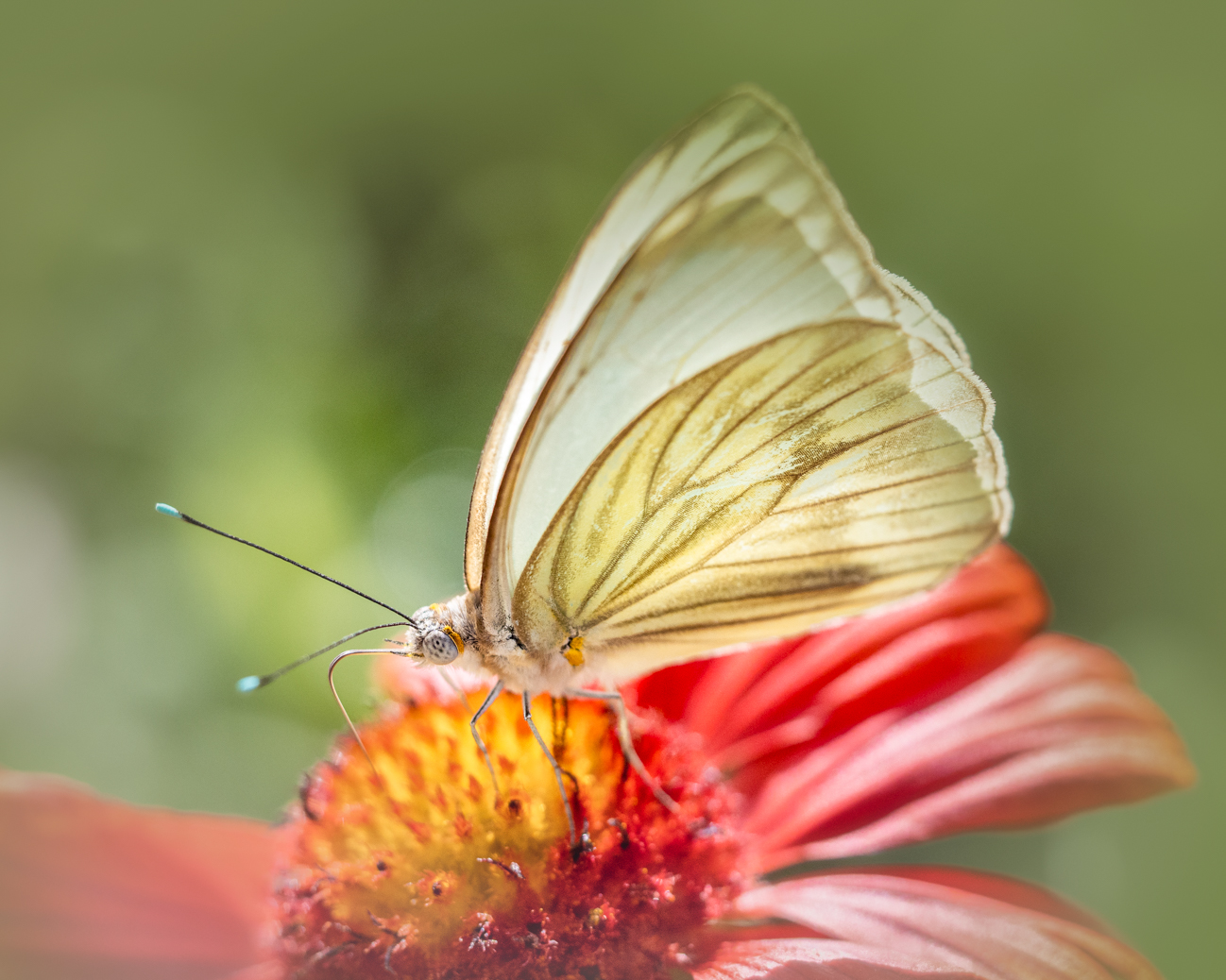
Denise, this is a great image! The close crop, along with the intense blue, really works! The lighting is also very, very pleasing, without being unnatural. One suggestion I have is to locally bring up the shadows just along the butterflies body core, and only his upper half. There are a couple of ways to do this, and I prefer Photoshop, personally. LR is too hard to control. But, if you do use LR, go to a 1:1 view, just do a light bit, look at it from afar, and then back to 1:1 view and do more. Use lighten in the preset area or just raise shadows, maybe a touch of exposure. But you have done a beautiful job! |
Feb 8th |
7 comments - 0 replies for Group 60
|
16 comments - 0 replies Total
|