|
| Group |
Round |
C/R |
Comment |
Date |
Image |
| 33 |
Jul 22 |
Reply |
This is all done on a piece of software call NIK Collection by DxO. Its a collection of tools that link to Photoshop and Lightroom that has just done a major upgrade to version 6. So I thought I would show what it could do without help from Adobe. |
Jul 15th |
| 33 |
Jul 22 |
Comment |
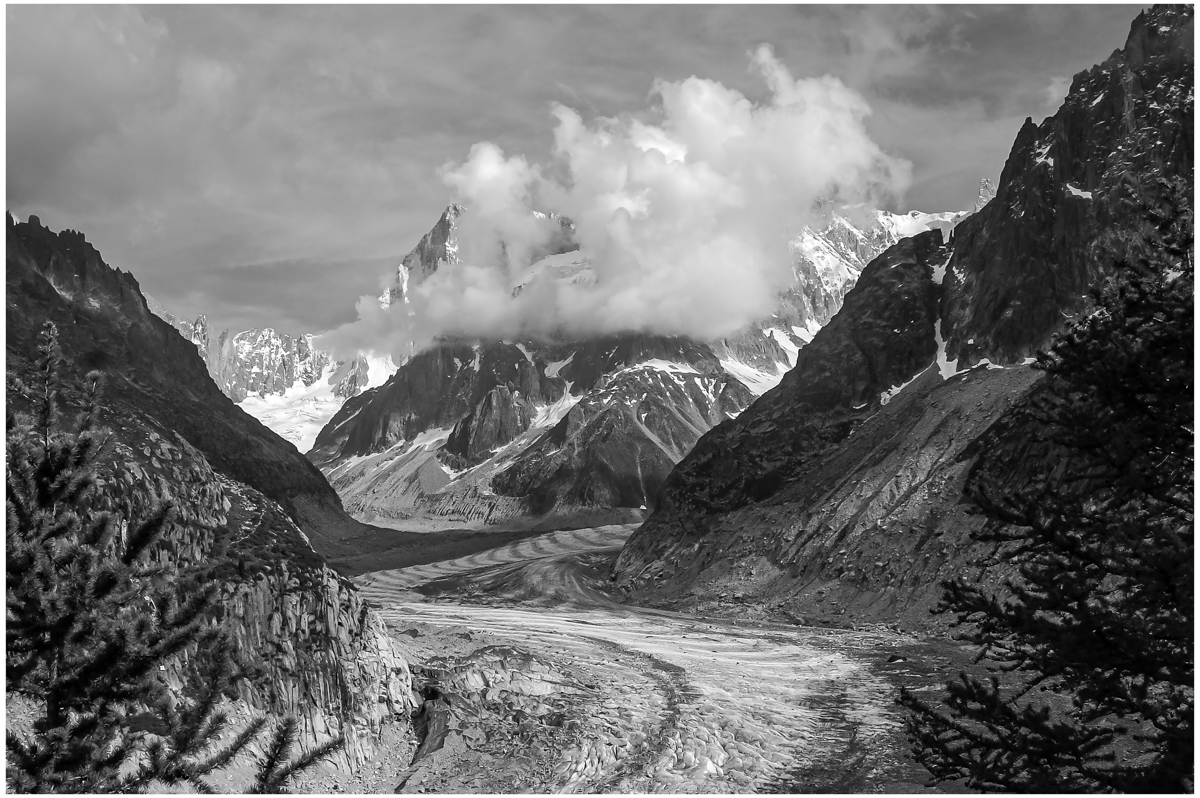
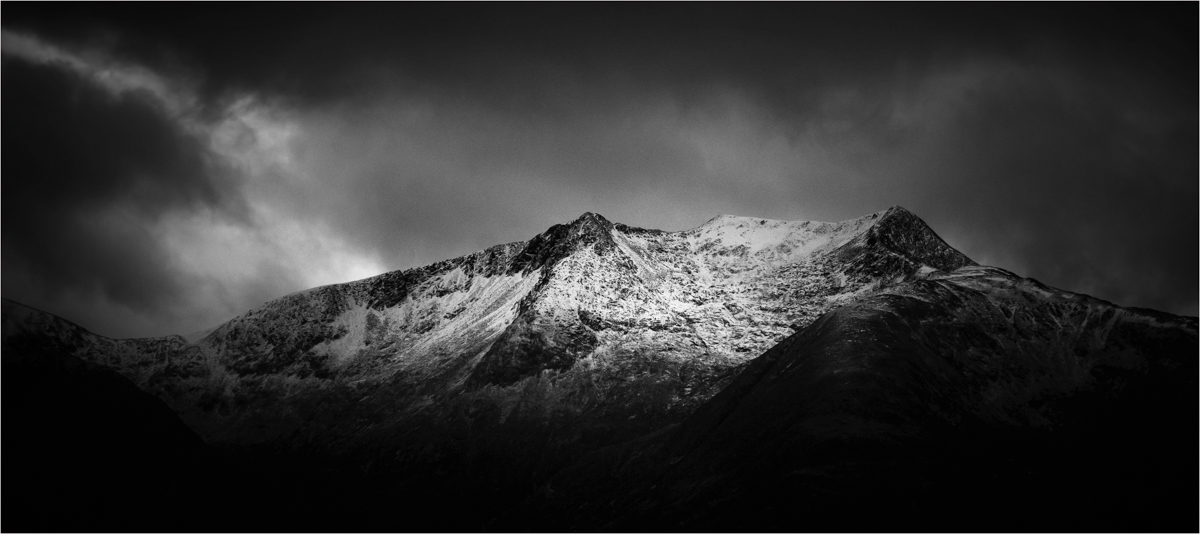
It is nice to see a glacier shot after the disaster in Italy and the glacier collapsing killing many. I love the mood of this image with that light just coming in from the top right, does set a good feeling to how it was up there on the mountain. Great feeling. |
Jul 15th |
| 33 |
Jul 22 |
Comment |
You have captured the scene well and it shows off the the area well. The bend and flows of the river is well depicted. Some of the colours are a touch harsh in the red and orange range, this is easily solve in Lightroom but be delicate.
The people are nice but for me they are far away and don't get that involve in the image and would have been nice to be more closer and involved for a strong travel image. |
Jul 15th |
| 33 |
Jul 22 |
Comment |
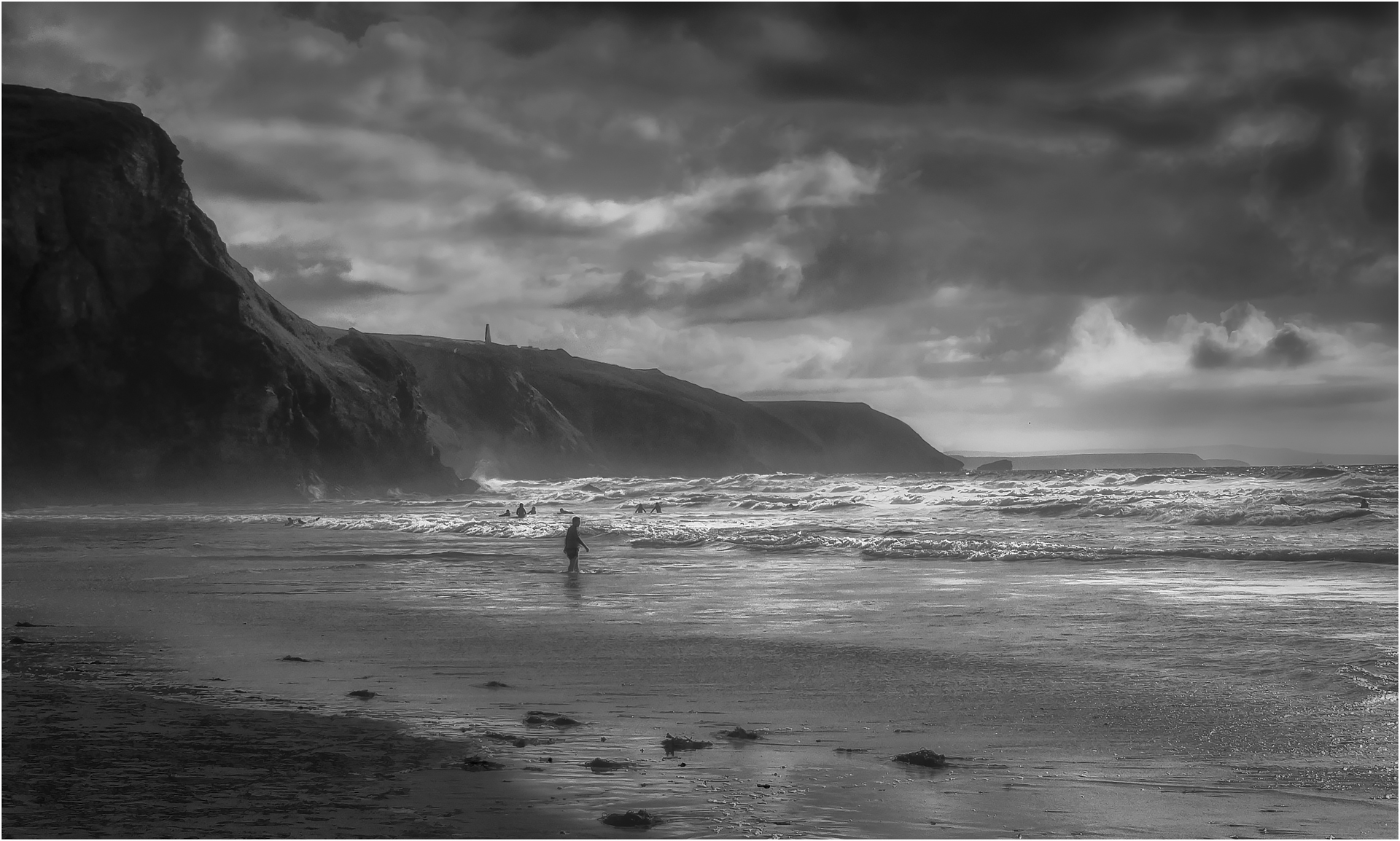
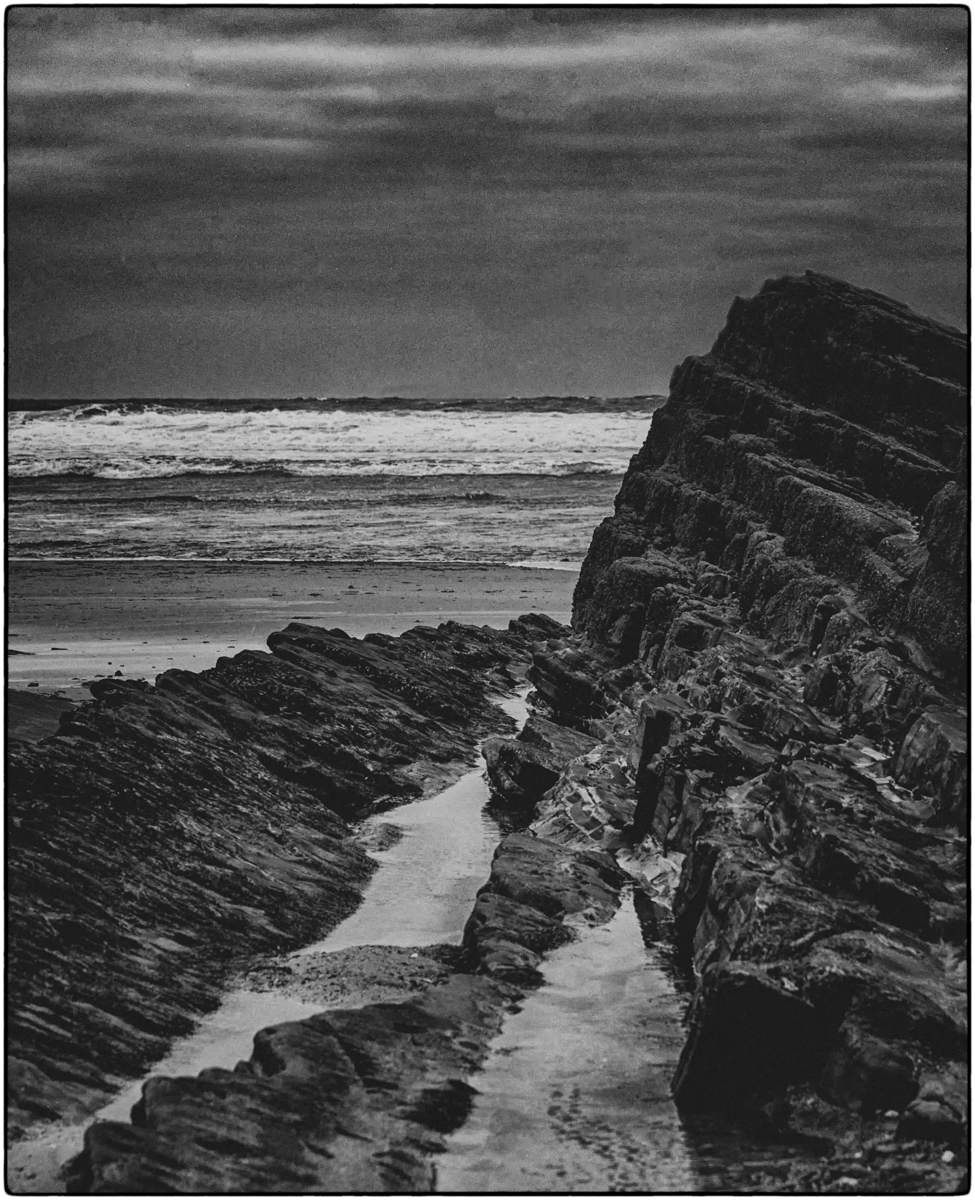
This is just wonderful and has beautiful camera control. Love the ISO setting. The contrast between the lightness of the surf and the harshness of the hills and dark surf on the left is magical. One that I wish I had taken. Congrats |
Jul 15th |
| 33 |
Jul 22 |
Comment |
Classic travel image from this famous waterfall. I do believe that most people that have visited this wonderful place will have a shot of this type. What makes this one a little different are the two people at the back that seem to be praying to the great waterfall gods. You have controlled the image well and it is so easy to blow the water out. One dream trip I will never do. |
Jul 15th |
| 33 |
Jul 22 |
Comment |
Congratulation on a well spotted image, the colours are the magic in this image and the contrast between the orange of the Dragon Fly and pink of the Flamingo's are quite striking. I hear what you say in your notes, it is hard each month to keep coming up with good quality images that are not repeats of what you have already showed. But this image is not that bad, but on occasion you don't see the image for "all the wood" is the saying over here. With a simple crop there is a better image in here. Just an idea. Paul |
Jul 15th |
 |
| 33 |
Jul 22 |
Comment |
Original image without any alterations. |
Jul 6th |
 |
6 comments - 1 reply for Group 33
|
| 39 |
Jul 22 |
Comment |
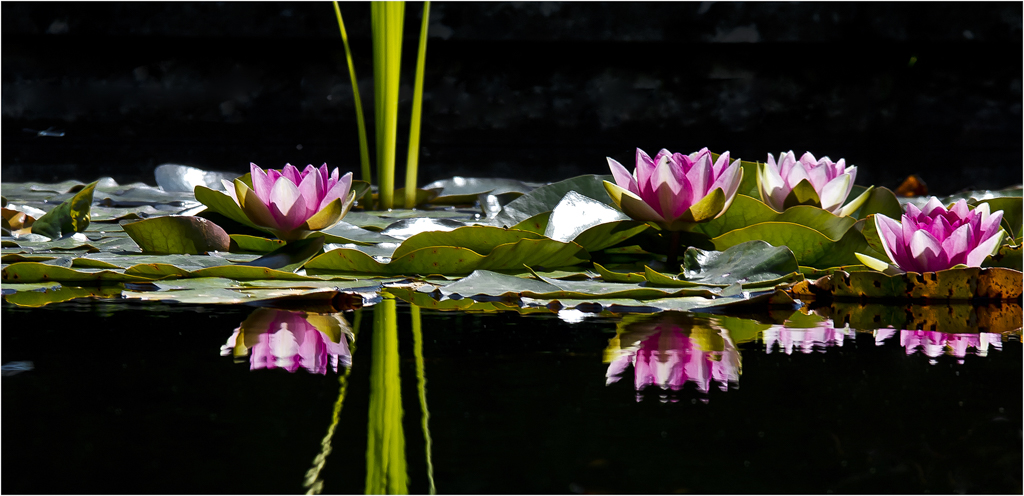
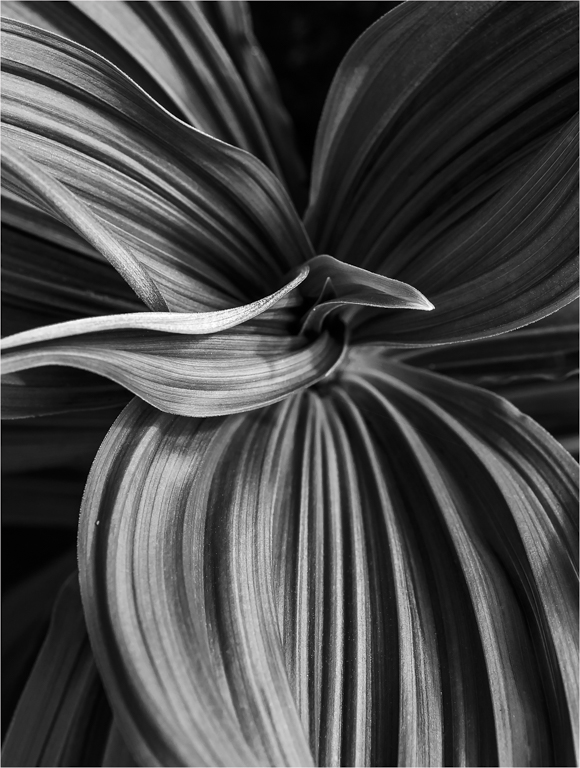
You have captured the detail in the centre of the flower very well and the rest then frames that, yes you could blur and darken the background more but where does it start to look false. This one does work better in colour as it is about that wonderful pinks against the green. But you have done well to hold the detail and constrast. |
Jul 15th |
| 39 |
Jul 22 |
Comment |
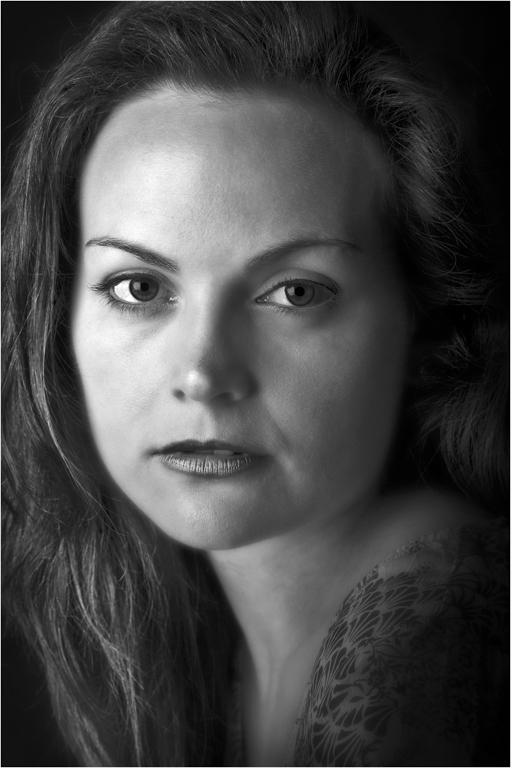
Another fine shot from the stage, the mood and anguish from the lass comes across very well. But I do wish the focus was sharp on her face and narrow and the image would pop. So I had a go with PS to see if you could get there. |
Jul 15th |
 |
| 39 |
Jul 22 |
Reply |
That is a good idea, but a lot of work. The problem is that rip tide, getting the blur right so it looks natural and not just an add will be fun. Will give that a god when got five mins. |
Jul 15th |
| 39 |
Jul 22 |
Comment |
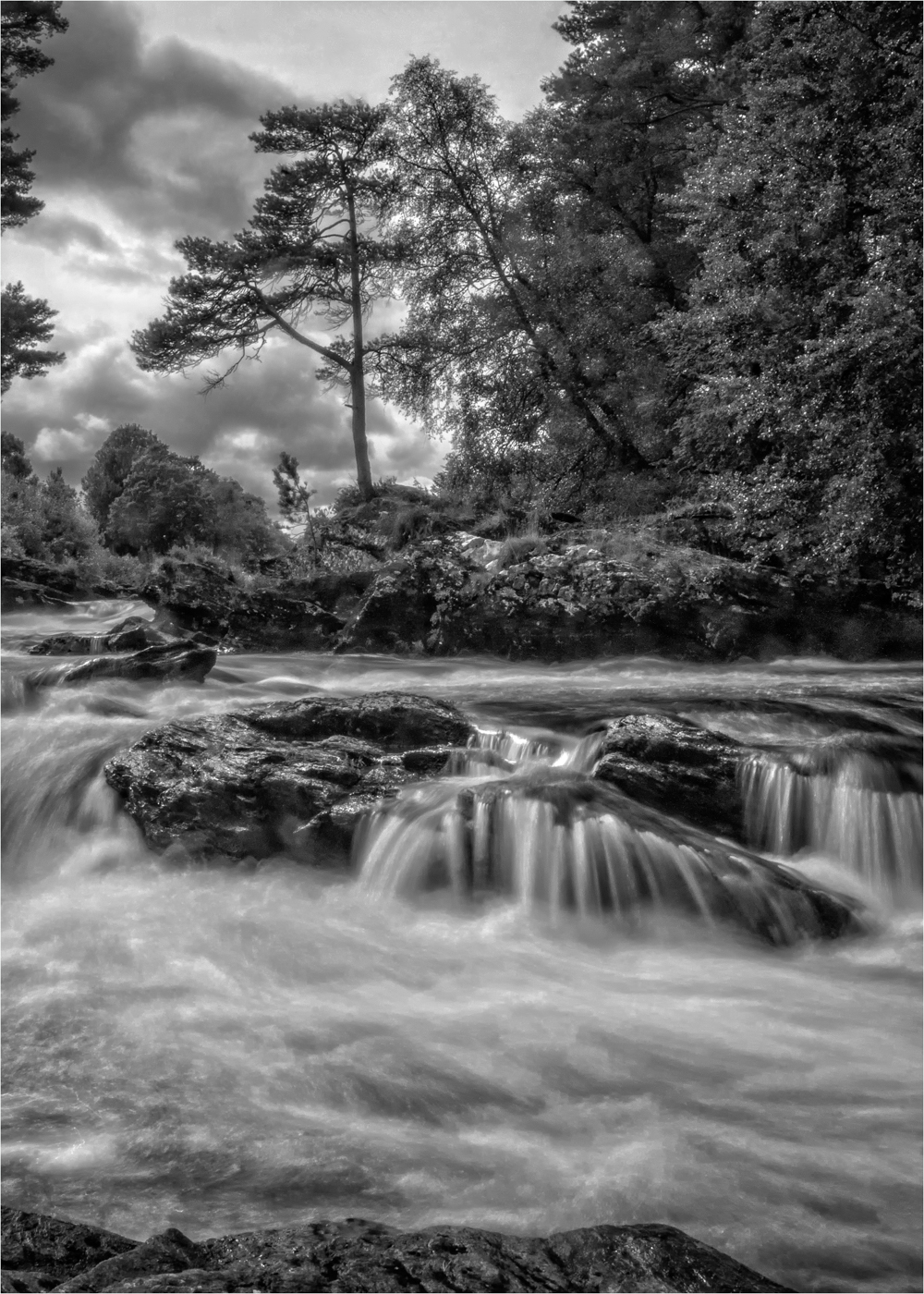
I am not amazed that you got that quality, you have been presenting this quality for months and still keep coming and we all sit here thinking do we need these expensive cameras.
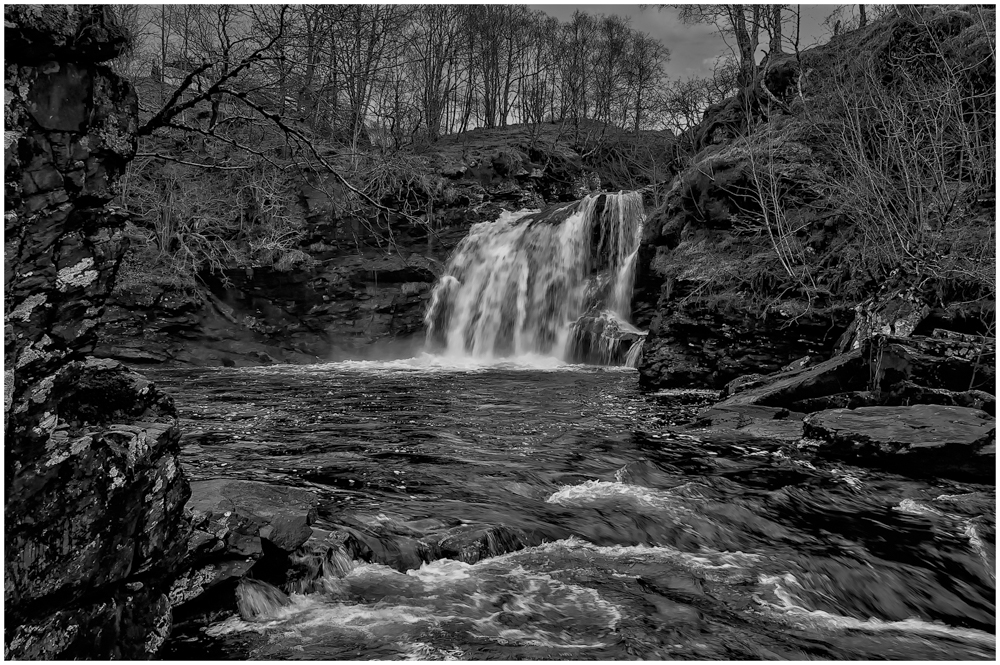
Love the composition and the flow down of the Waterfall. I do find the image rather grey for an IR and would have liked the blacks to be blacker and some of the whites to be whiter to give that vast contrast I like to see with IR.
Like to see more of the IR filter. |
Jul 15th |
| 39 |
Jul 22 |
Comment |
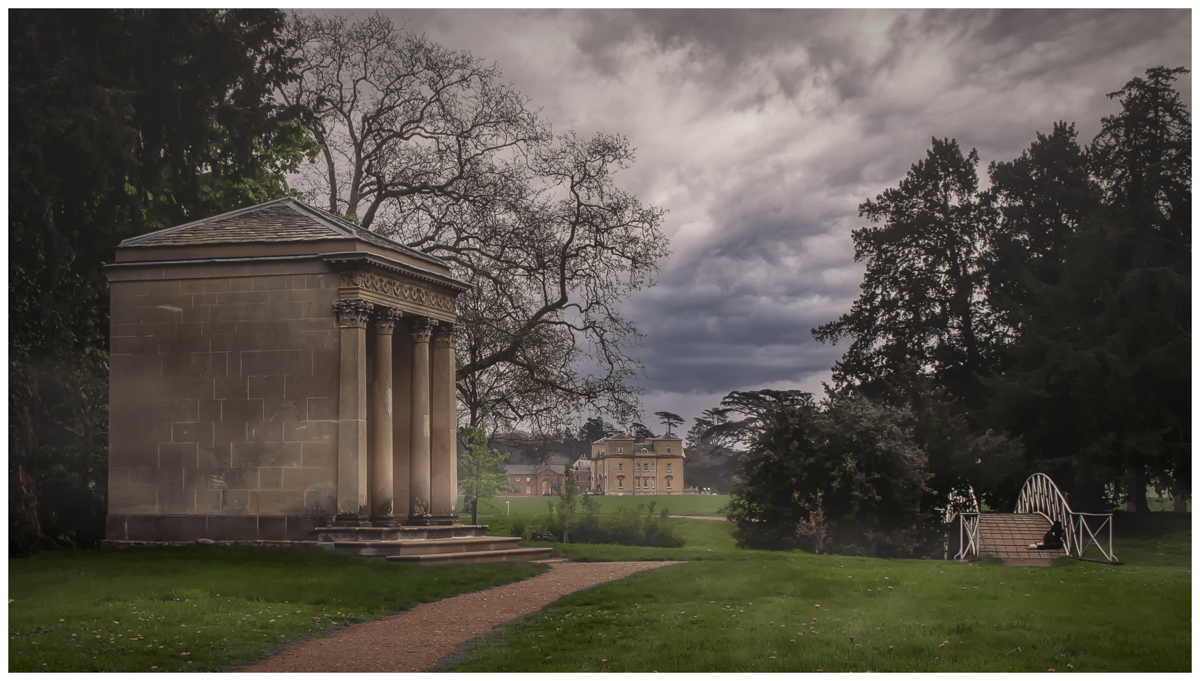
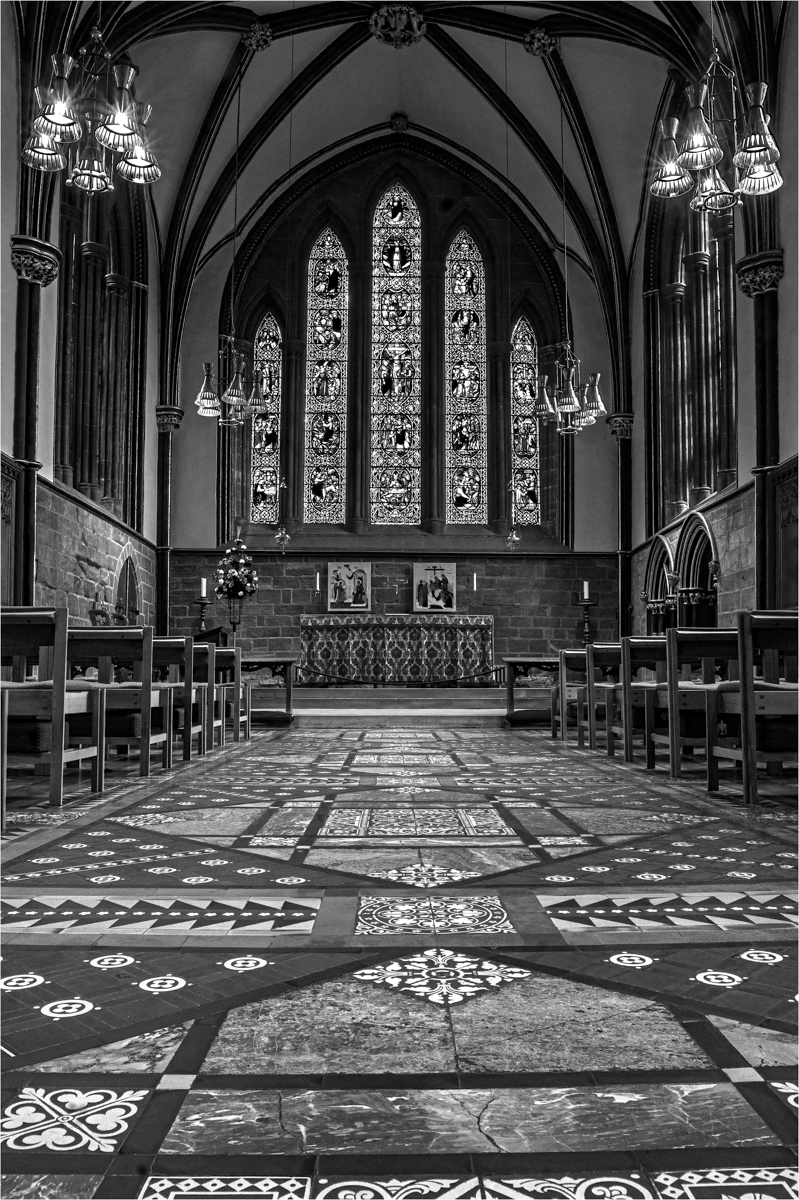
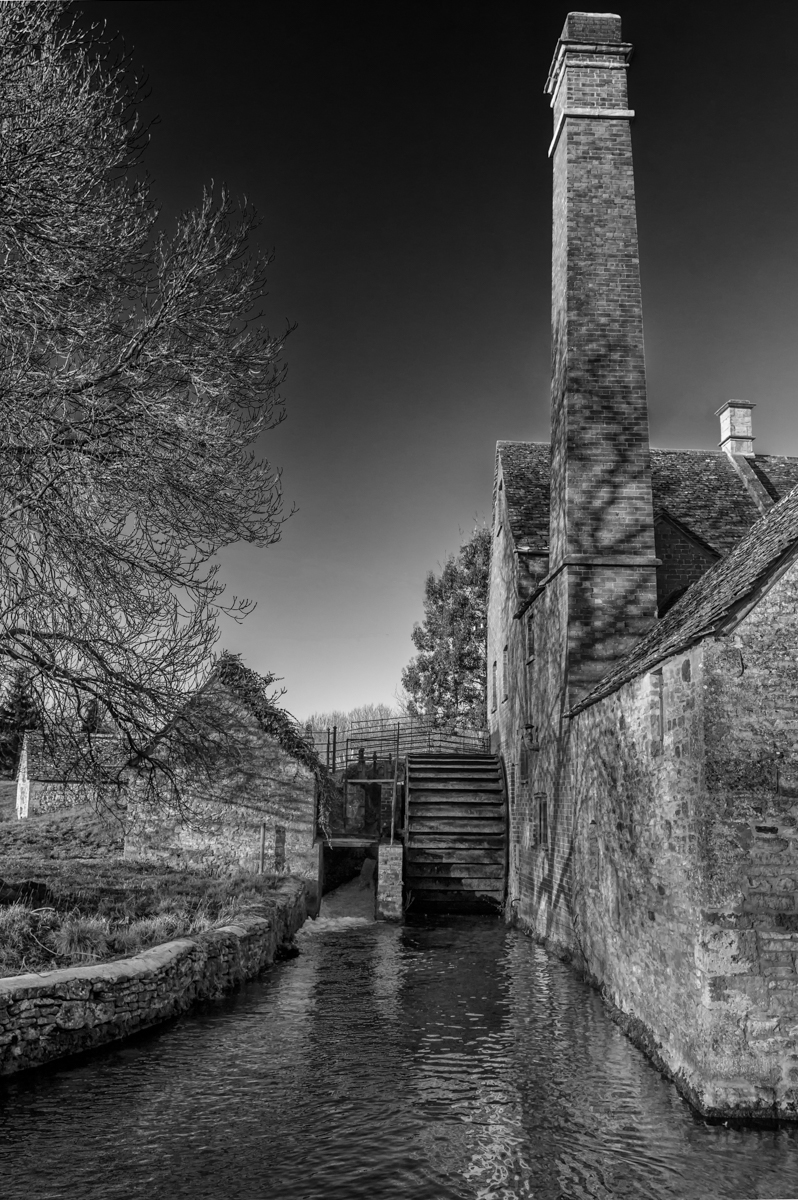
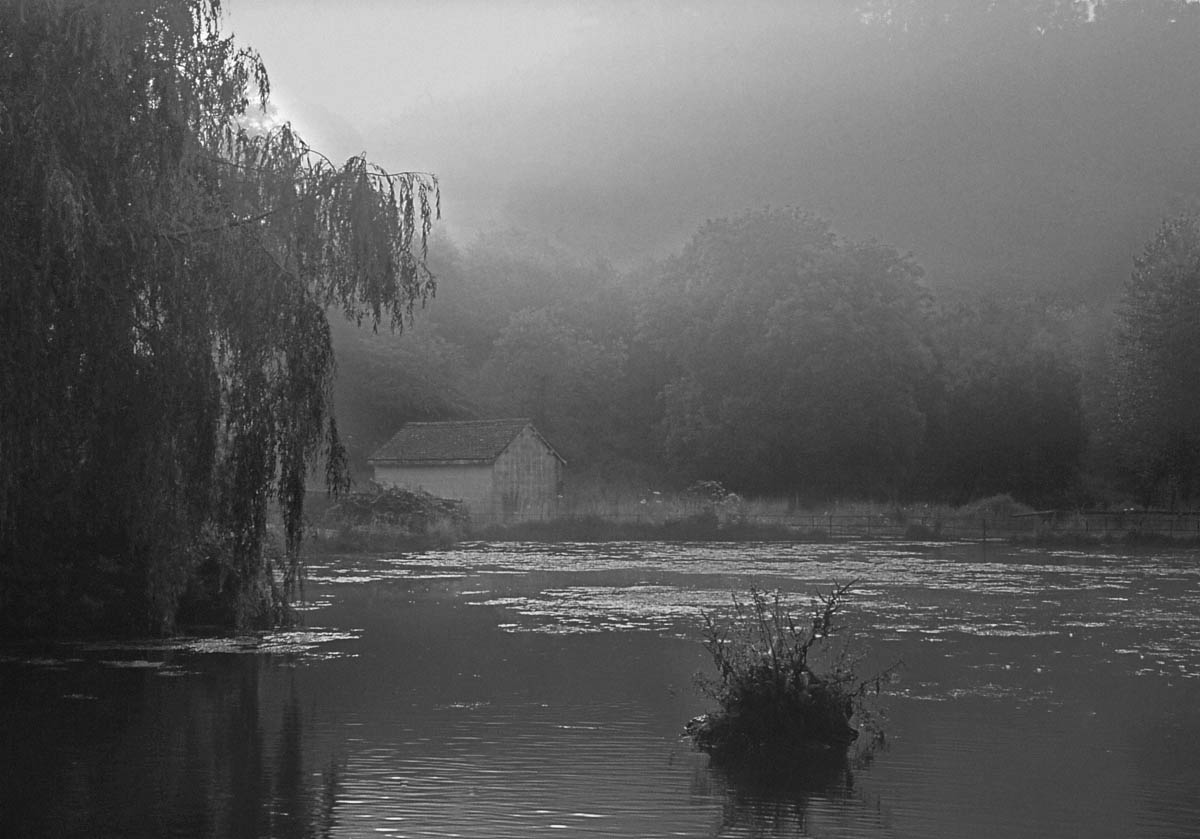
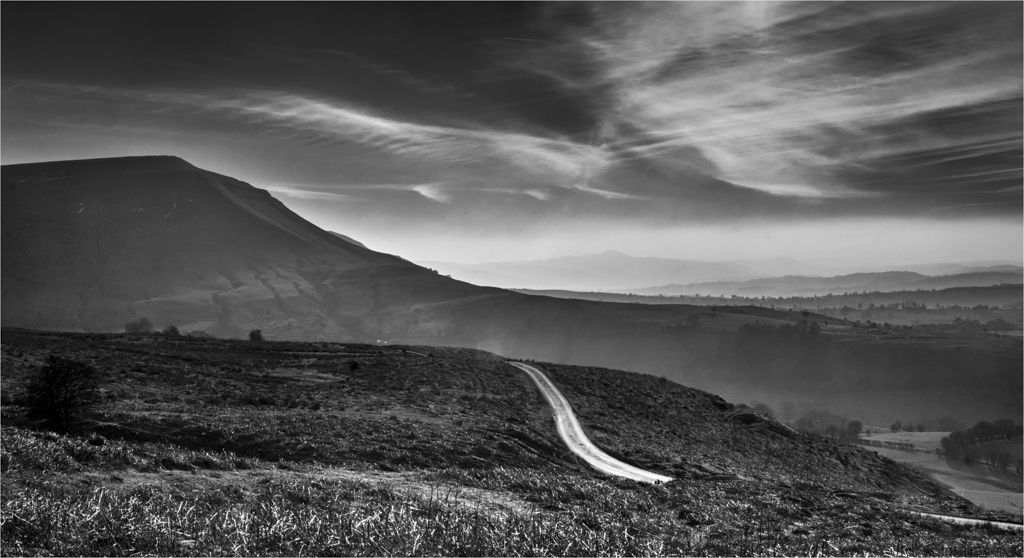
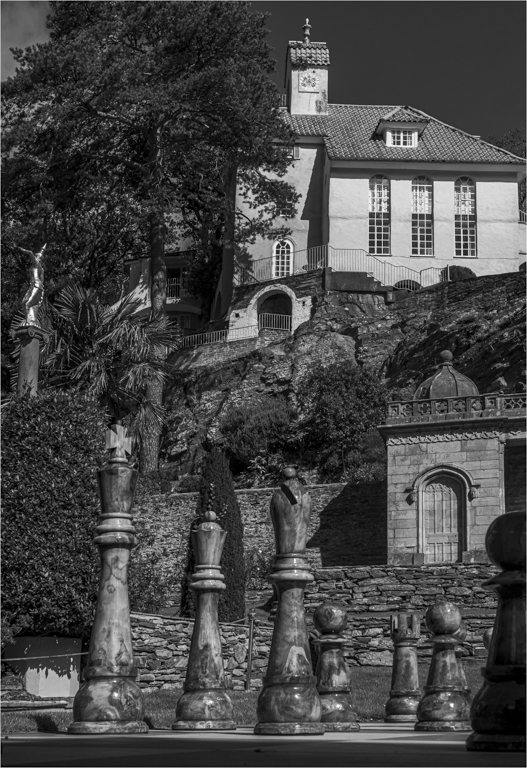
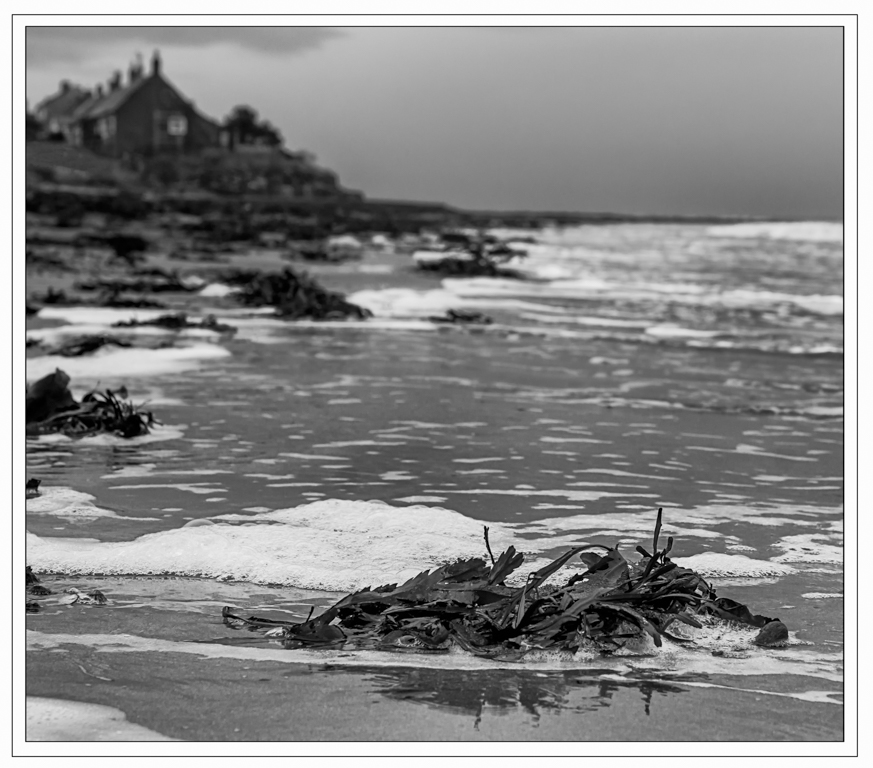
Hi Fran and welcome. Great starting image, talk about jumping in the deep end. This image has so much potential as it has a fab sky and a lovely composed scene with the house and the mist. Now I am not going to look at this with a judges eye but a very experienced Adobe worker.
Owing to the vast contrast of this image you are going to struggle in Silver Effects and you have to very careful which presets you use, Silver Effect is quite a destructive software with pixels and you can see that on the hard edges you are getting white lines and breakage.
For this type of image using something like Luminosity Masks would work so much better, you control all the layers of greys and there is no destruction and you would balance all the tones of the image much better and come out with something quite magical. You can do it in Silver Effects but it takes a lot of practice and you have to be very delicate with your controls.
If you want to know more about Luminosity Masks, Look up Tony Kyper on YouTube. Potential |
Jul 15th |
| 39 |
Jul 22 |
Comment |
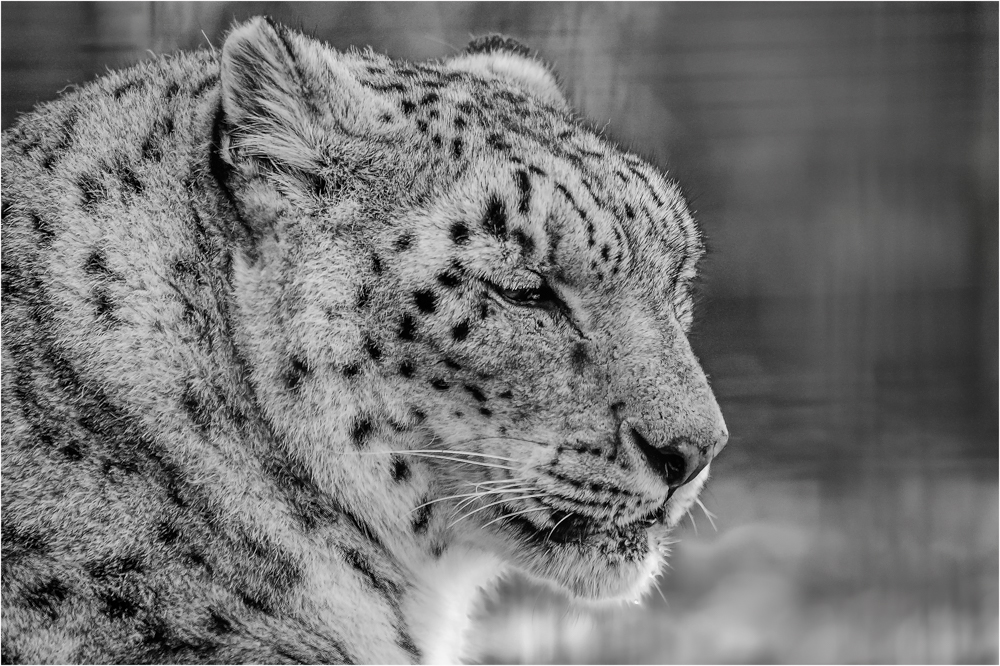
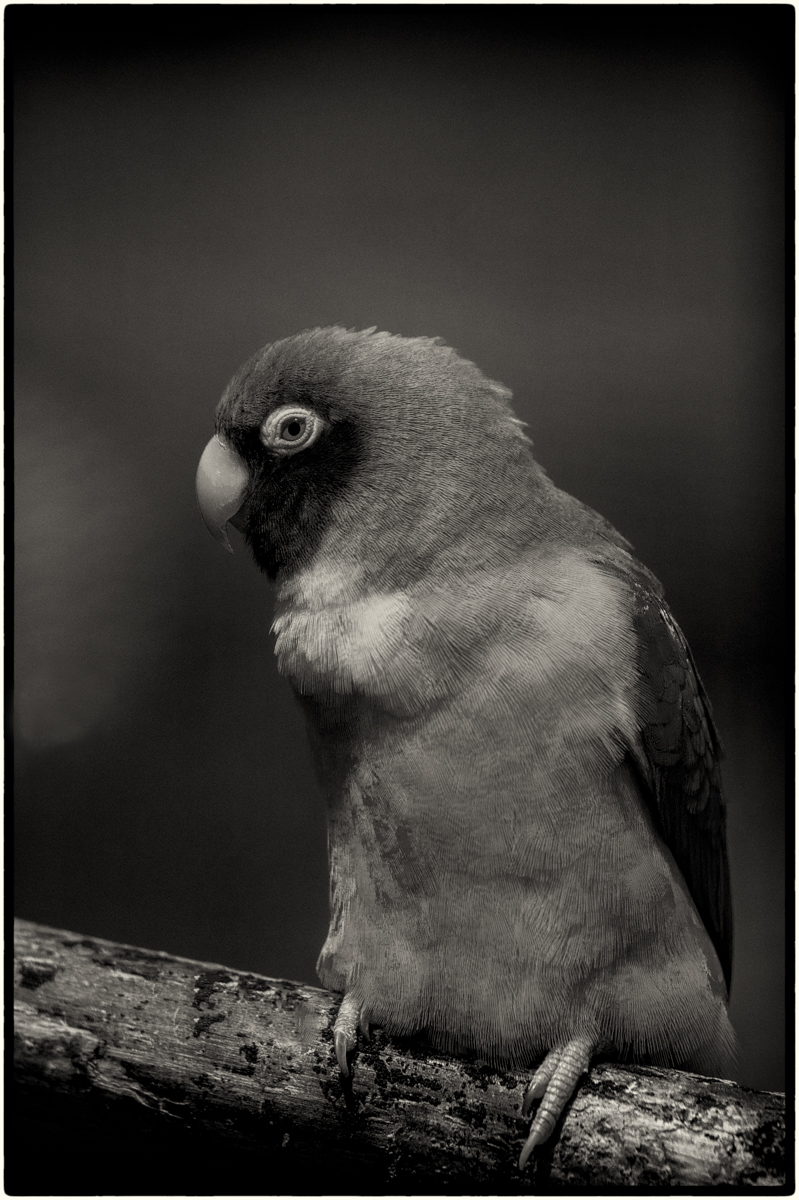
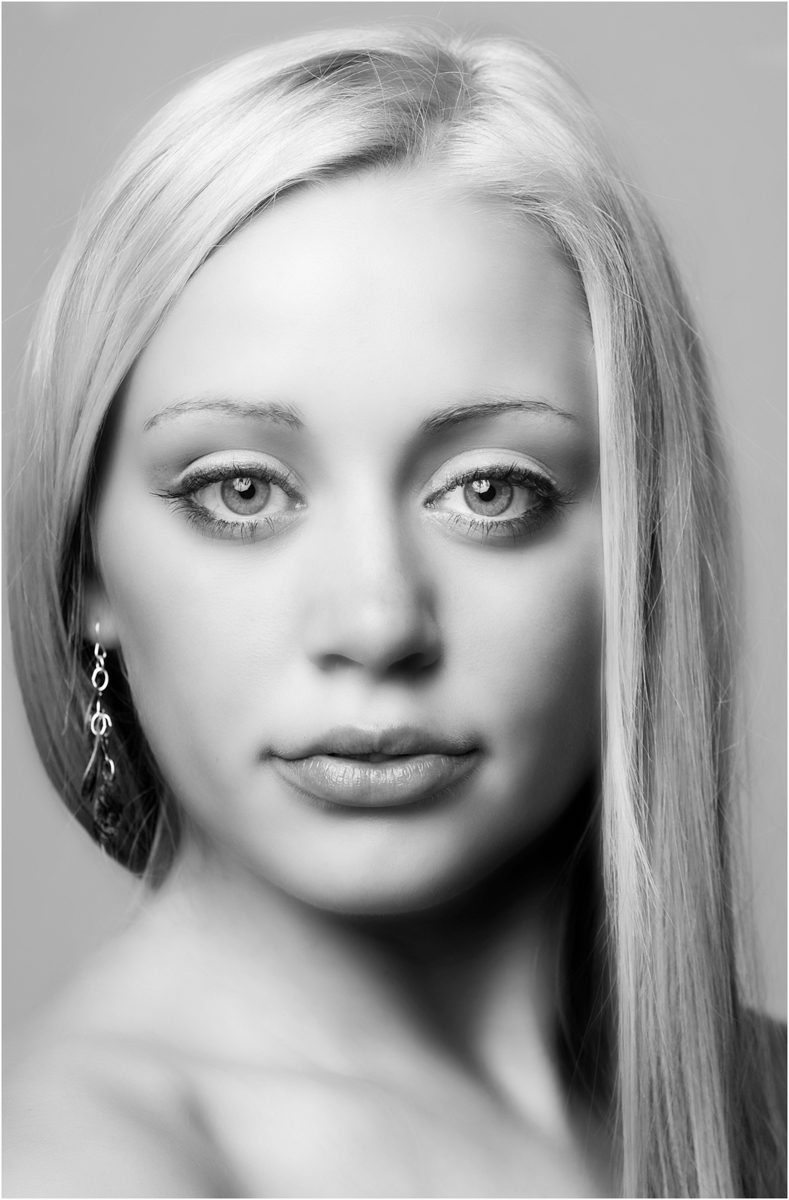
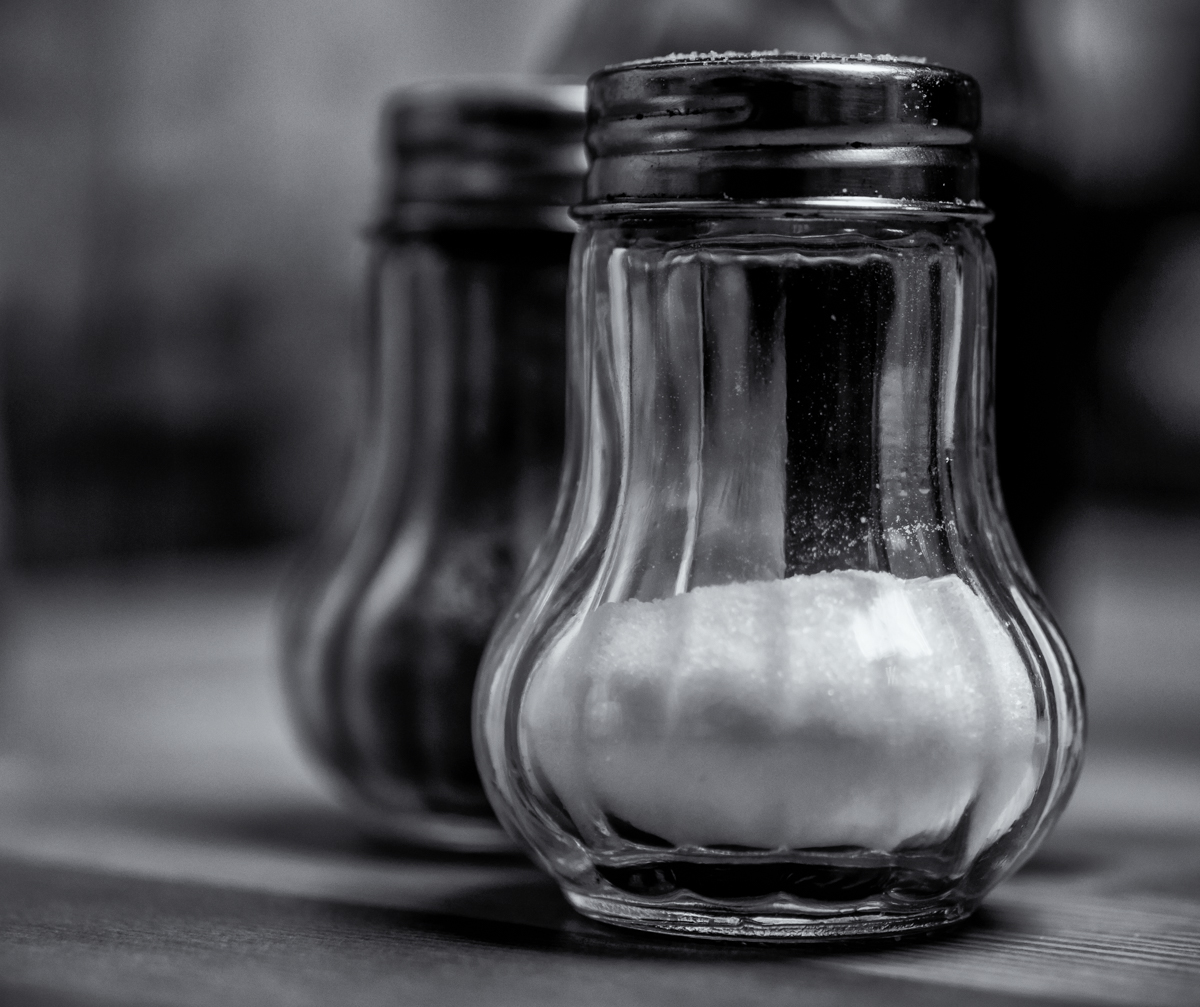
You have captured the head quite nicely, the sharp bits are well capture and very shallow depth of field blurs the rest of quickly. My problem is the tint, for me it is hiding a lot of the detail. I had a look in Silver Effects and chose High Structure Smooth, but could have gone for a few more, including the tint version but not as harsh as this. I also think that the border distracts from the image and does not complement it.
As for the bottom right, yes it does catch the eye, you have two option and neither involve cropping as the balance of the image will be ruined. One is to use a vignette and the second is to remove the two bright area, but is the image worth the time spent. I went for the light vignette done with the curve pallet.
Black and White brings out more of the detail and the alternation border is more complimentary to the image. But we all have different taste or life would be very boring. |
Jul 15th |
 |
5 comments - 1 reply for Group 39
|
11 comments - 2 replies Total
|