|
| Group |
Round |
C/R |
Comment |
Date |
Image |
| 39 |
Jul 21 |
Reply |
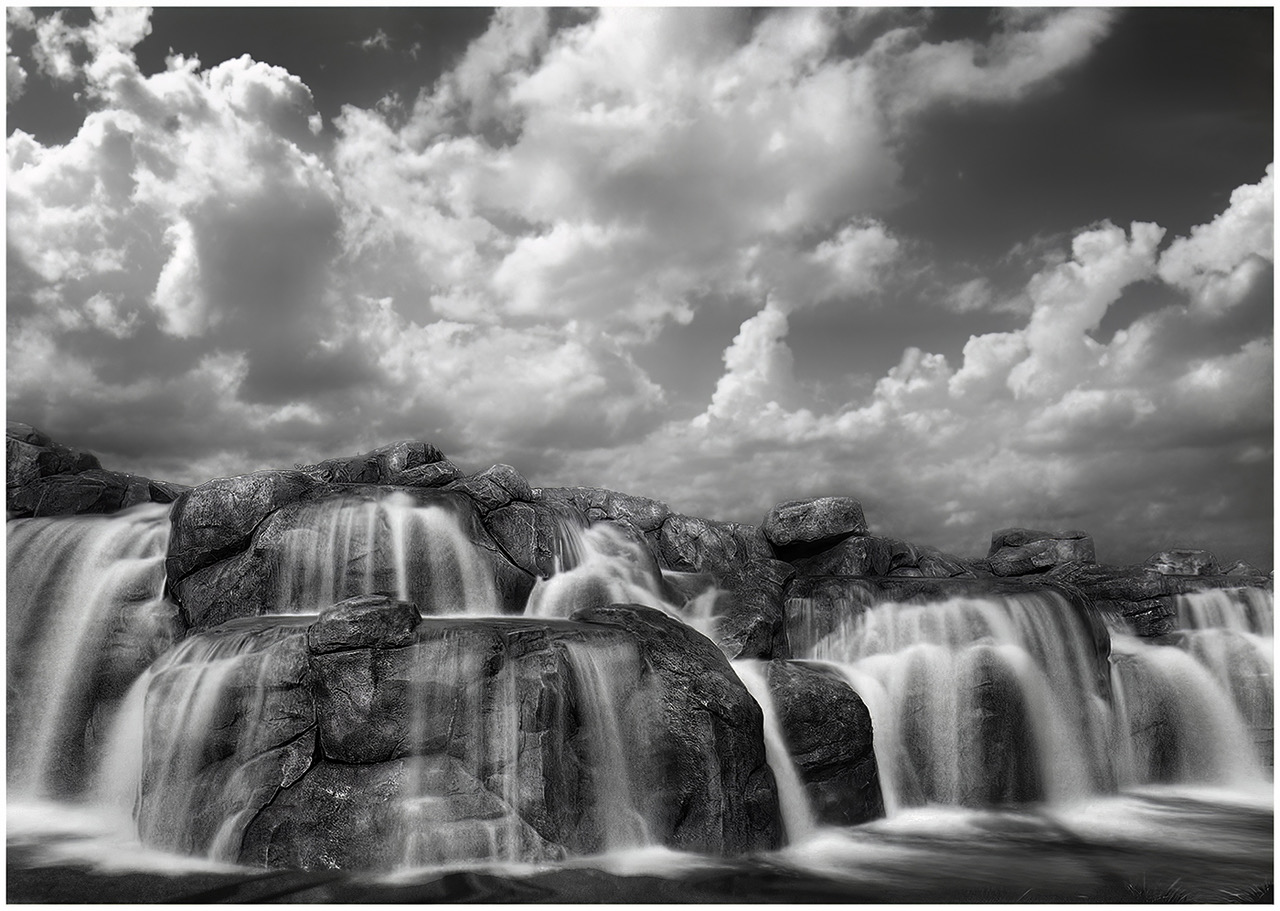
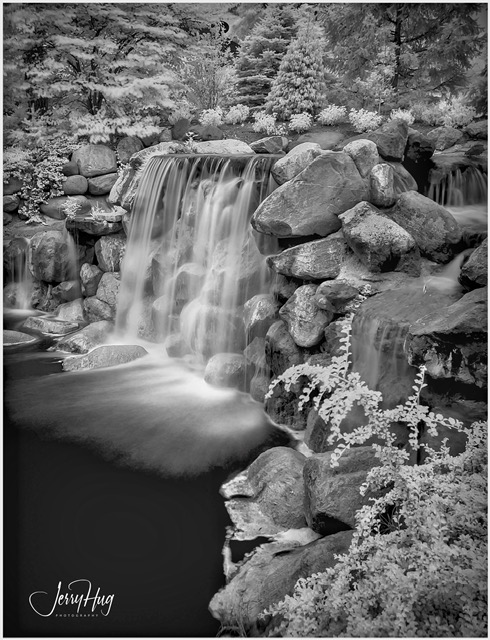
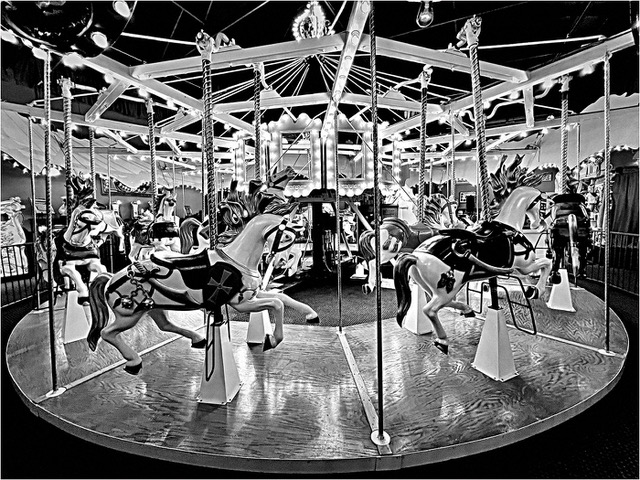
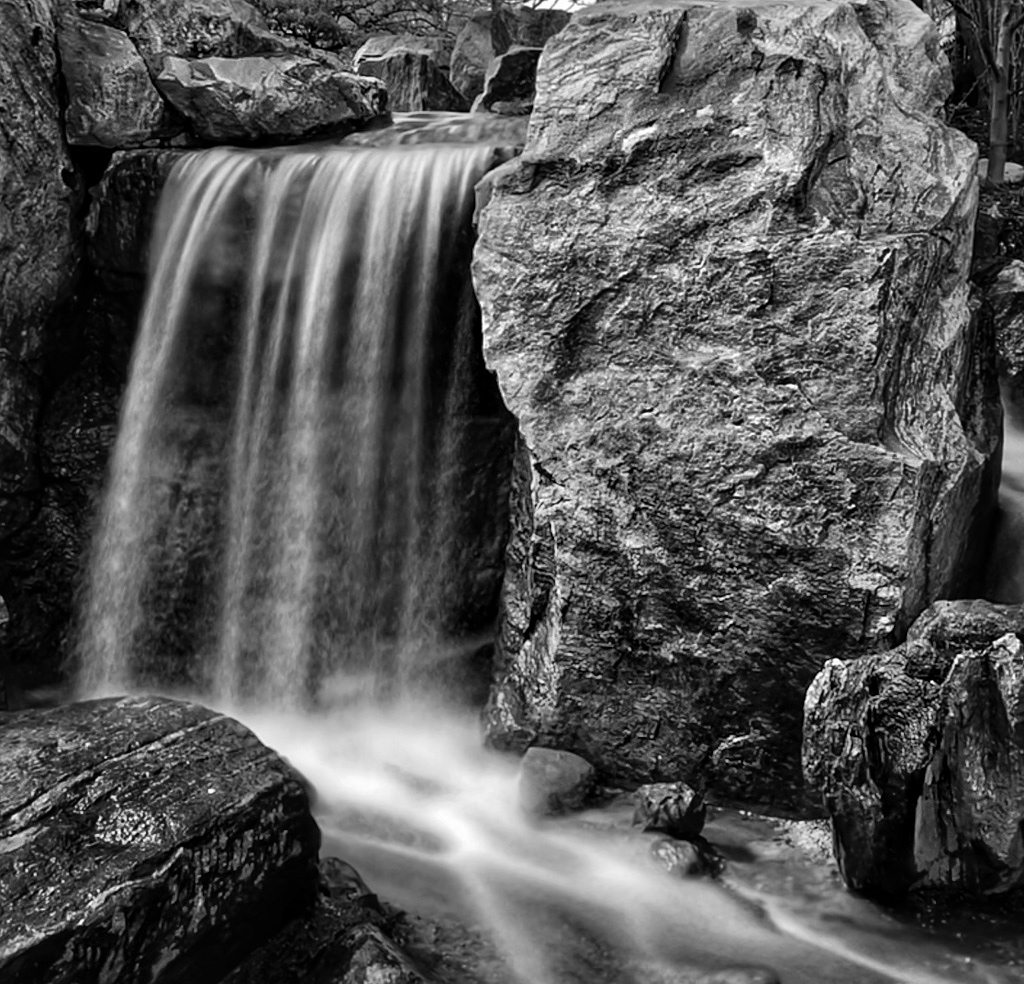
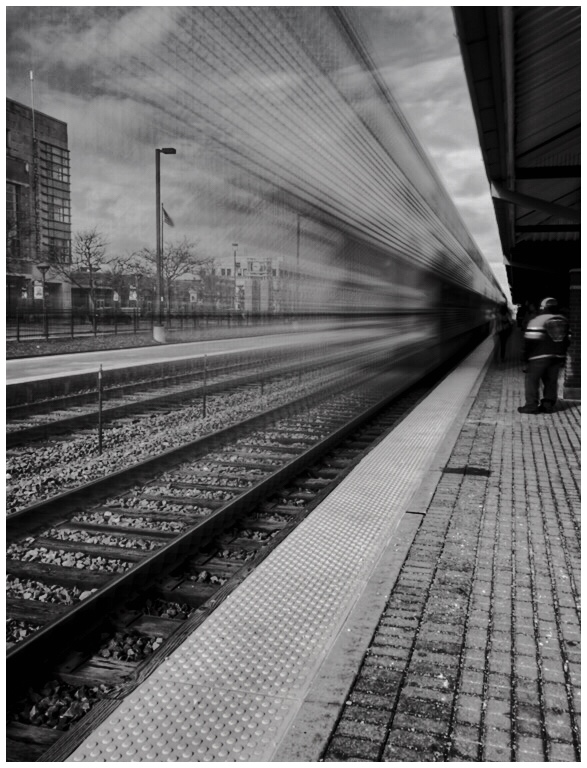
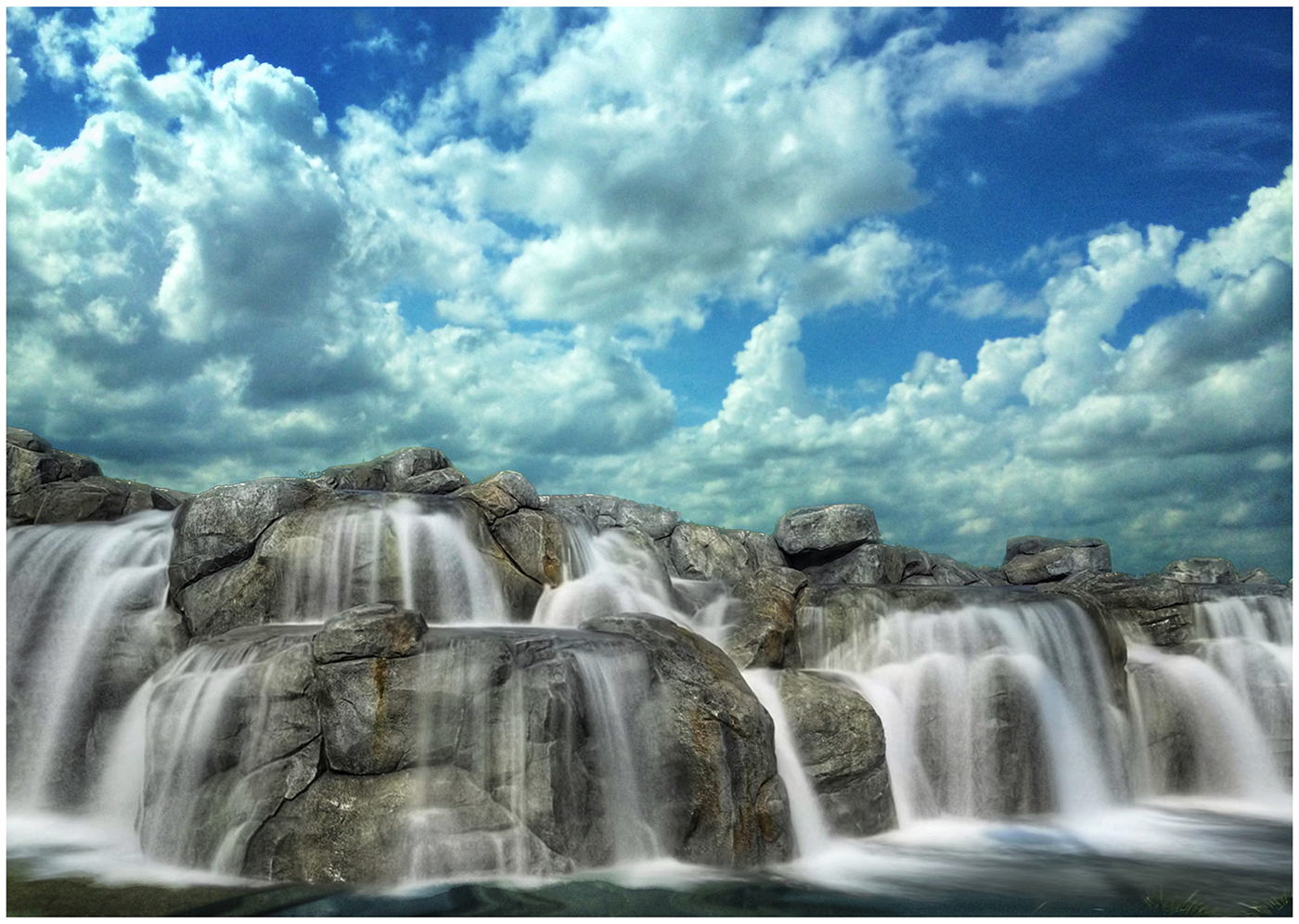
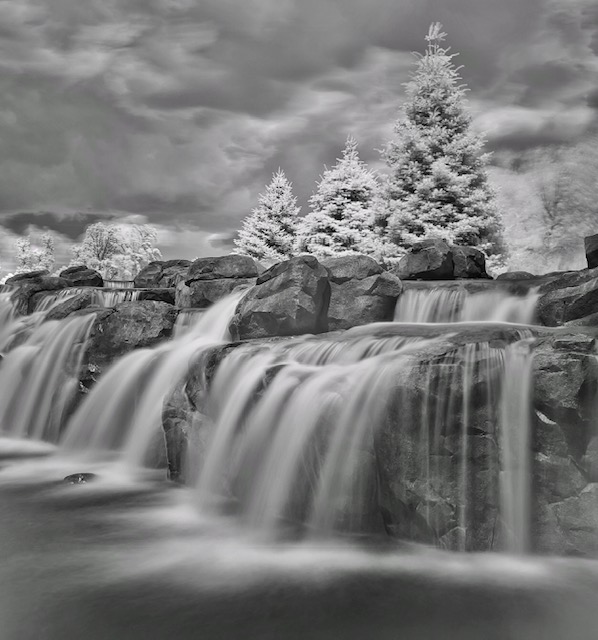
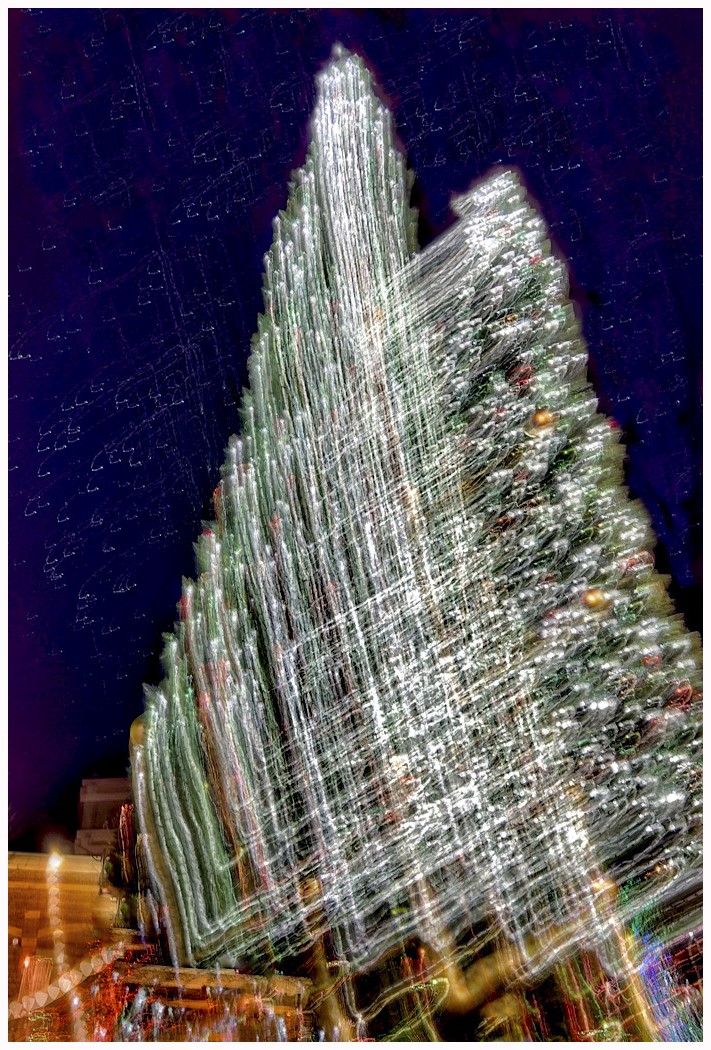
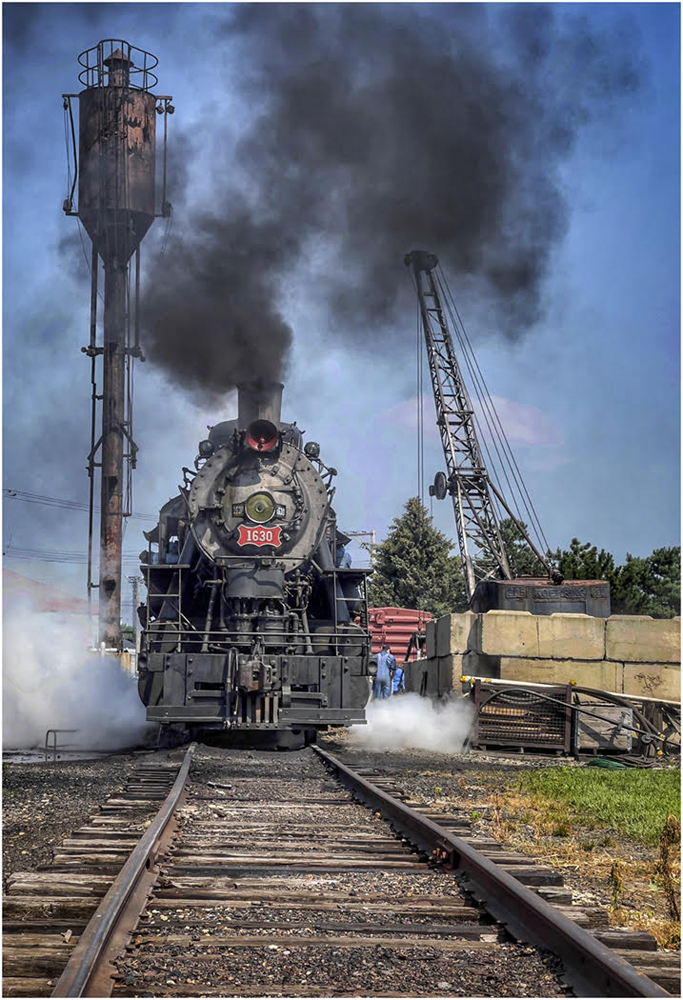
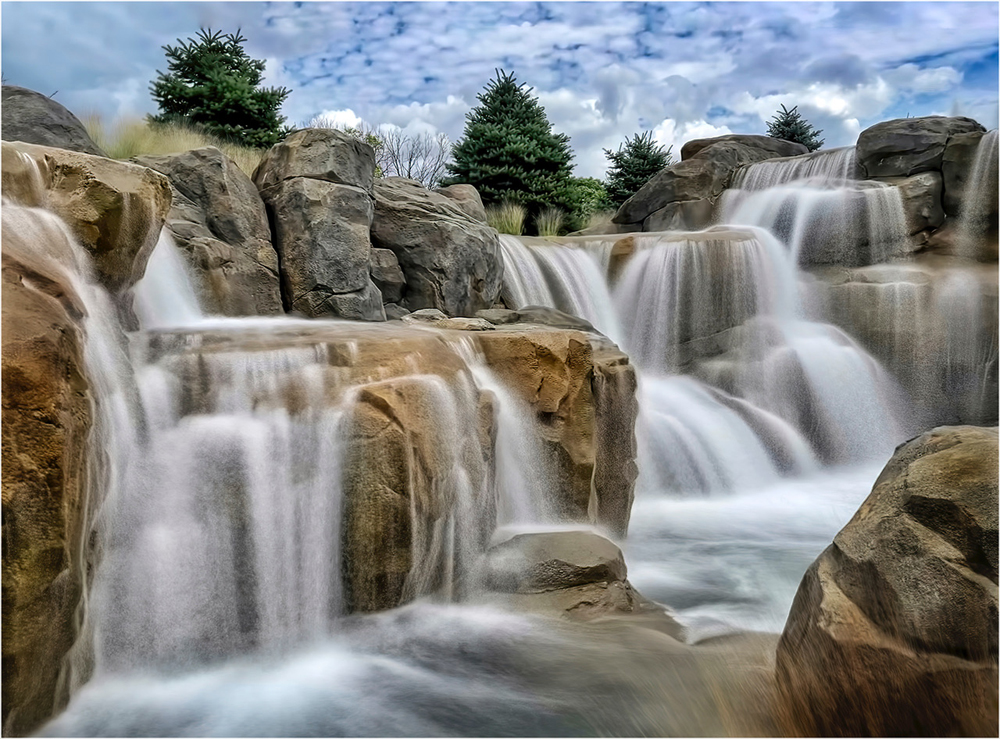
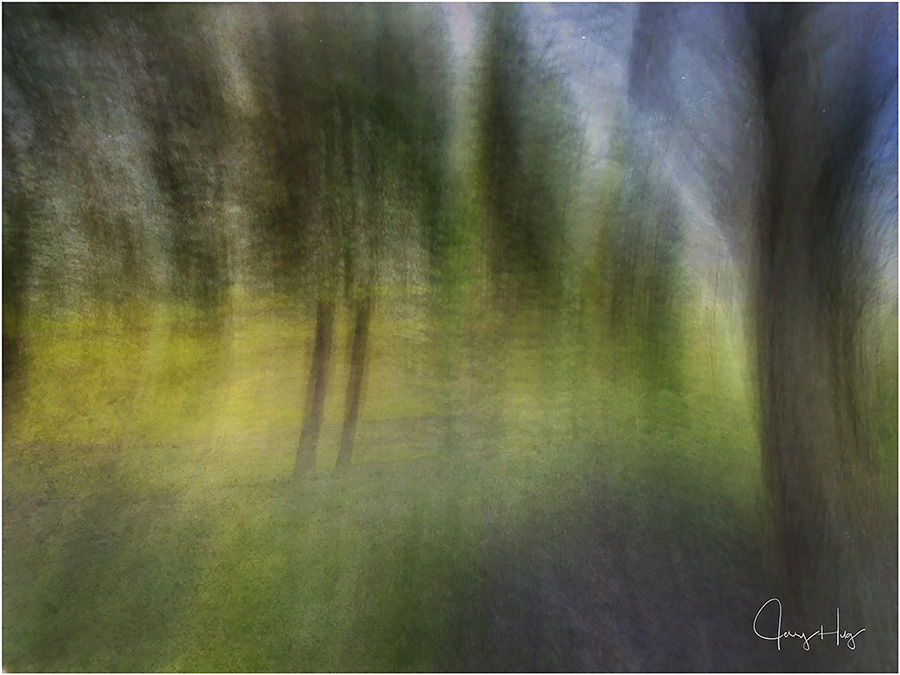
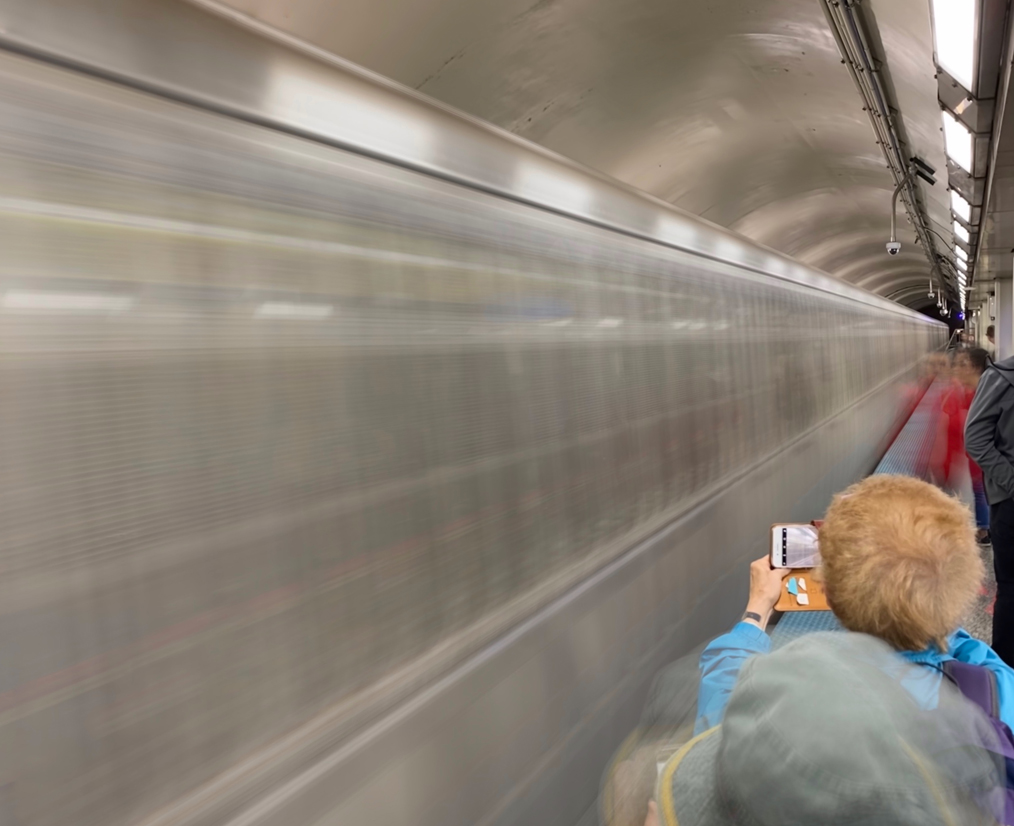
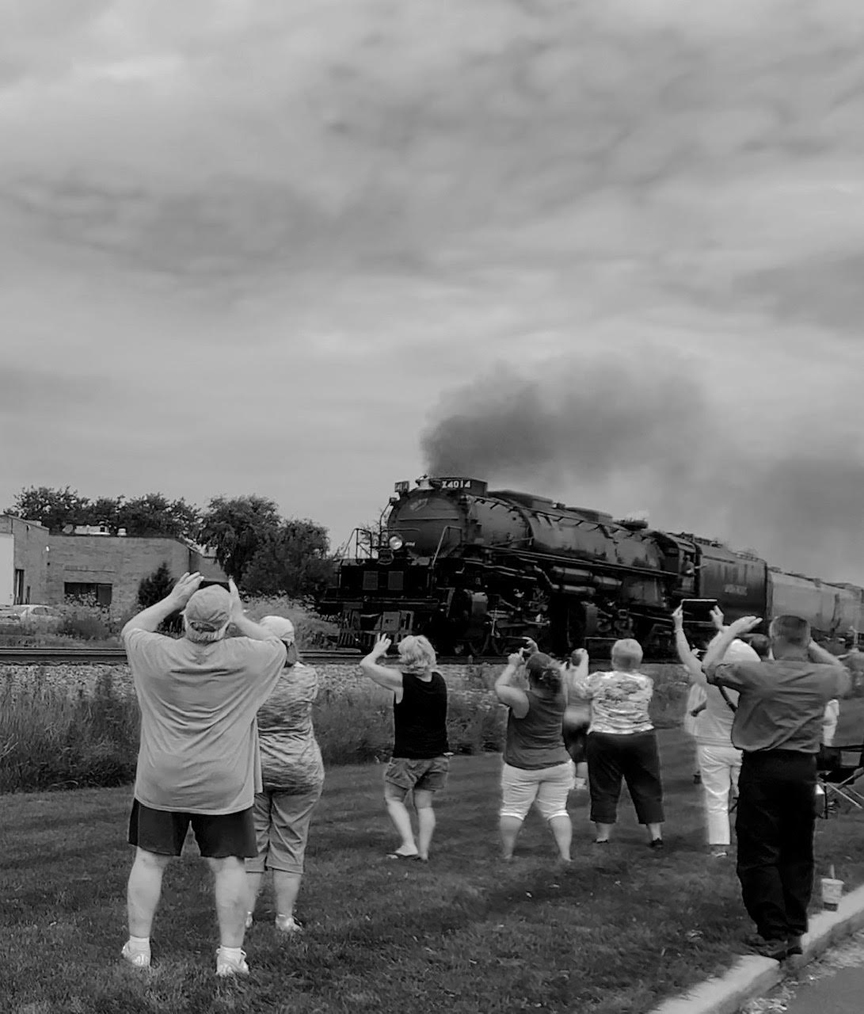
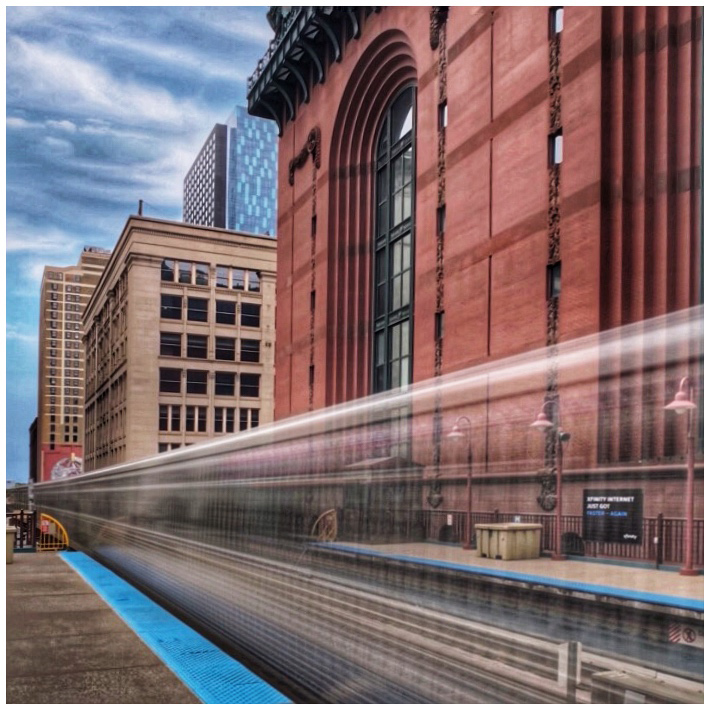
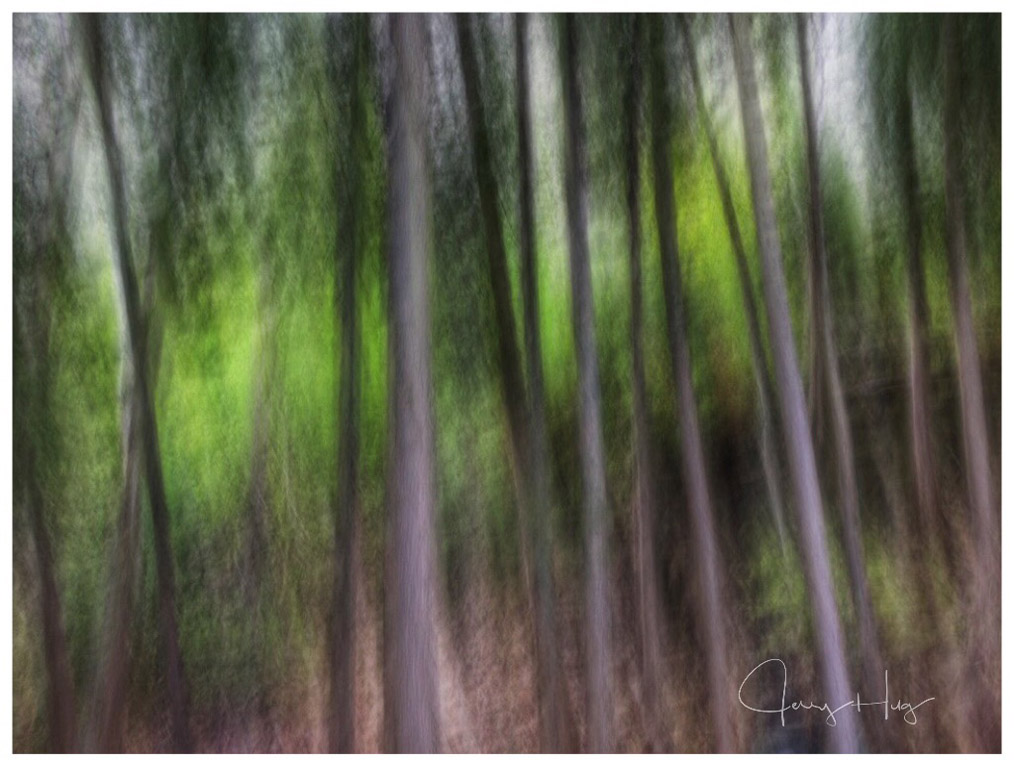
Paul, does your Samsung have anything like the iPhone "Love Photo"? It really is not a photo. It is 3 second video. It actually captures before and after you click the button. Crazy I know. Three areas where I use it. Waterfall and Mountain fast moving streams, Passing by fast trains, and moving carnival rides like ferris wheels etc. After taking the photo, you have three choices: Loop, Bounce and Long exposure. I use the long exposure. The other 2 choices are kind of cute things but do not interest me. If you have a friend that has an iPhone, have them show you how it works. Jerry
|
Jul 20th |
| 39 |
Jul 21 |
Comment |
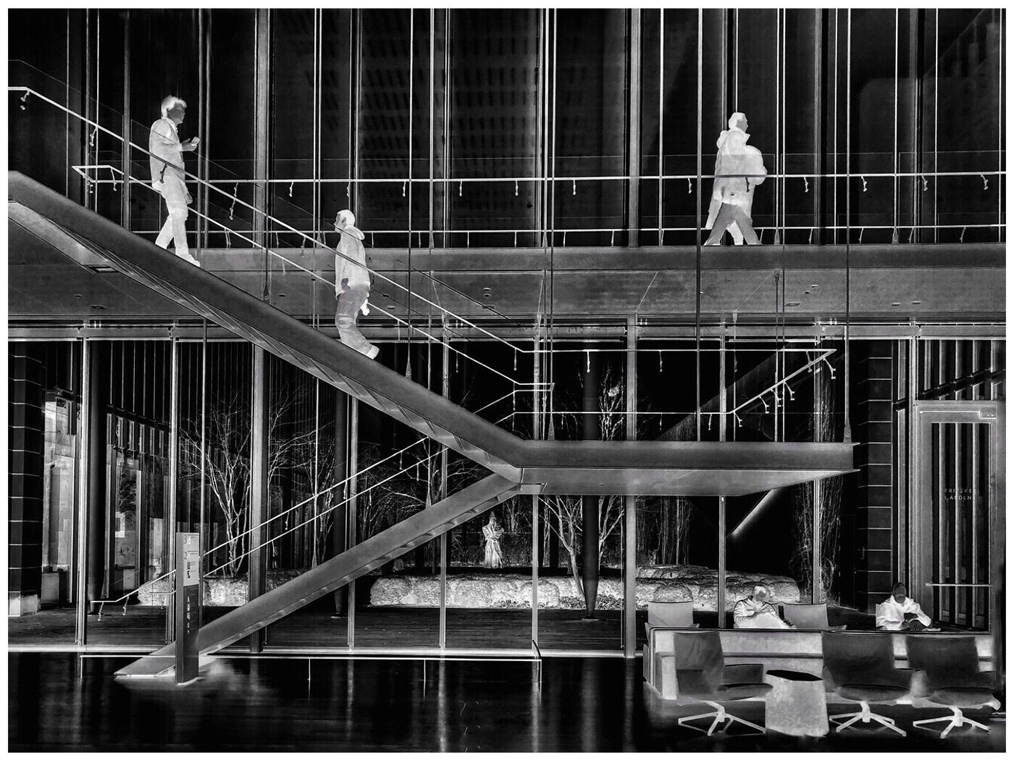
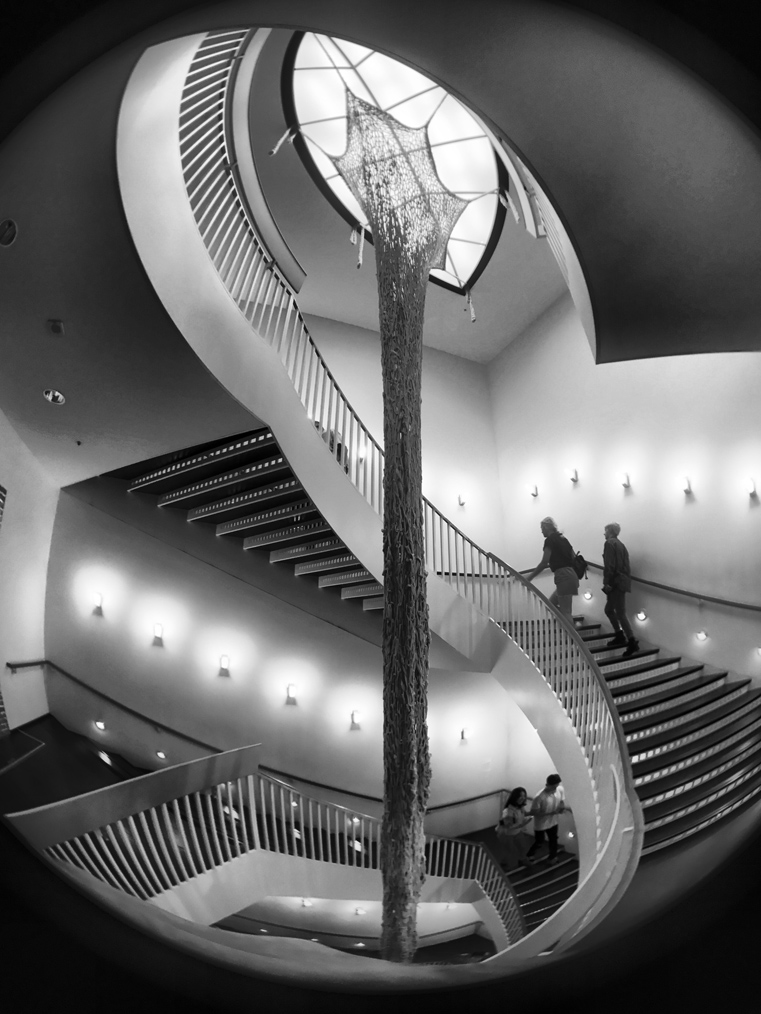
"Woman on the stairs"
You have 2 centers of interest. The woman is a great distraction that adds tension and excitement to a pure photo of just a stairs. She is on the stairs and her pose is kind of unique. I am not sure what she is holding in her right arm in addition to her purse? It could be part of her dress or wrap? Jerry. Nice image. |
Jul 10th |
| 39 |
Jul 21 |
Comment |
The beak pulling on the peanut shell and the claw of the foot hanging on the feeder frame shows the action and power of this bird. The sharp areas of the bird are really sharp. Depth of field is always an issue when pushing up the speed to get the controls that you want.
Nice conversion. |
Jul 10th |
| 39 |
Jul 21 |
Comment |
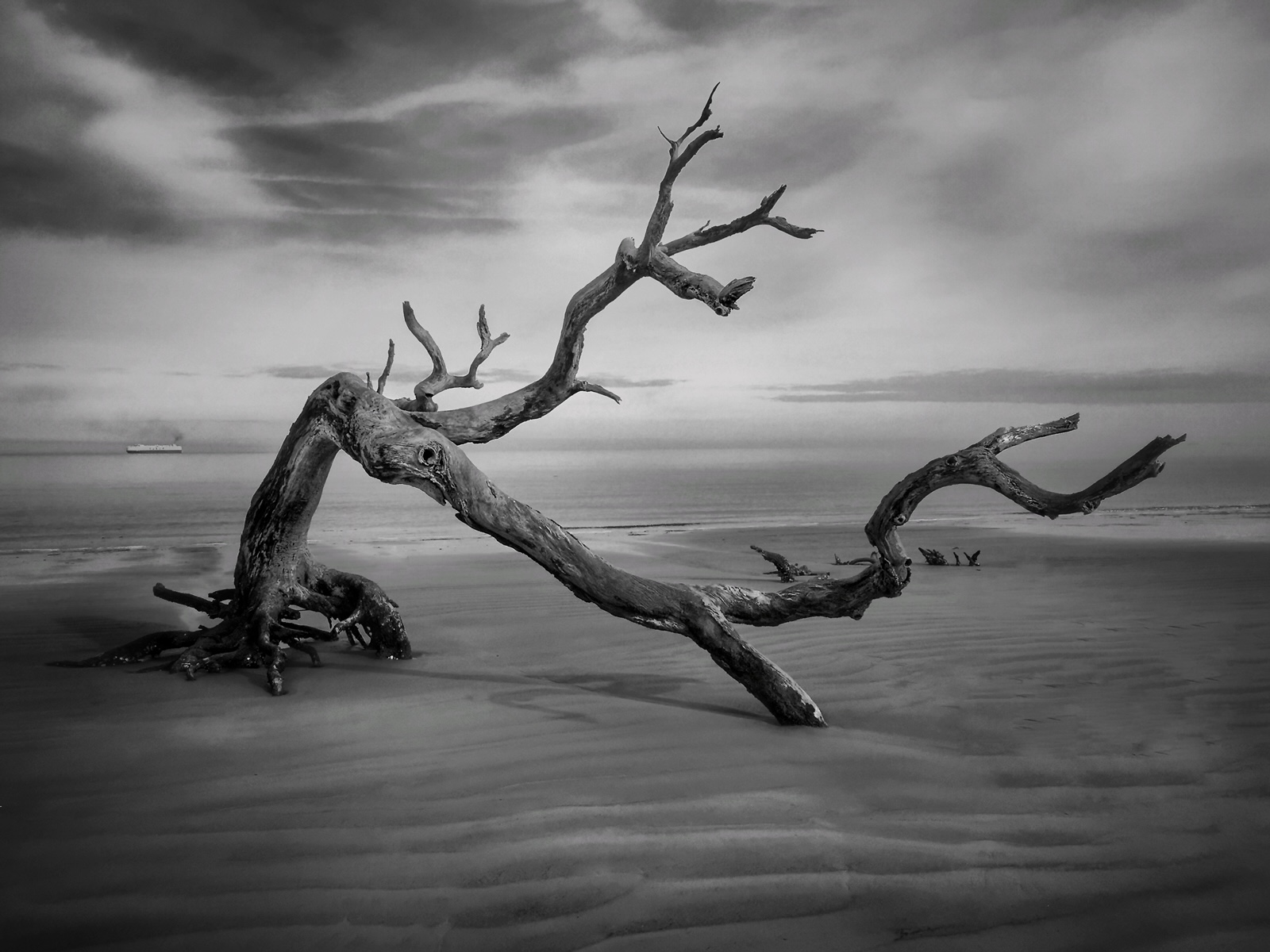
I totally agree with David. A very strong image. The minimalism approach is what make this image for me.
How did you get around the sand dues with out leaving tracks? I assume that the photographer in the image was a friend or just another photographer? |
Jul 10th |
| 39 |
Jul 21 |
Reply |
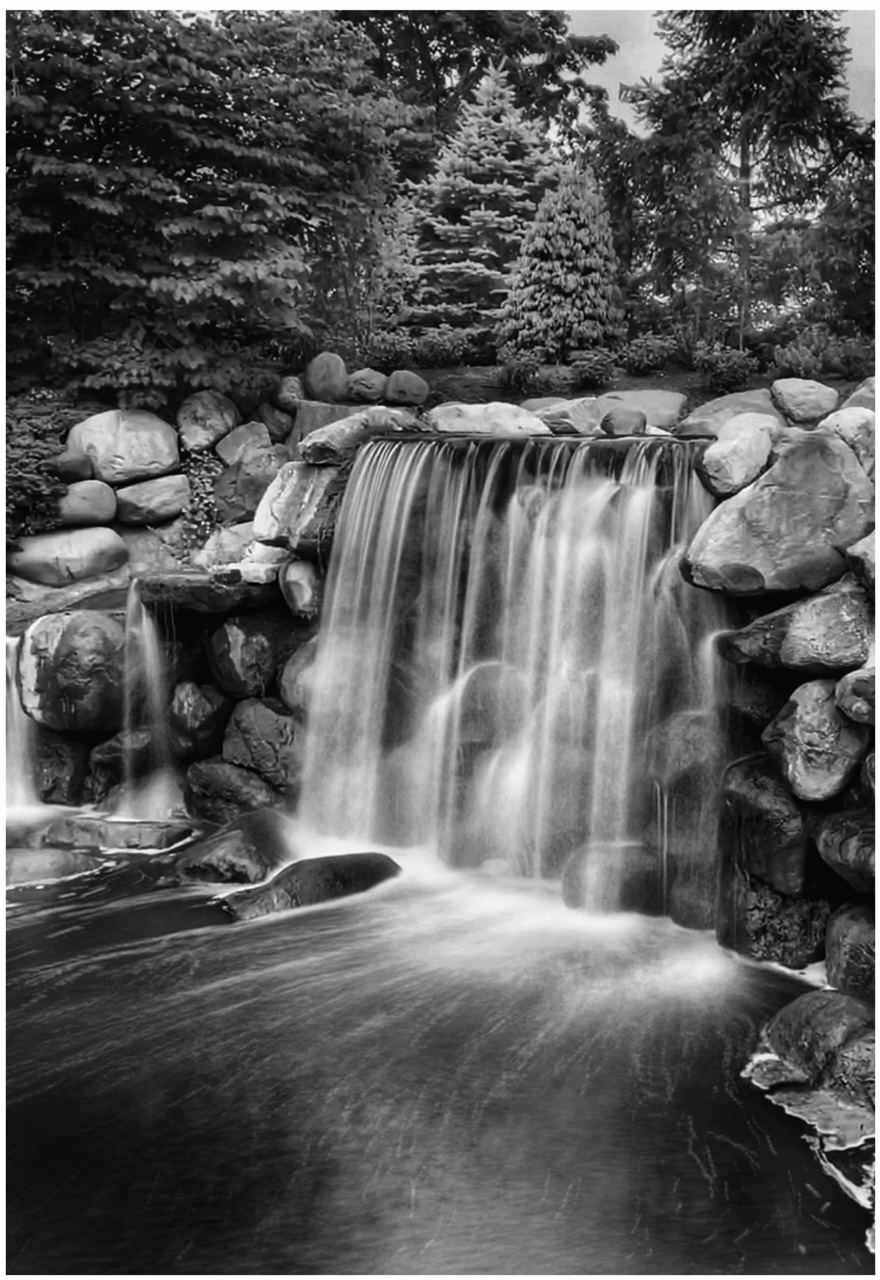
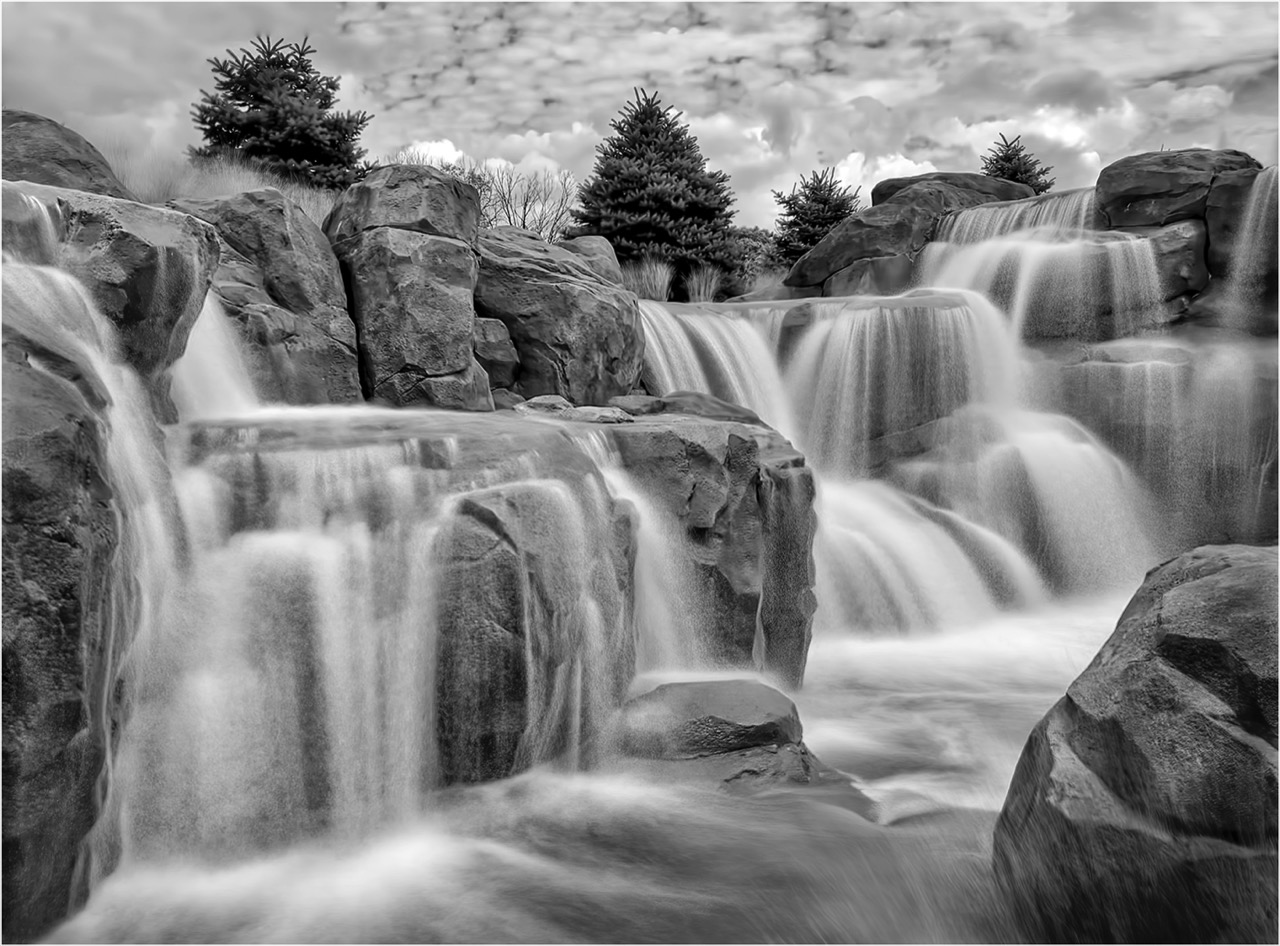
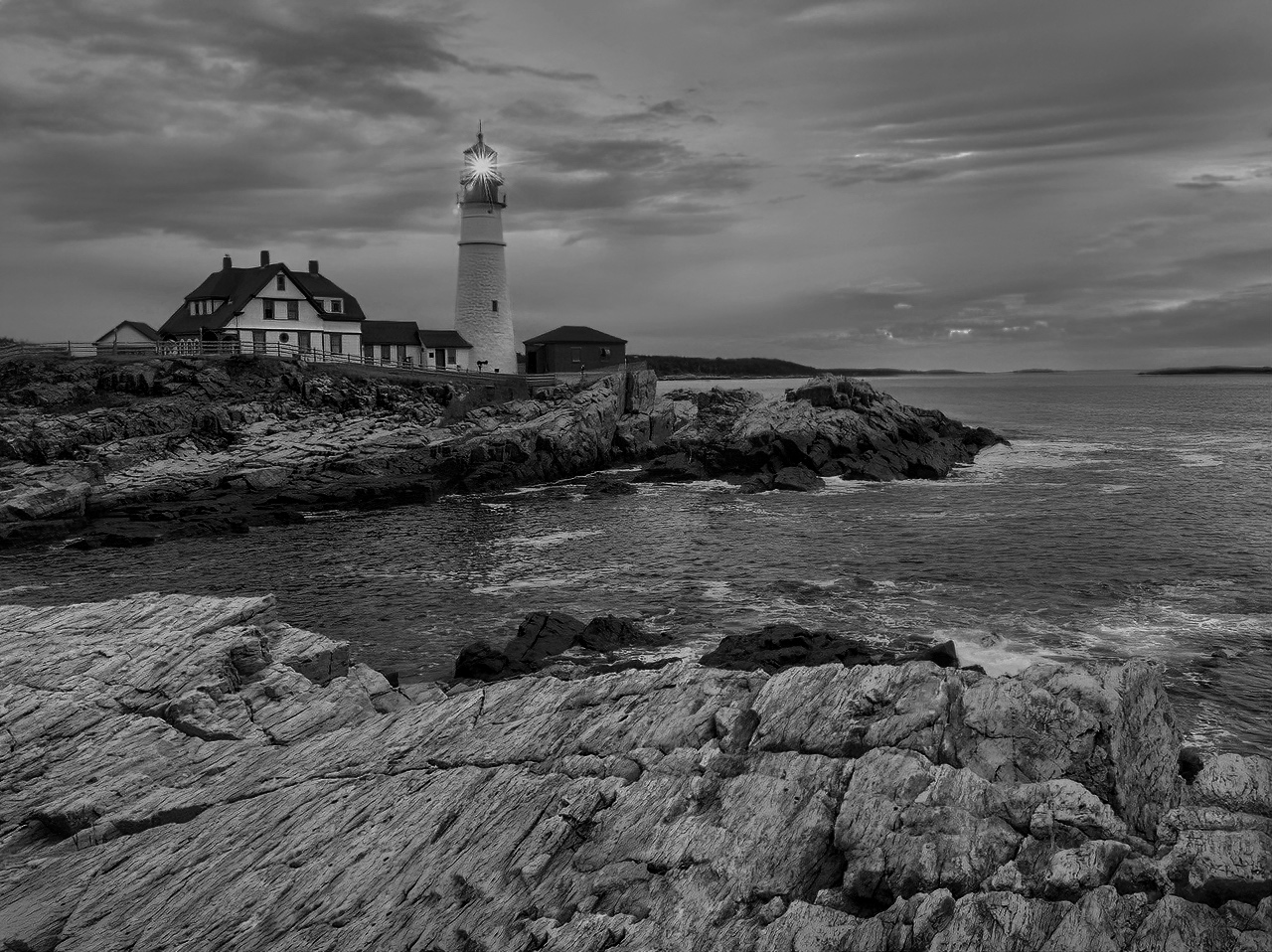
Yes, I had held and used a railing to give support. I wanted the rocks and trees to be sharp. Only the moving water was my goal. There was a few little presses that did blow around.
The editing work was fast and easy with the 12 Pro Max. Writing things out makes it sound like a big deal.
The iPhone 12 Pro Max is the most advanced cellphone for photography. Bar none. You as a photographer will find it is very exciting to use with good results. |
Jul 10th |
| 39 |
Jul 21 |
Comment |
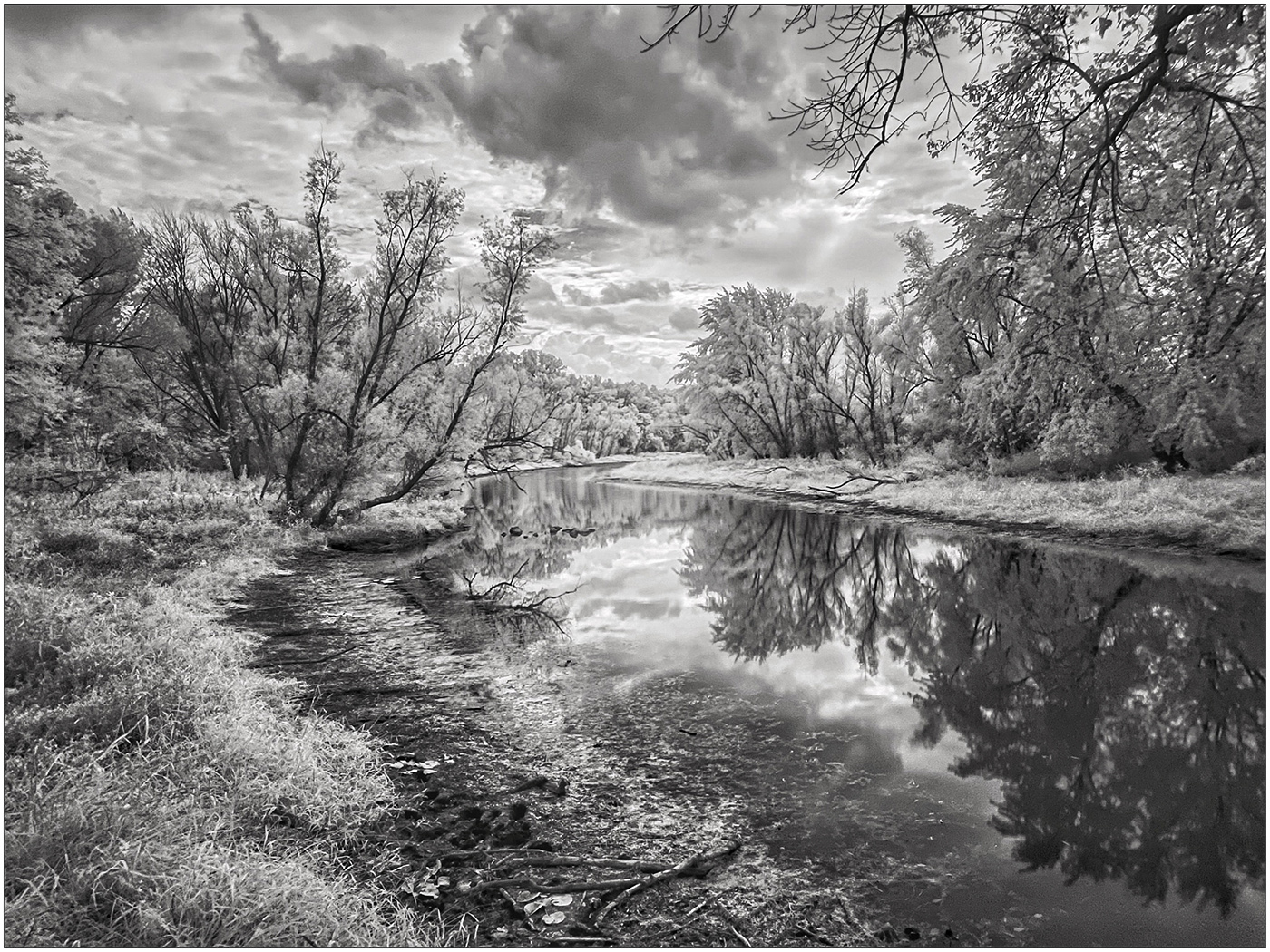
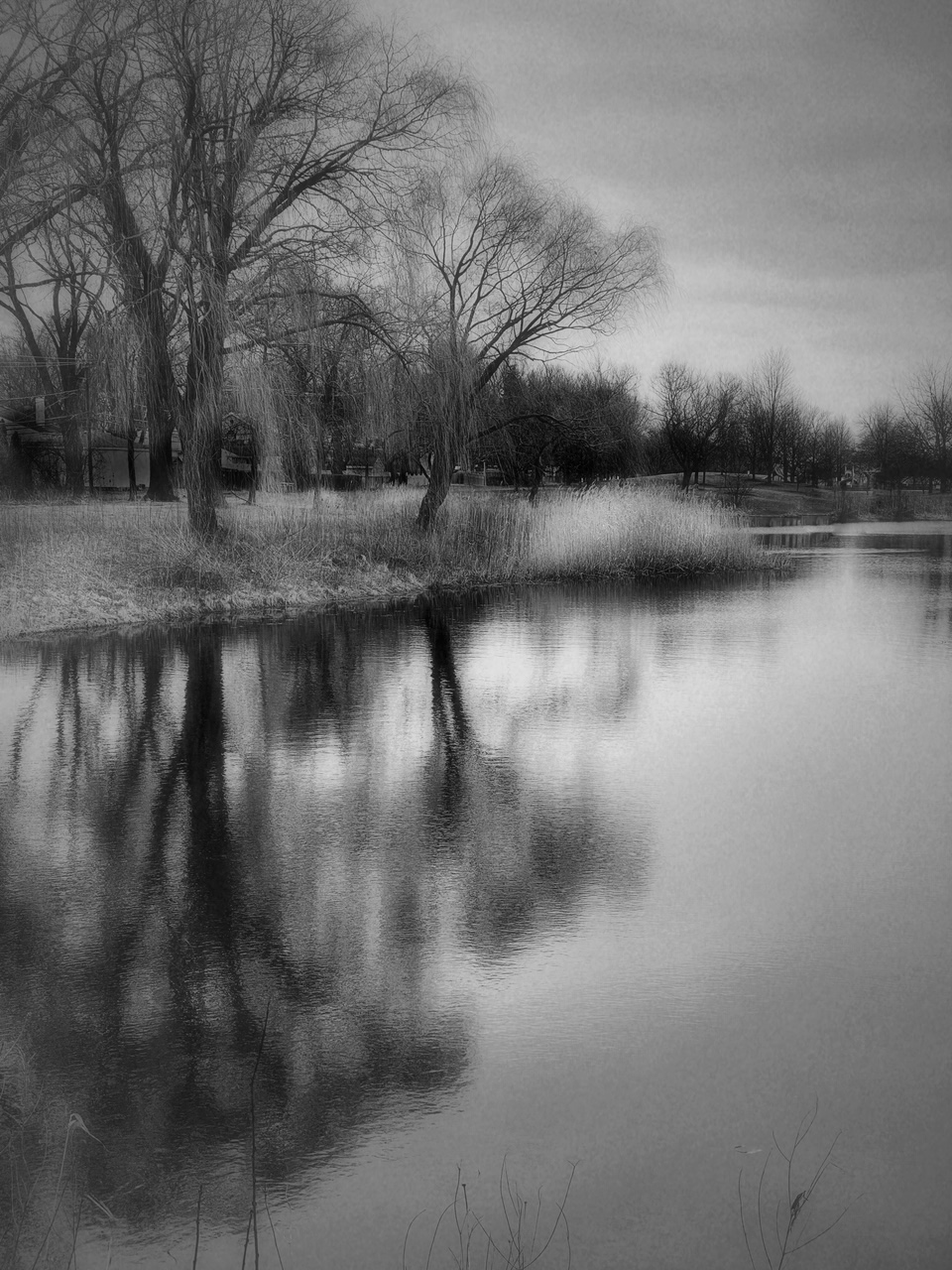
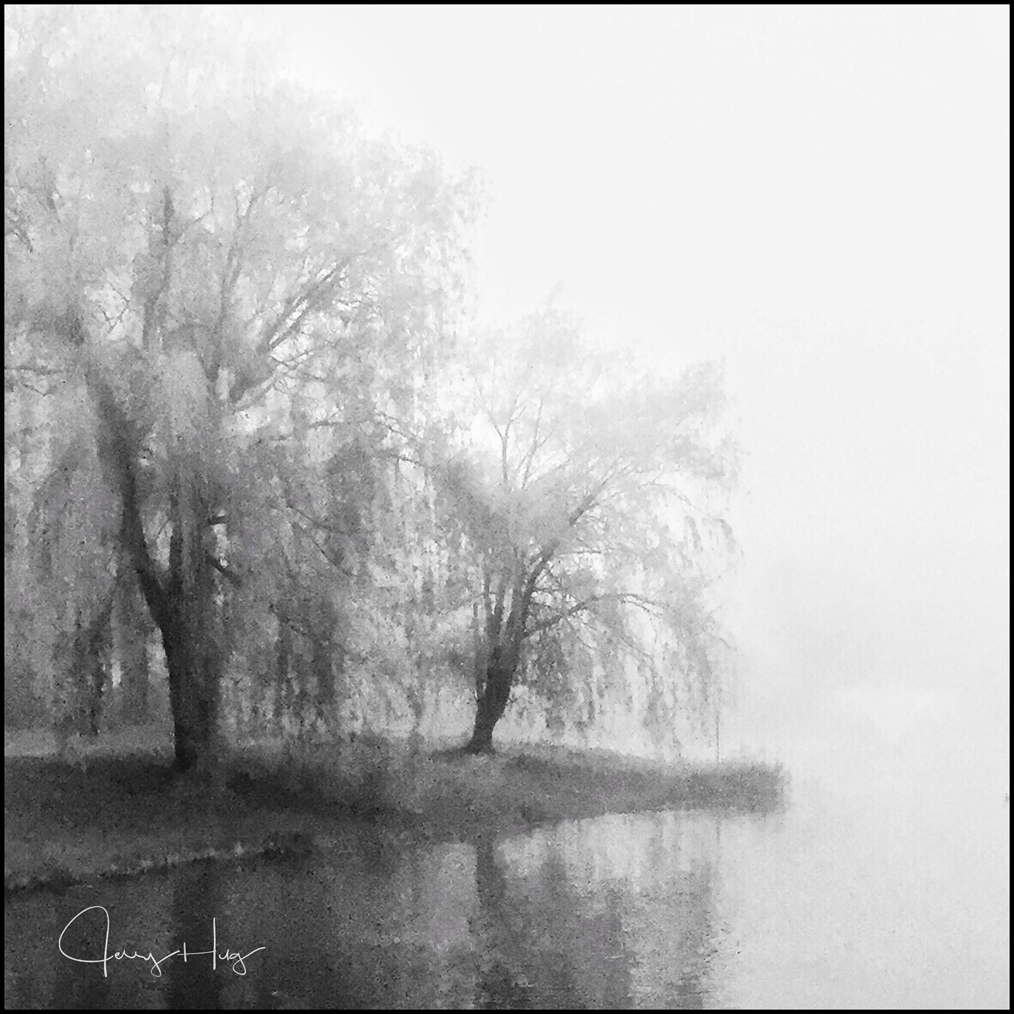
Larry, I really love the tones that you captured. Outstanding conversion.
I am wondering as I look at the image if everything is slightly leaning to the left? I put a sheet of paper on the top edge of the water and it is leaning to the left. What gave me the reason to look is the tall trees on the left side seemed to be leaning?
Sometimes when converting color to B/W the skies can look pixelated? A slight blur could be use on the sky only if it bothers you.
Your range of tonality is just super duper! Right on. Jerry |
Jul 1st |
| 39 |
Jul 21 |
Comment |
Wonder range of tones from almost pure black to bright whites of the snow and ice on the mountain. What a neat place to have a wedding reception with all the natural beauty of Mountains and Glaciers.
For years we traveled to Switzerland (My Families Heritage). Great grandparents migrated to the United States for bigger and better farm land. I never tire of shooting mountains. With my wife's health issues, the Mountains are out of the question.
Wish it were my image Paul. Thanks for sharing. |
Jul 1st |
| 39 |
Jul 21 |
Reply |
Turn on "Live Photo" Shot your images and then turn it OFF!
Open the image in Recent Album. Click on the Live Photo mark in the upper Left hand side. Pull up from the bottom and select the last setting on the right called Long Exposure. Works on anything moving. I love water or Trains or cars going by.
Be sure to hold still while shooting so you have something in the photo not moving. The Long Exposure setting is easy and you get good results every time. Once it is locked in, you do not have to do anything else. It is no longer a video. Jerry |
Jul 1st |
5 comments - 3 replies for Group 39
|
| 51 |
Jul 21 |
Reply |
Stacks is that curricular arrow and what looks like a stack of something. It is how you do Layer Masking on the iPhone and iPad. After clicking on the Stacks icon you then click on view edits. Then you get what I call a view of the layers of editing that you have done. You can now do one of three things trash the layer, re adjust the layer or click on the paint brush and paint the areas that you want to receive the edit.
This is one of the most valuable editing tools in Snapseed. In the tutorials study the Graduated Neutral Density. |
Jul 20th |
| 51 |
Jul 21 |
Comment |
Dave, I forget to mention, your Granddaughter is really a very attractive model. Everything is laid out on the dock. A book to read and it looks like she has her camera in hand. This is perfect staging.
A keeper for the family album. Giver her a copy about 10 years from now. Jerry |
Jul 10th |
| 51 |
Jul 21 |
Comment |
Very creative. Love the image Sol. You also used a creative edging around the outside edges.
Could you send me the link to the $12 pen tool that you use. I have one but yours seems to really work better and the price is right.
Thanks much Jerry
|
Jul 2nd |
| 51 |
Jul 21 |
Comment |
Pamela, I love the colors and composition. Super nice edge at the top of the green area.
My only idea would be to try and crop some off the top. This will result in a stronger composition and you will not loose anything of importance. Where crop? Good question. I think in the blue area? Jerry |
Jul 1st |
| 51 |
Jul 21 |
Comment |
Another idea: Leave the left side as you have it and crop some of the negative space on the right side. Crop; almost to the numbers and the white painting marks.
If you really want to be radica,l crop both sides and put the emphasis on the door painting, junk on the ground and the dumpster panting and numbers on the right.
I love the image. Great find. You are brave to walk down alleys. But use sure come up with neat images. Jerry
|
Jul 1st |
| 51 |
Jul 21 |
Reply |
Sounds kind of crazy but Crop first and then use Painteresque and see what happens? It also would be interesting to also try going to Stacks - View Edits and just paint Painteresque on the background and not the Cicada? Just an idea. Jerry |
Jul 1st |
| 51 |
Jul 21 |
Reply |
Thanks Rich. |
Jul 1st |
| 51 |
Jul 21 |
Comment |
Dave,
I would use Snapseed - Tools, Perspective, Rorate. Then if that needs more use the same tool but the Free tool. |
Jul 1st |
5 comments - 3 replies for Group 51
|
10 comments - 6 replies Total
|