Activity for User 199 - Jerry Hug - jerryhug@me.com

avatar
Avatar

Close this Tab when done


984 Comments / 156 Replies Posted

  = Current Round   = Previous Round
Group Round C/R Comment Date Image
39 Feb 21 Comment You nailed it Dave. I can not believe that you just started using TK's panel and got this much improvement. Jerry Feb 12th
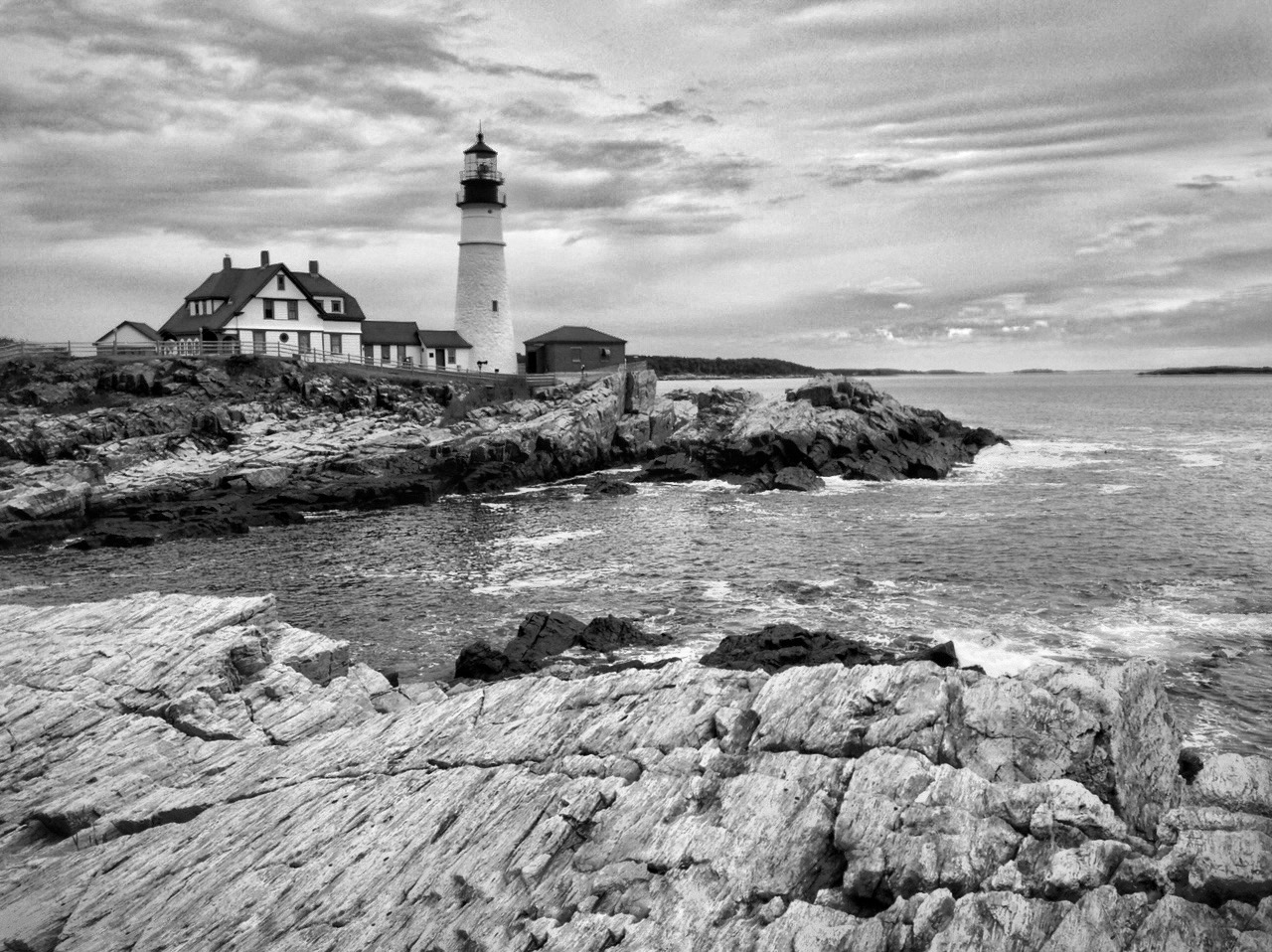
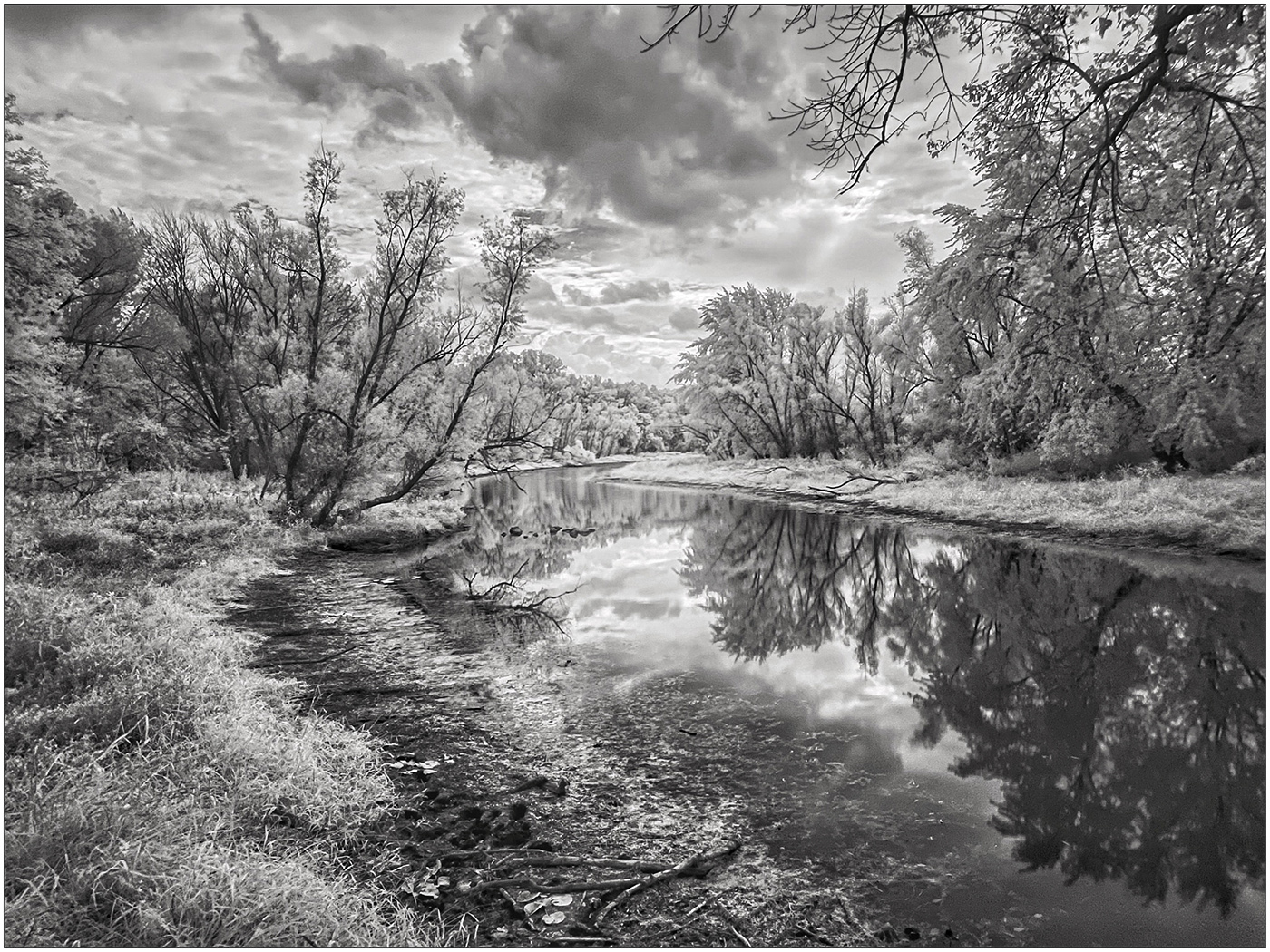
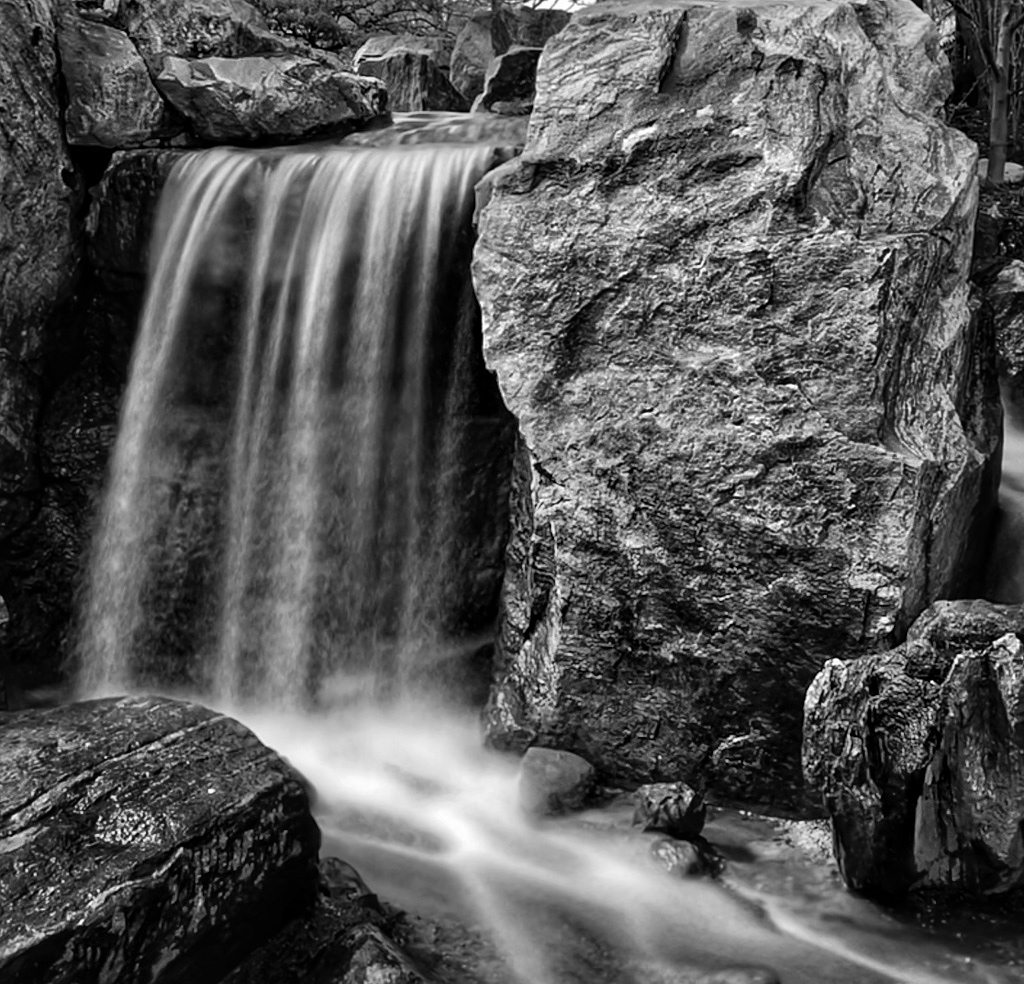
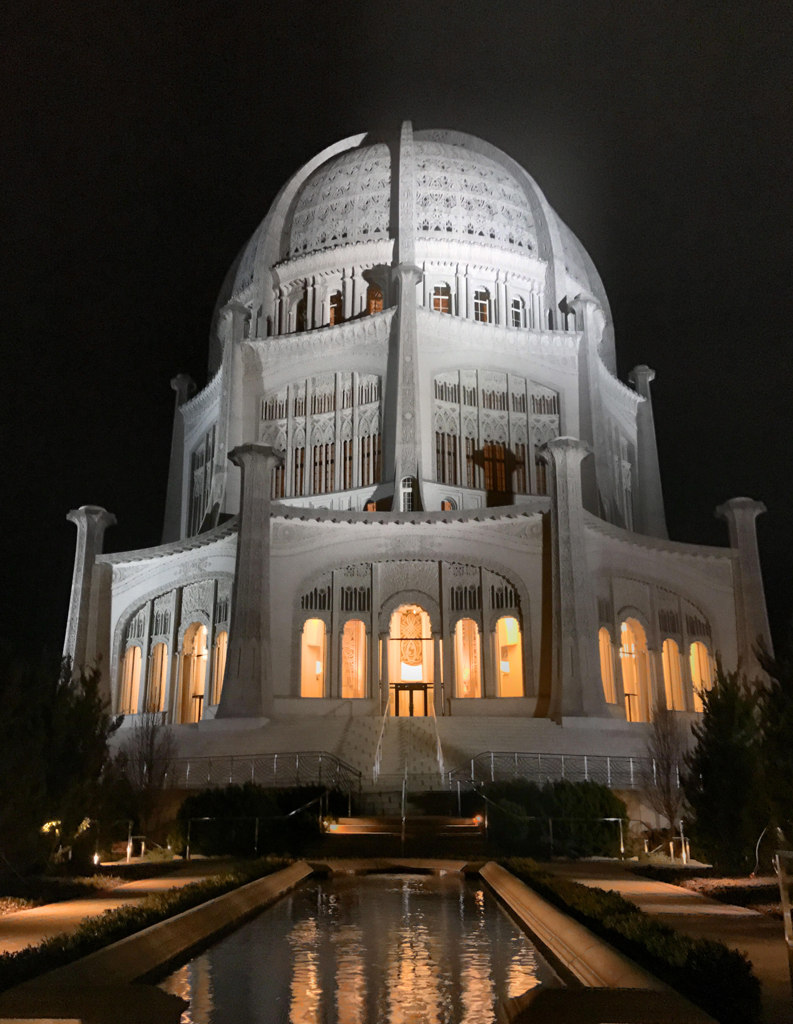
39 Feb 21 Comment Outstanding work of this Fine Art Image. This is a keeper for any gallery and wall to hang. Composition, good light and textures is truly a great image. Bravo! Jerry Feb 12th
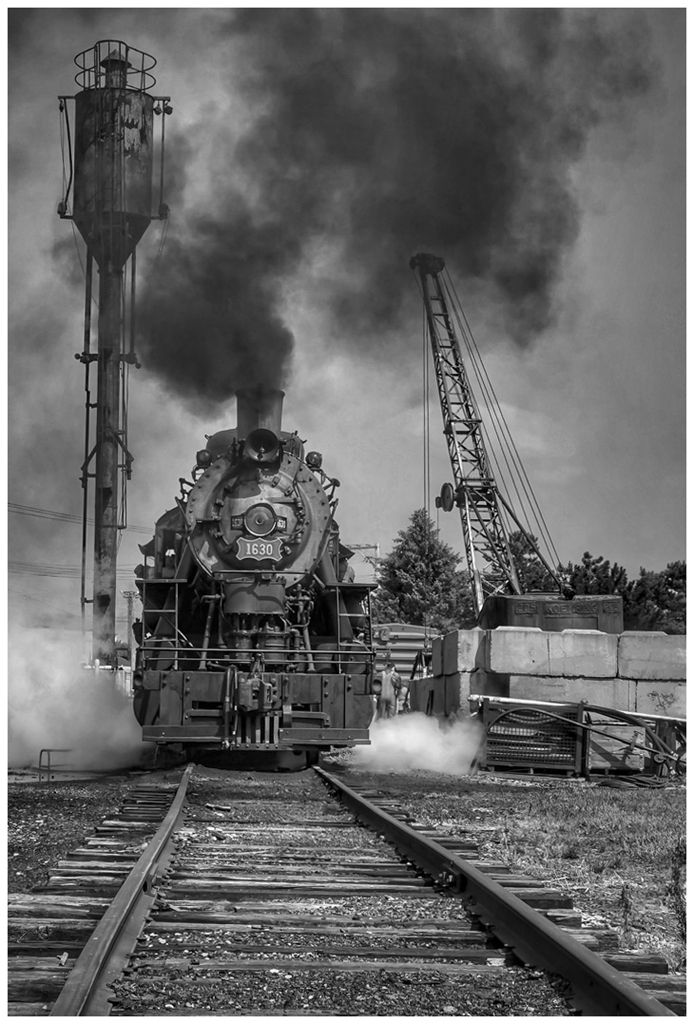
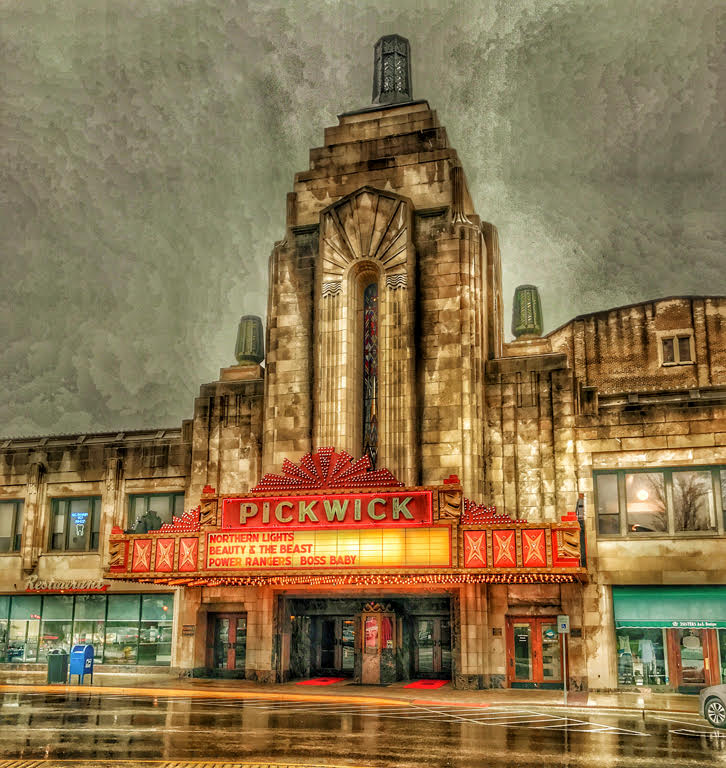
39 Feb 21 Comment Again, wonderful tonality Paul and the sky works for me. The gates and apparatus around the opening is kind of confusing but with the unit being built in the 1930s and still being used, I understand. KI keep wondering how you got in position to shoot straight on to get this shot? Nice image. Jerry Feb 12th
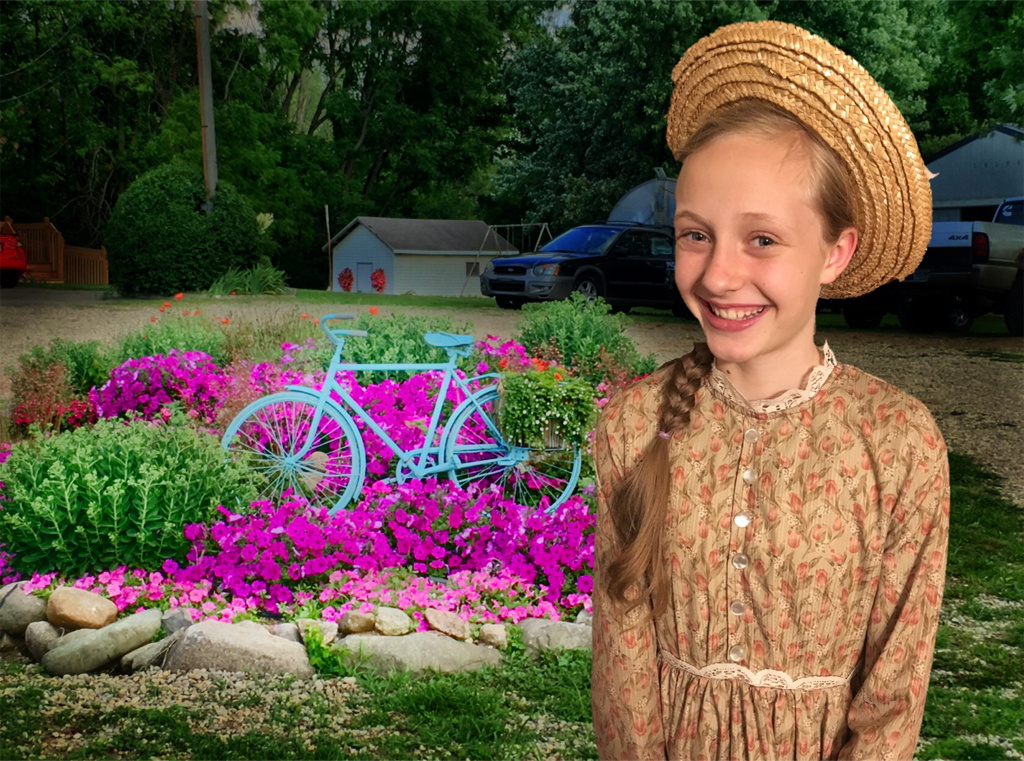
39 Feb 21 Comment Vincent you put a lot of work into this portrait. I assume you wanted to make it into a high key photo? Your cropping is fine for the final format. I really like keeping the shadow on the wall and just taking out the white spot in the shadow and then crop with the shadow in the image. The open mouth distracts me because of her teeth issues? The hot cheek area and uneven light around the eyes got fixed very well. The exposed upper arm area is not very good to show except on super young and skinny models. Years ago I was a successful wedding photographer and had to make every bride beautiful in camera. I was had work and not something I wanted to do for a living. Feb 12th
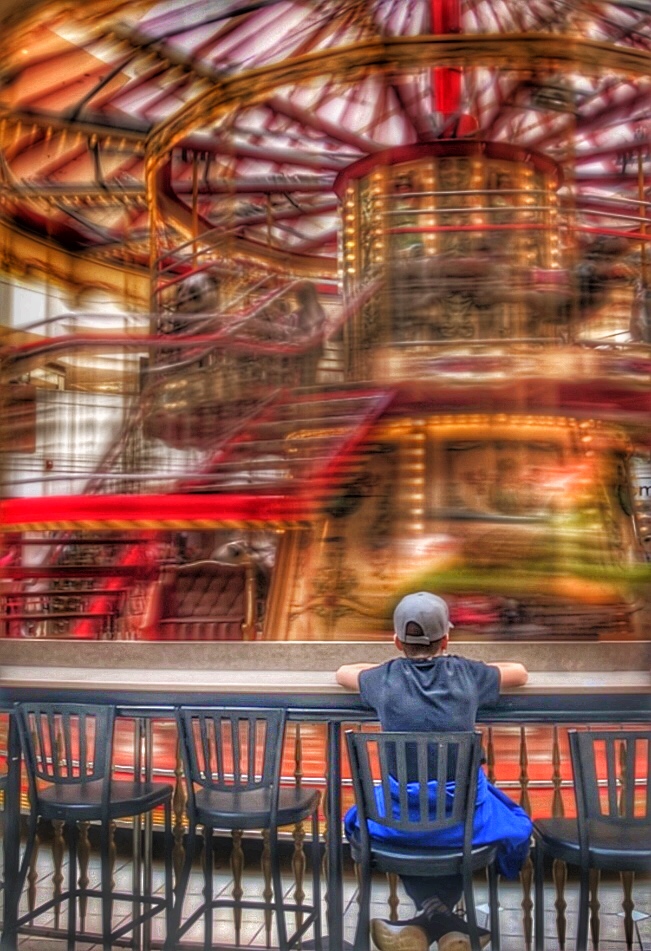
39 Feb 21 Comment You composition is perfect with a square image. Square changes the quote rules? Paul pointed out the white spot and black spot on the lighted area that needs to be removed and I agree. The angle of the pitch of the hill would be a very touch area for me to try. Love this image. Feb 12th

5 comments - 0 replies for Group 39

51 Feb 21 Reply The Webinar manager is supposed to send my Speaker's notes (11 pages) to the over 300 folks who attended. If there is too much of a delay, I will send it to everyone in our group. The moment you put something down in writing it is out of date. Things are changing that fast and that is a good thing mobile photographers. The new iPhone Pro Max is truly the best photography cellphone ever made. Feb 12th
51 Feb 21 Reply 1. Snapseed does not have a black point, but you could take Ambiance and move it to the left and see if you like the effect. Going left brightens the highlights and darkens the shadows and going right darkens the highlights and lightens the shadows.
2. Yes you do have Blackpoint. If you are keeping you iOS up to date which is now 14.4, you have a great Blackpoint slider. While the image in open click on EDIT on the upper right hand corner. You now have a series of tools that in 14.4 are outstanding. In fact the first slider is Auto. It is wonderful. I would not use three of the tools. a. Exposure, b Contrast and c. Saturation. These would be better used in Snapseed.
Feb 4th
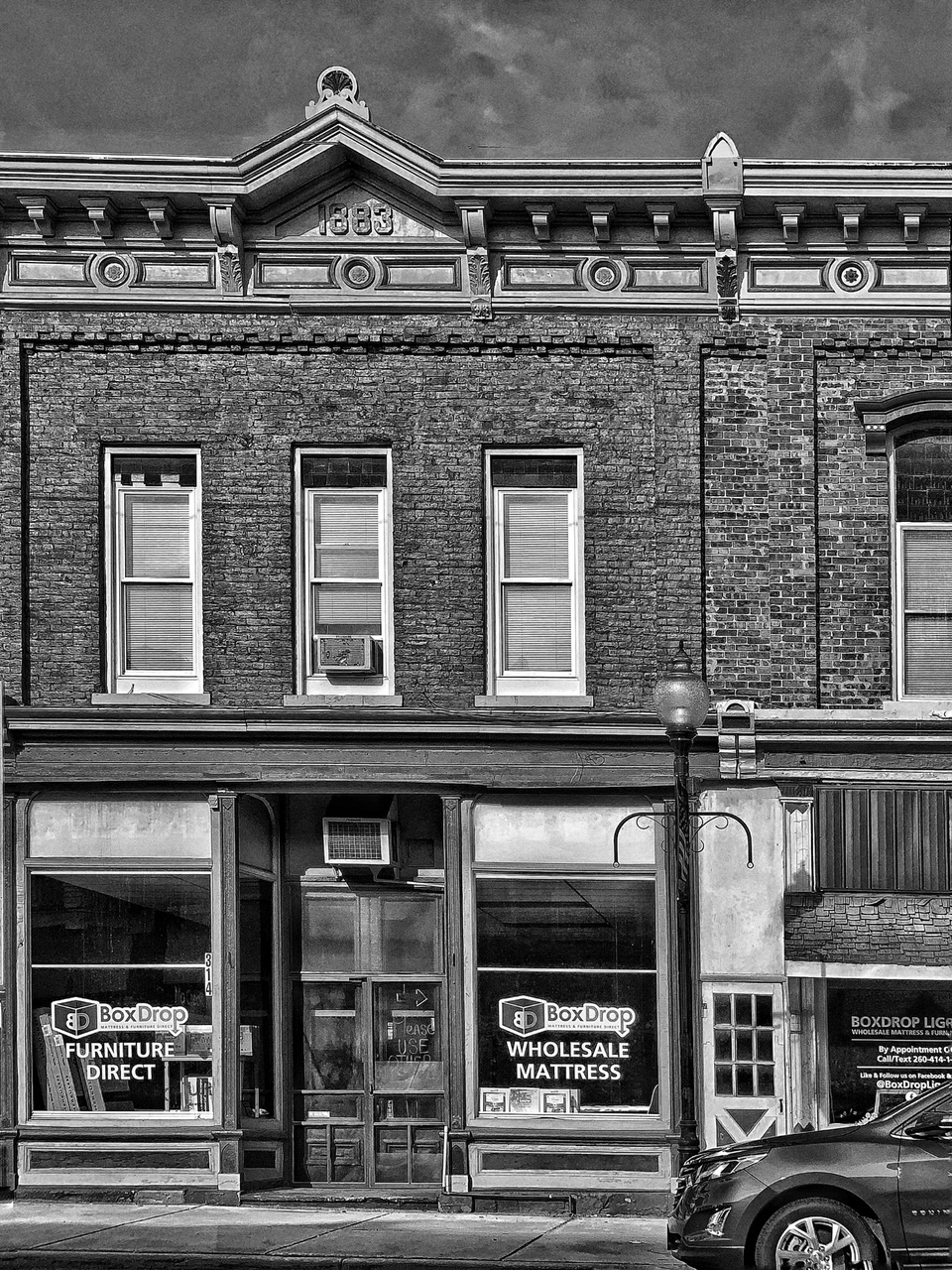
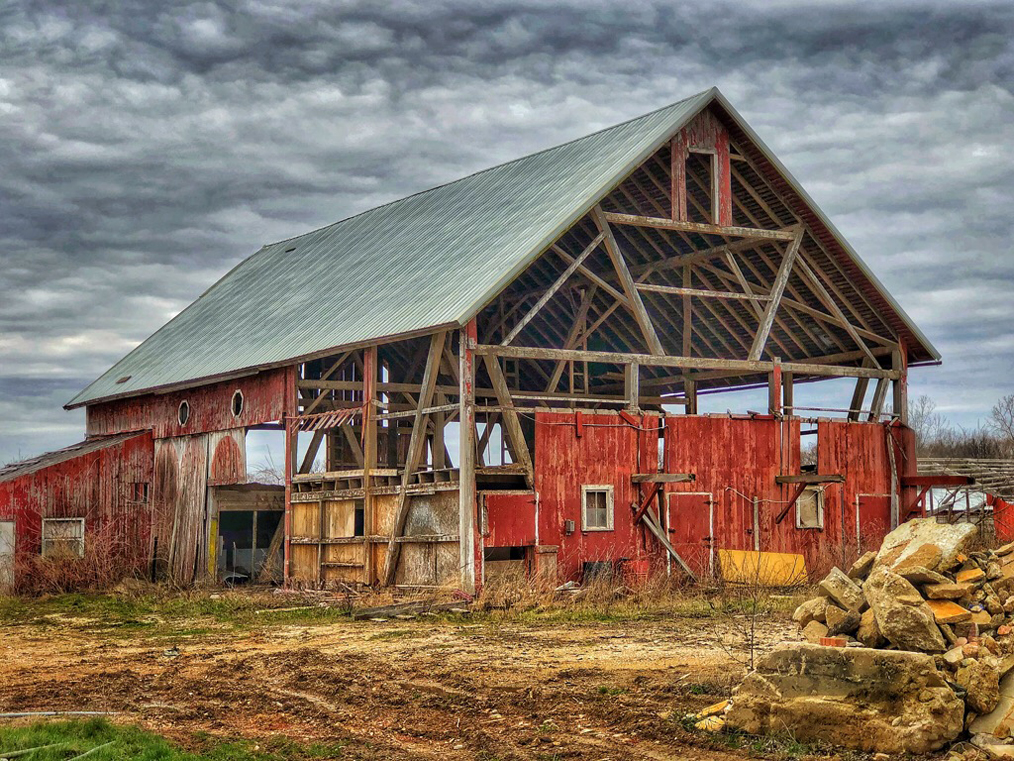
51 Feb 21 Comment What an interesting Historic building and then to have the 3 deer grazing in front really makes for a story telling photo. Love the colors and tonality. Jerry Feb 4th
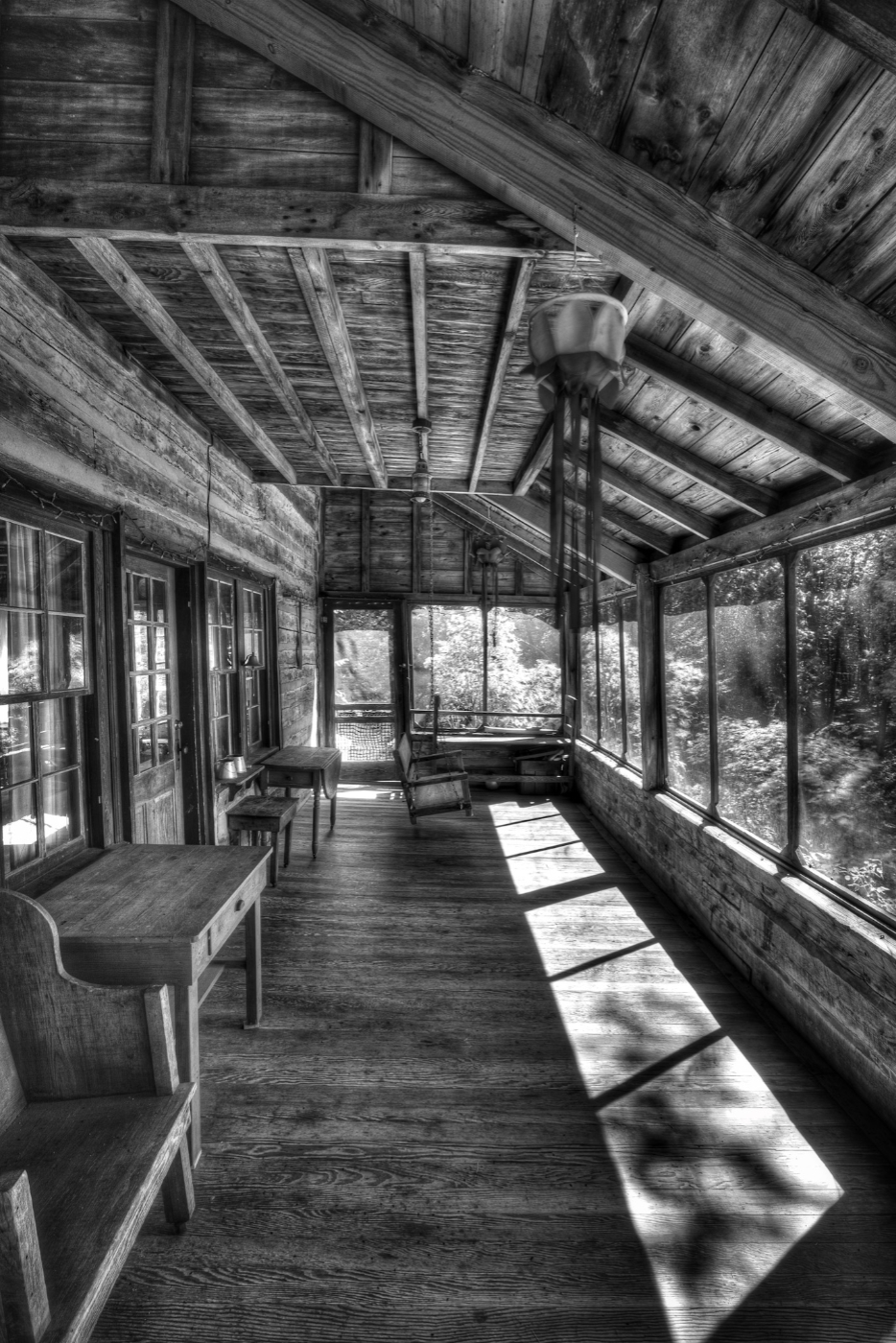
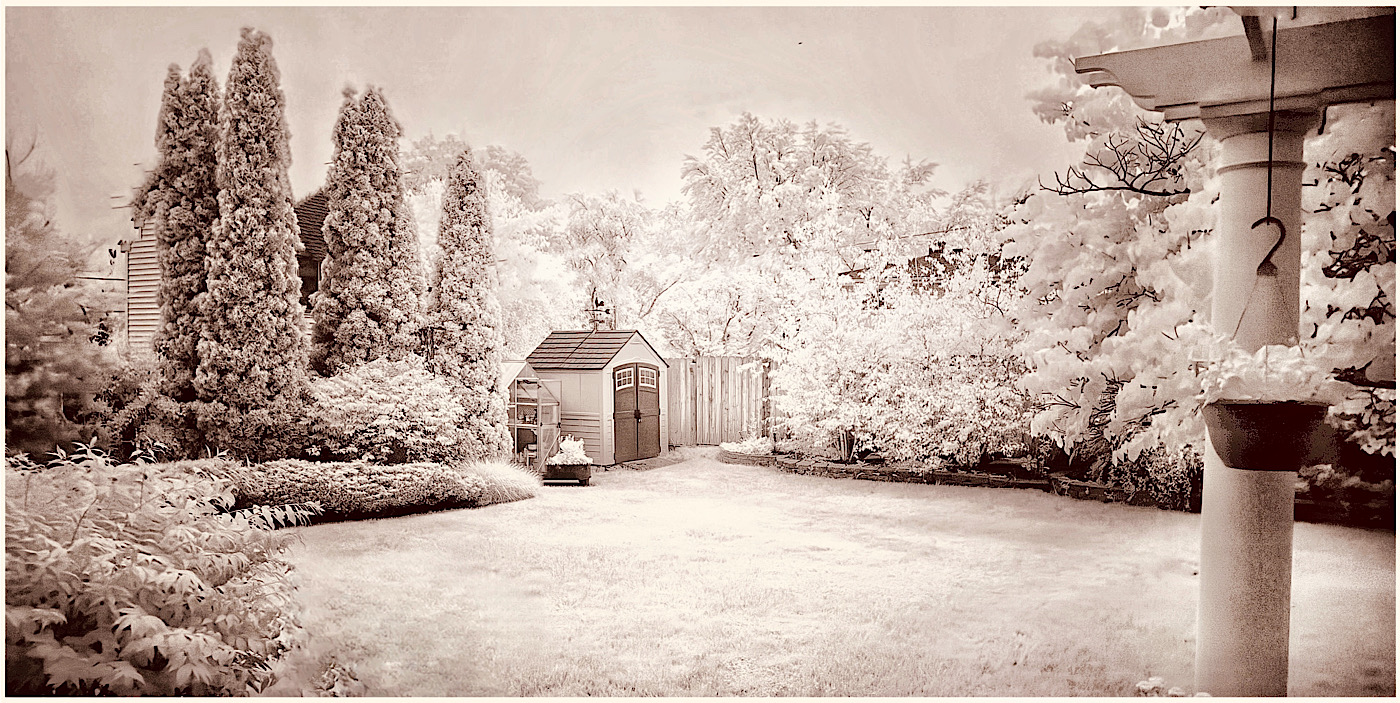
51 Feb 21 Comment Bob, you sure got that old film look. I remember my faded E-6 slides that looked just like this. A very interesting collection of stuff both inside and out of the shed. You know that you can save what you did and make it a preset.

Re open the image in Snapseed and turn on the presets at the bottom left and then scroll all the way to the right. The last one is where you hit save. Then you could do a series and they would all be a similar look. Jerry
Feb 4th
51 Feb 21 Comment I actually like both versions. A little red Cardinal would be great.

Jerry
Feb 4th
51 Feb 21 Comment Wonderful Dave. What model iPhone do you have. If you have night mode like on the 11 or 12 it is so easy. This is a keeper. Jerry Feb 4th
51 Feb 21 Reply I could not seem to get Snapseed to work as you described? Image Blender does have an eraser tool. I got an entirely different effect? Feb 4th
51 Feb 21 Reply Does not work very well. I could do this with ImageBlender app but it does not give me what I creatively got with Snapseed. Feb 4th

4 comments - 4 replies for Group 51


9 comments - 4 replies Total


195 Images Posted

  = Current Round   = Previous Round
Group 39

Oct 24

Sep 24

Aug 24

Jul 24

May 24

Apr 24

Mar 24

Feb 24

Jan 24

Dec 23

Nov 23

Oct 23

Sep 23

Aug 23

Jul 23

Jun 23

May 23

Apr 23

Mar 23

Dec 22

Nov 22

Oct 22

Sep 22

Aug 22

Jul 22

Jun 22

May 22

Apr 22

Mar 22

Jan 22

Feb 22

Dec 21

Nov 21

Oct 21

Sep 21

Aug 21

Jul 21

Jun 21

May 21

Apr 21

Mar 21

Feb 21

Jan 21

Dec 20

Nov 20

Oct 20

Sep 20

Aug 20

Jul 20

Jun 20

May 20

Apr 20

Mar 20

Feb 20

Jan 20

Dec 19

Nov 19

Oct 19

Sep 19

Aug 19

Jul 19

Jun 19

May 19

Apr 19

Mar 19

Feb 19

Jan 19

Dec 18

Nov 18

Oct 18

Sep 18

Jun 18

May 18

Apr 18

Mar 18

Feb 18

Jan 18

Dec 17

Oct 17

Sep 17

Aug 17

Jul 17

Jun 17

May 17

Apr 17

Mar 17

Feb 17

Jan 17
Group 51

Apr 26

Mar 26

Feb 26

Dec 25

Nov 25

Oct 25

Sep 25

Aug 25

Jul 25

Jun 25

May 25

Apr 25

Mar 25

Feb 25

Dec 24

Nov 24

Oct 24

Sep 24

Aug 24

Jul 24

Jun 24

May 24

Apr 24

Mar 24

Feb 24

Jan 24

Dec 23

Nov 23

Oct 23

Sep 23

Aug 23

Jul 23

Jun 23

May 23

Apr 23

Mar 23

Feb 23

Dec 22

Nov 22

Oct 22

Sep 22

Aug 22

Jul 22

Jun 22

May 22

Apr 22

Mar 22

Feb 22

Dec 21

Nov 21

Oct 21

Sep 21

Aug 21

Jul 21

Jun 21

May 21

Apr 21

Mar 21

Feb 21

Jan 21

Dec 20

Nov 20

Oct 20

Sep 20

Aug 20

Jul 20

Jun 20

May 20

Apr 20

Mar 20

Feb 20

Jan 20

Dec 19

Nov 19

Oct 19

Sep 19

Aug 19

Jul 19

Jun 19

May 19

Apr 19

Mar 19

Feb 19

Jan 19

Dec 18

Nov 18

Oct 18

Sep 18

Aug 18

Jul 18

Jun 18

May 18

Apr 18

Mar 18

Feb 18

Jan 18

Dec 17

Nov 17

Oct 17

Sep 17

Jul 17

Jun 17

May 17

Apr 17

Mar 17

Feb 17

Jan 17

Close this Tab when done