|
| Group |
Round |
C/R |
Comment |
Date |
Image |
| 35 |
Sep 20 |
Comment |
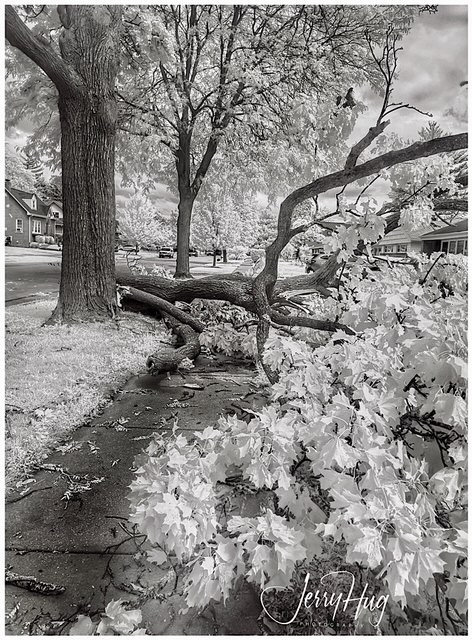
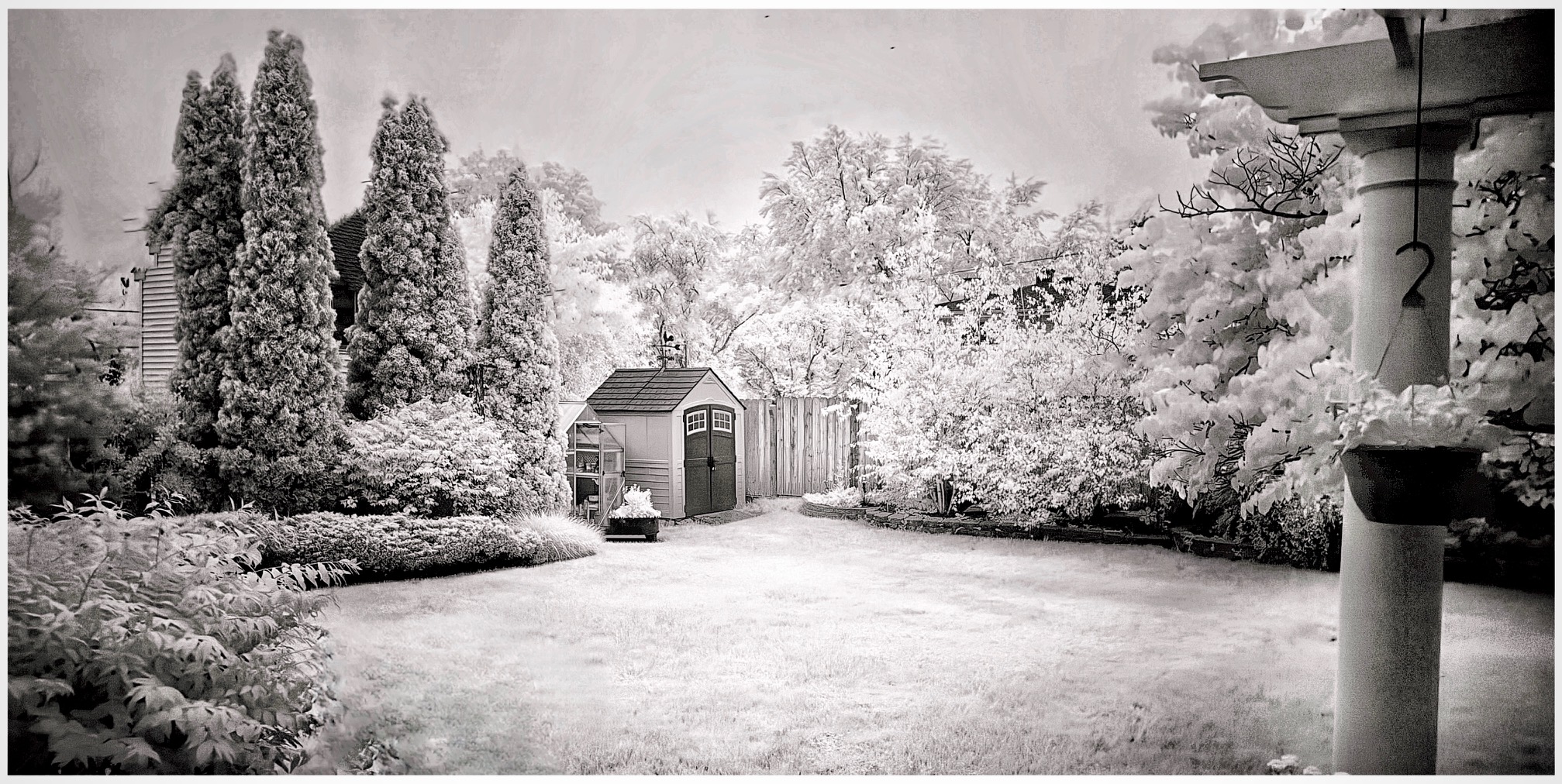
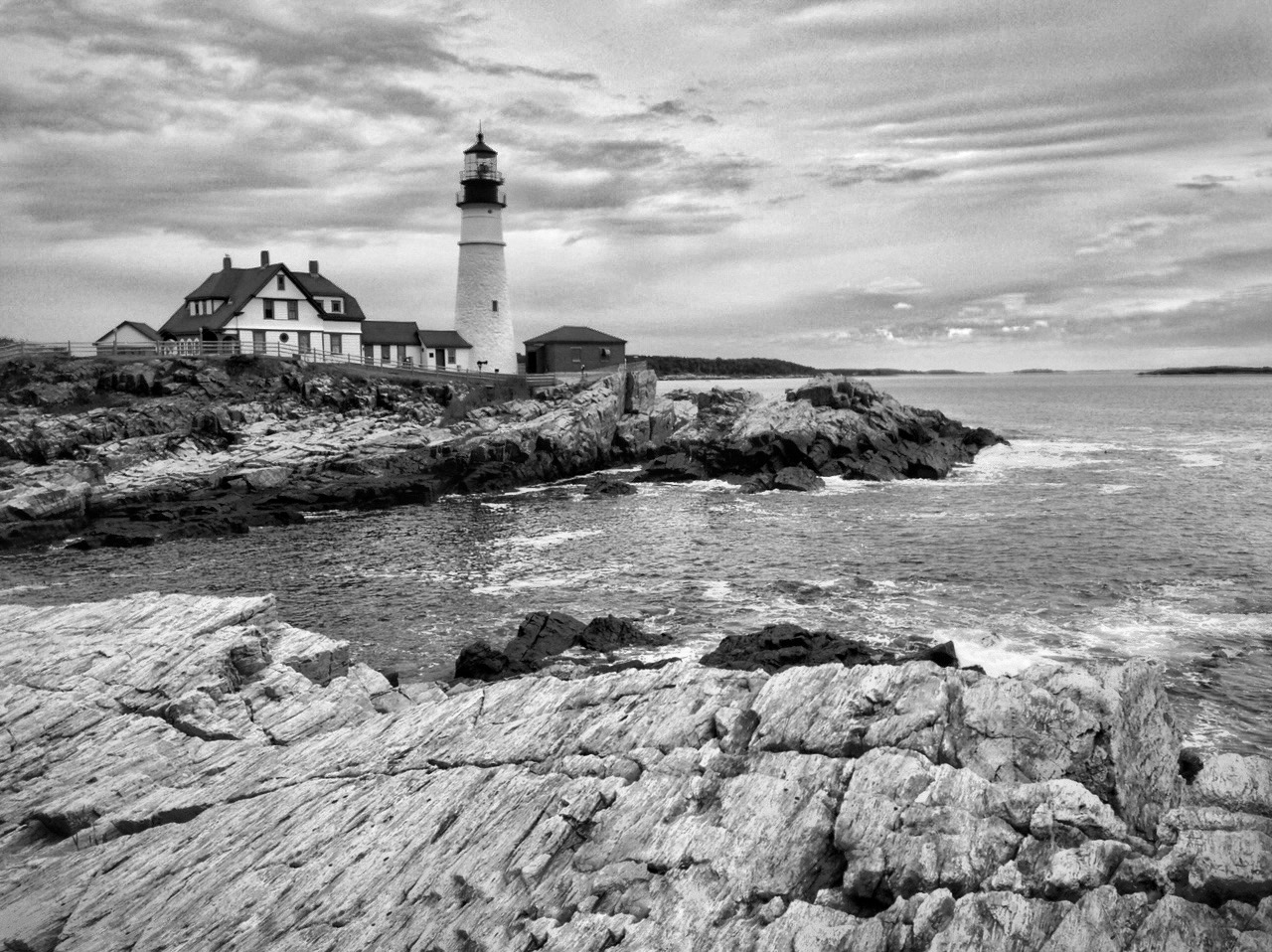
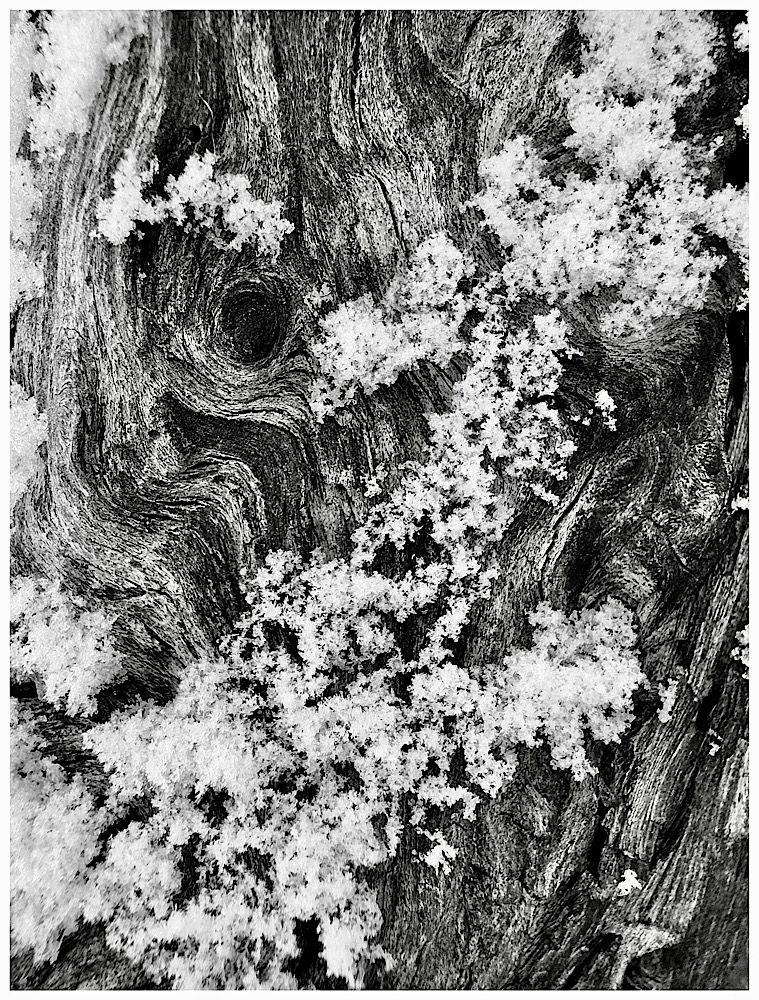
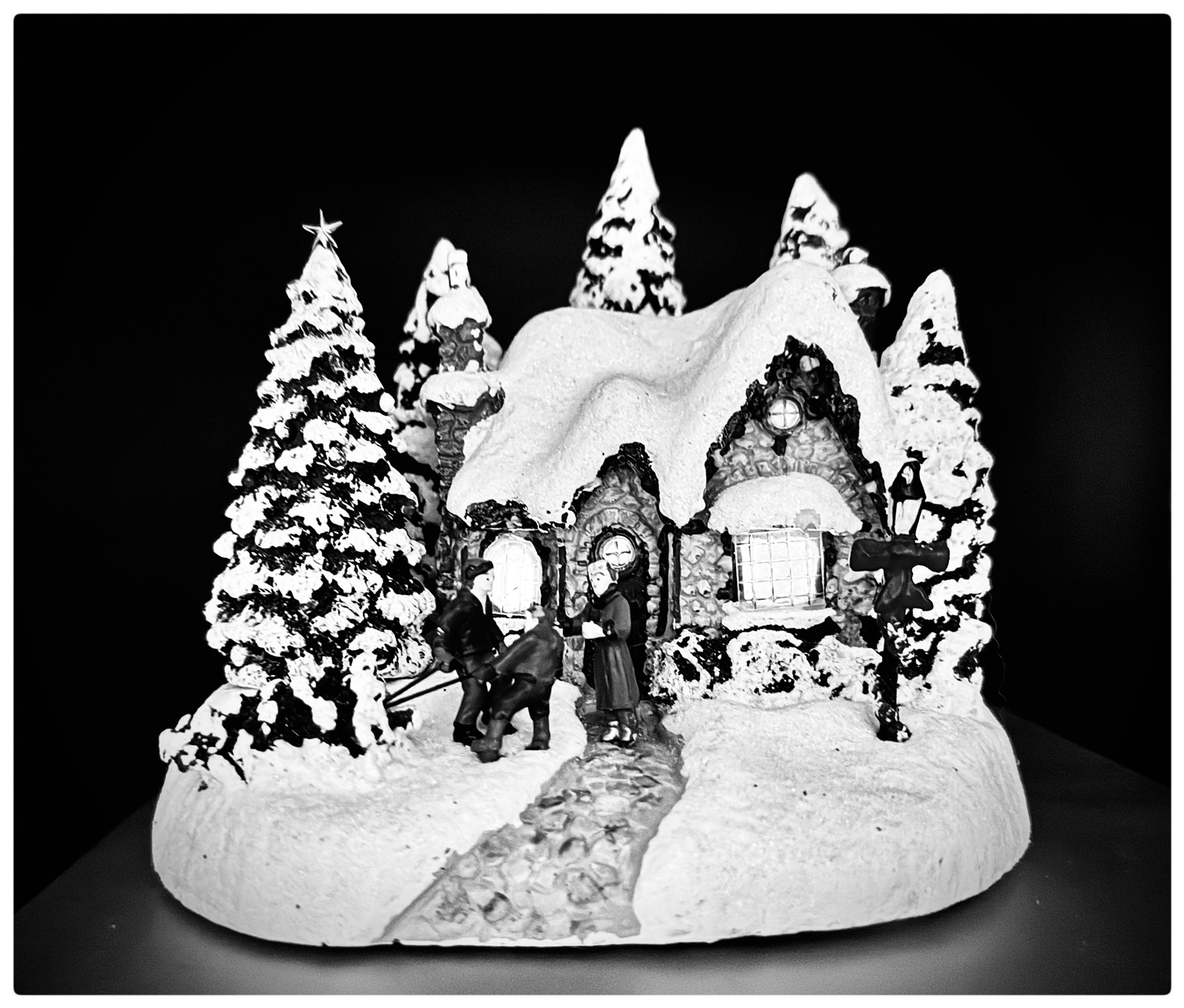
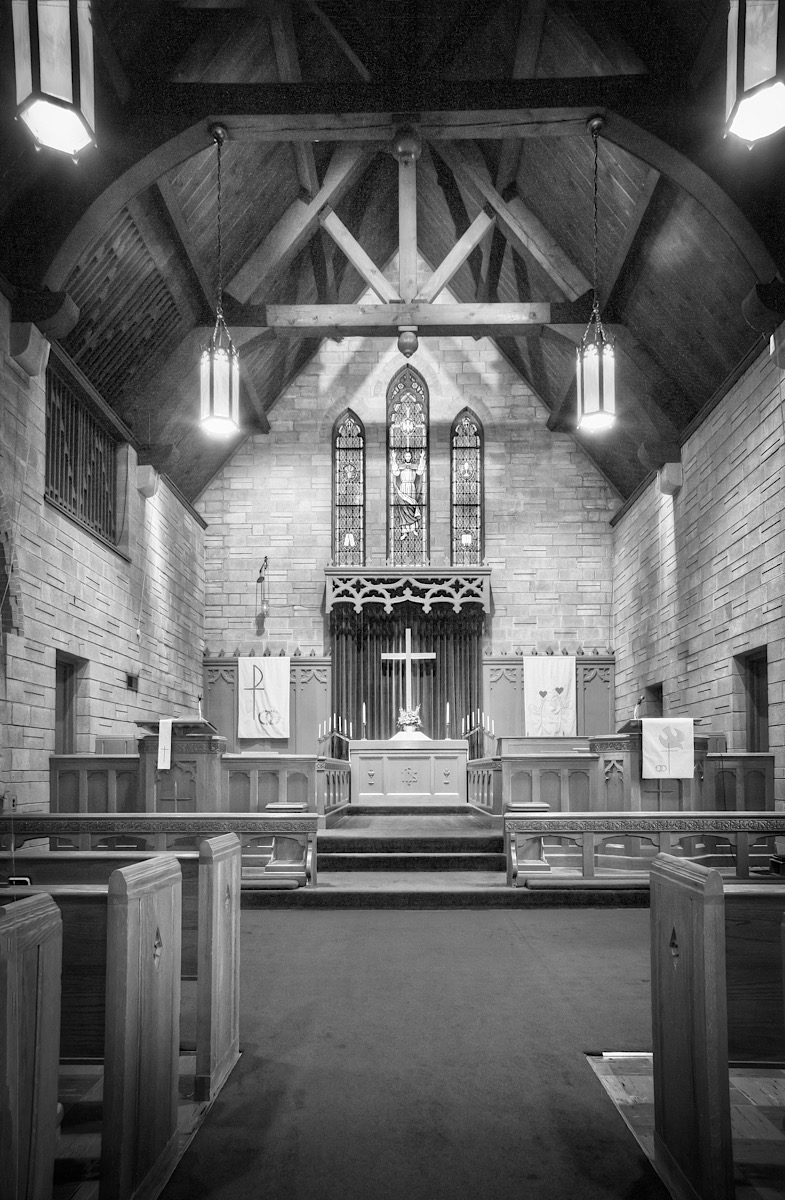
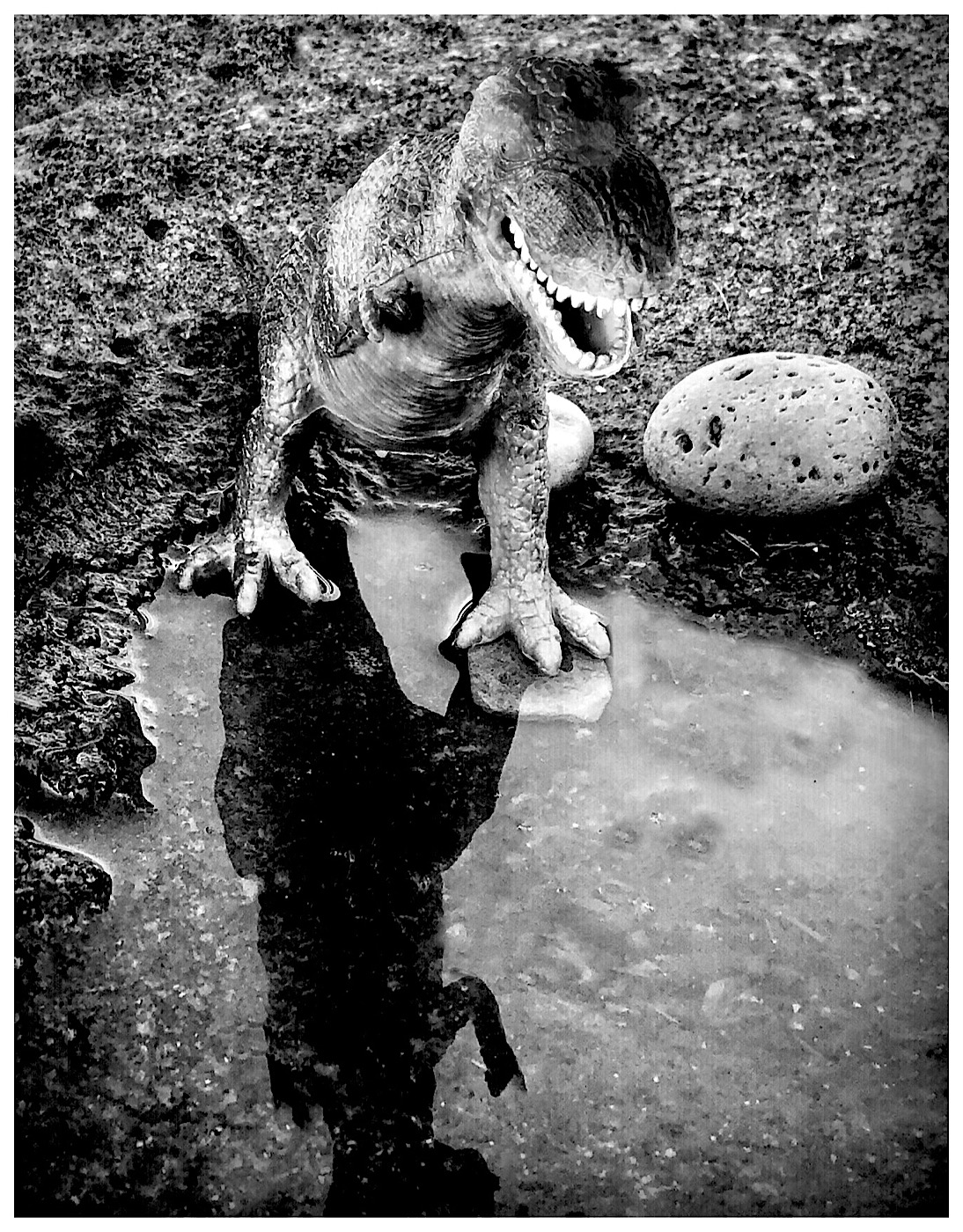
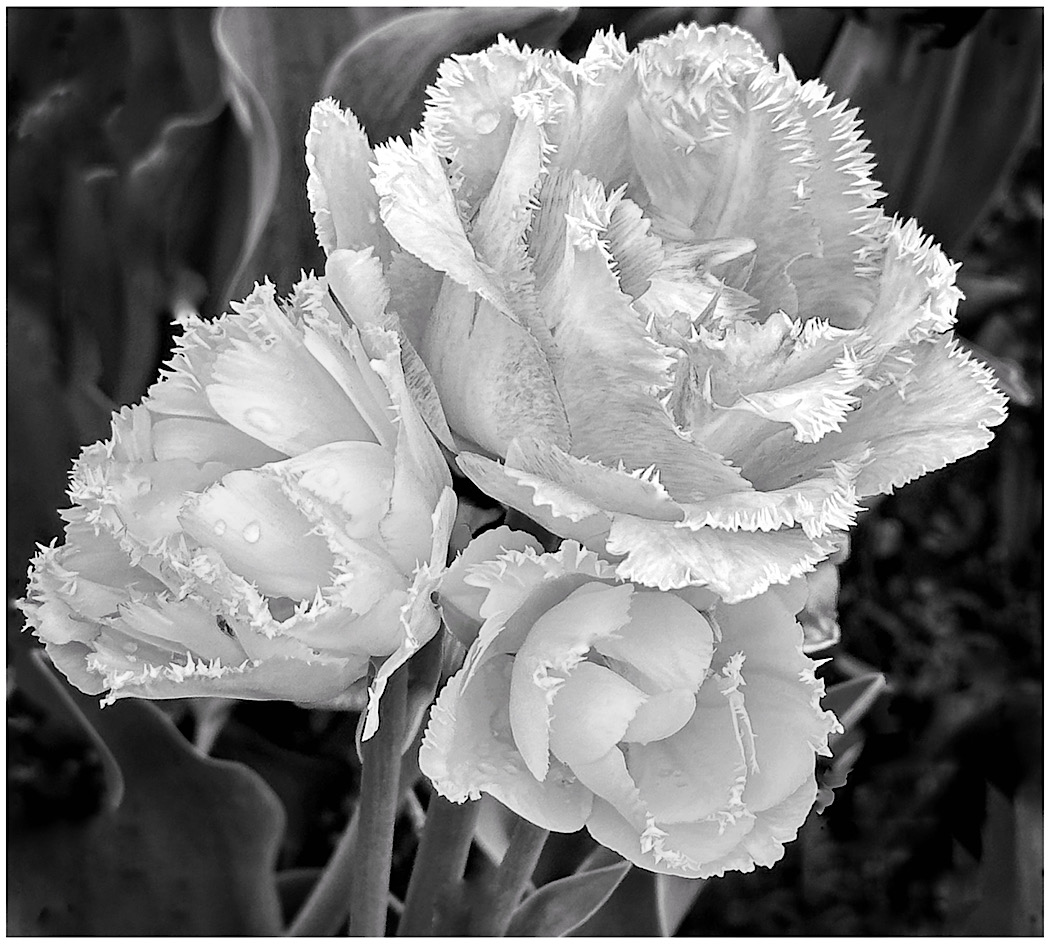
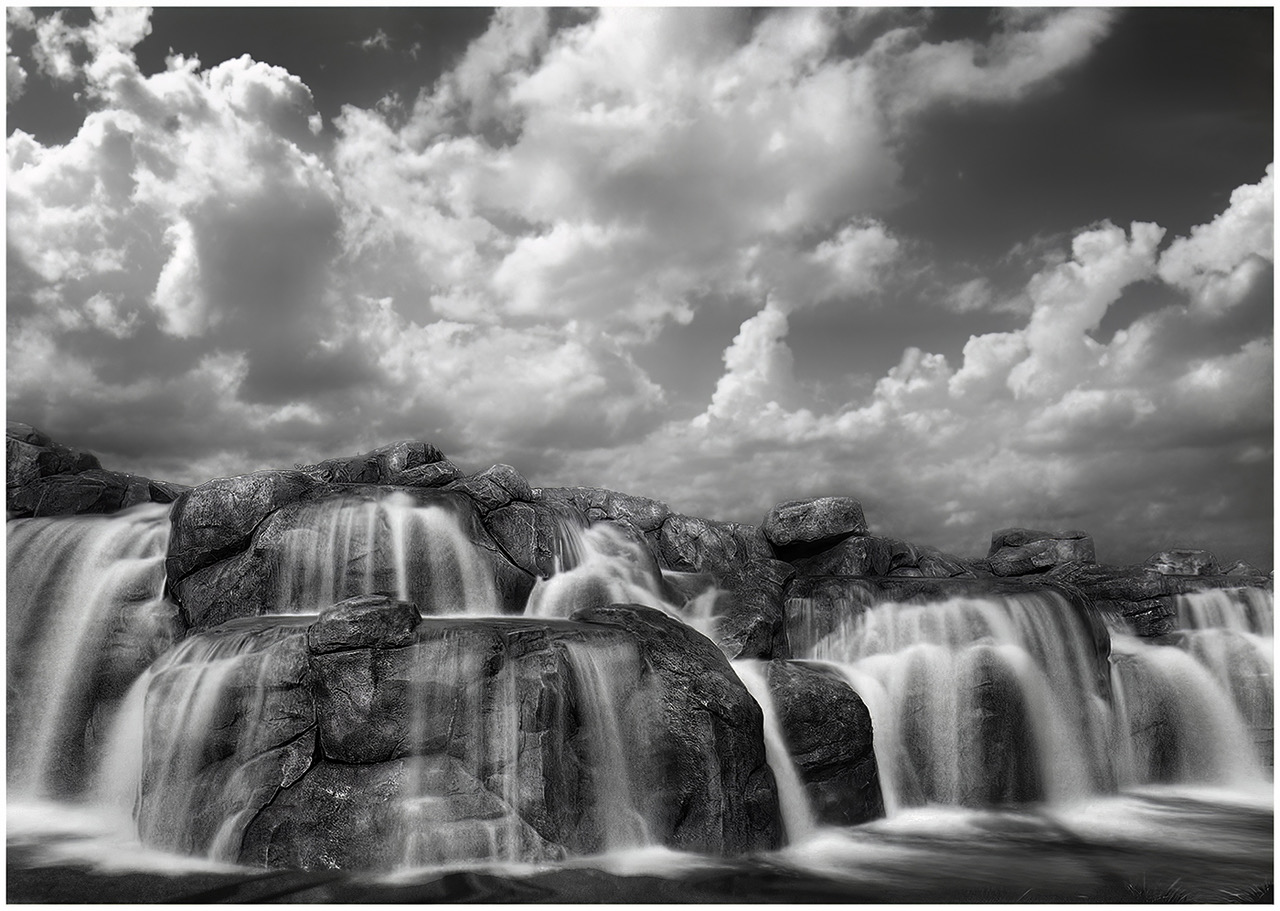
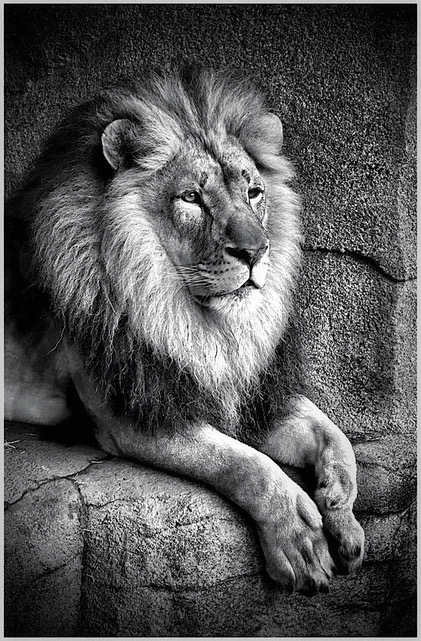
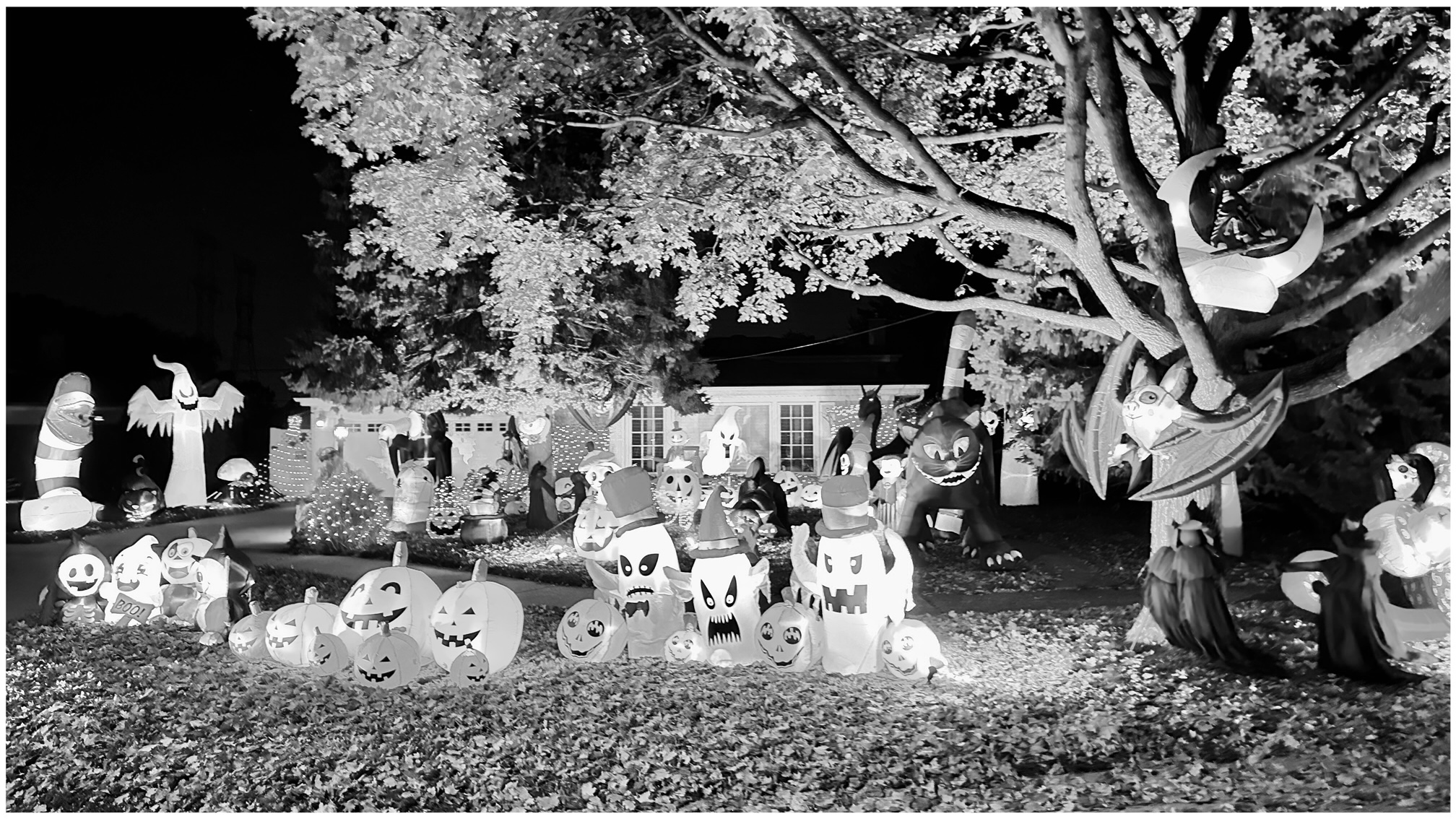
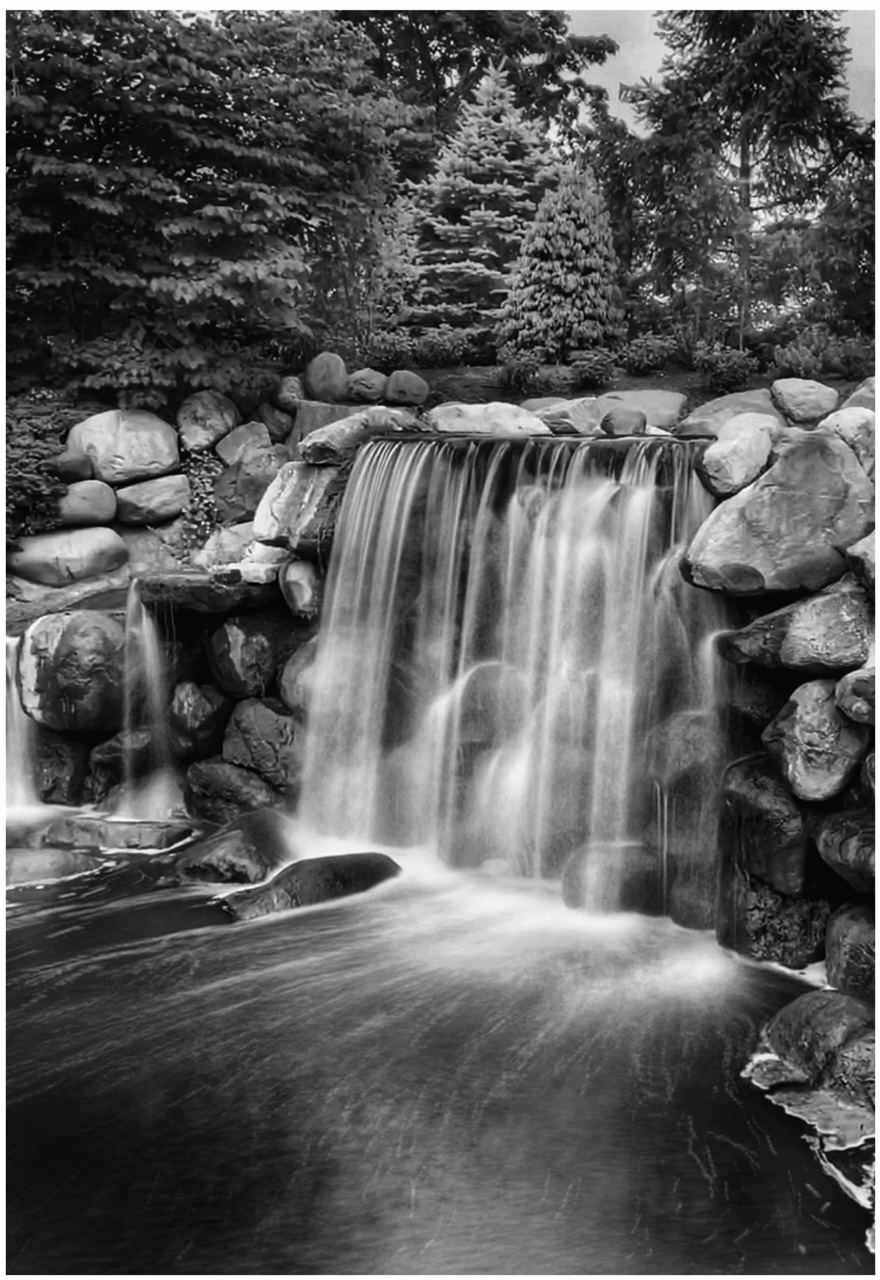
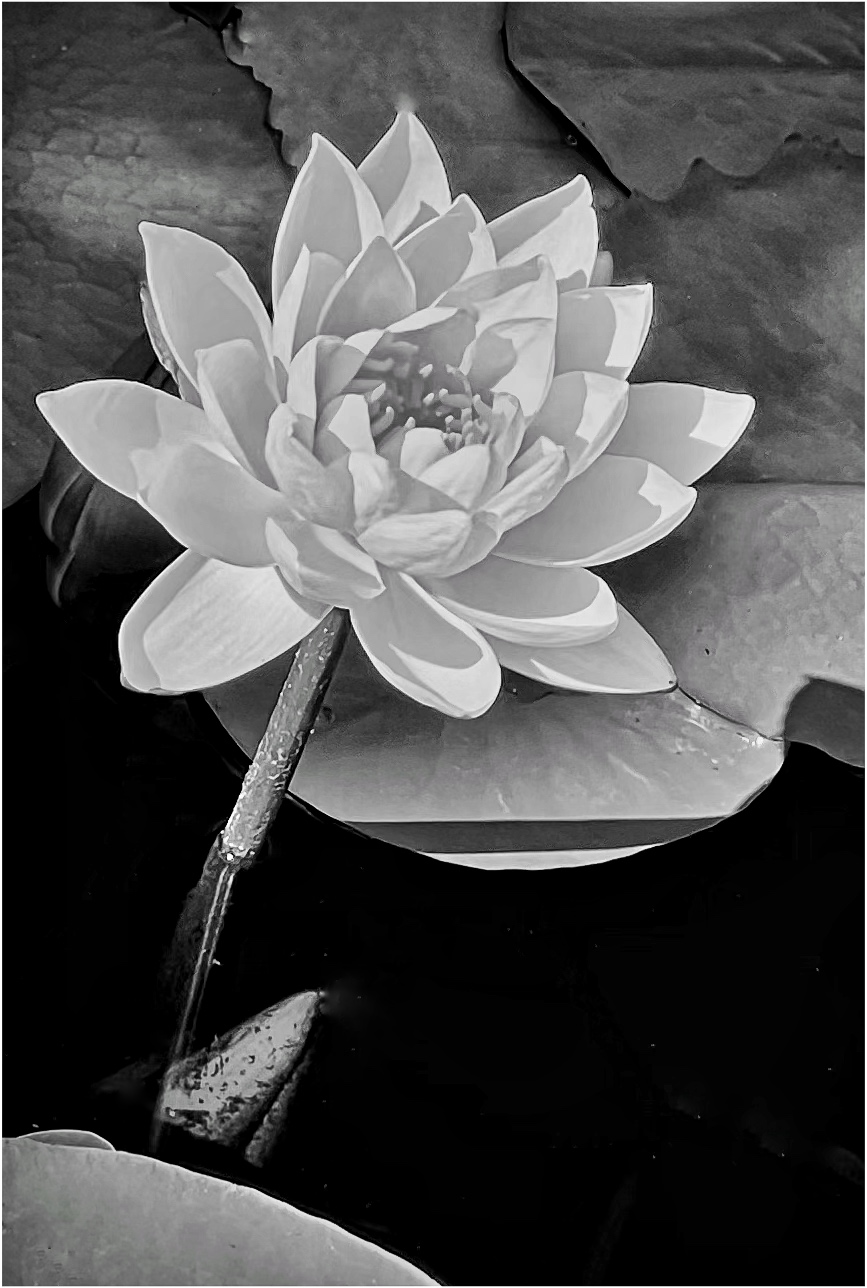
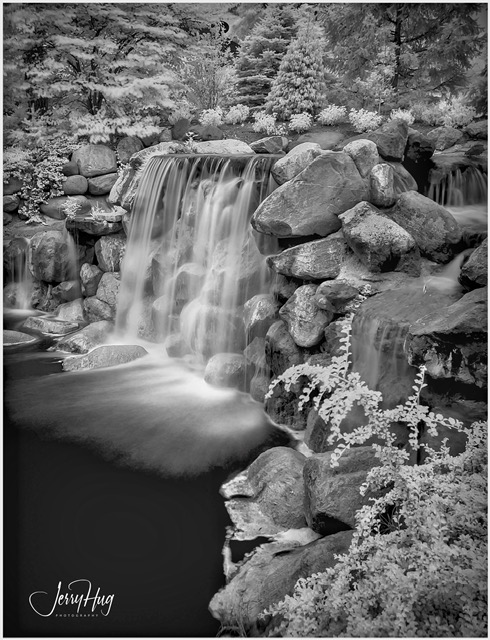
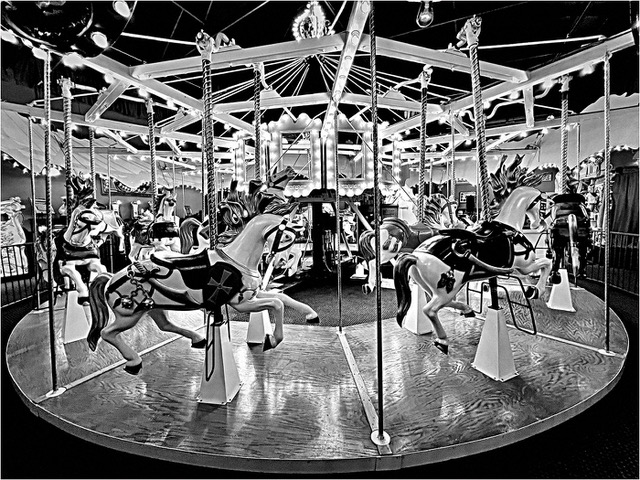
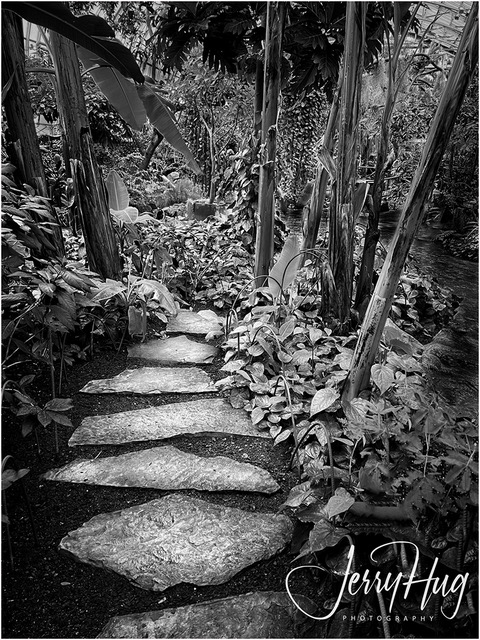
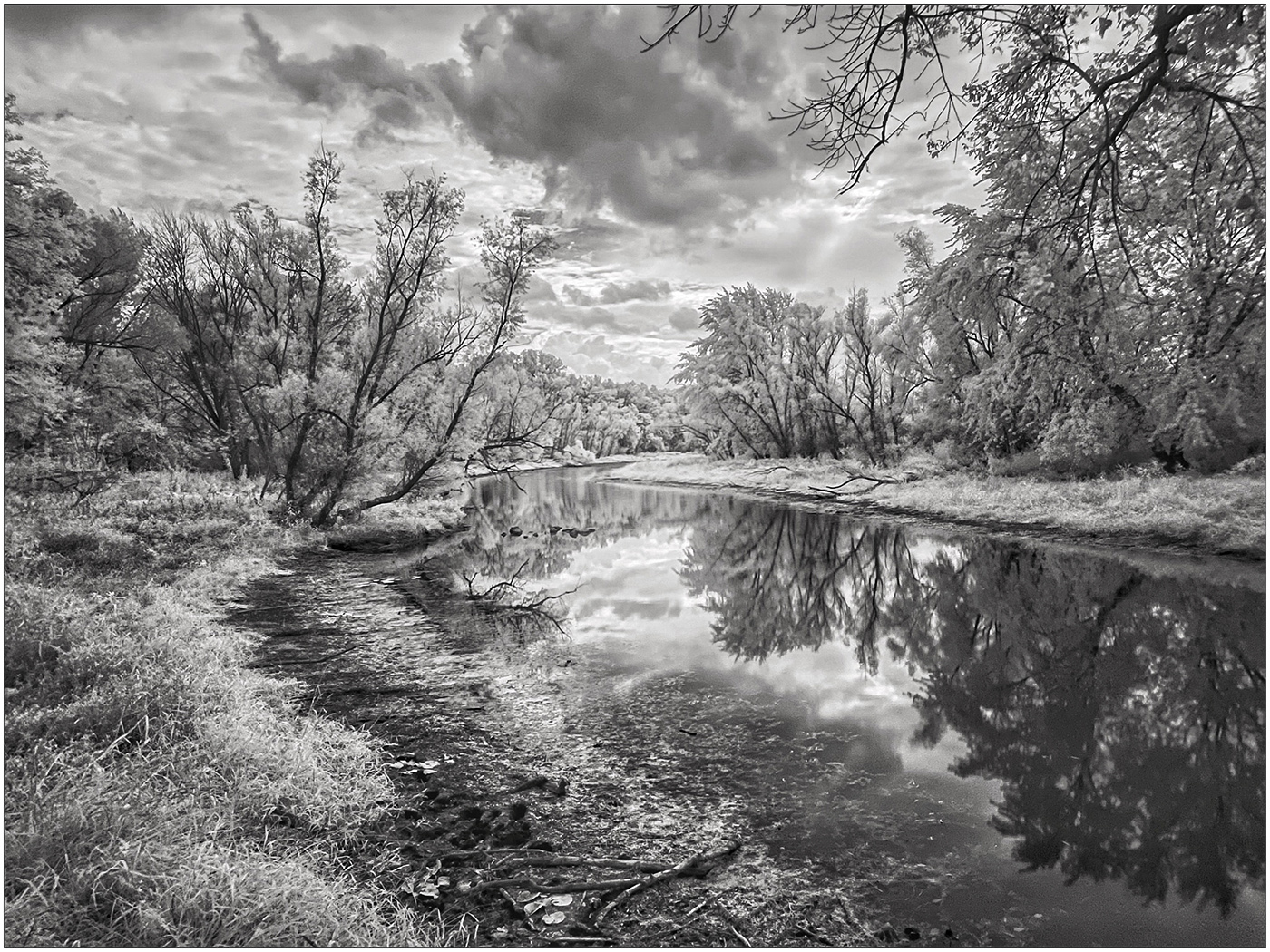
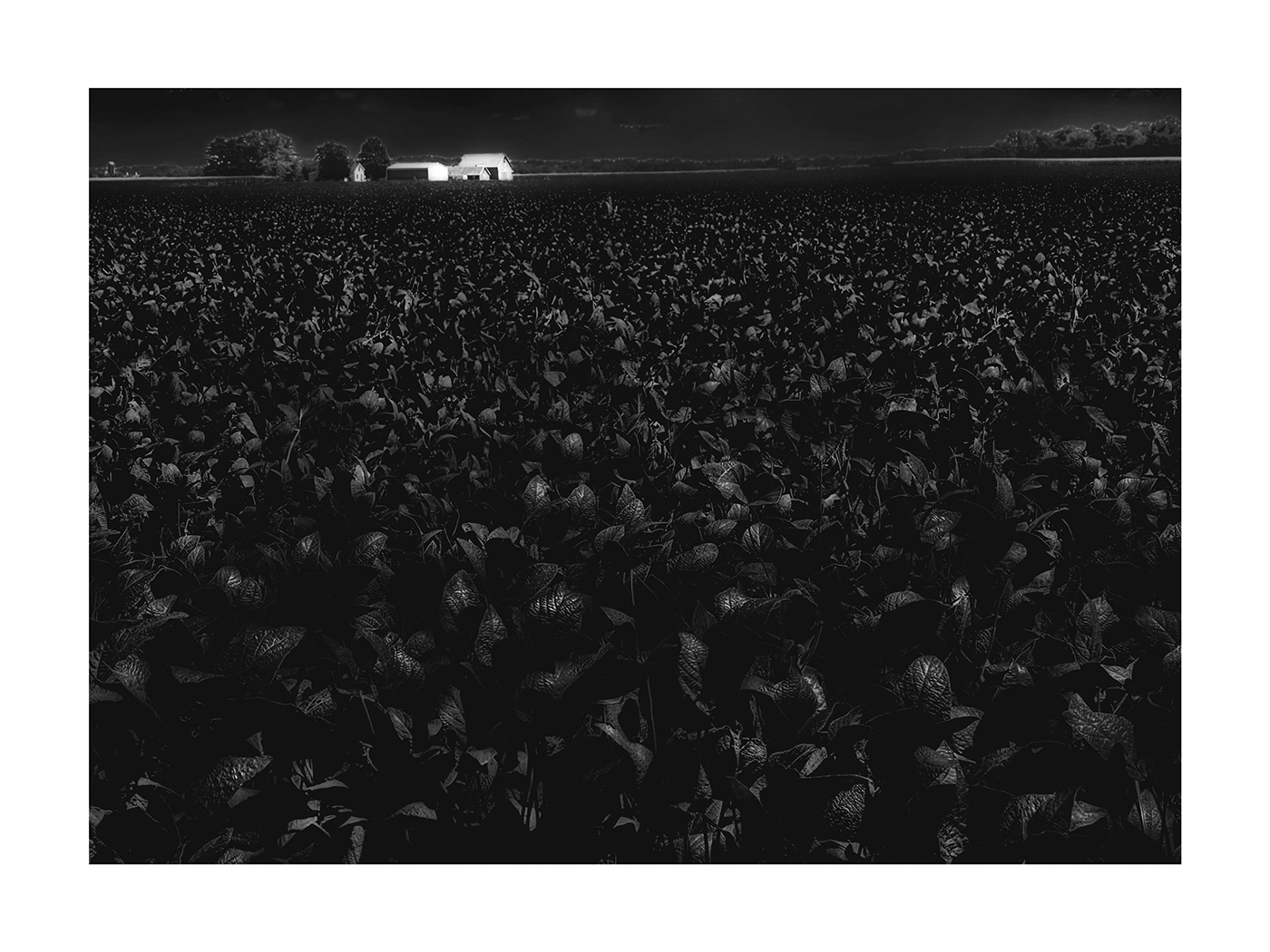
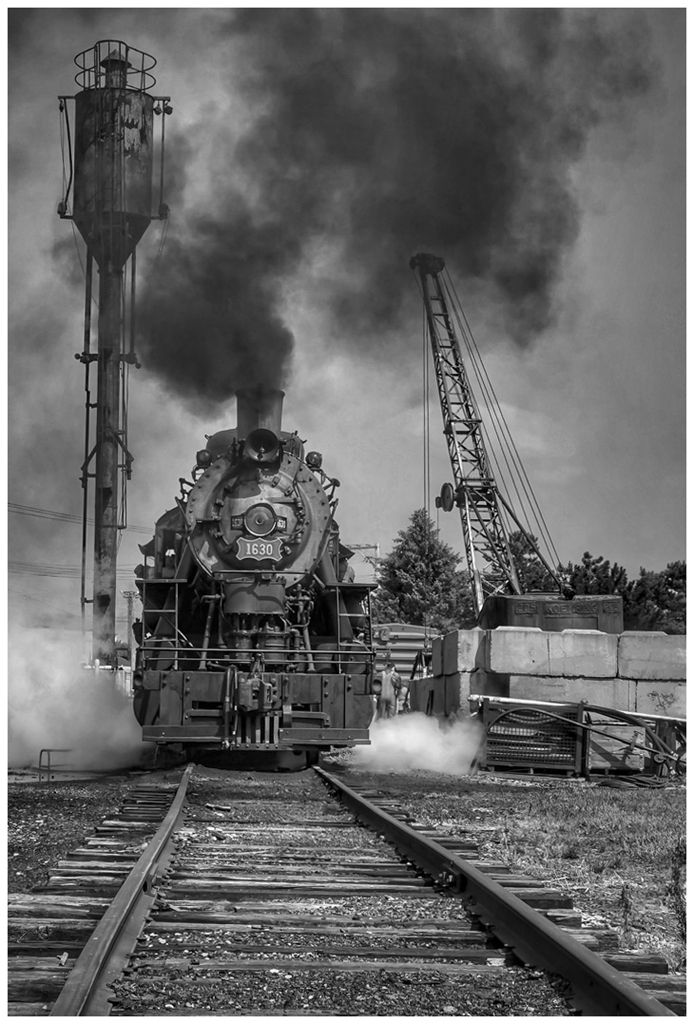
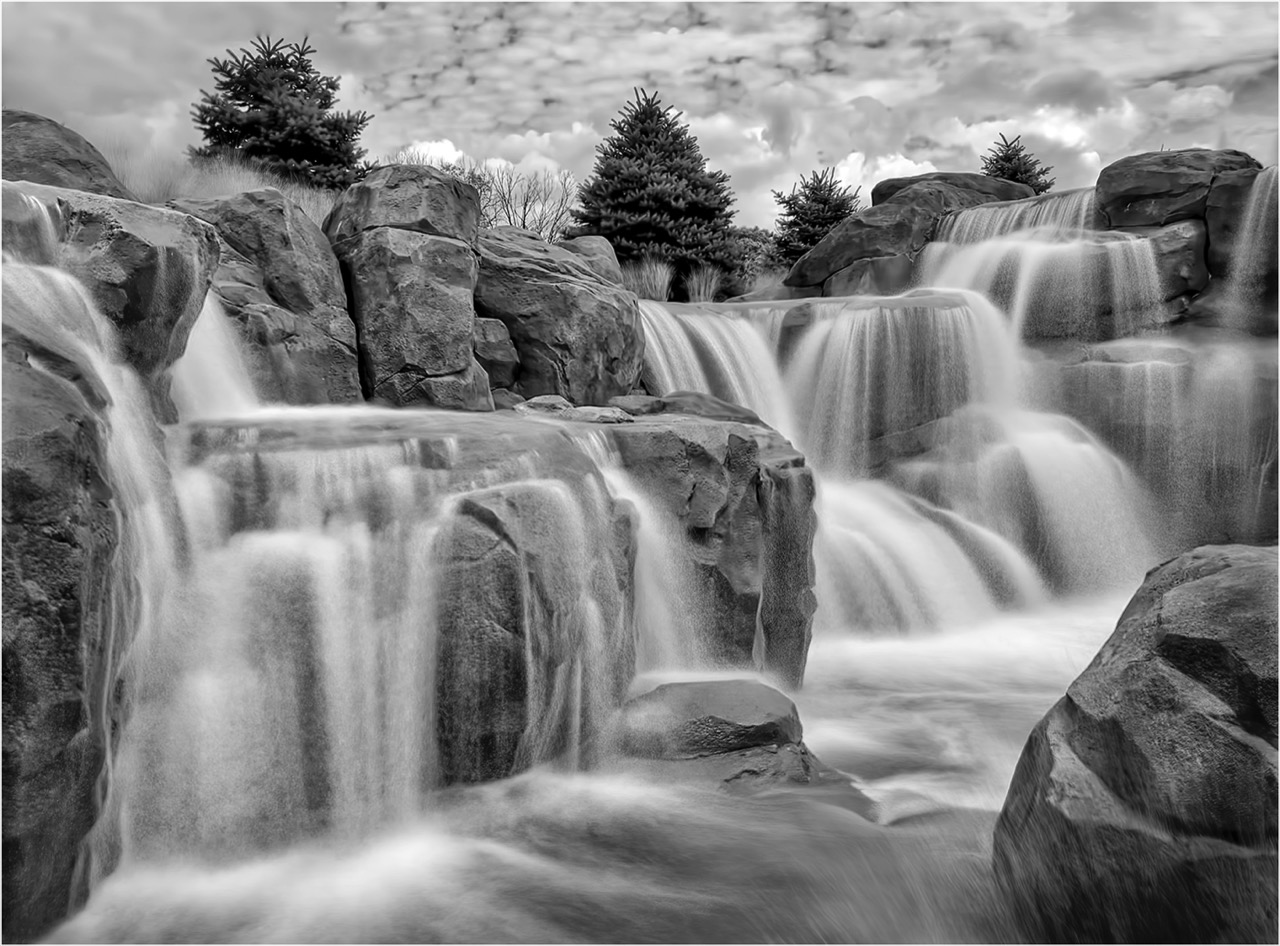
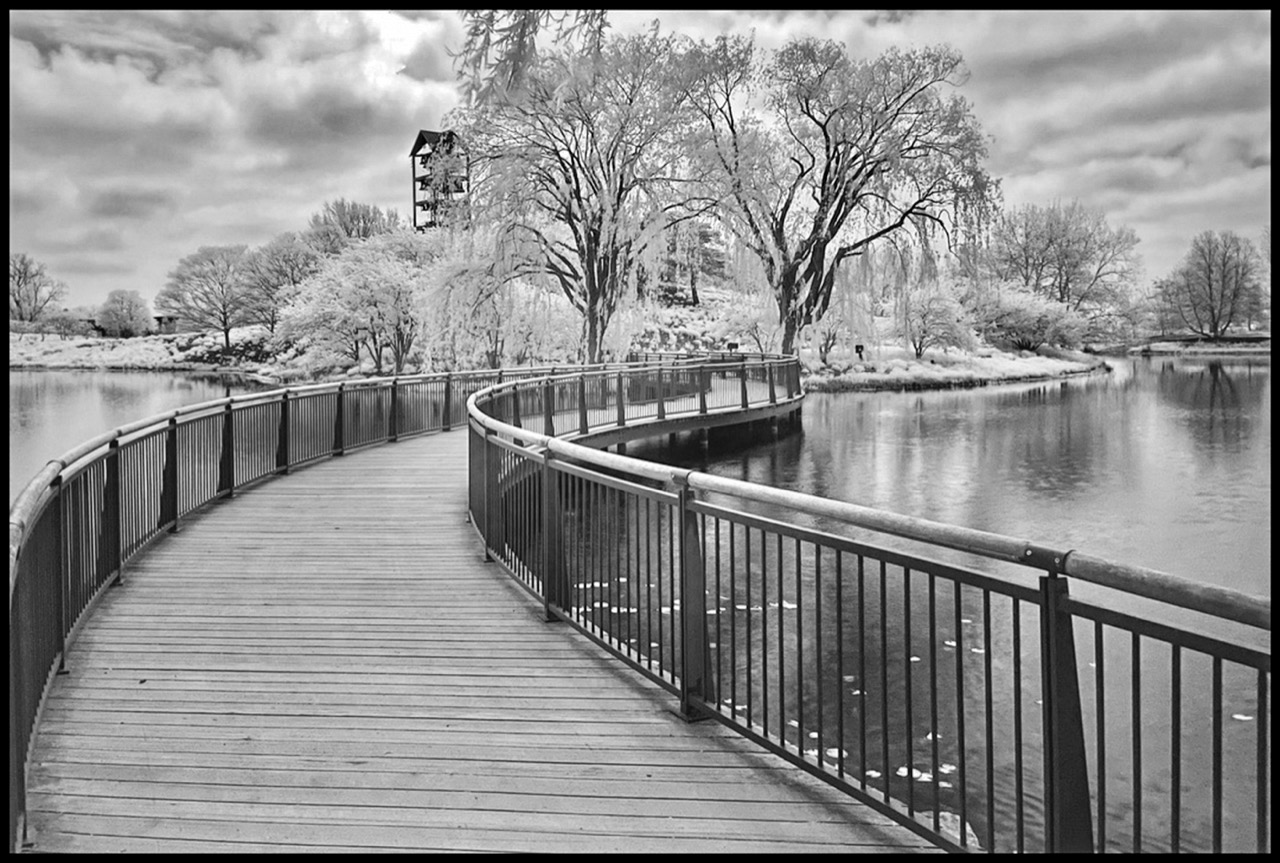
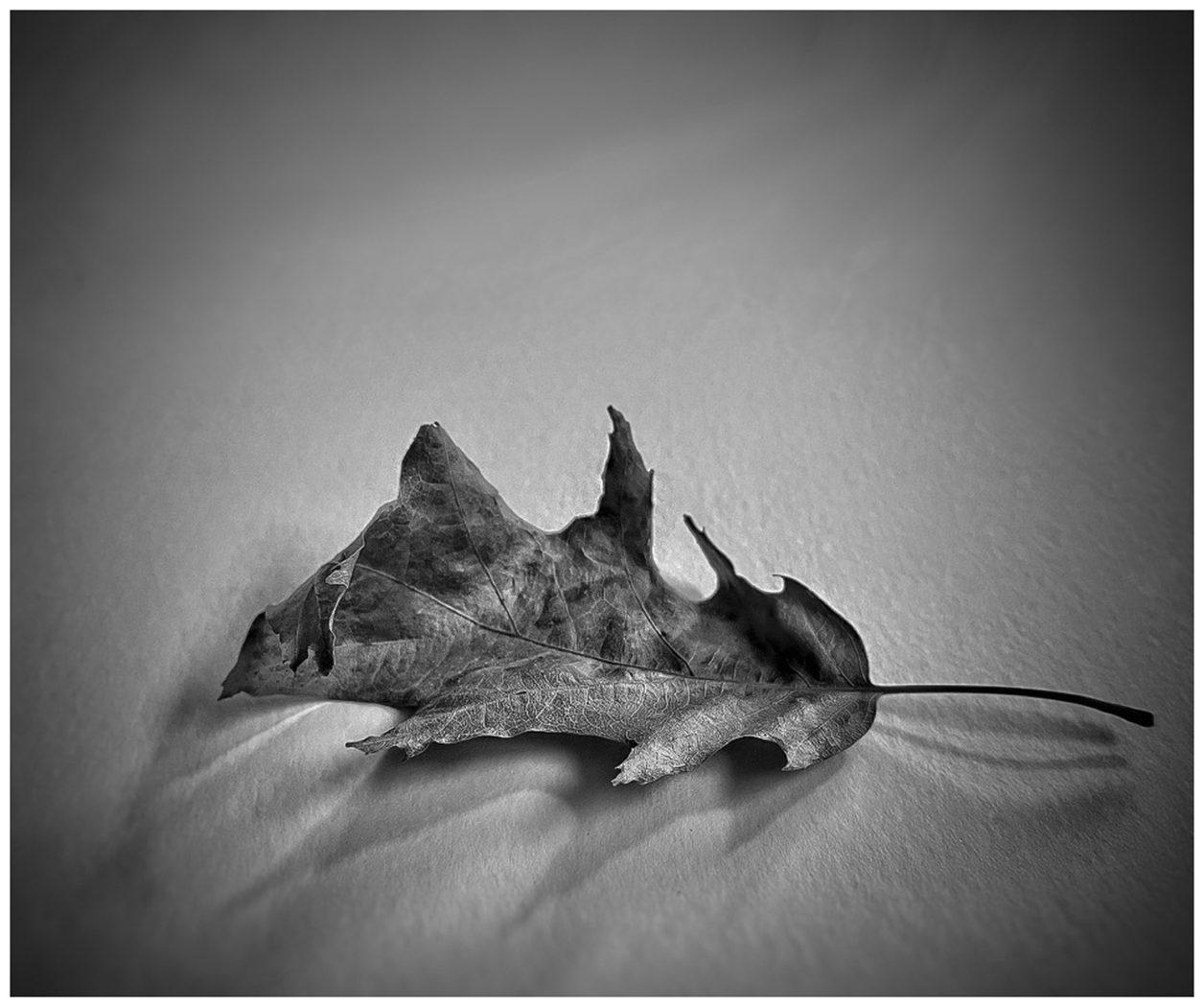
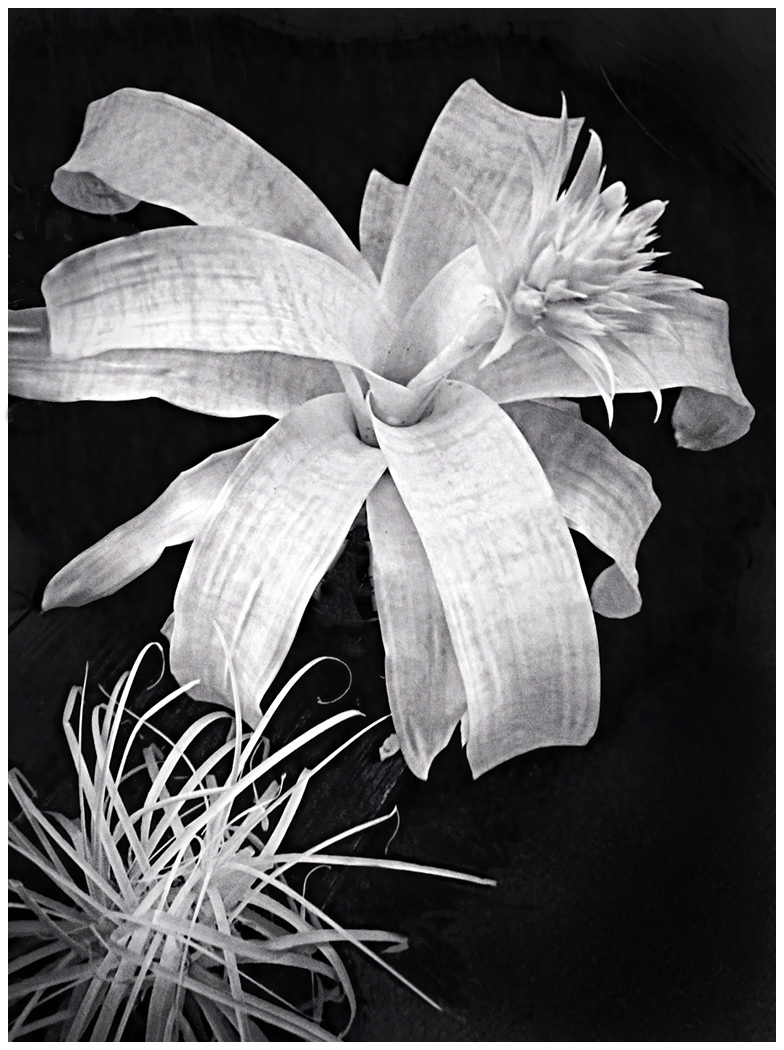
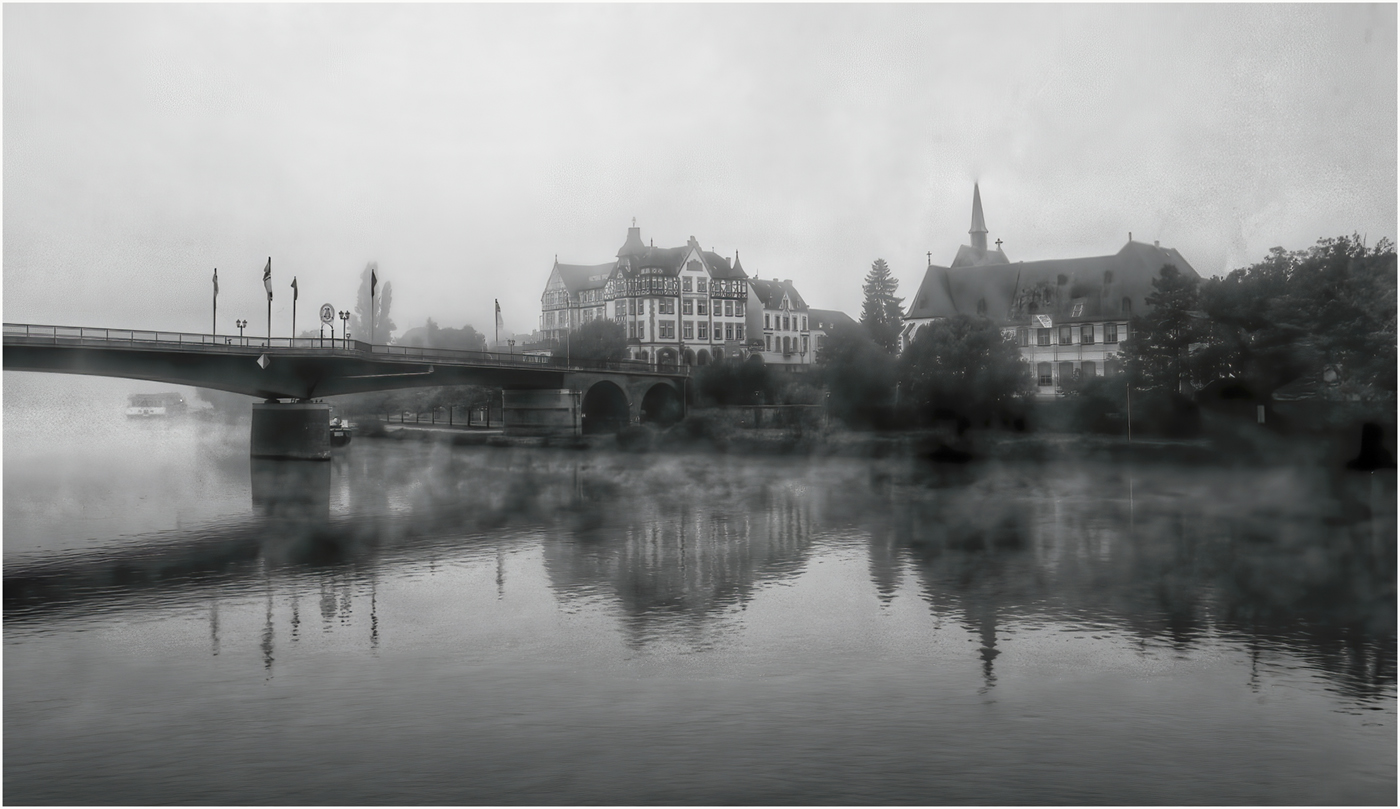
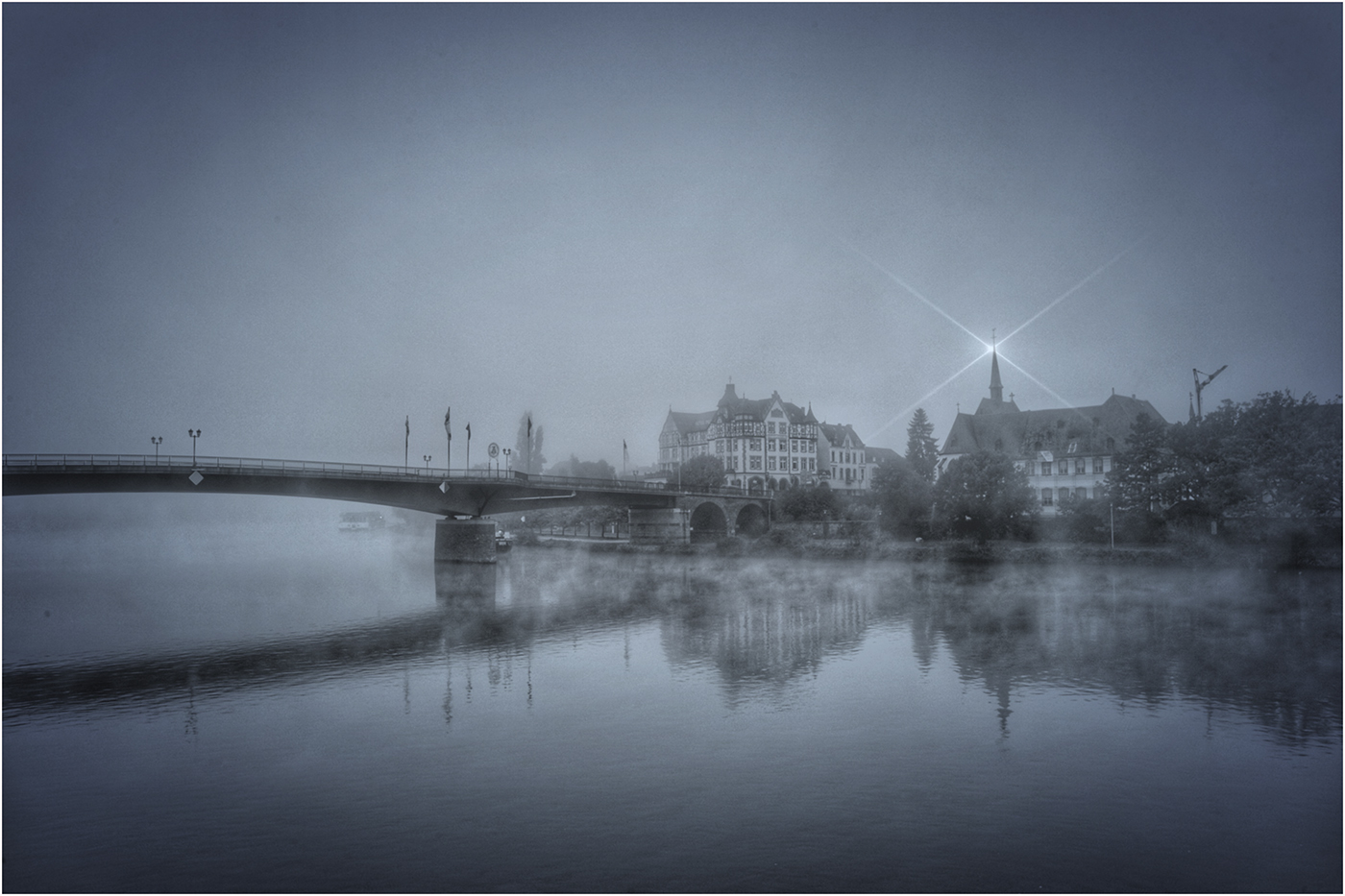
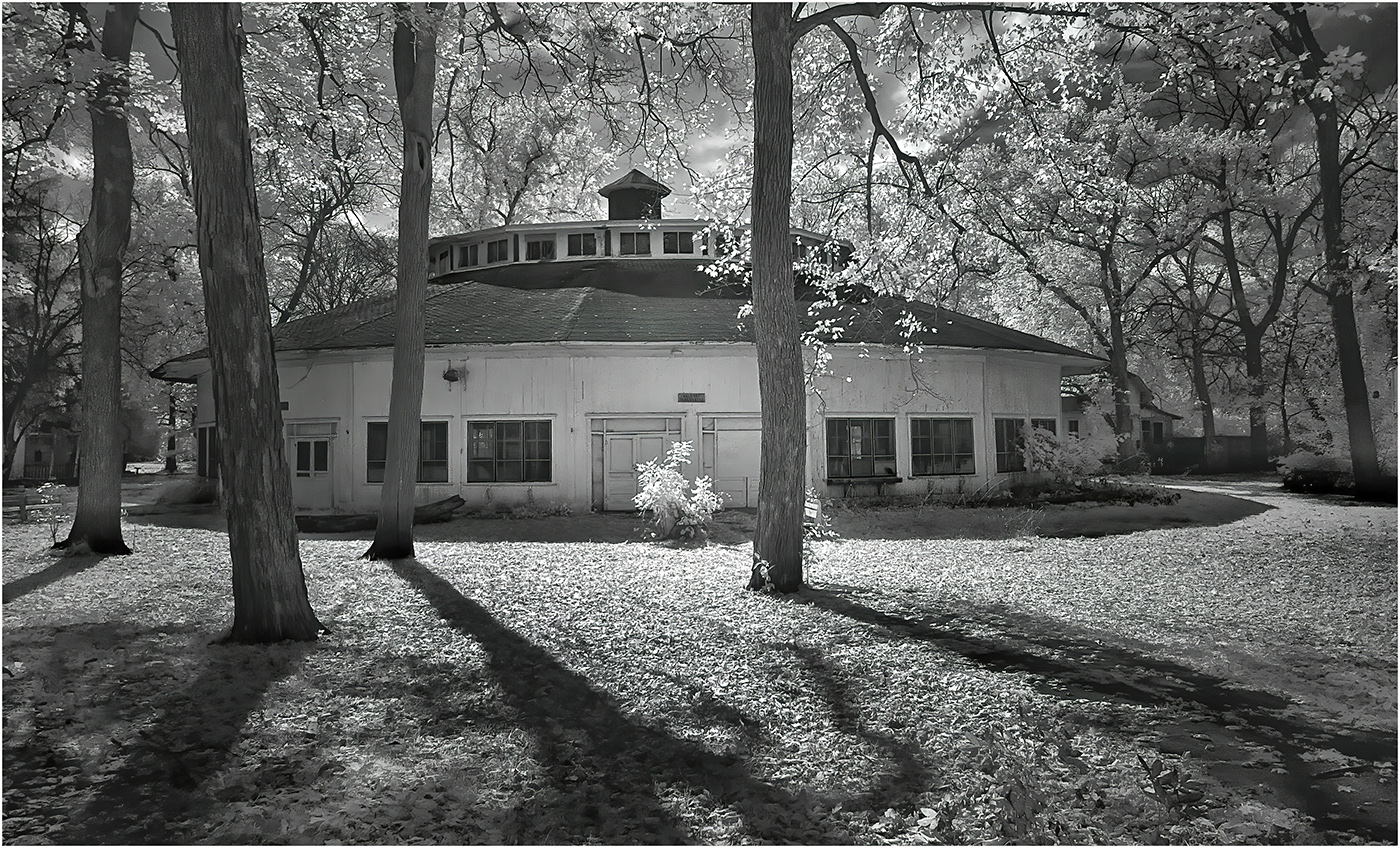
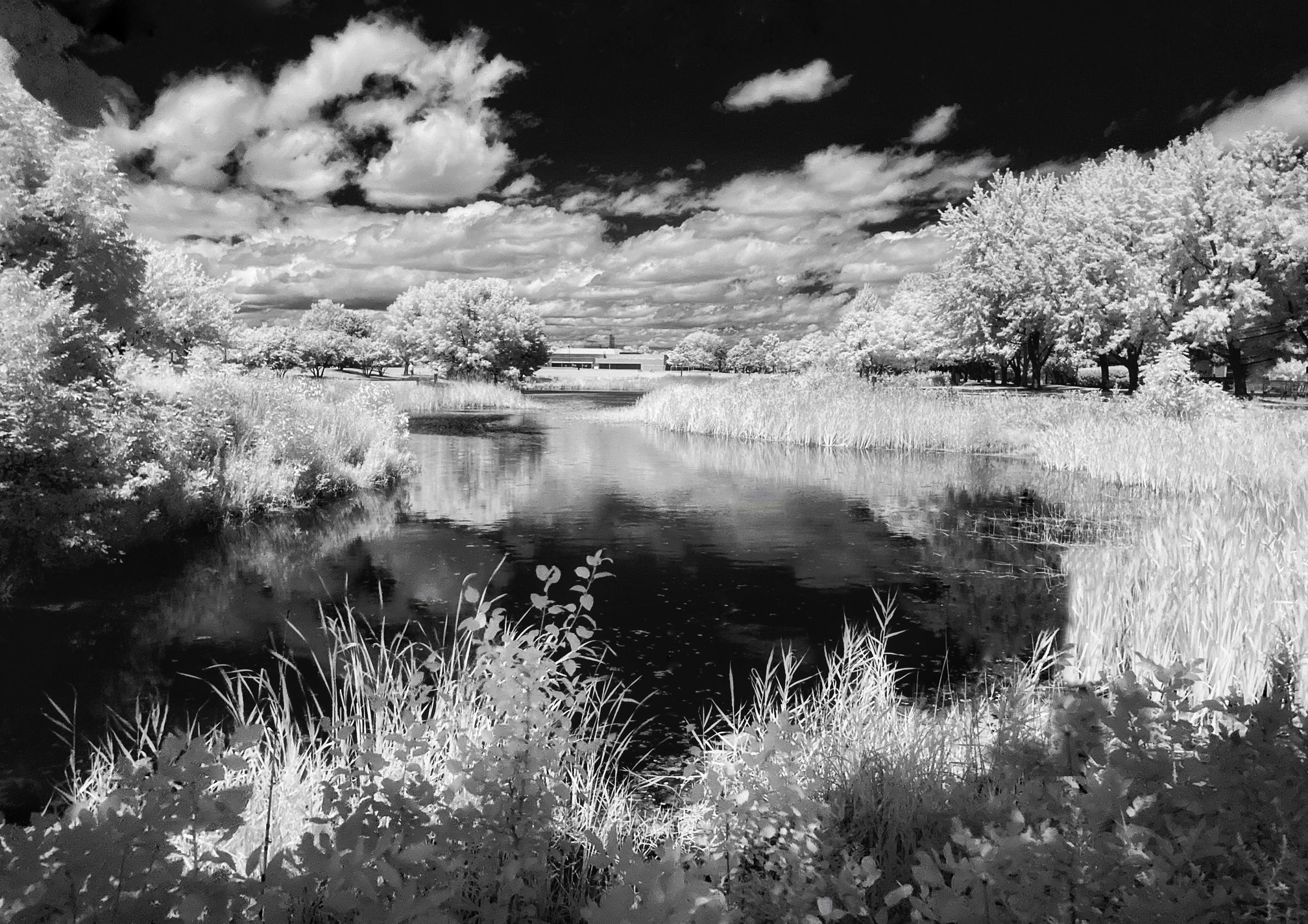
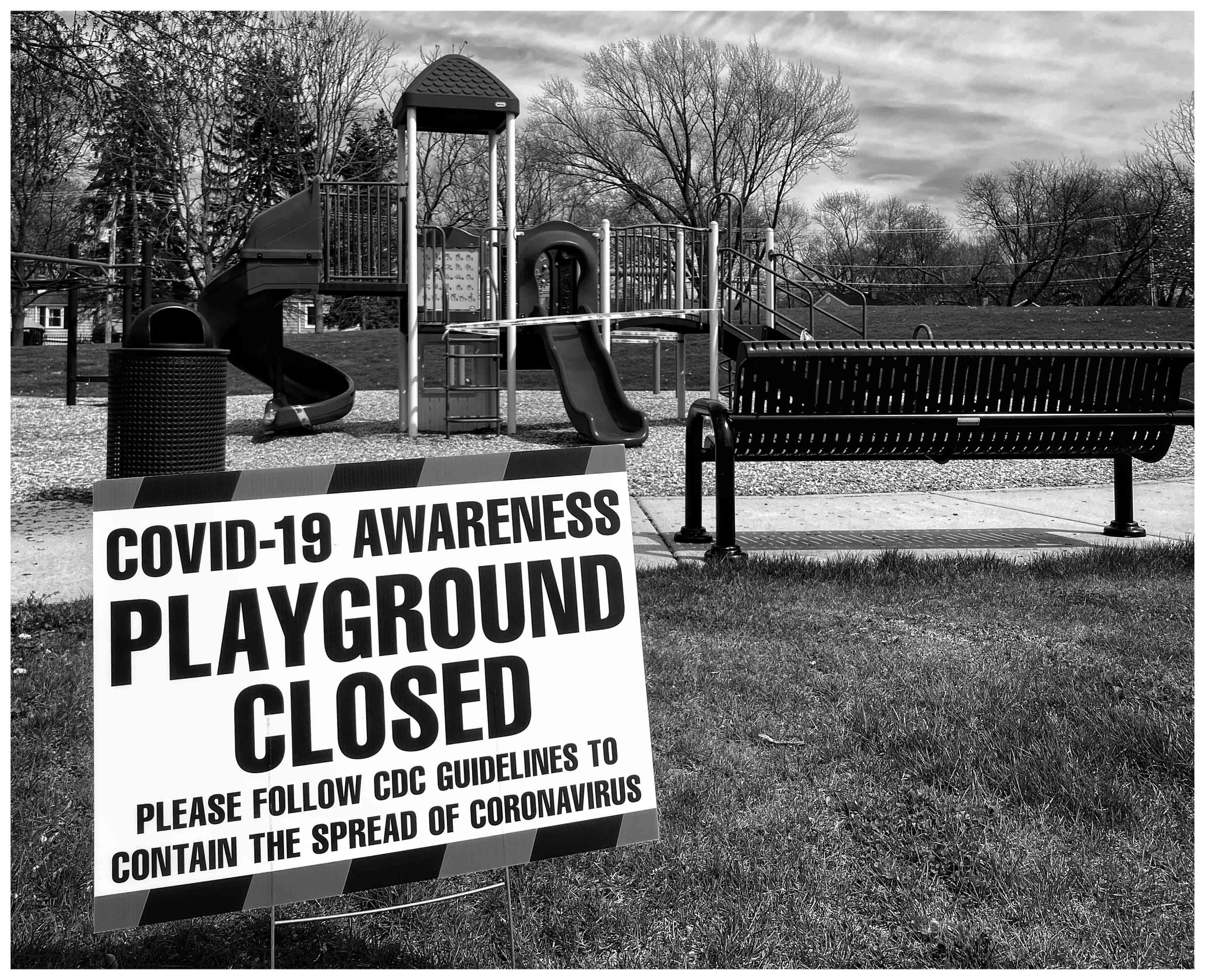
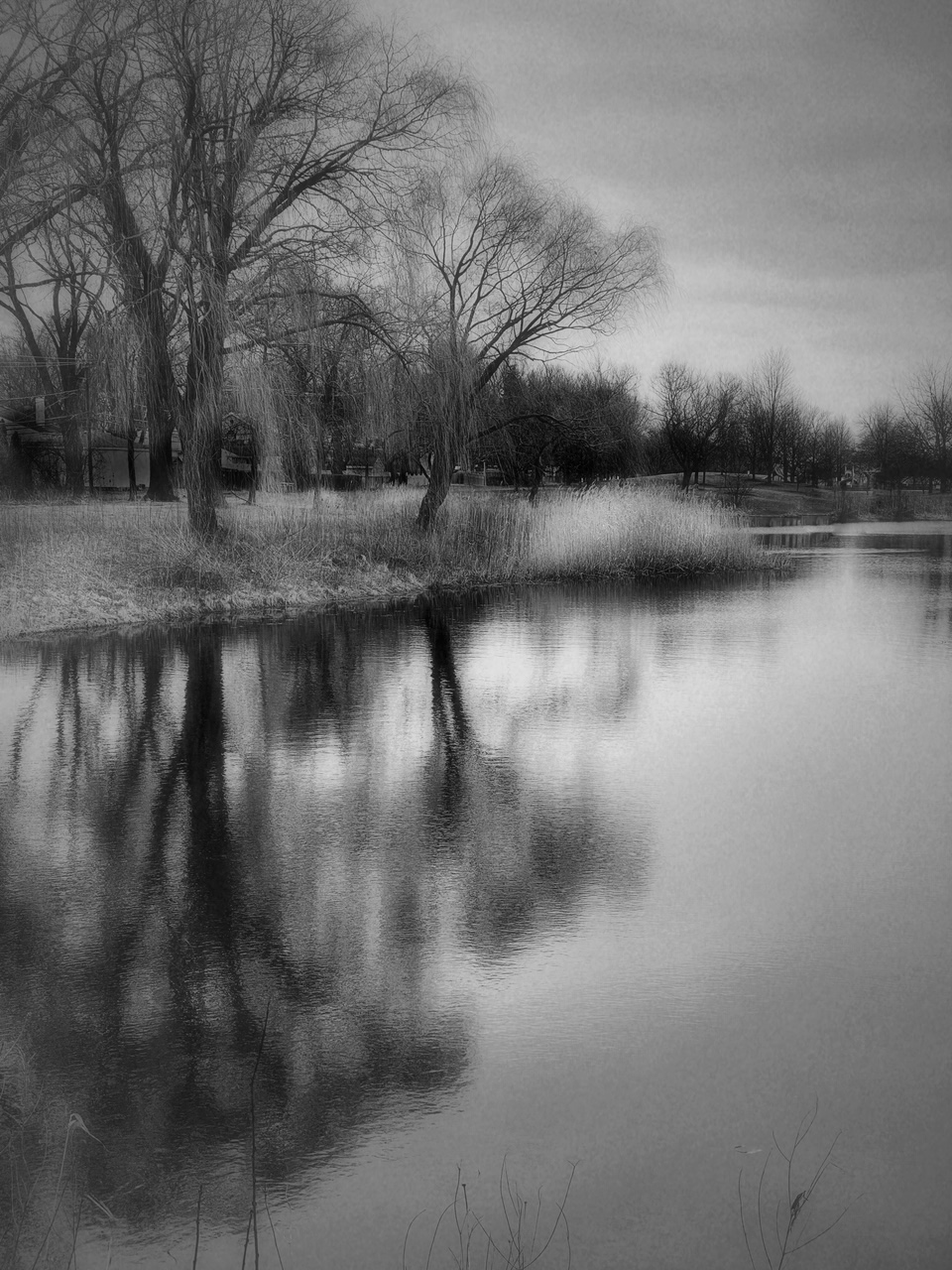
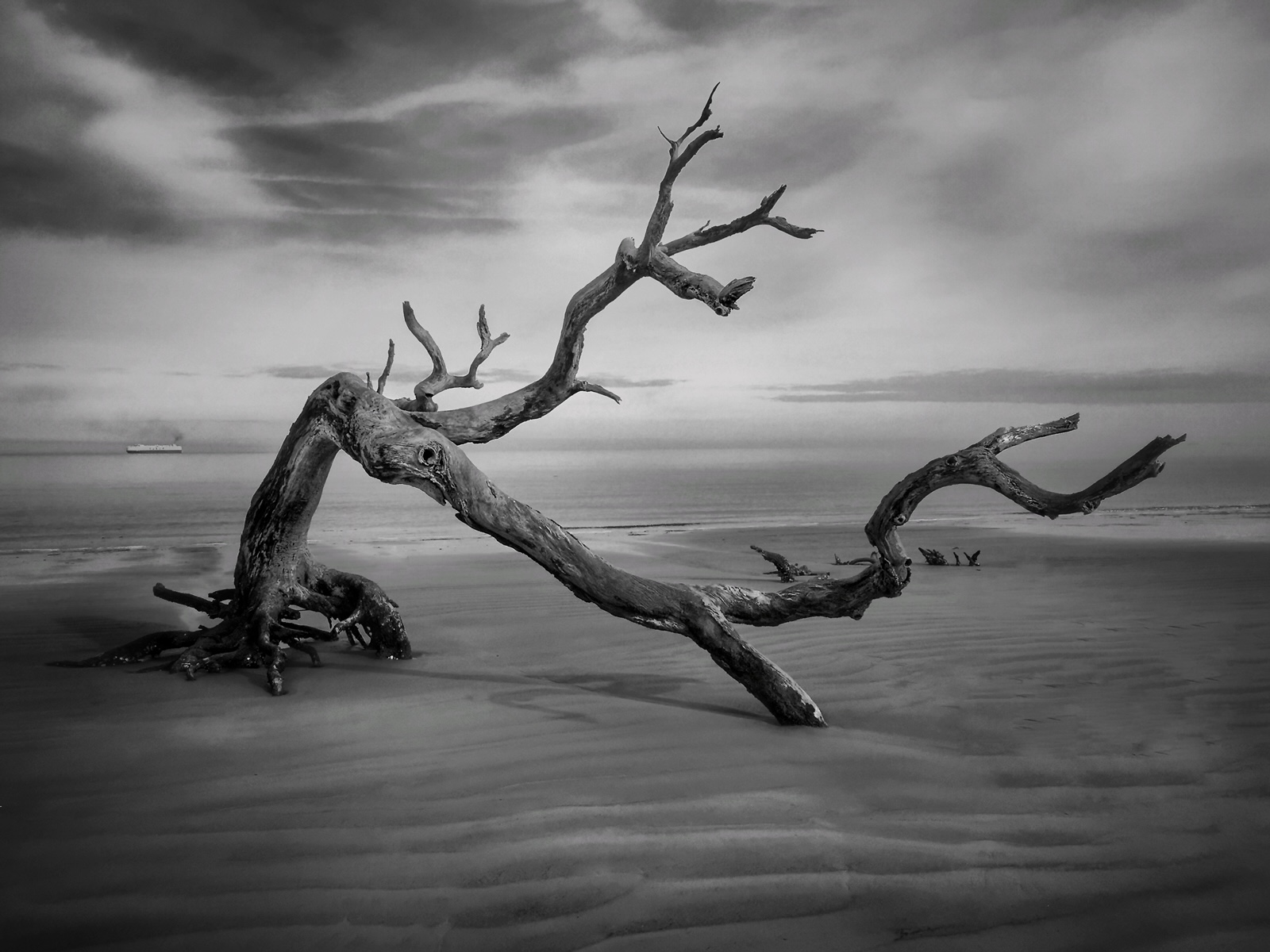
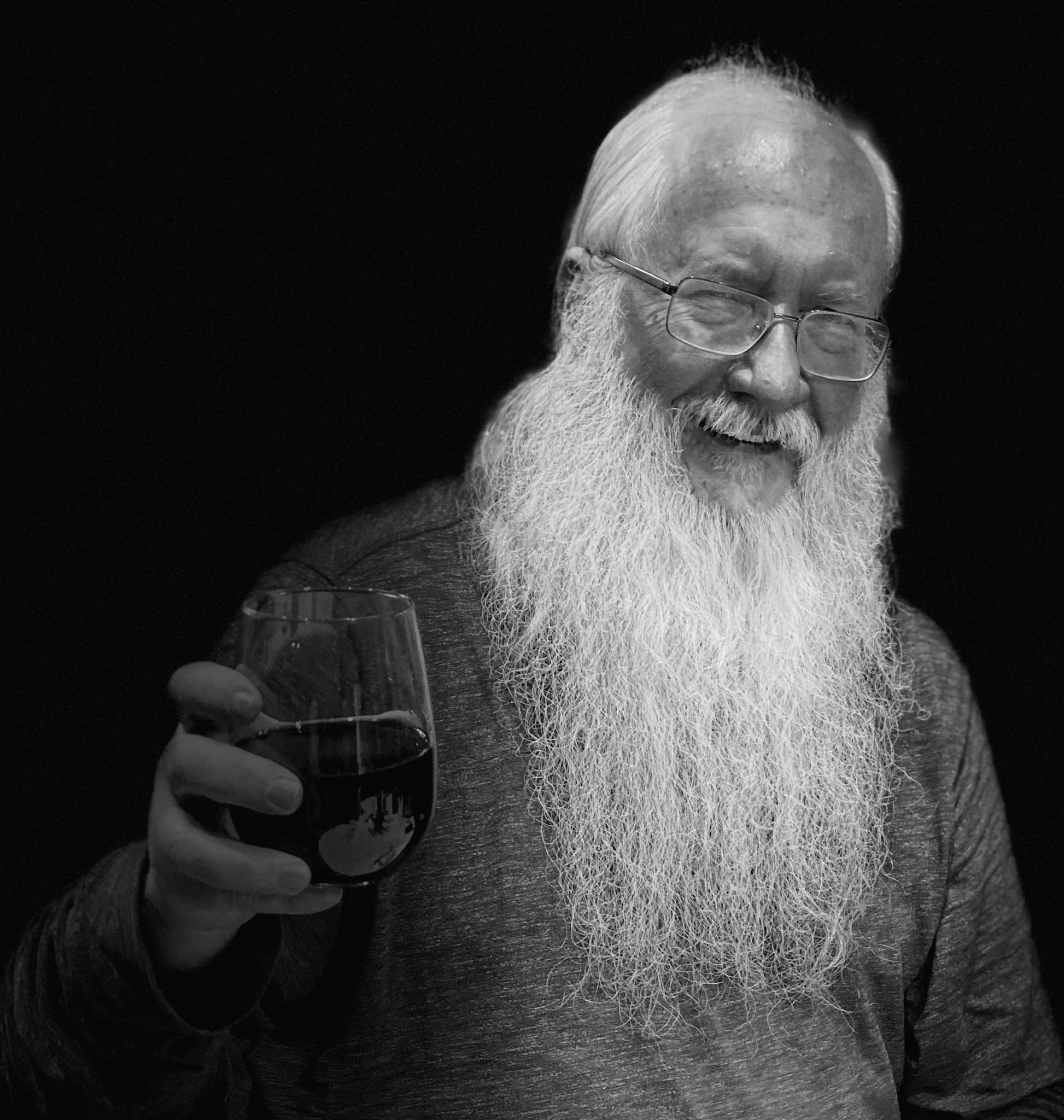
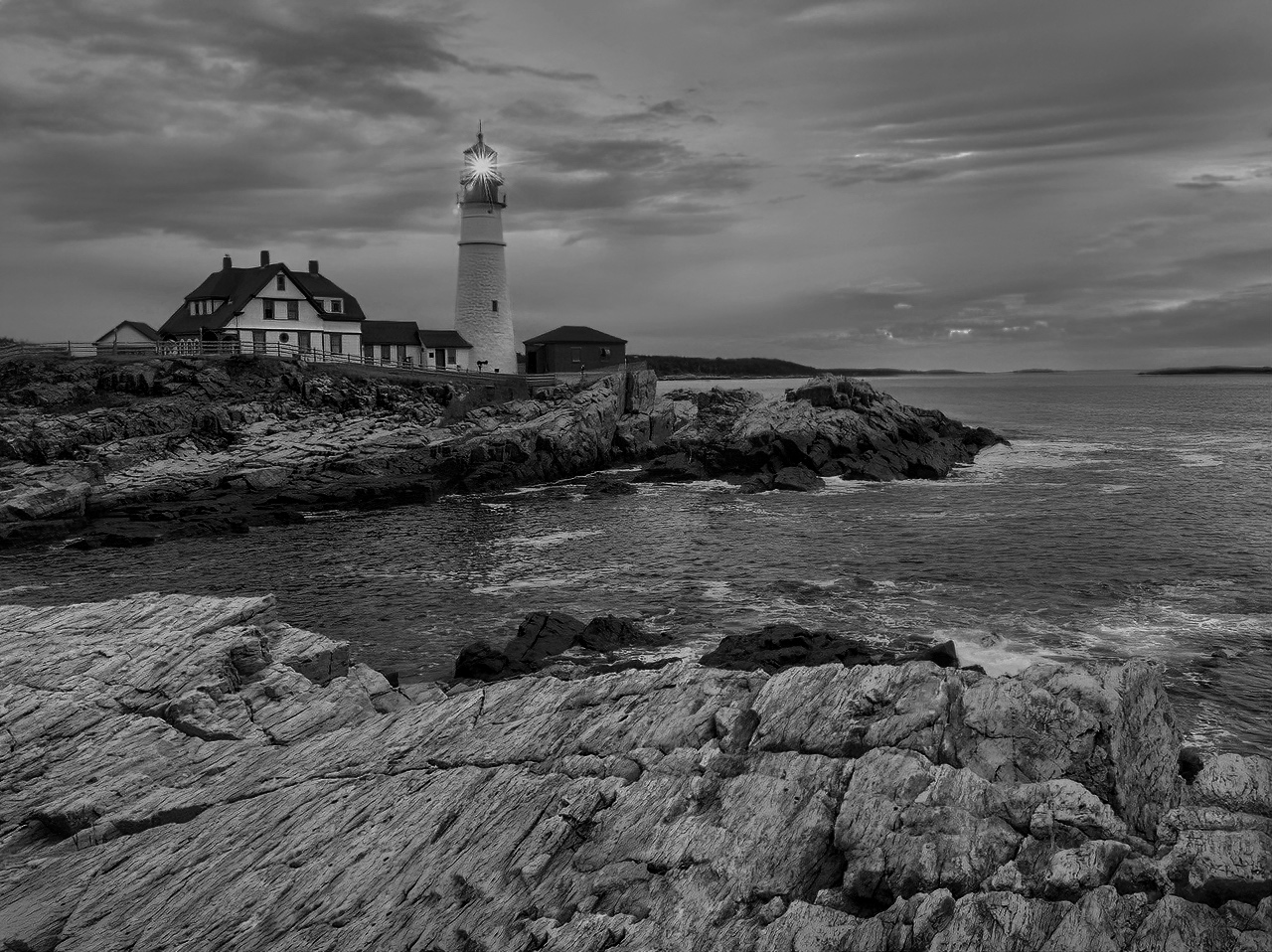
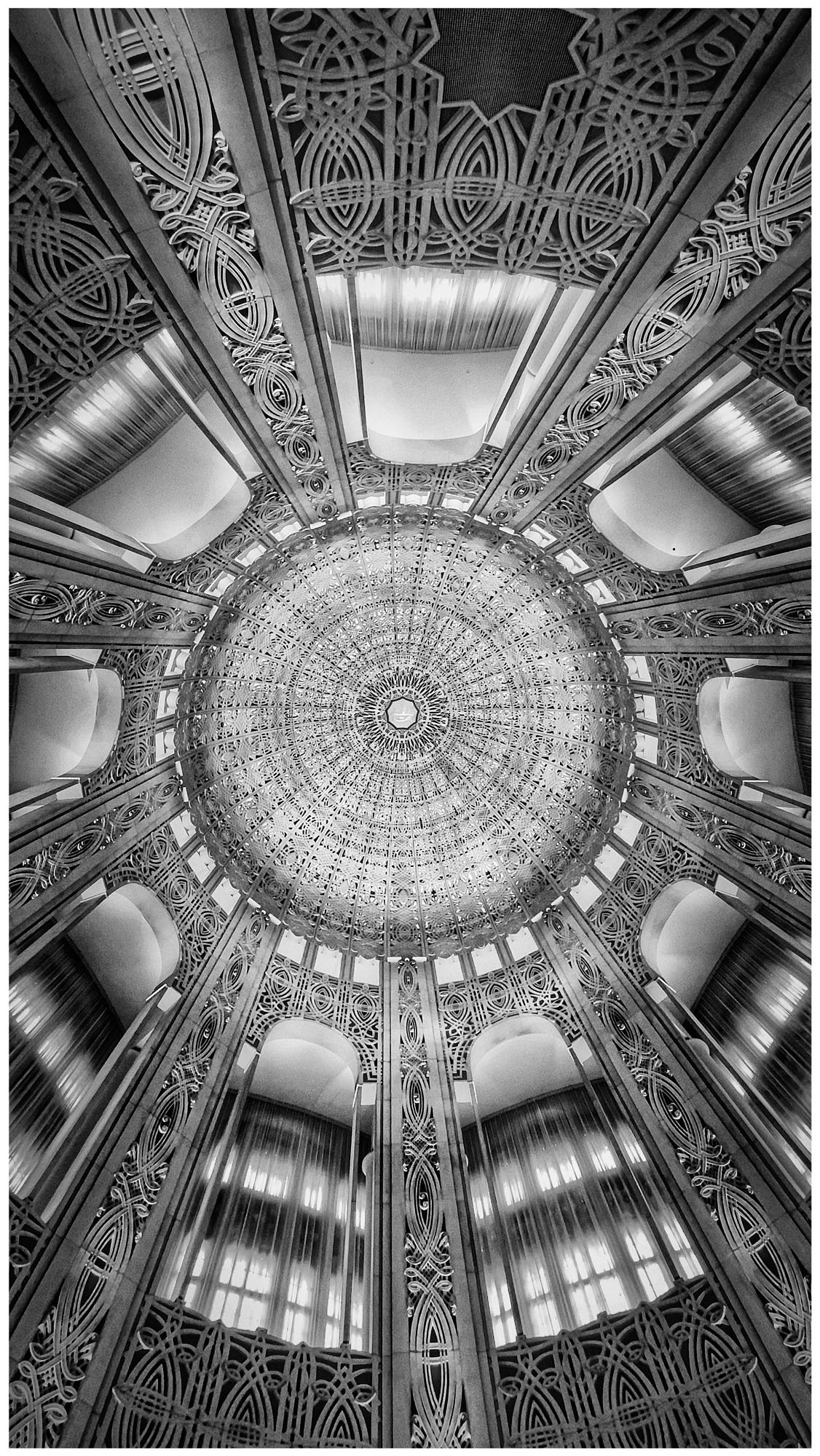
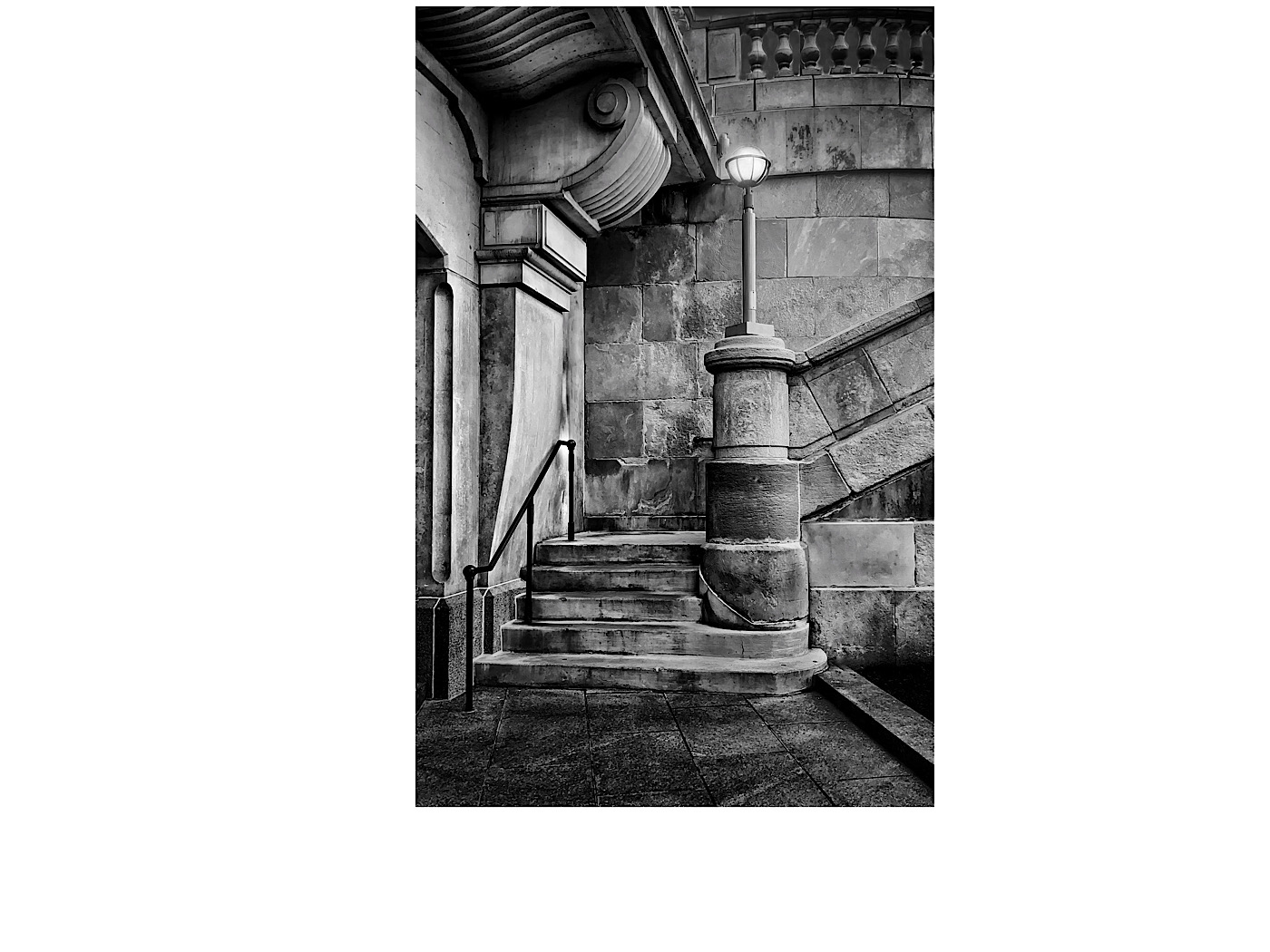
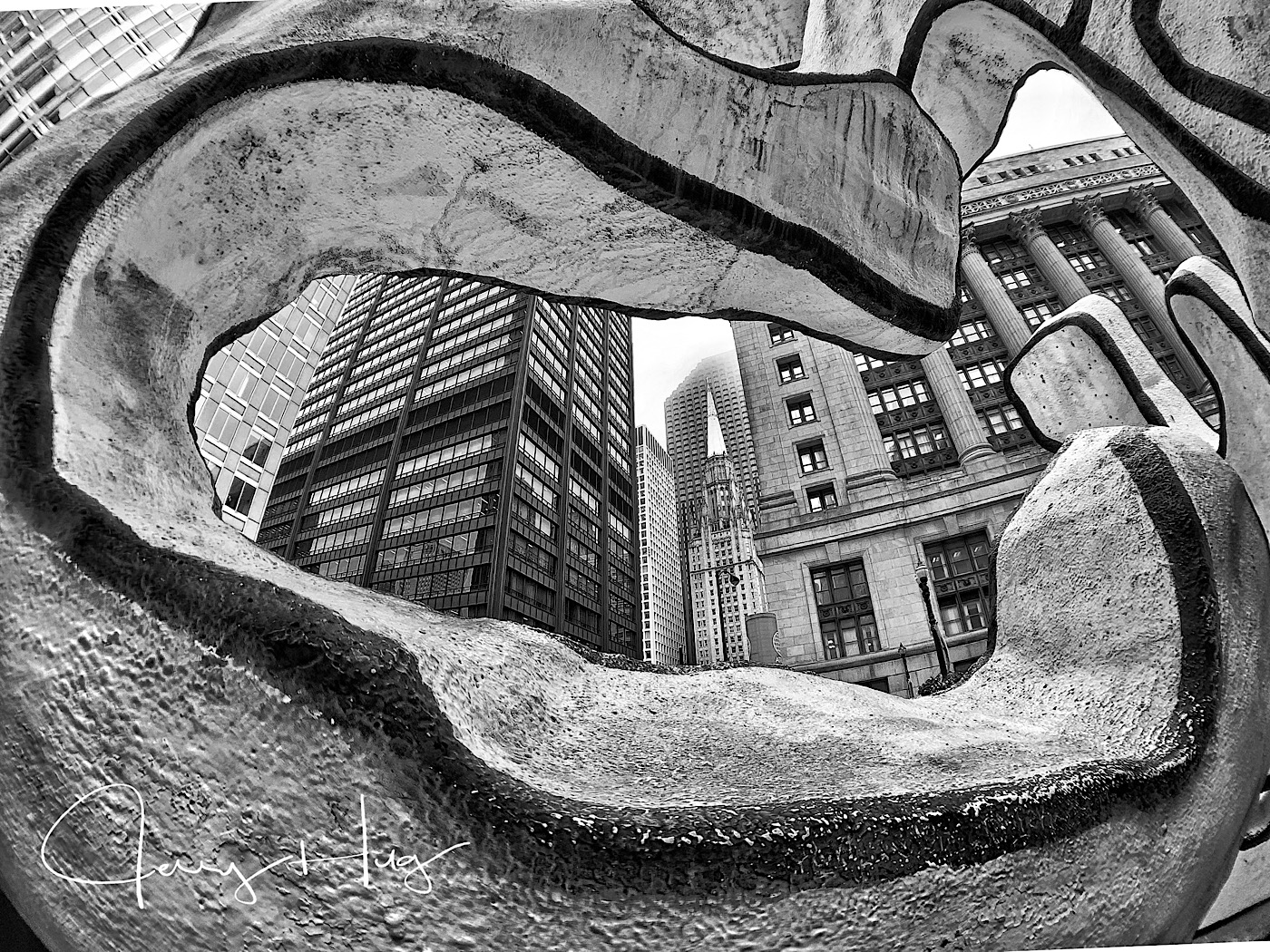
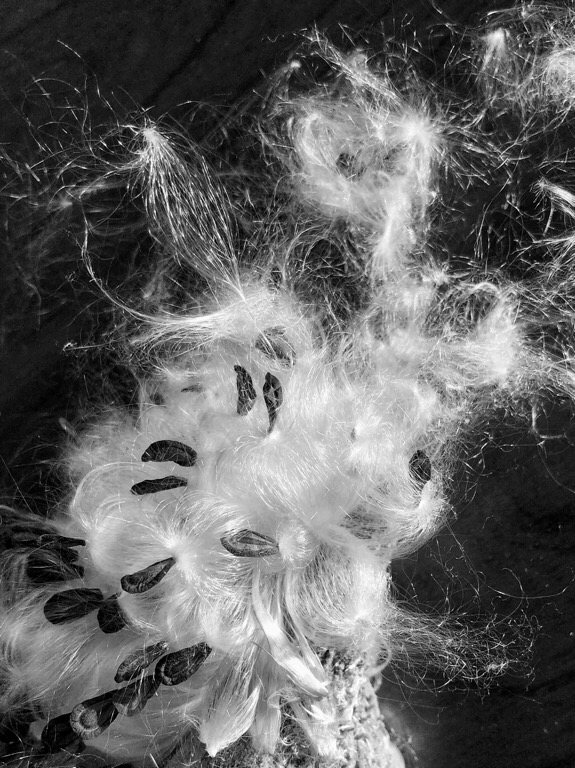
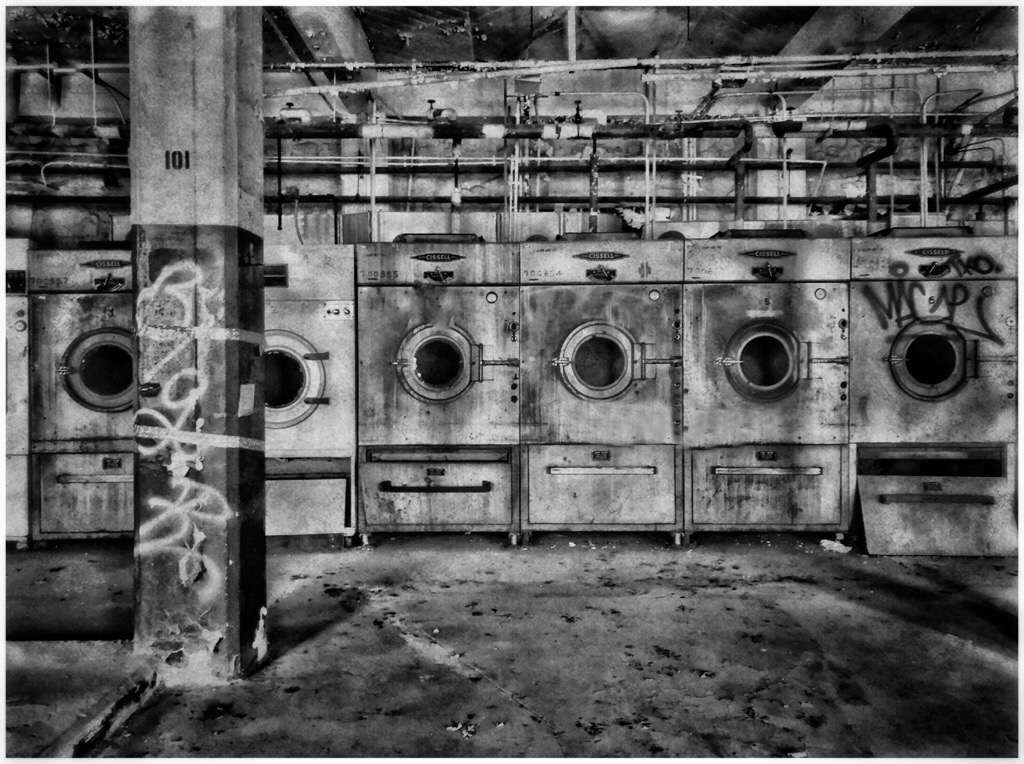
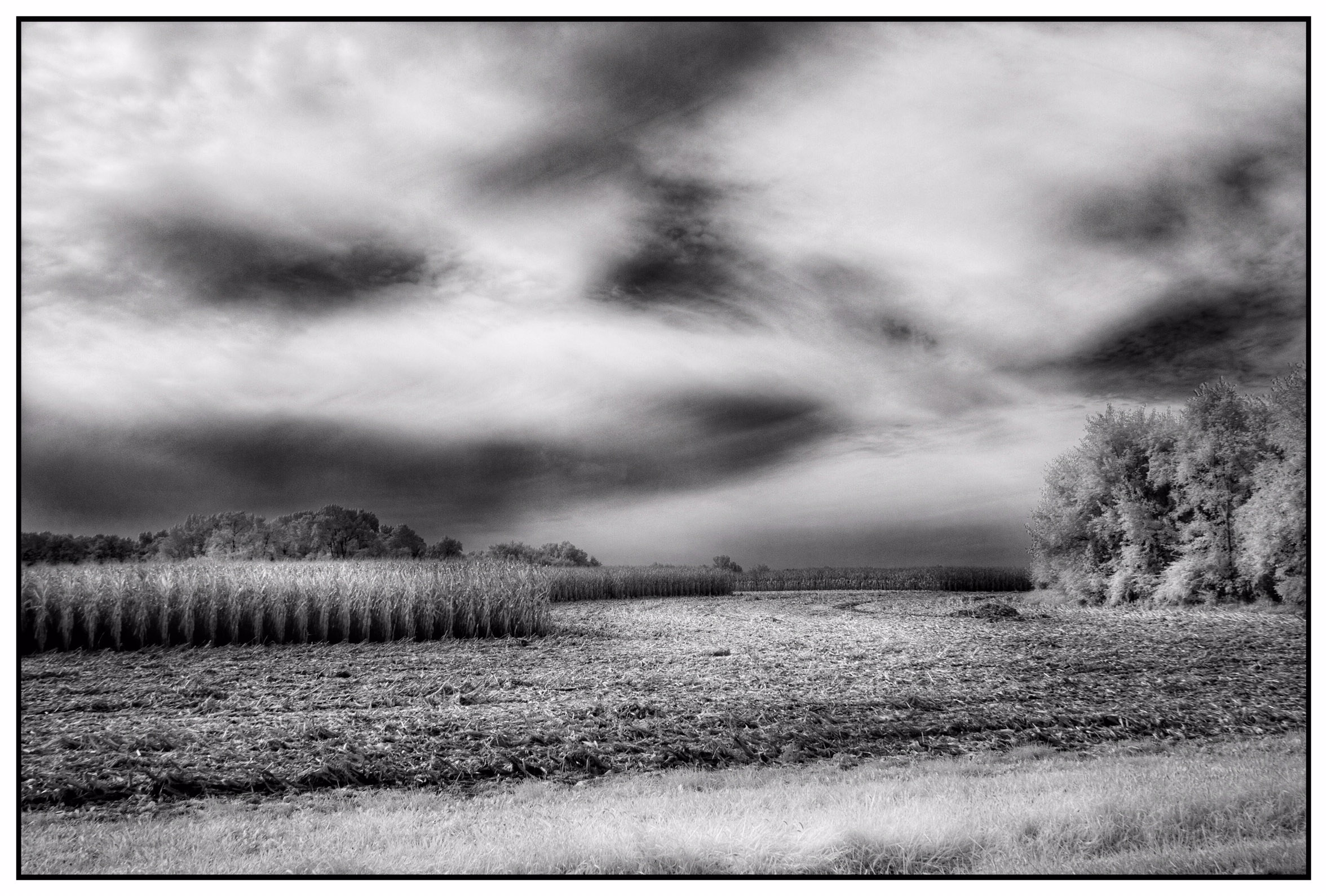
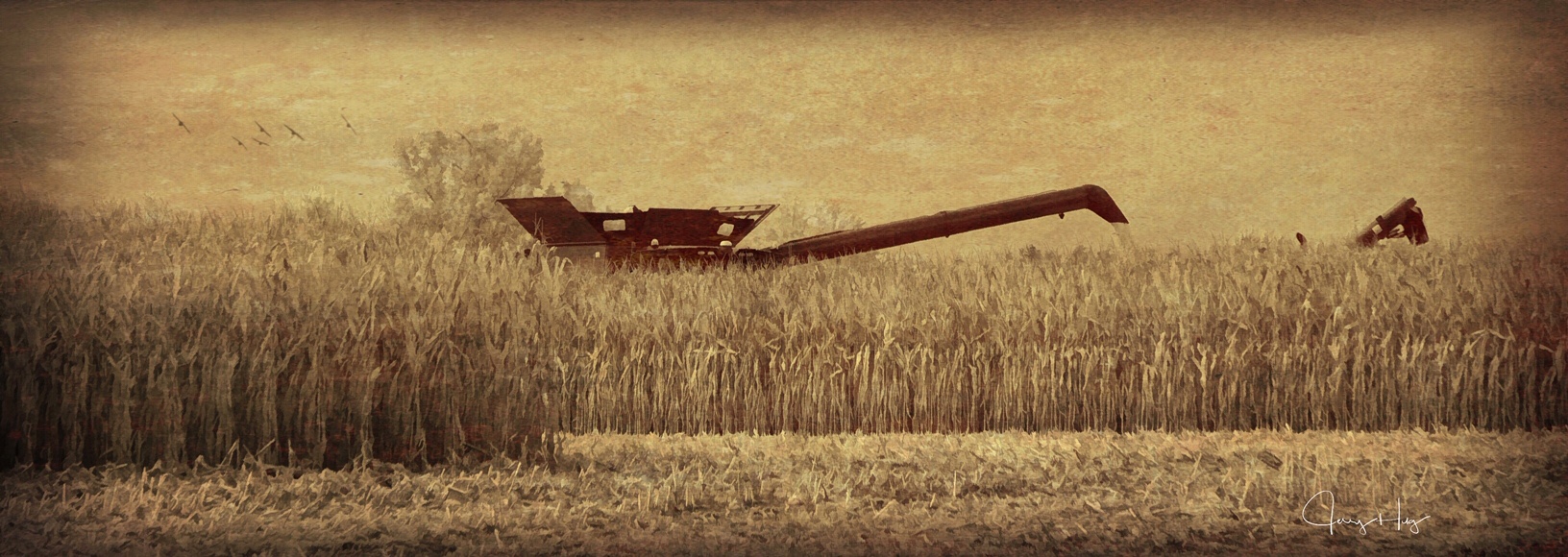
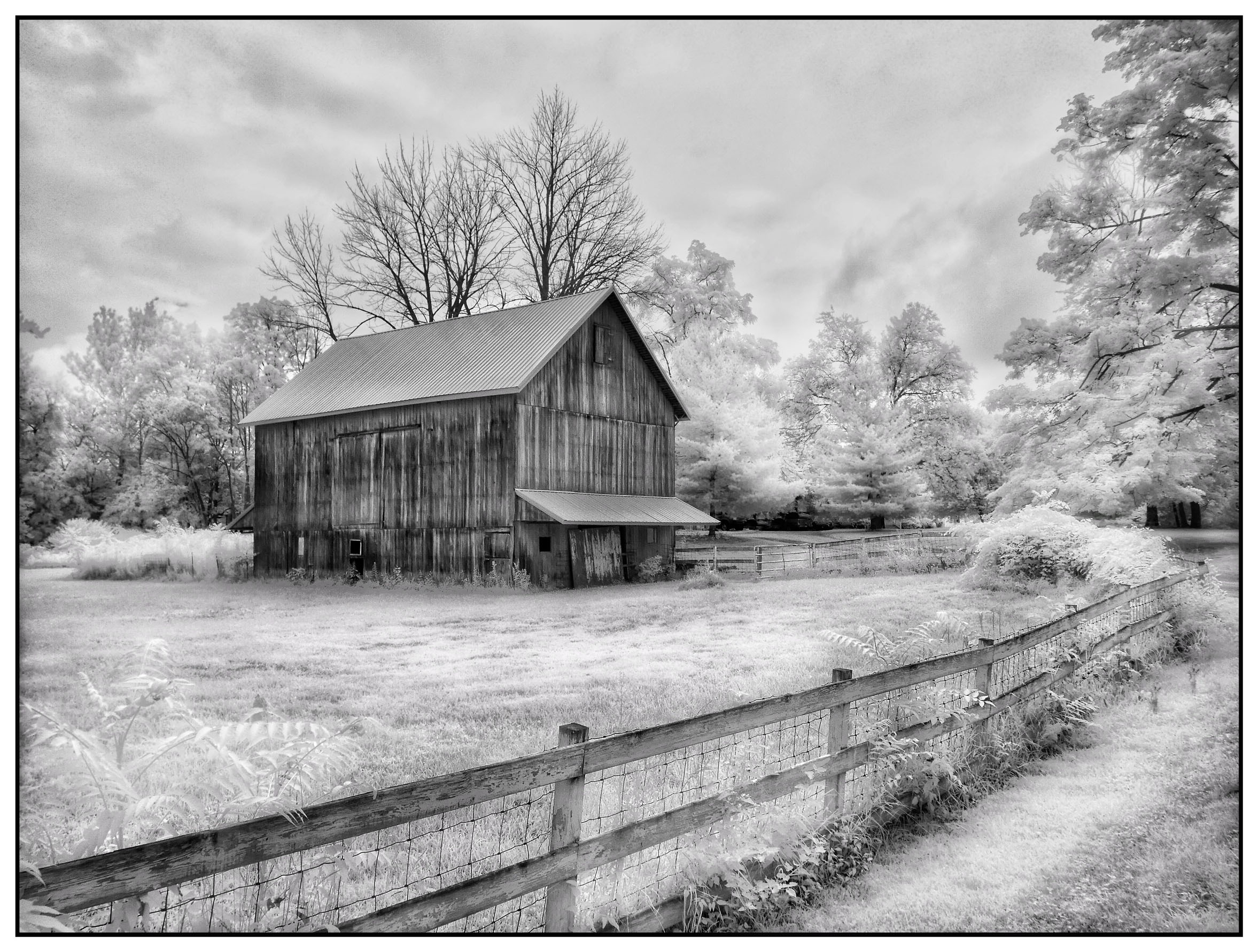
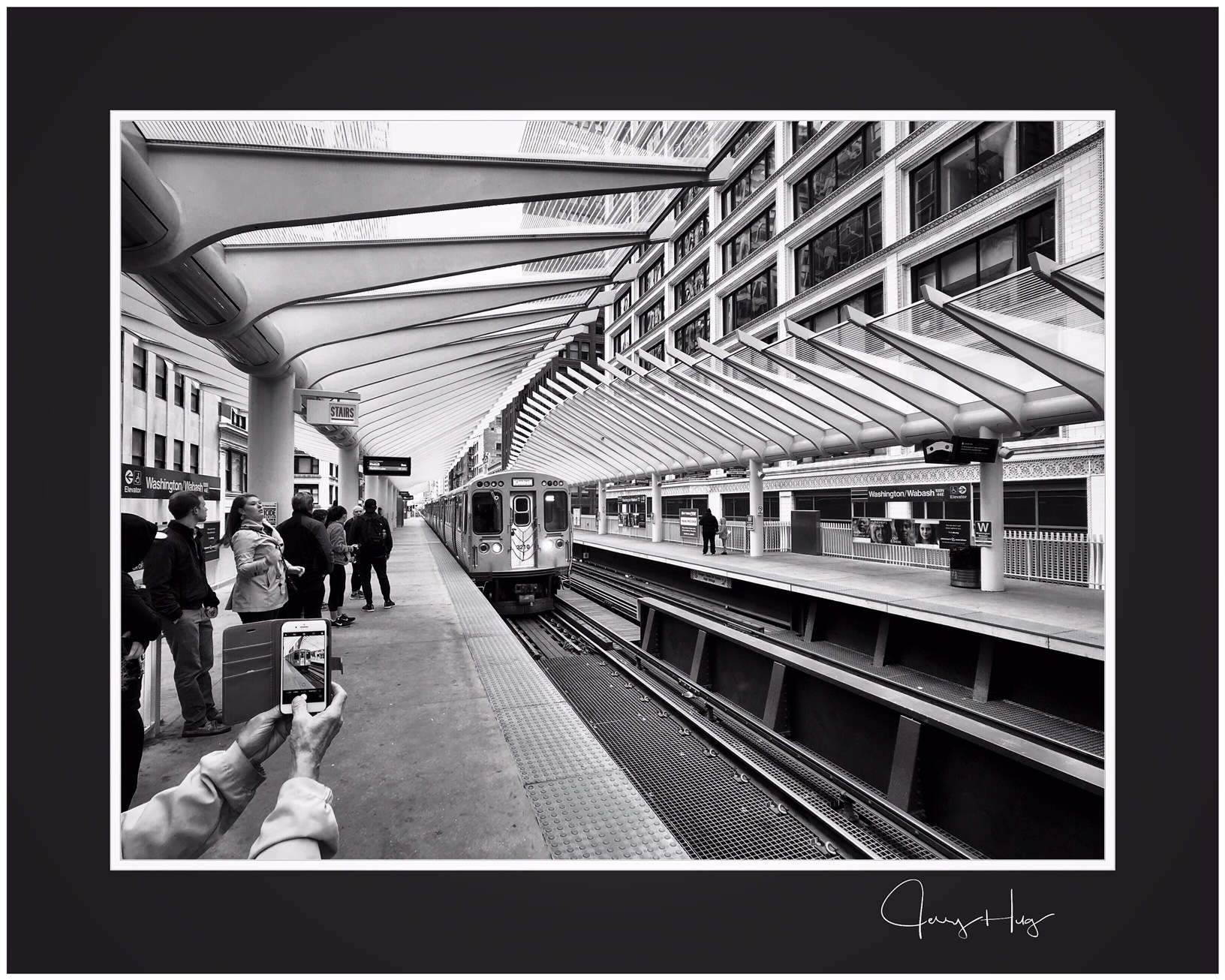
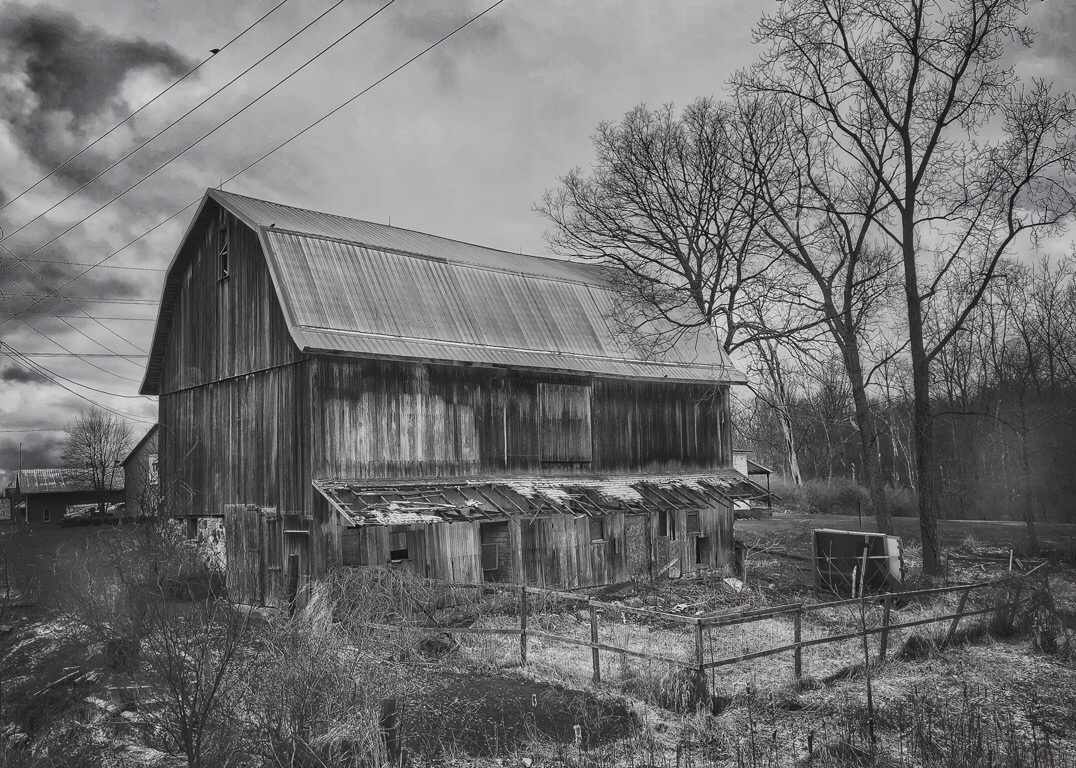
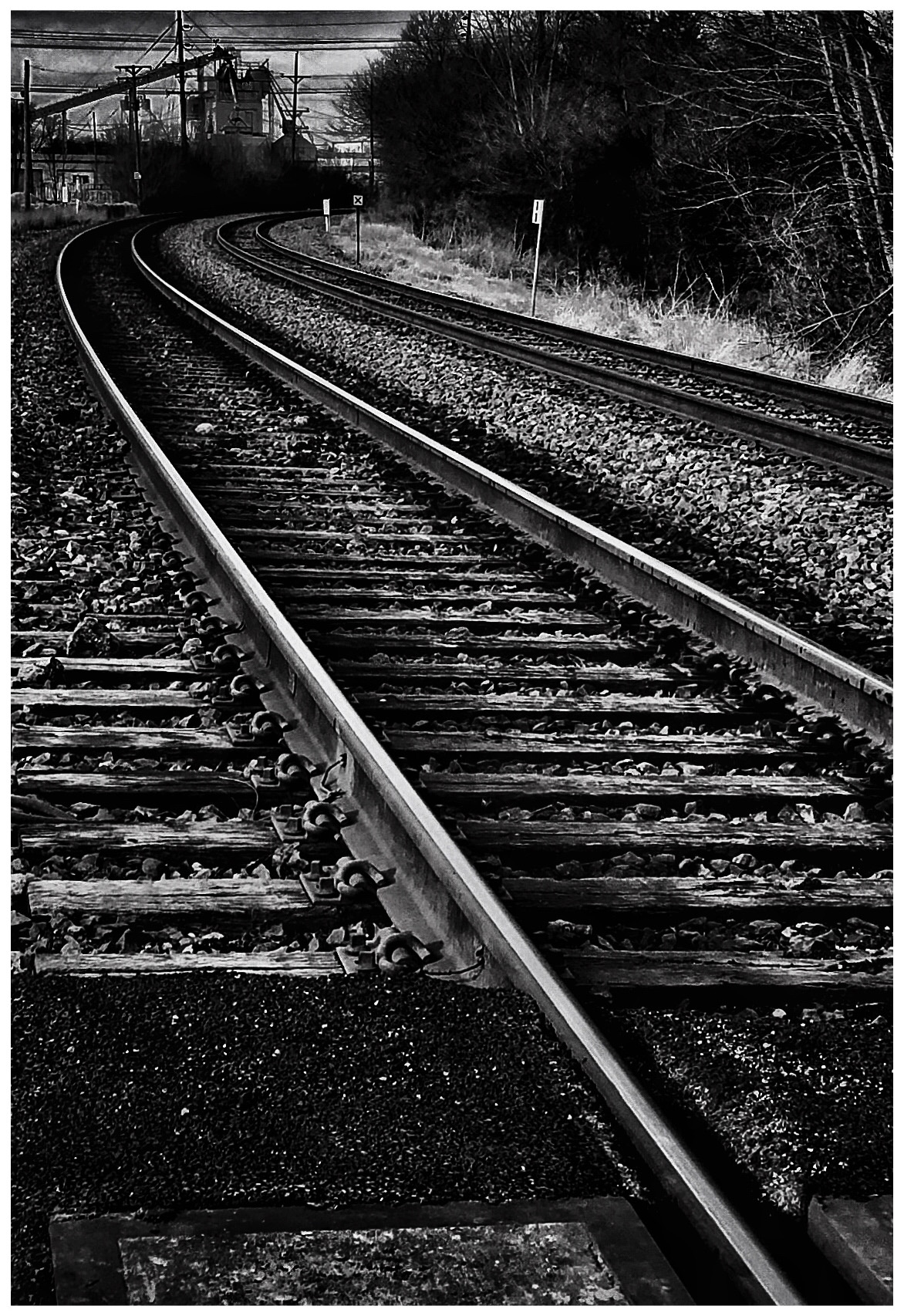
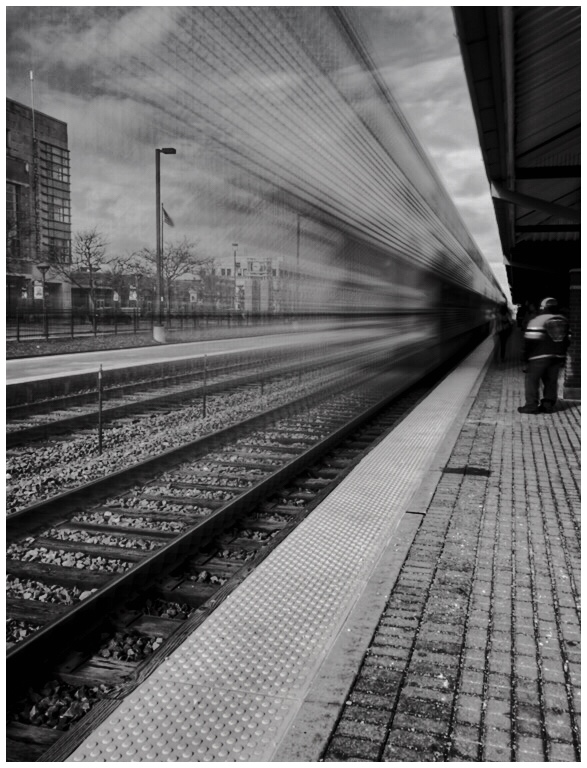
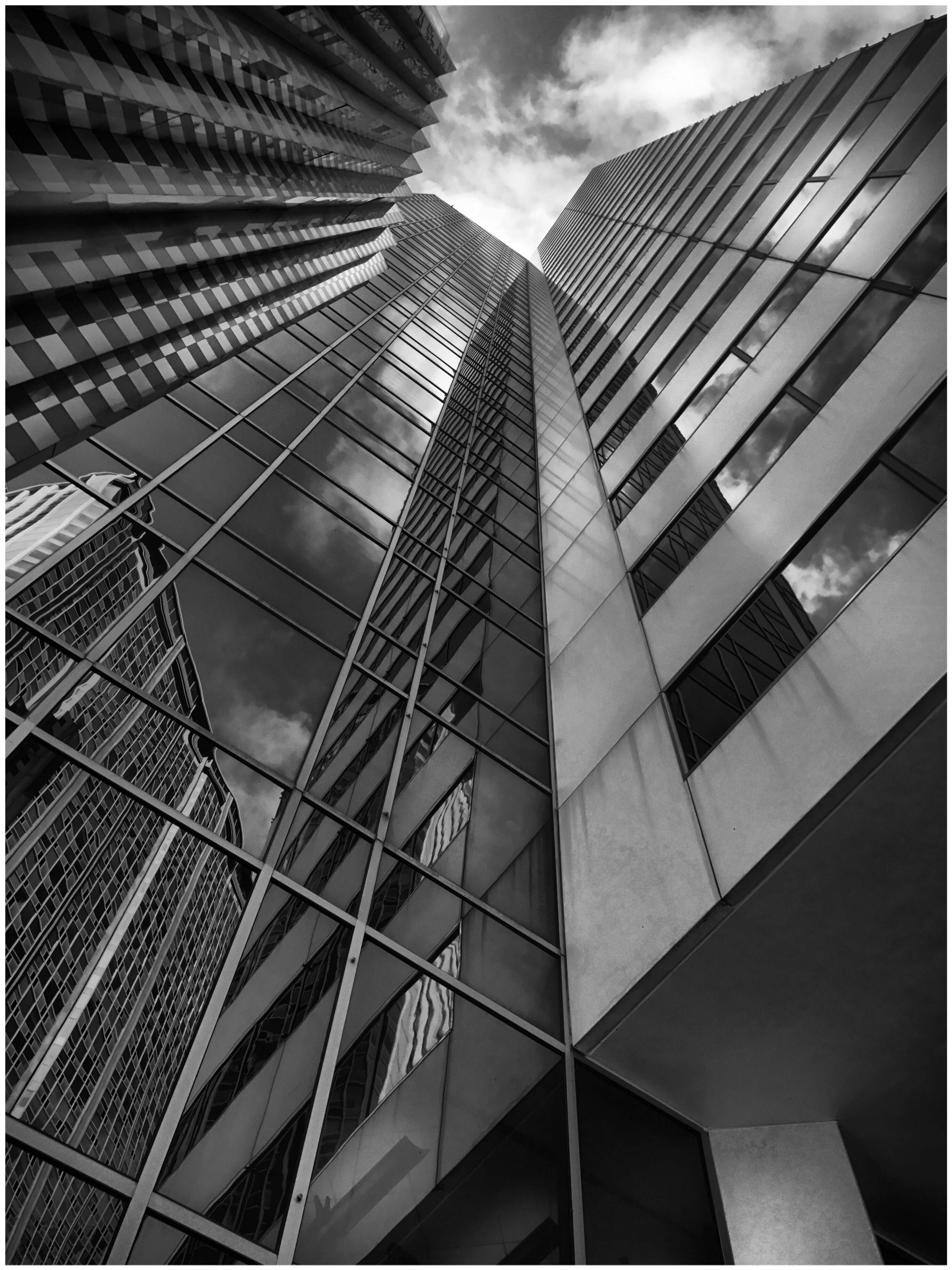
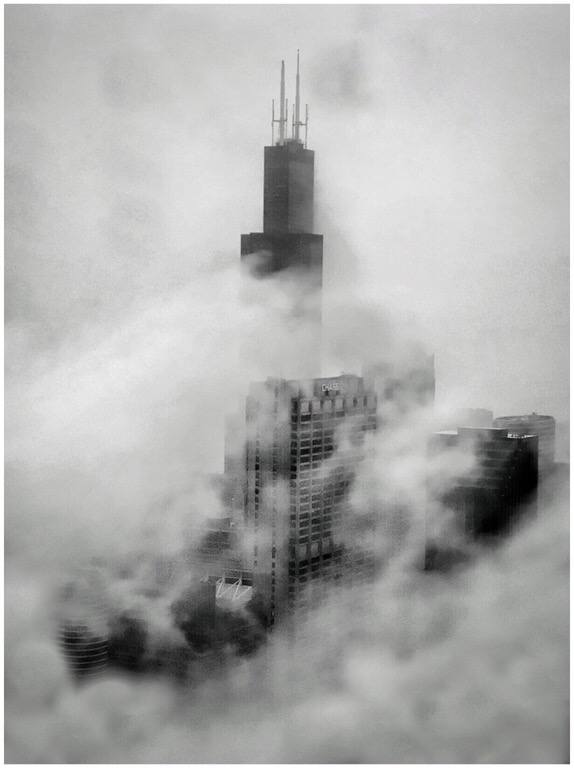
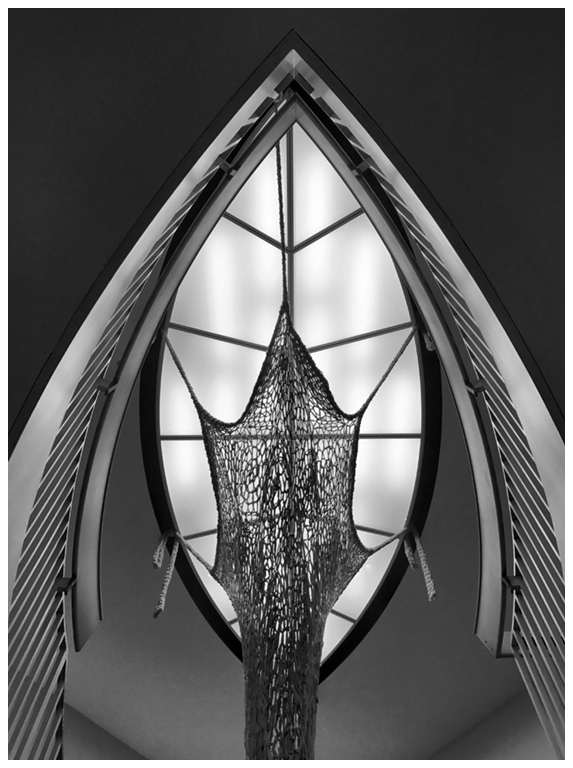
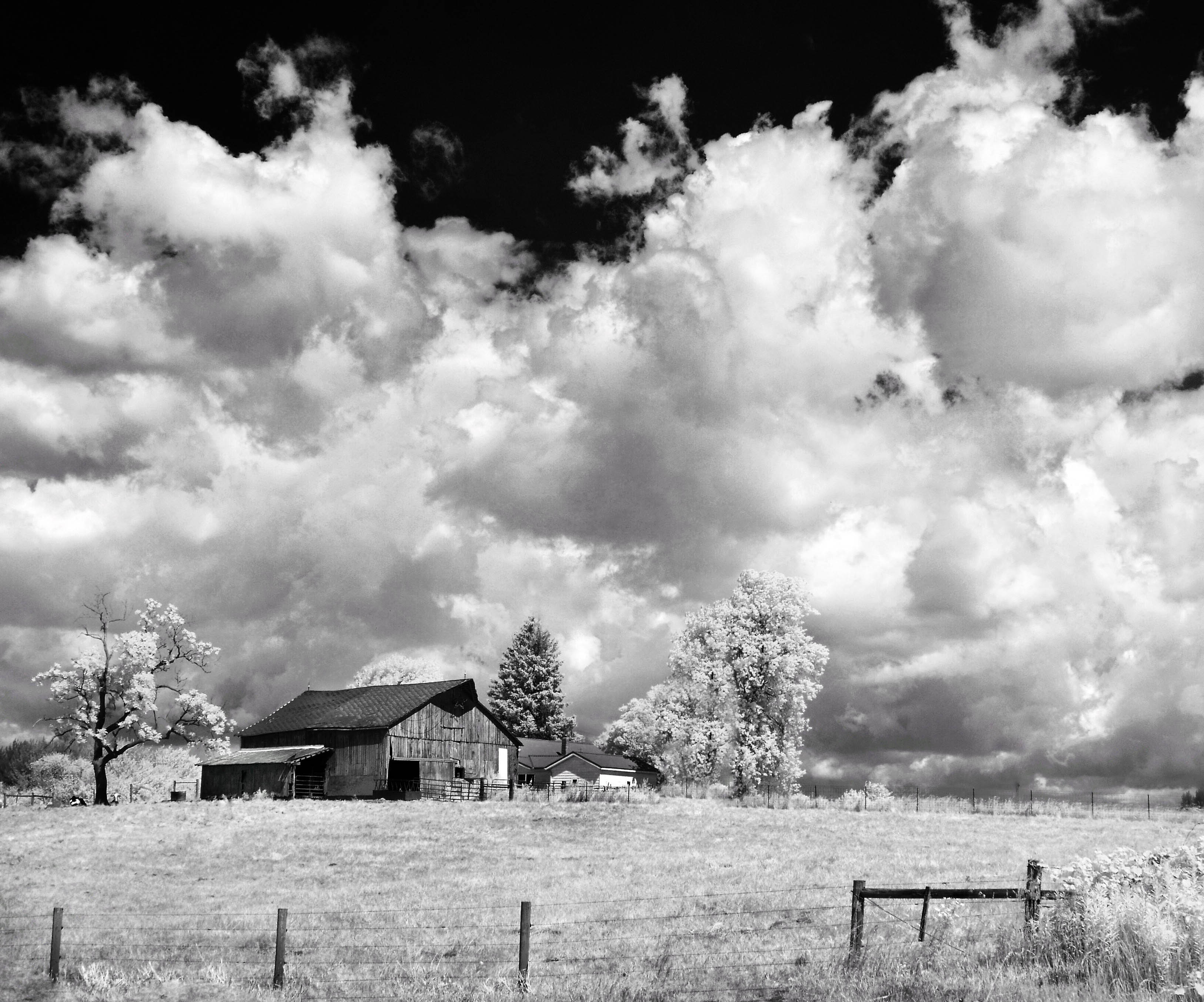
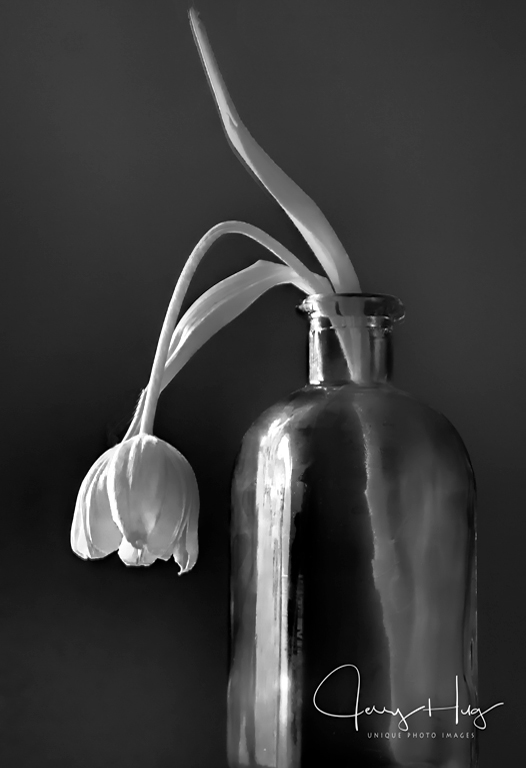
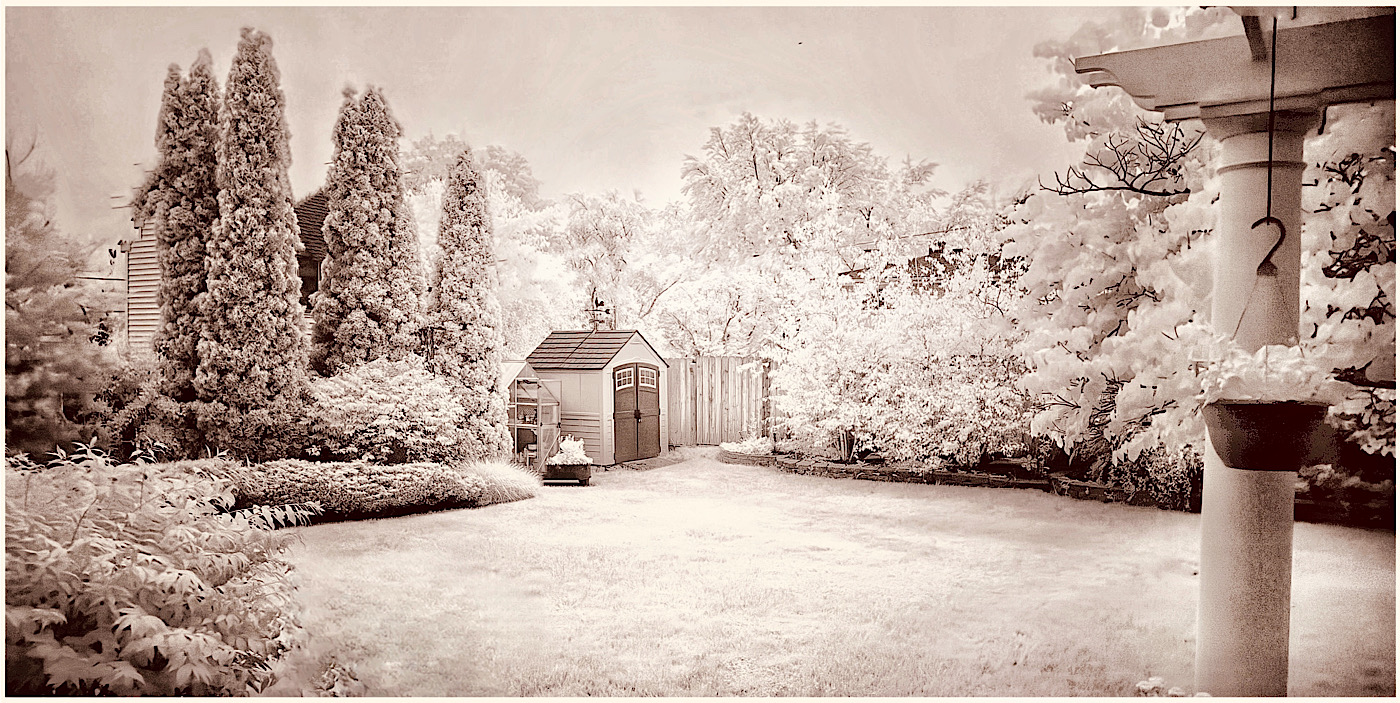
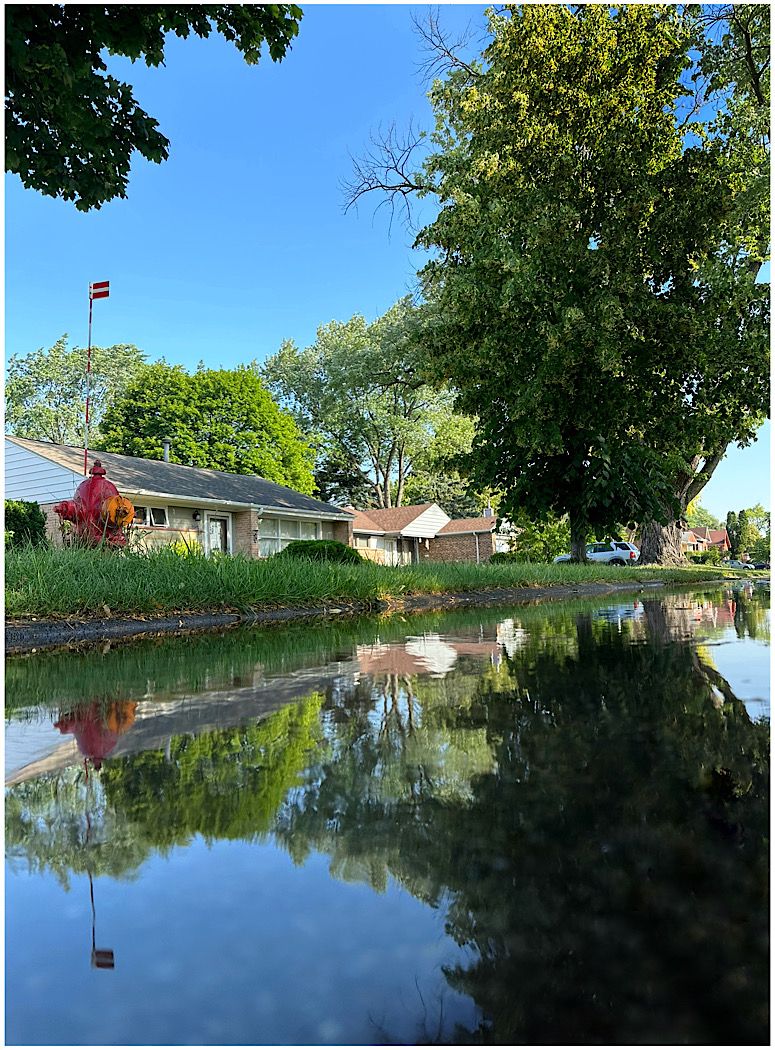
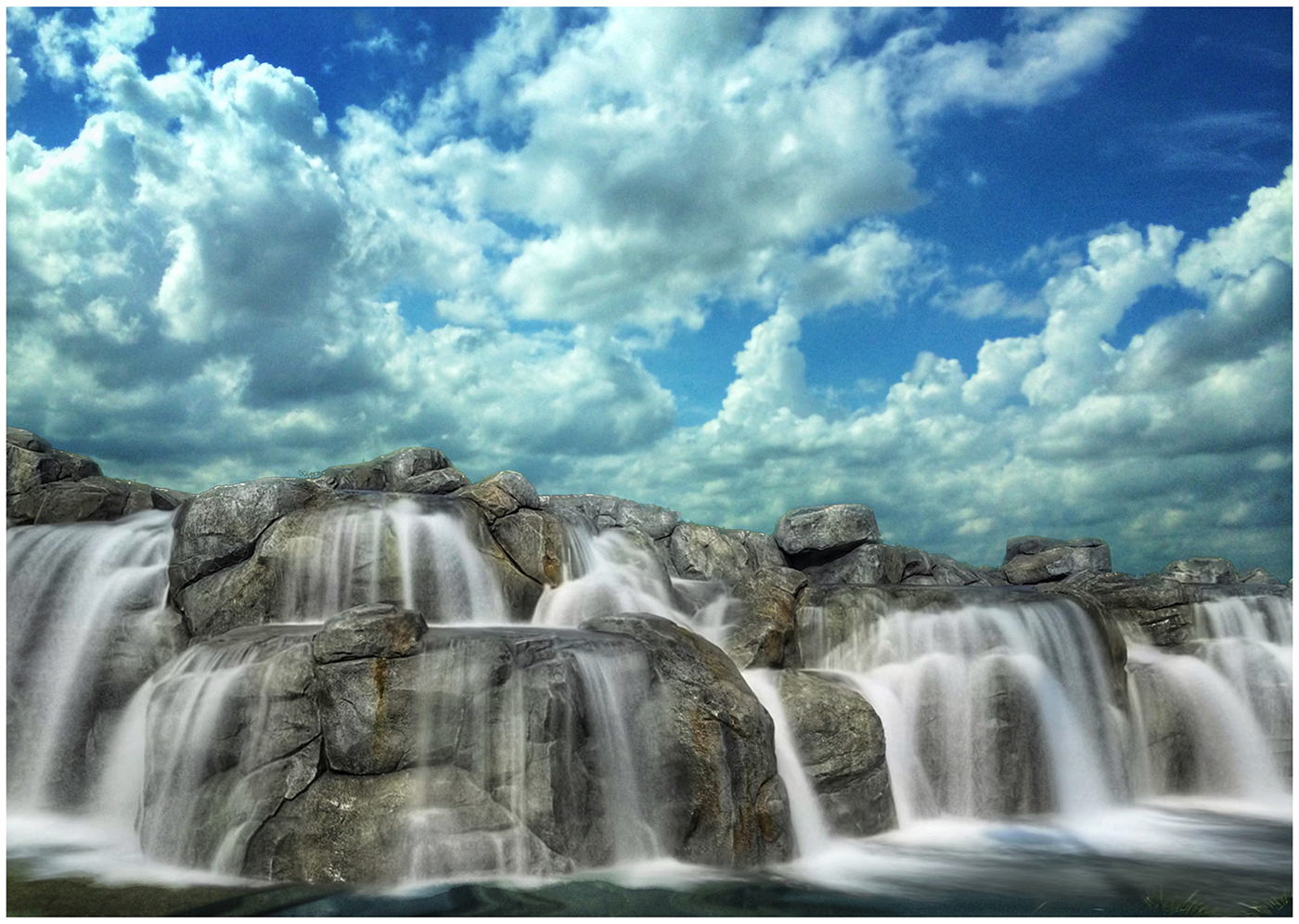
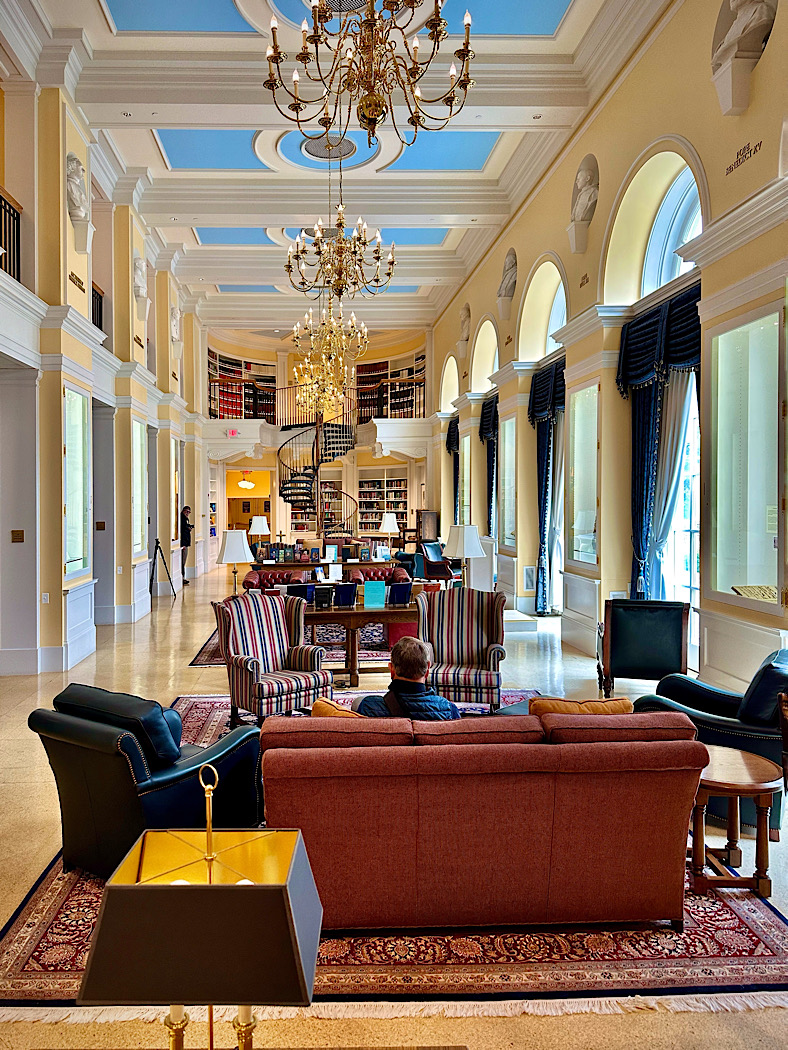
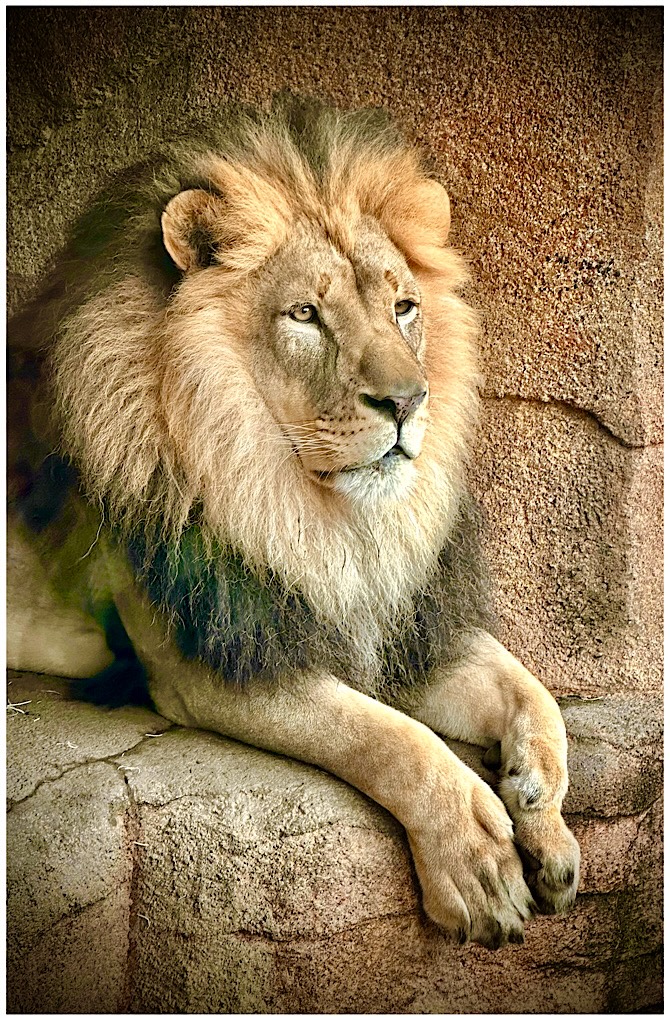
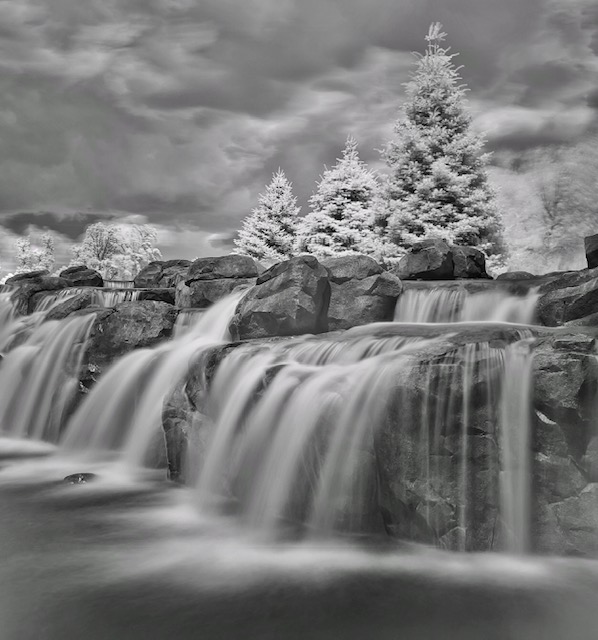
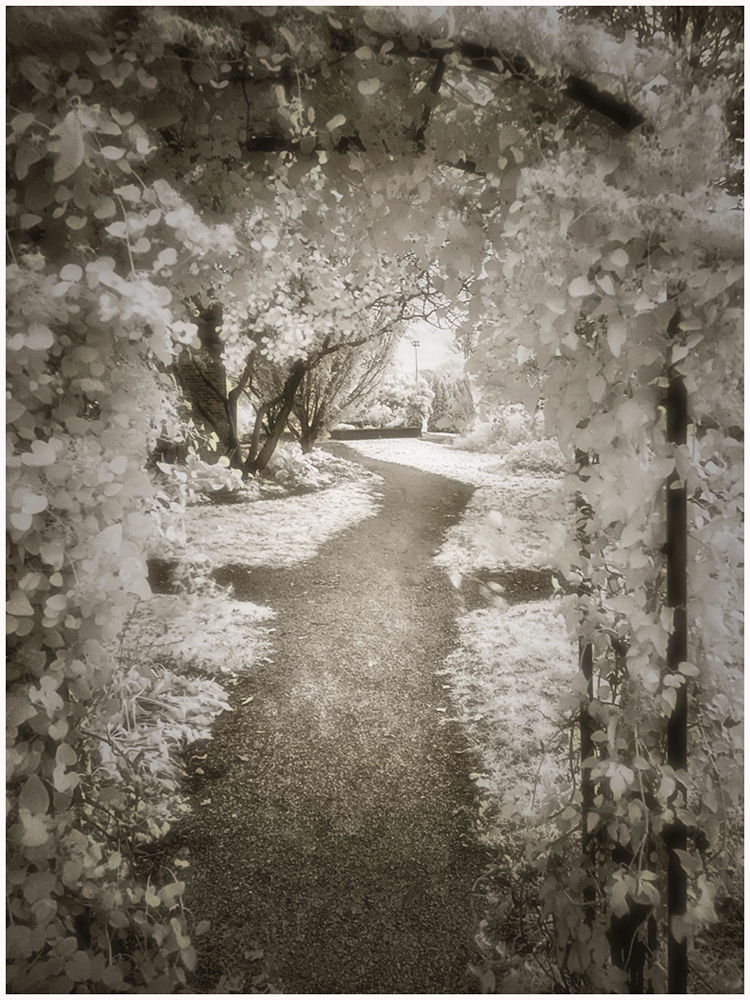
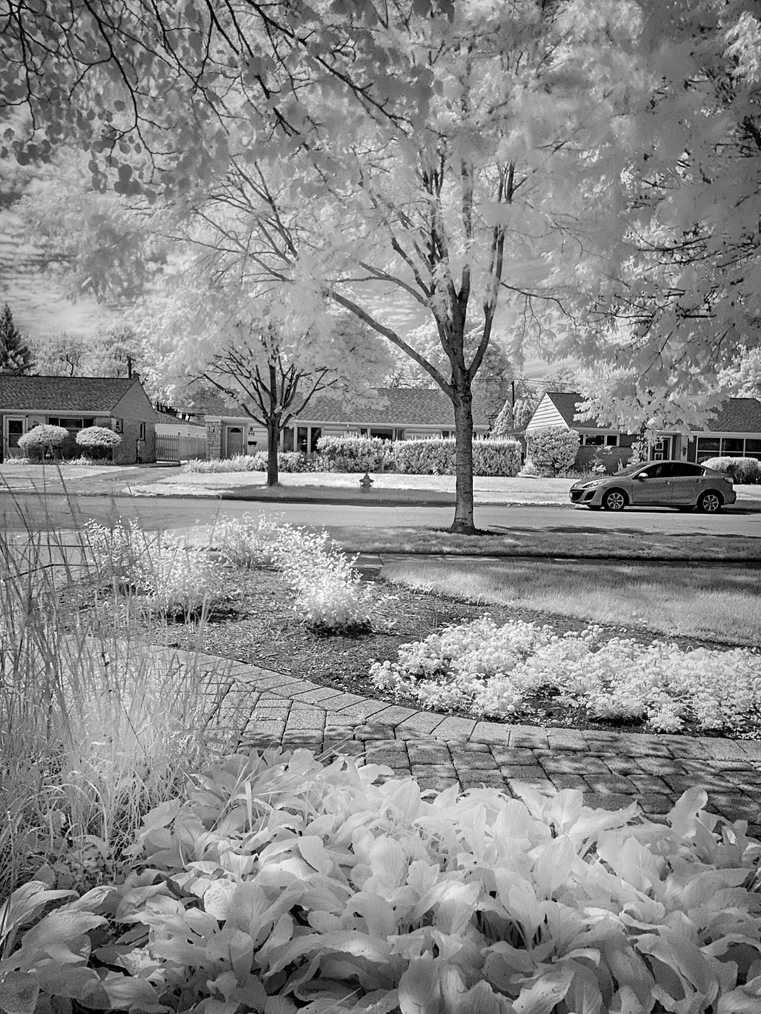
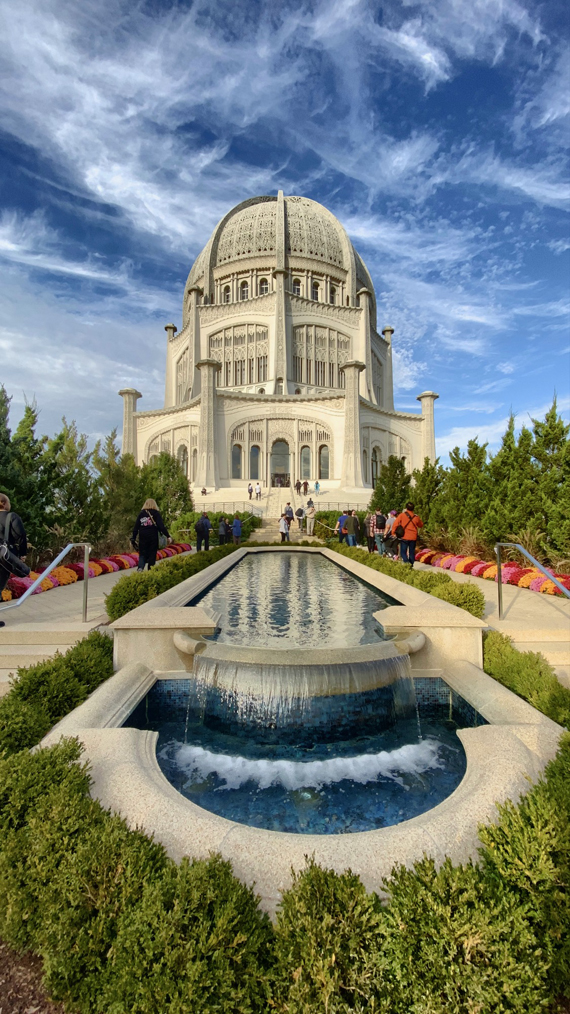
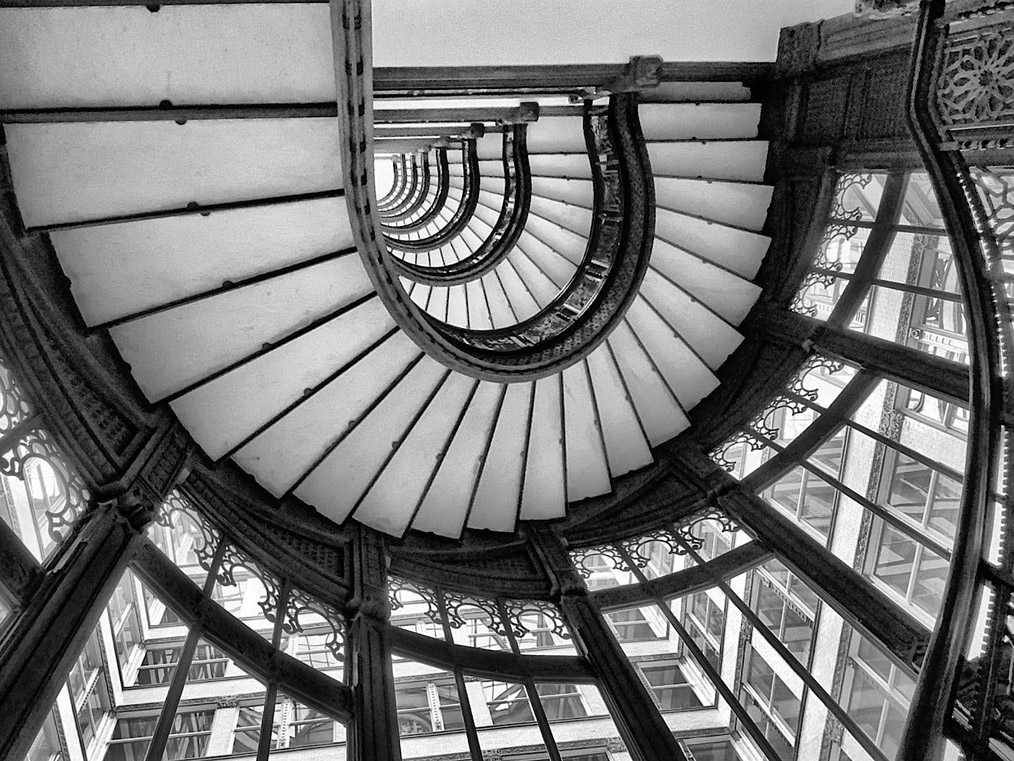
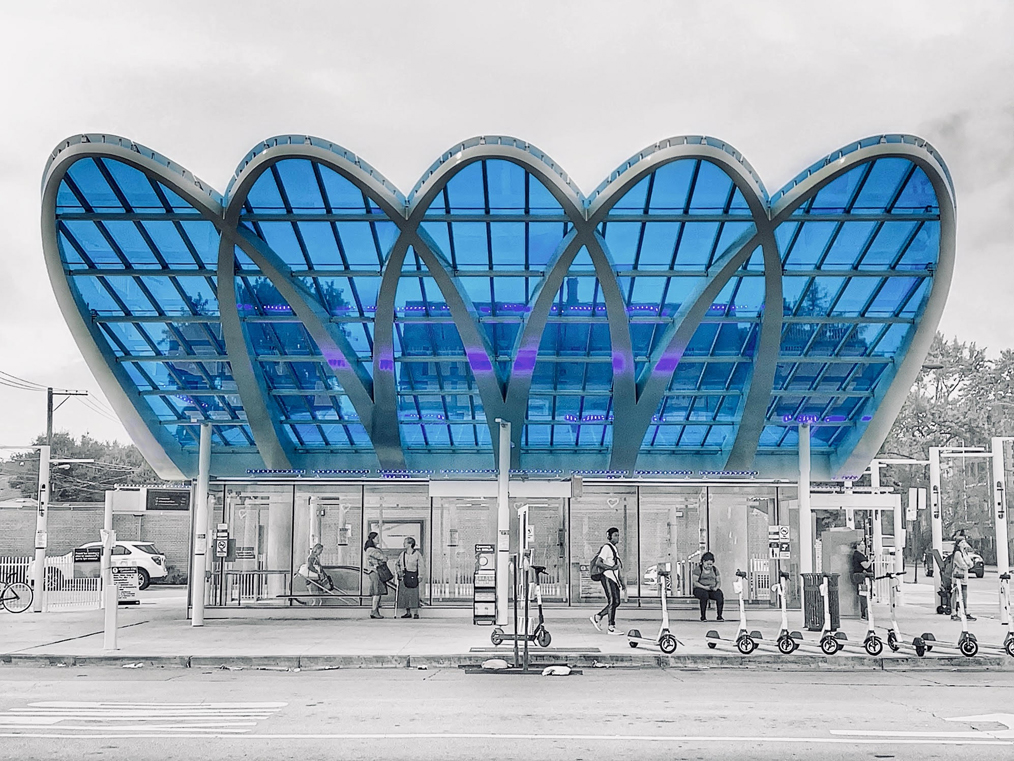
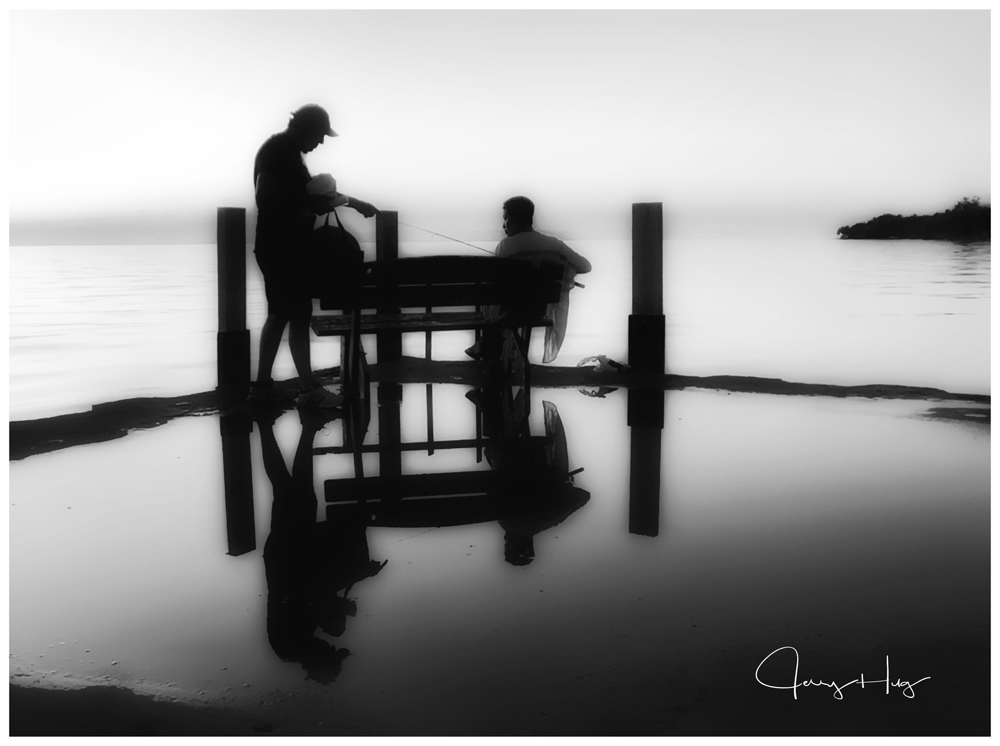
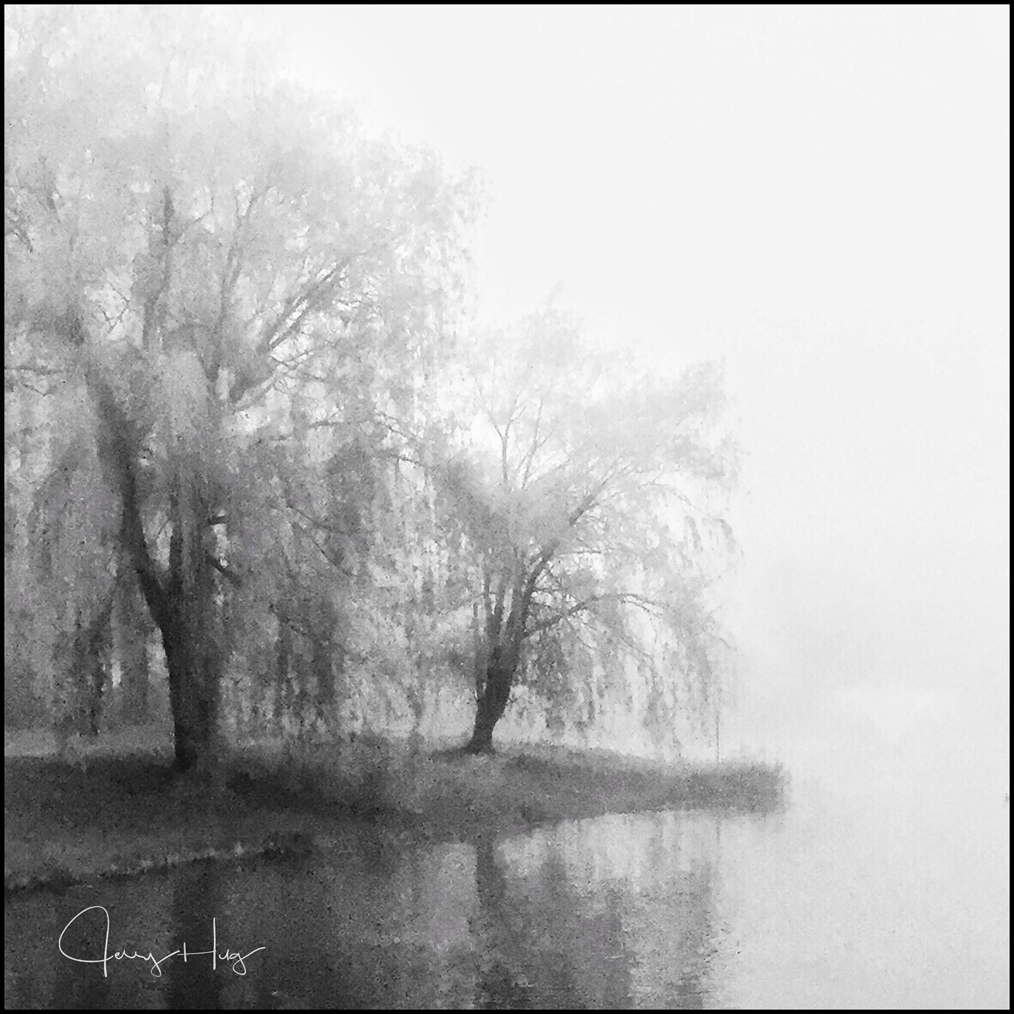
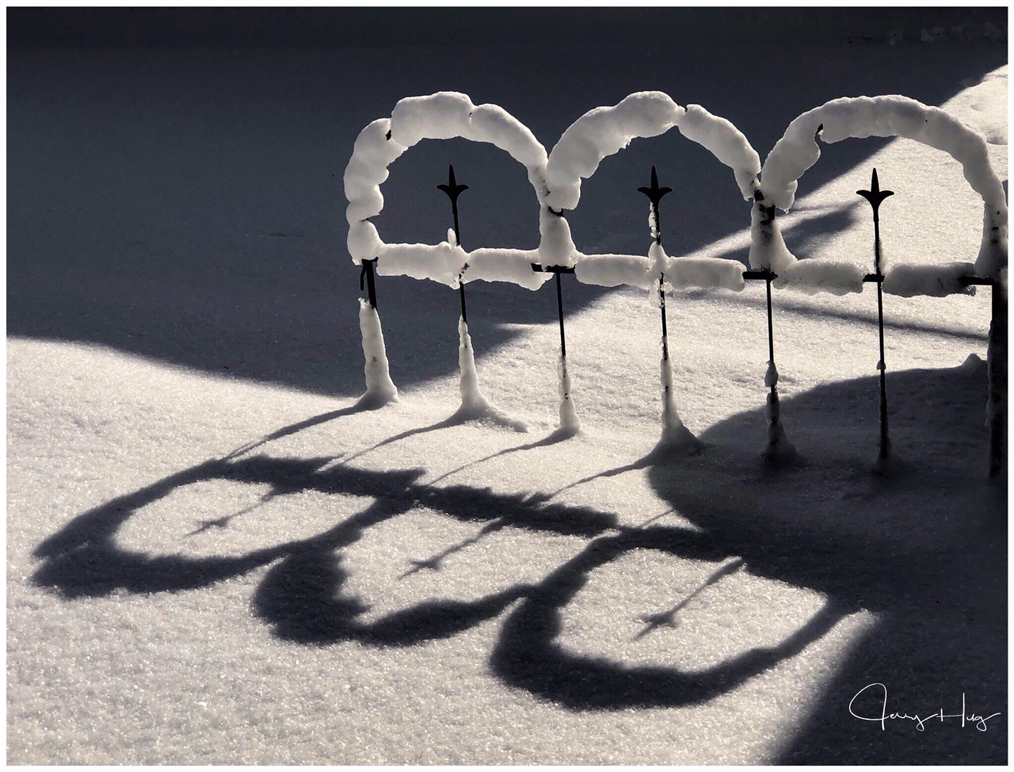
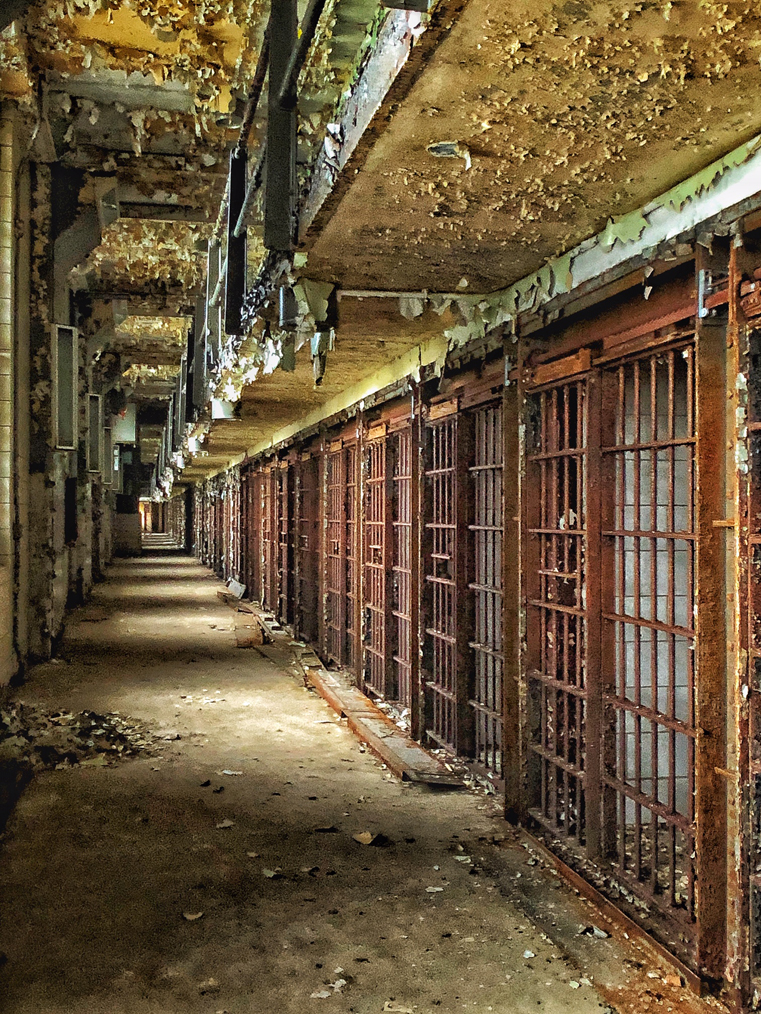
Sharon, I have different IR images in group 39 and 51. I am doing something new. Like many of you and your group I have been shooting with IR for years with converted cameras. Take a look at Group #39 and Group #51. I have started shooting IR with my iPhone 11 Pro Max and a 720nm IR filter attached. I do have some explanation of what is needed. to do this. I have only been doing this for about 3 weeks and having a ball. Everything is shot on the iPhone and filter and then edited on my iPad 12.5 Pro. No Red and Blue channel swapping needed. It is done totally on Mobile devices. I do use Camera+2 to take the images. Some slight editing and then everything else editing in Snapseed. See also jerryhug.com for a few more images. If anyone is interested in the tools needed and processing go to Ask Jerry on my website. I am having a blast with this process.
Jerry Hug,APSA |
Sep 6th |
1 comment - 0 replies for Group 35
|
| 39 |
Sep 20 |
Comment |
Thanks Paul. Great suggestion. Many Thanks. Jerry |
Sep 13th |
| 39 |
Sep 20 |
Reply |
Lance. If the print is going to be framed and has protective glass over it, there is not much difference. I usually use some form of glossy paper. I bought an IR print from Tony Sweet and he used a beautiful mat finish paper and it works. |
Sep 12th |
| 39 |
Sep 20 |
Reply |
Thanks for someone who understands IR and likes the effect. |
Sep 12th |
| 39 |
Sep 20 |
Comment |
The B/W is an improvement over the color image. Cropping in the original is really hard to fix in a B/W version. You could consider taking the boats out of the photo.
For me, the photo is about the man and the shadow of the temple. The boats are nice but cropped too tight and give what we call a ping-pong effect. Your eye keep flipping back and forth between the man and the close cropped boats. Not sure how to fix the issue. |
Sep 6th |
| 39 |
Sep 20 |
Comment |
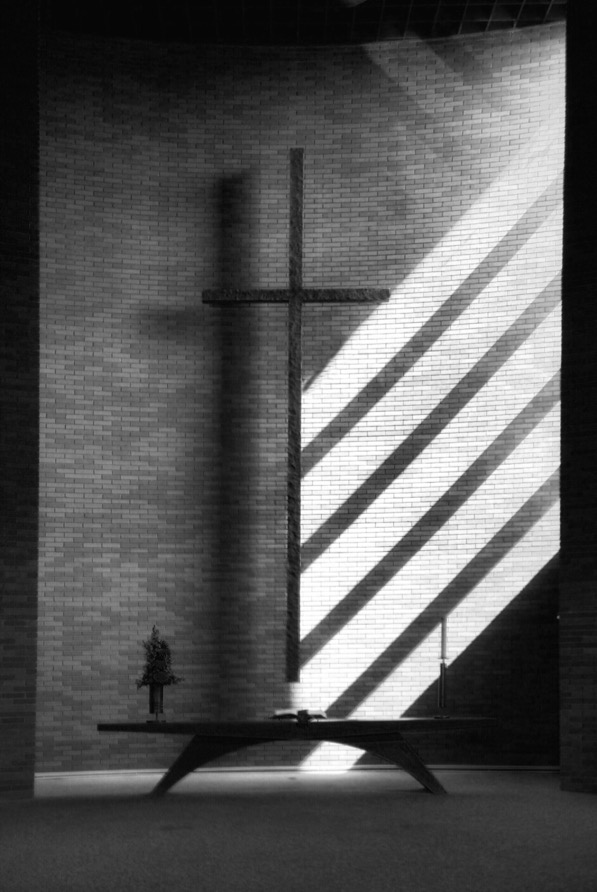
Been there many years ago. Sometimes it is very difficult to get a unique photo of this icon. The color version has a better range of tones. Especially the sky. The cross is backlit but becomes very flat with those tones removed? I would try and keep a full range of tonality if possible. |
Sep 6th |
| 39 |
Sep 20 |
Comment |
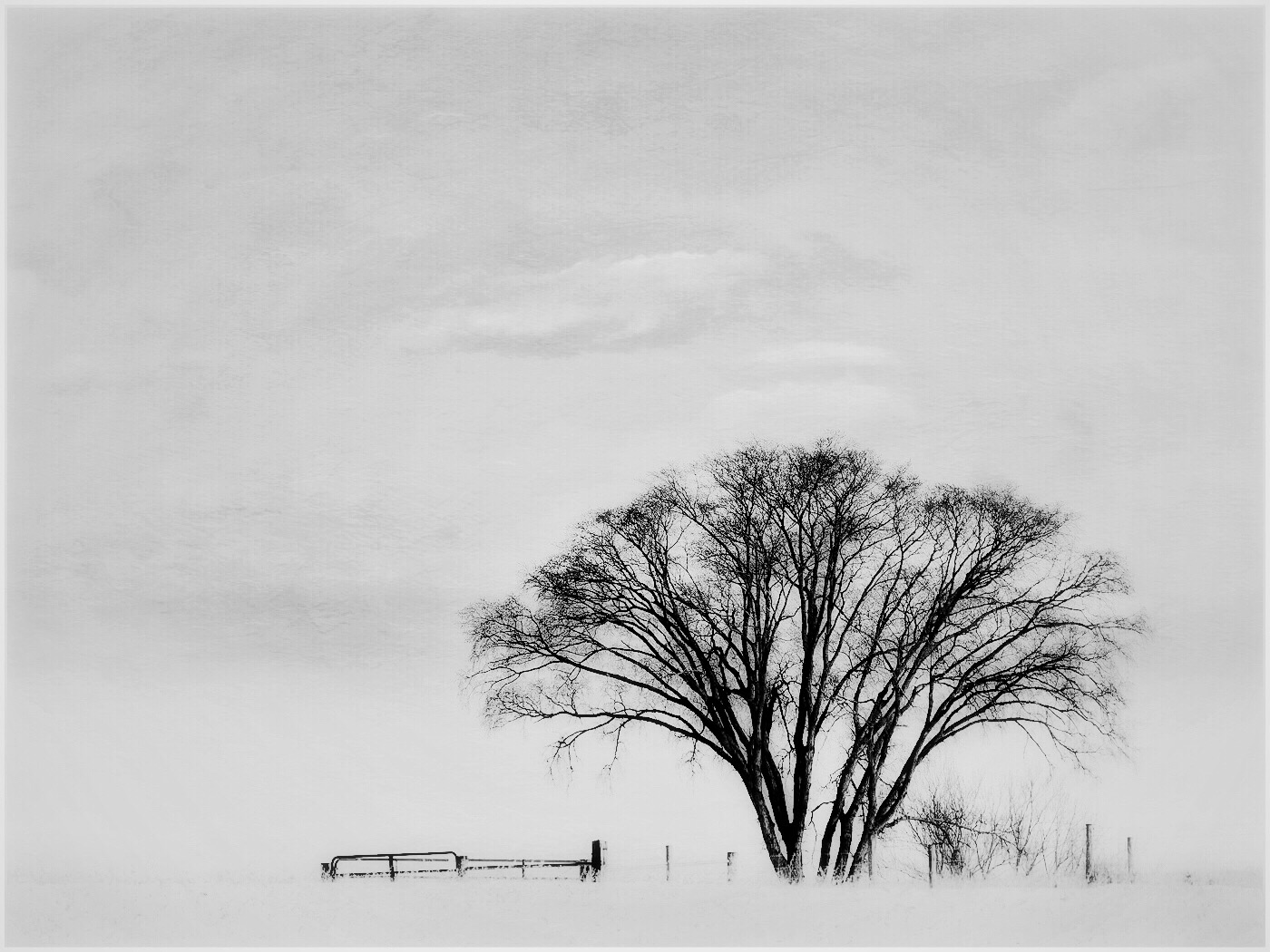
Dave, I sure like the B/W version better than In color. You could consider dodging the bottom right corner where you loose all tonality. I like the wispy clouds. |
Sep 6th |
| 39 |
Sep 20 |
Comment |
Really an interesting pose. One does not usually see a ballet dancer sitting in this pose?
I think the highlights in the background could be darkened so as to not distract from the dancers. |
Sep 6th |
| 39 |
Sep 20 |
Comment |
I really like the expression. Wonderful tonality. Possibly a little too tight cropping in the left side, but you may have done this for a reason like for a passport?
Beautiful subject. |
Sep 6th |
| 39 |
Sep 20 |
Reply |
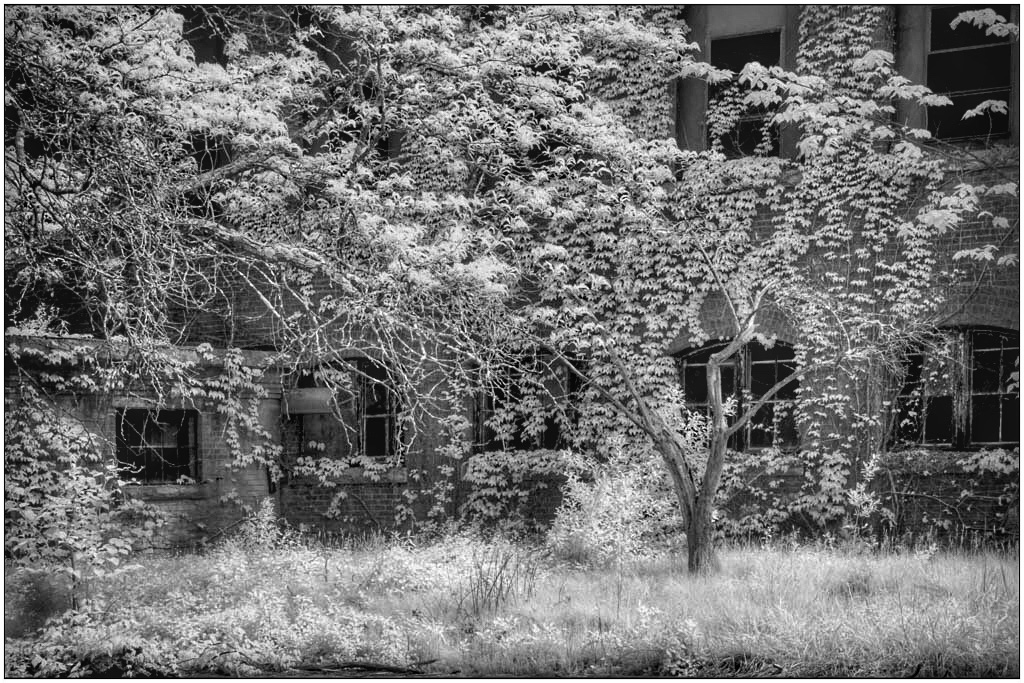
B/W IR photographers love turning greens into shades of white and grey depending on the light. I personally like the artistic effect. Your can see another image on group #51 phoneography group. |
Sep 6th |
| 39 |
Sep 20 |
Reply |
Where their is green foliage B/W infrared turns it white. I also another IR image in group #51. In color IR it depends what filter is used. In my IR converted Lumix Camera I have a color conversion by LifePixel. |
Sep 6th |
6 comments - 4 replies for Group 39
|
| 51 |
Sep 20 |
Reply |
Moment cases to protect the cellphone and hold their lens works and you do not need to buy their lens, just a filter holder. |
Sep 12th |
| 51 |
Sep 20 |
Reply |
Yes I think you can do it with any phone? Moment has cases for various Android phones. That is step 1 because you need to find a way to attach a filter to the phone. I have a friend who has a non Apple phone and he had an old IR filter and used rubber bands to hold the filter on to his camera because his camera lens was in the middle of the camera and he did not want to buy anything and he got it to work? |
Sep 12th |
| 51 |
Sep 20 |
Comment |
Sol, you really nailed this one. Great editing, outstanding composition and it all works.
I wonder if you want all that sky?
There is something that makes this image so strong? I think it is Minimalist feel that makes it so strong? I do feel very good about the work! Jerry |
Sep 6th |
| 51 |
Sep 20 |
Comment |
The story and history behind the Hero vessel photo is incredible. i really like the tonality off the boat/reflection, pier and sky. The bottom left corner could be toned darker or just cloned out. It really distracts from the total image. If you are not sure, just put you hand over the bottom left corner and see what you think? |
Sep 6th |
| 51 |
Sep 20 |
Comment |
This image is "breath taking" so to speak. You caught the sun at just the right time and clouds were nice and seem to be moving. The rough water and the water beyond the old wooden shafts sticking out of the water add another definition. Yes the man setting gives that added touch to the composition. This is a great image to have a print made and frame. Go for it! |
Sep 3rd |
| 51 |
Sep 20 |
Comment |
Great light and a wonderful alley shot. Beautiful colors. Interesting area to discover. |
Sep 3rd |
| 51 |
Sep 20 |
Comment |
Bright sunlight is always an issue for my shooting. Getting the highlights in the right location is always an issue. Sometimes I will take the highlights all the way down and then only paint the change in the locations where I want the effect. (Using the paint brush in the stack editing works for me.) I like the person in the photo to help give a sense of size and distance. |
Sep 3rd |
| 51 |
Sep 20 |
Comment |
Very interesting light. I like the creative textures. I think you ventured into new paths of expression and I really like the result. I can see why you made a 16X20 to display in your home.
Yes, I have problems find wall space. One of my best gallery space in a half bath used mainly by visitors. I got the idea from Martha Stewart a number of years ago. |
Sep 3rd |
6 comments - 2 replies for Group 51
|
| 66 |
Sep 20 |
Comment |
Hi Melanie and Group 66. I got the idea and started playing around with a Rad Drew concept of using my iPhone 11 Pro Mac with a 720nm filter attached to the camera. Shooting with an iPhone app called Camera+2 set in MANUAL move and coloring set to KELVIN.
If anyone is interested go to my website jerryhug.com and see a few of my crazy IR work with a lot in the Syracuse, IN and Lake Wawasee area where we have a condo to visit our grandchildren. If you what more information on what you need go to Ask Jerry and I will send the information to you or your group leader to pass on. Jerry APSA. |
Sep 6th |
1 comment - 0 replies for Group 66
|
14 comments - 6 replies Total
|