Activity for User 194 - Art Jacoby - ajacoby42@gmail.com

avatar
Avatar

Close this Tab when done


672 Comments / 174 Replies Posted

  = Current Round   = Previous Round
Group Round C/R Comment Date Image
38 Jun 20 Comment I agree that I darkened the edges a bit too much. Less is more. Jun 25th
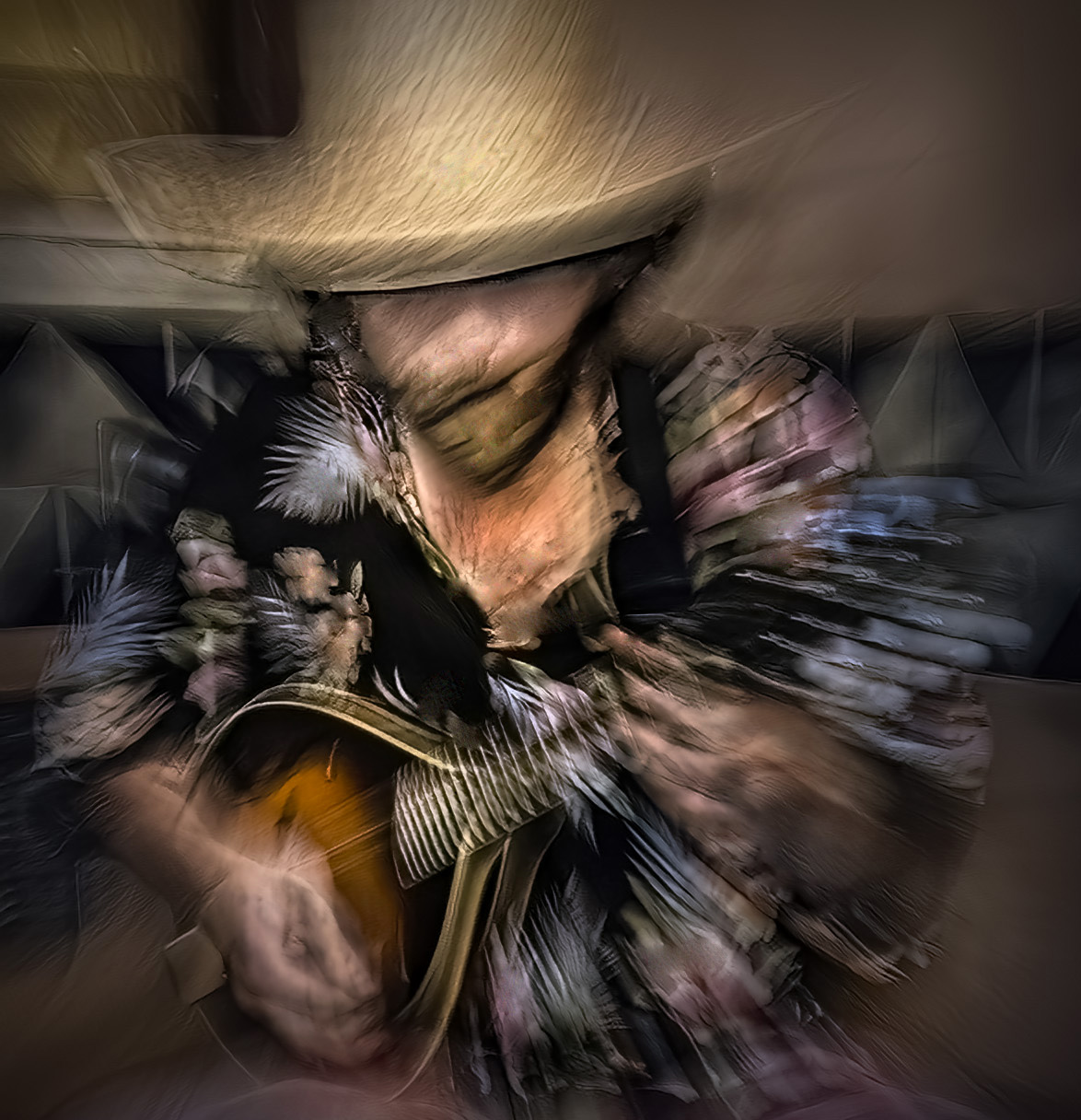
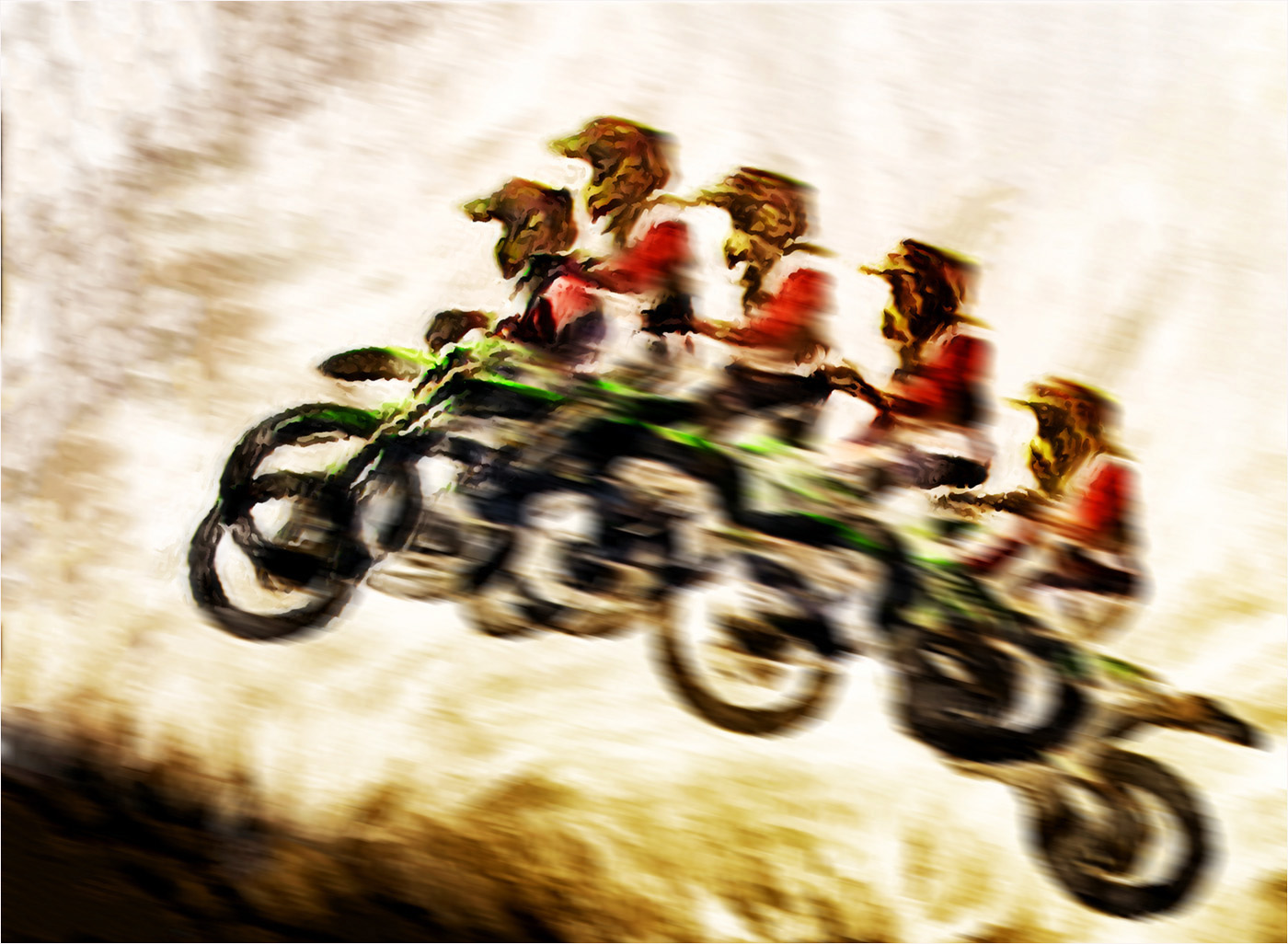
38 Jun 20 Reply Radial blur is in Photoshop under filters, blur, radial blur. You could select the area around the main subject and apply the blur. I think a more effective way is to select the main subject and put it on a separate layer. On the original layer use select the subject again and use content aware fill to replace the subject, then use the radial blur filter on the entire image, then flatten the layers. Jun 25th
38 Jun 20 Comment Thanks Marge, I like what you did. Jun 25th
38 Jun 20 Comment Jun 22nd
38 Jun 20 Comment I understand and respect your point of view. I think of the image captured by my camera as a starting point to create something different that expresses my reaction to the moment and with the use of PS and other tools to show my interpretation, to push boundaries and to explore other visions and realities. Jun 22nd
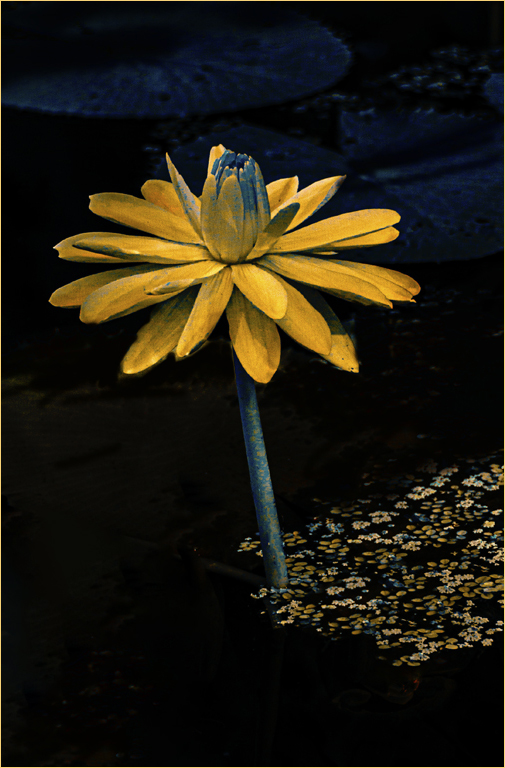
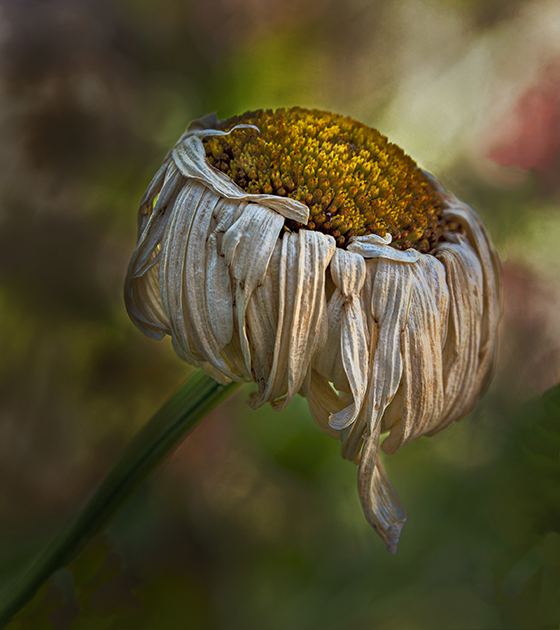
38 Jun 20 Comment I think that it is a lovely flower portrait ant that you have done a good job of capturing the whites. For me, removing some of the leaves would draw more attention to the bloom and I think that you could bring out some more detail and brighten the shadows as well. Jun 17th
38 Jun 20 Comment I think that you have captured the moment I like the soft colors and the bokeh. I cropped it a bit from the left and darkened the subject, increased the contrast and brought out more detail for a different feel. Jun 8th
38 Jun 20 Comment I like the radial blur on this radial engine and the dynamic feel that it creates, at least for me. I think the composition matches the subject. I increased the contrast, toned down the light and added a vignette which, for me, gives it even more impact. Jun 8th
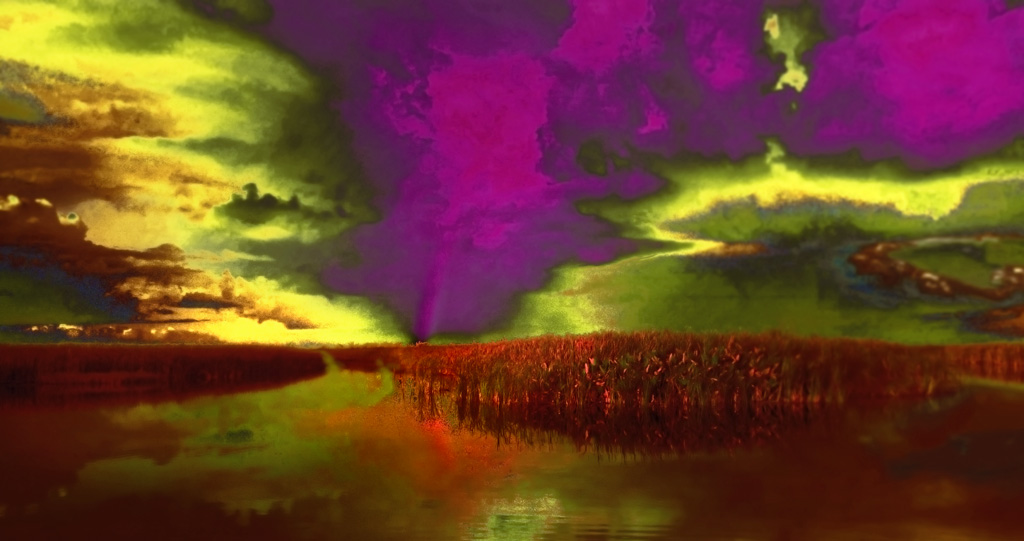
38 Jun 20 Comment Welcome back and I hope that all is well with you during this stressful and trying time. I think that this is a strong, well composed and evocative image that speaks to the present. I like the colors and the amazing moon. You could use transform to straighten the columns and increase the contrast a bit to give the lovely colors more pop. You might also try flipping it horizontally. Jun 8th

8 comments - 1 reply for Group 38


8 comments - 1 reply Total


112 Images Posted

  = Current Round   = Previous Round
Group 38

Apr 26

Mar 26

Feb 26

Jan 26

Dec 25

Nov 25

Oct 25

Sep 25

Aug 25

Jul 25

Jun 25

May 25

Apr 25

Mar 25

Feb 25

Jan 25

Dec 24

Nov 24

Oct 24

Sep 24

Aug 24

Jul 24

Jun 24

May 24

Apr 24

Mar 24

Feb 24

Jan 24

Dec 23

Nov 23

Oct 23

Sep 23

Aug 23

Jul 23

Jun 23

May 23

Apr 23

Mar 23

Feb 23

Jan 23

Dec 22

Nov 22

Oct 22

Sep 22

Aug 22

Jul 22

Jun 22

May 22

Apr 22

Mar 22

Feb 22

Jan 22

Dec 21

Nov 21

Oct 21

Sep 21

Aug 21

Jul 21

Jun 21

May 21

Apr 21

Mar 21

Feb 21

Jan 21

Dec 20

Nov 20

Oct 20

Sep 20

Aug 20

Jul 20

Jun 20

May 20

Apr 20

Mar 20

Feb 20

Jan 20

Dec 19

Nov 19

Oct 19

Sep 19

Aug 19

Jul 19

Jun 19

May 19

Apr 19

Mar 19

Feb 19

Jan 19

Dec 18

Nov 18

Oct 18

Sep 18

Aug 18

Jul 18

Jun 18

May 18

Apr 18

Mar 18

Feb 18

Jan 18

Dec 17

Nov 17

Oct 17

Sep 17

Aug 17

Jul 17

Jun 17

May 17

Apr 17

Mar 17

Feb 17

Jan 17

Close this Tab when done