|
| Group |
Round |
C/R |
Comment |
Date |
Image |
| 62 |
Jun 25 |
Comment |
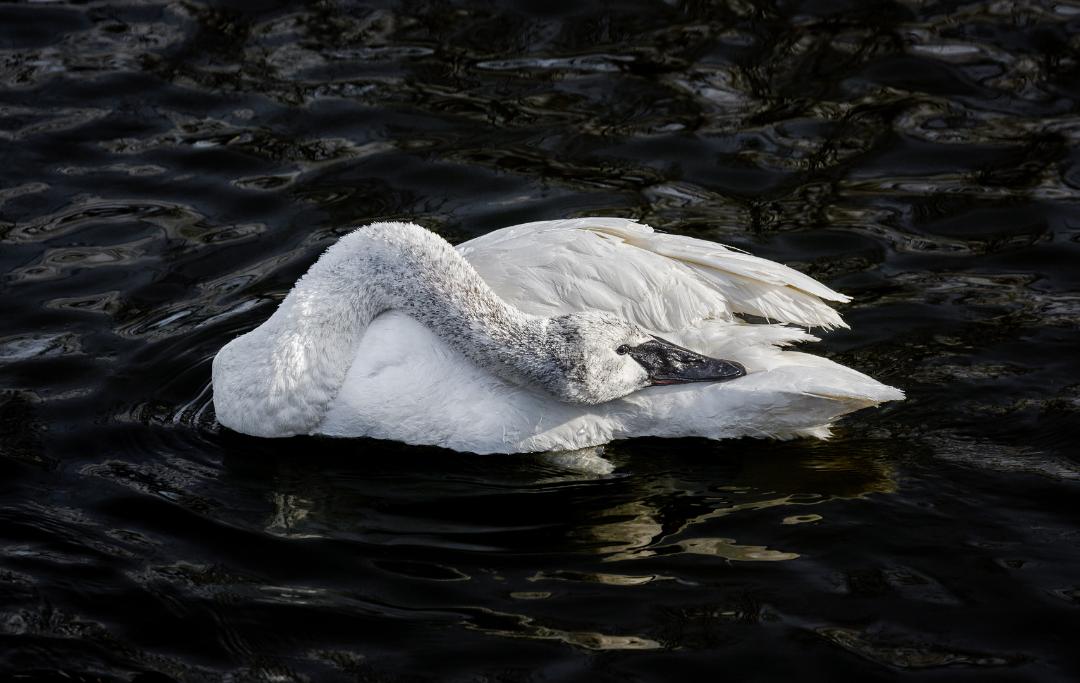
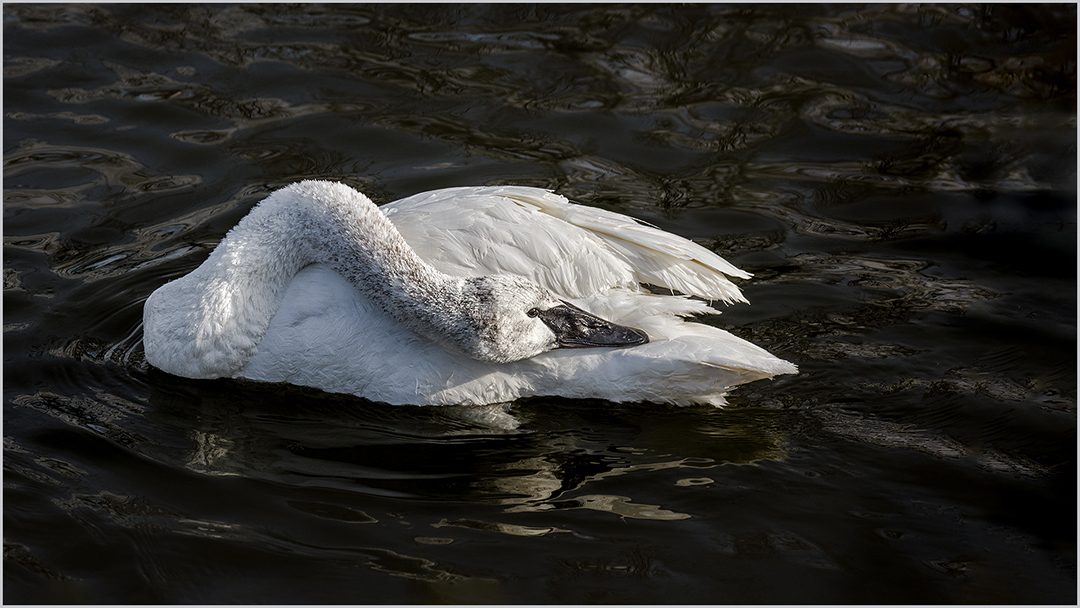
Thank you everyone for the comments and suggestions, I did move the swan to the left of the frame - interestingly this placed the eye of the swan smack in the middle of the frame. I like the effect. |
Jun 21st |
 |
| 62 |
Jun 25 |
Comment |
Chris - thank you for sharing the information about the o'Brian and the image of a ship that took part in shaping history.
I like the lighting of the original image - with basically just the directional light from the portal lighting the desktop and the charts.
Mike |
Jun 9th |
| 62 |
Jun 25 |
Comment |
Adrian - again the cropping potential of your camera is outstanding to allow you to crop in and extract and process such a wonderful scene. And the background material you provided helps me understand your intent.
Maybe it's the way humans view images ( or because of the rule of thirds/golden ratio ) at least in the west - my eye kept going to the frog and staying there - not fully relating to the " highway " metaphor.
Mike |
Jun 9th |
| 62 |
Jun 25 |
Comment |
Mark - Excellent image and treatment. I think it was very effective to highlight the conductor - and isolate him from the flux surrounding him.
Have you tried to tone down or eliminate the bright (red) light over the conductor? While initially it leads the eye to the conductor it does hold the eye after that.
Mike |
Jun 9th |
| 62 |
Jun 25 |
Comment |
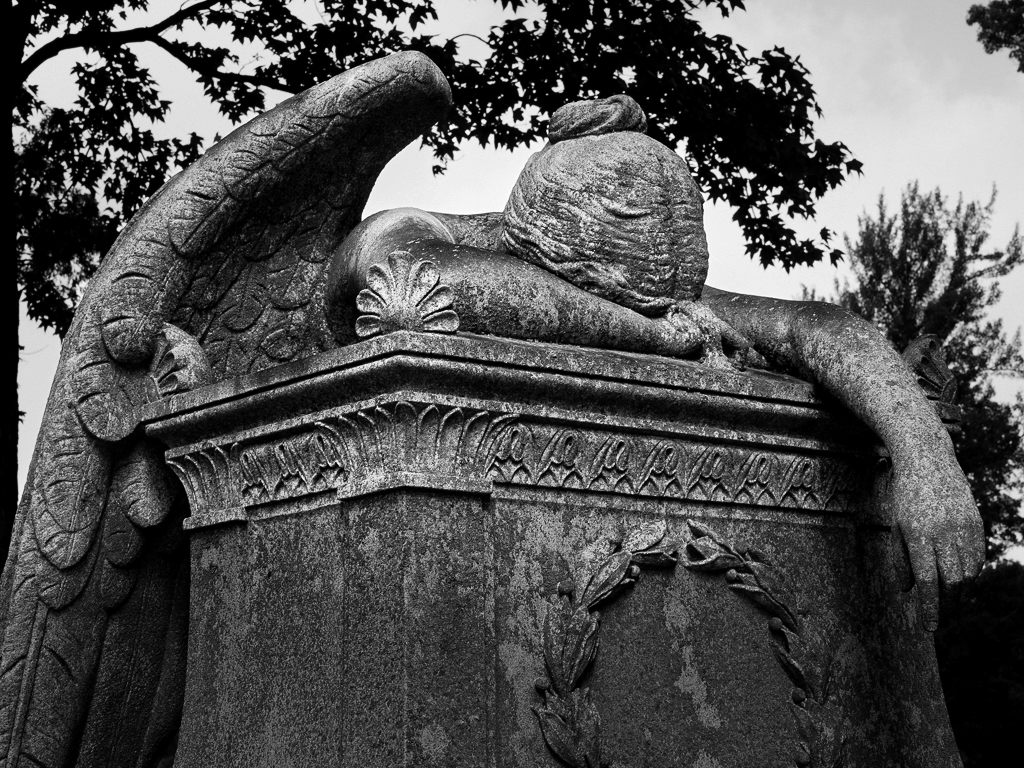
Emil - you certainly created a sobering, pensive mood with your treatment of the image. Whoever is in there is certainly missed!
Just a slight remark - on my first glance I could not easily see the angel's head - I had to look at the color image. I attempted to lighten it a bit to distinguish it from the base of the monument.
Mike |
Jun 9th |
 |
| 62 |
Jun 25 |
Comment |
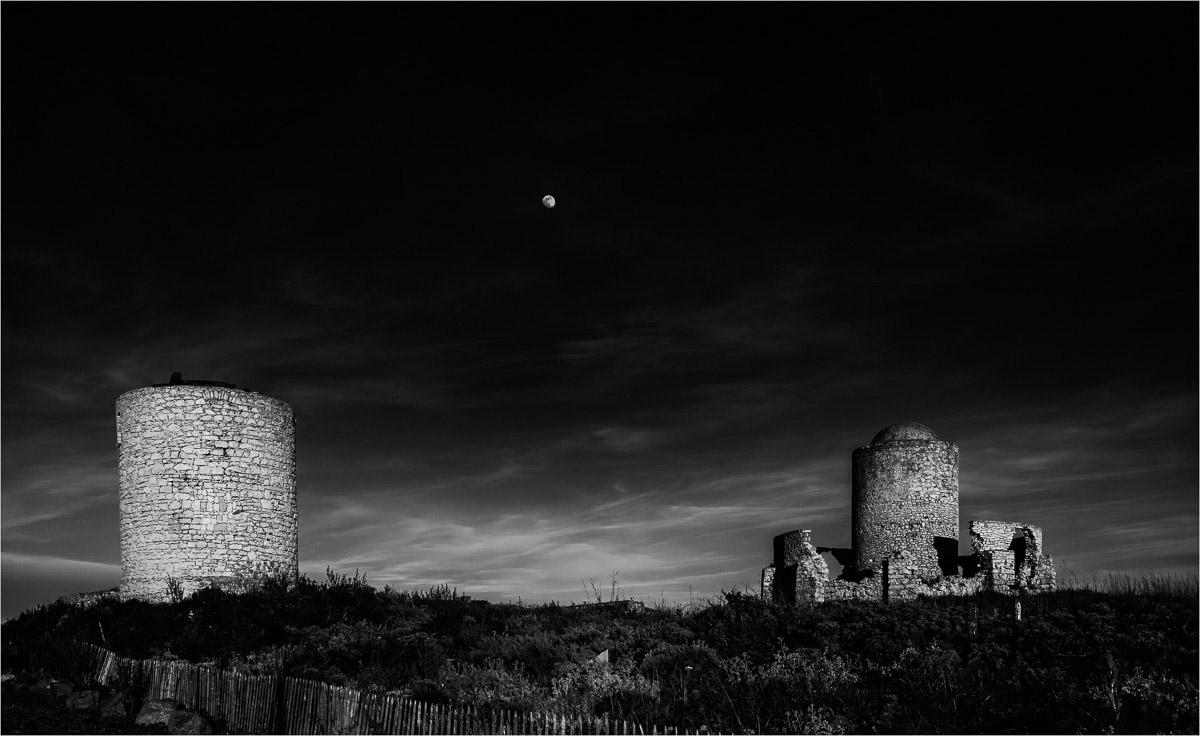
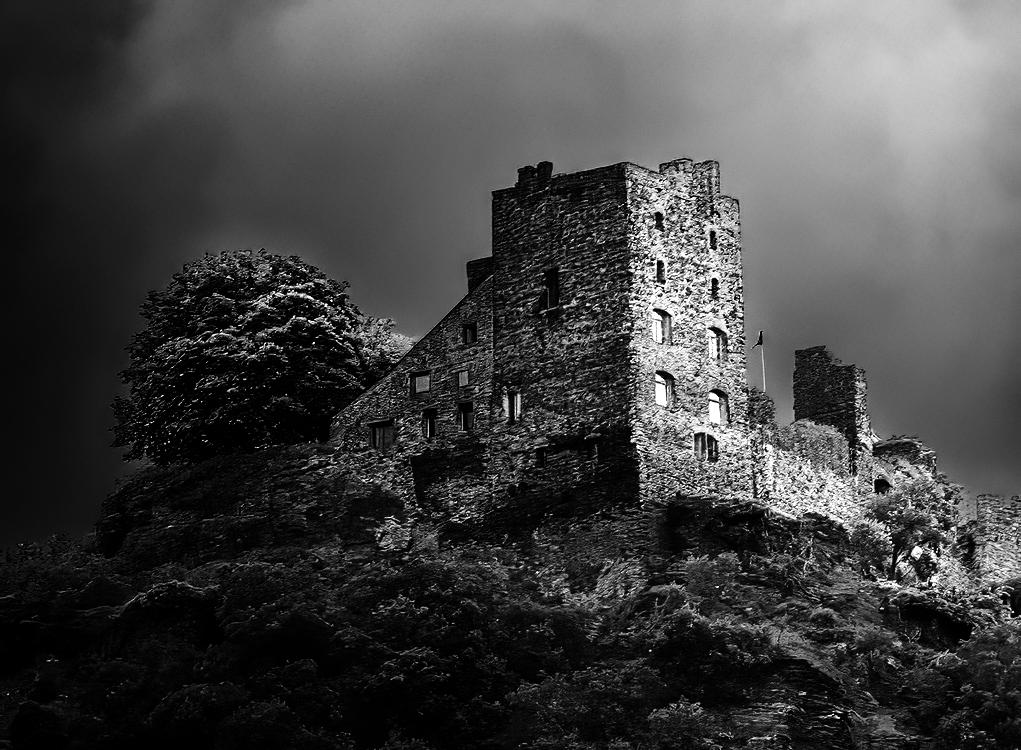
Pete - the castle definitely looks more imposing and historical in the B&W rendition.
I also wanted to see the effect of different contrast and I resorted to the quick method I often use which is to add a Gradient Map layer in PS . |
Jun 9th |
 |
6 comments - 0 replies for Group 62
|
6 comments - 0 replies Total
|