|
| Group |
Round |
C/R |
Comment |
Date |
Image |
| 27 |
Mar 18 |
Comment |
Nice scenic... Your work has improved the image. It is very tranquil and soft looking. Good job. |
Mar 26th |
| 27 |
Mar 18 |
Comment |
Interesting view of the winery... Good image - I agree that the woman on the right should be cloned (stamp tool) out. Tonal quality can be change with the Curves tool. Do you every use Youtube tutorials to learn things. If you have photoshop (even an old version), they have a lot of free ones on Youtube. I learn something new all the time. Pics like this would do well with montages (I have one in DD # 41 right now). Good job. |
Mar 26th |
| 27 |
Mar 18 |
Comment |
Love the snow instead of the summer view of this placed. Nice to see even Venice gets winter... Good composition and processing. |
Mar 20th |
| 27 |
Mar 18 |
Comment |
Nice try on the recovery of the bright part of your image. Have you every thought of trying Topaz - adjust 5 - clarity. It will bring out the foreground detail and color and reduce the glare of your bright spot. I used it for a similar situation. Just a suggestion. |
Mar 20th |
| 27 |
Mar 18 |
Comment |
good exposure... Jon has more experience than I do with white birds but your whites are not totally blown out. As far as the sharpness, you could use Topaz detail to sharpen also. Also, the bird's feet are over sharpened and you need to use the blur tool to reduce the sharpening in the area around the feet. I think you have enough room in front of the bird and I wouldn't worry about the bottom. Good job. |
Mar 20th |
5 comments - 0 replies for Group 27
|
| 32 |
Mar 18 |
Reply |
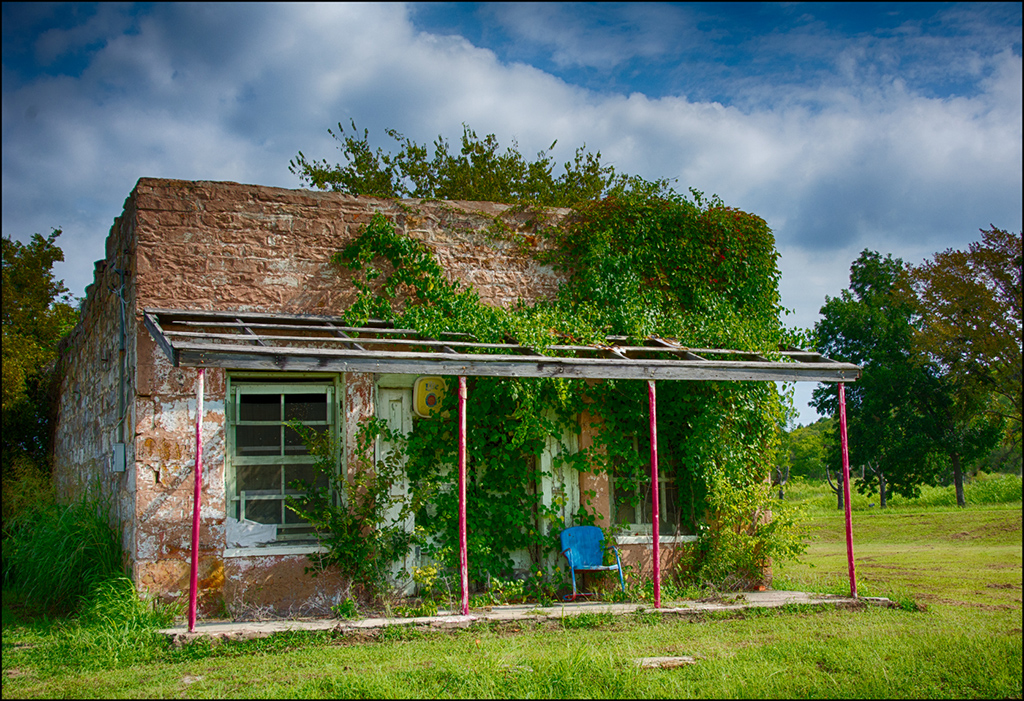
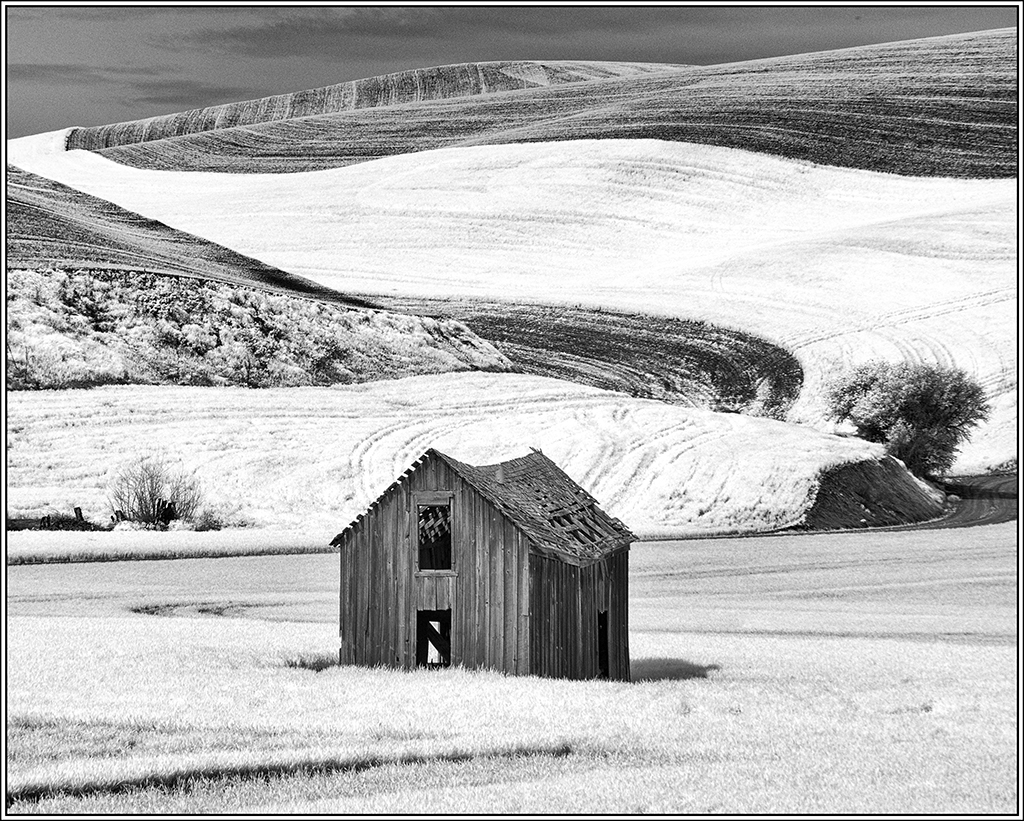
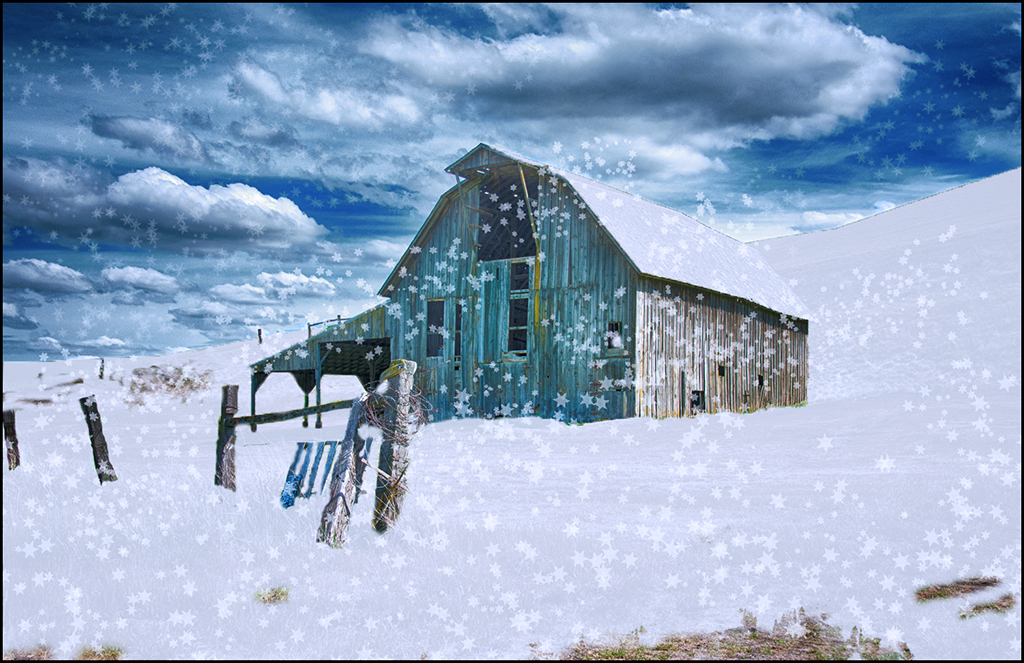
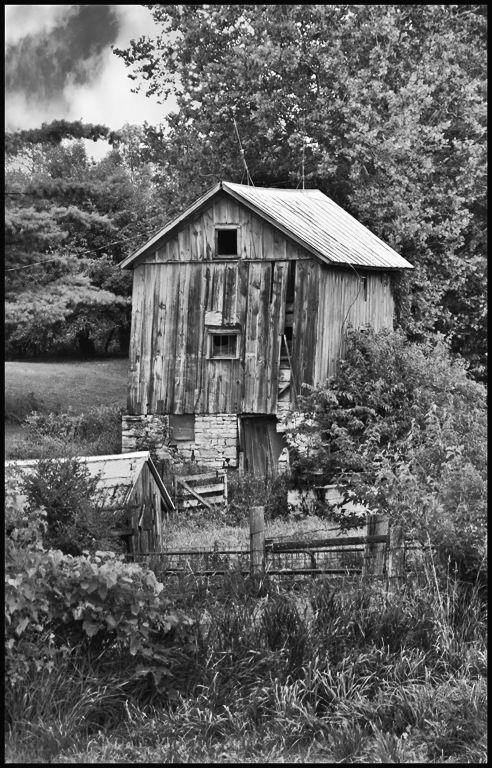
This shed pic has done well in mono and color in Salon and club. It was discovered in Iowa just off the road. When we travel, I am always on the look out for pics along the road area and Tom is used to turning around to go back and take pics of something I have noticed. In fact, before we got married that was one of my questions - "If we were on a trip and I spotted something I wanted to take pics of, would you mind ?". He said okay if he could take pics too.
|
Mar 27th |
| 32 |
Mar 18 |
Reply |
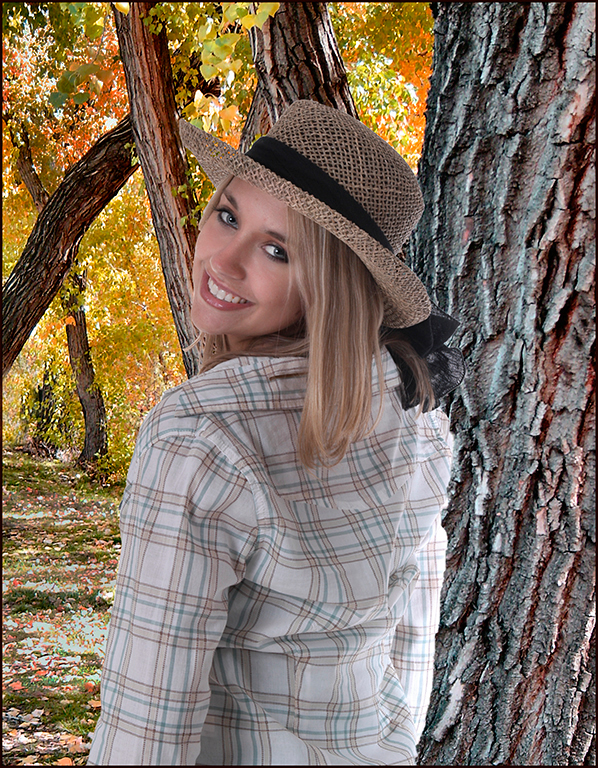
If you have CC 2018, selecting models has really improved. Watch a few Youtube tutorials on using quick select and refine edges and you will get good at it. Of course, you can always zoom in and use the brush on the mask to smooth out areas. When you take more portraits, you will get more practice. |
Mar 27th |
| 32 |
Mar 18 |
Comment |
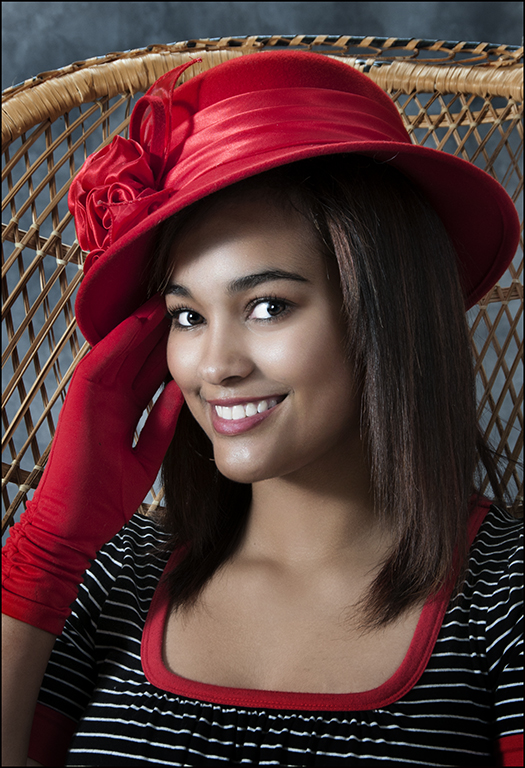
Very good portrait and nice lighting... Your background is the usual you will see in photo studio - I have one similar to it. Photoshop's quick select especially in CC 2018 makes changing background so easy. I even like brick backgrounds for some male portraits. The critiques from this group are mild compared to Gilbert Hill from my camera club - he would say - " Why did you take that horrible picture ? " and he really meant it !! He could also be constructive in his comments but very blunt.
Your model is beautiful and both the color and mono are well done. With her zippered jacket - a brick background just might work - ha ha !! Anyway - good job !! |
Mar 26th |
| 32 |
Mar 18 |
Comment |
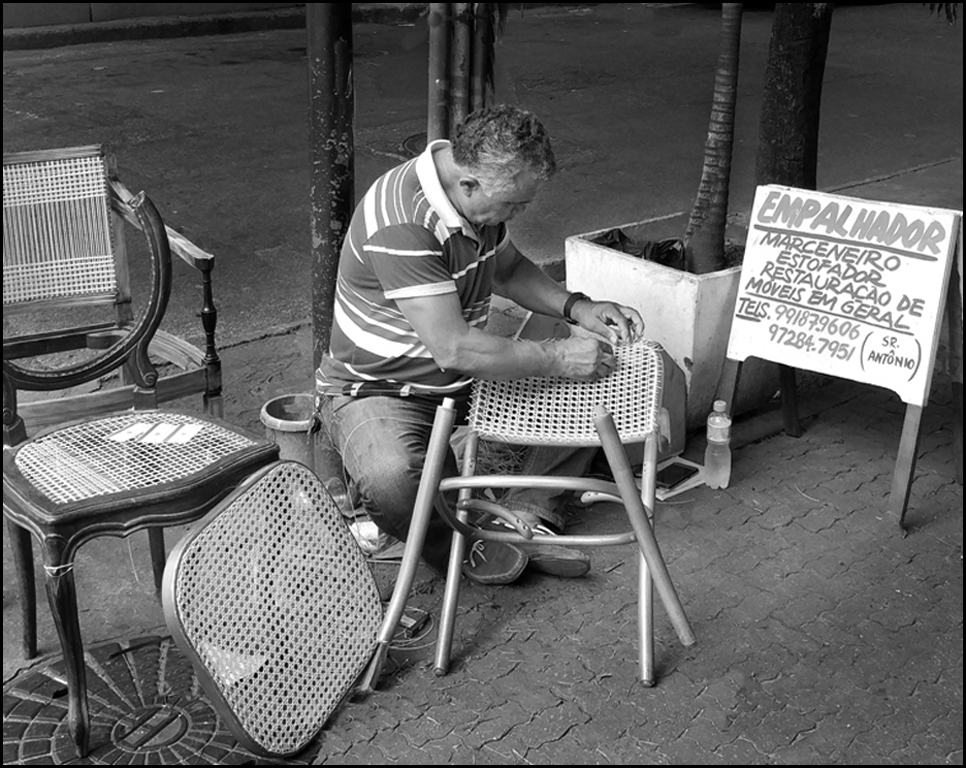
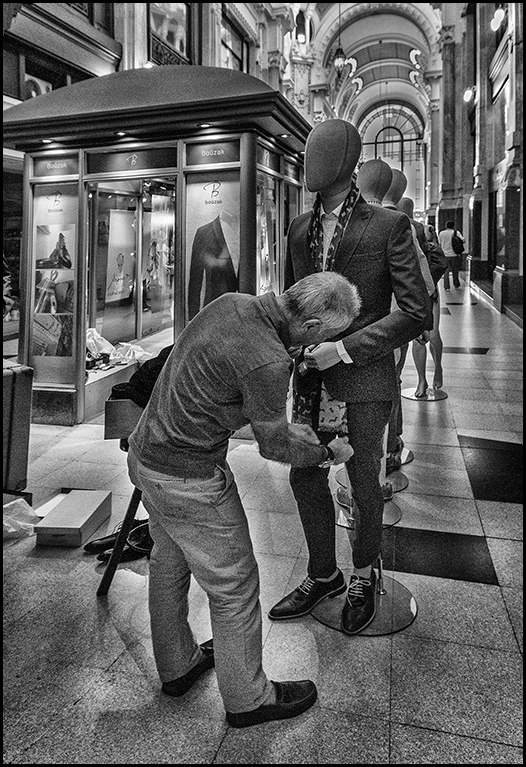
Very good worker image... Did you get any closeups of his hands working the cane ? That and this scene would make a very good montage. Suggest your crop bottom, right, left and just a little off the top. Then use stamp tool to eliminate distractions. Use dodging on his face and arms and burn on the other areas since you want the eye to be drawn to him. Good job with your first cropping but show enough of his surrounding but not too much. You know me - I am a perfectionist in mono. I do suggest that you squat to his eye level for at least one pic. Seeing more of the face would help but sometimes it isn't possible and still a good storyteller with side shots like this. Good job. |
Mar 26th |
 |
| 32 |
Mar 18 |
Comment |
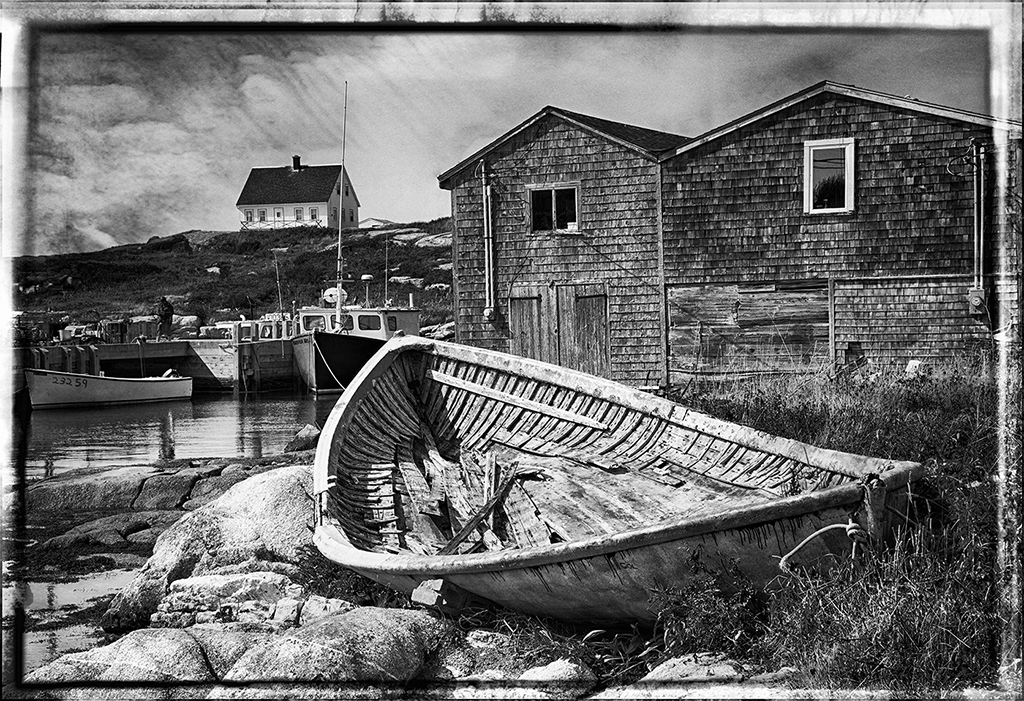
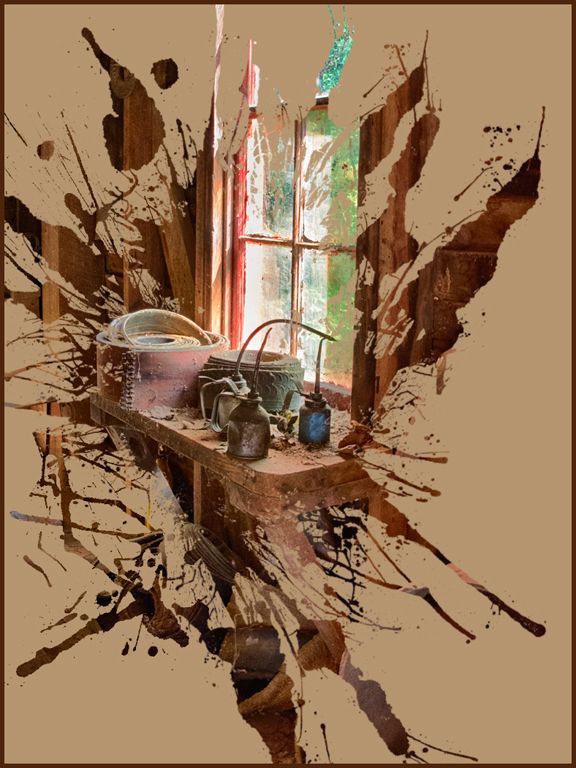
Old sheds are interesting... Old sheds will compete better if you provide more of the environment of the shed which helps tell the story. Old wooden sheds are the best. The shed is too light - try for some with more contrast. Keep looking and taking pics. I provided one of my shed pics to explain about environment. |
Mar 26th |
 |
| 32 |
Mar 18 |
Comment |
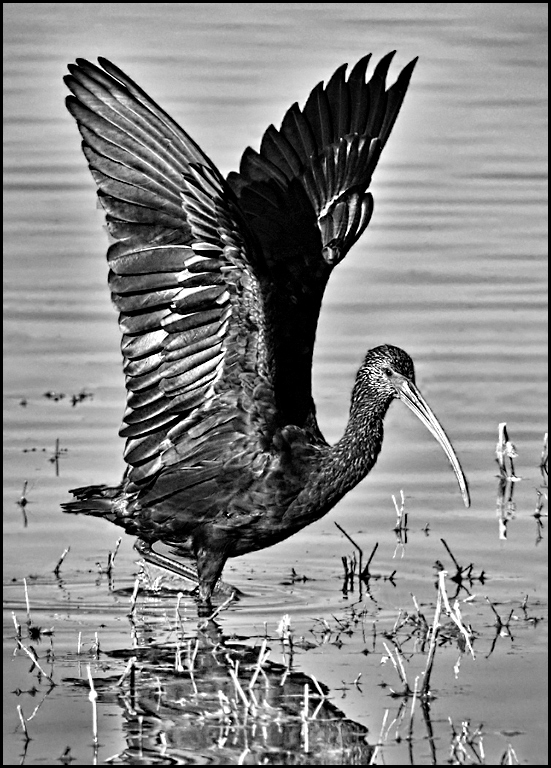
Very good bird portrait... I like the mono compared to color image. Don't use shadow reduction - just do a little dodging. Try dodging the light areas of left wing and area around the eye. Also, if you want to add more detail - use Topaz detail - overall medium II to add more structure detail. Good job. |
Mar 26th |
 |
| 32 |
Mar 18 |
Comment |
Great job... I really like your image. The worker and the mannequins are nice arranged in the image. I would crop far left mannequin out of the pic. The sharp contrast " wet rocks " really works for this image. Great job. |
Mar 26th |
 |
| 32 |
Mar 18 |
Comment |
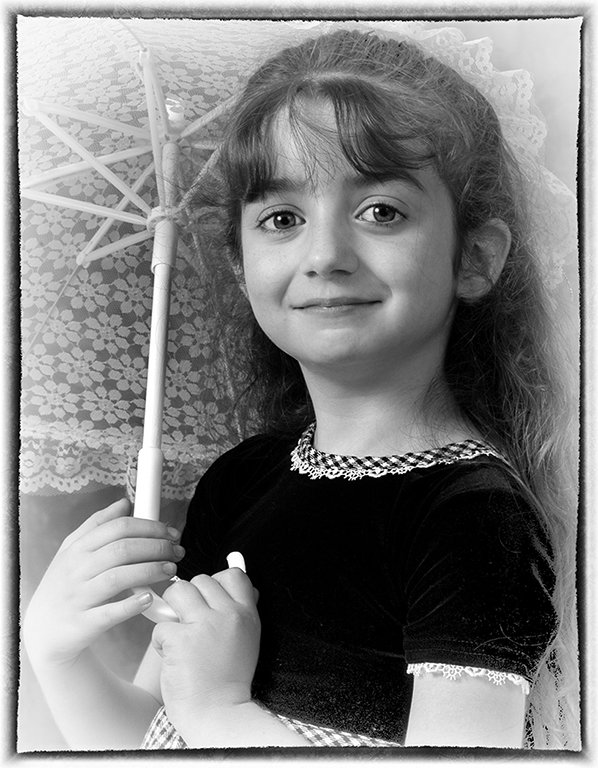
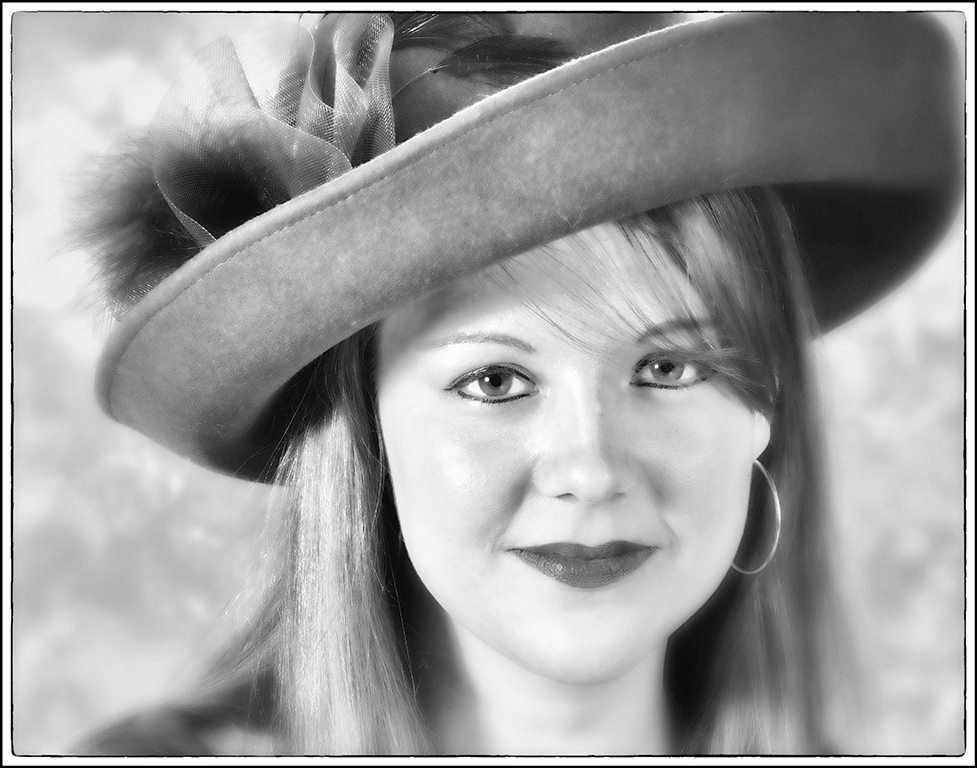
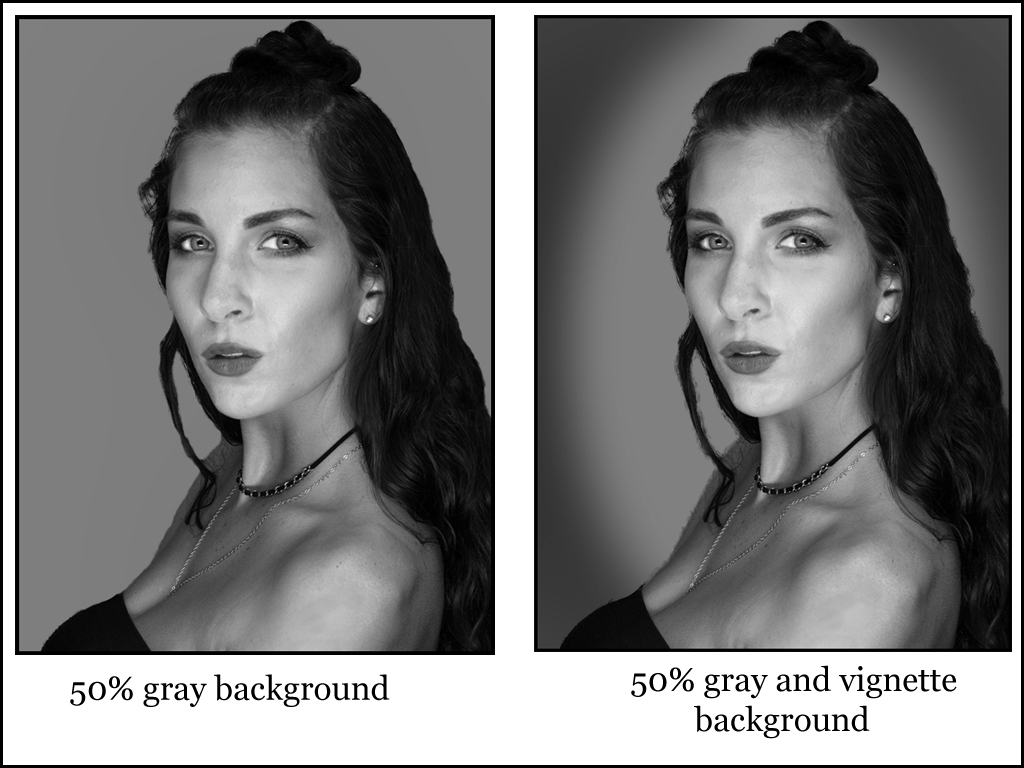
Good job on your portrait... With dark haired model you either need a light background or better hair lights. I agree the background provided was gross !! If you want the hair to stand out select the model and change the background. I provided two examples - I prefer the vignette light background but whatever the photographer wanted. I used 50% gray for the basic background. I would lighten the model - she is a little too dark for me. Good job. |
Mar 26th |
 |
6 comments - 2 replies for Group 32
|
| 41 |
Mar 18 |
Comment |
Lisa, I like your experiment. How about trying different colored ice cubes in the water ? It is interesting how light can be reflected and scattered. I taught physics and I really liked teaching the chapter on light reflection and refraction with lots of experiments. Good image. |
Mar 26th |
| 41 |
Mar 18 |
Comment |
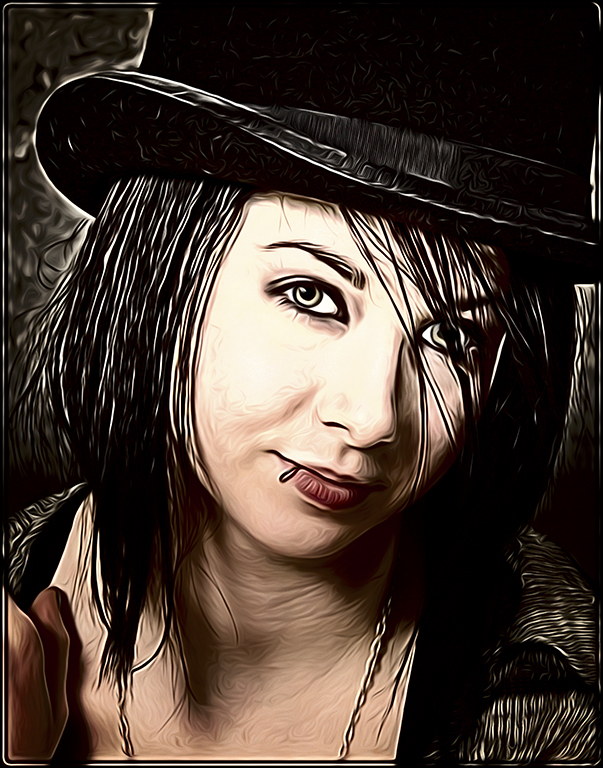
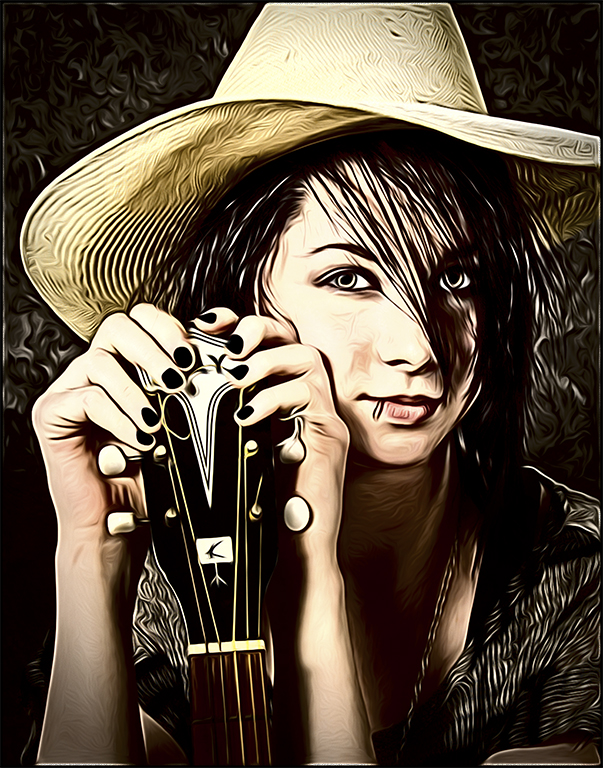
Tony, nice to see another treatment that you can use on portraits. I agree that the skin needs to be brought back to normal a little but overall, I like the effect. I will have to try this one. Good job. |
Mar 26th |
| 41 |
Mar 18 |
Comment |
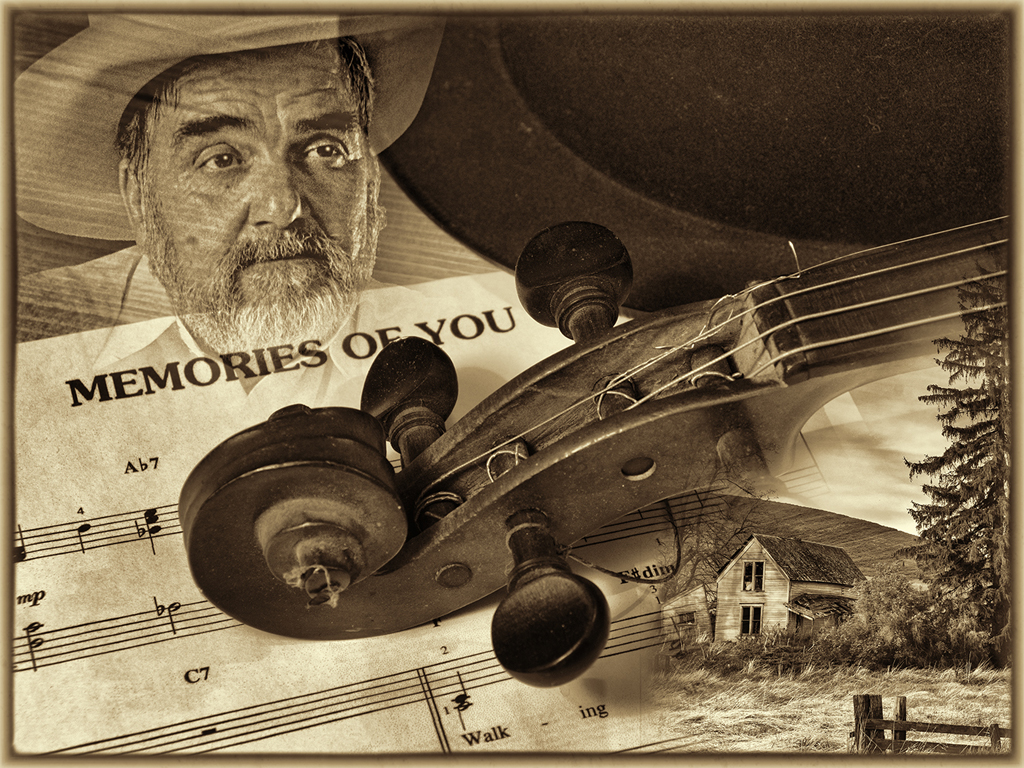
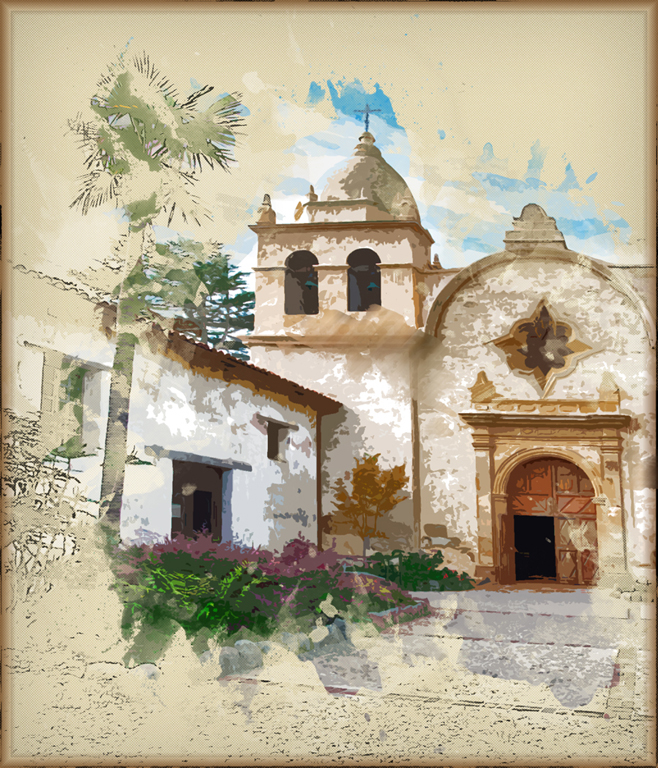
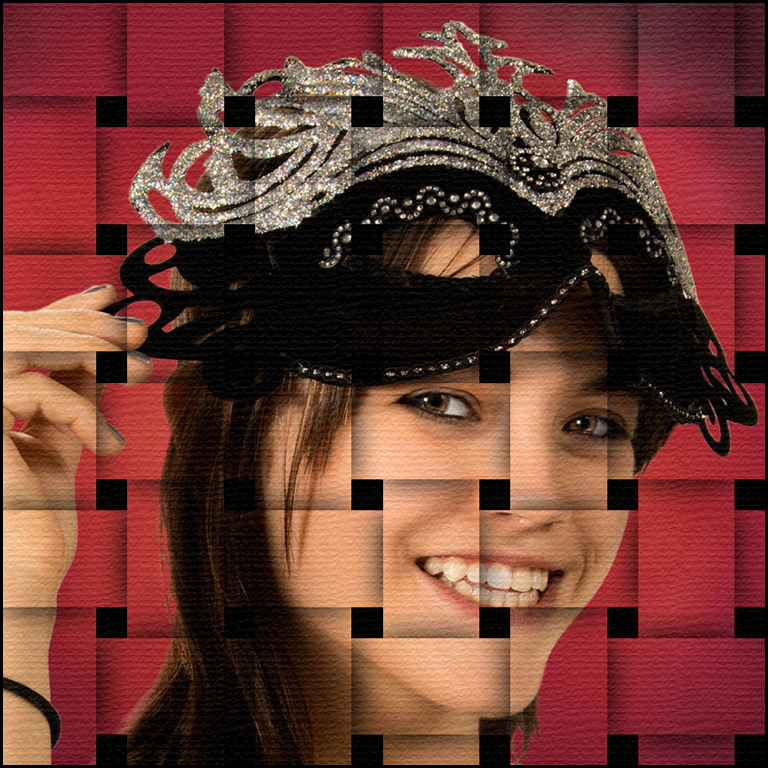
Interesting creation... I would mute the colors so more of the building comes through. It is too busy and your eye is drawn to too many areas. What blending modes did you use ? |
Mar 26th |
| 41 |
Mar 18 |
Comment |
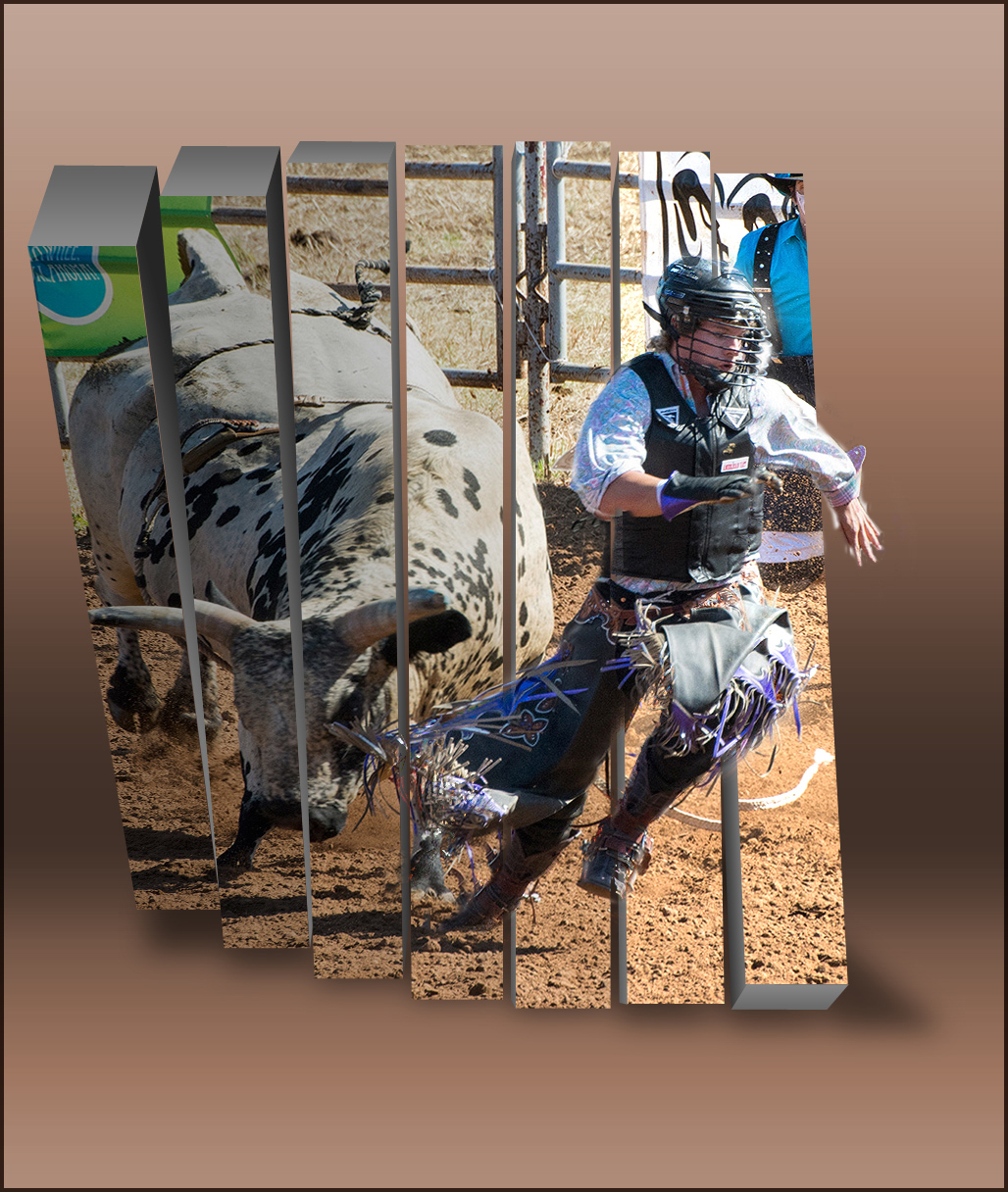
Natalie - not sure what this plug-in would do to a normal image. Thanks for letting us see it. |
Mar 26th |
4 comments - 0 replies for Group 41
|
| 61 |
Mar 18 |
Comment |
Excellent image... The lighting on the face and book are good but the book is a little over bright. I love your subject !!
I will email the old way to dodge (lighten) and burn (darken) in photoshop which I still use to this day. You can slowly paint (0% hardness edge, 12% opacity - brush) on a mask the areas you want to lighten or darken. There is probably a Youtube tutorial that will also show you how to darken/lighten areas in your image. Welcome to the group. Overall your portrait is great !! |
Mar 29th |
| 61 |
Mar 18 |
Comment |
I love your steampunk model - especially the dinosaurs !! I have a steampunk hat but haven't ever found a model for the hat - still looking. Your background is interesting. Having the hand in the portrait. Great image !! |
Mar 29th |
| 61 |
Mar 18 |
Comment |
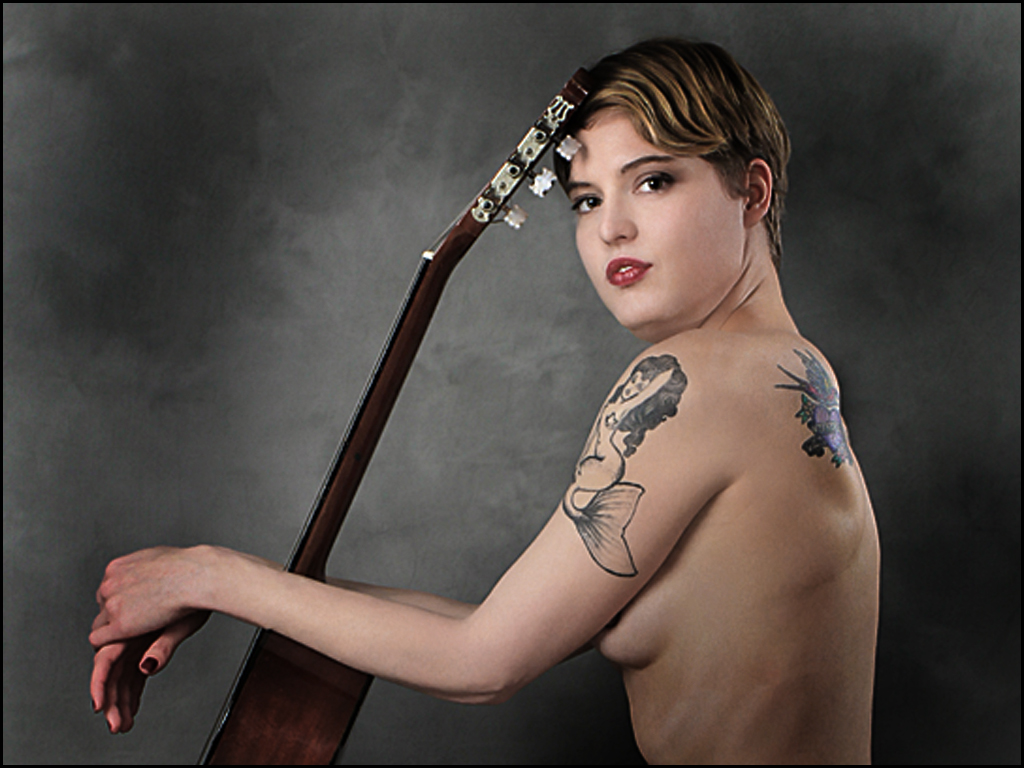
Beautiful model and good lighting. I agree the light on the back should be burned slightly. Have you considered cropping in on the model and concentrating on your subject's face and tatoos. Just a suggestion. Good job. |
Mar 29th |
 |
| 61 |
Mar 18 |
Comment |
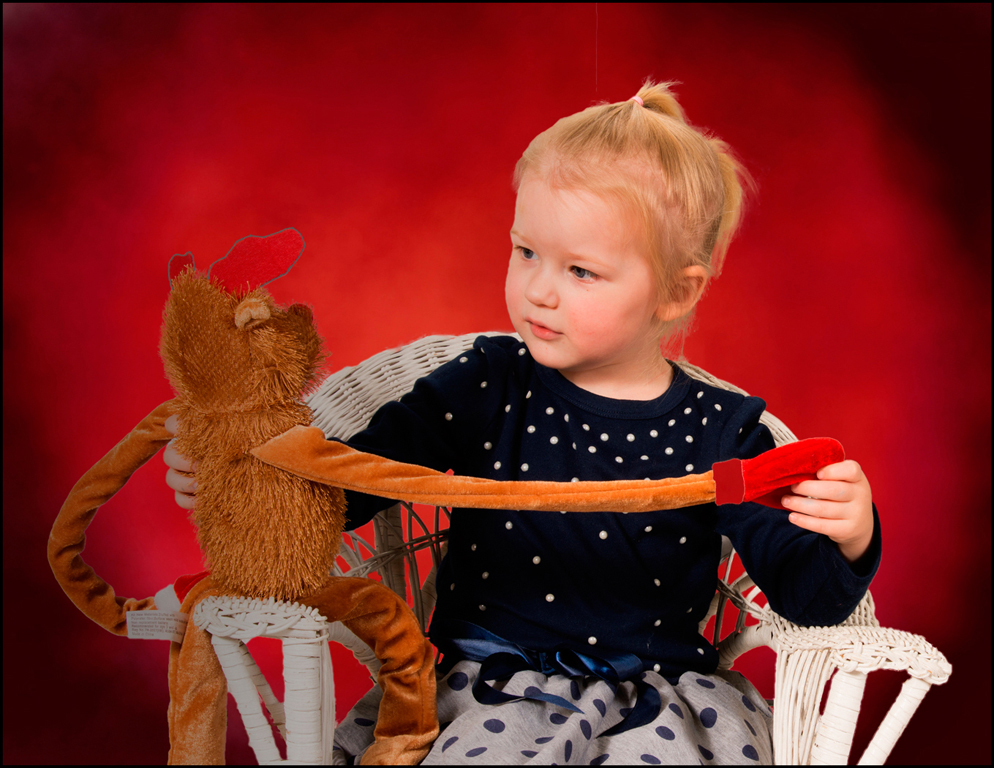
Excellent mother and child portrait !! Beautiful blending of the soft pastels and the subjects. I am sure the mother loves your creation for her. Great work... |
Mar 29th |
| 61 |
Mar 18 |
Comment |
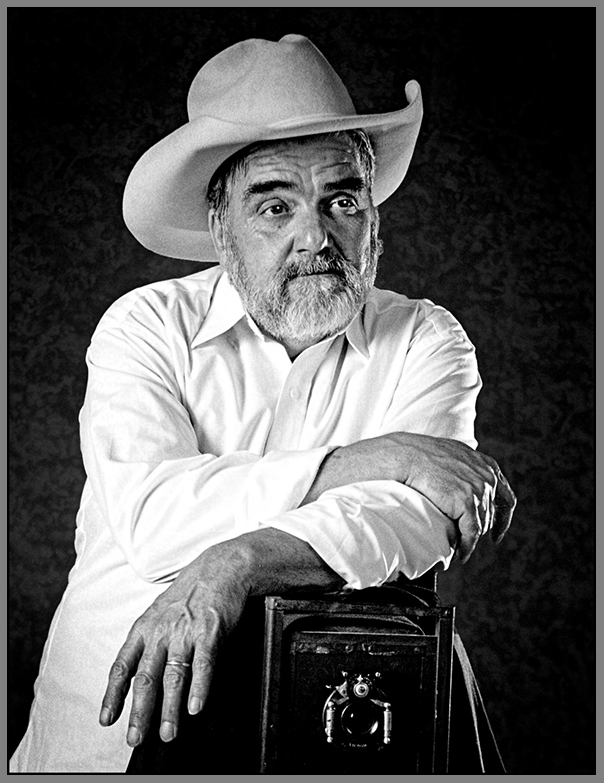
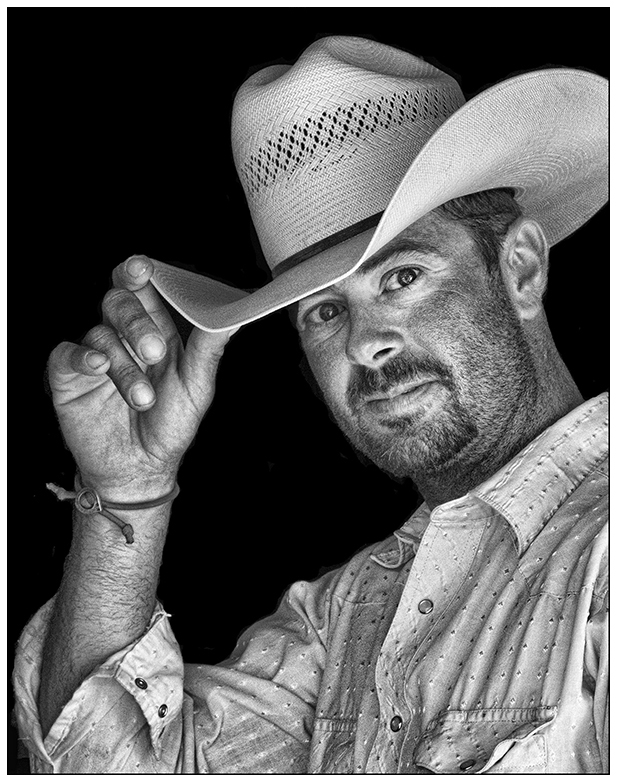
Excellent portrait... Leo, welcome to the group !! Your subject is well lit, cropped, and processed. Changing the color of the jacket is good. If there was a building available at the time, take a pic of the wall of the building and use it for your subject's background in photoshop which would help with the storytelling of the subject. Again, excellent job. |
Mar 29th |
| 61 |
Mar 18 |
Comment |
Wonderful model image... I like your pose for the scene. As usual, your lighting is excellent. I am bothered by the perspective between the height of the fence and the model. Otherwise, excellent image. |
Mar 29th |
6 comments - 0 replies for Group 61
|
21 comments - 2 replies Total
|