|
| Group |
Round |
C/R |
Comment |
Date |
Image |
| 27 |
Sep 17 |
Comment |
I do agree on darkening the image but not quite as much as you did Jan. With that in mind and a cropping, what about this image ???? |
Sep 29th |
 |
| 27 |
Sep 17 |
Comment |
Jan, I like the three flowers and the texturing you have done but the scratches that are part of the texture screen just don't work for me. I suggest that you crop in on your three flowers, use the stamp tool to remove the hard scratch streaks and add a little slight blue hint to the image except your bright yellow centers. You have a very good moody flower image. Good job. |
Sep 20th |
 |
| 27 |
Sep 17 |
Comment |
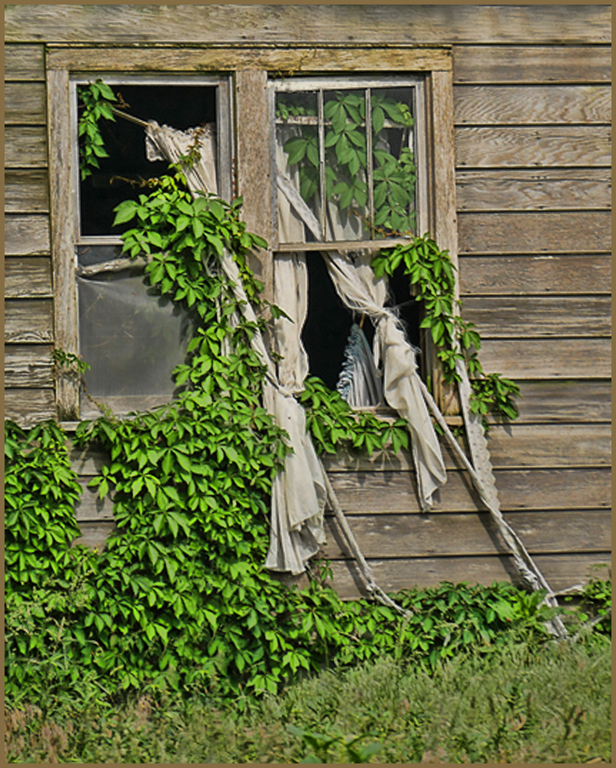
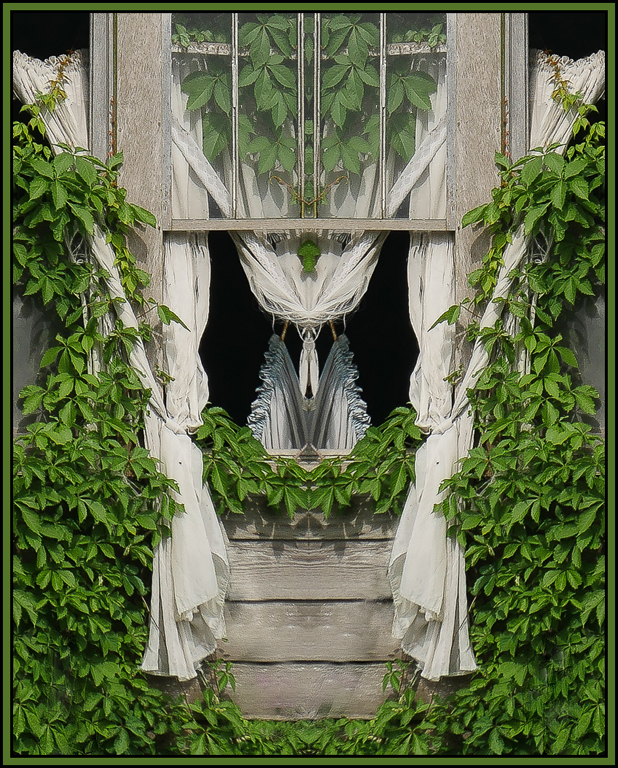
Becca, I wanted to give you another idea... Starting with your original image, I would suggest cropping to include the entire window and all the curtain area. Use stamp and heal tool to eliminate the white stake. Then use something like Topaz adjust - heavy pop grunge to add texture, some more saturation and impact. Just suggestions... |
Sep 20th |
 |
| 27 |
Sep 17 |
Comment |
Becca, working with your final version - I agree with Brad to use stamp or heal to remove the white stakes but I would also suggest to eliminate the white curtain lines on the bottom of the house area. Your original image is a great image to work with. Good job. |
Sep 20th |
 |
| 27 |
Sep 17 |
Comment |
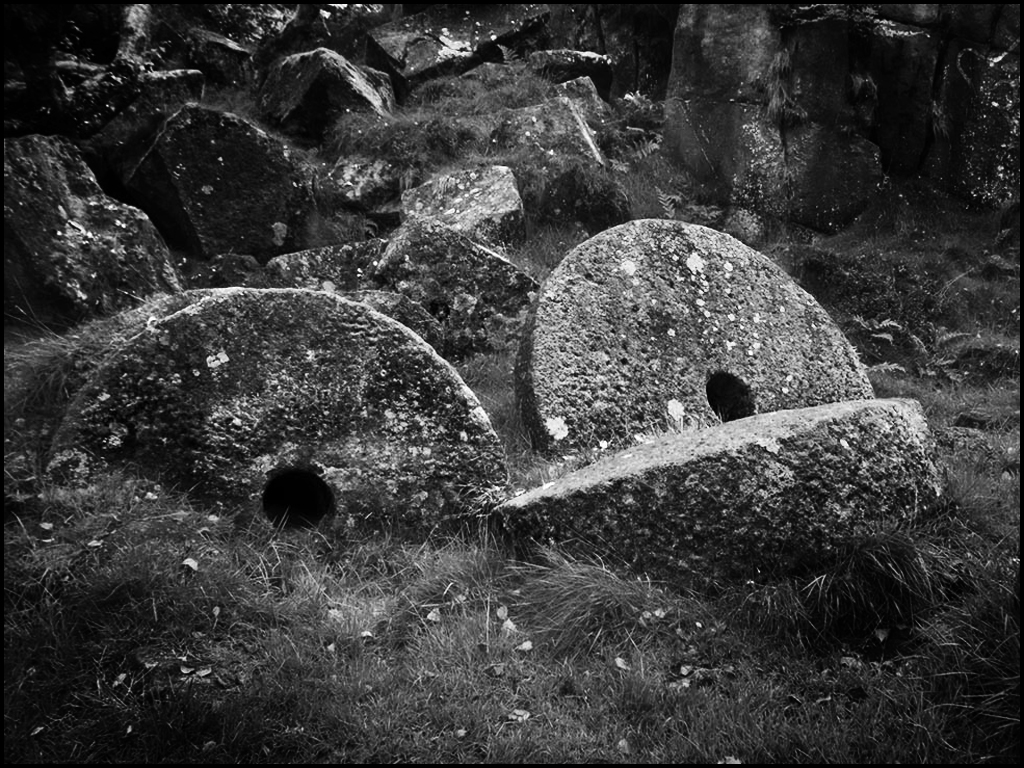
Very good image of millstones... I do suggest cropping in so the two millstones can be the main center of interest. Also, increasing the contrast as well as darkening the corners of the image. Very good image. |
Sep 20th |
 |
| 27 |
Sep 17 |
Comment |
Very good processing of a flare... Many of our club took pics of the eclipse but I didn't. Very good photography memory !! |
Sep 20th |
| 27 |
Sep 17 |
Comment |
Very different image... Nice night scenic. Good composition with the foreground blooms and monument in the 1/3 spot. Looks like a polarized effect. Nice job. |
Sep 20th |
7 comments - 0 replies for Group 27
|
| 32 |
Sep 17 |
Comment |
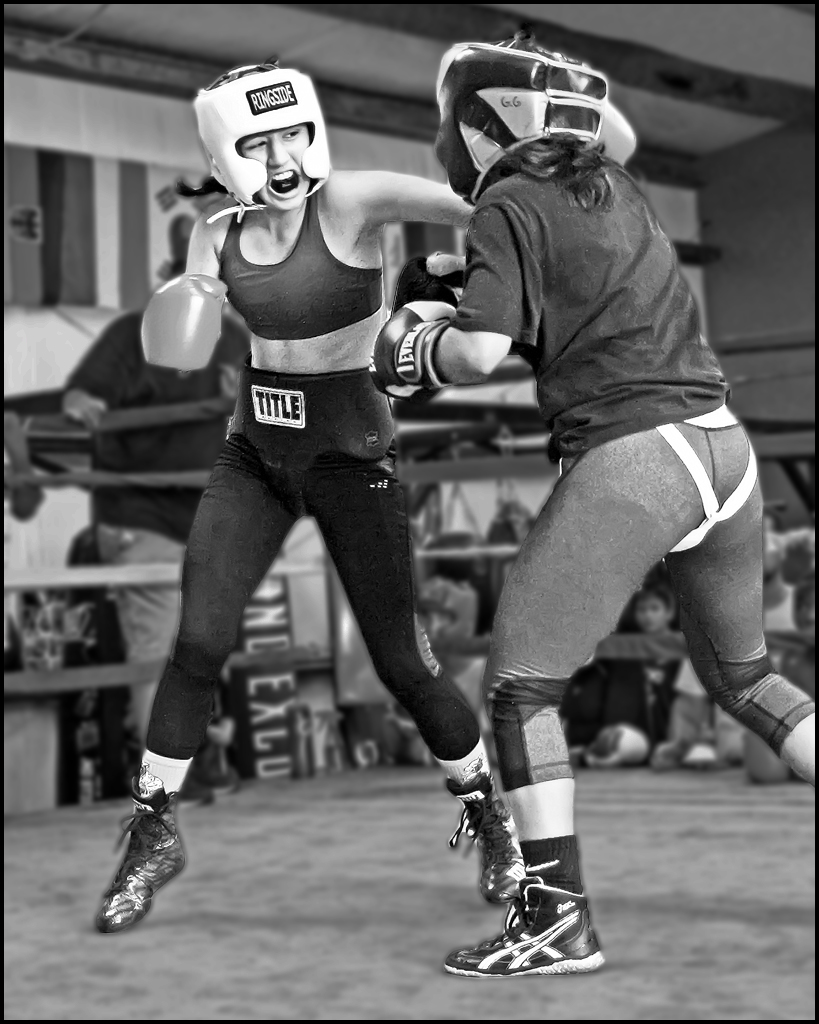
Another very good boxing image. Good action. I do suggest removing some of the background distractions by using blur and darkening. Good image.
|
Sep 18th |
 |
| 32 |
Sep 17 |
Comment |
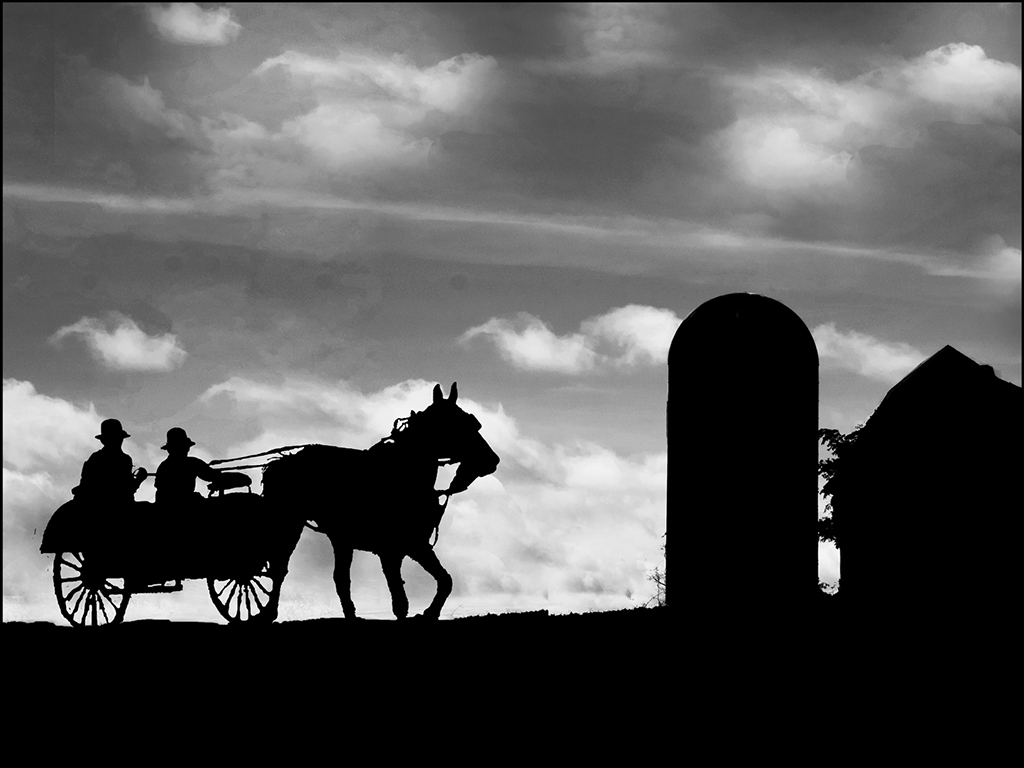
I really like your silhouette. I agree with Diana's crop and that is your image. Great job.
|
Sep 18th |
| 32 |
Sep 17 |
Comment |
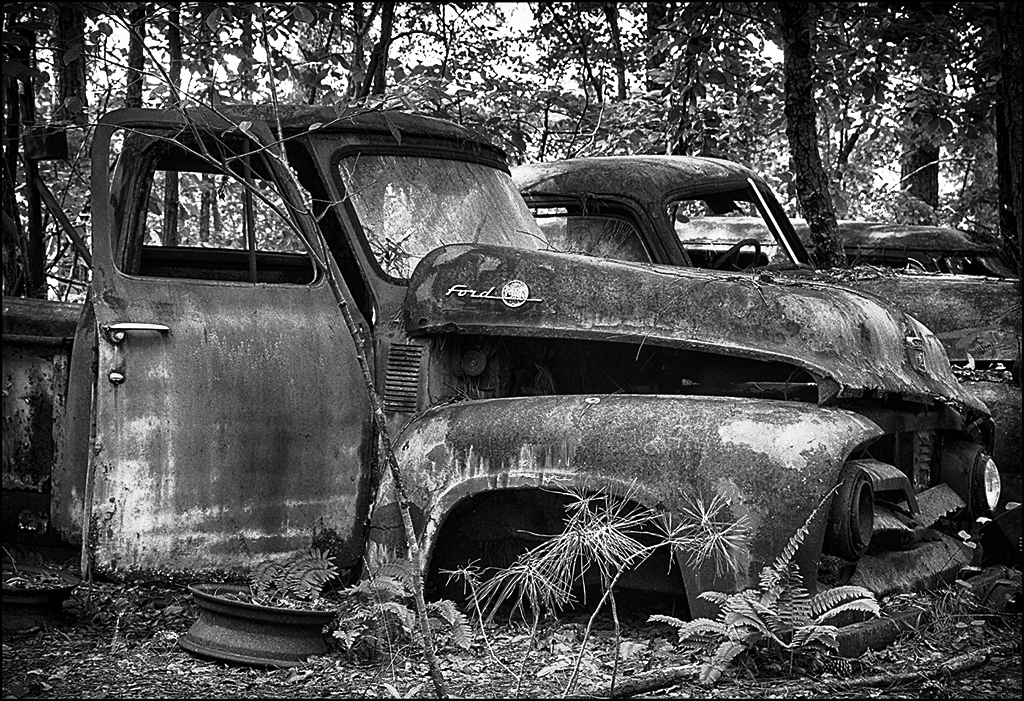
Lynne, as you can tell by my leaning old school this month, my hubby and I love old rusted or decayed building, etc. I like your image and it's possibilities. You can always use these images in montages of older people and old building or structures so continue taking these images. I suggest replacing the top left part of the chain with just background like the top right. Then use curves to increase the contrast (medium contrast) and lastly, use a darken layer to darken the corners. Very good image.
|
Sep 18th |
 |
| 32 |
Sep 17 |
Comment |
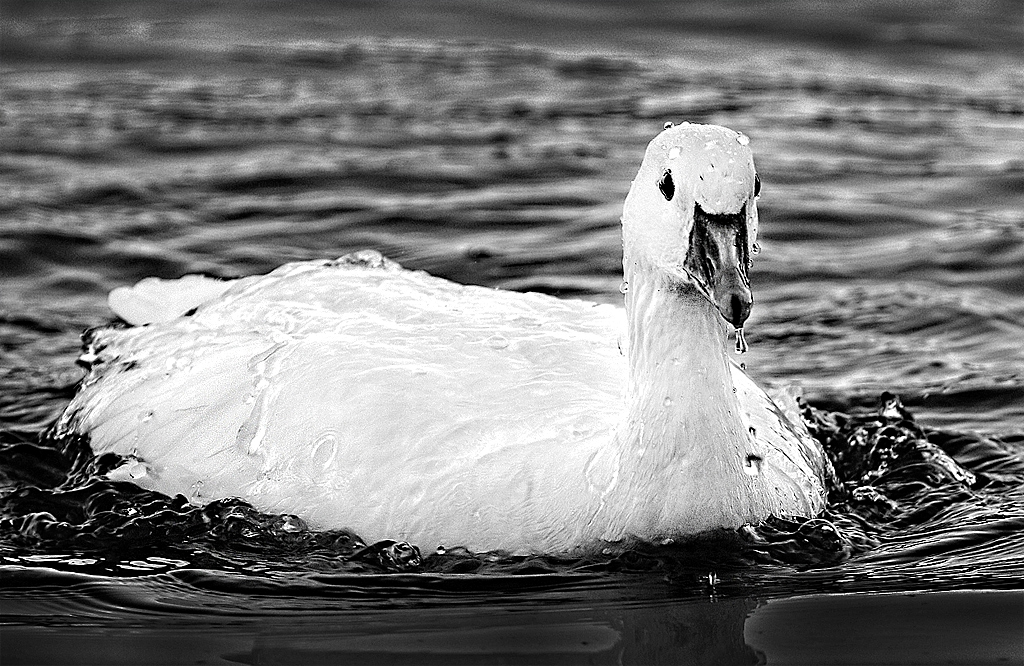
Very different look with the water all over the goose... I really like your image and your processing. To bring out the water more on the goose, I suggest that you used Topaz-detail-overall medium II and then select the goose and use a brightness/contrast layer to bring out a little more of the feather detail and water on the back of the goose. In the US competion, this should do okay in monochrome - the water look should help it. Very good image.
|
Sep 18th |
 |
| 32 |
Sep 17 |
Comment |
Great waterfall image !! The action up close for this beautiful image is great. I wouldn't change a thing. Your shutter speed shows enough in focus with enough mist to really make this image. Good processing. Great image. |
Sep 18th |
| 32 |
Sep 17 |
Comment |
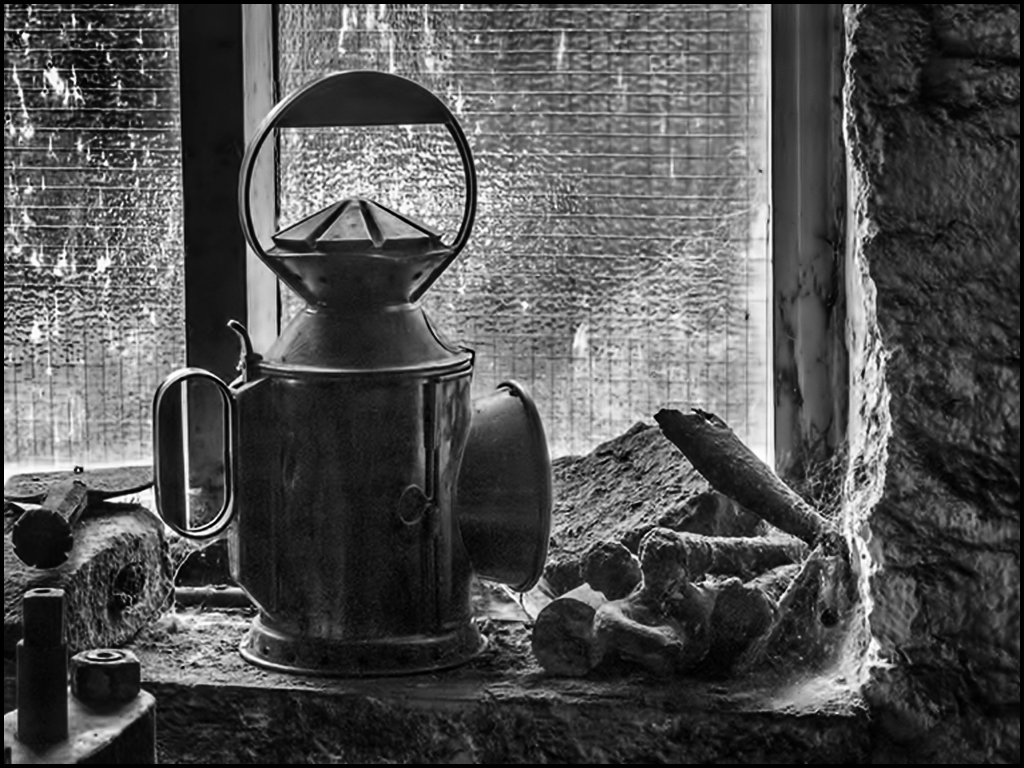
You did a good job even with your low light etc. I love that our Nikon D7200s are very good in low light with high ISOs. I like your subjects but there are several to draw the focus so I suggest that you crop in on your main subject - the old lamp. Good processing on the grain. Good job.
|
Sep 18th |
 |
6 comments - 0 replies for Group 32
|
| 41 |
Sep 17 |
Reply |
I agree about the lip ring - I will change before competition of this image - Also the neck will be blended or smoothed. Thanks to the group for their suggestions. |
Sep 25th |
| 41 |
Sep 17 |
Comment |
Overall - excellent image. The internal framing is good but why the fold at the bottom left ? The textured composite is very good. The angled stem and dying bloom is excellent placement. Great job. |
Sep 25th |
| 41 |
Sep 17 |
Comment |
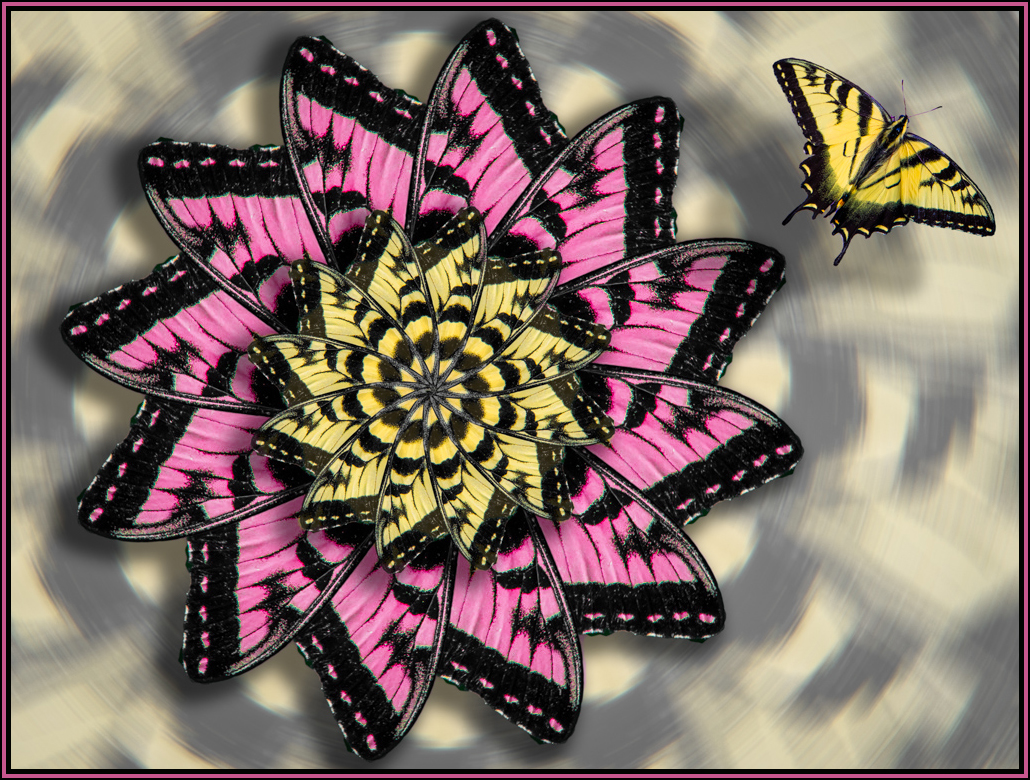
You have a lot of patience... I liked the flower color in your original image so I tried making part of the flower creation that color range. Having a different color in the image would help having too much yellow. Great work in creation your final image. I would prefer the butterfly to be flying into the flower. Great creation. |
Sep 25th |
 |
| 41 |
Sep 17 |
Comment |
Great use of the Topaz glow with the multicolored carpeting. I will have to remember that. Wouldn't change a thing. Some people would like something or someone to be walking down the stairs... Great job. |
Sep 25th |
| 41 |
Sep 17 |
Comment |
I agree that the mono is better than the color of these beads but you still need a center of interest. It reminded me of a pool or bowl of noodles so I had a little fun with the mono version and made it a pool... |
Sep 25th |
 |
4 comments - 1 reply for Group 41
|
| 61 |
Sep 17 |
Comment |
Excellent image... If this isn't meant for nature competition, I suggest that you remove the twigs on the right and left. Otherwise, great capture at the perfect moment and good processing. Great job. |
Sep 29th |
| 61 |
Sep 17 |
Comment |
Great re-creation portrait. I also like the texture and framing edge you added which emphasized the time period. Great job. |
Sep 29th |
| 61 |
Sep 17 |
Comment |
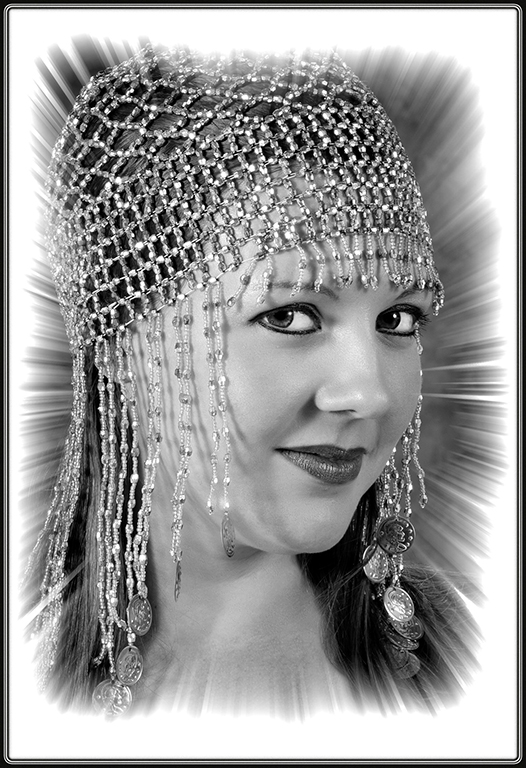
Very interesting beautiful model... Good pose and processing. She has quite an assortment of necklace, hair scarf and golden wire wings (??). Also does she have a lip ring or is that glued on ? I wouldn't change anything in your final image. Great job. |
Sep 29th |
| 61 |
Sep 17 |
Comment |
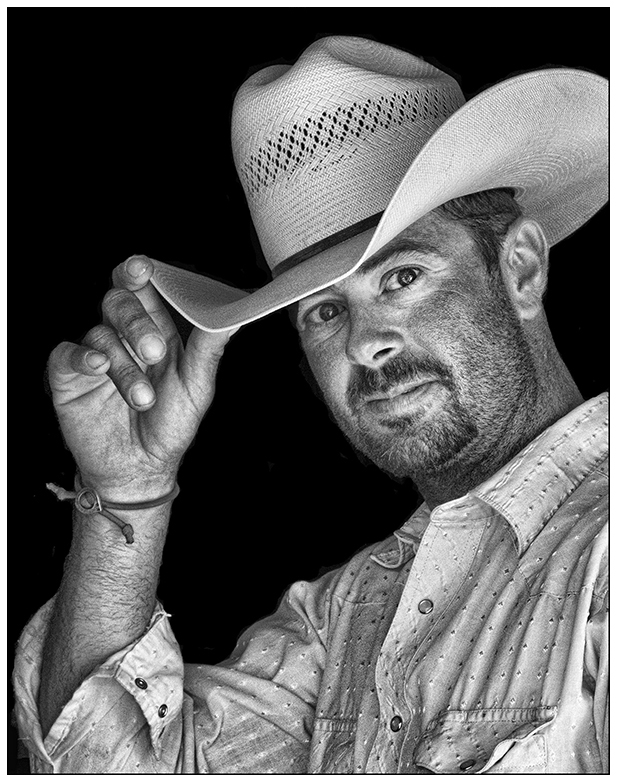
Very good portrait with one light and available light. Unique use of the tilt-shift effect - most tutorials only show it's use in landscapes. I do like how you used blur to removed the window shades behind him. Very good post-processing. Good final portrait. |
Sep 29th |
| 61 |
Sep 17 |
Comment |
Beautiful sunset... The light is just right for the water in the foreground and the beautiful sky. Great capture and processing. Good job. |
Sep 29th |
| 61 |
Sep 17 |
Comment |
Dave, beautiful portrait, pose and processing. I do agree with Salvador about the edge around model's hair. The Photoshop CC has greatly improved refine edge so you must have done this very fast since you are usually very meticulous. I always zoom in before I leave the fine tuning and can always use the "shift edge" to remove the halo hair edge that you have. I would presume that client's wouldn't like fly away hairs so removing them is fine with them. Excellent job. |
Sep 29th |
 |
6 comments - 0 replies for Group 61
|
23 comments - 1 reply Total
|