|
| Group |
Round |
C/R |
Comment |
Date |
Image |
| 27 |
Aug 17 |
Reply |
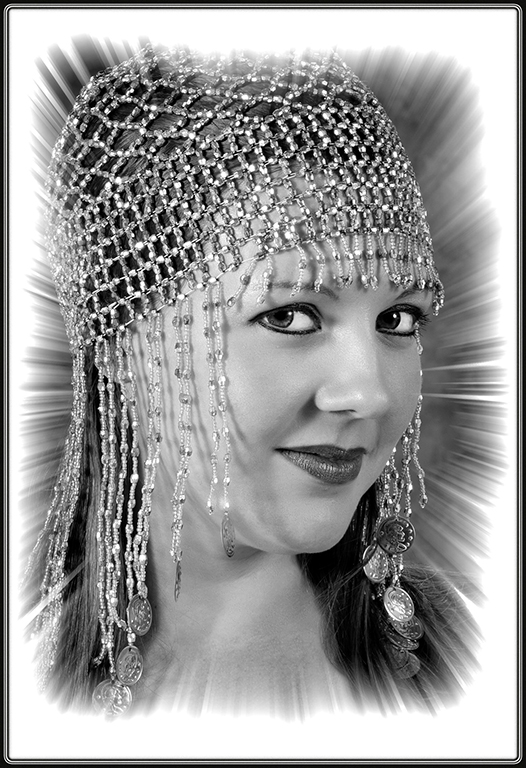
You create a gradient layer by selecting the ball (half white/half black) at the bottom of layers which creates a new layer above the background layer. Make sure foreground color is black and background is white, select the second choice color (foreground to transparent), select radial for trpe of gradient (five choices), slide scale to 150 to move the diameter out more. Select the mask on that layer, pick brush tool, change opacity to 20-30%, pick a feathered brush, and then paint slight black on the mask to lessen the dark vignette edges. I will email you a .psd (photoshop file which will show the layer I created on your image. Call me if you need further instructions or help. Hope this helps. |
Aug 19th |
| 27 |
Aug 17 |
Comment |
Very good action image... Good cropping and color, very good job on blurring the background to draw attention to the drum major subject. I like your cropping to remove the lady on the right and also place your subject in the 1/3 spot. Great job. |
Aug 15th |
| 27 |
Aug 17 |
Comment |
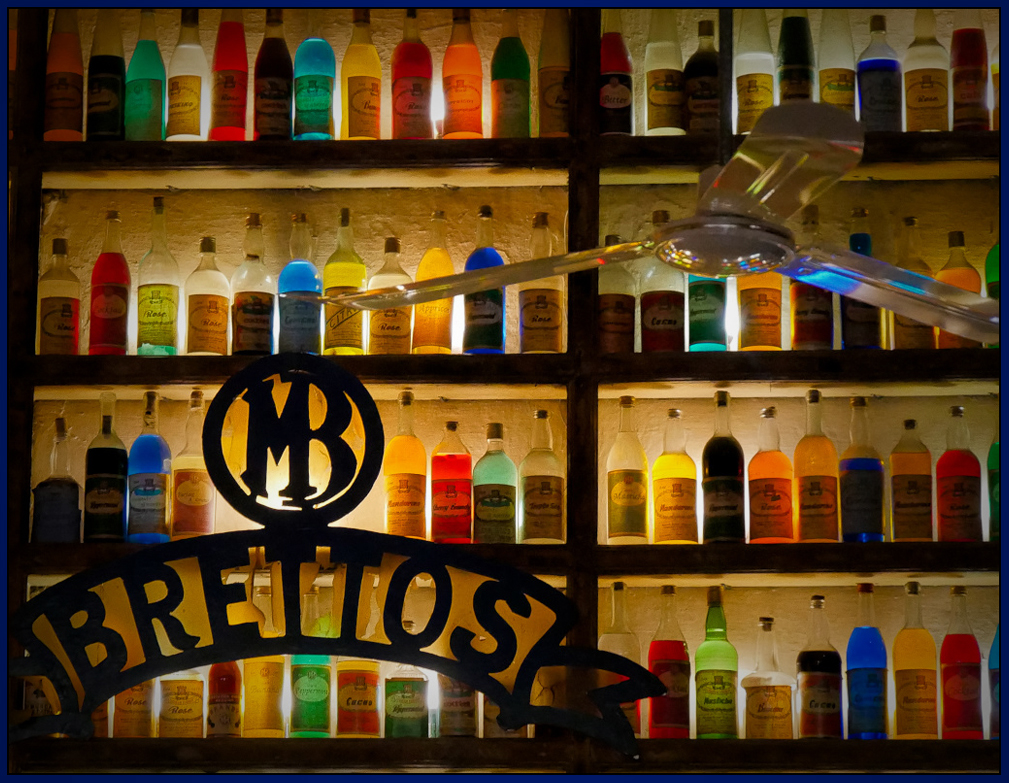
Very colorful bar image... Good processing. Nice crop putting the name in the left corner of the image. Vibrant colors. I do suggest adding a radial slightly dark vignette to draw more attention to the center and bar name. Good image. |
Aug 15th |
 |
| 27 |
Aug 17 |
Comment |
Very good nature image. Good cropping and processing. If pictorial competition, use healing tool and remove some of the white specks in the image. You have a very good image. You might desaturate the green water a little but it certainly shows the habitat. Great image. |
Aug 15th |
| 27 |
Aug 17 |
Comment |
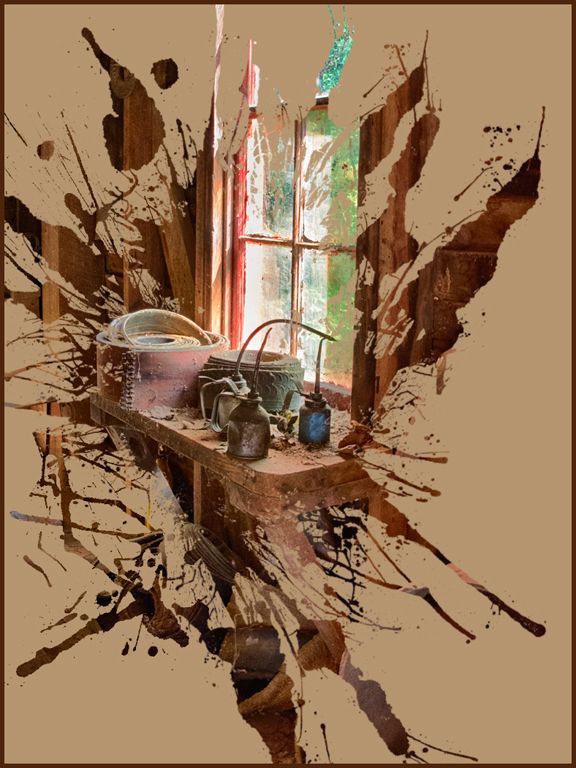
Beautiful HDR image... As usual, you did an excellent job of adding good toning and using HDR to retrieve shadow areas. I wasn't using HDR when we were in Sedona so we might just have to go back. How bad is the trail you took to get this image ? Excellent image.
|
Aug 15th |
4 comments - 1 reply for Group 27
|
| 32 |
Aug 17 |
Reply |
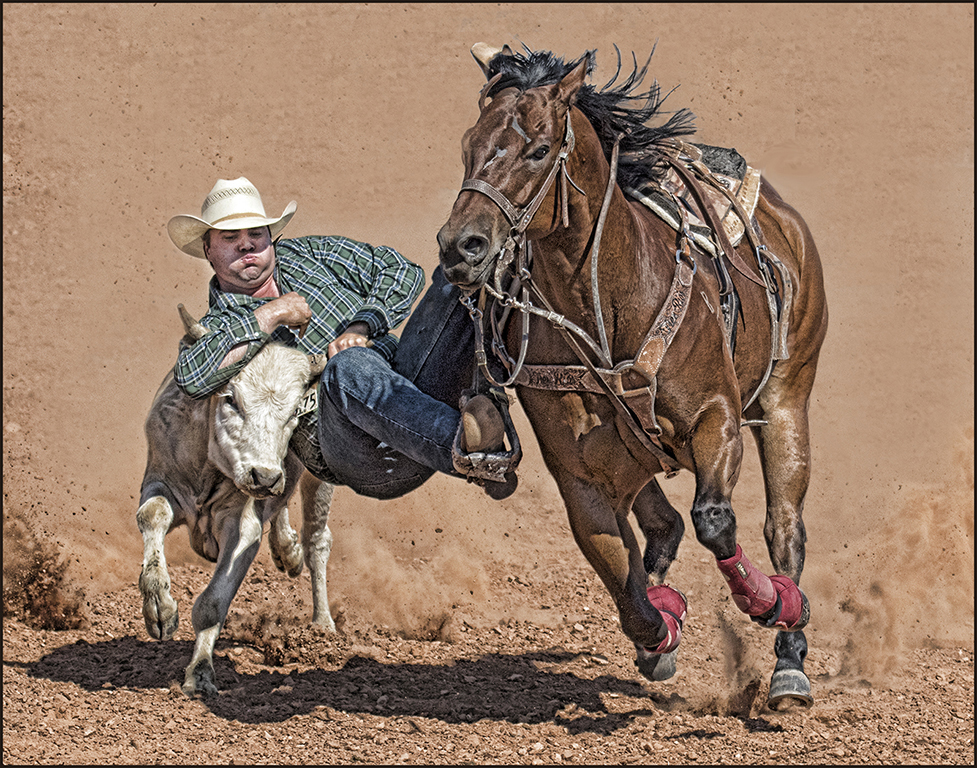
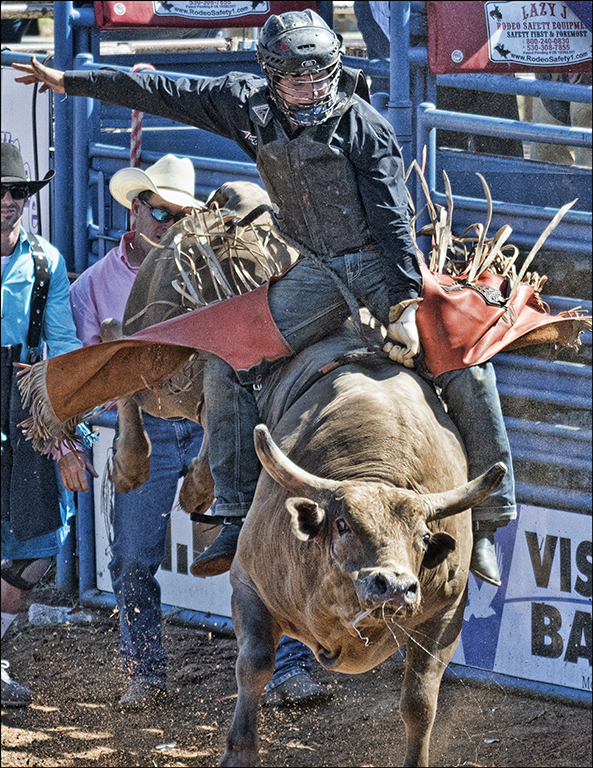
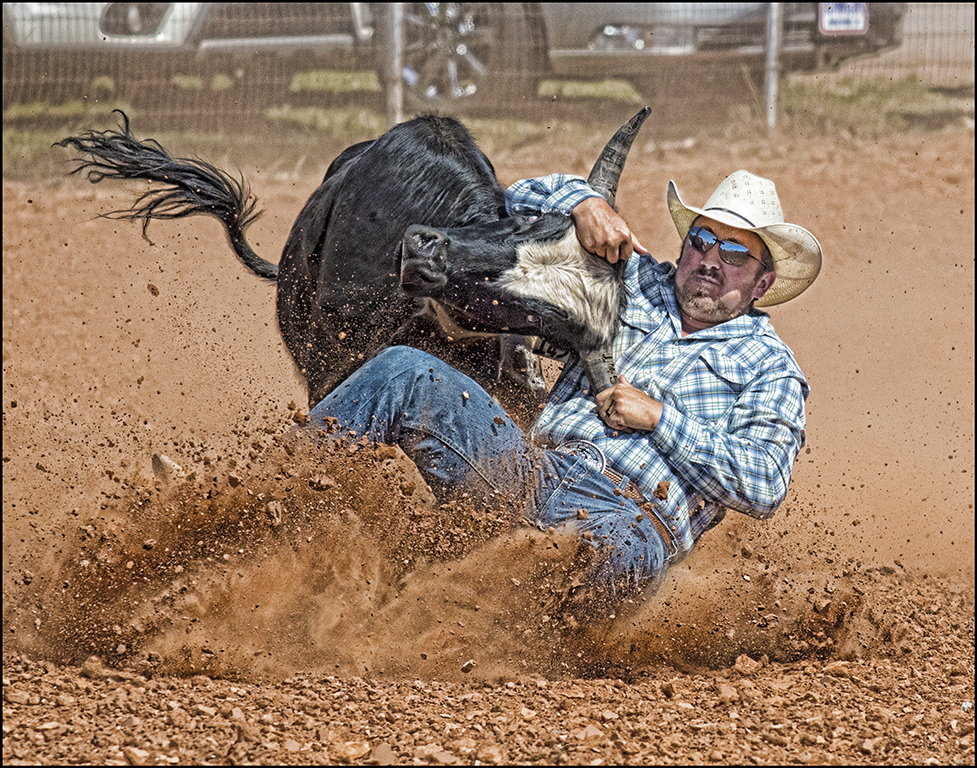
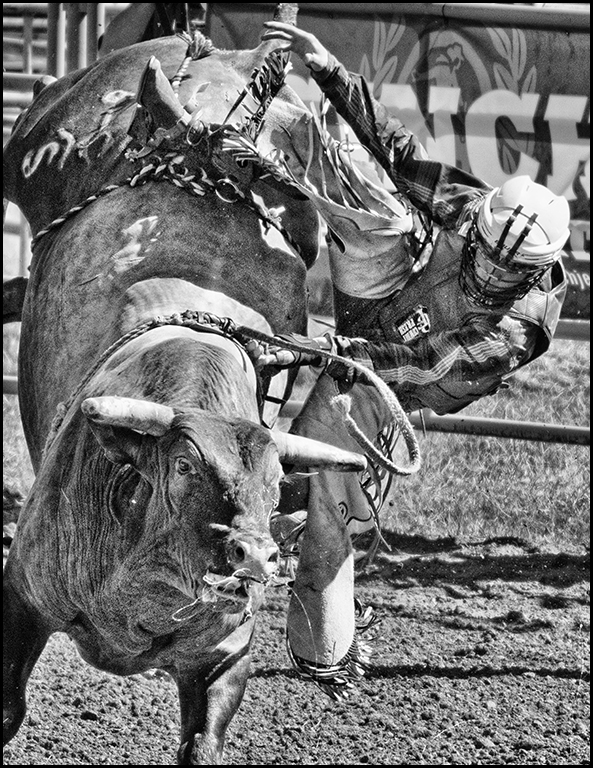
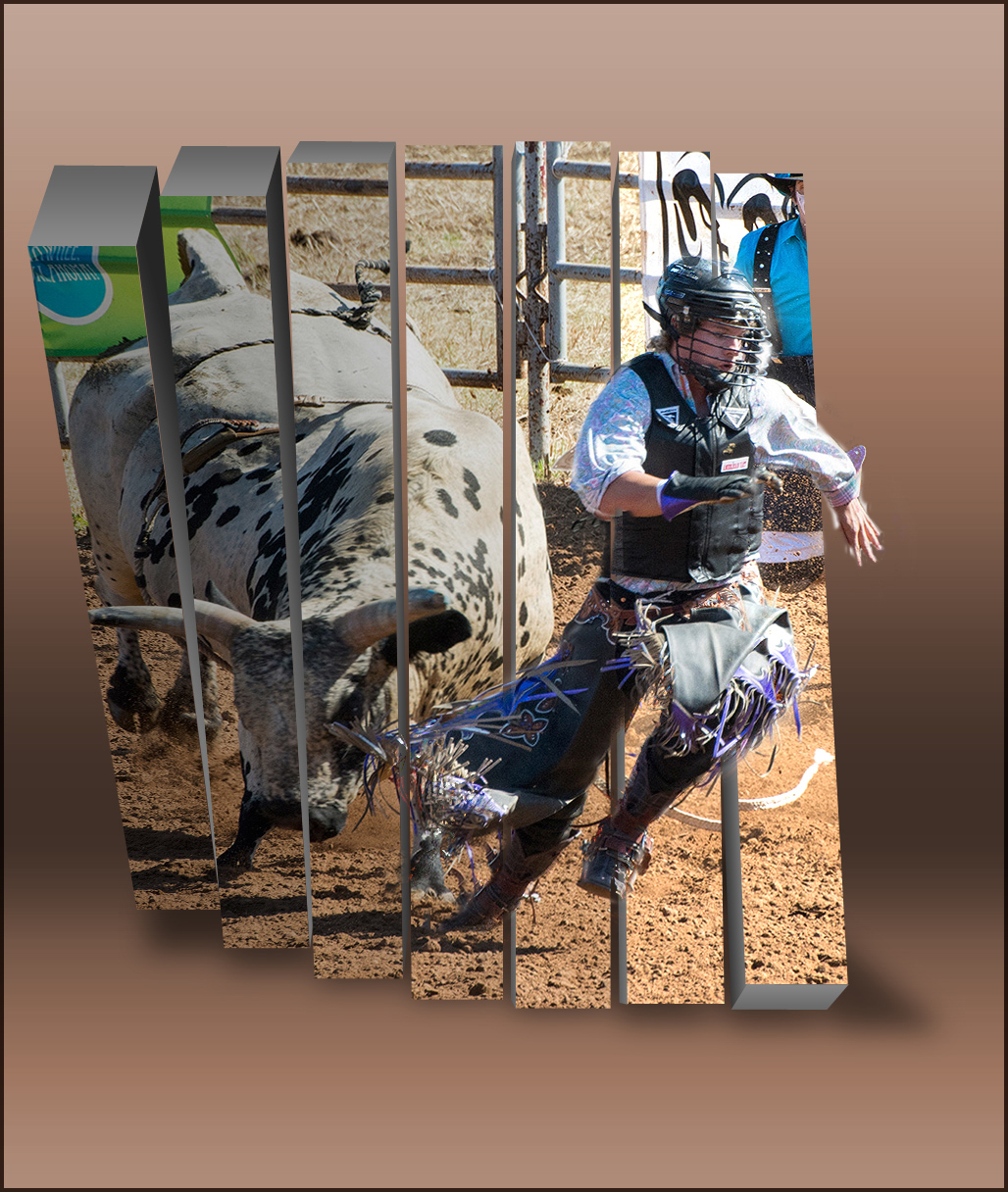
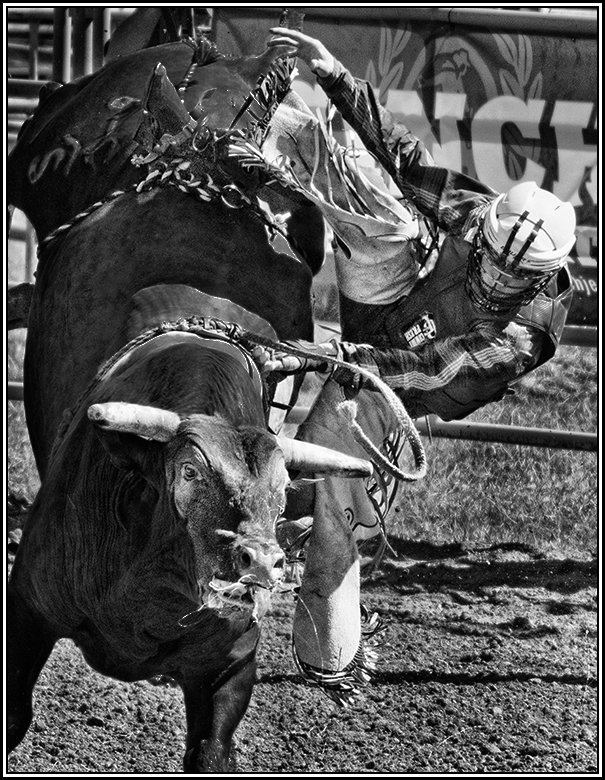
Lynne, quite often the bull wins and they love to stomp the rider.... |
Aug 19th |
| 32 |
Aug 17 |
Comment |
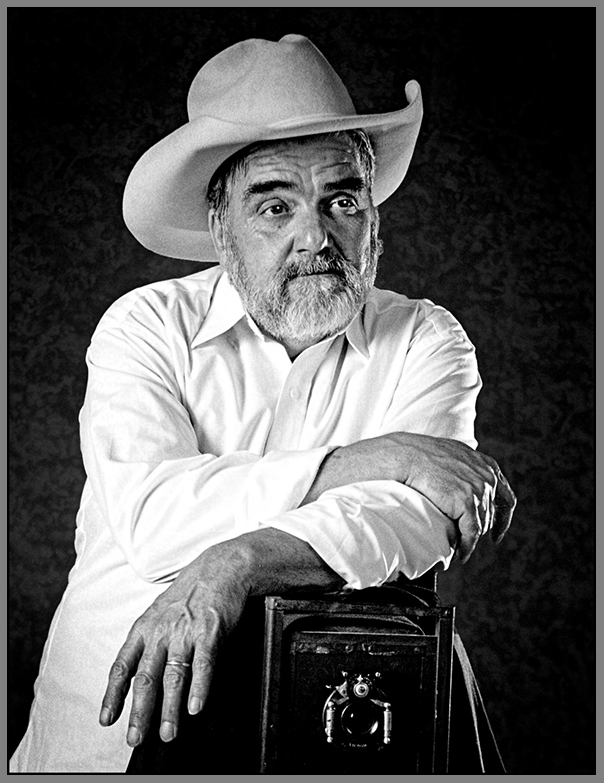
Beautiful old camera... We don't have one of these - have found a few but they wanted too much money. Good image. |
Aug 15th |
| 32 |
Aug 17 |
Comment |
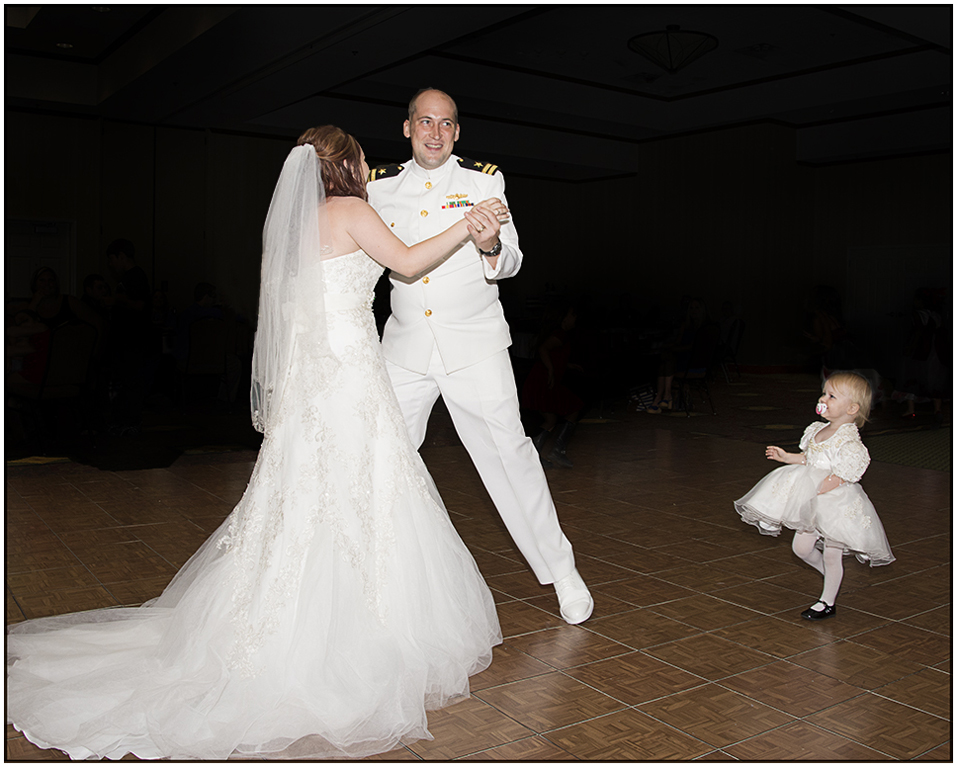
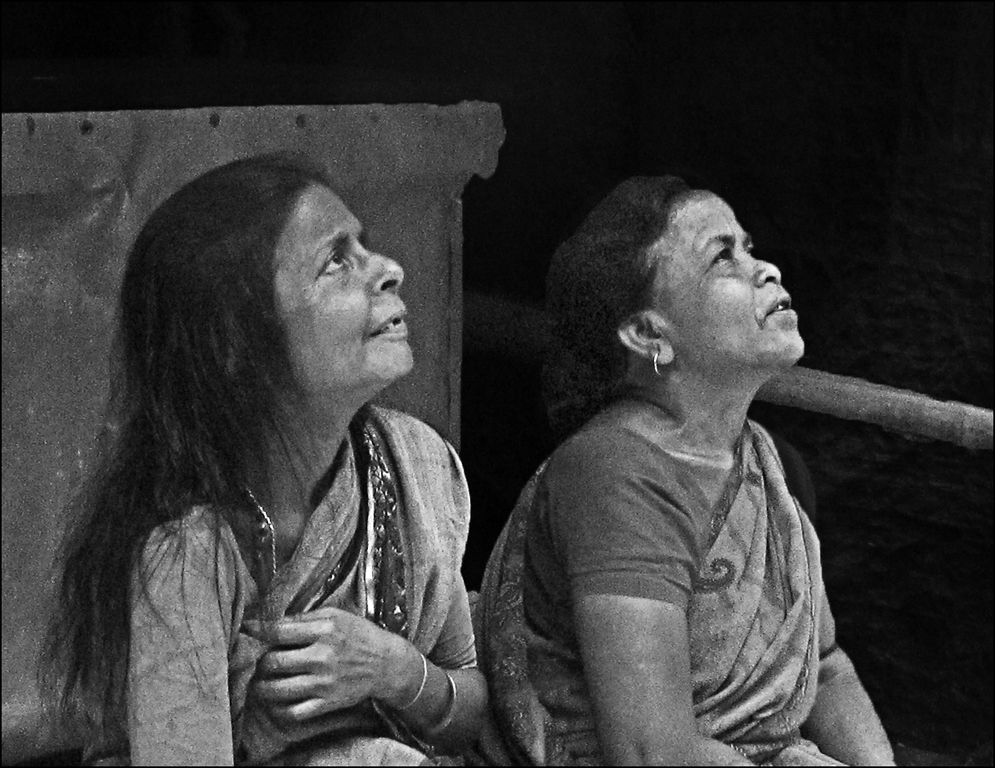
Good image - I like their expressions. Try high pass filter - Topaz denoise (blend mode of overlay) to sharpen the image. I also would darken the area behind the lady on the right. Also, you could use Topaz detail instead. Good image. |
Aug 15th |
 |
| 32 |
Aug 17 |
Comment |
Your later image is a good improvement. Adding more light to
the swan and cropping in more makes a better image. You will find dodging and burning can improve most images. I never knew swans could be aggressive. Very good image. |
Aug 15th |
| 32 |
Aug 17 |
Comment |
Another architectural image... Very good processing as usual with you. Good composition. I suggest increasing the contrast with curves and burning the water slightly. Excellent image. |
Aug 15th |
| 32 |
Aug 17 |
Comment |
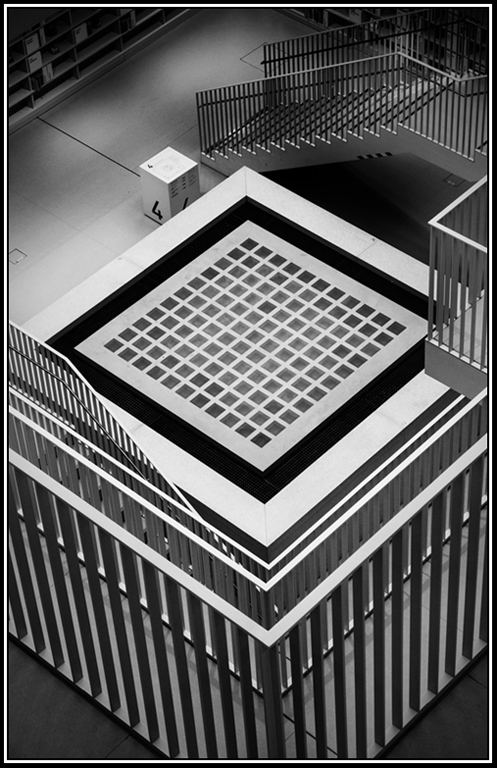
Very unique architectural image... I like the cropping with the main grid in the foreground. Good processing to mono image. I do suggest adding a slight vignette to the corners - just create a radial gradient layer and use the mask for extra dodging. Good image. |
Aug 15th |
 |
| 32 |
Aug 17 |
Reply |
Wes, I did some changes - look up - what do you think ?
|
Aug 15th |
| 32 |
Aug 17 |
Reply |
Okay, Diana and Stephen,
How about these changes with dodge and burn and select and Brightness/contrast ? Did this improve it ? |
Aug 15th |
 |
5 comments - 3 replies for Group 32
|
| 41 |
Aug 17 |
Comment |
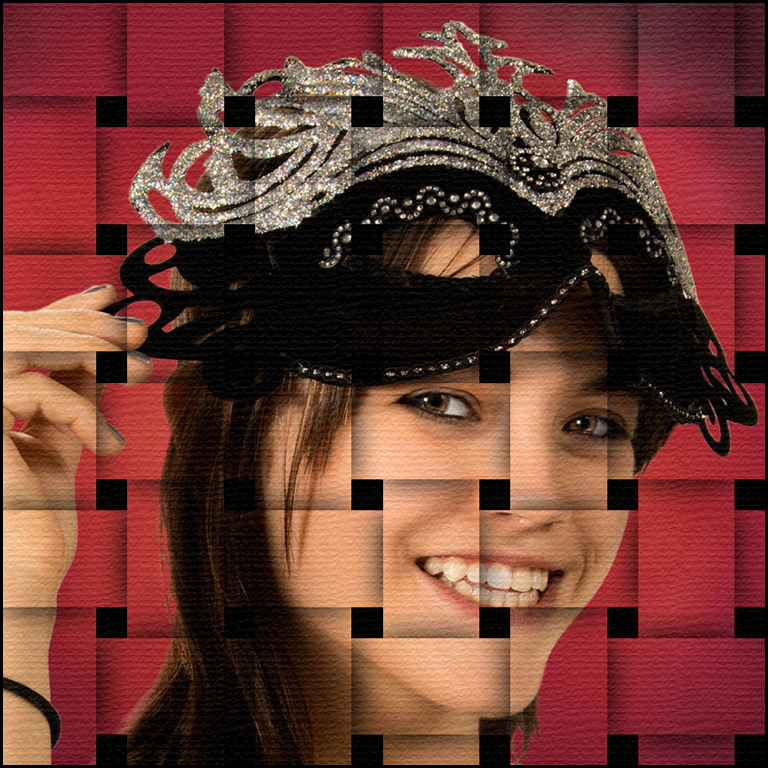
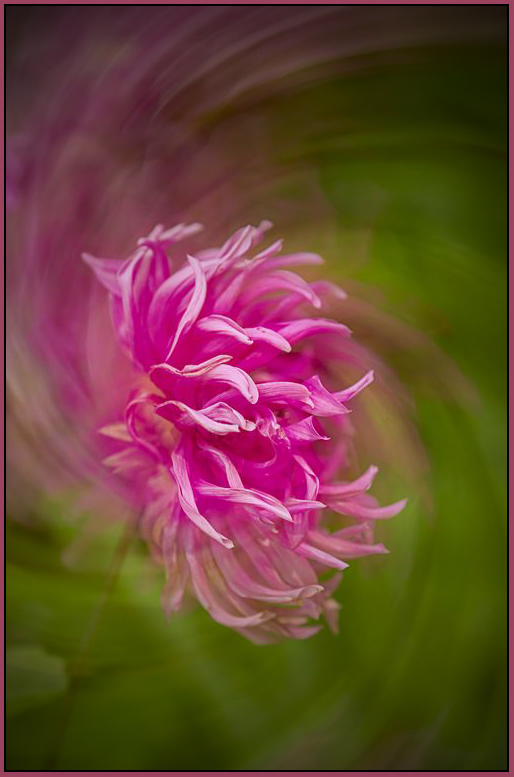
Very good creative image... Though you had done this in photoshop but great that you did it in camera. Good cropping. I agree with Natalie that you need to add a slightly dark edge vignette to hold the viewer's eye in the image. Great job. |
Aug 17th |
 |
| 41 |
Aug 17 |
Comment |
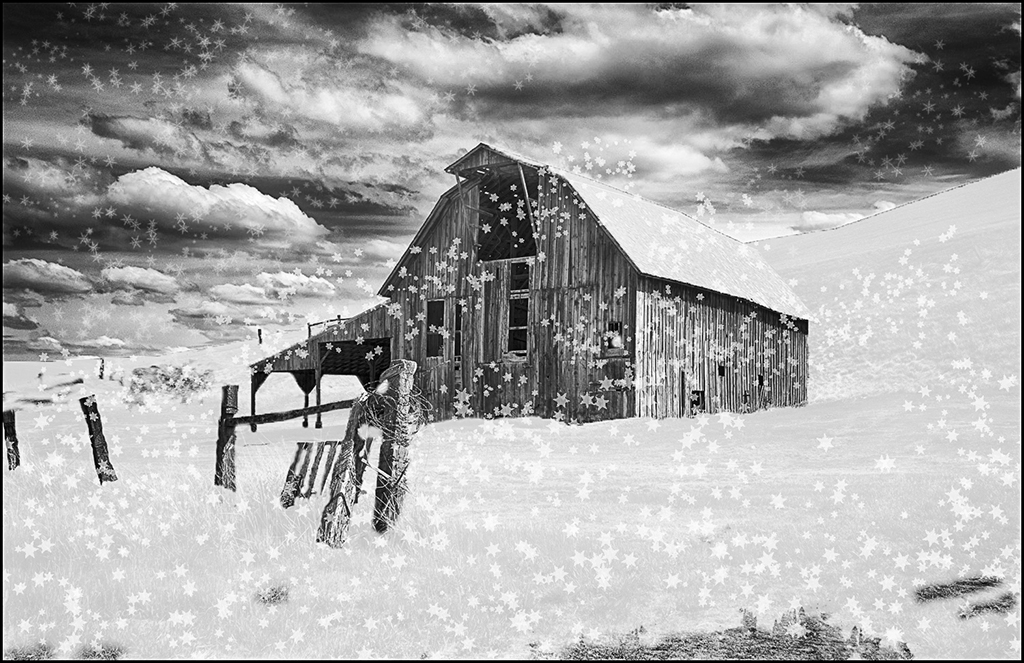
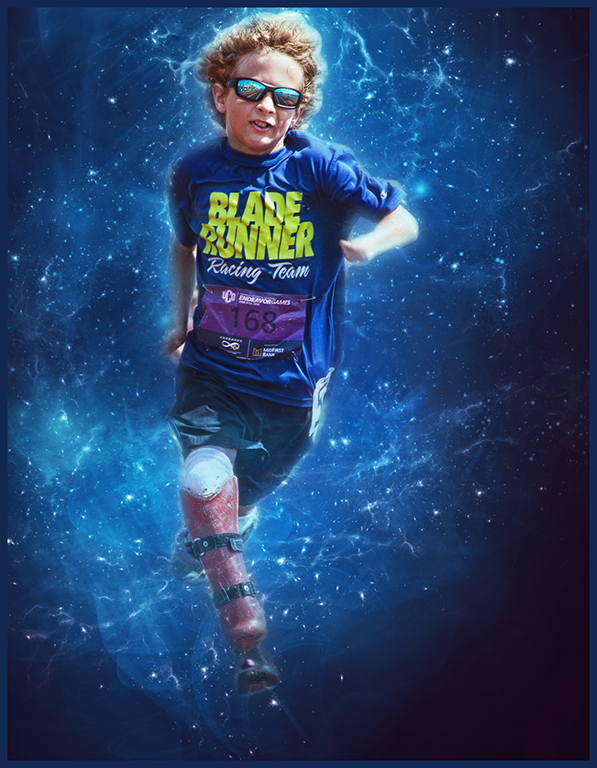
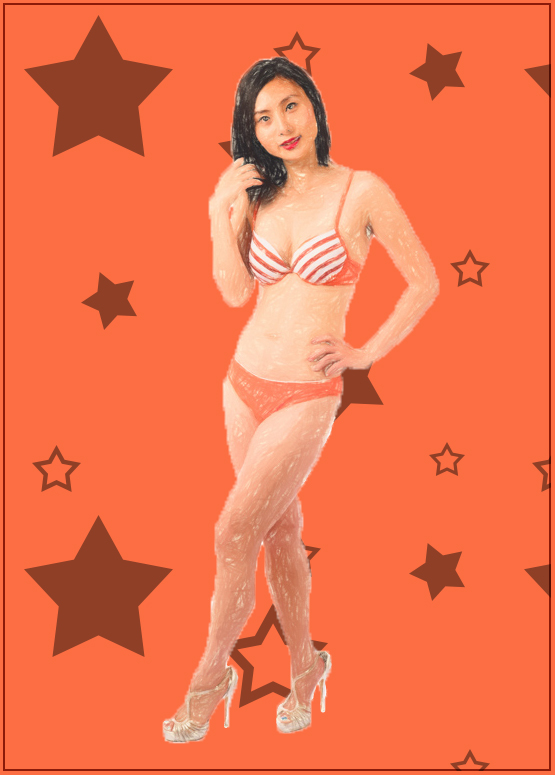
Nice art creation of your model. The white background should be changed maybe a beige or tan color - try several. The art treatment is fine - maybe try a color similar to the bikini. I also added some star patterns... Good artsy image. |
Aug 17th |
 |
| 41 |
Aug 17 |
Comment |
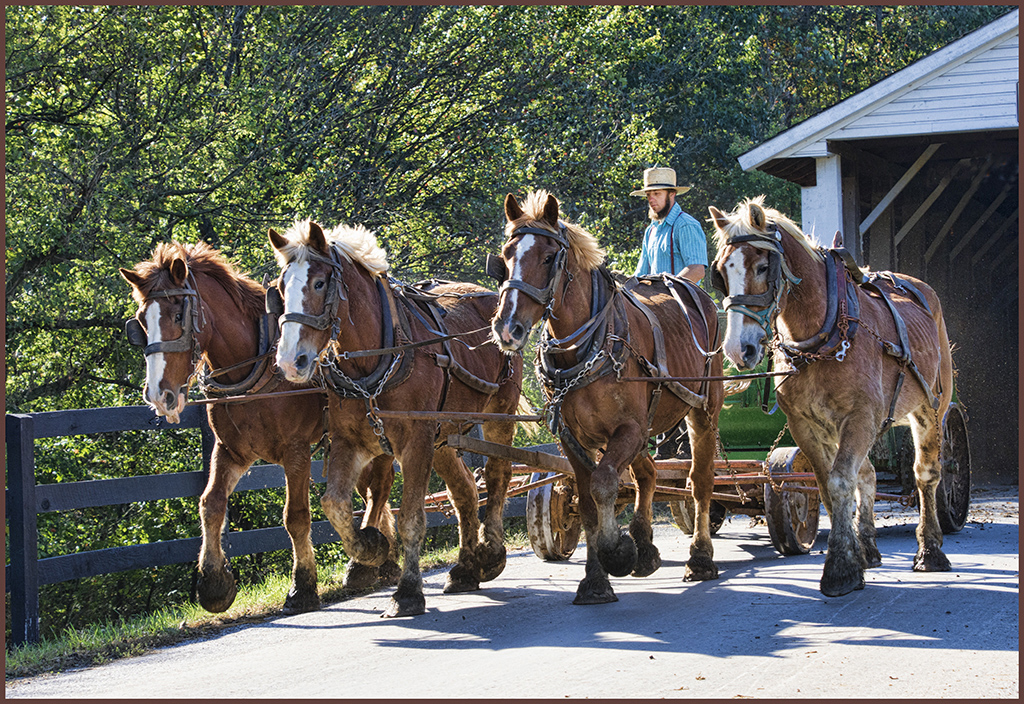
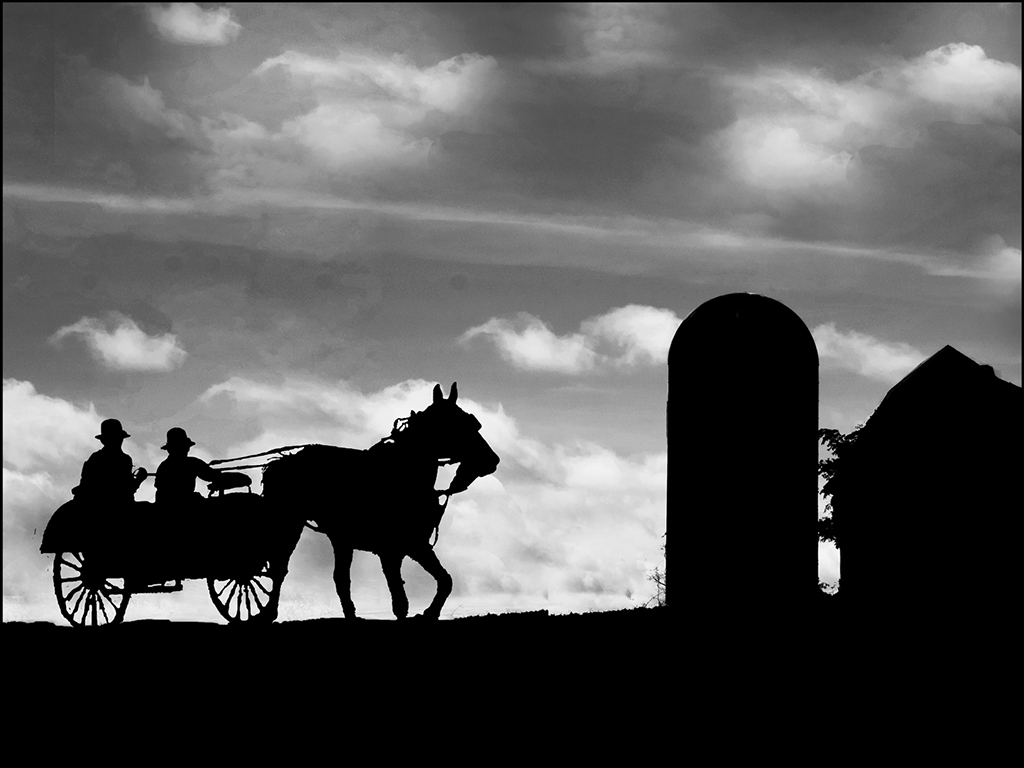
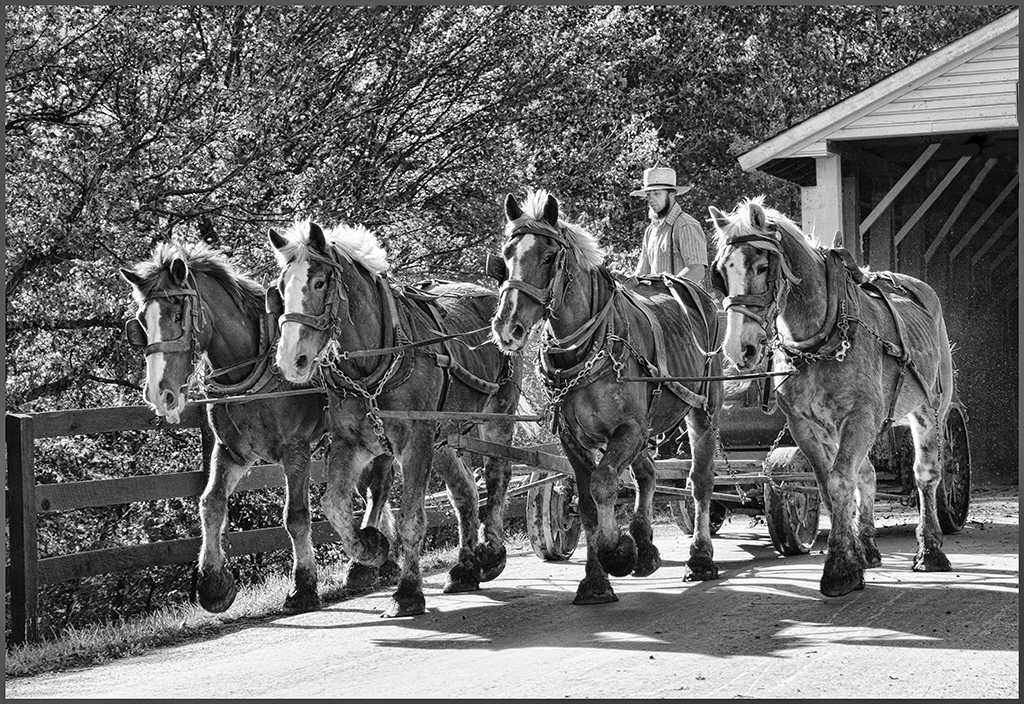
Excellent image... I agree that the background is slightly distracting - if it was green trees, it wouldn't be a problem. I agree that you want to remove the yellow parts of the road behind the horses and carriage but the final image has a blue tint - maybe just select and reduce the blue to turn it more gray. Great image. Keep getting well !! |
Aug 17th |
| 41 |
Aug 17 |
Comment |
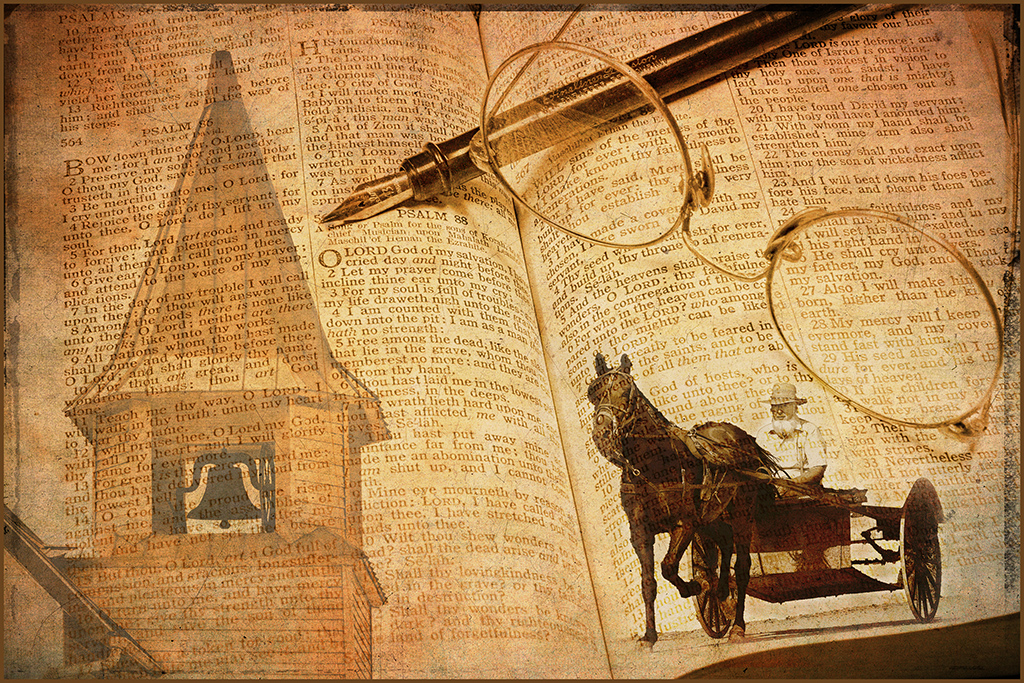
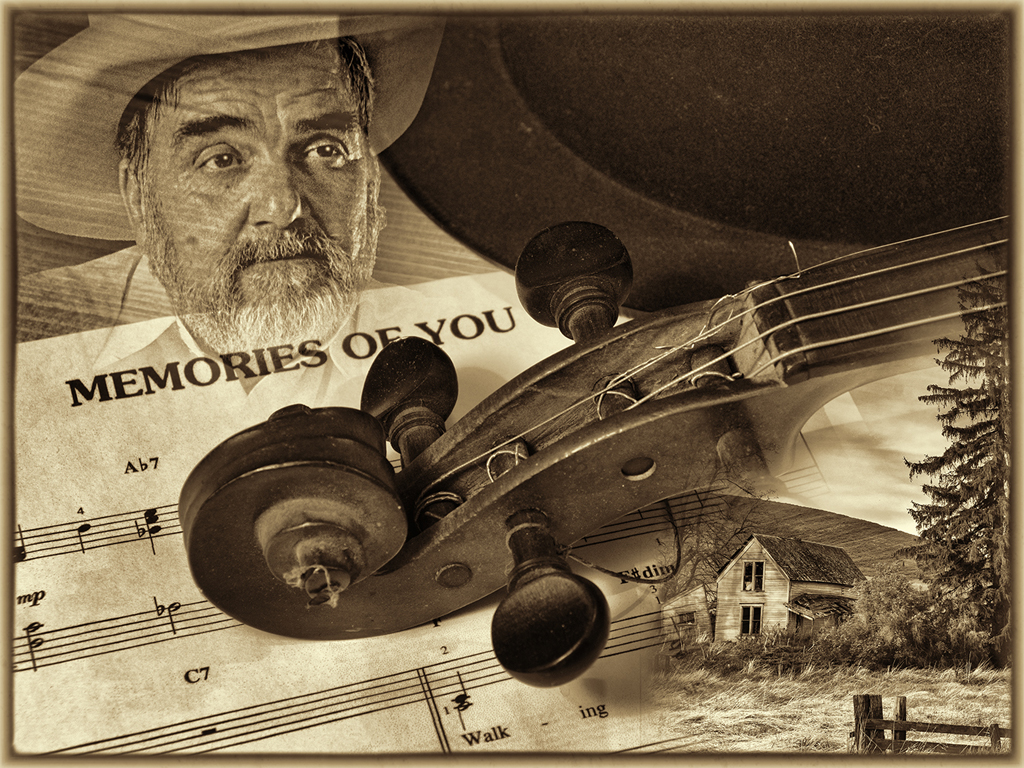
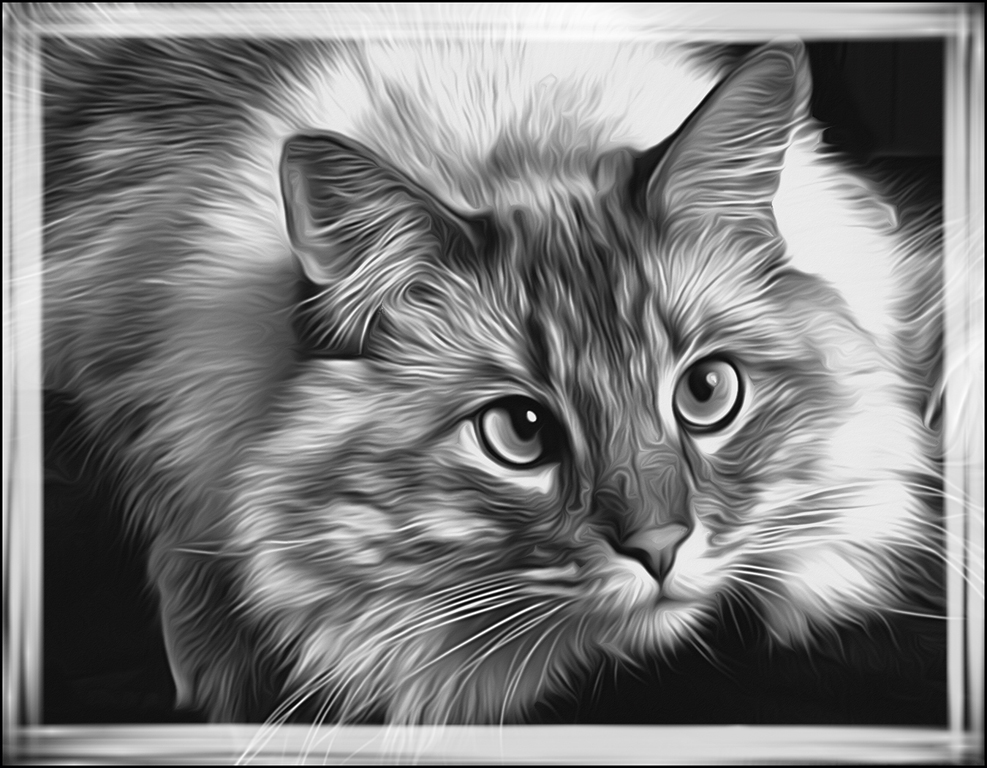
Very good creation... Good selection and cropping. The ink outlines filter can be very effective in images like this. Suggest reducing the peach edge stroke to about 1/5 of what you have - prints used to be sub-mounted with colors to bring attention to a subject in the print. Good idea but not too wide. Very good image. |
Aug 17th |
| 41 |
Aug 17 |
Comment |
Welcome to the group... Unique blend of images. Very good blend - what blending modes did you use ? It is very busy - the triangle can be useful to draw attention but would suggest moving it to have the one ship at the bottom of the triangle. Have you tried it without the hotel mono image ? Have you competed with this image ? Good job. |
Aug 17th |
| 41 |
Aug 17 |
Comment |
Great creation... I used a rural scene to create a panosphere which was explained in a e-book on creative images. I liked the technique - you really put it to a unique use with the wave. Having the boat going into the circular water produced very good impact. Excellent job. |
Aug 17th |
6 comments - 0 replies for Group 41
|
| 61 |
Aug 17 |
Comment |
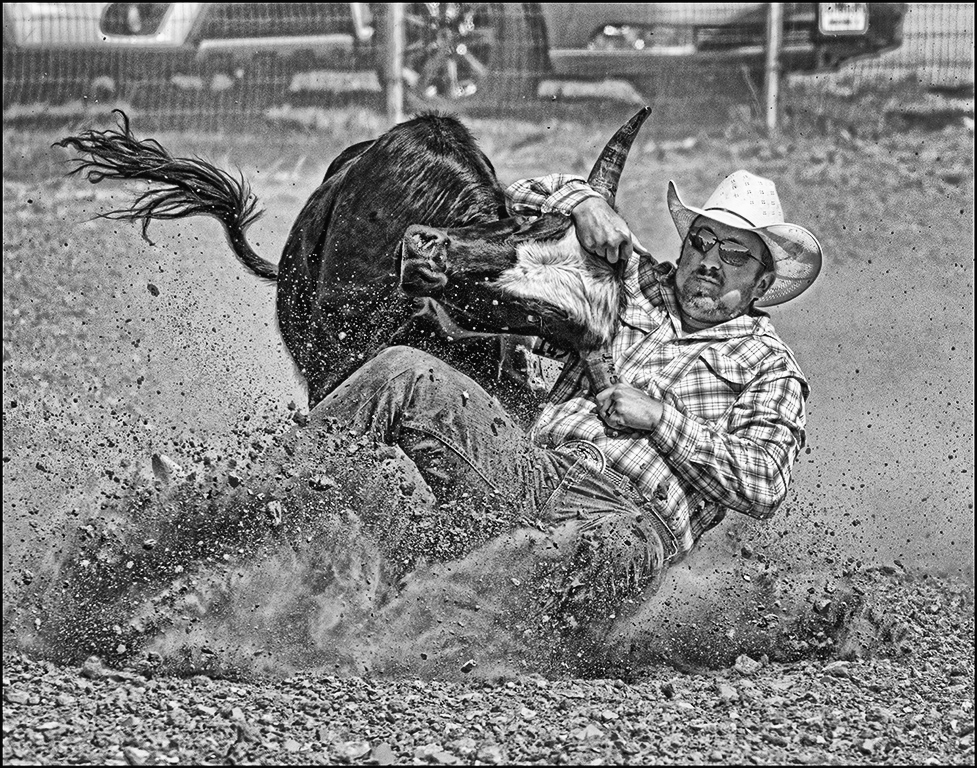
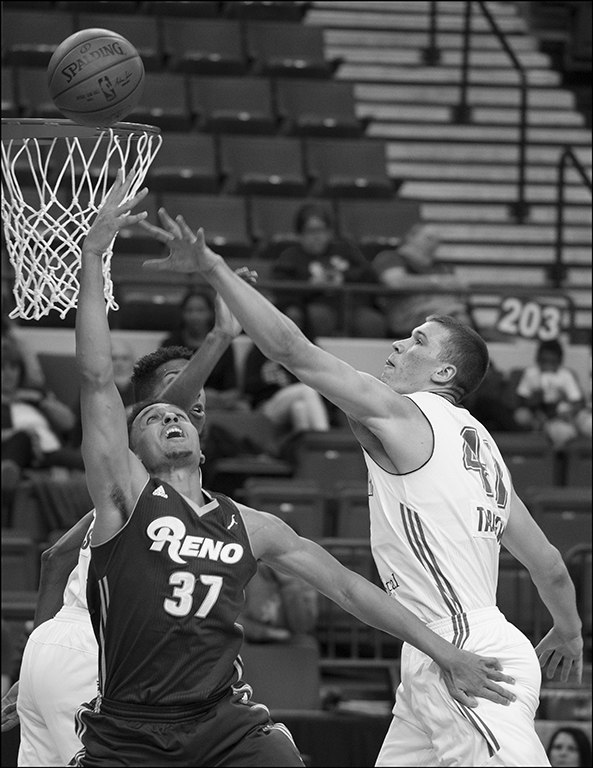
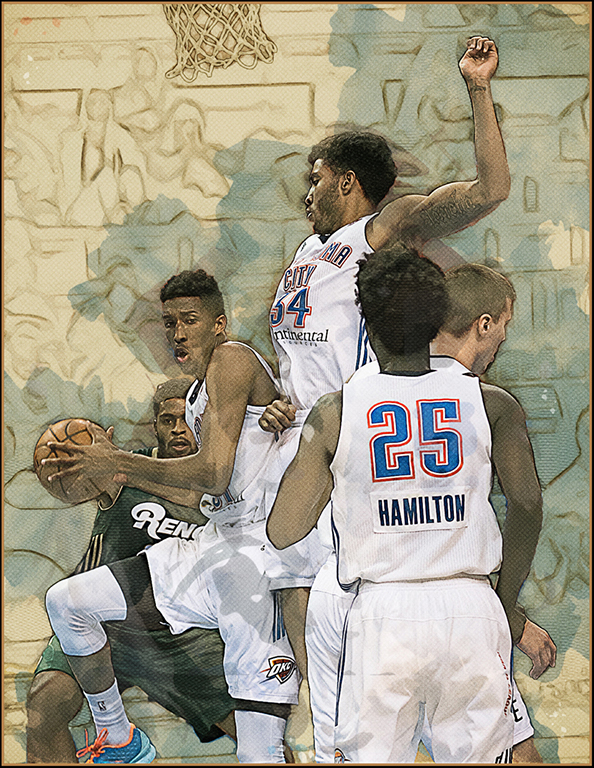
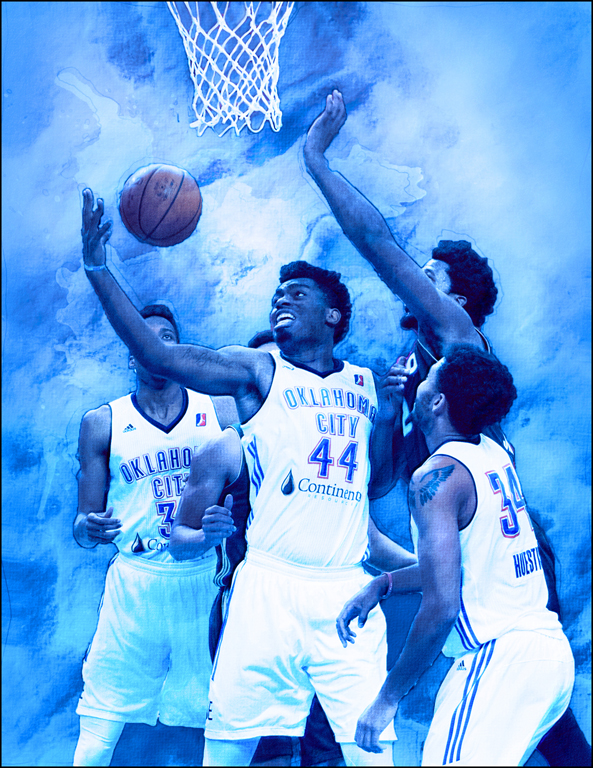
Good action shot... I agree with Peggy's suggestion of cropping in on one subject but I suggest turning the green of his shirt to red to really draw the viewer. Good job. |
Aug 29th |
| 61 |
Aug 17 |
Comment |
Salvador, Your creation of this timeless yesterday image is excellent. Your patience of continuing to search and eventually finding the right train depot location for the model's image was rewarded with a beautiful combination in your final image. I wouldn't change to mono or sepia - the colors are excellent. Great job. |
Aug 29th |
| 61 |
Aug 17 |
Comment |
Excellent image... I don't usually like nudes but this image is very dynamic and definitely well done. Your composition of the two is excellent. Well done lighting. I wouldn't change a thing. Great job. |
Aug 29th |
| 61 |
Aug 17 |
Comment |
Great poses for your subject... Suggest that you choose the three best poses, and put them in a ship deck image. Only three images will still hold the viewer and you need something to sell the images. Good job. |
Aug 29th |
| 61 |
Aug 17 |
Comment |
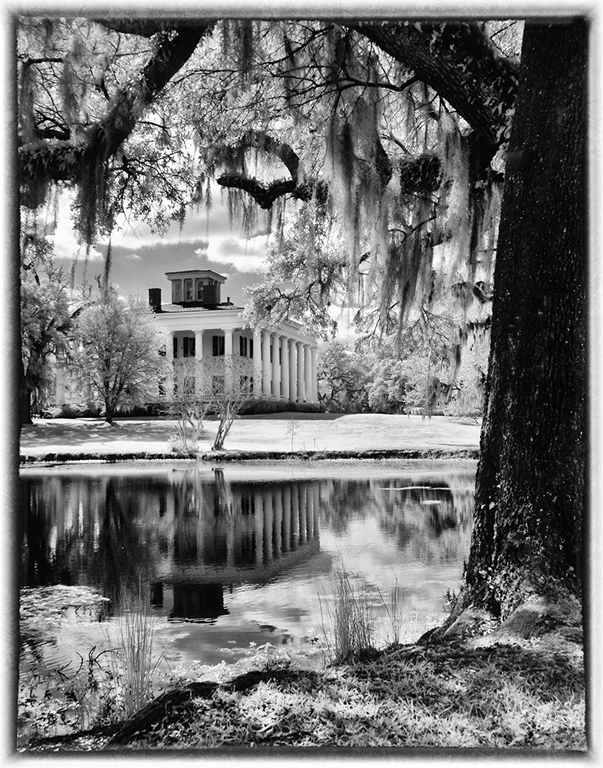
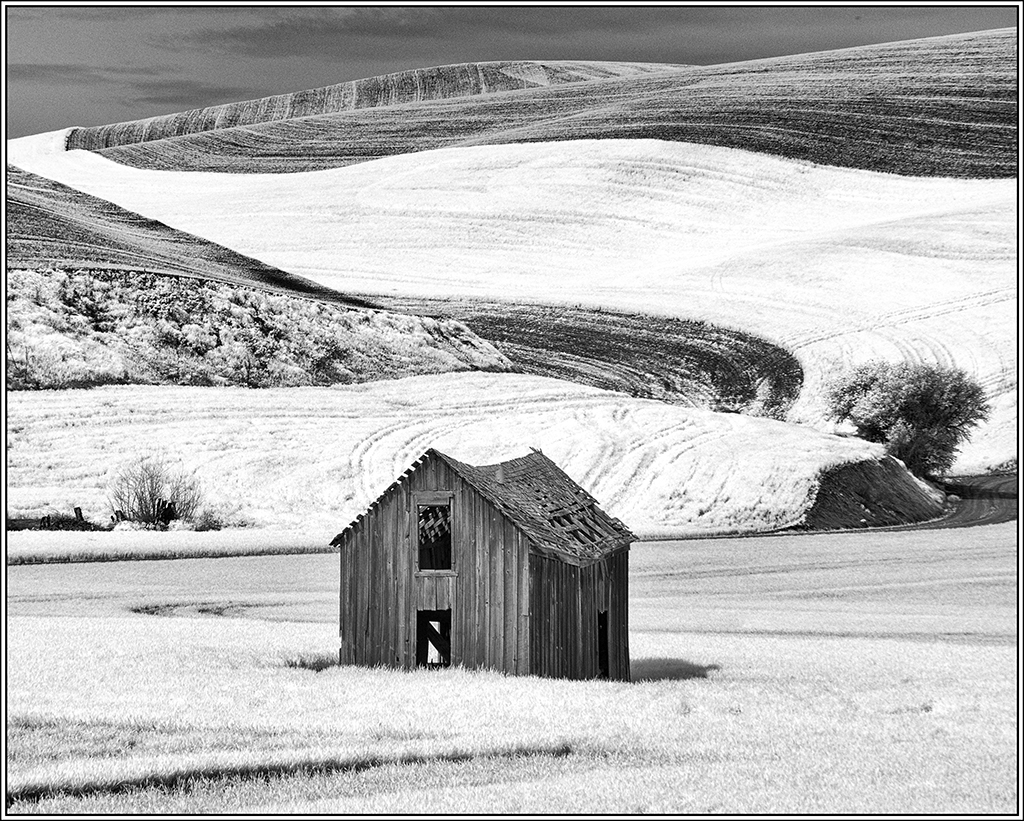
Great infrared image... I love our converted infrared camera. Your tree, building and beautiful sky are perfect subjects for the infrared. Great job. I suggest using curves to add a little more contrast. |
Aug 29th |
| 61 |
Aug 17 |
Comment |
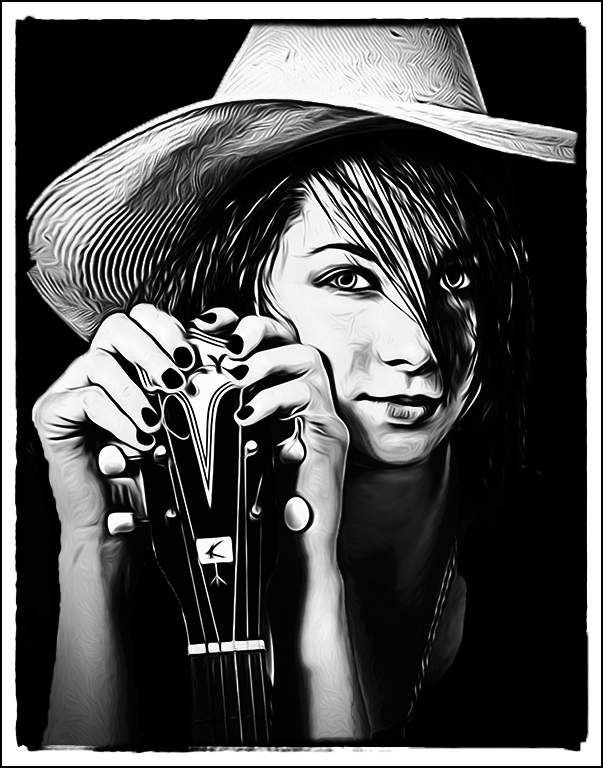
Excellent portrait... You have certainly conveyed your idea with the pose, mono conversion, dark edge slight vignette. As usual your idea was greatly portrayed with this model's pose, clothing and hair. Great job. |
Aug 29th |
6 comments - 0 replies for Group 61
|
21 comments - 4 replies Total
|