|
| Group |
Round |
C/R |
Comment |
Date |
Image |
| 27 |
Mar 17 |
Comment |
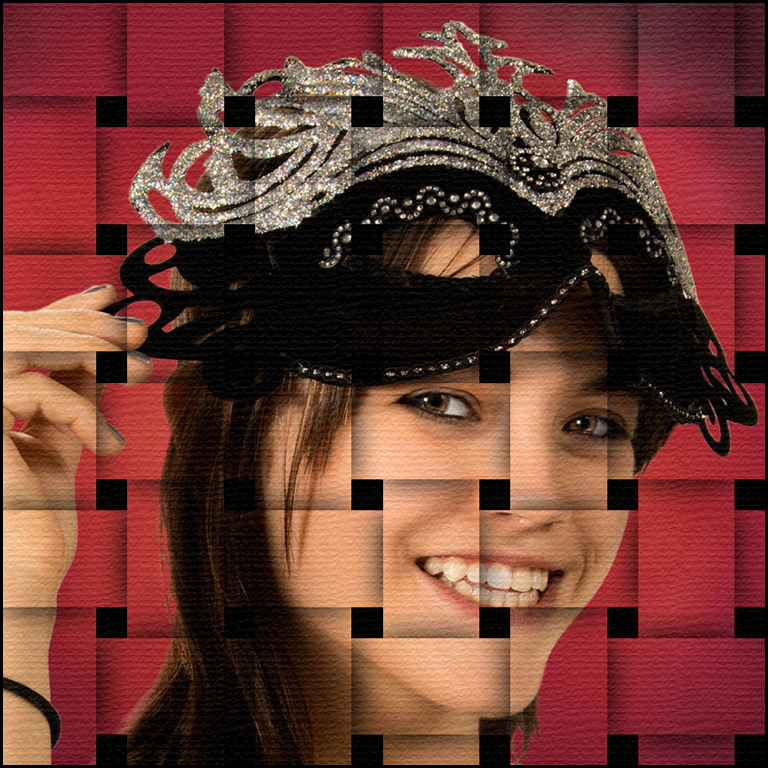
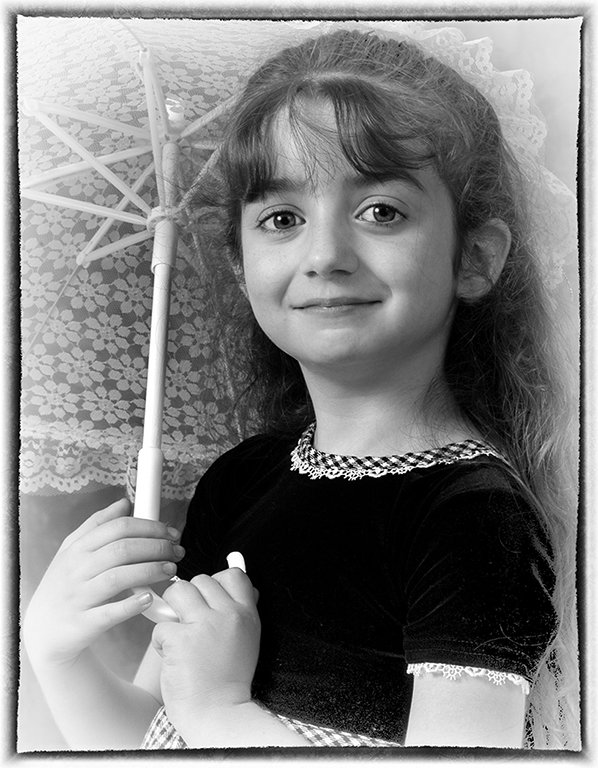
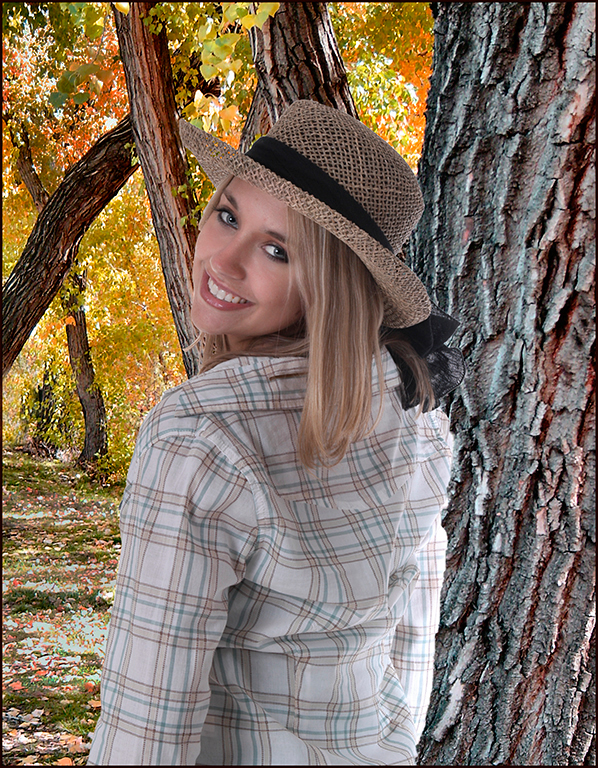
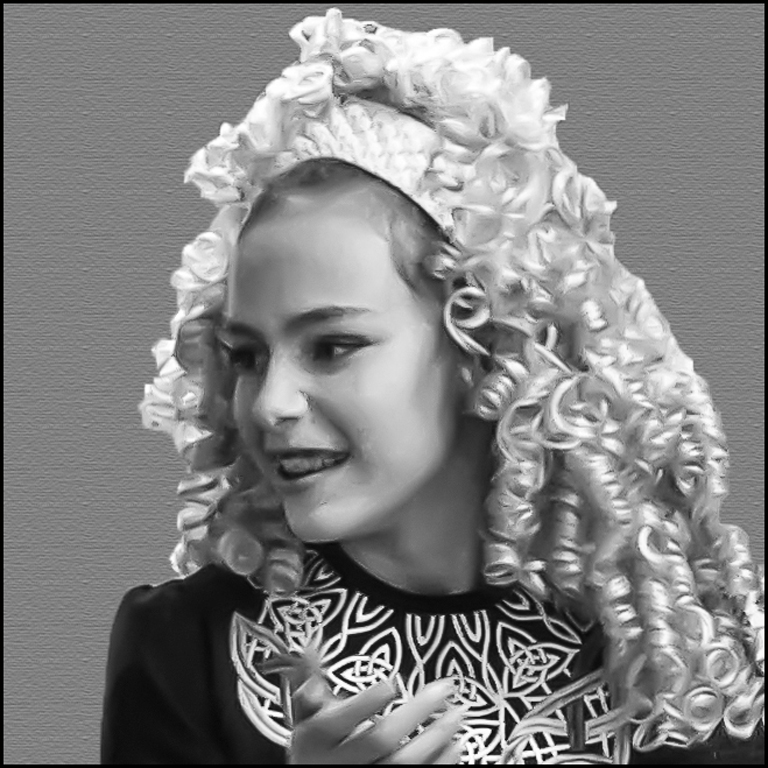
I understand trying to make the most of the image you were able to take even though the situation wasn't perfect. I suggest doing another High Pass-Topaz denoise layer to sharpen. Also, try a slight dodge layer on the face. If you select the girl and change the background to gray with a slight canvas texture, it will help the overall image.
|
Mar 21st |
 |
| 27 |
Mar 17 |
Comment |
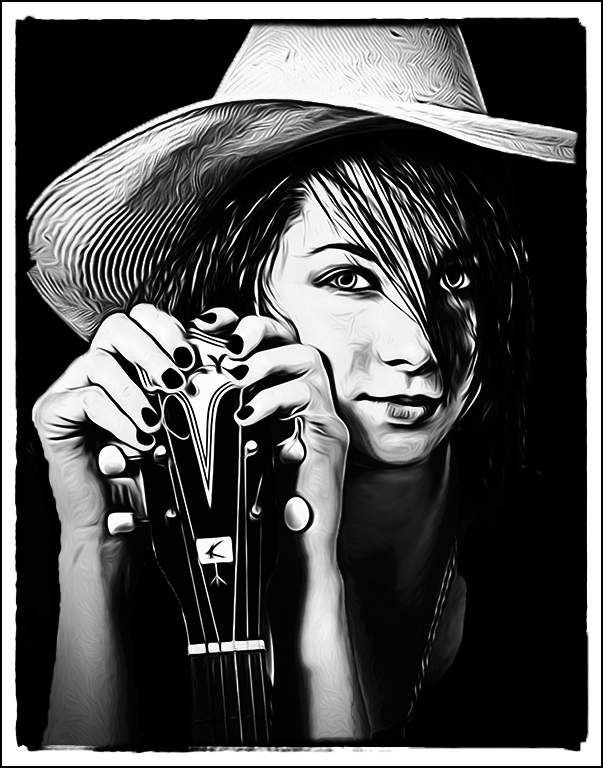
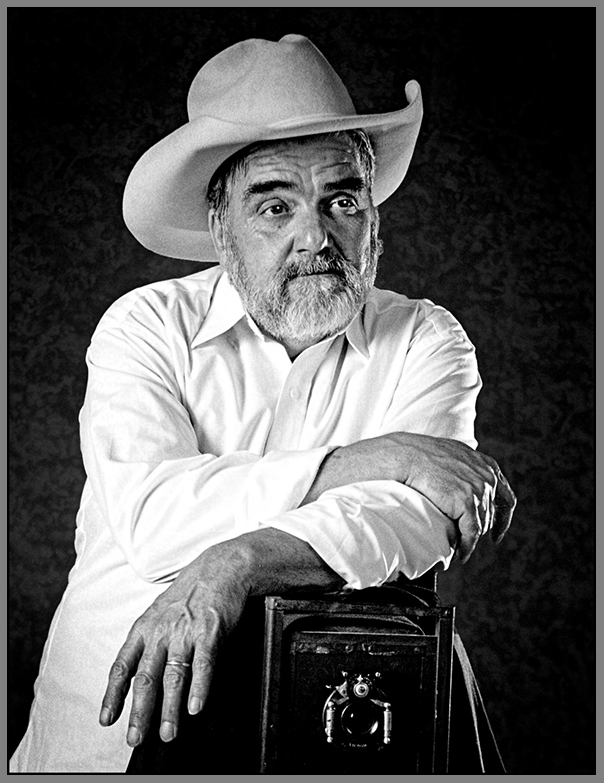
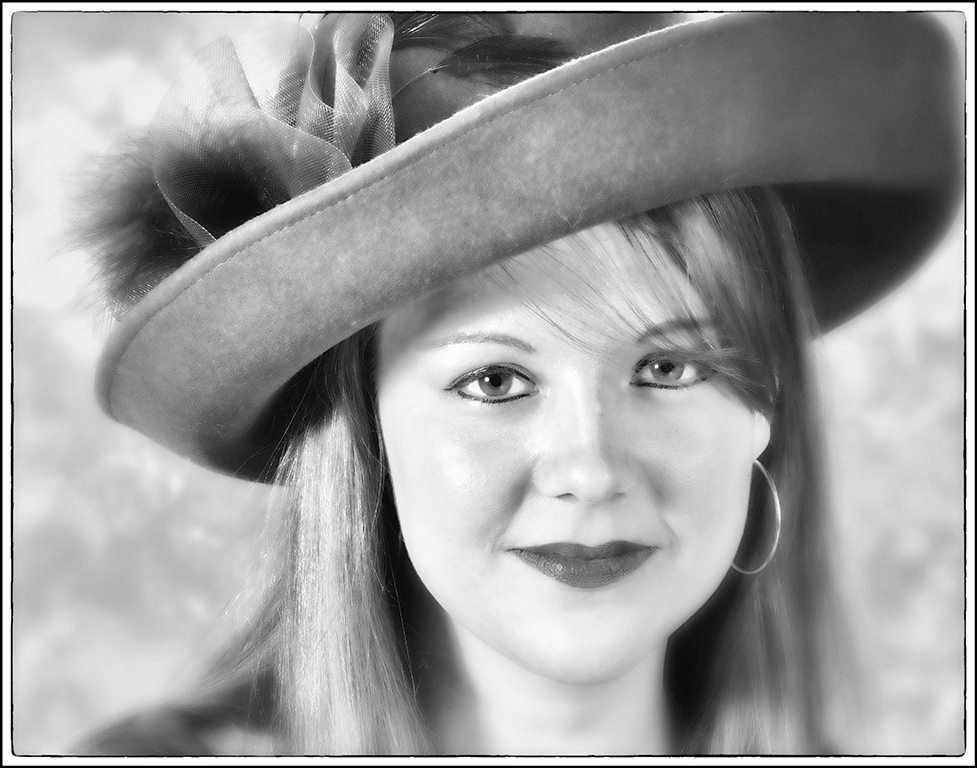
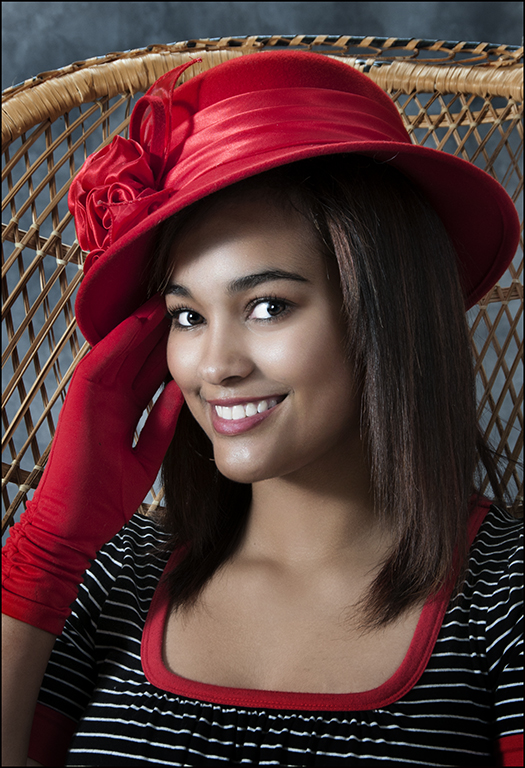
Good B&W image... Nice pose with the hat and good expression. Good editing. Good job.
|
Mar 21st |
| 27 |
Mar 17 |
Comment |
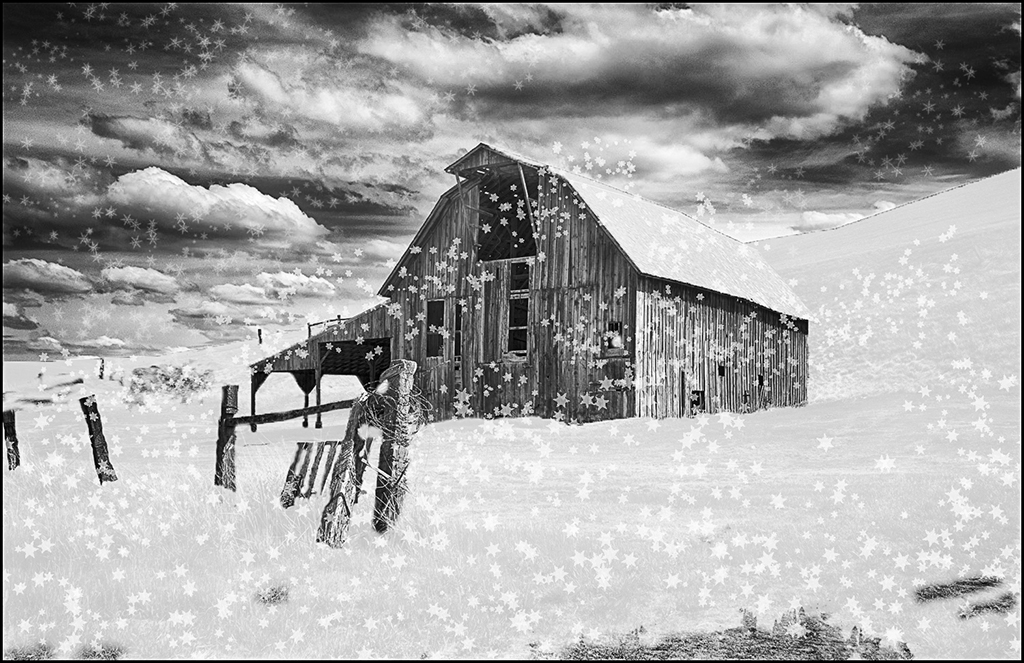
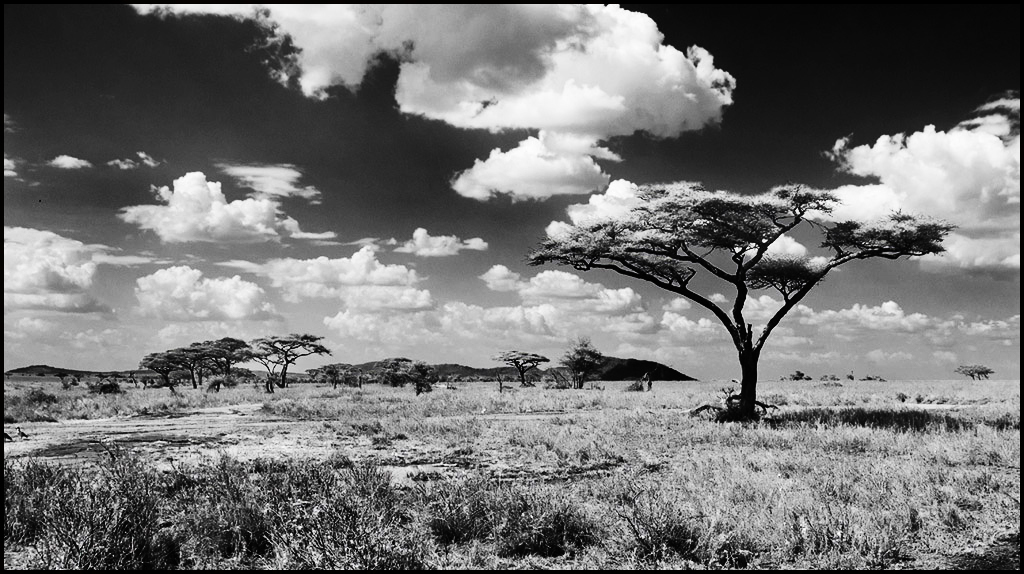
Nice B&W image. Good cropping to remove the muddy foreground. Nice composition. I suggest using a curves layer with strong contrast to darken the top part of the sky and make the trees a clean black. Also a layer of burn to darken the lower part of the sky and the grass areas. Good image. |
Mar 21st |
 |
| 27 |
Mar 17 |
Comment |
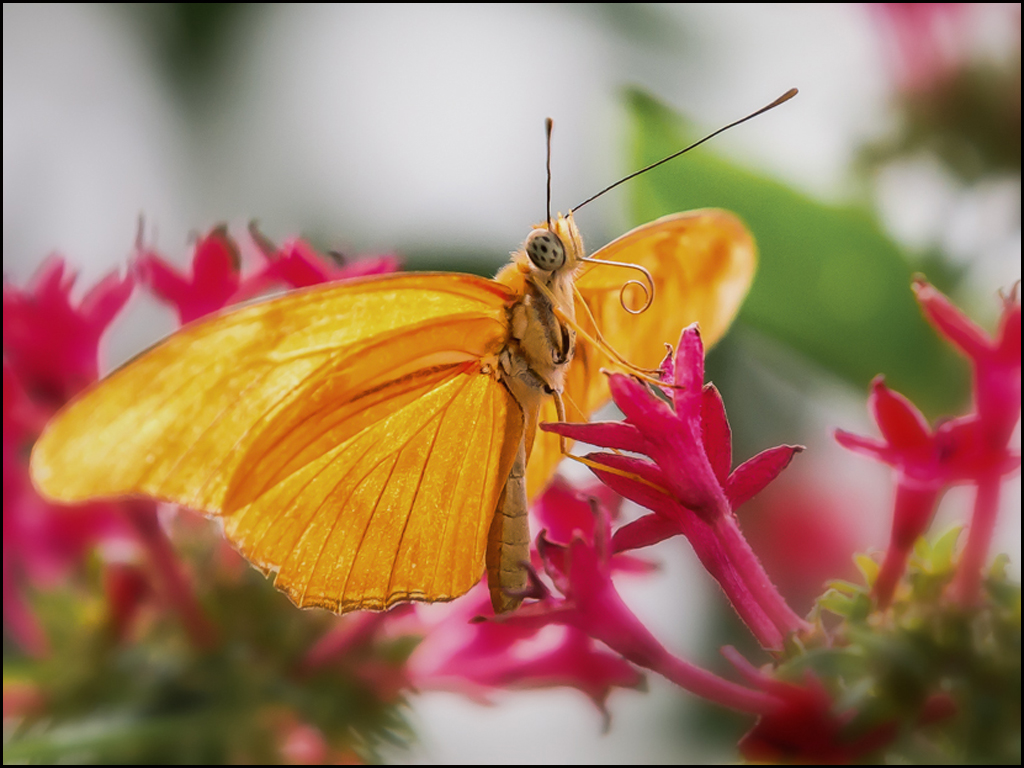
Beautiful nature image... The butterfly is unique with the tongue - good focus and composition. The pink flowers and the white on the left are slightly distracting so I suggest cropping in more to eliminate some of the background. Good image.
|
Mar 21st |
 |
| 27 |
Mar 17 |
Comment |
Great image... Considering the picture was taken without a mono or tripod, you have a very steady hand. Are you ever afraid of getting your camera and lens wet ? Your images are always well composed and great. I like the bird's wet look and drops of water on the beak. Great job.
|
Mar 21st |
| 27 |
Mar 17 |
Comment |
Very good image... After you change your image in Lightroom, don't you export and save it under another name which would reflect your changes. The image is well composed and nice colors and clarity. Good job on blurring the water. Have you thought of making virtual copies in Lightroom and make changes to it and then exporting. I am learning about Lightroom but I am more familiar with photoshop. Good image !! |
Mar 21st |
6 comments - 0 replies for Group 27
|
| 32 |
Mar 17 |
Reply |
Diana, don't forget the curves layer... After viewing a few youtube tutorials on curves last year, I have really started using it more effectively. |
Mar 25th |
| 32 |
Mar 17 |
Reply |
You just stamp the black of the eye more to the right and then stamp the white on the right to the left side of the eye. Of course you could also just use the brush to select the black of the eye and paint where you need and then the white of the ye to put it on the other side. I just used the stamp... |
Mar 25th |
| 32 |
Mar 17 |
Comment |
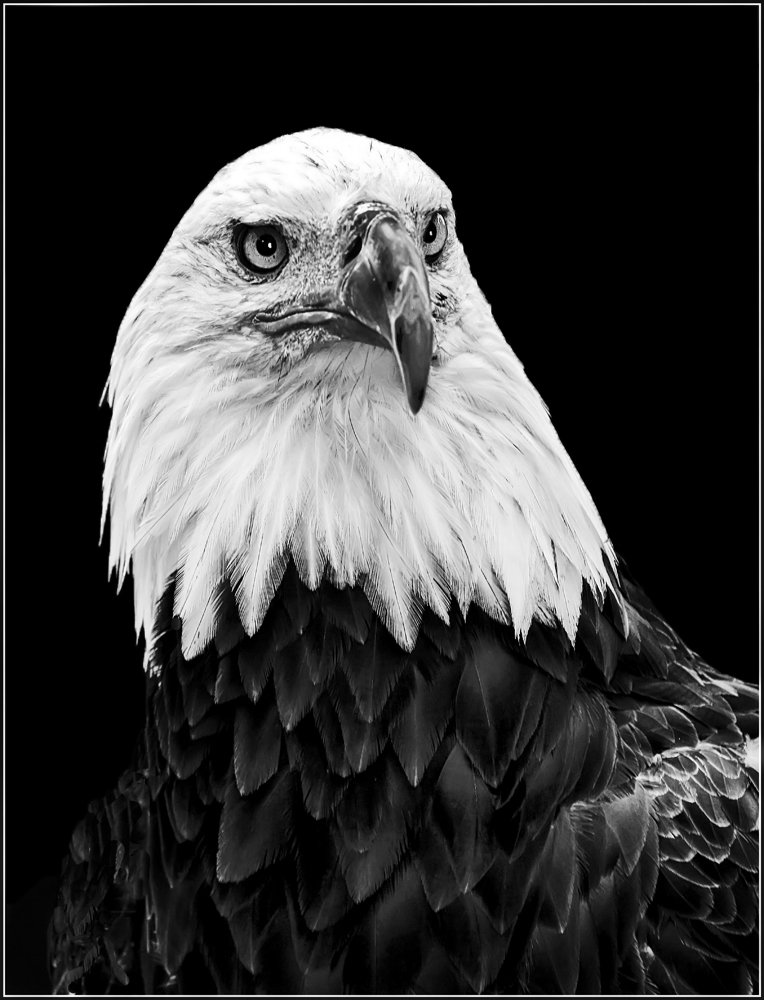
Excellent image... Both the color and mono versions of this image are great !! You know me - I had to try some dodging and burning especially the eyes... Great image...
|
Mar 24th |
 |
| 32 |
Mar 17 |
Comment |
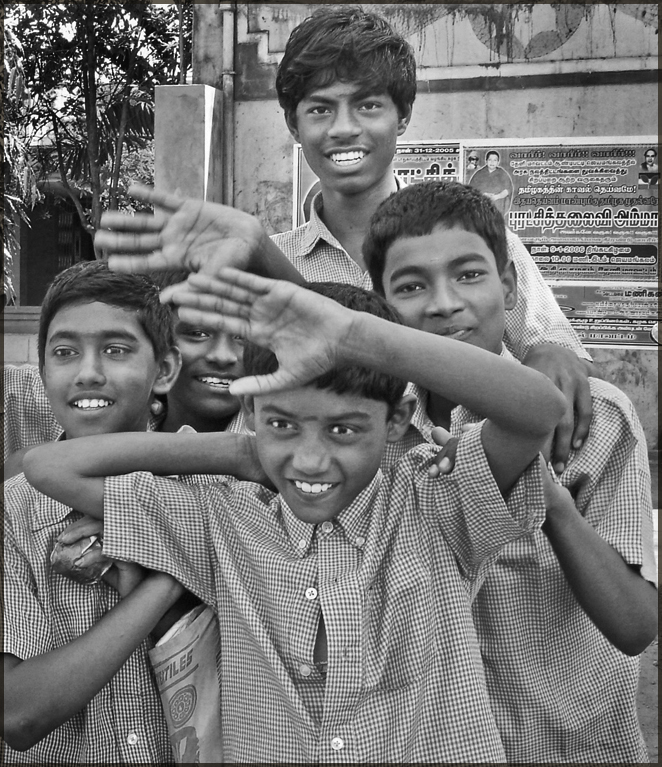
I really like your schoolboys. Nice job of processing your image. Their spontaneous happy group is a great pose for them. I suggest cropping to the five boys on the right for a vertical image. For the two boys that are looking to the left, use your stamp tool and move the eyes to the center and put white on the left. Dodge their faces and especially eye areas to bring their faces out more. Excellent travel image.
|
Mar 24th |
 |
| 32 |
Mar 17 |
Comment |
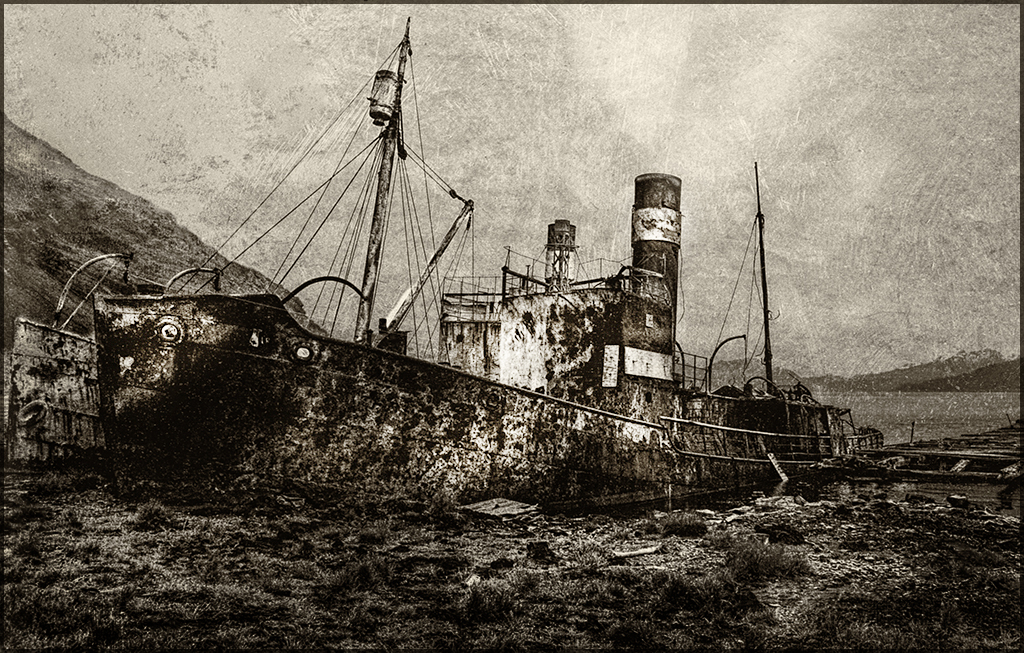
I like the wreckage scenic... I believe that this image could be accepted in competition. I have started looking at my older images too. I also was only taking jpg but now take RAW. Good job of processing. I suggest that you use some dodging and burning to draw the eye to the central part of the ship. I like your yellow-sepia best. Good job.
|
Mar 24th |
 |
3 comments - 2 replies for Group 32
|
| 41 |
Mar 17 |
Comment |
Nice combination of star trails and camper scene. Where did you discover this old truck and trailer ? Good job.
|
Mar 22nd |
| 41 |
Mar 17 |
Comment |
Beautiful silhouette... I use the Topaz Georgia O'Keefe impressions most of all. Very good combination. Have you considered using only the five birds on the right - they almost make an S shape which might be a stronger composition. Good job. |
Mar 22nd |
| 41 |
Mar 17 |
Comment |
Quite a cloning job... Fantastic work !! Lisa, thanks for the info on clone source. You have converted a throwaway image to a very good quality image. The owl is beautifully colored and nicely composed. Great job.
|
Mar 22nd |
| 41 |
Mar 17 |
Comment |
Well done civil war portrait. The sepia tone and edging help set the mood of the times. I do suggest cropping to put more of the hand in the image. Very good job.
|
Mar 21st |
| 41 |
Mar 17 |
Comment |
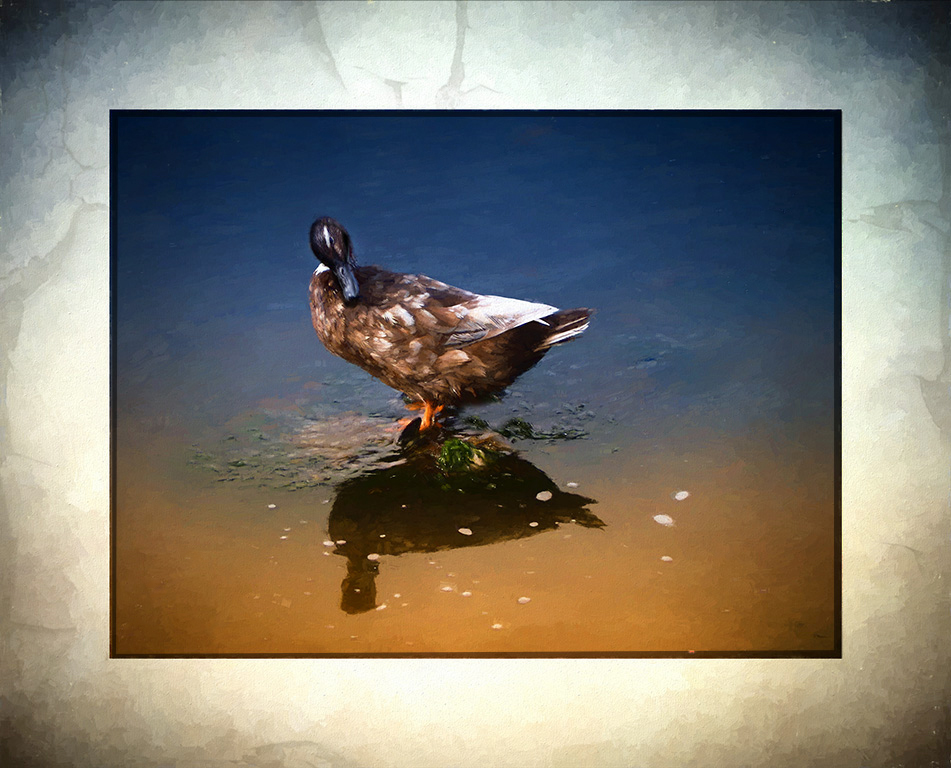
Very good image... Good composition and processing - not too fond of the large border. I do suggest dodging the duck head, dodging the dark corners, and removing some of the water spots. Good job |
Mar 21st |
 |
5 comments - 0 replies for Group 41
|
| 61 |
Mar 17 |
Comment |
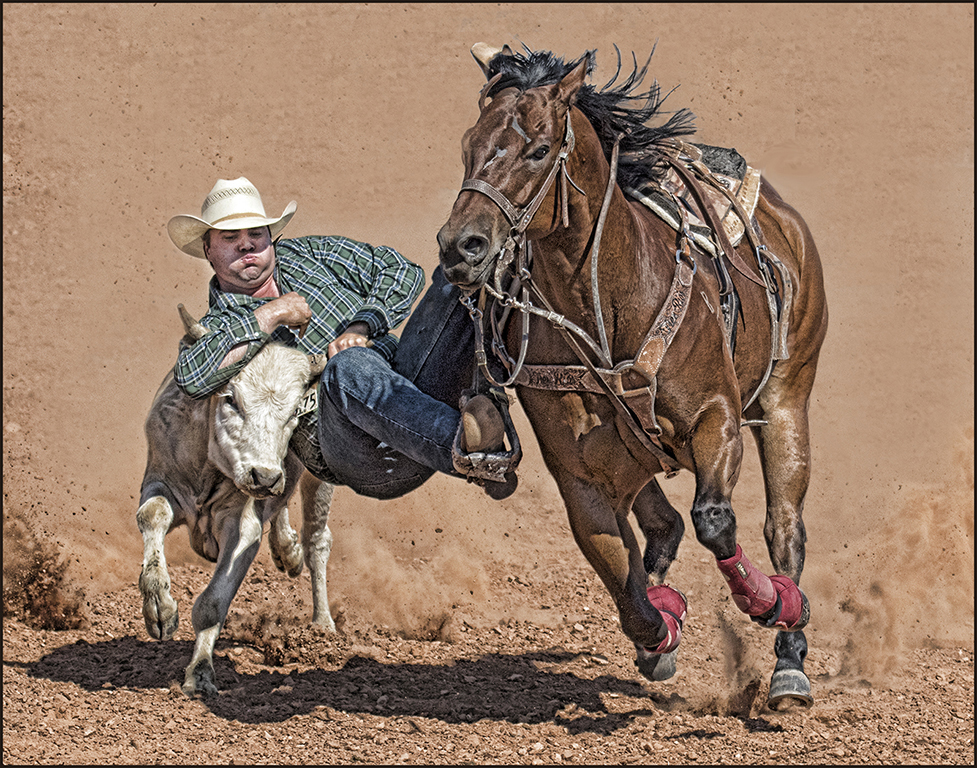
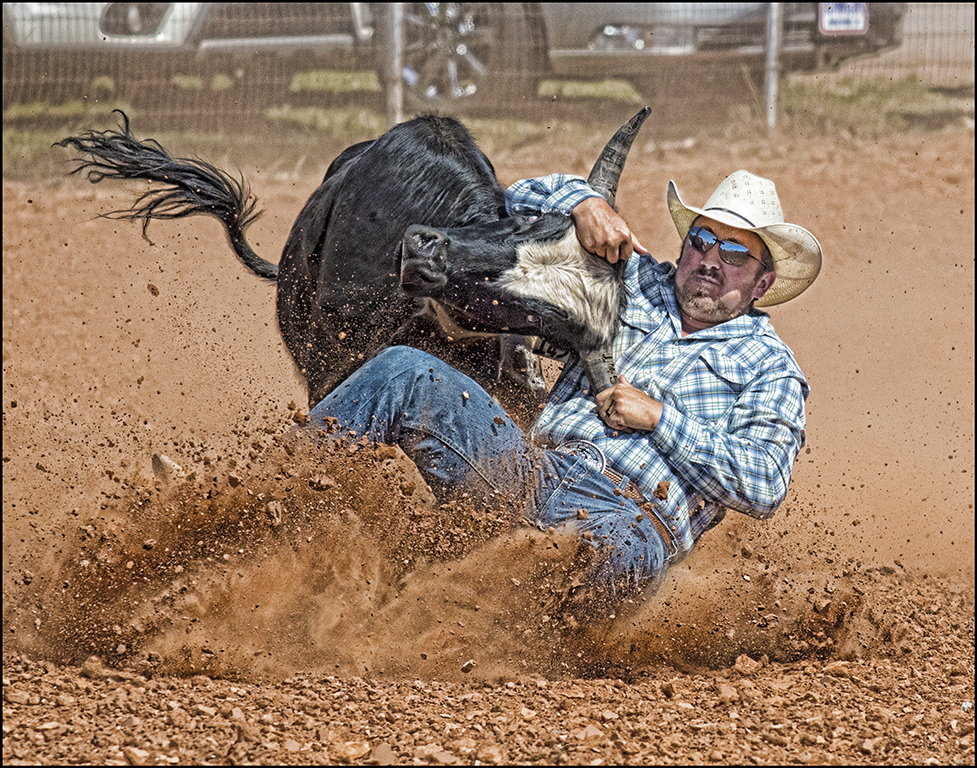
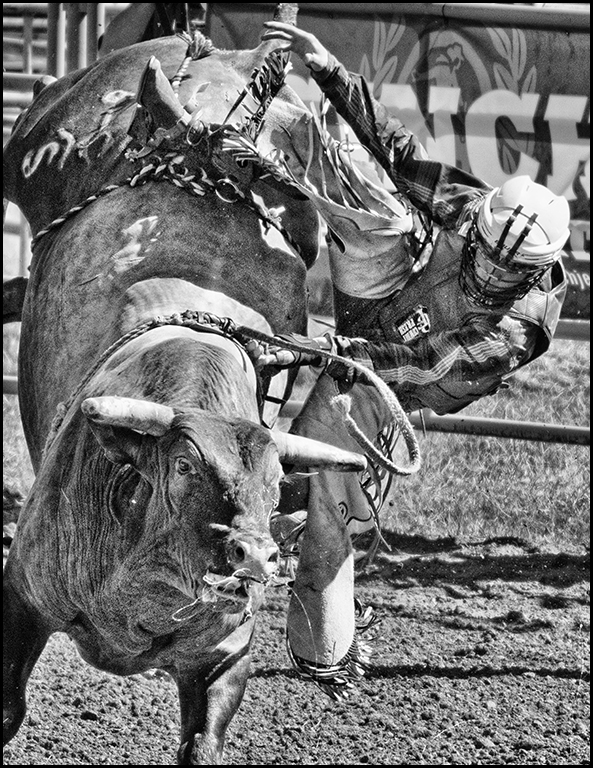
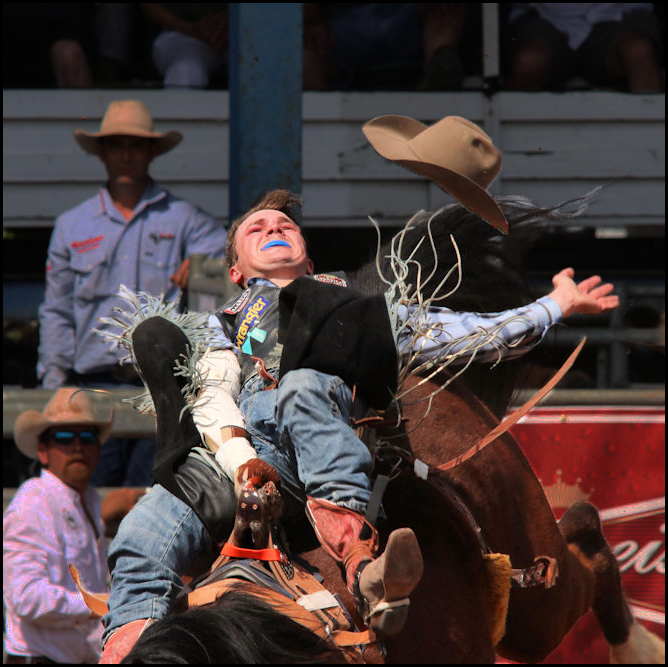
Nice action shot... Next time, I would get the entire horse and rider in your image. In pictorial, you can move things, so I suggest you select and hat and move it so you can crop the image and darken the background in the image.
|
Mar 26th |
 |
| 61 |
Mar 17 |
Comment |
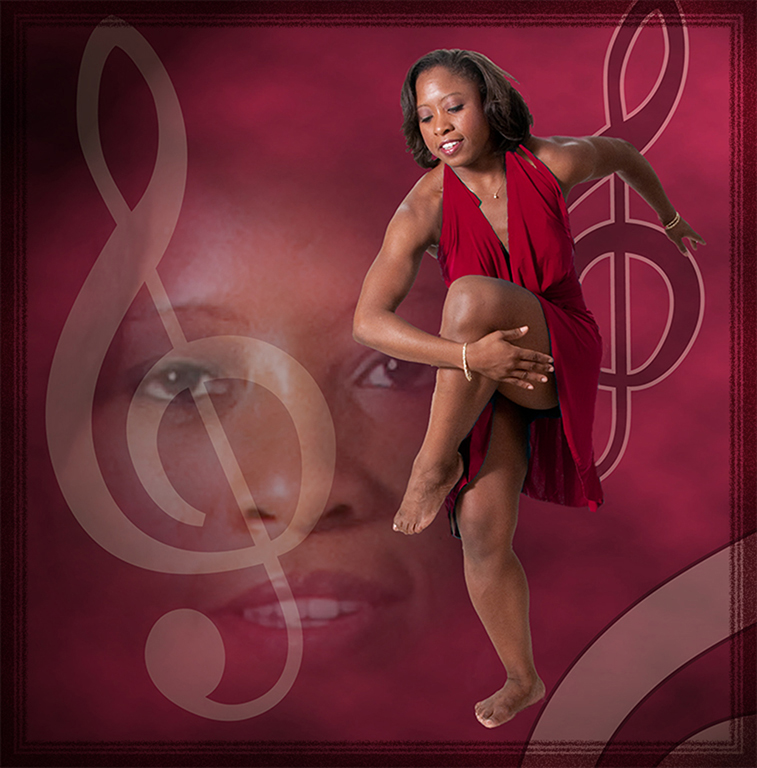
Beautiful model... Your processing are wonderful as usual. Her dress and necklace really adds to the image. Glad you toned down the one area on her right shoulder. Great job.
|
Mar 26th |
| 61 |
Mar 17 |
Comment |
Interesting portrait... Different approach for using a model. Suggest cropping in more on the model since all the word directions are distracting. |
Mar 26th |
| 61 |
Mar 17 |
Comment |
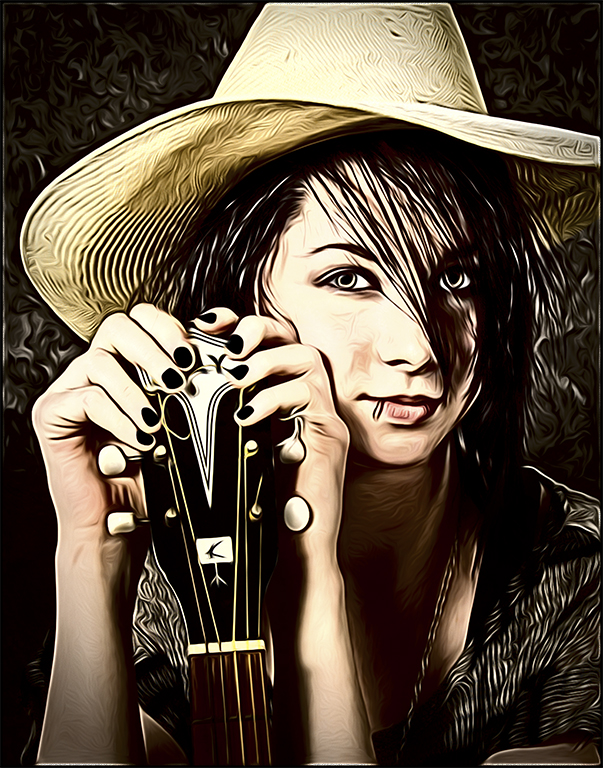
Very nice portrait. The processing and soft effect was nicely done. With women's portrait there is always a hair problem that needs correcting.
|
Mar 26th |
| 61 |
Mar 17 |
Comment |
Nice image of the lions. I suggest cropping in more on your subjects. |
Mar 26th |
| 61 |
Mar 17 |
Comment |
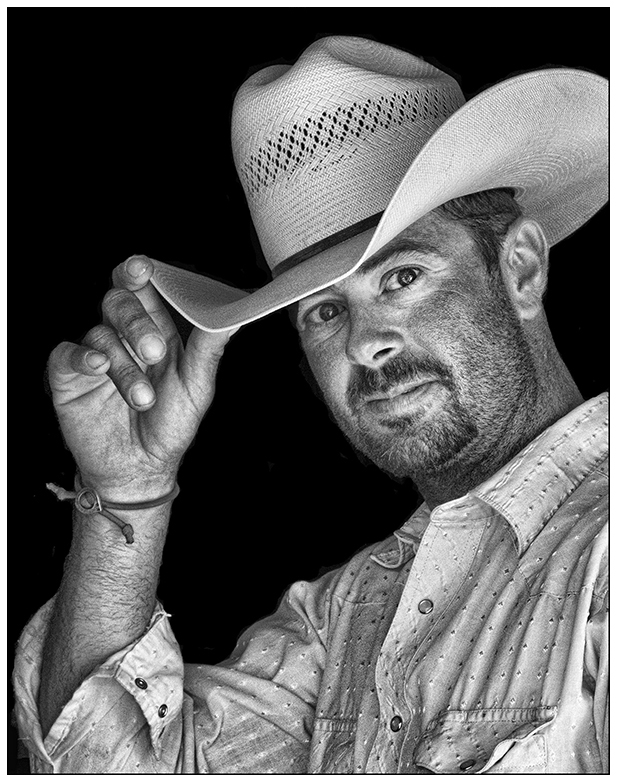
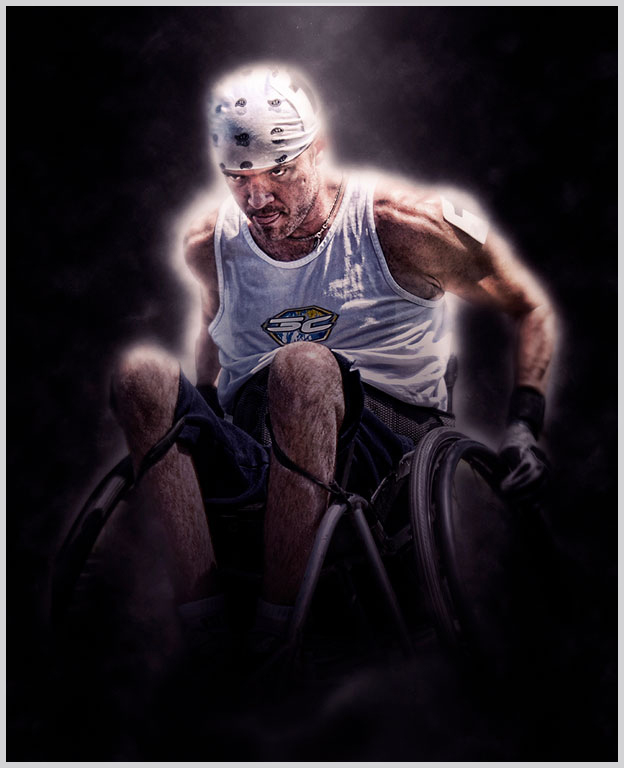
Wonderful portrait !! The lighting works for a very masculine pose. Wish you model was local for me... I do suggest lightning the whites of the eyes and slightly burning the left shoulder to make the face and hands the main focus. Excellent processing as usual. Great job.
|
Mar 26th |
6 comments - 0 replies for Group 61
|
20 comments - 2 replies Total
|