Activity for User 187 - Wes Odell - odellphoto11@gmail.com

avatar
Avatar

Close this Tab when done


538 Comments / 411 Replies Posted

  = Current Round   = Previous Round
Group Round C/R Comment Date Image
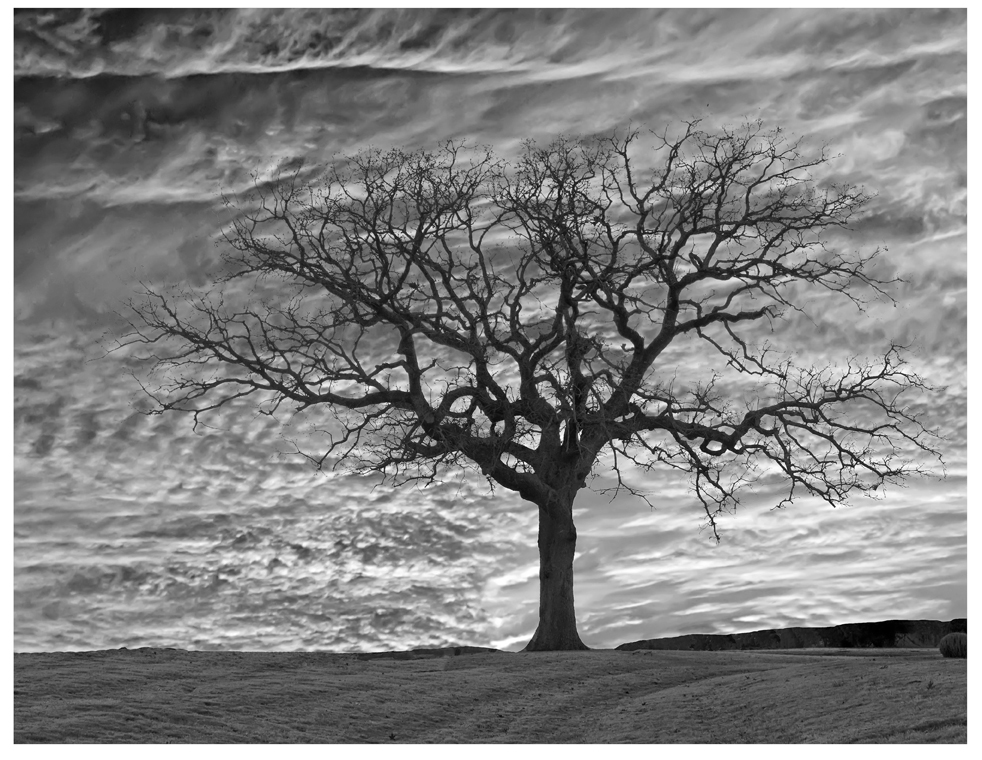
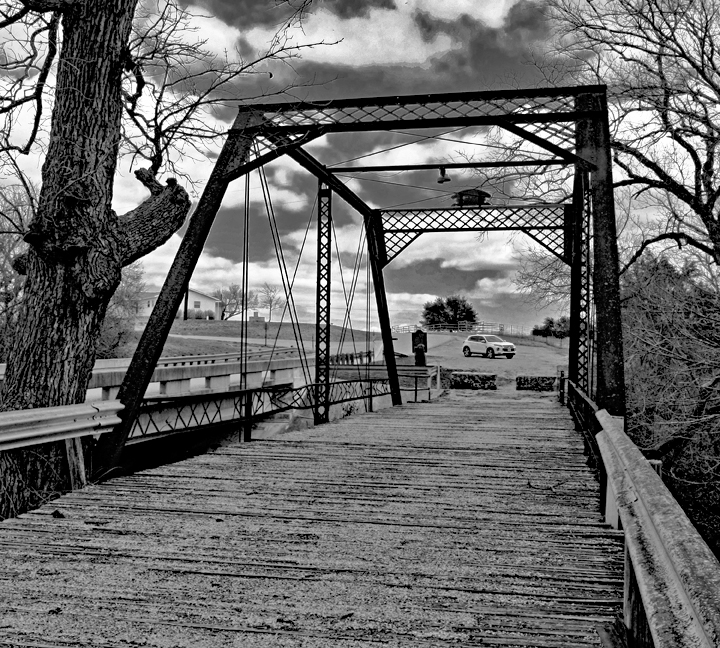
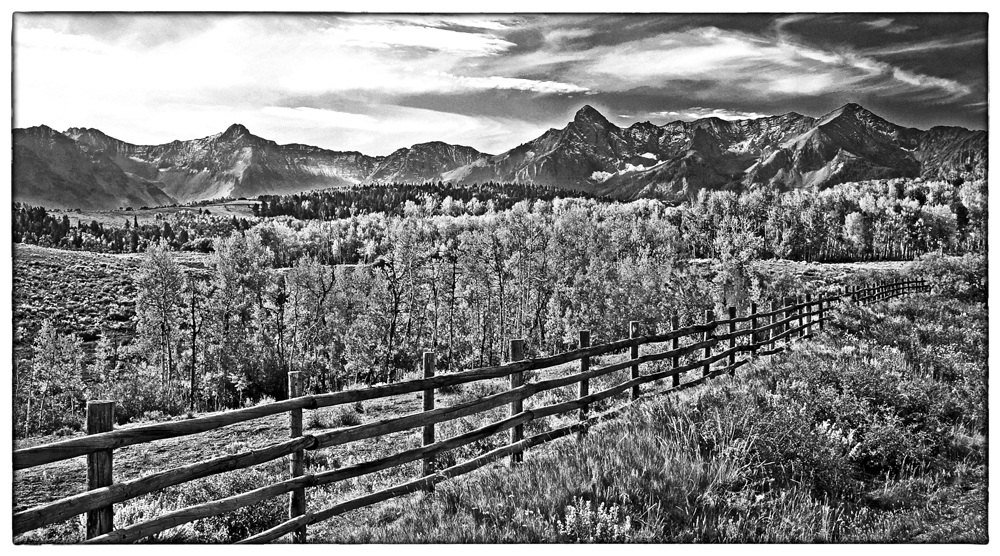
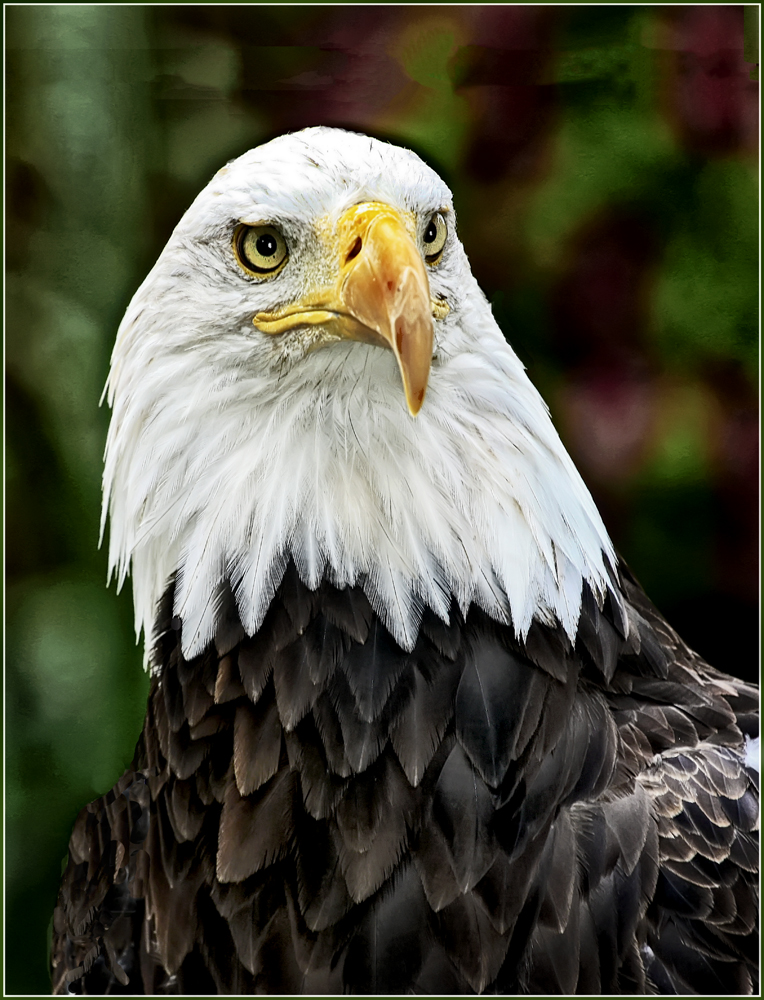
32 Sep 22 Reply I like the added sky. In SFO you don't get real midwestern clouds, it's often more like "the fog rolling in," so the light treatment of the sky works nicely. Sep 17th
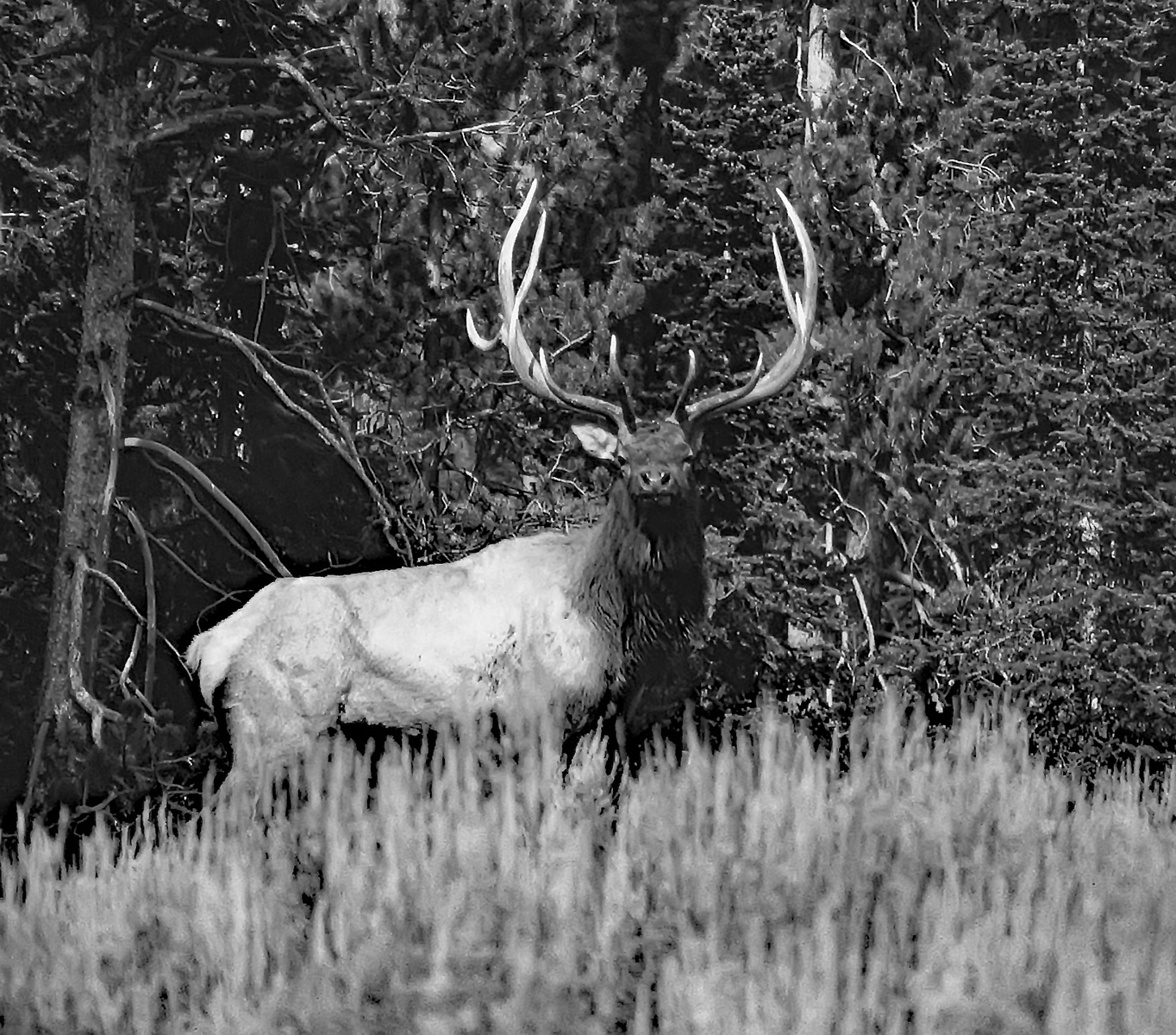
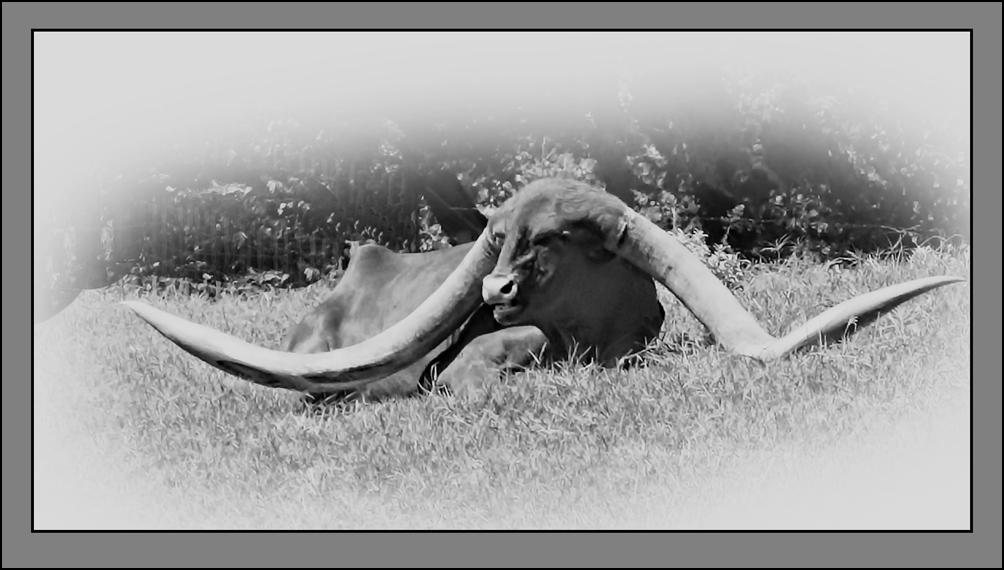
32 Sep 22 Reply Thanks. Was a fun day and I enjoyed the encounter with the big one. Fortunate on the photo, too.
Sep 14th
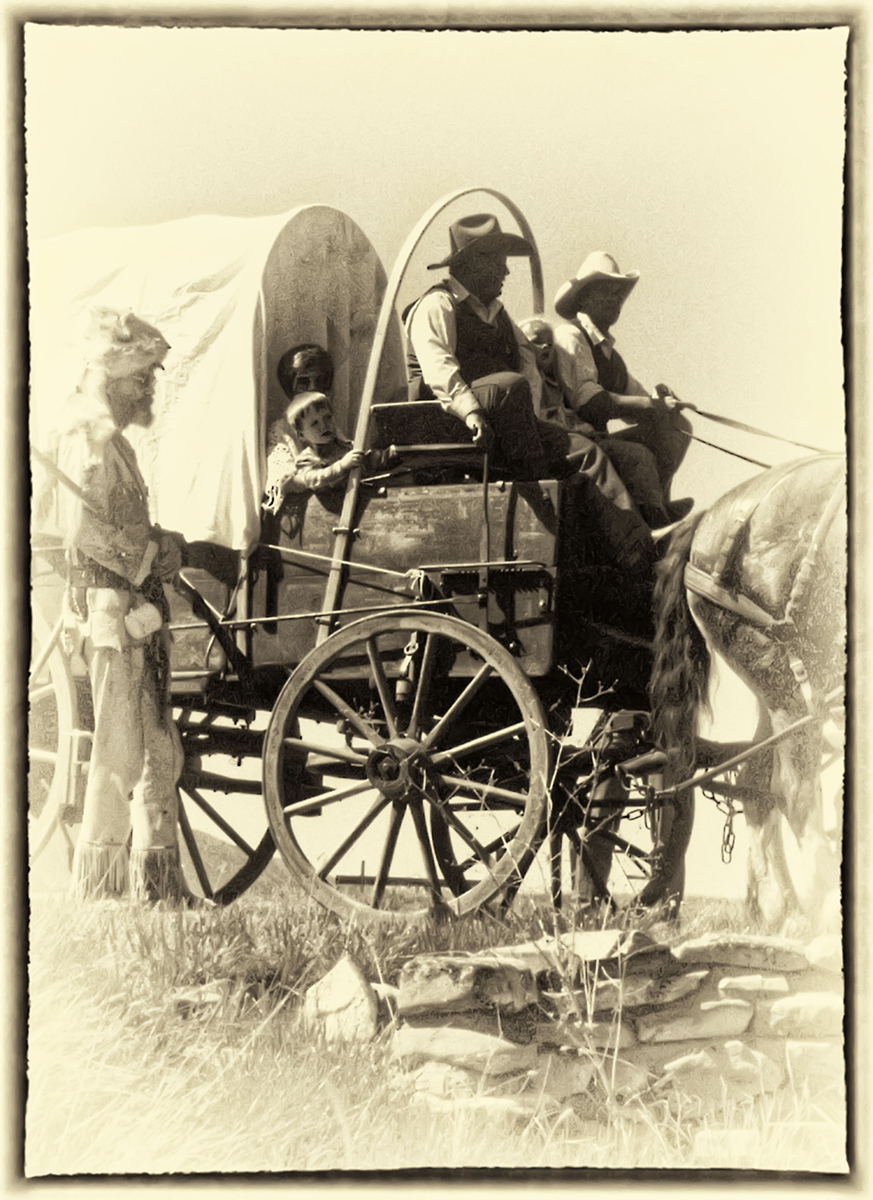
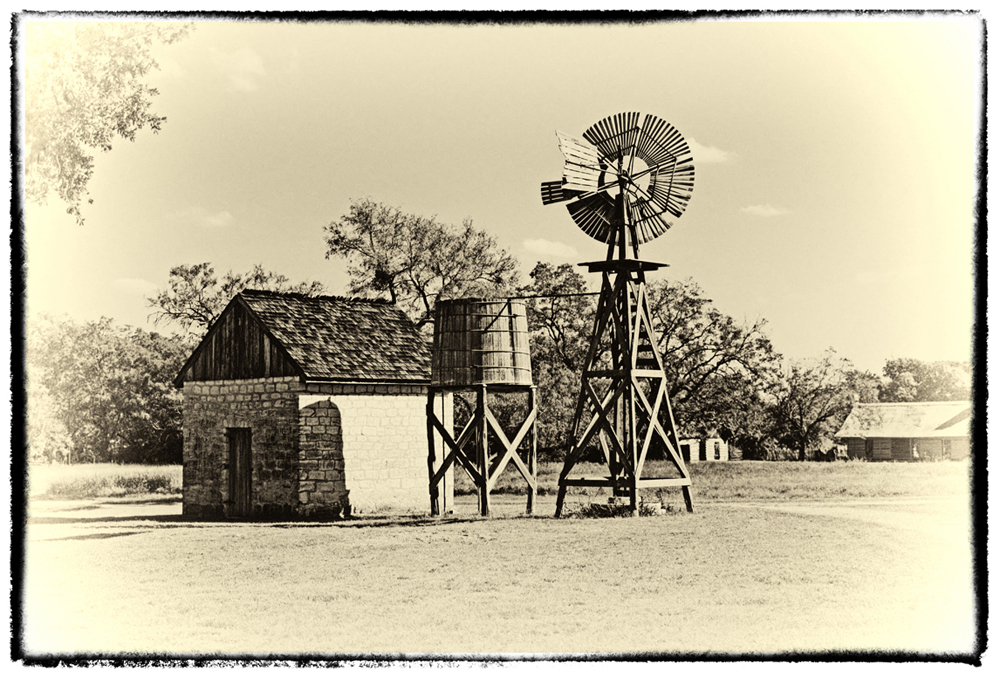
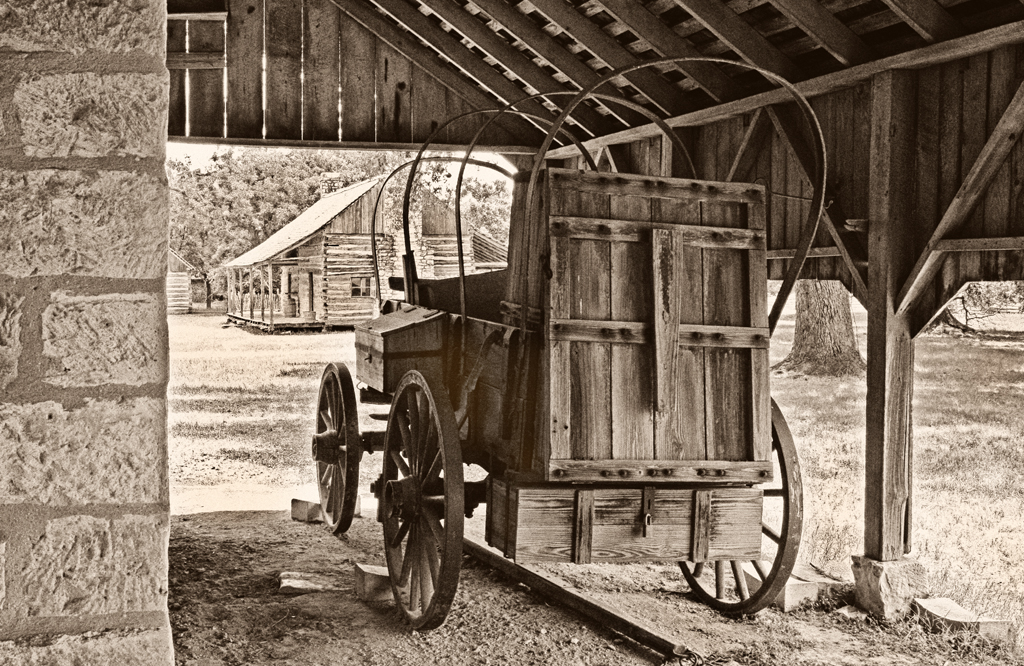
32 Sep 22 Comment Sepia: Another way: Open a Layer in Hue/Saturation. click "Colorize" then adjust saturation and color to taste. Sep 11th
32 Sep 22 Reply Many thanks.
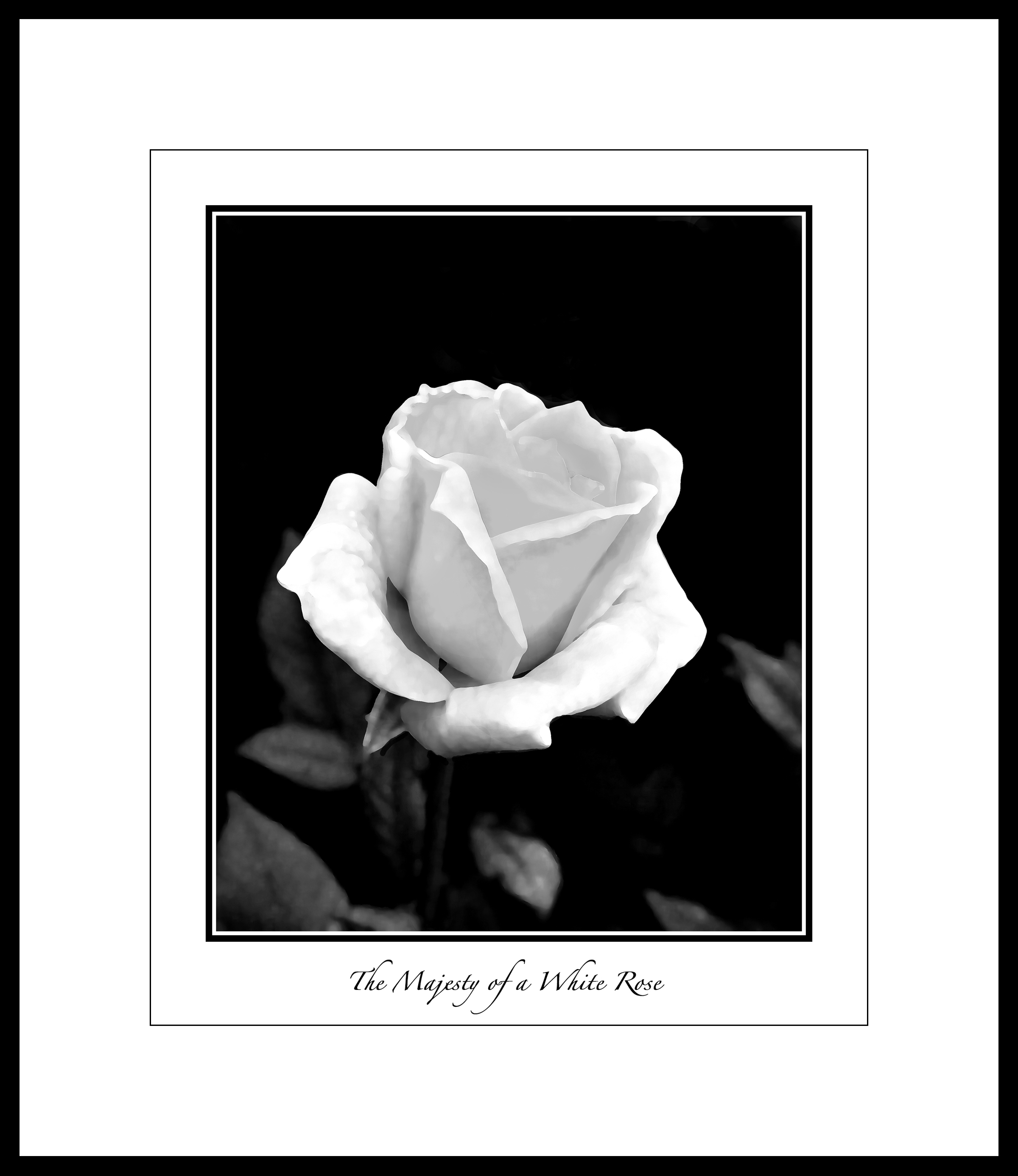
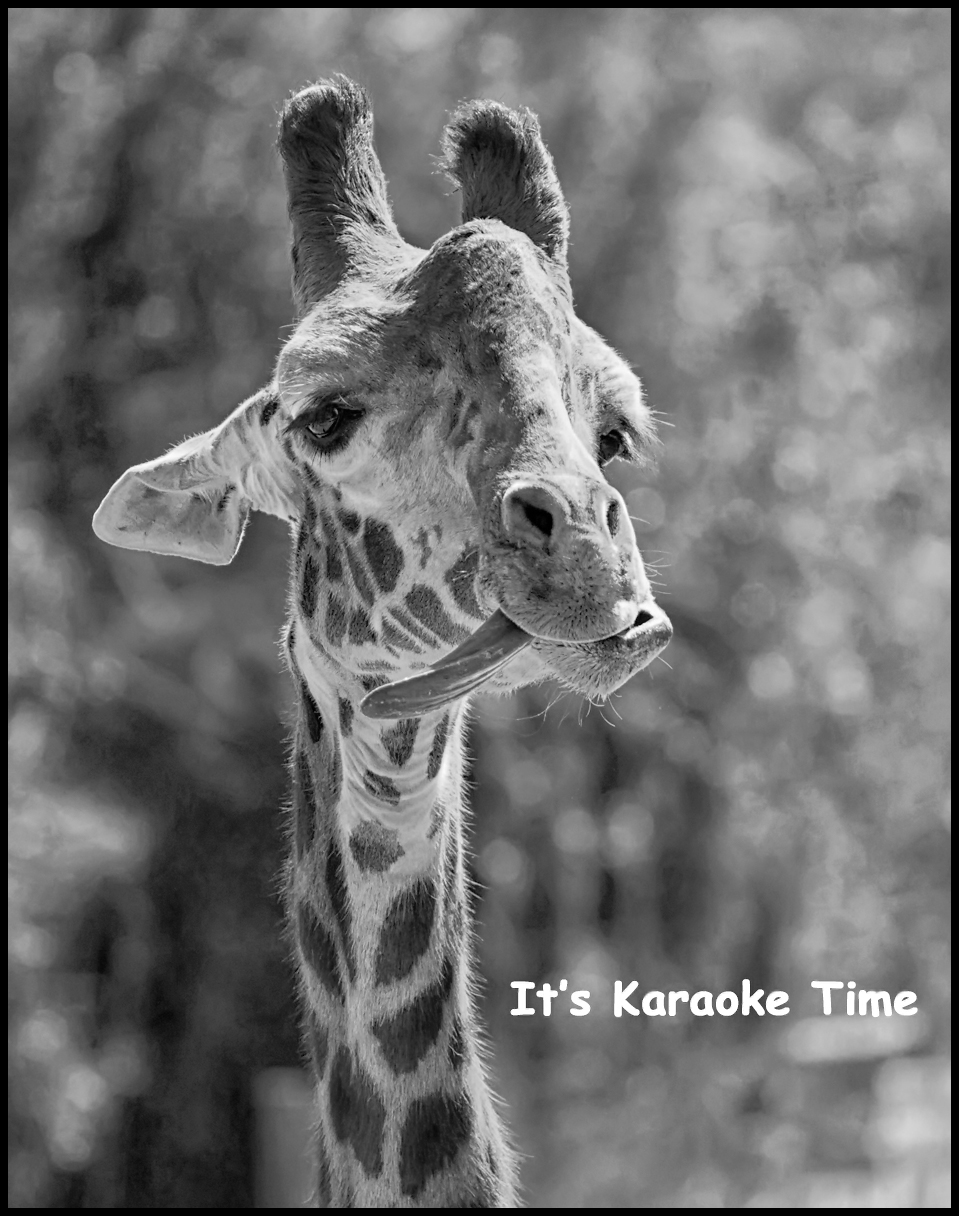
BTW: I've had it printed and framed to 24 x 28 and added the Karaoke text to the BW version and will hang it at our local Sun city restaraunt next month.
Sep 10th
32 Sep 22 Comment Sep 9th
32 Sep 22 Comment I want to add a picture and send my condolences in regards to Queen Elizabeth. Has there ever been someone so distinguished? Sep 9th
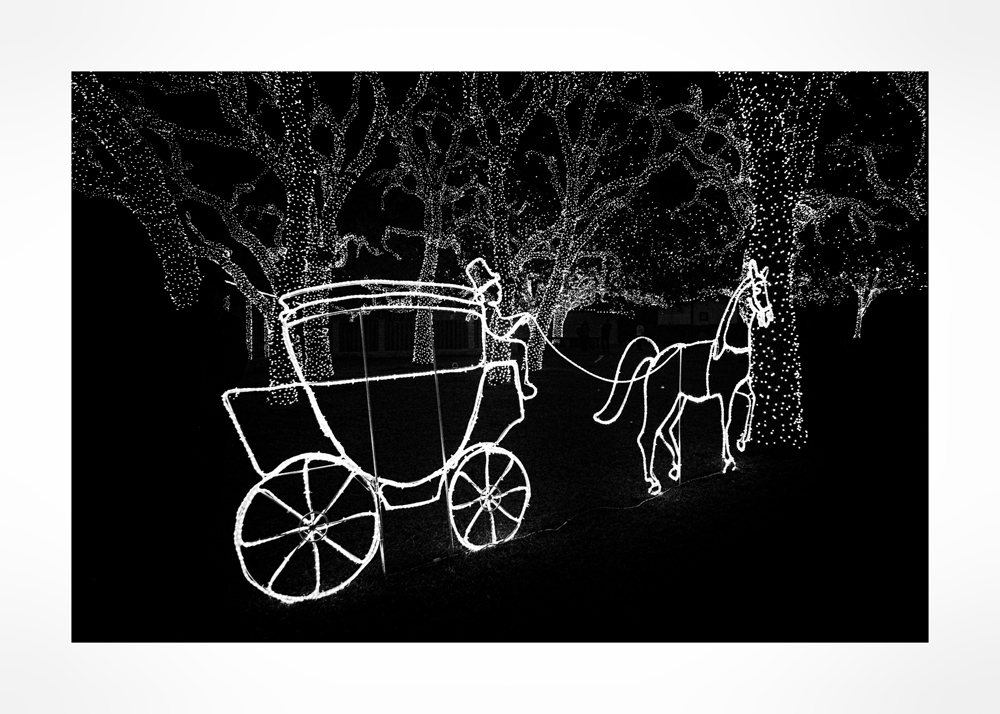
32 Sep 22 Comment Eerie? Spooky? Just right. I like the feeling.
Sep 9th
32 Sep 22 Comment I like the image and agree with your comment about how difficult it is to photograph the PFA. I think all it needs is more contrast. I moved the mid tone slider in Levels to the right to 83 and the Contrast slider waaaay over to the right to 73. Sep 9th
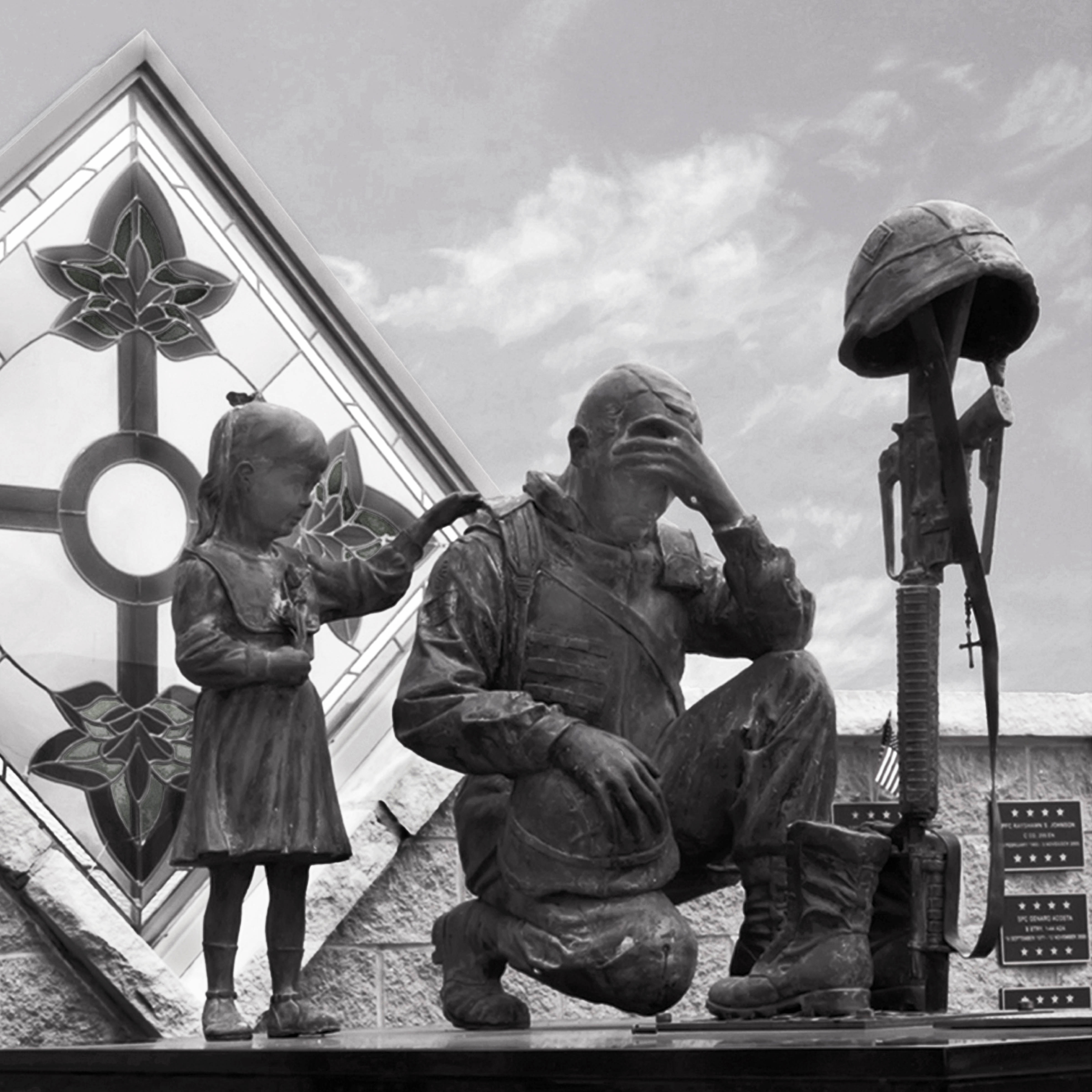
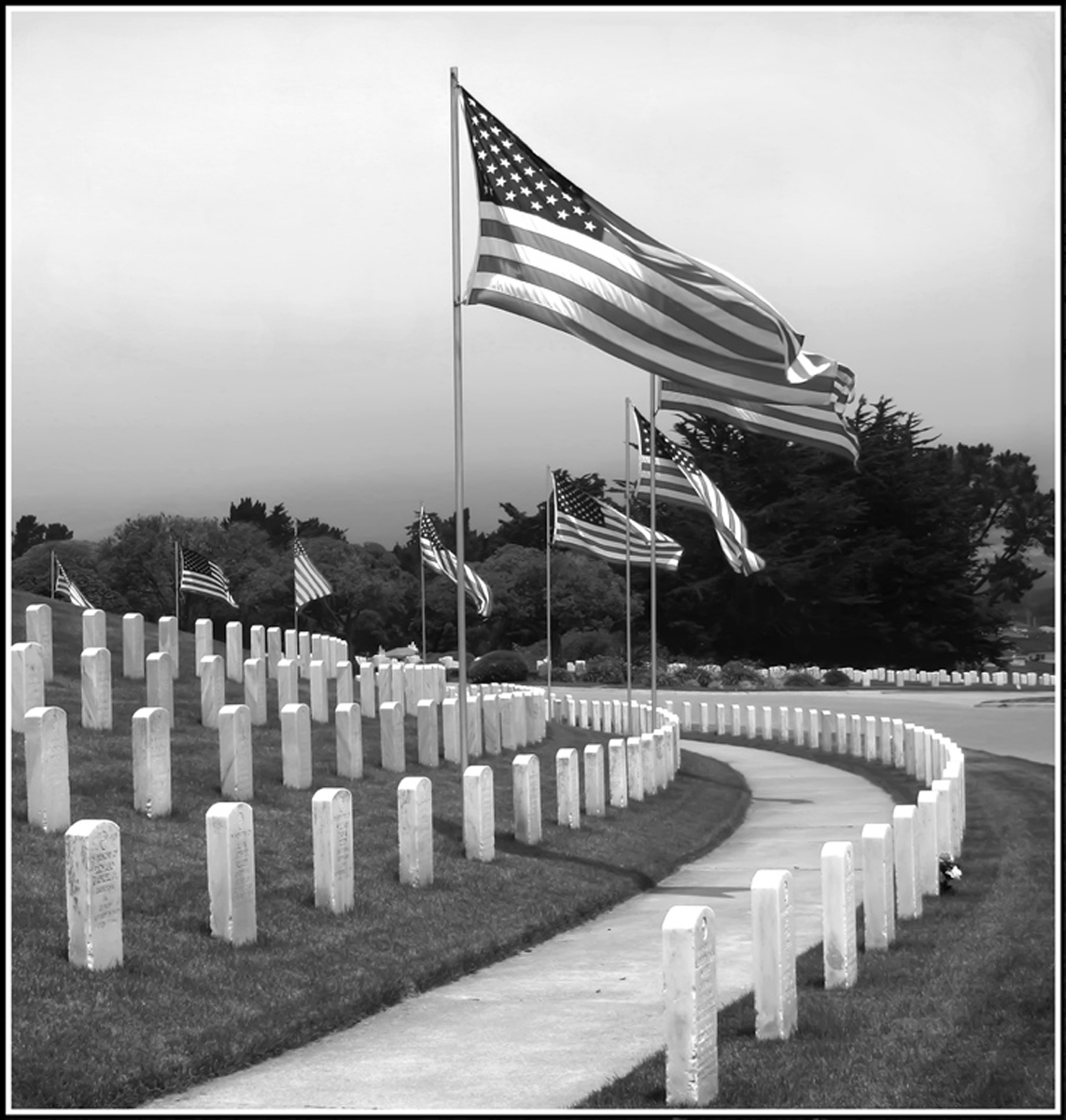
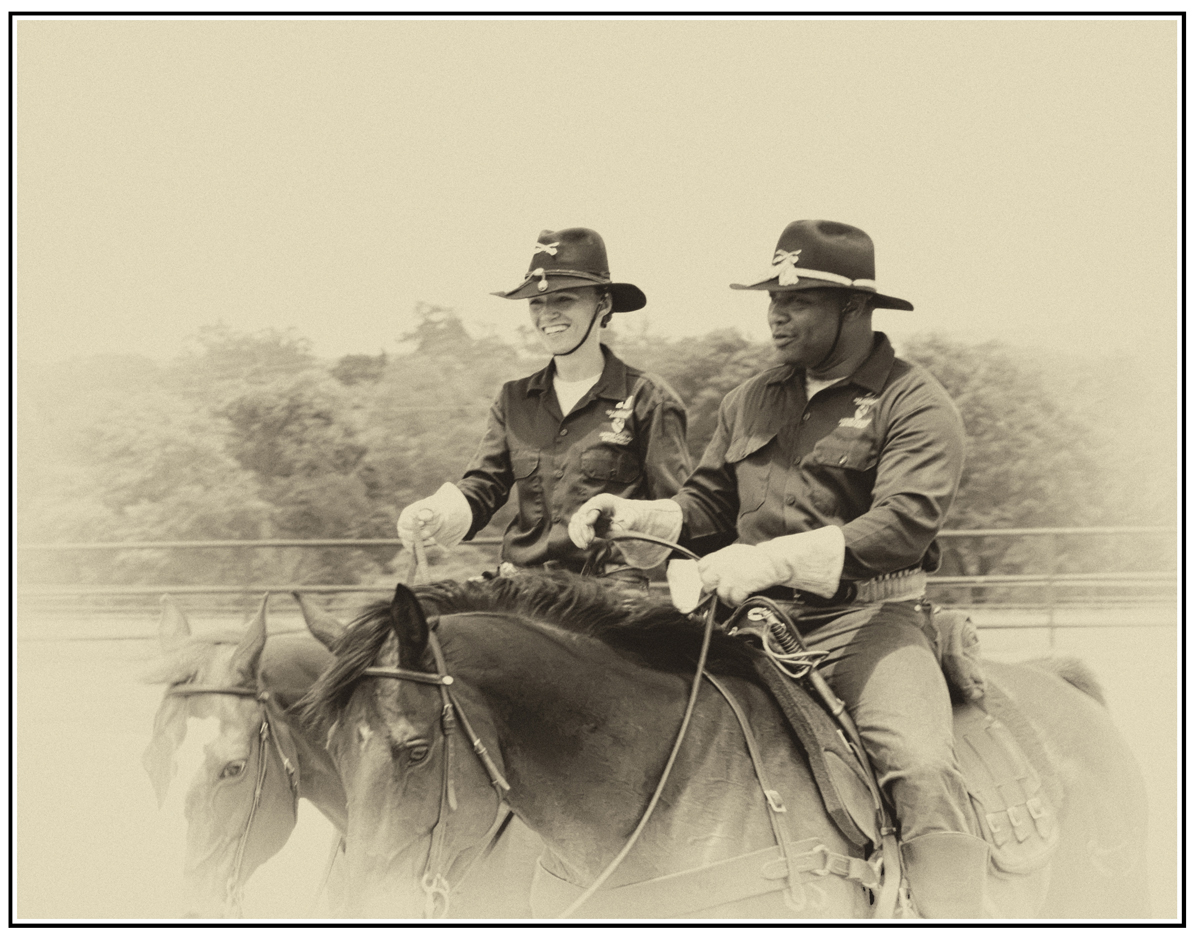
32 Sep 22 Comment As an old soldier myself, I find this photo "just right." Sep 9th
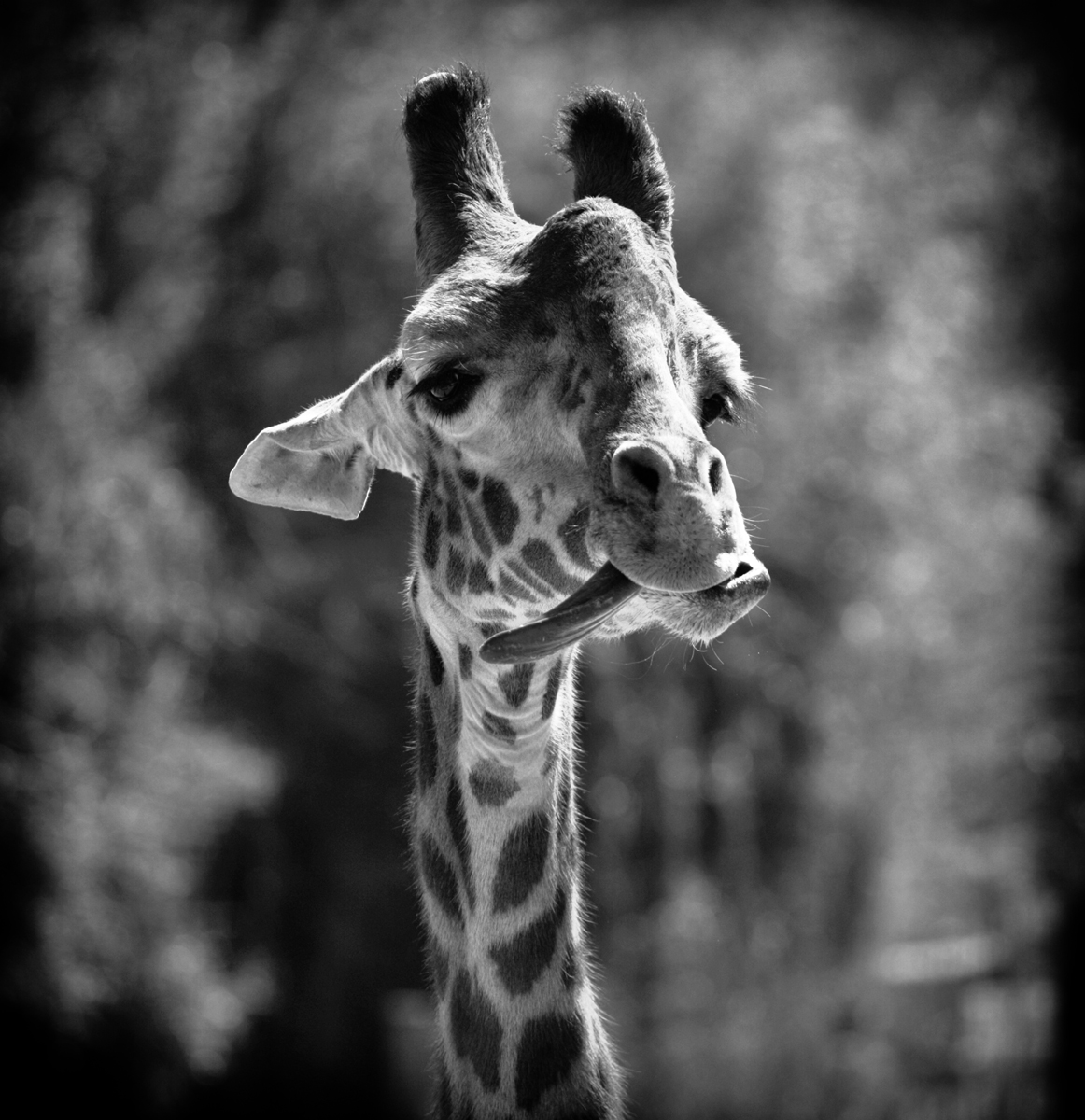
32 Sep 22 Comment Super sharp and nice tonalities.
Sep 3rd
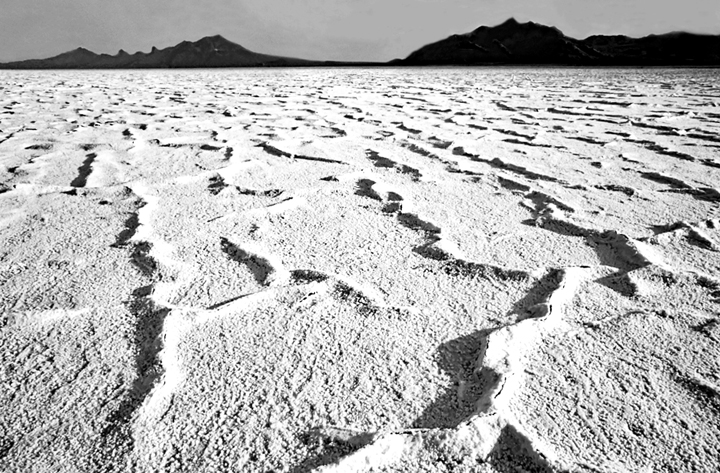
32 Sep 22 Comment 1. Burn with a small brush using a non destructive method. Very tedious. I tried it on the post on the right with enough success to know it would work. Burn those areas now grey that you want darker. Set opacity on the brush low, = 15-17
2. In Levels, adjust the White slider to around 233.
3. Done
Non destructive dodging and burning: Layer>New> Layer>Mode to Soft Light>click on small box "Fill with.....">OK>Set small boxes to black and white and then select the brush tool to "Brush" with opacity low. Leave opacity at 100% in the New Layer box. Black burns, White Dodges.
Sep 1st

8 comments - 3 replies for Group 32


8 comments - 3 replies Total


81 Images Posted

  = Current Round   = Previous Round
Group 32

Dec 25

Nov 25

Oct 25

Sep 25

Aug 25

Jul 25

Jun 25

May 25

Apr 25

Mar 25

Feb 25

Jan 25

Dec 24

Nov 24

Oct 24

Sep 24

Aug 24

Jul 24

Jun 24

May 24

Apr 24

Mar 24

Feb 24

Jan 24

Dec 23

Nov 23

Oct 23

Sep 23

Aug 23

Jul 23

Jun 23

May 23

Apr 23

Mar 23

Feb 23

Jan 23

Dec 22

Nov 22

Oct 22

Sep 22

Aug 22

Jul 22

Jun 22

May 22

Apr 22

Mar 22

Feb 22

Jan 22

Dec 21

Nov 21

Oct 21

Sep 21

Aug 21

Jul 21

Jun 21

May 21

Apr 21

Mar 21

Feb 21

Nov 17

Oct 17

Sep 17

Aug 17

Jul 17

Jun 17

May 17

Apr 17

Mar 17

Feb 17

Jan 17
Group 55

Nov 17

Oct 17

Sep 17

Aug 17

Jul 17

Jun 17

May 17

Apr 17

Mar 17

Feb 17

Jan 17

Close this Tab when done