|
| Group |
Round |
C/R |
Comment |
Date |
Image |
| 32 |
Jul 17 |
Comment |
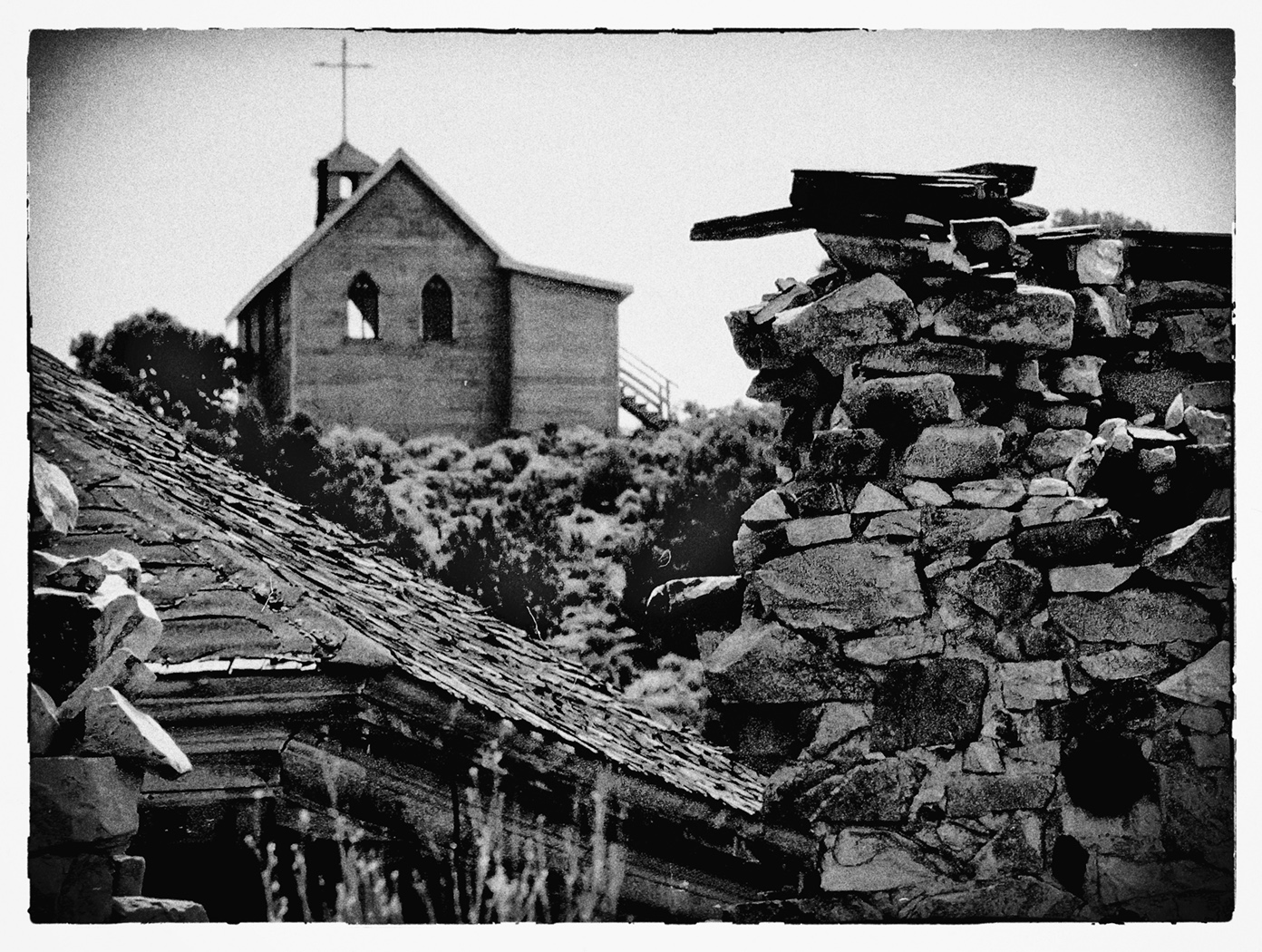
two step process for me: Clone Tool and then finish with Healing Brush.
Nope, don't have Topaz.
Good on teh crop, thanks |
Jul 29th |
| 32 |
Jul 17 |
Reply |
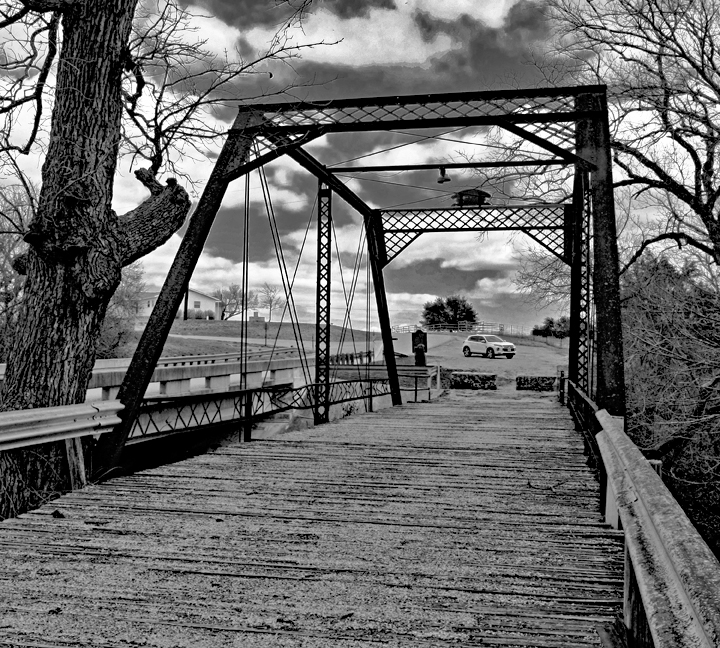
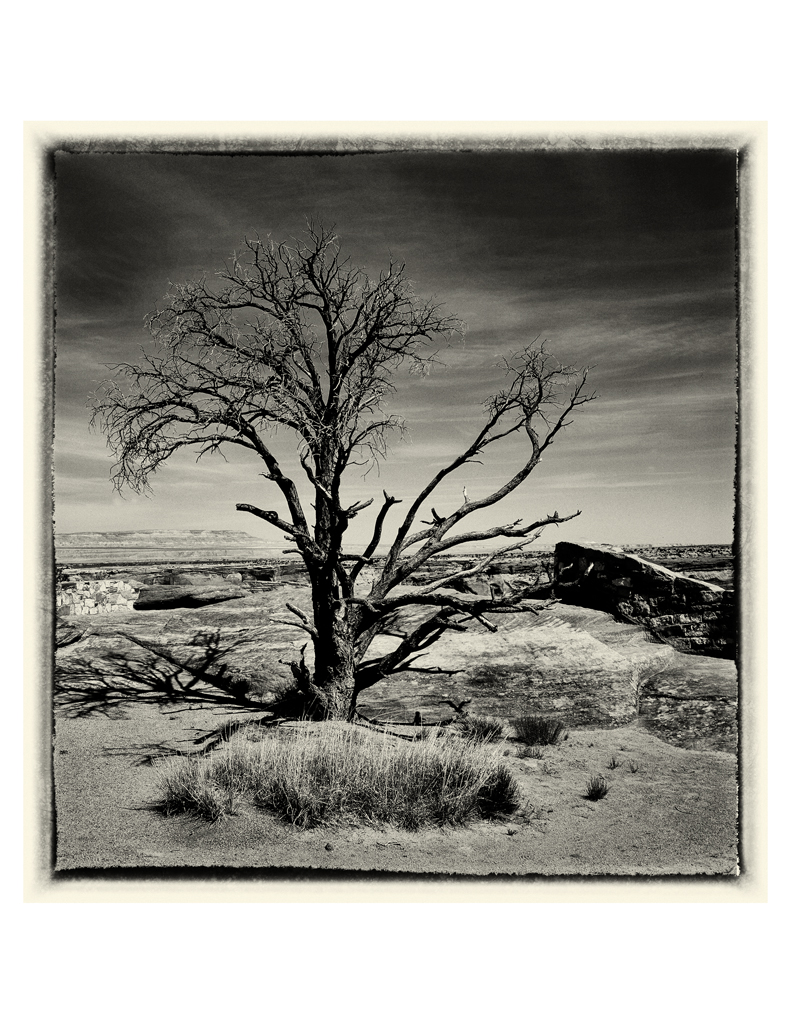
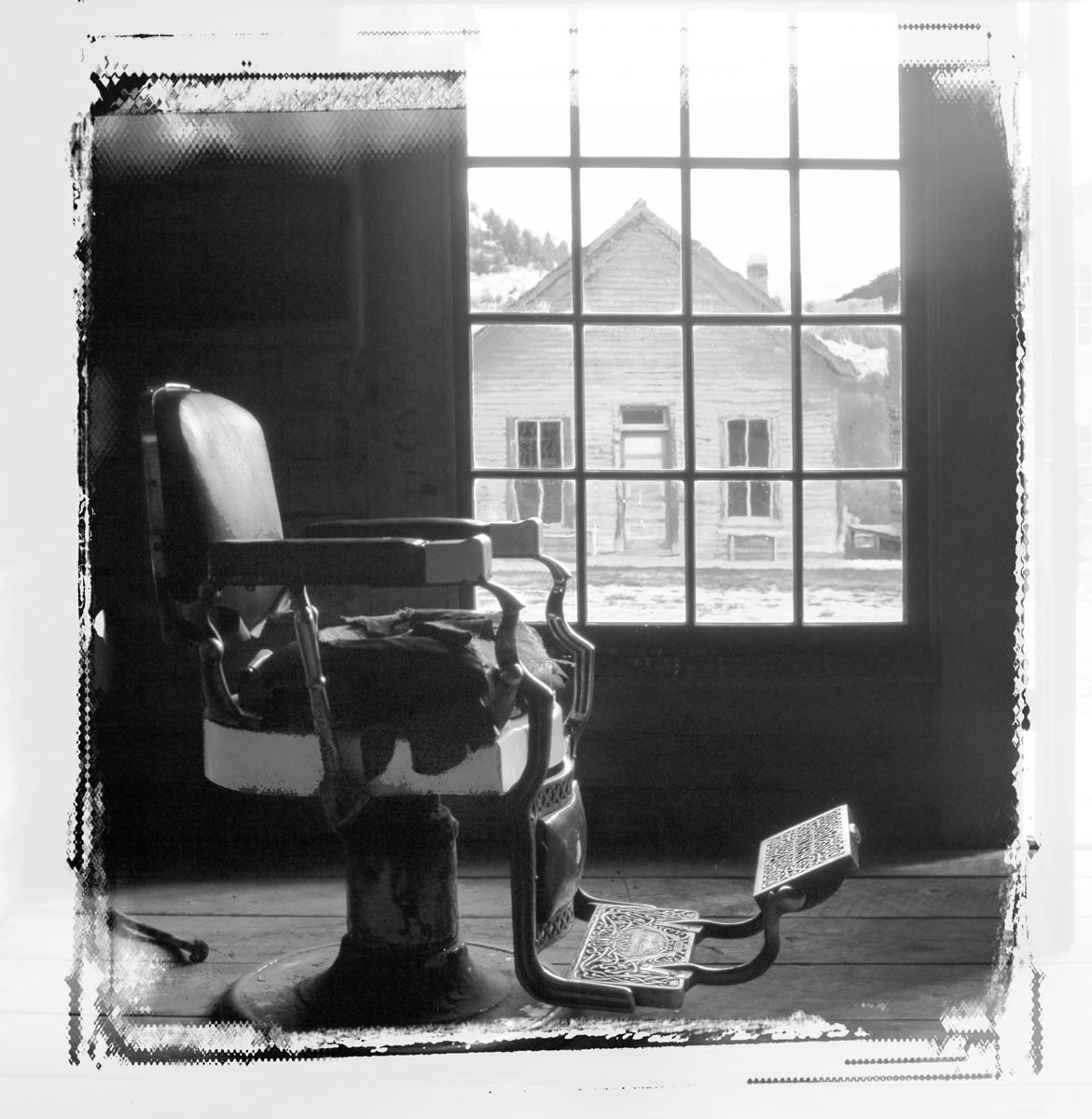
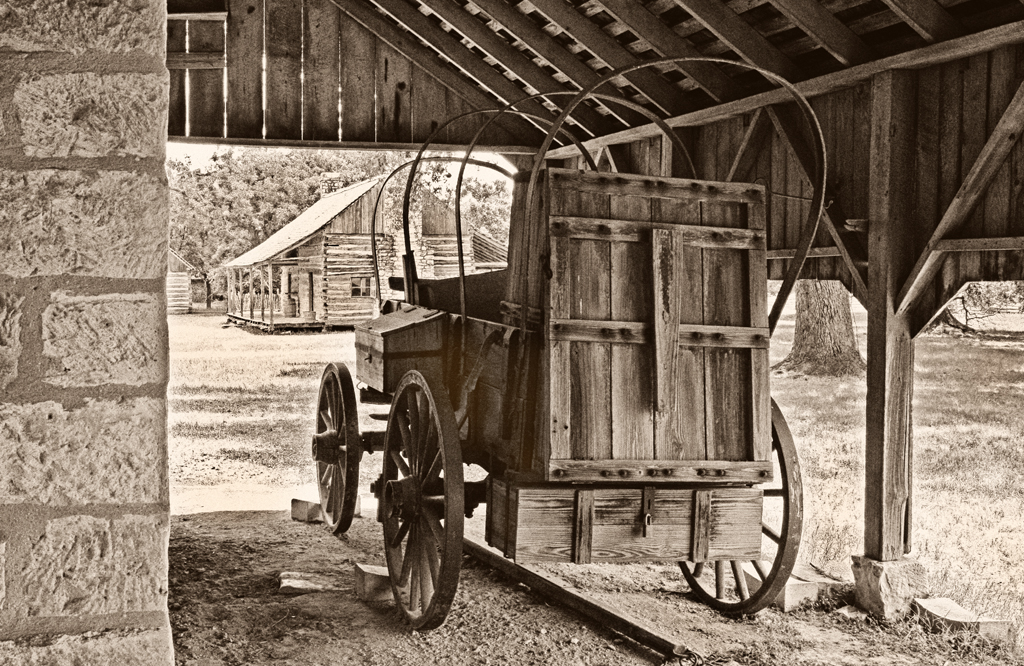
Darkening the post never occurred to me, but I've done it and it really made a difference. I also trimmed the top of the post to give the top a clean line.
I've printed it on Baryta and (very) High Gloss Red River papers, and much to my surprise, the Baryta's blacks were superior over the hi glossy paper, even with the Baryta's slight tint of yellow/off white. What "they" say about Baryta as fine art paper is right. If you haven't tried it, I suggest you do. RedRiverPaper has a nice Fine Art Sample Pack with it in the packet. |
Jul 17th |
| 32 |
Jul 17 |
Comment |
What is that funny looking long "stick" at the top?
Nice colors/tonalities, composition, everything.
|
Jul 17th |
| 32 |
Jul 17 |
Comment |
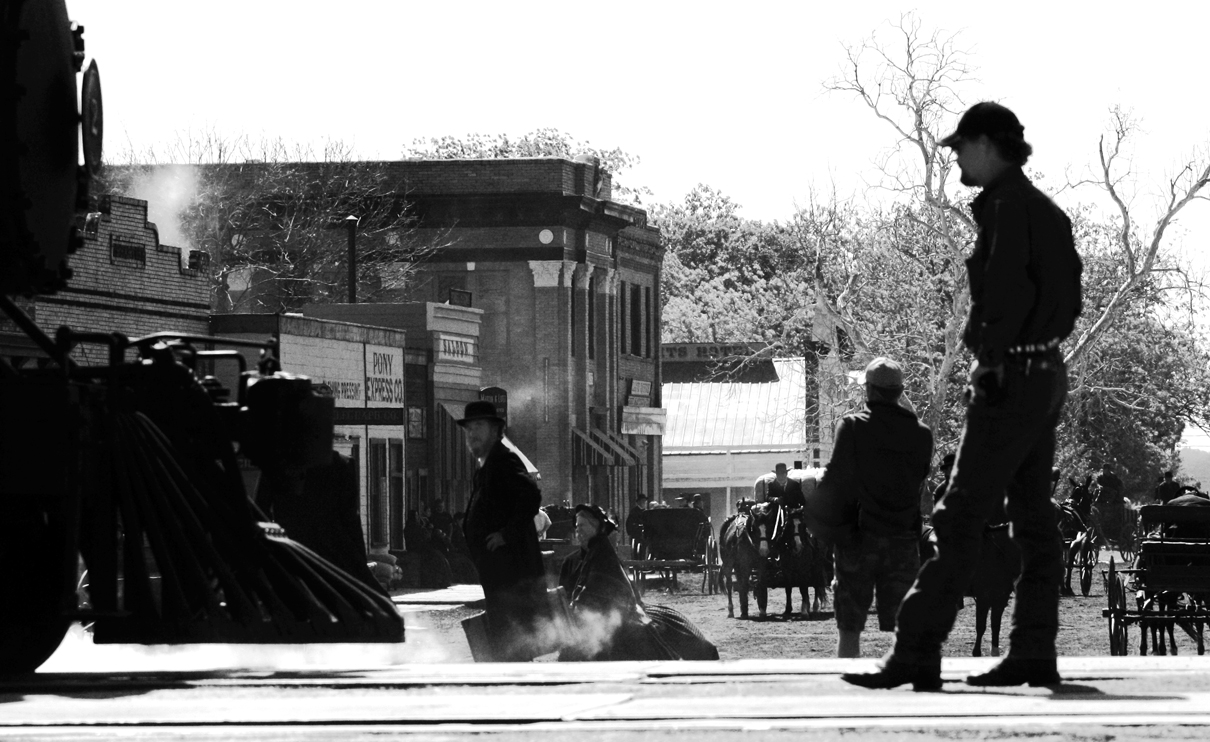
I think this is in the country of Turkey. Environmental (or street photography) photos: You get what you find, and the wide dynamic range caused by the bright background spots, "adds" to the environment. I'm still trying to learn my wide angle lens and you've demonstrated a couple educational things.....that I've learned from.
You made the primary subject obvious and the "rest of the band" supports the subject nicely. |
Jul 17th |
| 32 |
Jul 17 |
Comment |
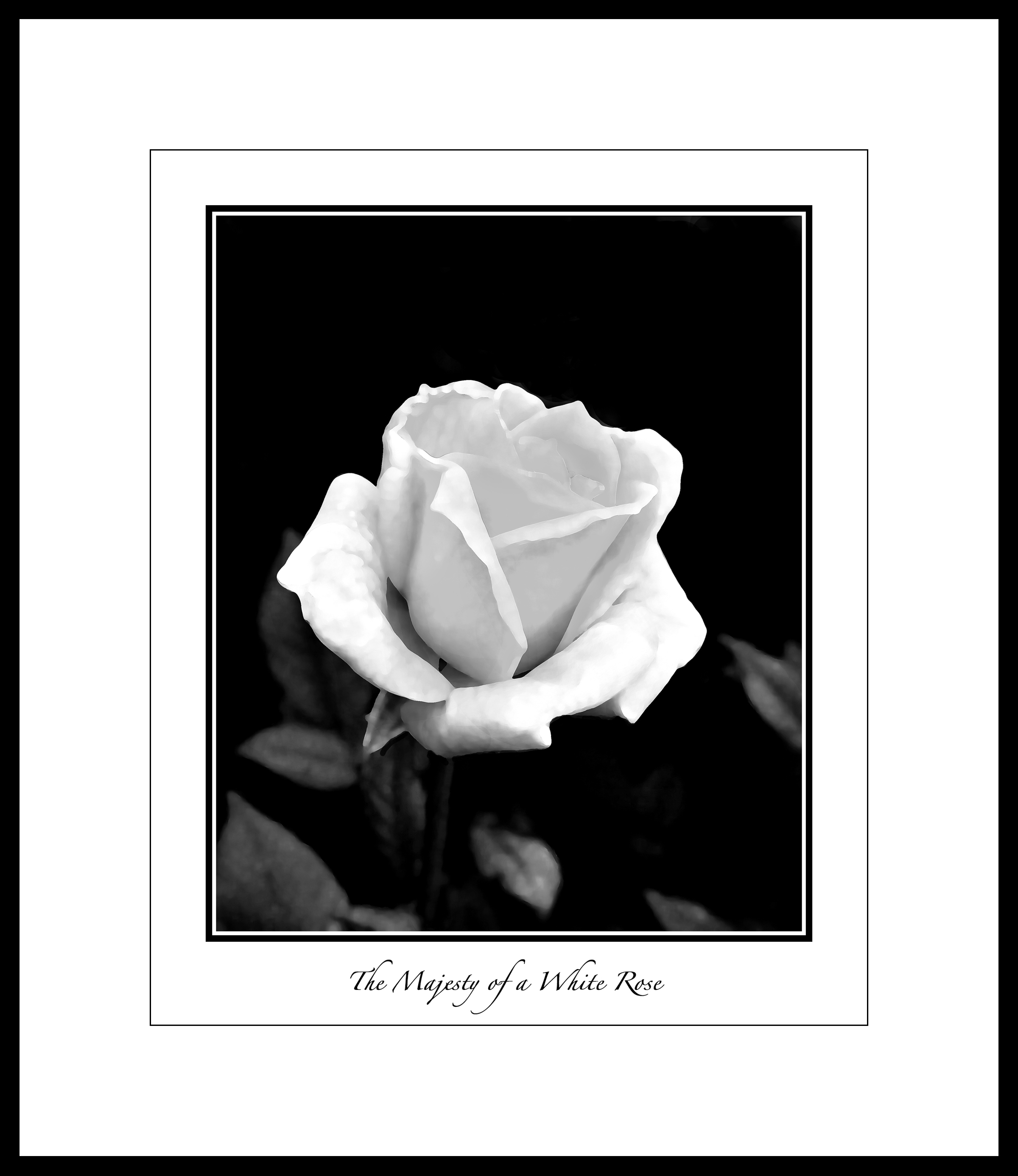
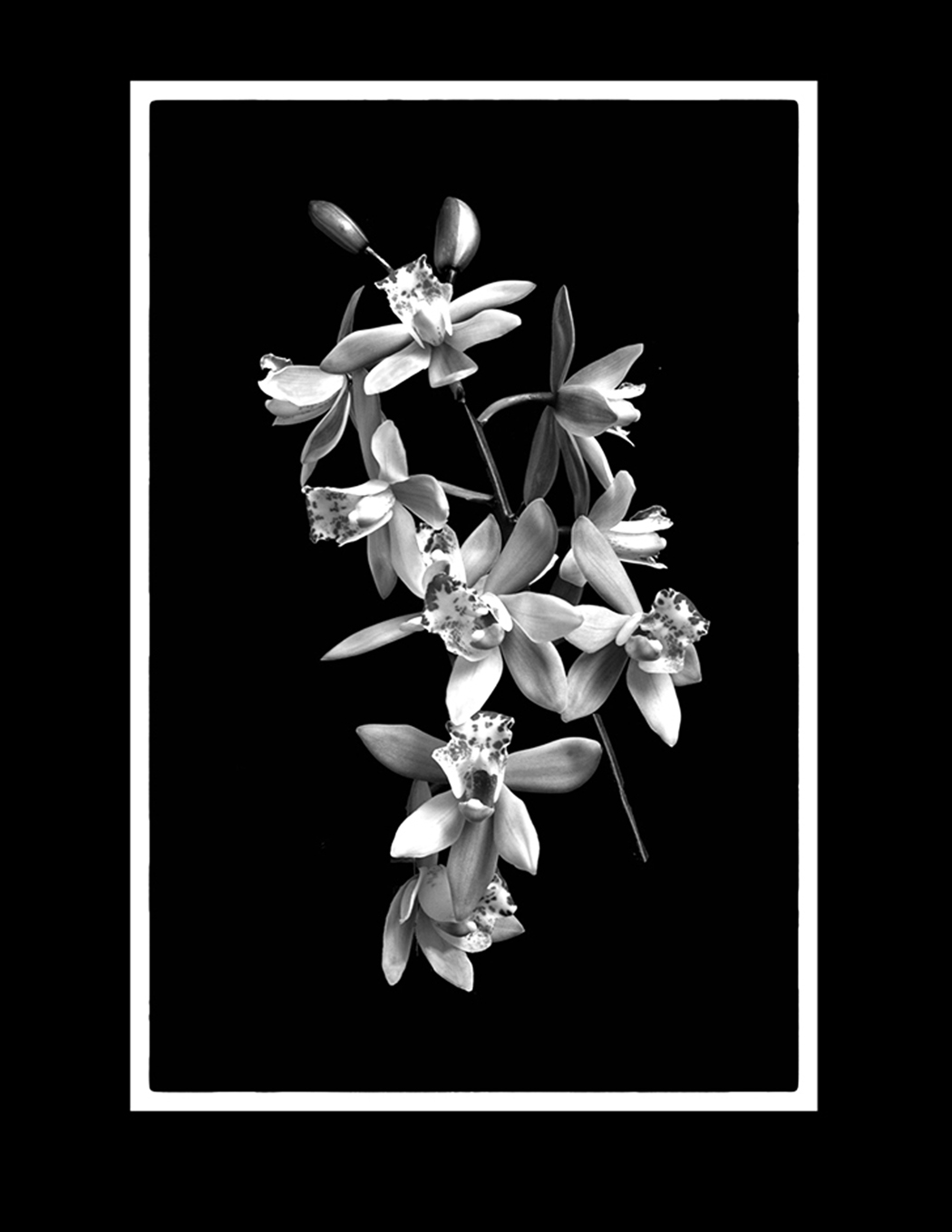
The two levels of brightness (light) on the two blossoms is interesting, and as said earlier, raises some curiosity as to how that came to be. Nothing bad or wrong (ever), just curiosity. You have nice edge definitions, good blossom specimens, unique vignette-ing. When/if you print, consider a textured fine art paper, and a wide white matte. Ought to be stunning. |
Jul 17th |
| 32 |
Jul 17 |
Comment |
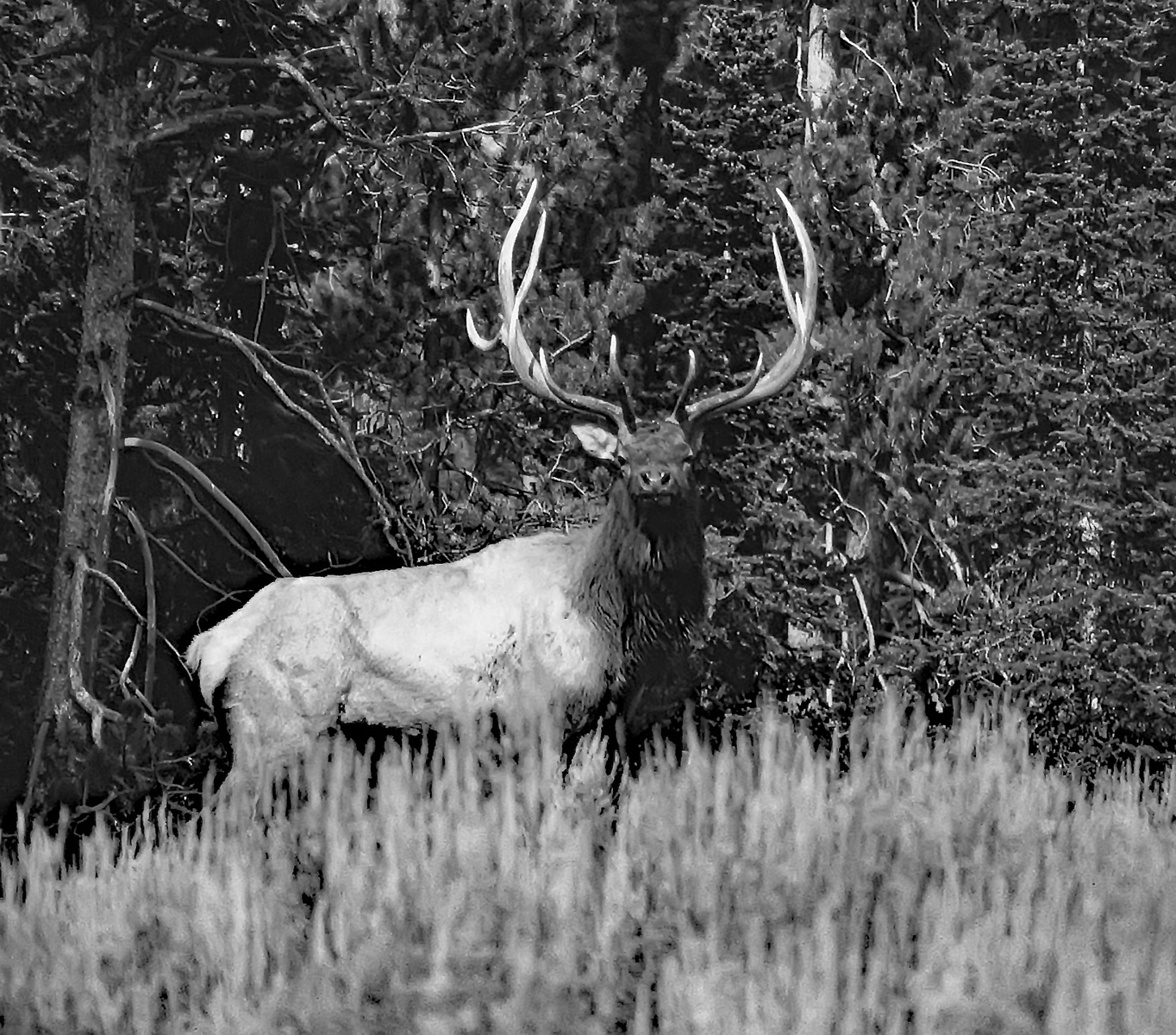
Looks to be a very difficult shot, but you got it sharp and the action of the fledgling is good. Eye is sharp. Branches (sticks) do a good job of framing the primary subject. White can always be the killer challenge. But if you could get that part of the bird that is off in never never land of Zone 8 to have a bit of detail, I think that would make the image stronger. Not much, just enough to move some of it to Zone 7. |
Jul 17th |
| 32 |
Jul 17 |
Comment |
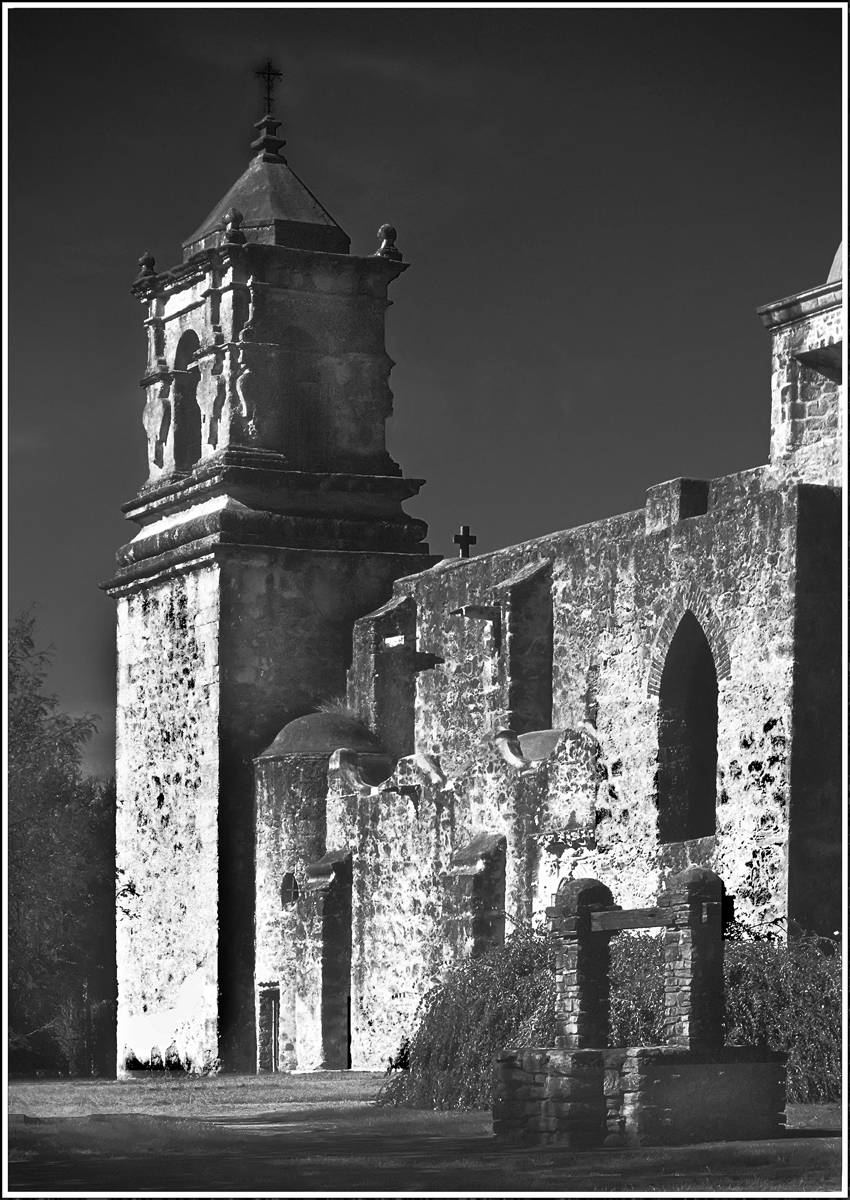
While the entirety of the building is nice, clean, and sharp, the clouds do a lot of work to make the photograph interesting. The dark portion of the clouds define the building's edge well. About competition? Only one way to find out. |
Jul 17th |
| 32 |
Jul 17 |
Comment |
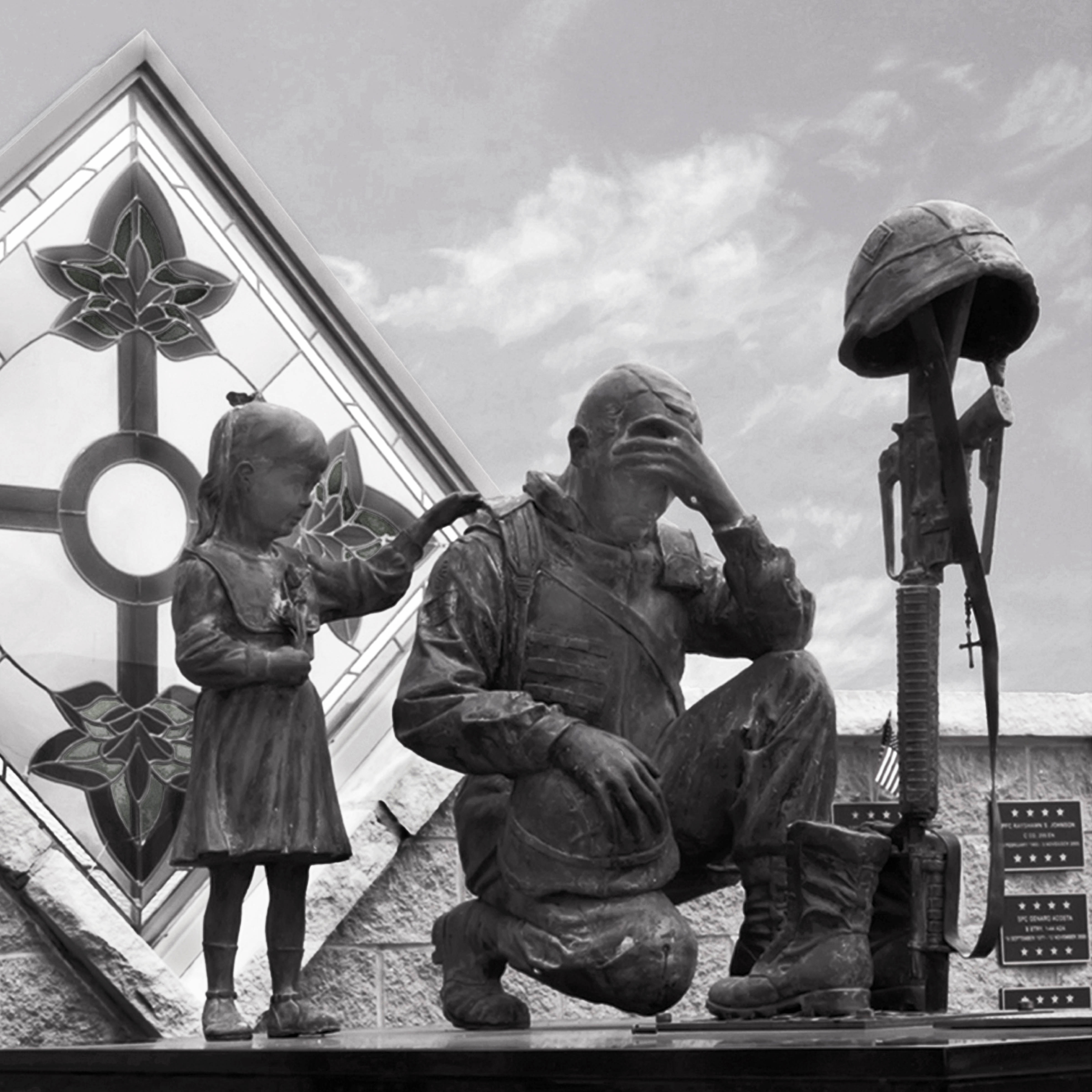
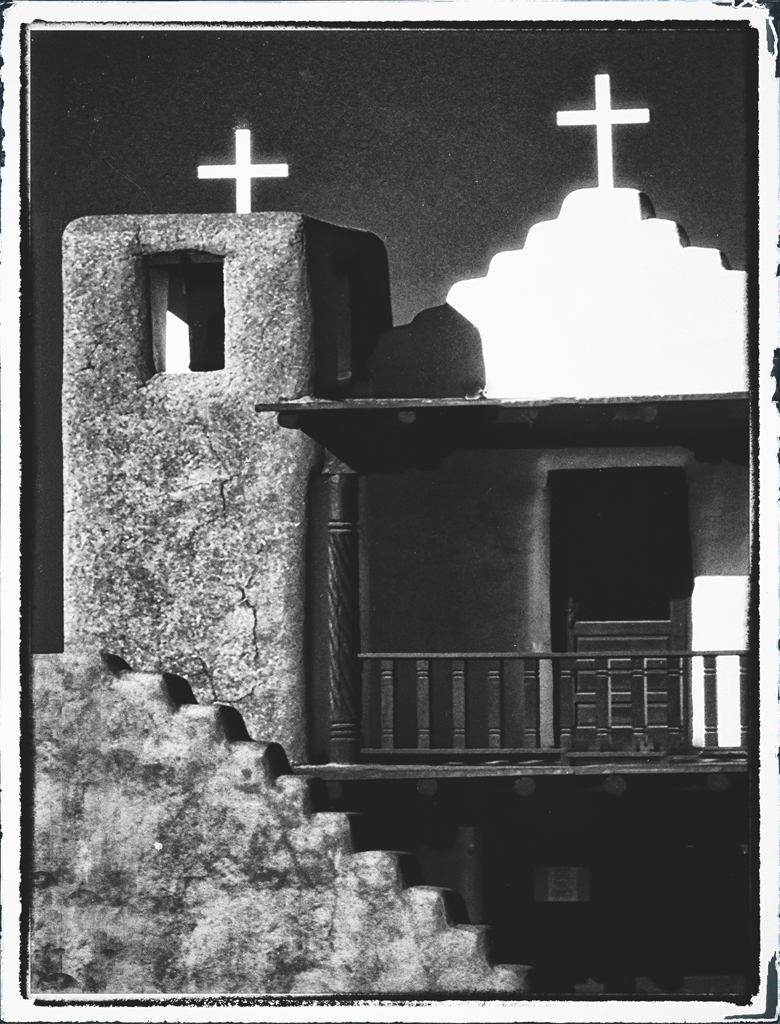
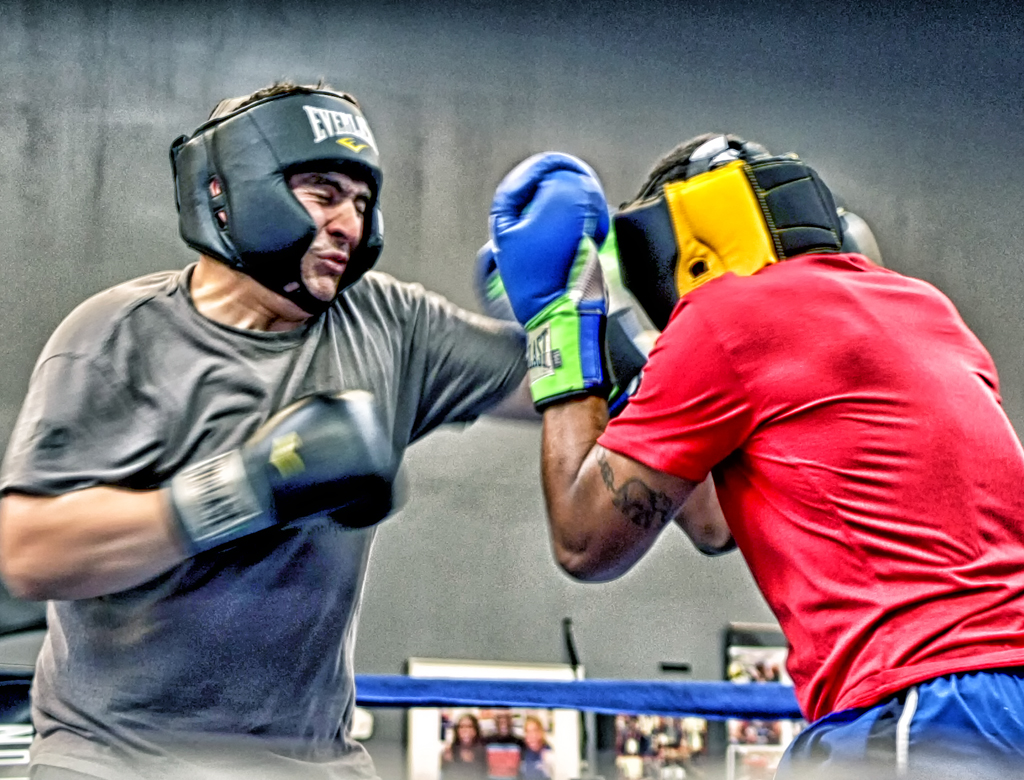
I put my cropping "Ls" on the pic where Stephen suggested and like it much better inasmuch as it fits "Get in as close as you can, then get in closer." And "if it doesn't support the primary subject, then it detracts from the primary subject."
These are not rules nor principles, just guidelines, but I think they apply to this nice story-telling image.
Your tonalities are excellent, as is the story. |
Jul 17th |
7 comments - 1 reply for Group 32
|
| 55 |
Jul 17 |
Reply |
Barbara:
Does your response to Marianne Shine also indicate
.... that color images are ok in monochrome?
Related: Why have both color and monochrome if they are permitted in the other? |
Jul 18th |
| 55 |
Jul 17 |
Reply |
Right.
I was just trying to be humorous.
wes |
Jul 18th |
| 55 |
Jul 17 |
Reply |
No, the red and white one. Red background and a funny character that looks like an "M" |
Jul 17th |
| 55 |
Jul 17 |
Comment |
You need not put your name on your images. They are unique and are your signature image types. I really enjoy what you do. Can't make any suggestions since it all looks just right.
One thing I don't understand is the Chinese character just below McCafe? |
Jul 17th |
| 55 |
Jul 17 |
Comment |
I note that 3 of our Group's 7 images this month are monochrome. Is this how it ought to be in a Color Study Group?
Nik's Silver Evex Pro 2 is a great help doing monochromes.
In Elements or PS, two very powerful tools are the White Eye Dropper to set the White Point, and likewise, the Black Eye Dropper. The other is "non-destructive Dodging and Burning." Before opening Silver Efex, make your post processing via Levels and Contrast/Brightness first. Then Nik, then tweak with D&B on selective areas.
If your colors (tonalities in mono) are really flat or have other troubles, Save As, then flatten, then go to Enhance>AdjustLighting>Shadows and Highlights. OK to make drastic moves of the sliders to bring the image back to life. (treat it as a heart attack......do someting, nothing to lose by trying.) This works miracles. |
Jul 17th |
| 55 |
Jul 17 |
Comment |
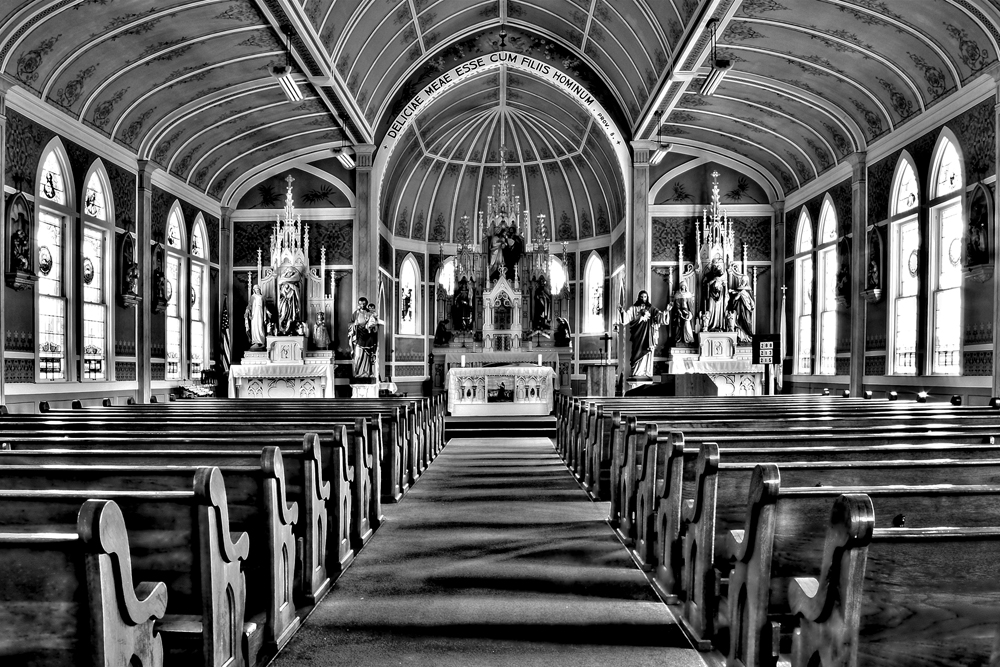
Everything works well and works together. |
Jul 17th |
| 55 |
Jul 17 |
Comment |
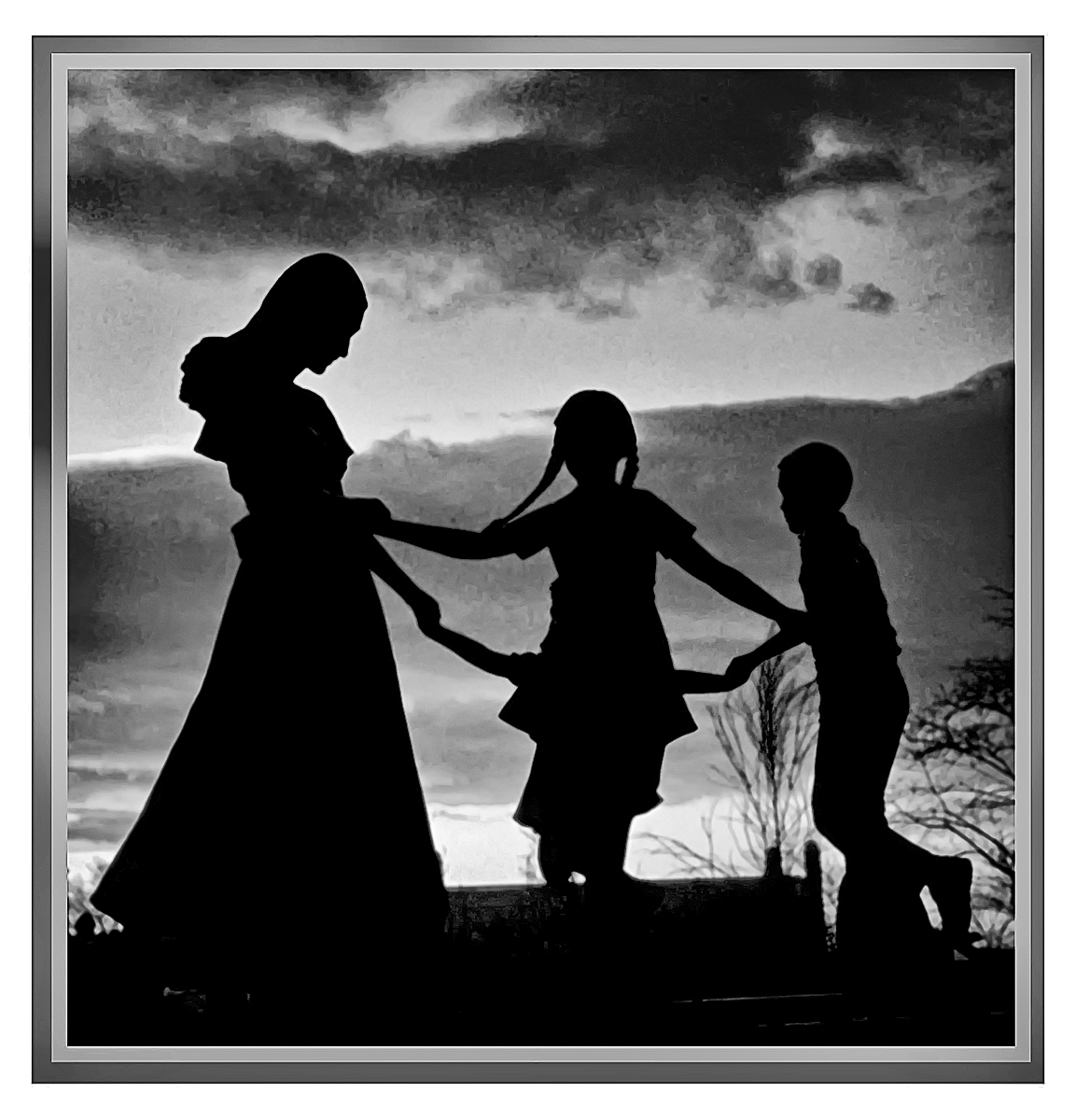
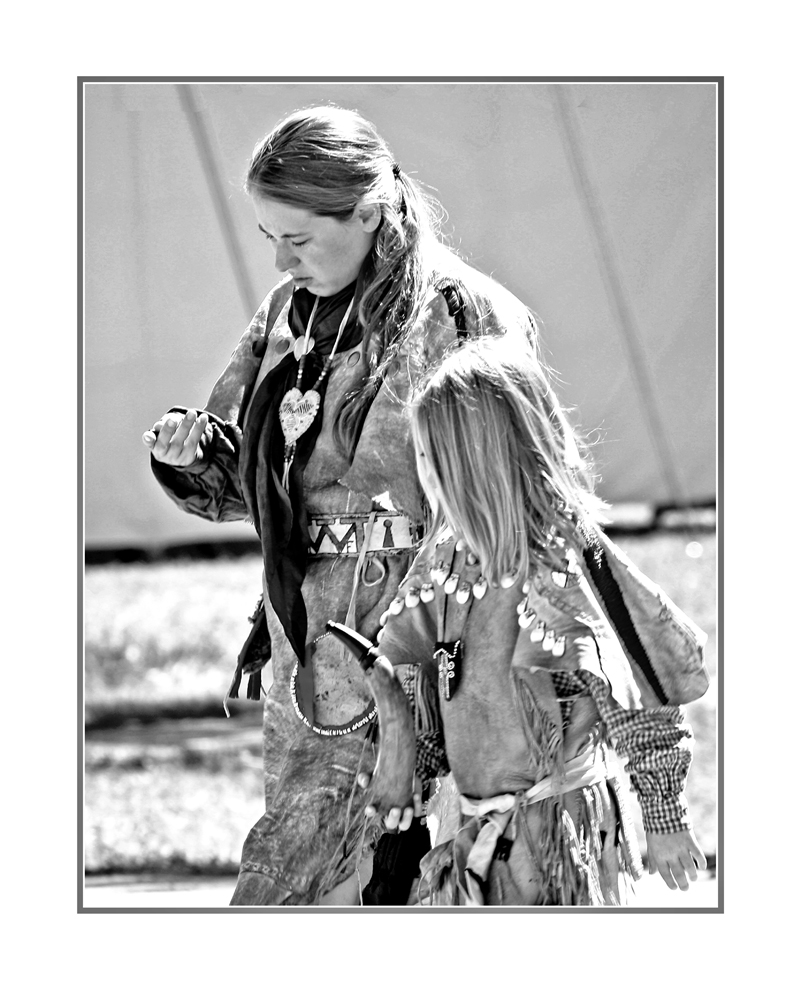
If you desire more impact (contrast, contrast, contrast) then try using the White Eye Dropper in a Levels Layer on the white neck band of the "mother goose"..... might want to flatten it first, then make a duplicate copy of the Background Layer so that you can apply the Opacity Slider to the duplicate layer after the White eyedropper treatment.
Nice story .... |
Jul 17th |
| 55 |
Jul 17 |
Comment |
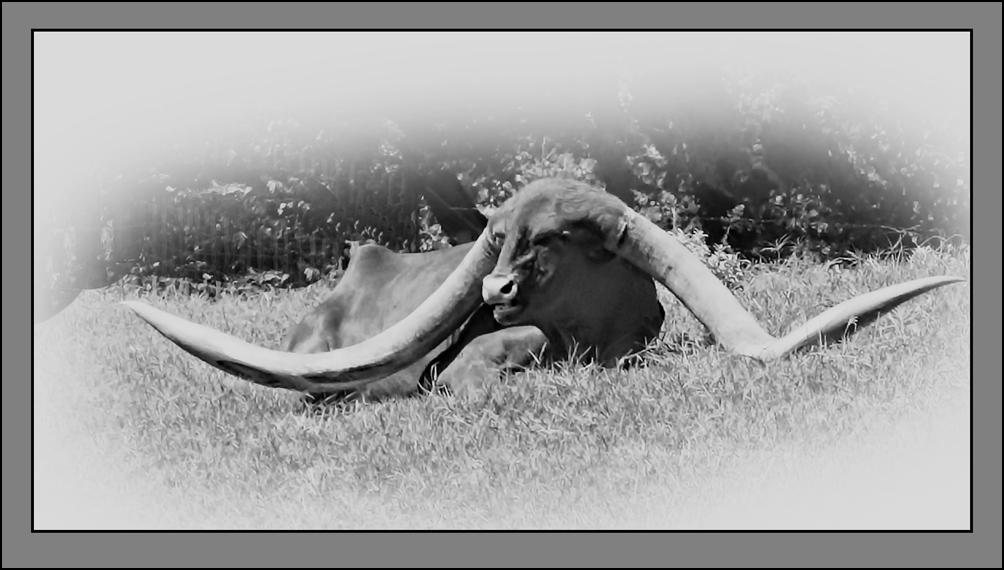
I note that 3 of our Group's 7 images this month are monochrome. Is this how it ought to be in a Color Study Group?
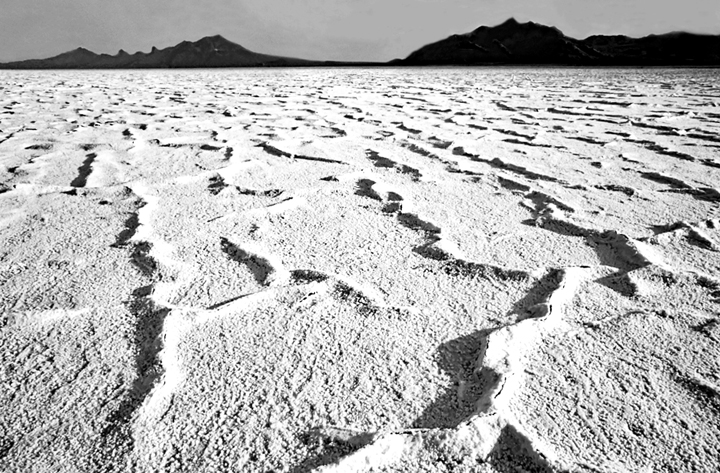
Doubtful if the very bright spots can be "burned" since bright spots indicate "no pixels" and you can't burn "no" pixels. Suggest selecting the bright spots with the magic wand, then in Levels move the lower slide's white slider to the left to define the whitest white. |
Jul 17th |
| 55 |
Jul 17 |
Comment |
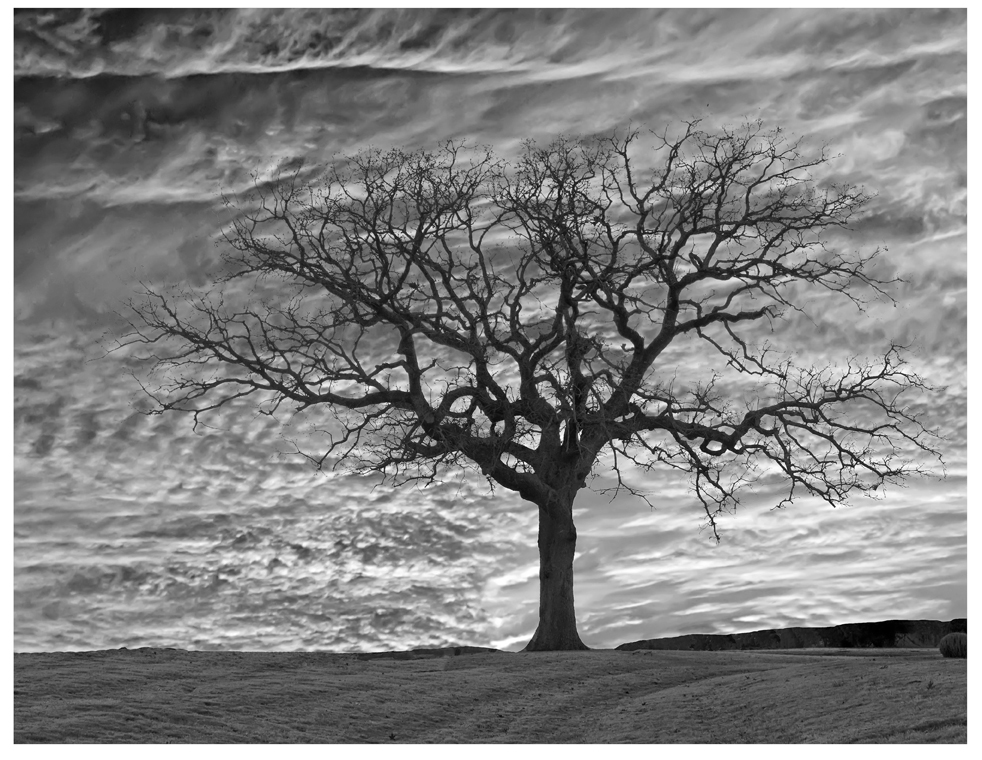
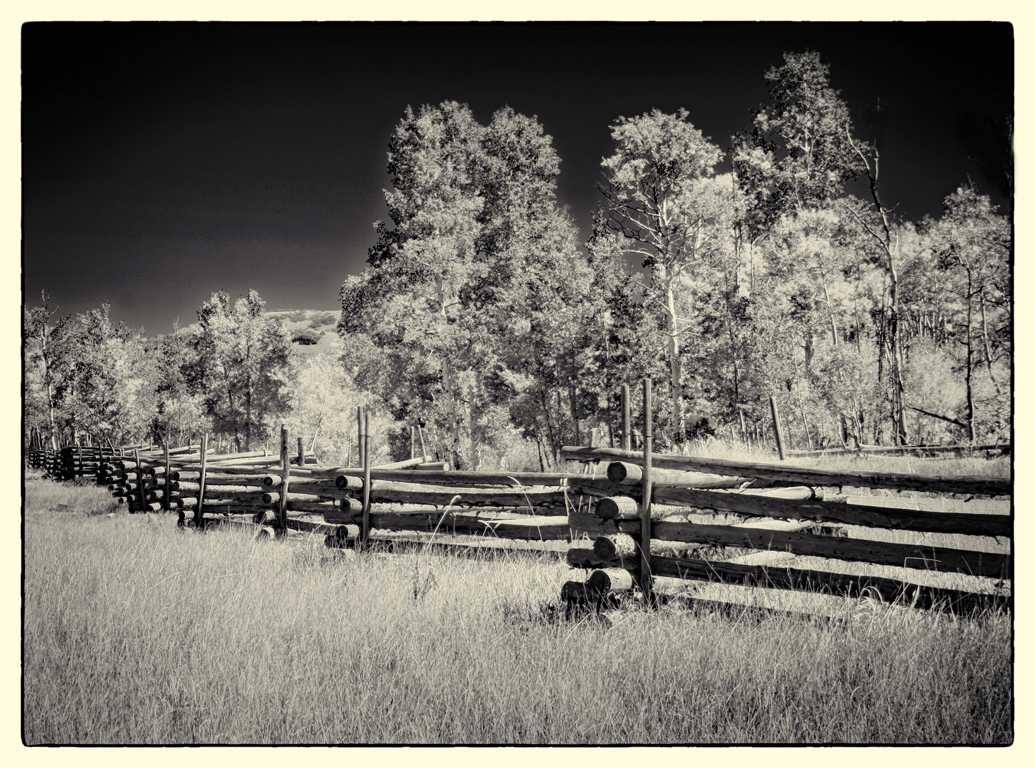
Since it's Infra-Red, I'm not certain what the expected results ought look like. If just BW, I would recommend more emphasis be given to the establishment of the White Point.
I note that 3 of our Group's 7 images this month are monochrome. Is this how it ought to be in a Color Study Group? |
Jul 17th |
| 55 |
Jul 17 |
Comment |
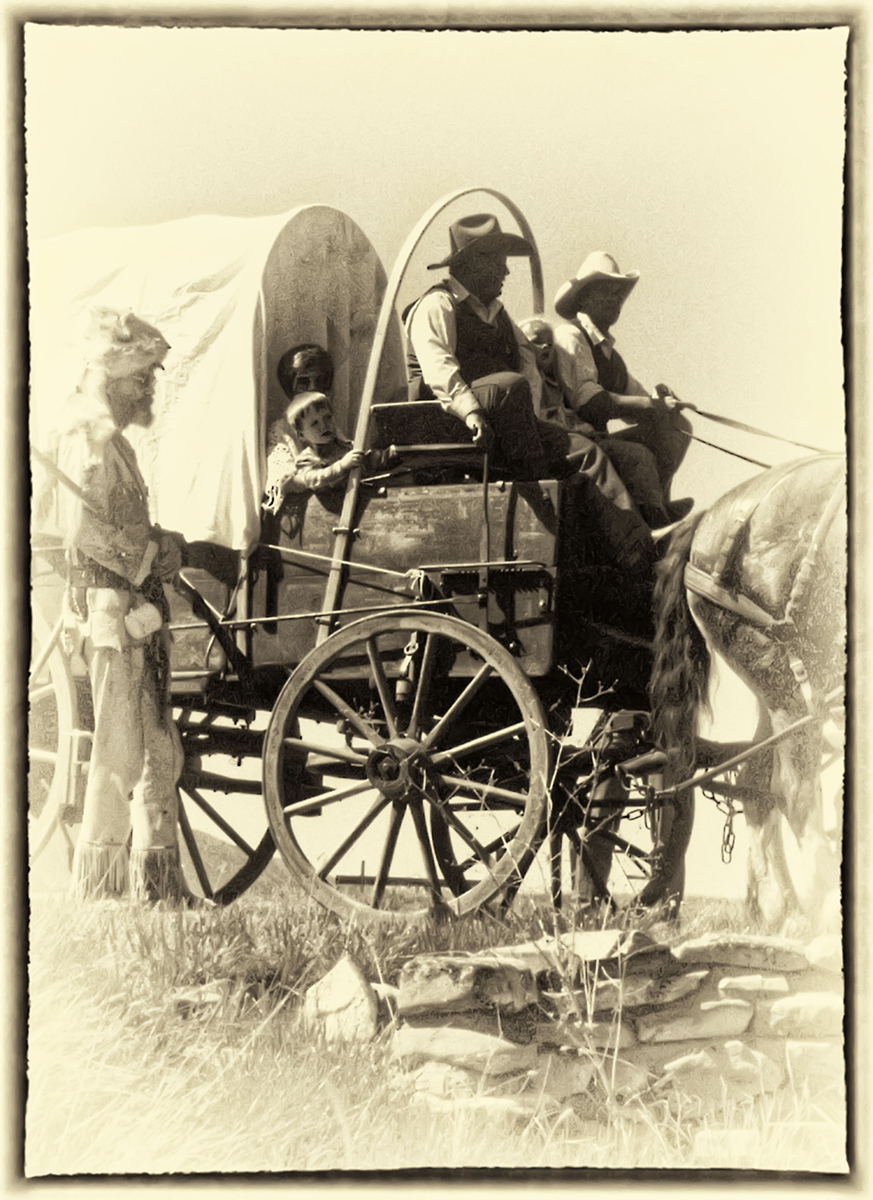
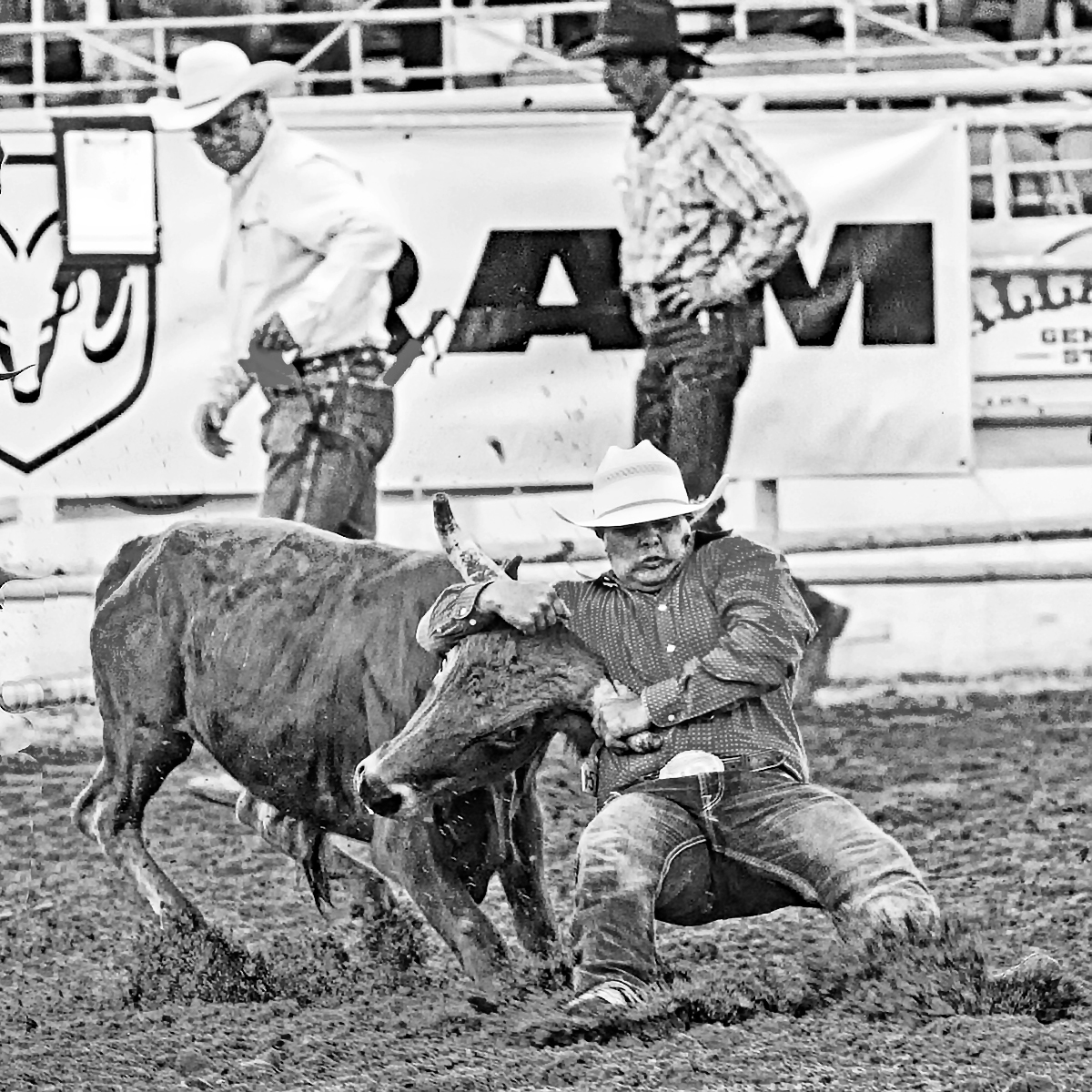
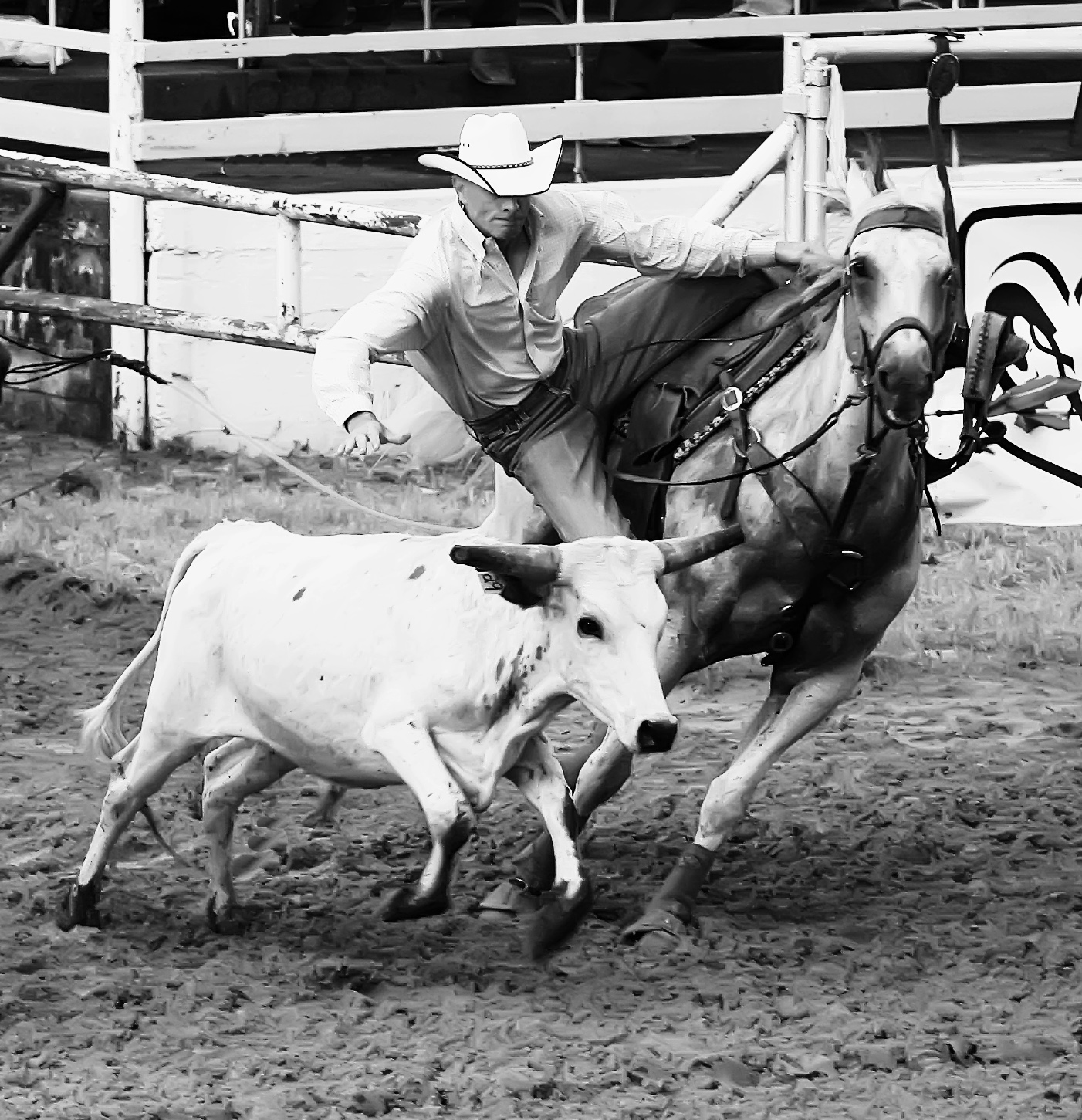
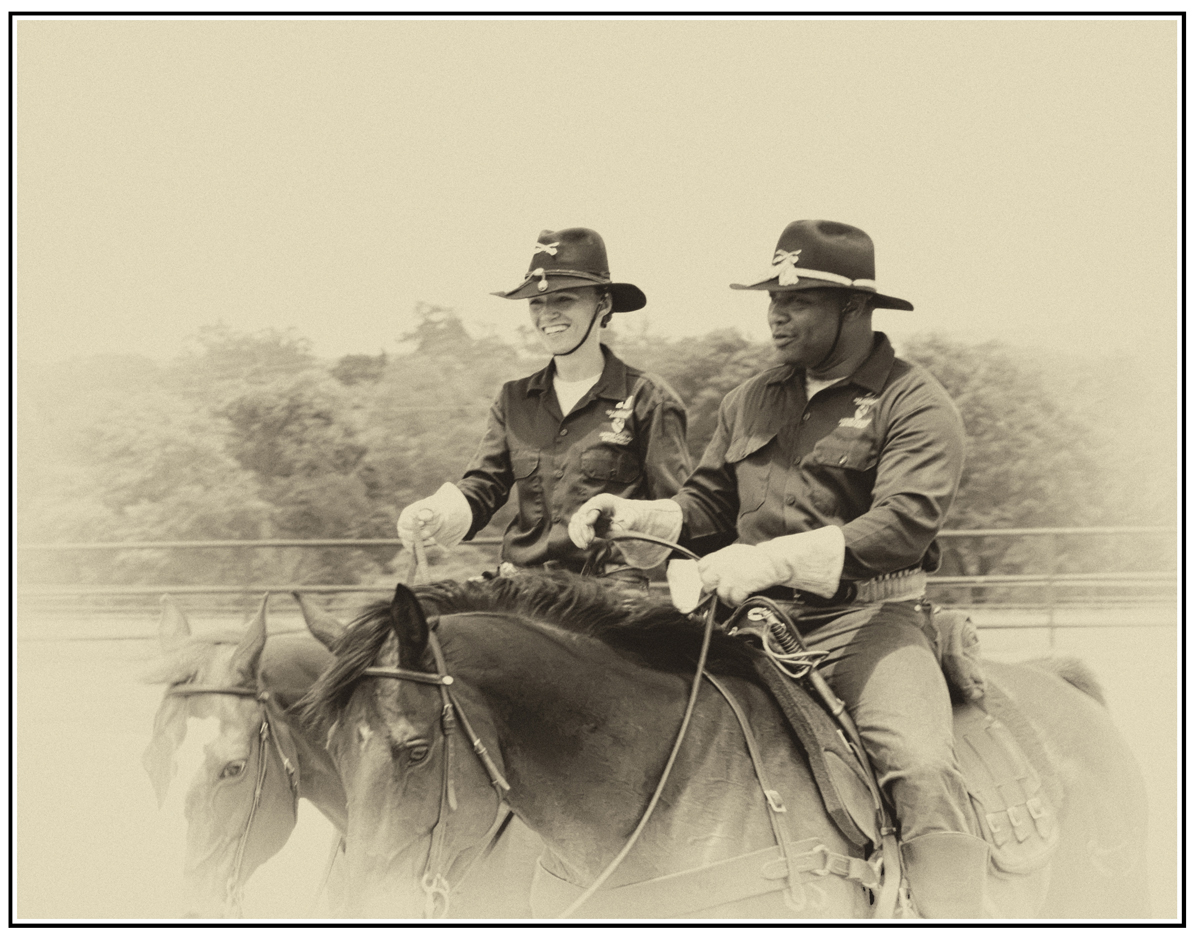
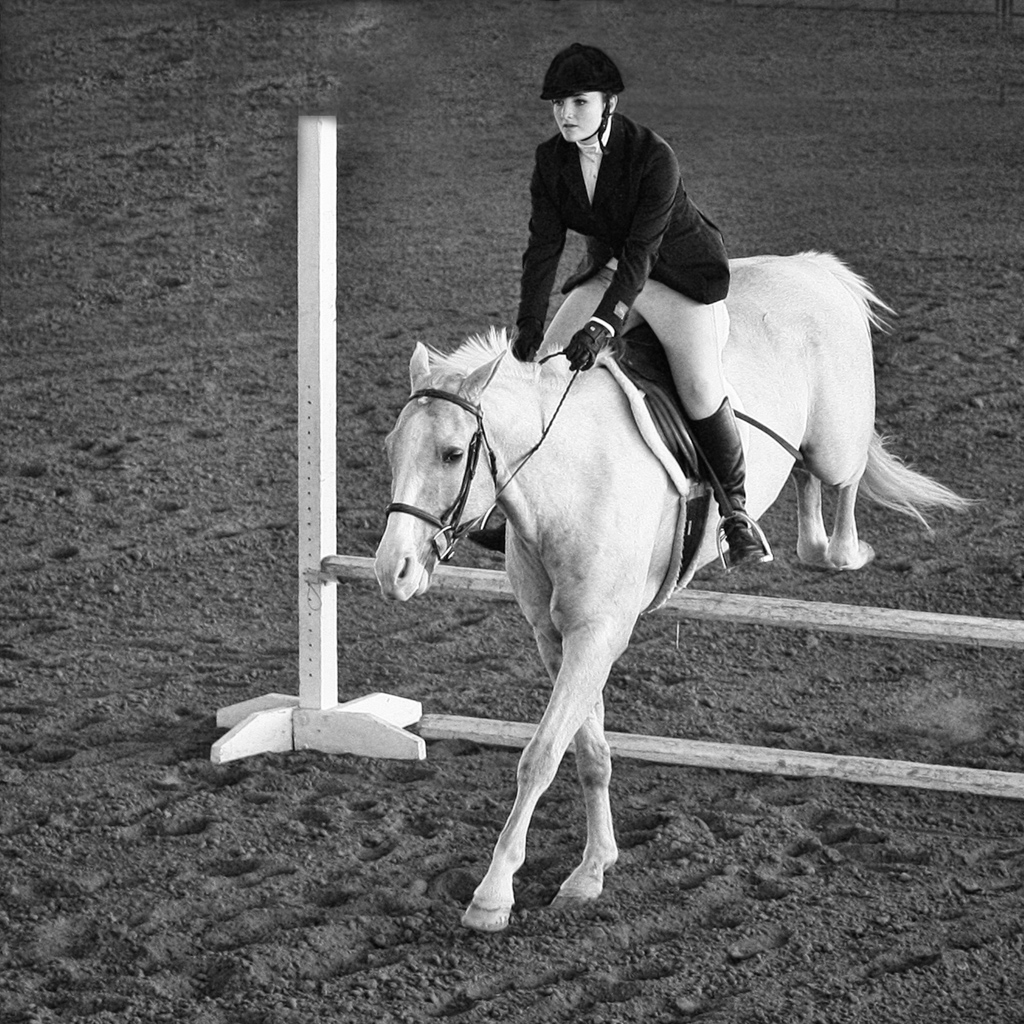
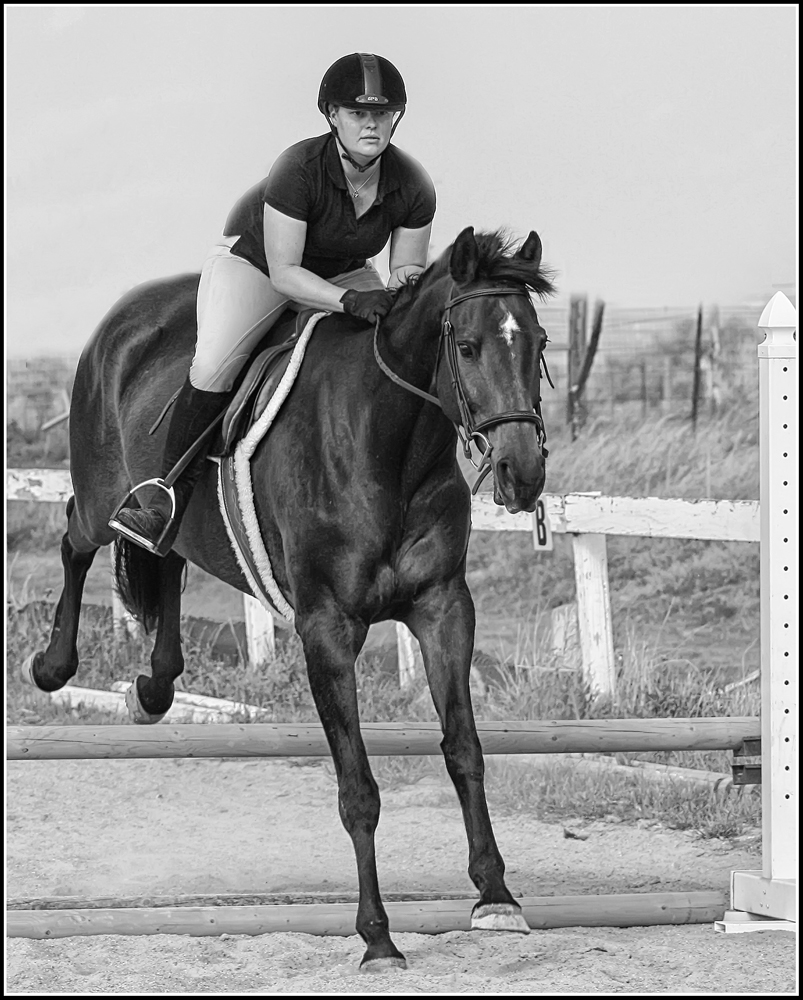
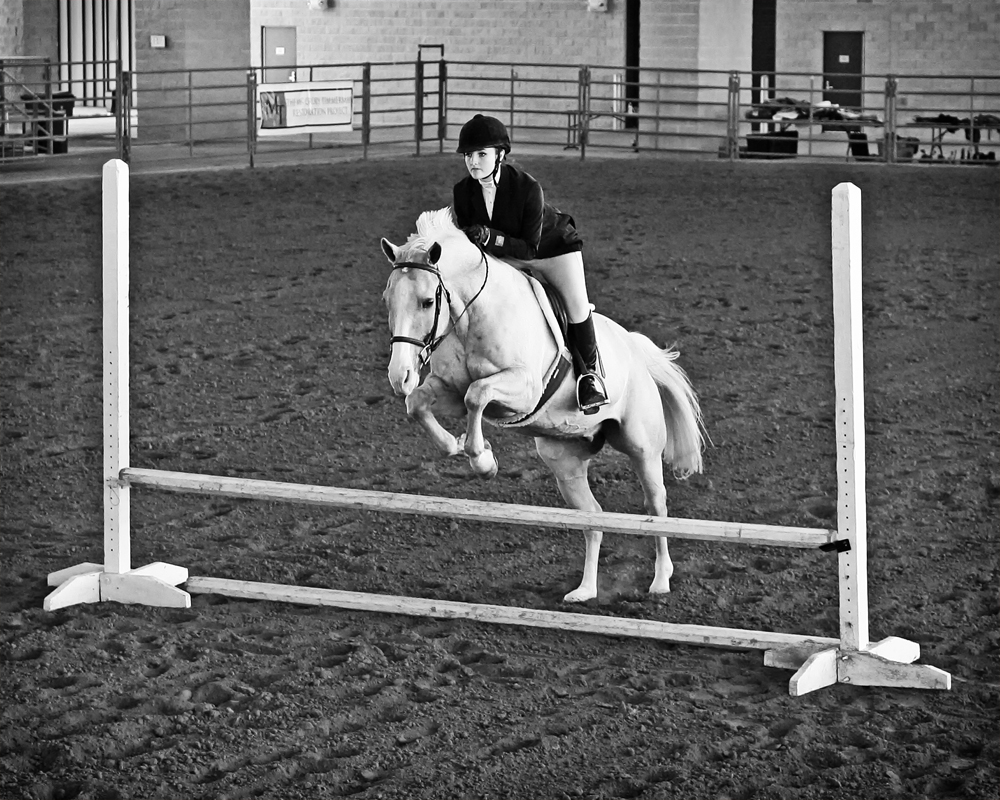
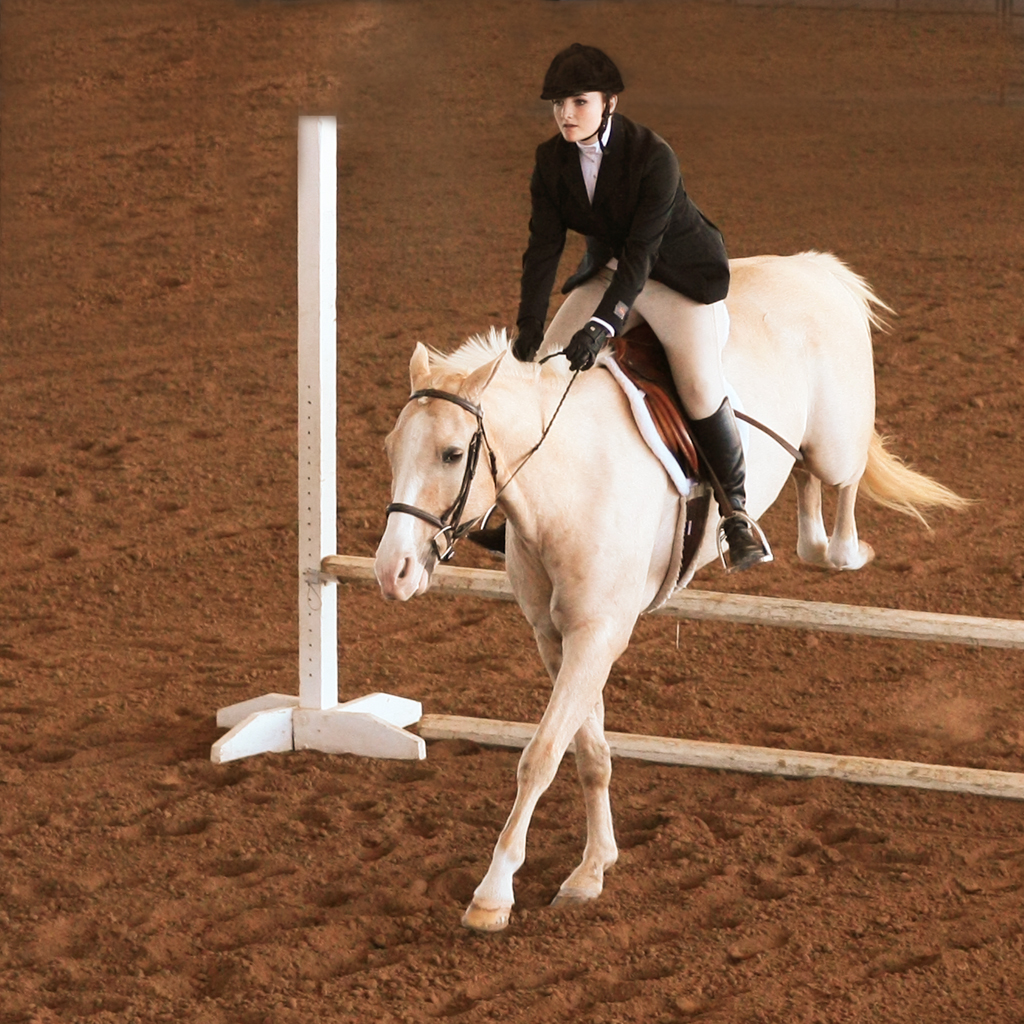
The question regarding the crossed legs is one that is out of the control of me, the photographer. Concentration is on where the horse and rider are and getting the focus right on the moving subject. There is some "tracking" that is involved and that can be a challenge.
Not crossed may indeed provide a better composition, but I have never read or heard how to do that. You're correct when you state that the issue is not easy to capture. Thanks for comments (to both Wolfgang and Marianne).
I mentioned in my earlier post, the one that wasn't cropped so tightly, that focus on the moving subject was with Canon's AI Servo and Back Button focus control. Inches matter in a shot like this, and AI Servo can provide it. Nikon and others have it as well, but the terminology is different. It's well worth Googling to learn it, and adding it to your technique. |
Jul 7th |
7 comments - 3 replies for Group 55
|
14 comments - 4 replies Total
|