|
| Group |
Round |
C/R |
Comment |
Date |
Image |
| 96 |
Aug 25 |
Reply |
Hello Pinaki,
Thanks for your comments.
There is always a balance between reality and and simplification of a scene.
Many of the previous comments support your suggestions.
Bet Regards, Rick |
Aug 15th |
| 96 |
Aug 25 |
Reply |
Hello Robert,
Thank for your thoughtful comments.
It is so interesting to see how photographers interpret individual images of others.
Arguably, every comment is welcome.
My Zoom presentation to Camera and Photo Clubs on the subject of Creativity, emphasizes the importance of finding one's vision. A key to that effort is to be the sole judge of your personal work and to avoid being "homogenized" by other opinions. Having said that, I very much appreciate your input along with the thoughts of others.
Best, Rick |
Aug 14th |
| 96 |
Aug 25 |
Reply |
Hi Bruce,
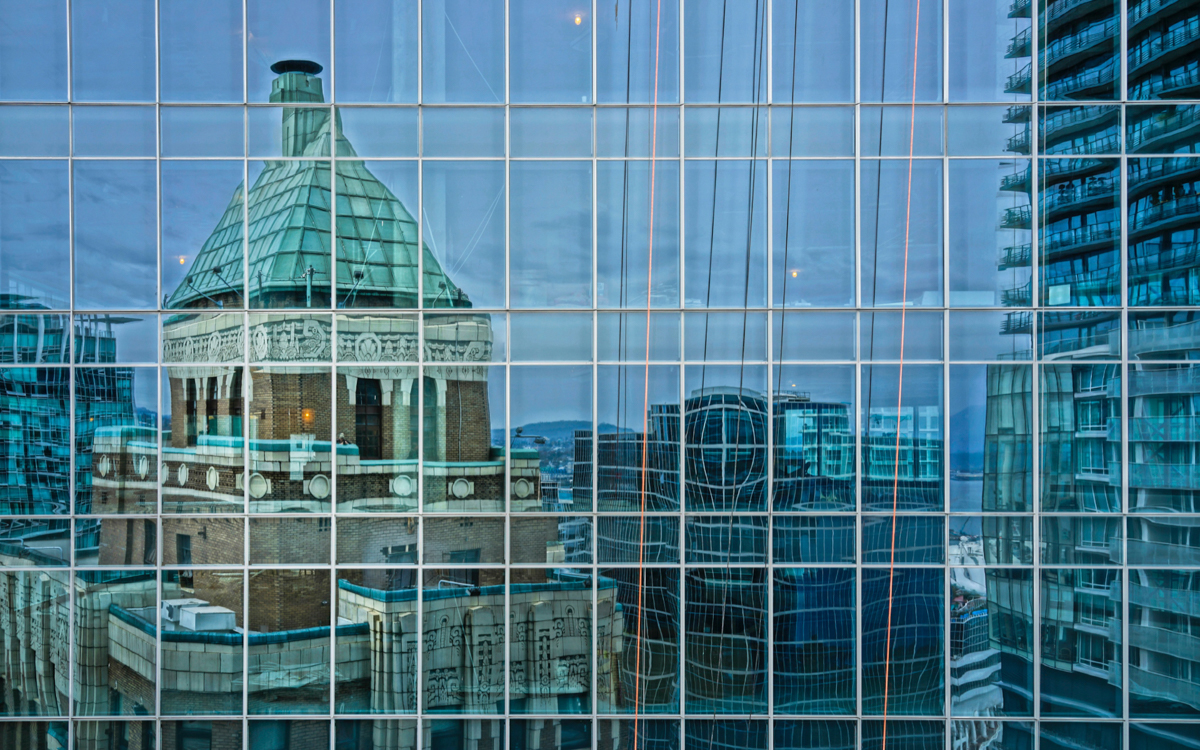
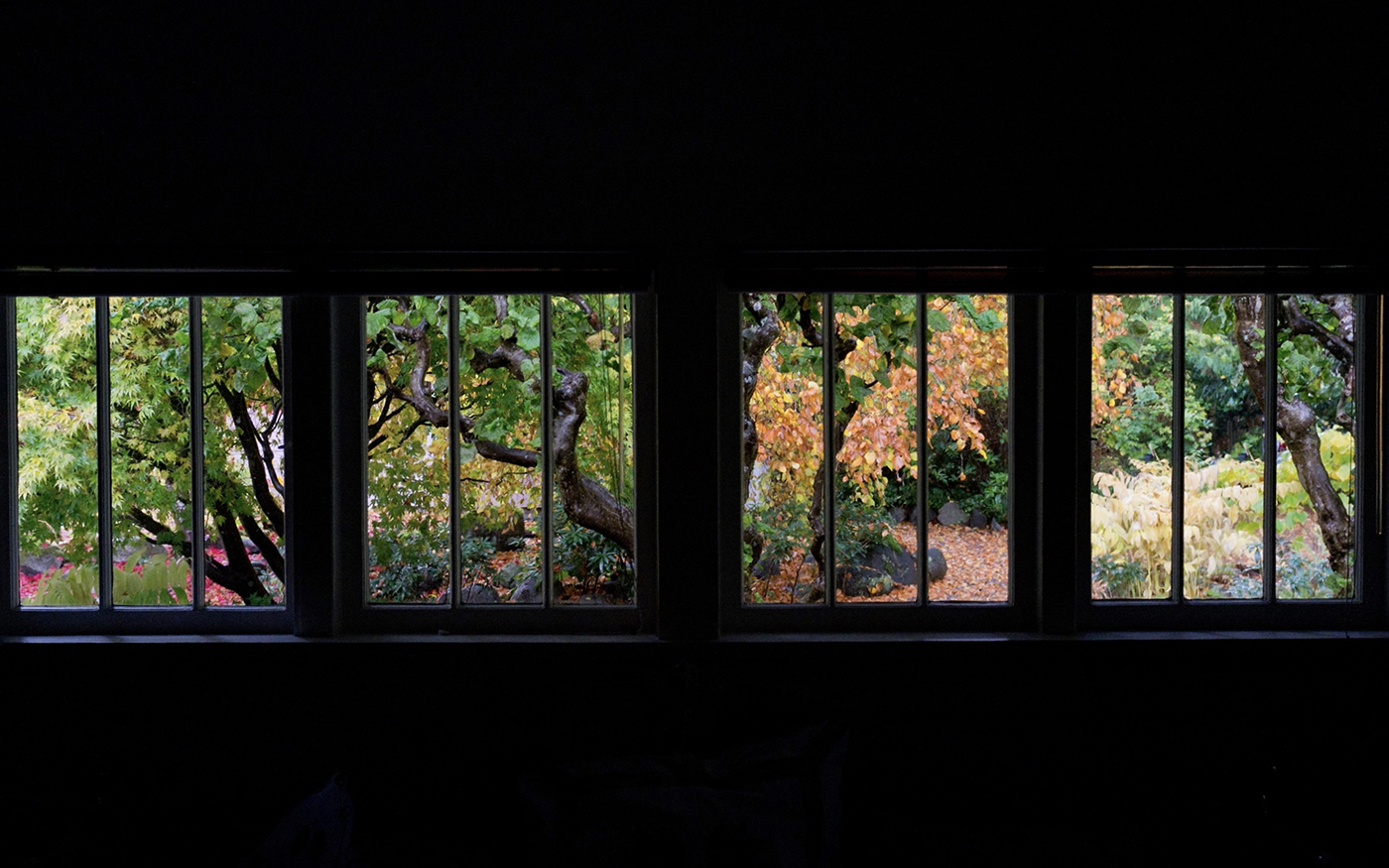
I appreciate your take on my image. My efforts in photography focus on the search and discovery of the isolation of reality as I witnessed it.
The urban environment is truly chaotic and my image viewing a reflected urban building facade attempts to celebrate that chaos.
Best Regards, Rick |
Aug 14th |
| 96 |
Aug 25 |
Reply |
Hi Ken,
Thanks for your input. You are not the only one to comment on the red wires.
You all have raised an interesting question about "realism" and believability in Photography.
Chers, Rick |
Aug 14th |
| 96 |
Aug 25 |
Reply |
Hi Jim,
I appreciate your comments.
I agree with eliminating the 3 lightbulbs.
. . . while I was recalling the original scene, warming up the colour balance globally or selectively is a good idea. THANKS! |
Aug 3rd |
| 96 |
Aug 25 |
Comment |
Hi Bruce,
Well Done!
Other than potentially cropping off 25% of the right edge of the scene, I can't think of what to recommend to improve your photograph.
I really like your image as is. |
Aug 2nd |
| 96 |
Aug 25 |
Comment |
Hi Kenneth,
I am not familiar with "Elements" software, but I have four thoughts to consider responding to your photograph.
1. Does your software allow you to isolate or mask the road at the bottom of your image? If so, you can play with the tone of the road selectively.
2. Are you able to create a vignette at the bottom of your image?
3. You might consider removing the treetops at the base of your image.
4. To help a viewer focus on the pedestrian, you could consider darkening the white building face and car in the upper right portion of your image.
My above comments reflect my personal thoughts. You as the artist get to decide what you would prefer or not prefer. |
Aug 2nd |
| 96 |
Aug 25 |
Comment |
Hi Viren,
I love symmetry, so at first look, I very much appreciate your intent.
It appears to me that your intent was to portray perfect symmetry. To achieve that end, you would have to crop a touch off of the left side of your scene along with some overall geometric transformations.
Another option would be to mirror the right side (or the left side).
I call that a "symmetricfication".
Finally, it would be better if the very top of the overhead circular element had a bit of "breathing room" with a touch of sky above. That could be accomplished with Generative Expand in Photoshop. I am assuming that if you are a "Pen Tool" user, you will have access to various tools to achieve that end. |
Aug 2nd |
| 96 |
Aug 25 |
Comment |
Hi Robert,
Responding to your desired responses . . .
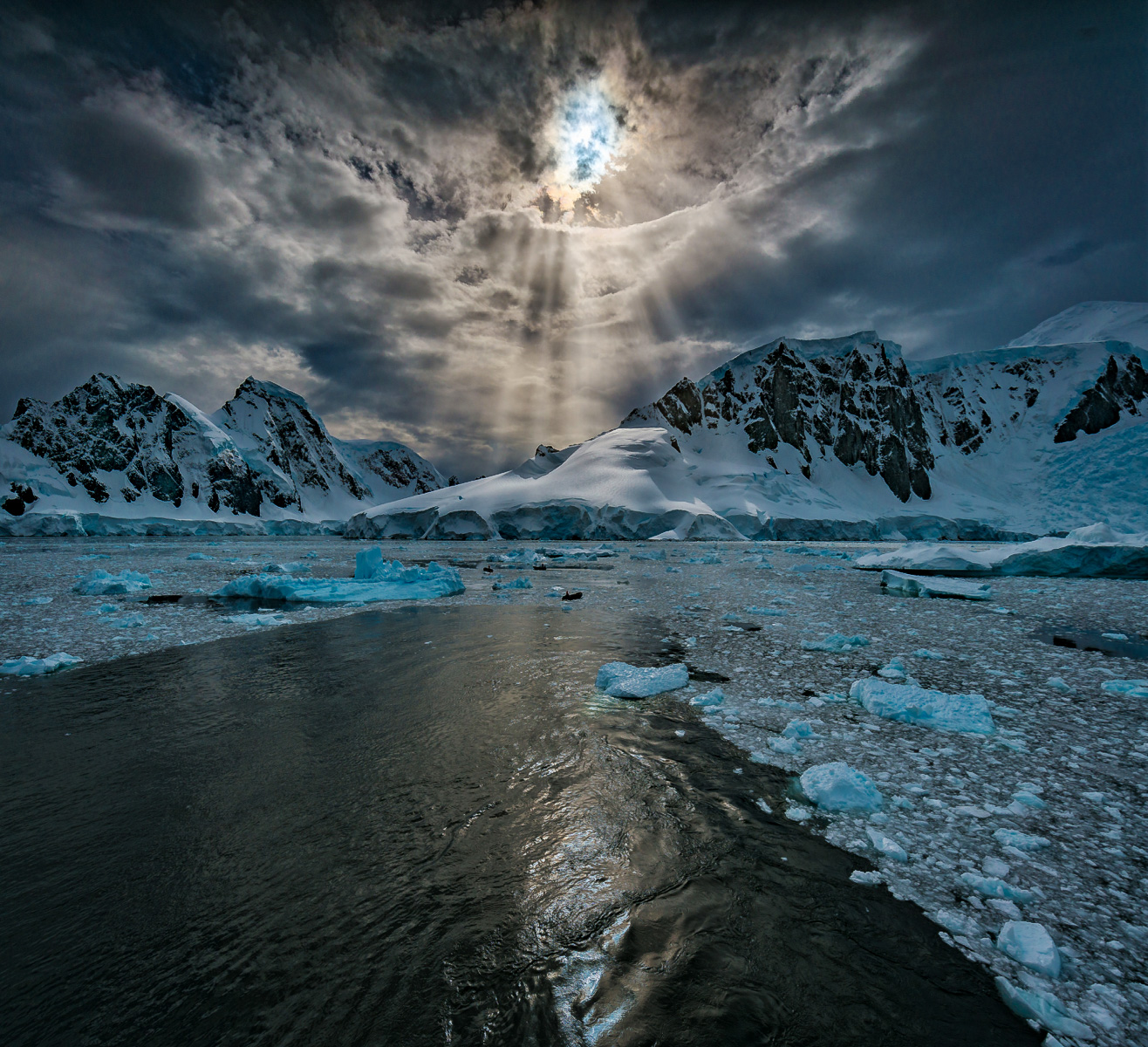
Without my knowing the colour cast you experienced, have you tried either a warmer golden hour or morning blue hour colour cast?
With regard to your concern of too much or too little colour, have you tried B&W . . . actually one or two "zones" short of Black and White?
As it currently stands, the distant mountain on the upper right of your image is quite intense in relation to the other land forms and hence, does not reflect "infinity". Of course that is only my personal opinion.
|
Aug 2nd |
| 96 |
Aug 25 |
Comment |
Hi Jim,
You have submitted a compelling image!
My only personal suggestion is to consider reducing or eliminating the "close to pure" black in the lower left hand corner and the black rock midway up the right side of your image. Conflicting with my suggestion is that I would not want to crop your photograph. One option would be to use Photoshop's Content Aware Fill tool.
Another option would be to use Generative AI, and in each case, see what happens.
|
Aug 2nd |
| 96 |
Aug 25 |
Comment |
Hello Pinaki,
I am not familiar with the flexible use of a lens baby.
My understanding is that you can adjust the blur level around the entire perimeter of the image. Your chosen blur is essentially masking the foreground Teepee with reduced blur on the right side of your image. If you are happy with your image, that is all that counts. I believe that most photographers use the Lensbaby when focusing on a flower or human face or other singular object centrally located in the scene.
|
Aug 2nd |
6 comments - 5 replies for Group 96
|
6 comments - 5 replies Total
|