|
| Group |
Round |
C/R |
Comment |
Date |
Image |
| 10 |
Sep 23 |
Comment |
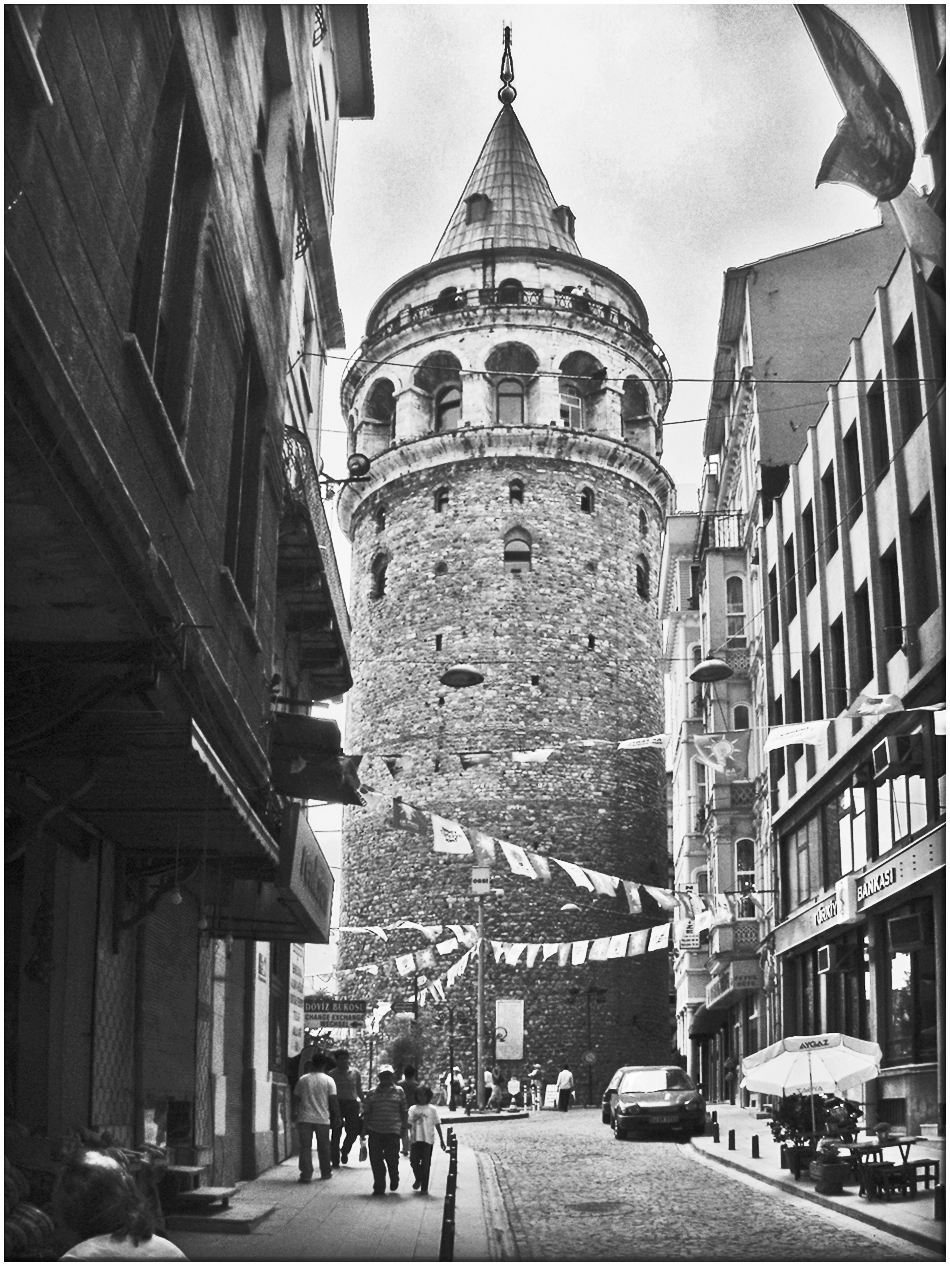
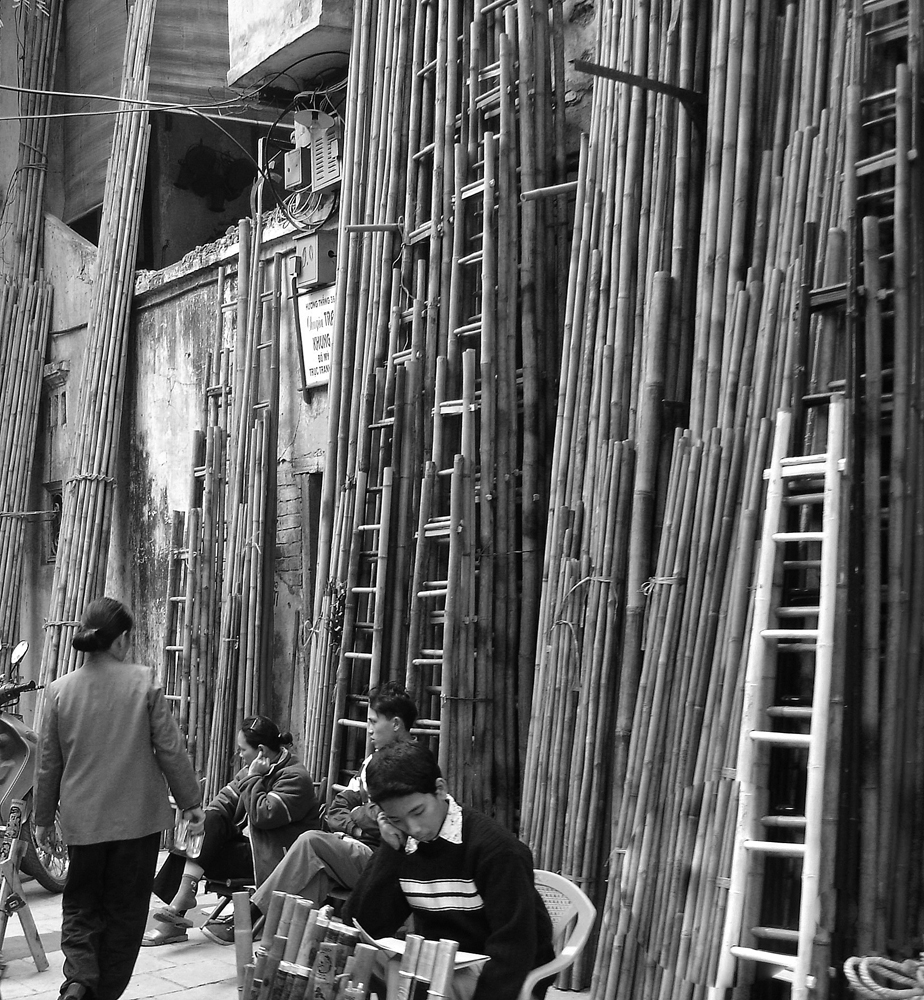
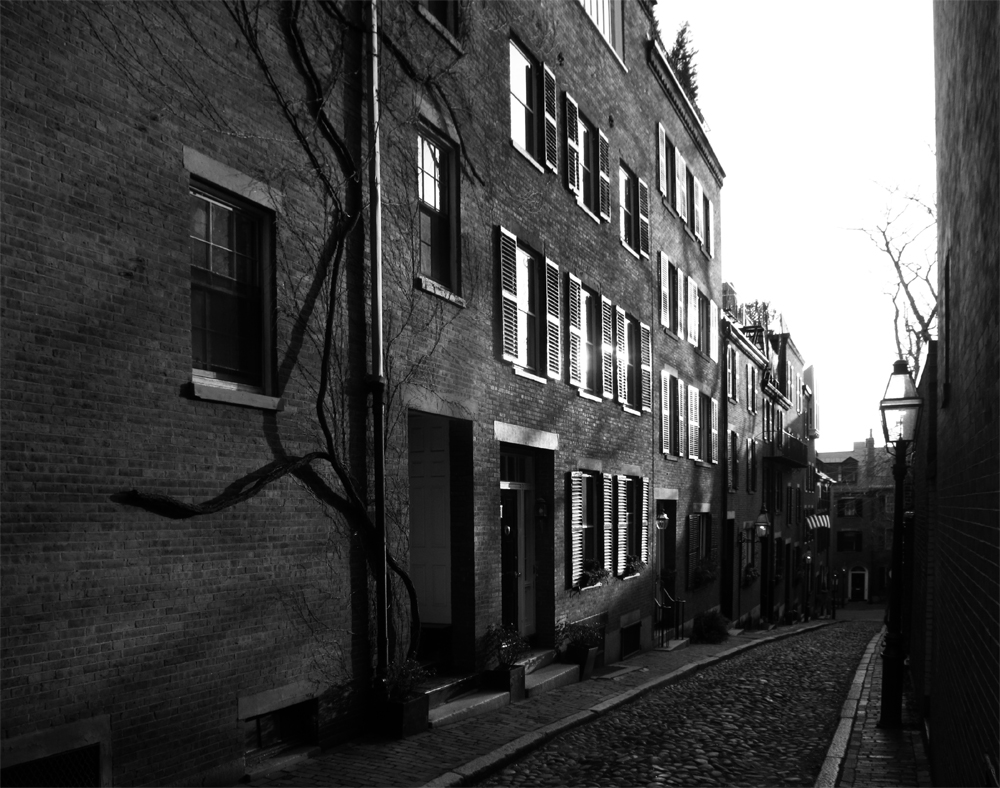
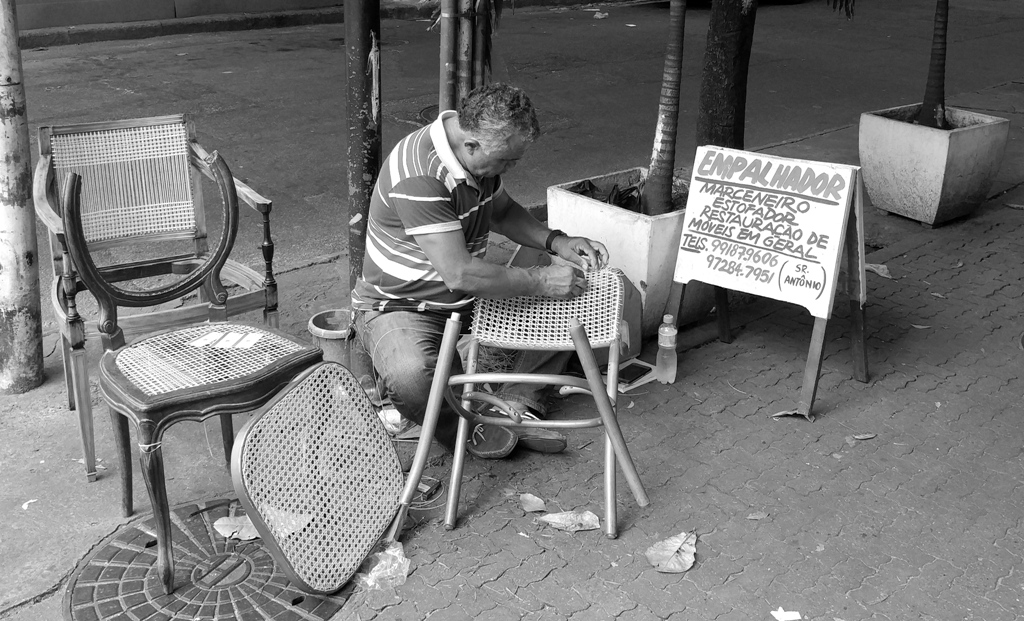
This is a charming street scene, with all of life showing in it.
Since you tilted the camera upwards and looked down the street, the extreme natural (and correct) perspective is shown. I normally prefer to leave that alone because the vertical perspective shows that buildings sore upwards, and the horizontal perspective shows the receding lines of the street.
But in this case, I think a partial alteration with "skew" makes for a better presentation. What do you think? |
Sep 2nd |
 |
1 comment - 0 replies for Group 10
|
| 30 |
Sep 23 |
Comment |
The man's right hand fingers are bright red. It's a little disturbing, at least. |
Sep 19th |
1 comment - 0 replies for Group 30
|
| 32 |
Sep 23 |
Reply |
Yes, that looks very good. You went all in to get close to the subject, and it looks great. Thanks. |
Sep 26th |
| 32 |
Sep 23 |
Reply |
Thanks for the recommendation. How much does it cost, and from where does one download it? |
Sep 14th |
| 32 |
Sep 23 |
Comment |
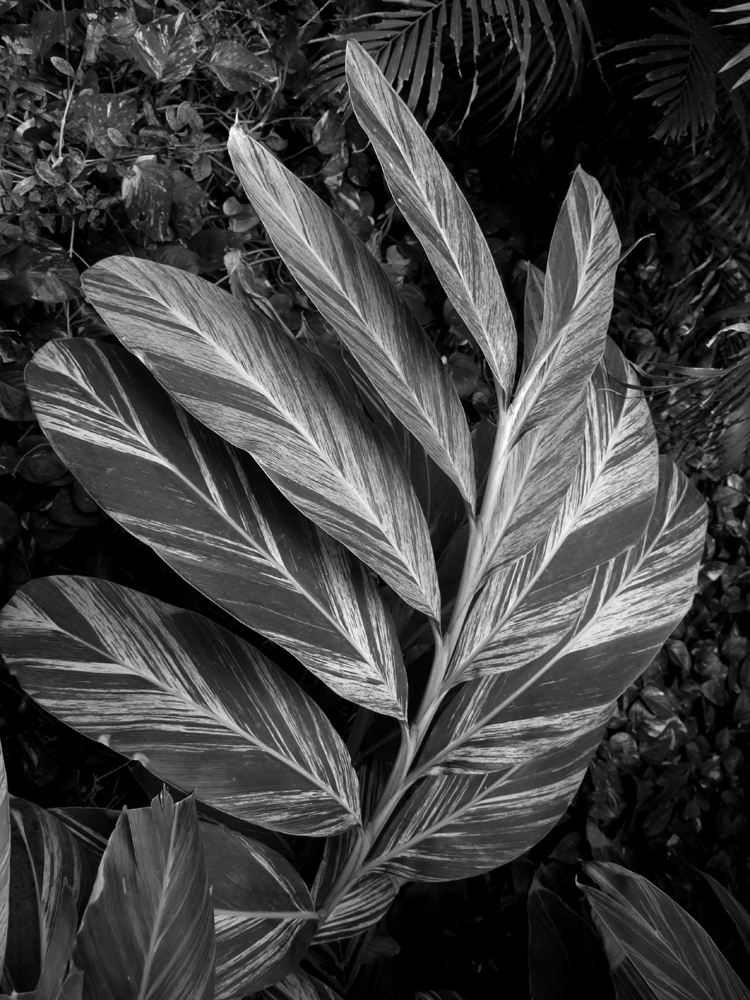
Thanks everyone. I tried to fix this up per all of your suggestions. I darkened one flower and the stems. I added a bit of vignette. Boy, vignette was hard to find in my PS Elements. It was hidden in the "lens correction" function. |
Sep 11th |
 |
| 32 |
Sep 23 |
Reply |
I like very much the human stories you tell with most of your images. So enriching. |
Sep 11th |
| 32 |
Sep 23 |
Reply |
Thanks, Tom. I looked all over the garden for this lighting situation, and was lucky to find it. It took me five minutes of walking around this bunch of flowers to position myself for this shot. |
Sep 11th |
| 32 |
Sep 23 |
Reply |
Oh, good idea, to try a slight vignette. |
Sep 11th |
| 32 |
Sep 23 |
Reply |
Good ideas about darkening the stems and one flower. Thanks. |
Sep 11th |
| 32 |
Sep 23 |
Comment |
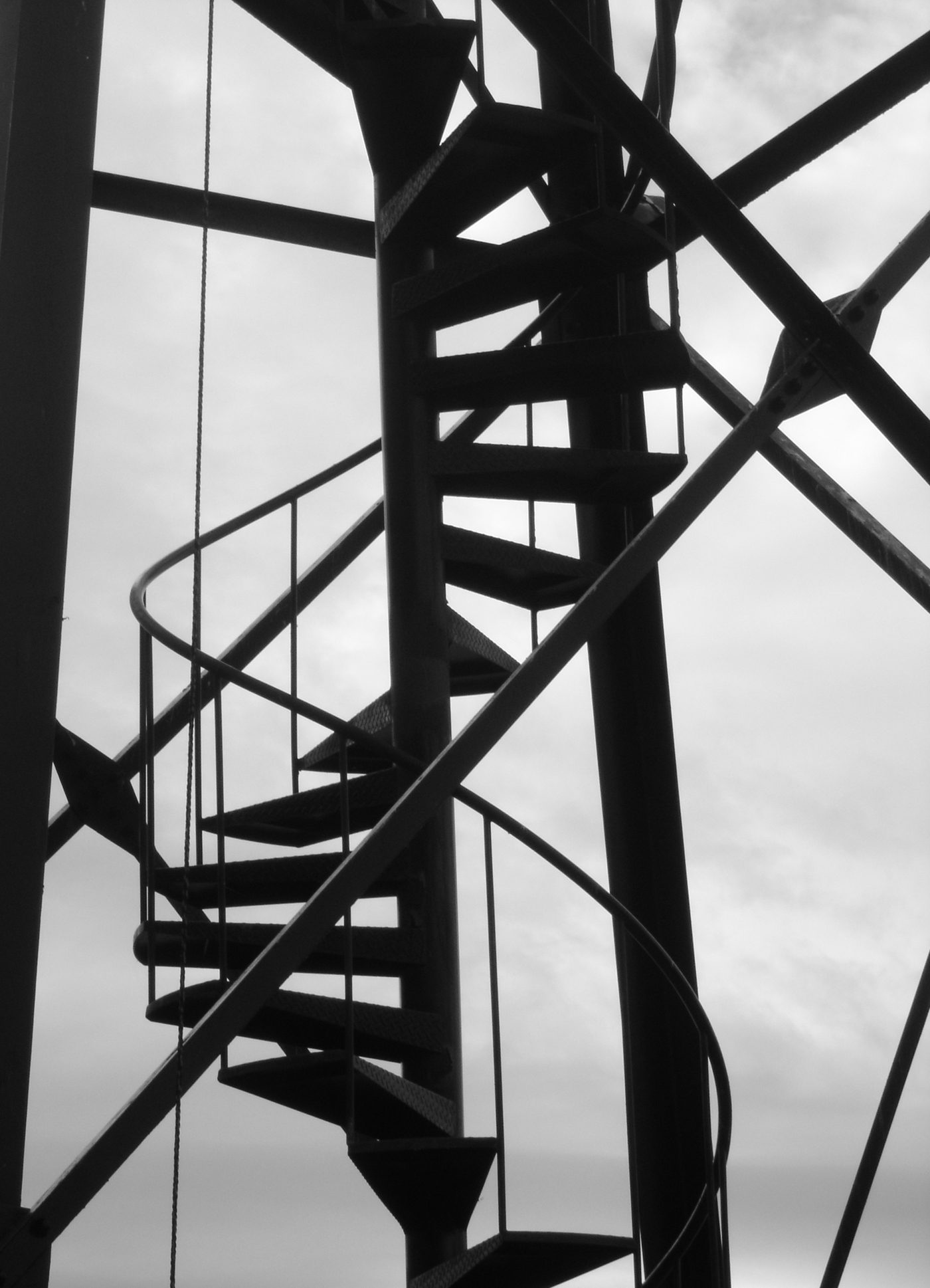
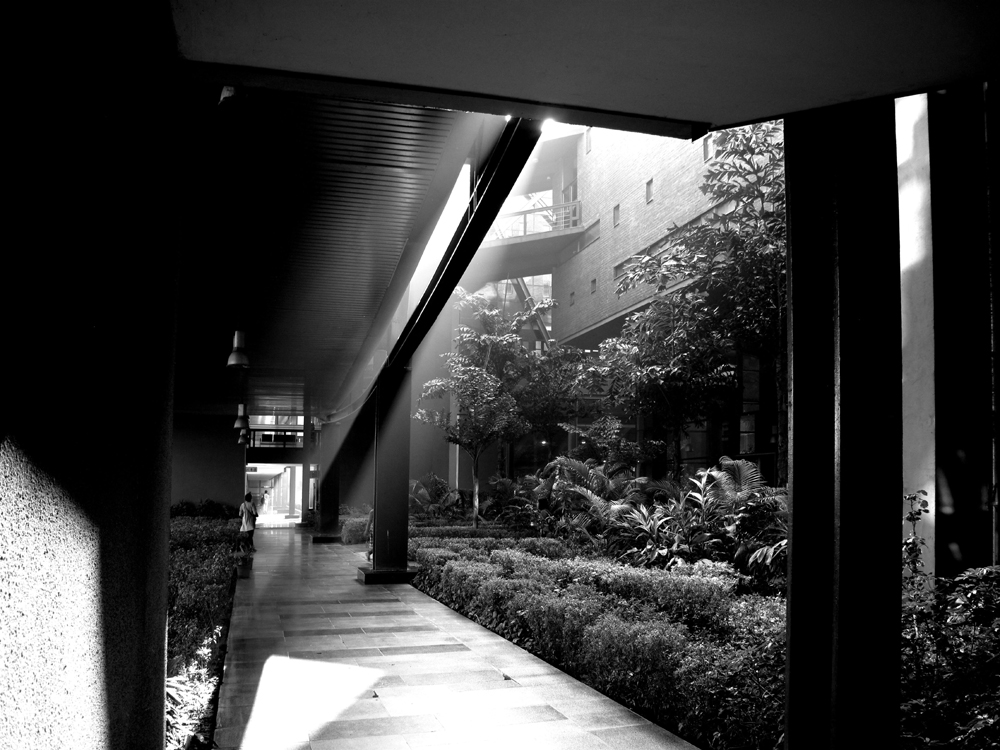
A sure winner. Diagonal shadows on rectilinear surfaces.
I like the original, or Tom's flip, showing both the stairs and the sky. |
Sep 10th |
| 32 |
Sep 23 |
Reply |
Thank you.
"Added a stroke" is jargon for putting the border around the image to separate it from the black background of these Digital Dialogue pages. I have often been reminded by members of this group to remember to do it with my images, as I like images with a great deal of black in them. In my Photoshop Elements version, I used Select All, Edit Stroke, and just fill out the selection box for the parameters of the border you want: color, thickness, and other parameters. |
Sep 10th |
| 32 |
Sep 23 |
Comment |
Som,
I quite liked your Tiger shot recently, and although I like this shot for many of the same reasons, I am not sure about the blurring of the distance. I understand it was you deliberate approach. I think this is strictly a case of personal preference. If I were taking this, I would have shot with greater depth of field solely because the antelope is looking into that very distance. |
Sep 8th |
| 32 |
Sep 23 |
Reply |
Thank you, Wes. I tried to plan the late afternoon light from the right, as well as the blurred background in camera, but you make a good point that the bright lines of the stems all point to the blossoms. I did not plan the last, but now that you pointed it out, I will try to keep it in mind for the future. |
Sep 3rd |
| 32 |
Sep 23 |
Reply |
Yes, I see that now. You are right to tend towards more contrast. Here it is again, with a bit of sharpening. ? |
Sep 3rd |
 |
| 32 |
Sep 23 |
Comment |
This is great subject matter. I continue to love the way you and Tom take us on tours around the buildings of the country that I have never seen.
Of course, the original color is great with all its warm tones, but I find the monochrome having a bit too much contrast. How does this look? Maybe I made it too soft? |
Sep 3rd |
 |
| 32 |
Sep 23 |
Comment |
Hi Tom,
Yes, good subject. I have a question about separating the rotting boat from the greenery. Which way do you want to go? Your current image has much the same tones for boat and greenery, so they are blended in texture. I tired a different conversion to monochrome ("Newspaper" of all things) to try for some separation. What do you think, and which approach do you intend or prefer? |
Sep 3rd |
 |
| 32 |
Sep 23 |
Comment |
This is interesting, going back to the 60s. I don't recall this style over here, but I never followed fashion, then or now. One of our grand-daughters has been writing us letters asking us to tell her stories of the 50s, 60s, and 70s. Who would have thought that would ever seem like a long time ago to some people?
About the lighting, I don't know anything about light boxes, but I think I would have preferred greater difference between the light from the two sides, because I don't see anything but a trace of shadow on the model's right side face. |
Sep 3rd |
6 comments - 9 replies for Group 32
|
| 40 |
Sep 23 |
Comment |
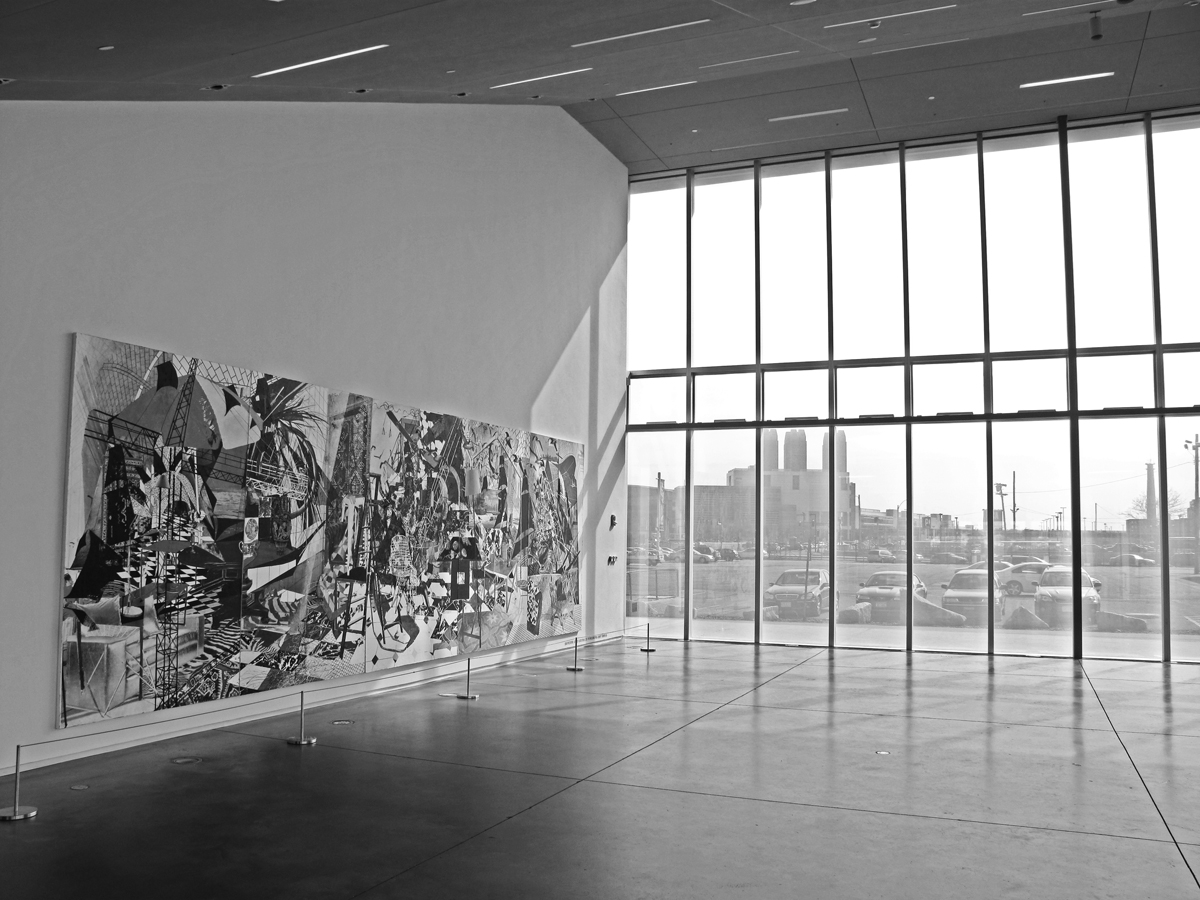
I have a feeling you composed this very carefully to expand on the title Discussion. I feel that the two wood sculptures are in a discussion, and that the man in the painting on the far left is having a discussion with the sculpture of the woman in the case on the right. Am I overinterpreting or did you compose this? |
Sep 5th |
1 comment - 0 replies for Group 40
|
| 50 |
Sep 23 |
Reply |
Haha. My comment was for your shot last month. I don't know how I messed up posting it for this month. |
Sep 19th |
| 50 |
Sep 23 |
Reply |
Sorry, either I or the system misplaced my comment on the shot I copied. Please ignore my comment. I will try to get it to its proper destination. |
Sep 19th |
| 50 |
Sep 23 |
Comment |
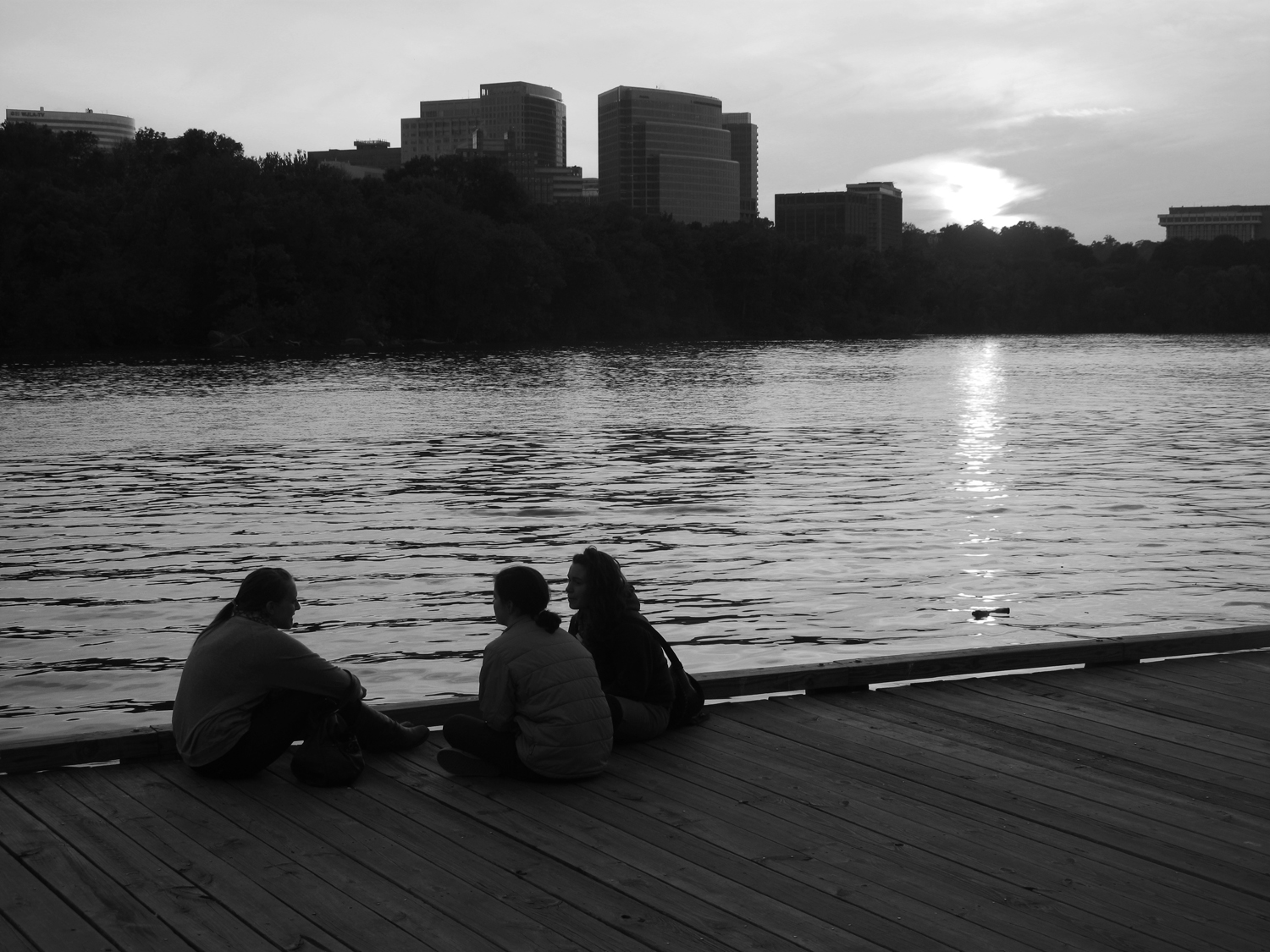
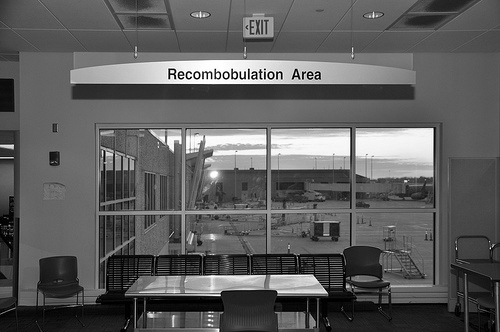
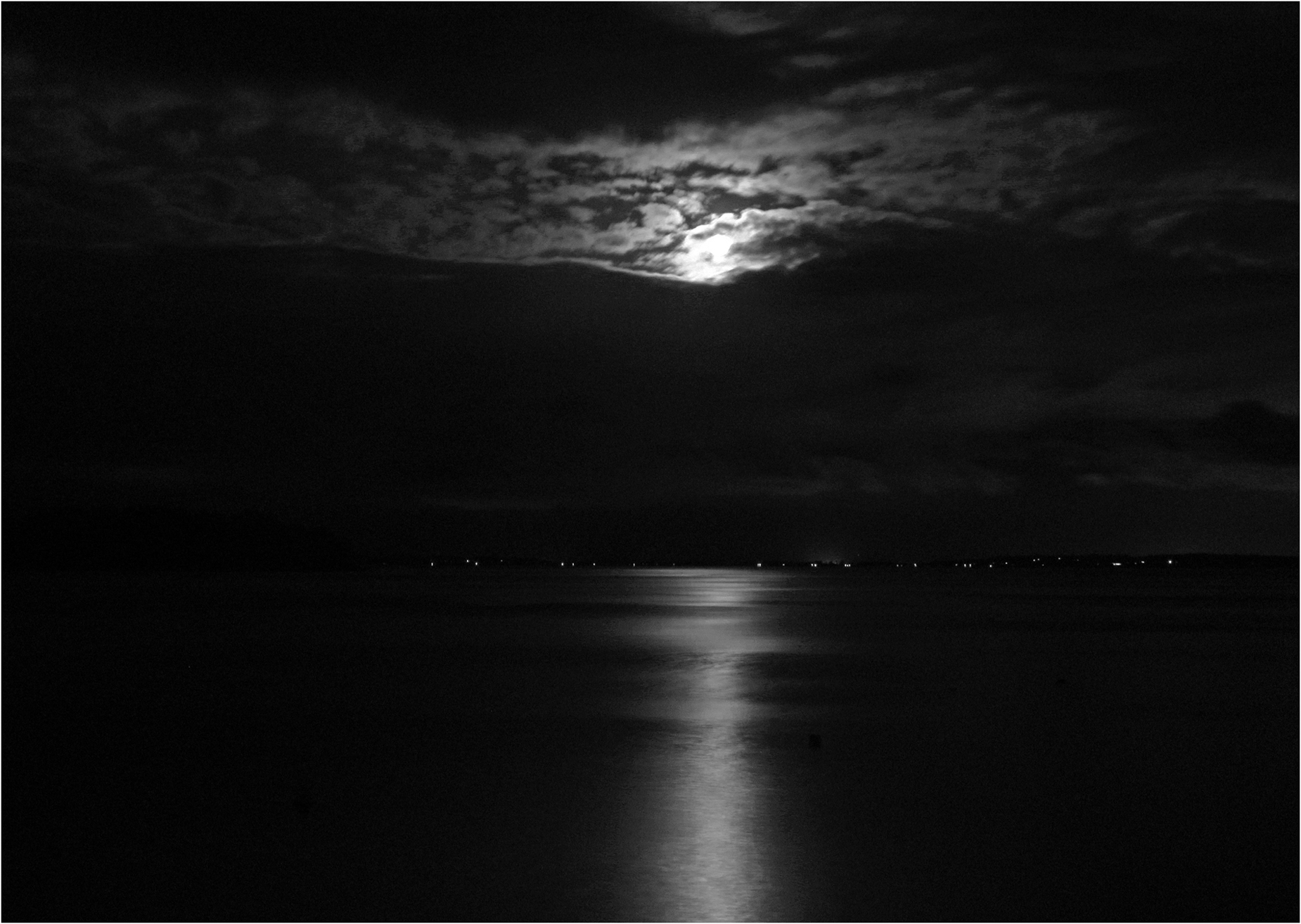
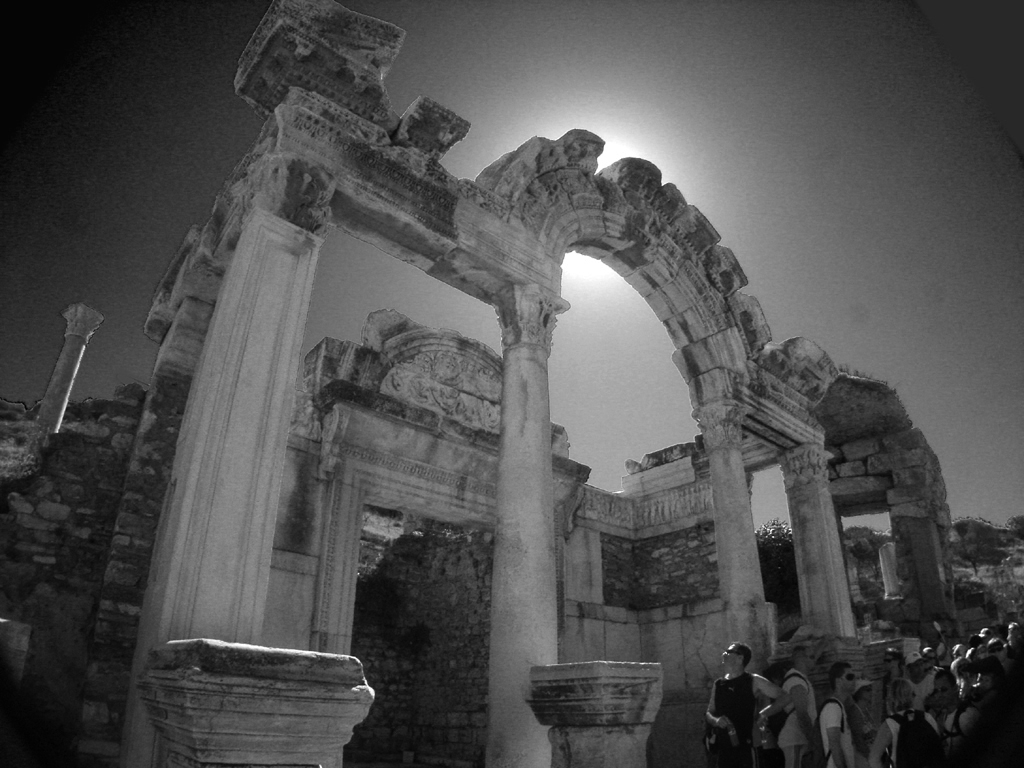
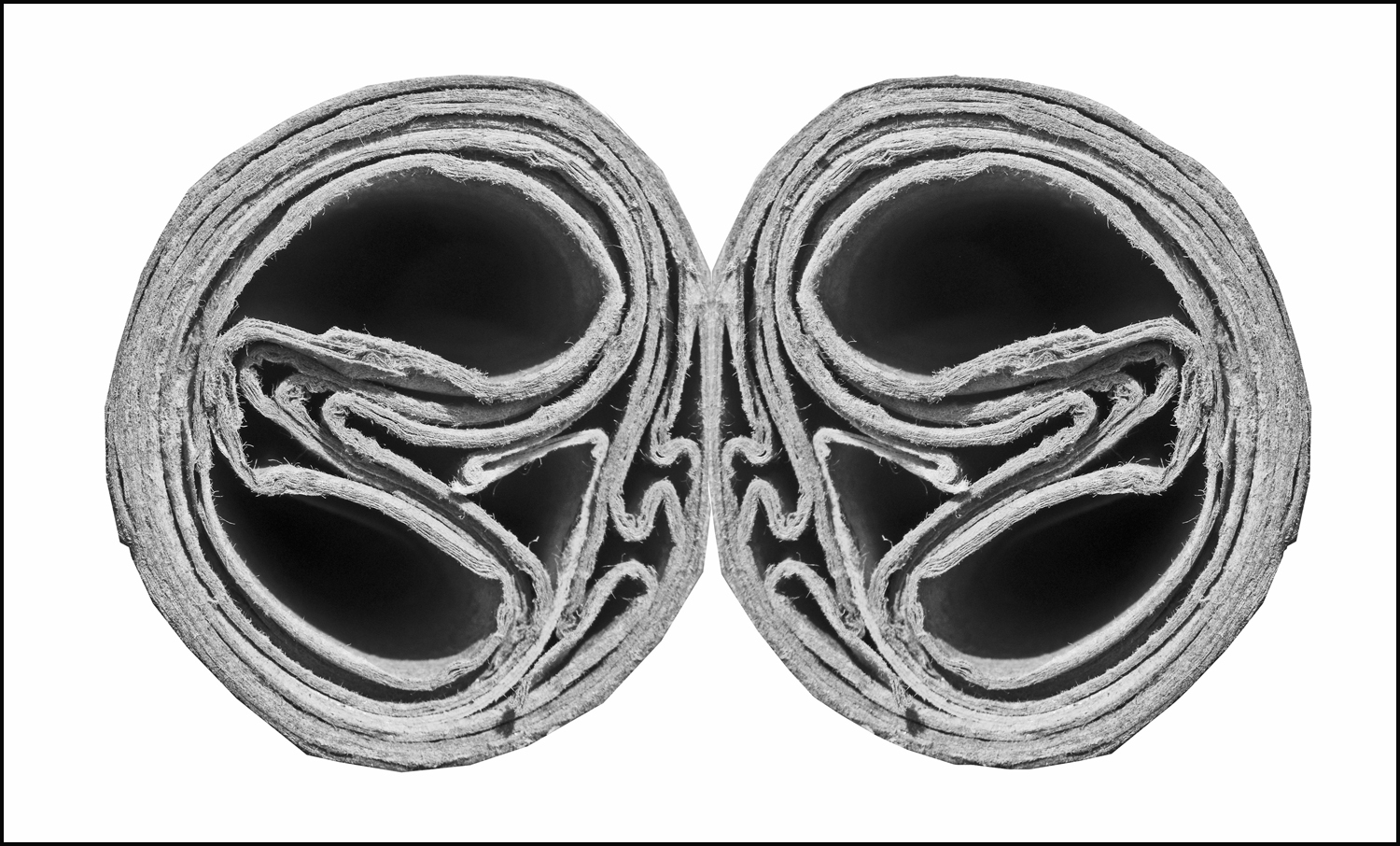
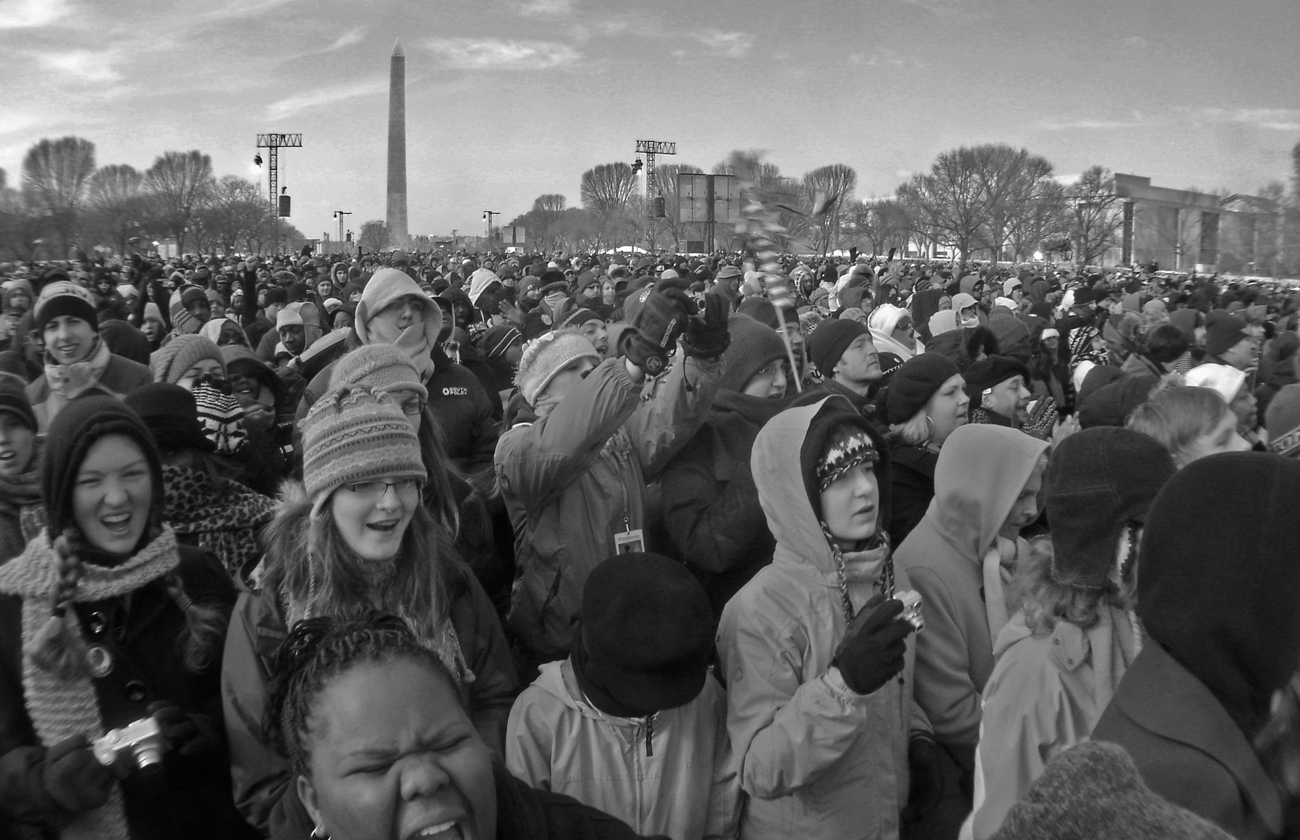
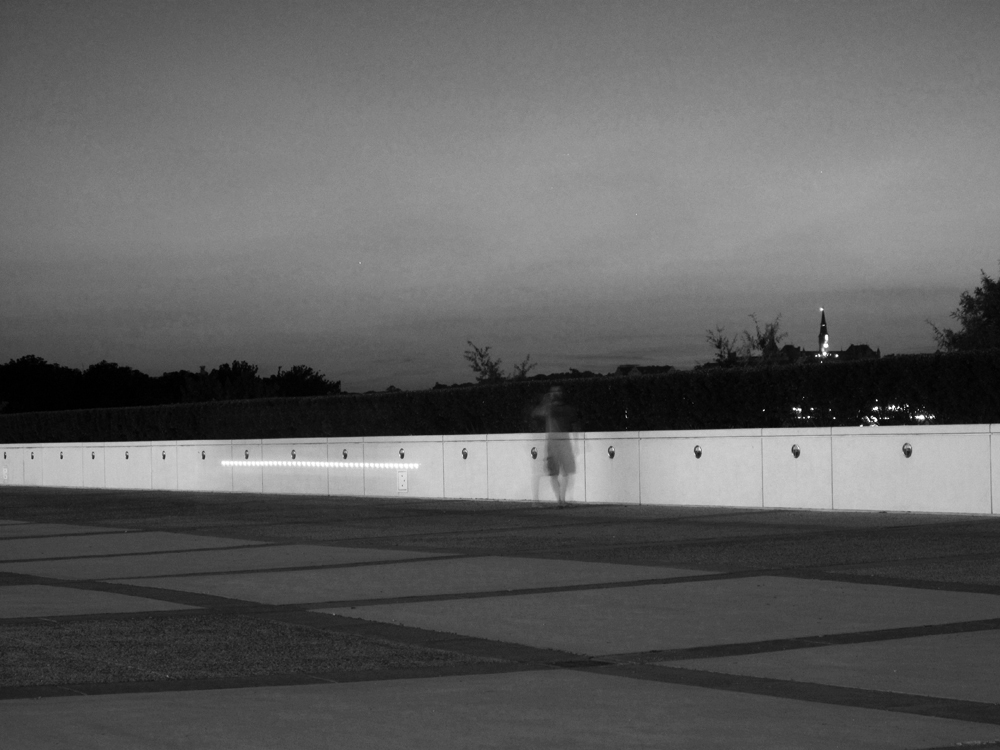
I am always interested in night shots like this one. It is a very interesting scene.
When I shoot such stuff, I prefer to leave vast stretches of the image in black or near-black, as in the example I am attaching. This preserves the shadows on the people. What do you think? |
Sep 2nd |
 |
1 comment - 2 replies for Group 50
|
| 63 |
Sep 23 |
Reply |
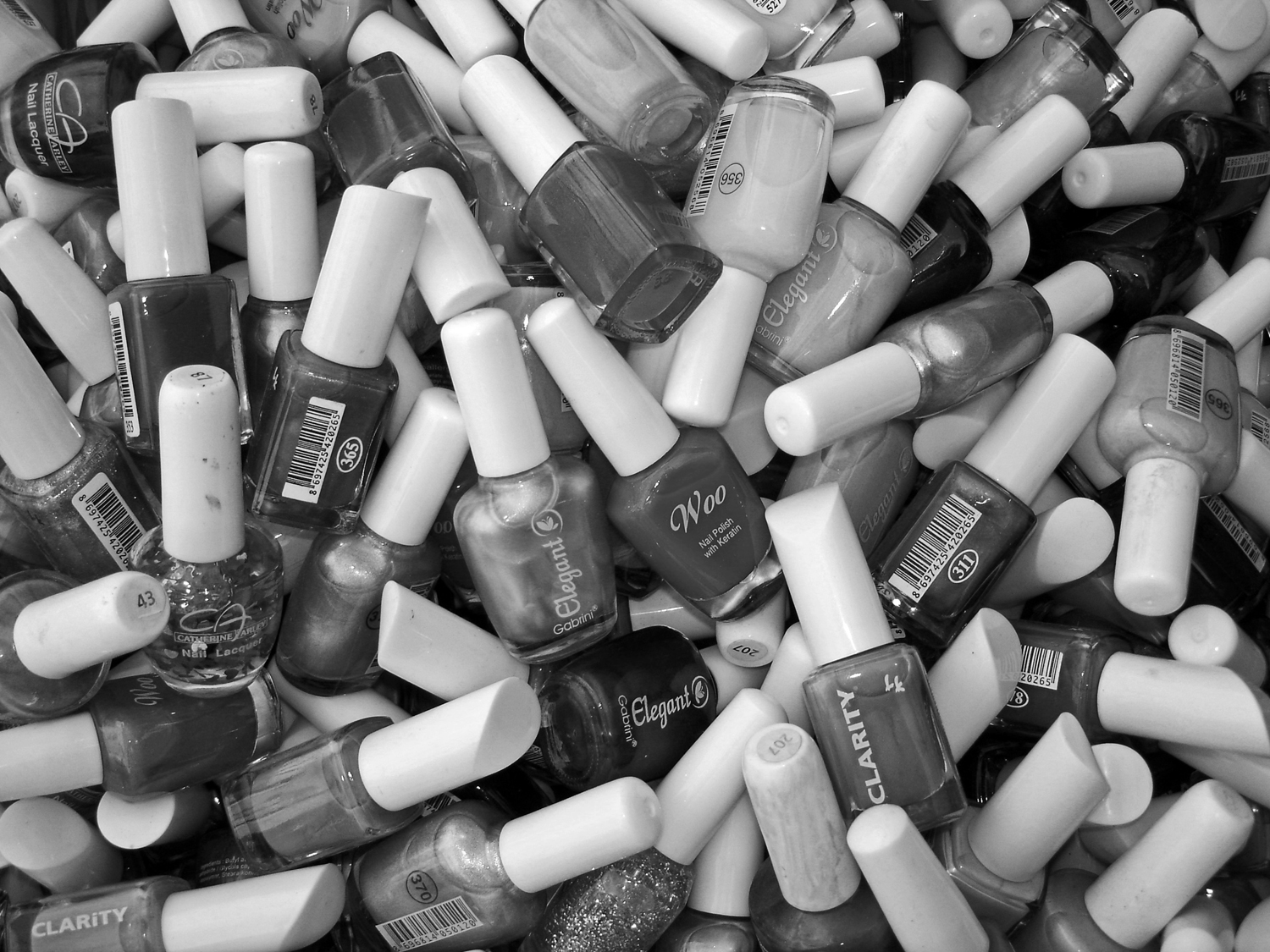
This shot shows your excellent eye for an interesting Jumble. Good color and shape variety. Also, I think it's important to choose the right size for the objects. Too many small items, like cherries, might not work. Your choice in this case of about five or six diameters to fill the frame works very well. |
Sep 18th |
| 63 |
Sep 23 |
Comment |
Great shot. I have been making similar images for about 15 years, and I call them "Jumbles." It is the force of gravity that arranges the objects, and in that sense such images are very profound. |
Sep 16th |
1 comment - 1 reply for Group 63
|
| 87 |
Sep 23 |
Comment |
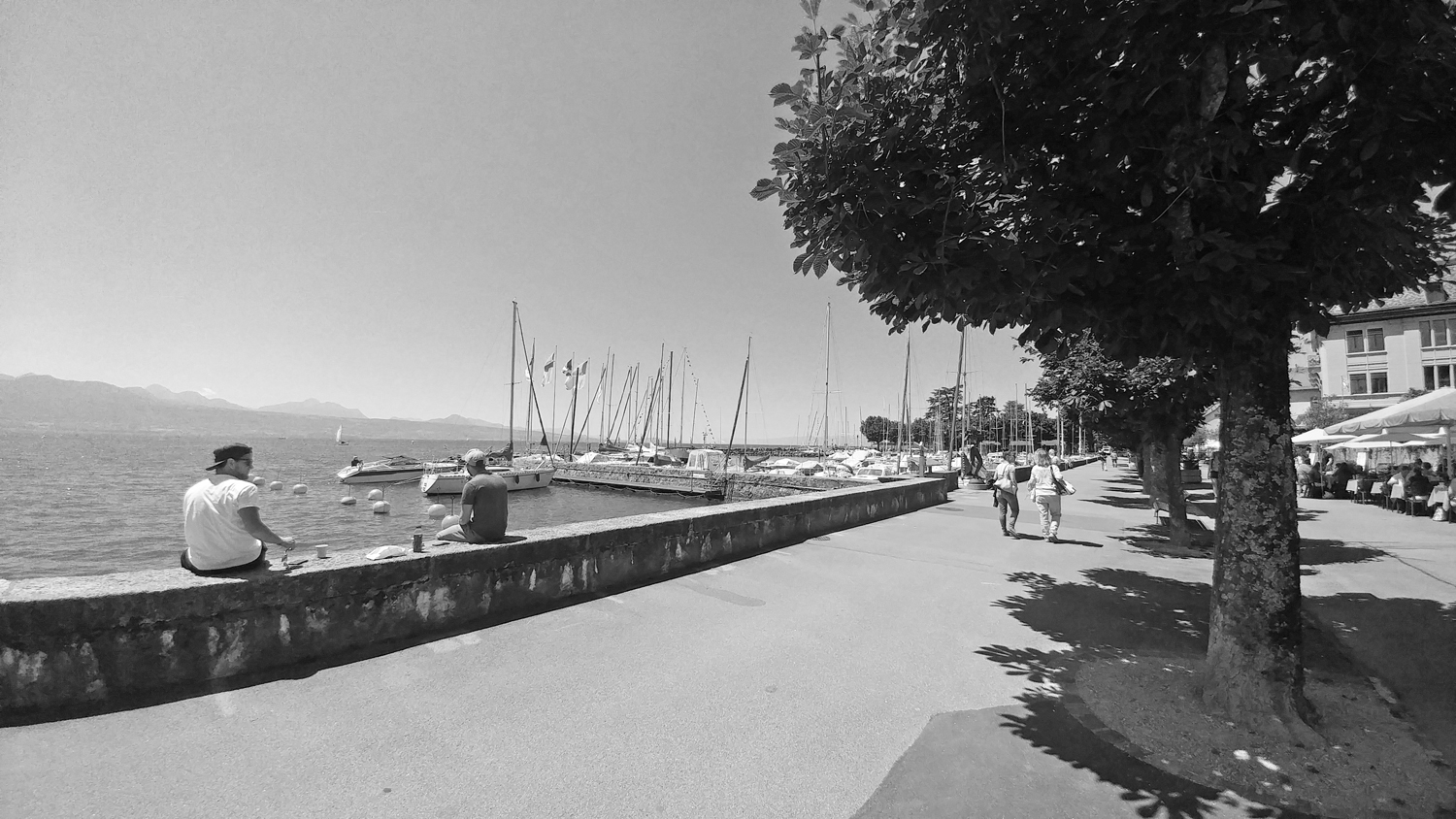
Great shot. The slow shutter captures the feel of the place perfectly.
The perspective is fine and perfectly level. It is natural for the horizontal lines to converge slightly because they are receding from the camera.
I fixed up the verticals with "skew". How does this look to you? |
Sep 2nd |
 |
1 comment - 0 replies for Group 87
|
| 92 |
Sep 23 |
Comment |
Yum, pickled asparagus, I think. My favorite. Therefore, a perfect shot! |
Sep 2nd |
| 92 |
Sep 23 |
Comment |
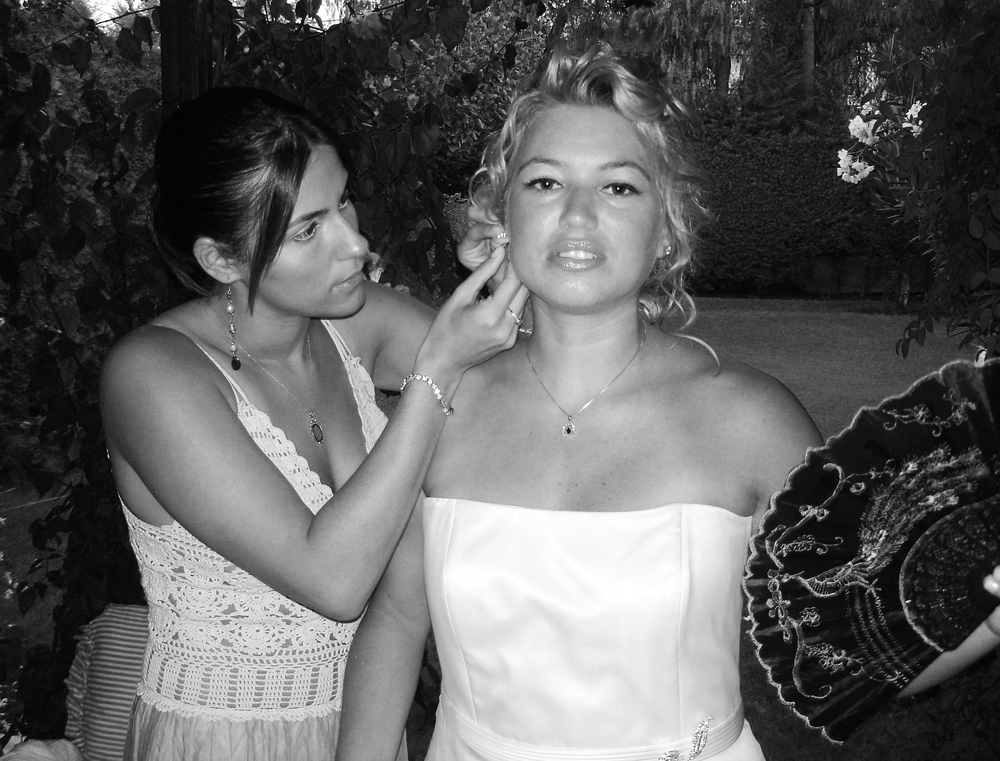
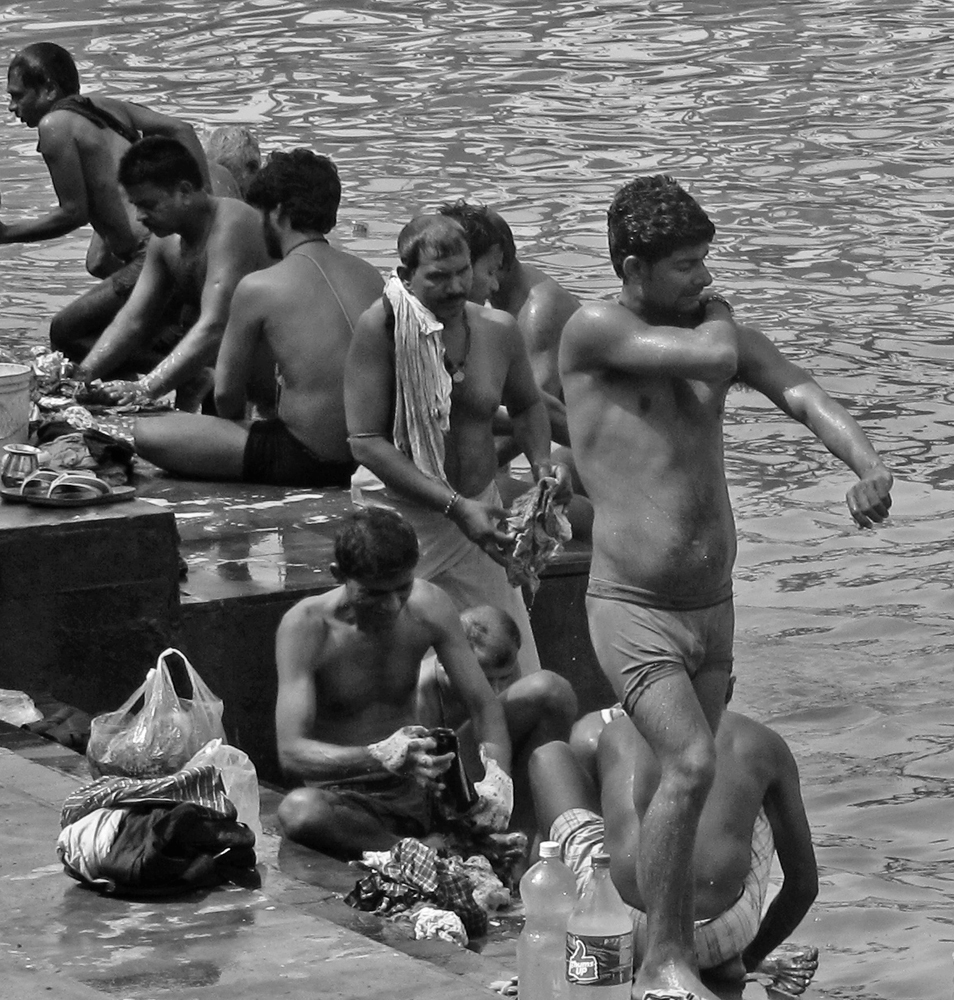
Yes, a truly interesting group shot.
Watch out for the metering, however. While the exposure is correct for its overall average brightness, the white woman stretching is too light because her skin is brighter than an average exposure, and the black people are too dark because their skin is darker than an average exposure. For a single unmanipulated shot, I suggest spot-metering the face of one of the black people. Here is an adjustment I made using "lighten shadows" and a bit of "darken highlights." The person under the cap needs more work to lighten just their face. |
Sep 2nd |
 |
2 comments - 0 replies for Group 92
|
14 comments - 12 replies Total
|