|
| Group |
Round |
C/R |
Comment |
Date |
Image |
| 32 |
Sep 22 |
Comment |
Speaking of spooky, the weather reports from your direction are looking very much so. I hope you stay safe and avoid damage. |
Sep 27th |
| 32 |
Sep 22 |
Comment |
Thank you. It is a beautiful area, but very near San Francisco Bay and in the heart of the city. Thus, I was quite surprised a few years ago when I was photographing just after dusk and came upon a skunk. I was very relieved that I noticed it before it noticed me! |
Sep 27th |
| 32 |
Sep 22 |
Reply |
Thanks for the information. It looks like the sky replacement was added in a later version of Photoshop, as I am not finding it in CS4. I have been reluctant to spend the money annually for a Creative Cloud subscription, but perhaps I wii do so eventually, as the technology changes likely will forces me to upgrade. |
Sep 26th |
| 32 |
Sep 22 |
Reply |
Yes, I did mean the right (or my "other" left). I seem to be directionally challenged this month. |
Sep 26th |
| 32 |
Sep 22 |
Reply |
That is interesting. Is the sky replacement program you used a Photoshop or Lightroom plug in of some sort? |
Sep 26th |
| 32 |
Sep 22 |
Comment |
Although this image is busy with the surrounding equipment and textured net (?) on the building, I don't think that's a problem here since that is consistent with the environment of a soldier. I actually believe I prefer this image as you have it in black and white. Sepia, to me, seems to convey an 1800s-type feeling in many instances, and that would be the wrong timeframe for this image. I realize it may not be possible, but it would be nice to have the face that is in shadow a little bit brighter. Also, I'd likely darken or crop out the rucksack (I think it is) in the lower right corner. |
Sep 26th |
| 32 |
Sep 22 |
Comment |
This evening image with the clouds does have a bit of a spooky feeling. I'd likely brighten the image a bit, but that wouldn't help if your intention is to keep the darker mood/feeling. What about either cropping or cloning out the bright white tree trunk on the left side? I find bright items on the edges almost always draw my attention away from the subject. Was your group able to go inside? It looks like a very impressive building. |
Sep 26th |
| 32 |
Sep 22 |
Comment |
The light and shadow across the door are interesting. While I feel the light is more distinctive in the color image, I notice the contrast of the shadows more in the monochrome version. As others already mentioned, I too usually adjust the whites by either adjusting the highlights slider or selectively and carefully burning a bit. I like the adjustments Tom made above. |
Sep 26th |
| 32 |
Sep 22 |
Comment |
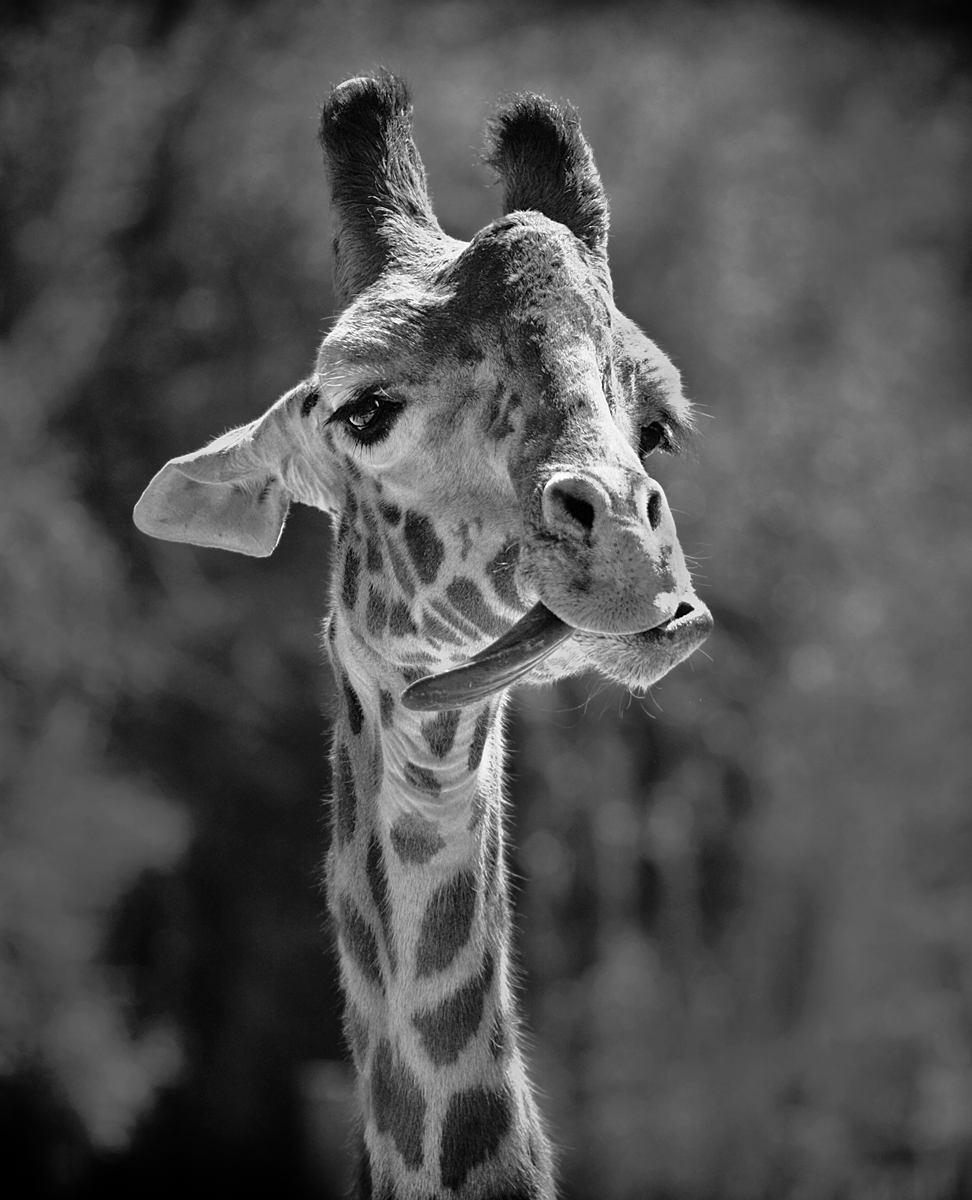
Giraffes always are so majestic. Hopefully I can get to Africa and see them in their natural habitat one of these days before too long. I agree that the background in this image poses a challenge. To place more emphasis on your fun subject, I selected and brightened it a bit, did an inverse selection and darkened the background, and cropped a little tighter. I realize that the vignette now would need to be redone if you wanted to keep it, but to me, the slight adjustments helped make the giraffe stand out more. |
Sep 26th |
 |
| 32 |
Sep 22 |
Comment |
This image seems to have a lot of texture in the face, which I find can sometimes be lost with the backlighting. Like you, I'm drawn to all the wrinkles. I found the bright spots in the areas behind the head and below the chin to still be somewhat distracting, so I darkened them. I also used the spot healing tool to remove a couple of the pieces of grass (straw?) on the elephant's head, although others like them in the image. Finally, I brightened the eye just a little bit more and darkened the area near the ear. I realize there may be a reason you cropped as you did, but if the original image has more space to the right in front of the trunk, I think I'd prefer just a little more room there. I seldom think about cropping so tightly on the face of animals, but I think the way you did so here is very effective. |
Sep 26th |
 |
7 comments - 3 replies for Group 32
|
7 comments - 3 replies Total
|