|
| Group |
Round |
C/R |
Comment |
Date |
Image |
| 32 |
Jul 21 |
Comment |
It occurs to me that I also could make the hose thinner, although I've not done a good job of that in this example. Would that help, or is it better to just crop into it as others have suggested? |
Jul 9th |
 |
| 32 |
Jul 21 |
Reply |
Thanks for your thoughts. It seemed to me that cropping the part underneath and into the hose made the bottom of the image very dark and heavy feeling, but others seem to think that works, so perhaps I need to reconsider. The suggestion to add a border might work for printing, but I find that for some reason, digital projection often cuts off one edge of the border, so I generally do not add them to my digital images unless I know the projection will be on a black background and I need to separate a black background in my image from the projecter's background. Do you usually use silver framing for monochrome images? If I do add a stroke edge frame, I generally use white or black with monochrome, but I suppose silver/gray could work in some situations, too. |
Jul 9th |
| 32 |
Jul 21 |
Reply |
Oy! Here is what came out of the camera, although I did resize it to post here.
|
Jul 9th |
 |
| 32 |
Jul 21 |
Comment |
The horse looking at you is awesome. I like the monochrome conversion on the aspen trees, and it seems fine on the horse, but the snow does appear very bright. Of course, that's a challenge to avoid with so much white subject matter. I think the border you added works well with this image. |
Jul 7th |
| 32 |
Jul 21 |
Comment |
I actually like your choice of monochrome for this image, as it seems to better convey the derelict, dilapidated feeling portrayed by the worn-out couch and floor. To me, the closed sign stands out just fine in the monochrome image, but you could try brightening it, too. There are so many textures and details in this image, but in all honesty, I probably would have passed by without noticing much, if any, of that. I'm glad you did notice. |
Jul 7th |
| 32 |
Jul 21 |
Comment |
Your timing with your trip to Seattle was very good, as I got a notice last week the court had to close early due to high temperatures and malfunctioning air conditioning. I actually like the monochrome conversion of this image, particularly with the increase in the contrast, as I find all the blue water and blue sky in the original a little overwhelming. You had a good idea finding something to put in the foreground to break up some of the blue water, though. Too bad you couldn't get the boat to move a little closer. Actually, you could even make separate horizontals image with just the mountain, land and boat, and a bit of sky and water, of course, as well as the tree stump surrounded by water. But I digress .... |
Jul 6th |
| 32 |
Jul 21 |
Comment |
When I first saw this image and how well the spores stand out, I thought perhaps you scanned a fern with a scanner. I'm impressed you were able to get so much detail in the photograph, but I've not tried stacking and blending images, which appears to help bring those fine details. That seems like a lot of work in post-processing, though. Did you use a dedicated macro lens to take the 7 separate images that you combined? It does look like a tail of something prehistoric, particularly after Tom's flip. |
Jul 6th |
| 32 |
Jul 21 |
Comment |
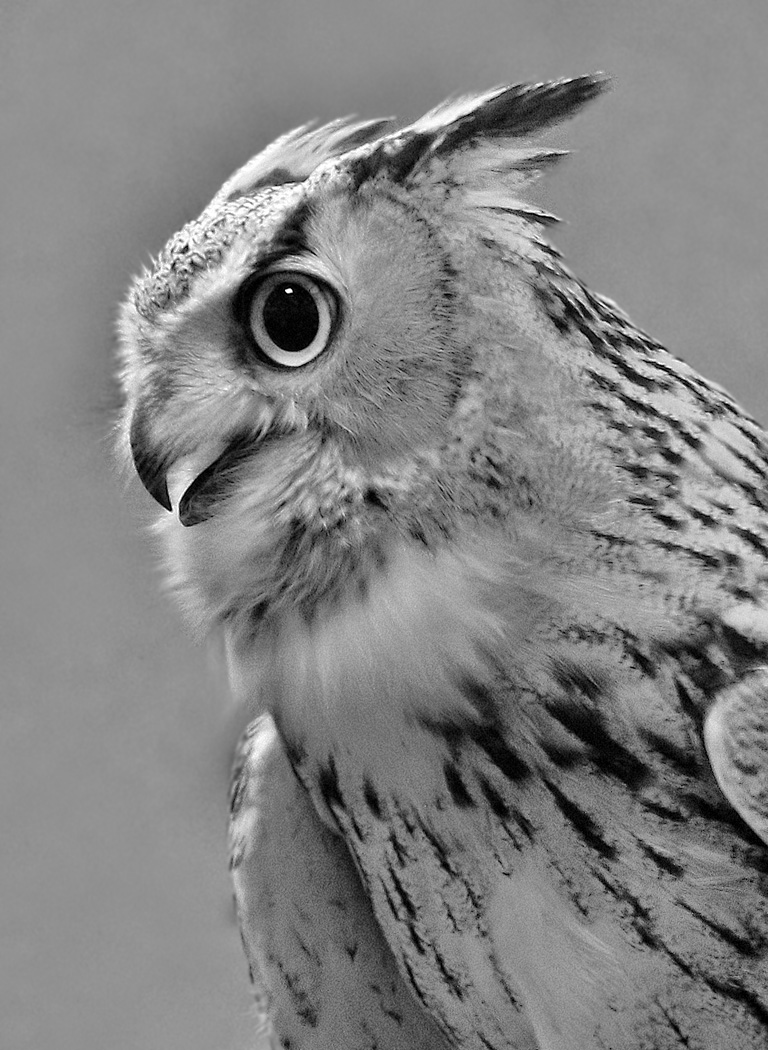
Wow, what an incredible experience to have owls in your backyard! You've captured an intriguing pose, too. I like Tom's suggestion to crop more from the right side. I experimented with blurring the background more, too, but think the combination of darkening and blurring probably was too much. However, blurring the background more might put more emphasis on the owlet. Enjoy these "models". They look like great fun to watch and photograph. |
Jul 6th |
 |
| 32 |
Jul 21 |
Comment |
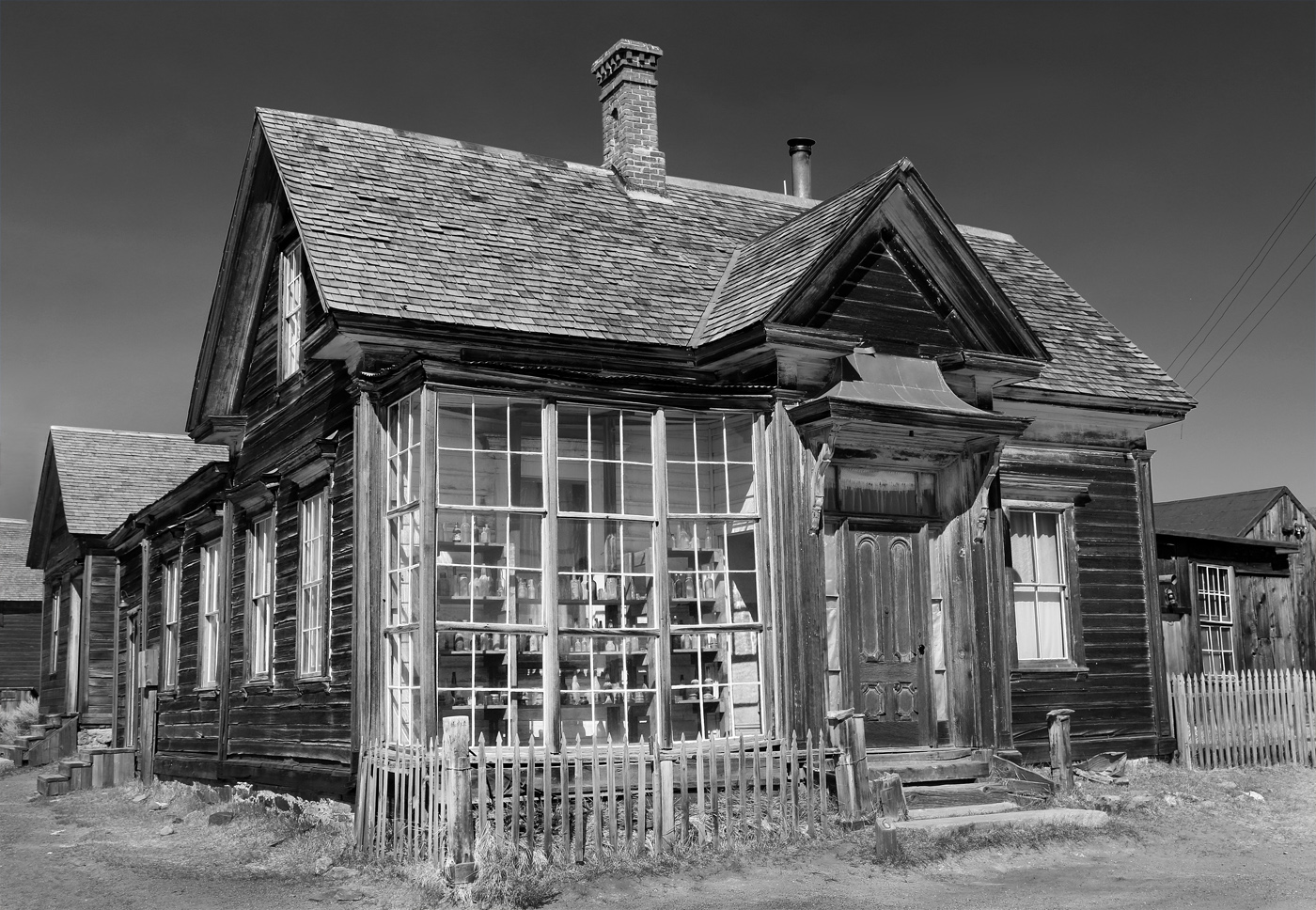
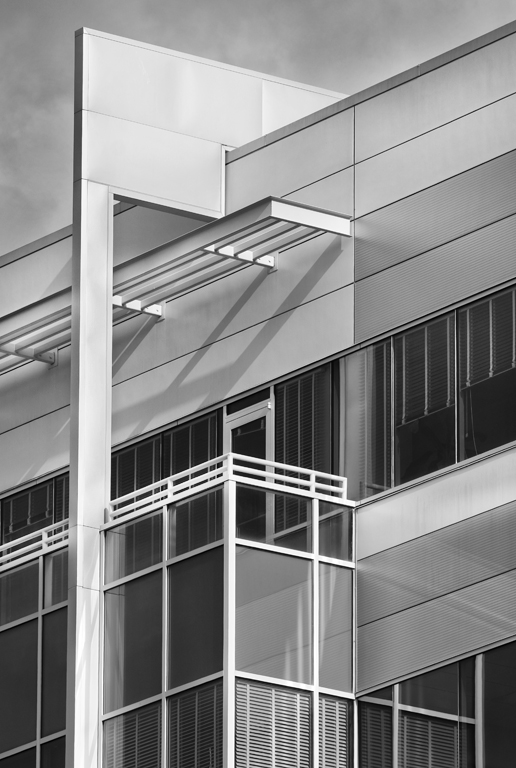
Although you have done an impressive job of straightening the buildings in this image, I do find the slope that the straightening seems to have added to the street a bit awkward. If you intend to follow Tom's suggestion to remove that building, would it solve the sloping street problem if you did not straighten the left building before removing it? Also, I find the building is a bit tight in the frame on the right side. If your original is not already cropped, then it appears that you would have to clone to add more space there. That isn't too difficult with the dark sky, but might become more challenging with the lower part of the image. The dark sky also nearly merges with the dark right side of the building on my screen. I'm uncertain whether adding some detail enhancement with Topaz or a similar approach would help that or not. I don't know how this would work in PID open. Are architecture themes ever in PID, or do those mostly occur in the travel division? It does seem to fit an architecture theme well. |
Jul 6th |
7 comments - 2 replies for Group 32
|
7 comments - 2 replies Total
|