|
| Group |
Round |
C/R |
Comment |
Date |
Image |
| 32 |
Jul 20 |
Reply |
Good suggestions. Thank you. I have some limited experience with layers and masks, but certainly could benefit from more practice. |
Jul 28th |
| 32 |
Jul 20 |
Reply |
I, too, think this image would benefit by bringing down the opacity of the sky to draw more attention to your wonderful subject. I also find it interesting that these old gas pumps seem to be a feature of that part of the country. I never really thought about it, but I now realize that the only place I've seen them outside of Texas and Oklahoma is in antique stores. |
Jul 28th |
| 32 |
Jul 20 |
Comment |
This is an interesting idea. I particularly like the light on the middle blade of grass. What Rick did with the tonalities seems to work well, although I agree the Triple Play process seems complex. |
Jul 28th |
| 32 |
Jul 20 |
Comment |
I, too, like the monochrome image you created with the clouds included better than the "original 2" image with the bright sky. In addition to the other cropping suggestions, I keep visualizing this image as an interesting panorama (letterbox). |
Jul 28th |
| 32 |
Jul 20 |
Reply |
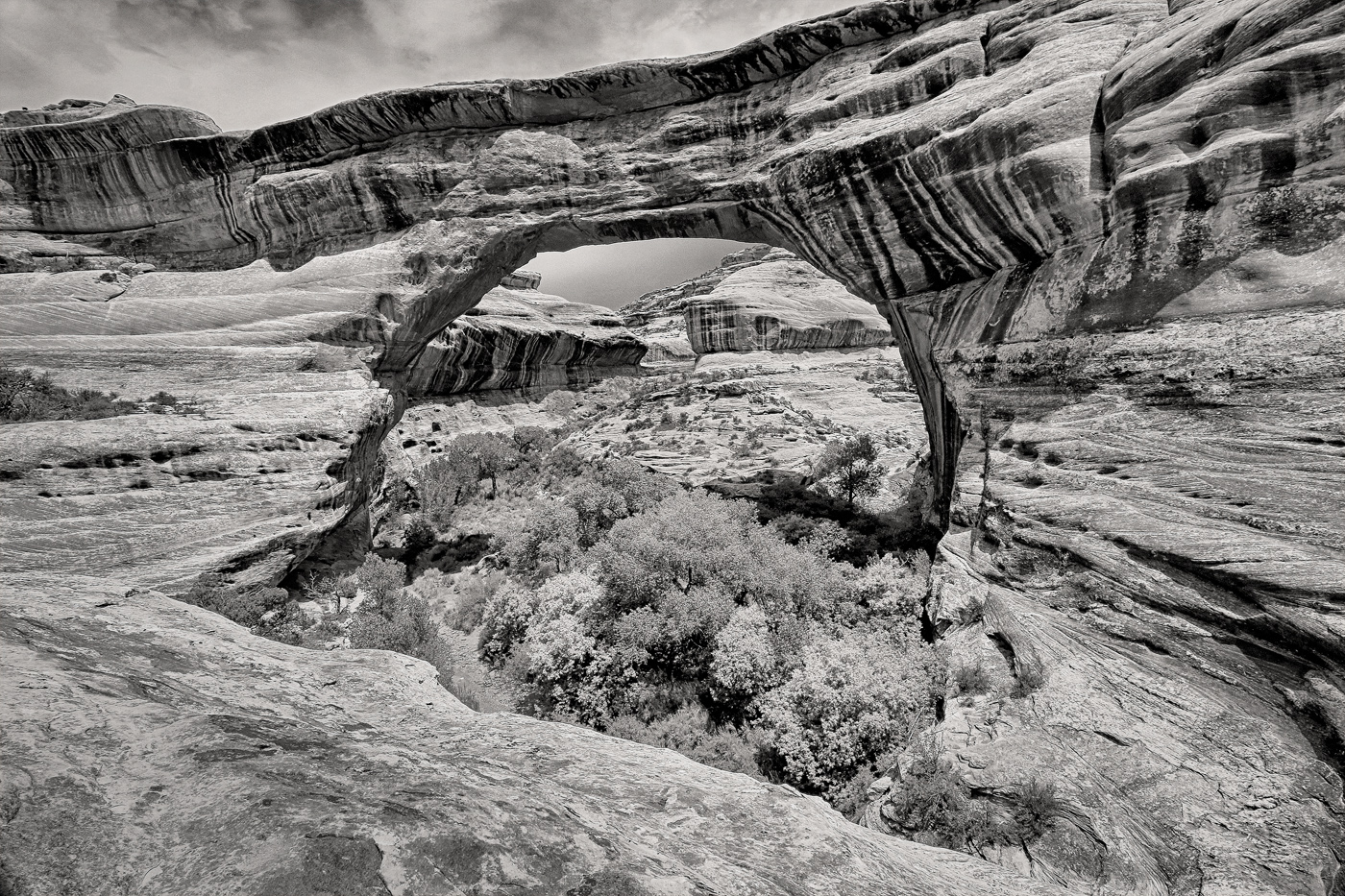
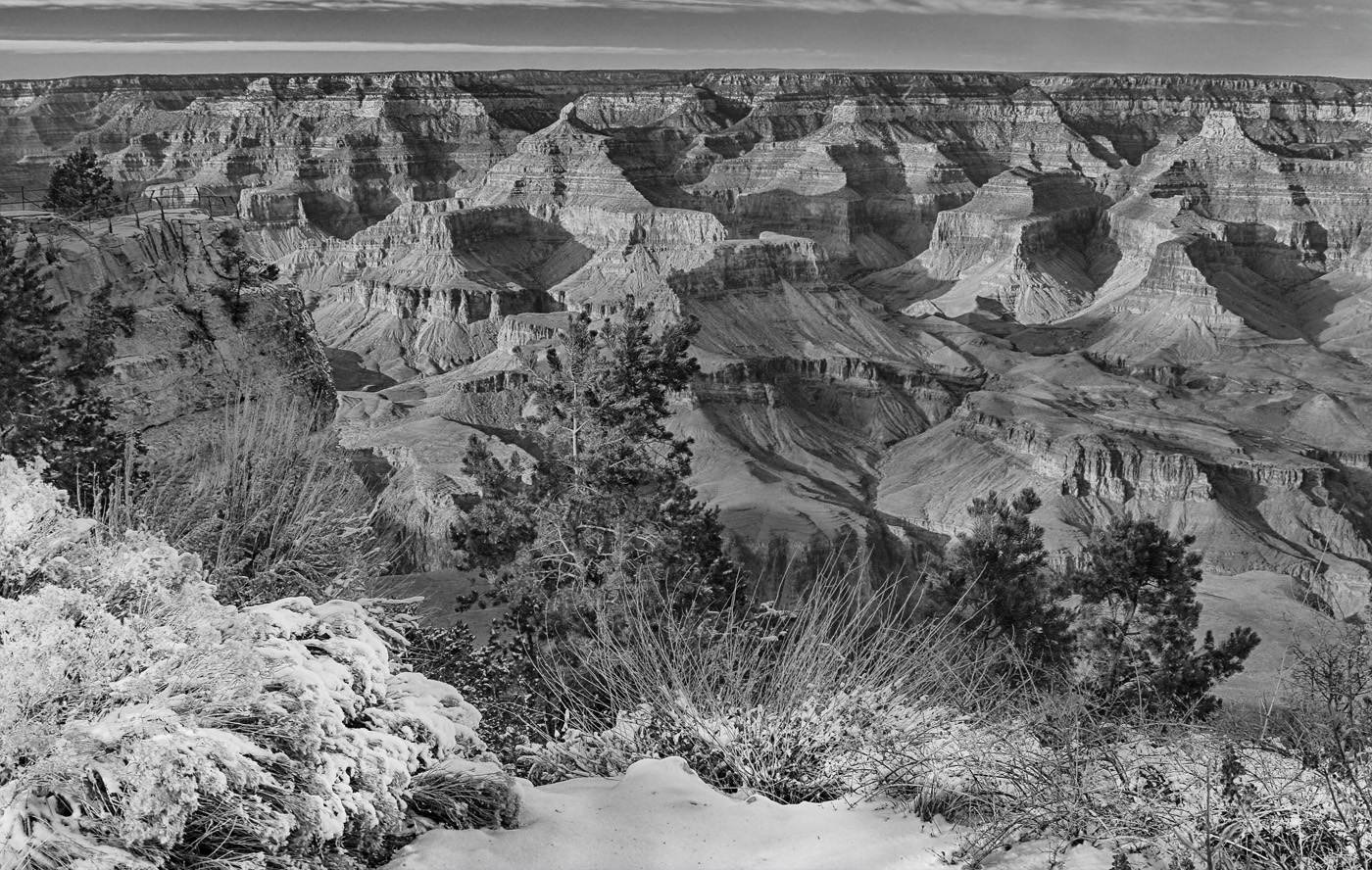
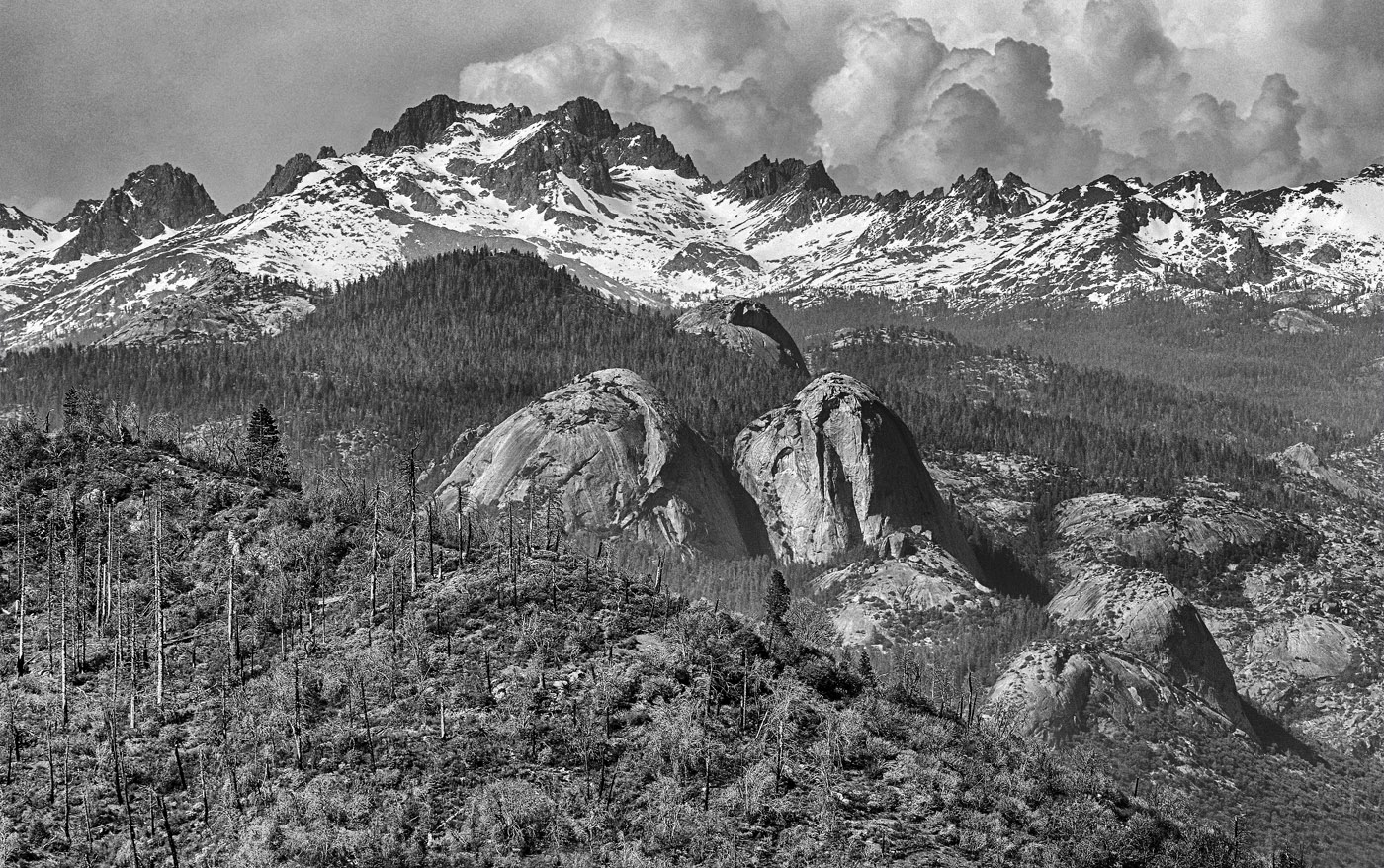
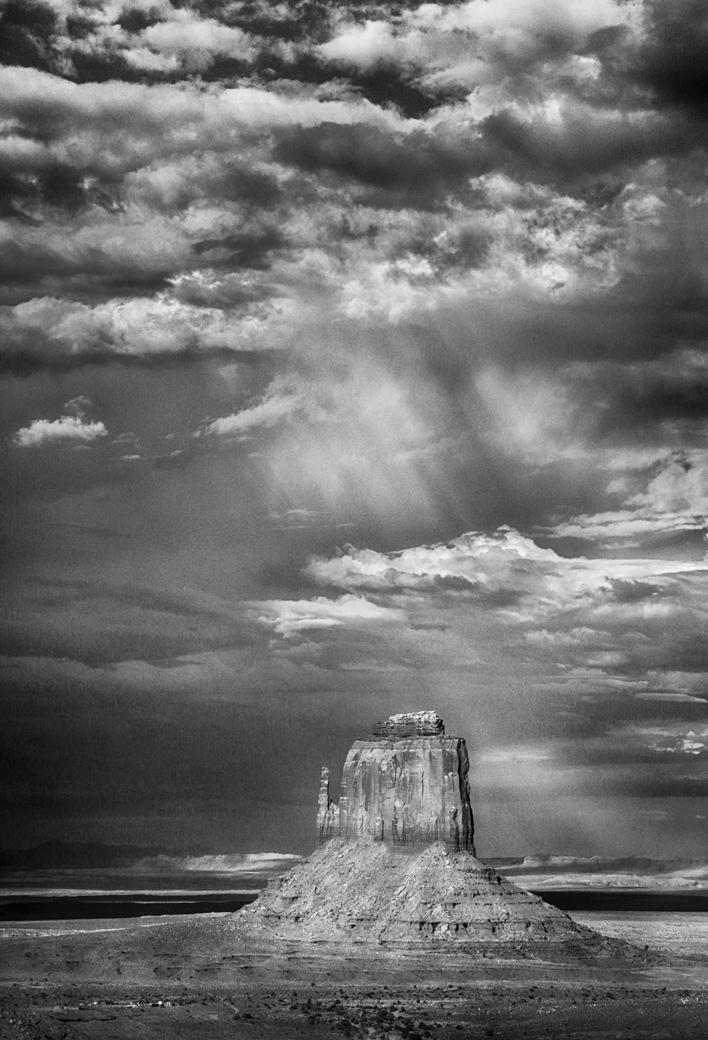
This is interesting in that it seems the concept I had of the image of being about the vastness and stormy weather may not be as effective as I'd intended. In that instance, I probably should reconsider bringing the greater emphasis back to the formation rather than its surroundings. I did use the Photoshop (CS4) noise reduction filter two times here, I think, as well as "despeckle". However, it still seemed to me that there was a lot of noise in the image. |
Jul 27th |
| 32 |
Jul 20 |
Reply |
Thanks so much for the suggestions. I agree that changing the tonality helped bring back some of the depth I lost in my monochrome conversion. It still seems the color one is the more compelling of the two, but I'll have another go at making something of the monochrome version, and attempt to employ your suggestions. I did use the Photoshop (CS4) noise reduction filter on this image twice, and also used "despeckle" once, but that didn't resolve the noise issue as much as I hoped it would. I think my husband may have the Topaz plug in installed with his Photoshop Elements. Maybe I can borrow that and see if the DeNoise is more effective. |
Jul 27th |
| 32 |
Jul 20 |
Comment |
I, too, like the inclusion of the spider webs as well as your choice of monochrome for this subject. Also, the lower bolt and lower left side of the image seem very bright on my monitor, so I'd probably try to darken them some. Diana has an interesting idea to darken the corner/edges and leave the metal part brighter. I thought about turning the image upside down, but decided the cable then would draw the eye out of the photo, at least for those of us accustomed to reading from left to right. So strike that idea .... |
Jul 27th |
| 32 |
Jul 20 |
Comment |
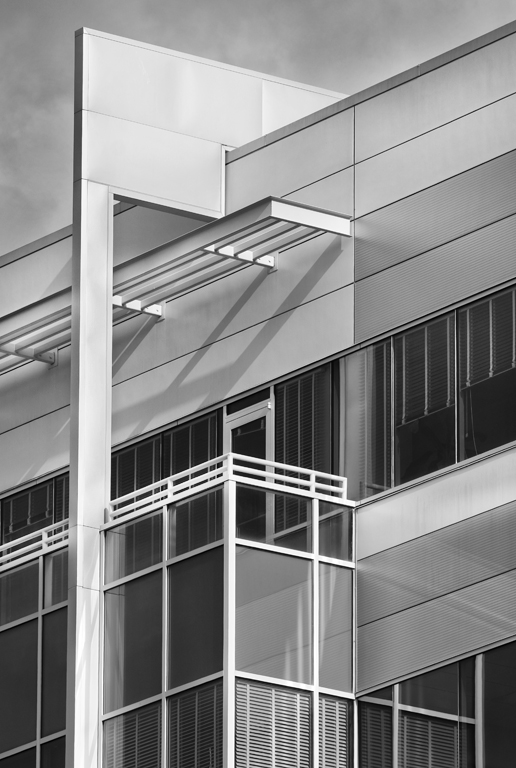
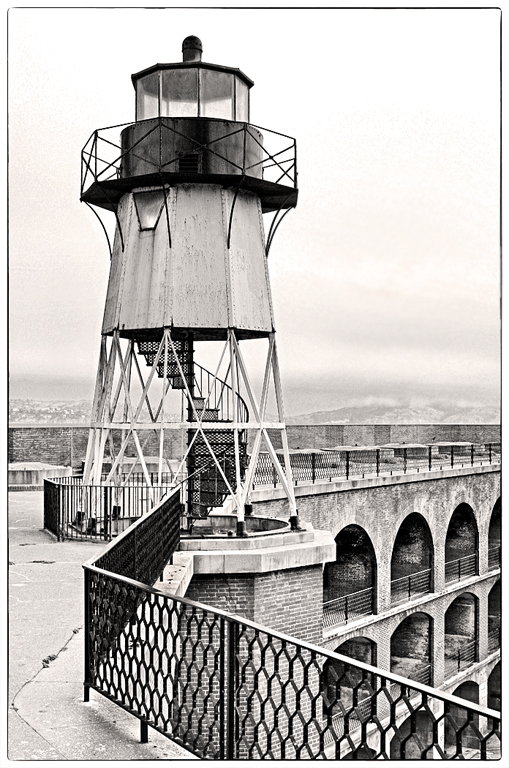
Forgive my yet again arriving late to the discourse. When I first looked at this image early in the month, I found the ceiling distracting, as the lights there drew my attention away from the remainder of the image. However, seeing the cropped version, I do agree that removing the ceiling places greater emphasis on the buildings. Thus, I think I am inclined to vote to keep the ceiling, but consider removing the lines caused by the lights. |
Jul 27th |
| 32 |
Jul 20 |
Reply |
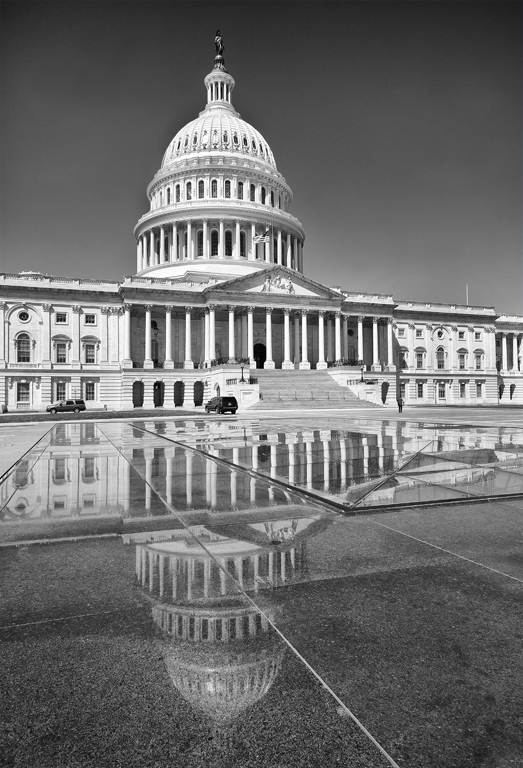
Yes, I did crop those differently, I see now. I'll have to play with that some more. I think I like a few more clouds than your crop has, but agree cropping helps some of the sky/monument tension. The monochrome conversion also continues to have more noise than I'd like, although I ran it through the noise reduction twice. Does anyone have Topaz DeNoise? I'm wondering if it is worth the investment, as several of my monochrome images seem to have noise issues that I'm not resolving well with the noise reduction in Photoshop.
|
Jul 4th |
4 comments - 5 replies for Group 32
|
4 comments - 5 replies Total
|