|
| Group |
Round |
C/R |
Comment |
Date |
Image |
| 54 |
Nov 24 |
Comment |
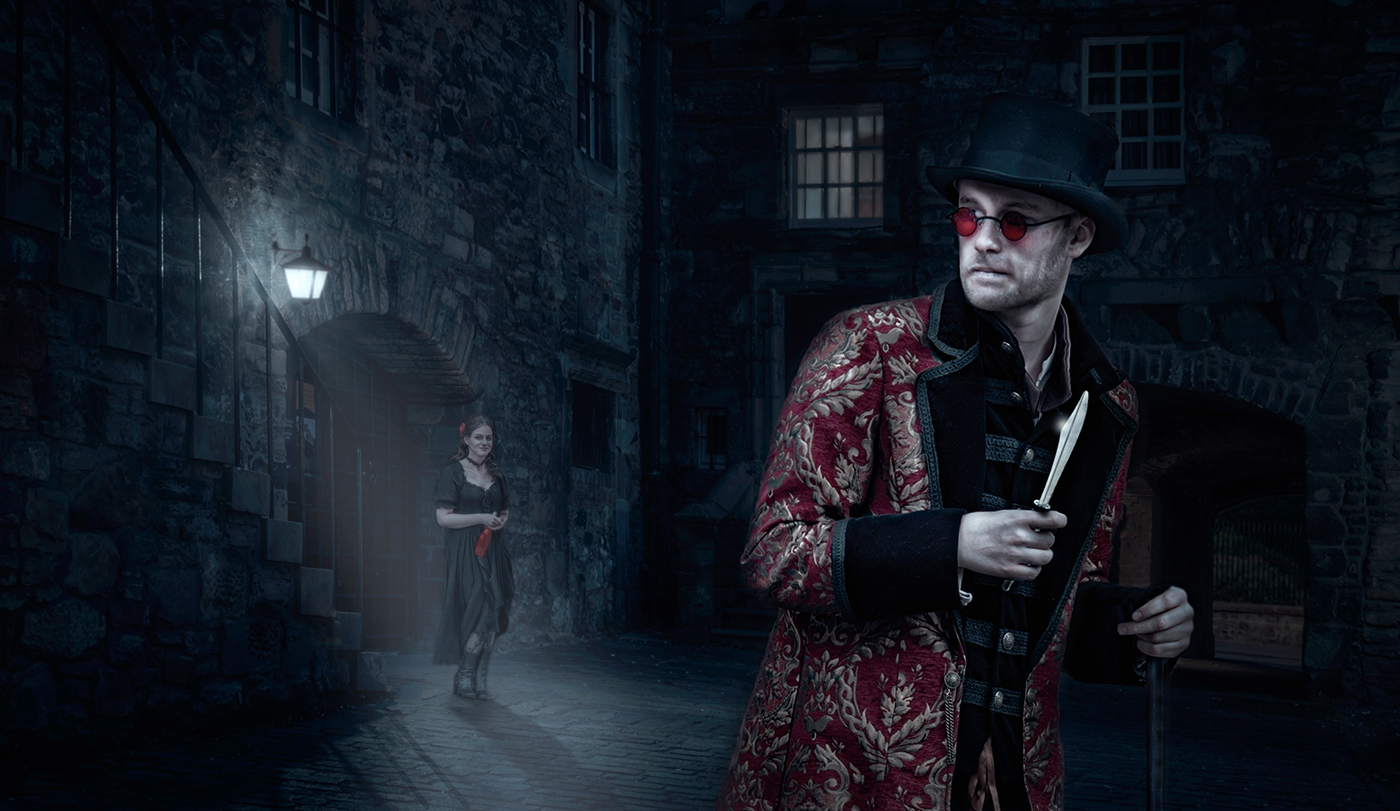
Dear group colleaques, thank you for all your help with this dodgy composite.
I have had this composite for years and never entered it into a competition, because of its issues making it unrealistic.
I have found over the years that sometimes when a composite doesnt work its best binning it, rather than keep reworking and wasting time. I think this image will suffer this fate.
Again many thanks for your help and assistance.
Cheers Bruce. |
Nov 18th |
| 54 |
Nov 24 |
Comment |
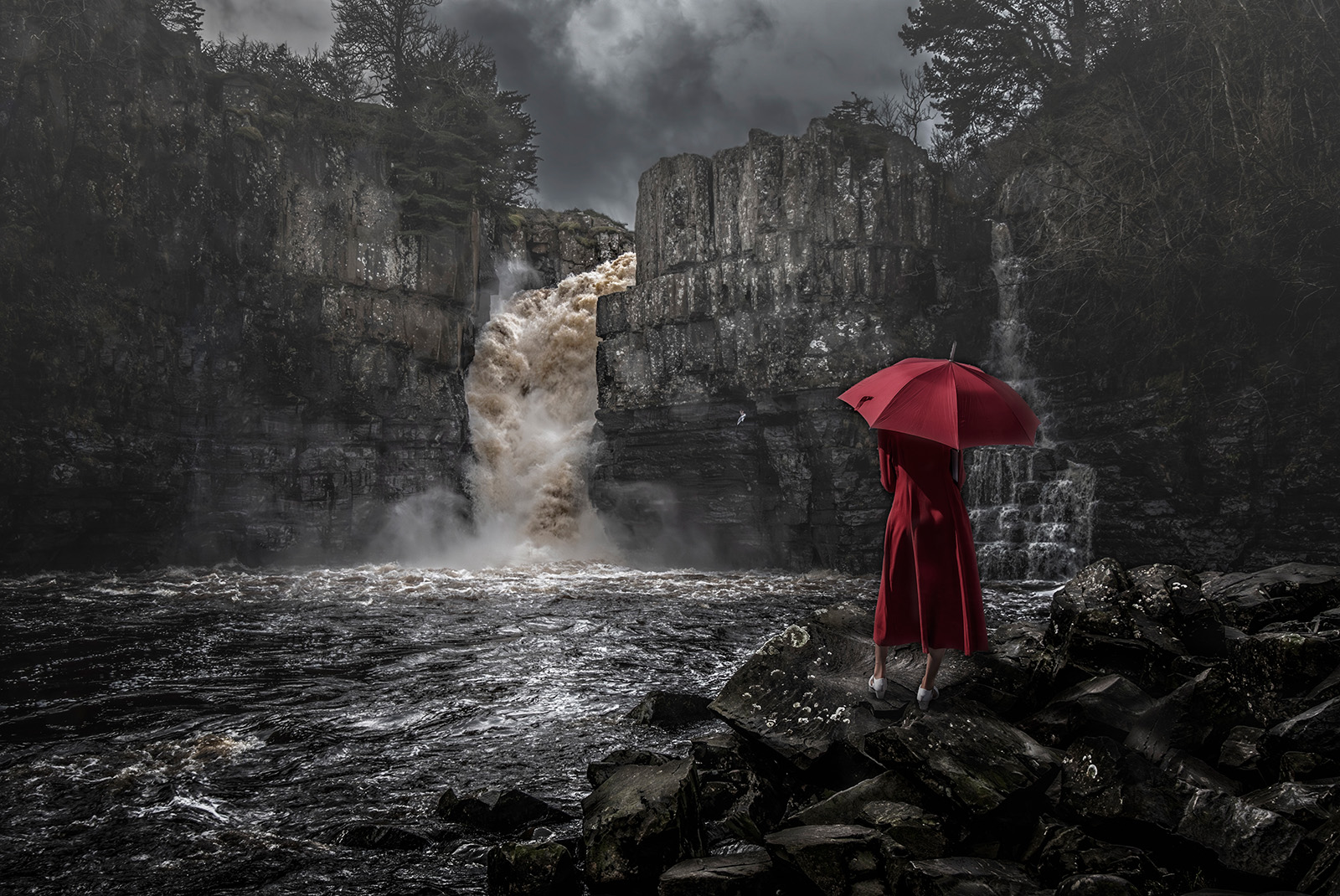
Hi Brad, for me the original landscape was an absolute belter ! However as a composite it doesnt work and I have to agree with Alan Kaplan, and Kirsti Näntö-Salonen. Alan's mock up is a good guide and then mix in Kirsti's suggestion about the sun and sunlight, would probably make it better. There is ambient light on the water from the original that cant have come from the starry night. Using Kirsti's idea it would accomodate the light situation.
When cutting out the surfer I am wondering if it would have been possible to take along the wave he's on too, and mix it into the image, that might have made it feasible as the now its not looking real.
This composite is a brave undertaking - you are battling with light colours, shadows, and depth - nothing is easy - the original images are far apart with no natural linking.
I do love your original landscape is a credit it to you, could look at for hours, and look great on a wall. Cheers, Bruce |
Nov 11th |
| 54 |
Nov 24 |
Comment |
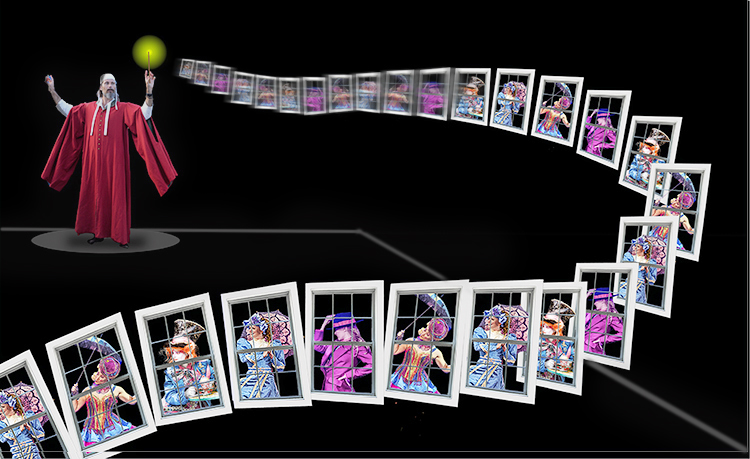
Hi Alan, This works for me.However the guy is floating and the lighting is confusing.
Let me explain. See attched mock up.
1. In the interests of more is less, I just added a line the same color as his base, behind the guy and the windows, to give grounding, like he is on a stage.
2. Applied path blur the rear windows to give them pace and tapering out before they reach the viewer. Gives depth and momentum.
3. There was lighting issues under his arms that were confusing so merge them into the black background.
That's all as I love the story and concept - the layout was on the thirds and had a lovely leading line into the image, where the windows were sharp and could be appreciated by the viewer. Great stuff ! Bruce |
Nov 11th |
 |
| 54 |
Nov 24 |
Reply |
Hi Peggy,
Smack on - I agree - too much pop.
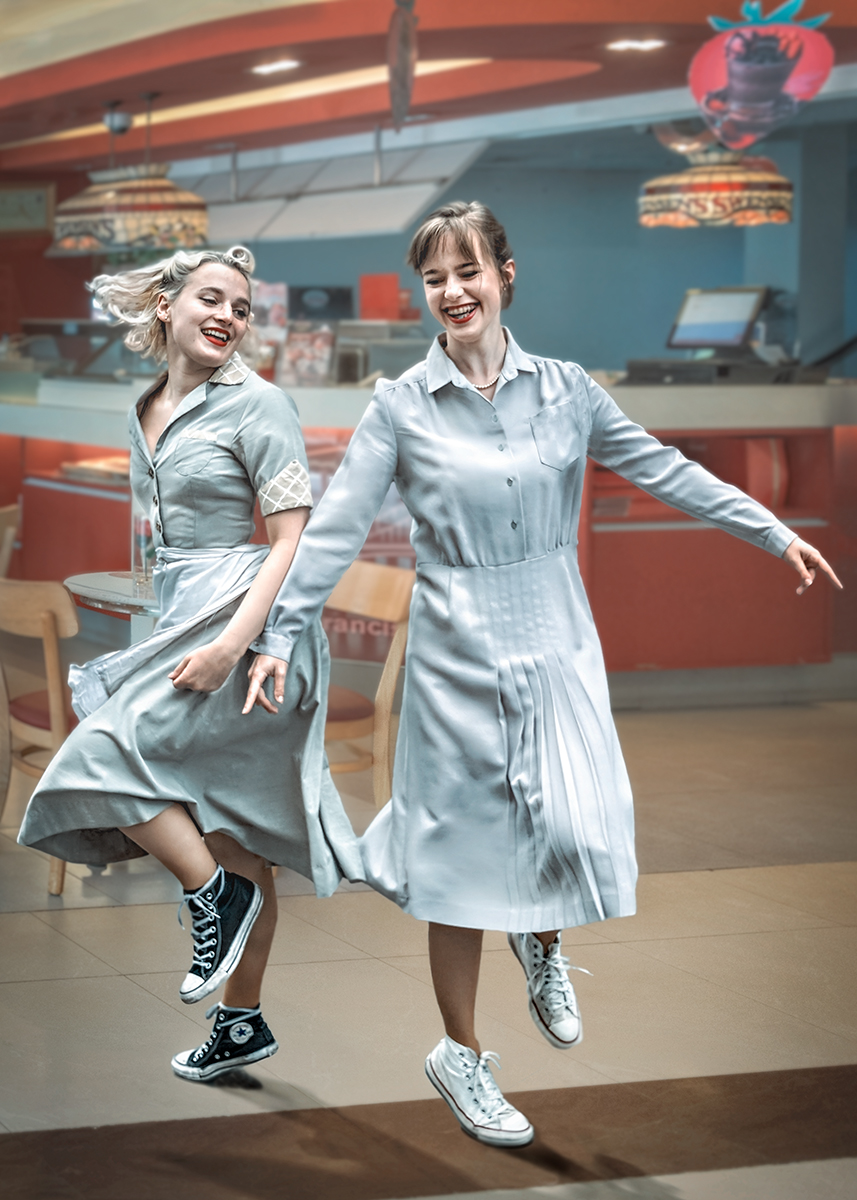
Going to reduce the texture and add average blur to tone the dancers down.
Its great to have a second pair of eyes look at your image - cant see the wood for the trees happens as you get too involved in the creation of the image, thank you.
Will let you know how it goes in competition.
Cheers, Bruce |
Nov 11th |
| 54 |
Nov 24 |
Comment |
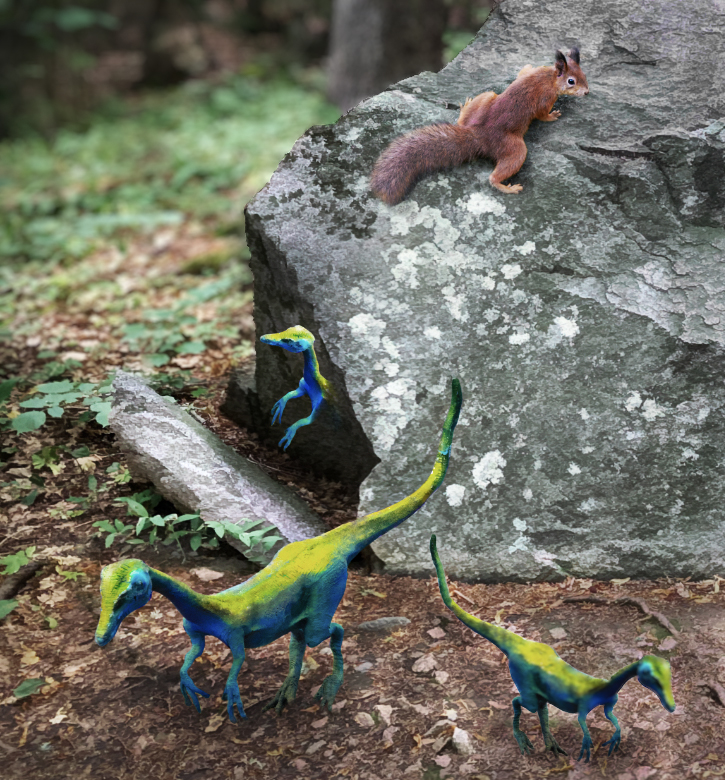
Hi Kirsti - fantasy that could become fact - we never know whats in the future. Great composition, colours, however I am struggling with depth and blending.
I have attached a mock up of what I mean.
1. whole image upped the contrast to give body to the subjects and separate. Contrast is great for that, but in doing that increases the saturation so cut that back.
2. Increased selective texture on all subjects to make them stand out and added a dark floor for them to stand on to hide the connect with base image, and also negate the need for shadow detail.
3. Used PS NEURAL FILTERS - DEPTH to fuzz the background behind the stone as the detail doesnt add anything to the story.
Apart from that its a great story one that I have seen recently on Instagram where a guy cracked oen a rock with a hammer to reveal a prehistoric monster thing. !! cheers, Bruce |
Nov 11th |
 |
| 54 |
Nov 24 |
Comment |
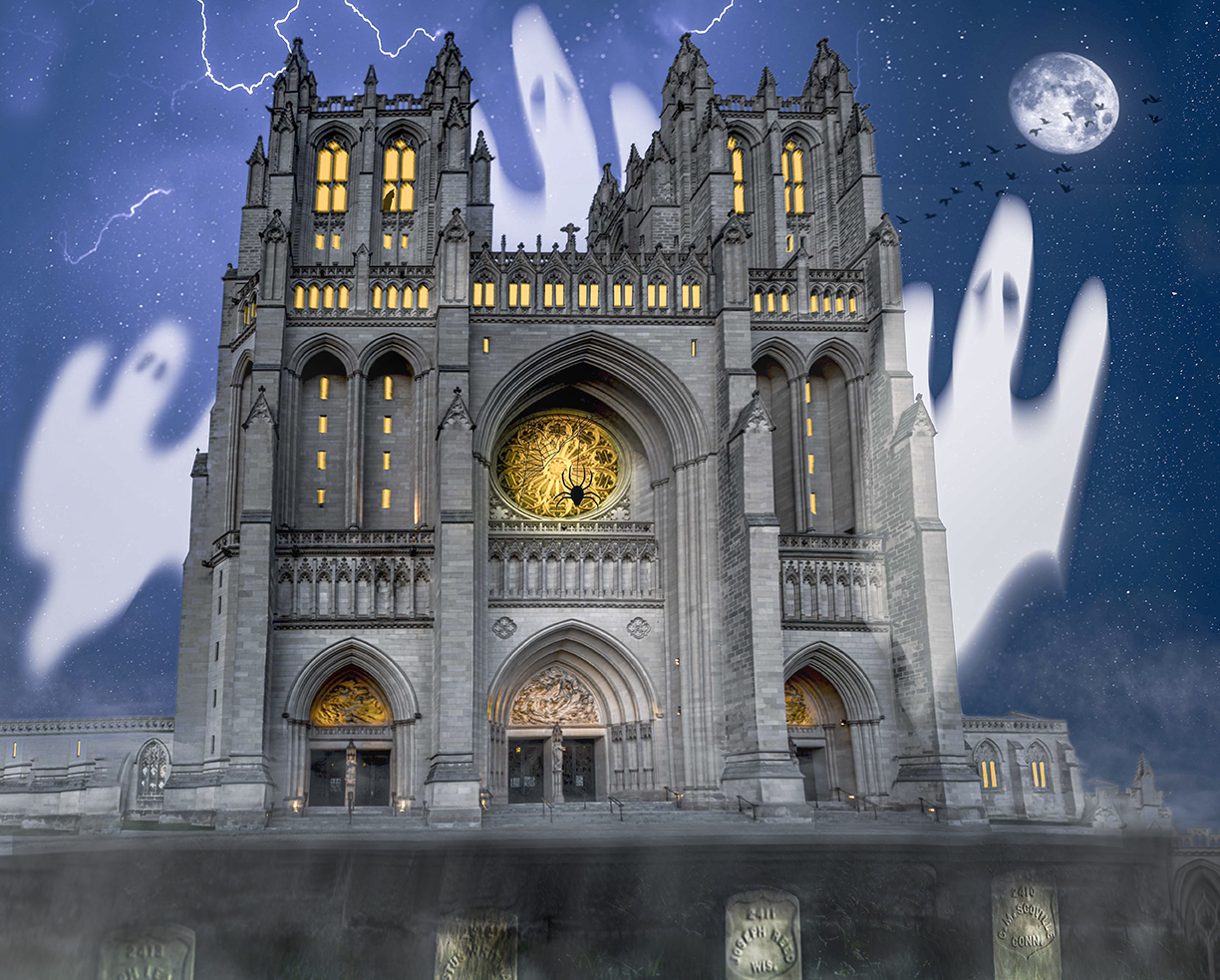
HI Matt, Welcome to our group. Read your BIO very interesting, so is your image this month.
The first thing that hit me was the building uprights were quite right. I know its meant to be a bit wonky as its a creepy Cathedral, but even in images like this I feel the uprights should be right. Because of this the image lacked reality. As ts a tall bulding in theory the top should like back to give the feeling of perspective.
I have done a mock up to show you what I mean. It improves from the graveyard at the bottom right to the top of ther image, it gives a feeling of DEPTH TO THE IMAGE. Having done this it automatically improves your gravestones at the front and they look less like holding the building up. I have also darkened behind them and the hard step behind them to blend the front to the building at the back.
I liked the lights in the building, but felt they needed brightening. Adobe Raw color mixer increase the brightness of orange and yellow. Bingo the spider shows up better. etc.
I like the image very much and diffrent to the others I like lots going on in an image it adds to the enjoyment of the reader if its done well. Congrats on a fine image. Bruce |
Nov 11th |
 |
| 54 |
Nov 24 |
Comment |
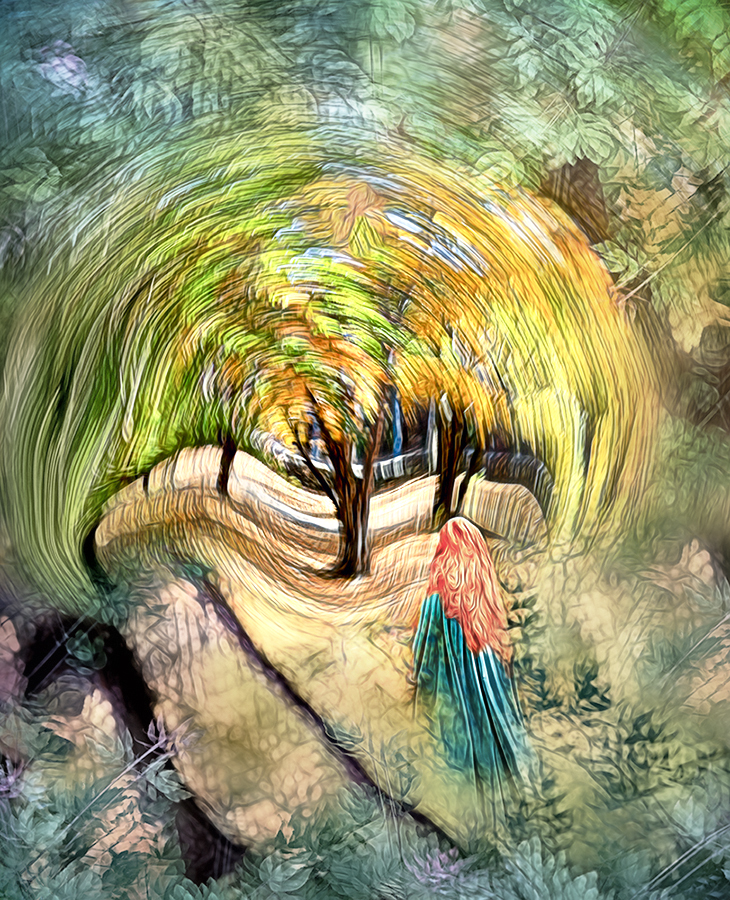
Hi Peggy, Stain glass / Mosaic images are very popular the now. They are meant to be colourful and vivid as yours surely is. The story of the girl in the cloak approaching the magic tree is there ....but for me lost in the business surrounding the story.
I have done a mock up using your image. Its based on the brightest and standout thing on the image has to be the subject/story.
1. I have reduced the contrast, saturation and texture of the frame around the story.
2. Have masked the story with a graduated circular mask, where I increased the brightness, texture, etc
3. Increased the contrast on the girl to bring her forward of the tree and slightly reduced the saturation on her hair to blend.
In summary I have tried to emphasis the centre and reduce the background, to make the story pop out from the rest.
Hope you dont mind me rehashing your image, but I love the idea and concept and also the composition so much. Bruce x |
Nov 11th |
 |
6 comments - 1 reply for Group 54
|
6 comments - 1 reply Total
|