|
| Group |
Round |
C/R |
Comment |
Date |
Image |
| 54 |
Jun 24 |
Comment |
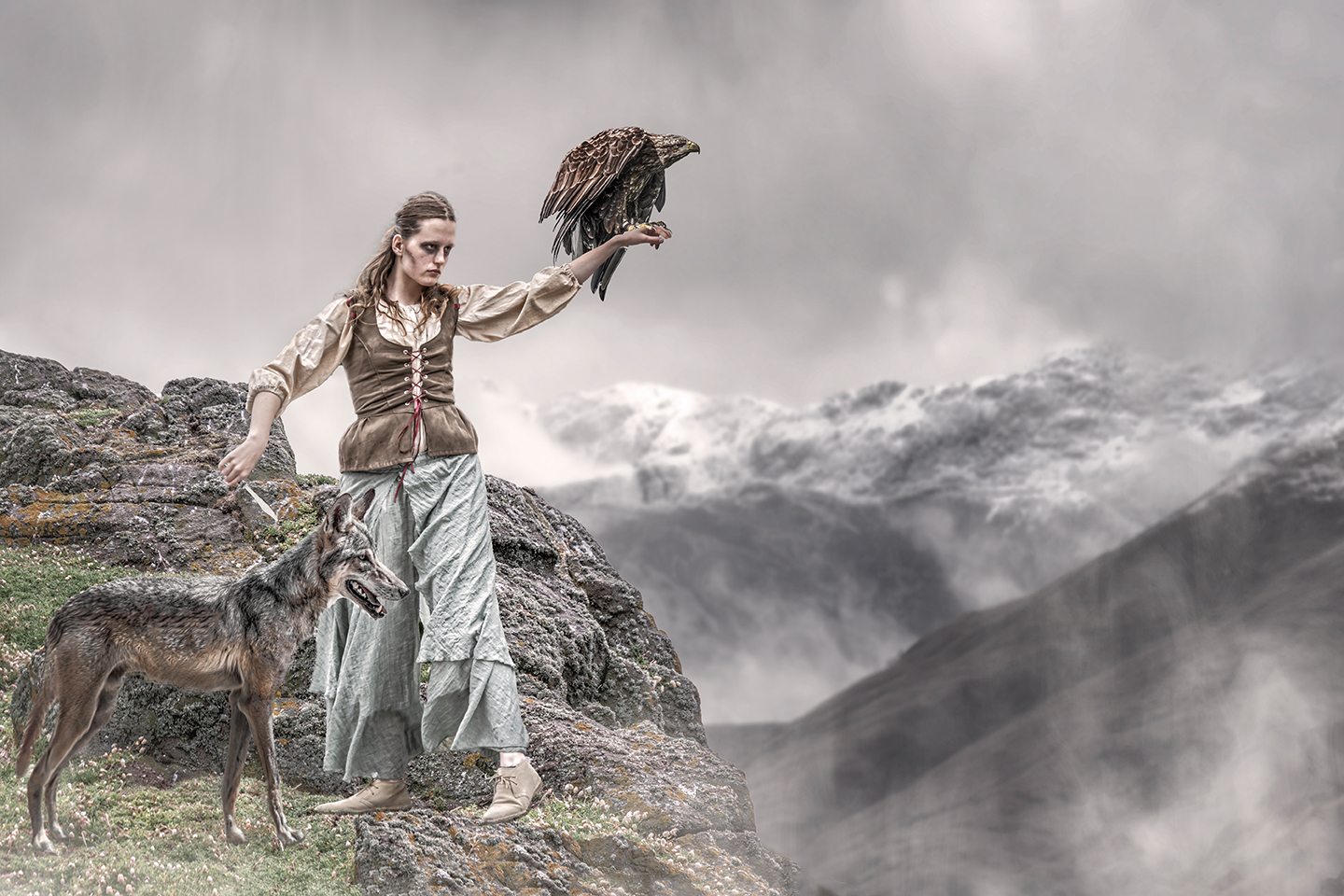
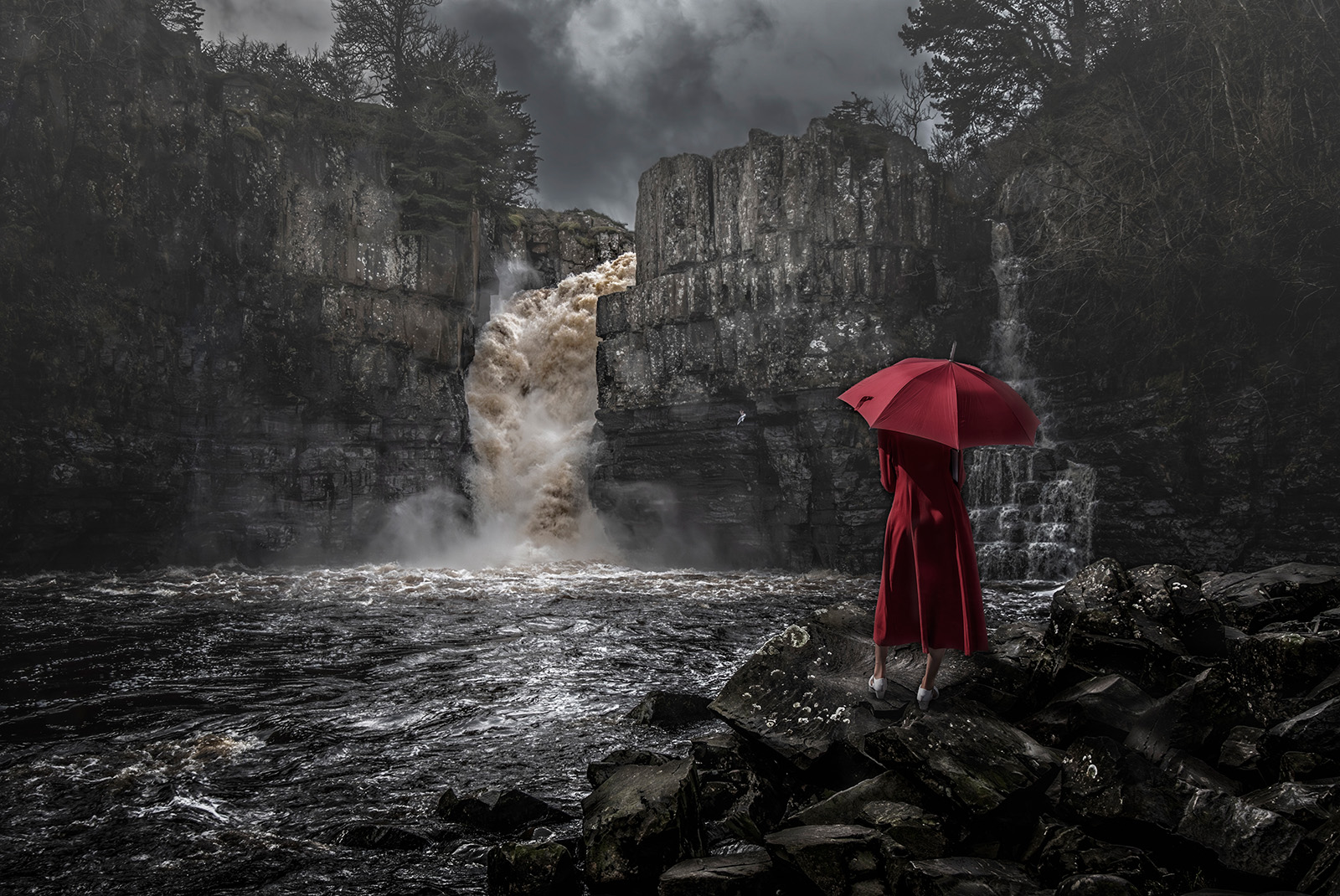
Hi Brad, the Original Image is sheer magic on its own.
Its a wee bit like my image of the waterfall, a very strong original and adding a figure into it, either enhances or does nothing for it. The jury is still out on that one.
Back to your image, I think your original would do well in competition, and as a composite, not so well.
Cheers, Bruce. |
Jun 9th |
| 54 |
Jun 24 |
Comment |
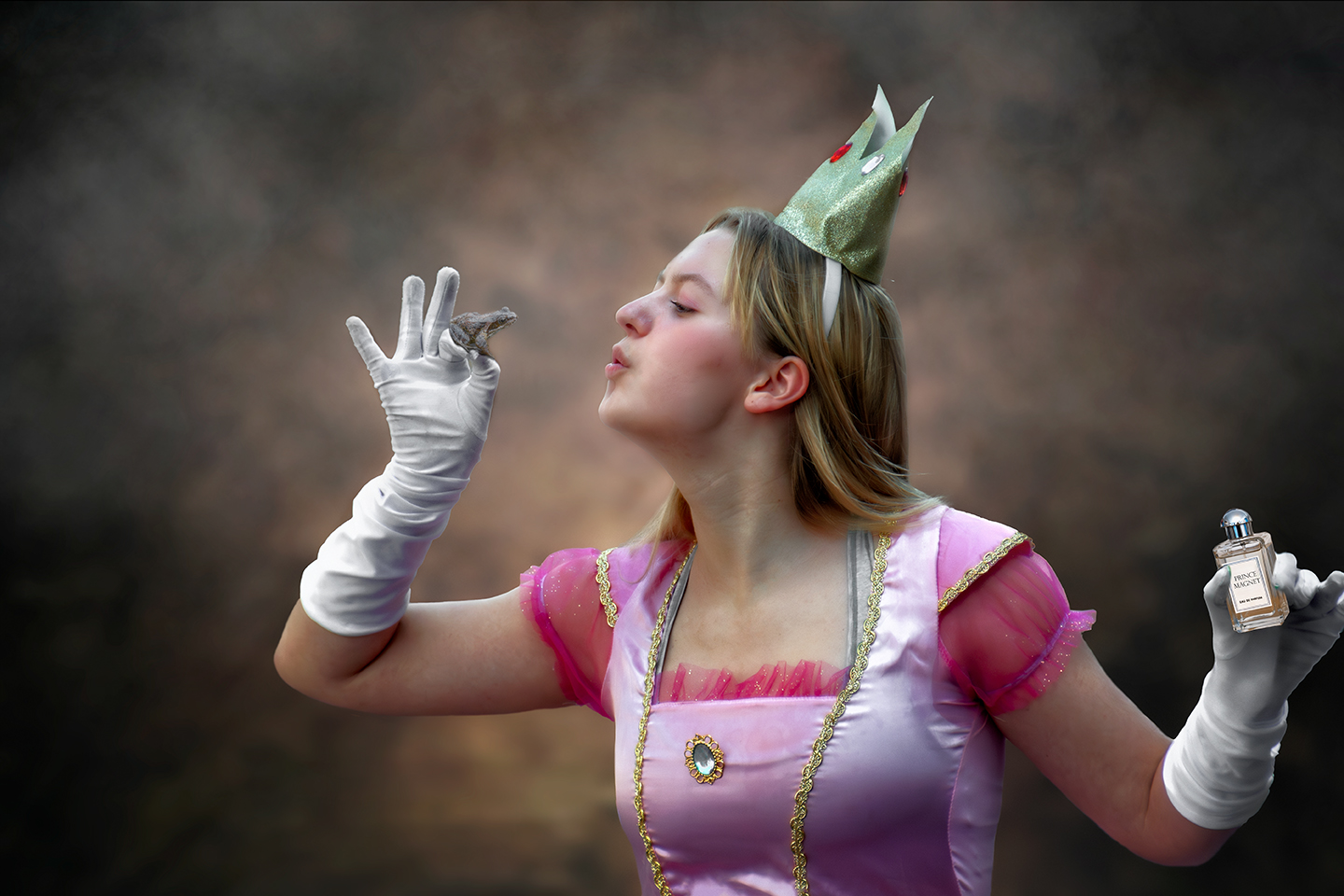
Hi Alan, I am a lover of minimalisation in composites and this one fits the bill. Love the colours and idea. Good lighting, colours and just the right contrast.
The only thing I dont understand is the subjects shadow ? Its on the top of the brollies, but not cascading down to the ground. The Brollies shadows are there but not her's ? I am missing something ?
Cheers, Bruce. |
Jun 9th |
| 54 |
Jun 24 |
Comment |
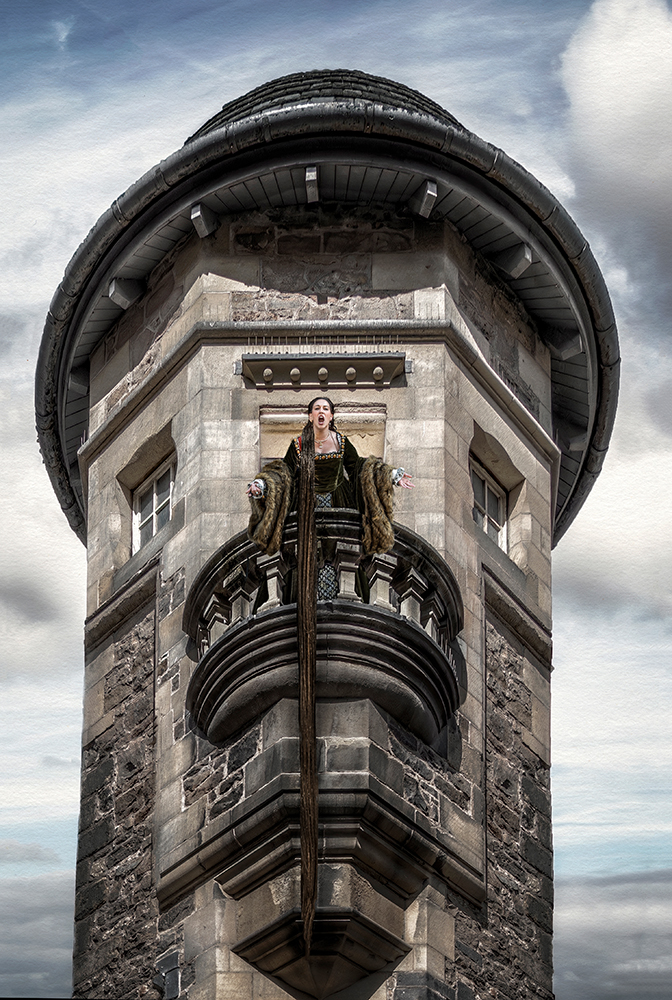
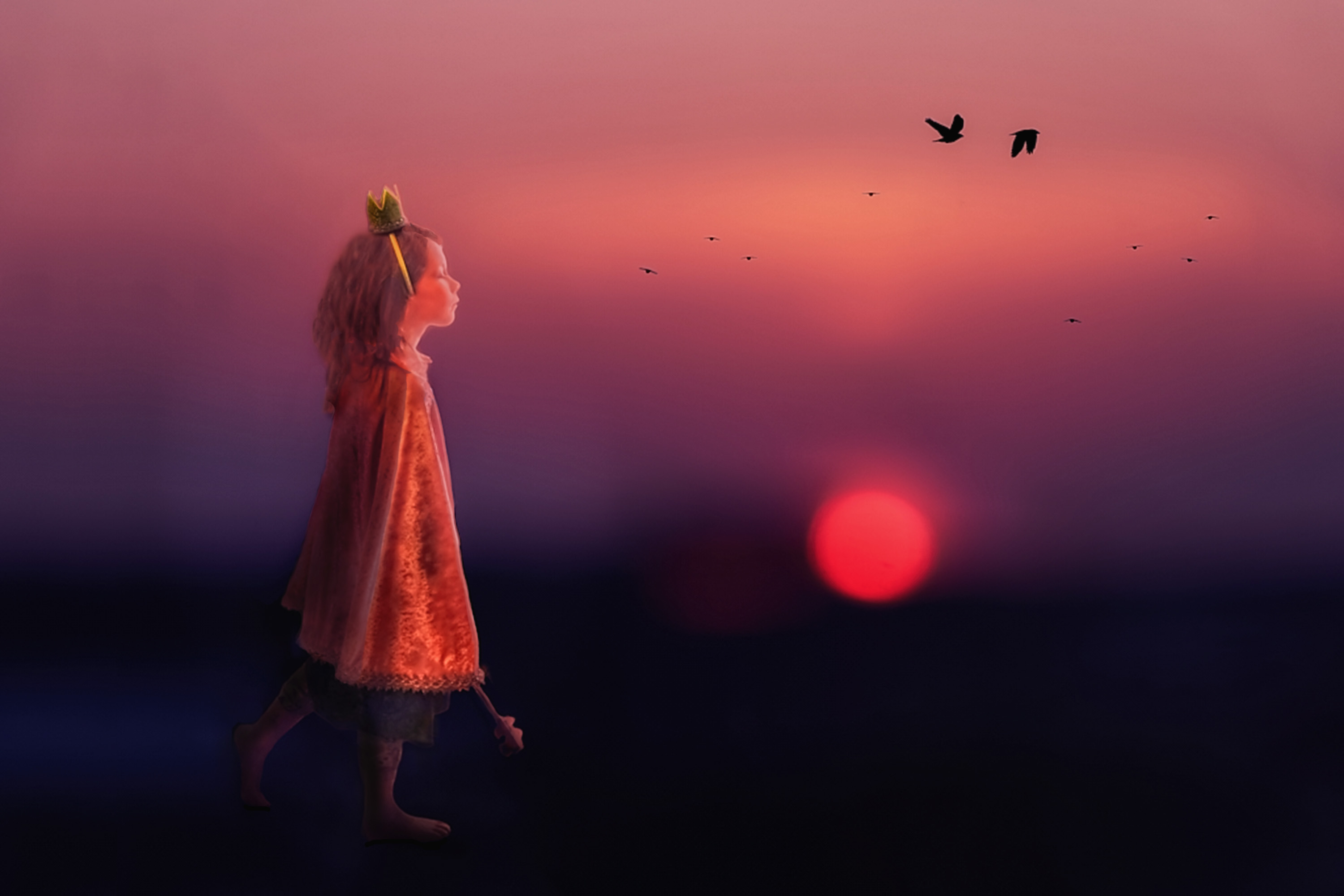
Creativity is all about Imagination, and this image has buckets of it. I agree with Brad on Contrast but globally applied. All have mentioned the Sceptre - I agree its distracting where it is and adds nothing to this remarkable build. I agree with Peggy on the Glow. (you might like to try Glamour Glow in Niks plug in) Positioning and composition I would leave as it is.
The only thing that bothered me was the light and colour of the light on the Girl. I felt it was too intense and too white, and there was dodging and burning needed to make here part of the image. I have attached a mock up of what I mean. I feel uncomfortable critiquing other peoples work as it very subjective and personal, so please excuse me if you dont agree. |
Jun 9th |
 |
| 54 |
Jun 24 |
Comment |
Hi Peggy,
Great idea with a very good subject and sharp.
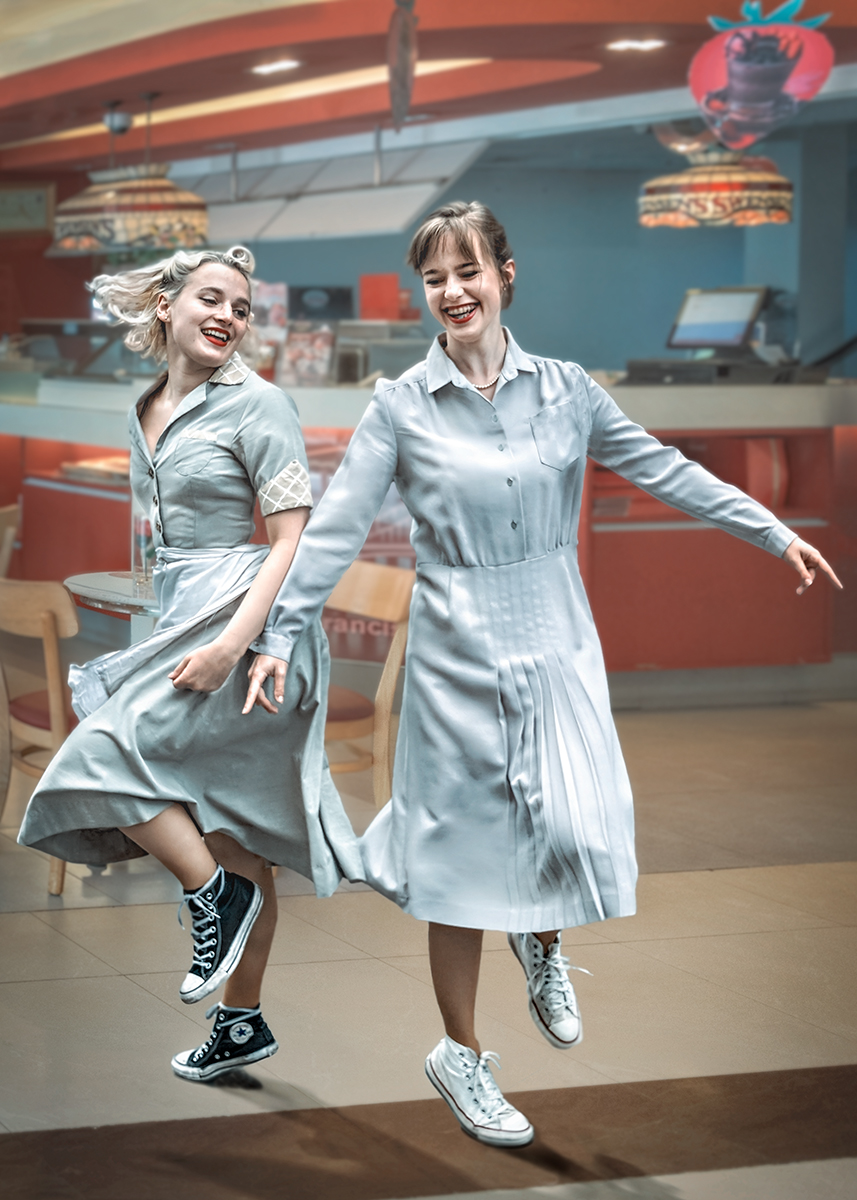
I think it needs the window frame included, as it took me a wee while to understand the image. I much prefer your new version posted after Brad. As its snowing the image should be cold, and there are warm colours in your image that conflict. Maybe a cool photo filter would help. Apart from that love it. |
Jun 9th |
| 54 |
Jun 24 |
Comment |
Also.
Peggy pointed out my use of offset exposure to create mist/fog and lighten a scene.
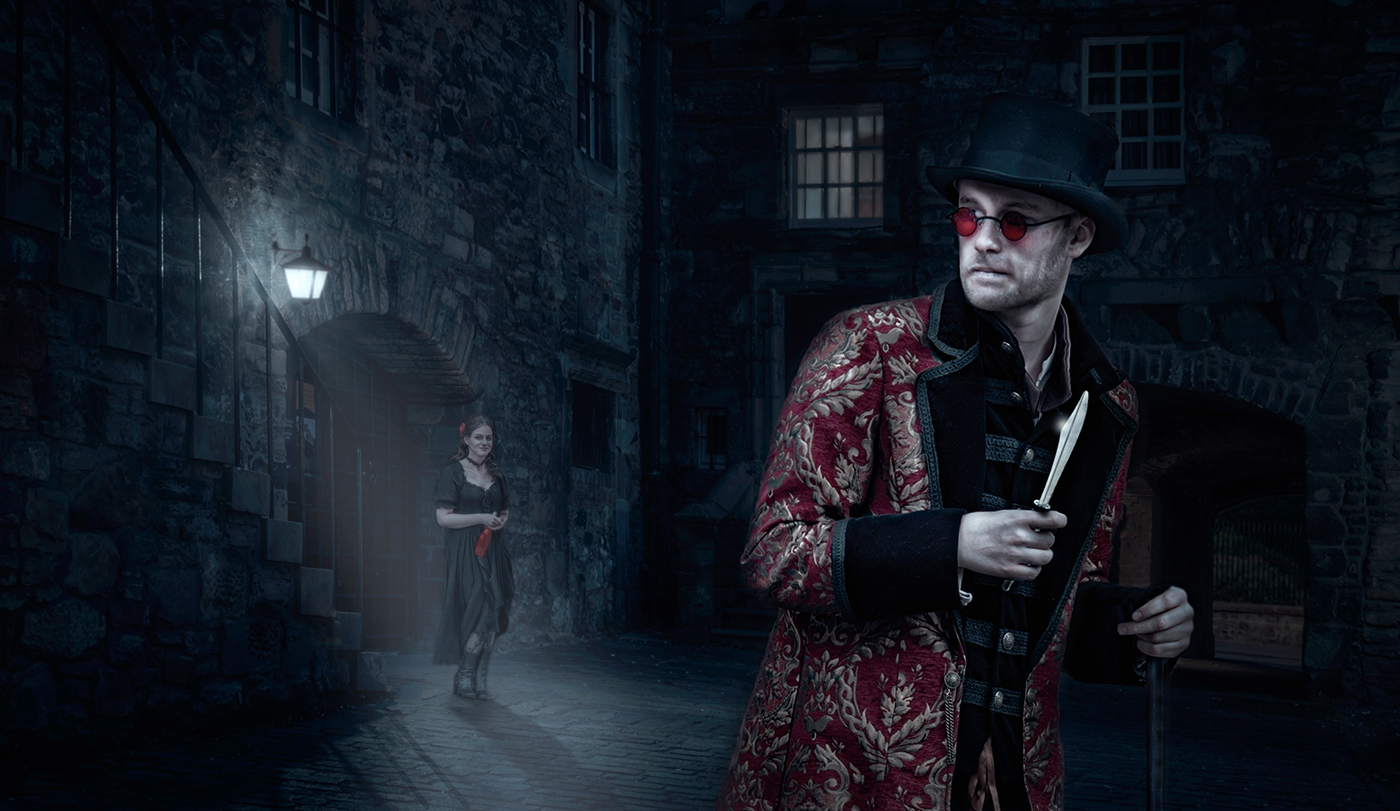
In my composites I use various techniques to BLEND the image together. A montage of different images lends itself to looking just that, separate images on one page.
One technique that I will share with the group is called " Average Blur". I read about this in one of Scott Kelby's books. In Photoshop make a duplicate layer (CNTL J) and goto Blur>Average> ok. The whole page goes the average colour of the image at 100% opacity. Next reduce the capacity to about 10%, mask the layer and invert, with a white soft brush paint over the subjects and not the background. What happens is the layers on top of the background layer take on the general colour of the image and also a slight blur that softens the edges. The effect is that all the added images have a smoother blending and look more like part of the original image. By altering the opacity is is possible to fine tune the blending process even more. I find 10% works well in general. Hope you like my tip more to come in future months. Cheers, Bruce |
Jun 8th |
| 54 |
Jun 24 |
Comment |
Dear Group members,
Many thanks for your kind comments and constructive analysis.
I will take on board your suggestions, as its important to recognise what others see, that I may miss by being so involved in the build. I will ceratainly lighten the vignette as it does allow the detail in the shadows to be revealed. My intial intention was to create a dark moody unforgiving scene, but perhaps went too far with this.
Regarding the just having the landscape on its own, although its dramatic, it lacks the colour tones that judges seem to seek. ie. Sunset/Dawn skies, long shadows, selective light etc. For that reason I added human interest and colour to lift and change the story of the image so that it would be more acceptable in competitions.
Cheers, Bruce. |
Jun 8th |
6 comments - 0 replies for Group 54
|
6 comments - 0 replies Total
|