|
| Group |
Round |
C/R |
Comment |
Date |
Image |
| 68 |
Mar 25 |
Comment |
The beams of light through the leaves at the edge of the forest make this 3D shot more interesting. I also like the various shades of green in the leaves and it has good depth. |
Mar 21st |
| 68 |
Mar 25 |
Comment |
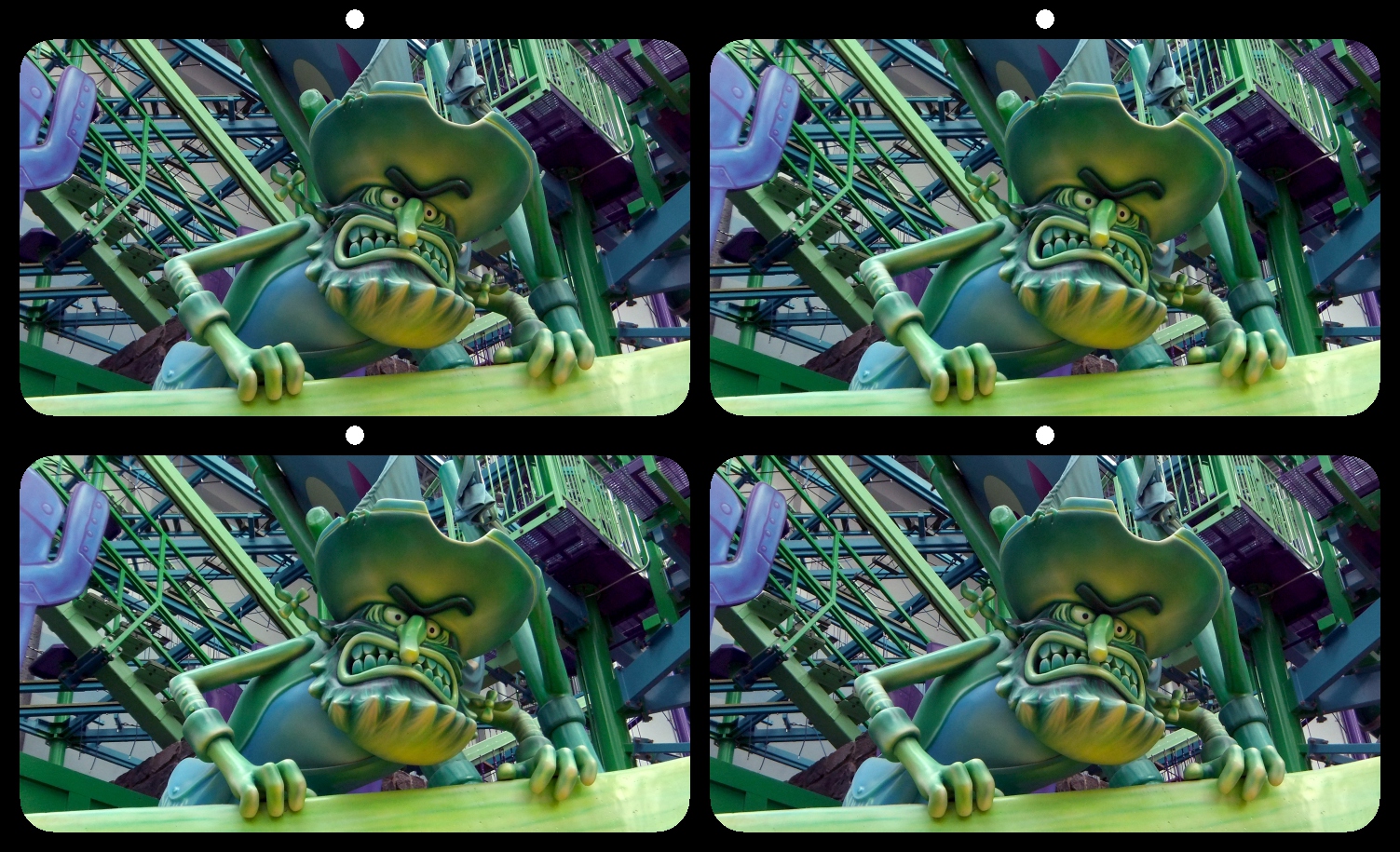
Initial impression: Interesting character. His pistol looks a little off in 3D. Was it a flat image converted to 3D and placed on the 3D image of a stairway?
I just read your description, I think the pistol addition made me think the pirate was a conversion. |
Mar 21st |
| 68 |
Mar 25 |
Comment |
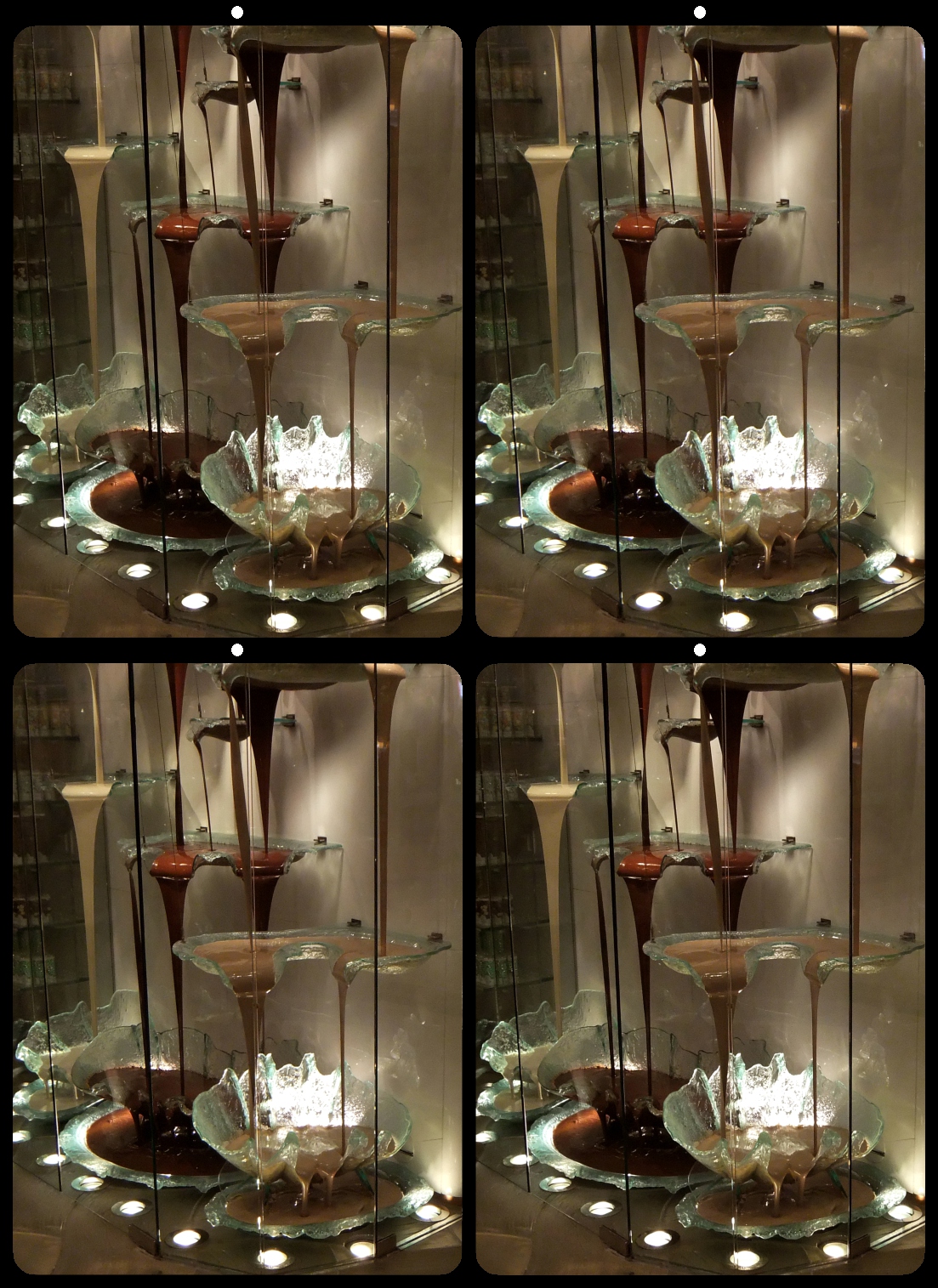
There is a lot going on in this image. It took me a moment to realize that there was a mirror in the room. Being able to read the "FENS Decor" in the mirror is cool but where is it reflecting from? Or is it a reflection or an inscription on the mirror? I am a big fan of mirrors and reflections in 3D so I like it. |
Mar 21st |
| 68 |
Mar 25 |
Comment |
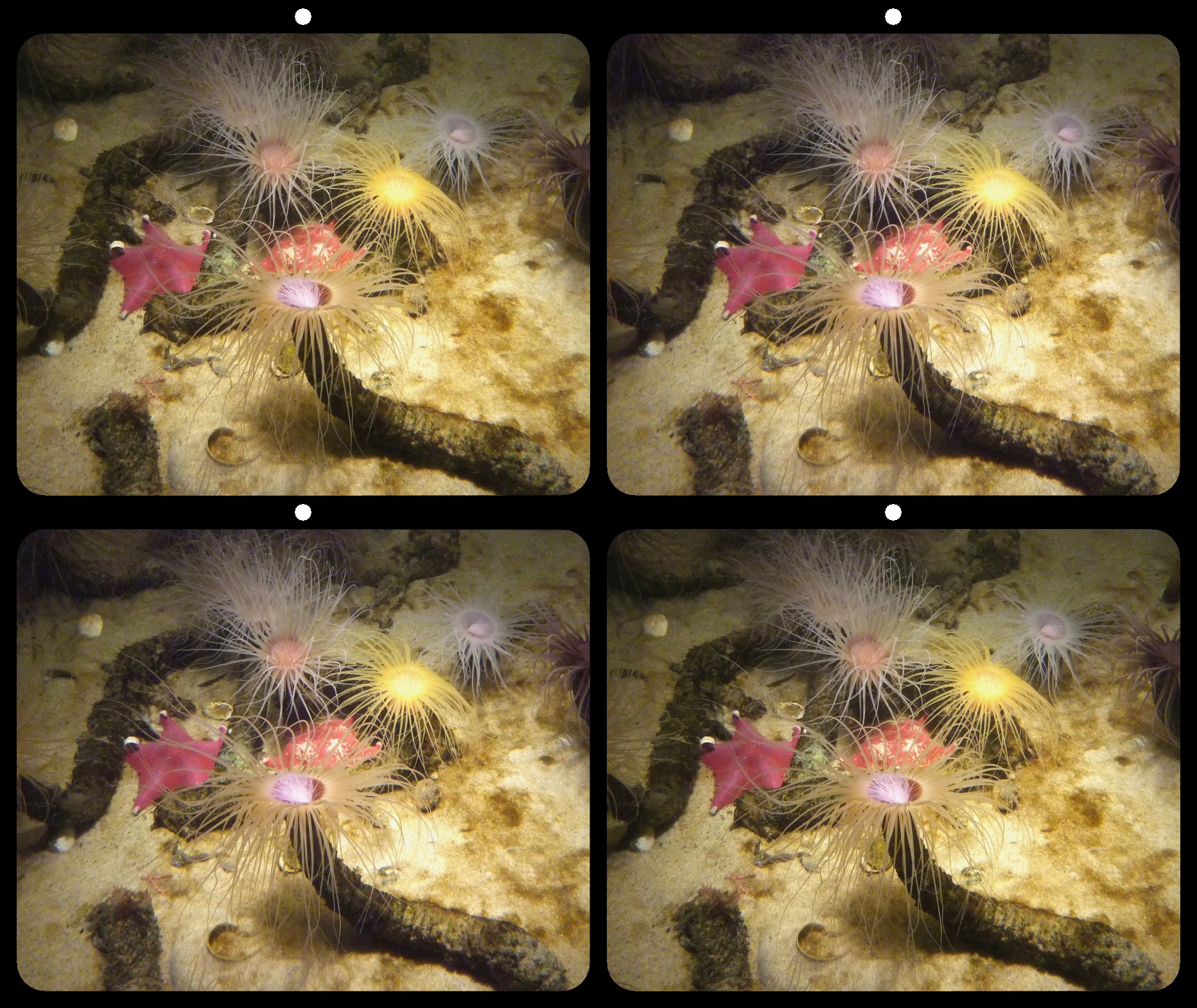
Although it is an interesting photo there is not much depth.
One of my fellow club members recently told me about a useful feature (trick?) in Stereophoto Maker.
Load a stereo photo in SPM and then select the following from the menu bar: Stereo>Single Image View>Flashing (or the Shortcut key CTRL+F11), the left and right images will alternate. You can control the speed of flashing in a menu that appears. This is very useful for identifying possible window violations. It is also a very visual way to see the amount of depth in an image. To STOP the flashing, press F9 or select a different view from the Stereo menu.
Try it and see what you think.
|
Mar 21st |
| 68 |
Mar 25 |
Comment |
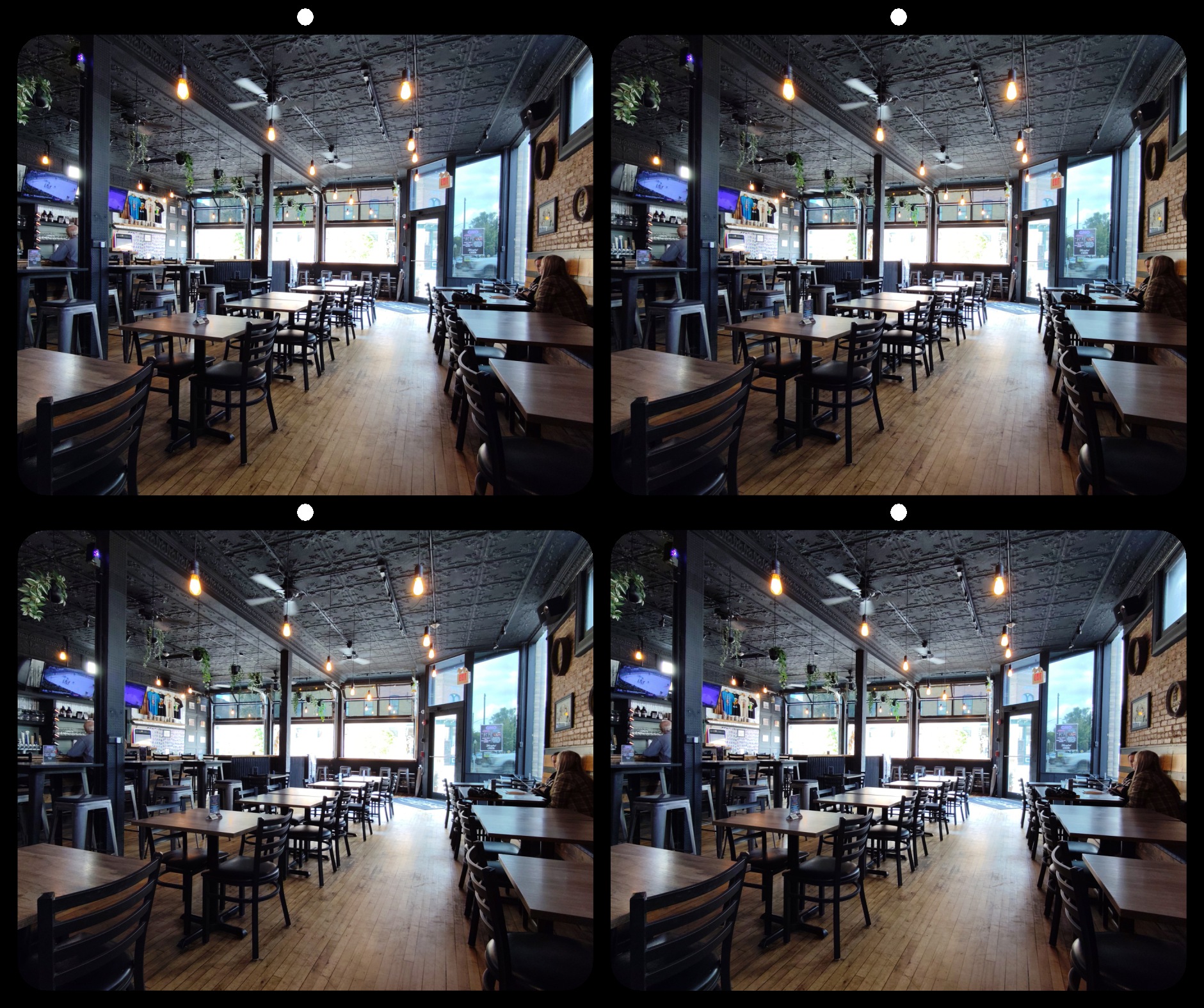
Good 3D and interesting subjects in this photo. Background interior seems a little dark and if there was more detail there that might be an improvement. I very much like the ornate design in the window and being able to see out to the area beyond the window. |
Mar 21st |
5 comments - 0 replies for Group 68
|
5 comments - 0 replies Total
|