|
| Group |
Round |
C/R |
Comment |
Date |
Image |
| 60 |
May 24 |
Comment |
Congrats Anne on your beautiful image featured in the Members Showcase this month - well deserved :-) |
May 20th |
| 60 |
May 24 |
Comment |
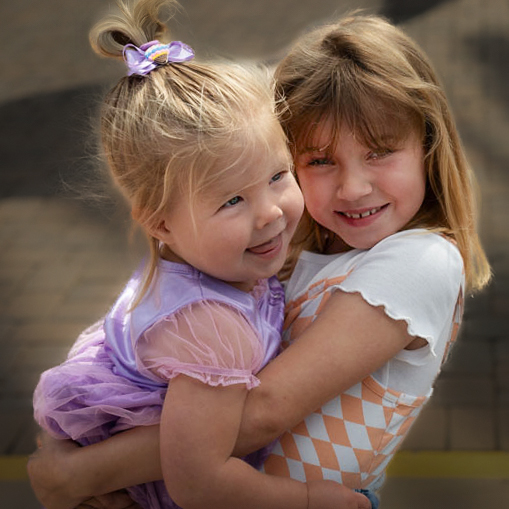
Hi Blair. This is a lovely image of your granddaughter & friend sharing a happy moment (I think it was W.C.Fields who said 'never work with children or animals', sometimes you just have to work with what they give! I agree with Dean re lightening the faces and darkening the BG. I don't know what software you have access to, but I had a play in Photoshop & Camera Raw (I think most editing software would do though).
My main basic edits: Straighten the image (level the yellow line); selectively dodge (lighten) the girls faces, eyes, and the highlights in their hair; burn (darken) the background. |
May 10th |
 |
| 60 |
May 24 |
Reply |
lol Cheers Robert - I wouldn't quite go that far! But thank you. |
May 6th |
| 60 |
May 24 |
Reply |
Thank you for your kind words Dean. I tend to be quite critical of my own images, and so I'm perhaps hyper conscious of the faults. Thank you for the encouragement. |
May 6th |
| 60 |
May 24 |
Comment |
Hi Dean. Striking image with a good sense of depth from the foreground/middle ground/background. The flowing cloud juxtaposes well against the detail of the land. The black & white conversion gives the image a much more dramatic feel than the colour version and help the changes in the landscape stand out. Lots of similarities with Ansel's image - even the moon is facing the same way (although rotated slightly)! |
May 6th |
| 60 |
May 24 |
Reply |
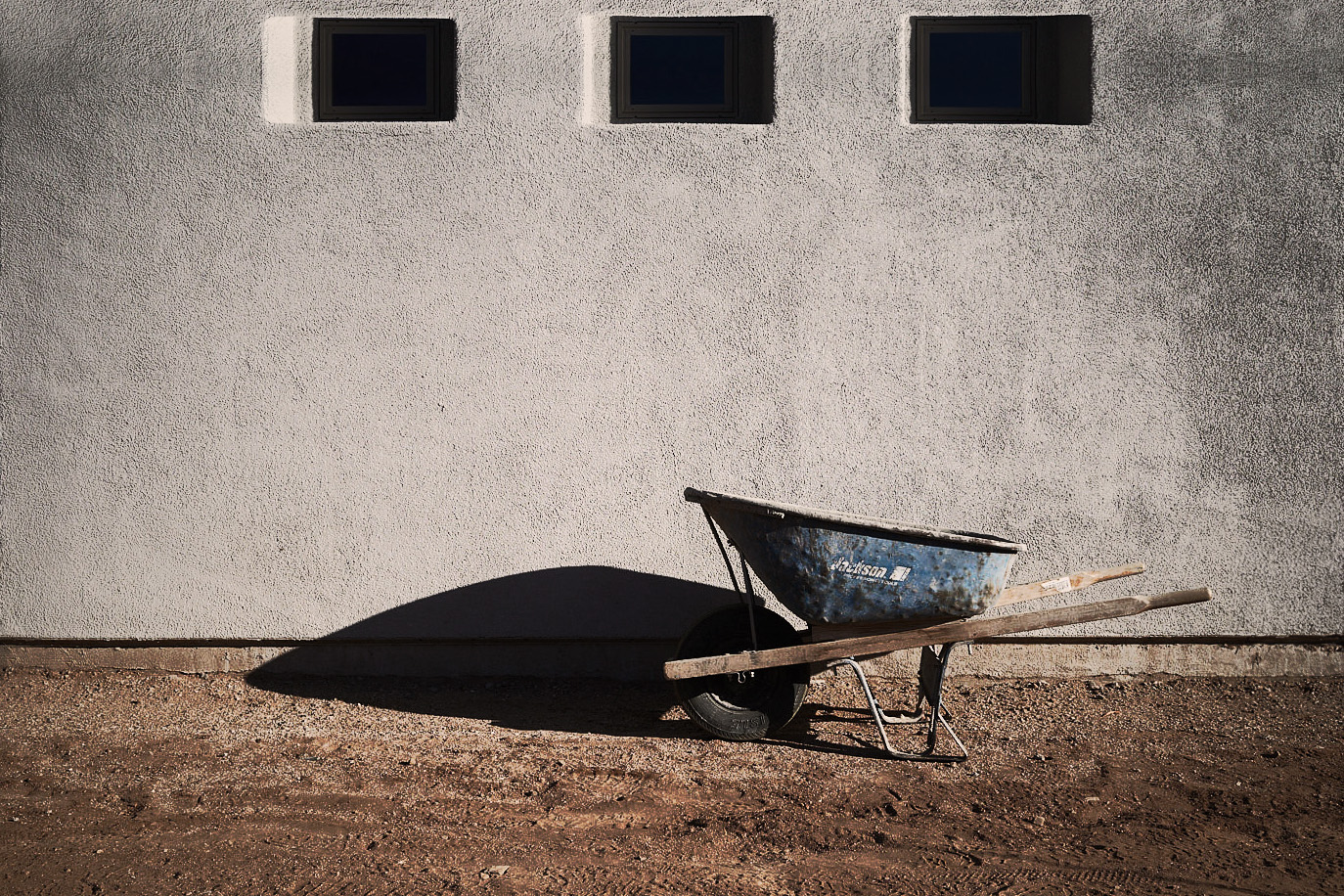
Cheers Robert - it was a quick one. I don't know Capture One, but in Photoshop it was just increasing the canvas at the top, then made a selection of the top part of the image including the windows and part of the wall underneath the windows, placing the selection on a separate layer, flipping it vertically, and moving it up to line up with the bottom half of the windows, then adding a mask to the flipped layer to blend it in. To finish it off (which I didn't do) I would use one of the healing tools or the clone tool to fix any repeating patterns (eg the crack above and below the left window, etc). |
May 6th |
| 60 |
May 24 |
Comment |
Hi Robert. A lovely pared back image, you've brought out textures nicely, and the colour treatment works well. The black & white looks good too. If leaving the windows in (which I think might balance it slightly better) perhaps the entire window instead of cut off which may not be possible (reshooting). Had a play with adding them in photoshop. |
May 5th |
 |
| 60 |
May 24 |
Comment |
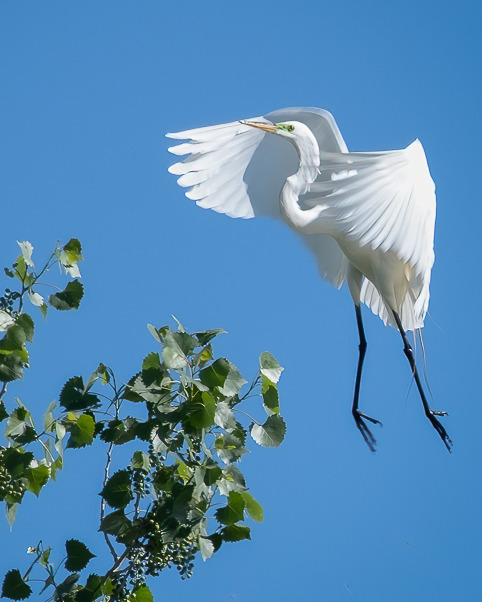
Hi Anne. Great capture of the bird in flight - I struggle keeping them in the frame when using a long lens, you've done well! I can't add anything to what Dean has said. Had a quick play with the crop |
May 5th |
 |
| 60 |
May 24 |
Comment |
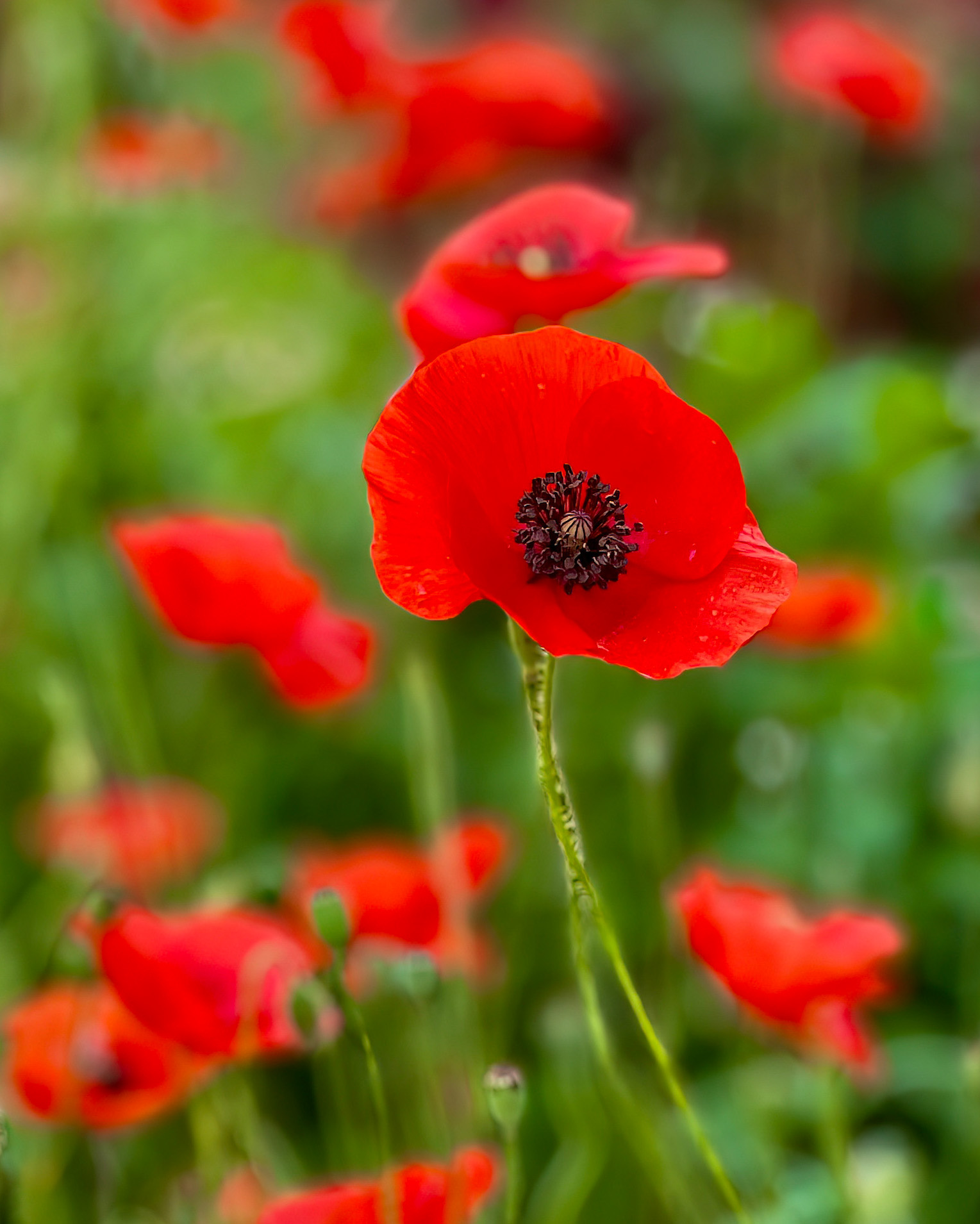
Hi Rita. Beautiful vibrant colours and shallow DOF leave no doubt about the star in this image.
I agree phones are getting better all the time, but feel that for certain things, a dedicated camera is still hard to beat. I have found the portrait mode, while throwing the BG out of focus, quite often leaves ghosting/smudging around the subject.
You mentioned varying the crop, so I've tried a vertical crop as an alternative. |
May 5th |
 |
| 60 |
May 24 |
Comment |
Hi Michelle. You've captured a great moment, full of vibrant colours and movement with a lovely flow, and a great record of the event.
I can't add much to the suggestions Dean has made - the high ISO would increase the noise, and the very small aperture would introduce diffraction, both of which will degrade the image quality.
To the question about the tripod, I think, with the low speed of .5 sec using a 210mm focal length, it quite possibly would eliminate any unintended camera shake and would help getting a little more detail on some of the faces - possibly a mono-pod would help, but still difficult to implement in a crowded environment. |
May 5th |
7 comments - 3 replies for Group 60
|
7 comments - 3 replies Total
|