|
| Group |
Round |
C/R |
Comment |
Date |
Image |
| 26 |
Jan 19 |
Reply |
That photo was also edited in Snapseed, so--
Sorry for the headache. After reading more (not finished, I'm a researcher, dog w/a bone), this has been an issue for Snapseed and Google. One of the Snapseed team offered a solution. It worked for me, tested a photo, and metadata, exif, was saved. I haven't emailed, etc., but will test it since data can get lost that way too; however, I see no specific sRGB profile which I guess is due to the design/development of the particular phone camera. Seems this presents an issue for all phoneographers and PSA competitions, depending on the phone used. There are apps to read exif data but they can't read what's not there. If I, for example, wanted to participate in a competition, how would it be handled? |
Jan 10th |
| 26 |
Jan 19 |
Comment |
I thought that too. I don't have an answer yet but what little I've read in 'geek' is that the s9 phone 'assumes' the sRGB, no specfic color mgmt support. There are 4 screen mode choices (1 basic for sRGB which I use) and tools for fine-tuning R,G,B channels. Snapseed is non-destructive but some programs (including LR) can't read the format. Choosing "export" (which I use) creates a duplicate jpeg w/flattened edit stack allowing other programs to read it. Saving to Google Dr. or Dropbox do the same. Snapseed is limited in ways: when exporting, you choose from 6 general, resize options; and,for format/quality 3 choices of JPG and 1 PNG. I haven't tried PNGs. They increase file size. But all that said, it still does not, to my knowledge, offer a profile for sRGB or Adobe RGB. I'll keep poking around and ask others who print, compete, etc., and do more research. So easy taking the shots, but MUST at least be able to print! |
Jan 9th |
| 26 |
Jan 19 |
Comment |
I love the resulting colors. I didn't notice the horizon in the middle, so it doesn't bother me. First thing I notice is the nice upward swirl of spreading color leading from the building. Unfortunately, the building and flags take a backseat and would brighten that area some. |
Jan 9th |
| 26 |
Jan 19 |
Comment |
A beautiful image. Nice separation from the background and light in the eyes. Love that the baby is all snuggled in. All your edits seem perfect to me. I go back-and-forth on punching up. Maybe just a tiny bit,if at all. |
Jan 9th |
| 26 |
Jan 19 |
Comment |
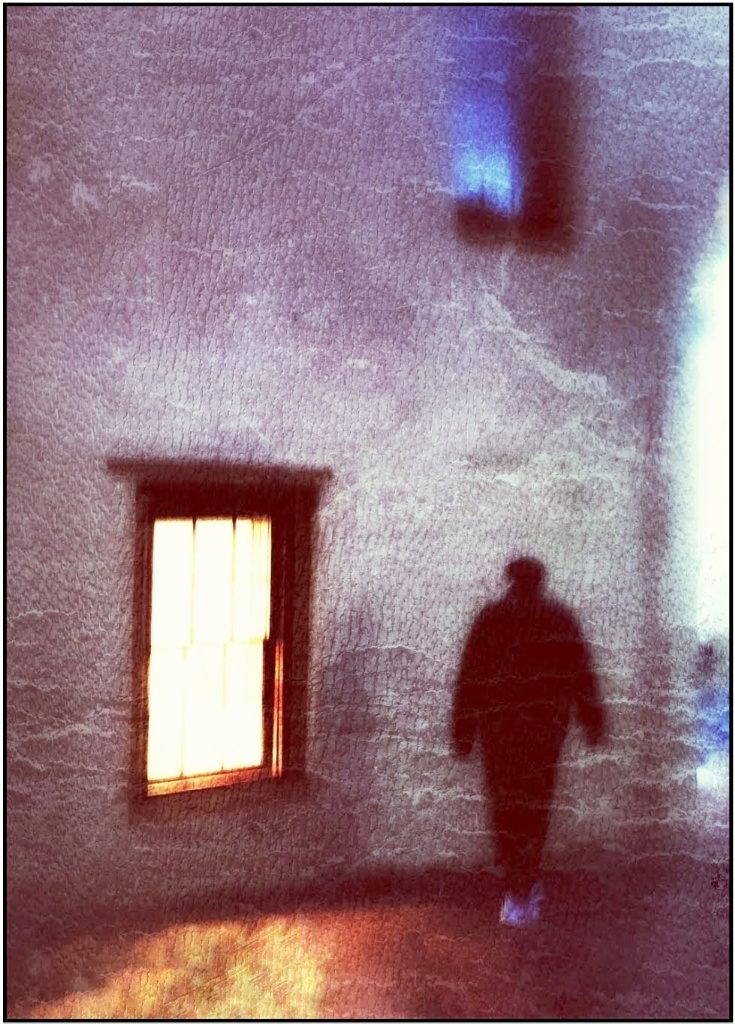
The shadow he is in is me. |
Jan 9th |
 |
| 26 |
Jan 19 |
Reply |
It must create a profile (?) Maybe lost because of how I transfer it around? edits in Snapseed, save to Google Photos, open in tablet, possibly more edits, then email. I don't think I've ever forwarded straight from the phone. I'll check. If that's going to be the norm, any idea how to fix the info for review? If too geeky I might not be able to follow! I'll also ask about this in phone group 86.
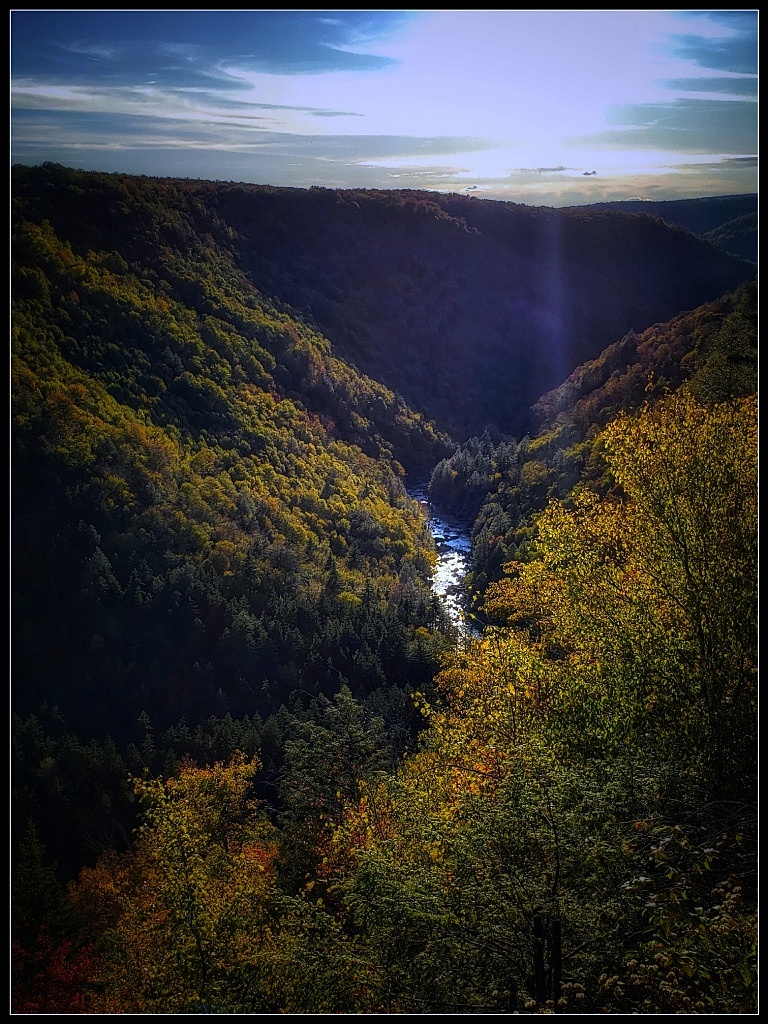
Adjusting contrasts works. Thank you! One filter added too much 'glow'. After posting, I noticed the sliver of blue along the right. Can be fixed with Snapseed's perspective tool that fills in.
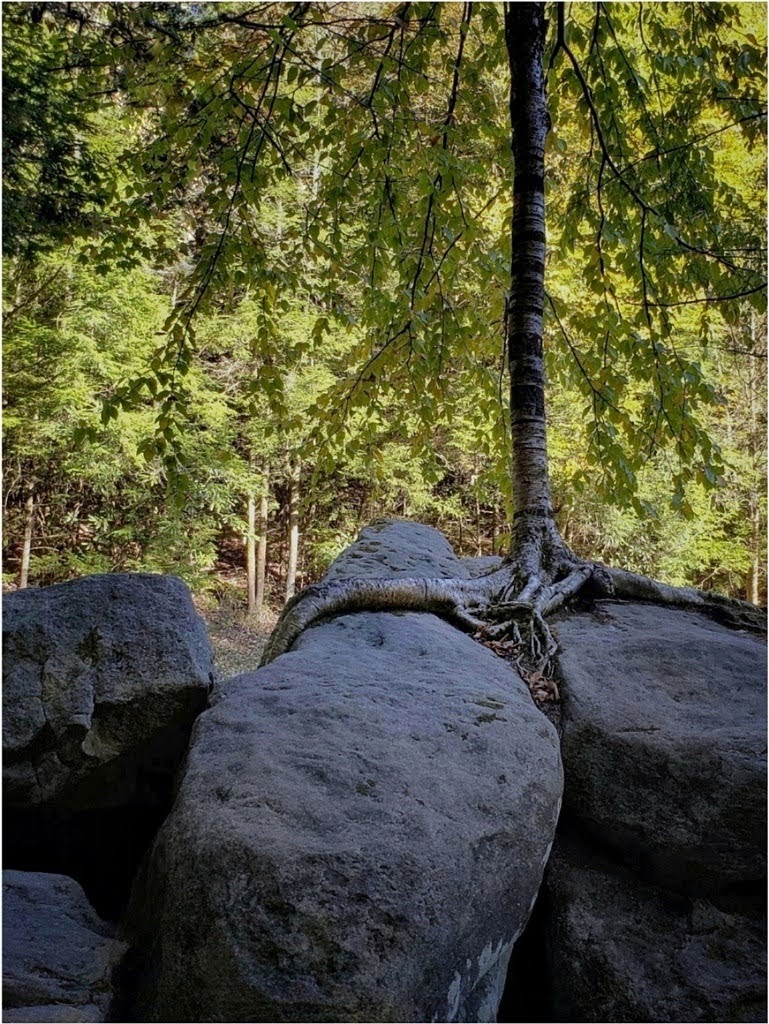
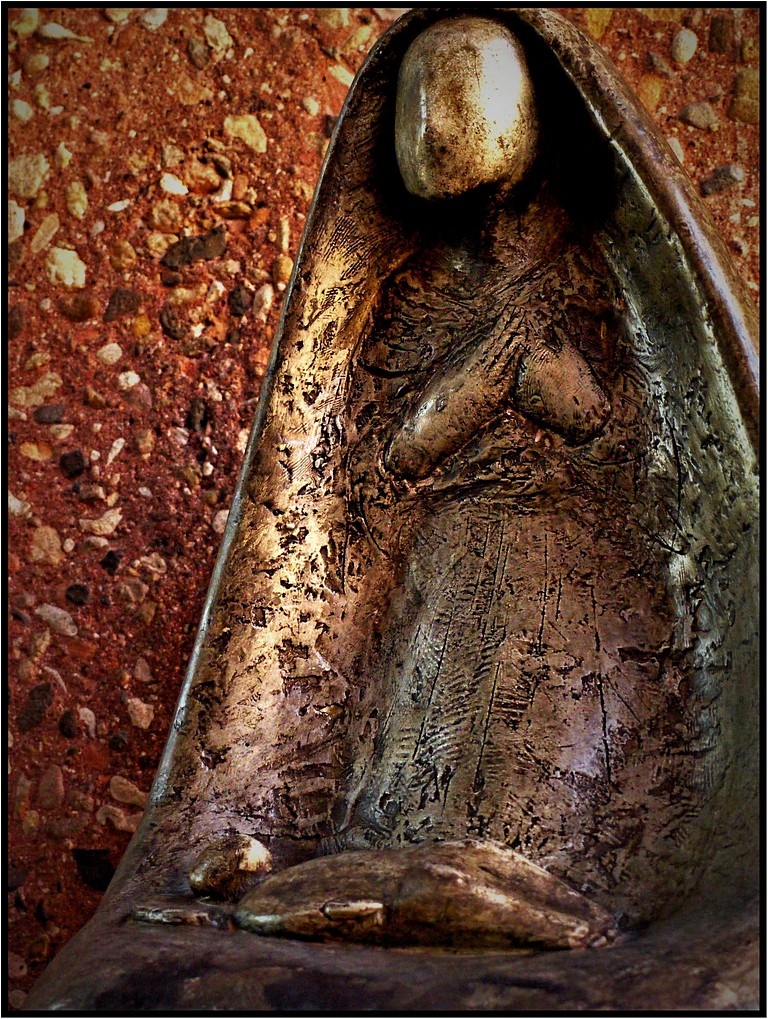
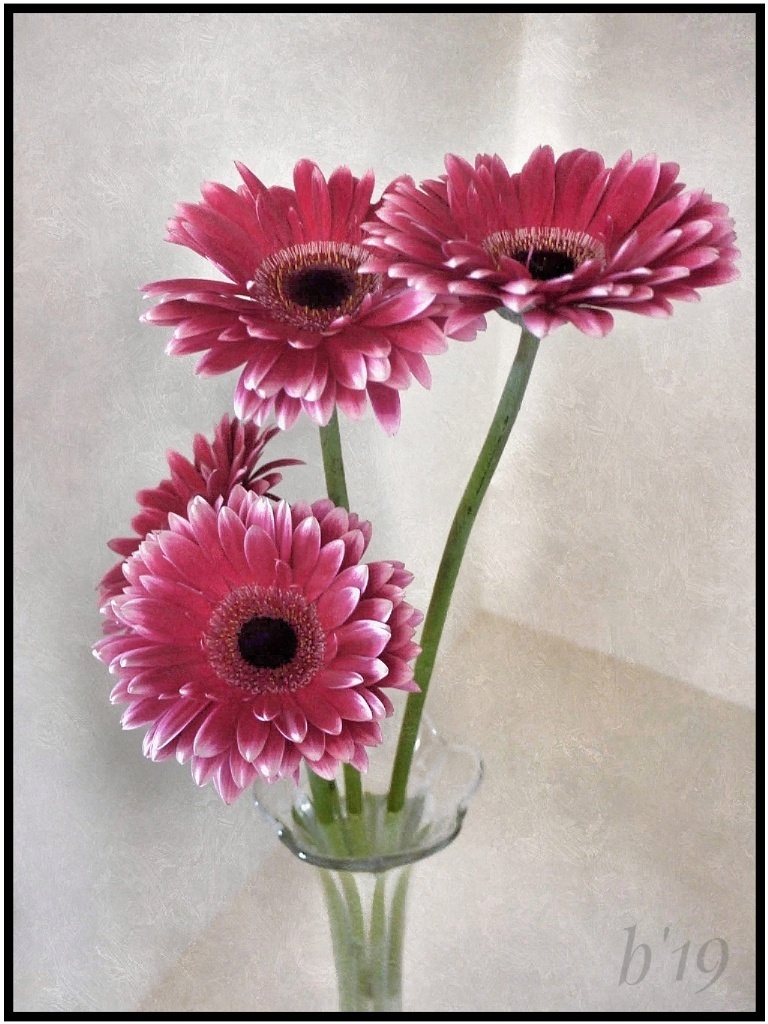
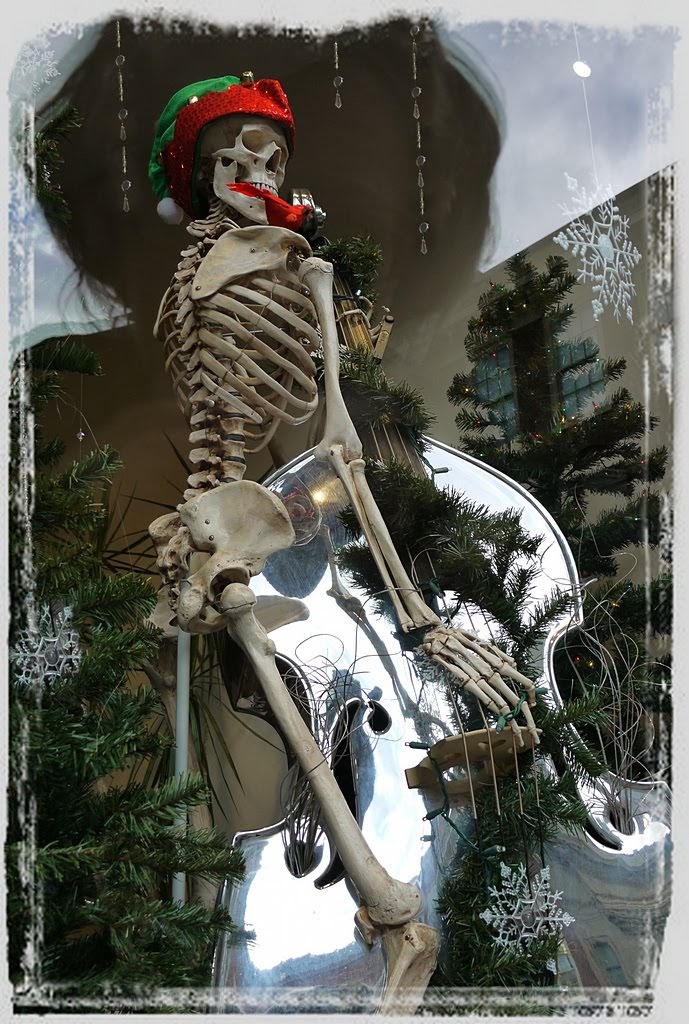
I'll post 'bones' taken with Lumix last Oct.fyi. If info is missing, pls tell me what you see.
|
Jan 9th |
| 26 |
Jan 19 |
Comment |
My goodness. There's no struggle for me! I do believe we are our worst critics! All your edits worked brilliantly. It's beautiful, warm, and what wonderful sun rays. The only thing I see is that the house seems a smidgen unlevel, needing straightened - pull down on left. |
Jan 4th |
| 26 |
Jan 19 |
Comment |
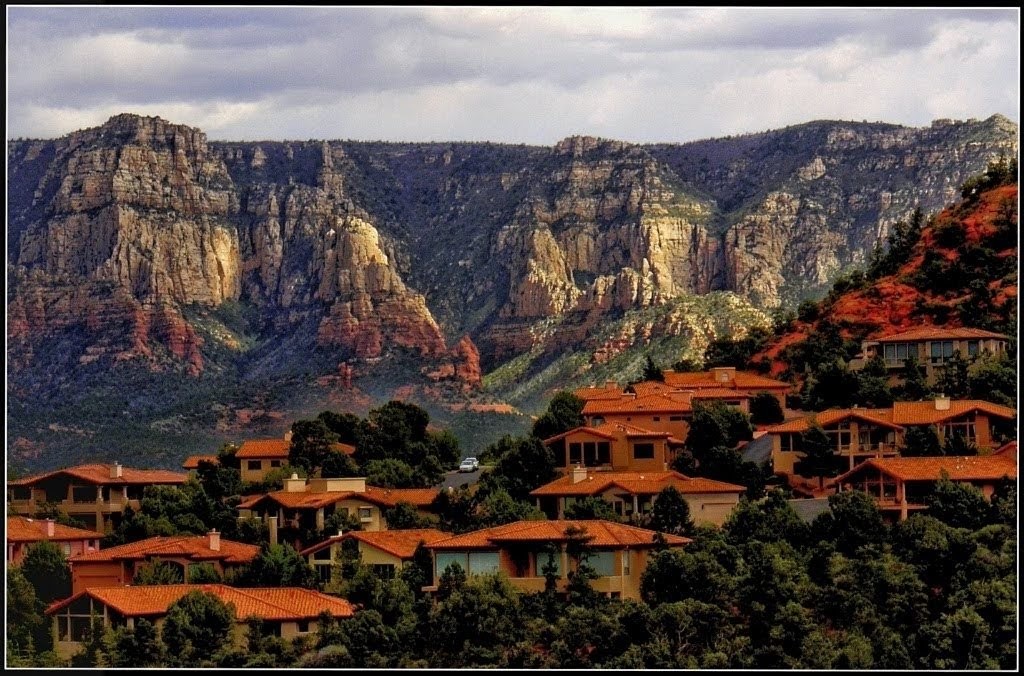
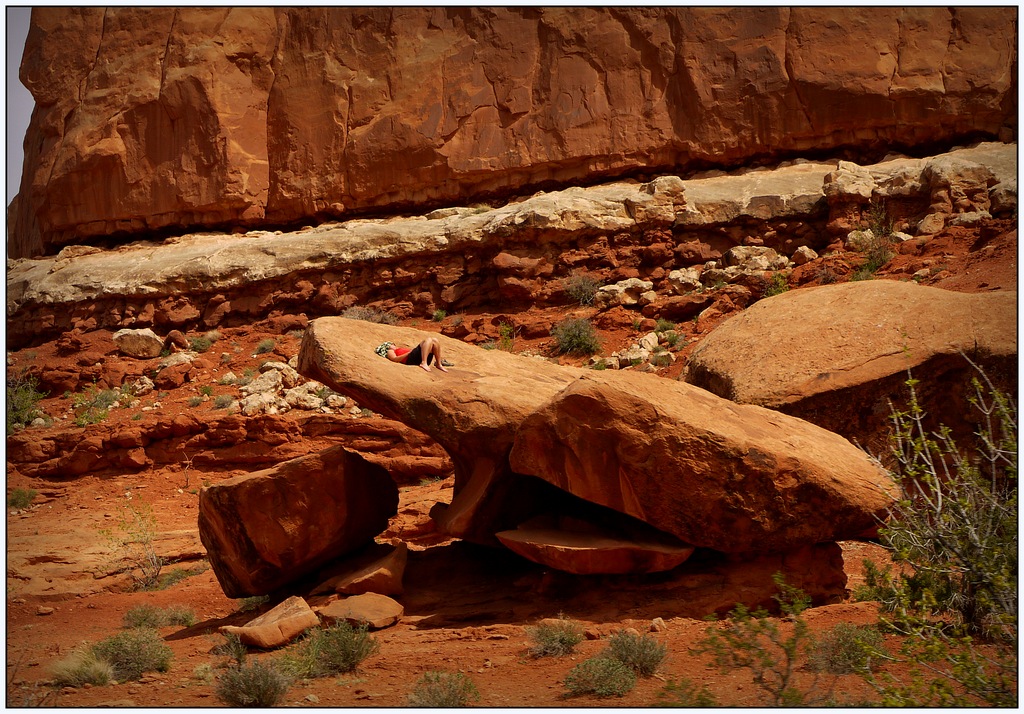
Absolutely love the rock formations of the West, especially at sunset. I almost posted one this month. Next time-
The colors are striking and the formations make for a strong image. A difficult thing to manage is distant haze, fog, smoke. Maybe that area can be enhanced, colors punched up some, but overall I think I would crop out most of the sky. The image is all about the formations and believe it would be more impressive without the bit of sky. |
Jan 4th |
| 26 |
Jan 19 |
Comment |
It's a very interesting and unique shot of the monument. You were determined to try for something different, and your persistence paid off. The colors are brilliant and you pulled nice textures from the rock. I like the trees, but feel the main tree falls too mid-frame. I would crop the right side to push it off center. |
Jan 4th |
7 comments - 2 replies for Group 26
|
| 86 |
Jan 19 |
Reply |
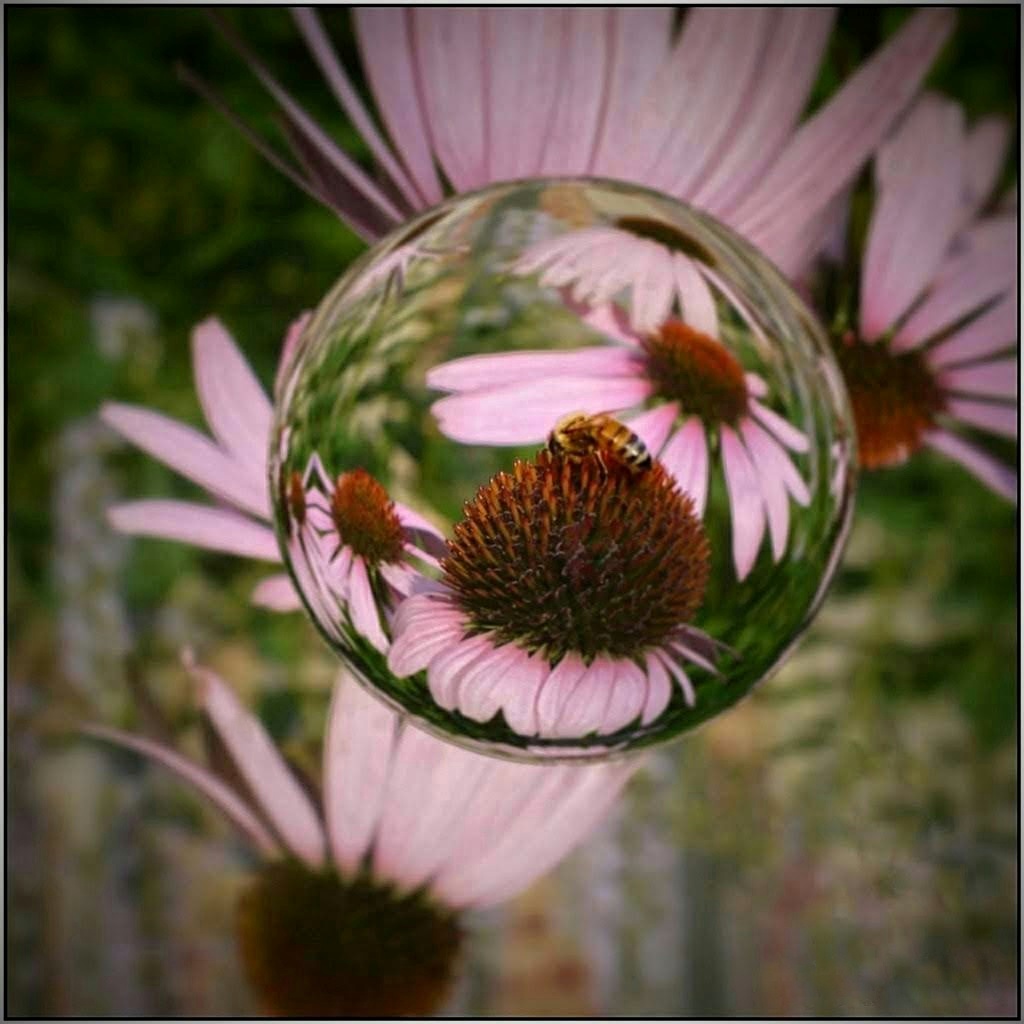
I don't know a thing about iphones, Pat. I'm new to smartphones. Mine's Android Galaxy s9,the first I've ever had. For motion/action there might be a setting similar to a regular camera's continuous shooting mode. Maybe 'burst' or 'rapid fire'. I love the creative end of things, and the bubbles filter by Carl is great--something I would not of thought of. |
Jan 15th |
| 86 |
Jan 19 |
Reply |
Thank you! |
Jan 15th |
| 86 |
Jan 19 |
Comment |
I certainly see the attraction to this colorful scene and beautiful swirling skirts. I haven't taken motion/action shots yet with my phone, and I suspect it might take practice to perfect, since my experience with a regular camera is definitely a challenge.
Editing to blur the background helps force the eye toward the main dancers. I wonder if cropping the scene first and then blurring would help further blur the background and the two dancers behind the main couple. You might try cropping to remove the partial people on left and right sides and then the foreground up to the stage. I like improvements to reduce the skirt's highlights. Personally, I would prefer more clearly focused faces of the main couple, but with so much motion it is difficult.
What phone did you use? Some have Motion Autofocus (tap the subject, camera will track it and keep it in focus).
|
Jan 10th |
| 86 |
Jan 19 |
Reply |
The only thing about in-phone editing is that it becomes "fiddly" for me, for the lack of a better word. I can do so much and then need to move the image to a tablet or computer for better control. |
Jan 4th |
| 86 |
Jan 19 |
Reply |
Laurie, in my other group we usually add a thin white frame. It does help define images against the black background. I like it. |
Jan 4th |
| 86 |
Jan 19 |
Comment |
Such a cute shot. Happy New Year! Hoppin'John is a tradition for us: blk eye peas, ham, hot sauce over rice (we bury coins in fried cabbage too- scooping a coin brings good luck) Digressing...
Your image is cheerful and colorful. I agree your crop made a big difference, and Carl's removal of reflections are great. Snapseed's tool for removing things is "Healing" and a bit tricky to use. I will look into Touch Retouch. I'd like to understand what APS-CS6 is. I sometimes have trouble with resizing programs.
The 365 is fun. I have participated, and it was fun looking back at the entire year's photos in a collage. Enjoy it! |
Jan 4th |
| 86 |
Jan 19 |
Comment |
You are very fortunate to see this exhibit! I tried twice, years ago, when it was in DC. Too many people made it impossible. I got in but saw only a few items of it.
You would never guess this was taken through glass. Nice job! That you obtained such a great black background is amazing. Your edits provide a much enhanced, overall view and record shot of the piece. I am somewhat drawn to the purple highlights, however, of the original and might keep a little more of it. To me, it gives a certain eeriness that seems fitting.
|
Jan 1st |
| 86 |
Jan 19 |
Comment |
Your edits turned this into a dramatic scene. I'm not familiar with Hypocamp but assume you gain more control for B/W conversions than with Snapseed.
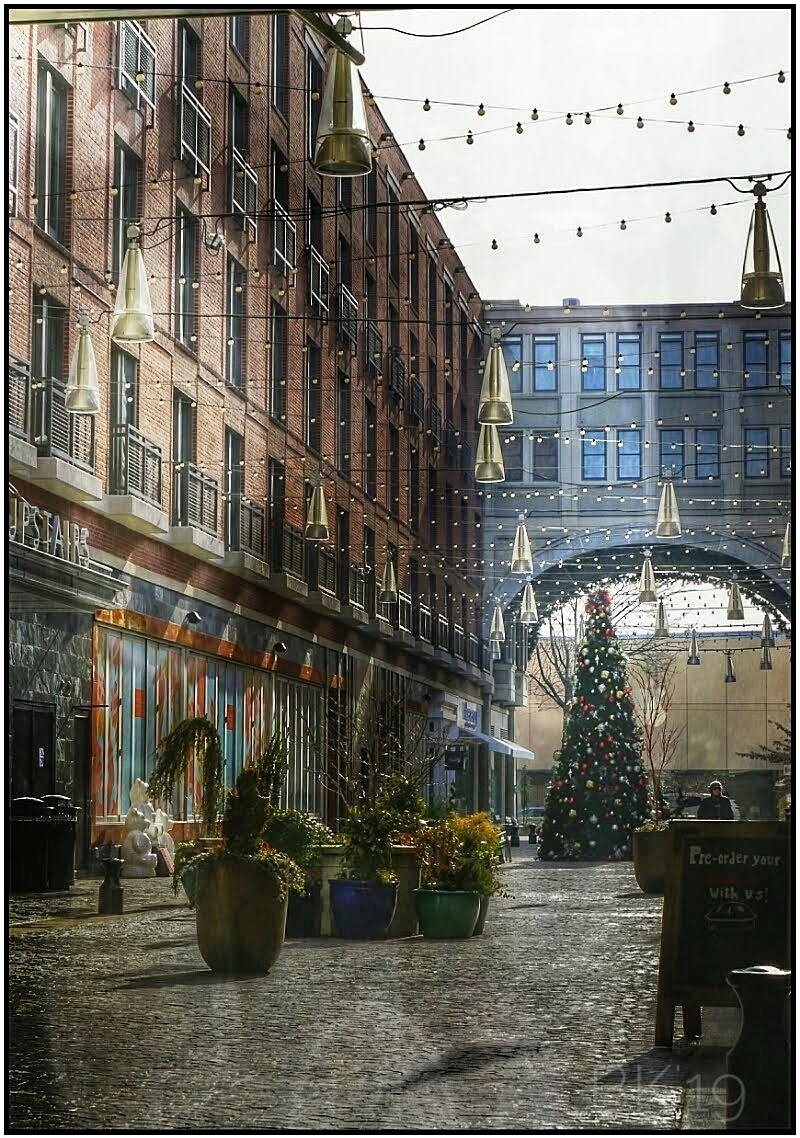
It's very nicely composed. I like that you included the sidewalk. It lines up and does help lead the eye. Love the results of the sky. I'm not bothered by the pine tree on left and wouldn't crop. To do so seems to force the eye toward the middle lamp and, to me, makes it awkward. I might remove only the bare branches near that lamp and maybe test cloning a few more pine bows around it.
|
Jan 1st |
4 comments - 4 replies for Group 86
|
11 comments - 6 replies Total
|