|
| Group |
Round |
C/R |
Comment |
Date |
Image |
| 3 |
Apr 25 |
Reply |
Thanks Kieu-Hanh. Very much appreciated. |
Apr 20th |
| 3 |
Apr 25 |
Comment |
Ruth, very nice shot. Your crop really focuses on the boy and the water going over the shoes. You lightened his face from the original, so I don't see the need to do more. How did you add the water going over his sneaker? Very effective and realistic. |
Apr 9th |
| 3 |
Apr 25 |
Comment |
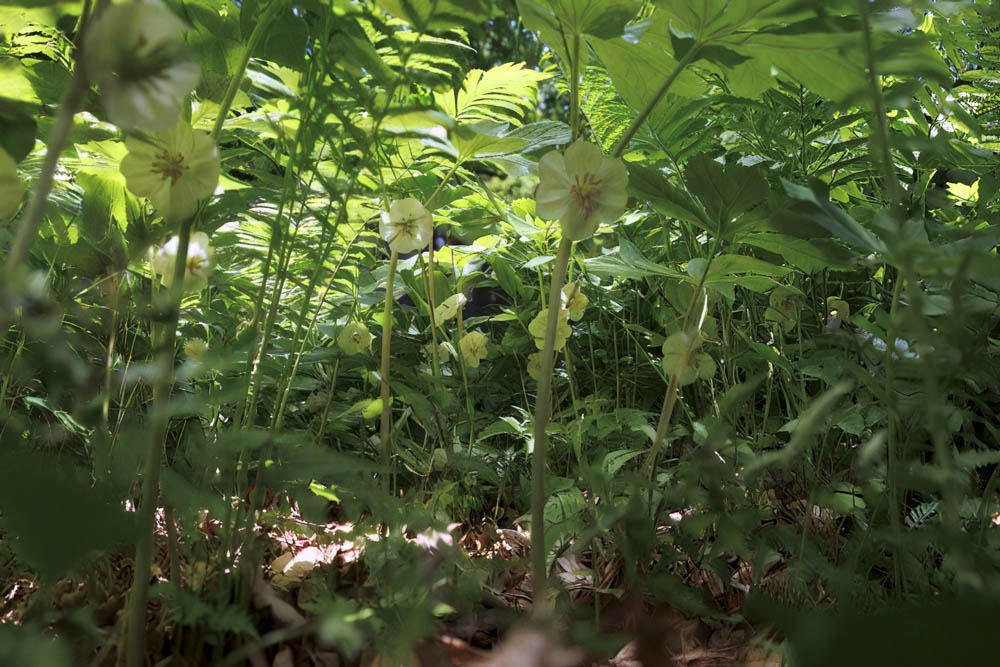
This is a very cool photo. Your cropping really improved the focus on what is important in the photo. My local camera club had Mike Moats as a guest speaker last month. I was very intrigued by his suggestion to make backgrounds to eliminate clutter behind flowers, even outdoors. |
Apr 8th |
| 3 |
Apr 25 |
Comment |
Joan, you did a nice job of cropping and deleting unnecessary items. The crop puts more focus on the balloon on the left and makes it a better composition. Great colors. |
Apr 8th |
| 3 |
Apr 25 |
Comment |
Very nice shot. The leading lines seem to go on forever and from three perspectives. The few people give it some perspective and are unobtrusive. It's hard to capture size but I think you got it. |
Apr 8th |
| 3 |
Apr 25 |
Comment |
Beautiful shot. Everything is spot on - the colors, the textures, the angle, and especially the lighting. Nicely done. |
Apr 8th |
| 3 |
Apr 25 |
Comment |
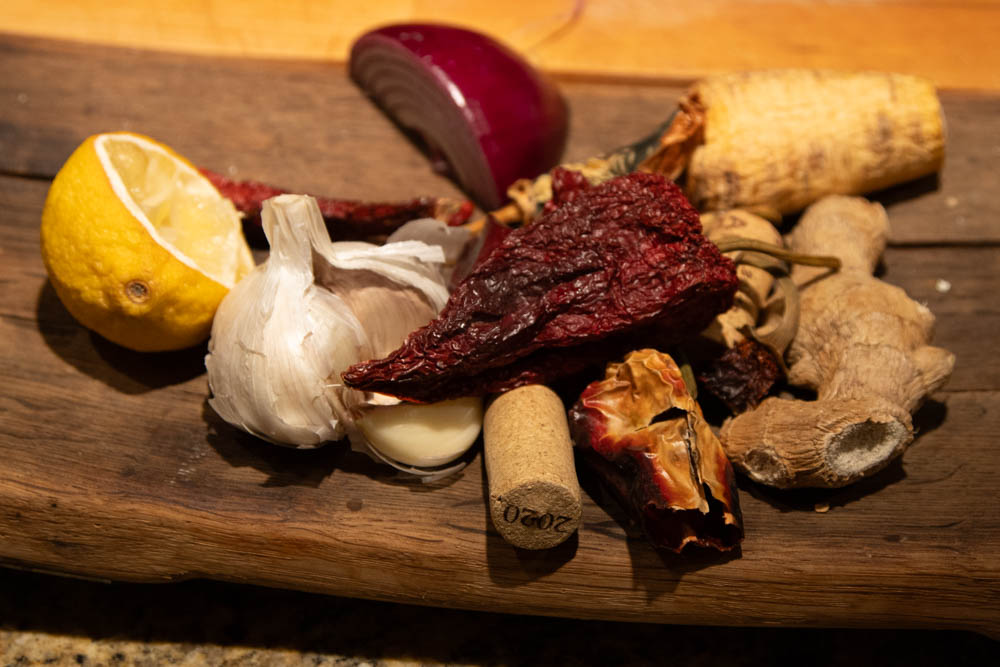
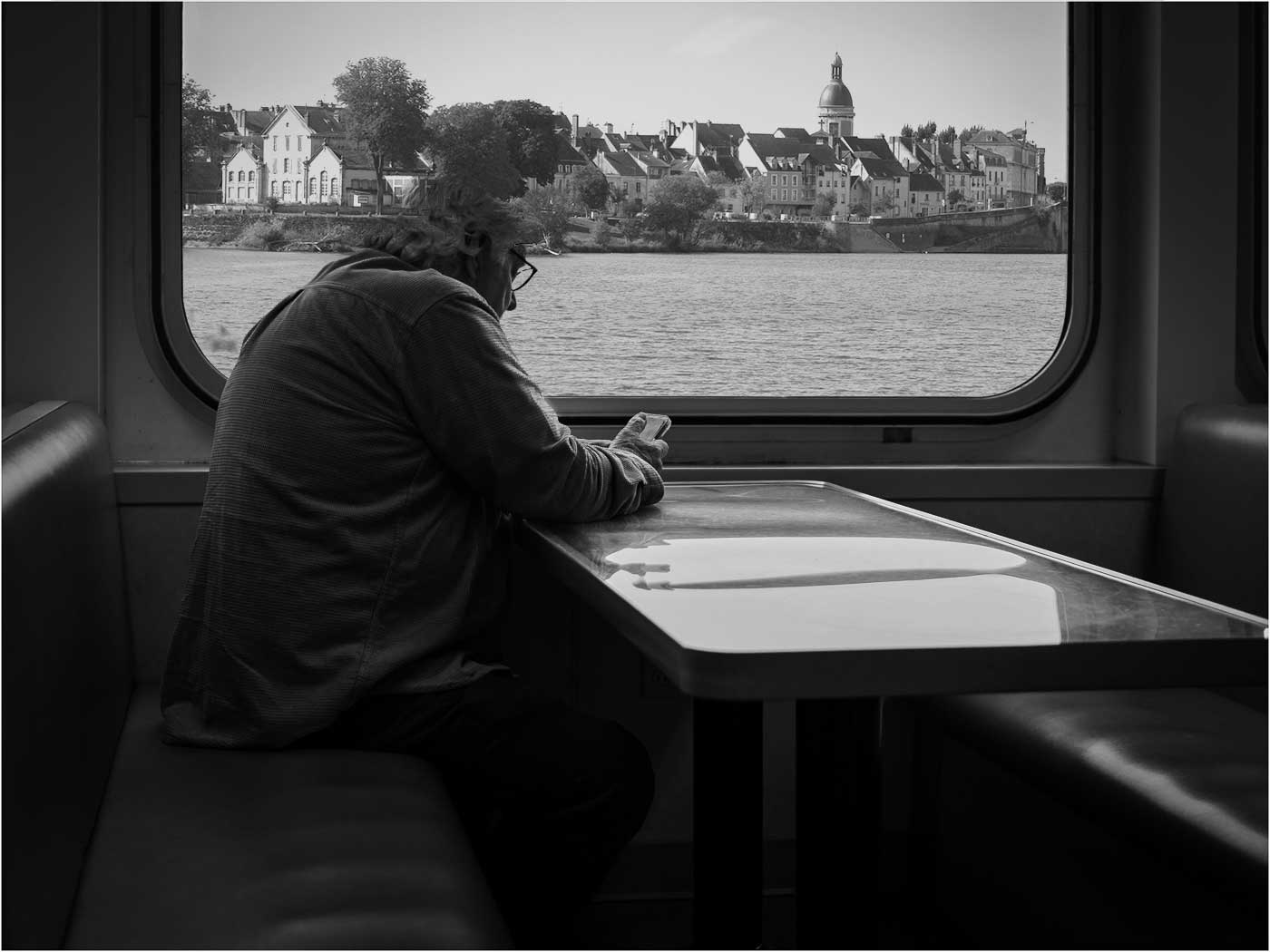
Michael, another great capture. The texture and composition is perfect. I like that the subject is off-center and the shine on the table. Being at the end of my PSA Photoshop course, I took the liberty of acting on Joan's suggestion. I think the scene in the window is too busy and I like the simplicity of your photo better. But it was fun doing it. |
Apr 8th |
 |
| 3 |
Apr 25 |
Reply |
Thanks Robert. A great perk of membership. |
Apr 7th |
| 3 |
Apr 25 |
Reply |
Thanks Joan. I used the Filter Gallery/Artistic Filters/Film Grain. As I mentioned to Mary Ann, it is very subtle and
just softened the glass. The blue was done with the Camera Raw Filter, which essentially does in the new Photoshop what I usually did in Lightroom |
Apr 7th |
| 3 |
Apr 25 |
Reply |
Thanks Robert. |
Apr 7th |
| 3 |
Apr 25 |
Reply |
Thanks MaryAnn. I used the Filter Gallery/Artistic Filters/Film Grain. It is very subtle. |
Apr 7th |
6 comments - 5 replies for Group 3
|
6 comments - 5 replies Total
|