|
| Group |
Round |
C/R |
Comment |
Date |
Image |
| 10 |
Sep 23 |
Comment |
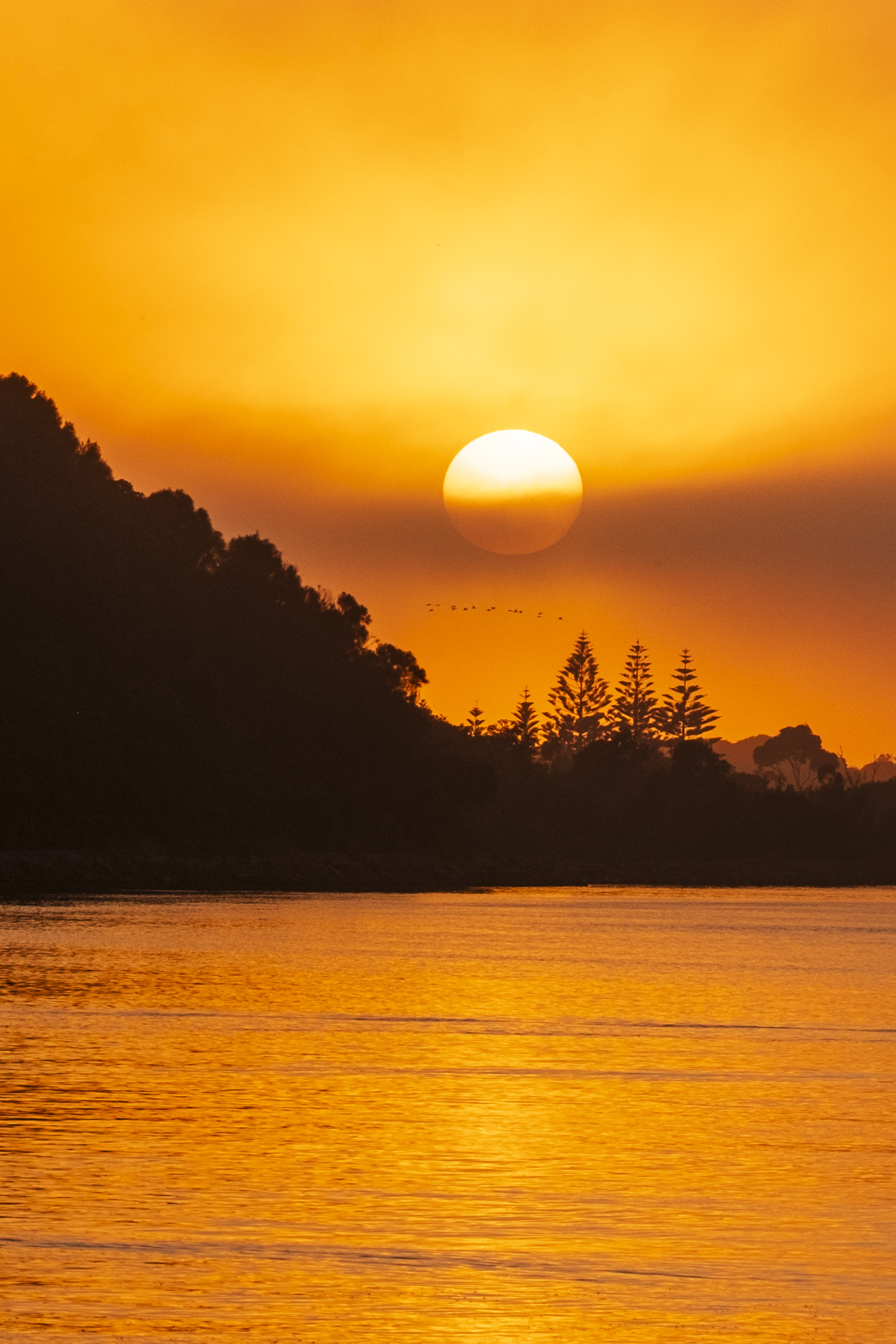
Thanks Rich. It is a picturesque part of the world. I love jumping into the car and taking a drive along the Great Ocean Road, usually with my camera in the vehicle. |
Sep 26th |
| 10 |
Sep 23 |
Reply |
Thanks for your comments Doug. It can be difficult to decide to leave well alone or tweak an image and I appreciate your thoughts. I'm still in two minds but will try a couple of different edits - all part of the learning curve. |
Sep 19th |
| 10 |
Sep 23 |
Comment |
Thanks Diana, I like the image too and will keep working with the editing to try different ways of presenting it. I might surprise myself! |
Sep 16th |
| 10 |
Sep 23 |
Comment |
Your brother looks like he's deep in thought as he walks along but I think it would make more of a story if he was walking towards the camera or perhaps stopped and leaning over the railing so we get a profile of his face. This assumes he's a co-operative brother:) The street in the background is a good point of interest however the horizon would be better if it was straightened. |
Sep 11th |
| 10 |
Sep 23 |
Comment |
A pretty image Diana and you have removed the background distractions really well.
I wonder if the focus on that gorgeous flower could be sharp at the front and centre and gradually grade to soft towards the back to give the viewer a sense of depth. I have never used a lens baby so am not sure if it is possible with that particular lens.
I do like your minimalist approach so that the flower is the star of the show so to speak. |
Sep 11th |
| 10 |
Sep 23 |
Reply |
Thanks so much for your suggestions Donna. I am not so skilled at Photoshop as you but will try your suggestions to see how I go. I have used the Patch tool but not with much success and not often. It is perfectly OK for you or anyone to change my image. That's what I'm here for - to get others' ideas and thoughts and learn. Thanks again. |
Sep 11th |
| 10 |
Sep 23 |
Comment |
What an interesting event. I like the way you have made the pony the main subject by having it well into the foreground.
The light behind shows the hairy detail of the pony around its edges including the eyelashes adding an unexpected (to me) interest. I wonder if you can blur the background a bit more than it is, so that it doesn't distract from the pony so much. It would still make sense to be able to see that it is photographers recording the event but I think it would help keep the viewer focussed on the pony, if that is what you want. |
Sep 10th |
| 10 |
Sep 23 |
Comment |
Hi Doug, I really enjoy the colours and brightness of this image and that taleidoscope does make a wonderful mish mash of shapes. It is a fun way to play with the art of photography. I can imagine this with a dark fram placed around - either real or digital - to finish the edges. |
Sep 10th |
| 10 |
Sep 23 |
Comment |
It IS a fun image Donna and quite a tricky assignment it would seem. I'm no Photoshop expert - I use it but am still learning and like you for this image, need multiple attempts to achieve what I want to achieve.
The autumn (sorry - fall) colours are gorgeous and match the tones in the circle where Ally's face is and her smile is so engaging it makes me want to smile too. Despite the strength of the foliage colours and the sequoia trunk, Ally's face is the hero of the image.
I find the flower down the left side of her face distracting and if there is a way of removing it without distorting her happy face it would improve the image overall I think.
Well done for a creative concept.
|
Sep 10th |
| 10 |
Sep 23 |
Comment |
Hi Rich.
This image adeptly shows a lively market scene with lovely old buildings as the background. I feel like I want to add more colour and brightness to it and wonder if you tried to work on the scarves, red umbrellas and people in the foreground? The sky adds an attractive contrast to the scene below it and it seems it would have been a lovely morning(?) for wandering through a market. |
Sep 3rd |
8 comments - 2 replies for Group 10
|
8 comments - 2 replies Total
|