|
| Group |
Round |
C/R |
Comment |
Date |
Image |
| 78 |
Aug 24 |
Reply |
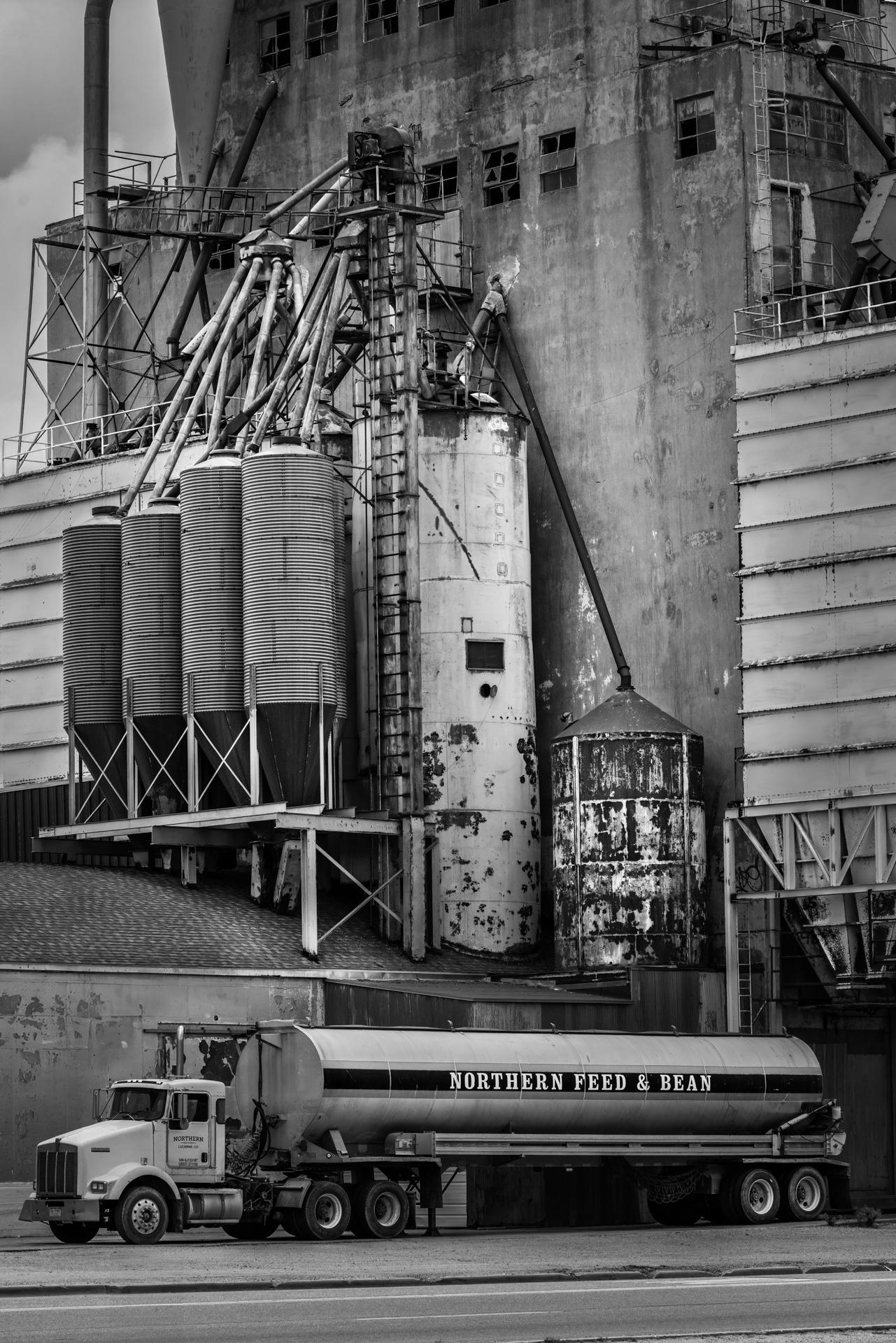
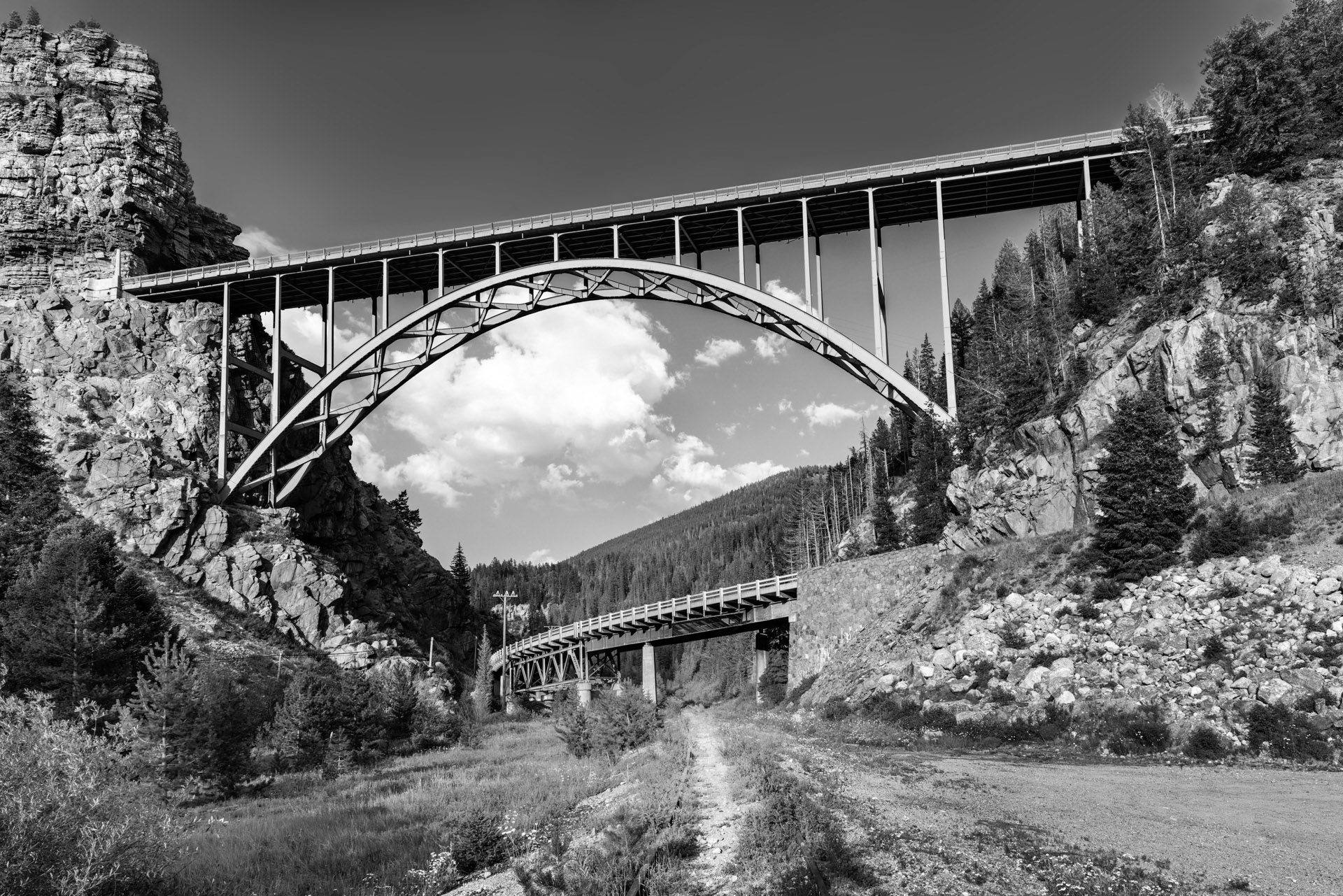
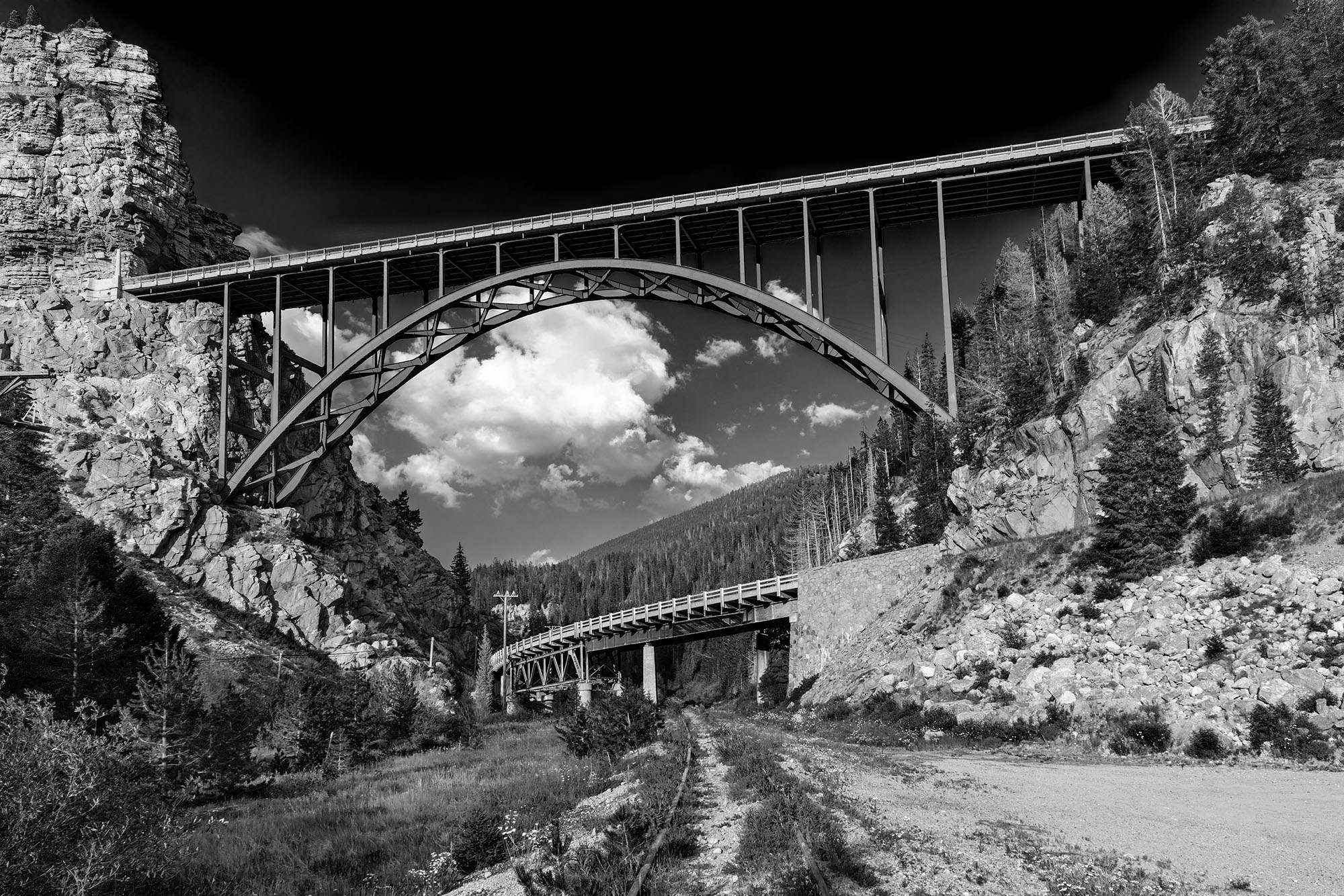
I've noticed that a lot of "art" black and white photos have the contrast cranked way up and the sky is usually very dark. I can easily do this as well but images like this don't quite look real to me. Here a version modified as you suggest, what do you think? |
Aug 6th |
 |
| 78 |
Aug 24 |
Reply |
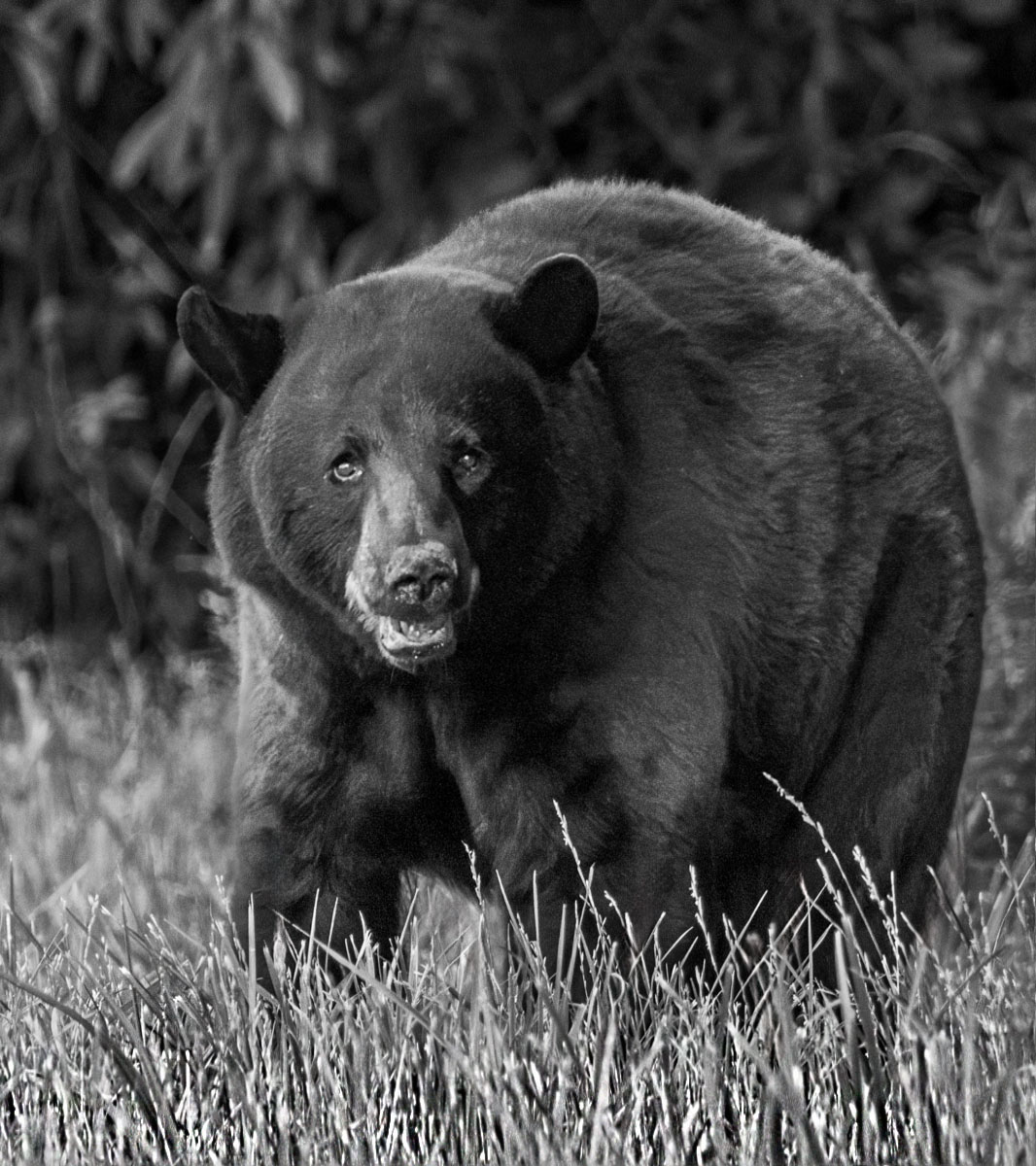
It's a process in Photoshop:
1- Duplicate the image into a new top layer that isn't a background.
2- select Edit -> Transform - Warp
3- select "split" on the upper left and then choose the third one over which has a horizontal line.
4- Go to the image in PS and you will see a horizontal blue line that follows the arrow as you move the mouse. Place this line just below the feet and left click.
5- At this point you can warp just the grass at the base so just pull down on the base of the area to be altered. This will stretch the grass down.
6- After you get the grass the way you want it crop off the unseen part of the image which will preserve your original aspect ratio.
PS: I've never seen this explained, I just figured it out myself. |
Aug 2nd |
| 78 |
Aug 24 |
Comment |
I love it. I wouldn't change a thing. |
Aug 2nd |
| 78 |
Aug 24 |
Comment |
I think the whole scene is interesting but I would take out the power lines. Here's my quick and dirty edit cropping it slightly and removing the power lines. I realize that I have messed up some of the signs but if I spent a little more time on it then this wouldn't have happen. |
Aug 2nd |
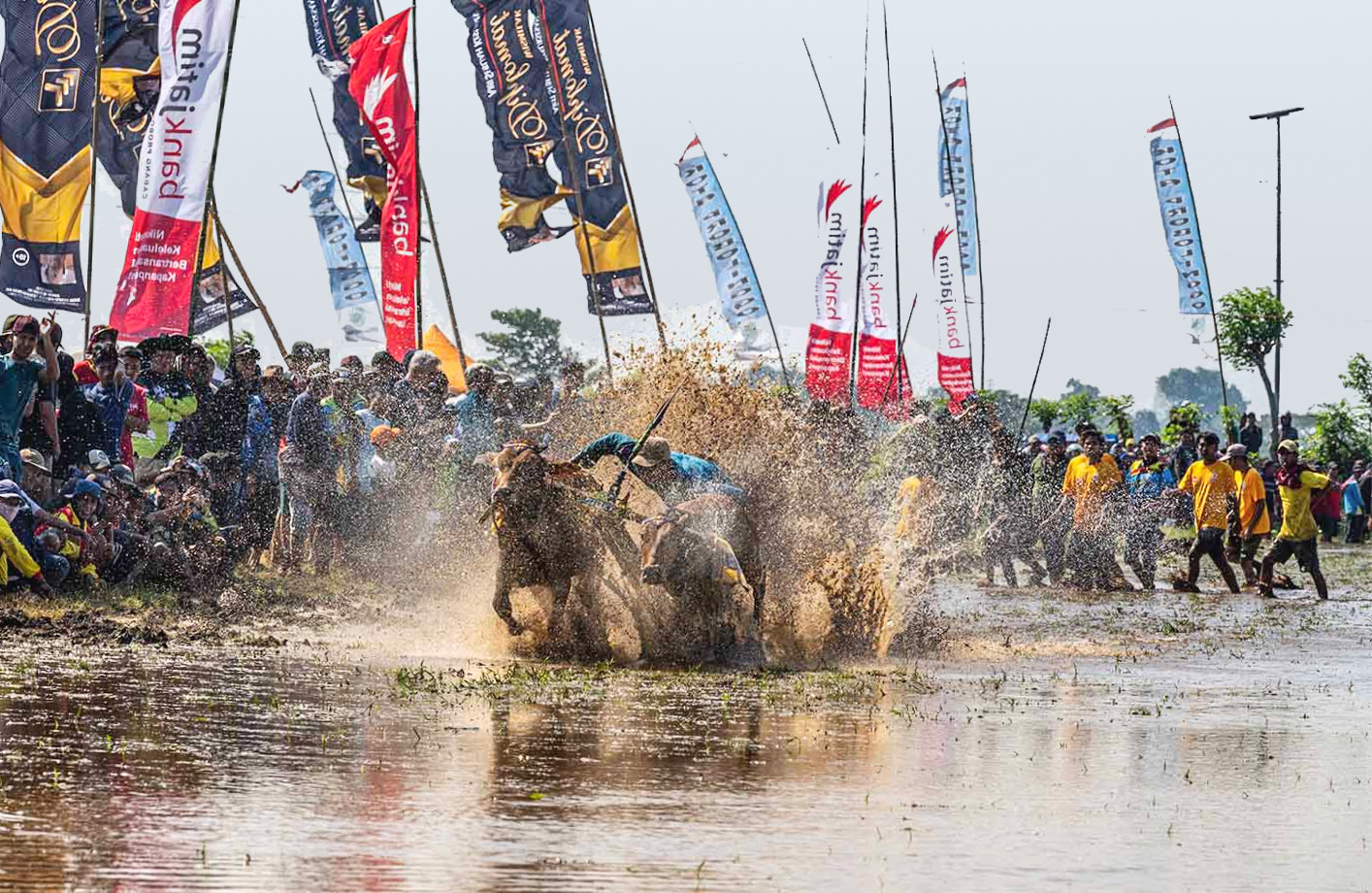 |
| 78 |
Aug 24 |
Comment |
Nice photo but it looks like it has been stretched out horizontally which makes it look distorted. Here's my version where I used Free Transform to give it what I think is a more natural look. |
Aug 2nd |
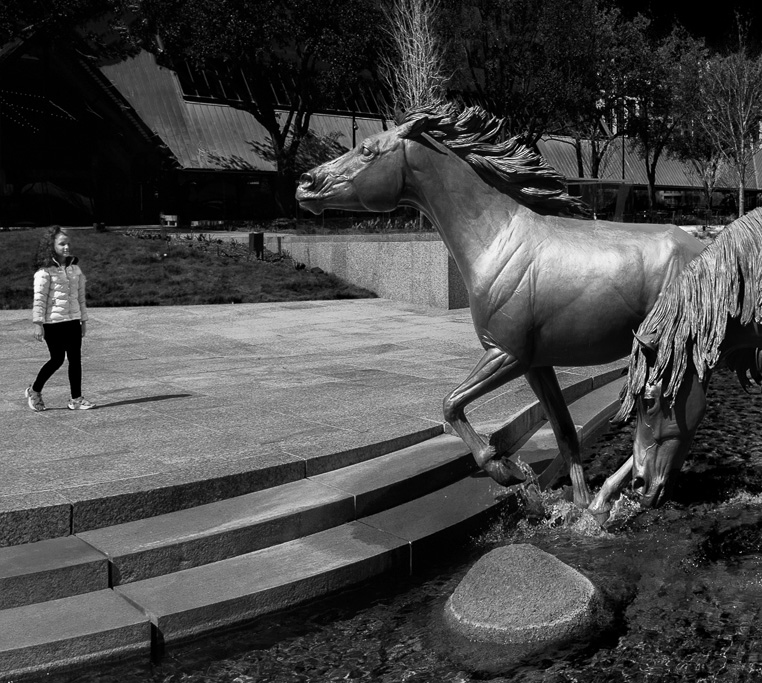 |
| 78 |
Aug 24 |
Comment |
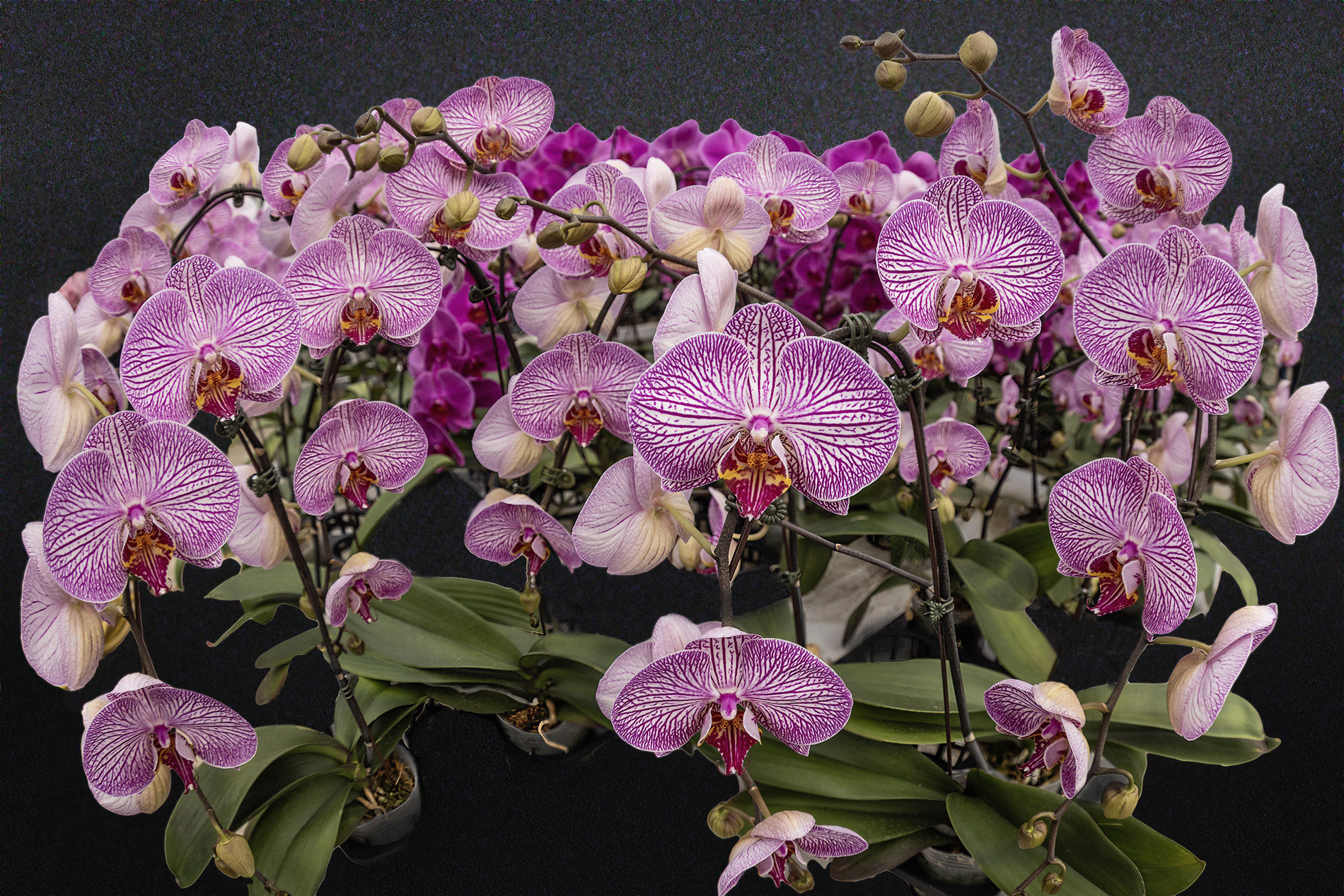
I really like the cool blue in the background with the nice pinks and Reds of the subject. I would consider dodging the unopened bud on the left to bring out it's color. I think the composition with three items works very well. I wish the background flower could be a little sharper. I thing Magnolias are really cool plants! |
Aug 2nd |
| 78 |
Aug 24 |
Comment |
Great Shot! I made the grass sharper in the foreground by using one of the newer complex warp functions in Photoshop. I stretched the sharp grass down to cover the out of focus grass with out impacting the animal or changing the aspect ratio of the image. This was a quick edit. I might have made the grass too sharp. If I were editing the image for real I would make it blend a little better. |
Aug 2nd |
 |
| 78 |
Aug 24 |
Comment |
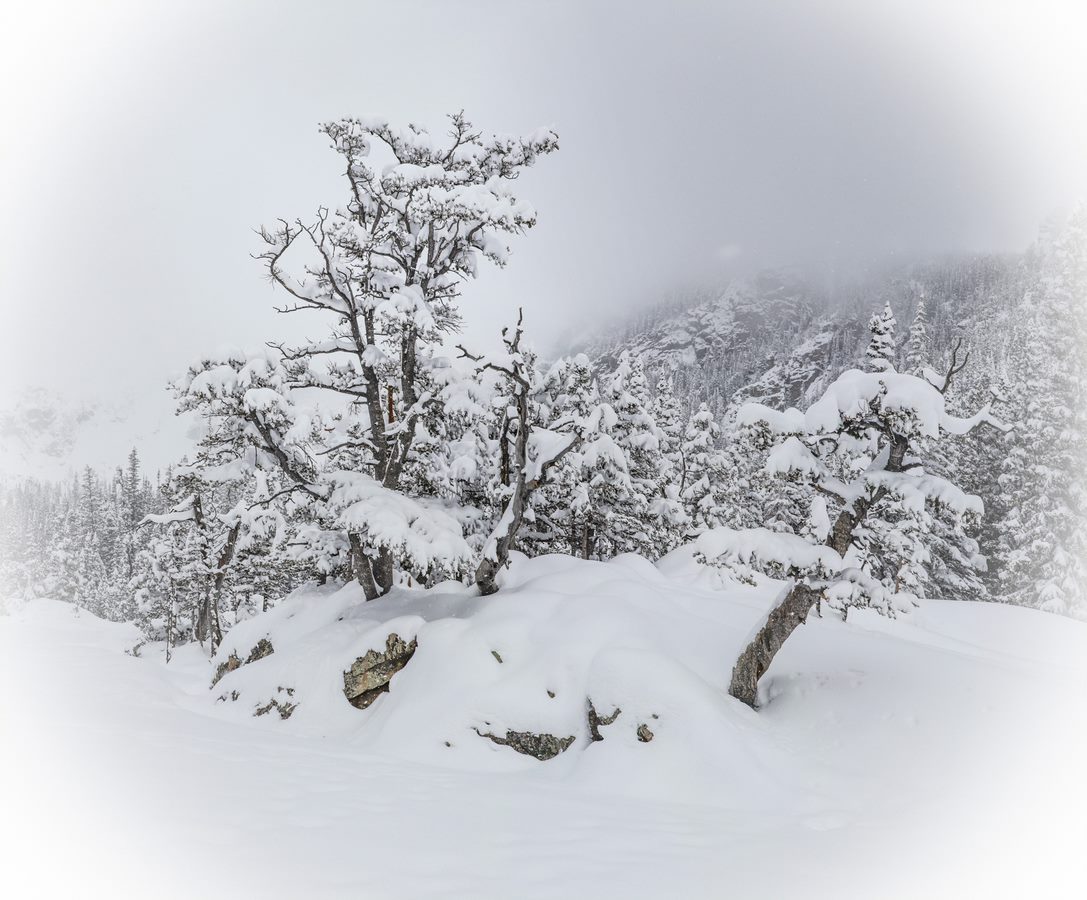
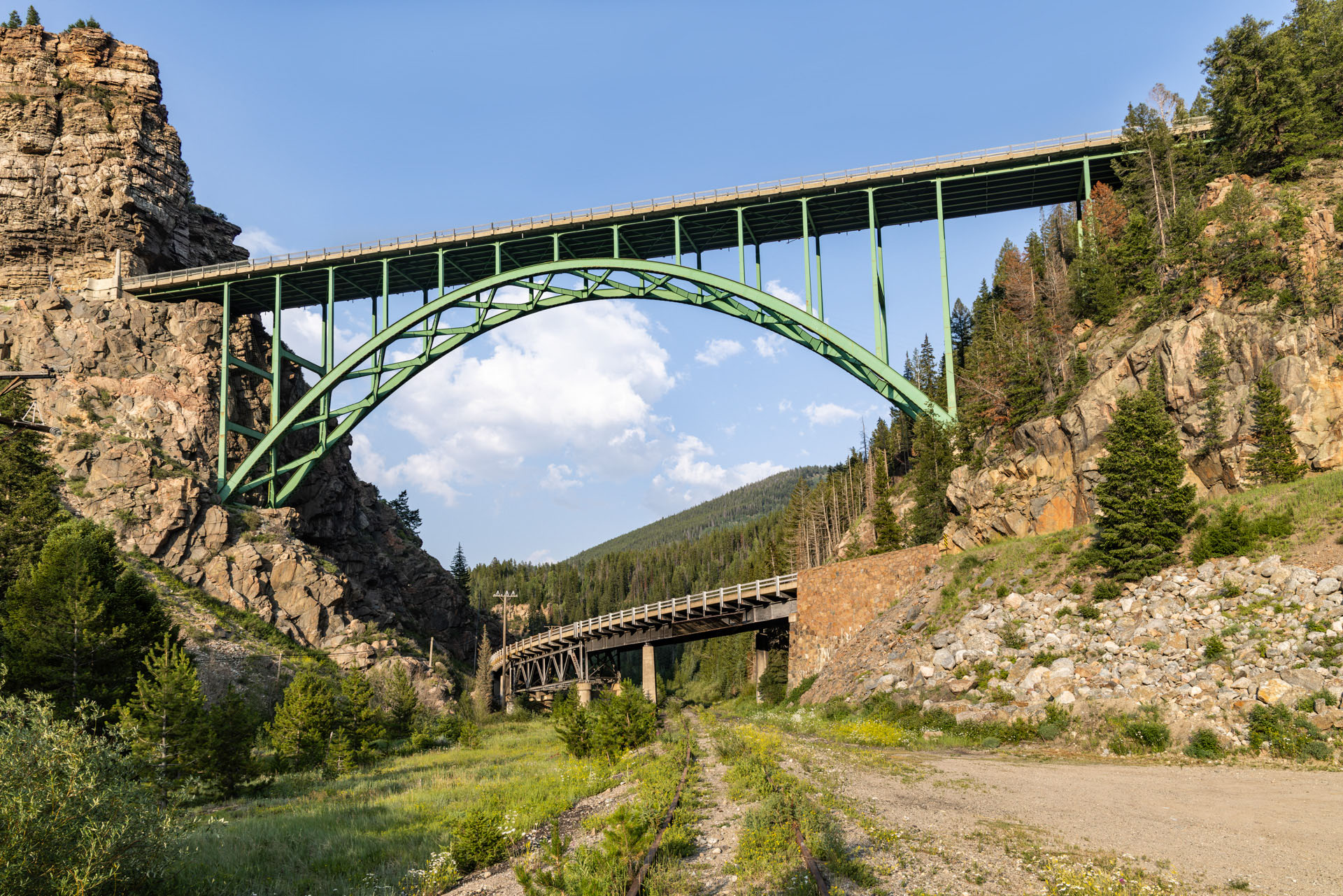
Here is the color version from before I made it B/W. |
Aug 2nd |
 |
6 comments - 2 replies for Group 78
|
6 comments - 2 replies Total
|