|
| Group |
Round |
C/R |
Comment |
Date |
Image |
| 78 |
Oct 23 |
Reply |
When I first learned about the Orton Blur I was told that the rule of thumb was to use the sensor size number and make it into the blur pixel size using this method: a 20mp sensor should require a blur of 20 pixels, a 40mp sensor should require a 40 pixel blur, etc. Then you set the opacity to something between 10% and 20%. I used this formulaic method for several years but now I just use my judgement and set the blur and the opacity to what ever looks good to me. I have found that this is also a good way to reduce noise without creating artifacts and compromising resolution significantly. I'm sorry to say that I didn't record the settings when I applied this effect to your photo, I guess I should have. |
Oct 12th |
| 78 |
Oct 23 |
Reply |
This is really nice. I don't have that software package. I could probably duplicate the effect in Photoshop if I tried. |
Oct 12th |
| 78 |
Oct 23 |
Comment |
PS: I've been to Canon Beach many times and have NEVER had such good weather. My son lives in Portland. |
Oct 10th |
| 78 |
Oct 23 |
Comment |
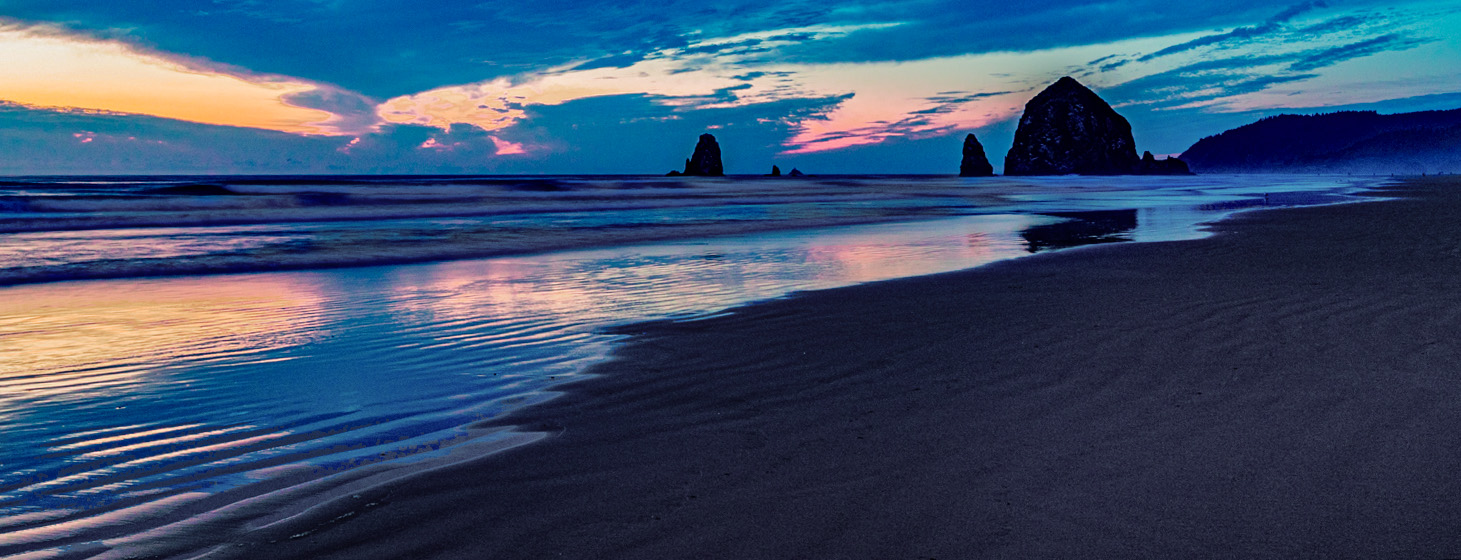
I agree that the horizon needs to be level. There is also something about the saturation and color that seems to be a little off. I edited you photo and made the horizon level, and I edited the colors of the sand to make it less blue, and I edited the breaking waves to make them more white. I felt these edits make it more natural looking. The waves are edited crudely just to illustrate my points. What do you think? |
Oct 10th |
 |
| 78 |
Oct 23 |
Comment |
I think you have two competing images in one here. You have the store and you have the two women with the background. I think the women are the strongest story so I really like Robert's crop of your image. |
Oct 10th |
| 78 |
Oct 23 |
Comment |
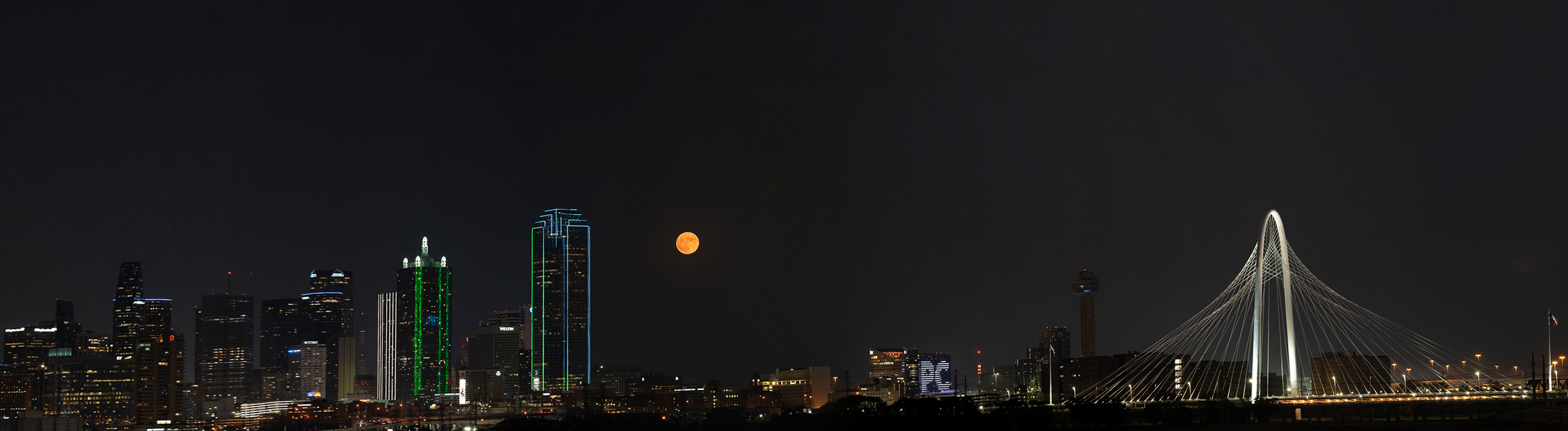
Nice panorama. I also like doing this sort of image and now I know how to show the original images in this group. Great idea.
There were some good suggestions made by others and I like their ideas so I won't repeat them. I did take you image and straighten the buildings with the crop tool to make them perfectly vertical. Also I added a bit more sky for head room using the content aware fill tool in Photoshop. What do you think? |
Oct 10th |
 |
| 78 |
Oct 23 |
Comment |
This is a super well composed image. How much did you pay that bird to do that perfect pose? I love the colors also. |
Oct 10th |
| 78 |
Oct 23 |
Comment |
I think you did an amazing job recovering the detail in the original image. You obviously spent a lot of time working on this. I really can't add anything to what you have done. |
Oct 10th |
| 78 |
Oct 23 |
Comment |
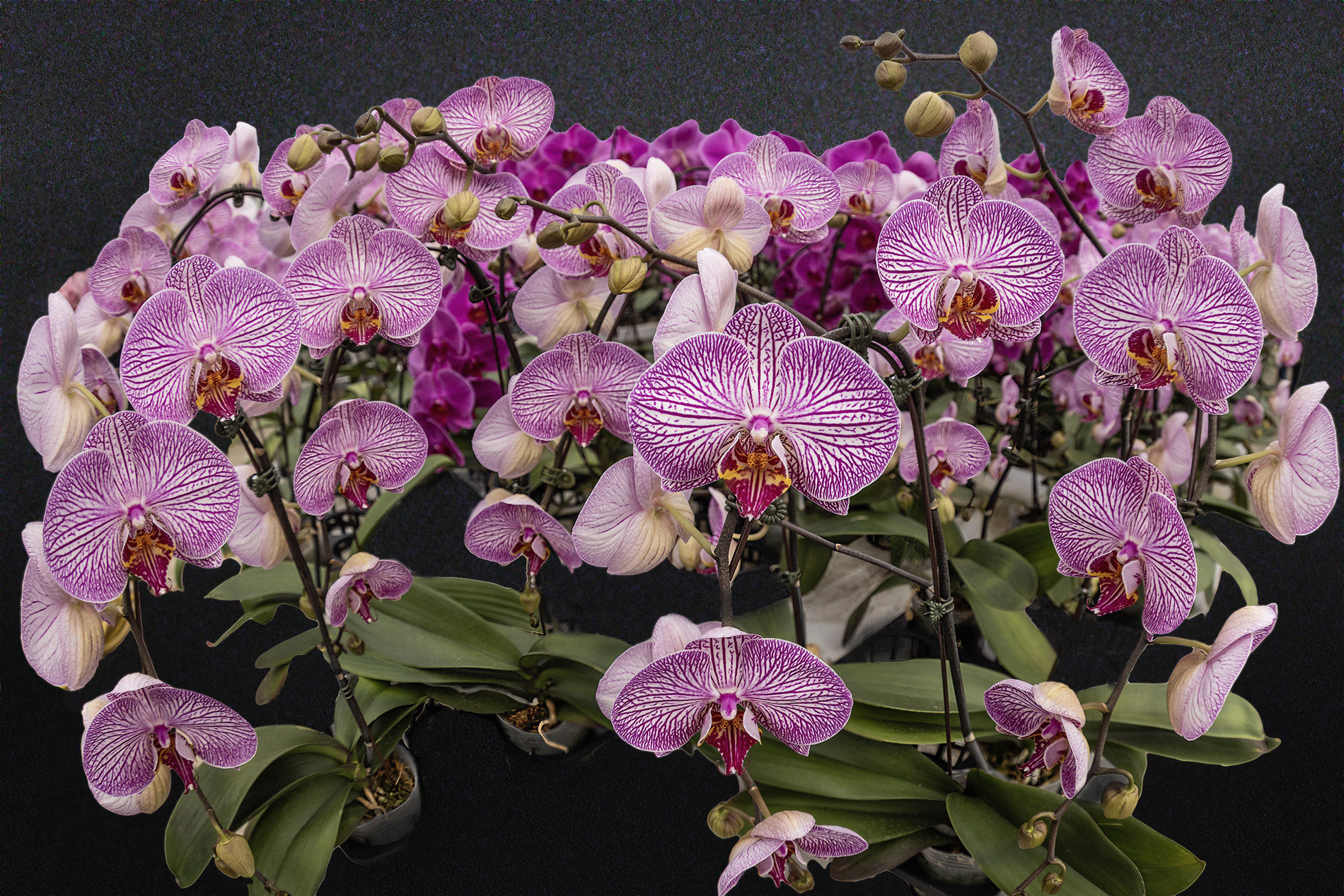
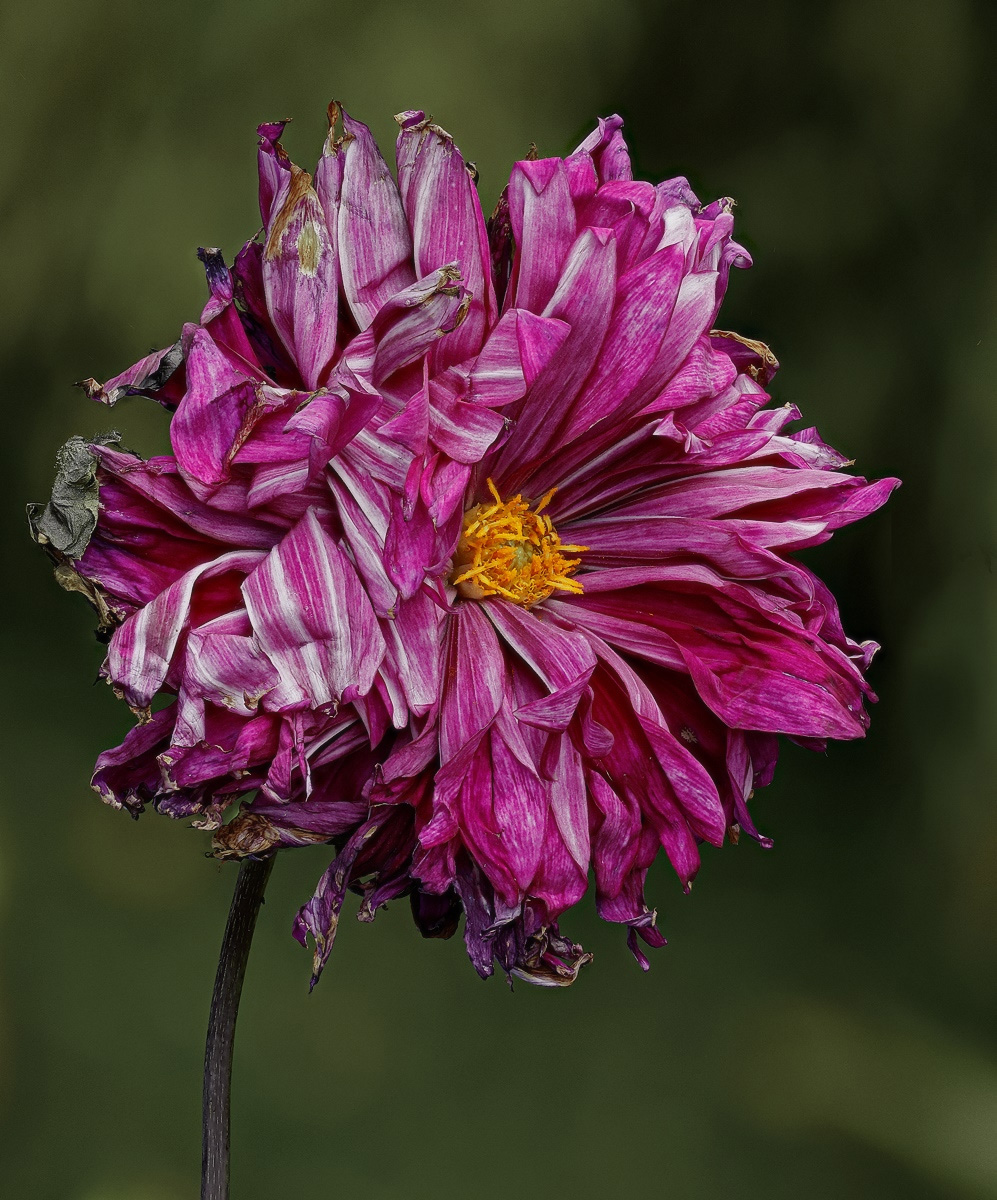
This is a very nice image. There really isn't much I could suggest to improve it. Maybe make the background a little darker is all. Also, just as an experiment, I added a slight Orton Blur to the image to soften it a bit. Here's the result. What do you think? |
Oct 10th |
 |
| 78 |
Oct 23 |
Reply |
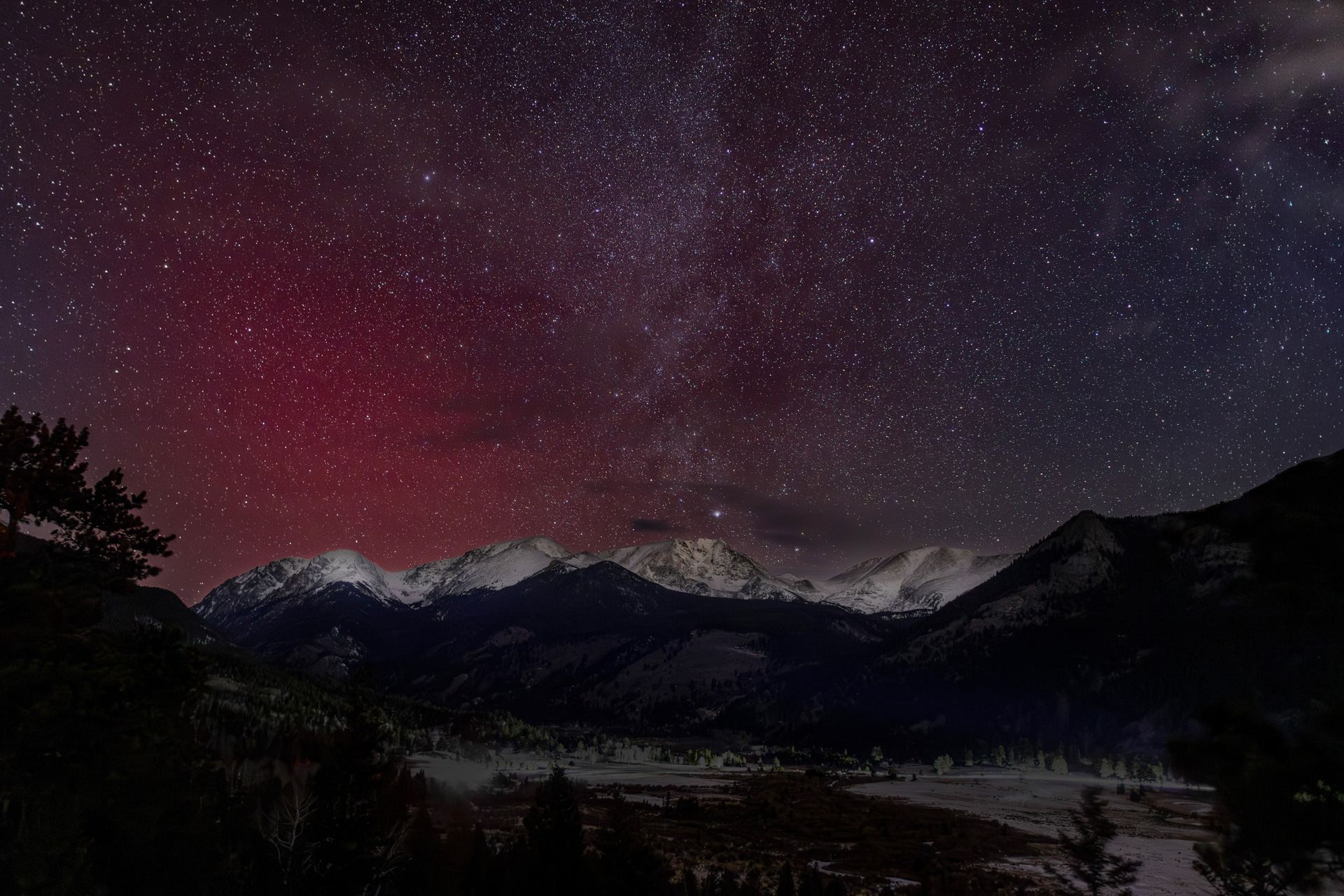
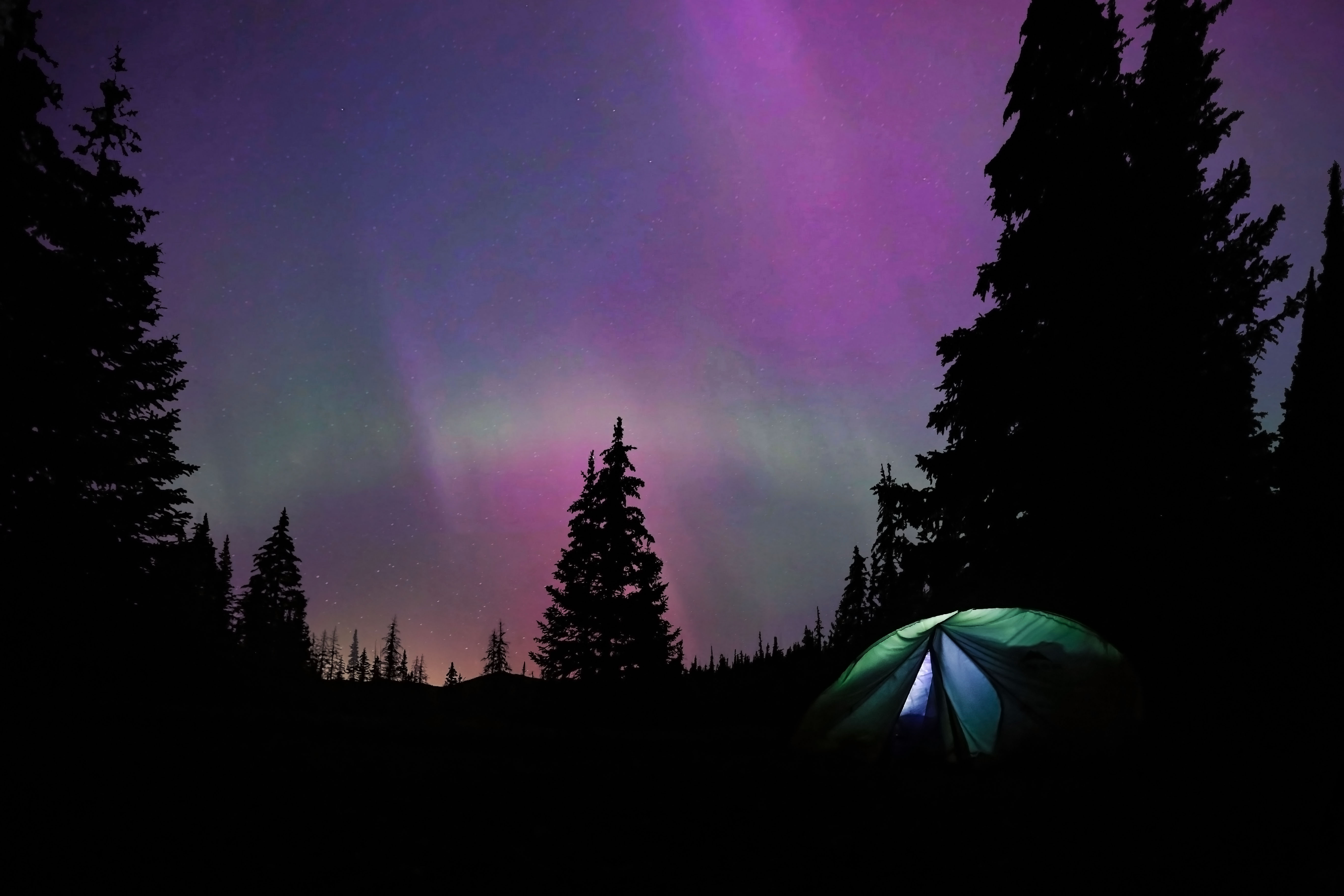
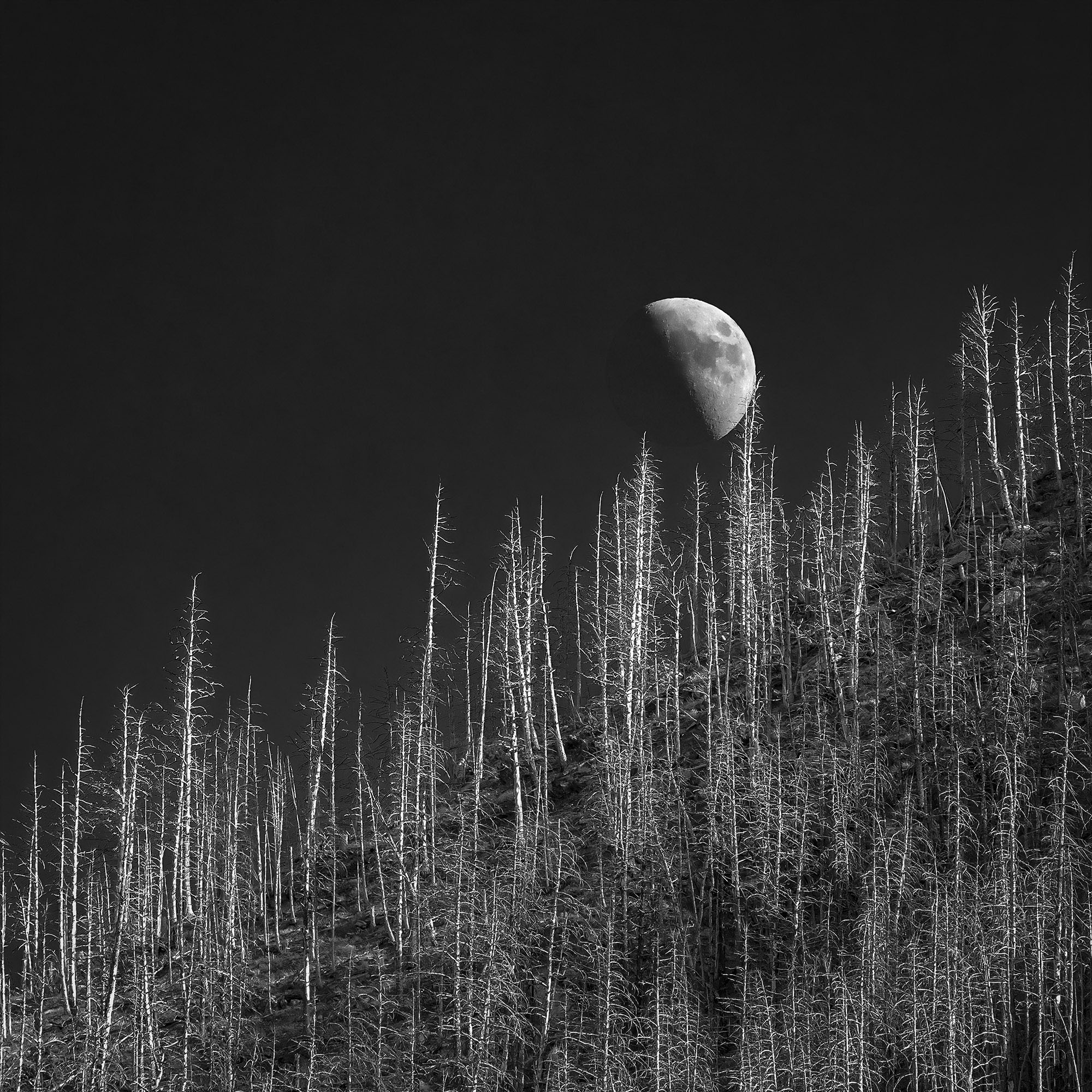
You are probably right. I was just looking at some night sky photos I took recently. In the pre-processed images the stars have color. In the final image they are all white. I think I can fix that by masking the stars while I post process the background and may try that here shortly. A VERY good point, Thanks! |
Oct 8th |
| 78 |
Oct 23 |
Reply |
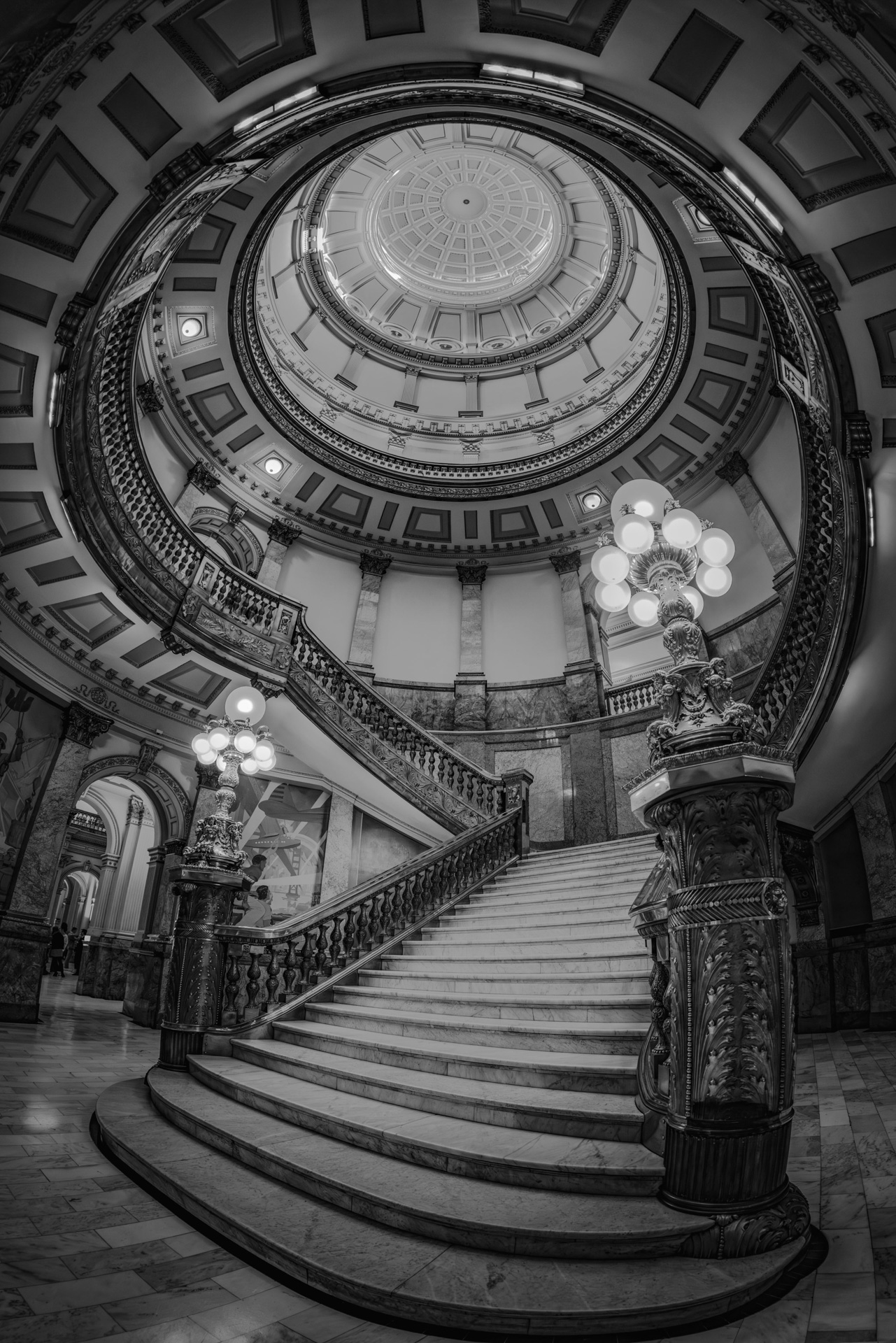
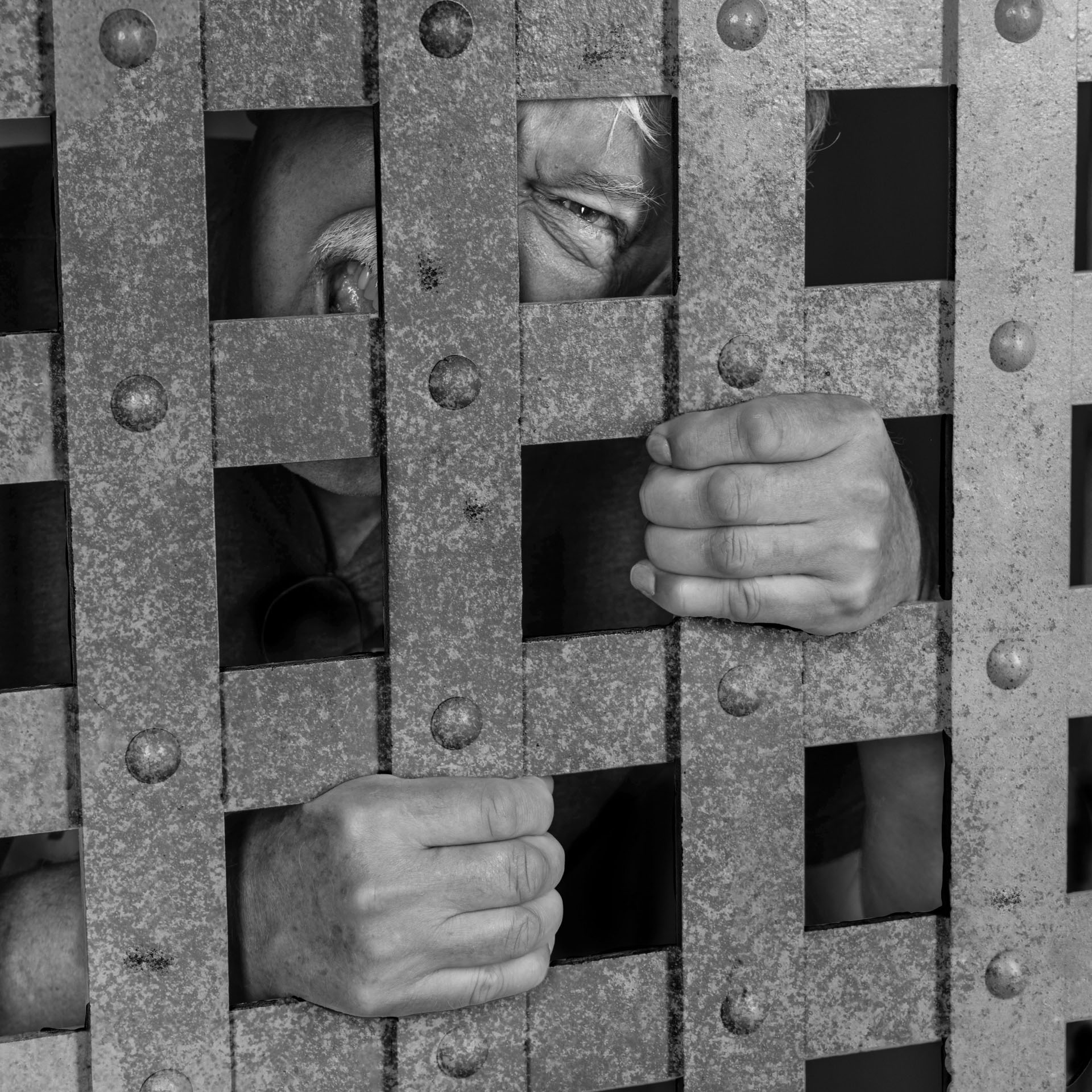
Thanks! According to the tour guide, it was a fairly cushy prison by 19th century standards as long as you didn't misbehave. |
Oct 8th |
7 comments - 4 replies for Group 78
|
7 comments - 4 replies Total
|