|
| Group |
Round |
C/R |
Comment |
Date |
Image |
| 78 |
Aug 23 |
Reply |
Thanks!! |
Aug 25th |
| 78 |
Aug 23 |
Reply |
Thanks!! |
Aug 25th |
| 78 |
Aug 23 |
Reply |
Thanks! You are too kind. |
Aug 20th |
| 78 |
Aug 23 |
Comment |
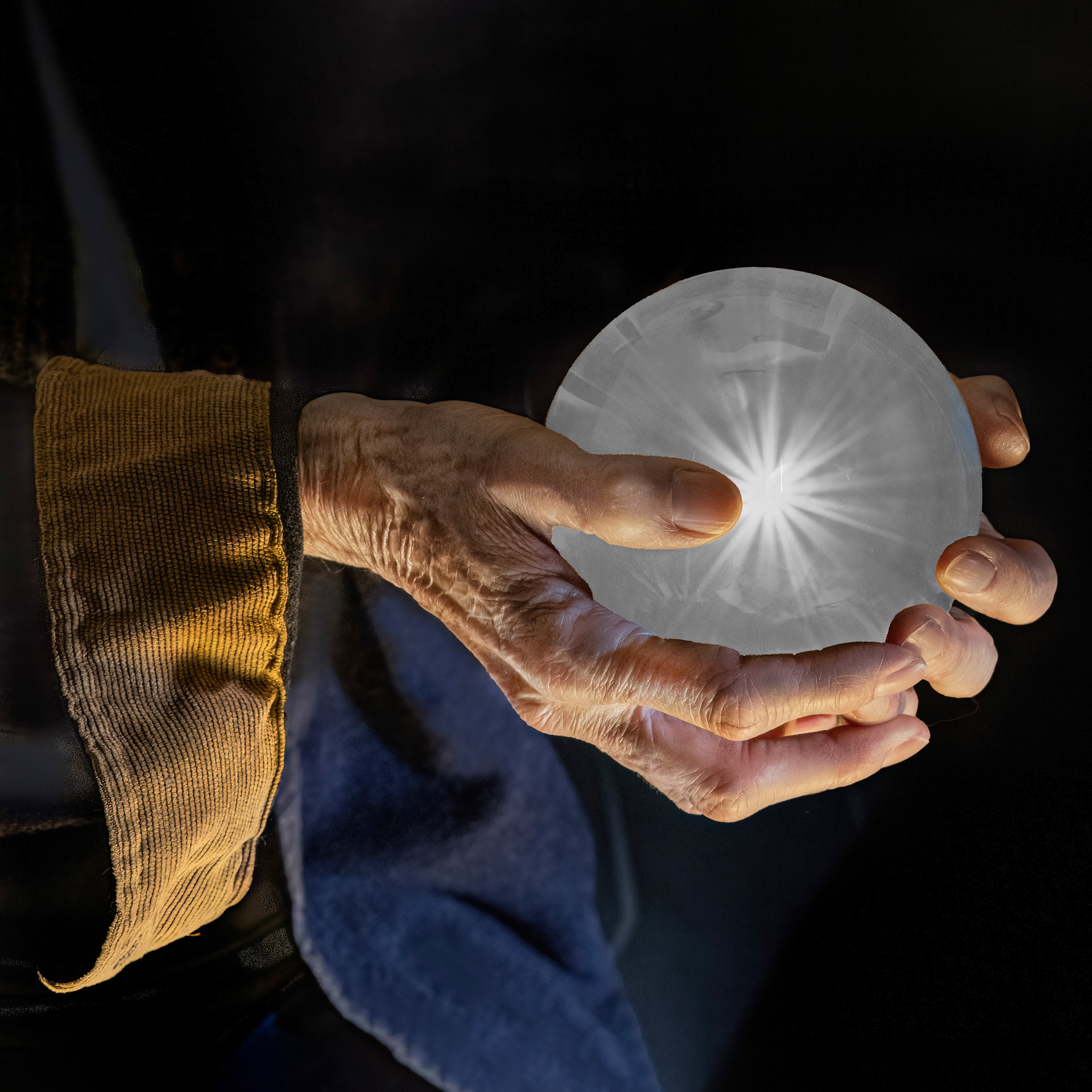
I don't know what happen before that made my edited image disappear. So I went through it and as best I can remember plus reading my description of what I said I did, I created a new version. This isn't the original edit that I did but it's close. For some reason I remember the original edit that disappeared as being better than this. |
Aug 9th |
 |
| 78 |
Aug 23 |
Reply |
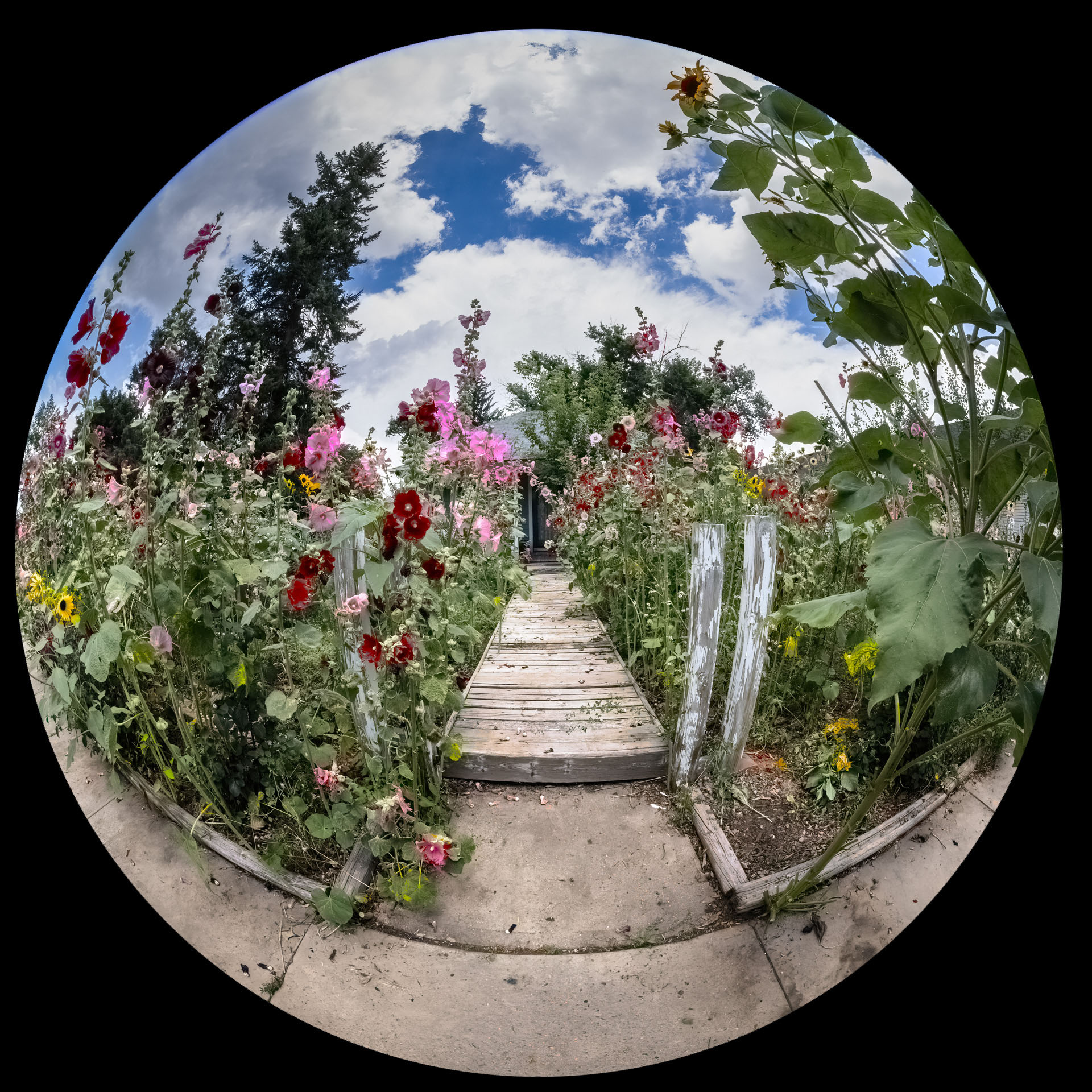
Here's a tip on making a perfectly round mask for your image. Create a mask and make it all opaque. Then use the Photoshop brush tool with a hard round edge and a width of 5000 pixels to make it. 5000 is the maximum size in PS. Next you unlink the mask from the image so that you can change the size of the mask only without changing the image size. You can then adjust the size with the free transform tool under the edit tab.
|
Aug 9th |
| 78 |
Aug 23 |
Reply |
For some reason my edit of this photo isn't showing up. It was there are a couple of people commented on it. I don't know what happened to it as I did not remove it. |
Aug 8th |
| 78 |
Aug 23 |
Comment |
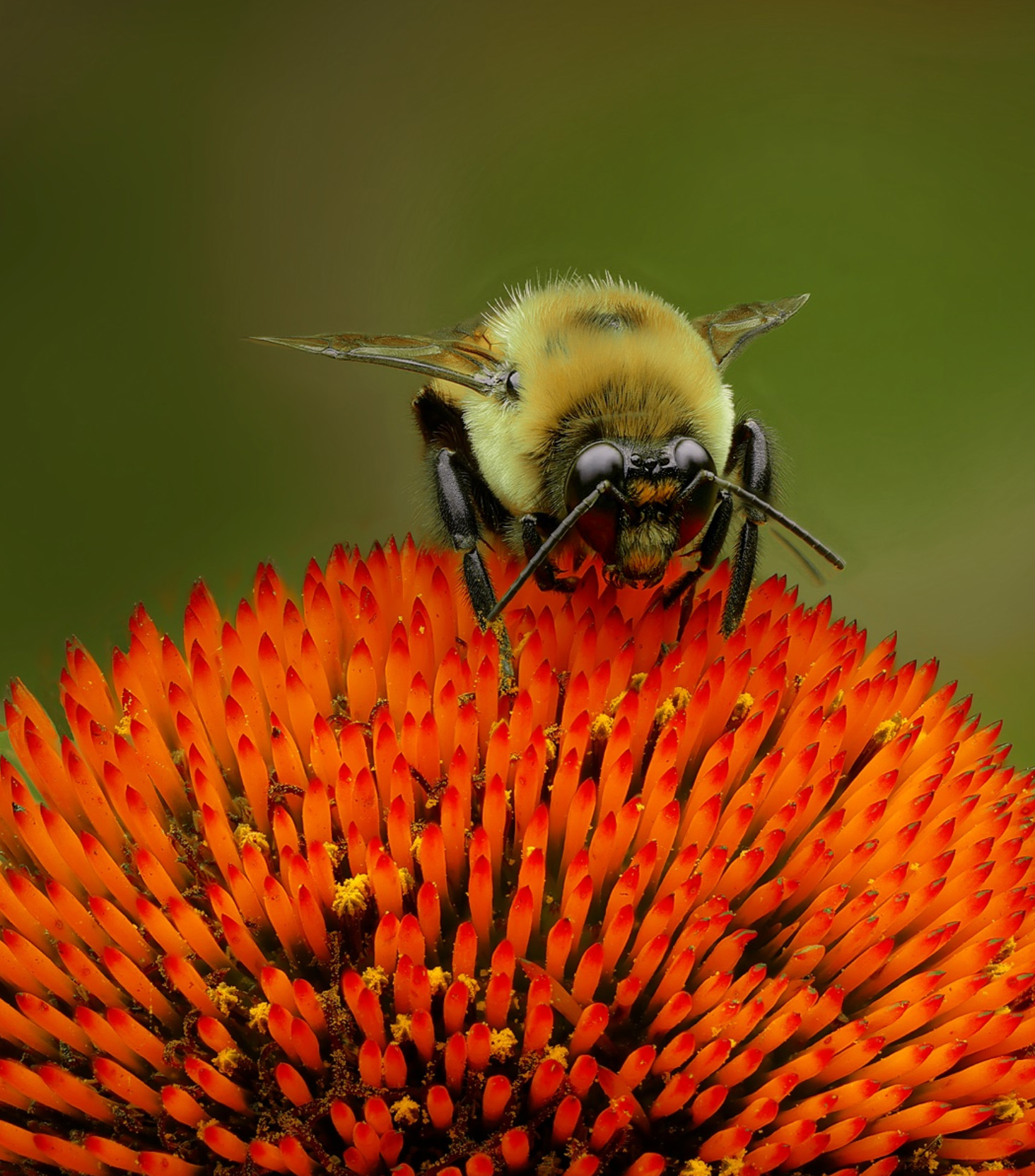
I can't believe your bee stood still long enough for you to focus stack it. I wish I could be so lucky. Anyway, a great capture and edit. I thought the face of the bee should be brighter so I edited it myself and did that plus increased the whites and clarity which brought out a reflection of the flower in it's eyes. That's all that I did in my edit. What do you think??? |
Aug 4th |
 |
| 78 |
Aug 23 |
Comment |
I love it also. I wouldn't change a thing. Great work!!! |
Aug 4th |
| 78 |
Aug 23 |
Comment |
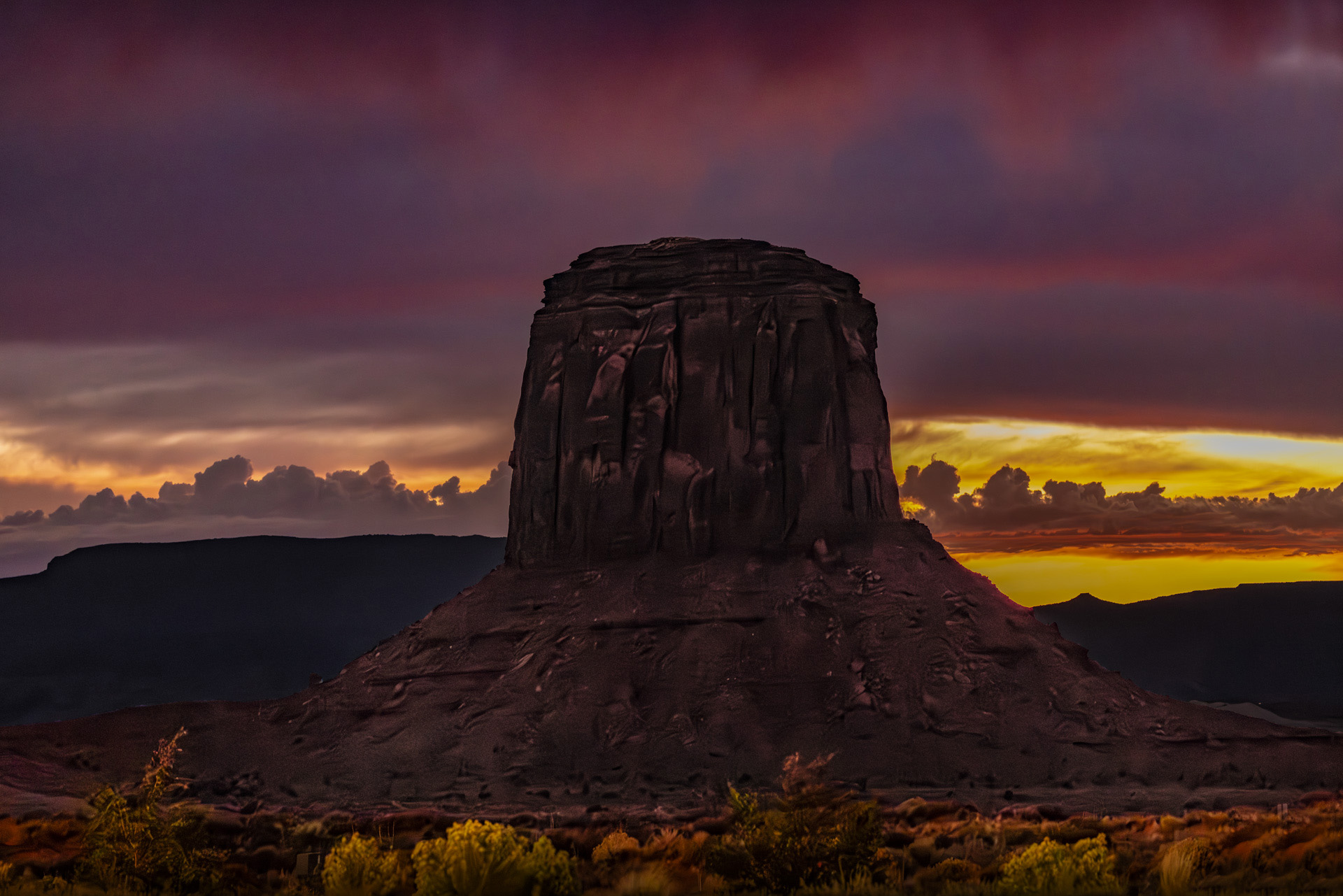
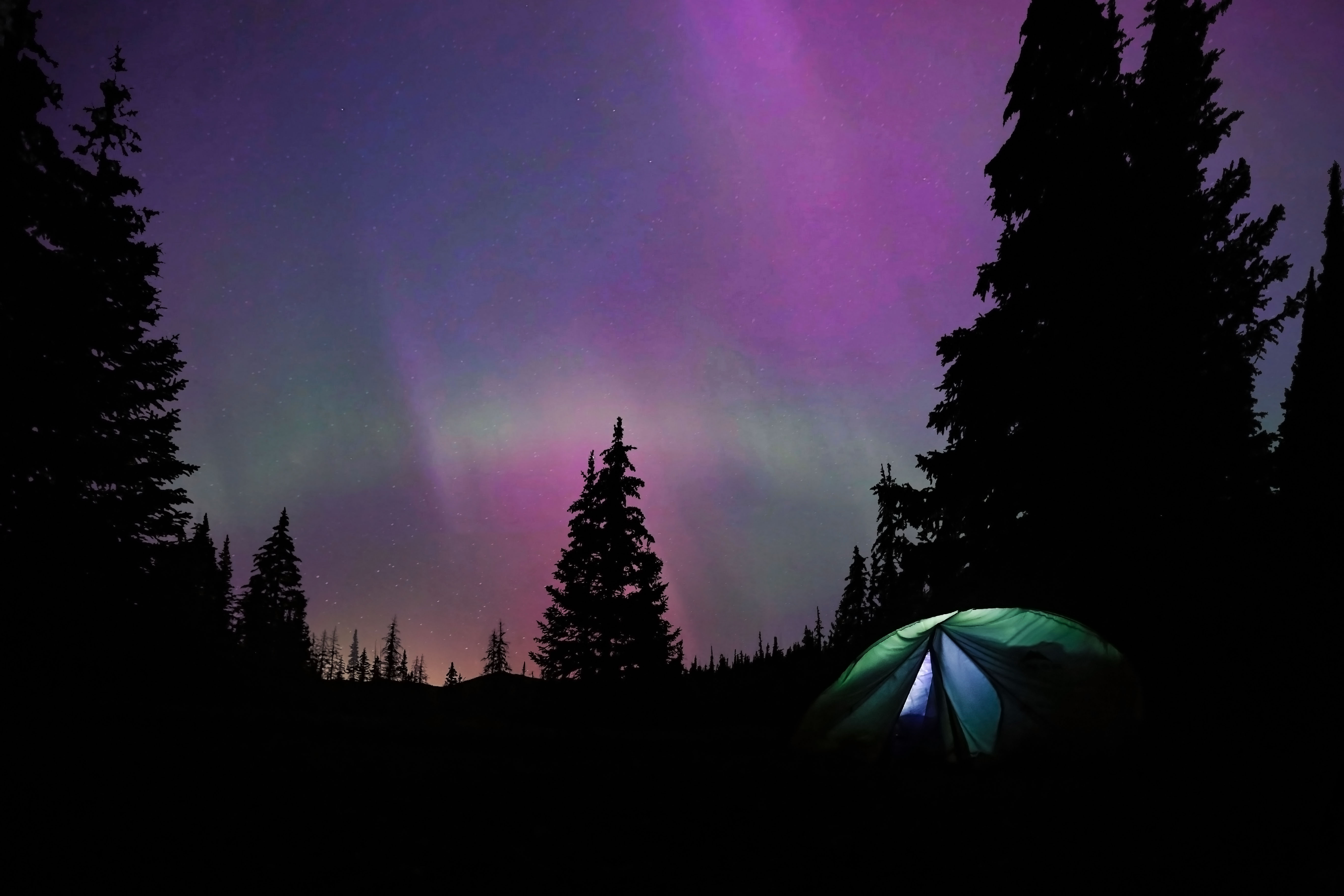
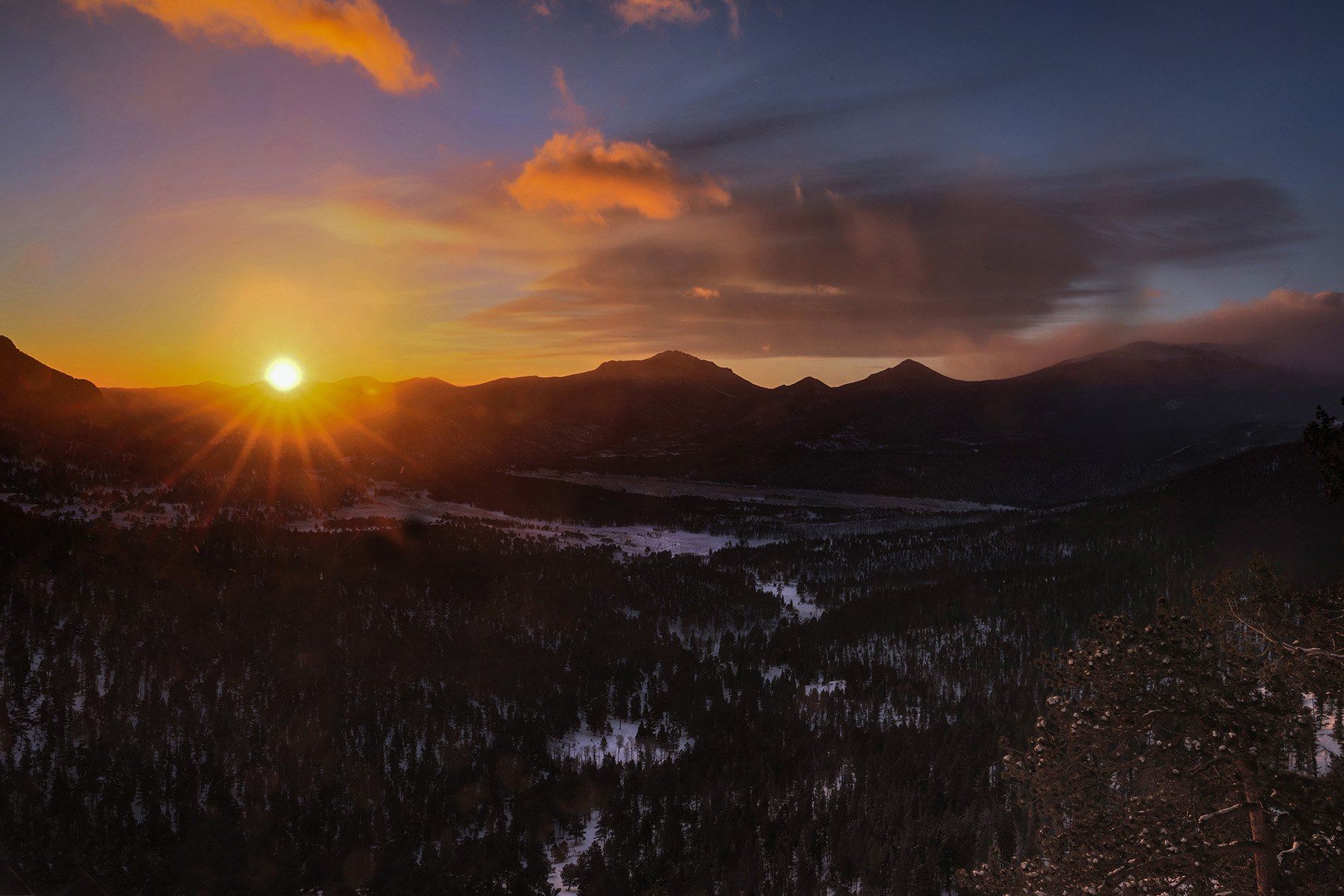
James, very nice image. I think the sky is a little too dark and the color is a little off, for the sky only. I edited it and adjusted just the sky. What do you think about my version??? Just my thoughts anyway. |
Aug 4th |
 |
| 78 |
Aug 23 |
Comment |
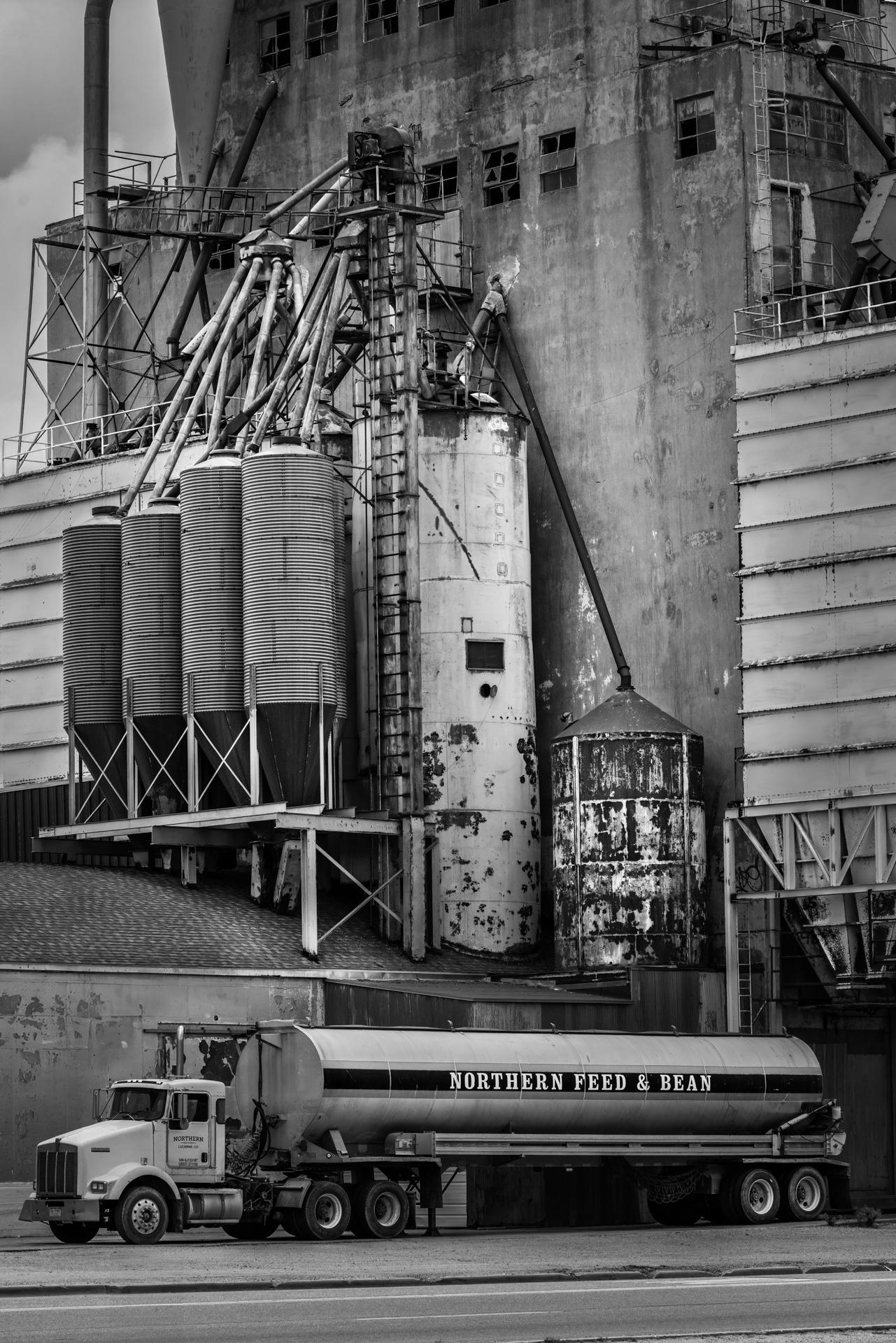
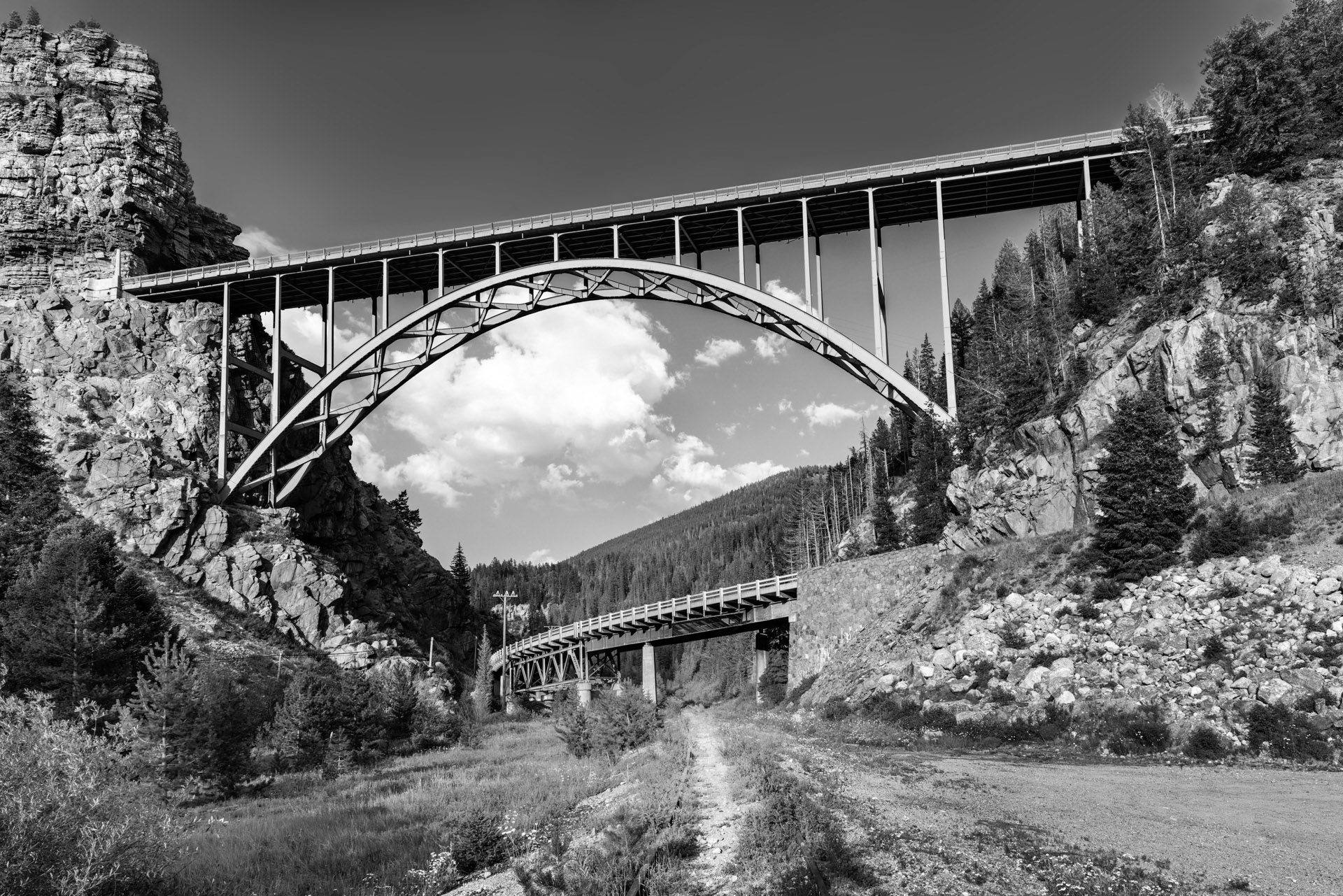
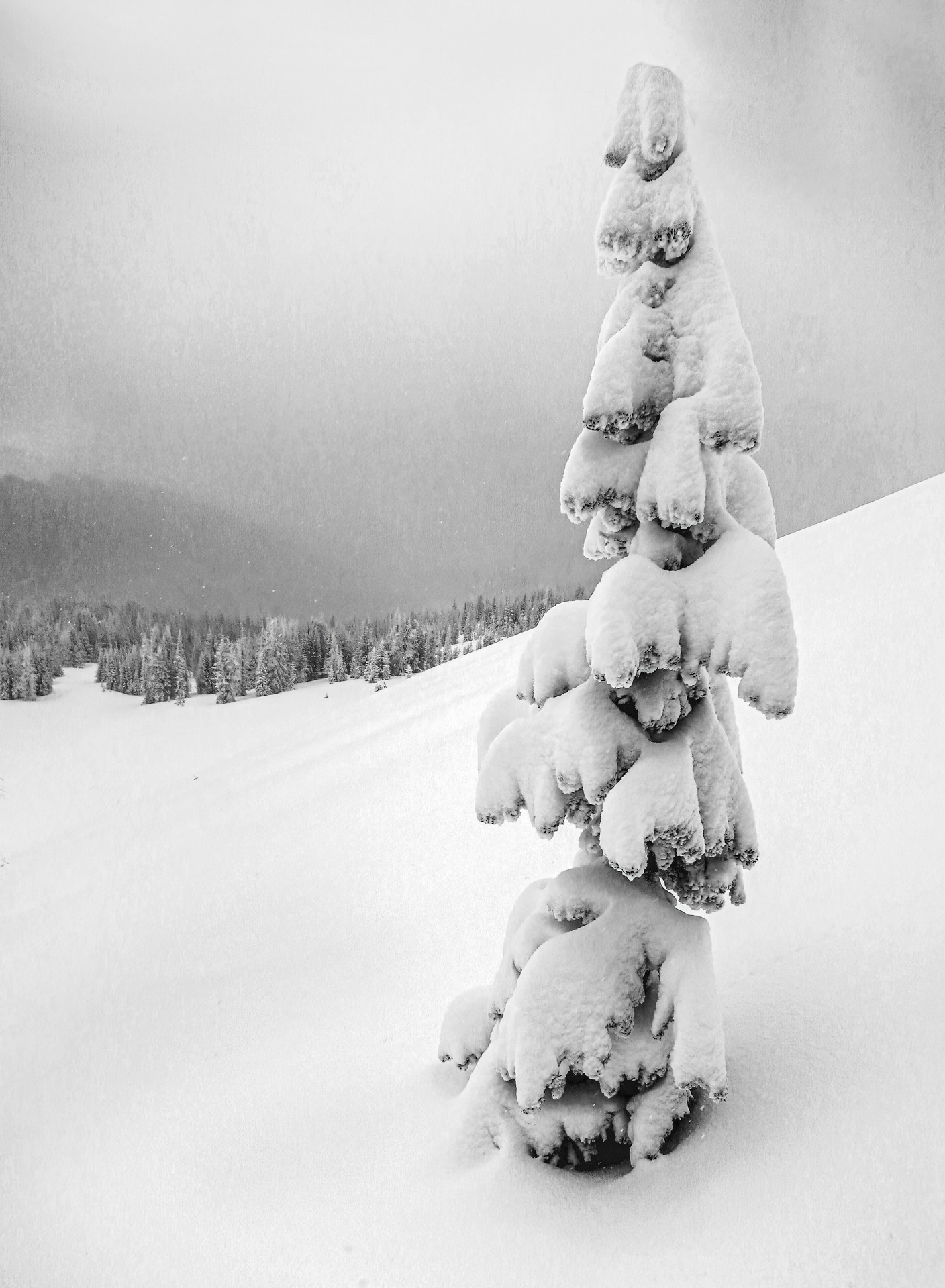
I think this is a really cool image. I've been doing a lot of black and white lately and I have been following this black and white art group on Facebook called just "Black and White Photography". There's a lot of interesting stuff there that great for ideas. One thing most of the people in that group do is crank up the contrast a lot to bring out the textures. I took the liberty of editing your shot and played with the contrast, clarity, white level and black level. I also cropped out the car because I hate cars in my photos and the parking lot lines because they were distracting. What do you think about my version??? |
Aug 4th |
 |
| 78 |
Aug 23 |
Comment |
Great image. I like the sky as it was in the original. Your edit is great except for the off color sky. Anyway that's my thoughts. |
Aug 4th |
| 78 |
Aug 23 |
Comment |
Great choice of cropping. I really like this photo. The eyes look really good. I don't think he is too low in the frame at all. I hope mom wasn't near by but you are still with us... |
Aug 4th |
| 78 |
Aug 23 |
Comment |
Thanks Brenda, I did enrich to flowers here. I will try it with the green enriched. Yes, the day I took that photo that was the way the sky looked. I will re-edit it and see what I can do with the sky also.
Yes fisheye lenses are lots of fun. I have an 8-15mm zoom fisheye and I use it all the time. |
Aug 4th |
| 78 |
Aug 23 |
Reply |
Thanks Robert, I really like the round images also. I guess I just looking for confirmation that other people like them also. I do have to say that some times the square versions of these fisheye shots are better, not in this case however. |
Aug 4th |
8 comments - 6 replies for Group 78
|
8 comments - 6 replies Total
|