|
| Group |
Round |
C/R |
Comment |
Date |
Image |
| 78 |
Jul 23 |
Reply |
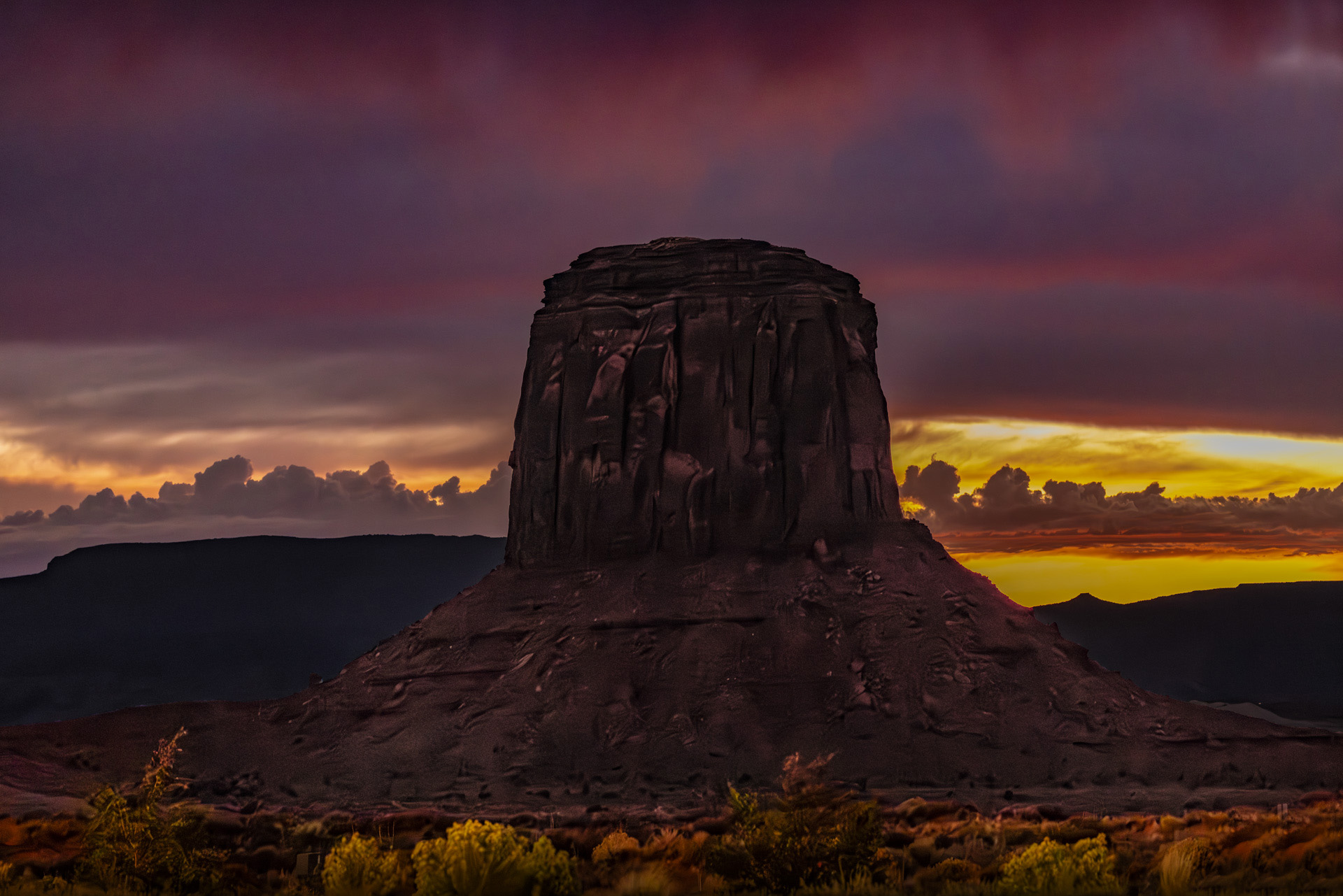
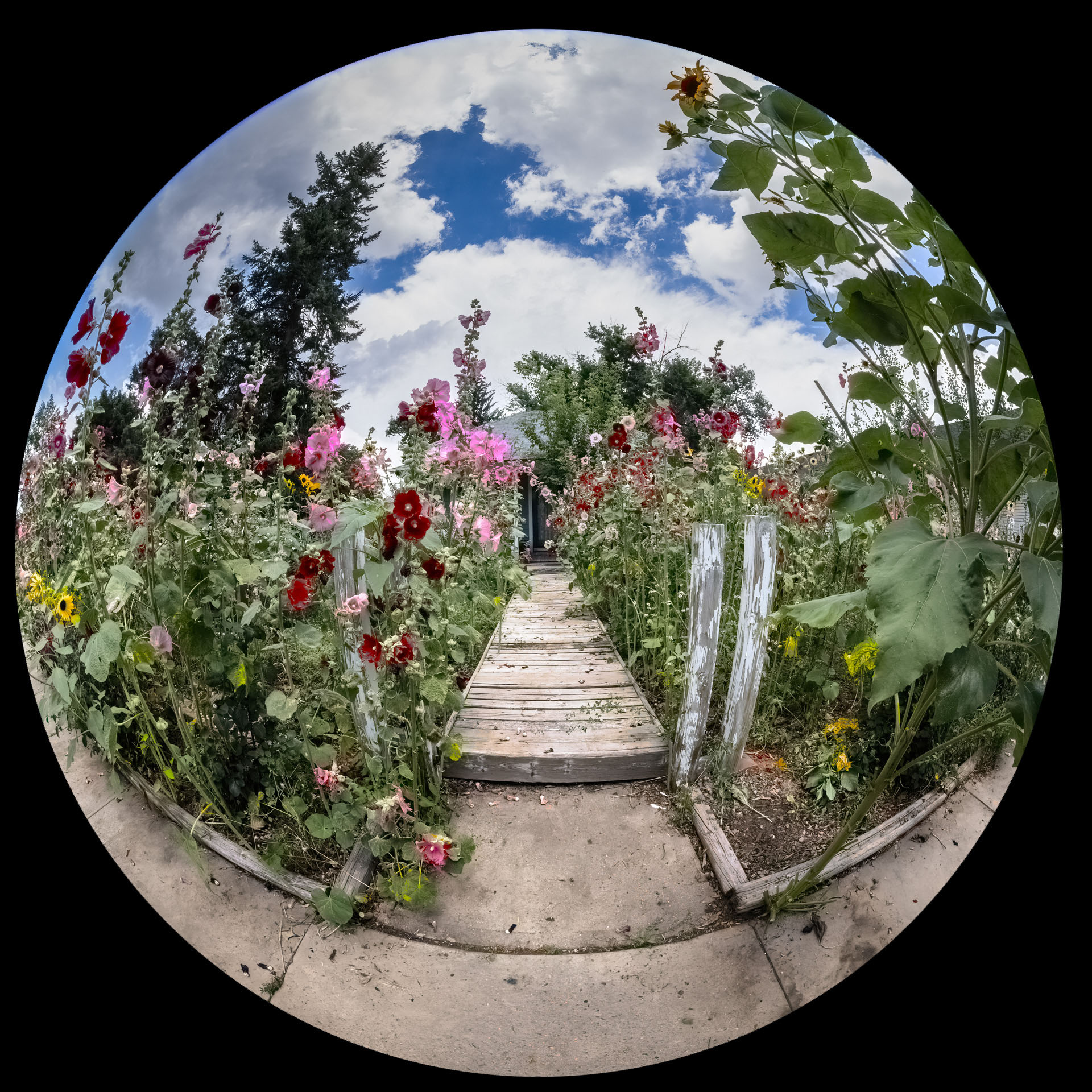
I noticed the red and green areas also. I have seen this happen when Topaz AI Sharpen is turned way up. |
Jul 6th |
| 78 |
Jul 23 |
Comment |
Interesting image. I would consider cropping it on the right and bottom. Nice blend of colors. |
Jul 4th |
| 78 |
Jul 23 |
Comment |
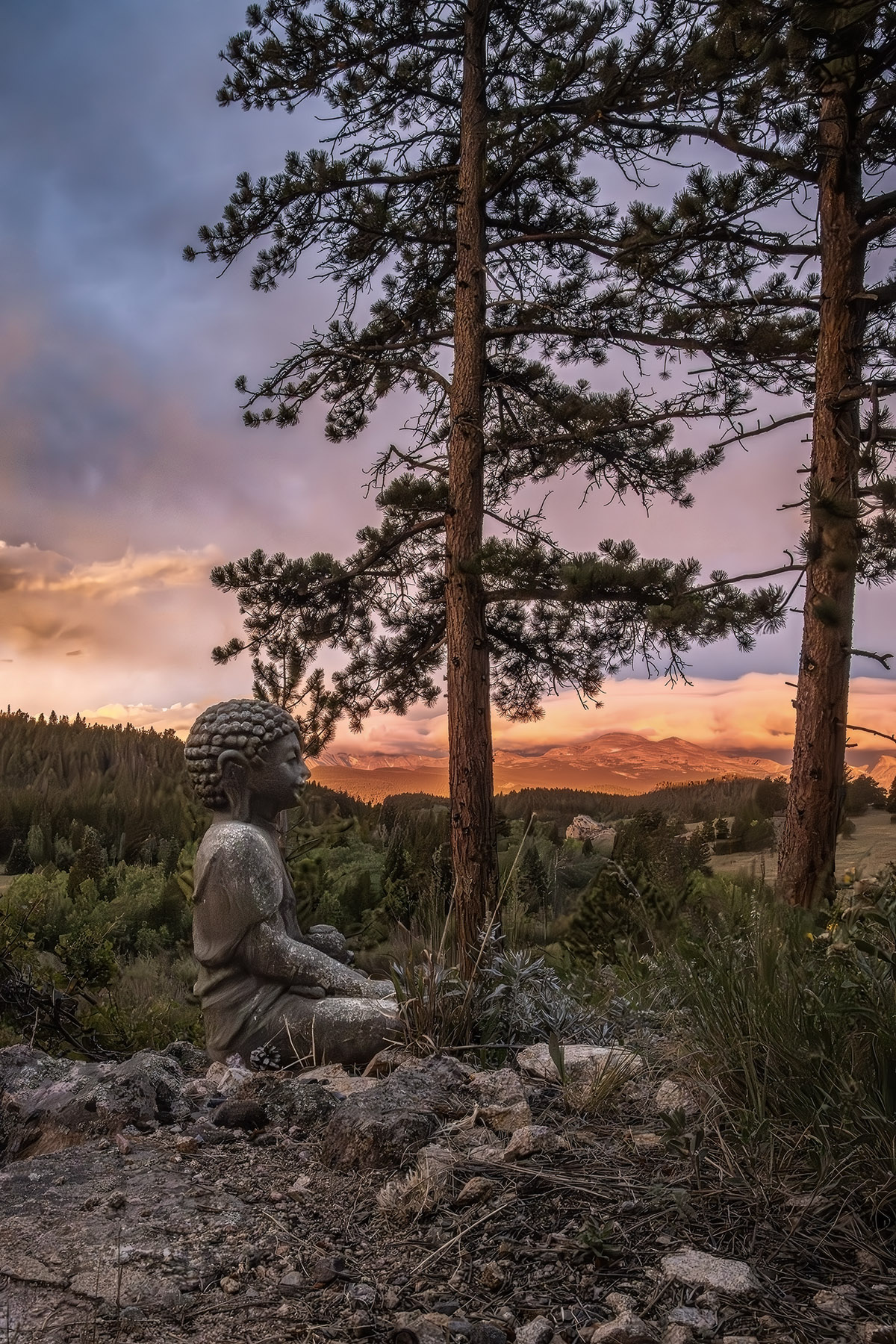
I think this is very nicely done. I really don't know anything that would make it better in my opinion. One thing that really appeals to me is the blend of warm and cool colors and you have rendered it with a painterly feel. |
Jul 4th |
| 78 |
Jul 23 |
Comment |
Here I played around with it. You may not like it but this is just another idea. |
Jul 3rd |
 |
| 78 |
Jul 23 |
Comment |
I'm in to botany. As Brenda pointed out it's a calla lily which actually isn't a lily at all. It's actually a cultivated variation (cultivar) of a member of the Araceae family.
https://en.wikipedia.org/wiki/Araceae
I agree that the curve is very interesting. I might consider cropping down the image to where just the main flower is visible then remove the leaves then further post process it to bring out the curved shape. |
Jul 3rd |
| 78 |
Jul 23 |
Comment |
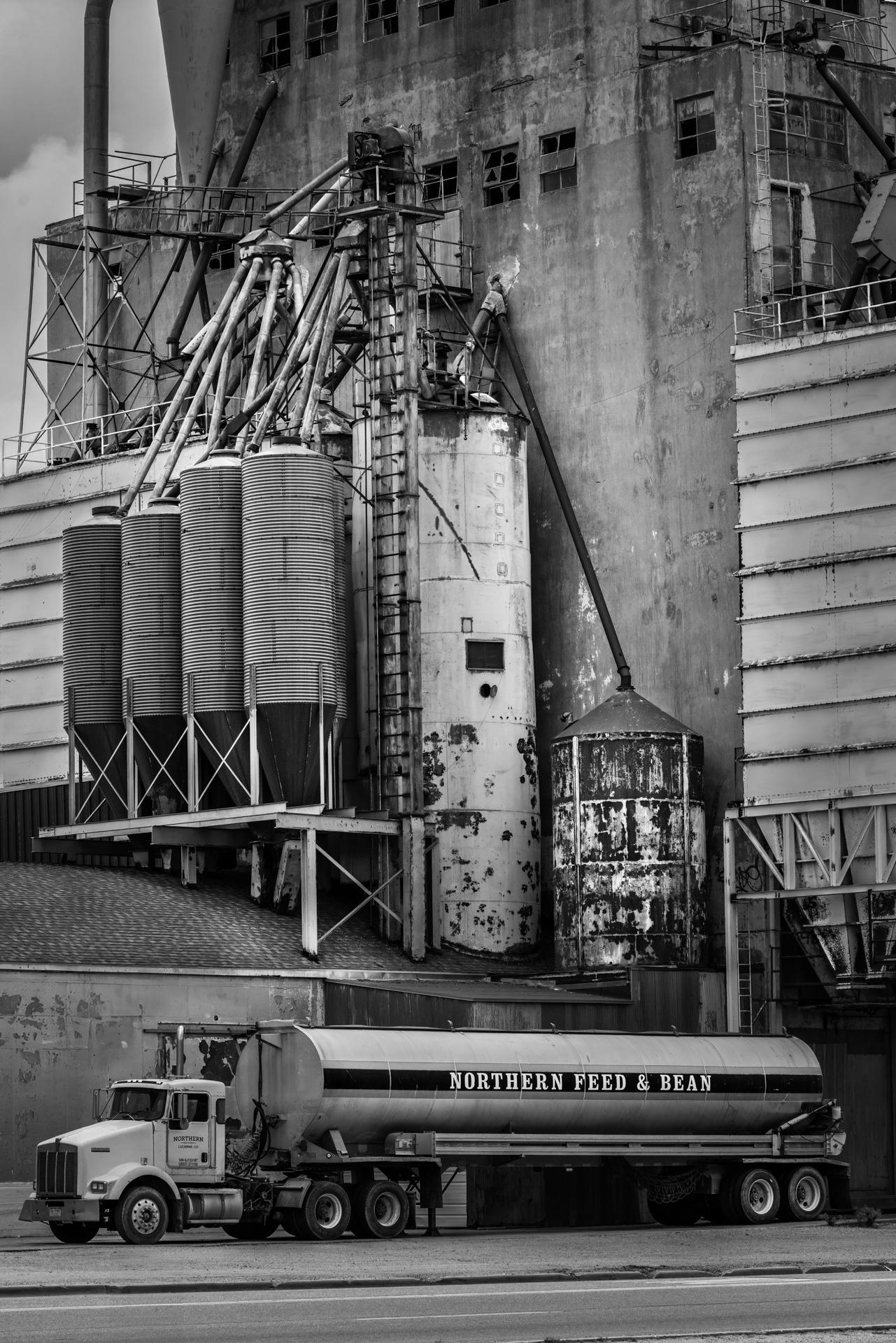
I think this is a nice image. I opened it in PS and noticed that a lot of the blacks are clipped in the original image, however they don't seem to be clipped in your edit. Because of this I won't share the edit that I did because it clearly isn't as good as yours. I suspect you edited the RAW image to get your final version. The only thing I would suggest is to crop it differently so that all of the building is in the image. You have cut it off on the viewer's right. |
Jul 3rd |
| 78 |
Jul 23 |
Comment |
Wow that's an interesting edit, I don't know what to say. T |
Jul 3rd |
6 comments - 1 reply for Group 78
|
6 comments - 1 reply Total
|