|
| Group |
Round |
C/R |
Comment |
Date |
Image |
| 32 |
May 25 |
Reply |
The Muse plug in is from https://pixelexpand.com/downloads/bw-muse-panel-pro/
Expensive now, but I bought it at 1/4th the current price when they had a sale on
|
May 8th |
| 32 |
May 25 |
Reply |
I do 90% of my work in Lightroom, sometimes I will open an images in PS, always from LR, make a few changes and close it, so that it automatically sends my image (with changes) back to LR. Another reason, for me to go into PS, is I want to use multiple plug-ins, so I can use say Topaz and then Nik Color Effex and when finished, send it back to LR. This avoids having multiple versions in LR. But LR is now so powerful, one could really live only with LR!
|
May 8th |
| 32 |
May 25 |
Comment |
There is a new version of Nik out, normally, I either skip versions, or wait to upgrade, but this one says you can carry photoshop masks into Nik and keep them when you switch Nik suites, so I just got it. Posting here as Silver Effex is something I use a lot.
|
May 8th |
| 32 |
May 25 |
Reply |
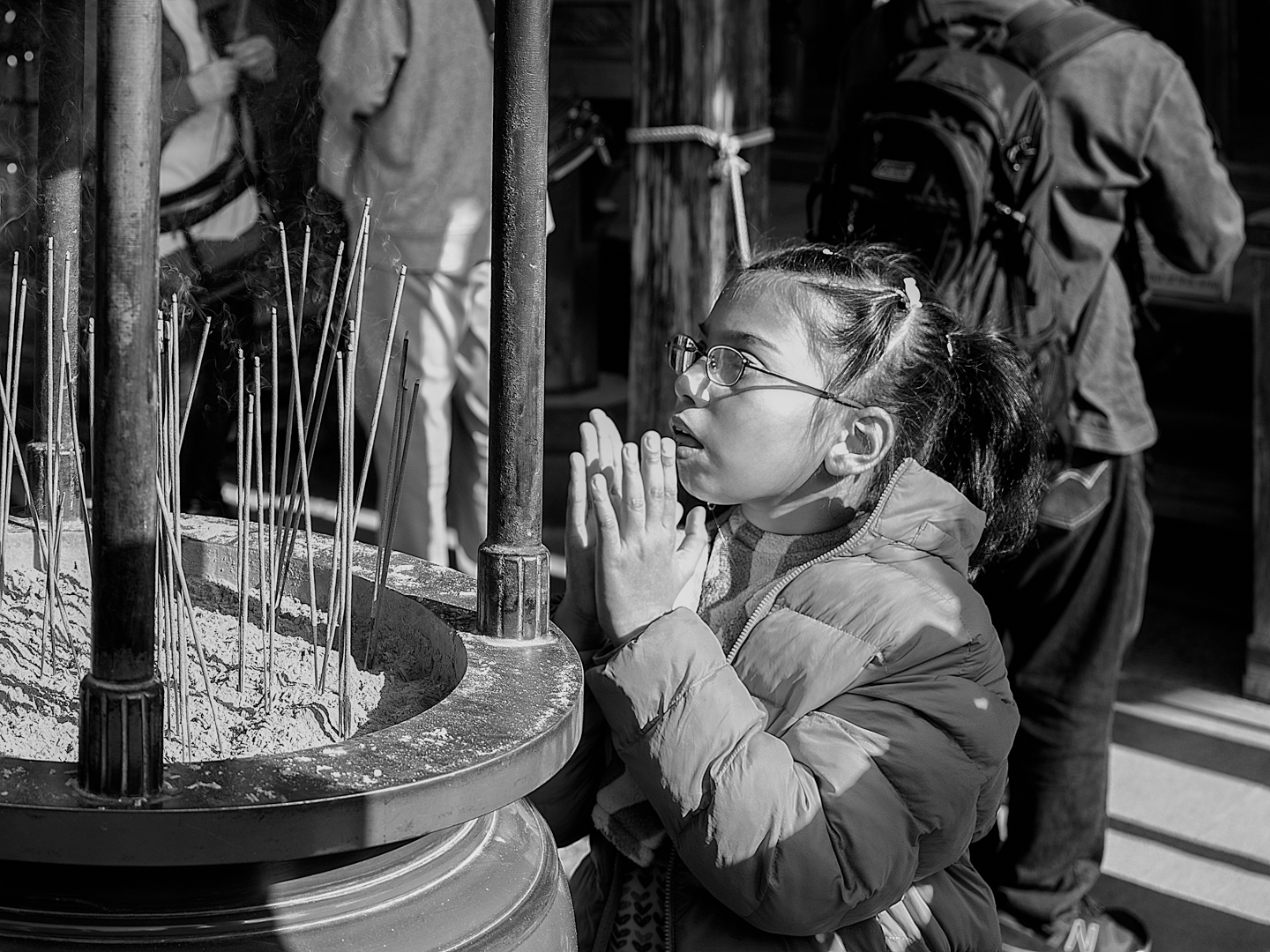
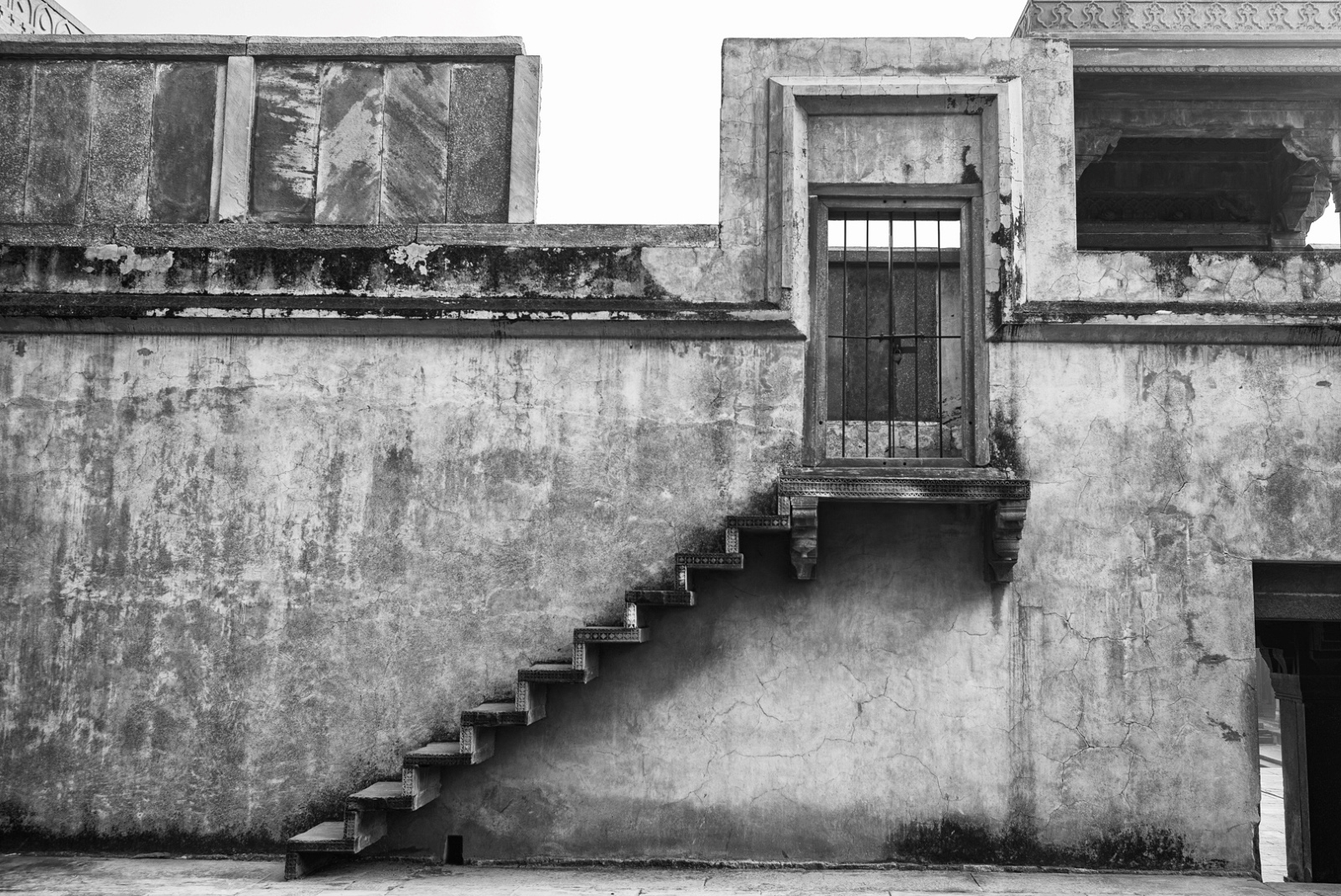
Tom, I take your point, but on this one I wanted to show the effects of her "presumably" hard life on her face, so I think I will keep it. |
May 7th |
| 32 |
May 25 |
Reply |
Thanks Diana, will add a keyline. I had to make the left conversion black, as the sheet was crumpled and I wanted to get rid of that, so that the eye went straight to the face with no distractions.
|
May 7th |
| 32 |
May 25 |
Reply |
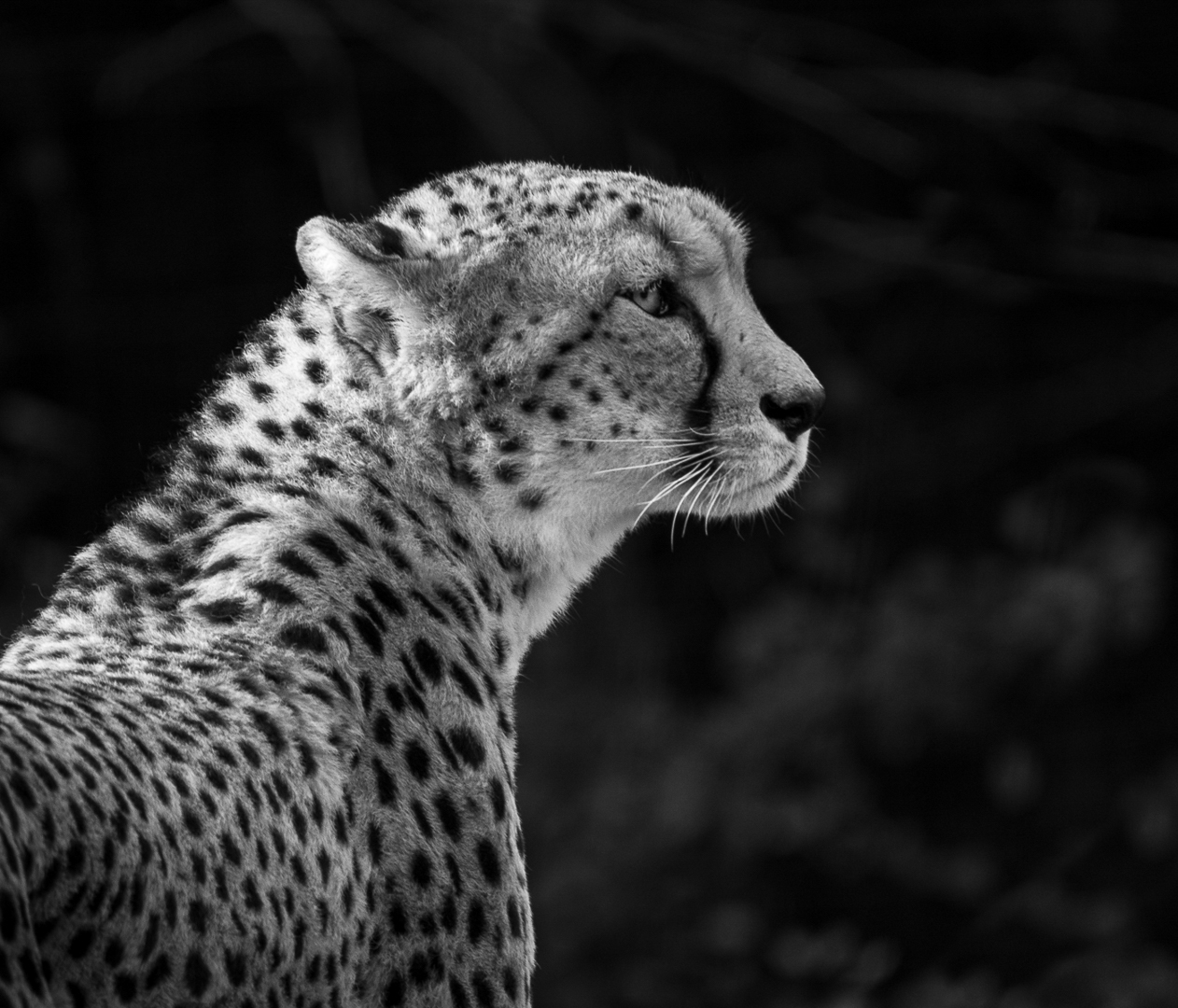
This is the iris enhanced version |
May 6th |
 |
| 32 |
May 25 |
Comment |
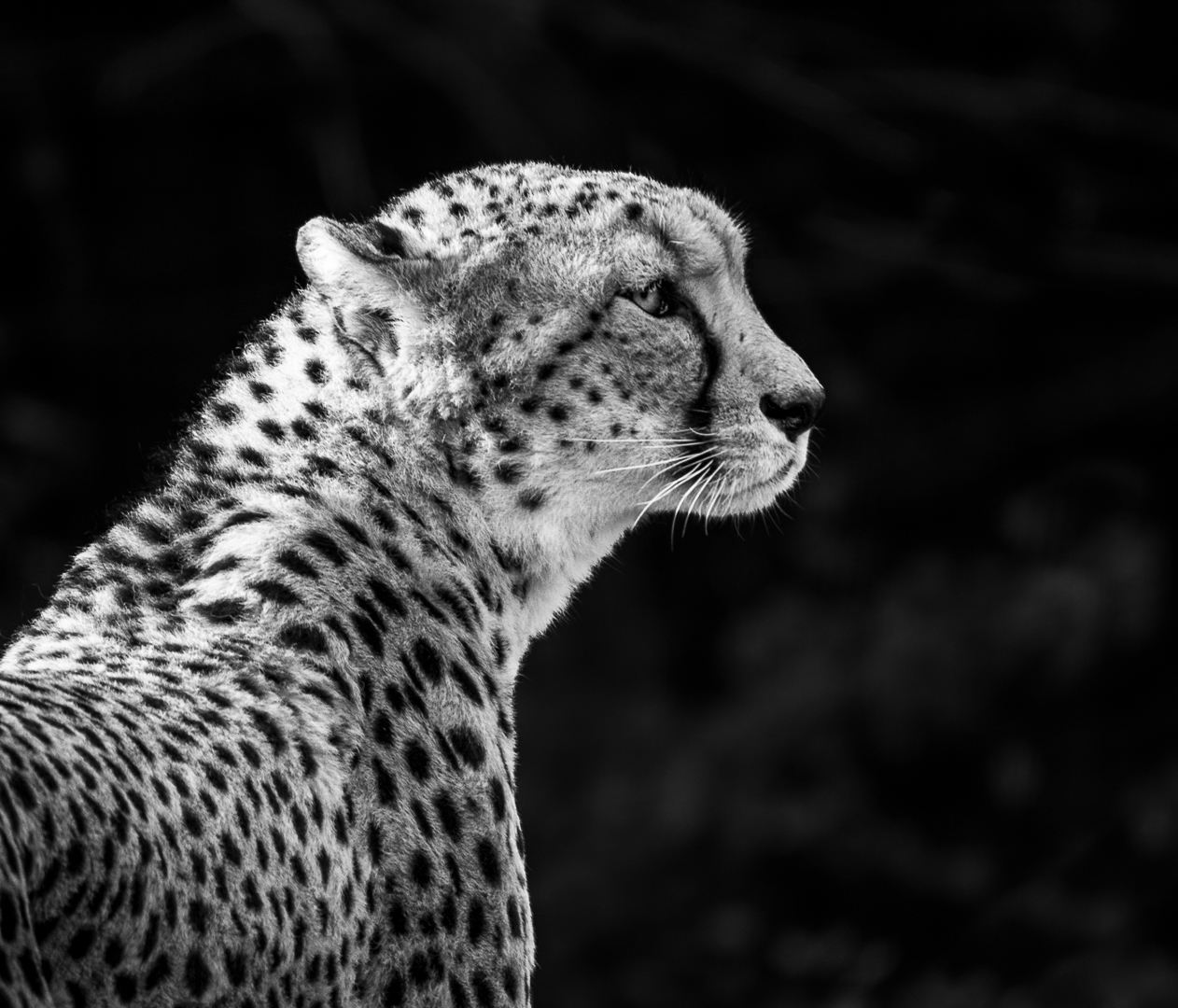
Finally, I closed the image in PS so it sent it back to LR, where I selected background again, reduced highlights, clarity and texture all the way to the left, to make the background a soft blur. And here is the final output |
May 6th |
 |
| 32 |
May 25 |
Comment |
I then took it into photoshop, and used a plug in called BW Muse pro (I am sure I could do the same in Nik or just by playing with contrast etc), which I find makes my BW edits much easier, it applies the effects in a new layer, and by lowering the opacity of the layer, I can ease off on the effect it applies initially (which sometimes looks overdone to me). Another screenshot, in case you are interested. |
May 6th |
 |
| 32 |
May 25 |
Comment |
Diana,
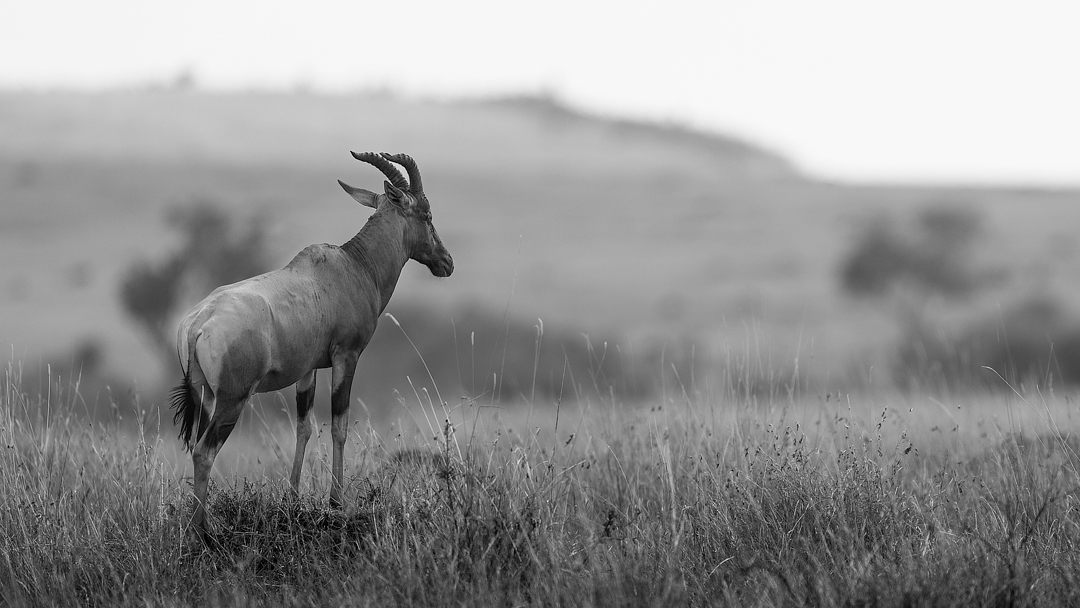
I quite like the space on the right and would have kept more if I had space in the original or used content-aware fill in Photoshop to create it.
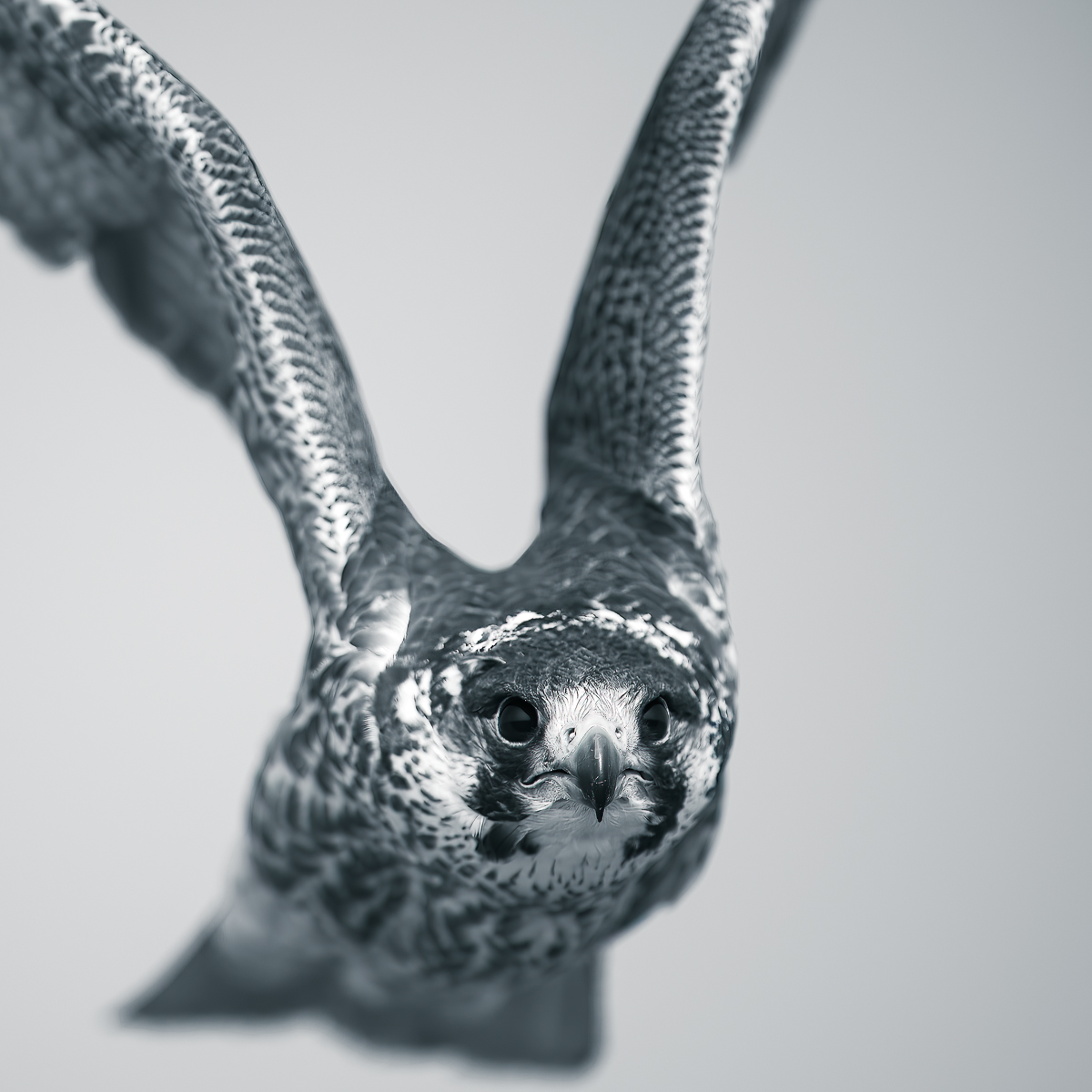
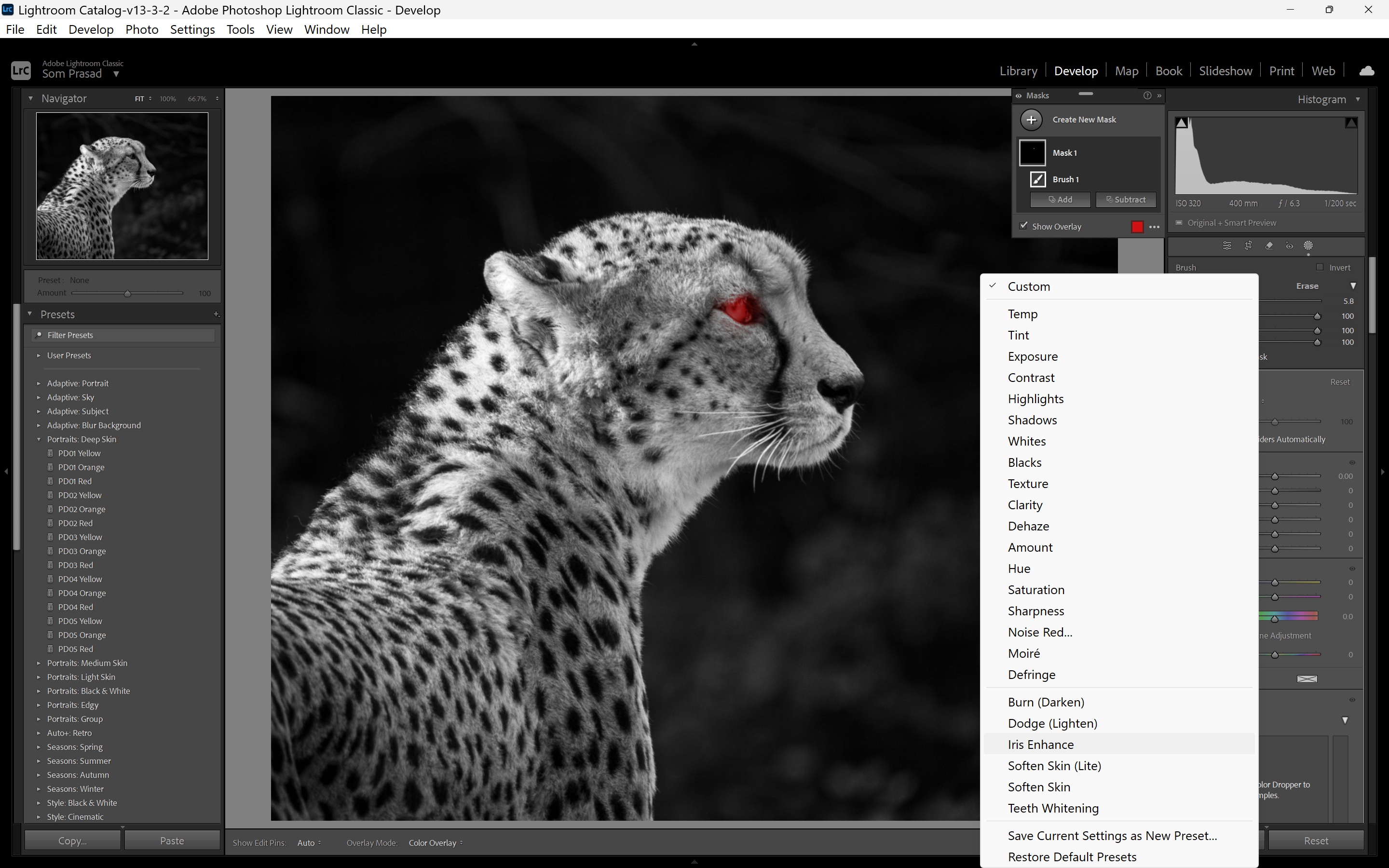
But anyway, since we were on masks, I took it into Lightroom, selected the eye and used "Iris Enhance" in custom presets (this is standard in LR, not an extra preset which I have bought or created). Adding the screenshot to show where it is. |
May 6th |
 |
| 32 |
May 25 |
Comment |
Thanks ED |
May 6th |
5 comments - 5 replies for Group 32
|
5 comments - 5 replies Total
|